


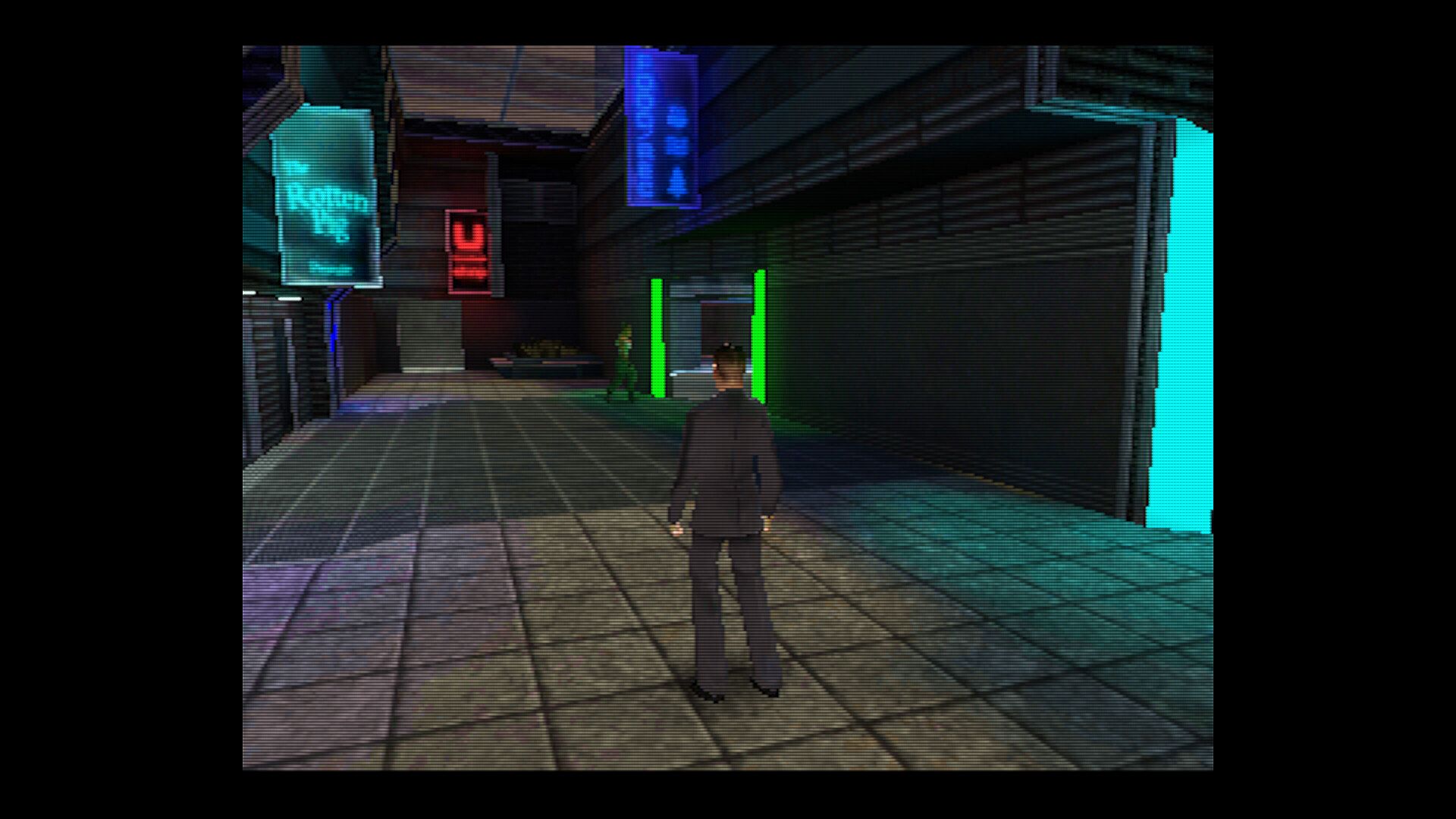

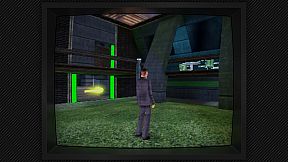
BigPEmu is the first Atari Jaguar emulator to feature compatibility with the entire retail library, along with excellent performance and a wide variety of unique features.
Features
Full compatibility.
BigPEmu can run every game in the Jaguar's retail library.
Fast.
The emulator runs the entire retail library (with default settings) at full speed on almost any x64-capable processor. Every Jaguar processor runs on a single native core (maintaining deterministic emulation) and doesn't rely on any dynamic recompilation (maintaining console compatibility), all the while maintaining extremely low system requirements.
Accurate.
It's the most accurate Jaguar emulator to-date, although there is still lots of room for improvement. I'm continually working toward achieving system-wide cycle-accurate timing.
Better than hardware.
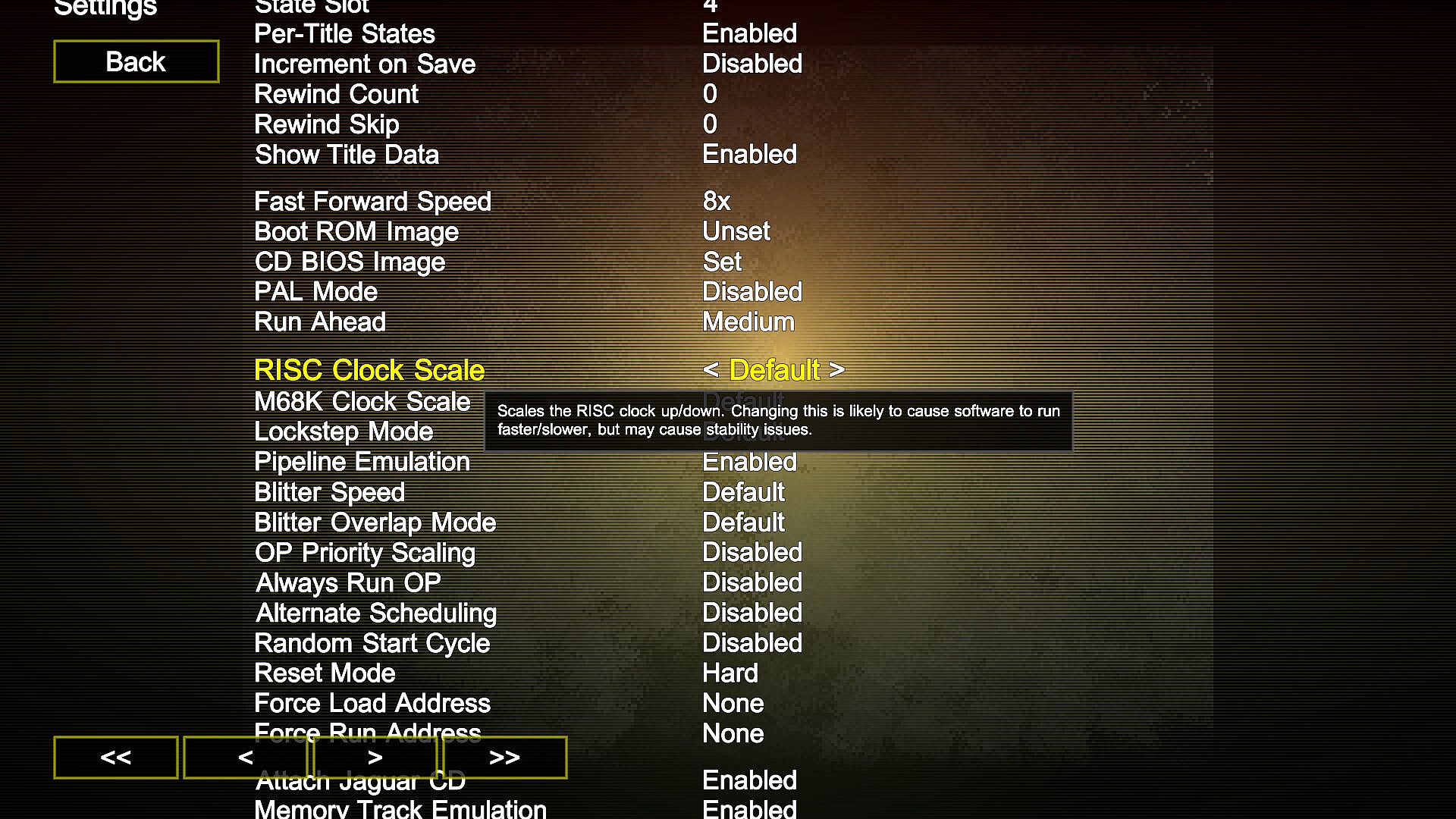
Although the emulator defaults to settings which are catered toward compatibility and accuracy, it's capable of far more. Settings are exposed to overclock/underclock each of the Jaguar cores, as well as to adjust the speed and accuracy of other system components. BigPEmu enables you to play lots of Jaguar games at a full 60 frames per second for the first time ever!
Saved states and movies.
Everything is completely deterministic, just like real life. That's right, I went there. This means that all "randomness" is also controlled by a preserved seed. BigPEmu can record movies from nothing but controller inputs, and play them back with perfect accuracy. You can even interrupt a movie's playback and start playing yourself at any point.
Jaguar CD support.
In addition to supporting the entire retail disc library (along with Memory Track), complete hardware emulation means that VLM is fully functional. Also featured is a virtual disc system with an audio loopback option, allowing VLM to be used as a native audio/music visualizer. Thank you to Mycah Mattox for donating the Jaguar CD hardware, this hardware was essential for my research.
Excessive presentation detail.
I've gone all-out on this one. There's native support for the Jaguar Game Drive's MRQ format in the software browser (as well as box art sourced from PNG files), support for global and per-game backgrounds, and even support for controller overlays! Overlays are composited into the Jaguar controller on-the-fly, displayed on both the input binding screen and the helpful pop-up controller info display.
Extra device support.
Featuring support for analog controllers (both via external bank switching and the ADC), driving controllers, rotary controllers, and Team Tap.
Glorious shaders.
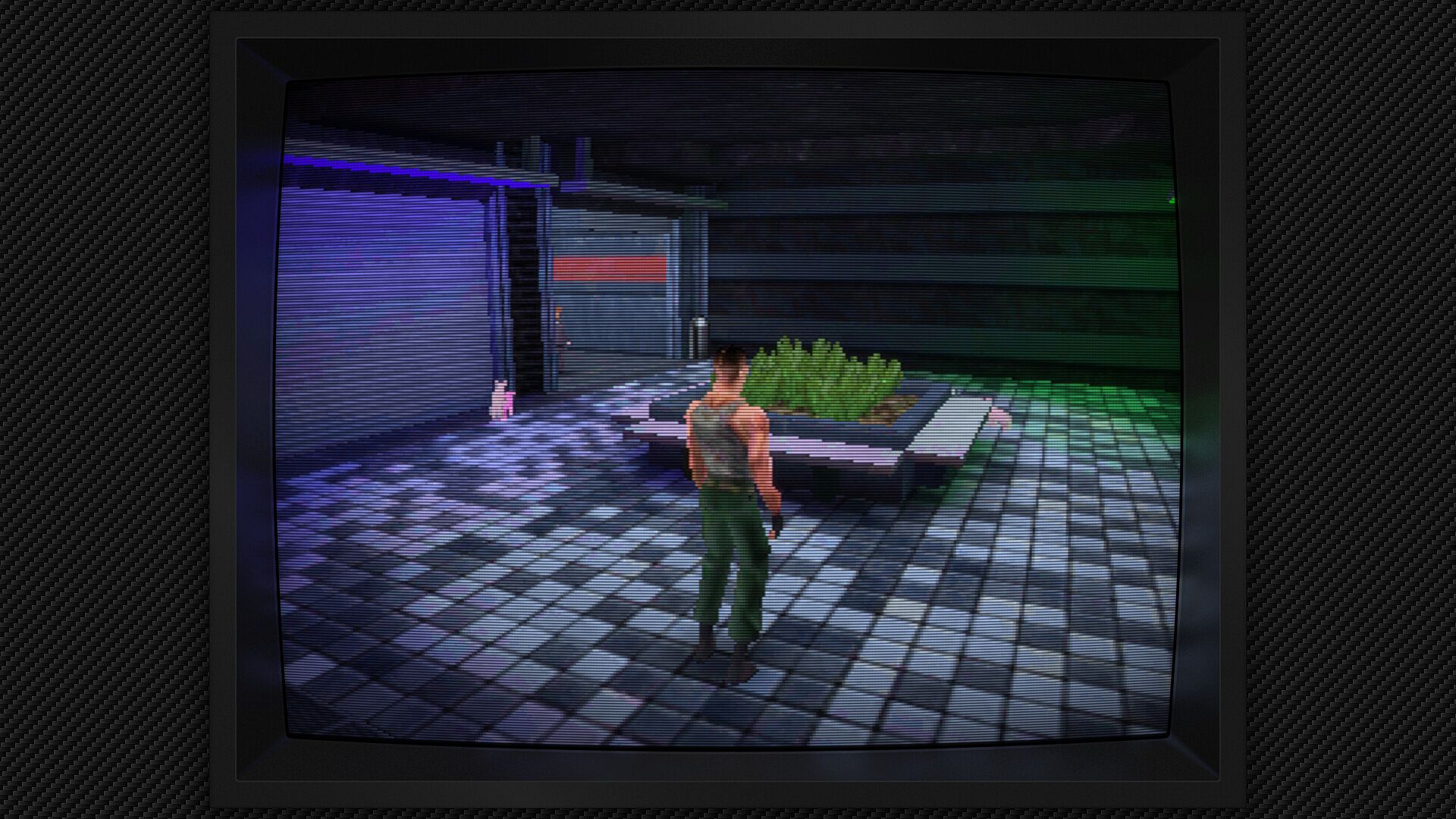
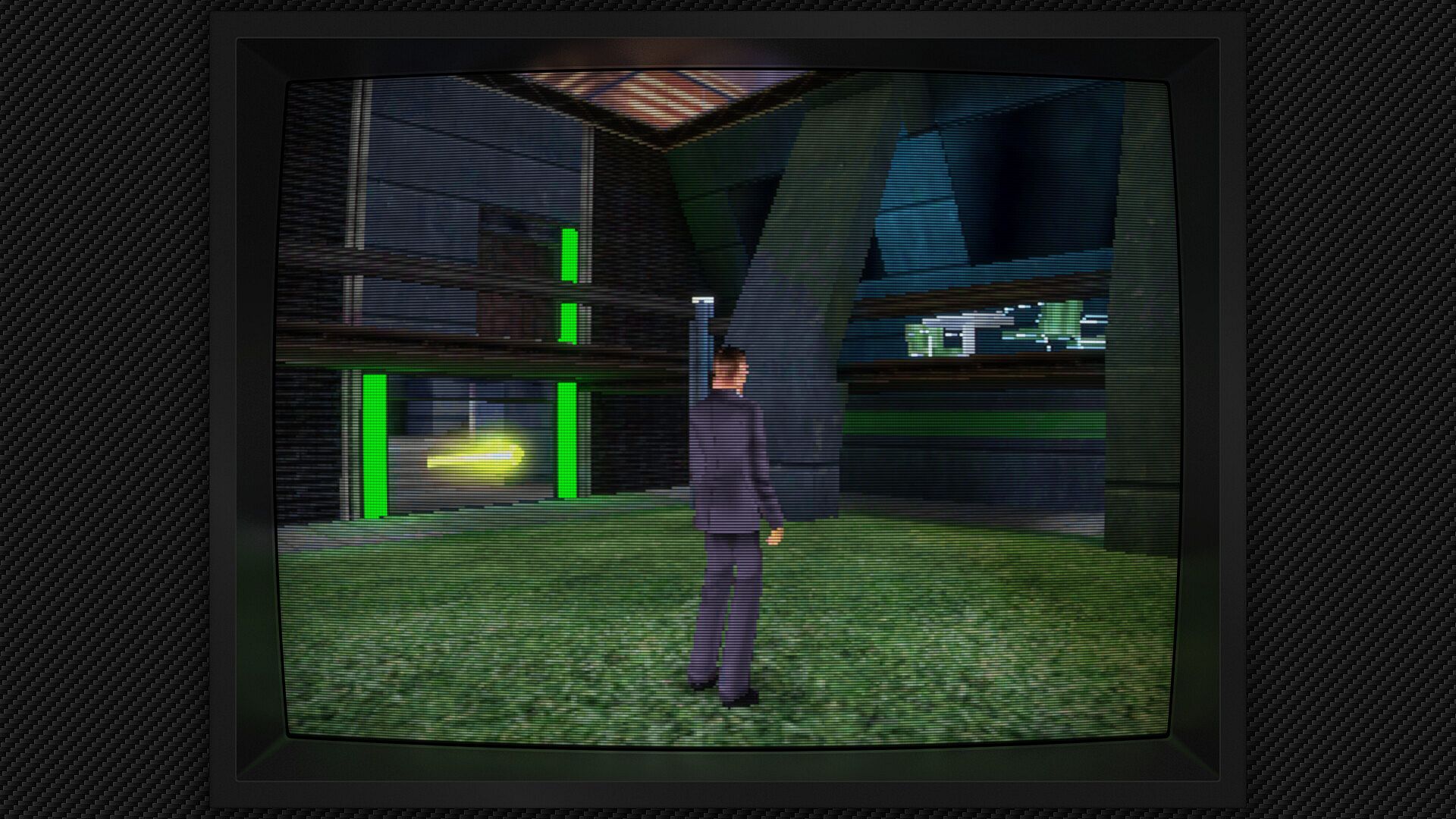
The emulator comes equipped with a powerful, fully customizable postprocessing system. The system supports any type of effect you can imagine, from applying smoothing filters to simulating CRT displays.
Native HDR support.
HDR displays are natively supported, complete with options to tune the output to the characteristics of your display and to force postprocessing effects to employ HDR buffers all the way through the post chain. This means postprocessing effects take full advantage of that increased color precision and push it all the way through to your eyeballs. CRT shaders reap all the benefits. At 4K with HDR color output, they are an amazing sight to behold.
Per-game profiles.
Mapping the Atari Jaguar controller to anything other than a telephone with wings can get a little complicated, so you might want to switch your controller mapping up for different games. You can do that! With per-game profiles, you can automatically load up a new input scheme (or any other emulator setting) each time you load a game.
Manipulate time.
Native fast forwarding and rewinding capability, which can be assigned to any input.
Flexible scripting.
BigPEmu features a powerful scripting system, which allows you to easily set breakpoints, read/write memory, and more or less do anything you could want to do to the emulated machine through easy-to-use script code. This system enables TAS, achievements, stereoscopic rendering, native-resolution rendering, and many other features.
Multiplayer.
BigPEmu can run JagLink games over a network, and it can run in state synchronization mode to facilitate networked multiplayer for 2-8 player Jaguar games. There's also a brand new network interface exposed to the scripting system. The emulator includes a script which implements multiplayer in Alien vs Predator by running on top of the unmodified retail image!
Jaguar VR support.
Jaguar VR has been given the same treatment that I gave to Sega VR! Not only has the Jaguar VR head tracker been emulated, stereoscopic rendering is also supported and has been implemented in Missile Command 3D.
Plugins.
Stock plugins cover support for video, audio, input, and networking across broadly compatible API's, with the potential to easily expand to any platform/interface. The OpenGL video plugin can scale all the way from its default incarnation (with support for effects, distance field fonts, etc.) down to fixed function OpenGL 1.0, meaning that the emulator can run on just about any GPU that can run GLQuake. (although the font would look pretty bad on some of them)
Developer builds.
BigPEmu enjoys full integration with the Noesis debugger. The debugger implementation features dozens of helpful development tools, including scriptable breakpoints.
Ports.
BigPEmu is extremely portable and runs on at least 6 different console/desktop platforms. The standalone release of BigPEmu has already been ported to various flavors of Windows/Linux and is available on the App Store.
The usual.
Enjoy all of the emulator niceties you've come to expect in modern times. Automatic preservation of EEPROM, PAL support, custom boot ROM images, native support for multiple displays and different aspect ratios, custom display cropping, extremely customizable input, custom language support, and a whole lot more.
Full of terrible secrets.
No, really, it is. You'll never find them.