

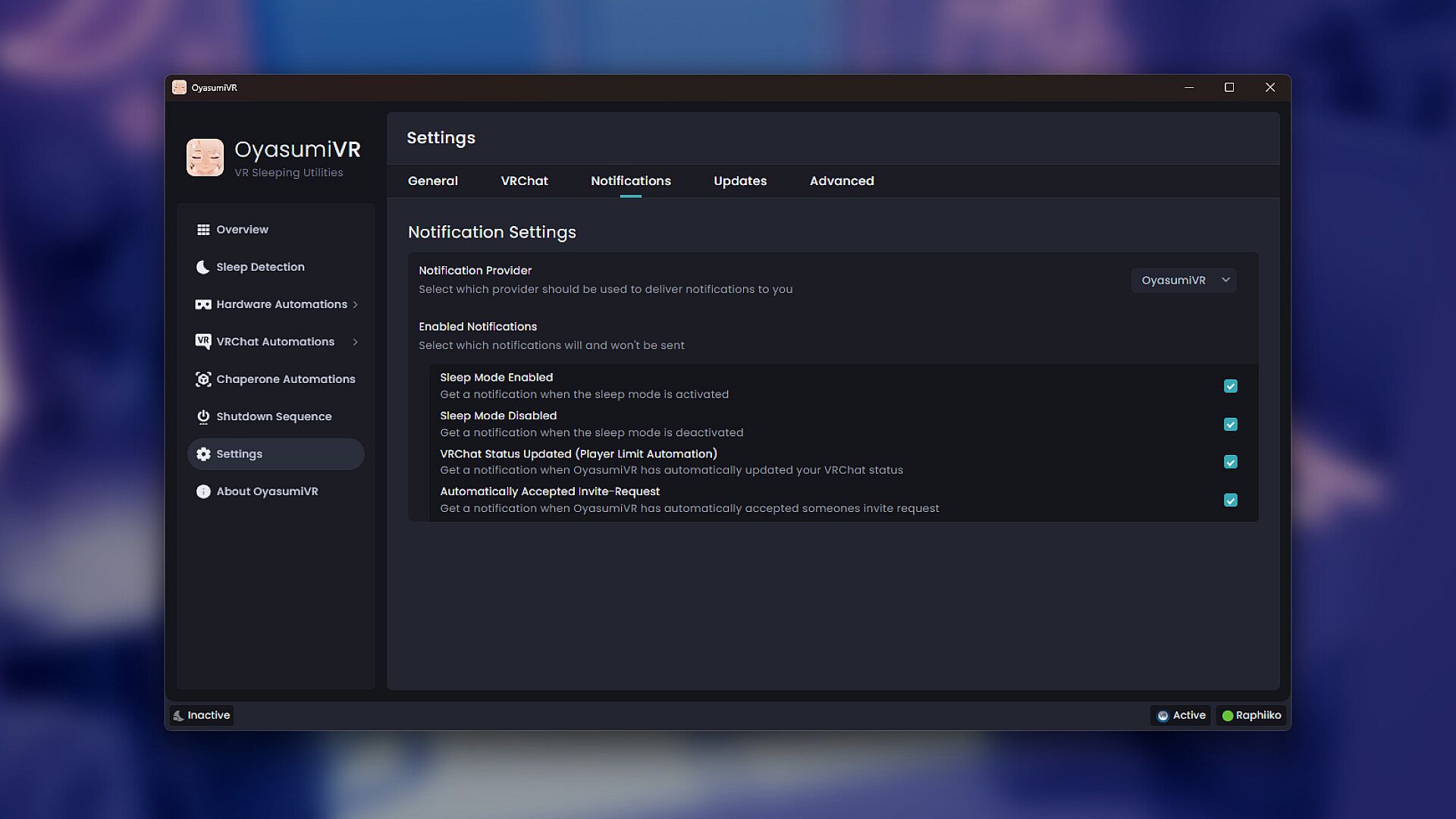
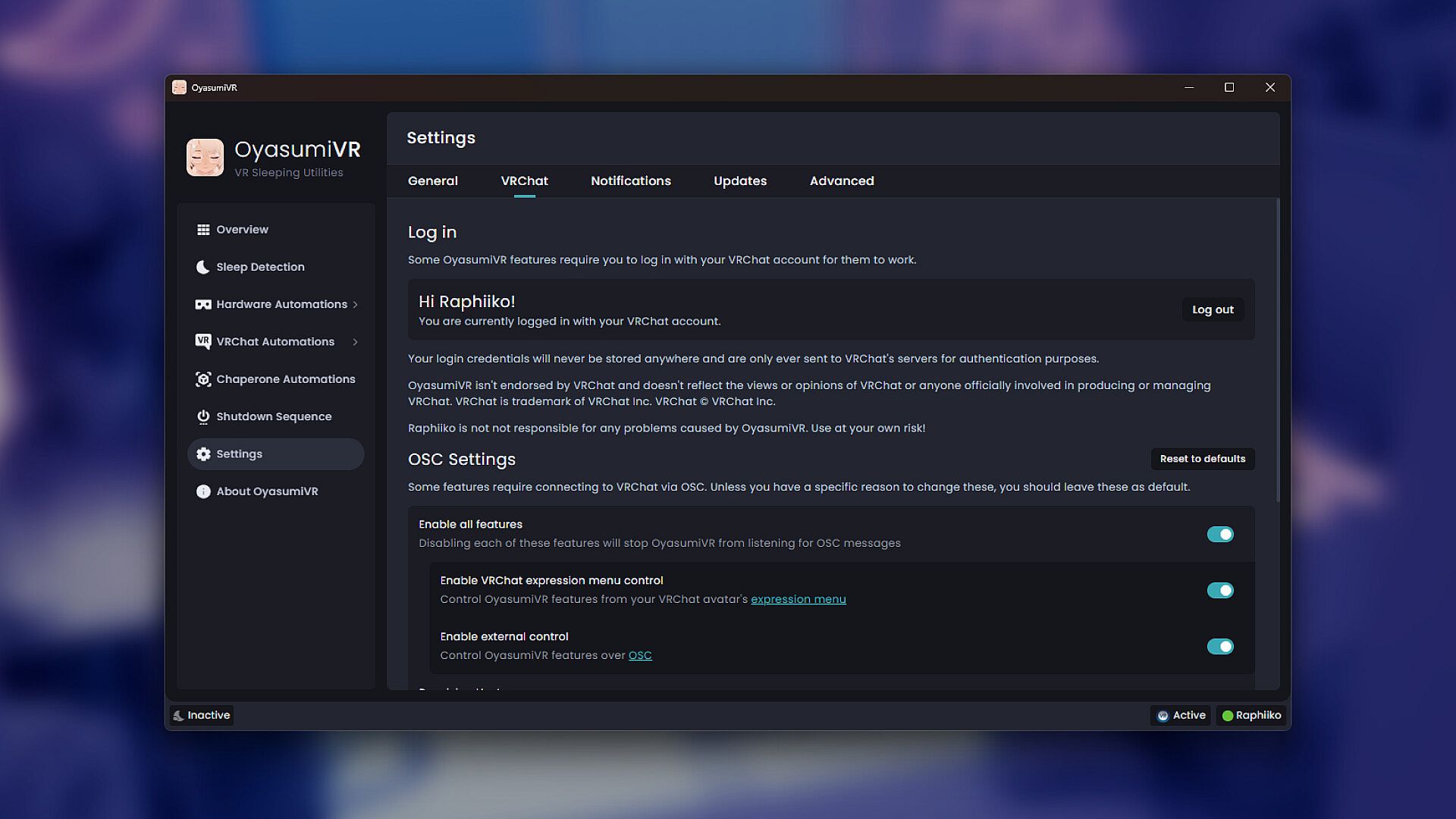
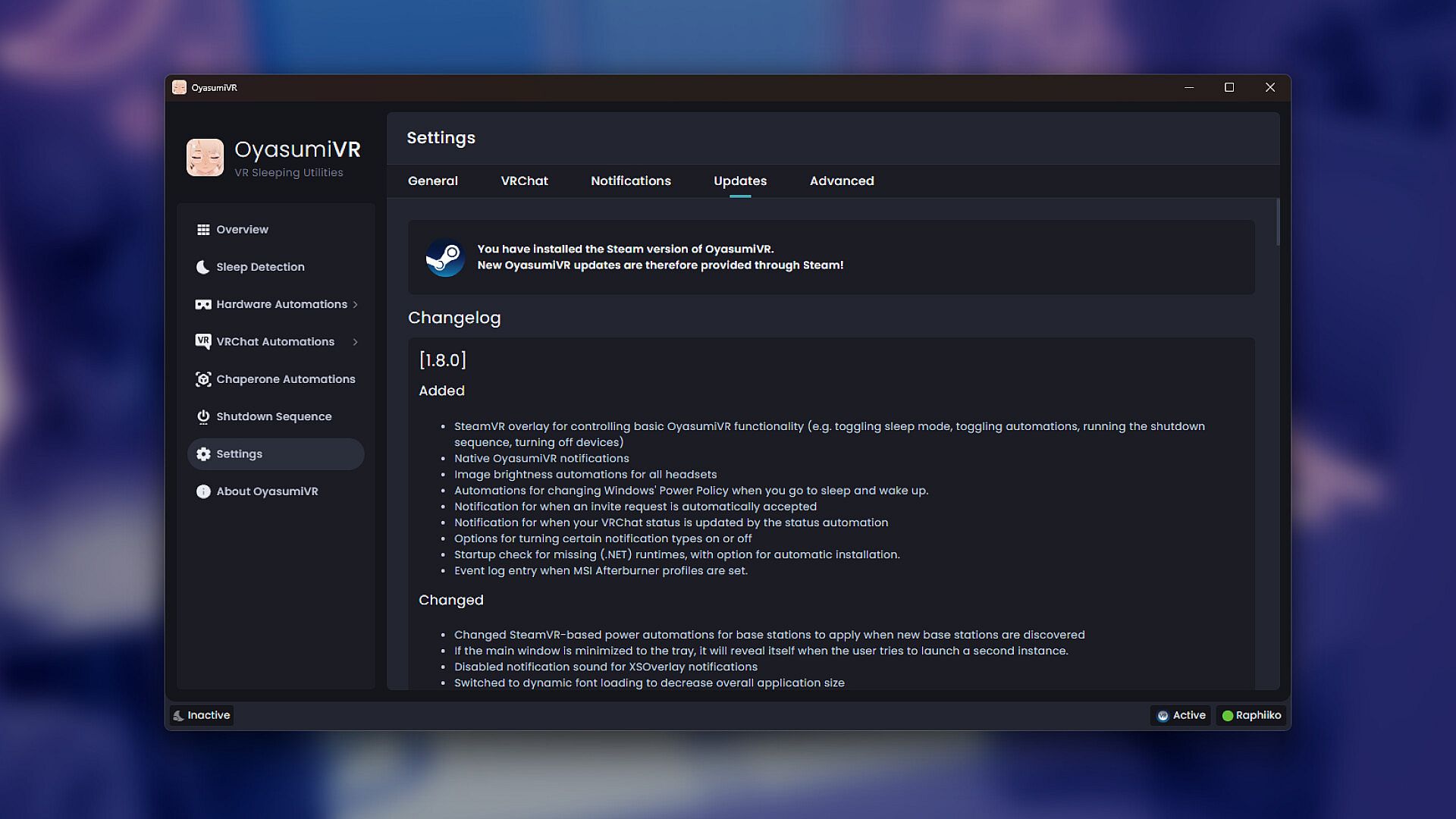
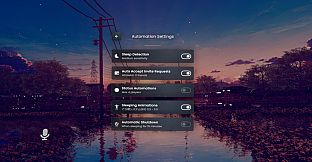
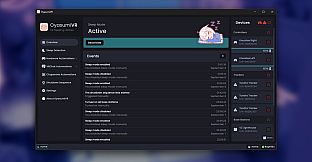
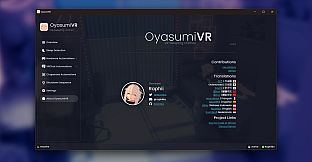
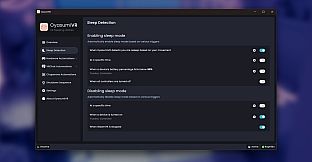
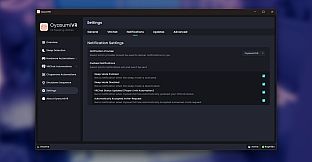
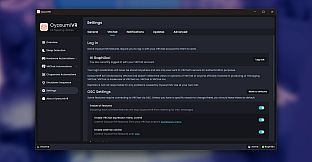
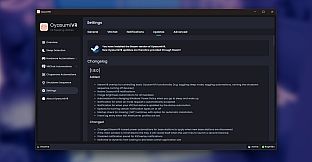
What is OyasumiVR?
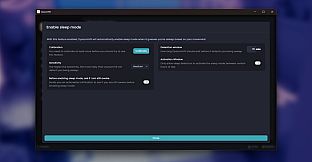
OyasumiVR is a desktop application containing various utilities and automations to help you sleep with a virtual reality headset on. Most of these utilities are built specifically for use within the social vr-platform VRChat.OyasumiVR can detect when you are asleep, and help you in various ways such as:
- Saving electricity and battery overnight
- Dimming your headset brightness
- ✨ Triggering avatar animations based on your sleeping pose
- Automatically handling invite requests
- Automating your VRChat status
- Muting your microphone when you fall asleep
- ️ Automating various SteamVR settings
...and many more! Please see the upcoming "Features" section to read more about what functionality OyasumiVR has to offer.
Features
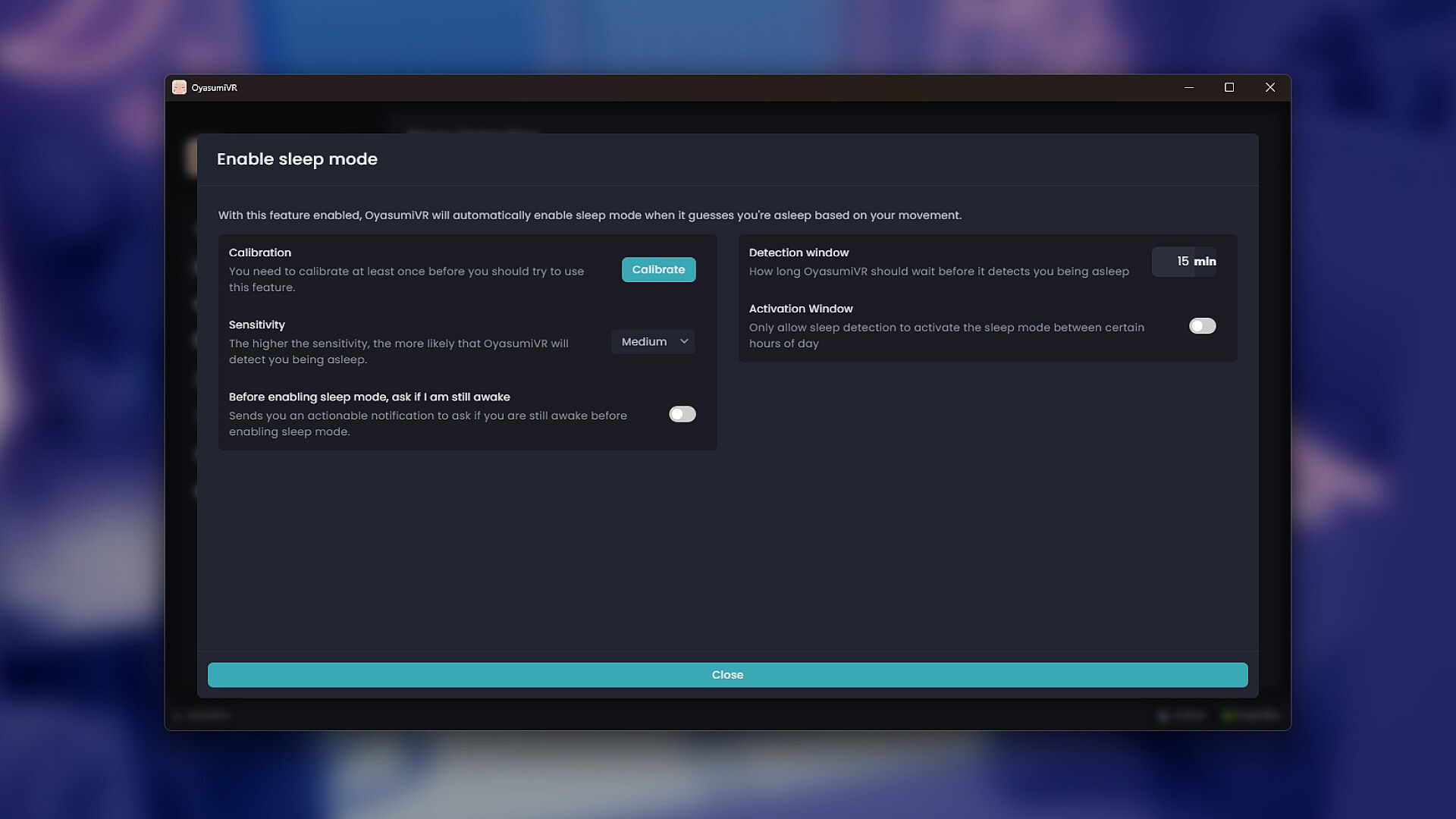
Sleep Detection
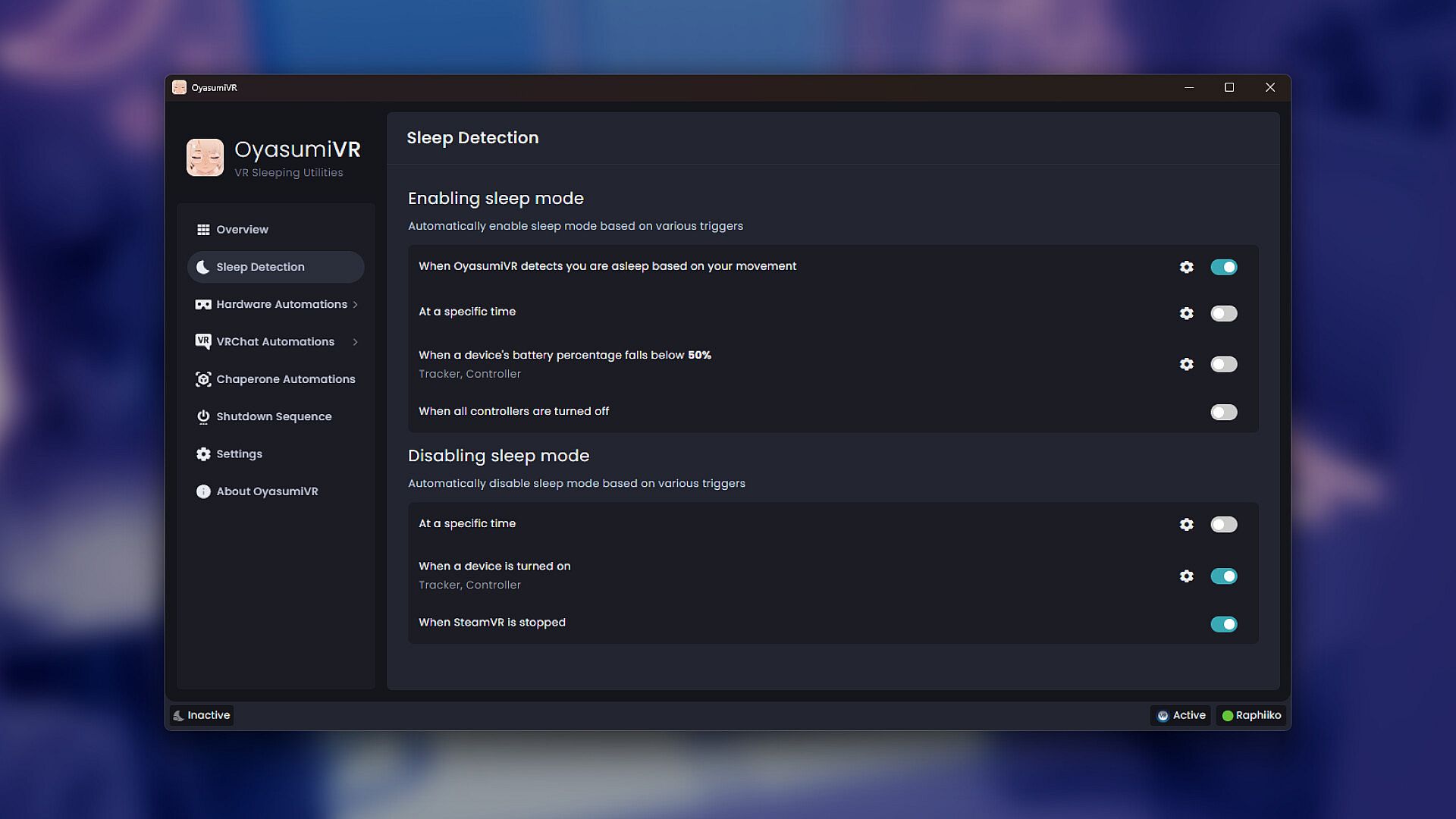
OyasumiVR can detect automatically when you are asleep, based on your movement! Simply calibrate once, enable the automation, and you're set.If automatic detection is not what you're looking for, there's various alternative automations you can use, that are based on:
- A time schedule
- Controller & tracker battery levels
- Controller & tracker power states
- SteamVR status
- Heart Rate
- Sitting Upright
- VRChat players joining or leaving
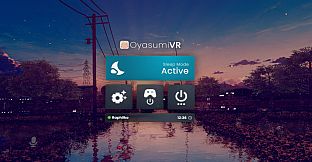
SteamVR Overlay
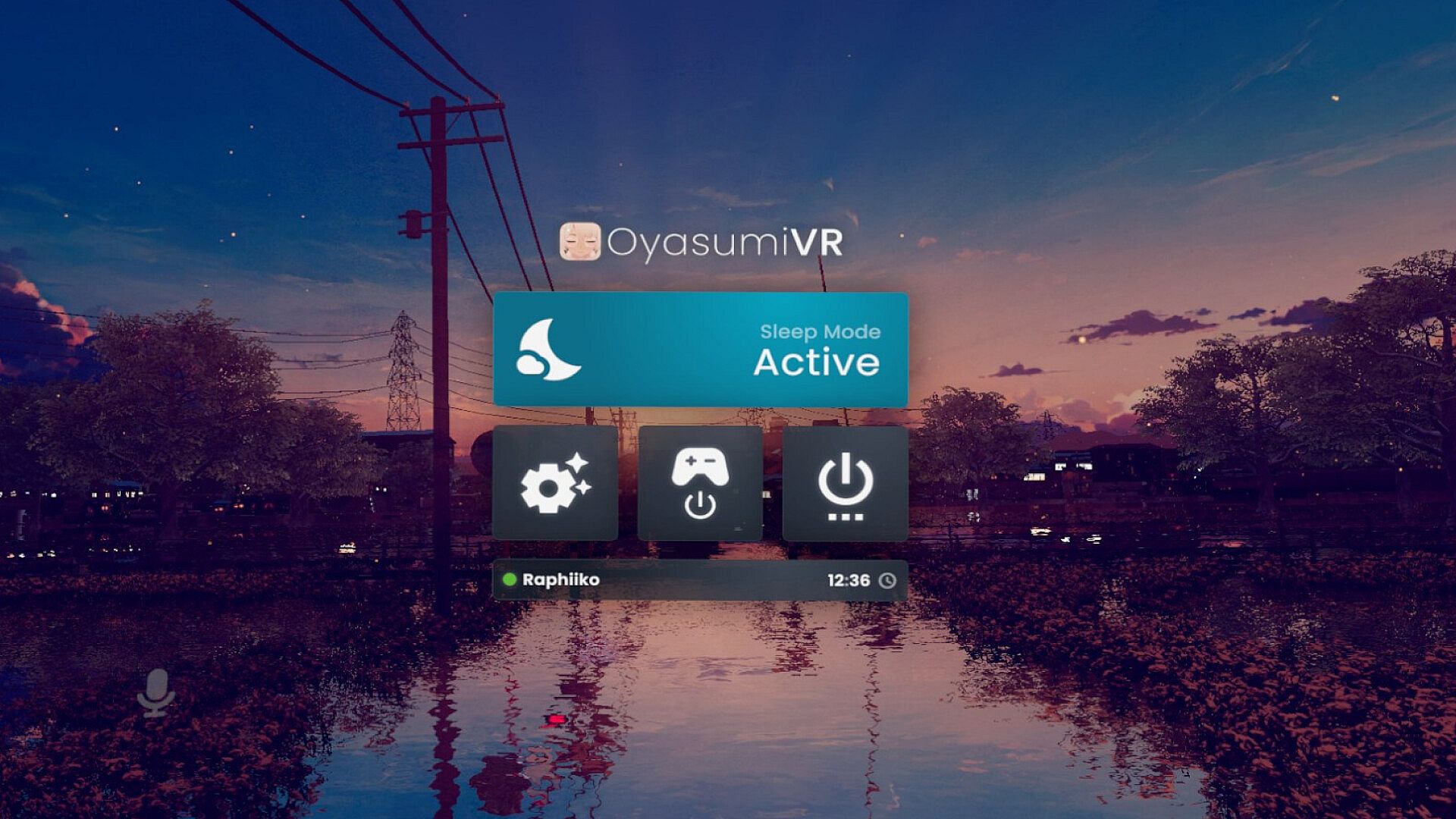
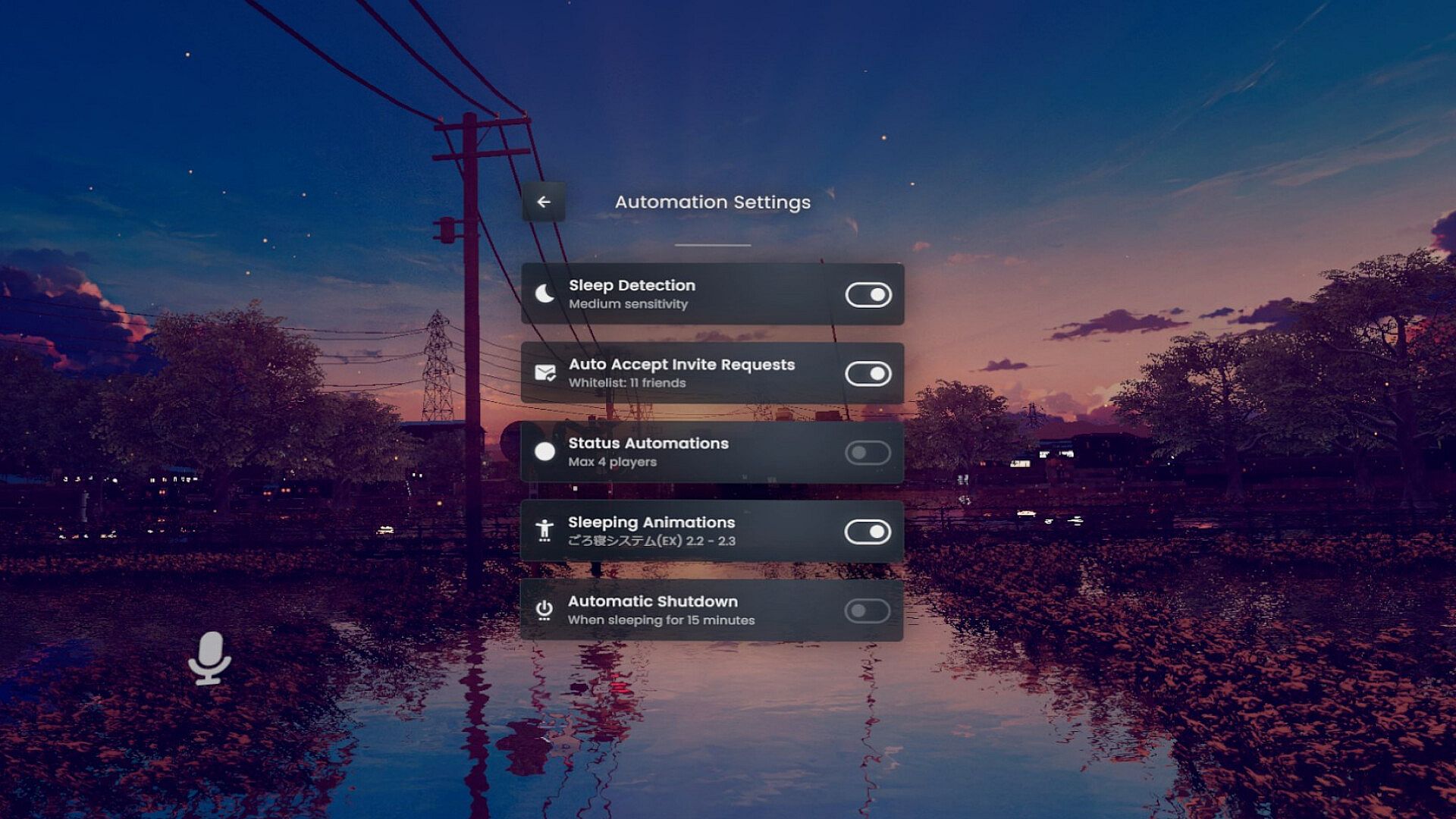
OyasumiVR comes with its own SteamVR overlay, which allows you control some of its features from within VR!By default, double press the A button on your right controller, and it should pop up in front of you.
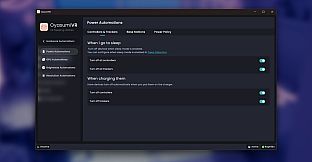
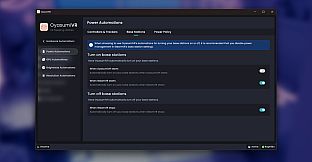
Power Automations
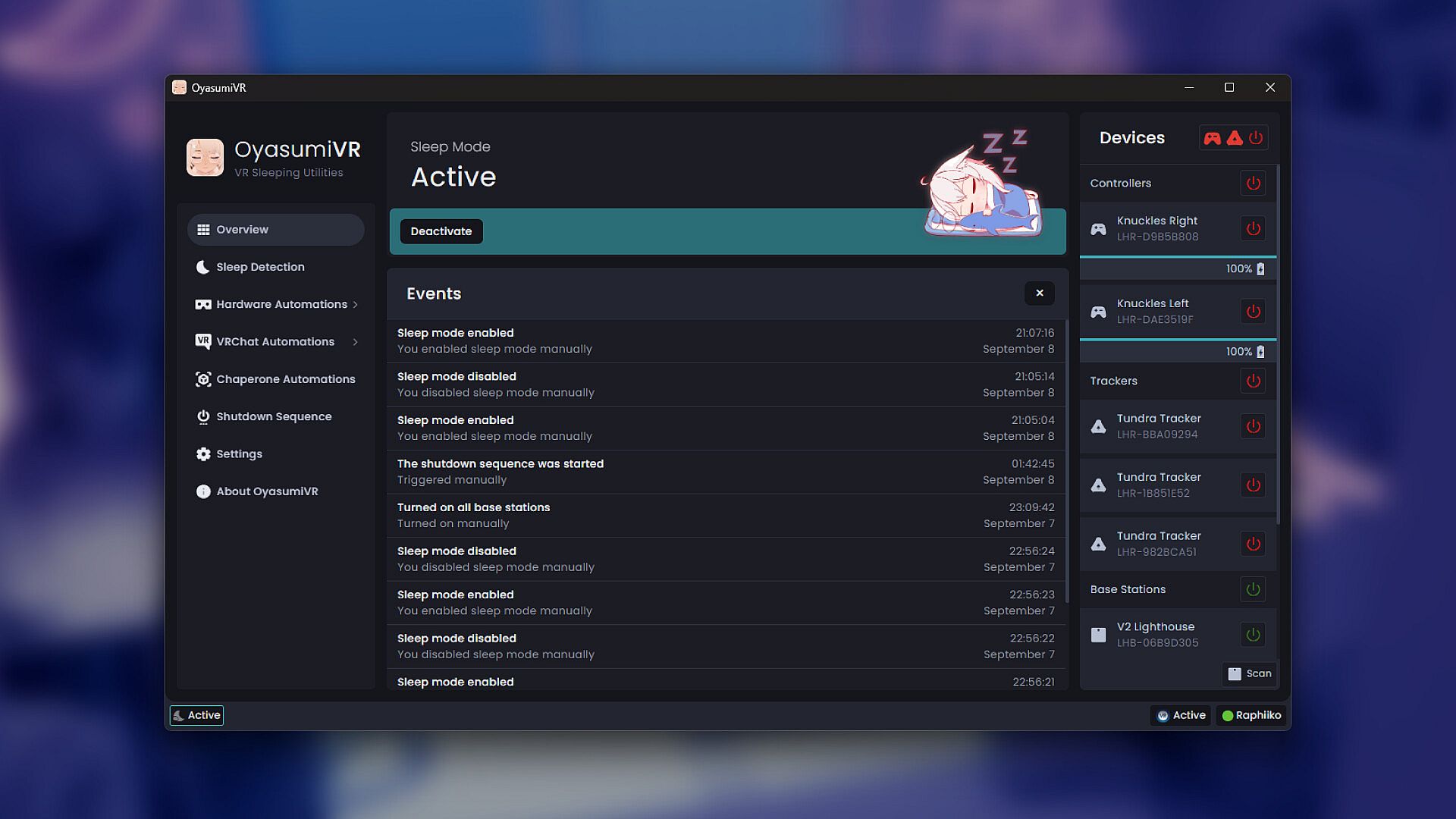
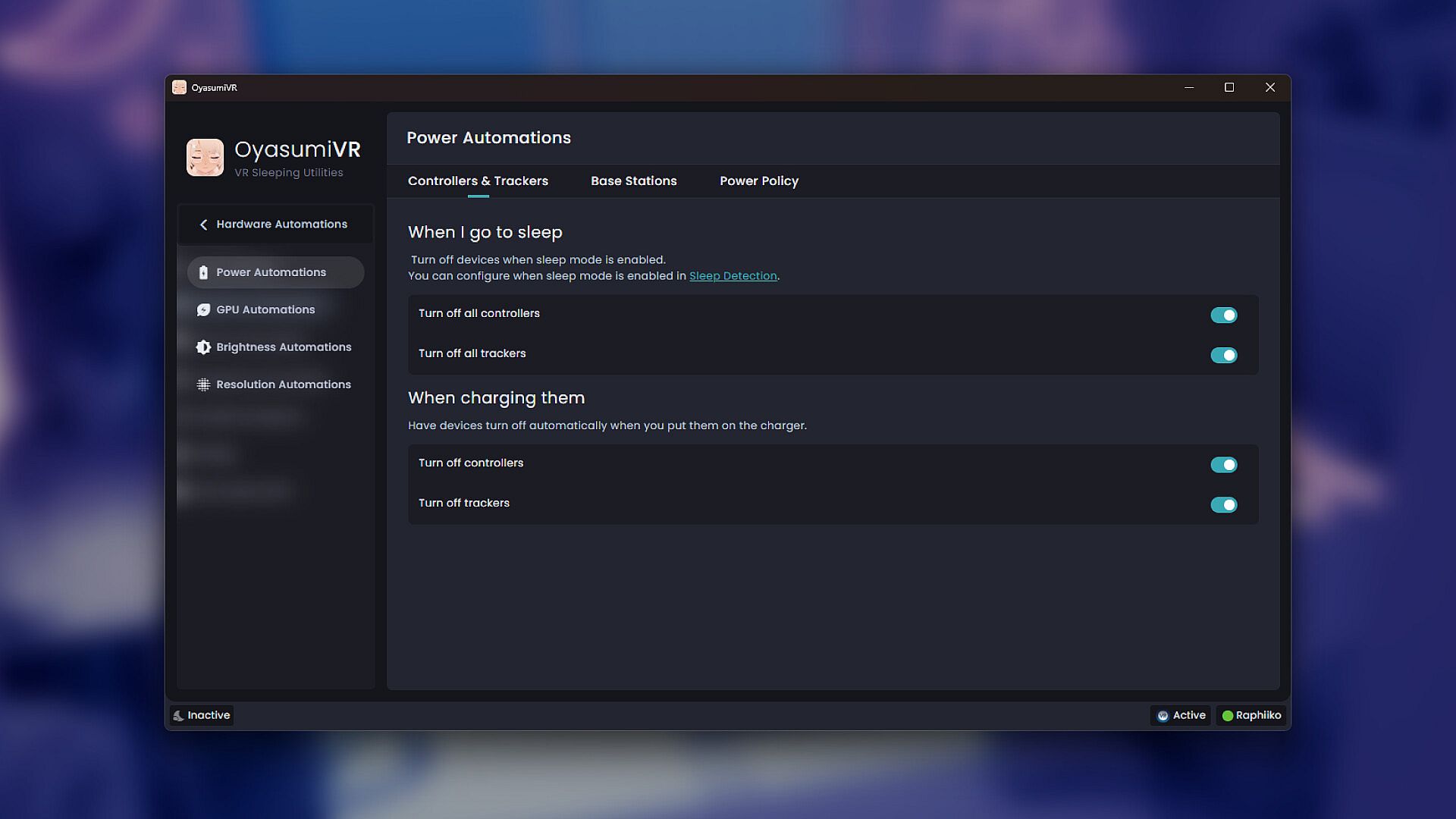
Controllers & TrackersAutomatically have your controllers and/or trackers turn off when you sleep, and save their battery! You'll be happy when you wake up in the morning and find they'll still have some juice left in them!
Additionally, you can have your controllers and/or trackers turn off at certain battery levels, or when you put them on the charger. Ideal for hotswapping controllers!
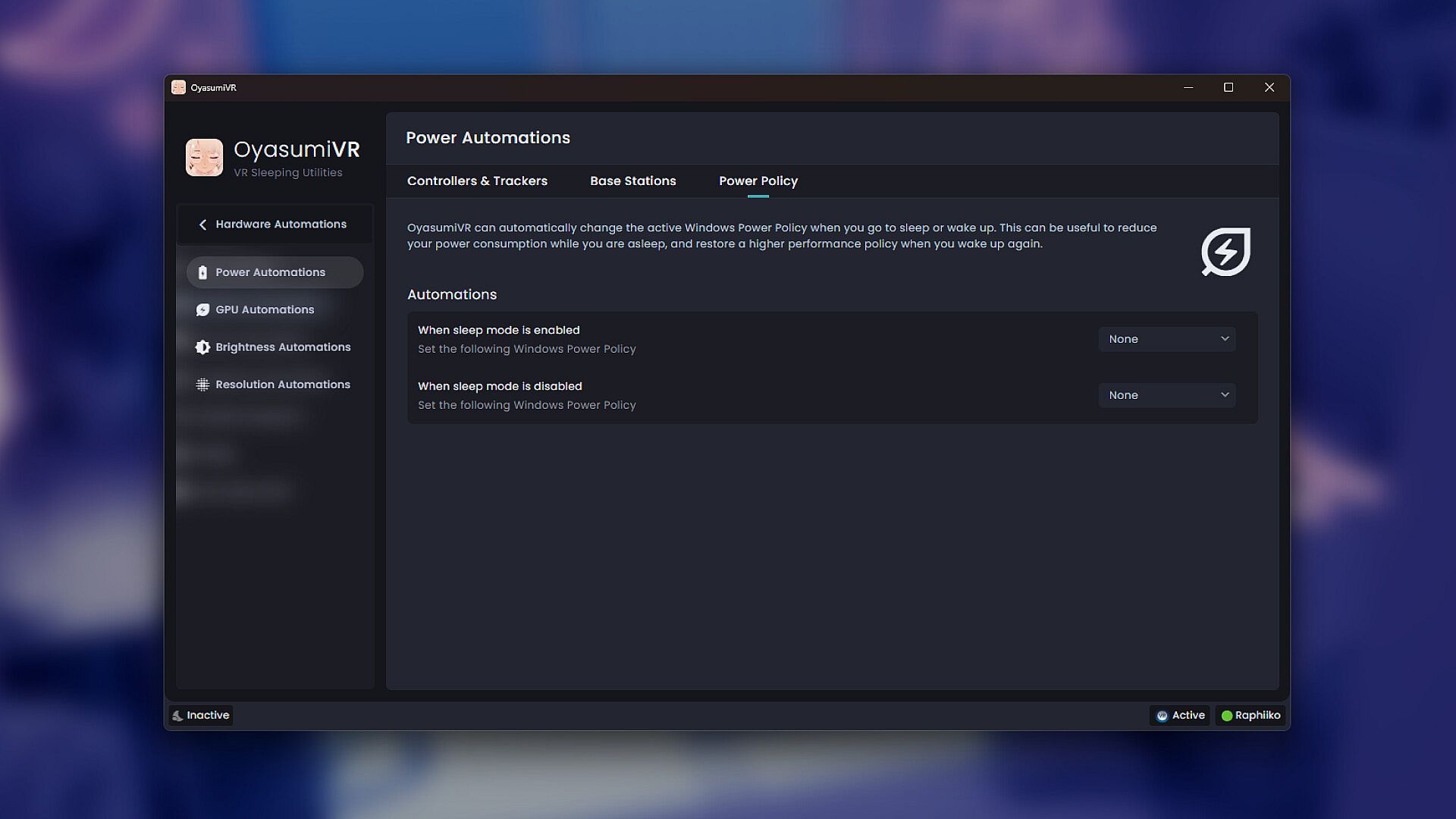
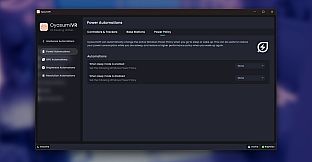
Windows Power Policy
Save some electricity by automatically setting Windows' Power Policy when you go to sleep and wake up! Simply have it set a more conservative policy (like "Power Saver") when you go to sleep, and then restore a higher performance policy when you wake up again.
Base Stations
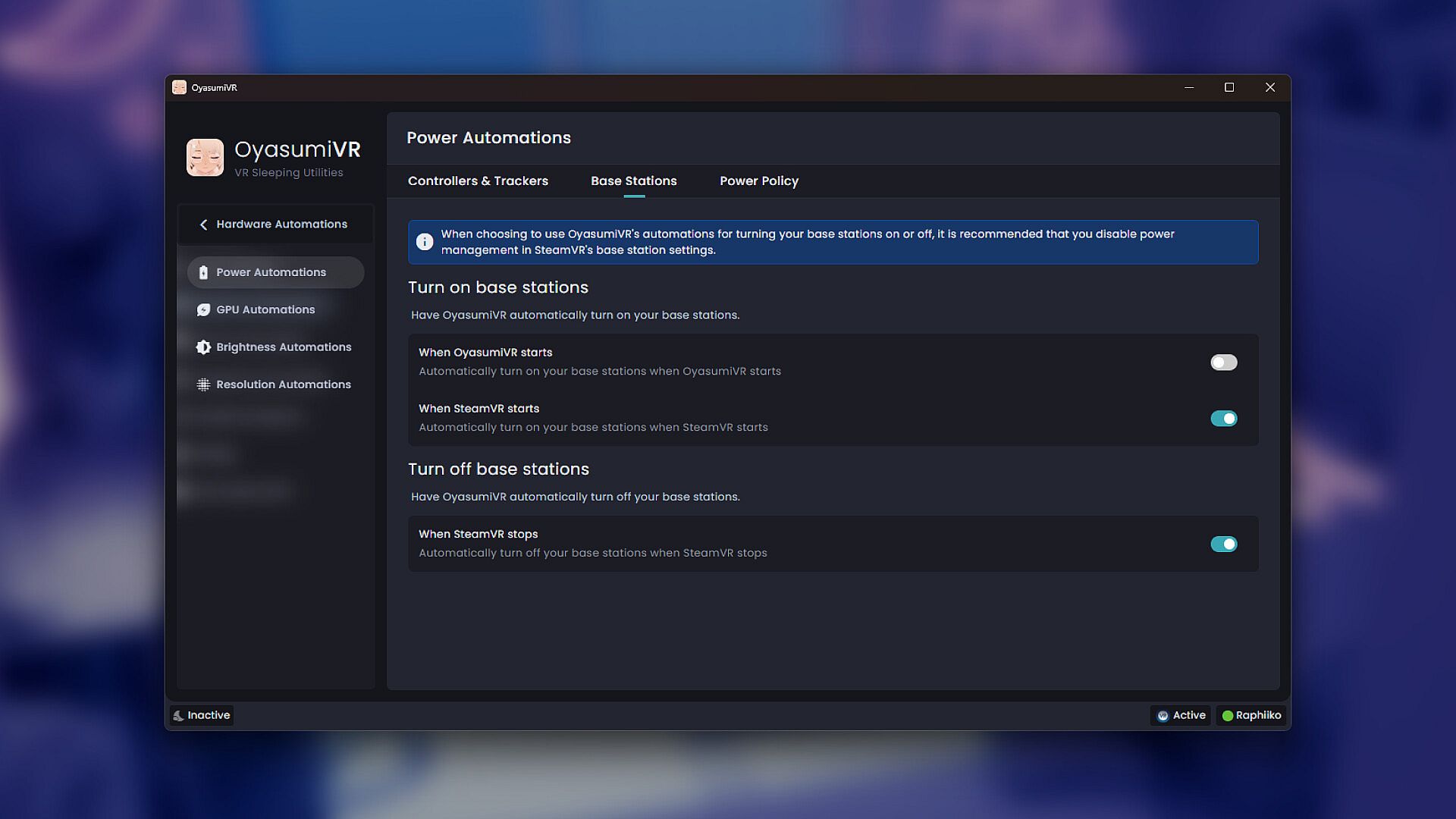
Have OyasumiVR turn your base stations on and off together with SteamVR. A bit like SteamVR's own base station power management, but compatible with any HMD! As long as your PC supports Bluetooth and is in range of the base stations, you're good to go.
Device Control
OyasumiVR can allow you to easily control many of your SteamVR devices, from controllers, to trackers, to base stations.Easily read detailed battery level and charge status for your controllers and trackers, or turn your base stations on and off with a single click!
GPU Automations
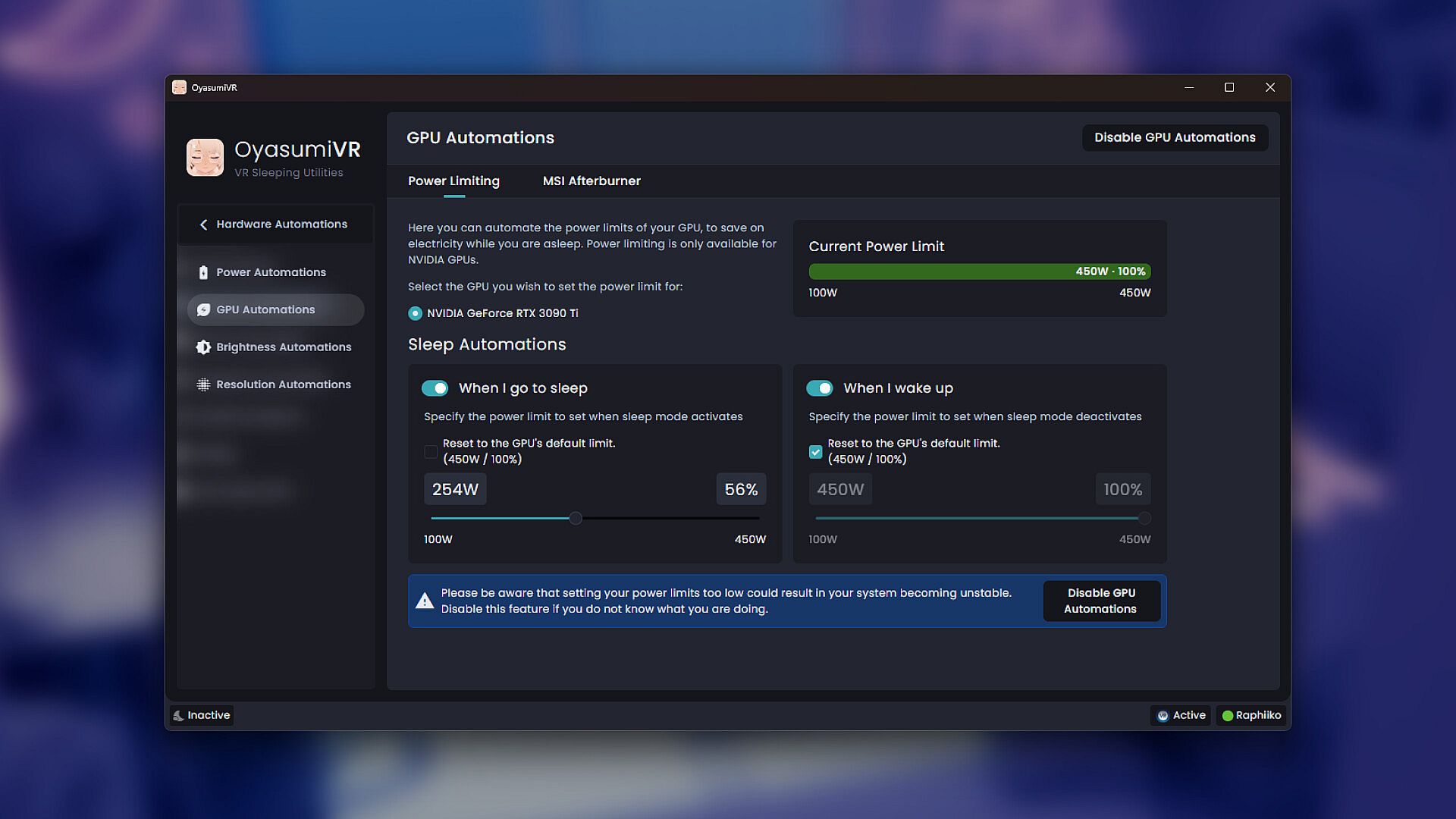
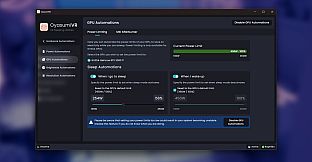
GPU Power LimitingSave electricity by automatically power limiting your GPU when you go to sleep, and restoring its full power when you wake up! Simply set the desired watt limits and OyasumiVR will set them when needed.
Power limiting is only available on Nvidia GPUs. AMD users can instead make use of the MSI Afterburner automations.
MSI Afterburner
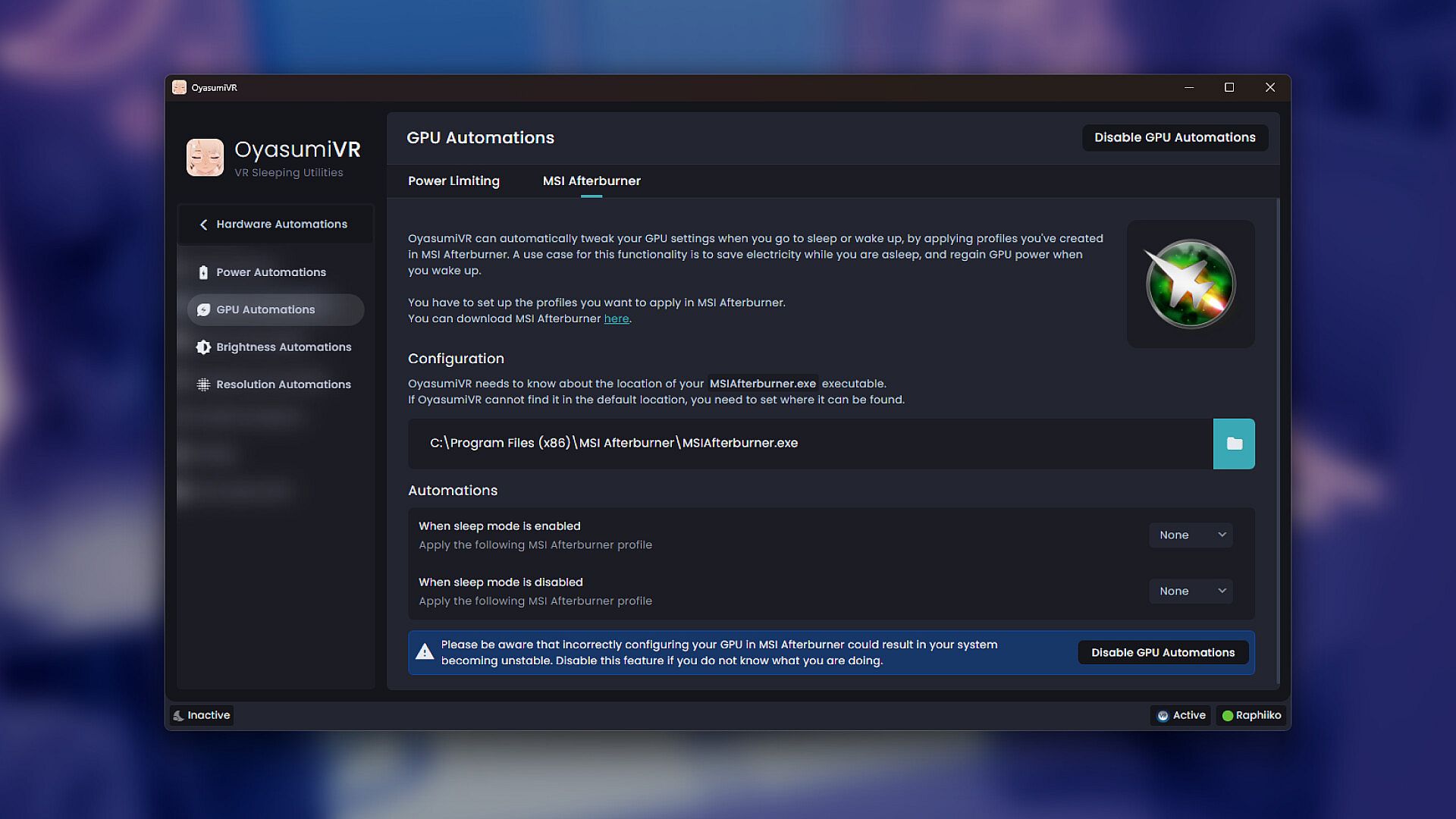
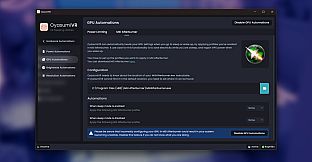
If you want more control over your GPU than just setting the power limit, you can have OyasumiVR automatically activate the profiles you've set up in MSI Afterburner.
Tweak your over- or underclocks, power limits and more, and have OyasumiVR call for them when you go to sleep, or wake up!
VRChat Automations
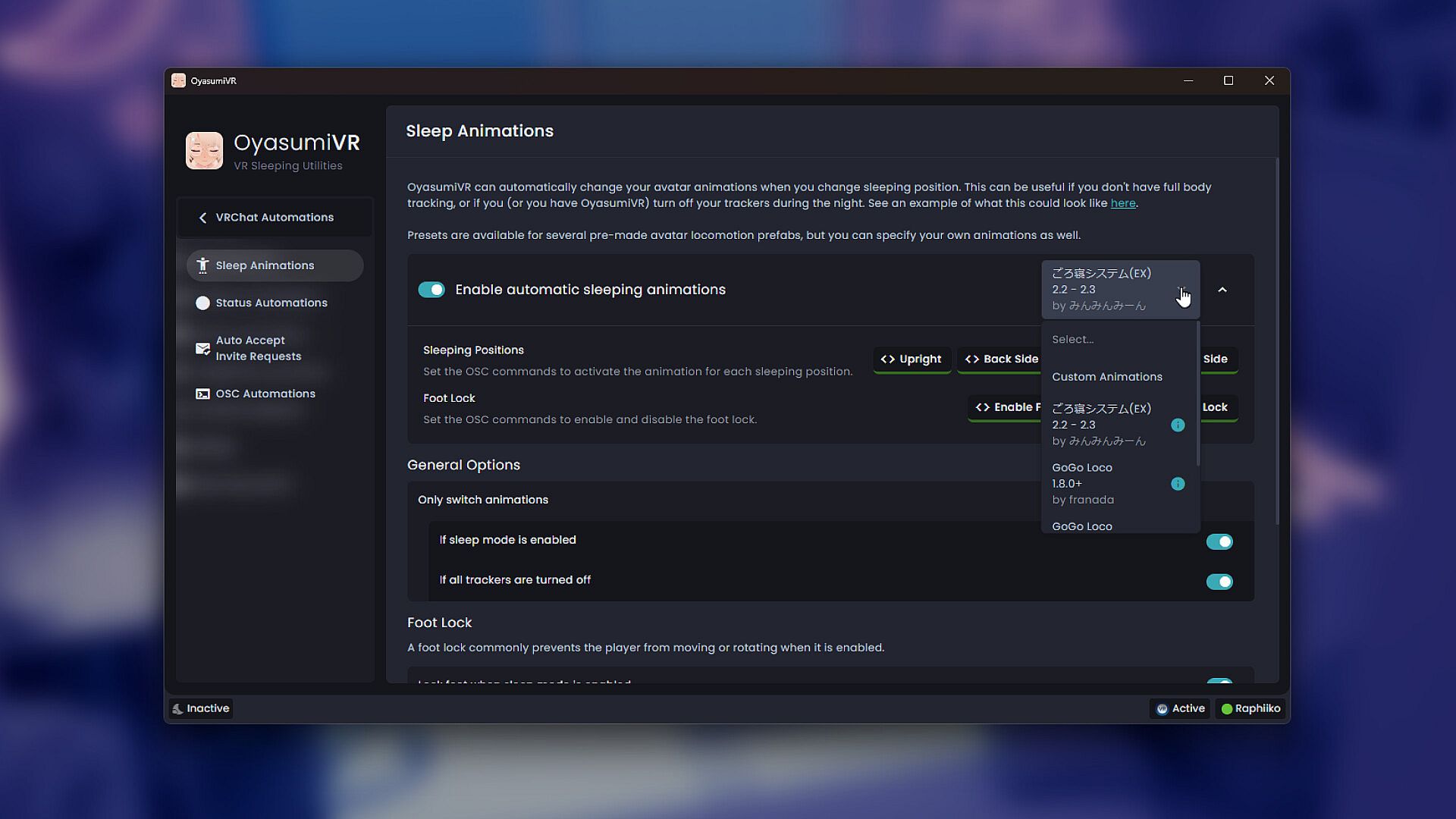
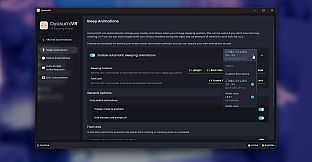
Sleeping AnimationsOyasumiVR can detect what sleeping pose you are in, and use it to trigger the right animation or pose on your avatar.
There are built-in presets for popular locomotion assets, including:
- ごろ寝システム v2.2 - 3.0.2 by みんみんみーん
(Sleep System v2.2 - 3.0.2 by minminmiin)
EX version also supported! - GoGo Loco v1.7.1+ by franada
Auto Accept Invite Requests
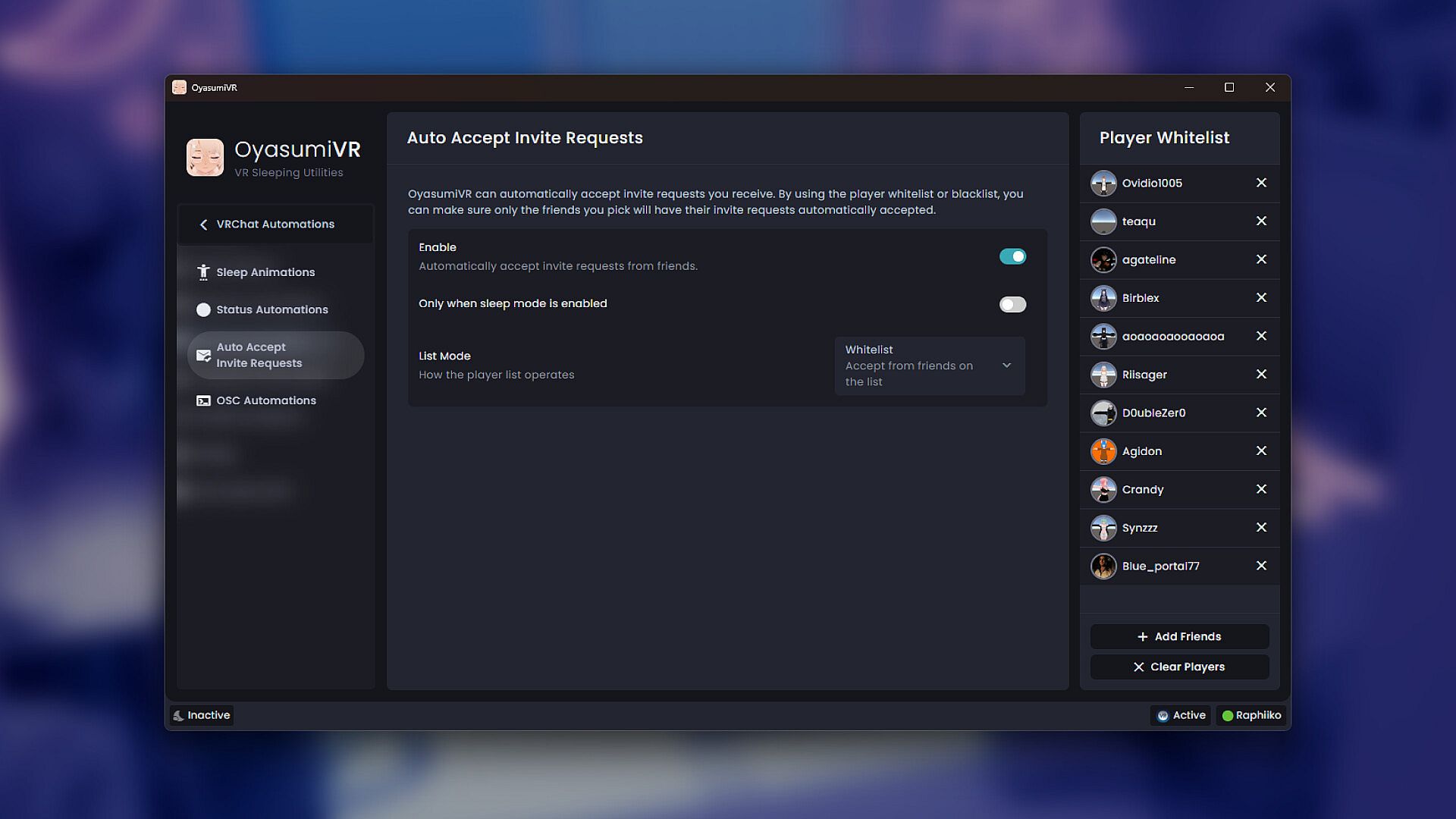
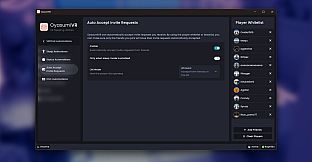
Automatically accept invite requests from specific friends while you are asleep! You can add the friends you want to let in to the whitelist, or even block certain friends from having their requests automatically accepted with a blacklist.
Status Automations
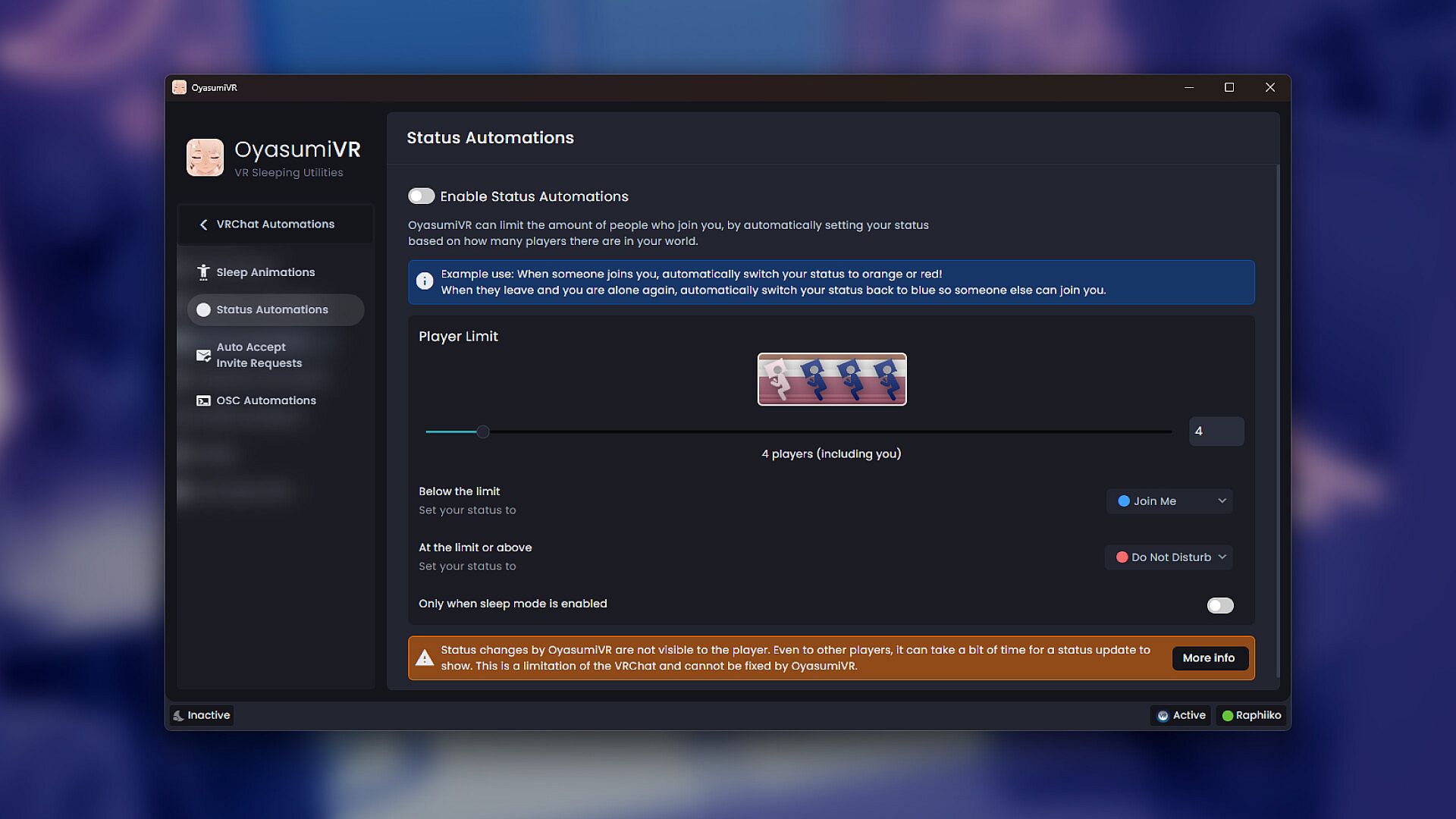
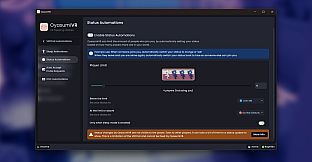
OyasumiVR offers multiple automations for controlling your VRChat visibility and status message, like when you fall asleep, or wake up!
Additionally, you can have OyasumiVR automatically switch your status based on the amount of people around you in VRChat. For example: Switch to blue when you are sleeping alone so your friends can join you, and switch to orange when there's enough people around!
Join Notifications
OyasumiVR can notify you when people join or leave your VRChat world. This is useful if you want to be woken up in certain situations.
It can configured to only notify you in specific situations, like only:
- For your friends
- For certain specific players
- When you're being left alone
- When you're no longer alone
Avatar Automations
You can have OyasumiVR automatically switch your avatar when you prepare for bed, when you fall asleep, or when you wake up!
Useful if you have a specific avatar you use for sleeping.
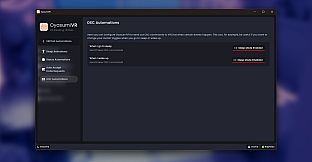
OSC Automations
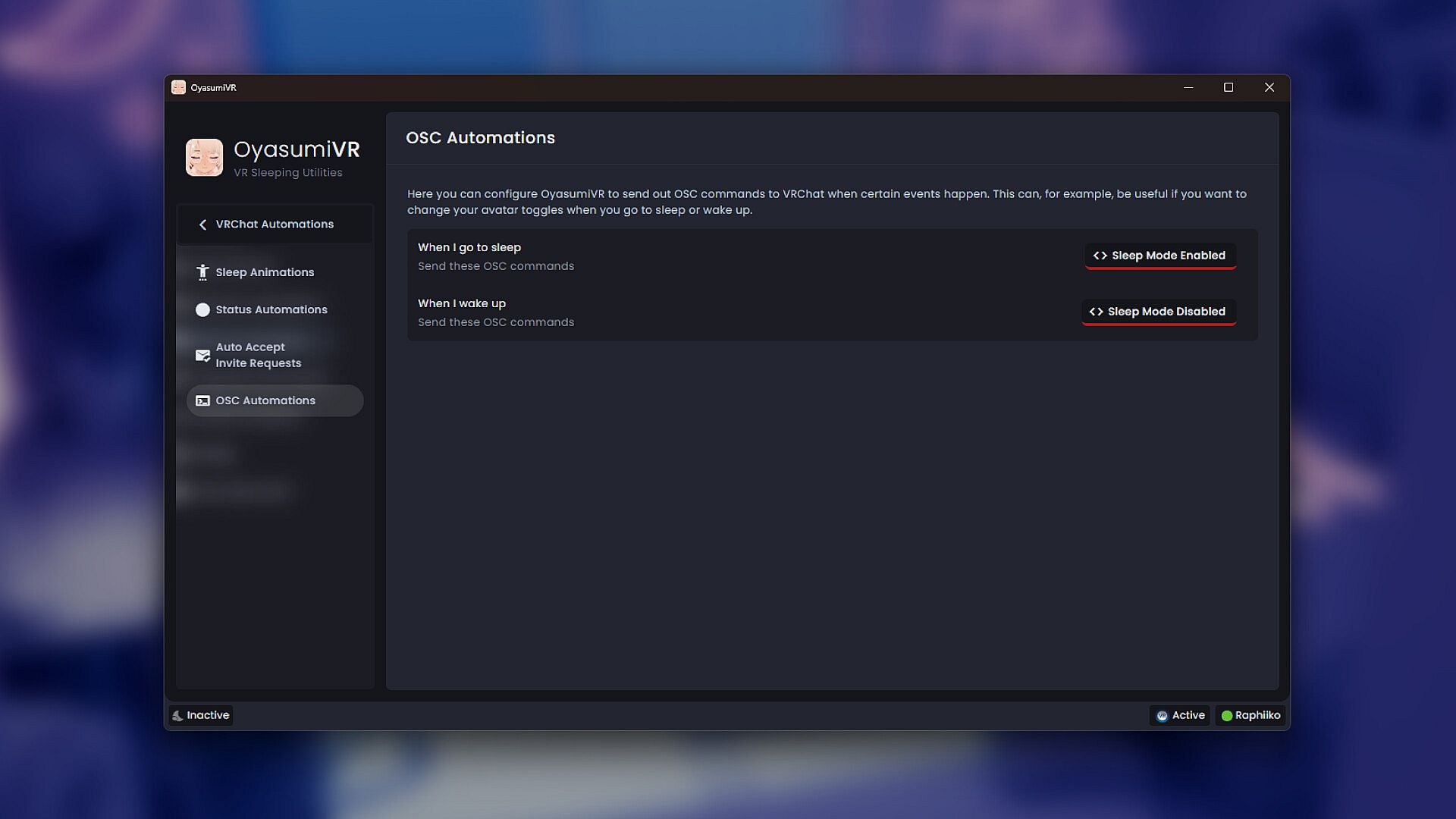
You can send certain OSC messages to VRChat when sleep mode is enabled, or disabled. You can use the built-in OSC script editor to compose the exact messages you want to send.
This is a more advanced feature that you can use to trigger certain features on your avatar. For example: Show a sleepy expression on your face while sleep mode is enabled!
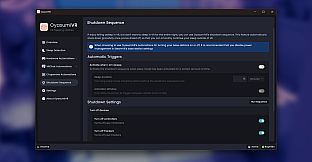
⛔ Shutdown Sequence
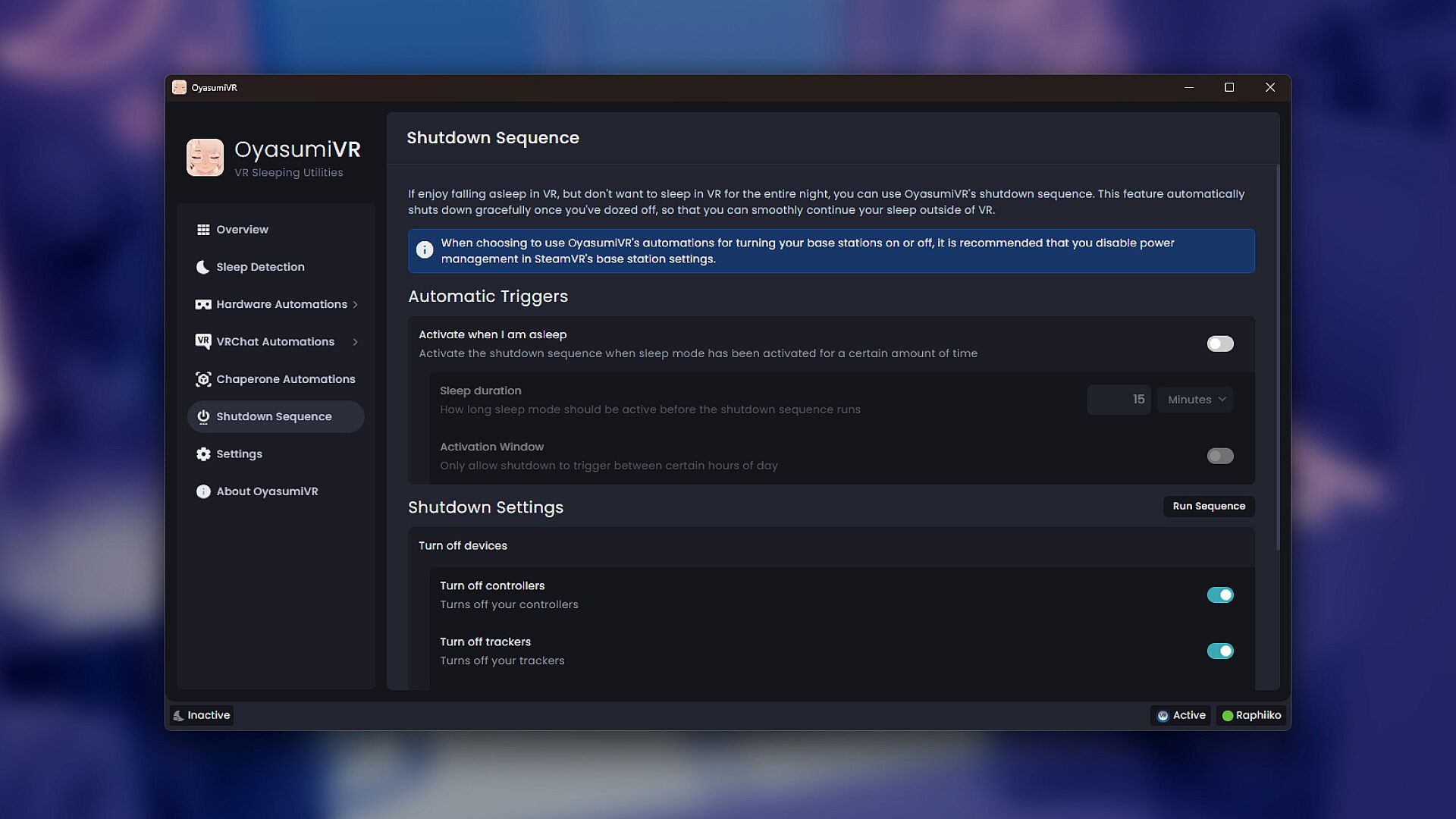
Ever wanted to fall asleep in VR, but not stay in VR all night? The shutdown sequence has you covered!While you can trigger the shutdown sequence manually, there are several automated triggers you can configure:
- When you've been asleep for a certain amount of time.
- When you're left alone in your VRChat world for a certain amount of time.
- Turn off your controllers and/or Trackers
- Turn off your Base Stations
- Quit SteamVR (And any running game or overlay along with it)
- Shut down Windows
Display Brightness & Color Temperature Automations
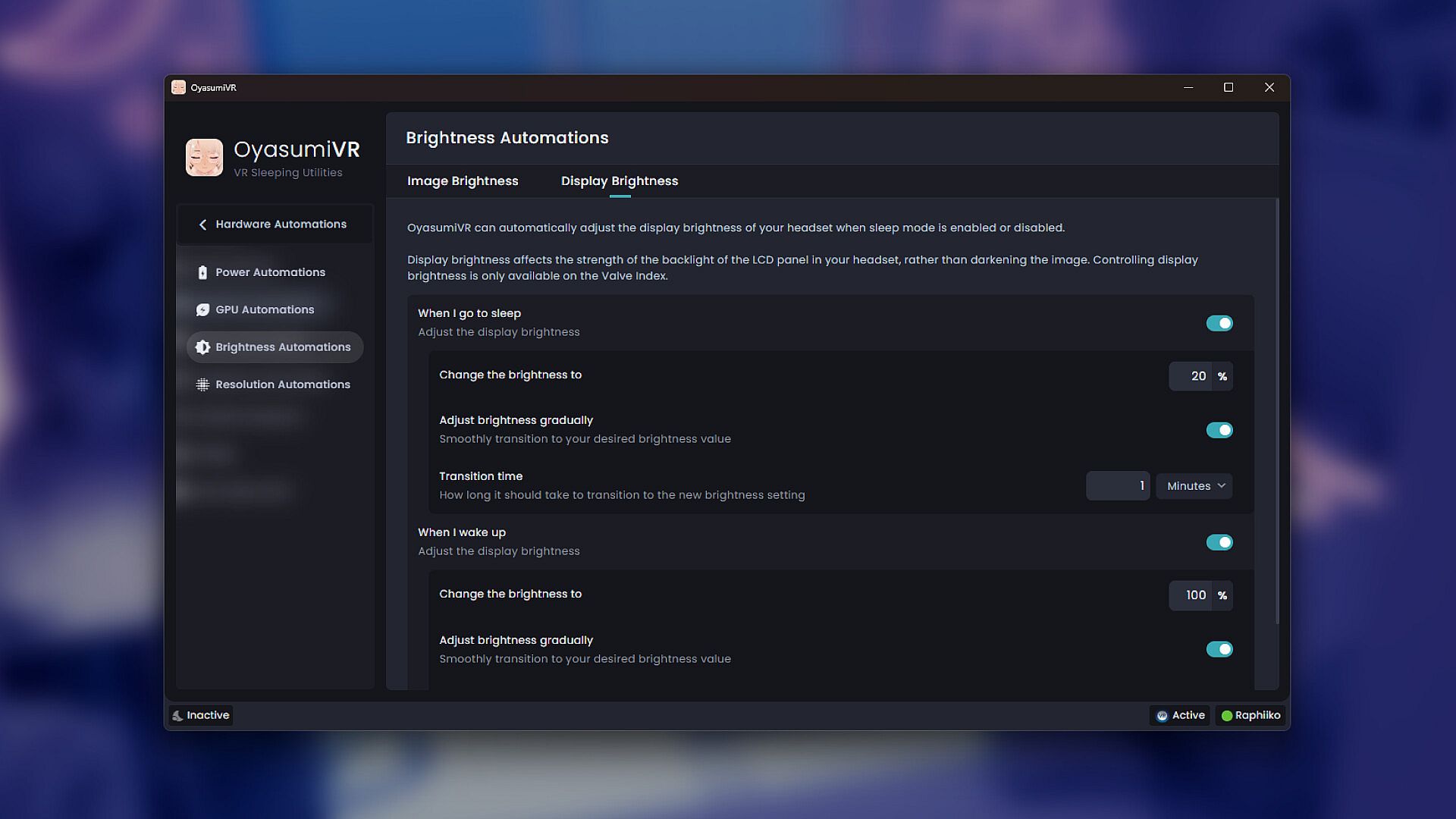
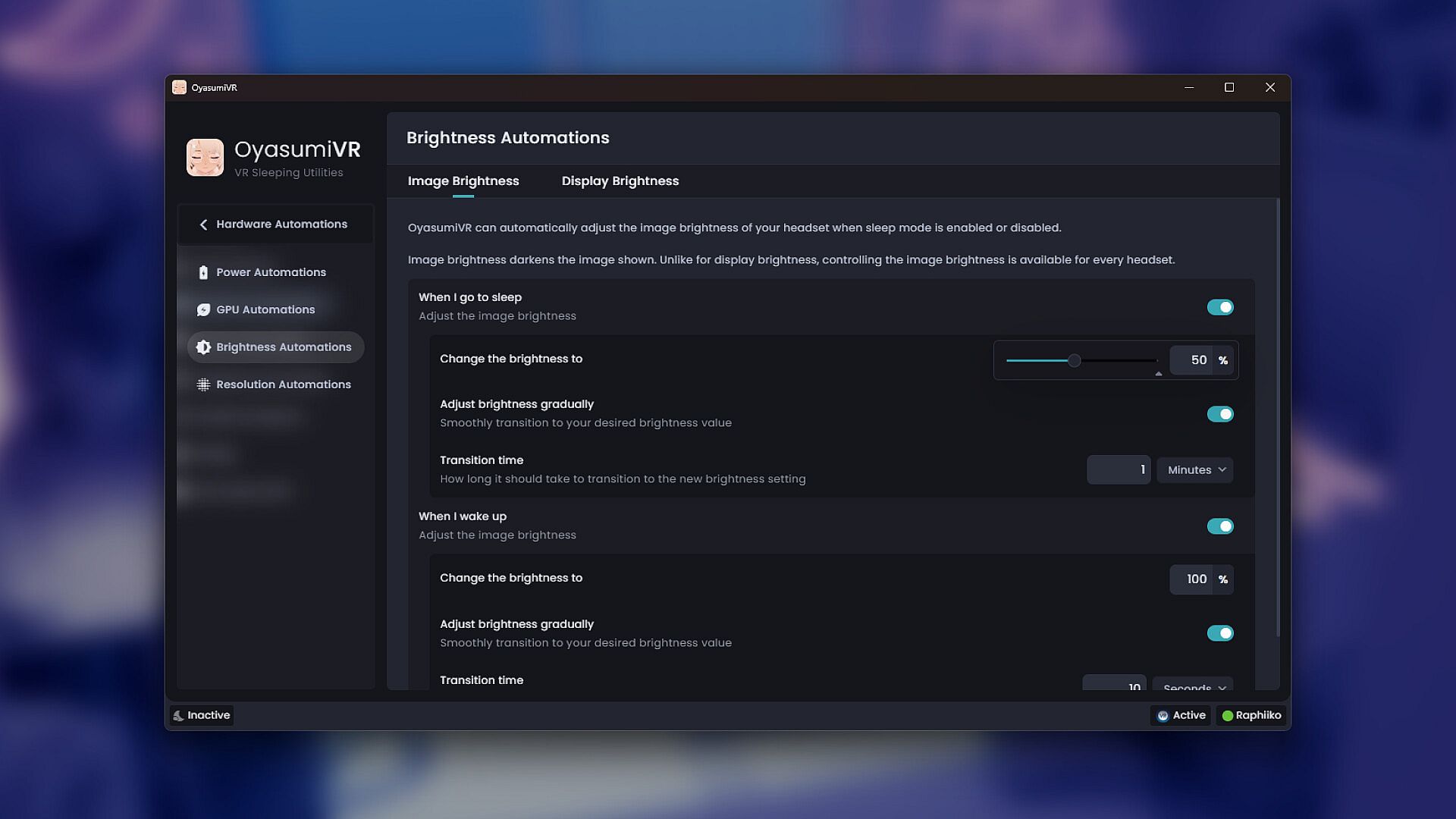
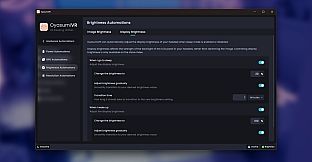
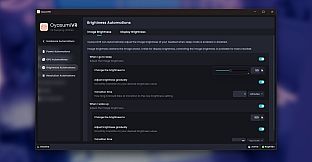
BrightnessAutomate your brightness for when you sleep and wake up. OyasumiVR can smoothly transition your VR headset's brightness, so it falls down gradually as you sleep without waking you up.
It allows you to control both software brightness, as well as hardware brightness if your headset supports it (e.g. Valve Index or Bigscreen Beyond). In addition to providing you with several automations, you can easily control your brightness levels right from the SteamVR overlay menu!
️ Color Temperature
OyasumiVR can also control the color temperature of your VR headset's display. By reducing blue light, it can help reduce eye strain during the late hours, and make it easier to fall asleep.
With the sunset and sunrise triggers, you can have OyasumiVR automatically adjust the color temperature of your display to match the time of day.
Note that this feature is only supported on some native SteamVR headsets, such as the Valve Index, Bigscreen Beyond, and HTC Vive (Pro).
Microphone Mute Automations
System Microphone Mute AutomationsOyasumiVR can also do the same, but on a system level, muting your Microphone's audio device instead.
With this, you can even switch between mute toggle mode and push-to-talk.
This comes with an optional mute indicator in the VR overlay, and the option for binding a controller button so that you can have it completely replace the microphone muting functionality of VRChat or any other VR game you play.
VRChat Microphone Mute Automations
You can have OyasumiVR automatically mute or unmute your mic in VRChat when you go to sleep and wake up.
Perfect if you'd like to prevent others from hearing you snore!
Audio Volume Automations
Automatically change the volume of your audio devices when you fall asleep, or wake up! This can be useful if you want to prevent other players, or other applications from disturbing your sleep.♥️ Heart Rate Automations (Pulsoid Integration)
To support heart rate based automations, OyasumiVR integrates with the online heart rate service Pulsoid. For this you can use any hardware that Pulsoid supports, like bluetooth heartrate monitors, WearOS smartwatches, or Apple Watches.Note that this integration requires a one-time purchase of Pulsoid's OyasumiVR integration, or to have an active Pulsoid "BRO" subscription. Please ensure you have a compatible device before making a purchase.
Sleep Detection
You can set up OyasumiVR to automatically enable the sleep mode when your heart rate has been low enough for a certain duration. Just set the BPM threshold and for how long your heart rate should stay under it, and you're set! If you're not sure, you can get some simple insights to determine the right values for your body.
Nightmare Detection
OyasumiVR can detect when you've got a prolonged elevated heartrate, which could indicate a nightmare. With this feature you can try to cut your nightmares short by automatically deactivating the sleep mode (to for example, increase the brightness), or by playing a sound to attempt waking you up.
HMD Specific Automations
OyasumiVR has various automations for controlling certain features specific to certain VR Headsets. Currently, this includes the following:Bigscreen Beyond
- RGB Led Control
- Fan Speed Control
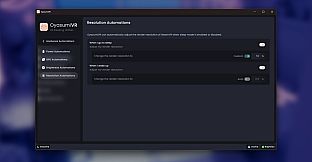
Resolution Automations
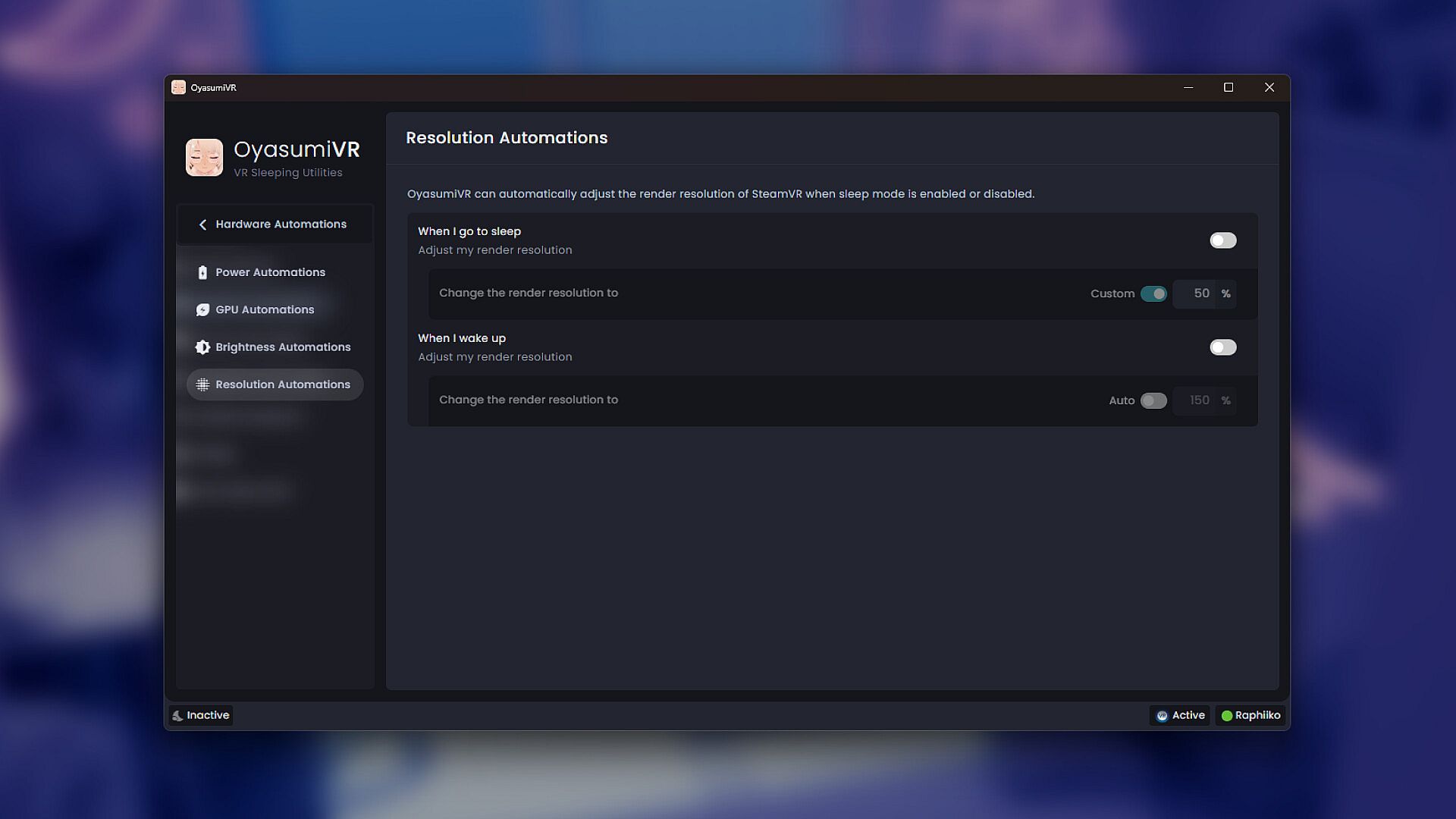
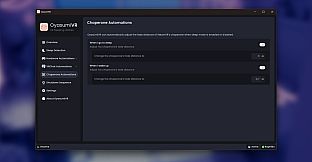
Automatically adjust your SteamVR render resolution when you sleep and wake up! Having OyasumiVR lower your render resolution helps you reduce the load on your hardware at times when you don't need it.Chaperone Automations
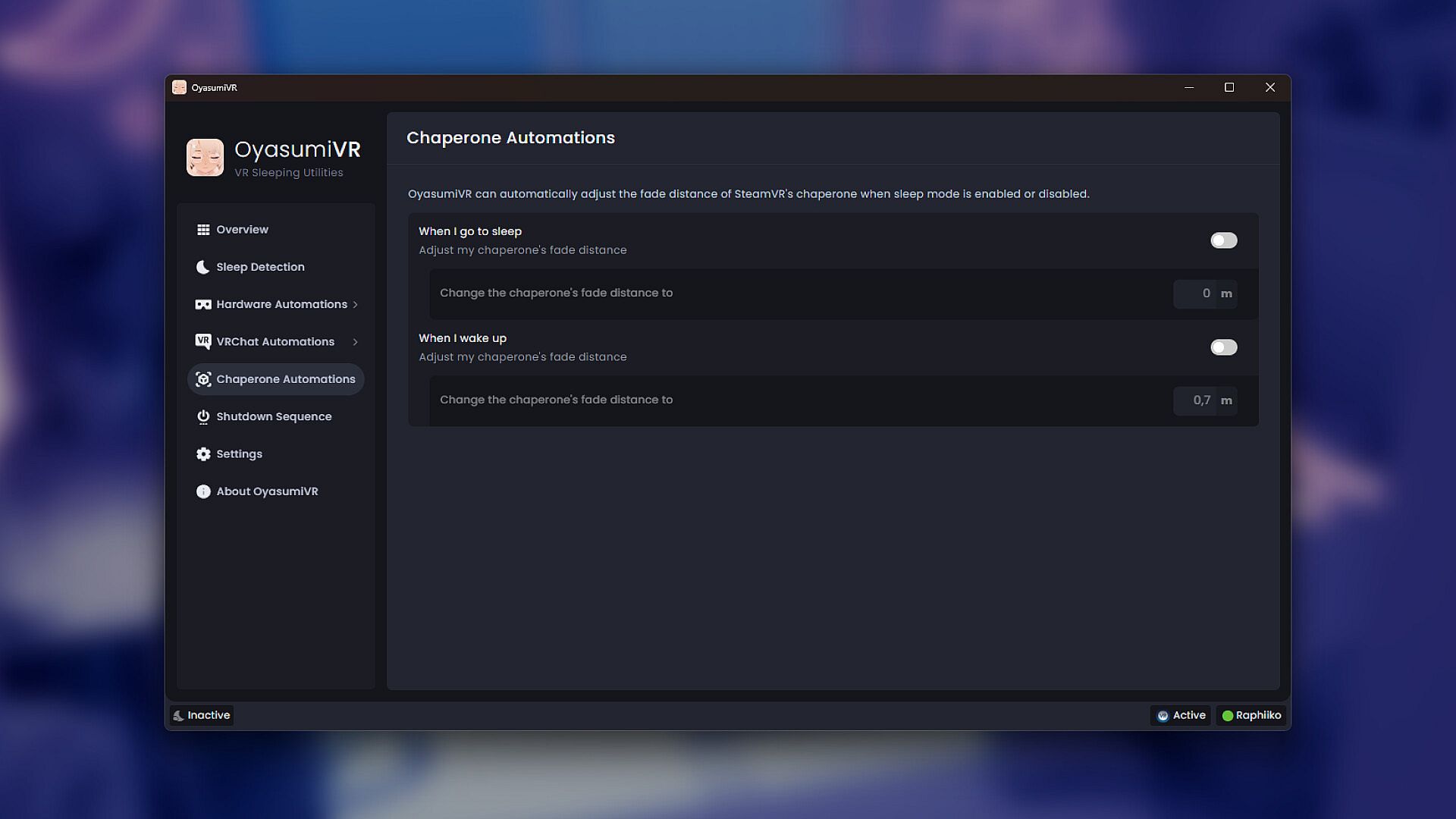
Automatically adjust the fade distance of SteamVR's chaperone when you sleep. If you have a small play area, you can use this to make sure the chaperone stays hidden while you are asleep, and re-enable it when you wake up!Home Assistant Integration
OyasumiVR can expose many of its own features, as well as SteamVR's, to Home Assistant over MQTT! This allows you to integrate OyasumiVR with various smart devices you might have in your home, as well as enable you to build your own powerful automations within Home Assistant.For example, you can use this to automatically turn off your smart lights when you fall asleep, or turn them back on when needed!
Here is a list of features exposed that you'll be able to read, or control, through Home Assistant:
OyasumiVR Features
- Sleep Mode (Switch)
- Shutdown Sequence (Button)
- Sleep Preparation (Button)
- Heart Rate (Sensor)
- Sleeping Position (Sensor)
- Base Station
- Power (Switch)
- Power State (Sensor)
- Power (Switch)
- HMD Brightness
- Advanced Mode (Switch)
- Simple Brightness (Number)
- Software Brightness (Number)
- Hardware Brightness (Number)
- Advanced Mode (Switch)
- VRChat Running (Sensor)
- Player Name (Sensor)
- # Players In World (Sensor)
- Status Visibility (Sensor)
- World Instance ID (Sensor)
- VR Headset Model (Sensor)
- SteamVR Running (Sensor)
- Controller & Tracker
- Power (Switch) (Only Powering Off)
- Charging State (Sensor)
- Battery Level (Sensor)
- Device Roles (Sensor)
- Power (Switch) (Only Powering Off)
- Fan Speed (Number)
- RGB LED (Light)
- Brightness (Number)
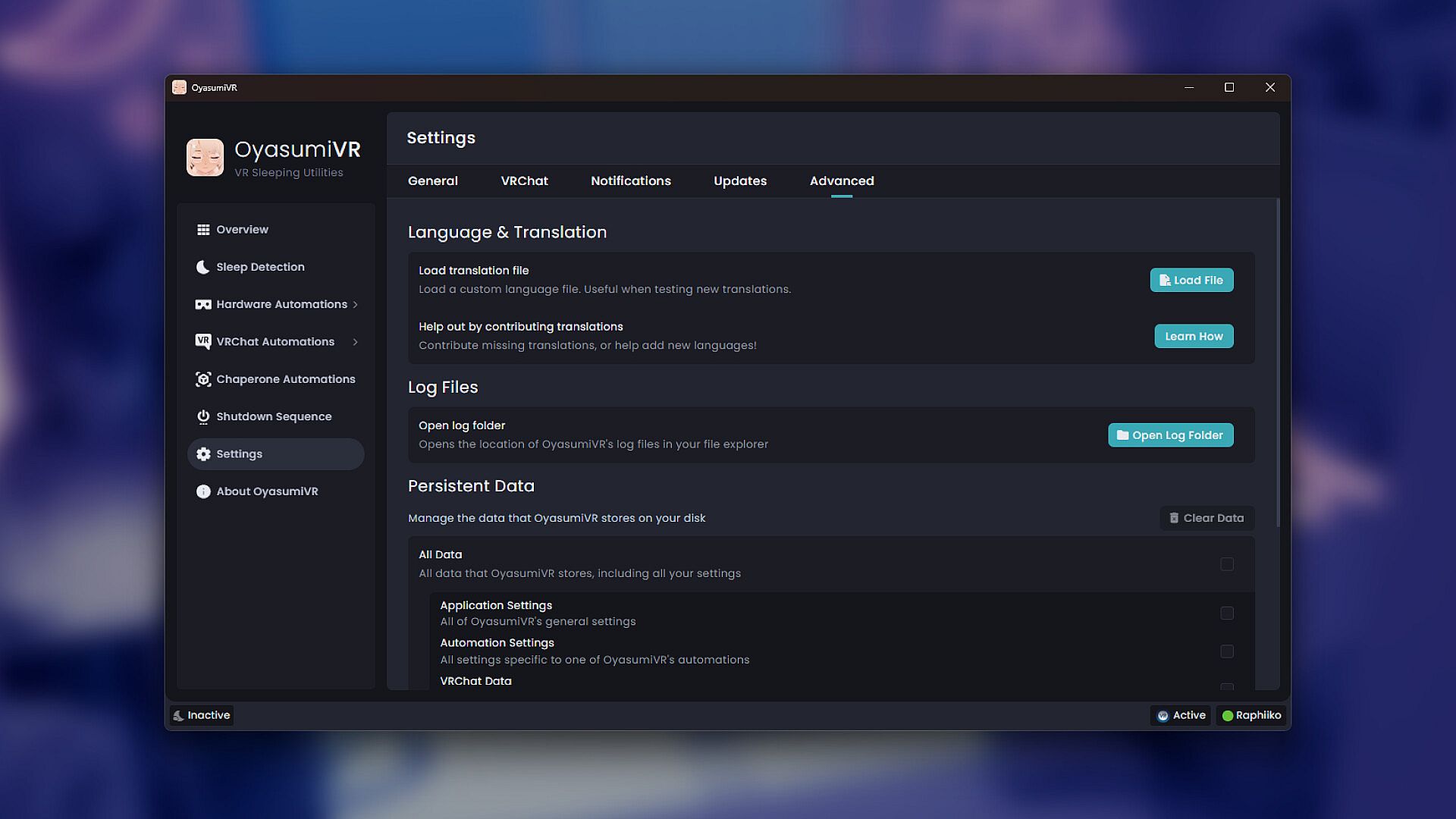
Translation & Localization
OyasumiVR currently supports the following languages:- 日本語 (Japanese): Community contributions by なき and Milix-M.
- 한국어 (Korean): Community contribution by Soumt.
- 繁體中文 (Traditional Chinese): Community contribution by 狐Kon.
- 简体中文 (Simplified Chinese): Community contributions by 狐Kon, 雾雨花精灵, いんく and Yingxue.
- Français (French): Community contribution by neuroblack.
- Español (Spanish): Community contribution by aacal666.
- Bahasa Indonesia (Indonesian): Community contribution by a9ito.
- Українська (Ukrainian): Community contributions by senkodev and Fanyatsu.
- Русский (Russian): Community contributions by Kanjir0, Pacmard and Dimrical.
- Deutsch (German): Community contributions by Nicer Dicer and Aron.
- Nederlands (Dutch): by Raphiiko.
- English: by Raphiiko.
Help out with translation
OyasumiVR would not have supported as many languages as it does without the help of our fantastic volunteers. I personally think it's amazing that thanks to their efforts, more people get to use OyasumiVR than would otherwise have been possible.
If you want to support us, either by contributing missing translations, or by adding an entirely new language, please check out the wiki page on adding translations for instructions on how to get started! In case you're looking for more information, please don't hesitate to hop in our Discord and ask!
Support
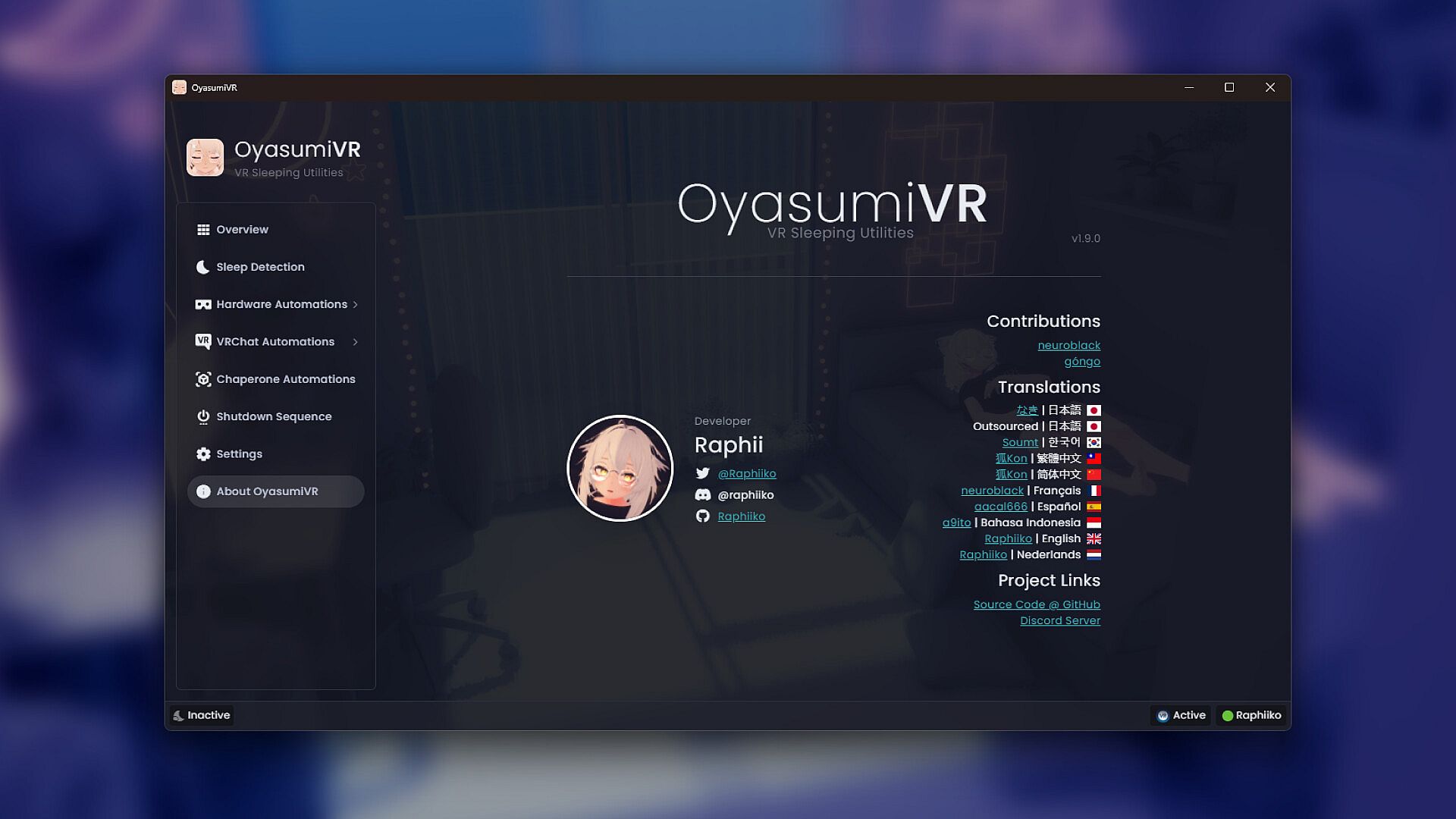
If you are having trouble with OyasumiVR, say you have a bug, or a feature request, you can join our Discord server.Alternatively, you can reach out to me directly on Twitter at @Raphiiko. I'll try to get back to you as soon as possible!