













Acheter InCell VR PC

InCell VR est gratuit ! Téléchargez-le sur Steam et jouez immédiatement. Vous cherchez des DLC InCell VR, de la monnaie en jeu ou des cosmétiques ? Comparez 0 offres sur XD.deals pour trouver les meilleurs prix.

Date de sortie : 03 sept. 2015
Éditeur : Luden.io
Développeur : Luden.io
Steam:
Mixed (285)
Official
Indisponible
Keyshops
Indisponible
Acheter sur une boutique officielle :
Indisponible
Acheter sur les keyshops :
Indisponible

Aucune entrée, mais ne vous inquiétez pas : nous vous informerons dès qu'une nouvelle offre apparaîtra.

Create Alert Create deal Alert

À propos de InCell VR

InCell VR - à propos du jeu

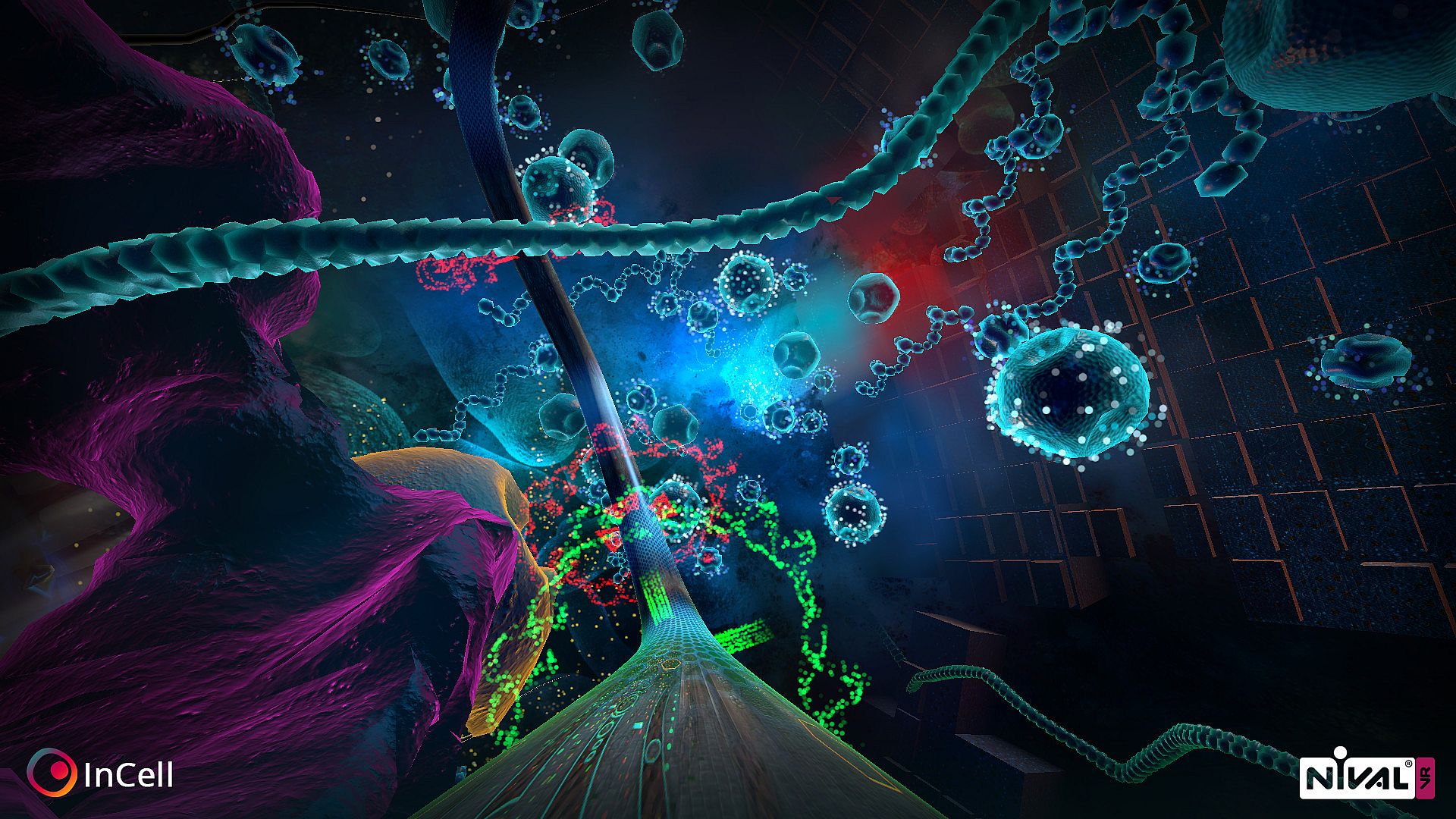
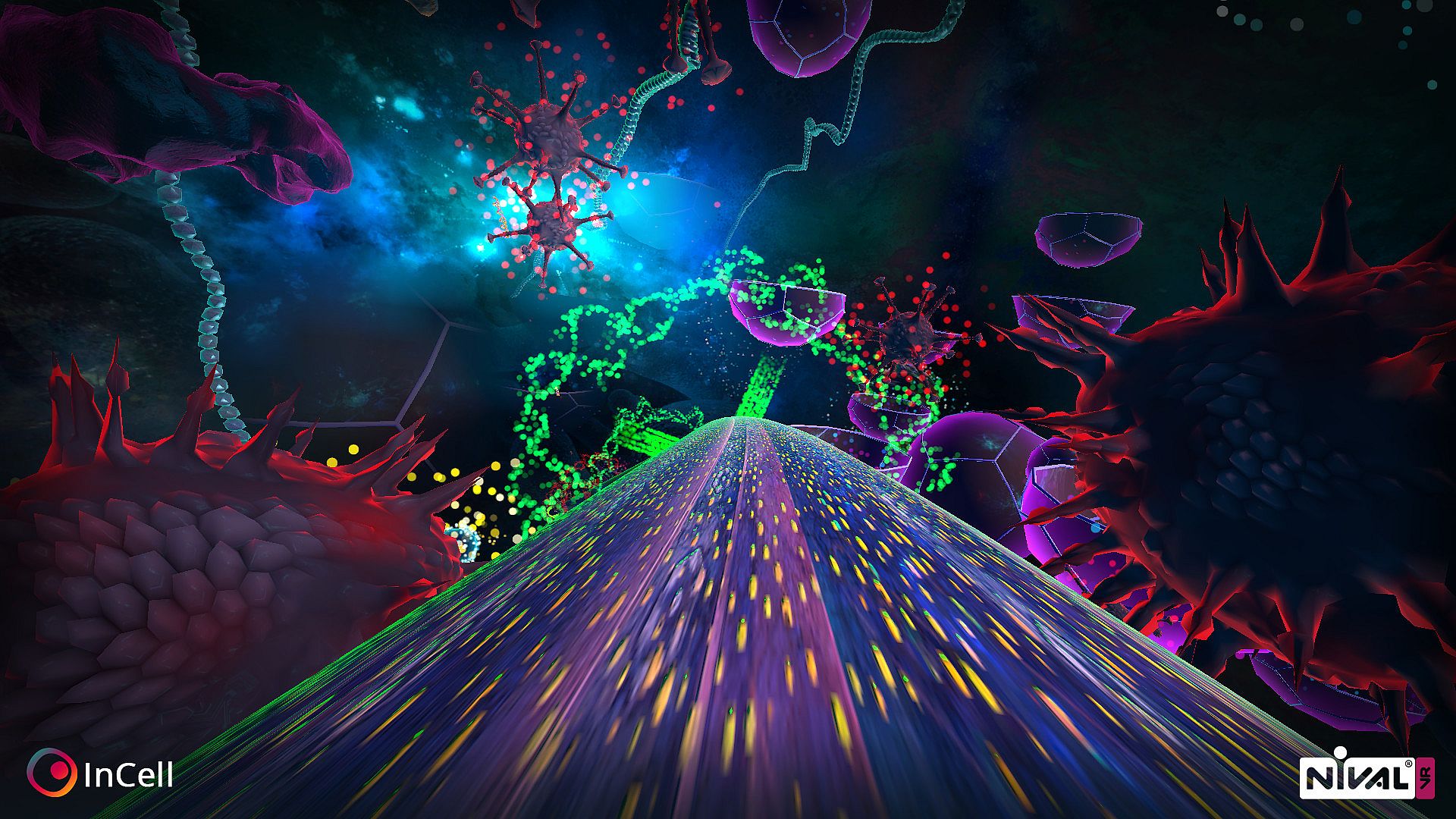
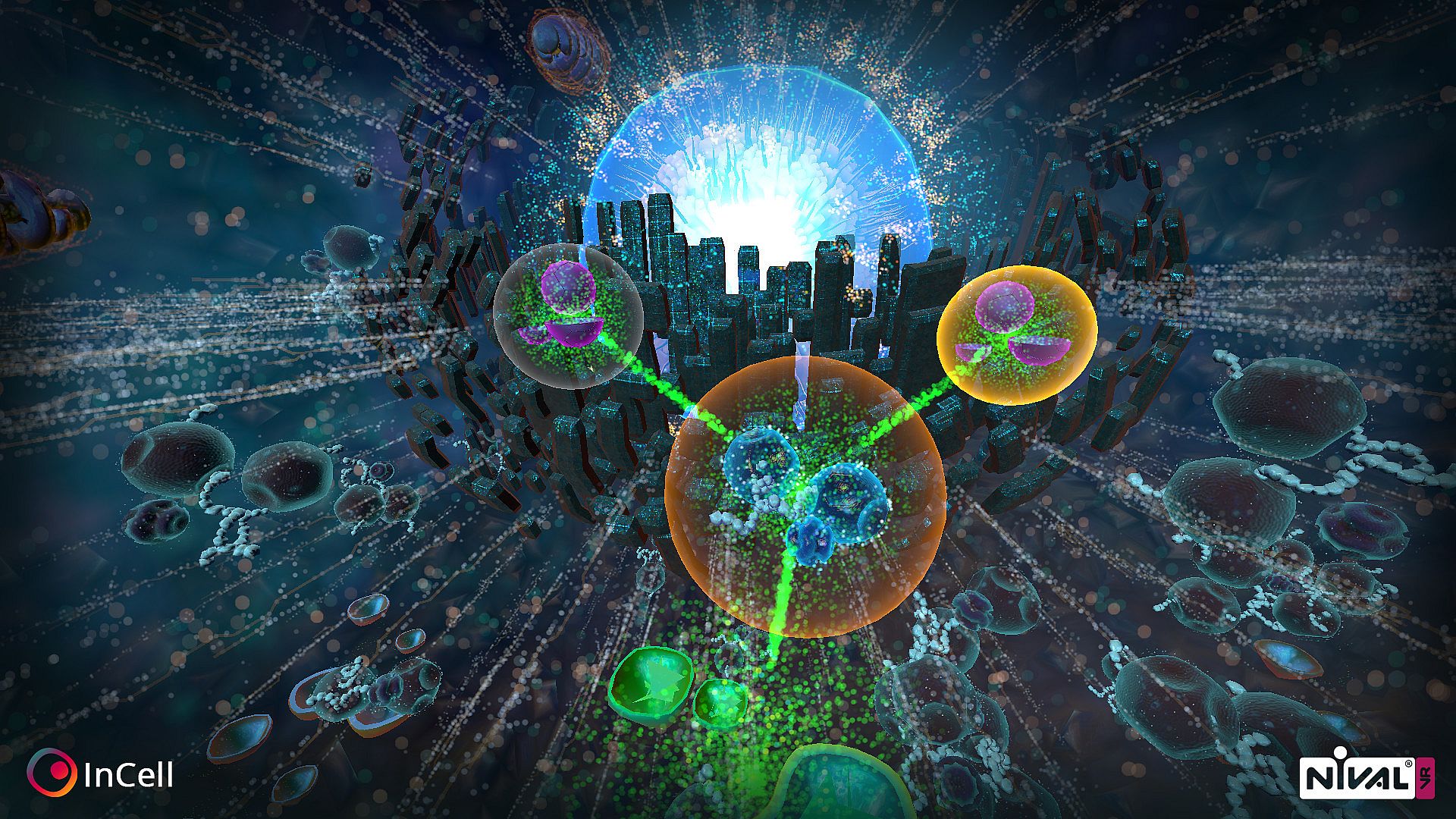
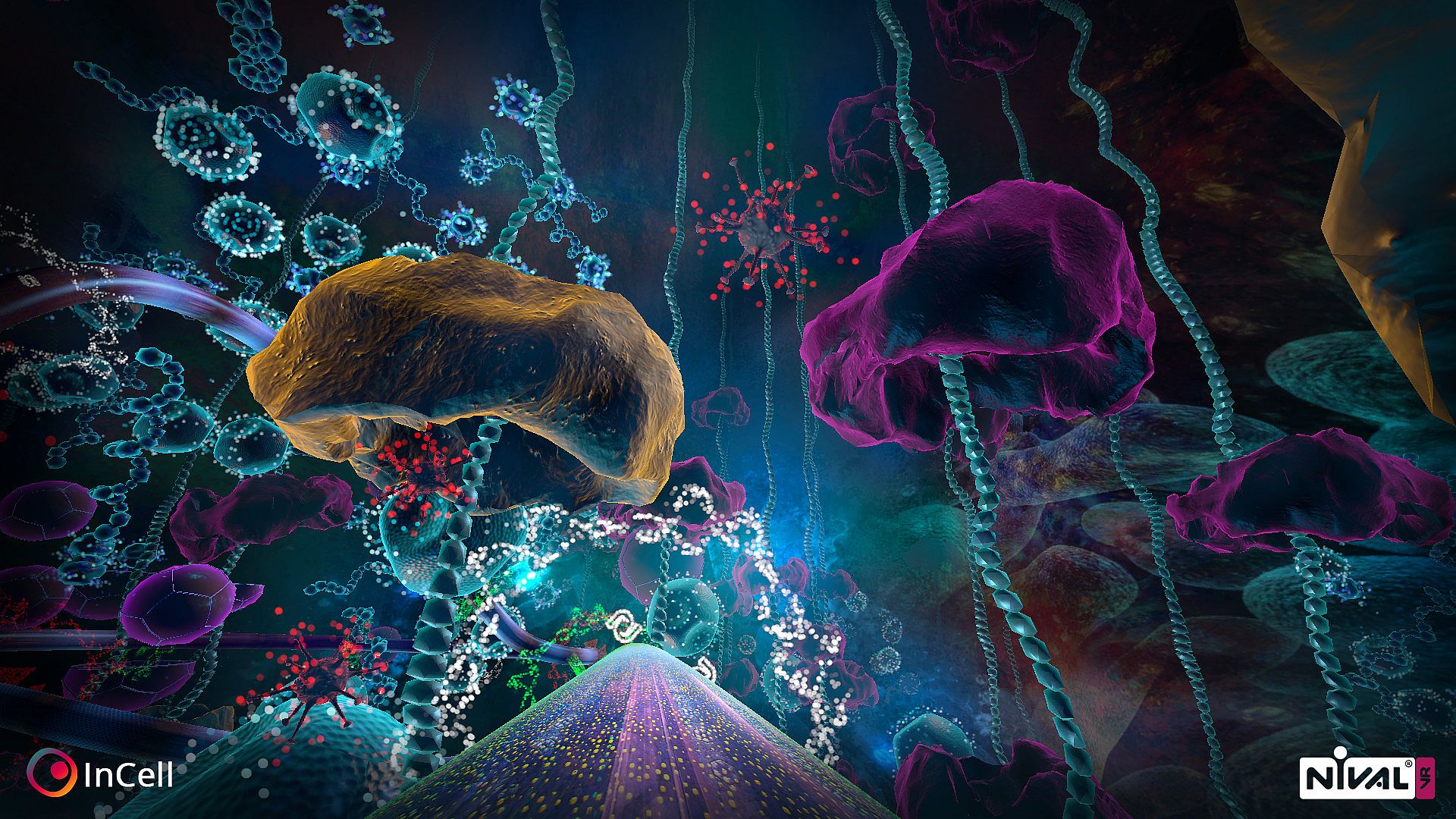
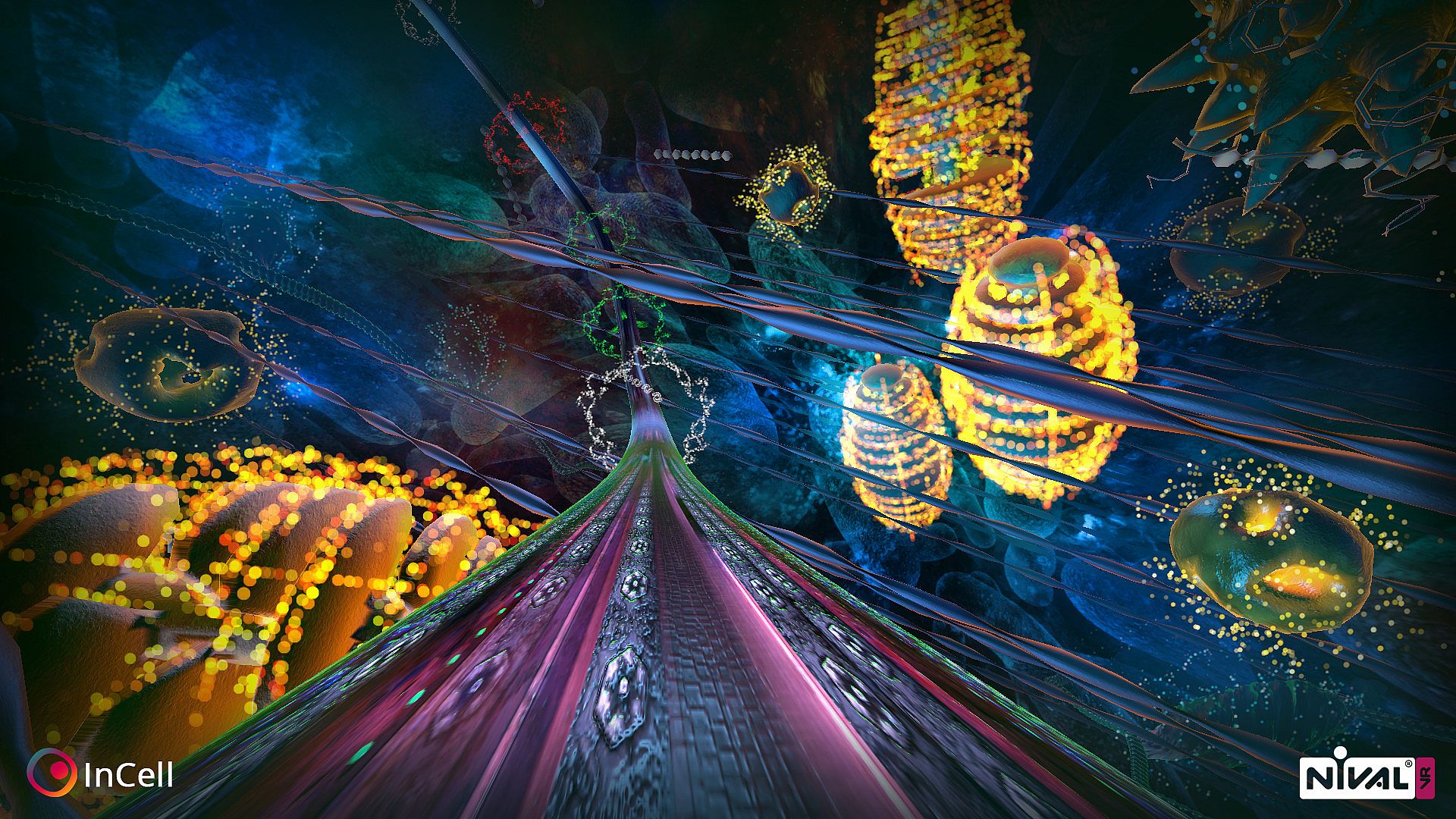
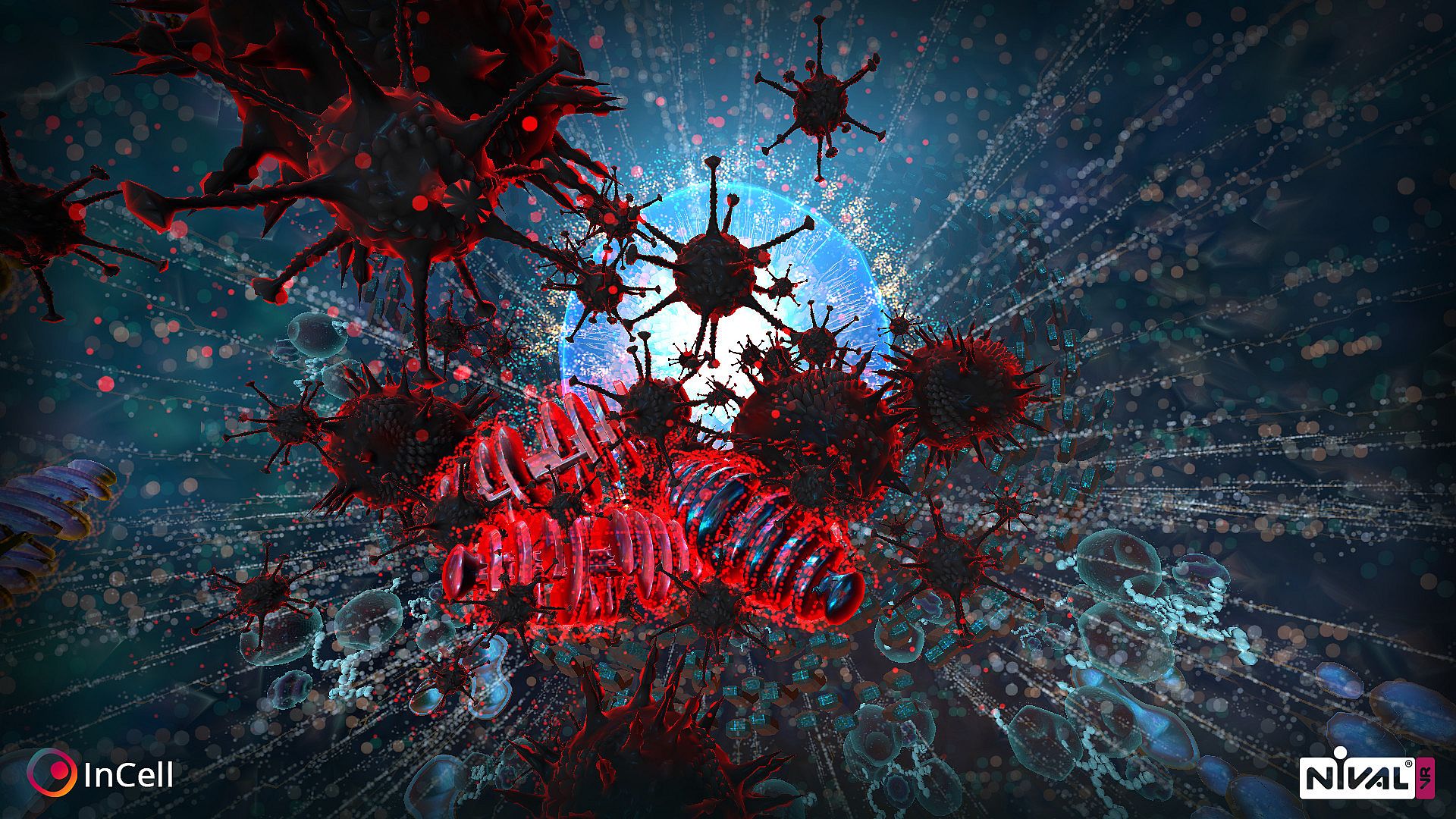
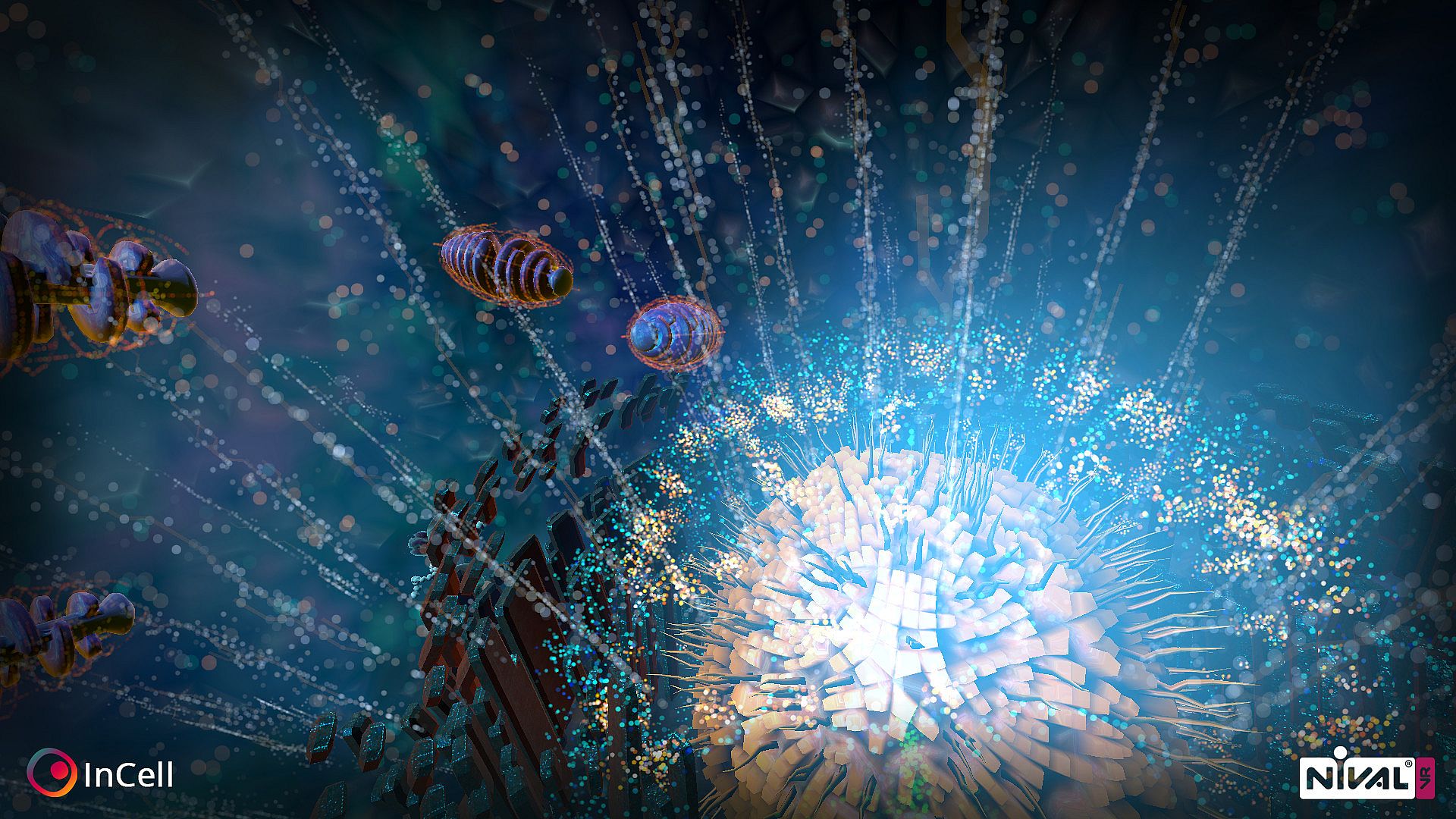
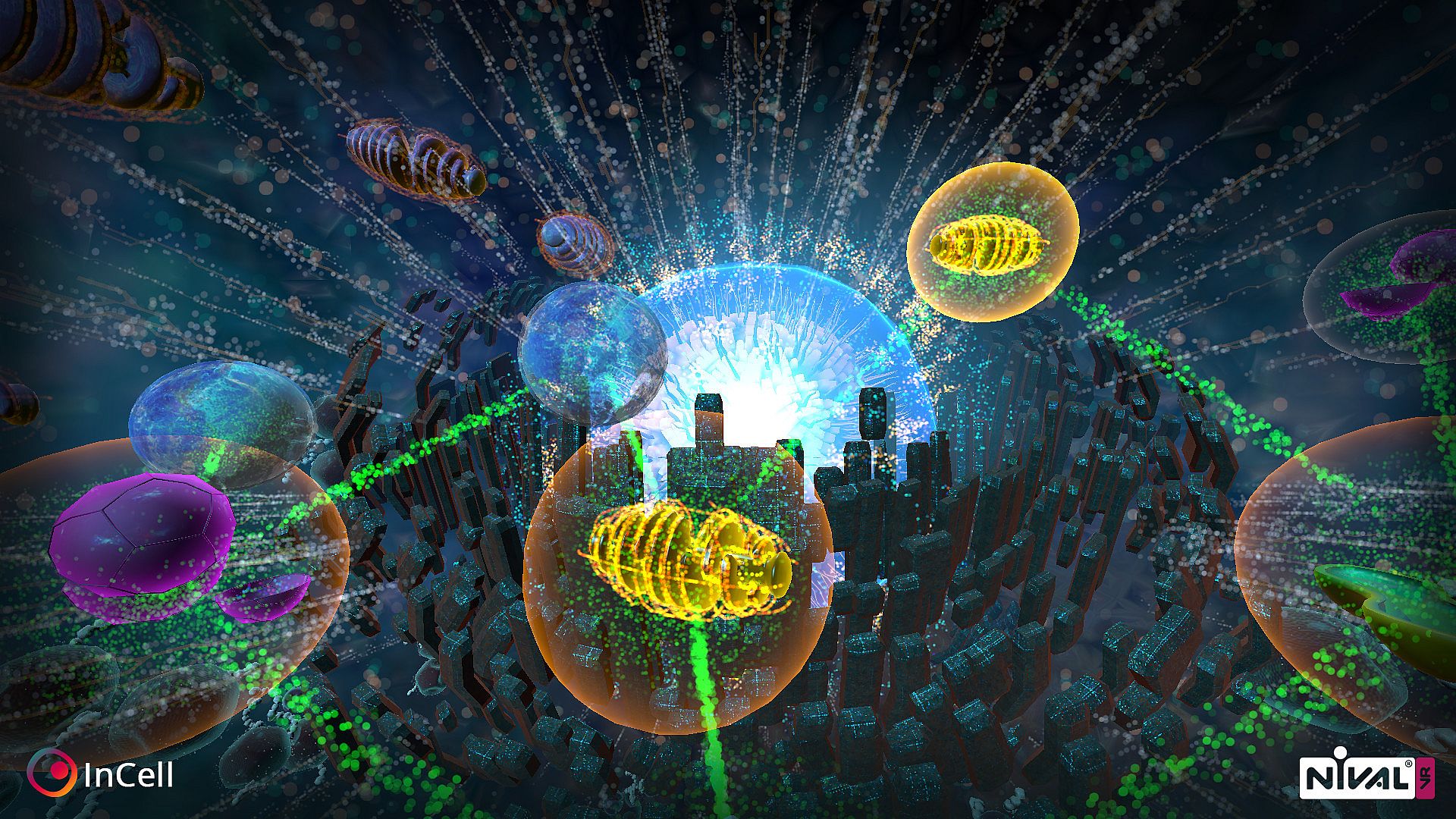
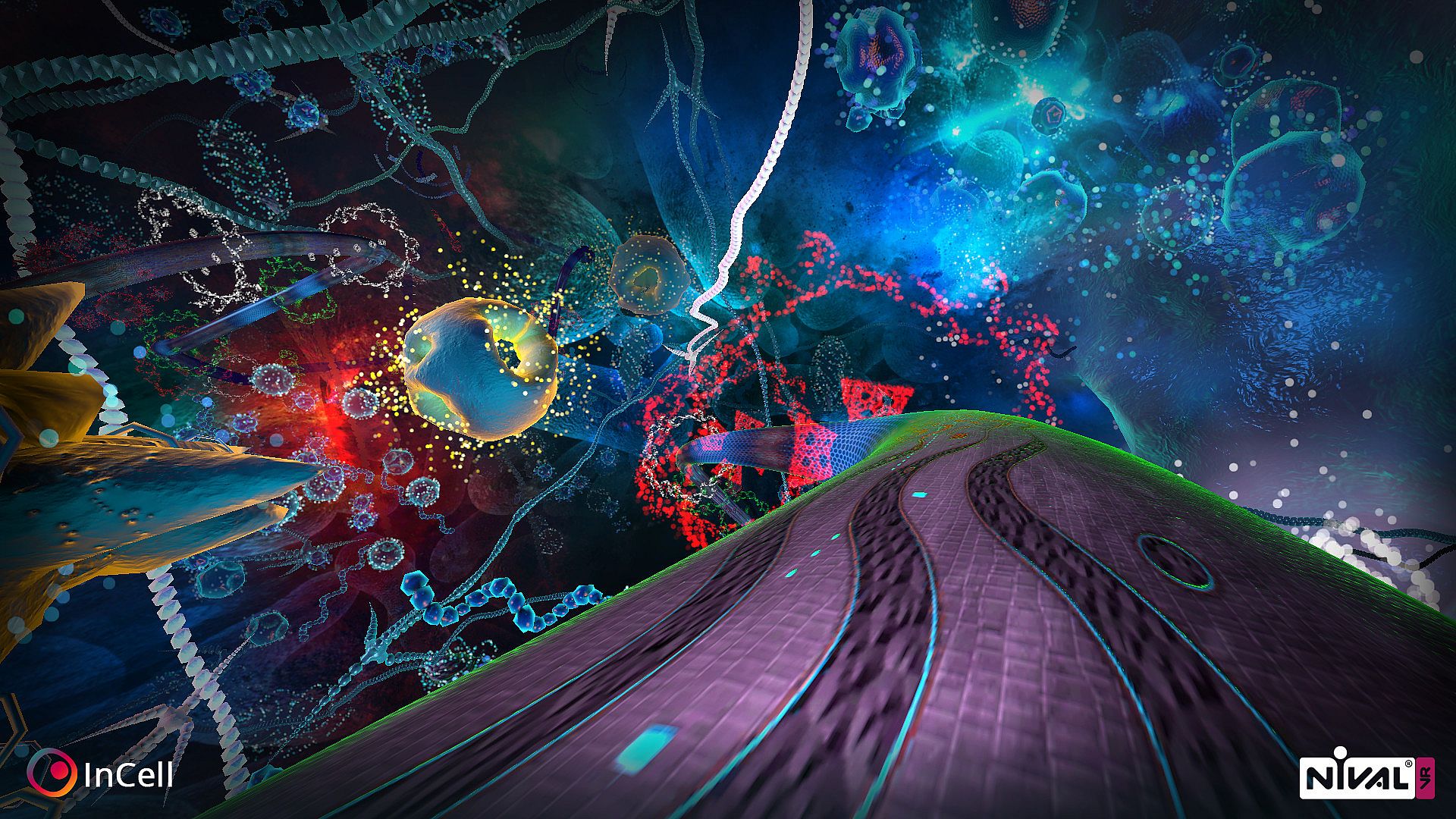
Race through a microworld inside a human cell in this action/racing game blended with strategy. Players navigate organelles to reach the nucleus, racing radially between them to cure volunteer Mrs. Jane Smith and win over skeptical robot assistant TMEAR07. Each organelle grants unique abilities that boost racing performance or shield the cell, while procedurally generated layouts keep runs fresh. Play with VR head movement, keyboard, or joystick on PC, with options to unlock tougher difficulties. Learn real cell structures and organelle roles as skills sharpen. This free-to-play indie title suits VR newcomers testing the waters or veterans chasing strategic racing challenges.

InCell is an action/racing game with a bit of strategy and science thrown into the mix in a rare and highly unusual microworld of the carefully recreated human cell. This is the right project to start your acquaintance with VR or receive new VR impressions. The game is focused on Virtual Reality but you can play just fine without a set.
Ready steady go!
Thanks to all robot-gods out there we will not take this journey alone -  our humble (with a tiny control-everyone mania) assistant is waiting for us (she is so sweet, isn’t she?). The Most Excellent Assistant Zero-Seven (she said that humans may refer to her simply as ‘Your Highness’). So the player’s task is to impress TMEAR07 with experiment on volunteer to unlock new healing technology for humanity. The problem is she doesn’t believe in that possibility because humans are simple and illogical (and she is genius… as always).


To cure our volunteer Mrs. Jane Smith and impress TMEAR07  players must select the right way through the objects (organelles) to the cell’s nucleus and do their best in innovative radial racings between selected objects. Each object provides unique abilities to improve racing params or to protect cell with different strategies.

How is it going inside the cell?
Getting closer to understanding cell structure and organelles functions (which are similar to the real functionality of the organelles) players will improve their skills and will have a chance to impress completely suspicious The Most Excellent Assistant Zero-Seven (who knows why is she so much aware of the other six Excellent Assistant Robots disassembling…).

One old and wise robot (he is still remember his 386 childhood) said that it’s a bad idea to make this kind of girl-robot sad…

Features
  • Playable with VR (control the movement with your head only, or use keyboard and joystick).
  • Solve the riddle of TMEAR07, find out why doesn’t she believe in the humanity (may be it is just robot’s bad today or some silicon stuff inside your PC makes she sad)?
  • With each new start the cell structure will be generated anew placing the organelles in different locations.
  • This game is a perfect opportunity to learn more about cell microstructure, different organelles and their roles in cell vital activity.
  • Unlock harder difficulties where the true challenge awaits.

Hot keys
  • Space - recenter camera position in VR mode
  • M - switch mirroring VR picture on monitor
  • Esc - pause and options menu
  • F5 - hide or show UI
  • F6 - hide or show bathyscaphe
  • F1 - graphics for recommended hardware
  • F2 - graphics for older hardware
  • F3 - decrease rotation speed (highly not recommended, only for experienced VR players)
  • F4 - increase rotation speed (highly not recommended, only for experienced VR players)
  • F7 - reset rotation speed to default
Known issues
  • VR on Linux is not yet implemented
  • If you are not using gamepad you may want to plug it off to switch game in mouse/keyboard control mode.
Interface:
English
Audio:
English
Sous-titres:
English
Steam:
Mixed (285)

Configuration requise

Minimum :

  • Processeur: Intel or AMD Dual-Core CPU with 2.8 GHz
  • Mémoire: 4 GB RAM
  • Graphismes: No VR Mode: NVIDIA GeForce GTX 560 or AMD Radeon HD6900 | VR Mode: NVIDIA GeForce GTX 750 Ti or AMD Radeon R9 270 (FullHD resolution)
  • DirectX: Version 11
  • Stockage: 1500 MB available space

Recommandé :

  • Processeur: Intel or AMD Dual-Core CPU with 2.8 GHz
  • Mémoire: 4 GB RAM
  • Graphismes: No VR Mode: NVIDIA GeForce GTX 560 or AMD Radeon HD6900 | VR Mode: NVIDIA GeForce GTX 750 Ti or AMD Radeon R9 270 (FullHD resolution)
  • DirectX: Version 11
  • Stockage: 1500 MB available space

Minimum :

  • Système d''exploitation: OS X Mountain Lion
  • Processeur: Intel 2.7 GHz Dual-Core i5
  • Mémoire: 4 GB RAM
  • Graphismes: No VR Mode: Laptop: NVIDIA GeForce GT 650M Desktop: NVIDIA GeForce GTX 560 or AMD Radeon HD6900 (FullHD resolution)
  • Stockage: 1500 MB available space
  • Notes supplémentaires: VR is not yet supported

Recommandé :

  • Système d''exploitation: OS X Mountain Lion
  • Processeur: Intel 2.7 GHz Dual-Core i5
  • Mémoire: 4 GB RAM
  • Graphismes: No VR Mode: Laptop: NVIDIA GeForce GT 650M Desktop: NVIDIA GeForce GTX 560 or AMD Radeon HD6900 (FullHD resolution)
  • Stockage: 1500 MB available space
  • Notes supplémentaires: VR is not yet supported

Minimum :

  • Système d''exploitation: Ubuntu, SteamOS, Mint or equivalent
  • Processeur: Intel or AMD Dual-Core CPU with 2.8 GHz
  • Mémoire: 4 GB RAM
  • Graphismes: No VR Mode: Laptop: NVIDIA GeForce GT 650M Desktop: NVIDIA GeForce GTX 560 or AMD Radeon HD6900 (FullHD resolution) with at least GLSL 1.30 support
  • Stockage: 1500 MB available space
  • Notes supplémentaires: VR is not yet supported

Recommandé :

  • Système d''exploitation: Ubuntu, SteamOS, Mint or equivalent
  • Processeur: Intel or AMD Dual-Core CPU with 2.8 GHz
  • Mémoire: 4 GB RAM
  • Graphismes: No VR Mode: Laptop: NVIDIA GeForce GT 650M Desktop: NVIDIA GeForce GTX 560 or AMD Radeon HD6900 (FullHD resolution) with at least GLSL 1.30 support
  • Stockage: 1500 MB available space
  • Notes supplémentaires: VR is not yet supported

Historique des prix

Plus bas historique
Keyshops
-
-
-
Boutiques officielles
-
-
-

FAQ

8 questions

Avant de commencer à chercher une clé CD InCell VR pas chère, prenez un moment pour vérifier l'essentiel. Développé par Luden.io. Publié par Luden.io. Date de sortie PC : 03 sept. 2015. Genres : Strategy, Free To Play, Indie, Racing. Catégories : Single-player, Steam Achievements, Full controller support, VR Supported, VR Support. Avis sur InCell VR : Avis Steam : 69% of the 285 user reviews for this game are positive.

Q Puis-je jouer à InCell VR sur Steam Deck ?

Non, pas pour le moment. Valve indique que InCell VR n'est pas pris en charge sur Steam Deck, donc il ne se lance pas via Proton actuellement. Gardez un œil sur XD.deals - nous suivons les avancées Proton et les correctifs de la communauté, et nous le signalerons dès qu'il existera une méthode fonctionnelle pour jouer à InCell VR sur Steam Deck.

Oui. Une version Steam de InCell VR existe. Choisissez n'importe quelle offre marquée Clé Steam sur XD.deals, activez-la dans le client desktop et jouez à InCell VR sur Steam PC.

Oui. Une fois votre clé Steam activée, vous pouvez lancer InCell VR en mode hors ligne via Steam. Vos sauvegardes se synchroniseront la prochaine fois que vous serez en ligne.

Oui, vous pouvez acheter une clé Steam InCell VR directement sur le Steam Store. Sur XD.deals, nous agrégeons toutes les offres Steam DRM disponibles afin que vous puissiez comparer les bons plans Steam InCell VR pas chers au même endroit.

Pour le moment, nous n'avons aucune offre en direct pour InCell VR 2 - boutiques officielles (0) et keyshops (0) indiquent le jeu comme épuisé ou temporairement indisponible...

Avec XD.deals, les joueurs PC voient instantanément où acheter une clé Steam InCell VR PC pas chère. Notre moteur de comparaison en temps réel et notre base de coupons sélectionnés suivent chaque boutique officielle et keyshop fiable - vous n'avez rien à faire. En ce moment, nous détectons ce jeu dans 0 offres en direct de boutiques et de keyshops.

Pas encore. Il n'y a pas de fiche Steam pour InCell VR actuellement, donc vous ne pouvez pas acheter InCell VR sur Steam aujourd'hui. À la place, parcourez les autres offres InCell VR sur XD.deals - les boutiques officielles et keyshops proposent souvent des versions sans DRM ou des clés de launcher pour jouer en attendant une sortie Steam.

Non - XD.deals n'est pas une boutique. Nous sommes un service de comparaison de prix qui suit les meilleures offres pour InCell VR sur les boutiques officielles et les keyshops vérifiés. Cliquez sur " Acheter maintenant " à côté de l'offre souhaitée, et vous serez redirigé(e) vers le site du vendeur pour finaliser l'achat et recevoir la clé.

Prêt(e) à vous lancer ? Créez une alerte de prix sur XD Deals et récupérez une clé Steam InCell VR en promo dès qu'elle atteint son prochain plus bas historique.

Créer une alerte