


Come say hi! .gg/n9PWrxFQFF
Note - I'll refer to this as BMD (Bot Maker for Discord) to keep things simple
If you just want to see how app interactions look like, see the guide in the "Basic Info" section (Button labeled "View the Manual" to the right of this description)
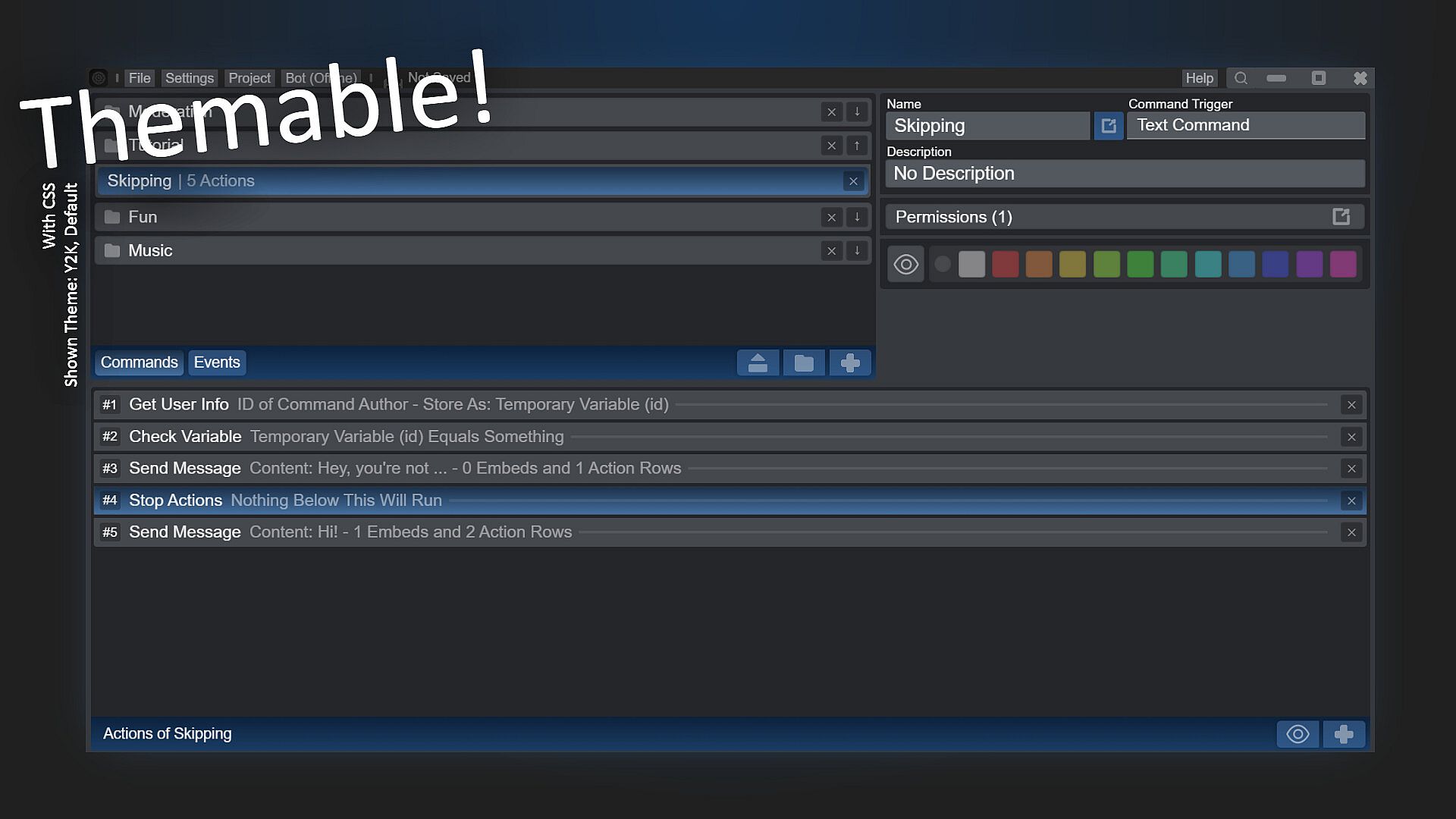
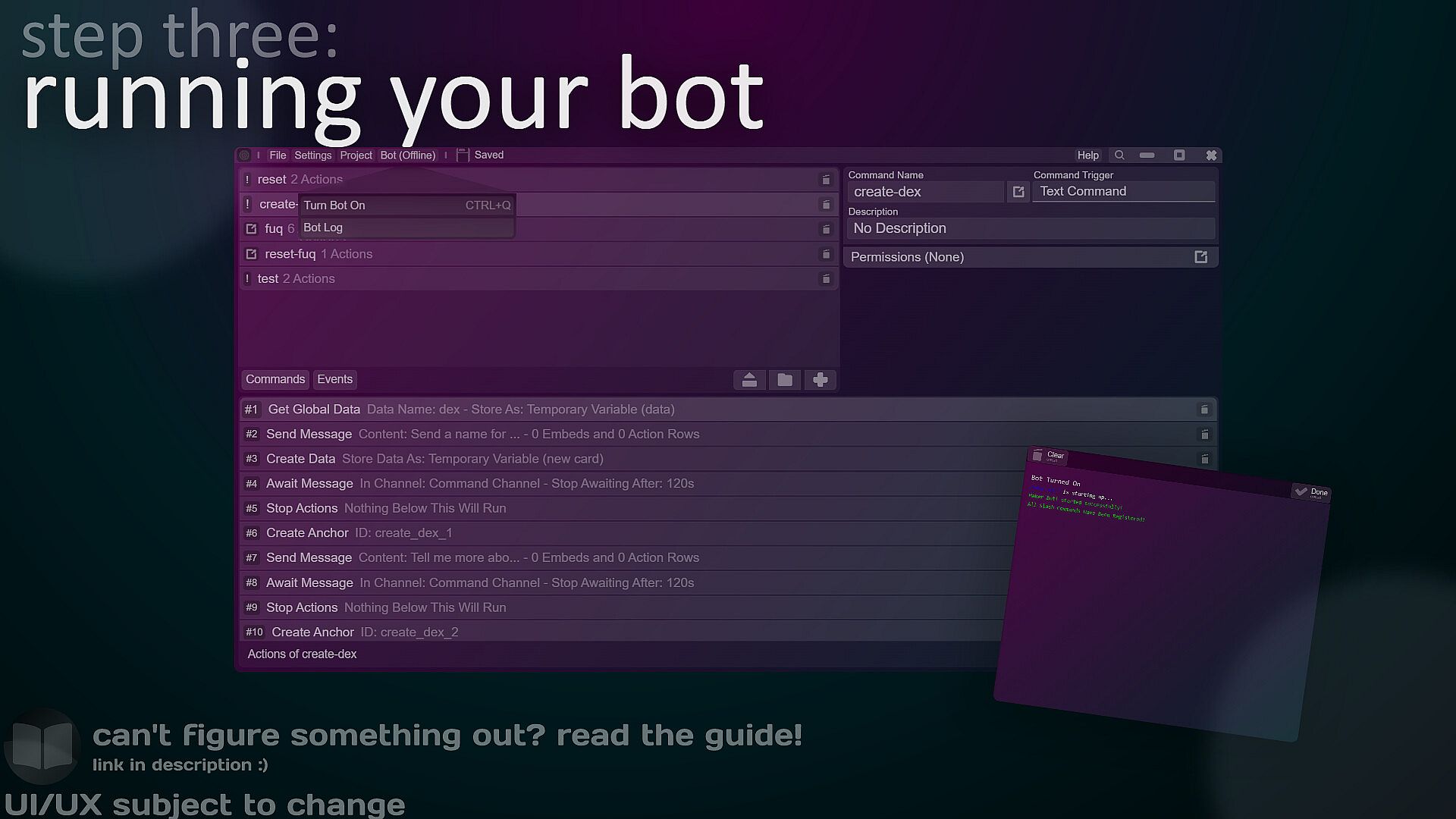
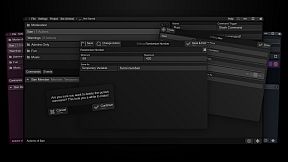
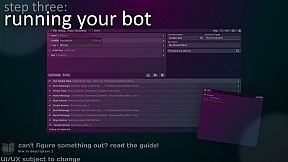
BMD is a list-based bot maker. This means that everything, from your commands to your actions, is displayed in the order in which you place them.
Example: when a command is ran, its actions (keep reading to find out what they are) run in the same order you placed them.
Why this layout? Although most people believe flowcharts are simpler, being list-based prevents your project from going spaghetti - therefore, it makes picking up where you left off 10x simpler.
If you're coming from Discord Bot Maker (not affiliated), you'll find that this app is very similar (although more updated) in most cases.
Here's how it works
What are actions?
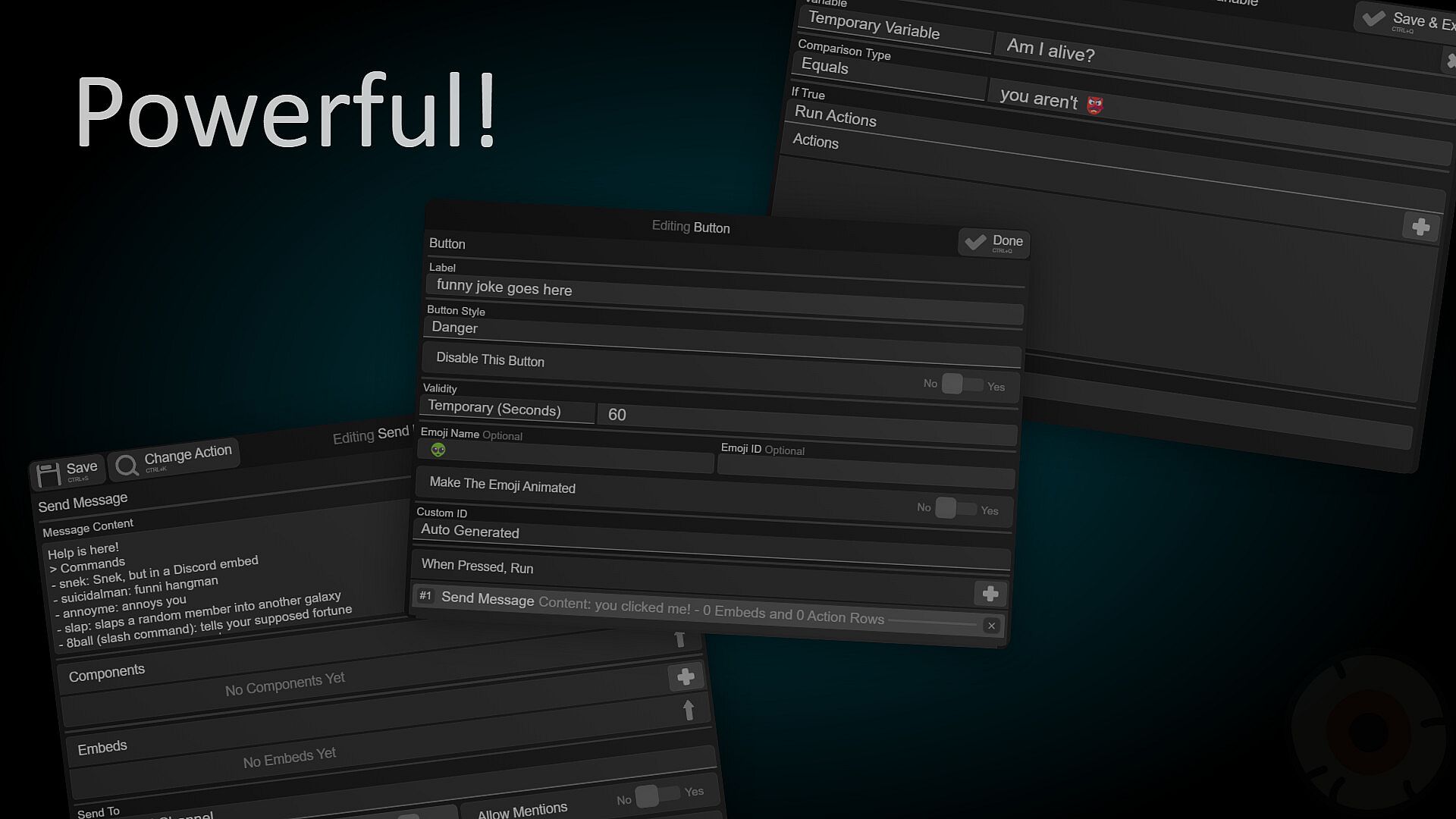
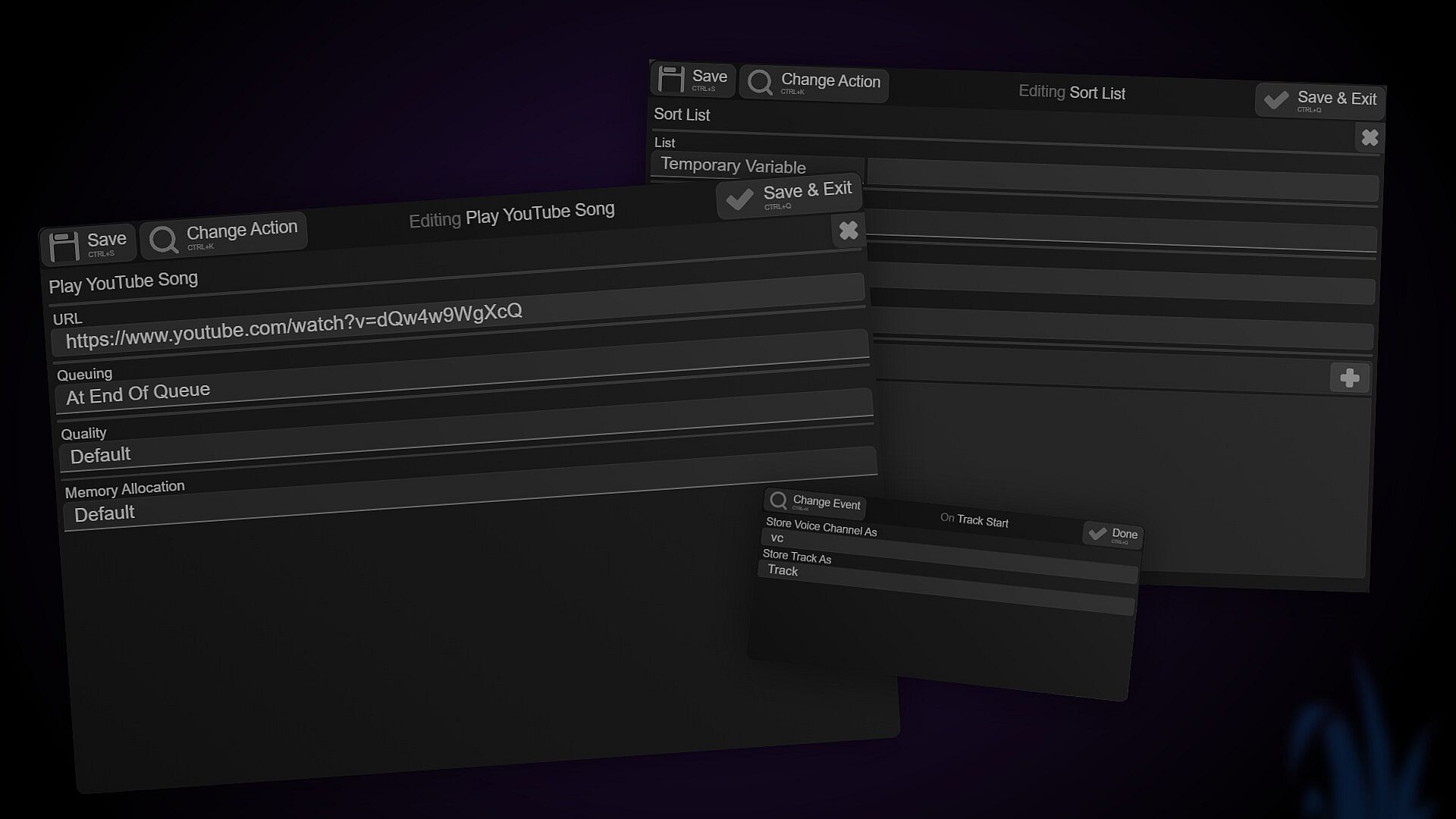
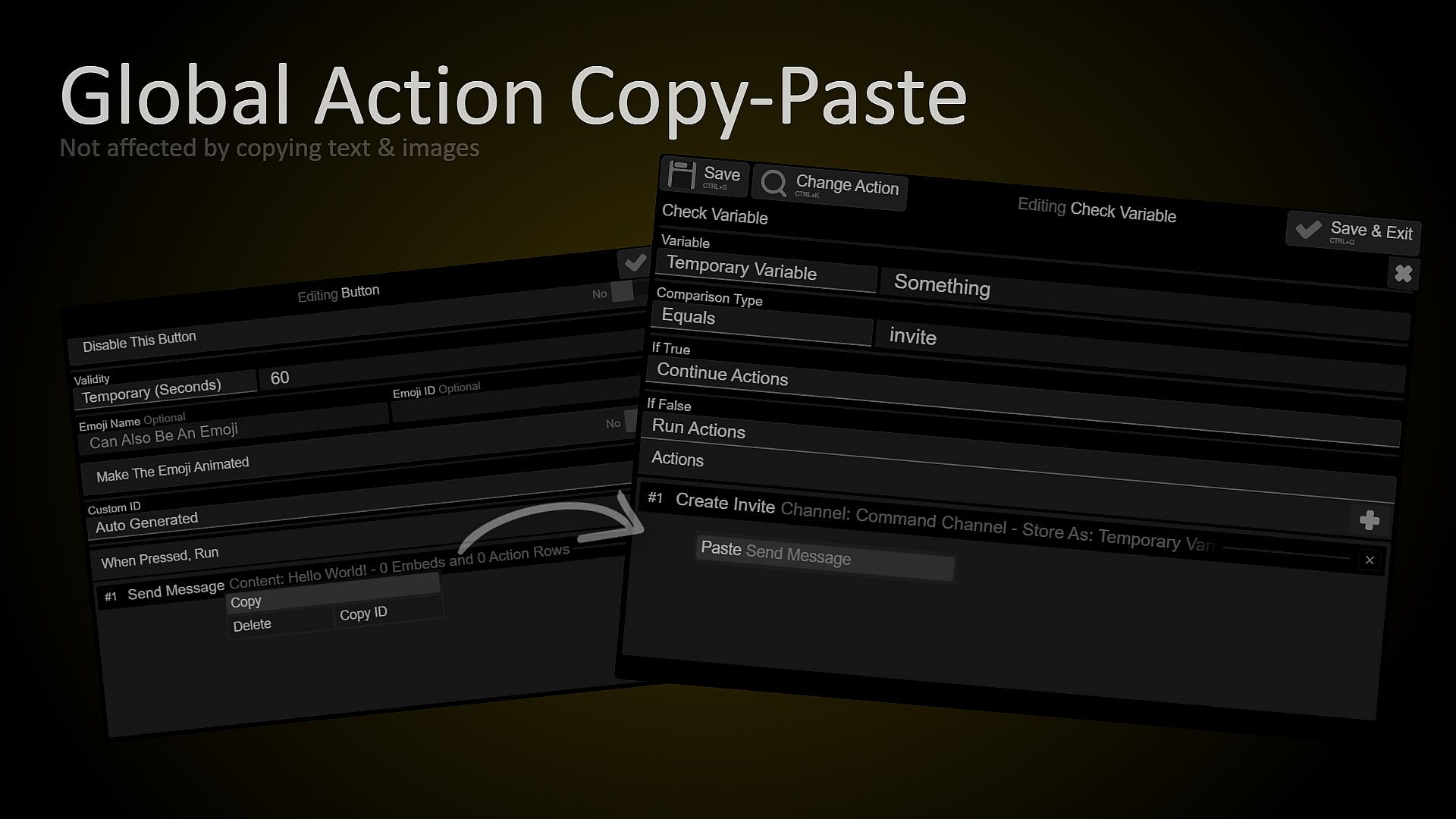
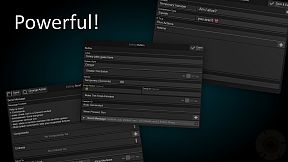
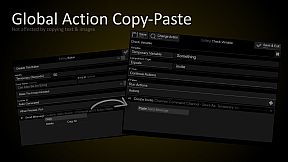
Think of a command like a puzzle. You know how puzzles have pieces? Well, an action is basically a piece of the puzzle (your command/event). There are over 250 actions in BMD (and you can get community-made ones from workshop too), meaning it's more than capable to do about anything if you can use basic logic.
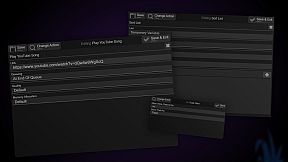
Still not sure what an action is? Watch the trailer! This is the default action, "Send Message":
Support / Community*
Since nobody's using steam community forums, we have a hybrid support/chatting server - .gg/n9PWrxFQFF, off-topic's welcome!
Support threads are generally answered within a few hours, but this depends on the time of day. There's also a guide that you can find in the app's "Help" section (among with the server)
BMD's community is basically the only reason the app exists. The current "fanbase" keeps suggestions/feedback/bug reports going on the Discord server.
Discord API features & Features in general
This app supports slash commands (along with user/message commands). It also supports parameter options & autocompletion, installable apps (AKA User Apps), subcommands, buttons, select menus (including member/role/channel ones), and about everything Discord makes available to bots.
Coming from another bot maker?
> Does it require writing JSON / generating your commands' data with an online tool? Don't worry, we don't need you to do that! Commands are automatically registered for you, zero JSON needed :)
> Does it require you to install node modules or node.js by yourself? This app doesn't! Everything comes pre-packaged and pre-installed for you.
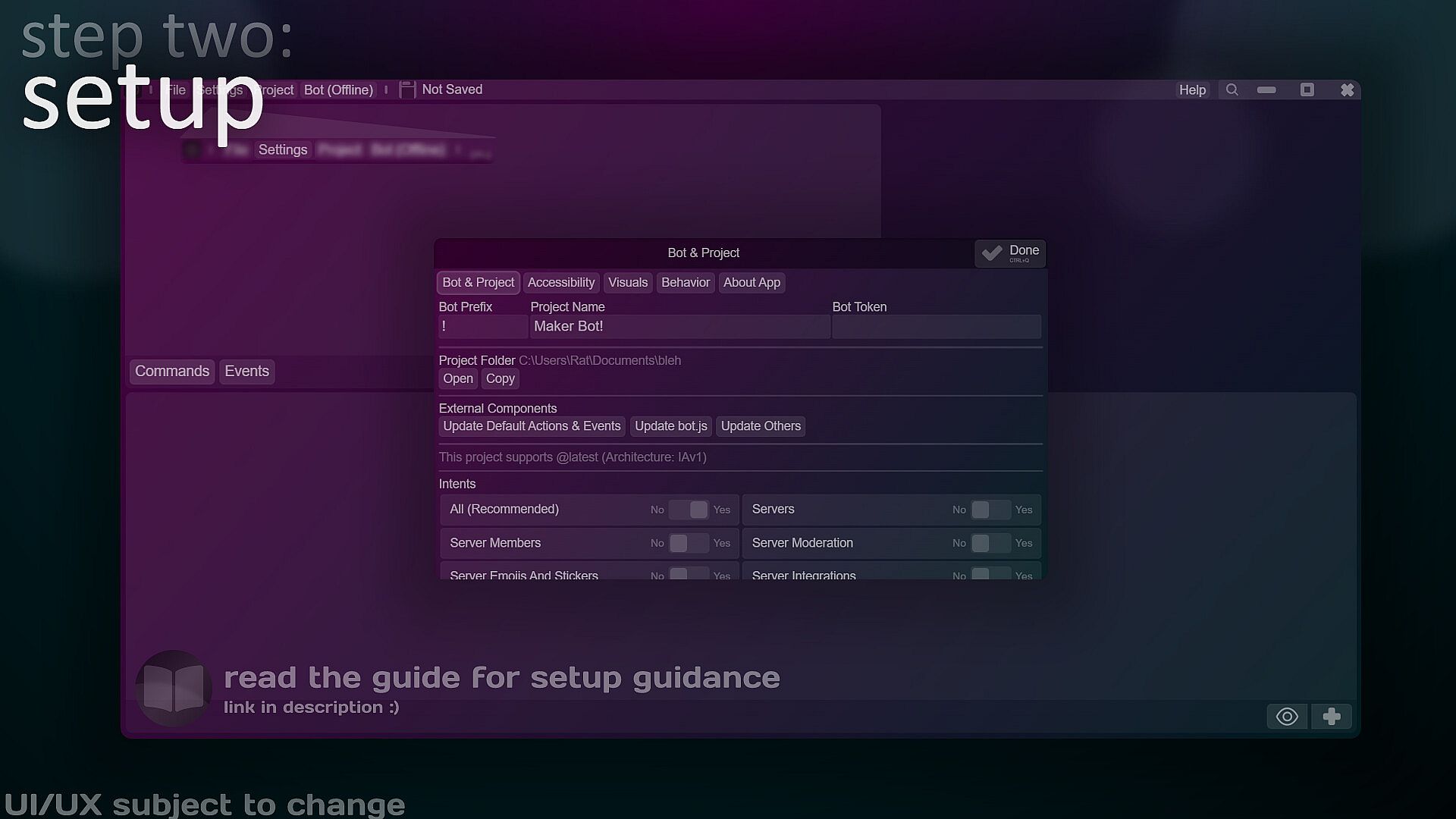
> Does it require you to set your own intents via a funky number? Yet again, this app doesn't! We have toggles for every intent.
> Does it require you to install mods for stuff like buttons or select menus? Nope! You can find components in the send message action.
It can also: use quickDB, manipulate images, edit messages, store/get data, use logic to jump/skip/call actions, log messages, DM users and a lot more (if you have questions about the featureset or if you can do achieve something with BMD, you can always create a support thread in our community)
What's so special about this app?
ActionPalette - universal search for almost everything in-app.
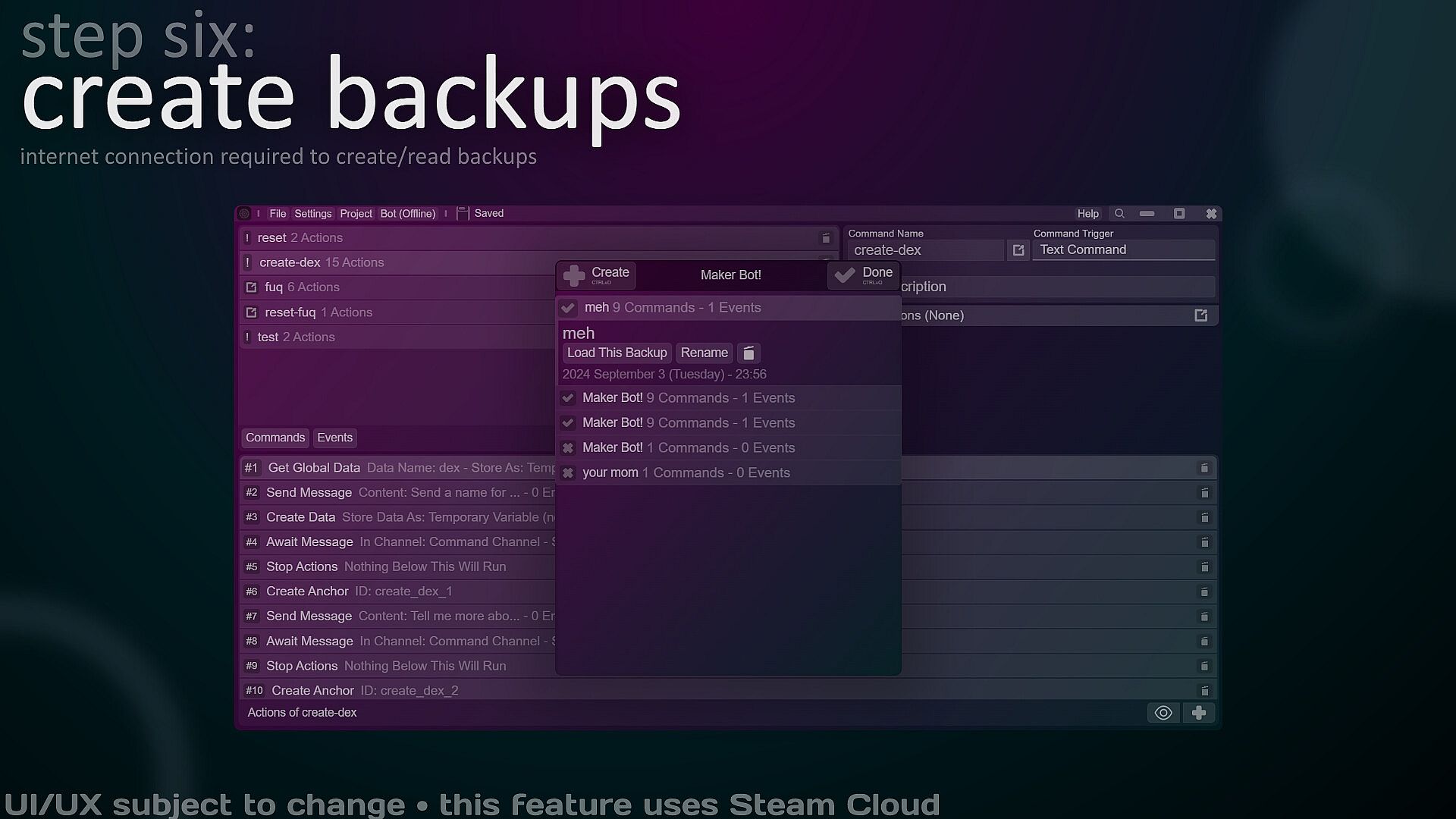
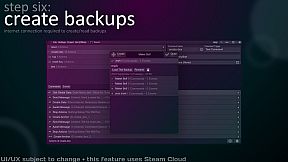
Steam Cloud (backups) support
Aliases (for text commands)
Permissions & Permission Rejection Scenarios (for any kind of command)
Parameter Autocompletion
Customizable Default Command Type (pick between Text/Slash/Message/User Commands)
Expandable/Collapsible Actions/Command Pane
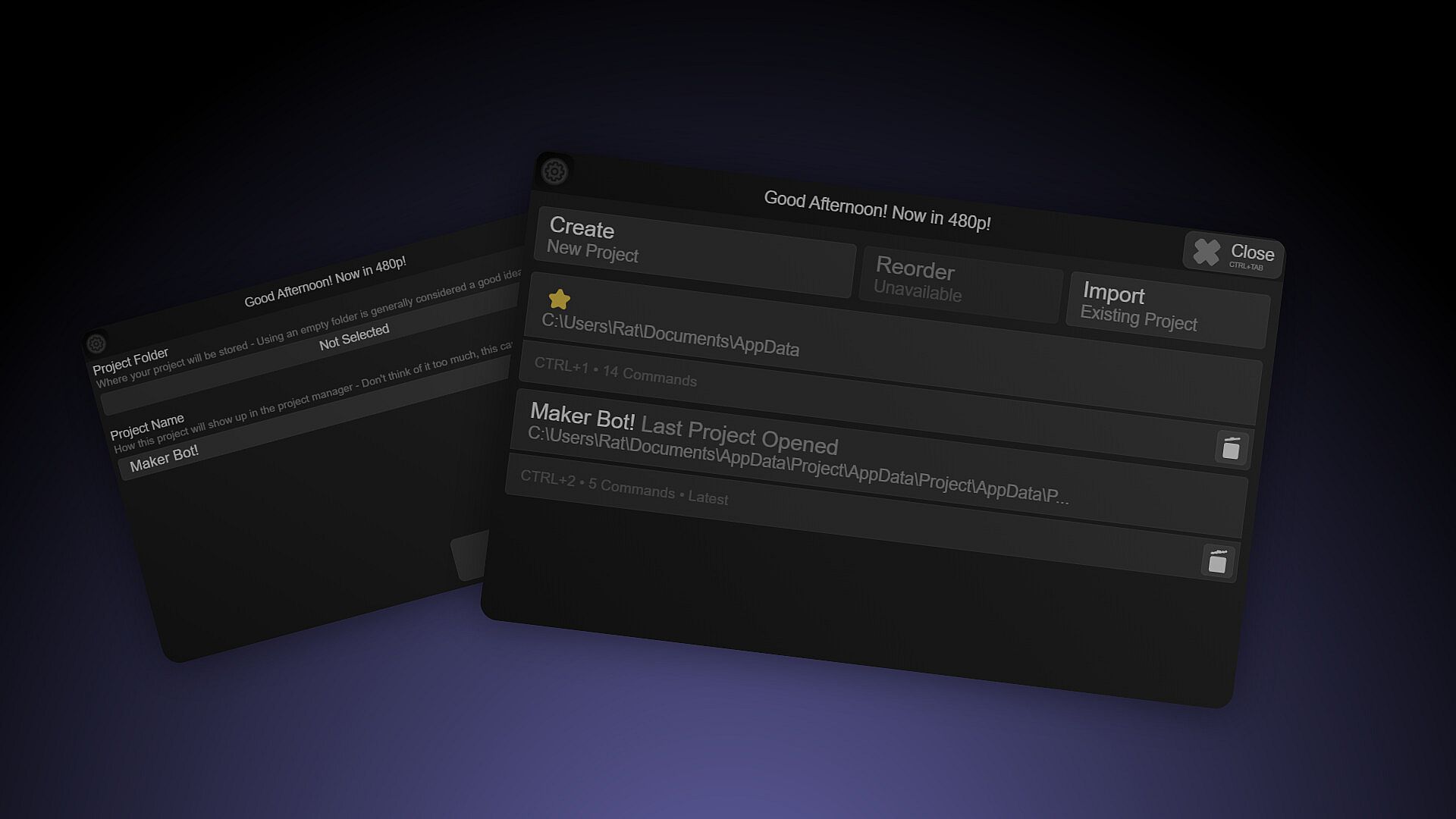
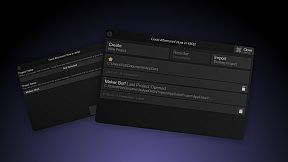
A project manager (so you can quickly switch to another project)
Workshop
Automations
Heavy duty maintenance / development
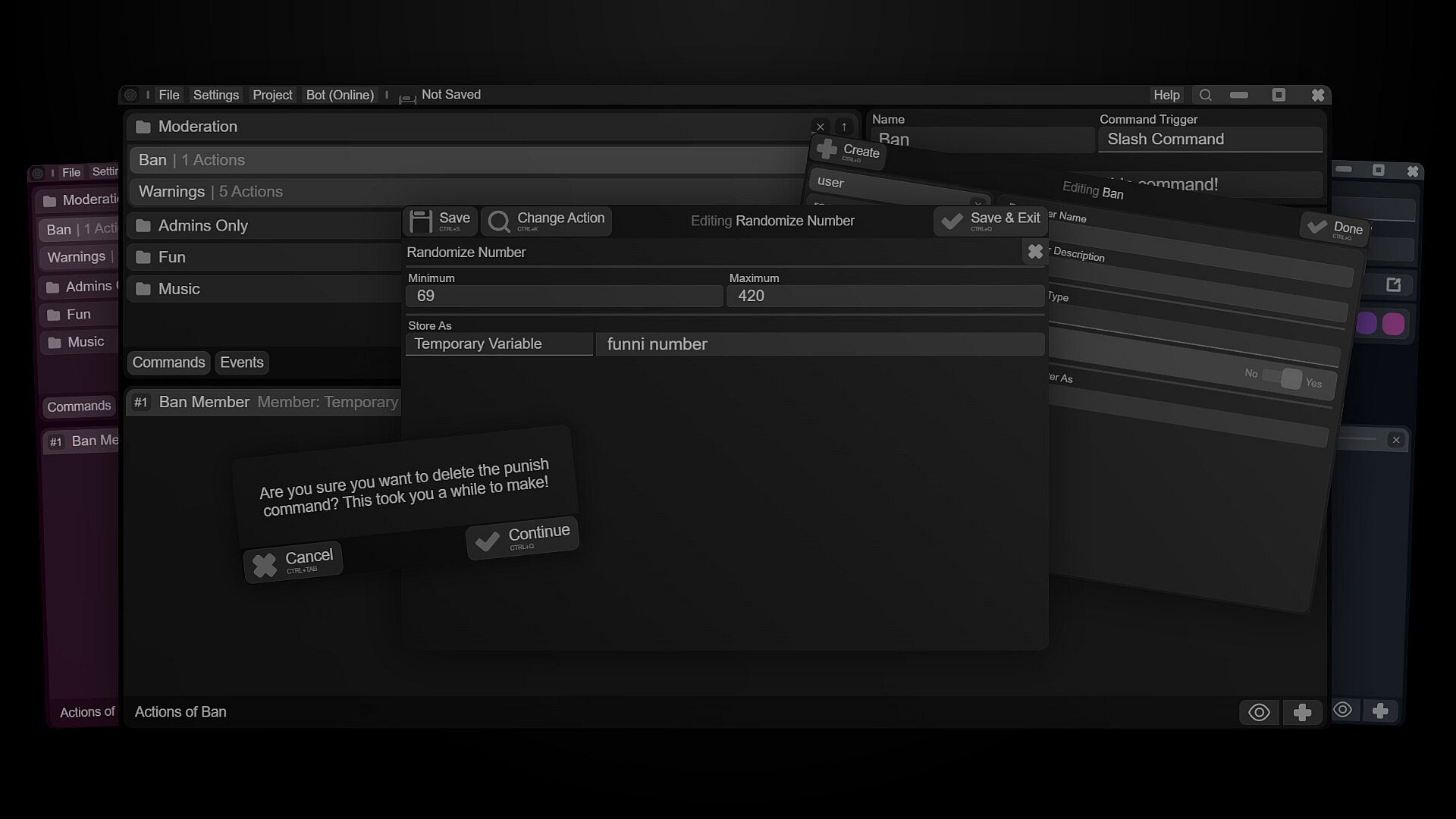
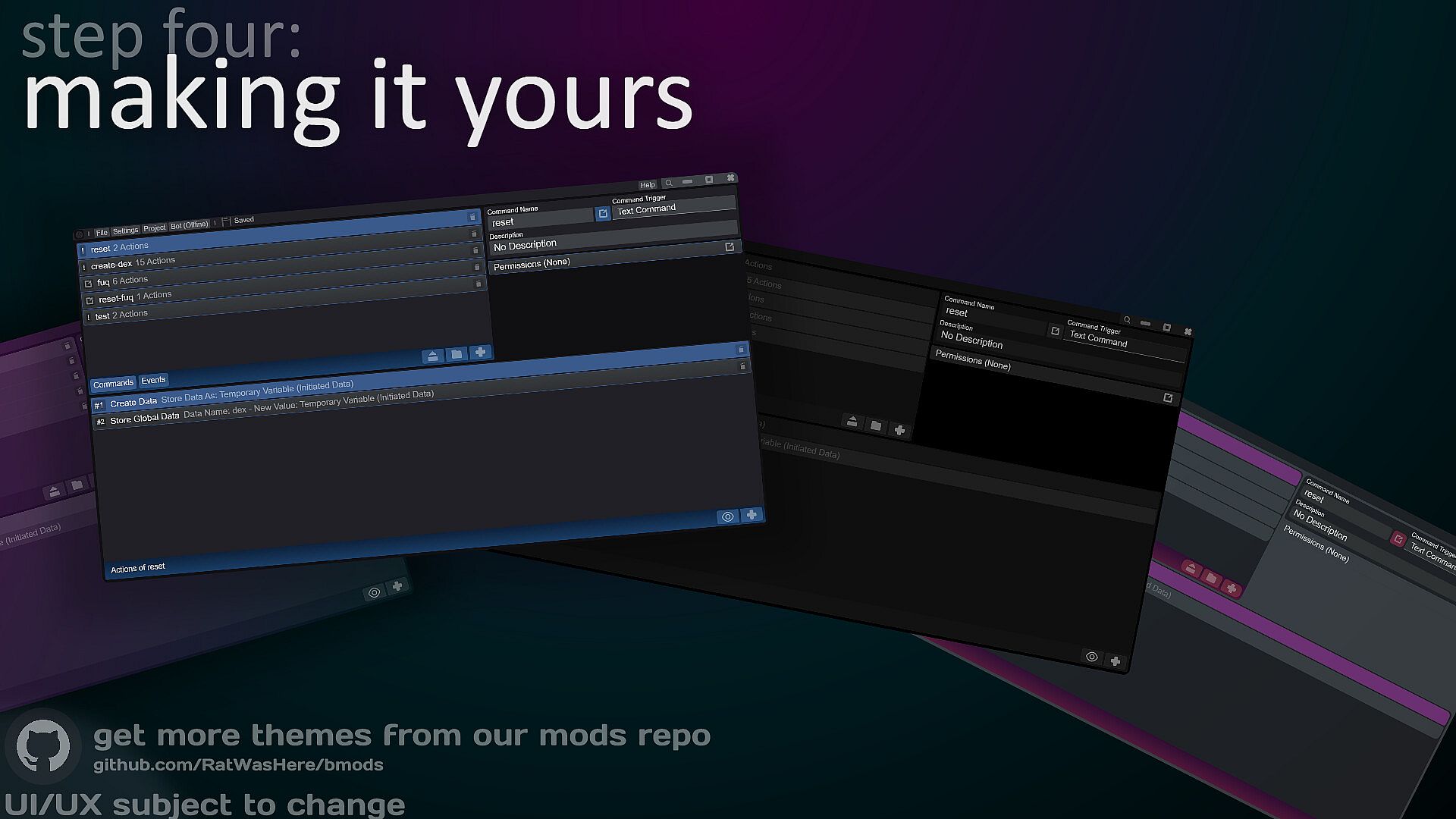
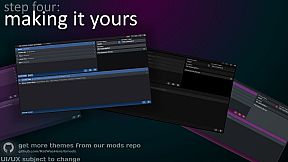
Customizable & Themable
I want to sell a bot made with this
We're not gonna stop you! Anything you make with this app is yours. You can also export the bot to later package it and hand it over.
Can I share this app's files?
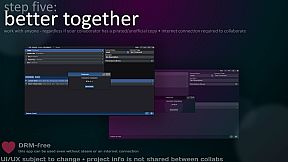
Yeah! There is zero DRM and no licensing, it'll run on a computer without Steam installed.
Please keep in mind some features require having Steam open (Cloud Backups, Workshop)
Does this self-advertise in my bot's status?
No! Your bot is YOURS, not ours. You can set your own status via the "Set Bot Activity" action or leave it empty.
Attribution
Thanks to Icons8 for their design software and icons!
Special thanks to Iconduck for their icons
Art assets made with Lunacy by Icons8
The developer of this app and this app are not affiliated or associated with Discord and any mentioned applications or companies (Iconduck, Icons8, Lunacy).
* Support is not guaranteed
* Translations don't cover the entirety of the app's interface.