

Comprar Chess Graphy PC

¿Te interesa Chess Graphy? Estamos siguiendo precios en tiendas de confianza. Añade Chess Graphy a tu lista de deseos y te avisaremos cuando haya ofertas.

Lanzamiento: 09 may 2023
Desarrollador: Richard Tivolt
Steam:
Overwhelmingly Negative (1)
Official
No disponible
Keyshops
No disponible
Comprar en tienda oficial:
No disponible
Comprar en keyshops:
No disponible

No hay entradas, pero no te preocupes: te avisaremos cuando aparezca una nueva oferta.

Create Alert Create deal Alert

Sobre Chess Graphy

Chess Graphy - sobre el juego

What is Chess Graphy?
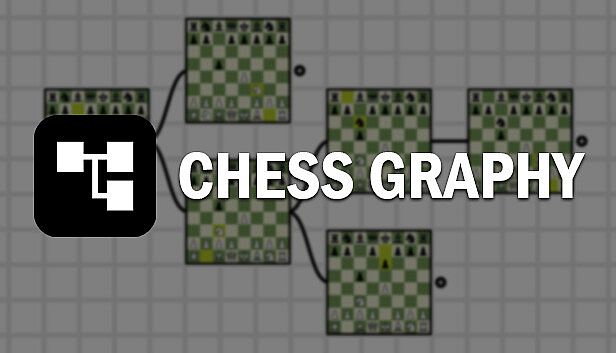
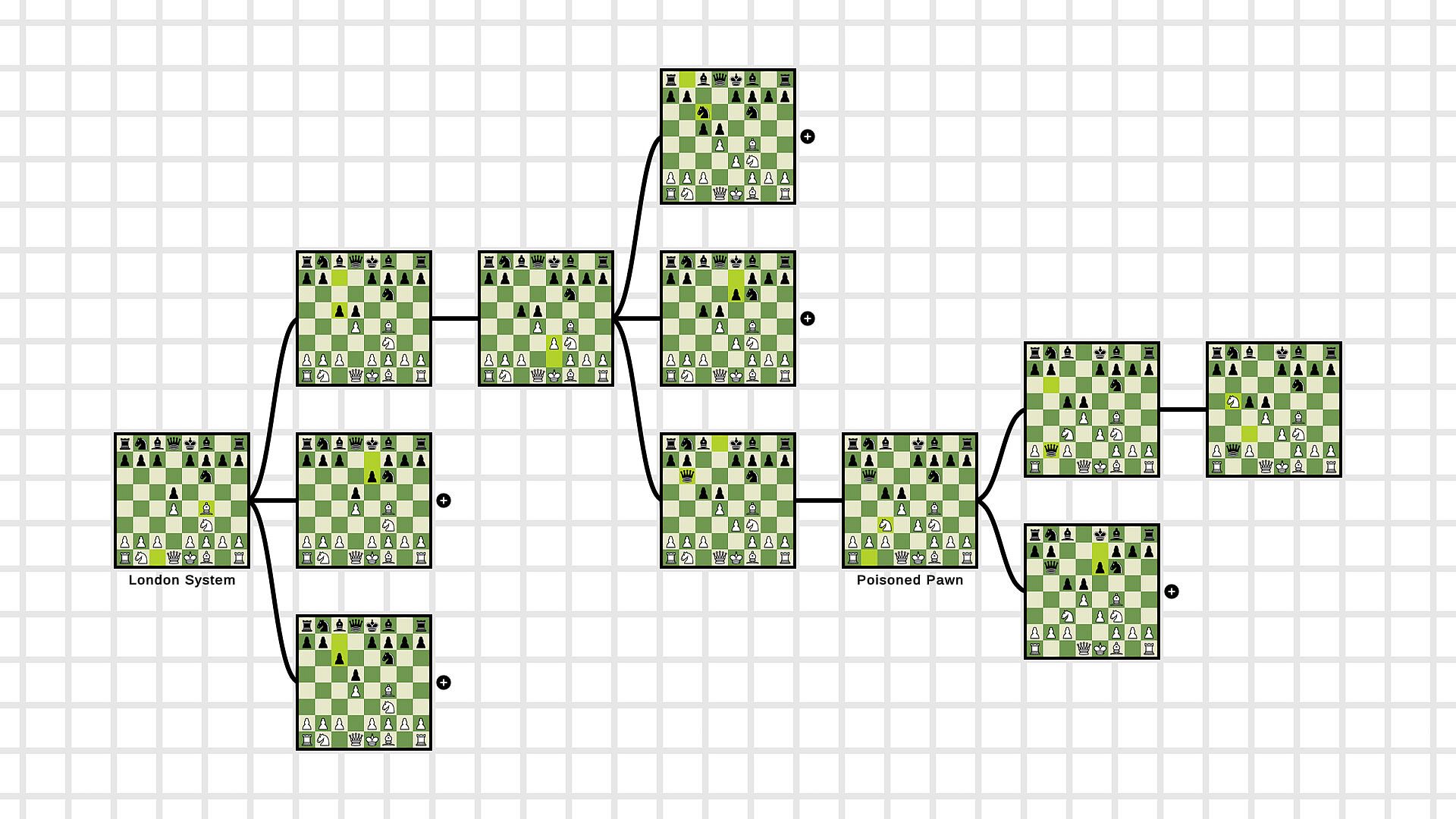
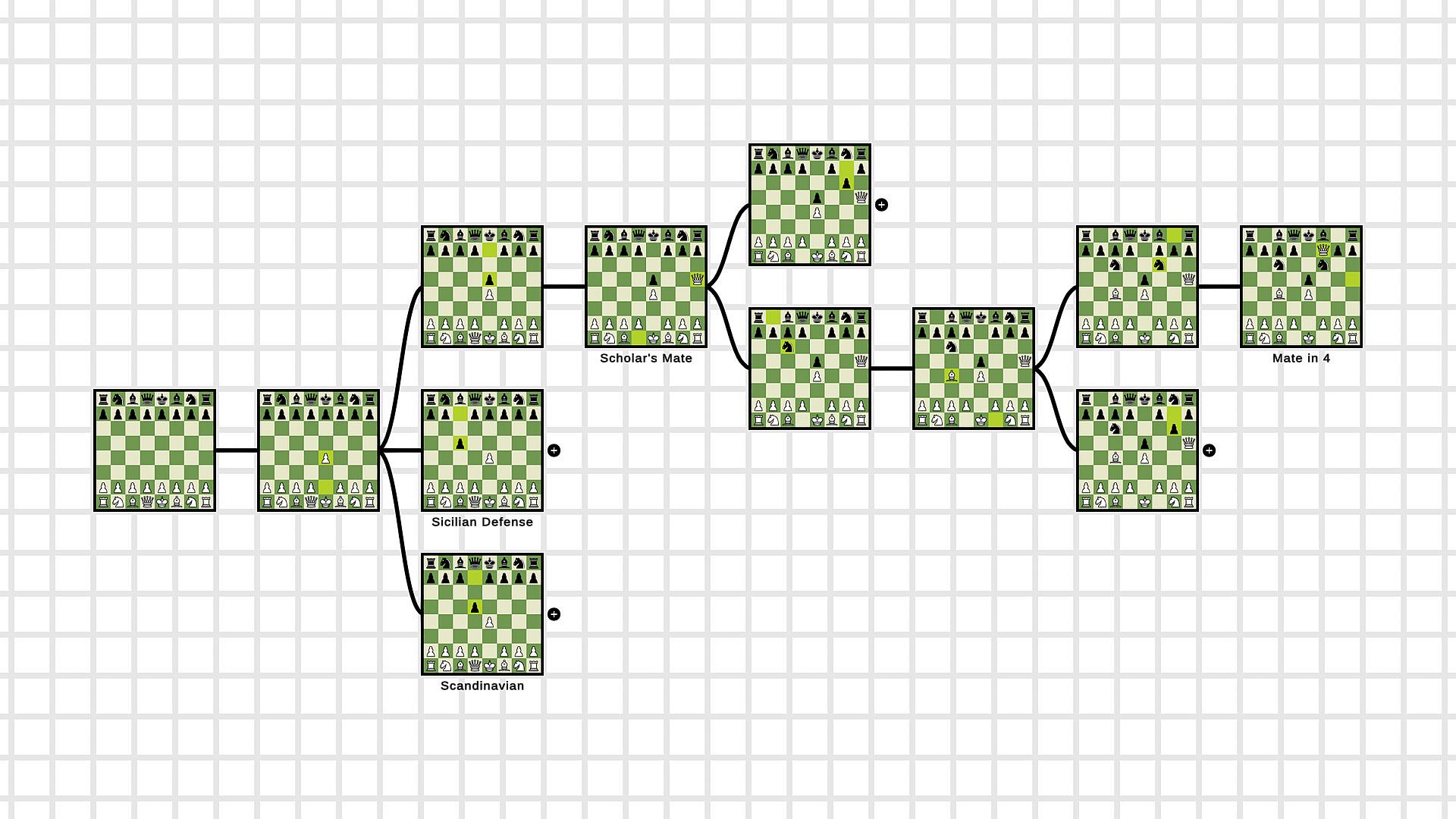
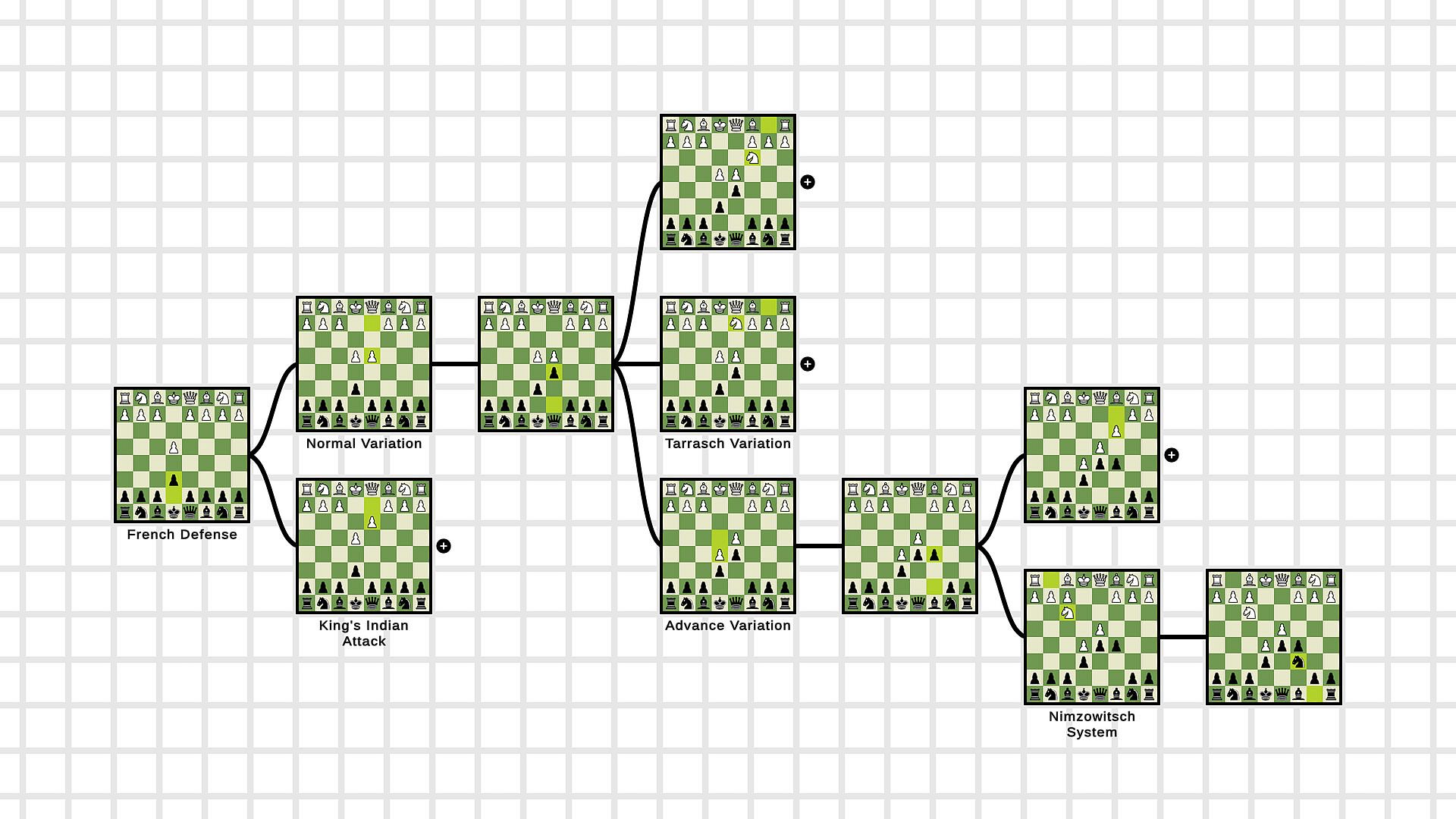
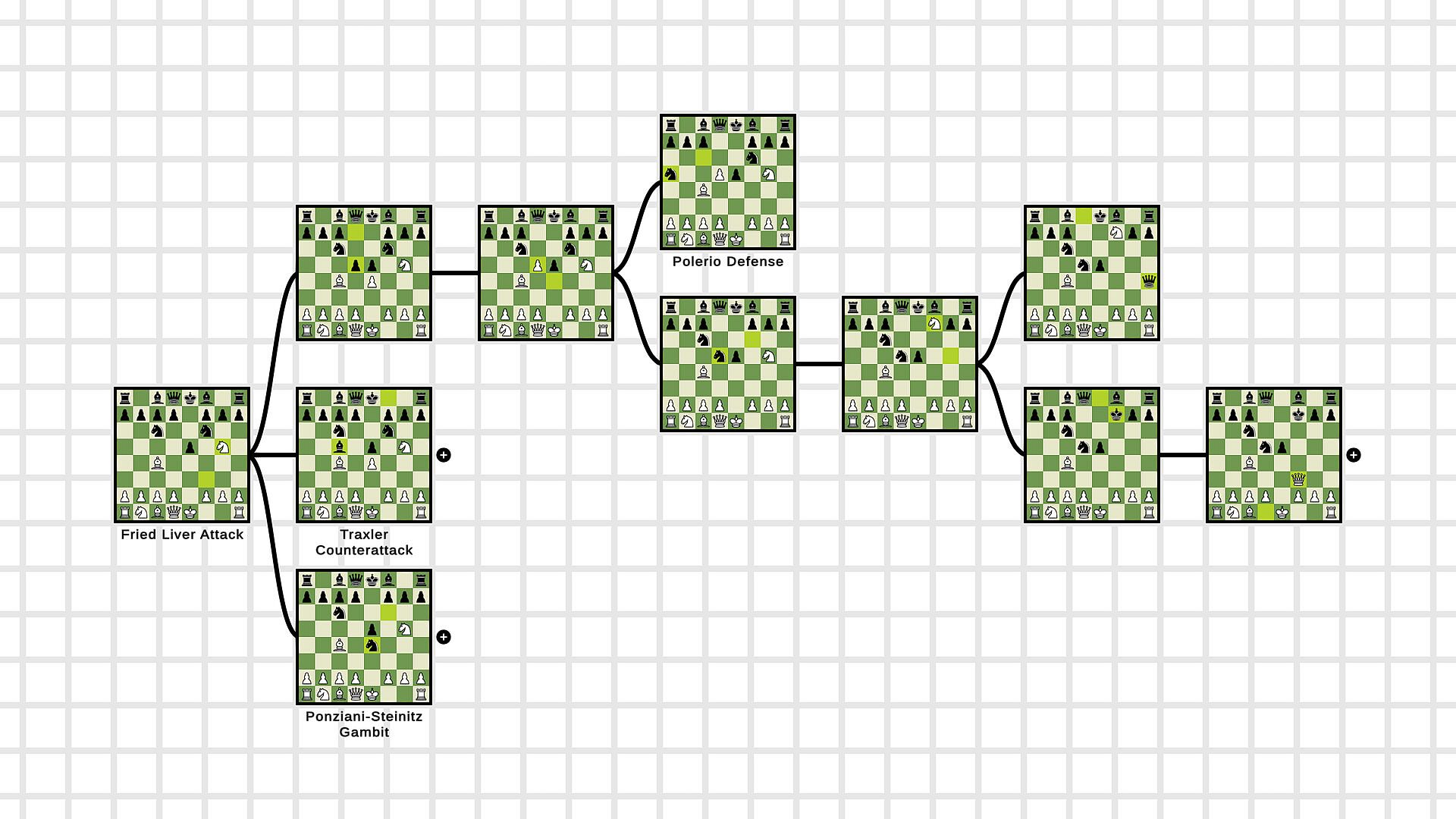
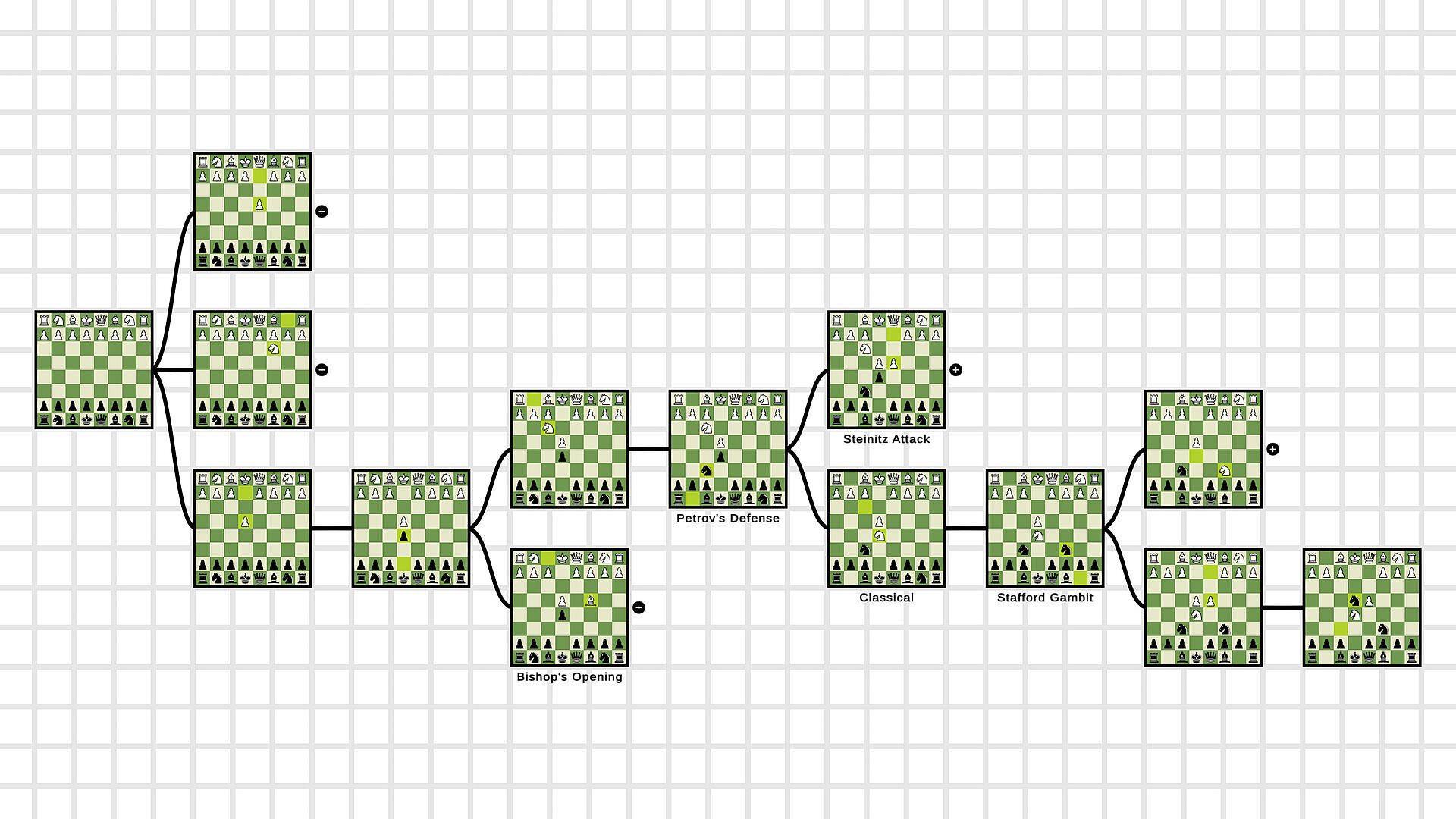
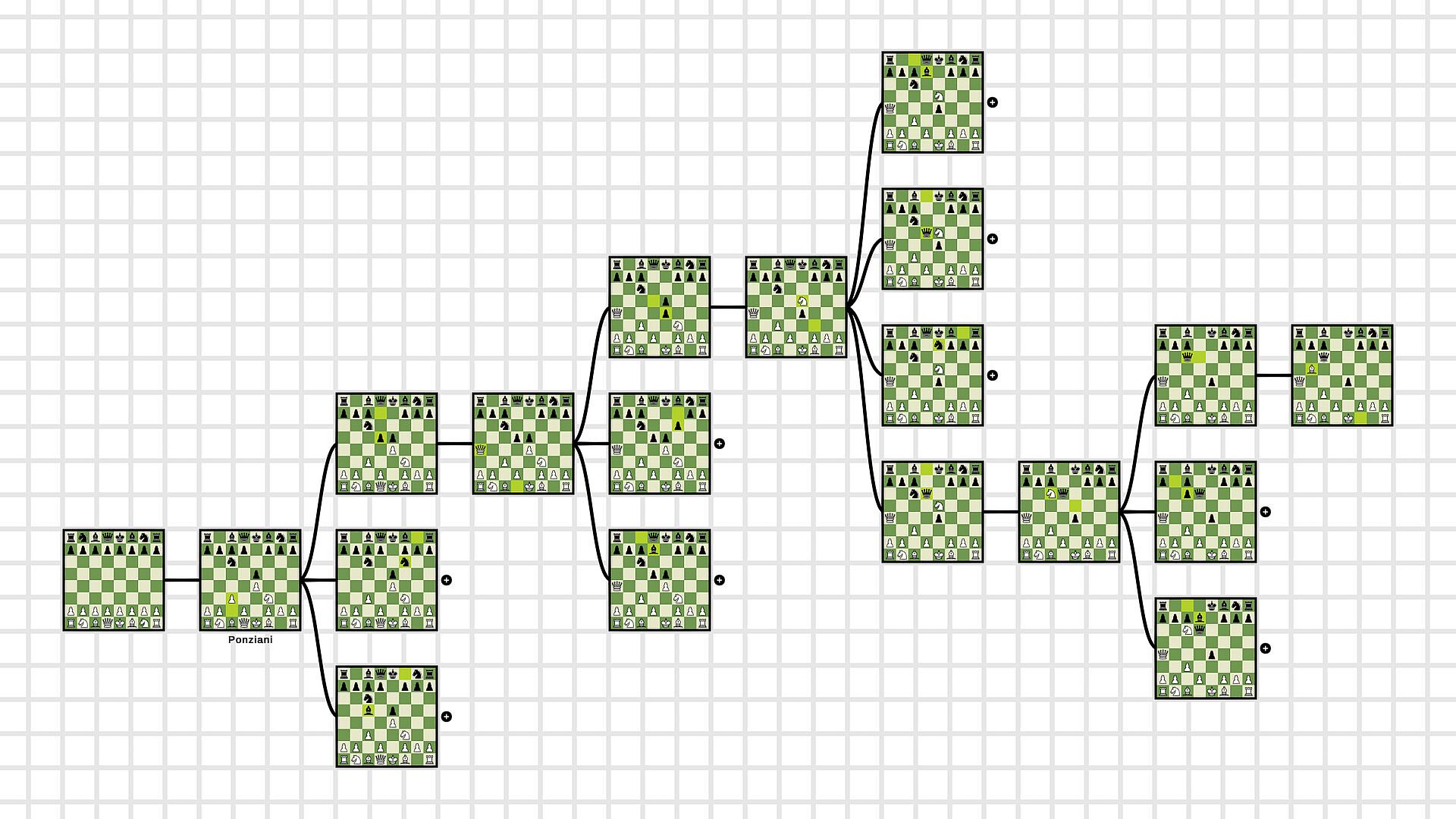
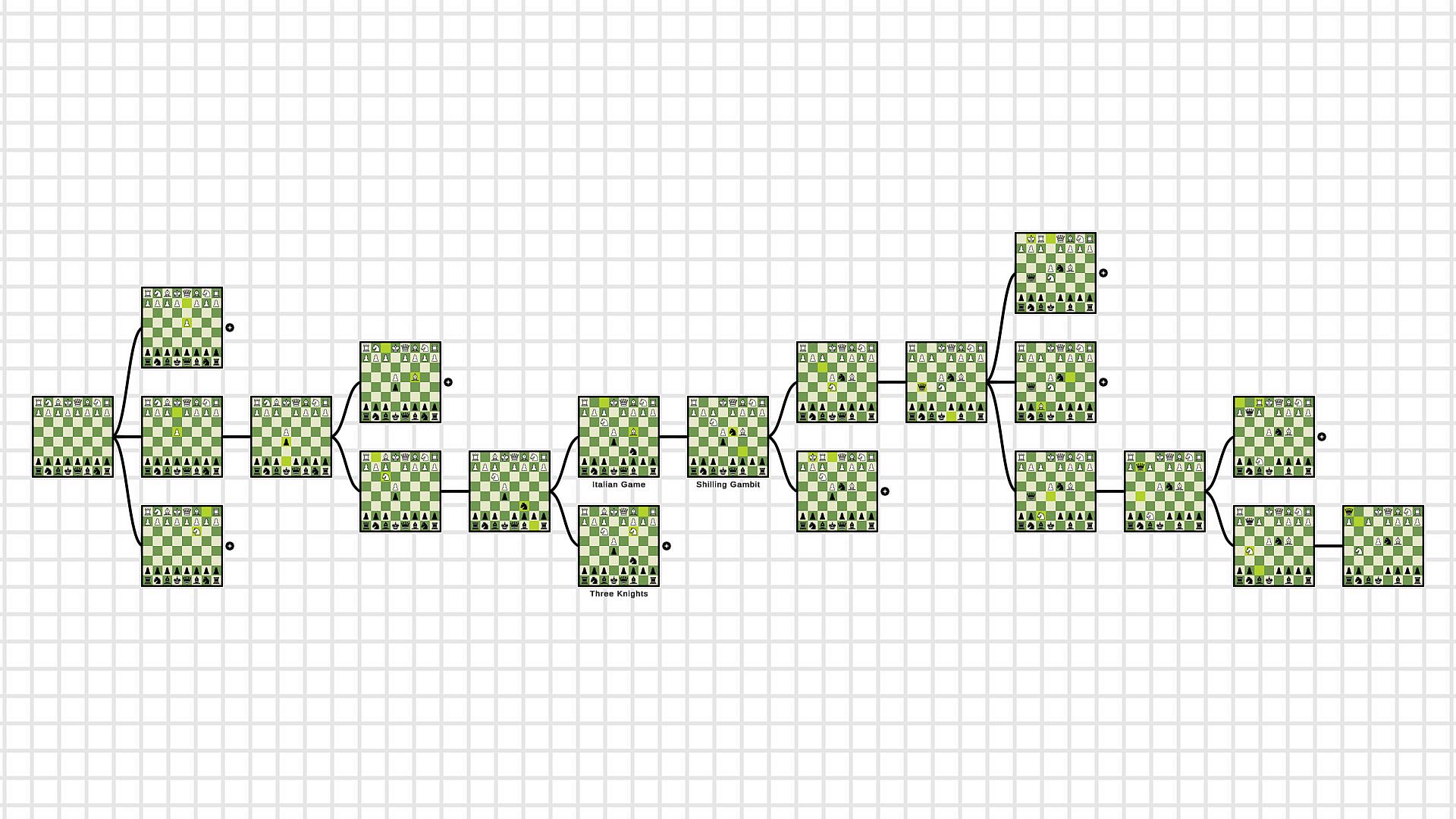
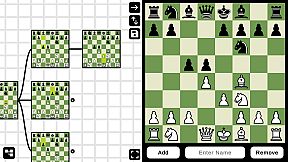
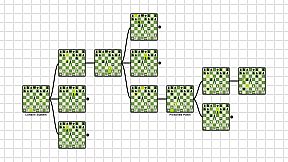
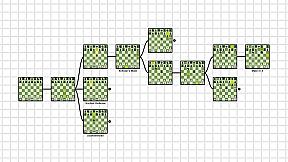
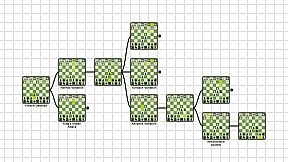
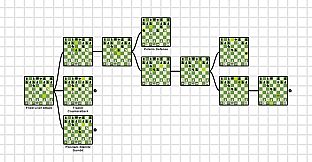
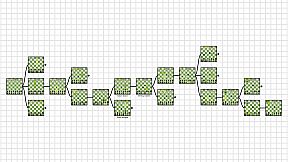
Learning chess openings can give you a hard time if you don't have to right tools for it. Chess Graphy was made to help you look through the lines of different openings and see visually every move on a board. You don't have to navigate through a long and complex text of moves anymore. Just open up Chess Graphy, load your favorite opening and we will do the rest for you.

How does Chess Graphy work?
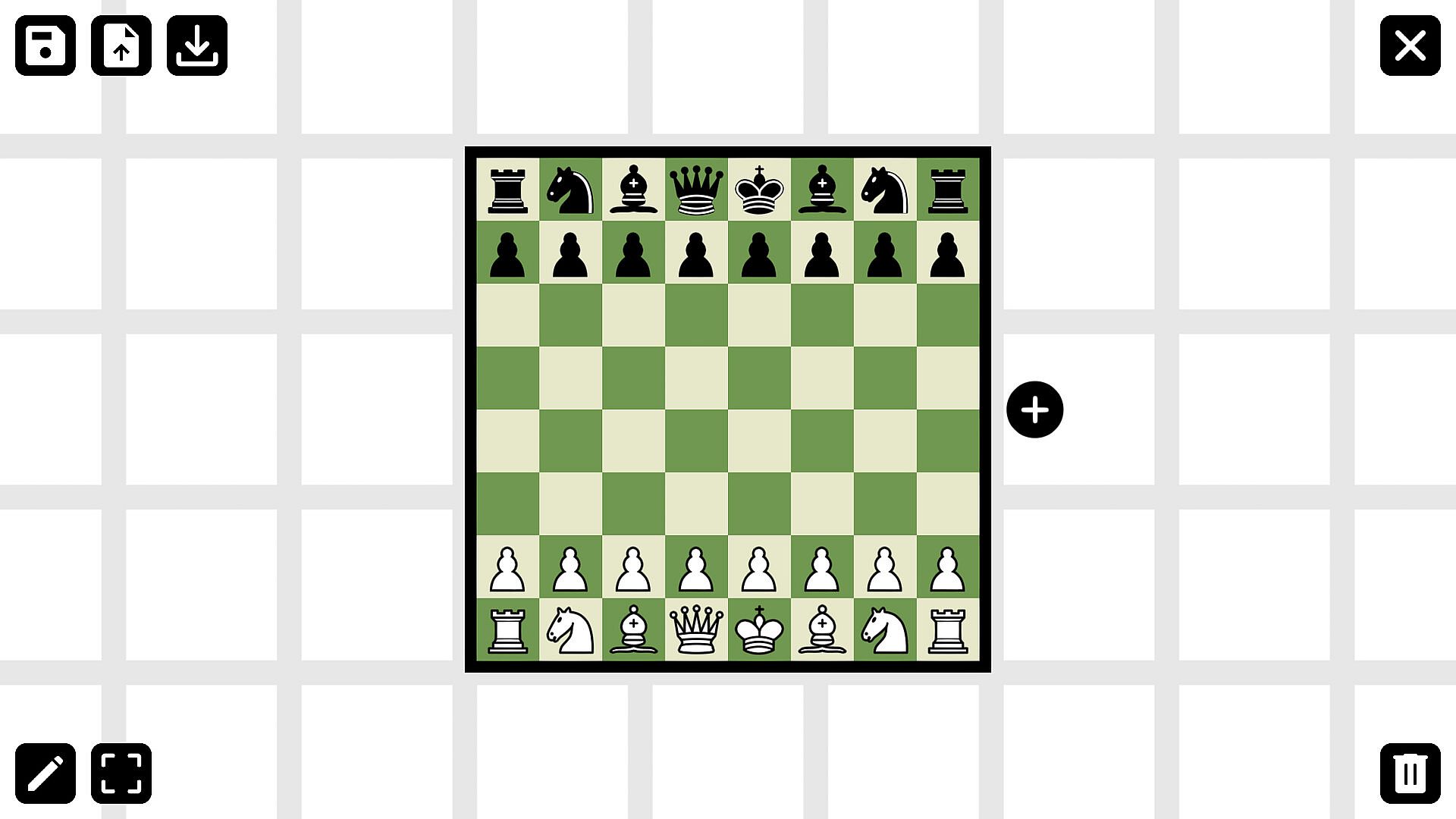
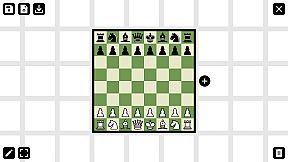
For smooth user experience Chess Graphy provides a clear and simple interface. After opening the program, you will be given an empty board. By entering Edit Mode and selecting the main board, further moves and positions can be added to the graph. The boards can be flipped and named before or after you've created them. Upon finishing your work you can save the current state of your graph into a (.cgraph) file. If you want to load and revise your openings, you can hit the load button and select the file you want to learn.

Why is it beneficial for you?
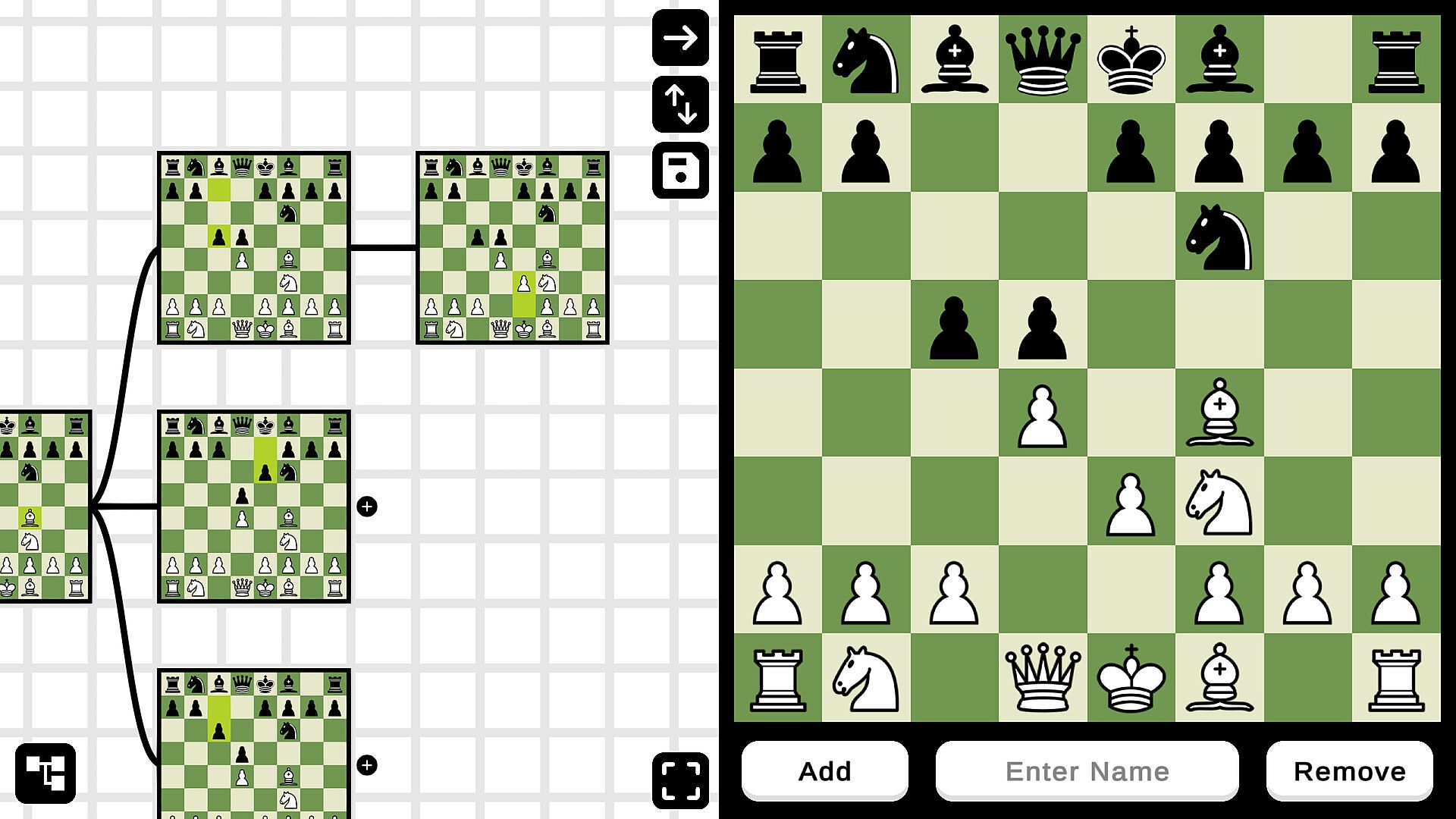
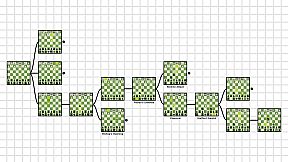
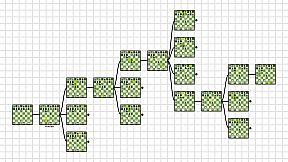
Chess Graphy is the one of the most user-friendly program on the market. Instead of learning your openings from a PGN file, which is hard to navigate, you can easily load your openings into Chess Graphy and see all the moves in a flow chart. By being able to see every position, it is much easier to learn the moves from photographic memory. Playing everything out on one chessboard is simply not best way anymore.

How to work with the program?
Moving around the grid is by using the right click on the mouse and dragging your cursor around. This is because left clicking on the boards is used to open them. After entering Edit Mode left clicking on them will load the position into the Editor, where you can perform the moves. There are no limits in the Editor, you can move or take any piece anywhere you want. Clicking on a loaded board will open/close its subpositions, so it's also possible to navigate through the graph in the Editor. Now that you know, how to use Chess Graphy all you have to do is start creating your own learning material.

What extra does the Pro version have?
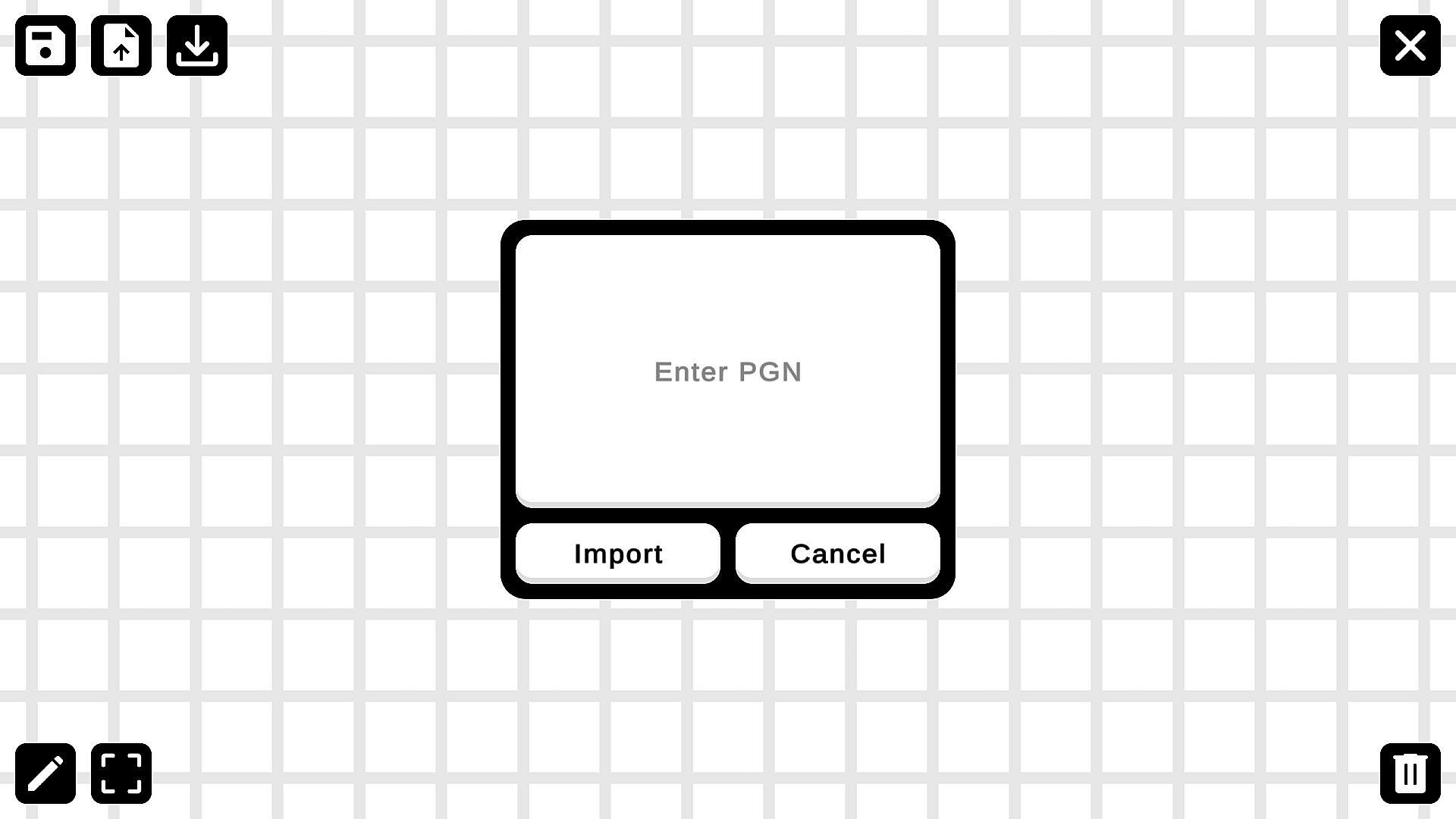
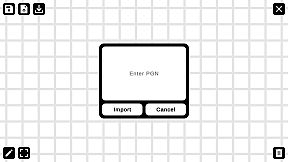
With the Free version of Chess Graphy, you can only make temporary graphs or load others files. There is no option for saving, you can only use those files, that others have created. That's where the Pro version comes in. Using the Pro version, you can save your work after you are done creating the graph. This feature is necessary for long-term usage of the software and it allows you to create your own learning material. Using the Pro version you can import and graph out PGN files, which really speeds up your work.

Steam:
Overwhelmingly Negative (1)

Historial de precios

Mínimo histórico
Keyshops
-
-
-
Tiendas oficiales
-
-
-

FAQ

8 preguntas

Antes de buscar una CD Key barata de Chess Graphy, revisa lo esencial. Desarrollado por Richard Tivolt. Publicado por Richard Tivolt. Fecha de lanzamiento en PC: 09 may 2023. Géneros: Utilities, Education, Software Training. Reseñas de Chess Graphy: Reseñas de Steam: 1 user reviews for this game.

Q ¿Puedo jugar a Chess Graphy en Steam Deck?

No, ahora mismo no. Valve marca Chess Graphy como No compatible con Steam Deck, así que no se inicia con Proton por el momento. Mantente atento a XD.deals: seguimos avances de Proton y soluciones de la comunidad, y lo marcaremos en cuanto haya una forma de jugar a Chess Graphy en Steam Deck.

. Existe una versión de Chess Graphy en Steam. Elige cualquier oferta marcada como Steam Key en XD.deals, canjéala en el cliente de escritorio y juega a Chess Graphy en Steam para PC.

Sí. Una vez canjeada tu clave de Steam, puedes iniciar Chess Graphy en Modo sin conexión desde Steam. Tus partidas se sincronizarán la próxima vez que te conectes.

, puedes comprar una Steam Key de Chess Graphy directamente en la tienda de Steam. En XD.deals agregamos todas las ofertas con DRM de Steam para que compares ofertas baratas de Chess Graphy en Steam en un solo lugar.

Por el momento no tenemos ofertas activas para Chess Graphy — tanto las tiendas oficiales (0) como los keyshops (0) lo muestran agotado o temporalmente no disponible…

Con XD.deals, los jugadores de PC pueden ver al instante dónde comprar una clave Steam para PC de Chess Graphy barata. Nuestro motor de comparación en tiempo real y nuestra base de cupones seleccionados siguen todas las tiendas oficiales y keyshops de confianza para que no tengas que hacerlo tú. Ahora mismo detectamos este juego en 0 ofertas activas de tiendas y keyshops.

Todavía no. Ahora mismo no hay ficha de Chess Graphy en Steam, así que no puedes comprar Chess Graphy en Steam hoy. En su lugar, revisa otras ofertas de Chess Graphy en XD.deals: tiendas oficiales y keyshops a menudo ofrecen versiones sin DRM o claves para otros launchers mientras esperas un futuro lanzamiento en Steam.

No: XD.deals no es una tienda. Somos un servicio de comparación que rastrea las mejores ofertas de Chess Graphy en tiendas oficiales y keyshops verificados. Haz clic en "Comprar ahora" junto a la oferta que quieras y te redirigiremos a la web del vendedor para completar la compra y recibir allí la clave.

¿Listo para jugar? Crea una alerta de precio en XD Deals y consigue una clave de Steam de Chess Graphy con descuento en cuanto alcance su próximo mínimo histórico.

Crear alerta