


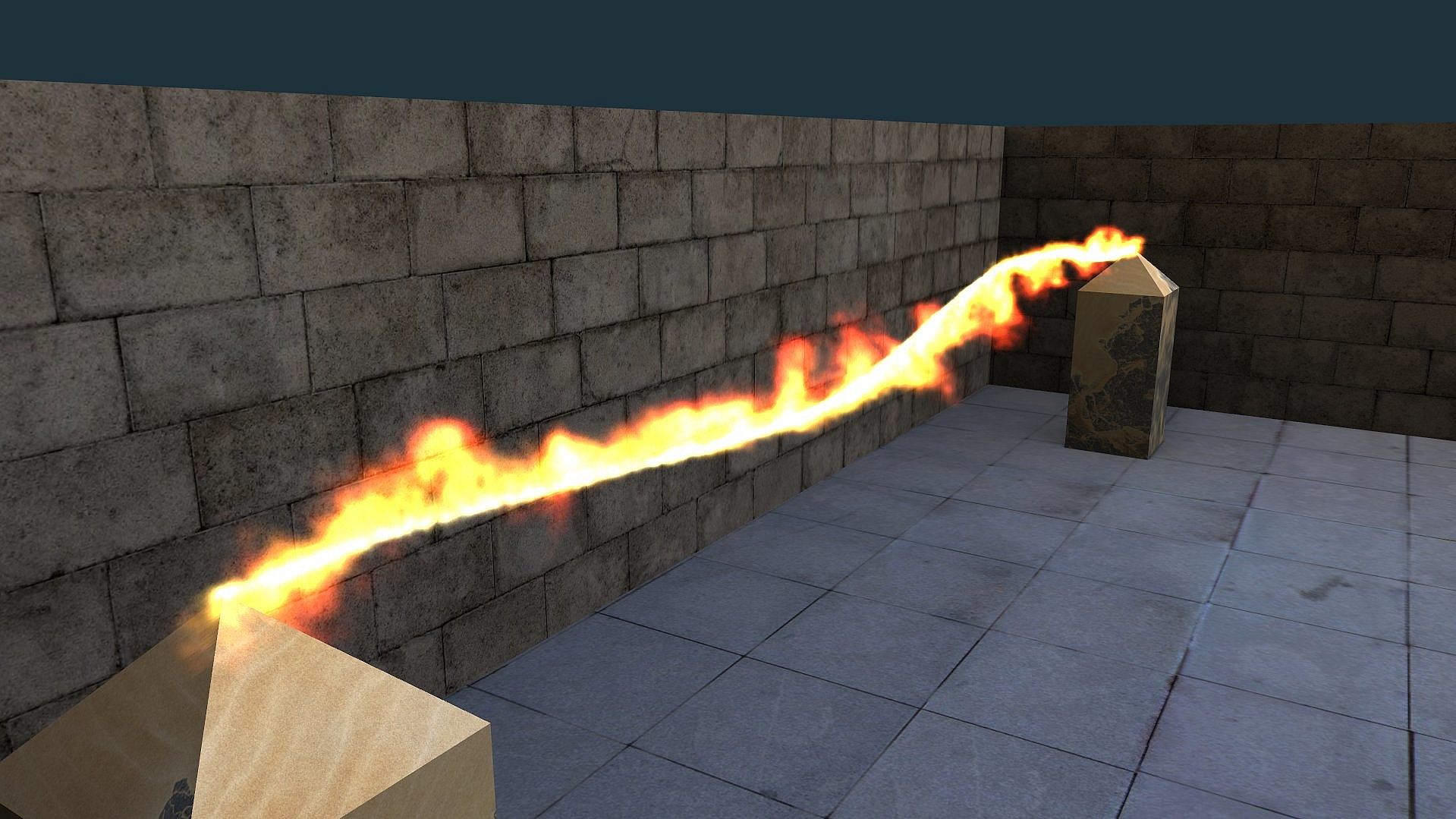
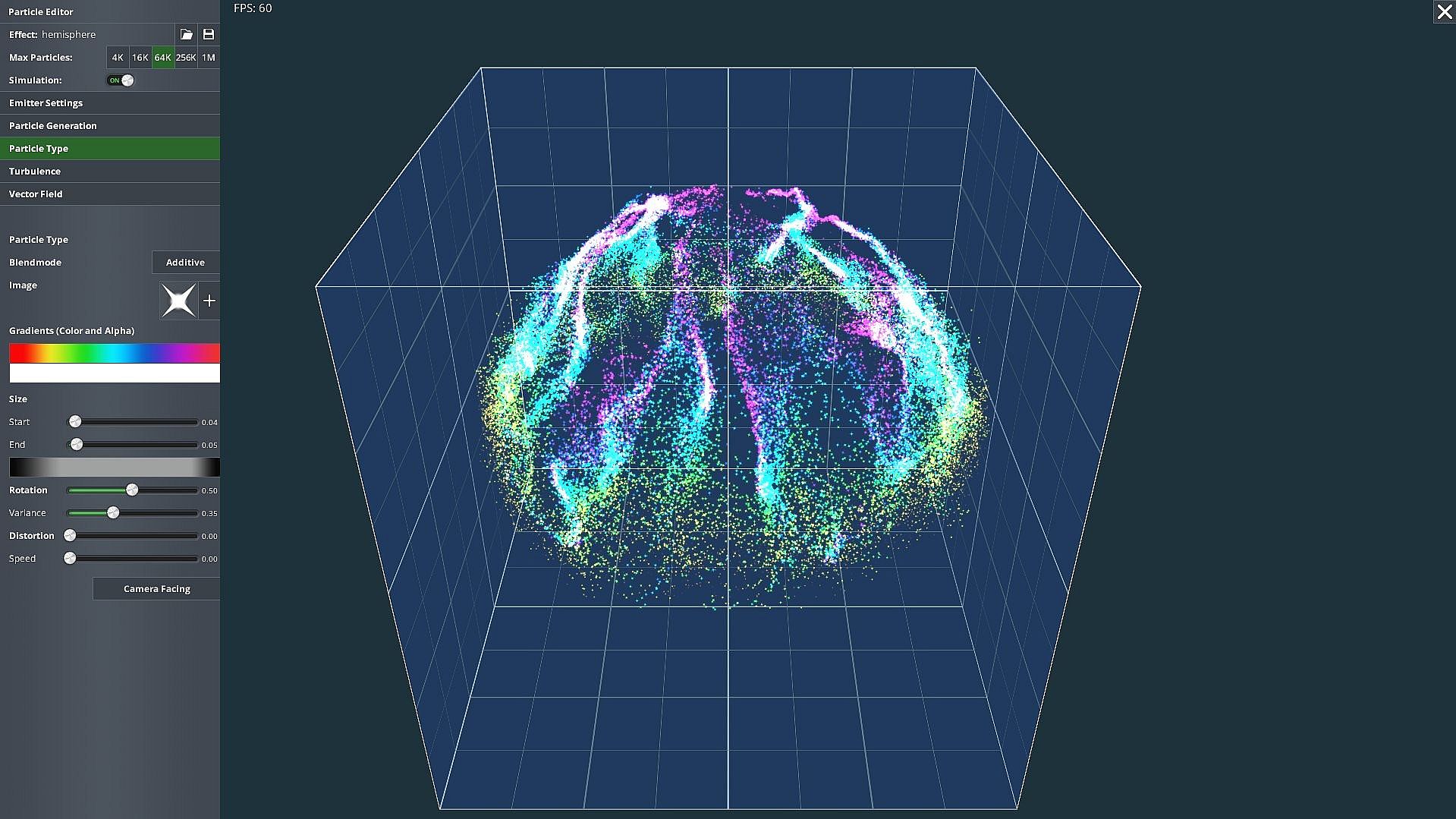
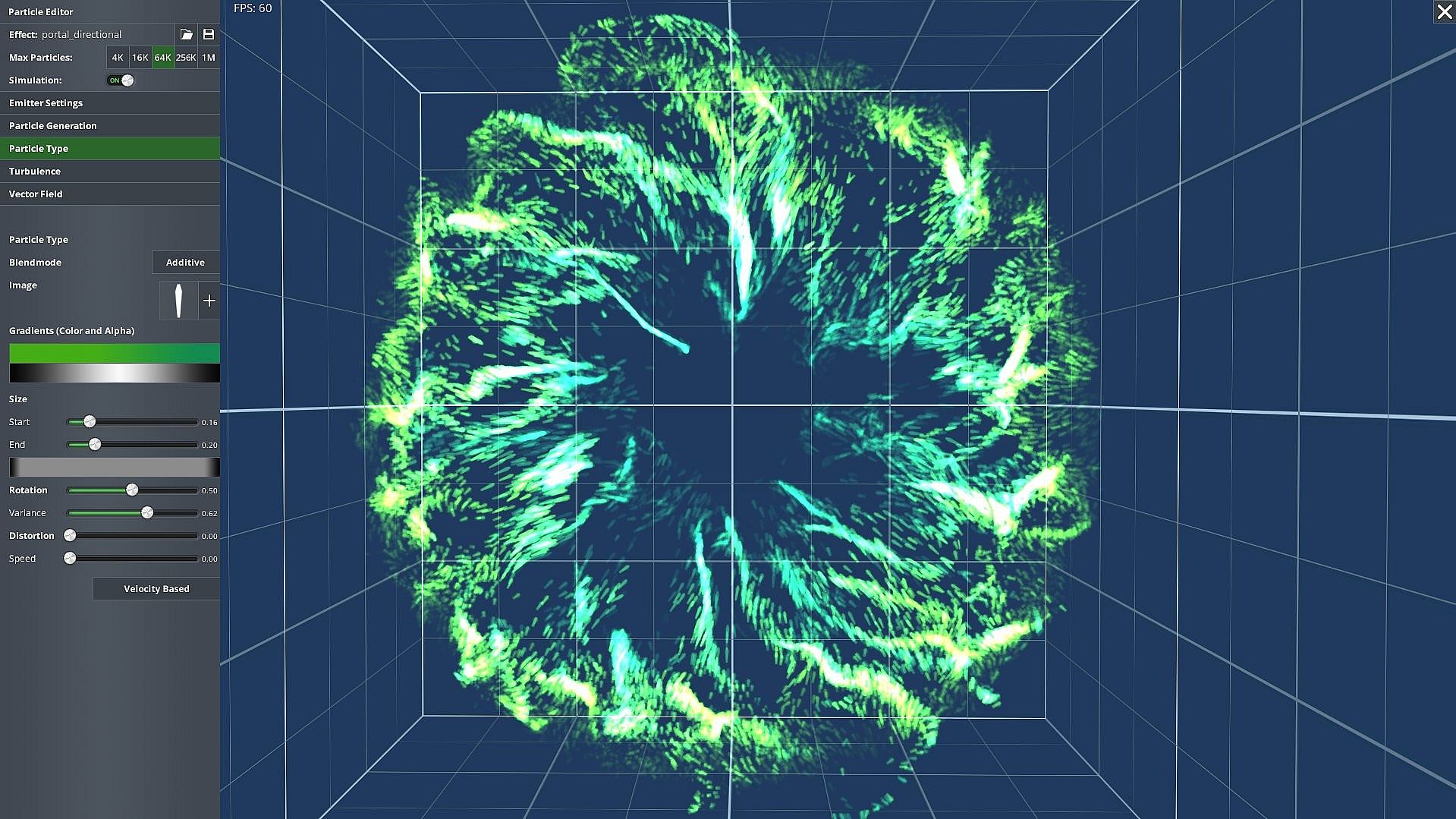
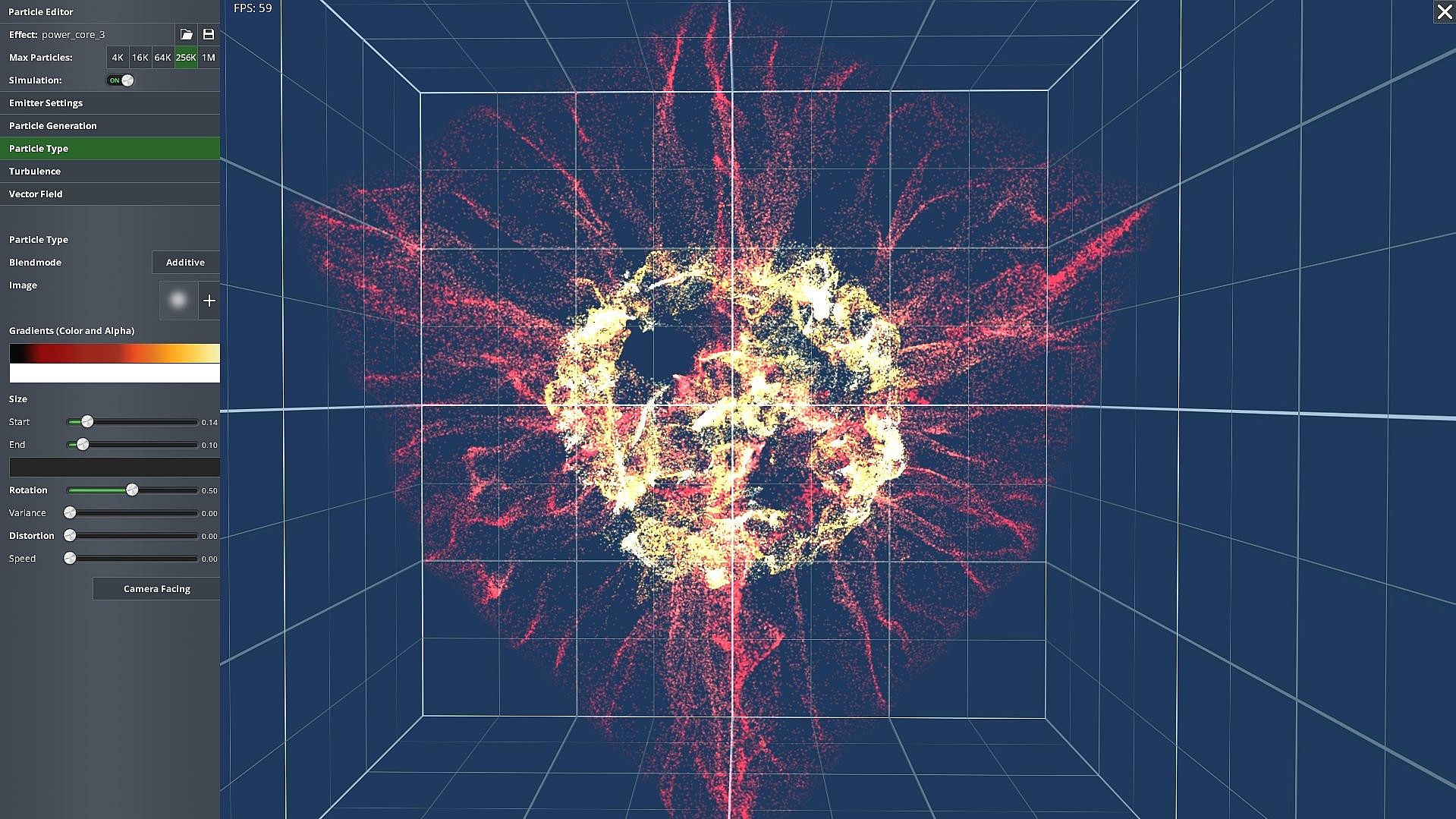
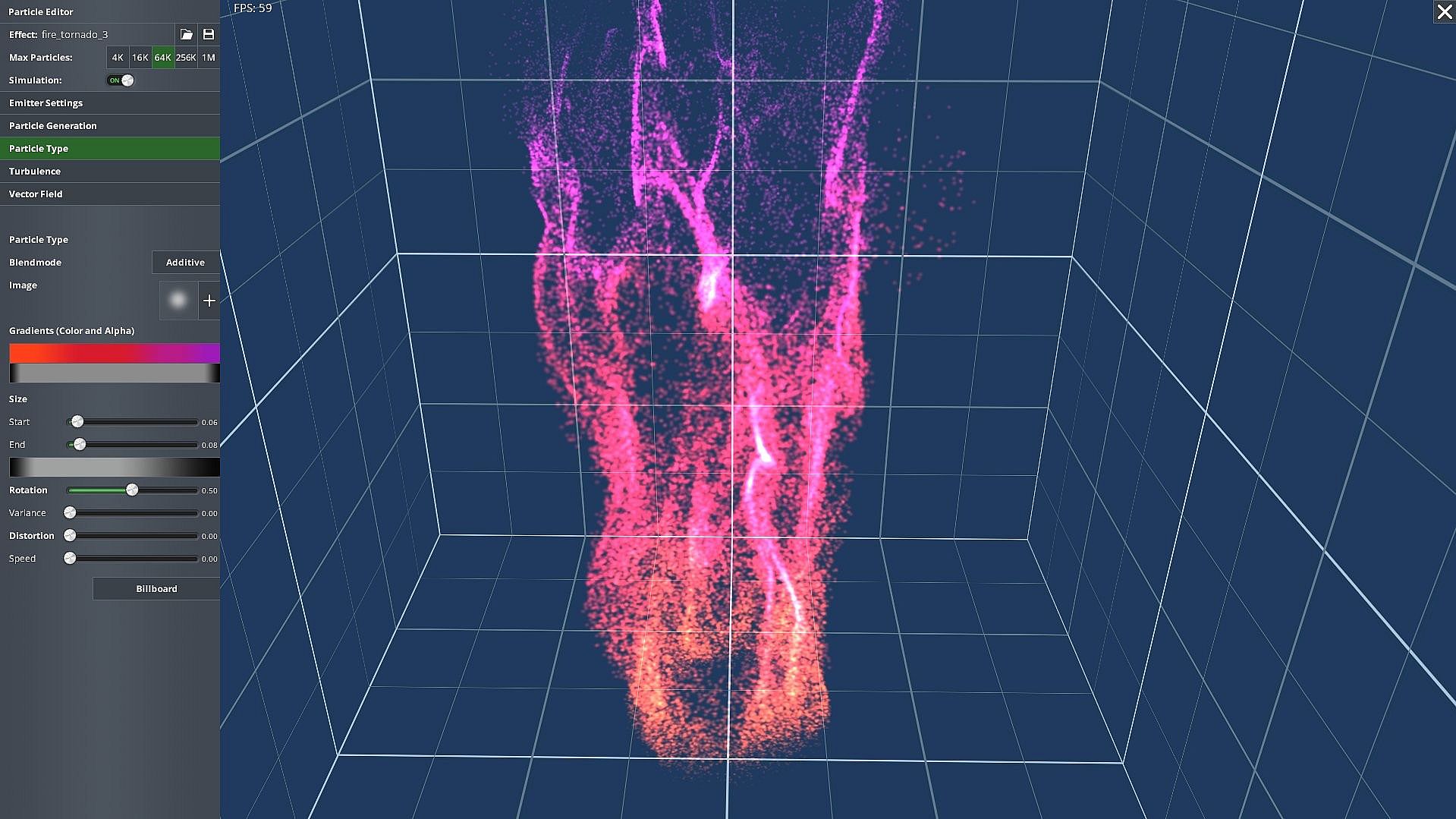
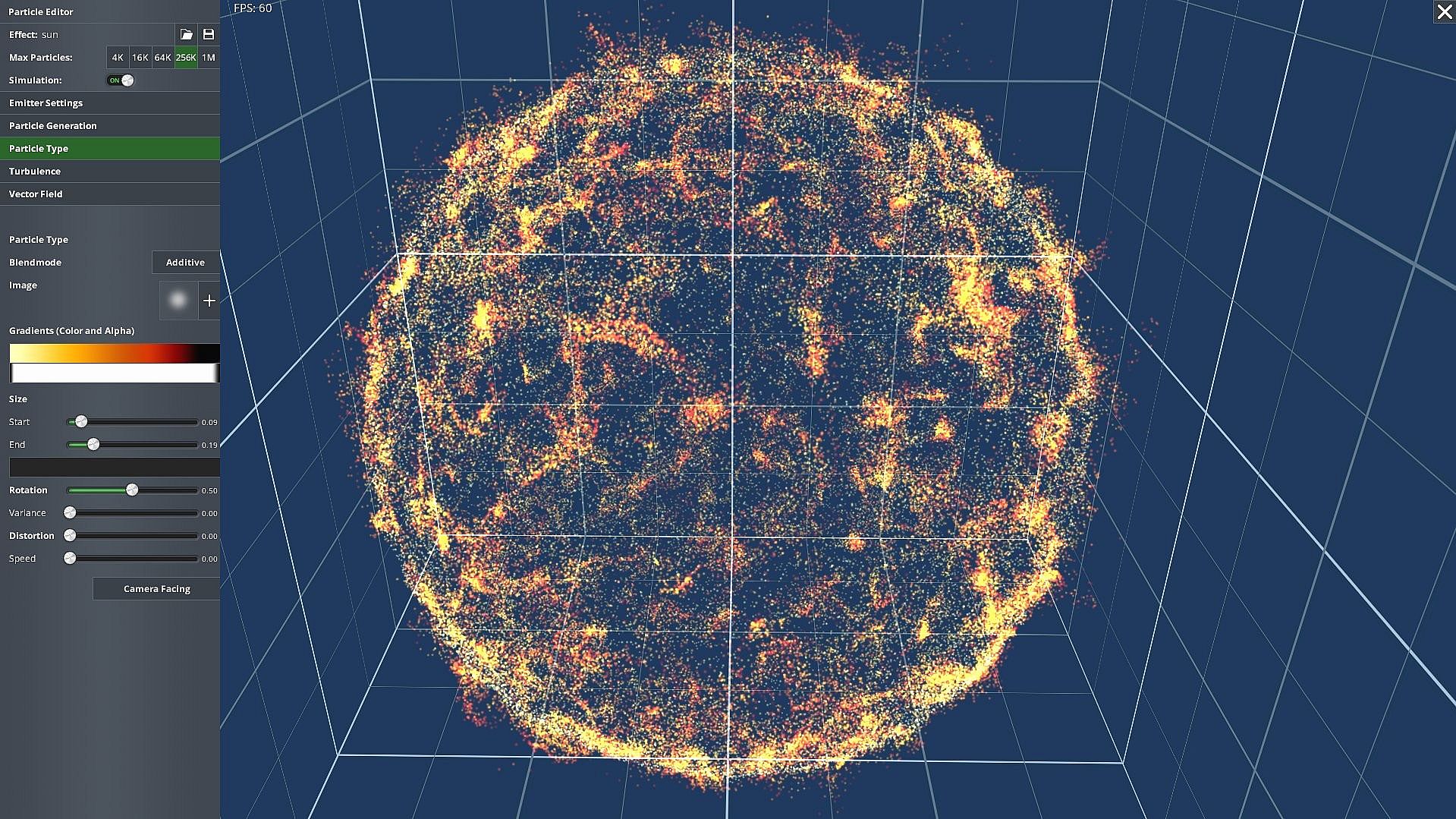
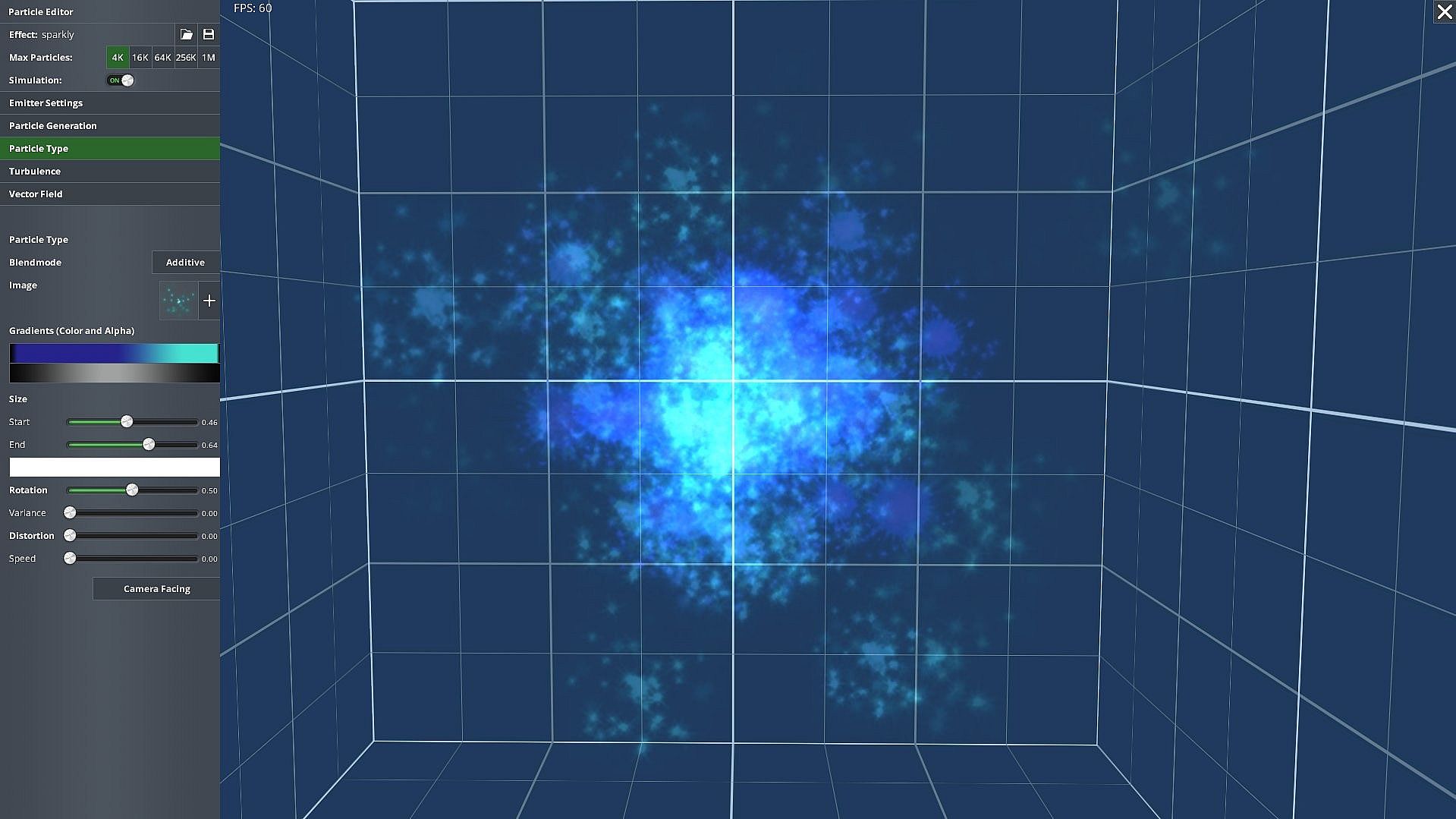
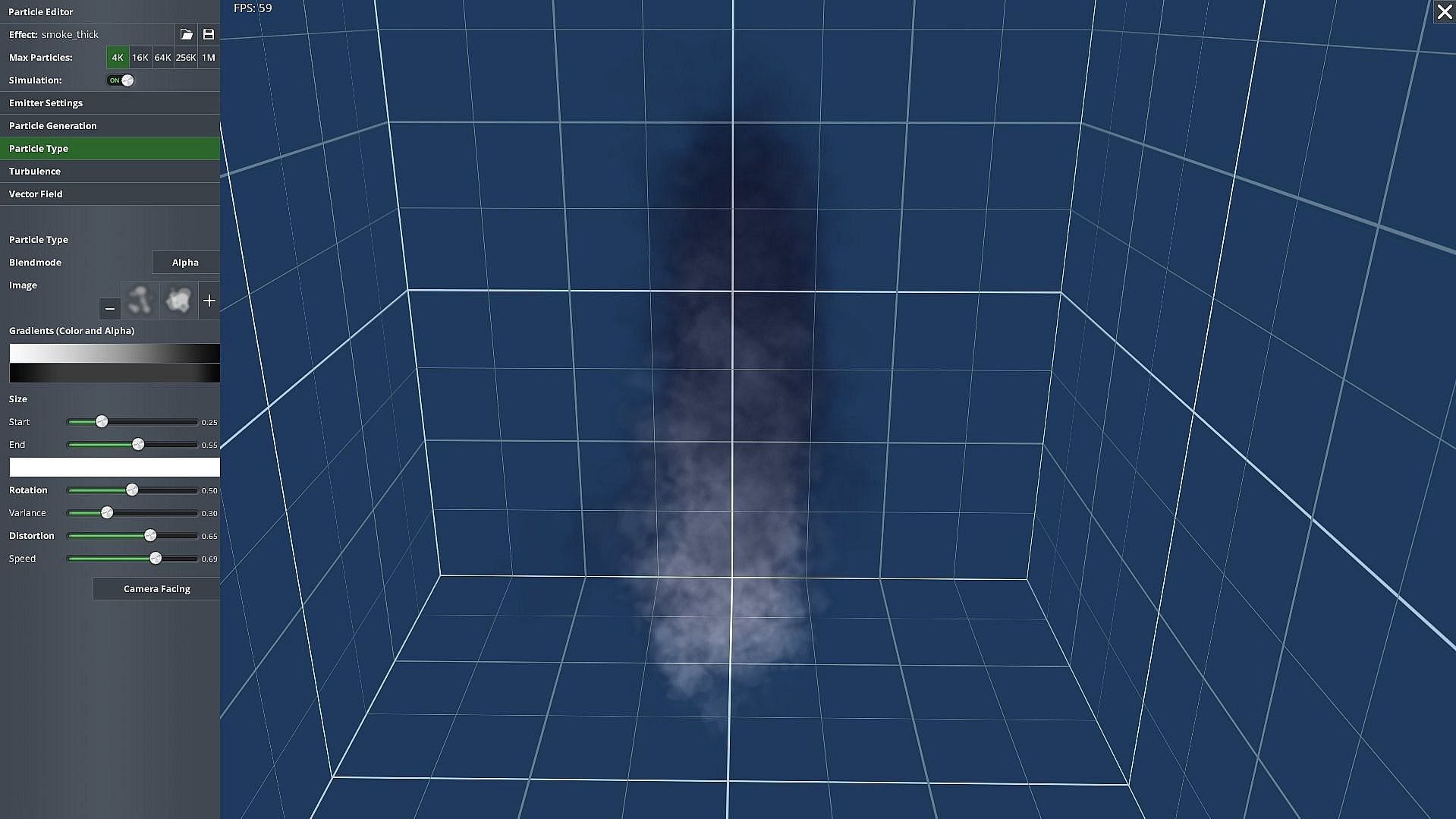
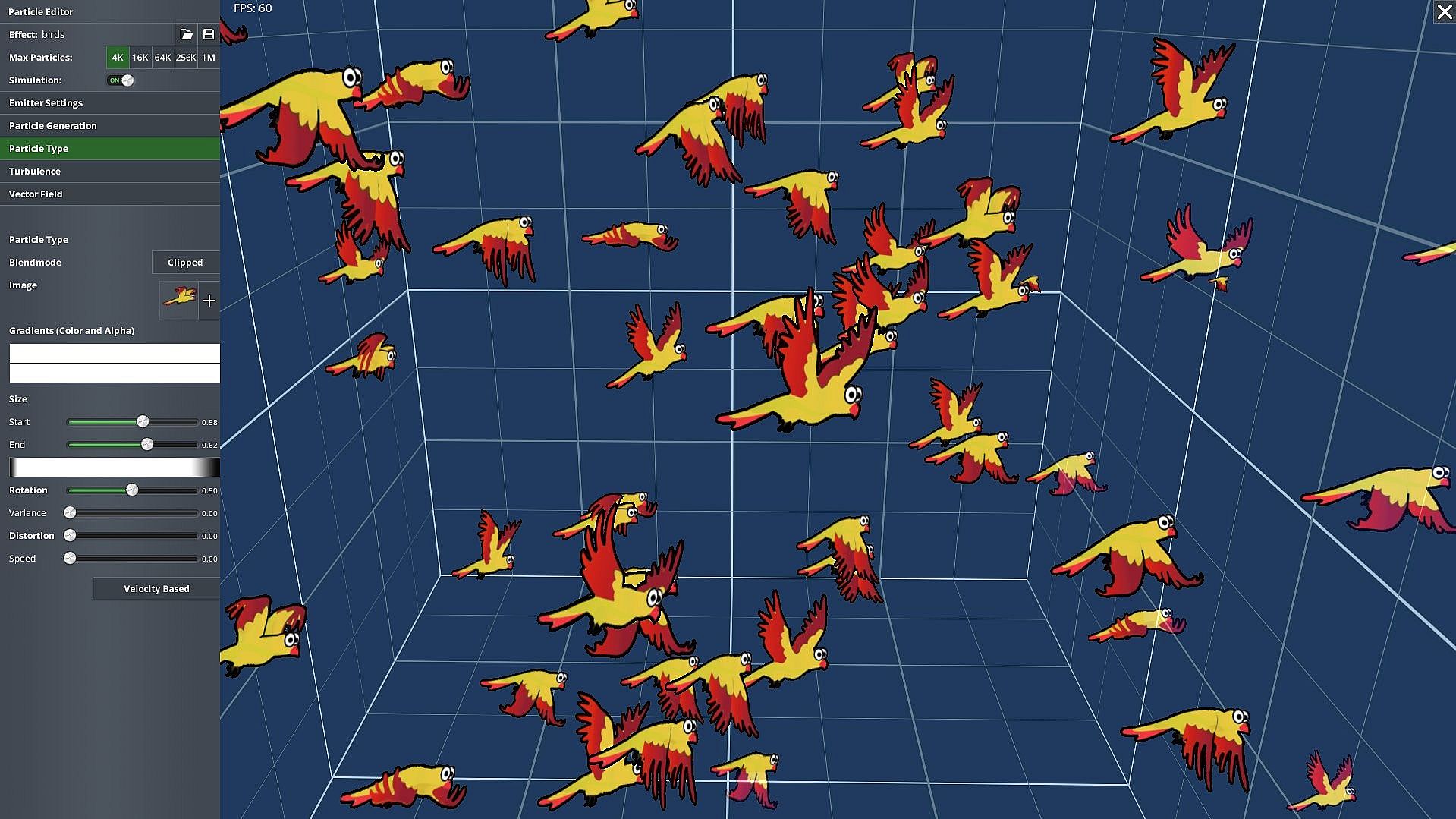
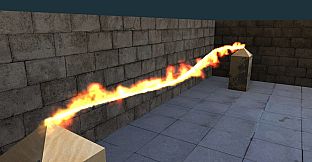
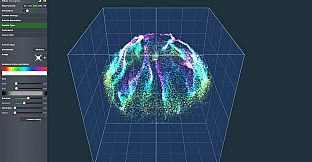
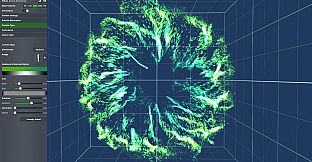
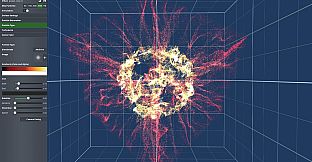
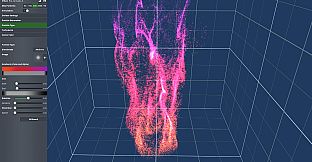
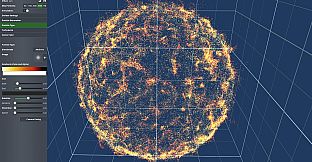
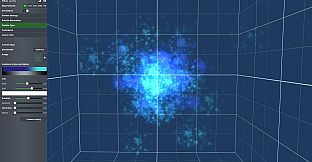
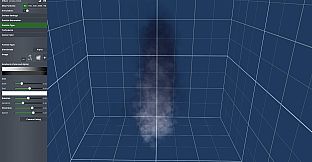
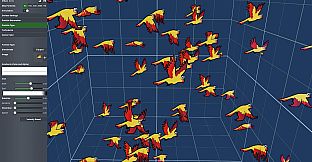
If you're delving into game development and need a straightforward way to add stunning visual effects to your projects, AppGameKit Studio - Particle Editor stands out as a specialized game development tool focused on creating GPU-accelerated particle systems. This PC-based editor empowers developers to craft complex particle effects visually, integrating seamlessly with AppGameKit Studio and AppGameKit Classic for building apps across multiple platforms. Released in 2019, it emphasizes high particle counts with minimal performance hits, making it a practical choice for enhancing games with effects like explosions, fire, or atmospheric elements.
Gameplay
The core experience revolves around building and refining particle effects through an intuitive interface that eliminates the need for coding complex formulas. You start by setting up emitters, which dictate where and how particles spawn, and then layer on influencers to guide their movement. A standout feature is the paint layer, where you can directly draw particle flows in 3D space, providing immediate visual feedback and allowing for creative, iterative design. Once satisfied, effects export easily for use in your AppGameKit projects, with runtime controls to adjust settings like position or activation on the fly.
Customization extends to particle appearance, with options to load images and gradients for shaping and coloring over a particle's lifetime. You control aspects like initial speed, size variations, and blend modes such as opaque, alpha, or additive. Turbulence adds realistic randomness, while a layered vector field system lets you apply forces, attractors, or reflectors to influence particle behavior, enabling effects that bounce off surfaces or swirl in patterns.
Game Modes
While not featuring traditional game modes, the editor offers various emitter types that serve as foundational modes for effect creation. Options include box, circle, disc, filled sphere, spherical shell, and line emitters, each adjustable for size, rotation, and position. These allow for diverse starting points, from uniform spreads in a spherical shell to linear bursts along a line, catering to scenarios like sparks or flowing liquids.
Burst emitters handle sudden releases for explosions, with controls over emission counts and dormancy periods. You can also optimize for hardware by selecting max particle limits from 4K up to 1M, ensuring effects scale across devices. Pre-made effects, numbering over 150, provide templates that you tweak further, blending artistic freedom with structured building blocks.
Key Features and Mechanics
Beyond emitters, the tool includes a reflector system for bouncing particles off virtual floors or walls, adding realism to interactions. Orientation methods keep particles facing the camera, billboard-style, or aligned with movement, while custom textures and gradients support unique visuals. The simulation can be frozen for detailed inspection, and runtime functions allow real-time tweaks, making it versatile for dynamic game environments.
- Layered influencers like swirls and attractors for complex flows
- Variable emission with auto-optimization for on-screen particles
- Support for custom noise textures in turbulence
- Full 3D rotation and speed-oriented particle control
Is It Worth Playing?
For aspiring or experienced game developers using AppGameKit, this editor proves valuable if you're focused on visual effects without deep programming. It simplifies creating high-impact particles, ideal for those building 2D or 3D games needing polish. With its ease of integration and visual tools, it suits beginners learning effect design or pros iterating quickly. However, if your projects don't rely on particle systems or you're not in the AppGameKit ecosystem, it might feel niche. Given its static state since release, it remains a solid, one-time investment for targeted use in game development.