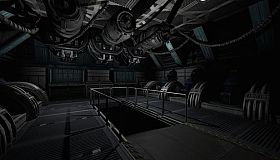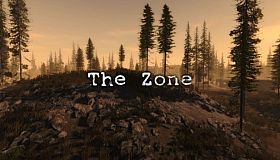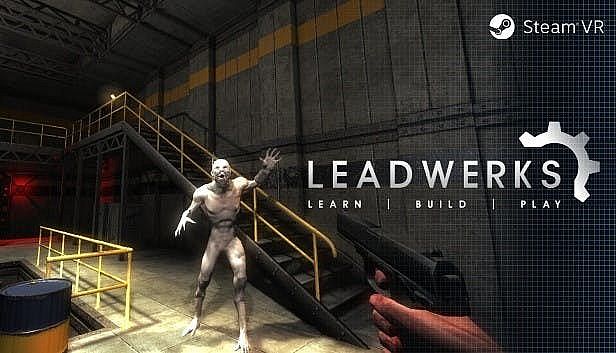









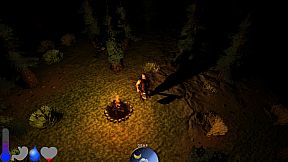
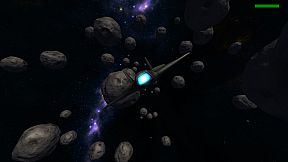

Leadwerks Game Engine is the easiest way to make 3D games and VR experiences. Learn everything you need with our comprehensve tutorials. Build games with the world's most intuitive game development system. Sell your games with a royalty-free license or share them with the world for free.
Key Features
Learn to Make Your Own Royalty-Free GamesWe provide tons of documentation and video tutorials walking you through the steps to build your own 3D games. Leadwerks is the perfect pathway to go from total noob to pro game developer. And when you do publish your commercial game, there's no royalties to pay, ever.
New Global Illumination and Volumetric Effects
Leadwerks Game Engine 4.1 introduces environment probes for global illumination and reflections, along with volumetric lighting effects, all in an easy-to-control and intuitive interface. This makes it easier than ever to create games with amazing graphics.
Vegetation Painting System
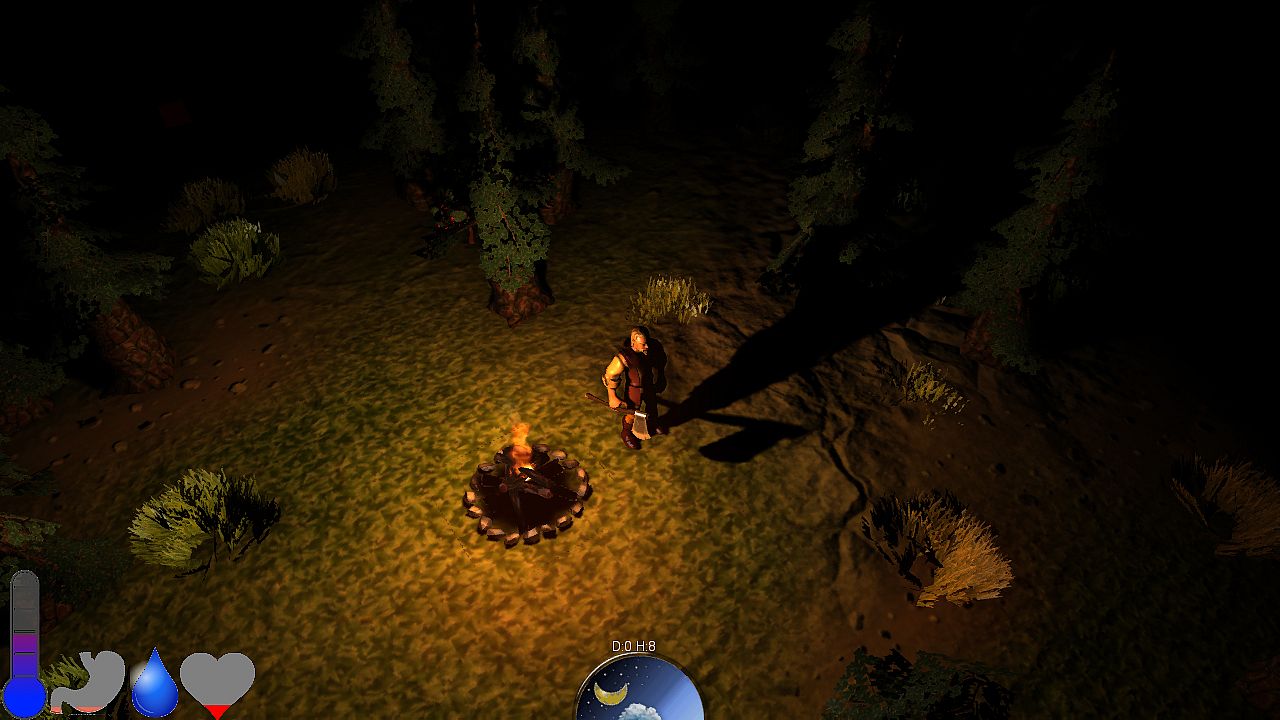
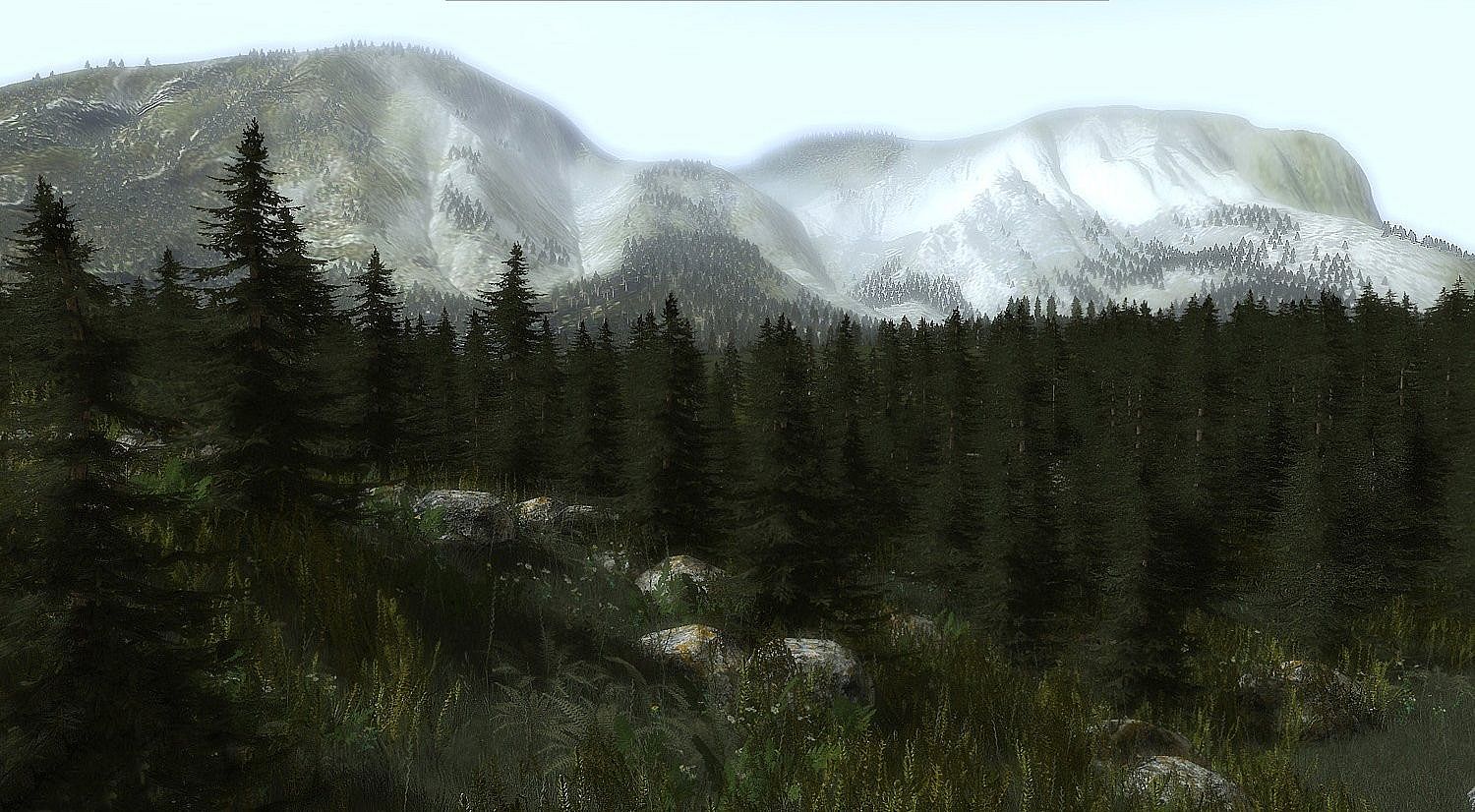
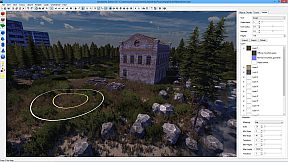
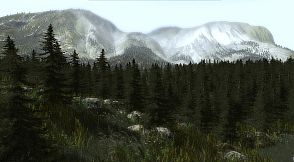
Leadwerks Game Engine introduces a one-of-a-kind vegetation system for handling massive amounts of foliage. Instead of storing each instance in memory, our new system uses a distribution algorithm to dynamically calculate all relevant instances each frame for rendering and physics. This allows enormous densely packed scenes with minimal overhead. The results are blazingly fast, efficient, and easy to use.
Advanced Graphics
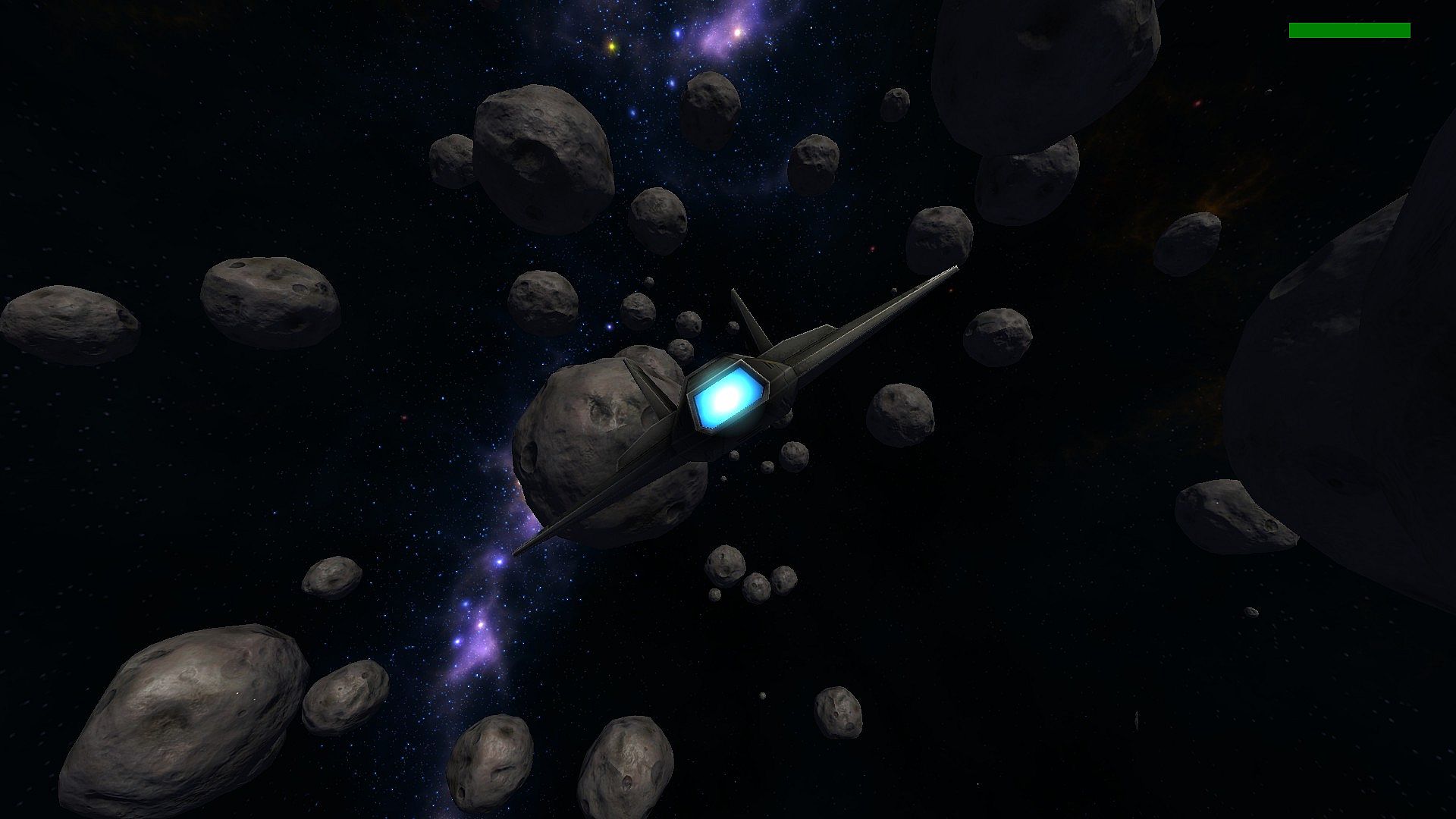
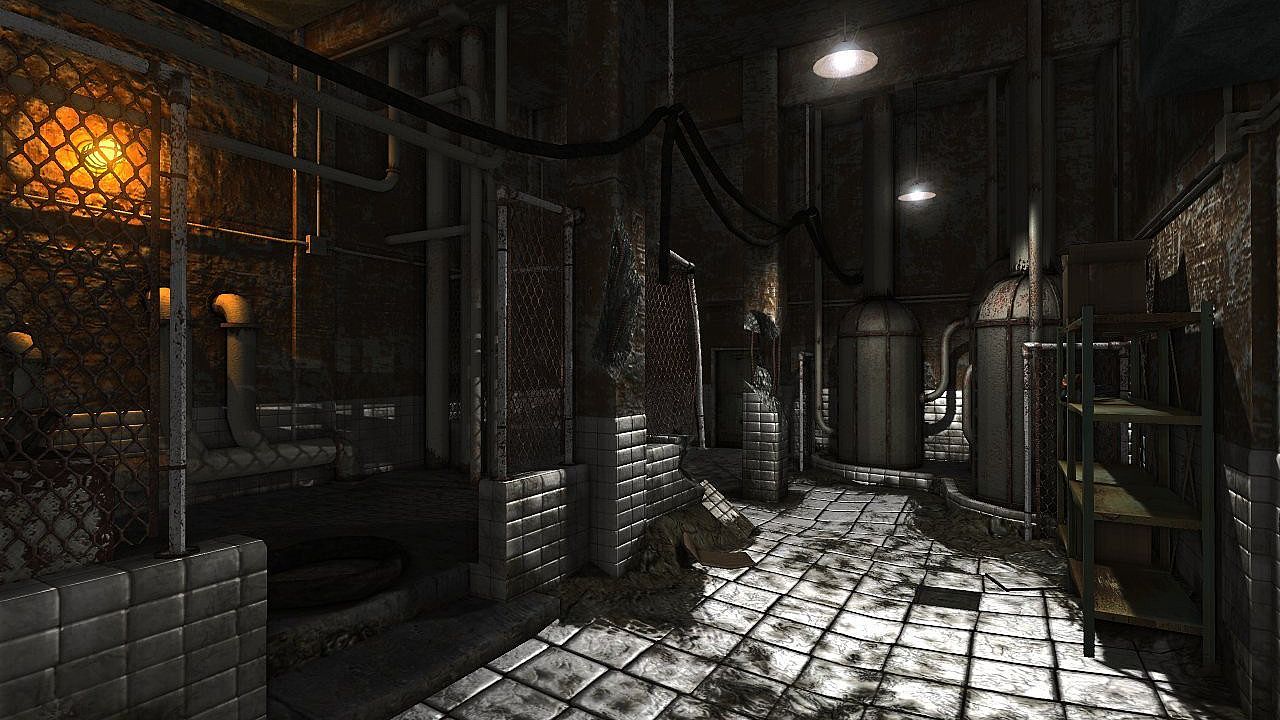
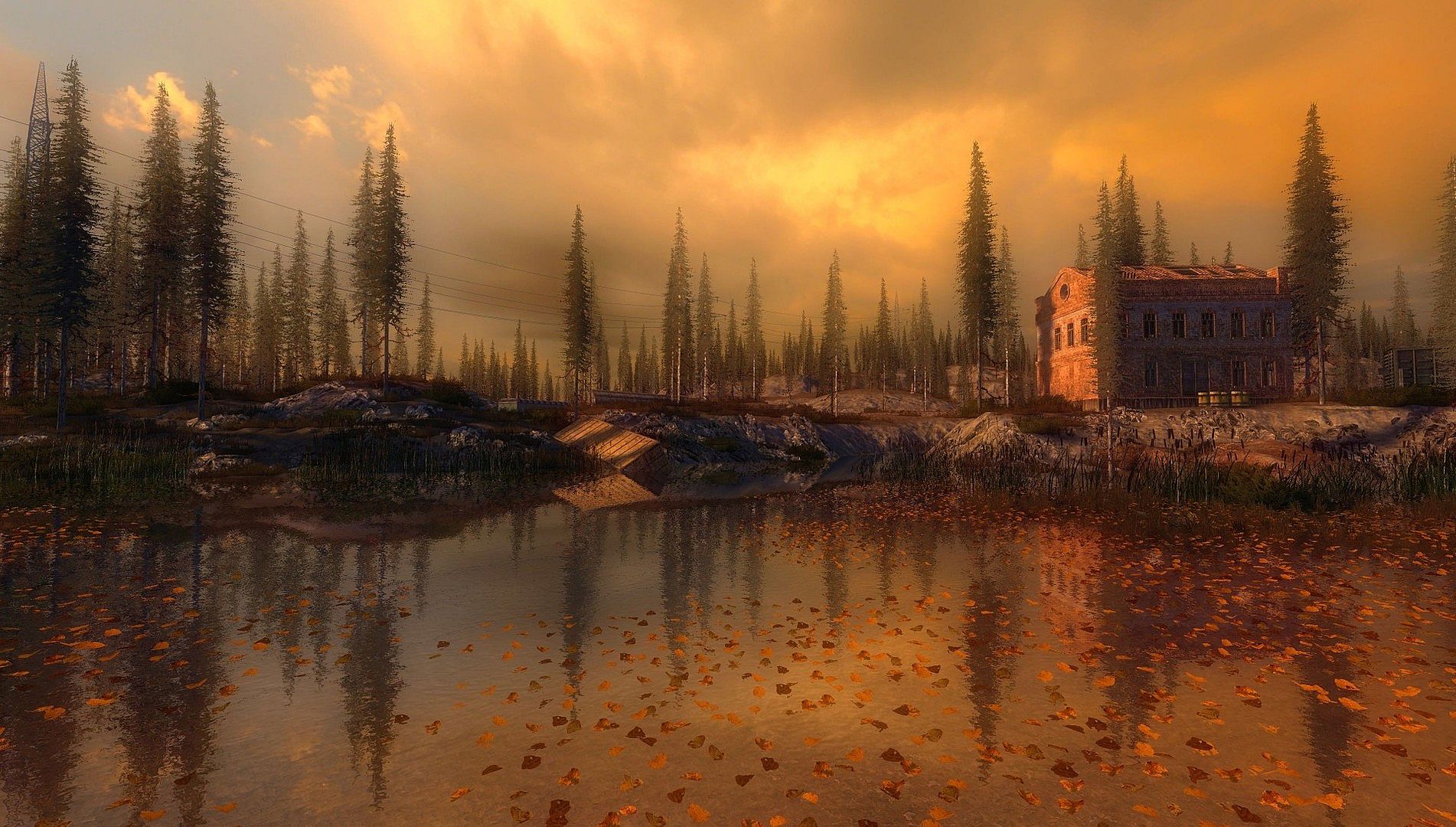
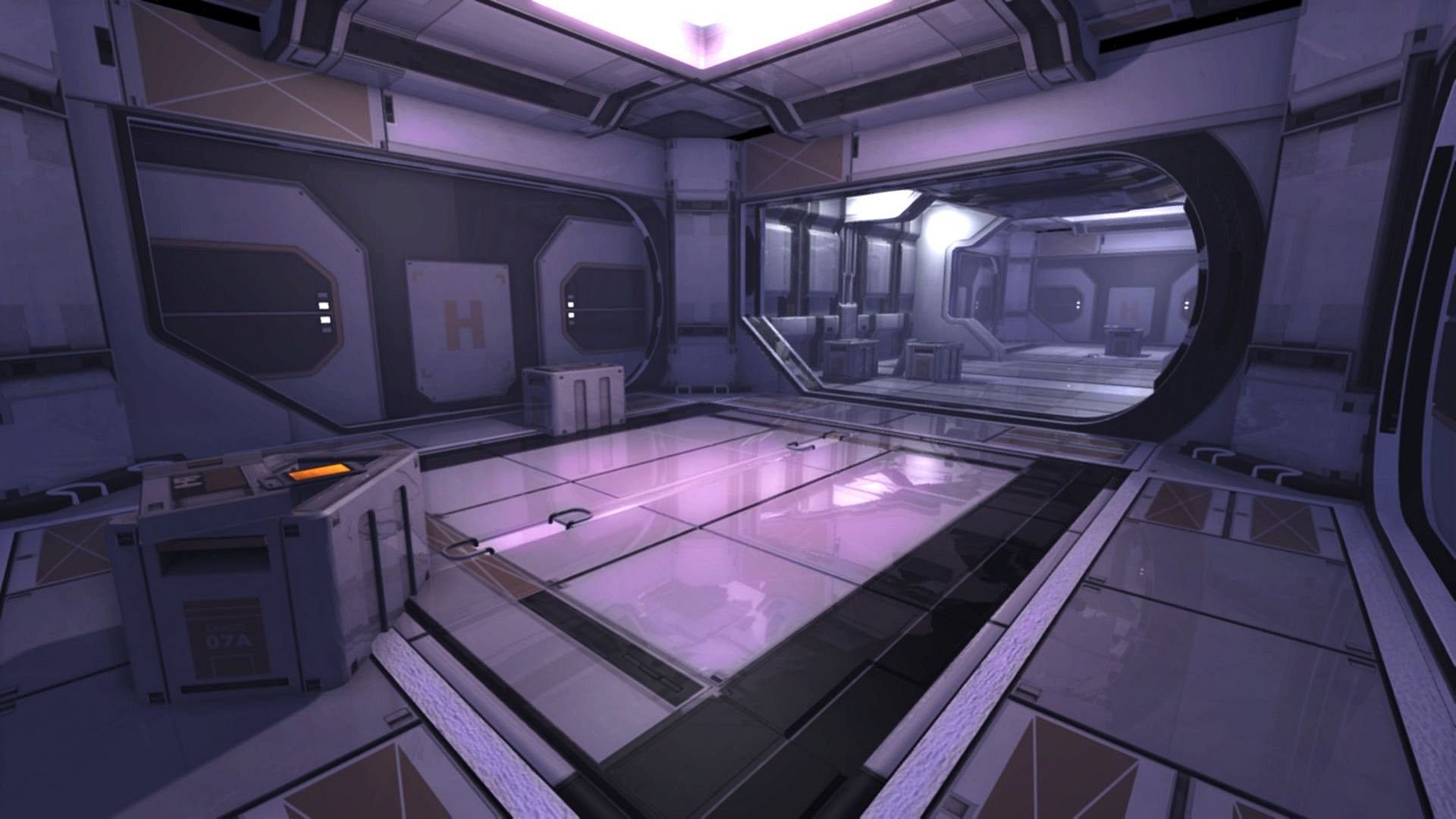
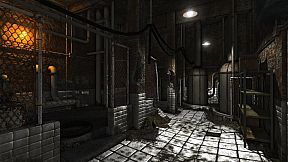
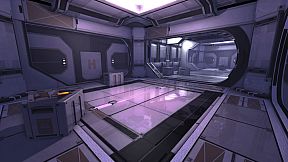
Leadwerks makes AAA graphics achievable with hardware tessellation, geometry shaders, and a deferred renderer with up to 32x MSAA. Our renderer redefines realtime with image quality more like a cg render than real-time games of the past. The use of OpenGL 4.0 provides equivalent graphics to DirectX 11, with cross-platform support across operating systems, for future expansion.
Built-in Level Design Tools
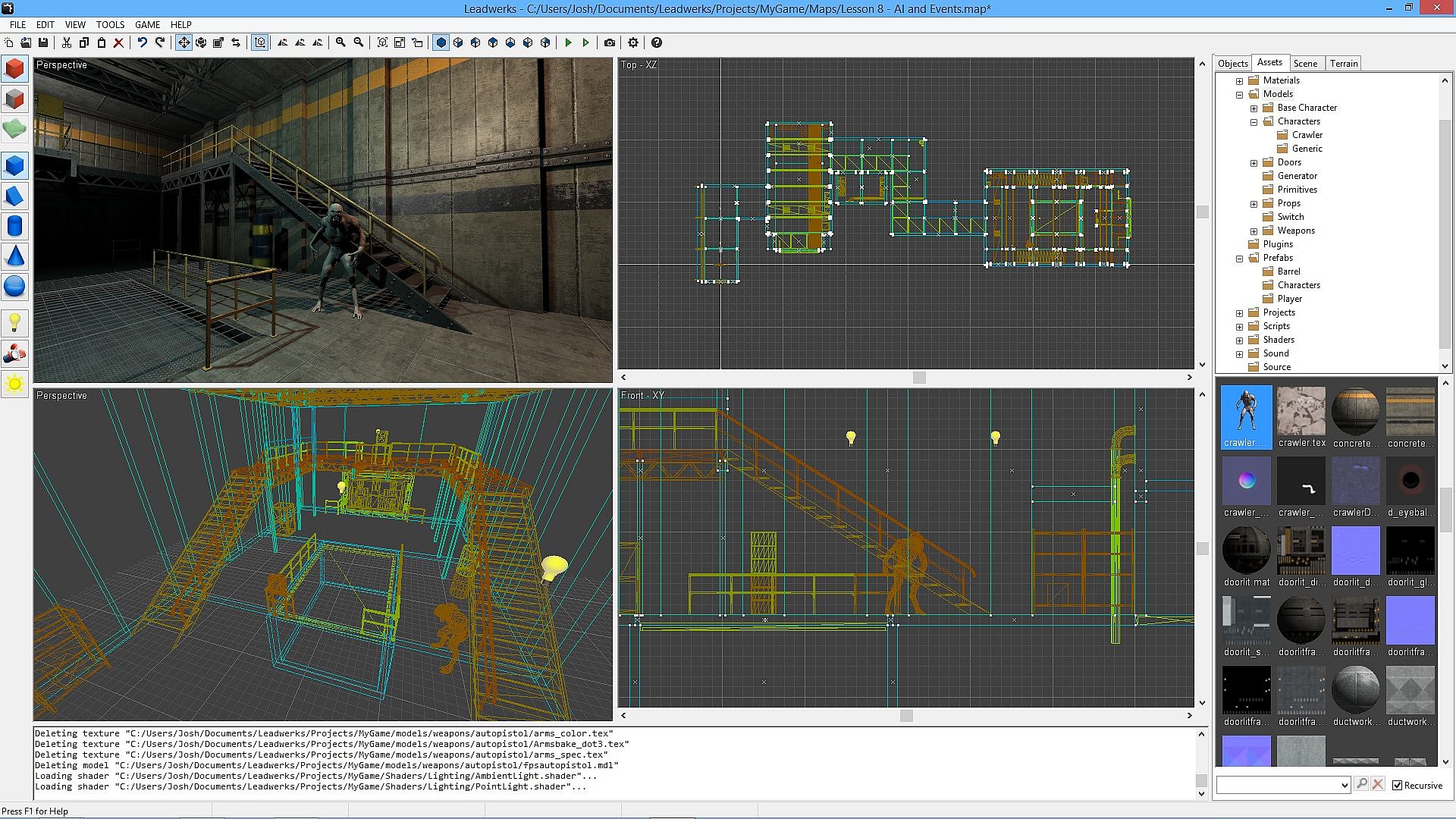
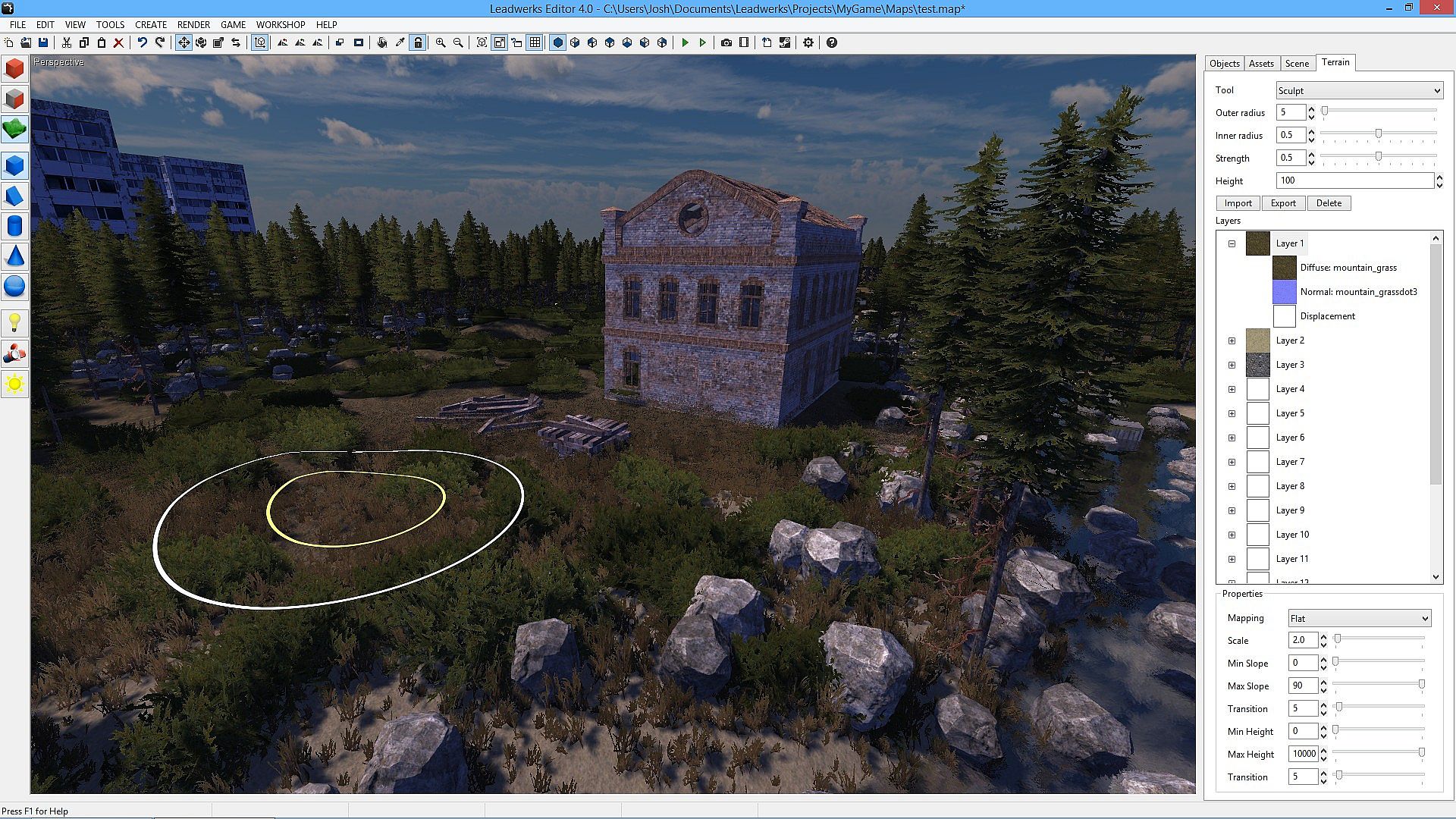
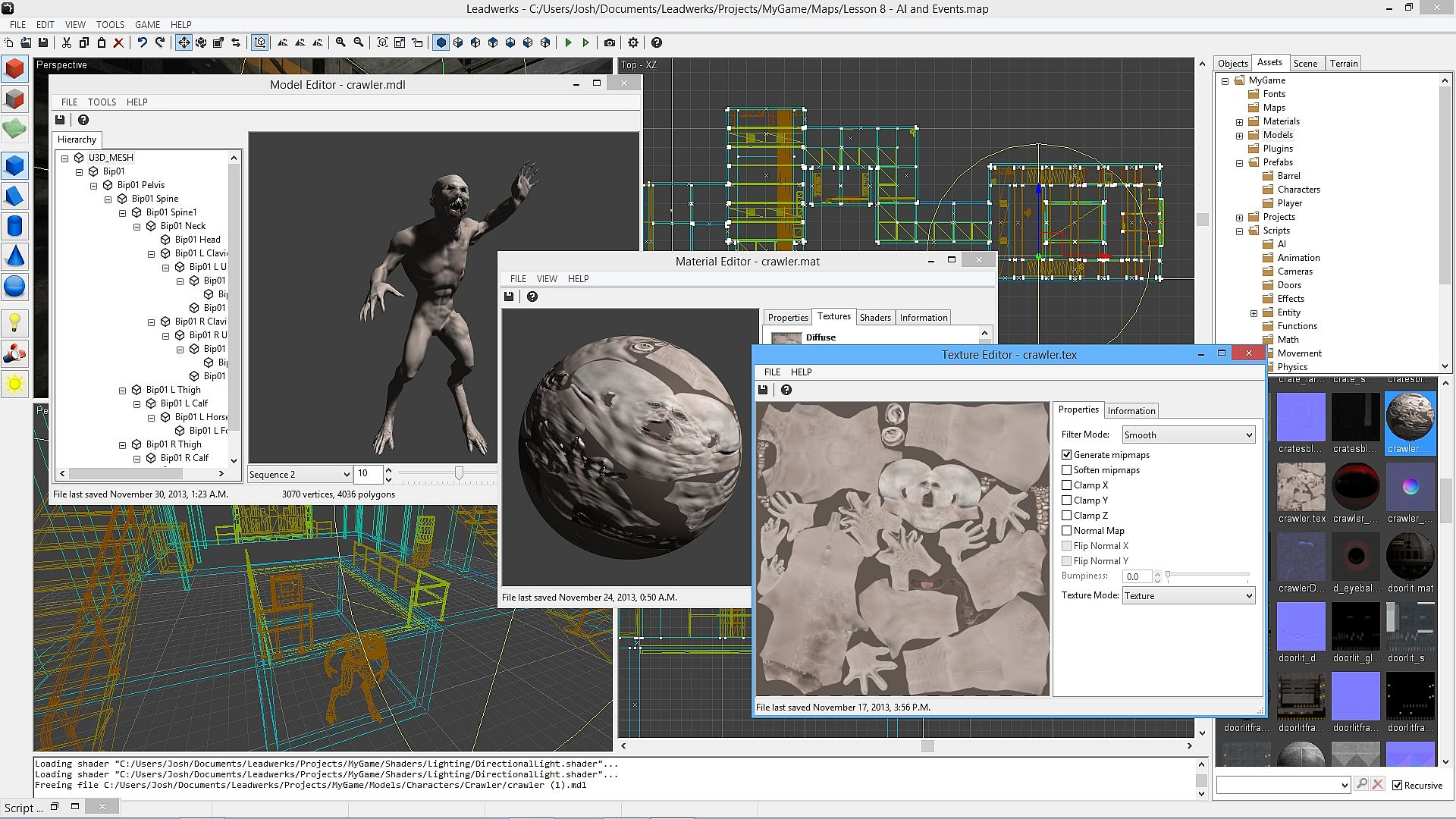
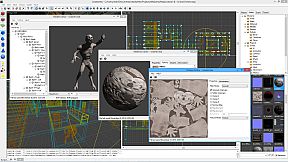
Build game levels from scratch right in our editor with constructive solid geometry. Our tools make it easy to sketch out your design and bring your ideas to life. Anyone can build their own game worlds in Leadwerks, without having to be an expert artist.
Integrated Lua Script Editor
We integrated Lua right into Leadwerks because of its proven track records in hundreds of commercial games including Crysis, World of Warcraft, and Garry's Mod. Lua integrates seamlessly with native code for rapid prototyping and instant control. The built-in debugger lets you pause your game, step through code, and inspect every variable in the program in real-time. Lua is perfect for beginners, and the integrated Just-In-Time (JIT) compiler ensures your games will keep running fast as they grow. (Please note that C++ programming support requires the Standard Edition DLC.)
Visual Flowgraph for Advanced Game Mechanics
Our unique visual flowgraph enables designers to set up game mechanics, build interactions, and design advanced scripted sequences, without touching a line of code. The flowgraph system integrates seamlessly with Lua script, allowing script programmers to expose their own functions and add new possibilities for gameplay.
Royalty-Free License
Your games you make are yours. Yours to play, yours to sell, yours to give away, and do as you please. You will never be charged royalties for any game you make in Leadwerks. And because we only rely on free open-source middleware libraries, you never have to worry about purchasing expensive licenses from third parties.
Steam Features
- Download and publish game content with Steam Workshop.
- Publish image renders and YouTube videos directly to Steam from the editor.
- Built-in Steamworks support makes your game ready to publish to Steam.
- Peer-to-peer networking, voice chat, and public servers.
Graphics
- OpenGL 4.0 deferred renderer with uniform lighting model supports any number of lights, all casting soft dynamic shadows.
- Up to 32x hardware MSAA makes rendered images incredibly sharp and detailed.
- Full support for vertex, fragment, geometry, and tessellation shaders.
- Dynamic megatexture terrain provides fast rendering of terrains with many layers.
- Hierarchical hardware occlusion queries provides fast visibility testing.
- Hardware tessellation for dynamic real surface displacement on the GPU.
- Normal mapping with specular and cubemap reflections.
- Instanced rendering allows fast drawing of large volumes of objects.
- Hardware skinning provides fast skinned animation.
- Deferred transparency with multiple overlapping layers of shading.
- Real-time mesh modification.
- Trilinear and up to 16x anisotropic filtering.
- Blend and transition animation sequences.
- Extract animation sequences in the editor.
Editor
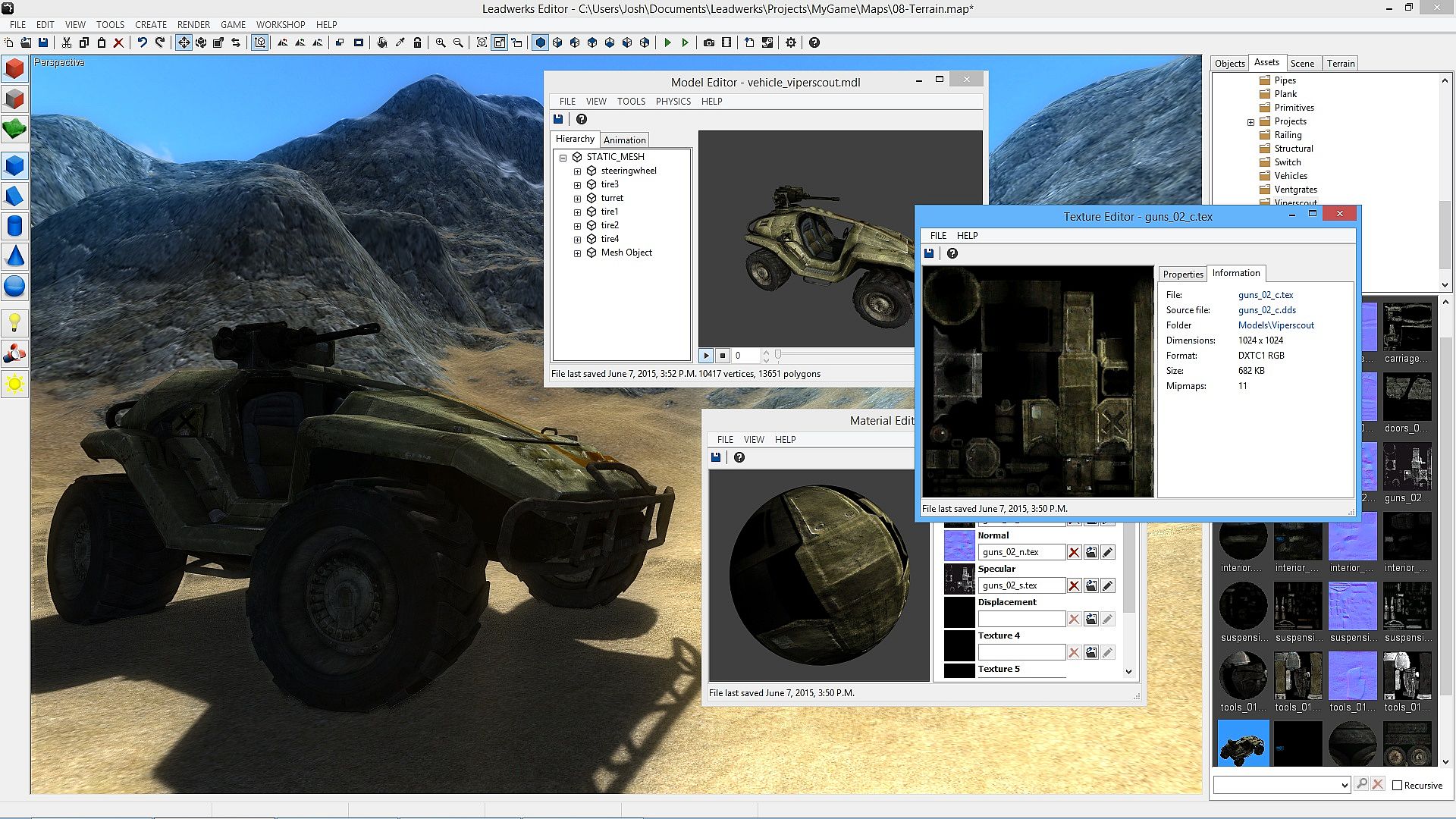
- Automatic asset management reloads models and textures when they are modified from another application.
- Drag and drop import of FBX, DDS, BMP, JPG, PNG, TGA, and PSD files.
- Visual interface controls every aspect of the art pipeline.
- Constructive solid geometry modeling tools.
- Brush primitives include box, wedge, cylinder, sphere, arch, tube, and torus.
- Automatic UV mapping.
- Brush smooth groups.
- GPU-accelerated terrain editor makes sculpting silky smooth and fast.
- Built-in shader editor with instant visualization and error highlighting.
- Native user interface is used on each supported platform.
Programming
- Built-in Lua script editor with debugger, code stepping, and syntax highlighting.
- Visual flowgraph lets you connect objects to control game interactions and set up scripted sequences.
- Launch your game and debug the Lua virtual machine as it runs.
- API design with an object-oriented command set lets you code any type of game.
- Entity scripts provide a per-object hook interface.
- Direct programming gives you control over your game's loop and program structure.
- Script variables are displayed in a visual interface and reloaded in real-time.
AI
- Navmesh pathfinding provides automatic AI navigation that works everywhere.
- Character controller movement seamlessly integrated with physics and pathfinding systems.
- Set entities to automatically chase another object or navigate to a position.
Physics
- Fast and accurate rigid body physics.
- Constraints including hinge, ball, and sliding joints.
- Joint actuators provide fast and stable motorized constraints for doors, robotic arms, and other motion.
- Automatic physics shape calculation.
- Generate physics shapes in the editor from models or brushes.
- Swept collision.
- Raycasting with lines or spheres.
Particles
- Real-time particle editor with instant visualization.
- Emission volumes include box, sphere, cylinder, tube, and cone.
- Adjustable curve graph for alpha and scale.
- Particle animation sheets with adjustable frame counts and layout.
- Velocity-based rotation for directional particles like sparks.
Sound
- 3D sound spatialization.
- Emit a sound from any entity.
- Automatic channel management frees up unneeded channels.
- Skip to any time in sound.