














Comprar PlayStatus - Media & Controller Battery Overlay PC

Onde pode comprar a chave PC Steam de PlayStatus - Media & Controller Battery Overlay mais barata? Verifique e compare preços de 1 lojas para encontrar a melhor e mais barata opção entre 1 ofertas apresentadas no XD.deals. Agora o preço PC mais baixo de PlayStatus - Media & Controller Battery Overlay em keyshops pode ser obtido em R$ 16,99 (0% de desconto).

Lançamento: 02 fev. 2024
Steam:
Mixed (24)
Keyshops
Indisponível
Comprar em Loja Oficial:
R$ 16,99
Comprar em Keyshops:
Ver histórico de preços

Lojas Oficiais (1)

DRM:
Steam
Steam
Steam
PlayStatus - Media & Controller Battery Overlay
Windows
há 16sem
DRM:
Steam
Steam
R$ 16,99

Sobre PlayStatus - Media & Controller Battery Overlay

PlayStatus - Media & Controller Battery Overlay - sobre o jogo

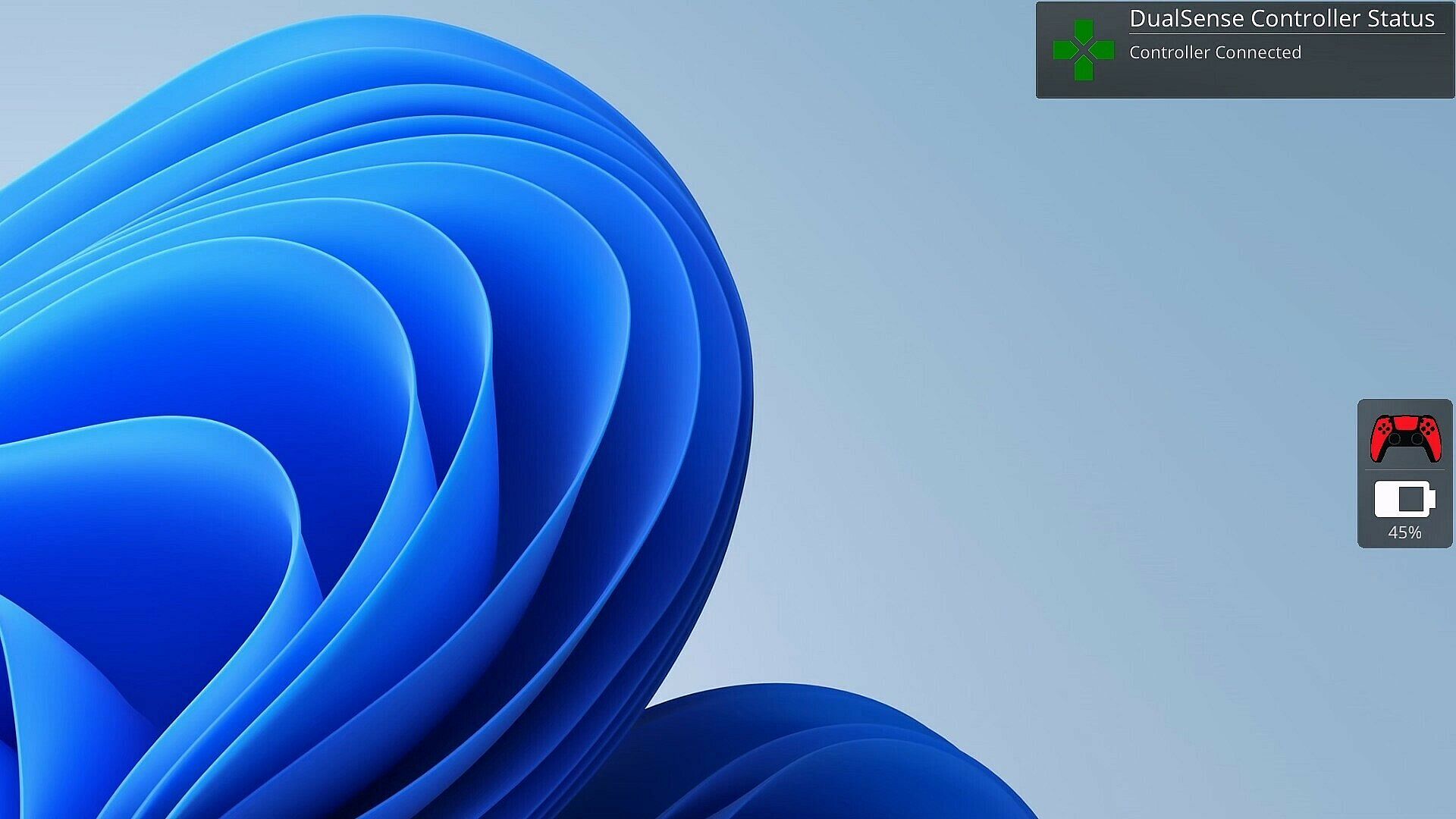
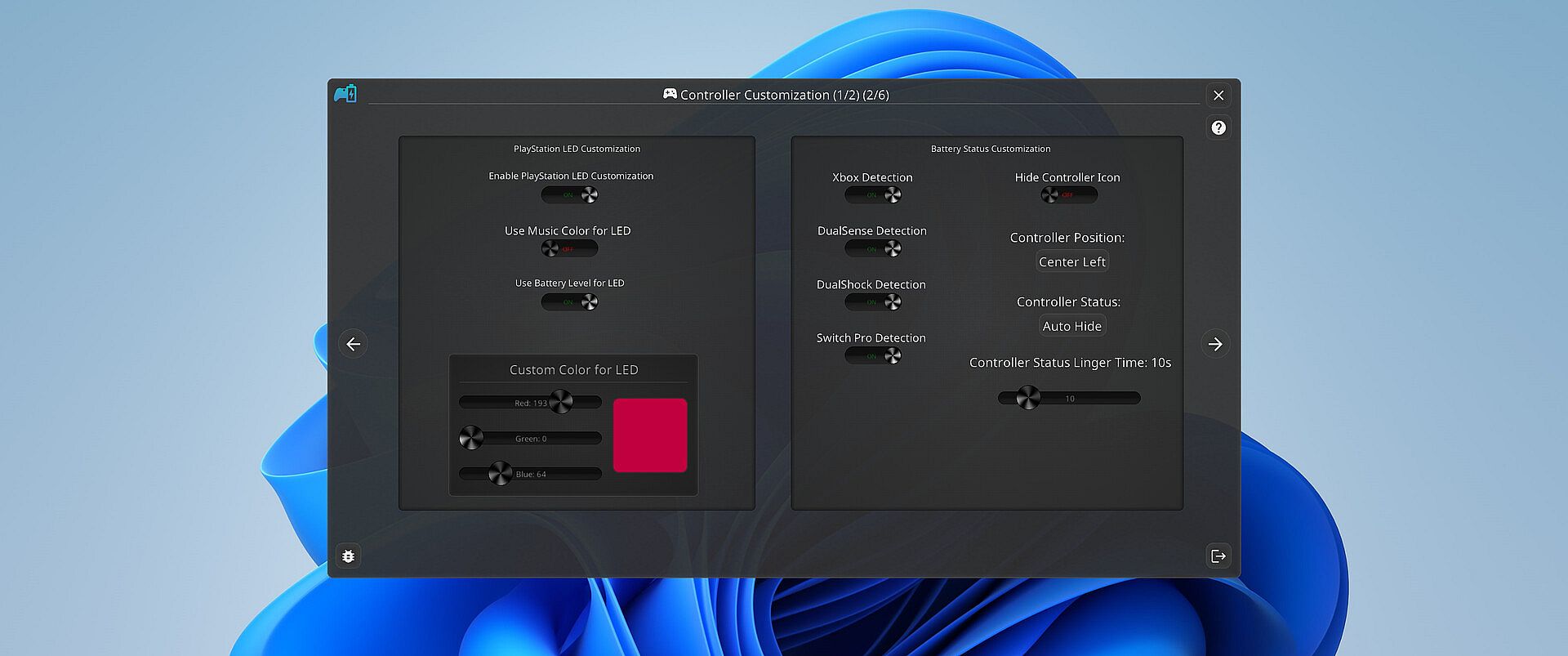
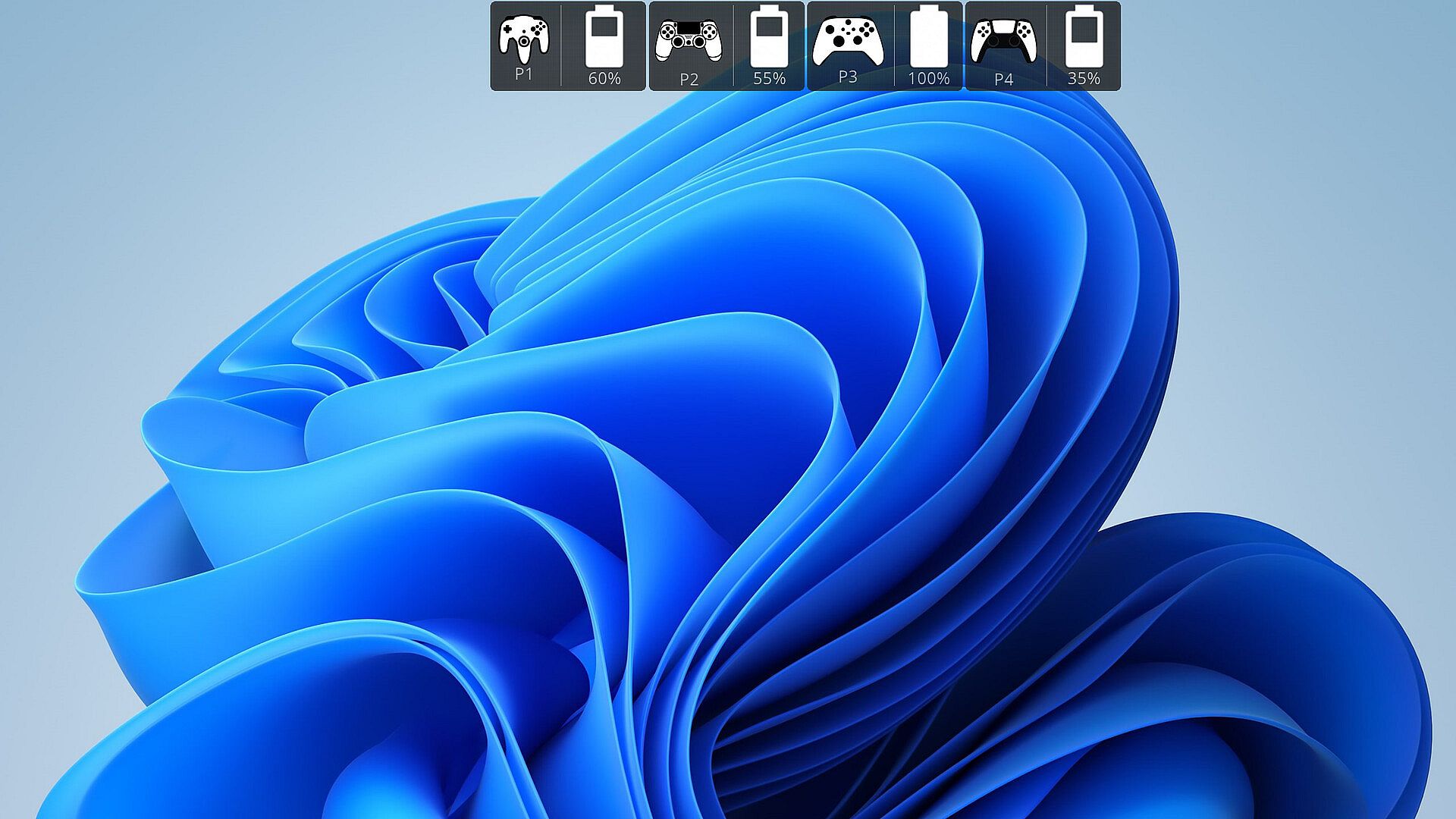
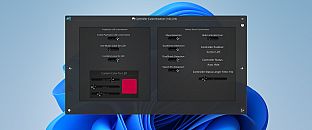
Gamers temem quando o controle morre no meio da partida. O PlayStatus monitora a bateria em tempo real para controles DualSense, Xbox Series/One S, DualShock 4 e Nintendo Switch Pro conectados via Bluetooth no Windows. Ele envia alertas para carregamento ou descarga e acompanha os controles compatíveis dos amigos, tudo por meio de um overlay discreto no modo janela sem bordas. Este utilitário indie inclui um media player para reprodução de baixa latência de arquivos FLAC, OGG, M4A, MP3 ou WAV, com perfis de EQ personalizados e visualizações de áudio. A emulação de controle gerencia mapeamentos para Xbox 360 e DualShock 4 com suporte a rumble, além de detecção automática opcional para configurações específicas de jogos. O suporte multilíngue abrange English, Spanish, German, French, Italian, Japanese, Russian e Simplified Chinese, perfeito para jogadores de PC dedicados em busca de ferramentas fluidas para sessões.

Stay on Top of Your Game with Smart Controller Monitoring

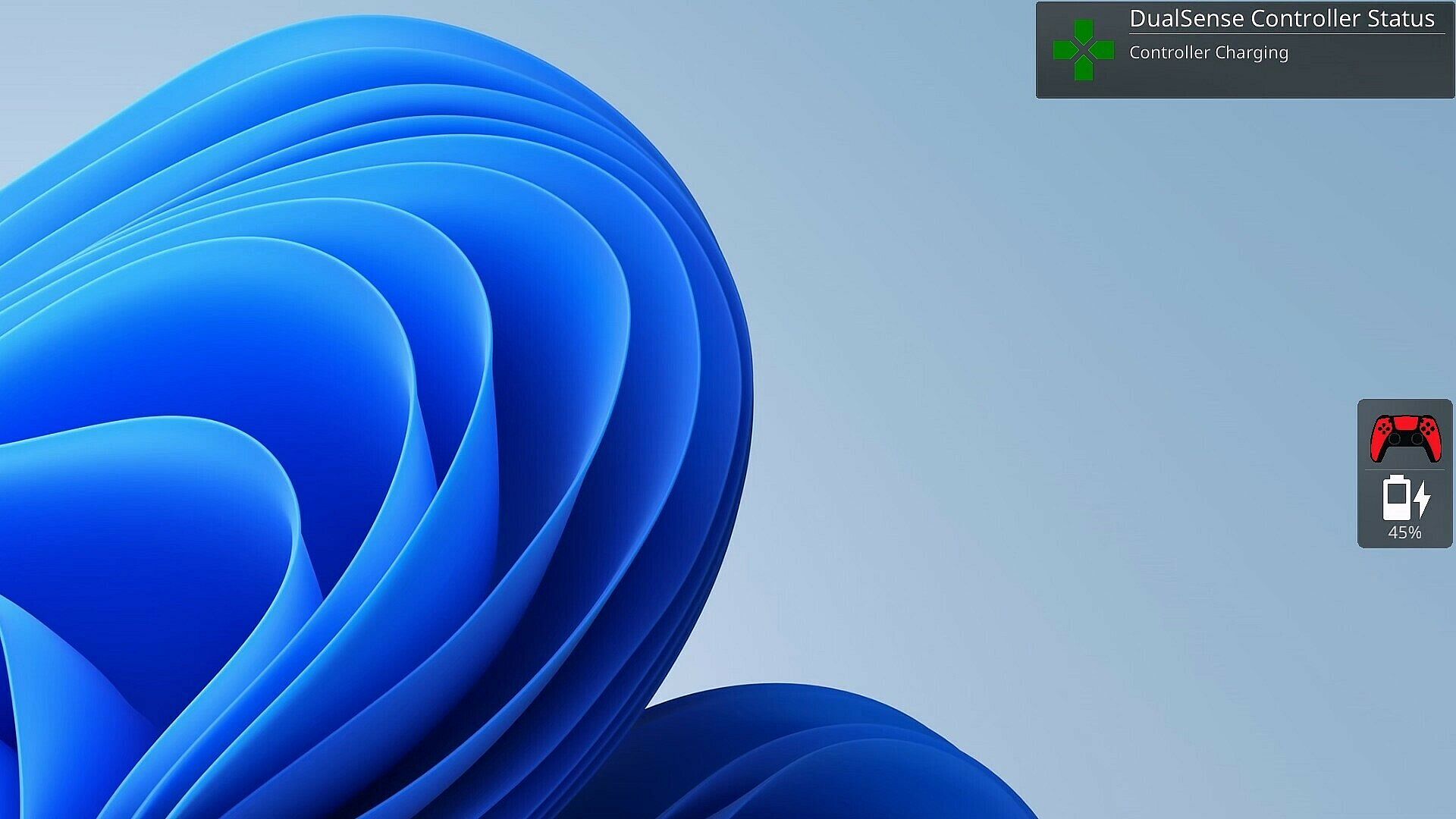
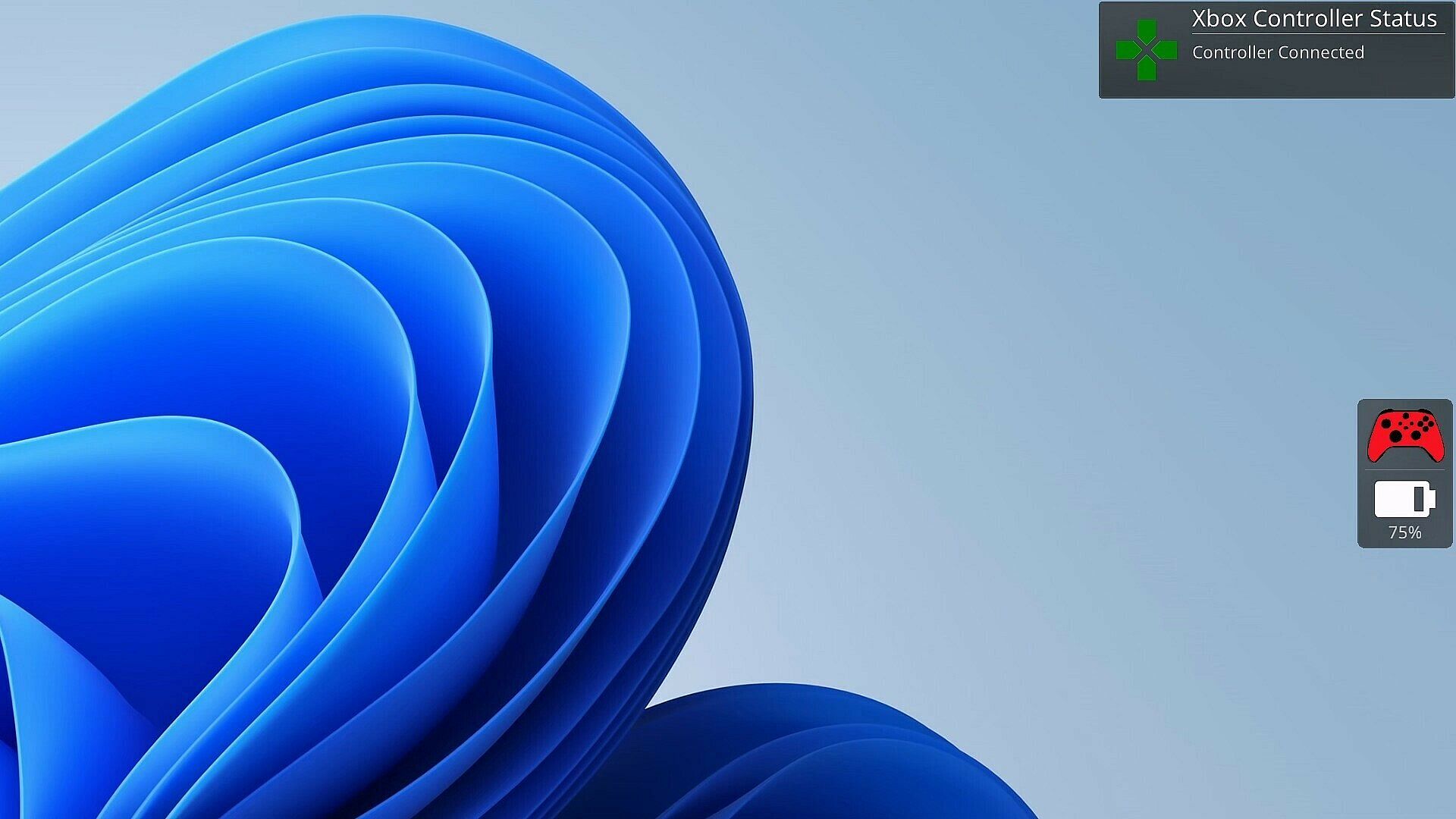
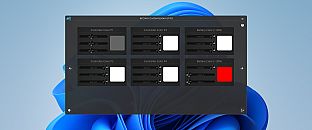
As a gamer, there's nothing worse than your controller dying at a critical moment. PlayStatus is here to ensure that never happens. Whether you're using a Dual Sense, Xbox or Nintendo Switch Pro controller, PlayStatus diligently tracks your controller's battery life, delivering real-time updates on battery changes. It alerts you when your controller starts charging or discharging, allowing you to stay immersed in your game without any unpleasant surprises. Not only that, but when you are playing with others, PlayStatus will also keep track of those controllers as well (given they're supported)!

Important Information for Best Experience

  • Compatibility Notice: PlayStatus does **NOT work on Steam Deck or any Linux distribution using Proton.

  • Unsupported Hardware: Xbox Wireless Adapter and other USB controller adapters are not supported. Connect controllers via Windows Bluetooth settings.

  • Windowed Borderless Mode Required: PlayStatus works only in windowed borderless mode, not in exclusive fullscreen.

Enhance Your Gaming Sessions with Seamless Music Integration

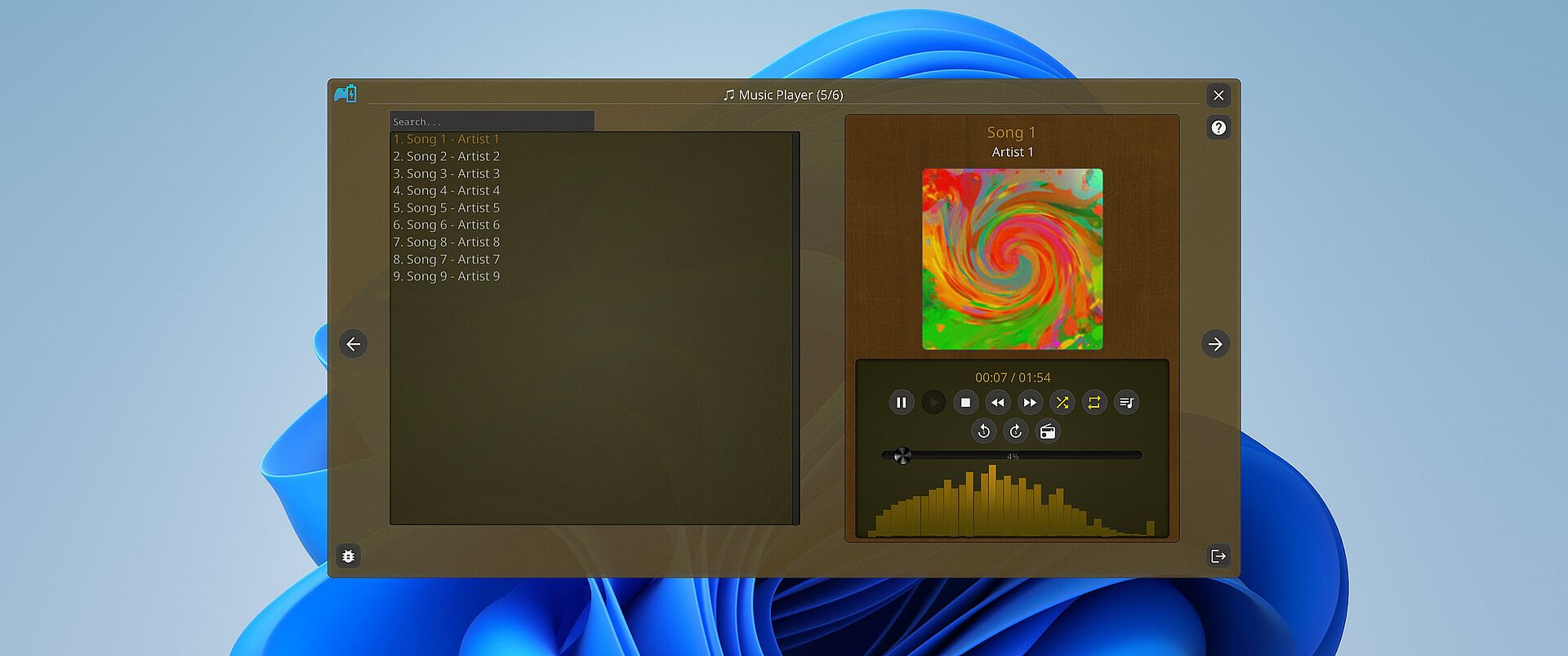
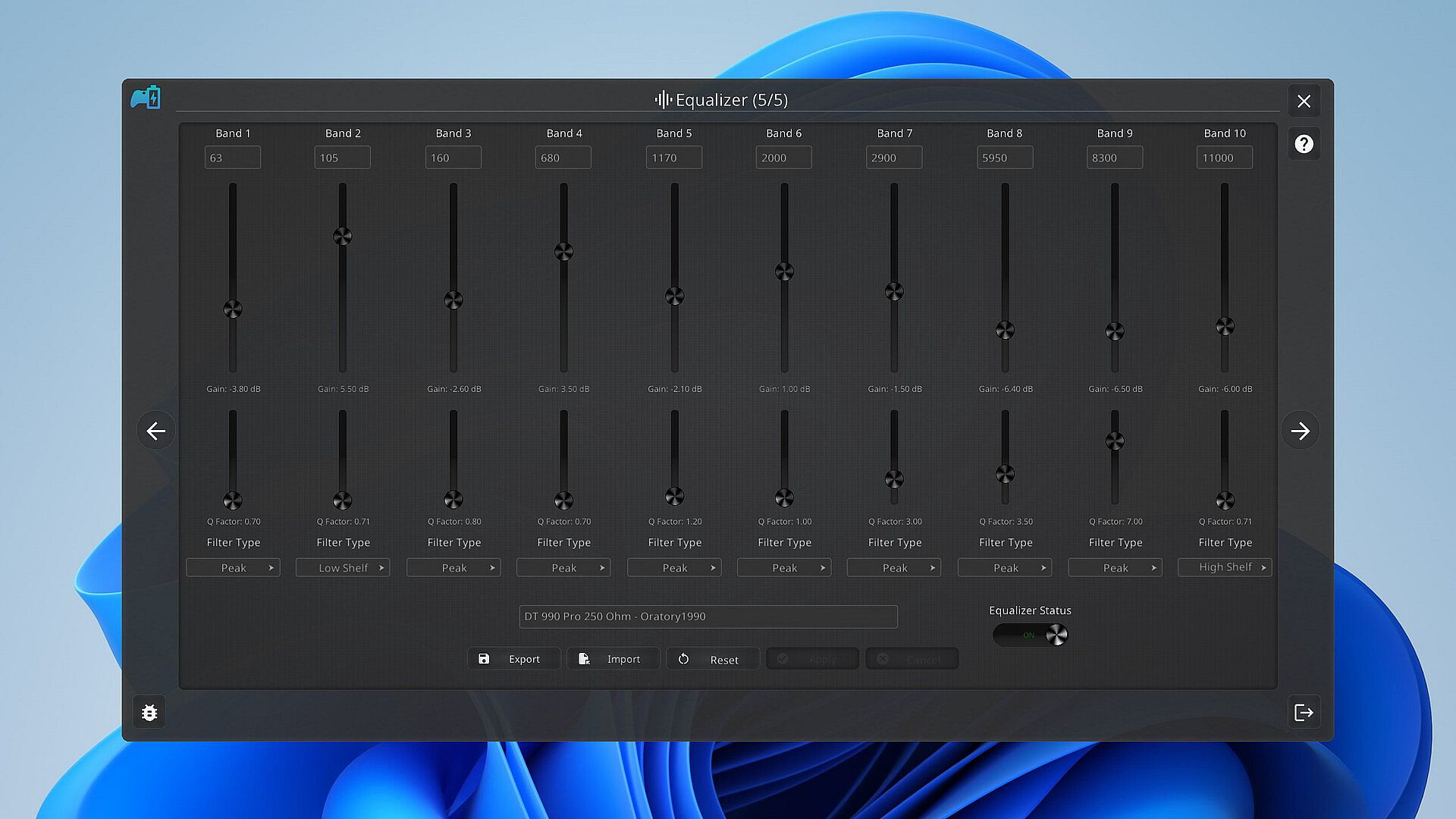
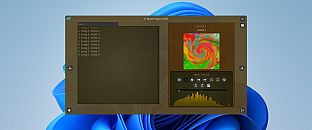
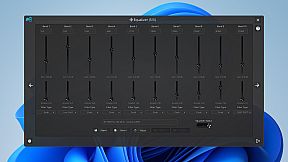
Music is the heartbeat of a great gaming session. PlayStatus features a built-in media player that can provide real-time audio visualizations and low latency audio playback! You can look forward to playing flac, ogg, m4a, mp3, or wav files with custom EQ profiles which can allow for the perfect sound for your specific audio setup.

Xbox 360 & DualShock 4 Controller Emulation

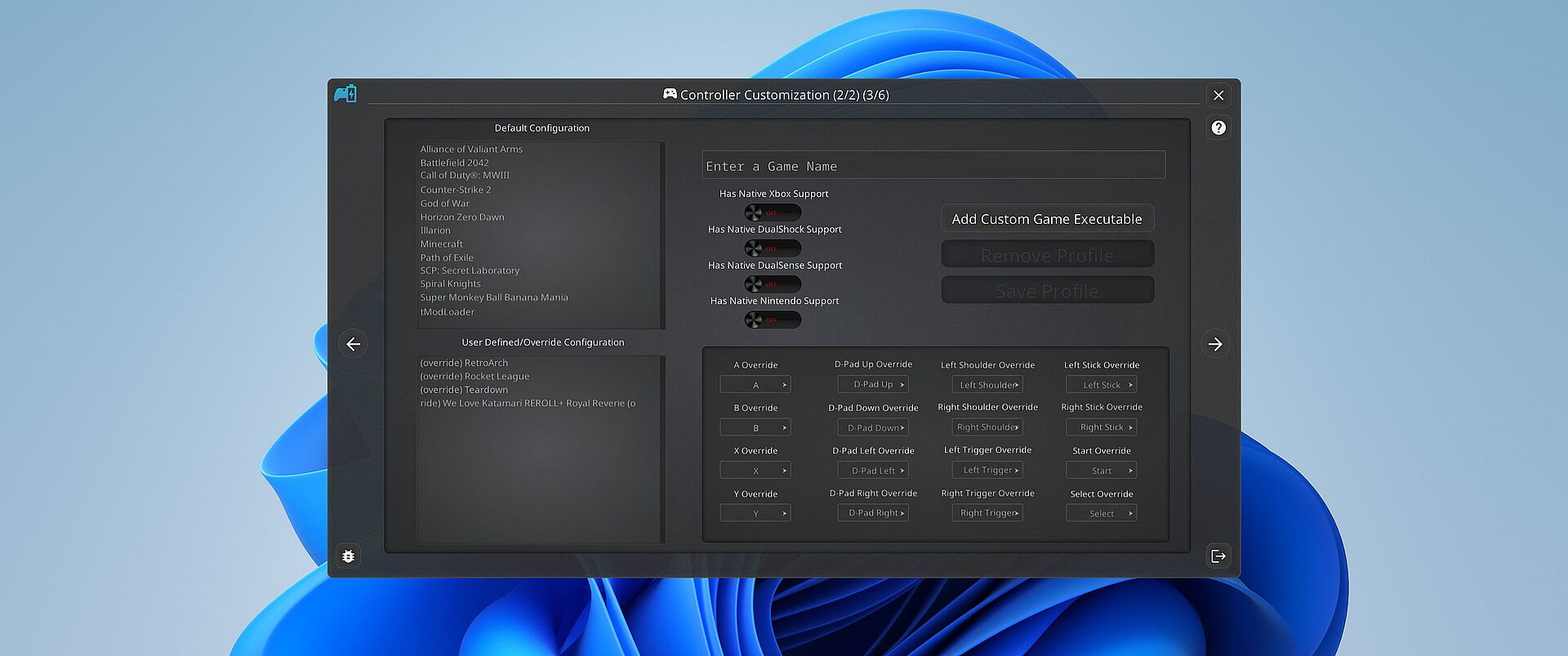
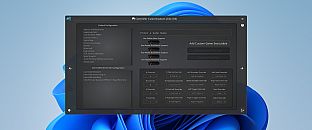
PlayStatus also offers a fully functional controller emulation system, including controller mappings and full rumble support*!

This means, if a game only supports DualShock 4 controllers, but you have an Xbox controller, PlayStatus will emulate a DualShock 4 controller for you, so you can continue to game on, no matter what controllers it supports.

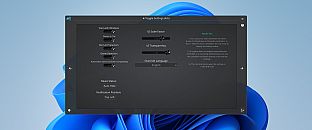
PlayStatus will also optionally auto detect when games have launched, and can apply certain game mappings based on the game.

*(only for Xbox 360 controller emulation).

Why PlayStatus is a Game-Changer for You

Designed with gamers in mind, PlayStatus solves a common yet overlooked problem: the hassle of checking your controller’s battery life. Its intuitive overlay is perfect for those who play in borderless windowed mode, offering non-intrusive, real-time updates. This is all done with safety and convenience in mind; PlayStatus is completely self-contained, meaning that no Anti-Cheat or game will have any problem with PlayStatus running in the background!

Moreover, if you’re a music aficionado, you'll appreciate the ease of viewing your music without having to switch screens or pause your game. And for those who prefer a more focused gaming experience, the option to disable notifications is just a click away.

Supported Controllers

PlayStatus supports the following controllers:

  • Xbox Series or Xbox One S Wireless Controllers connected via Windows Bluetooth Settings.

  • Dual Sense controllers (DualSense Edge is experimental)

  • Dual Shock 4 controllers

  • Nintendo Switch Pro, SNES & N64 Controllers

PlayStatus will be unable to report correct battery/connection information if you are using any sort of controller emulator dongle, like a 8BitDo, or a Microsoft Xbox Wireless Adapter. Along with that, it is very important to follow the in-app instructions for set-up.

OS Support

PlayStatus supports Windows ONLY. Running via Proton, or any type of compatibility layer, will NOT work. This includes Steam Deck. Please see the System Requirements section for more information.

Language Support

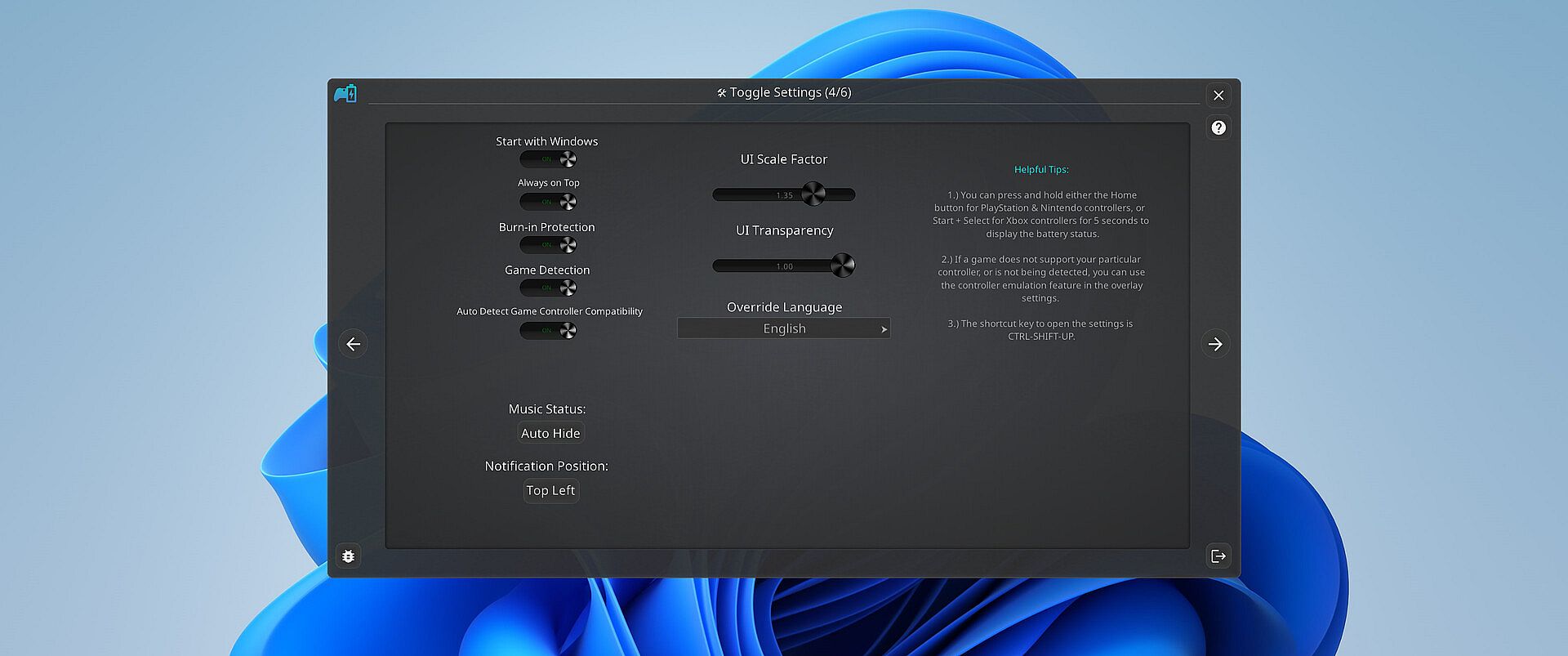
PlayStatus supports multiple languages other than English. Other languages that are supported include Spanish (Spain), German, French, Italian, Japanese, Russian, and Simplified Chinese. More languages will be added in the future if needed/requested.


Classificação etária

Indisponível
Steam:
Mixed (24)
Mínimo histórico
Histórico de preços das lojas oficiais
-
-
-
Histórico de preços dos keyshops
-
-
-
Junte-se ao nosso Discord
Obtenha ajuda instantânea da nossa comunidade e mantenha-se atualizado sobre as últimas ofertas
Definir Alertas de Preço
Seja notificado por email quando os preços dos jogos baixarem para o seu objetivo
Criar Conta Gratuita
Desbloqueie listas de desejos, alertas de preço e sincronização Steam

FAQ

8 perguntas

Antes de começar a procurar uma CD Key barata de PlayStatus - Media & Controller Battery Overlay, reserve um momento para verificar o essencial. Desenvolvido por CKProductions. Publicado por CKProductions. Data de lançamento PC: 02 fev. 2024. Géneros: Indie, Utilities. Categorias: Full controller support, Steam Cloud. Avaliações de PlayStatus - Media & Controller Battery Overlay: Avaliações Steam: 62% of the 24 user reviews for this game are positive.

Q Posso jogar PlayStatus - Media & Controller Battery Overlay no Steam Deck?

Não, neste momento não. A Valve marca PlayStatus - Media & Controller Battery Overlay como Não Suportado no Steam Deck, então não funcionará via Proton neste momento. Fique atento ao XD.deals - acompanhamos avanços do Proton e correções da comunidade, e sinalizaremos assim que houver uma forma funcional de jogar PlayStatus - Media & Controller Battery Overlay no Steam Deck.

Sim. Existe uma versão Steam de PlayStatus - Media & Controller Battery Overlay. Escolha qualquer oferta com a etiqueta Chave Steam no XD.deals, resgate-a no cliente desktop e jogue PlayStatus - Media & Controller Battery Overlay no Steam PC.

Sim. Depois de resgatar a sua chave Steam, pode iniciar PlayStatus - Media & Controller Battery Overlay no Modo Offline via Steam. Os seus ficheiros de gravação serão sincronizados da próxima vez que ficar online.

Sim, pode comprar uma Chave Steam de PlayStatus - Media & Controller Battery Overlay diretamente na Steam Store. No XD.deals, agregamos todas as ofertas Steam DRM disponíveis para que possa comparar ofertas Steam baratas de PlayStatus - Media & Controller Battery Overlay num só lugar.

Encontrará todas as promoções e descontos ativos de PlayStatus - Media & Controller Battery Overlay aqui mesmo no XD.deals. O nosso rastreador de preços lista atualmente 1 ofertas de lojas oficiais e 0 ofertas de keyshops. Verifique a tabela acima para o preço mais baixo, compare com o mínimo histórico do jogo e defina um alerta de preço para nunca perder a próxima descida.

Com o XD.deals, os jogadores de PC podem ver instantaneamente onde comprar uma chave PC Steam barata de PlayStatus - Media & Controller Battery Overlay. O nosso motor de comparação de preços em tempo real e base de dados de cupões curada acompanham todas as lojas oficiais e keyshops de confiança para que não tenha de o fazer. Neste momento detetamos este jogo em 1 ofertas ativas de lojas e keyshops.

Sim. Uma página oficial de PlayStatus - Media & Controller Battery Overlay na Steam Store está ativa, então pode comprar PlayStatus - Media & Controller Battery Overlay no Steam ou comprar qualquer Chave PC Steam de PlayStatus - Media & Controller Battery Overlay no XD.deals e resgatá-la instantaneamente.

Não - o XD.deals em si não é uma loja. Somos um serviço de comparação de preços que acompanha as melhores ofertas de PlayStatus - Media & Controller Battery Overlay em lojas oficiais e keyshops verificadas. Clique em "Comprar agora" junto à oferta desejada e será redirecionado para o site do vendedor para concluir a compra e receber a chave lá.

Melhores preços para PlayStatus - Media & Controller Battery Overlay

1 Steam Steam Official
R$ 16,99

Pronto para começar? Defina um alerta de preço no XD Deals e obtenha uma chave Steam com desconto de PlayStatus - Media & Controller Battery Overlay assim que atingir o próximo mínimo histórico.

Criar Alerta