Comprar Cyberlink Screen Recorder 4 - Record your games, RPG, car game, shooting gameplay - Game Recording and Streaming Software PC Key

Interessado em Cyberlink Screen Recorder 4 - Record your games, RPG, car game, shooting gameplay - Game Recording and Streaming Software? Estamos a acompanhar preços de lojas de confiança. Adicione Cyberlink Screen Recorder 4 - Record your games, RPG, car game, shooting gameplay - Game Recording and Streaming Software à sua lista de desejos e notificá-lo-emos quando surgirem ofertas.

Lançamento: 27 nov. 2018
Steam:
Mixed (26)
Official
Indisponível
Keyshops
Indisponível
Comprar em Loja Oficial:
Indisponível
Comprar em Keyshops:
Indisponível

Sem entradas, mas não se preocupe, iremos informá-lo assim que surgir uma nova oferta.

Create Alert Create deal Alert

Sobre Cyberlink Screen Recorder 4 - Record your games, RPG, car game, shooting gameplay - Game Recording and Streaming Software

Cyberlink Screen Recorder 4 - Record your games, RPG, car game, shooting gameplay - Game Recording and Streaming Software - sobre o jogo
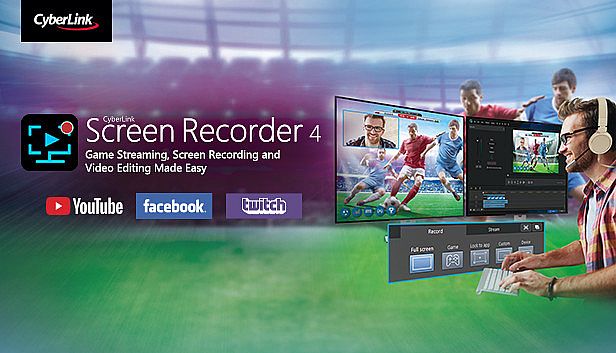
Capture o gameplay do seu PC, de RPGs e jogos de carro a shooters, com o Cyberlink Screen Recorder 4. Faça streaming ao vivo para Twitch, YouTube, Facebook ou servidores personalizados, e multistream para até cinco plataformas simultaneamente. Sobreponha imagens da webcam e áudio do microfone às gravações, usando chroma key para trocar o fundo e adicionar objetos de marca. Grave telas completas, janelas específicas ou footage bloqueado em apps, inclusive em modo exclusivo ou de consoles. Visualize webcam e microfone em tempo real, configure hotkeys personalizados para iniciar, pausar e tirar screenshots rapidamente, e edite clipes com ferramentas simples para títulos, transições e faixas de áudio duplas. Gamers, vloggers e criadores de tutoriais contam com baixo impacto na CPU/GPU para sessões fluidas.

Livestreaming Online
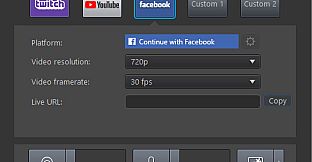
Start creating content that engages with your followers on Twitch, YouTube or Facebook.
Integrate webcam commentary into livestreams with additional overlay objects.

    Use a Custom Streaming Server
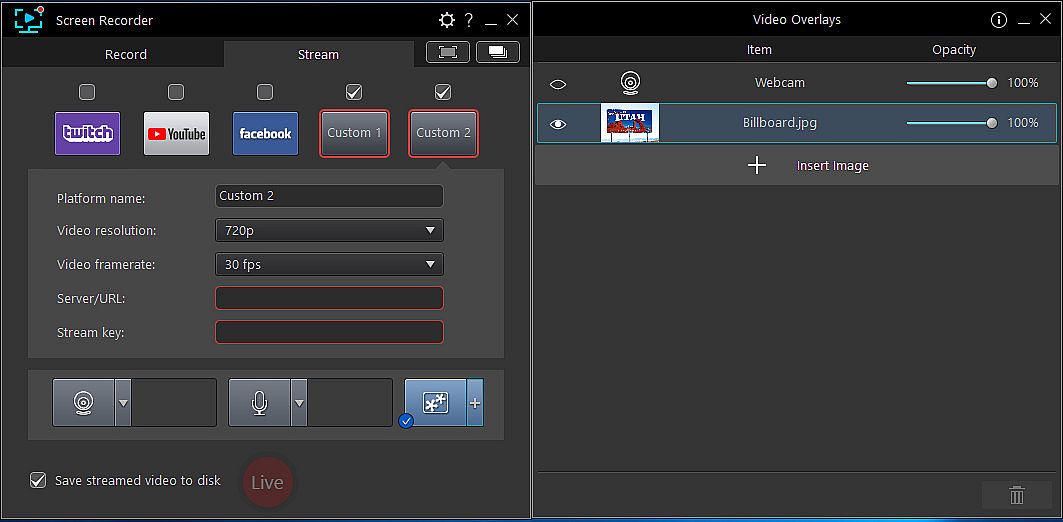
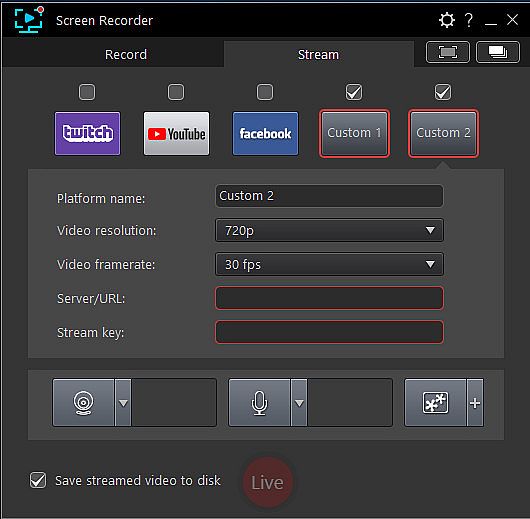
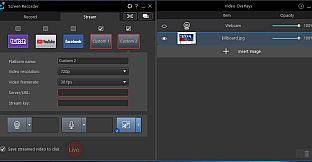
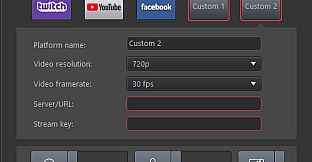
    Not only does Screen Recorder let you stream to your favorite platforms like Twitch, Facebook & YouTube Live, it also lets you use custom streaming servers to reach your audience.
    Multistream to Twitch, YouTube, Facebook and Custom Servers
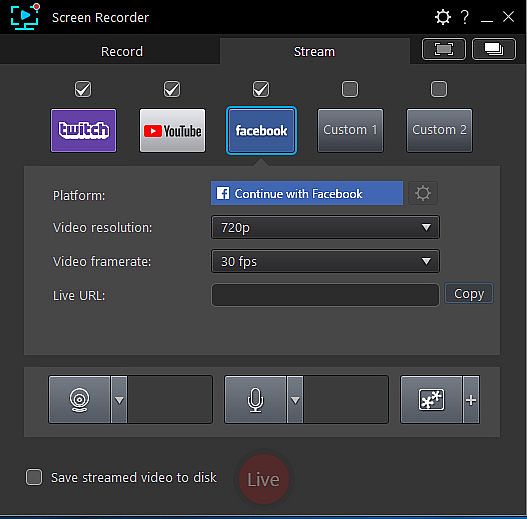
    Screen Recorder lets you multistream to up to five different services. This means you can simultaneously livestream to Twitch, YouTube, and Facebook, plus up-to two additional custom servers. It's an easy to reach a wider audience without the need for additional relay servers.
    Integrate Your Webcam into Livestreams
    Share more than just your gameplay. Share your gaming secrets, reactions and commentary with your viewers by integrating webcam & microphone audio and video on top of your in-game footage, even when you’re streaming from a gaming console. You can also use chroma key to apply a custom background.
    Reduced System Footprint
    We understand that CPU and GPU processing power is vital for smooth gameplay and streaming. While other screen capturing solutions consume far too much of the precious processing power that gamers require, we’ve taken every step possible to ensure Screen Recorder minimizes CPU & GPU load as much as possible for your gameplay.
Record & Edit with Ease
Record & edit content to provide your audience with videos that are detailed, high-quality, and informative.
    Record with Chroma Key
    Get creative when adding webcam footage to your screen recordings. Remove the background from your webcam footage thanks to a powerful chroma key engine, and replace it with your own cool, creative background image.
    Add Overlay Objects to Recordings
    Overlay objects to your desktop and webcam recordings. It's an easy way to brand your videos, promote a sponsor, or add a unique watermark to your recordings.
    Customizable Hotkey Support
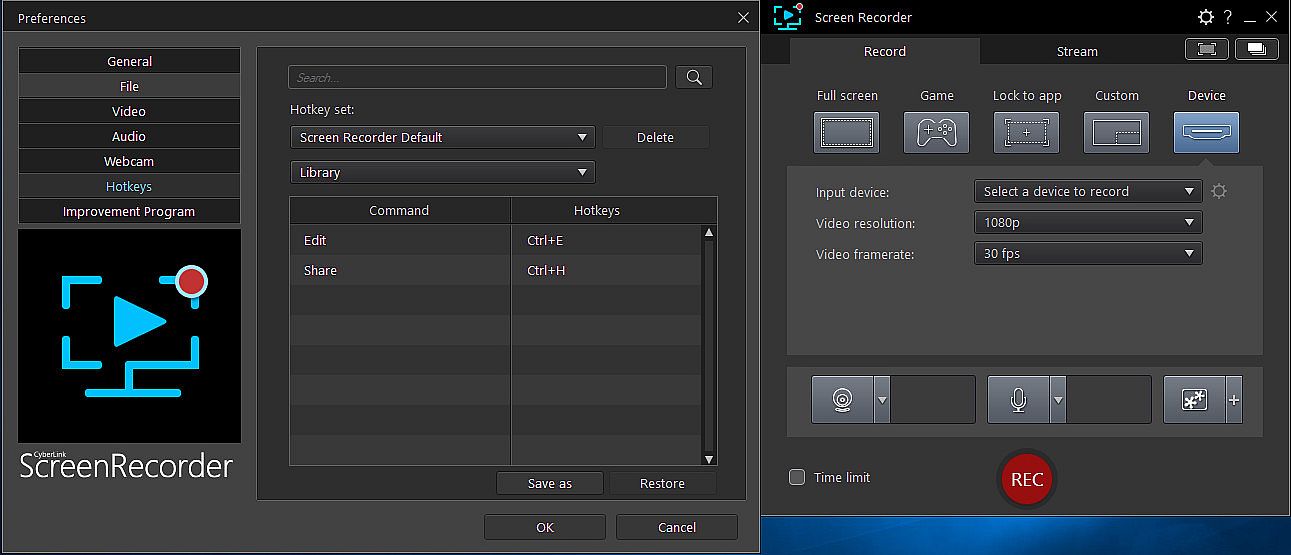
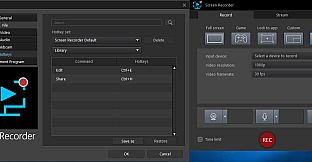
    Get recordings started quicker, mute and unmute instantly, pause without having to touch your mouse, and quicklt take screenshots by setting customized hotkeys for recording and streaming.
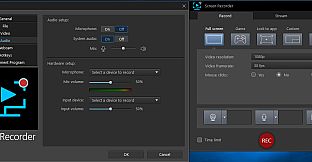
    Real-time Webcam & Mic Preview
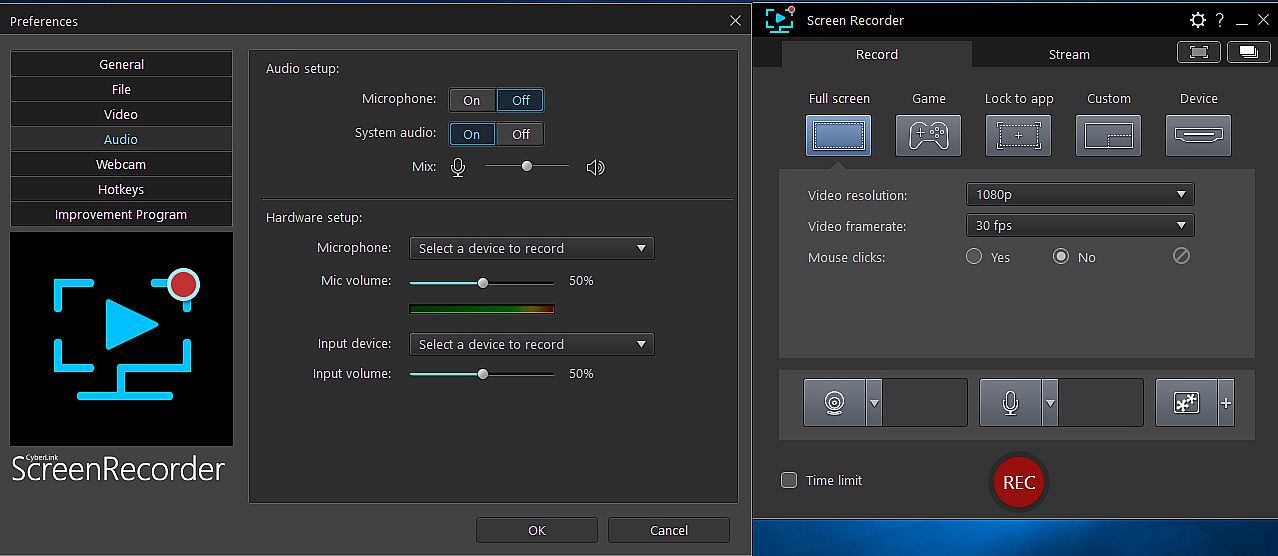
    Setup recordings faster with real-time webcam & mic previews. See exactly what you'll look like before you hit record using the preview window, and quickly adjust resolution and settings. The microphone preview allows you to quickly adjust volume and preview audio levels.
    Record from PC or Connected Device
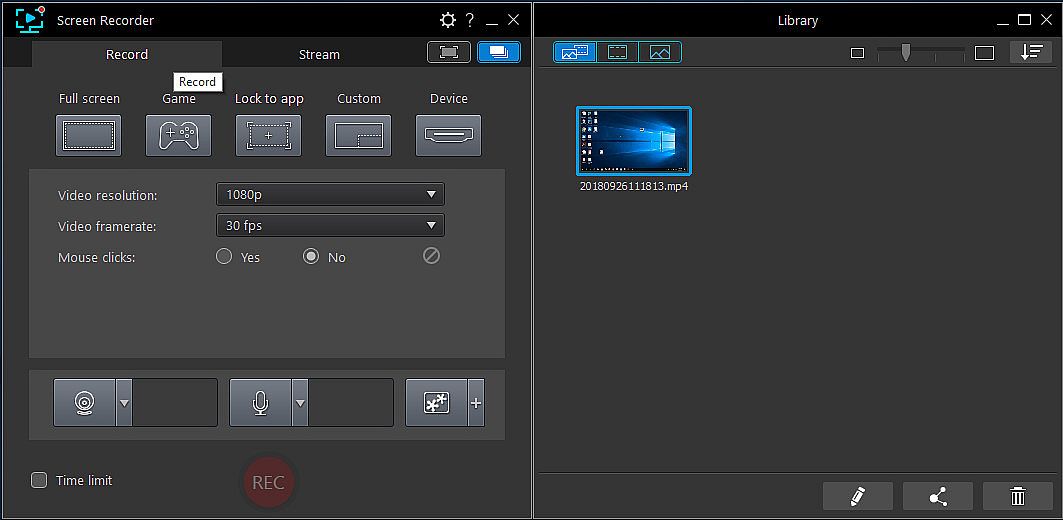
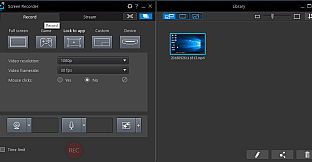
    Whether you’re a vlogger, gamer, or how-to expert, Screen Recorder will have you producing high-quality, detailed videos in next to no time. Record your whole screen, just a window, or lock to a specific app. For gamers, you can record gameplay from your PC even in exclusive mode, and also capture directly from your gaming console!
    Easy-to-use Editing Tools
    Don’t spend hours figuring out how to edit your footage. Screen Recorder comes with a remarkably simple editing interface that allows you to quickly import and trim your footage, add titles and transitions, and also now add two unique audio tracks.
Interface:
GermanEnglishSpanish - SpainFrenchItalianJapaneseKoreanDutchSimplified ChineseTraditional Chinese
Áudio:
GermanEnglishSpanish - SpainFrenchItalianJapaneseKoreanDutchSimplified ChineseTraditional Chinese

Classificação etária

Indisponível
Steam:
Mixed (26)

Mínimo:

  • Processador: Intel Core™ i-series or AMD Phenom® II and above
  • Memória: 2 GB RAM
  • Gráficos: Desktop recording: 1GB VGA VRAM or higher
  • Armazenamento: 600 MB available space
  • Notas Adicionais: Windows compatible sound card is required; Internet connection is required for initial software activation, video codec activation and social media services

Recomendado:

  • Processador: Intel Core™ i-series or AMD Phenom® II and above
  • Memória: 2 GB RAM
  • Gráficos: Desktop recording: 1GB VGA VRAM or higher
  • Armazenamento: 600 MB available space
  • Notas Adicionais: Windows compatible sound card is required; Internet connection is required for initial software activation, video codec activation and social media services
Mínimo histórico
Histórico de preços das lojas oficiais
-
-
-
Histórico de preços dos keyshops
-
-
-

FAQ

8 perguntas

Antes de procurar uma chave PC barata de Cyberlink Screen Recorder 4 - Record your games, RPG, car game, shooting gameplay - Game Recording and Streaming Software, confira o essencial. Desenvolvido por CyberLink. Publicado por Deep Silver. Data de lançamento PC: 27 nov. 2018. Géneros: Utilities, Audio Production, Video Production, Design & Illustration.

Q

Onde comprar uma chave Steam ou CD Key barata de Cyberlink Screen Recorder 4 - Record your games, RPG, car game, shooting gameplay - Game Recording and Streaming Software?

Nao existem ofertas ativas para Cyberlink Screen Recorder 4 - Record your games, RPG, car game, shooting gameplay - Game Recording and Streaming Software de momento. Defina um alerta de preco no XD.deals e avisaremos assim que uma oferta estiver disponivel.

Nao temos um preco atual do Steam Store para Cyberlink Screen Recorder 4 - Record your games, RPG, car game, shooting gameplay - Game Recording and Streaming Software. O jogo pode estar temporariamente indisponivel ou ainda nao listado no Steam.

O nosso rastreador de precos abrange tanto lojas oficiais como keyshops, para que possa encontrar Cyberlink Screen Recorder 4 - Record your games, RPG, car game, shooting gameplay - Game Recording and Streaming Software em promocao mesmo fora das campanhas sazonais. Detetamos atualmente 0 ofertas ativas de lojas oficiais e keyshops. Consulte a tabela acima, compare com o minimo historico e defina um alerta para nunca perder a proxima descida de preco.

Com base nos nossos dados, Cyberlink Screen Recorder 4 - Record your games, RPG, car game, shooting gameplay - Game Recording and Streaming Software nao esta atualmente disponivel no GeForce NOW. Precisara de o executar localmente no seu PC. Consulte os jogos disponiveis no GeForce NOW.

Sim. Cyberlink Screen Recorder 4 - Record your games, RPG, car game, shooting gameplay - Game Recording and Streaming Software tem uma pagina oficial no Steam, mas atualmente nao temos ofertas de terceiros com DRM Steam. Volte mais tarde ou defina um alerta de preco.

Nao neste momento. A Valve marca Cyberlink Screen Recorder 4 - Record your games, RPG, car game, shooting gameplay - Game Recording and Streaming Software como Nao Suportado no Steam Deck. Fique atento ao XD.deals - acompanhamos atualizacoes do Proton e correcoes da comunidade. Consulte os jogos Steam Deck Verified ou Steam Deck Playable.

Cyberlink Screen Recorder 4 - Record your games, RPG, car game, shooting gameplay - Game Recording and Streaming Software nao parece estar disponivel no PC Game Pass, EA Play, Ubisoft+ ou qualquer outro servico de assinatura para PC neste momento. A unica opcao e comprar o jogo - use o XD.deals para encontrar o melhor preco.

Nao - o XD.deals nao e uma loja. Somos um servico de comparacao de precos que acompanha as melhores ofertas de Cyberlink Screen Recorder 4 - Record your games, RPG, car game, shooting gameplay - Game Recording and Streaming Software em lojas oficiais e keyshops verificadas. Clique em "Ir para a loja" junto a qualquer oferta e sera redirecionado para o site do vendedor para concluir a compra.

Quer comprar no melhor momento? Defina um alerta de preco no XD.deals e seja notificado quando Cyberlink Screen Recorder 4 - Record your games, RPG, car game, shooting gameplay - Game Recording and Streaming Software atingir o seu proximo minimo historico.

Criar Alerta
Junte-se ao nosso Discord
Obtenha ajuda instantânea da nossa comunidade e mantenha-se atualizado sobre as últimas ofertas
Definir Alertas de Preço
Seja notificado por email quando os preços dos jogos baixarem para o seu objetivo
Criar Conta Gratuita
Desbloqueie listas de desejos, alertas de preço e sincronização Steam