

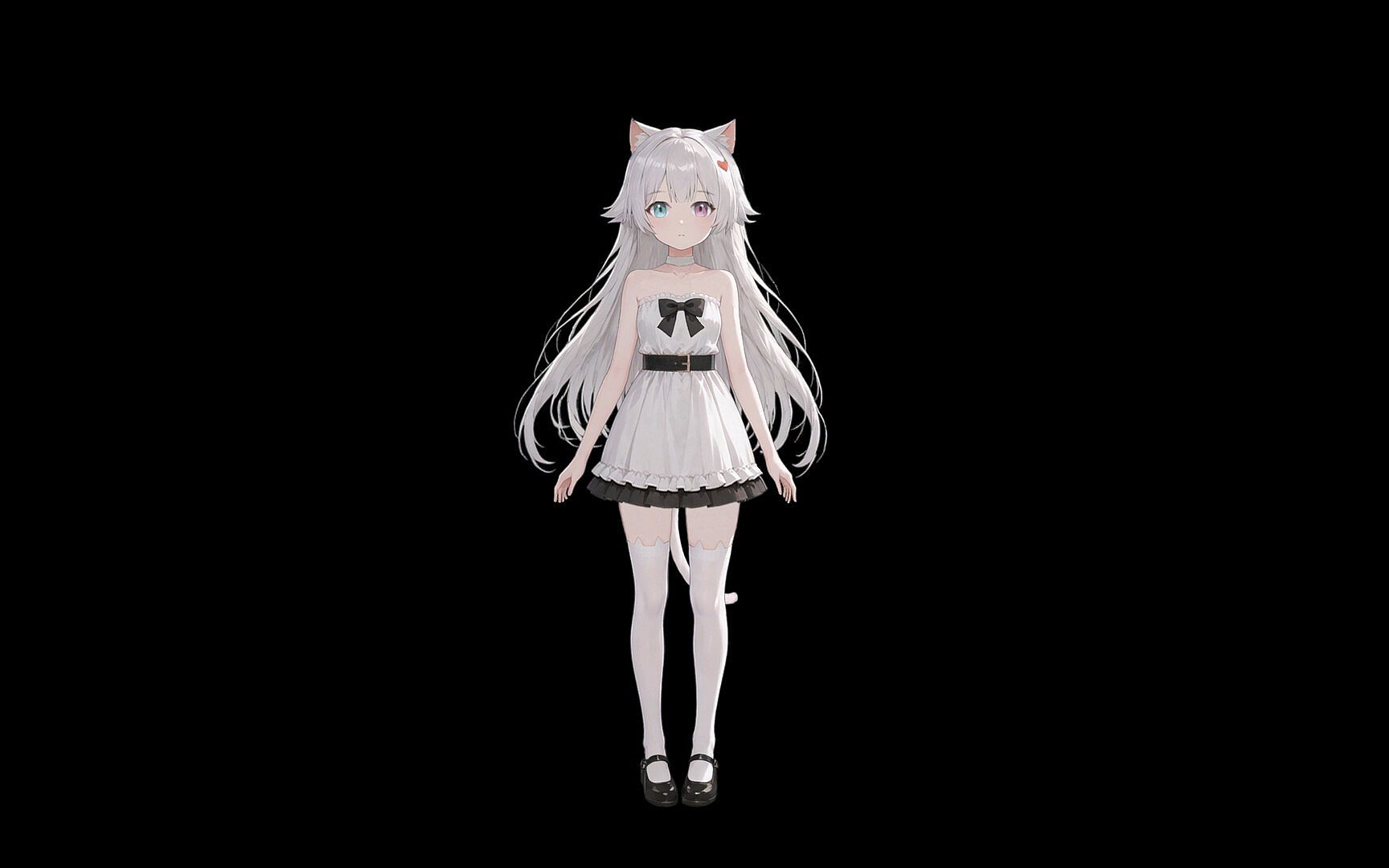
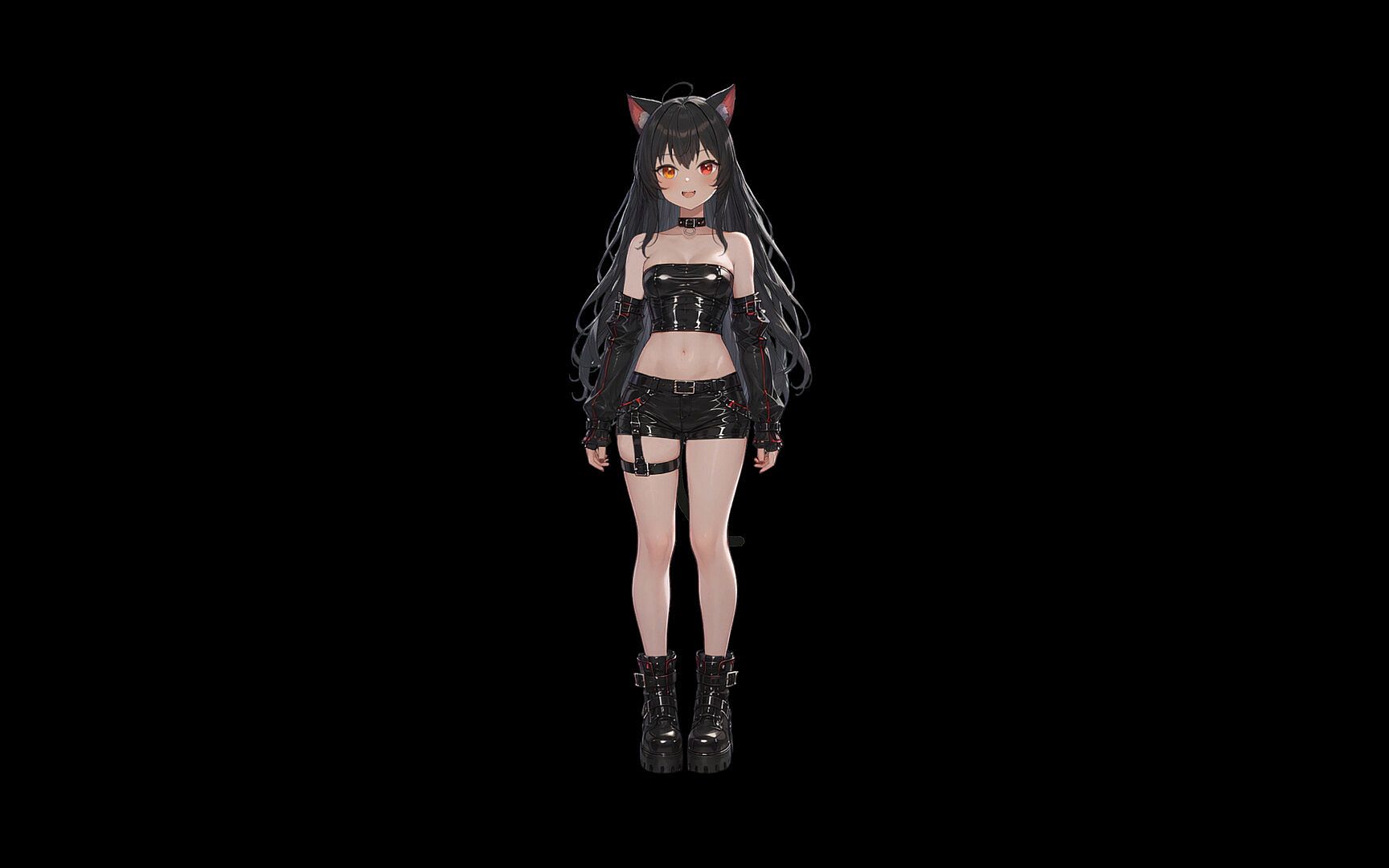
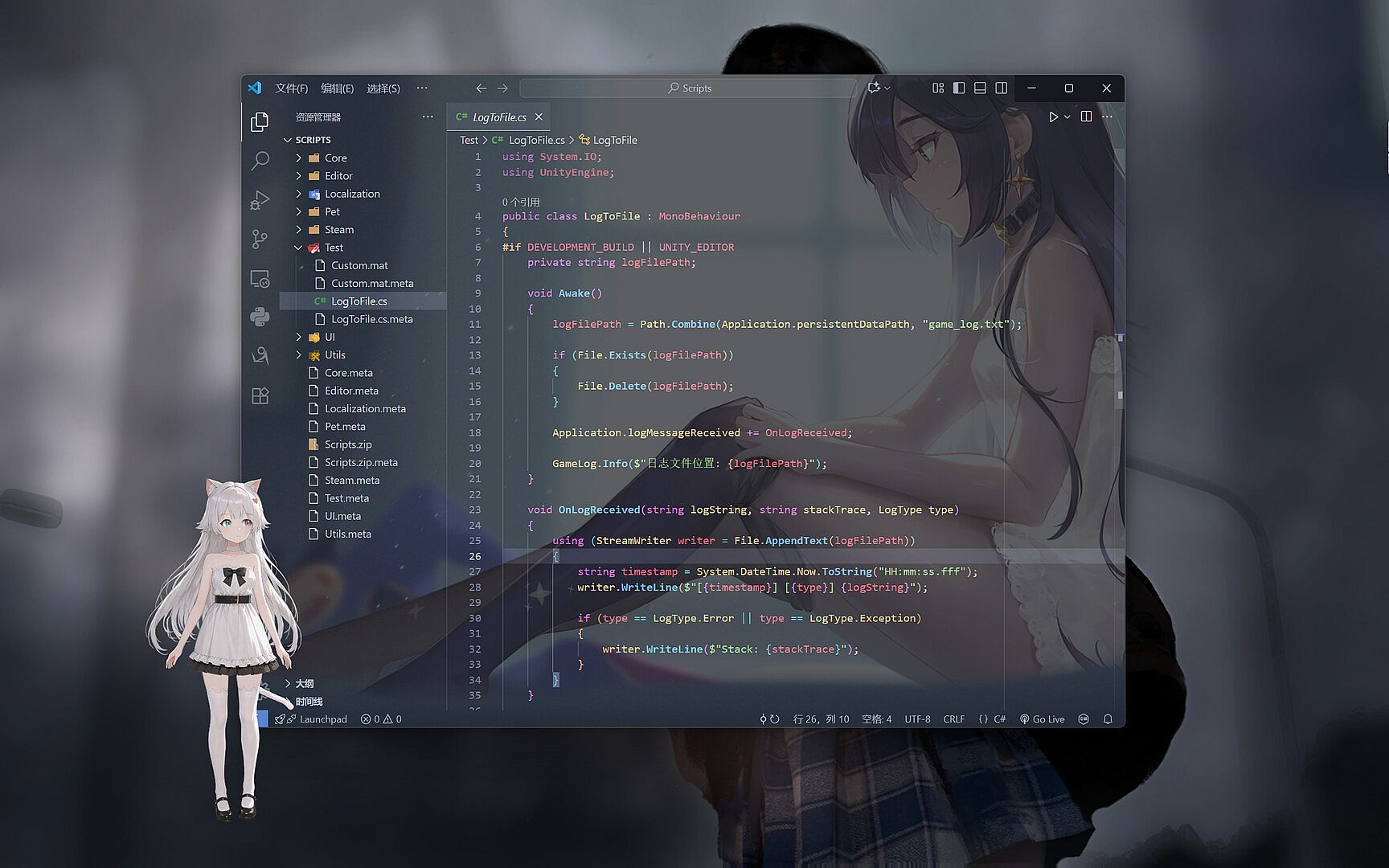
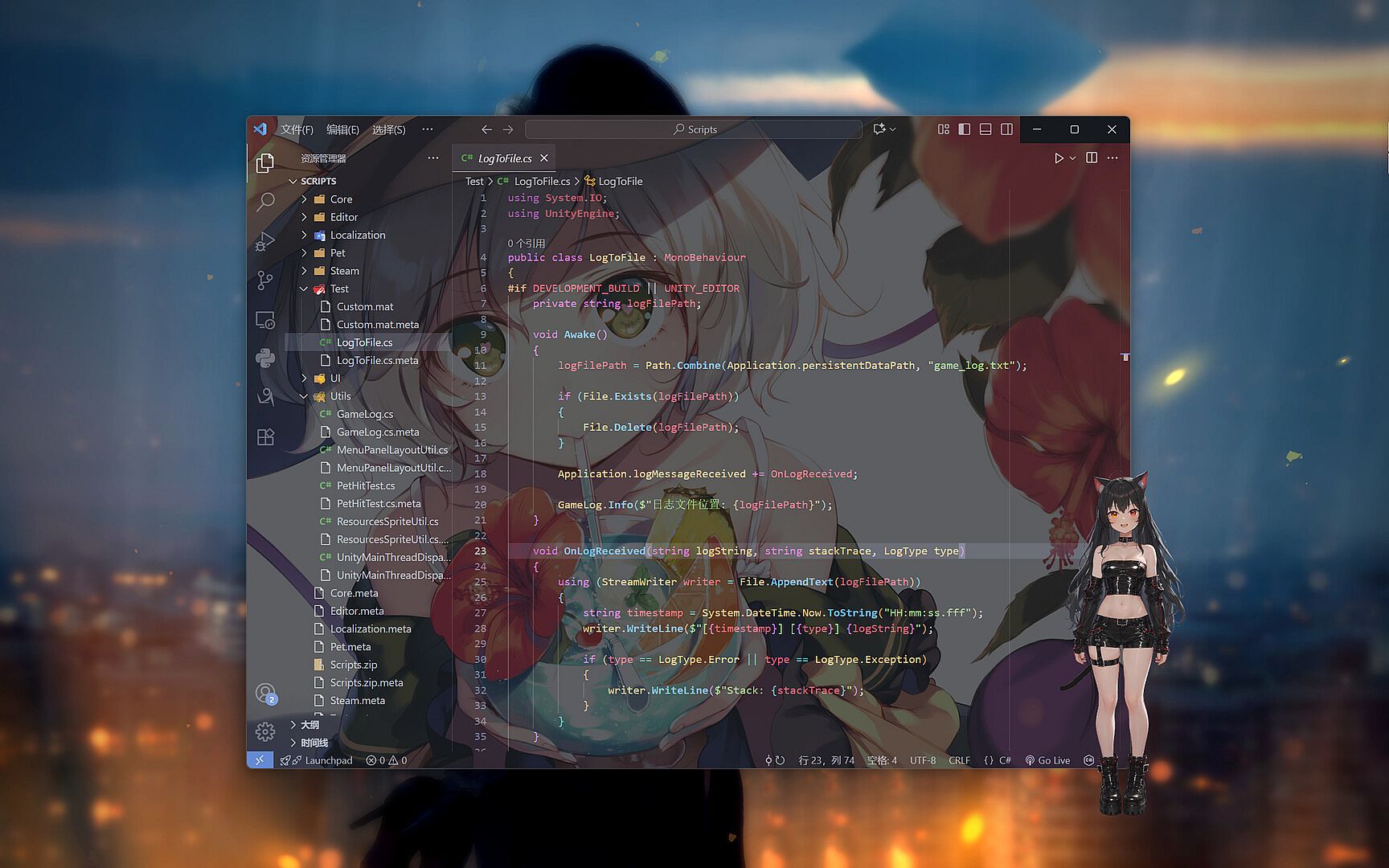
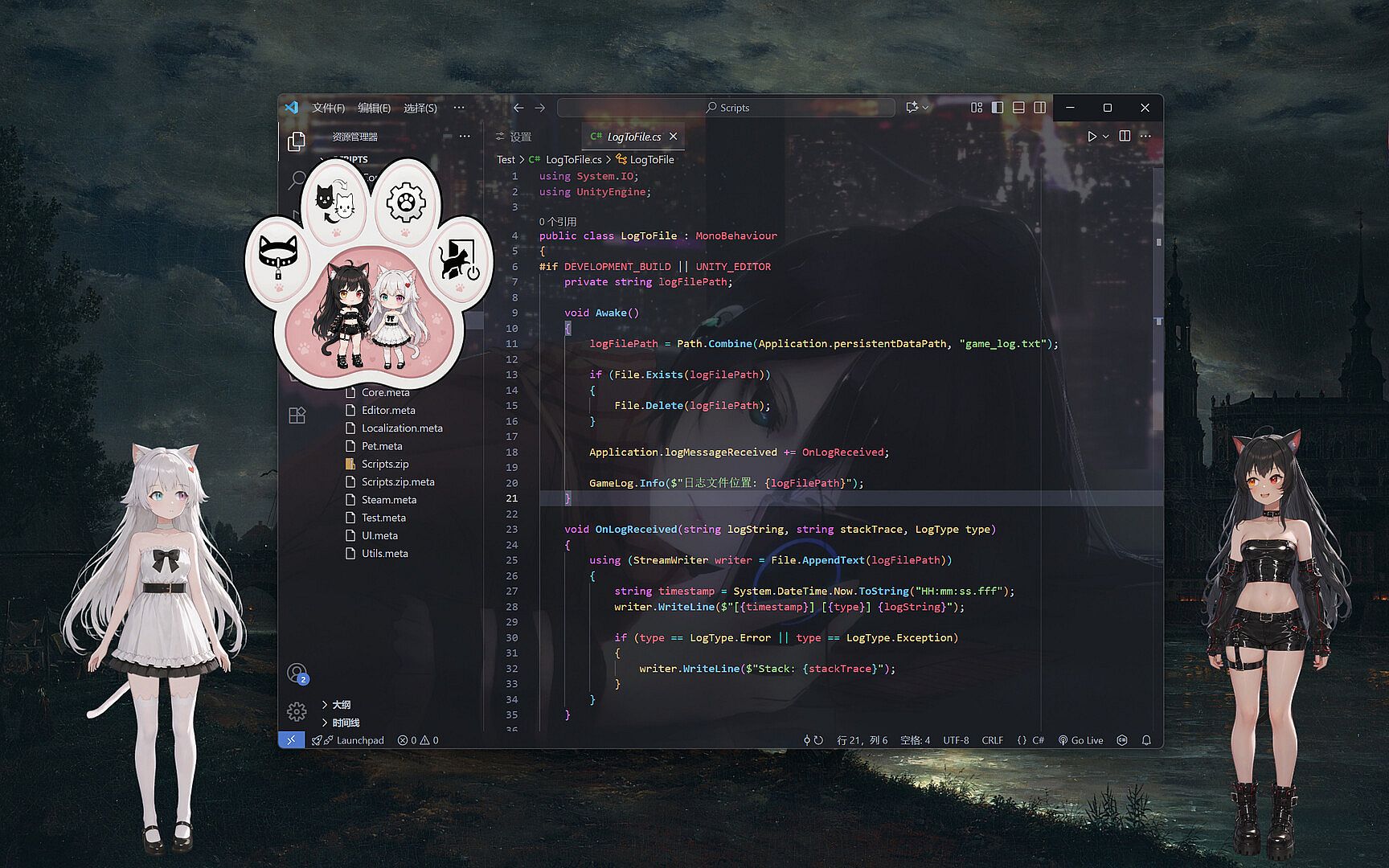
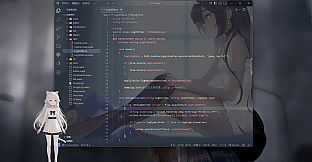
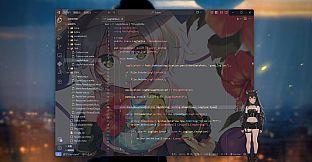
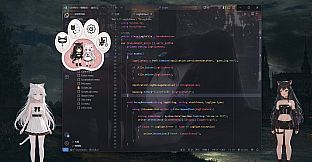
YourTenderCatgirl is a casual desktop pet experience built around Live2D animation for Windows PC users who want a quiet companion on their screen. The game places a single animated character directly onto the desktop through a borderless transparent window, allowing her to sit alongside open applications without any visible frame or background.
Gameplay
The core loop centers on passive observation and light interaction. The model tracks the mouse cursor with her eyes, performs automatic blinks and breathing cycles, and responds to built-in physics that make her ears twitch, tail wag, and body sway naturally during idle periods. These elements create a continuous sense of life even when the user focuses on work or other tasks. A left click on the character triggers one of several random expressions or short actions for occasional engagement. Users can set expressions, actions, or full animations to cycle automatically at fixed intervals of five, thirty, or sixty seconds, or turn automation off entirely for fully manual control. The system saves position and scale settings automatically after each adjustment, so the pet returns to the same spot and size on every launch.
Locking the model prevents accidental movement or resizing while still permitting right-click access to a menu for unlocking. Click-through mode lets the mouse pass straight through the character to reach items underneath, which keeps the pet visible during document editing, web browsing, or other applications. Right-clicking the system tray icon brings up options to lock, unlock, or close the program, providing safe management even when click-through is active. An always-on-top toggle ensures the character stays visible above other windows, and an auto-start option launches the pet immediately after logging into Windows.
Game Modes
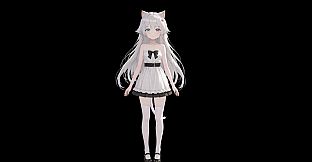
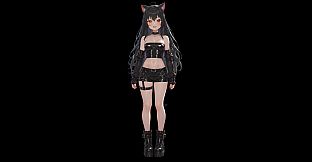
YourTenderCatgirl does not feature separate game modes or multiplayer components. The entire experience operates as a single persistent desktop companion that runs alongside whatever the user chooses to do on the computer. Model switching serves as the main form of variety, with a menu that lists available characters along with preview images and names. Players can add their own Live2D models to a dedicated folder for manual import or subscribe through Steam Workshop support. Imported models require a correctly named preview image file in the folder to display properly in the selection list, while Workshop items handle previews automatically. Double-clicking a model name in the list allows renaming for easier organization.
Customization and Controls
Positioning happens through simple left-click drag, while holding the Ctrl key and scrolling the mouse wheel resizes the character on the fly. These adjustments remain saved between sessions. The transparent rendering removes any solid background, so the model blends directly onto the desktop wallpaper and other open windows. Right-clicking the pet opens a quick menu for switching models or accessing settings. The game includes no heavy narrative, resource management, or required clicking sequences, keeping the focus on unobtrusive presence rather than active play sessions.
Is It Worth Playing?
This title suits users who want a subtle animated presence on their screen during long work or study periods. The combination of gaze tracking, breathing, and physics-driven idle motions gives the character a gentle sense of life without demanding attention. Click-through and locking features address the practical need to keep the pet visible while still using the full desktop. Model import and Workshop support extend the experience for those who already own or create Live2D assets. Because the game avoids storylines and constant interaction requirements, it appeals specifically to people seeking quiet company rather than structured gameplay. The first model created by the developer shows room for refinement in animation polish, which the source text acknowledges directly. Overall the package delivers exactly what its description promises: a low-maintenance desktop companion that stays out of the way until a user wants a brief moment of interaction.