

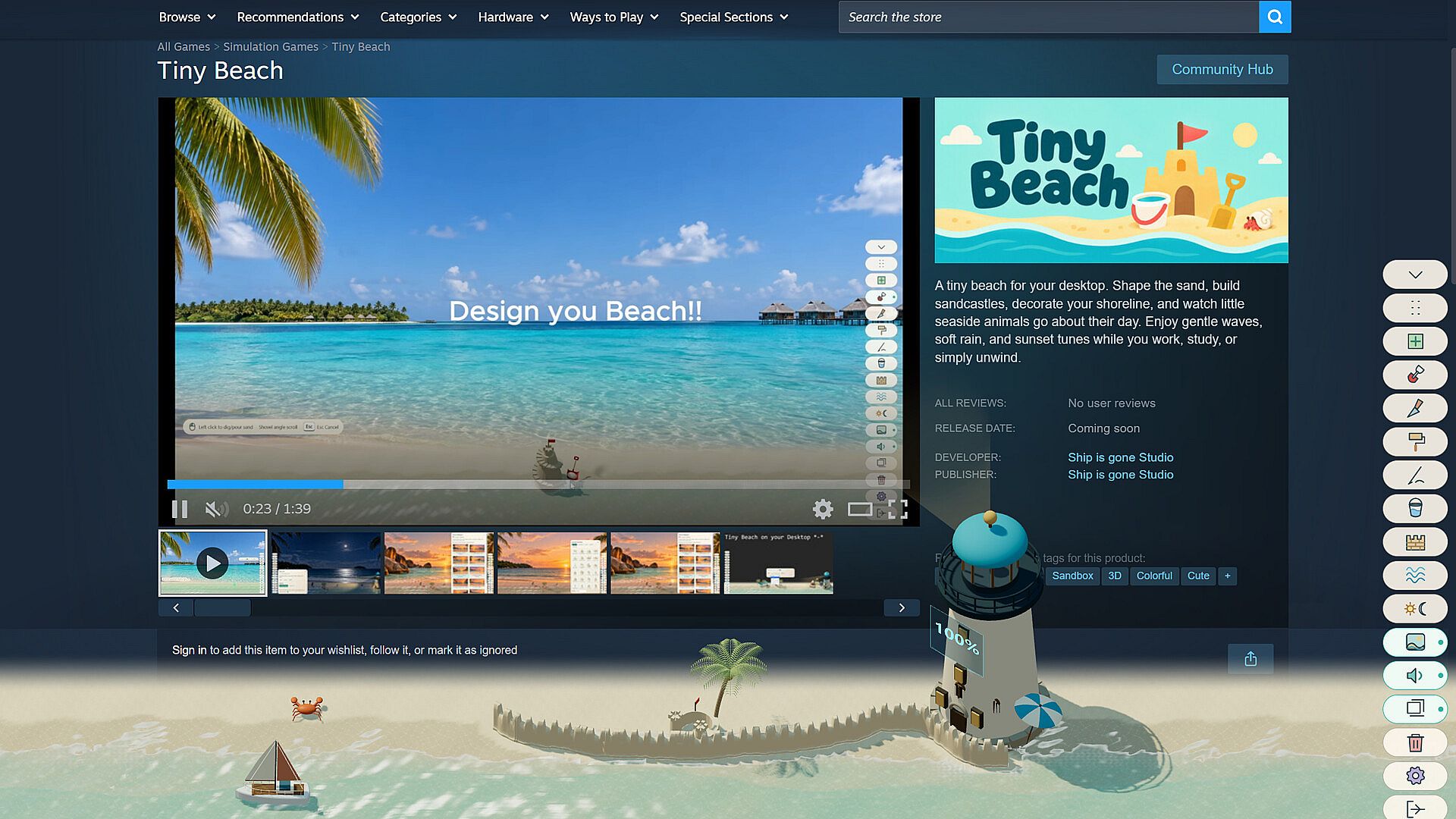
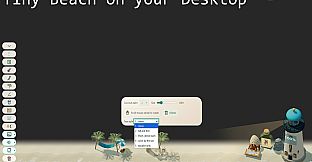
Tiny Beach is a casual indie simulation game for PC that places a small, interactive shoreline directly on your Windows desktop. Players shape sand, arrange decorations, and observe gentle waves or animal behaviors while working, studying, or unwinding, creating a personal space without any time pressure or competitive elements.
Gameplay
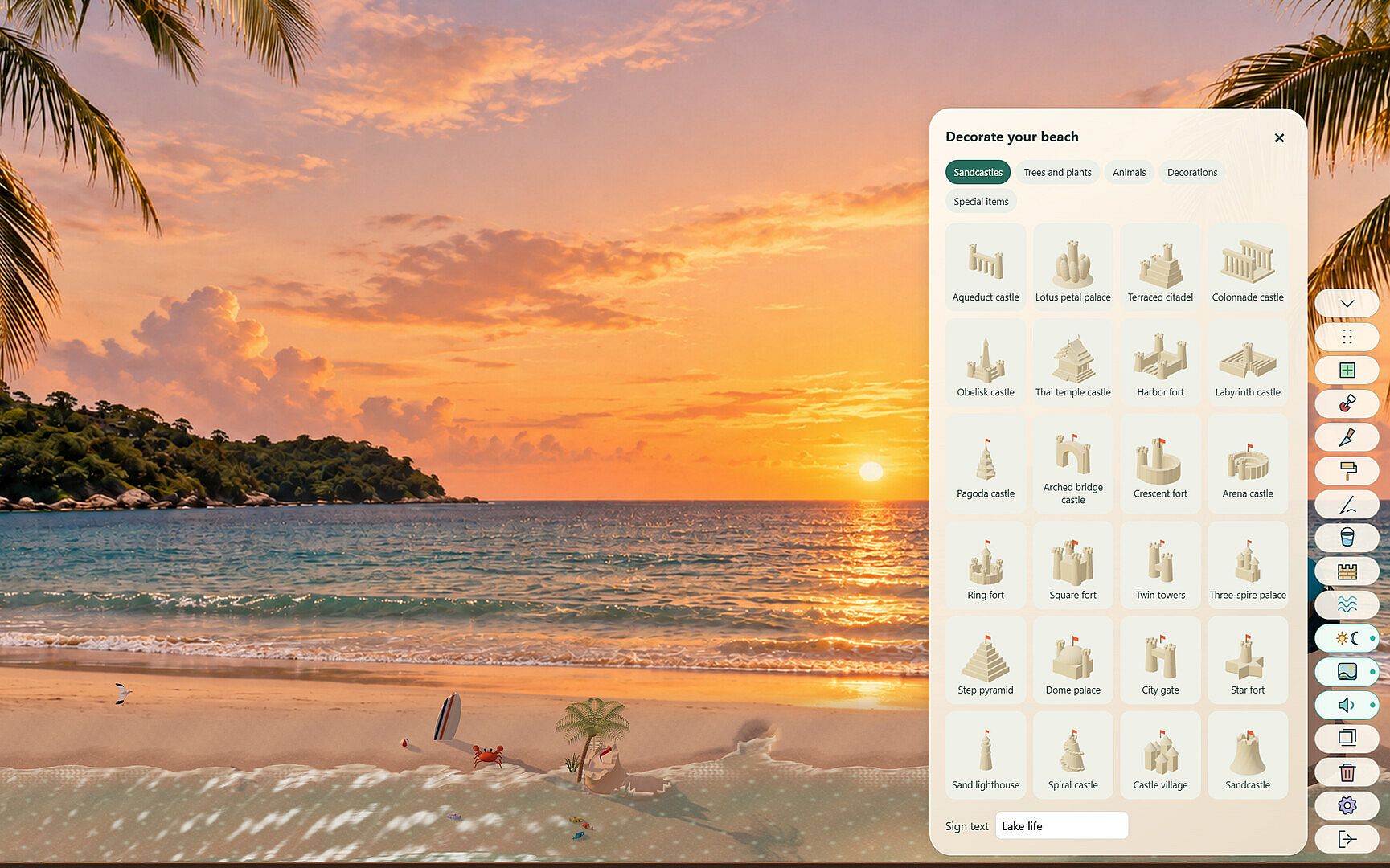
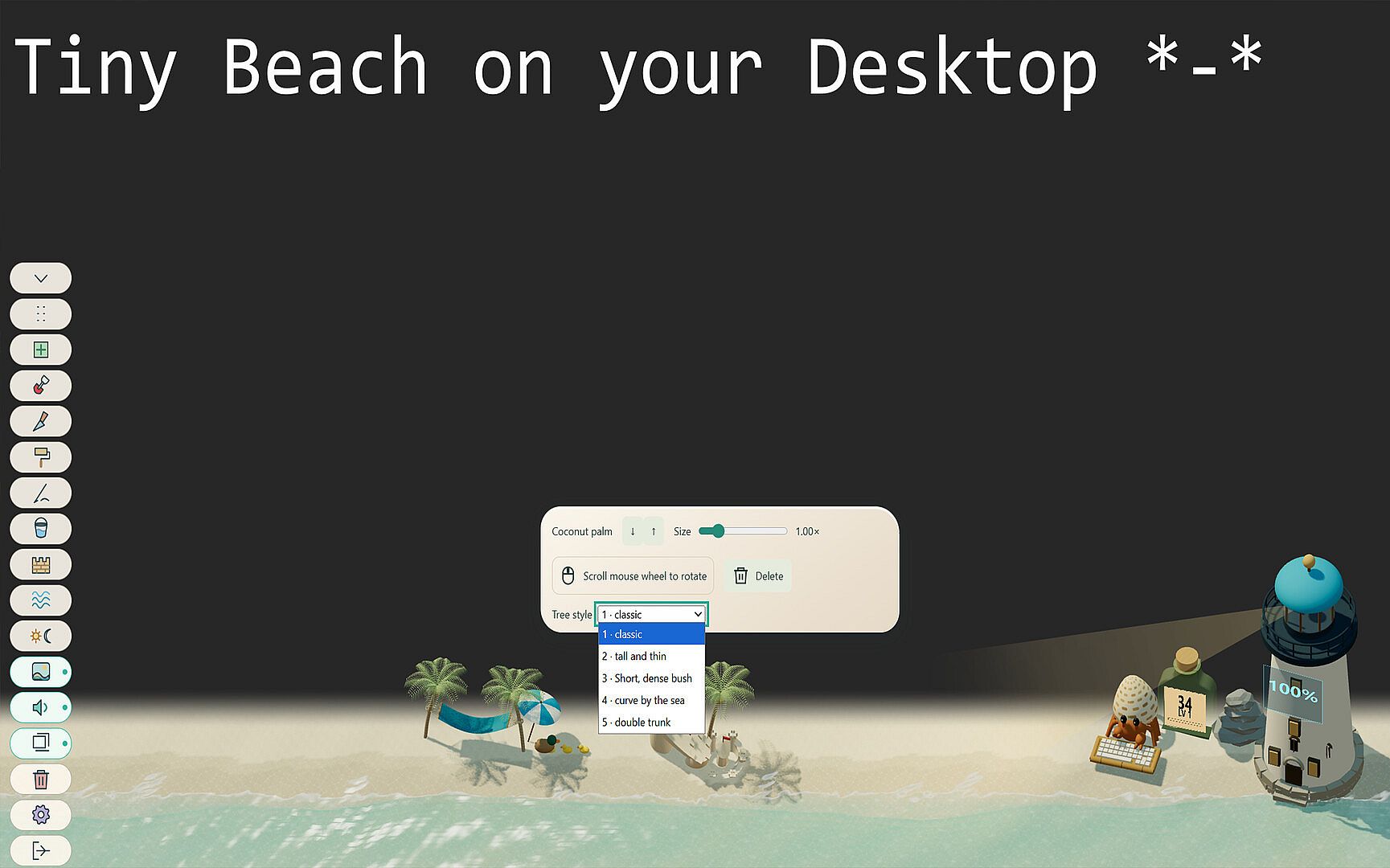
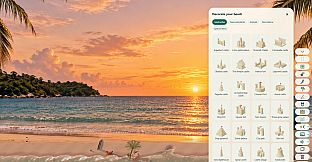
The core loop centers on direct mouse interaction with the beach environment. Users dig and pour sand using a shovel, scoop water with a bucket, draw patterns with a stick, and smooth surfaces with dedicated tools. Sandcastles and walls can be built and later removed, while waves naturally reshape the shoreline over time. Decorations such as coastal trees, flowers, shells, rocks, and surfboards are placed freely, with options to rotate, resize, recolor, or adjust styles on supported items. Rocks nestle into the sand for added detail, and the overall layout remains customizable at any moment.
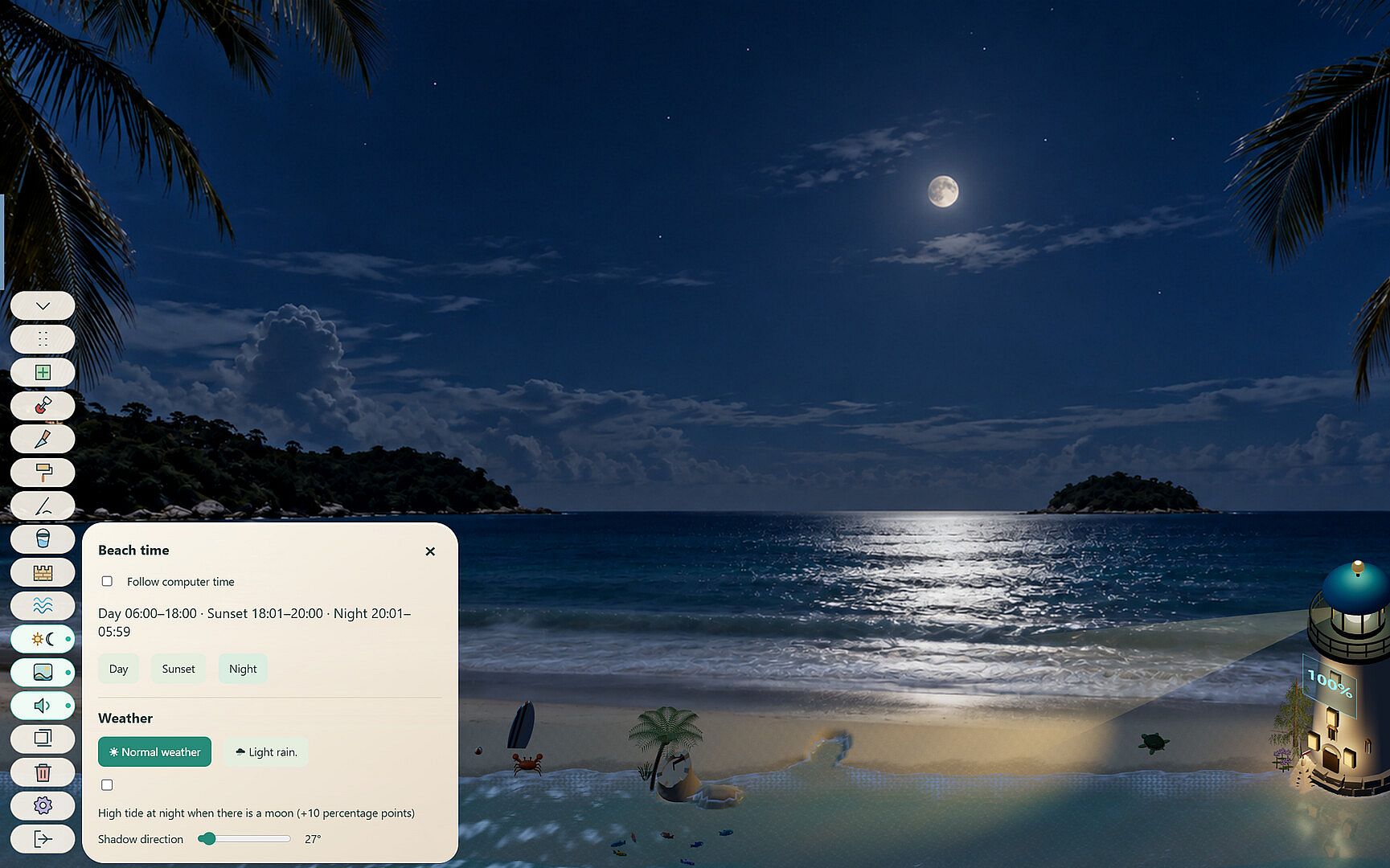
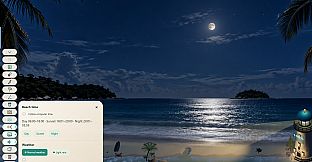
Animals add life to the scene. Turtles wander the sand and swim in the water, while hermit crabs climb palms, drop coconuts, and pause for snacks. Creatures receive custom names and follow distinct routines, settling to sleep as night arrives and allowing jellyfish to glow in the dark. Time of day shifts between daylight, sunset, and night, or syncs automatically with the computer clock. Rain can be added, wave intensity and shadow direction adjusted, and ambient shore sounds played alongside optional radio music or a lit lighthouse and campfires.
Useful desktop companions integrate into the experience. A clock, calendar, battery indicator styled as a lighthouse, and a typing hermit crab that tracks keystrokes sit on the beach. The menu collapses for an unobstructed view, keeping the focus on the relaxing shoreline display.
Game Modes
Tiny Beach operates as a single-player desktop simulation without separate named modes or multiplayer components. All activity happens in one continuous interactive space where players freely combine sand manipulation, decoration placement, animal observation, and environmental adjustments. The experience emphasizes relaxed customization and passive viewing rather than structured challenges or progression systems beyond the built-in Steam Achievements for various interactions.
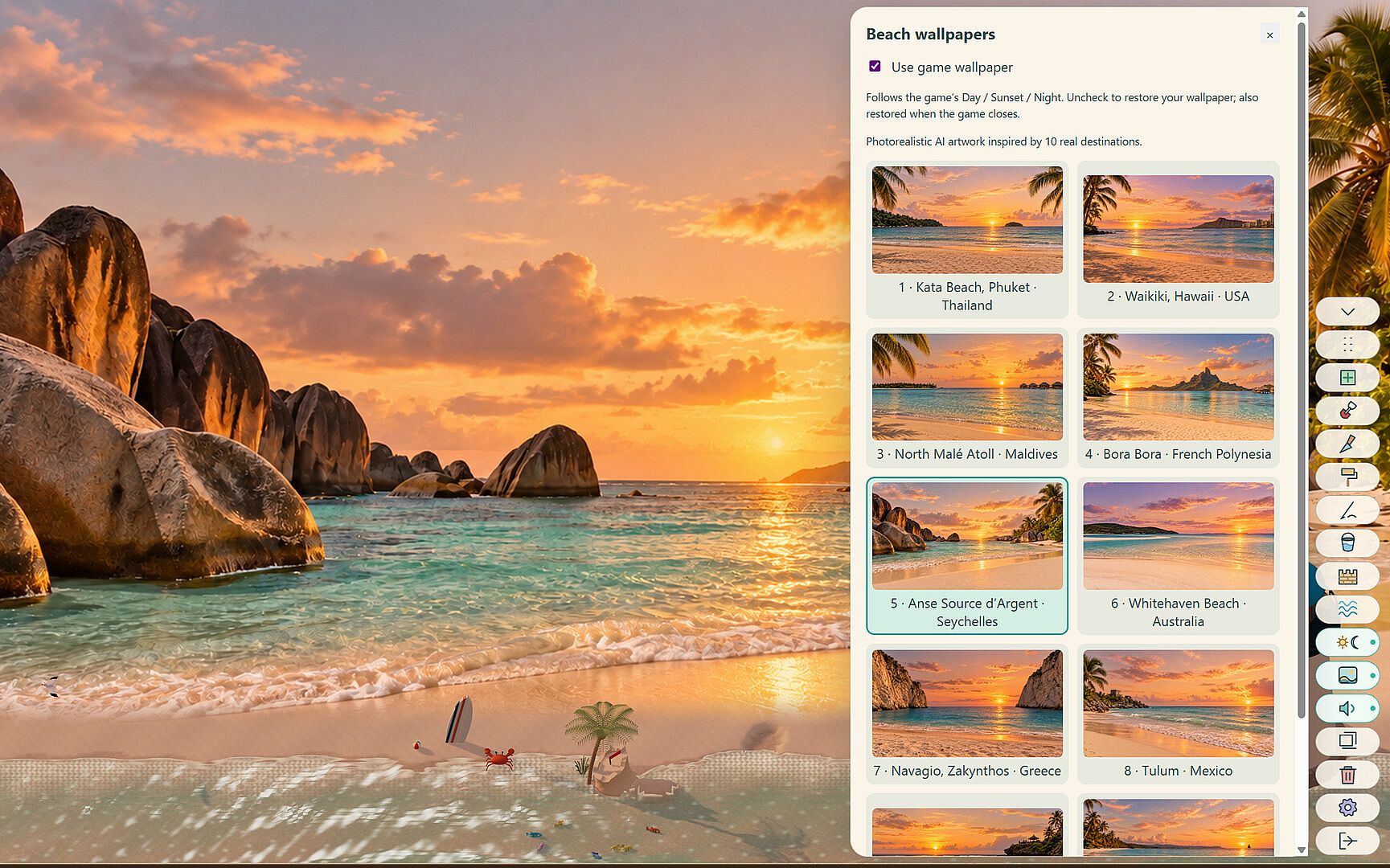
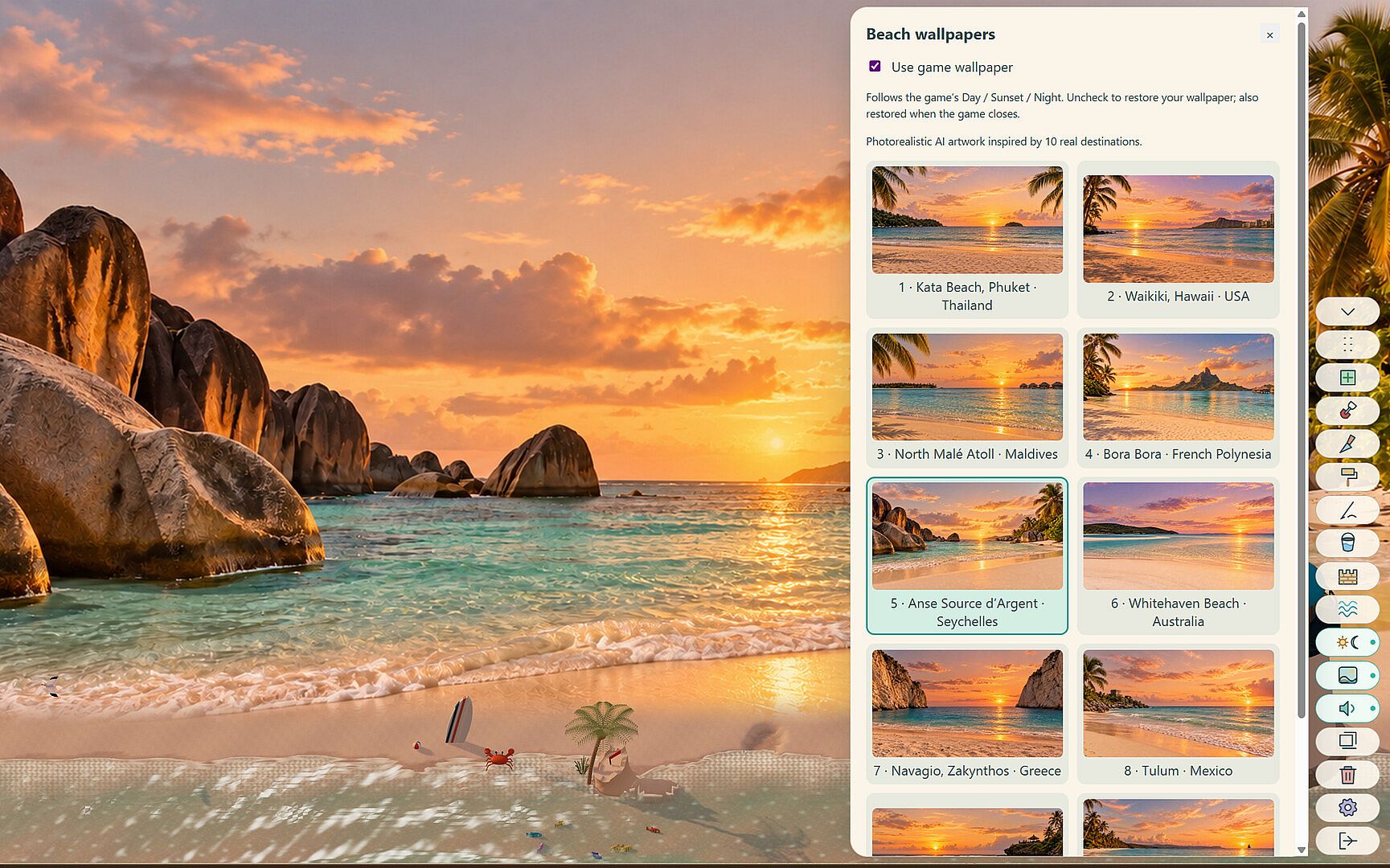
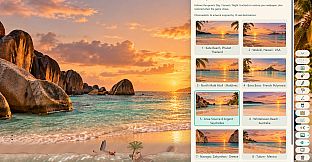
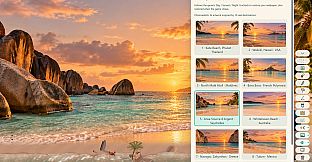
Day, sunset, and night cycles, along with weather and sound options, serve as the primary ways to vary the atmosphere. These settings let users tailor the mood to match their current activity, whether seeking calm background visuals during focused work or more lively details during breaks.
Features and Mechanics
Key systems include precise sand tools for digging, pouring, drawing, and smoothing, plus buildable sandcastles and walls that respond to waves. A wide selection of coastal decorations supports rotation, resizing, recoloring, and style changes where applicable. Named animals exhibit wandering, swimming, climbing, and sleeping behaviors that change with the time of day. Environmental controls cover lighting presets, rain, wave strength, shadow direction, ambient audio, music radio, and nighttime lighting elements like the lighthouse.
Desktop utilities such as the clock, calendar, battery lighthouse, and keystroke-counting hermit crab provide practical extras while remaining part of the beach scene. The entire setup stays lightweight and mouse-driven, with editing options limited by item type-sandcastles and walls delete but do not move or resize after placement.
Is It Worth Playing?
Tiny Beach suits anyone seeking a low-pressure casual simulation to occupy a small portion of their screen during daily routines. Its strength lies in the combination of hands-on sand play, decorative freedom, and living details from the animals and changing conditions, all without demanding full attention or following rigid goals. Steam Achievements offer light motivation for those who enjoy collecting them through regular use. The game delivers a consistent, relaxing desktop presence for players who appreciate simple, ongoing customization over traditional gameplay loops or story-driven content. Those looking for a gentle way to personalize their workspace will find the available tools and behaviors align well with that intent.