


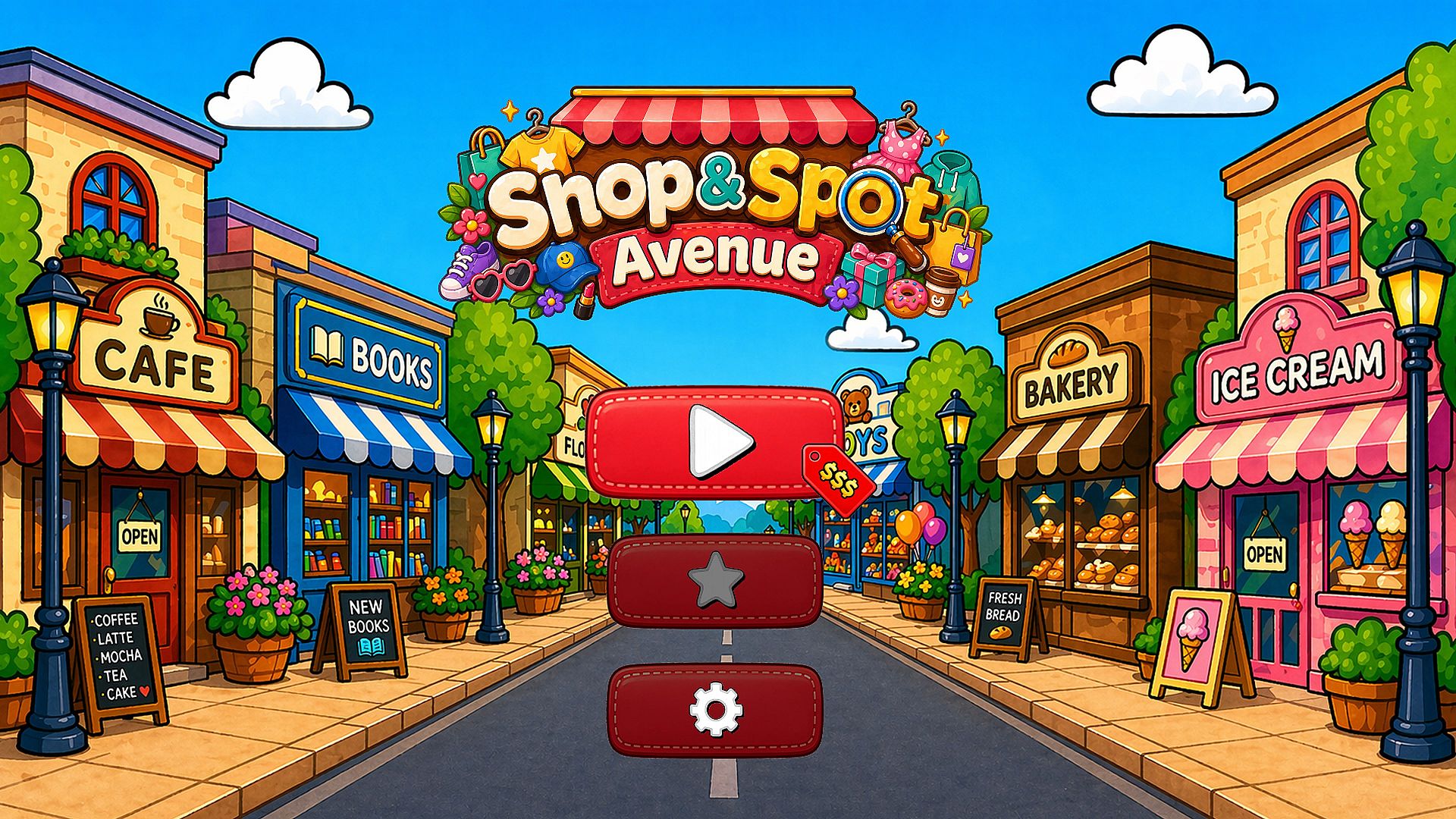
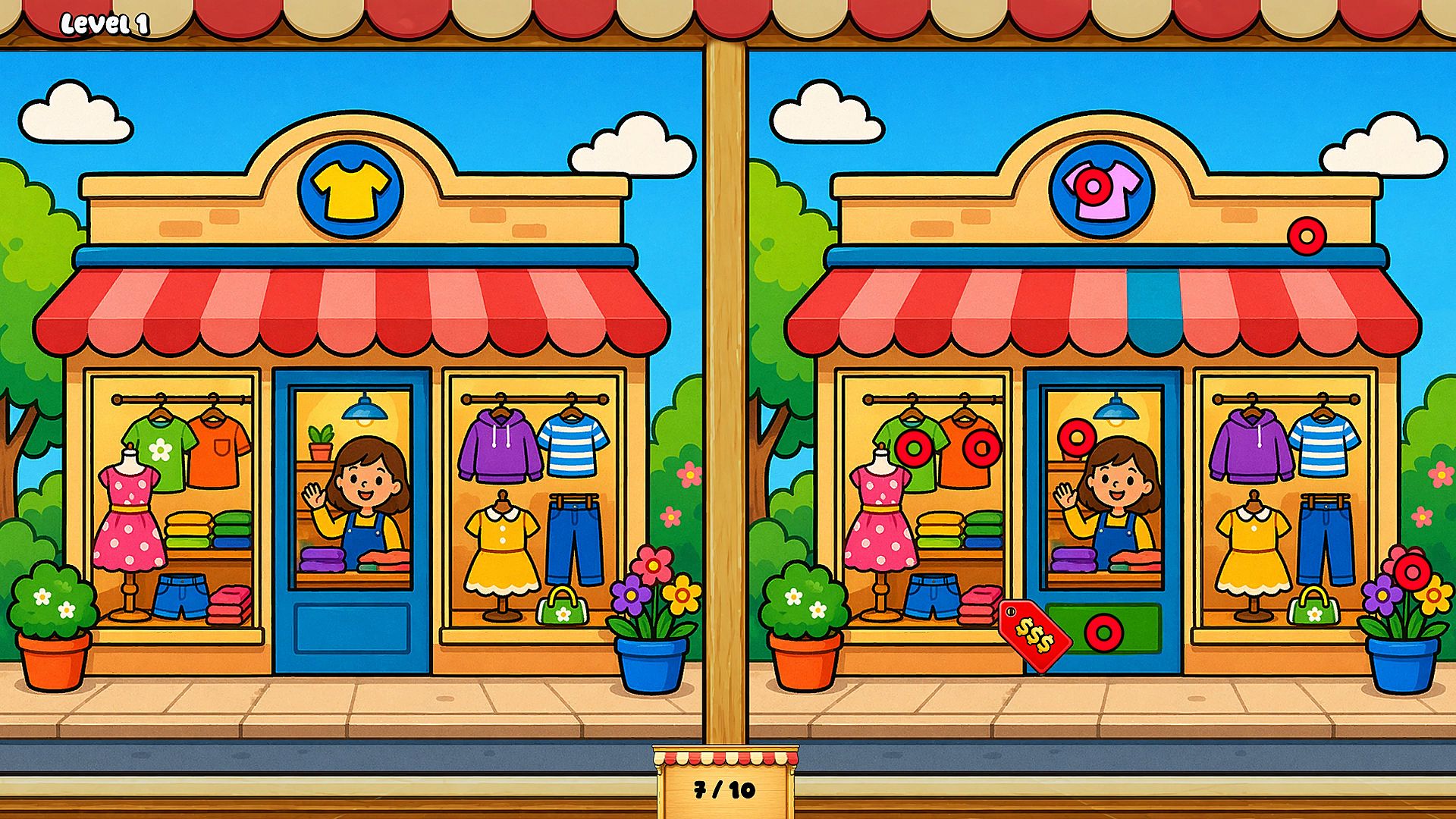
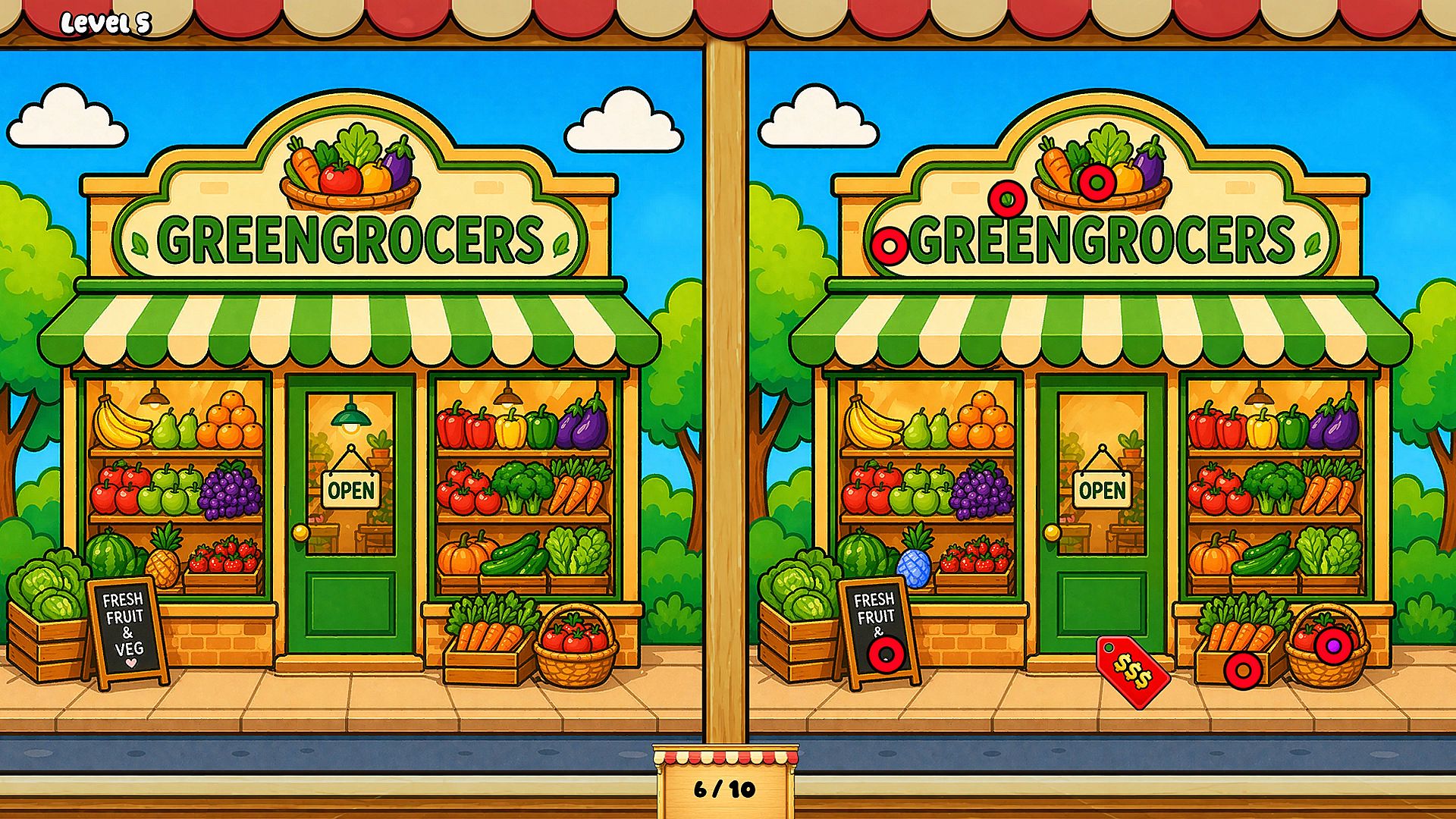



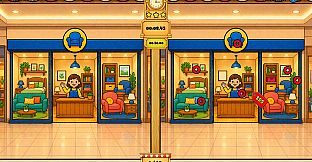
Shop & Spot Avenue is a casual spot-the-difference puzzle game available on Xbox One and Xbox Series consoles. Players examine detailed scenes of stylish shopping streets lined with fashion boutiques, cozy cafes, and colorful storefronts, searching for subtle variations in signs, displays, shopping bags, and decorative elements. The experience emphasizes careful observation in a relaxed retail atmosphere rather than fast action or complex systems.
Gameplay
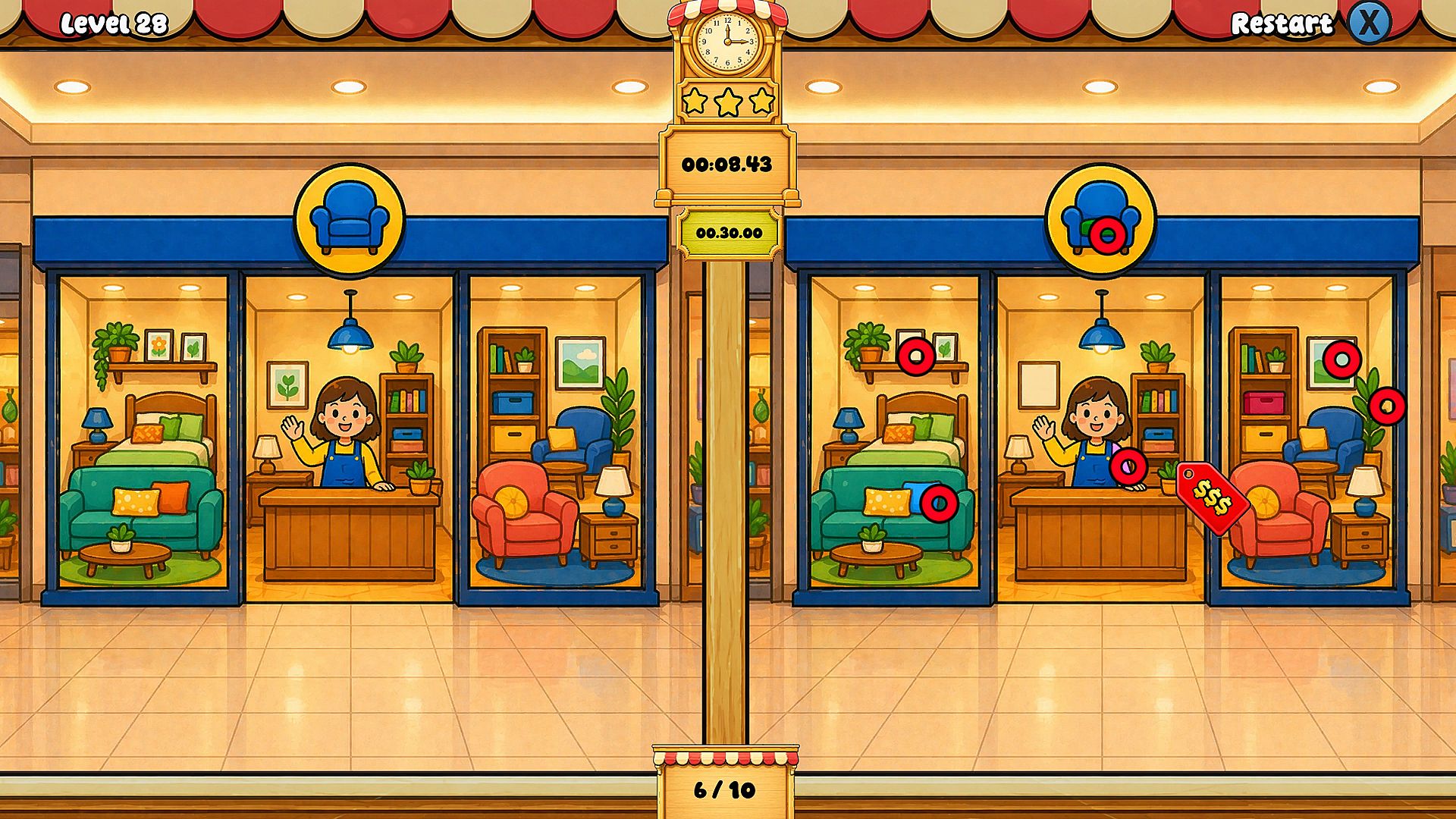
The core loop centers on comparing two nearly identical images side by side or overlaid. Each level presents a fresh shopping avenue scene packed with small details that differ between the versions. Players scan for changes in storefront signage, window displays, customer accessories, and background decorations. Success comes from methodical scanning rather than speed alone, rewarding patience and attention to visual nuances. The game supports both Xbox controllers and standard input methods for precise selection of differences.
Scenes draw from everyday retail environments, featuring layered elements like clothing racks, cafe tables, and street decorations. Differences range from minor color shifts to altered object placements, encouraging repeated playthroughs to catch every variation. The title avoids timers in its primary experience, allowing players to progress at their own pace while still offering optional constraints for added challenge.
Game Modes
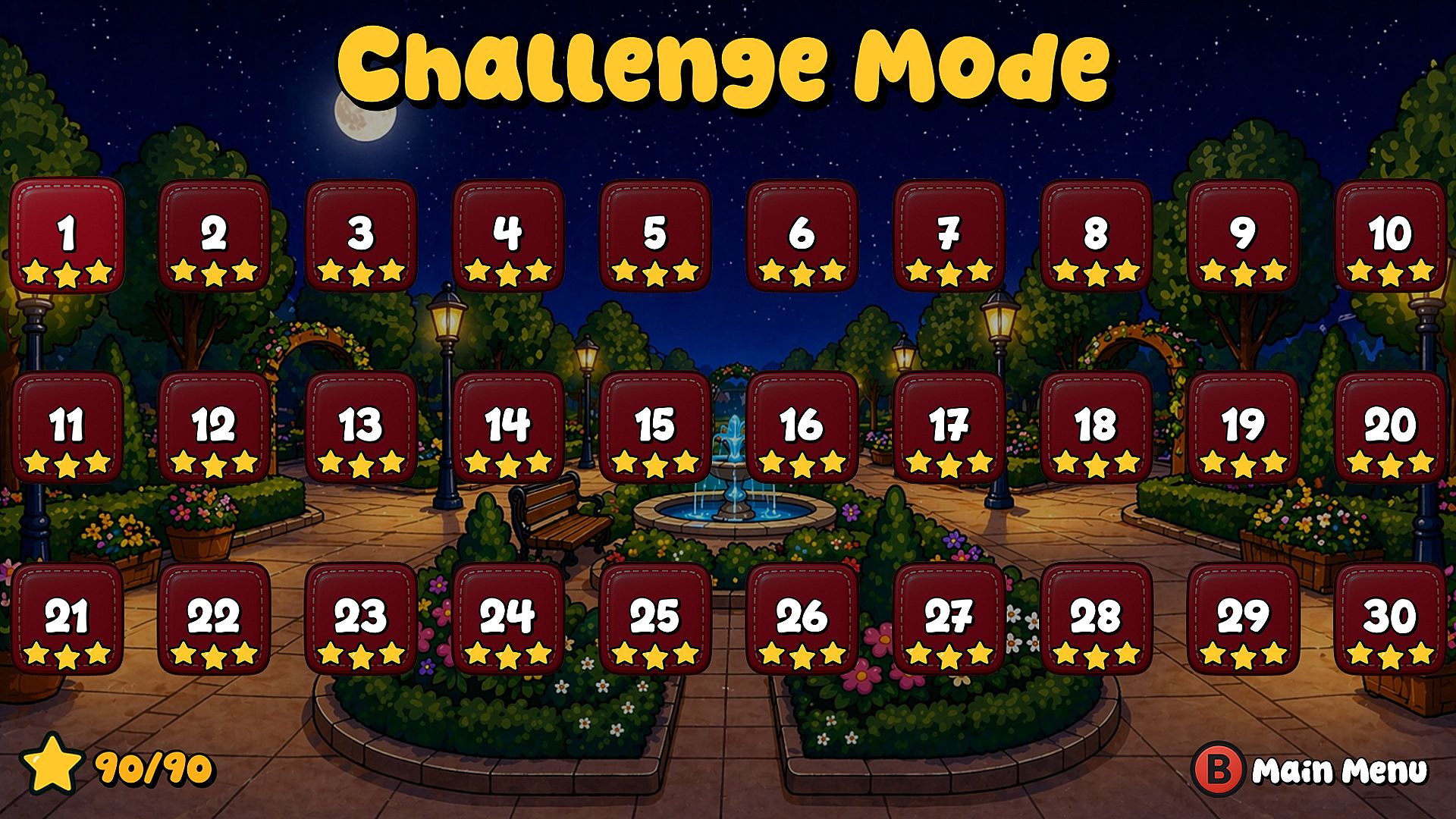
Two primary modes shape the experience. Timed mode introduces a countdown that pressures players to locate differences quickly, adding a layer of urgency to each scene. Stress-free mode removes the clock entirely, focusing purely on thorough exploration and discovery without external limits. Both modes operate across the same set of levels, letting players switch approaches based on preference or mood.
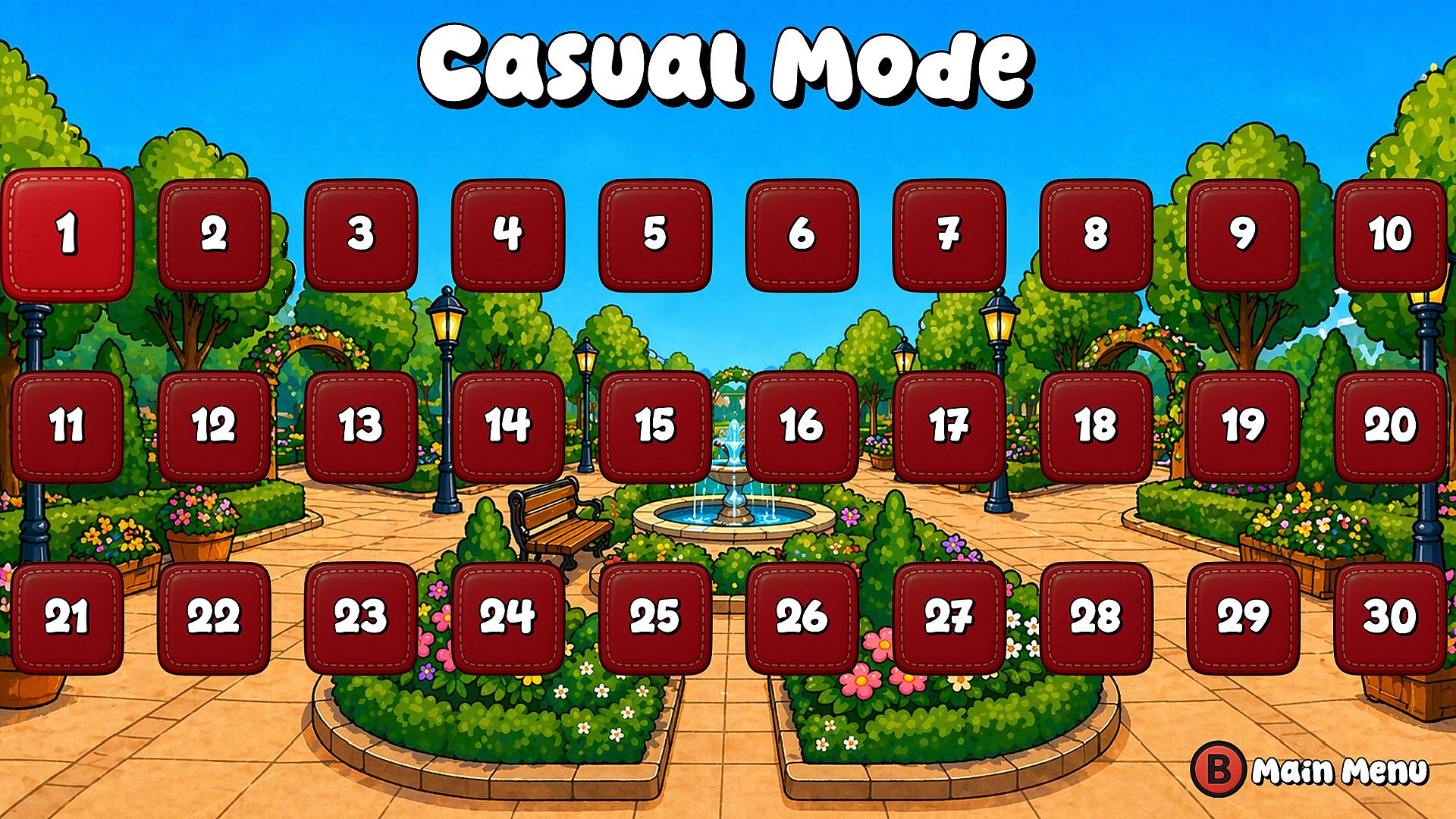
Progression follows a linear sequence of levels, each introducing new shopping districts with increasing visual complexity. Completion of levels unlocks further scenes, building a collection of retail environments to revisit. The structure remains straightforward, centered on single-player sessions that suit short or extended play periods.
Visuals and Atmosphere
Art direction prioritizes bright, cartoony colors and clean illustrations that highlight every storefront and detail. Scenes capture the energy of bustling shopping avenues through layered backgrounds and varied textures on signs, fabrics, and cafe elements. The style remains consistent across levels, creating a cohesive world of fashion outlets and leisure spots without overwhelming complexity.
Sound design complements the visual focus with gentle ambient tracks that evoke a pleasant shopping day. Audio cues mark successful finds without distraction, maintaining the relaxed tone throughout each session. The overall presentation suits players seeking a low-pressure visual puzzle rather than intense competition or narrative depth.
Is It Worth Playing?
Shop & Spot Avenue delivers a focused spot-the-difference experience tailored for casual sessions on Xbox consoles. Its budget-friendly positioning and emphasis on observation make it suitable for players who enjoy methodical puzzle solving in colorful, everyday settings. The dual modes accommodate different play styles, from quick timed runs to unhurried exploration.
With twenty achievements tied to level completion and discovery milestones, the game offers clear goals for those tracking progress. It stands as an independent title without reliance on prior entries or ongoing seasonal content. Reception highlights its approachable nature for fans of hidden-object puzzles, though dedicated players may finish the content in a few focused sessions.
Those drawn to relaxing visual challenges in retail-themed environments will find consistent value in its straightforward mechanics and satisfying feedback on each find. The absence of multiplayer or advanced systems keeps the focus narrow but polished for its genre. If spot-the-difference games appeal as a way to unwind or sharpen attention, this title provides a direct match on Xbox platforms.