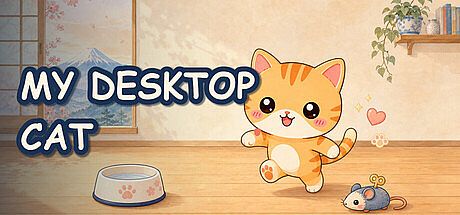


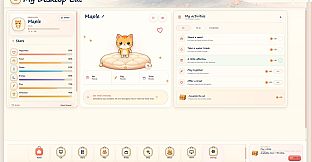
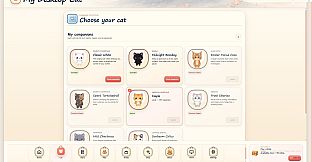
My Desktop Cat is a free to play indie casual simulation game for PC that brings an animated feline companion directly onto the Windows desktop. The cat moves across the screen layer, resting or interacting while other applications remain fully visible and functional in front of it. This setup creates a persistent background presence that fits into everyday computer use without requiring dedicated play sessions or window switching.
Gameplay
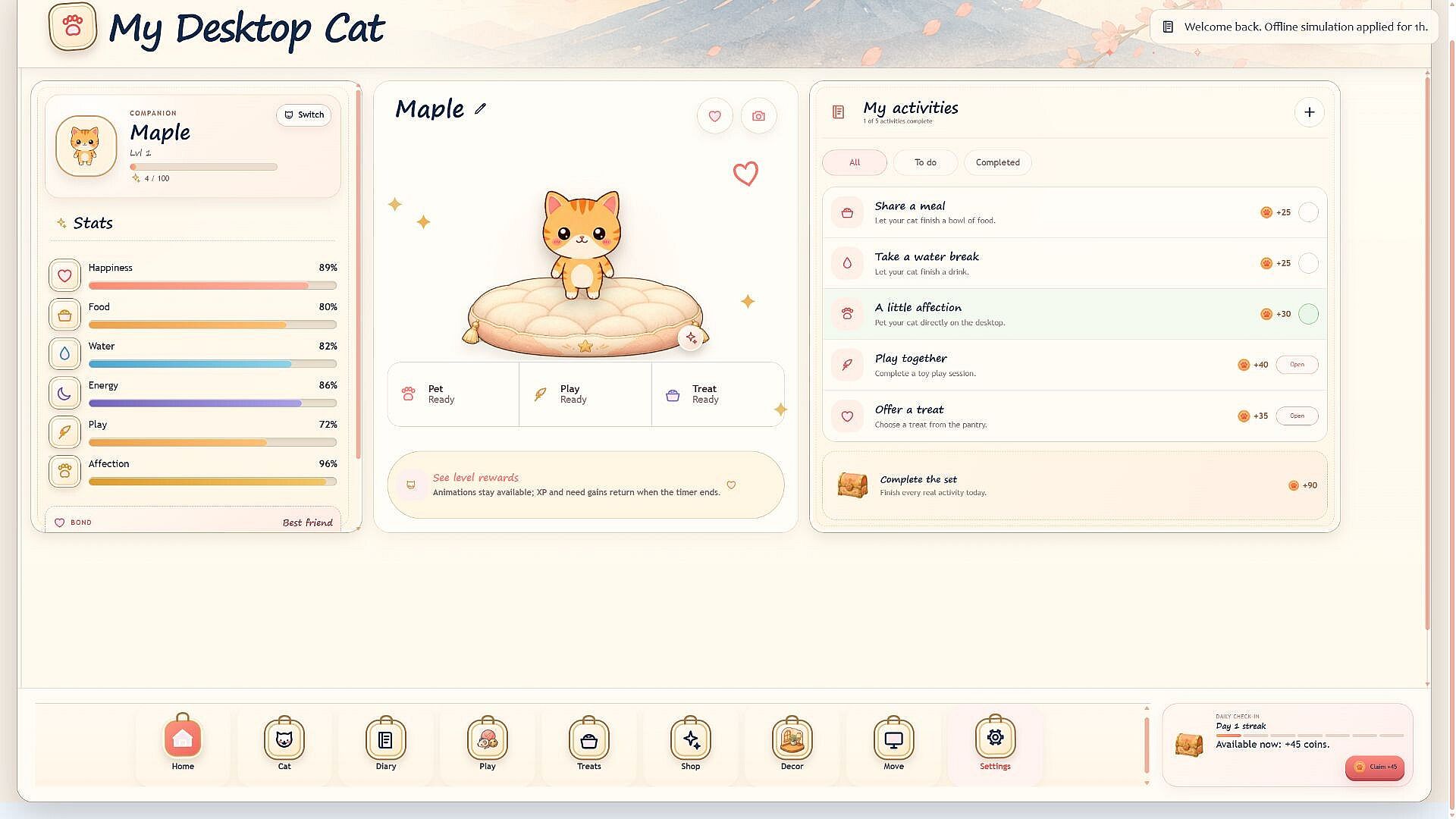
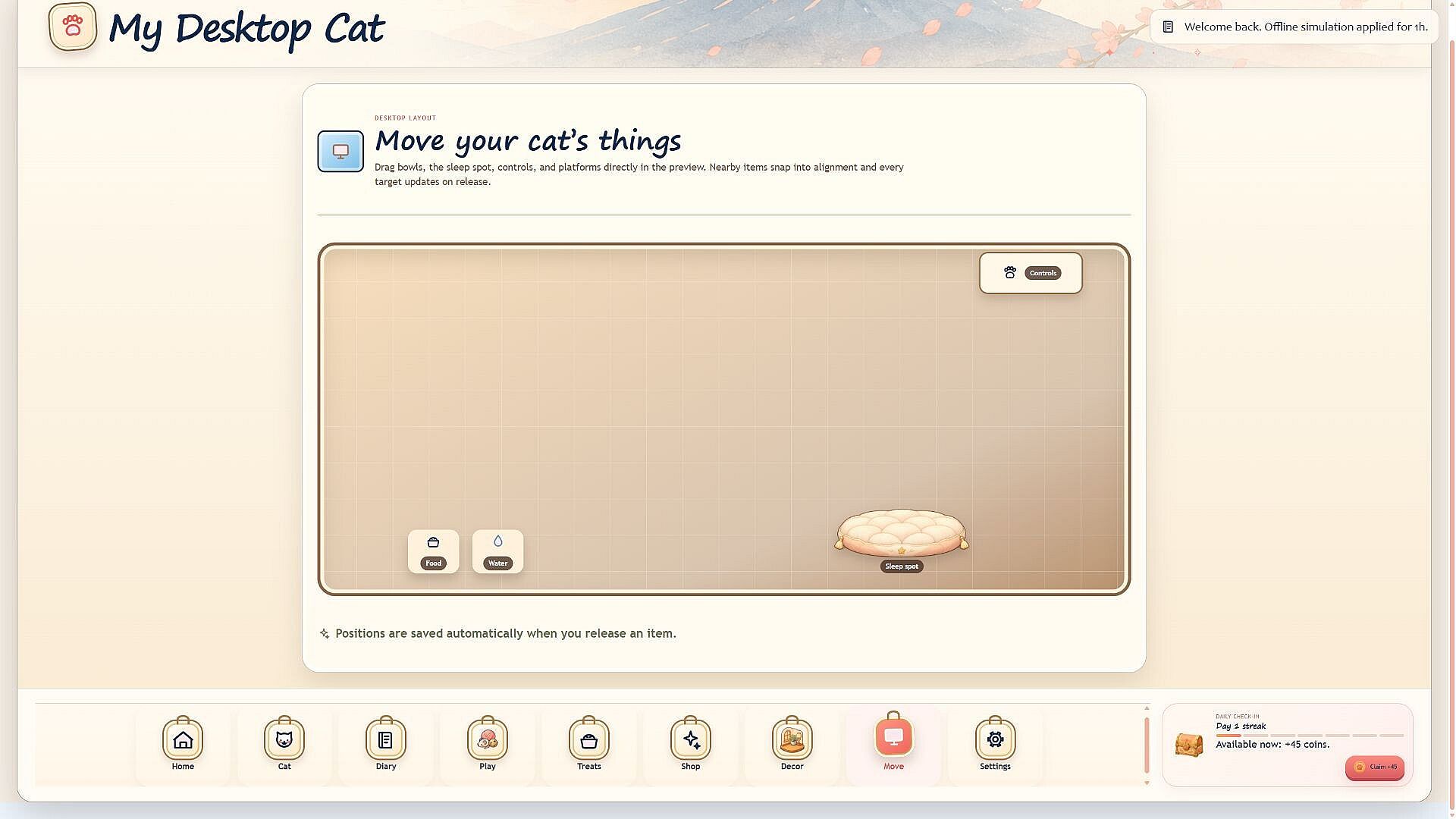
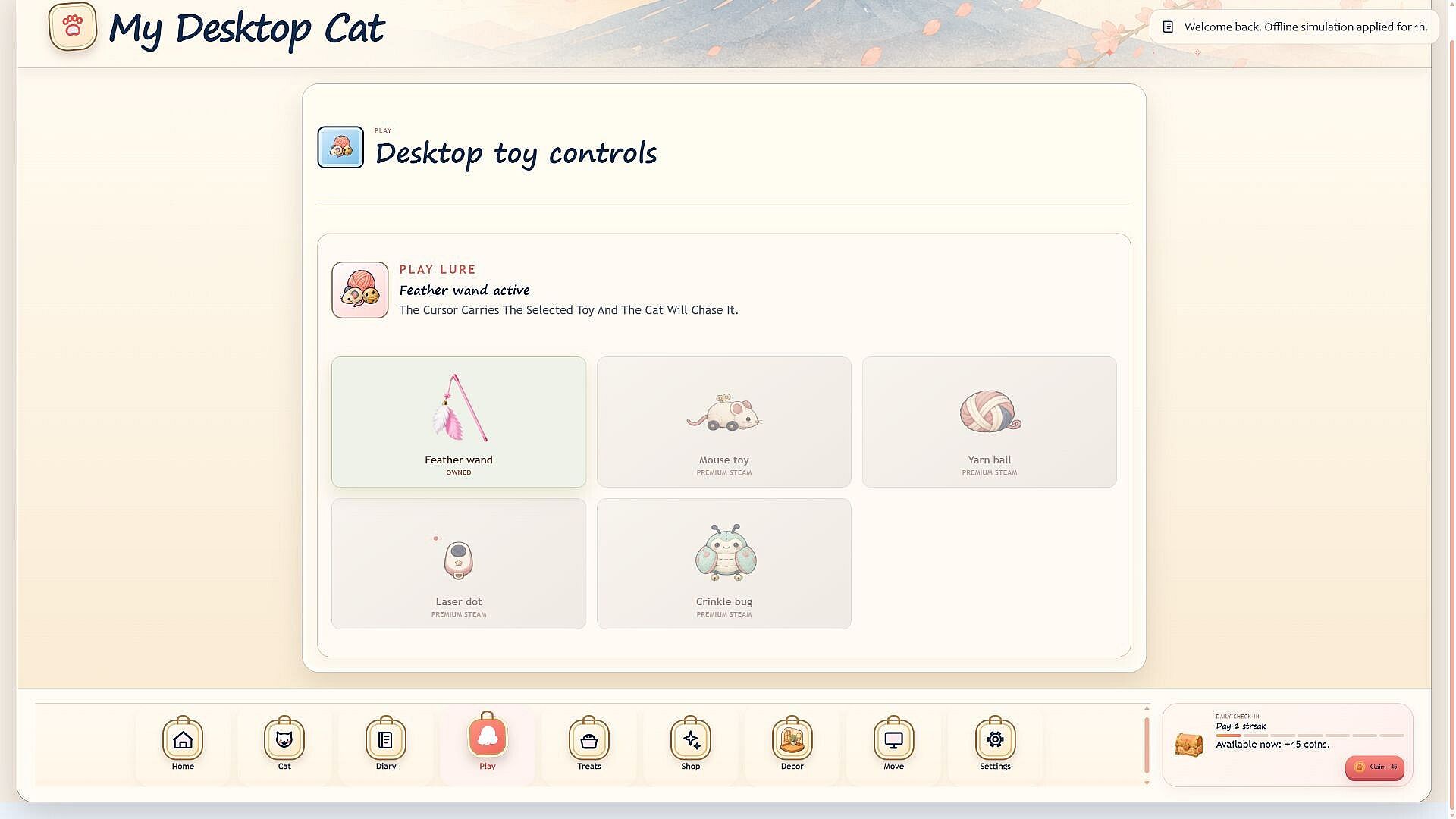
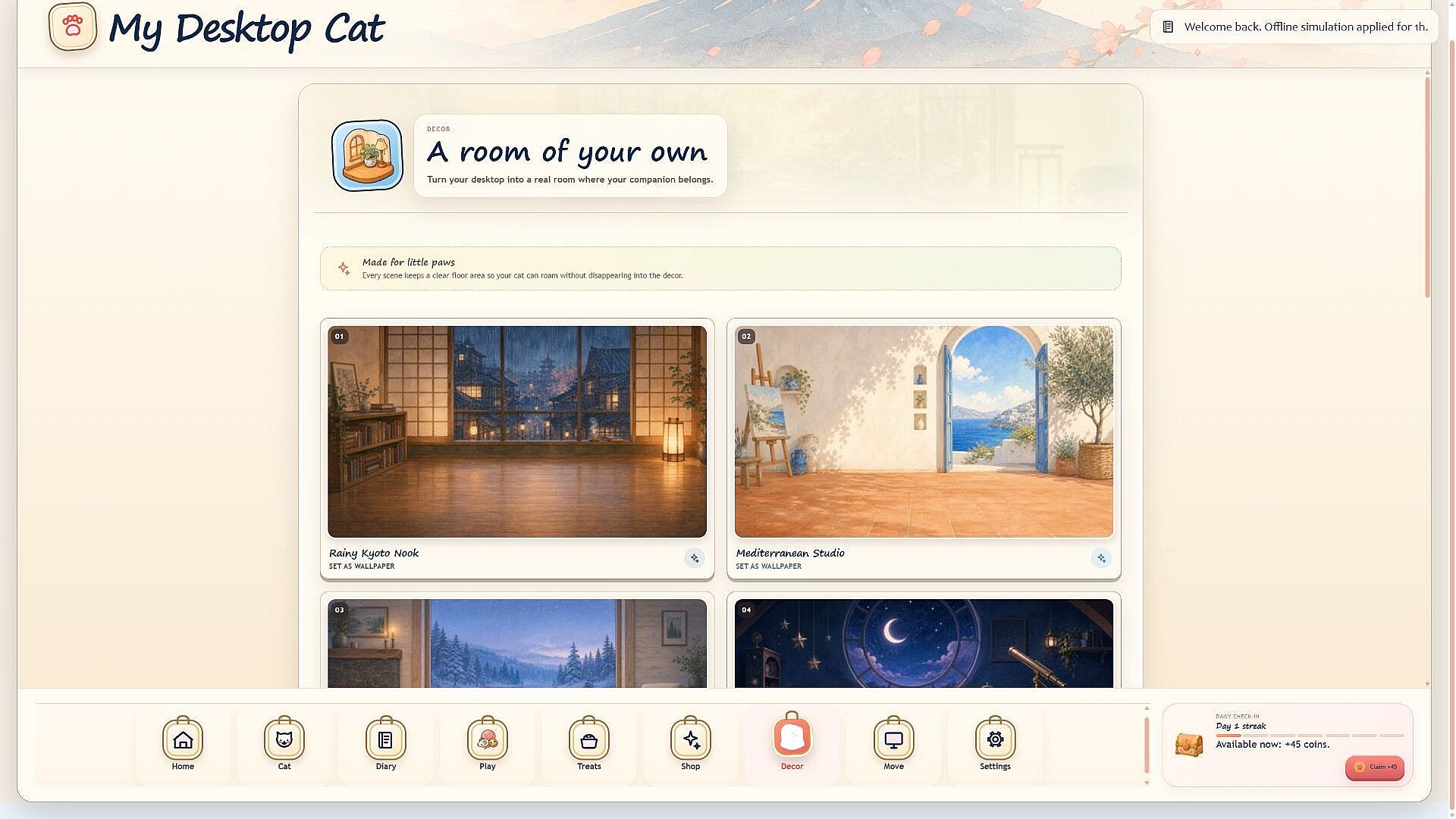
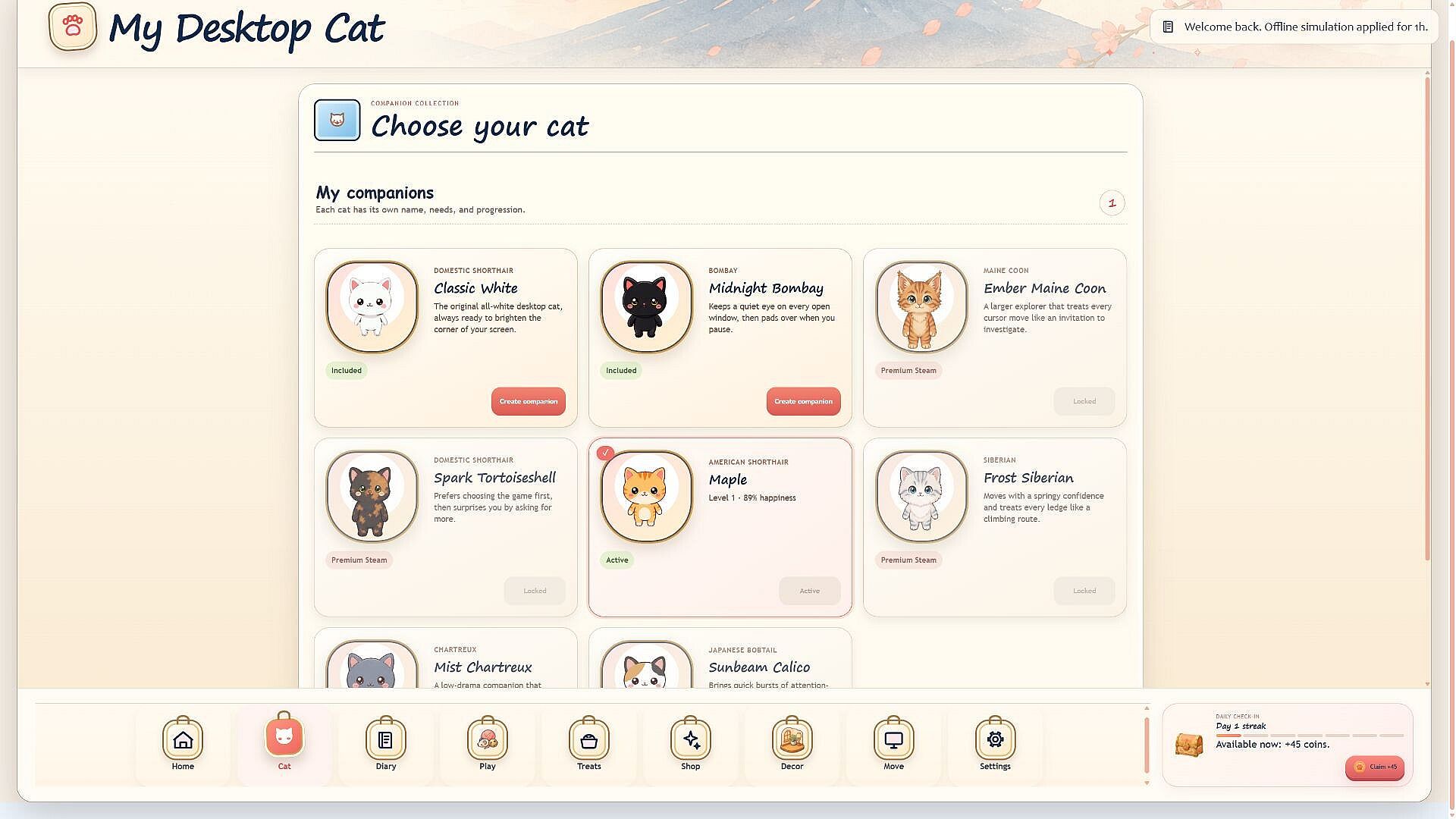
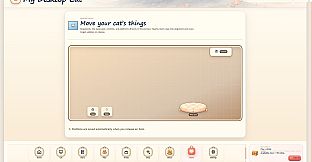
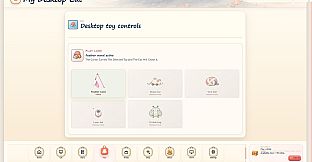
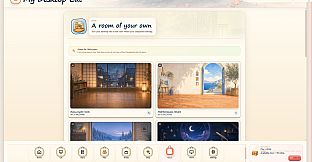
The core loop centers on maintaining the cat through simple daily actions. Feeding, providing water, petting, and offering treats keep the companion content and allow progression through an XP system. Toys can be selected and placed so the cat chases them around the desktop area, adding movement and visual activity to the screen. As XP accumulates, new cats become available to unlock, along with options to decorate virtual rooms and position perches for the companion to use.
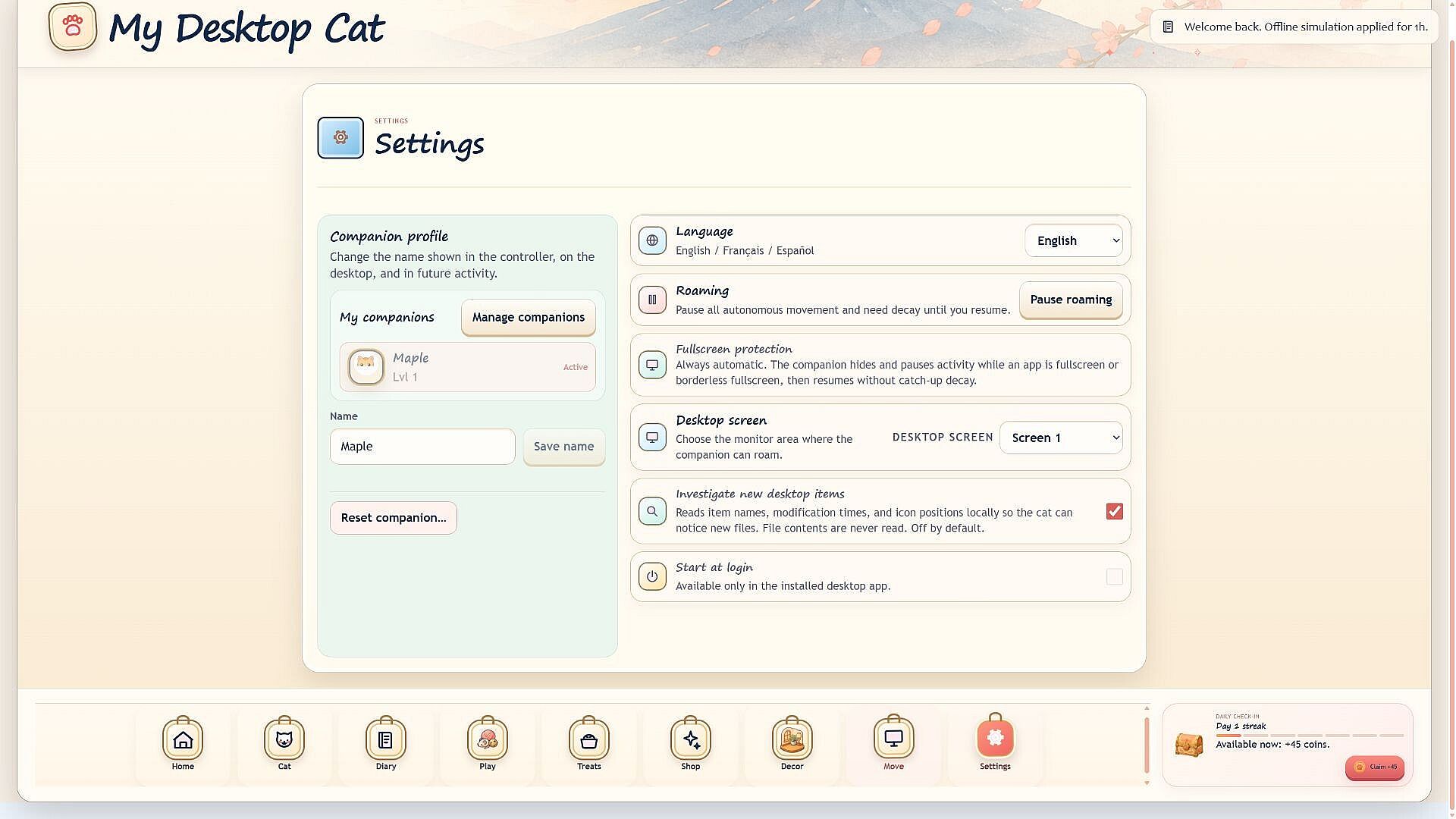
Progress carries over across devices thanks to Steam Cloud synchronization. The interface supports English, French, and Spanish text. A compact controller panel manages settings and remains hidden by default, accessible via the desktop panel or system tray when needed. Fullscreen applications automatically pause the cat to avoid interference with focused work or media.
Visual elements include wandering paths, resting poses, and reactive animations that respond to the desktop environment. The system runs as a lightweight overlay, using minimal resources while staying active in the background.
Game Modes
Interaction happens through ongoing desktop activities rather than separate structured modes. Care routines involve direct actions like feeding and petting that influence the cat's state over time. Play sessions focus on toy selection and observation of chase behaviors across the screen space. Customization elements allow room decoration and perch placement as the collection of unlocked cats grows.
These activities blend into normal computer use, with the cat continuing its routines independently when not actively tended. The design emphasizes passive companionship alongside occasional direct engagement, all within the single player desktop environment.
Features and Progression
Eight Steam achievements track specific milestones in care and collection. Unlockable cats provide variety in appearance and behavior once earned through XP. Room decoration and perch placement expand the visual setup on the desktop layer, giving players tangible ways to personalize the companion space.
Steam Cloud ensures saves remain consistent even when switching computers. The free to play model with in app purchases supports additional options while keeping the base experience accessible. Interface language choices make the compact controls straightforward for a wider audience.
Is It Worth Playing?
This title suits users seeking a low commitment casual simulation that runs alongside other tasks. The desktop overlay format keeps the cat visible without disrupting workflow, and the care mechanics provide steady progression through XP and unlocks. With no reviews available yet due to the planned Q4 2026 release, the verified features focus on simple pet interaction, collection, and customization in a single player format.
Those who enjoy idle style companions or background simulations may find the persistent presence and reactive animations appealing. The lightweight design and automatic pause for fullscreen use make it practical for extended periods on screen. Availability as free to play lowers the barrier for trying the core loop of feeding, playing, and expanding the cat collection.