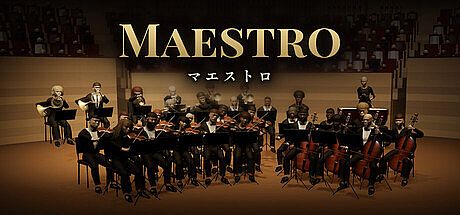


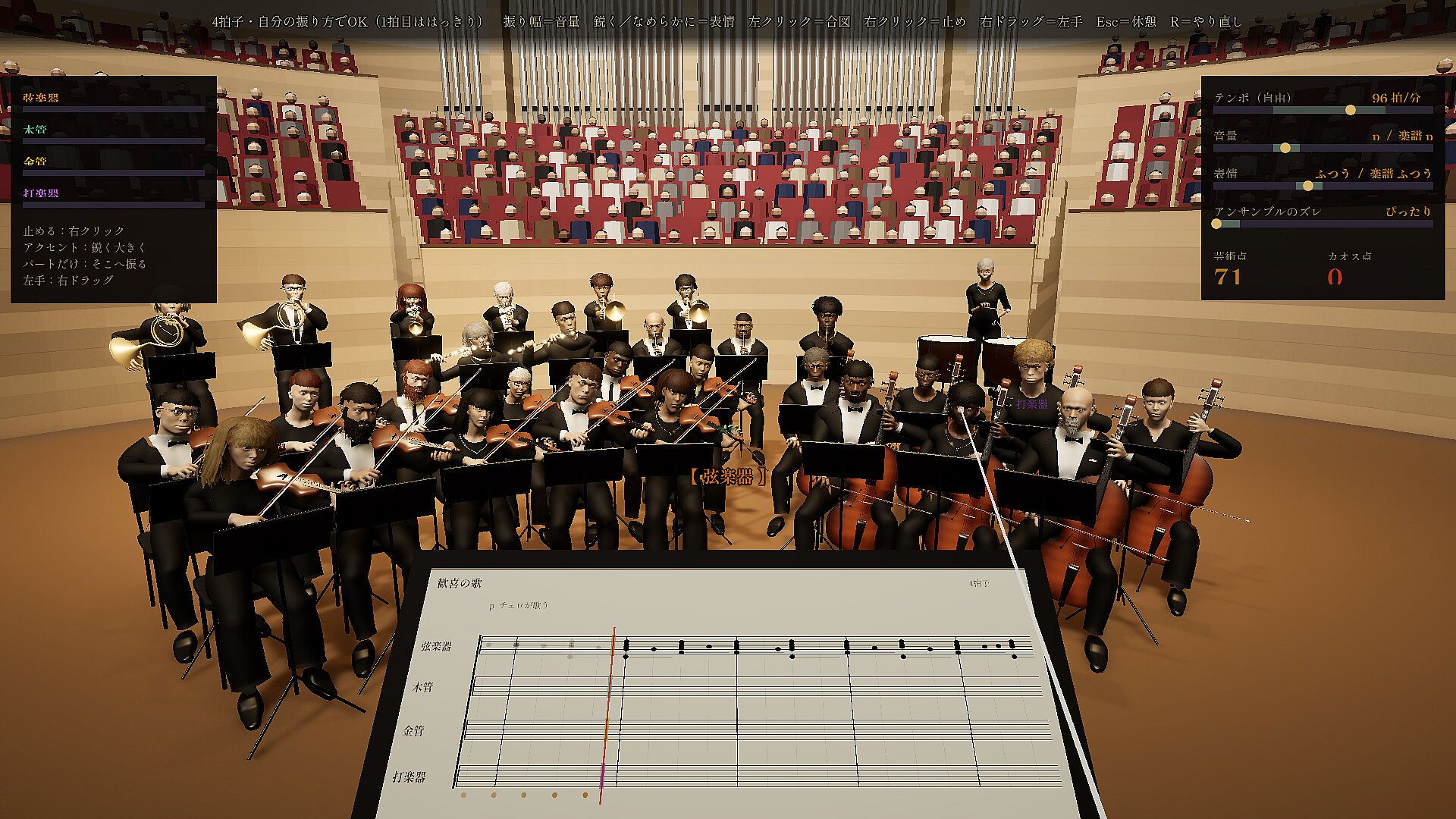
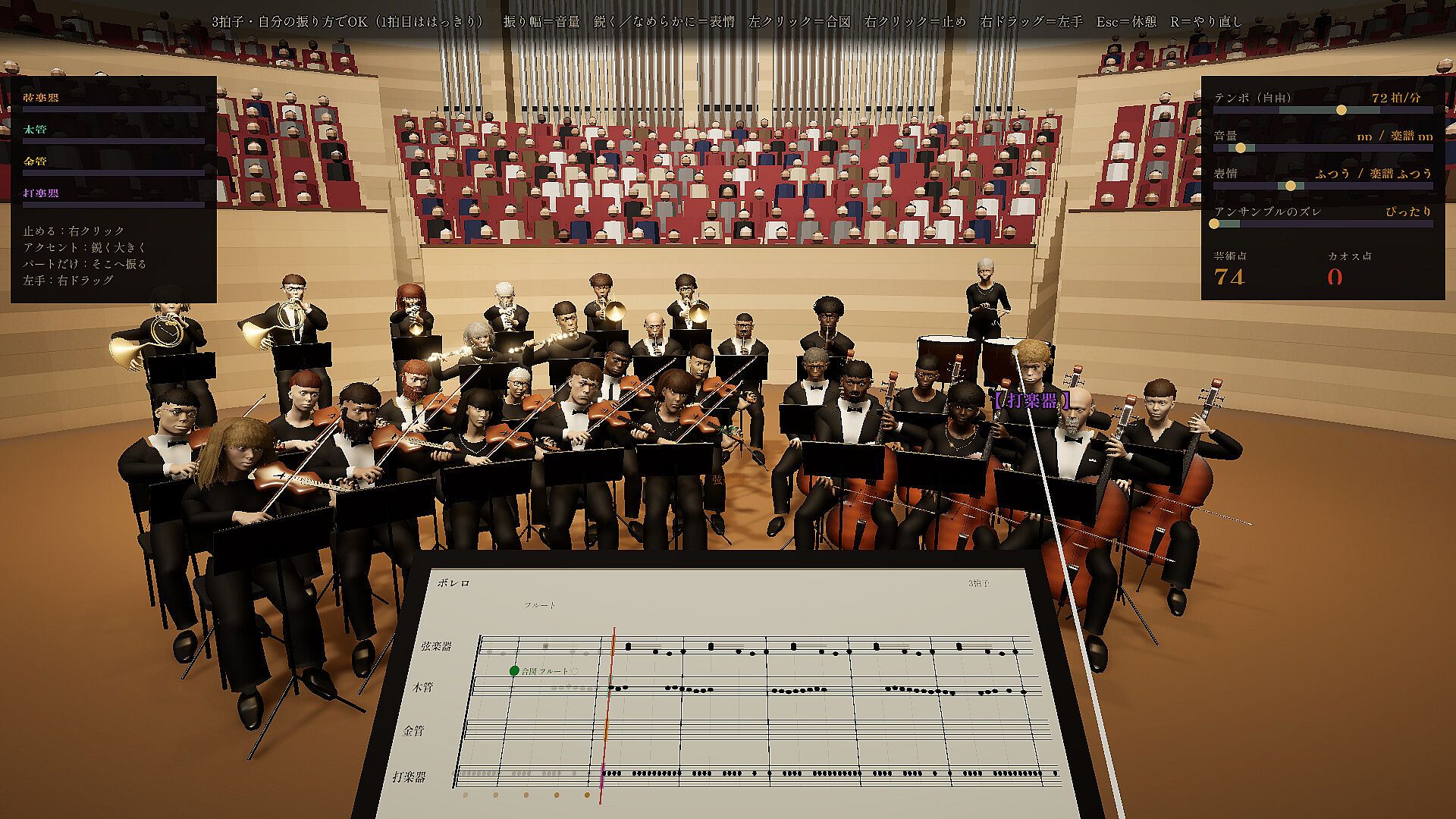
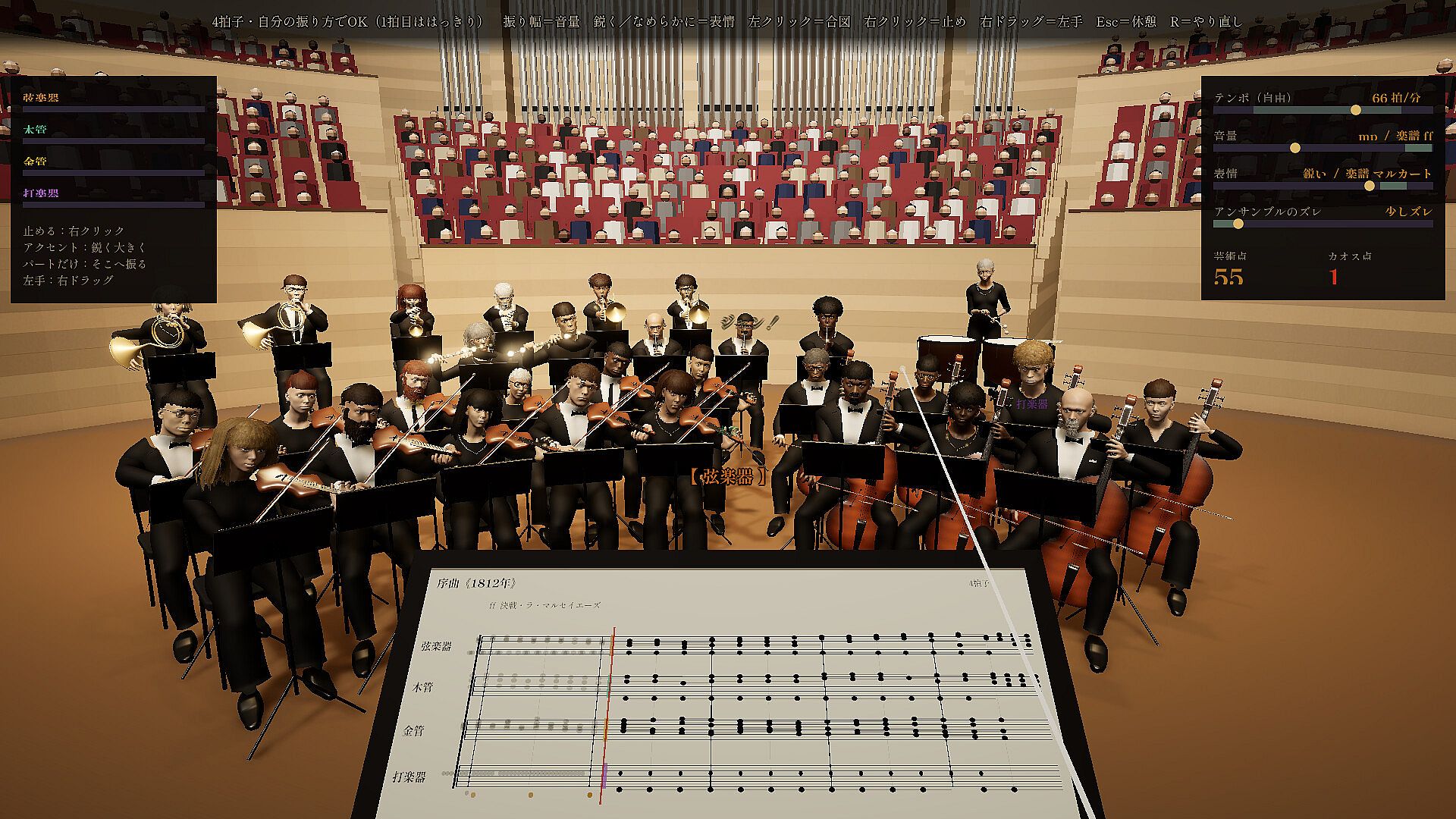
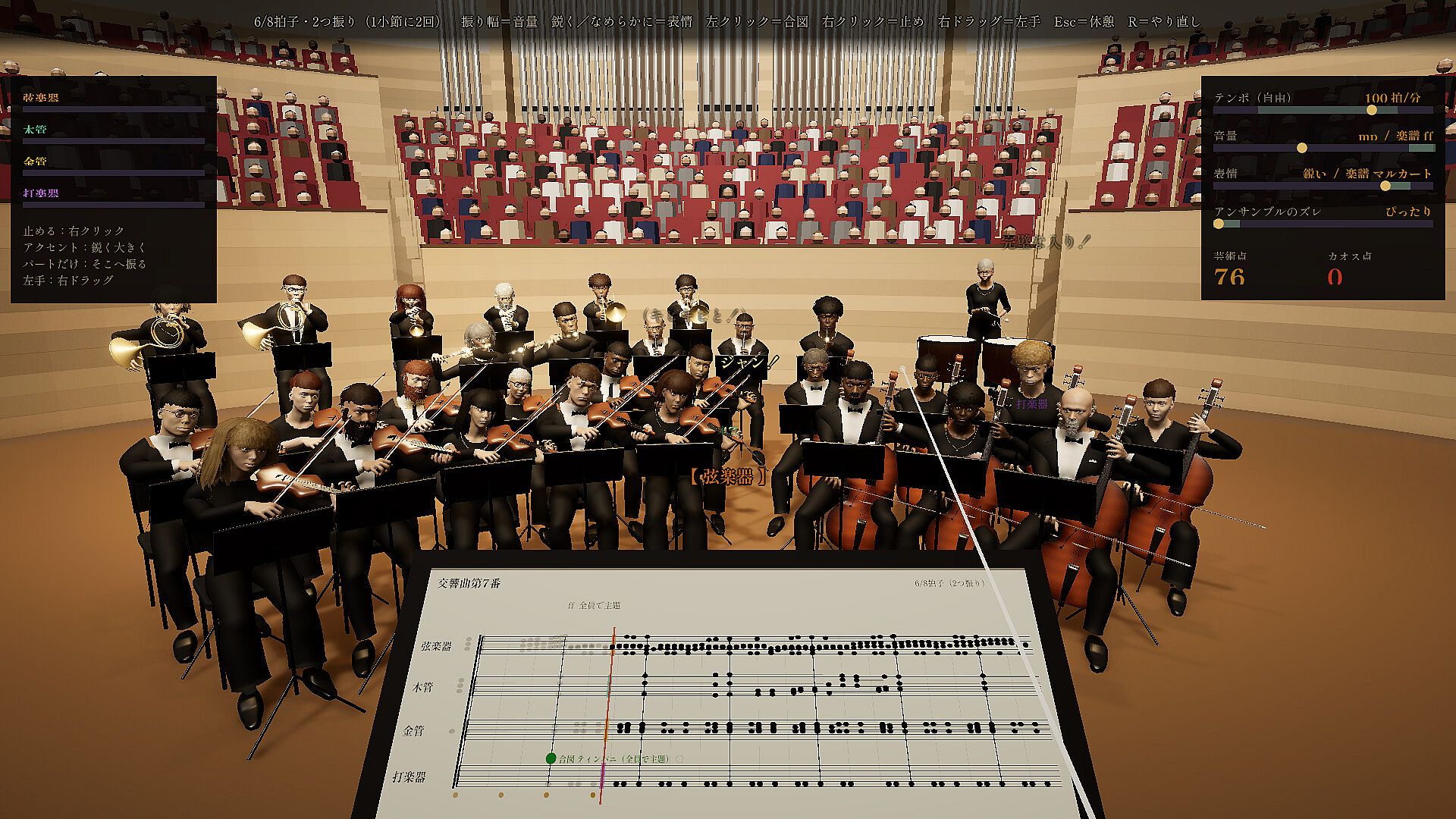
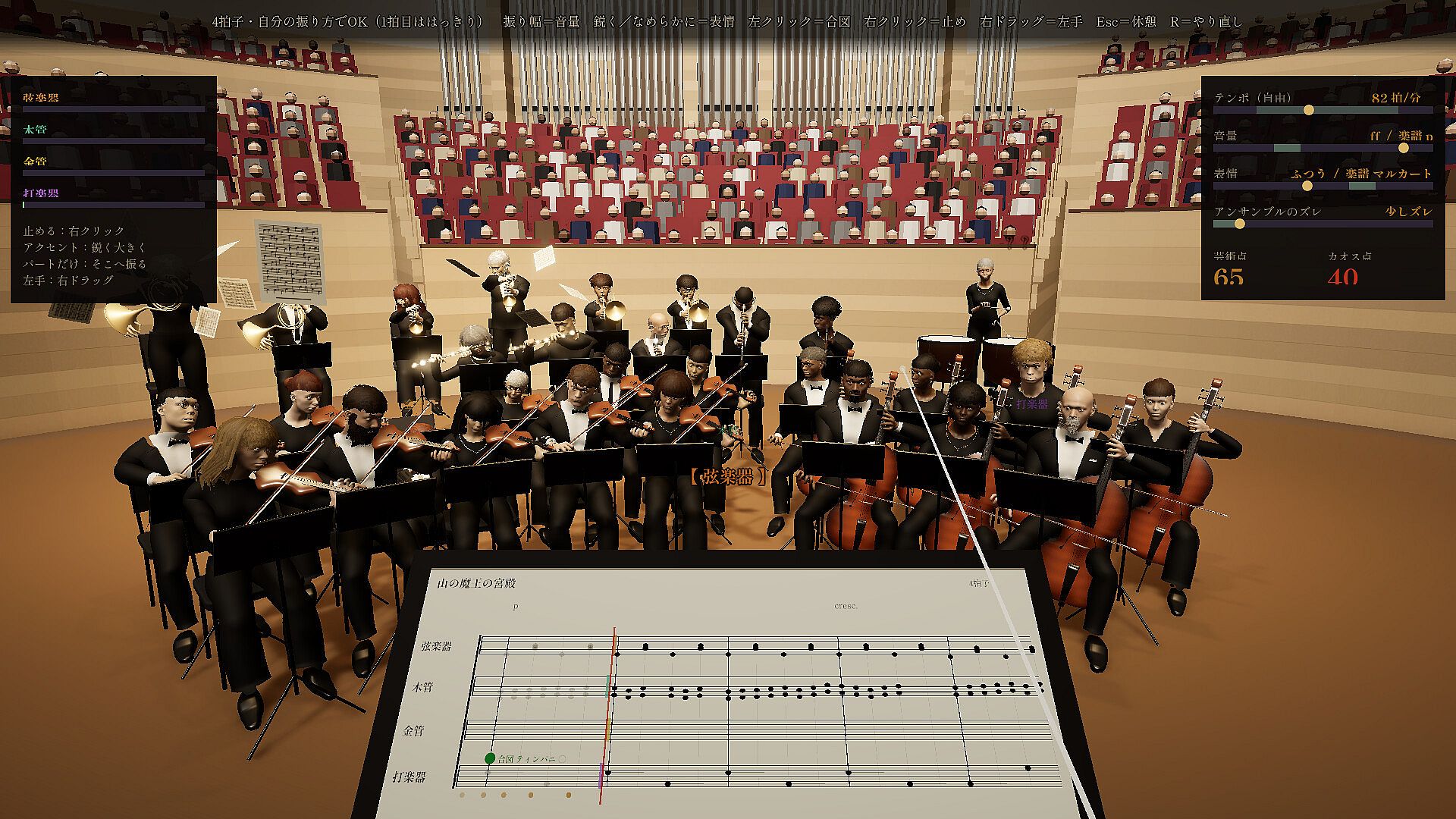
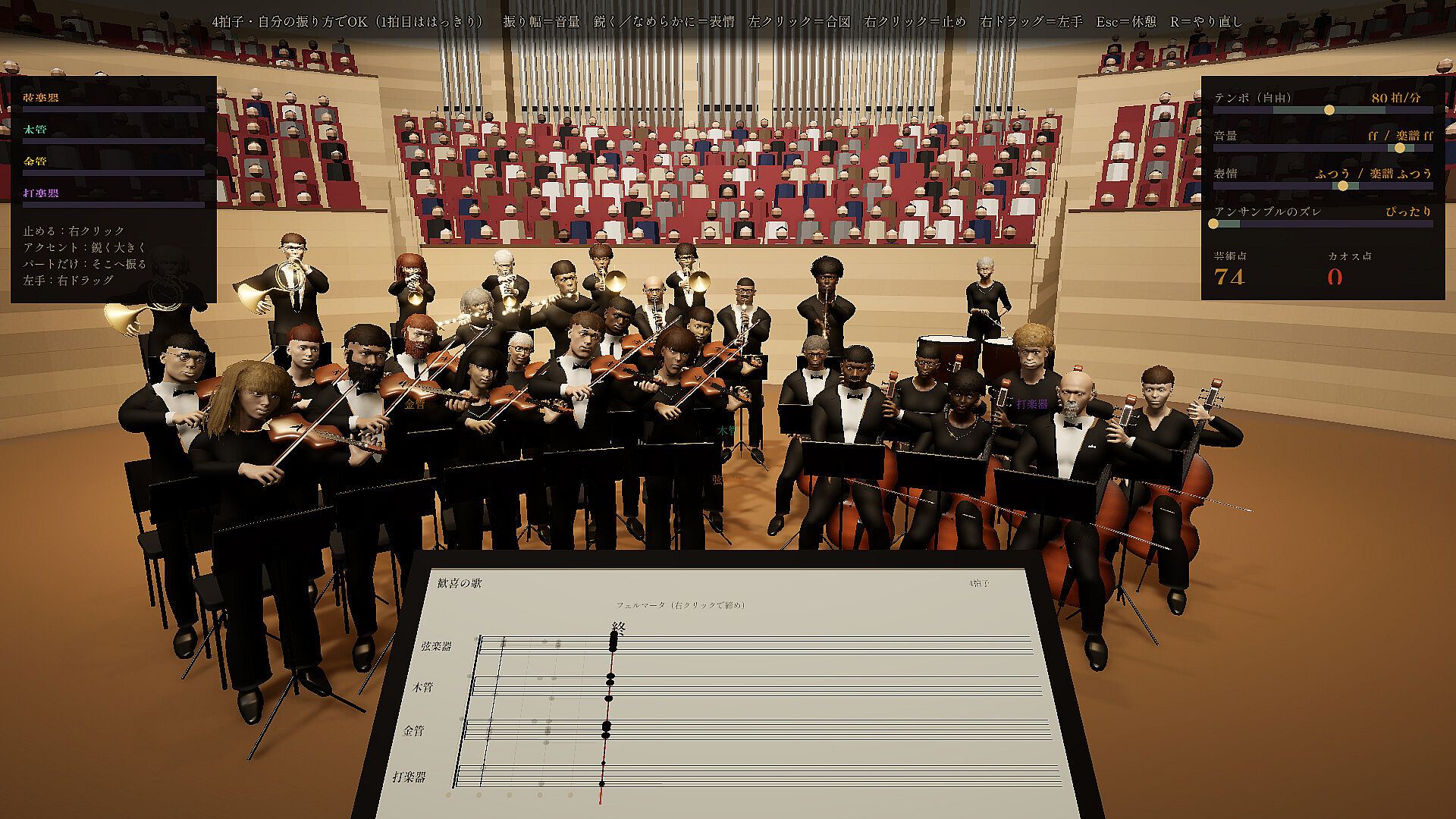
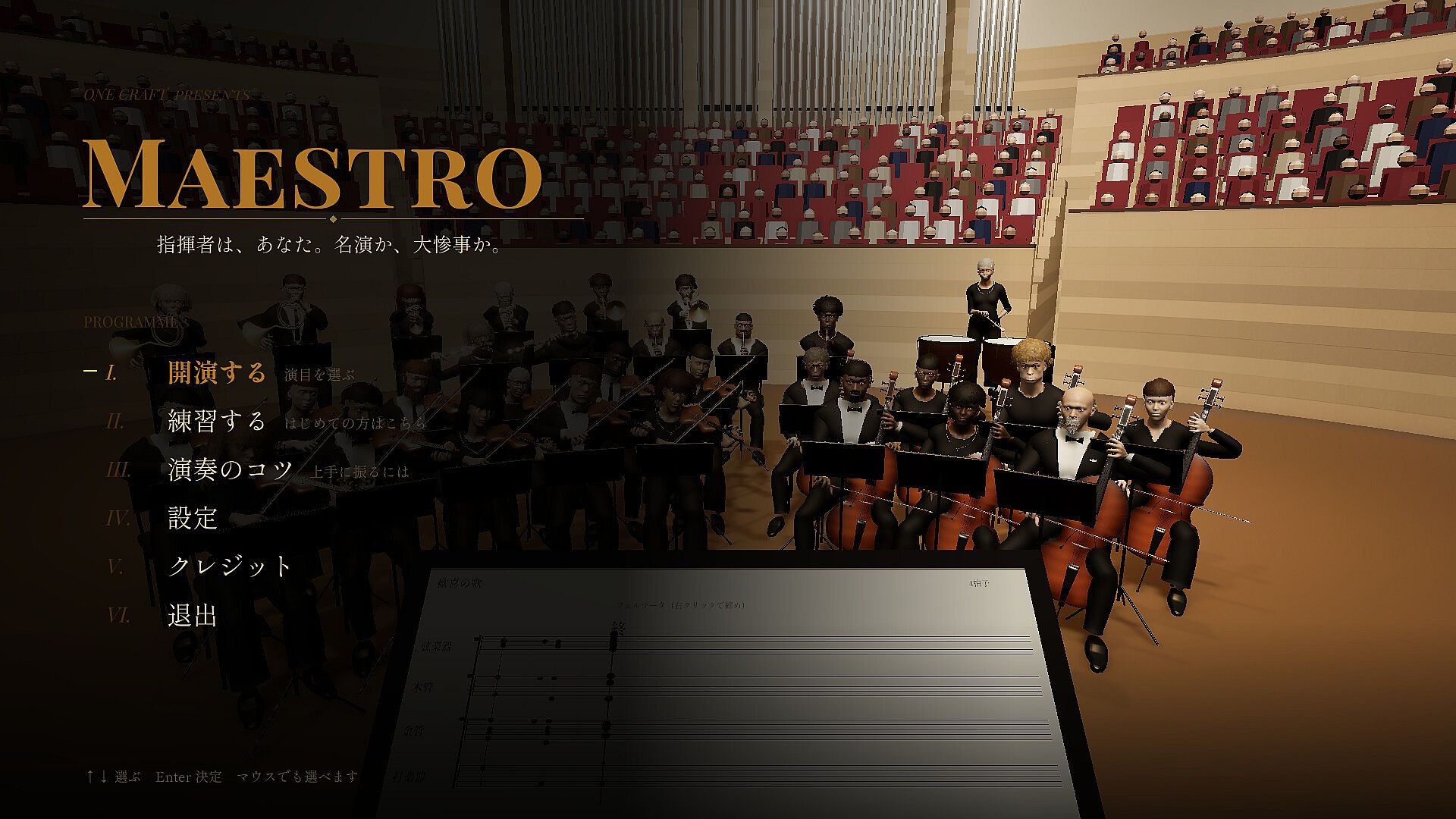
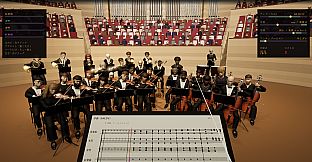
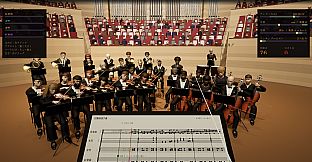
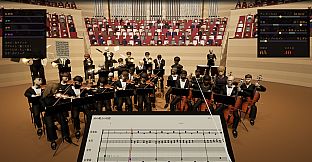
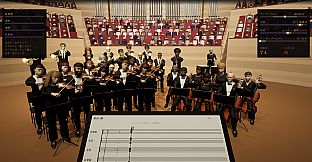
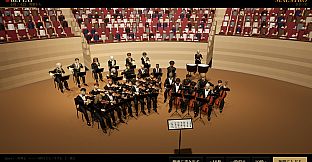
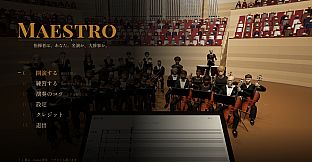
MAESTRO is a single-player simulation game for PC in which players take on the role of an orchestra conductor. The experience centers on using a mouse as a baton to direct thirty musicians through eight classical pieces, with every gesture influencing tempo, volume, and expression while managing the human elements of the performers.
Gameplay
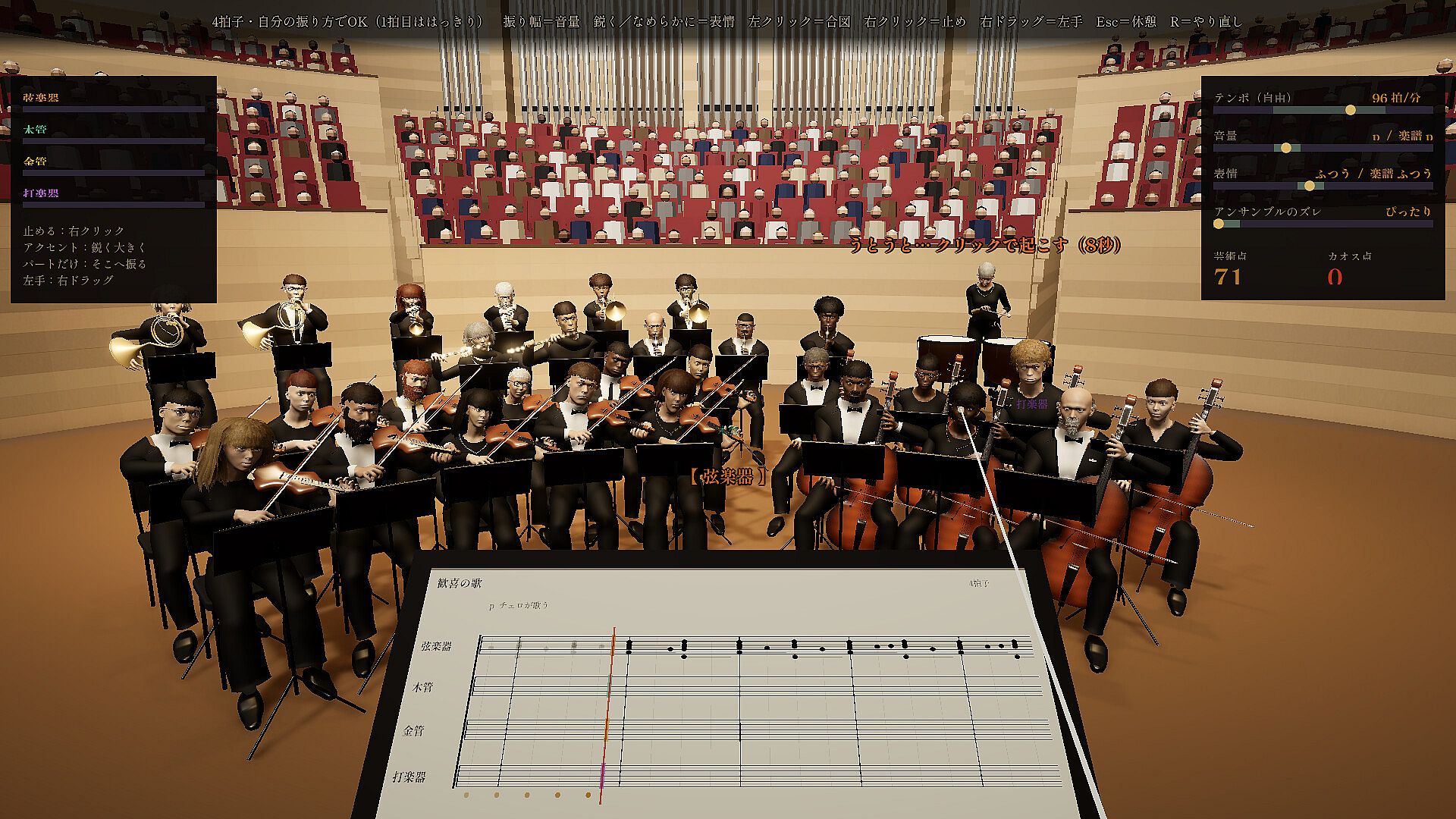
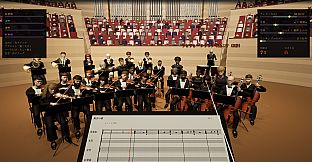
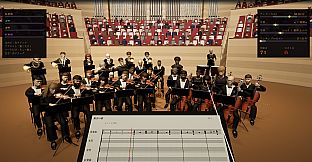
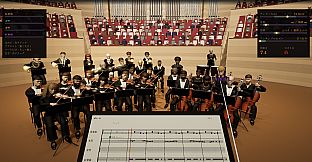
The core loop revolves around precise mouse movements that translate directly into conducting actions. Downstrokes set the beat, with faster or larger motions increasing speed and loudness. Stroke style shapes articulation, such as sharp motions for marcato or fluid ones for legato. Players can focus beats on specific sections to adjust their contribution independently and use right-click to halt the orchestra, resuming with the next stroke. Cues signal instrument entries, and the system responds to the conductor rather than following a fixed score.
Musicians react realistically to the player's input. Inconsistent or abrupt changes cause them to lose synchronization, while neglect leads to drowsiness, rushing, or physical mishaps like sliding off chairs. Environmental interruptions, including ringing phones or audience coughs, require a single click to resolve. These elements create a dynamic loop where maintaining control demands constant attention to both the music and the performers' state.
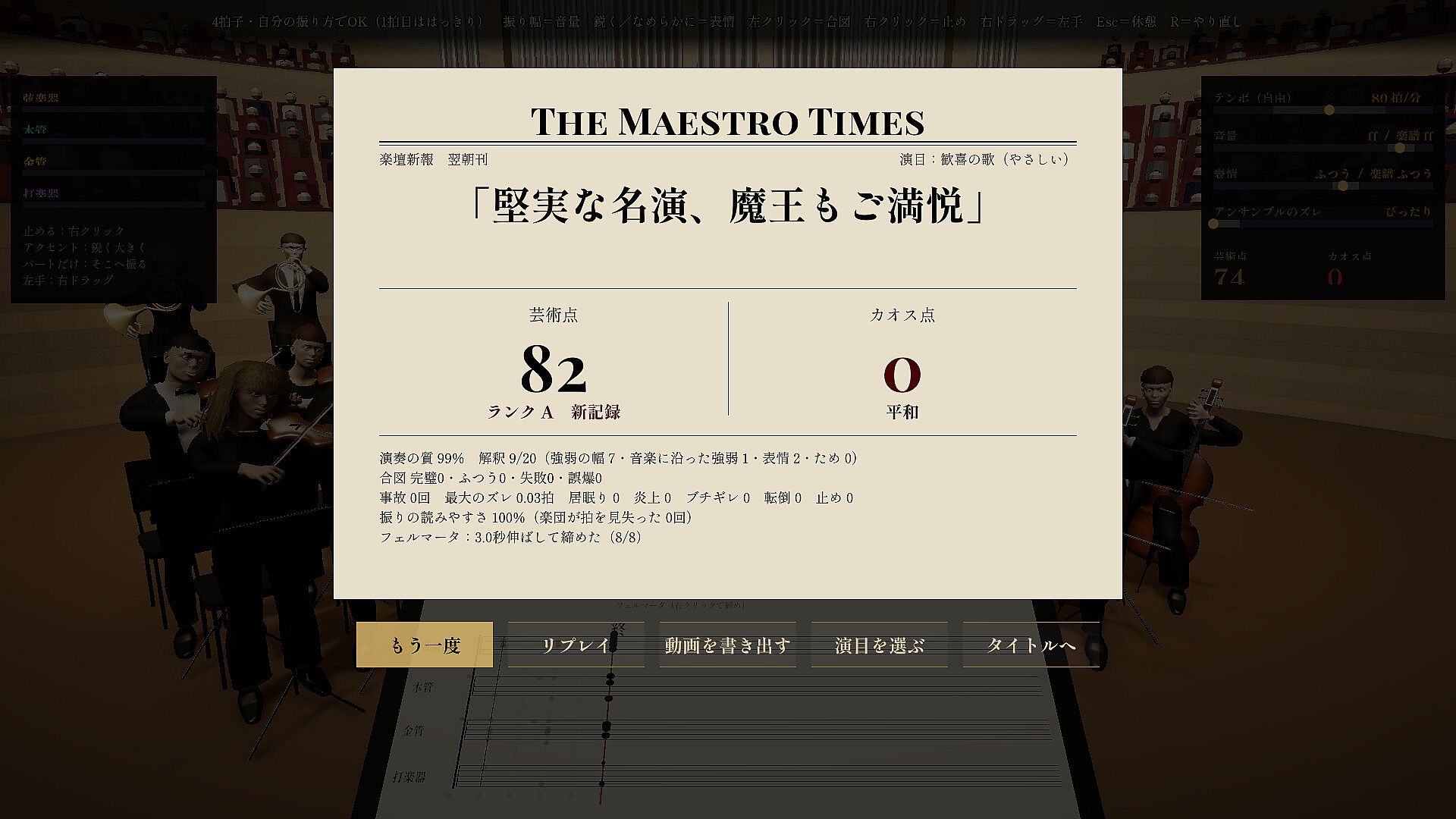
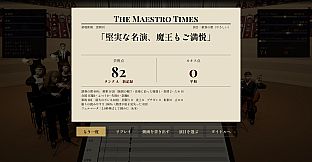
Scoring evaluates two main aspects: Art, which measures interpretive quality, and Chaos, which tracks errors and disruptions. High Art scores unlock subsequent pieces, as do exceptionally chaotic performances exceeding a threshold. The morning paper provides post-concert reviews, and successful runs generate sustained audience applause.
Game Modes
A dedicated practice mode introduces the fundamentals of conducting through guided exercises. The Easy difficulty setting features a particularly forgiving orchestra that tolerates more variation in tempo and dynamics. Standard play involves progressing through the arranged classical repertoire, with each piece presenting unique challenges tied to its composition, such as audience participation in certain marches or timed accents in others.
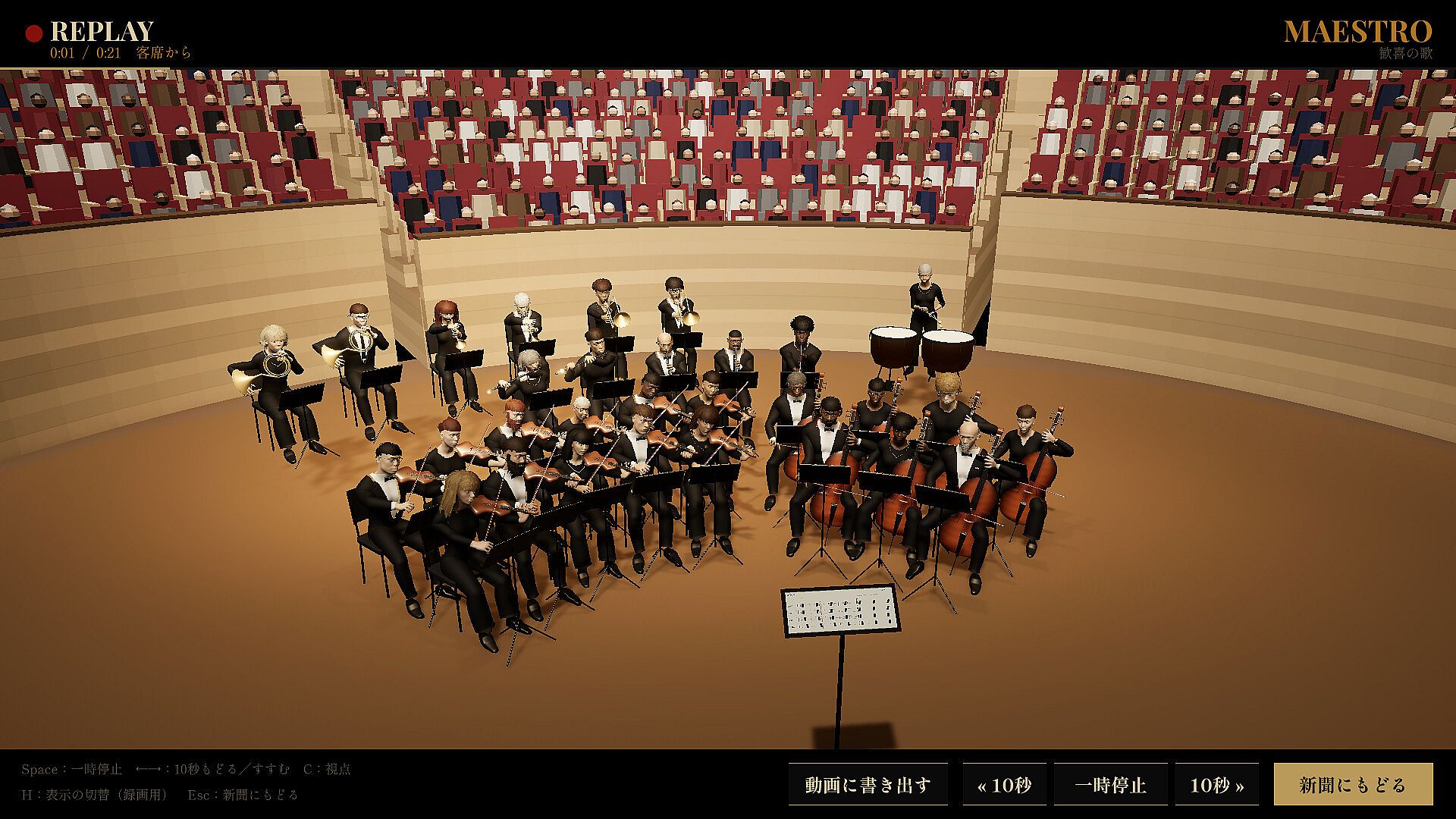
Replay functionality allows full concert review from either the podium or audience perspective. A one-button export creates an MP4 file at 1080p resolution for external sharing. The game requires a mouse for all interactions and presents its interface text exclusively in Japanese.
Repertoire and Presentation
Eight classical works form the available selections, each adapted with specific interactive elements. These include Beethoven's Ode to Joy, J. Strauss I's Radetzky March with audience clapping, Haydn's Surprise Symphony for dramatic audience awakening, Grieg's In the Hall of the Mountain King, Brahms' Hungarian Dance No. 5, Beethoven's Symphony No. 7 first movement, Ravel's Bolero, and Tchaikovsky's 1812 Overture featuring cannon cues. The visual and audio presentation emphasizes the orchestra's responses and hall atmosphere without additional narrative layers.
Is It Worth Playing?
The game suits players interested in simulation experiences that emphasize timing, interpretation, and reactive systems over traditional action or strategy. Its single-player focus and mouse-based controls make it accessible for those with basic hardware, while the practice options lower the entry barrier for newcomers to conducting mechanics. As the title remains in a pre-release state with no completed user reviews available, potential buyers can assess fit through the detailed feature descriptions and the option to follow development updates. Those drawn to classical music performance and precise gesture-based interaction will find the most direct appeal in its systems.