


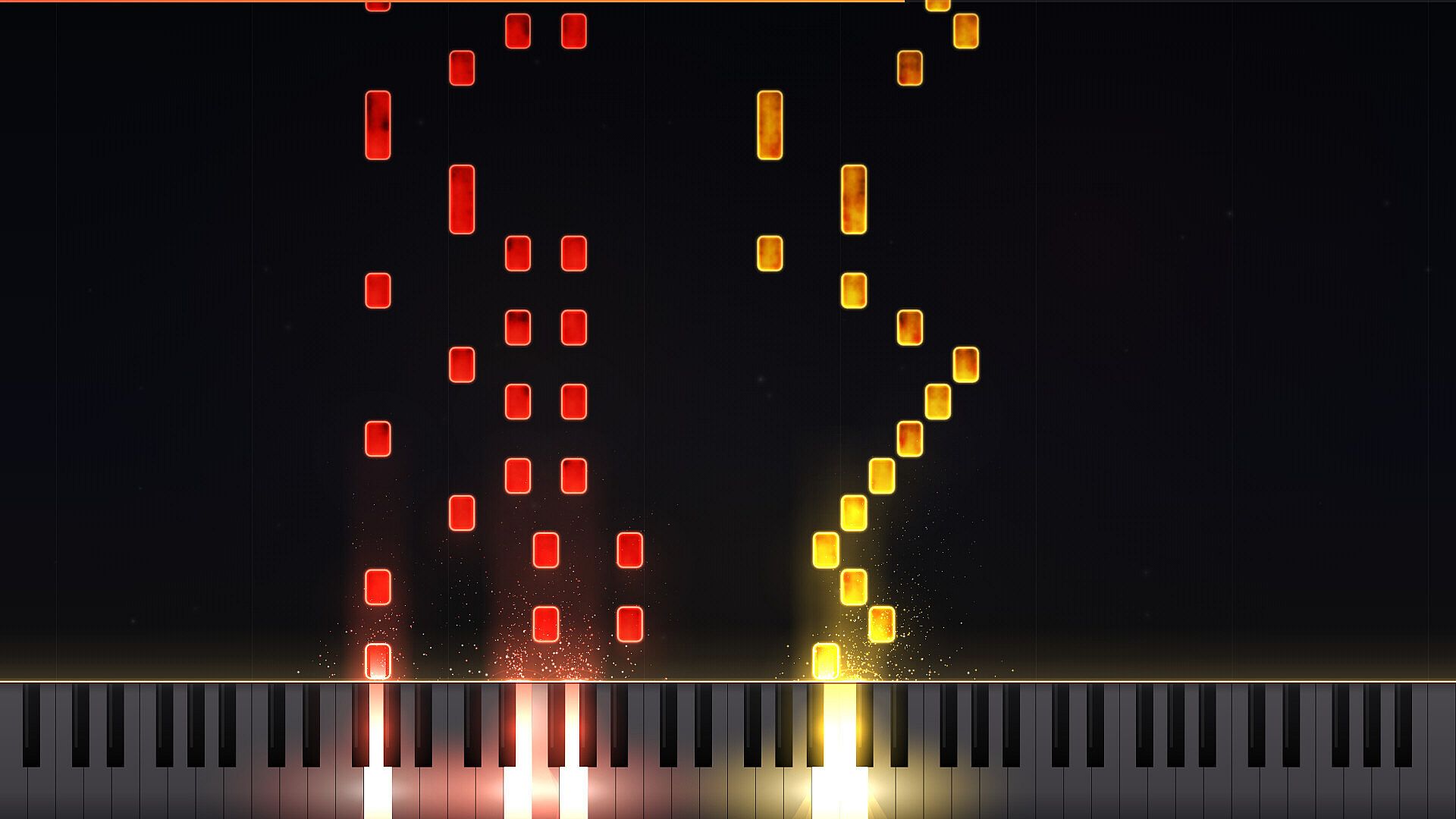
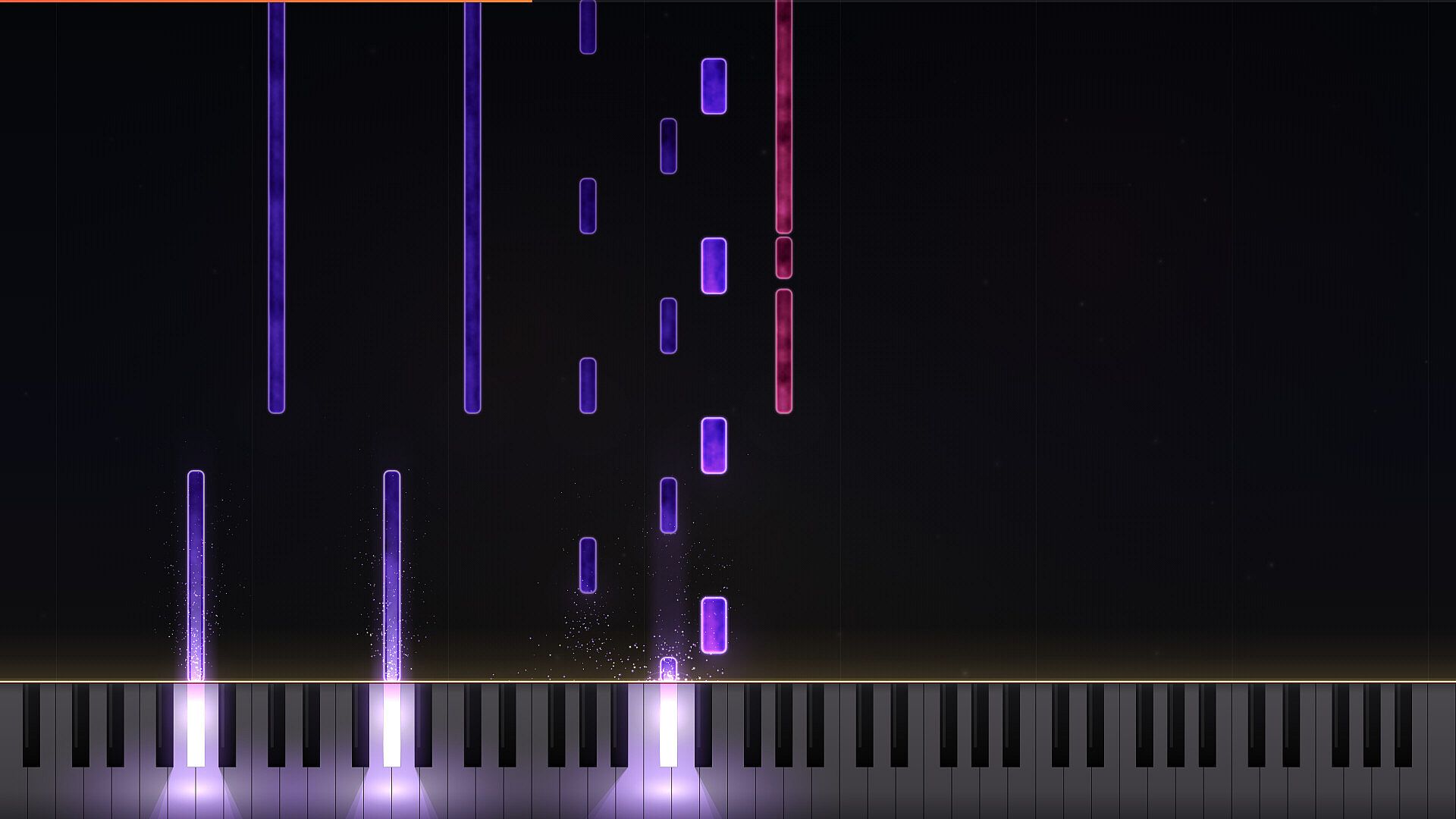
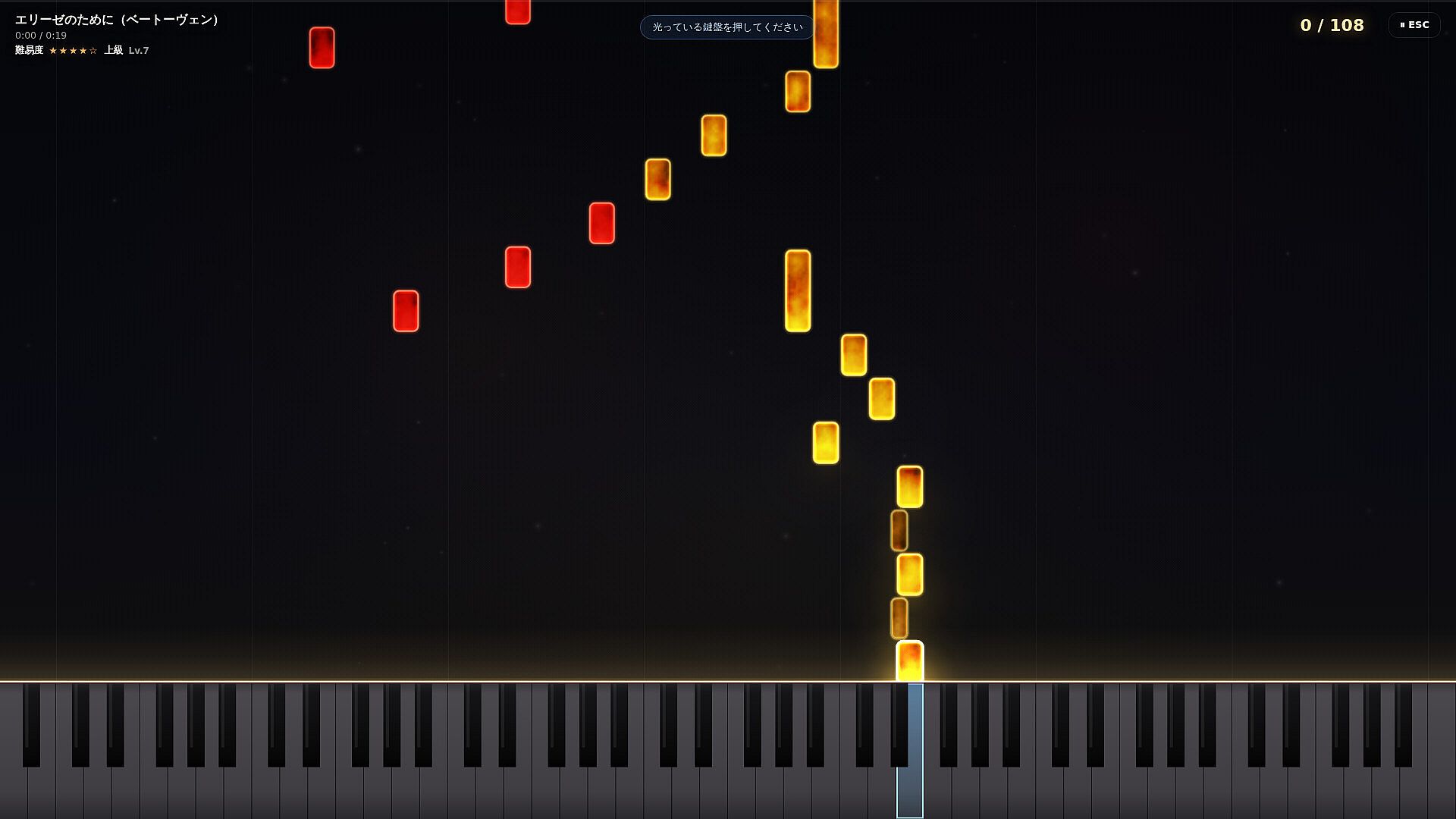
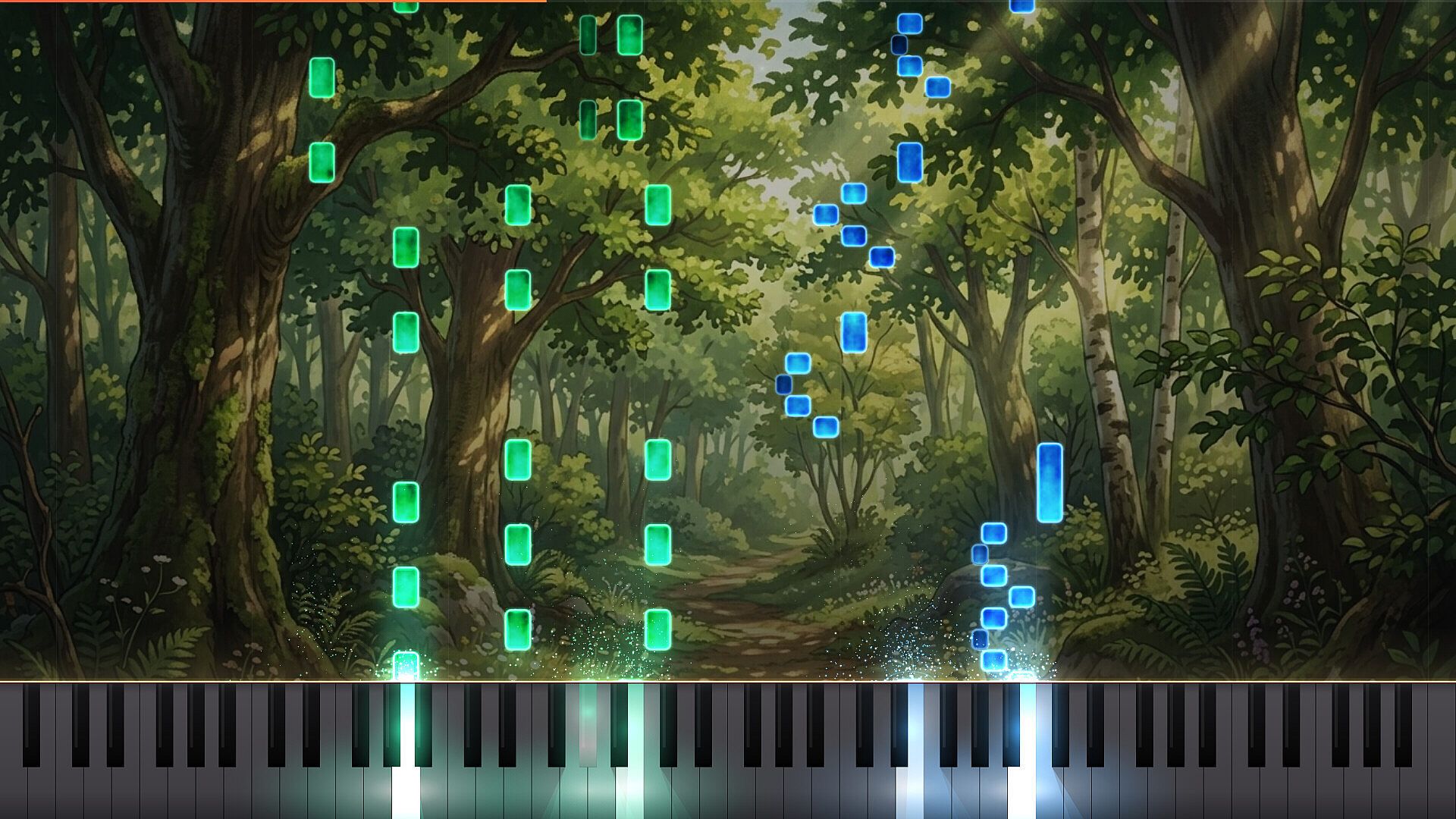

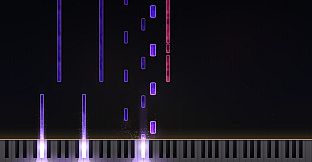
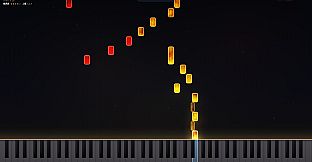
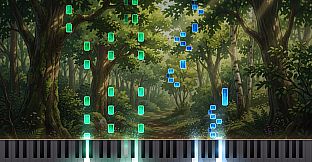
LuMIDI is an indie piano rhythm game developed for PC that turns MIDI files into interactive falling-note charts. Players load their own tracks or select from built-in classical pieces and match keystrokes to on-screen notes while a grand piano sound plays in the background. The experience centers on connecting a MIDI keyboard for authentic piano play, though a standard PC keyboard works as a fallback option.
Gameplay
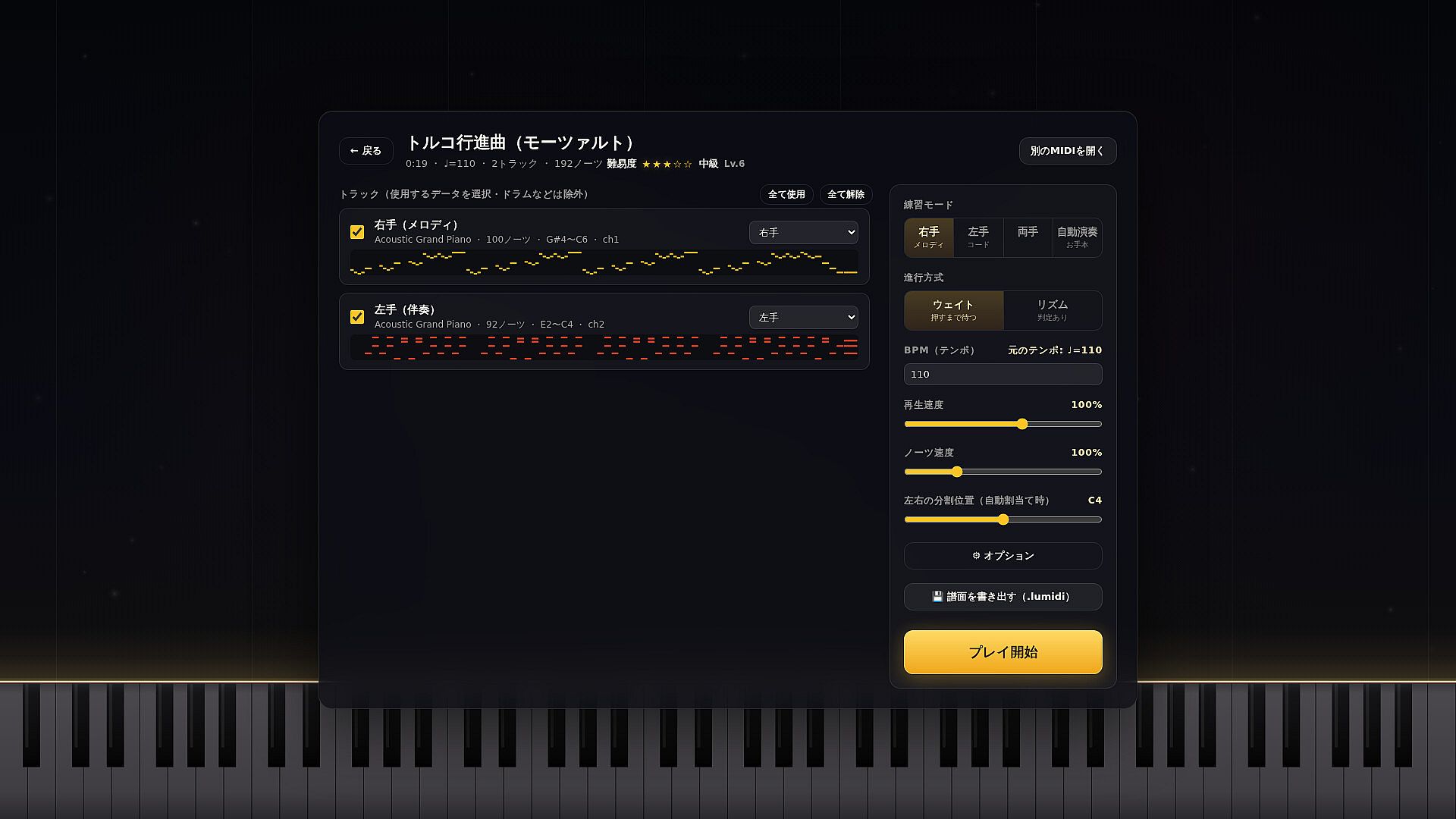
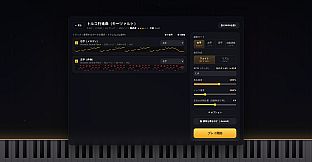
The core loop begins with dragging and dropping a MIDI file into the game. Users select specific tracks, assign parts to left and right hands, and tweak tempo along with note descent speed to suit their skill level. Notes fall toward glowing keys on screen, and accurate timing produces visual feedback along with the corresponding piano sounds from the Salamander Grand Piano sample library.
Visual effects highlight correct presses, and the system supports real-time adjustments during play. Background images and note colors can be changed to reduce eye strain or match personal preferences, with those settings saved individually per chart. The setup encourages repeated practice sessions focused on precision and musical flow rather than high-speed reflexes alone.
Game Modes
Four dedicated practice modes let players isolate sections of a piece. One mode handles only the left hand while the game performs the right, and another reverses that arrangement. Auto-Play generates a full performance for reference, allowing users to watch and internalize timing before attempting the piece themselves.
Wait mode pauses the chart until the correct key registers, removing pressure from timing and focusing attention on note accuracy. Rhythm mode runs continuously for scoring runs, tracking combos and accuracy to build performance metrics. These options combine into flexible sessions that shift between learning and testing without leaving the same interface.
Additional Tools and Customization
Steam Workshop integration lets players upload custom charts created from their own MIDI files. Subscribed content downloads automatically and appears alongside built-in tracks. Thirty-five classical pieces ship with the game, including Für Elise, Turkish March, and Canon in D, providing immediate options for those without personal MIDI libraries.
Further tweaks cover keyboard light brightness and per-chart visual presets. The same customization layer supports creators who record Auto-Play sequences for video platforms, where the on-screen effects add polish to piano performances. All settings remain accessible through straightforward menus that save progress across sessions.
Is It Worth Playing?
LuMIDI suits musicians who want a structured way to practice piano pieces using familiar MIDI files alongside rhythm-game feedback. The combination of hand-isolation modes, pause-until-correct timing, and full-performance reference tracks addresses common learning hurdles in traditional sheet music study. Real piano input receives strong emphasis, making the title most effective for owners of MIDI keyboards.
Because the game remains in a coming-soon state with no released player reviews available, prospective buyers can evaluate its value through the listed features alone. Those seeking a dedicated practice companion that also supports score chasing and community chart sharing will find the verified systems align directly with those goals. The single-player focus keeps attention on personal improvement rather than competitive multiplayer elements.