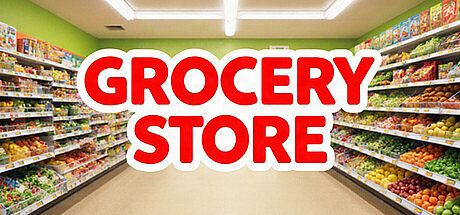


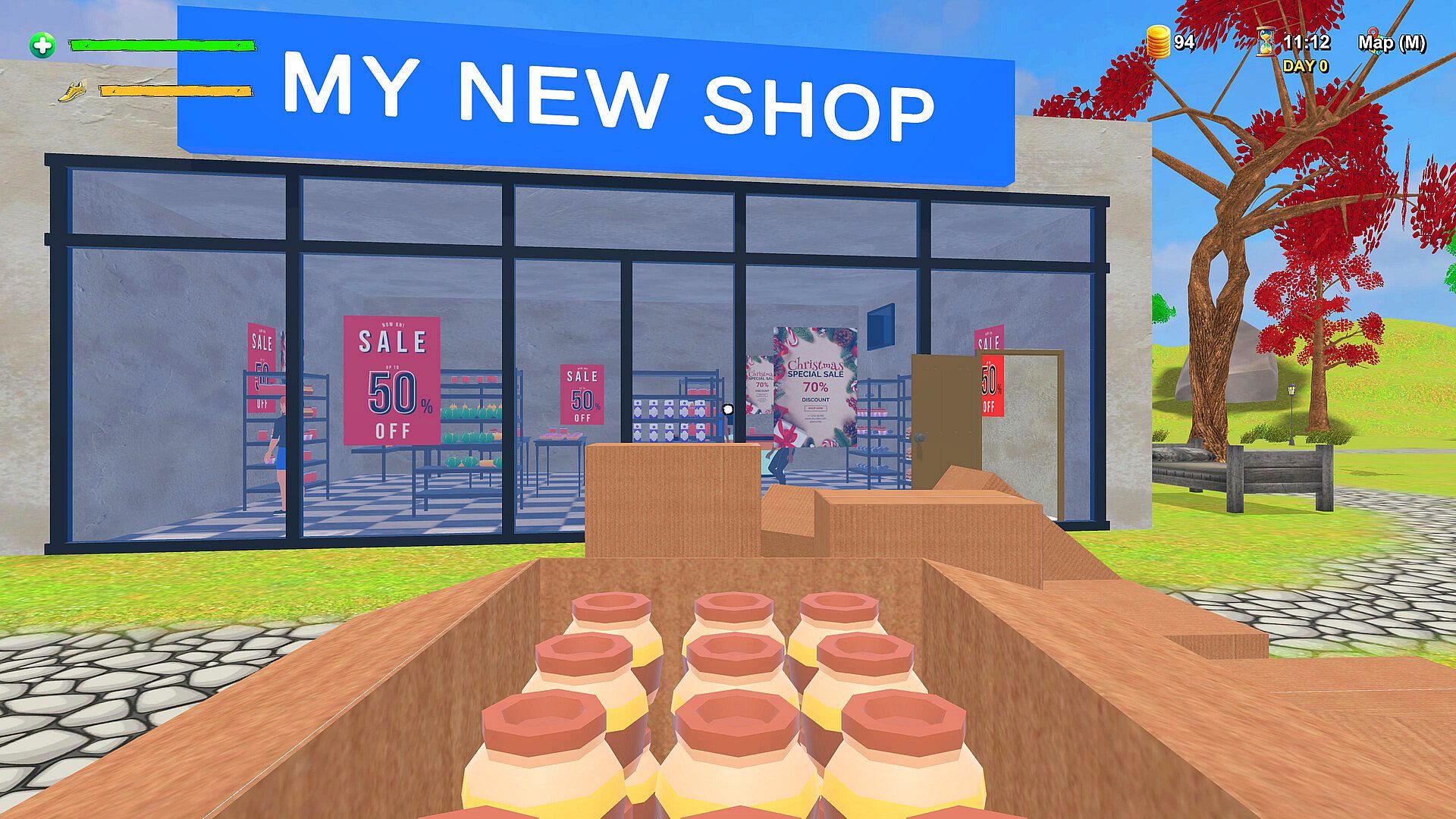
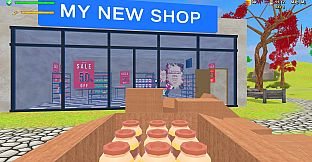
Grocery Store is a simulation game that places players in charge of building and operating their own supermarket from the ground up. Available on PC in Early Access, the title focuses on the day-to-day realities of retail management, from initial setup of an empty space to handling ongoing operations that keep the business profitable.
Gameplay
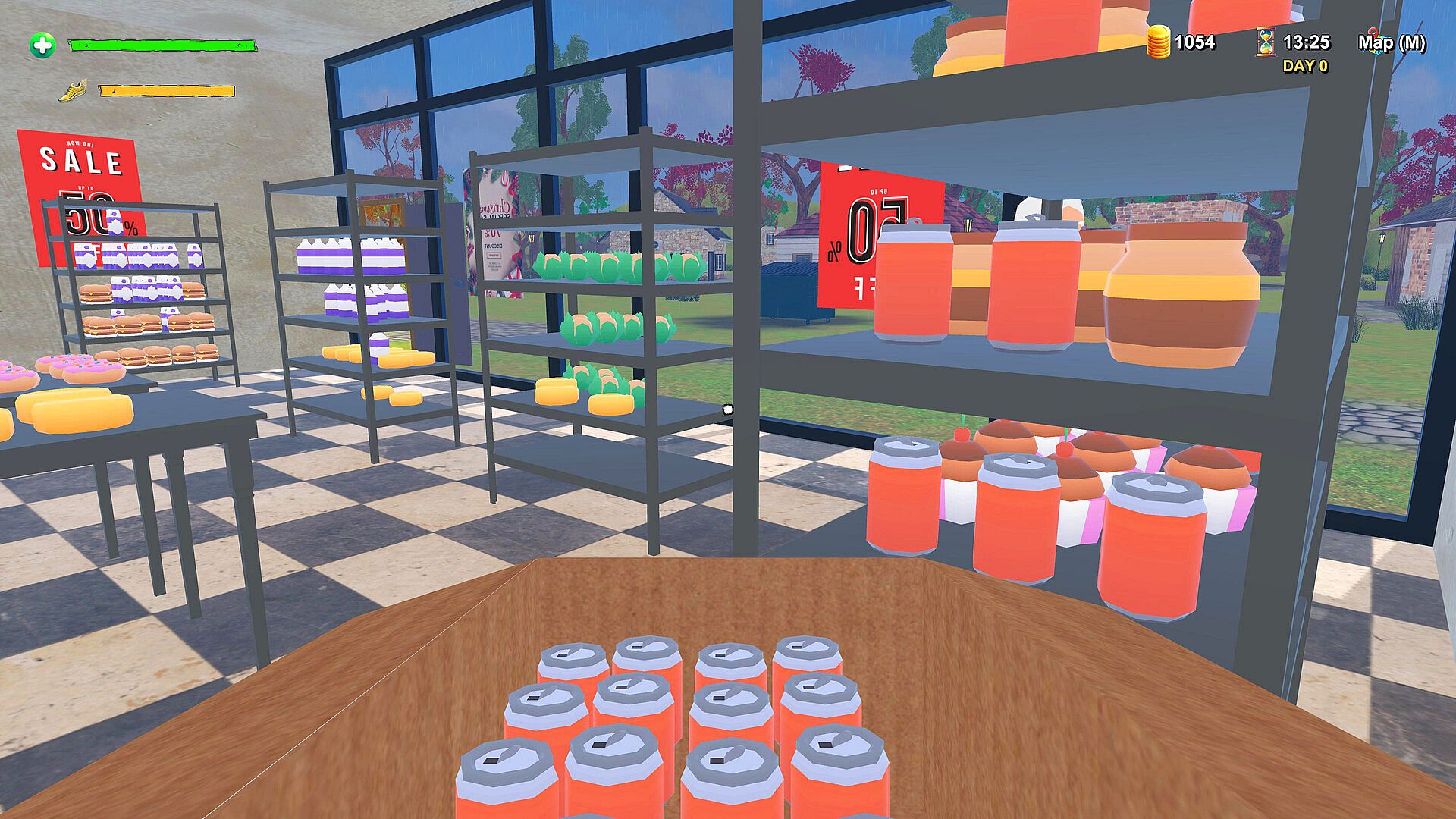
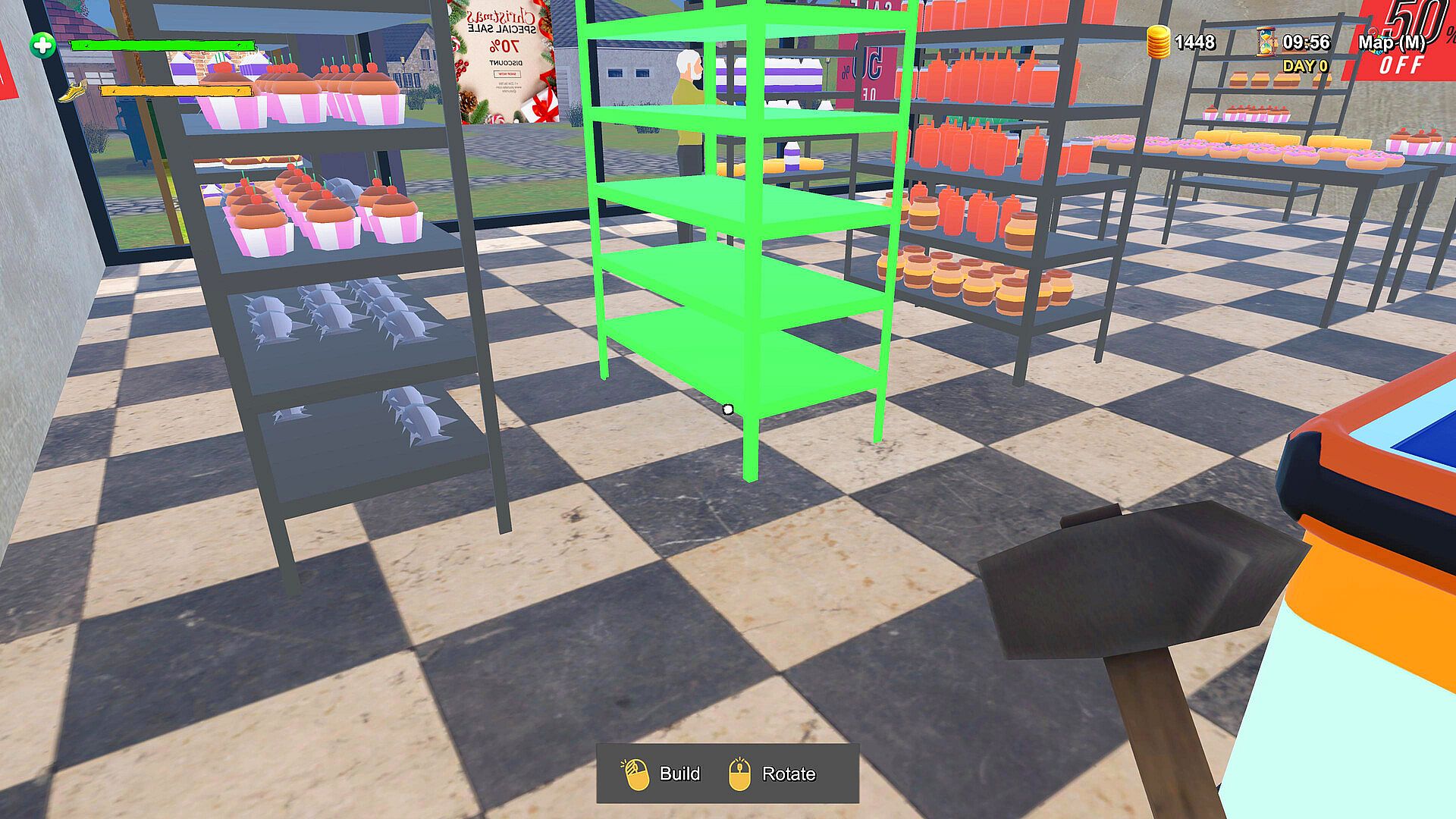
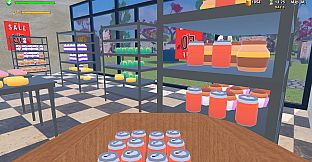
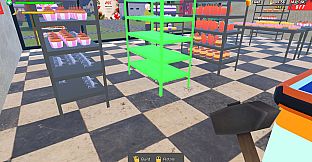
The core loop centers on transforming a blank retail area into a functional store. Players begin by cleaning the space and installing shelves in chosen layouts. They then order from a selection of 19 products, unpack deliveries, and arrange stock across the aisles to match customer demand. Pricing decisions fall entirely to the player, who adjusts values to balance sales volume against profit margins.
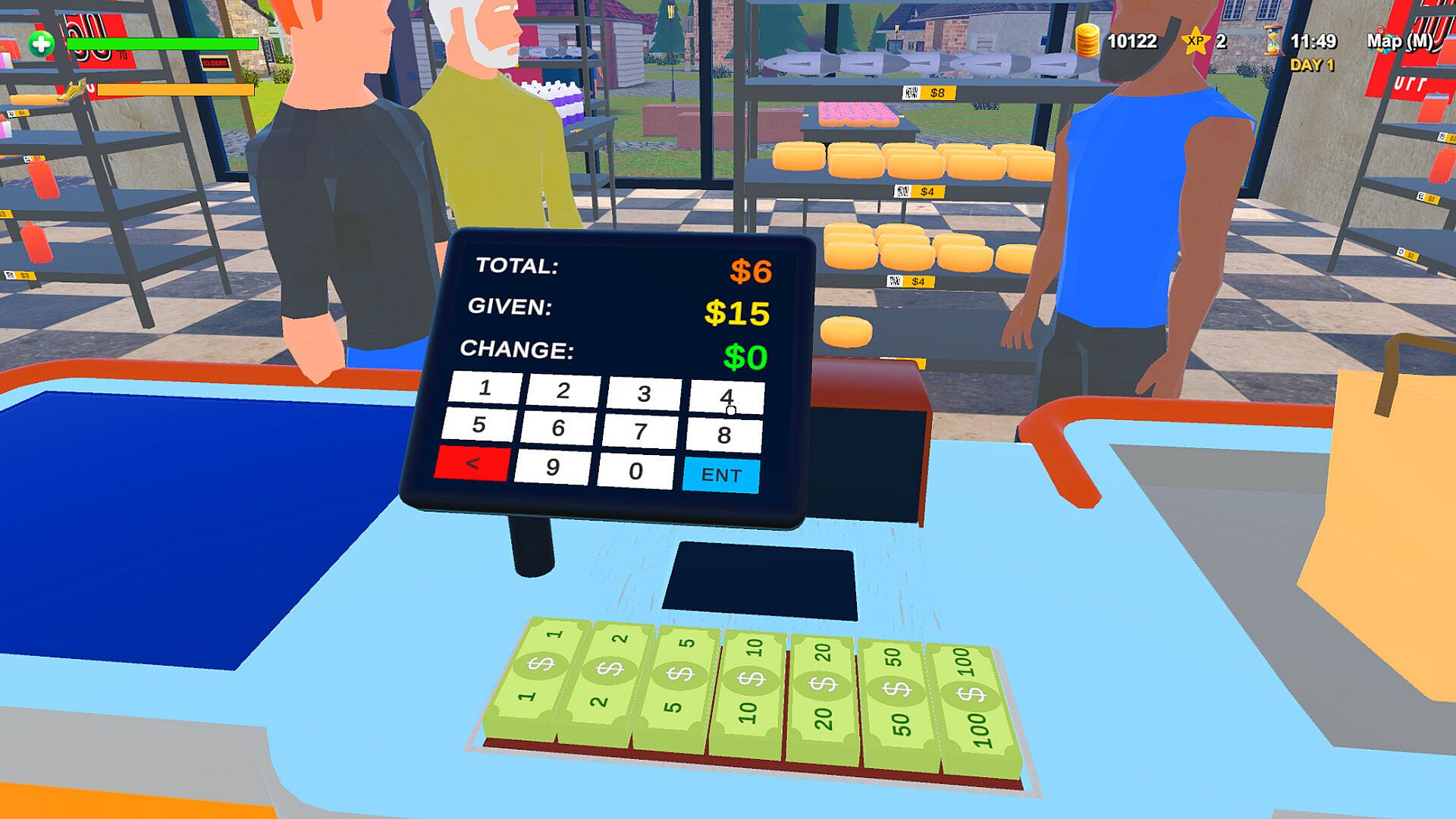
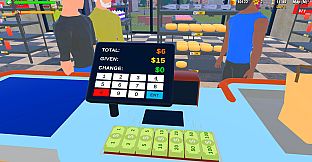
Once open, the experience shifts to active store operation. Standing at the checkout requires scanning each item, processing payments, and managing any change. Shelves must stay full to avoid lost sales, which means regular trips to the back for restocking. The satisfaction comes from watching the store fill with customers who browse and purchase based on the decisions made earlier in the day.
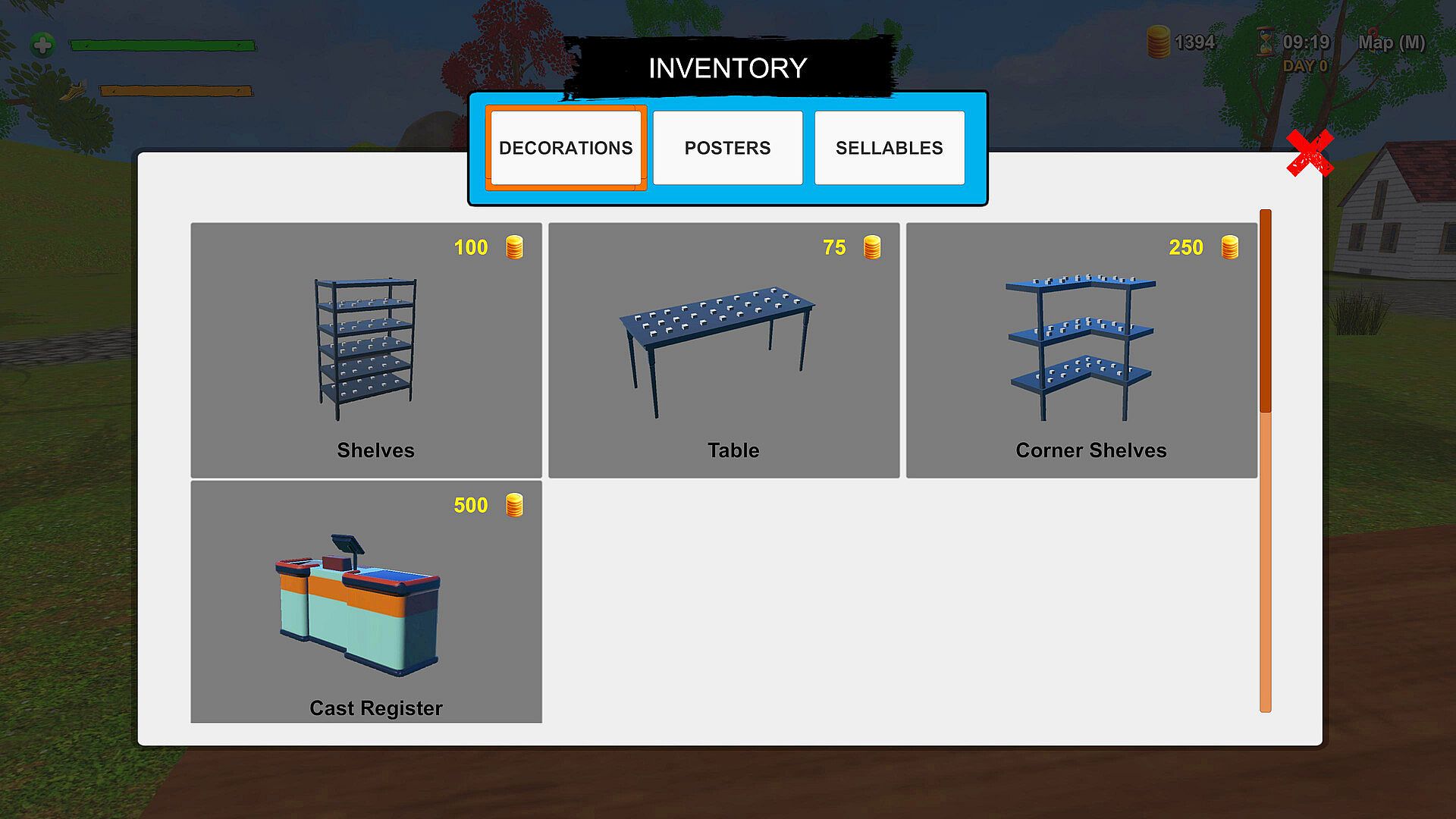
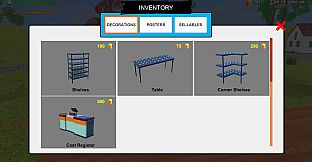
Progression encourages gradual expansion. Early efforts focus on basic organization and a limited product range. As revenue grows, players gain the ability to add more shelving, introduce additional items from the available lineup, and refine store layout for better flow. Every choice about placement, pricing, and ordering directly influences daily earnings and long-term viability.
Game Modes
The game operates as a single-player management simulation without separate named modes. Players advance through successive days of store operation, starting small and scaling operations based on performance. The structure emphasizes personal control over all aspects rather than competitive or multiplayer elements.
Daily routines form the main activity, blending preparation phases with active customer service. There are no distinct scenarios or alternate rulesets confirmed at this stage of development. Instead, the experience builds through repeated cycles of ordering, stocking, pricing, and checkout work that reward consistent attention to detail.
Store Management Systems
Inventory handling requires careful planning. With only 19 products available, players must decide which items to prioritize based on observed sales patterns. Overstocking one category while neglecting another leads to empty shelves and frustrated customers. The ordering process ties directly into warehouse space, forcing efficient use of limited storage.
Checkout mechanics add a hands-on layer. Scanning items and handling payments happens in real time, creating a rhythm that alternates between quiet periods and busy rushes. Keeping the register area clear and shelves replenished during peak times tests multitasking skills. Pricing adjustments can be made at any point to respond to how well certain products move.
Customization remains limited to functional decisions rather than extensive visual options. Shelf placement and product arrangement determine how easily customers navigate the space. The emphasis stays on operational efficiency over decorative flair in the current Early Access build.
Is It Worth Playing?
Grocery Store suits players who enjoy methodical simulation experiences centered on incremental business growth. The loop of cleaning, building, ordering, stocking, and serving customers delivers steady feedback through visible store improvements and revenue changes. Those who appreciate first-person tasks like scanning items and organizing stock will find the hands-on elements engaging.
Because the title remains in Early Access, the feature set focuses on core retail activities without confirmed additions such as staff hiring or major expansions. Reception depends on tolerance for repetitive daily cycles and the satisfaction derived from optimizing a personal supermarket. Players seeking a relaxed yet detailed management sim may find value in experimenting with different layouts and pricing strategies during the ongoing development period.
- Start with basic cleaning and shelving to establish the foundation.
- Order and stock the 19 available products strategically.
- Handle checkout duties while monitoring shelf levels throughout the day.
- Adjust prices and layouts based on observed customer behavior.