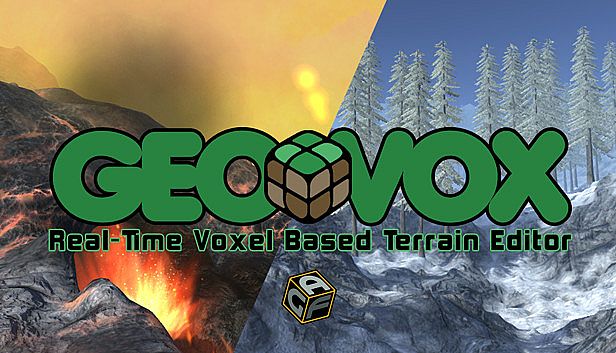










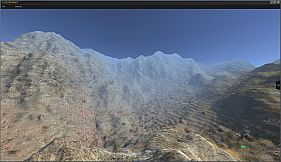
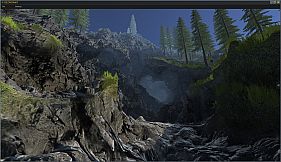
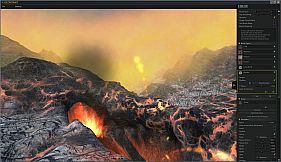
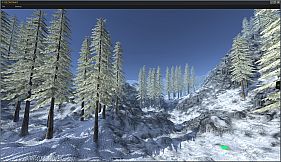
GeoVox is a voxel-based real-time terrain creation tool developed by Axis Game Factory for the PC platform. It functions as a stand-alone application focused on generating and editing environments using voxel technology, with built-in support for testing level playability through familiar movement controls.
Gameplay
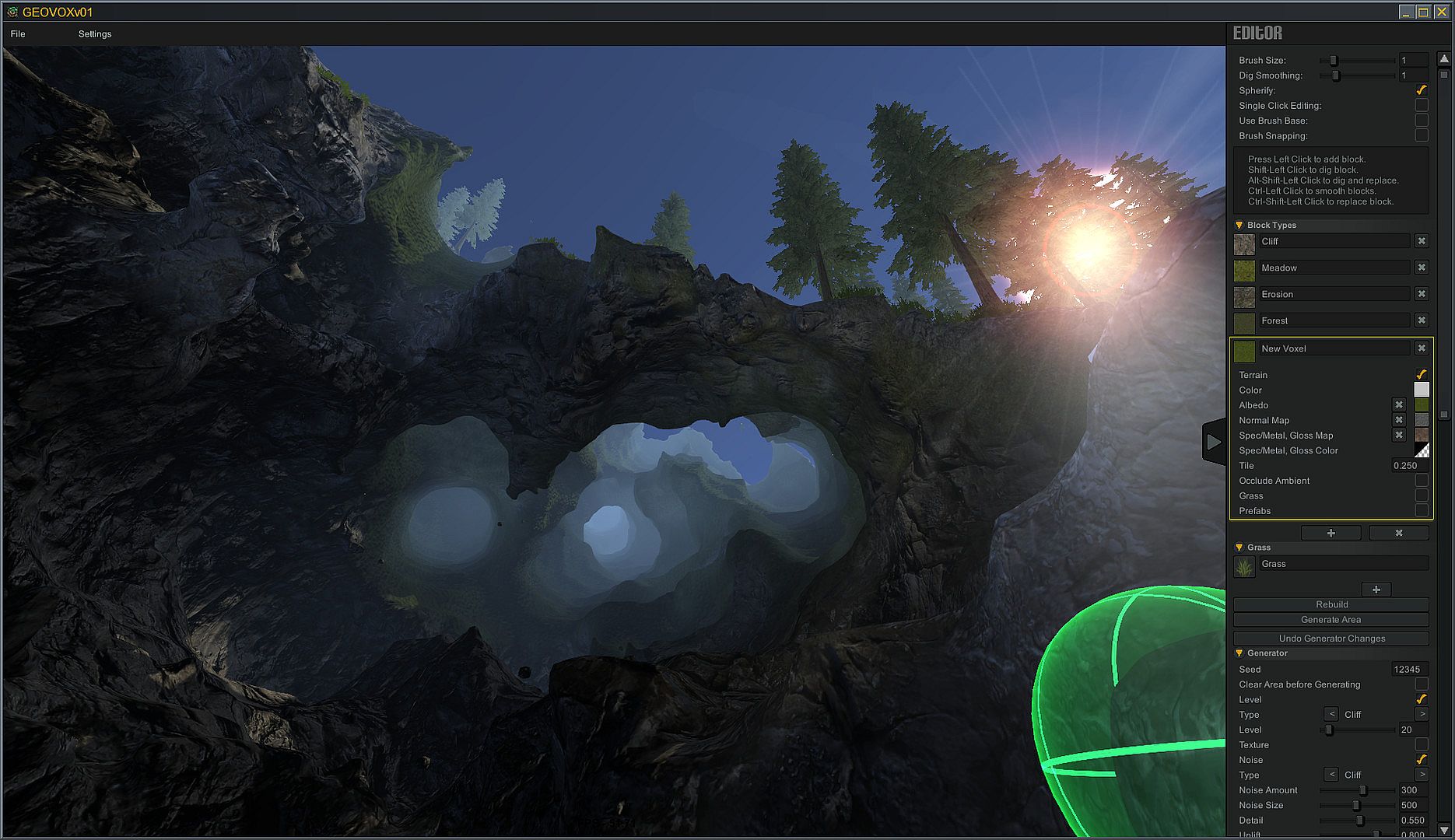
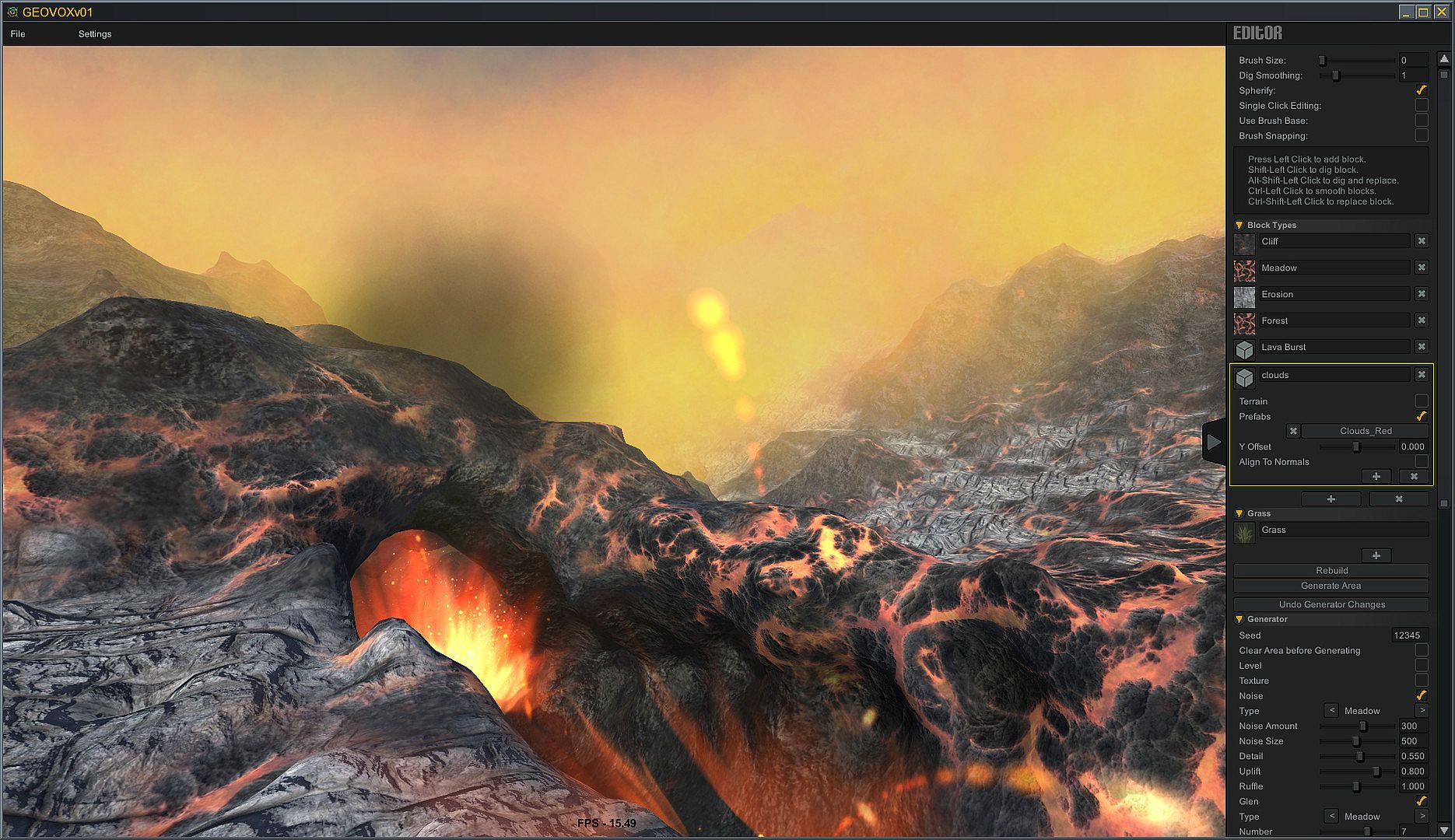
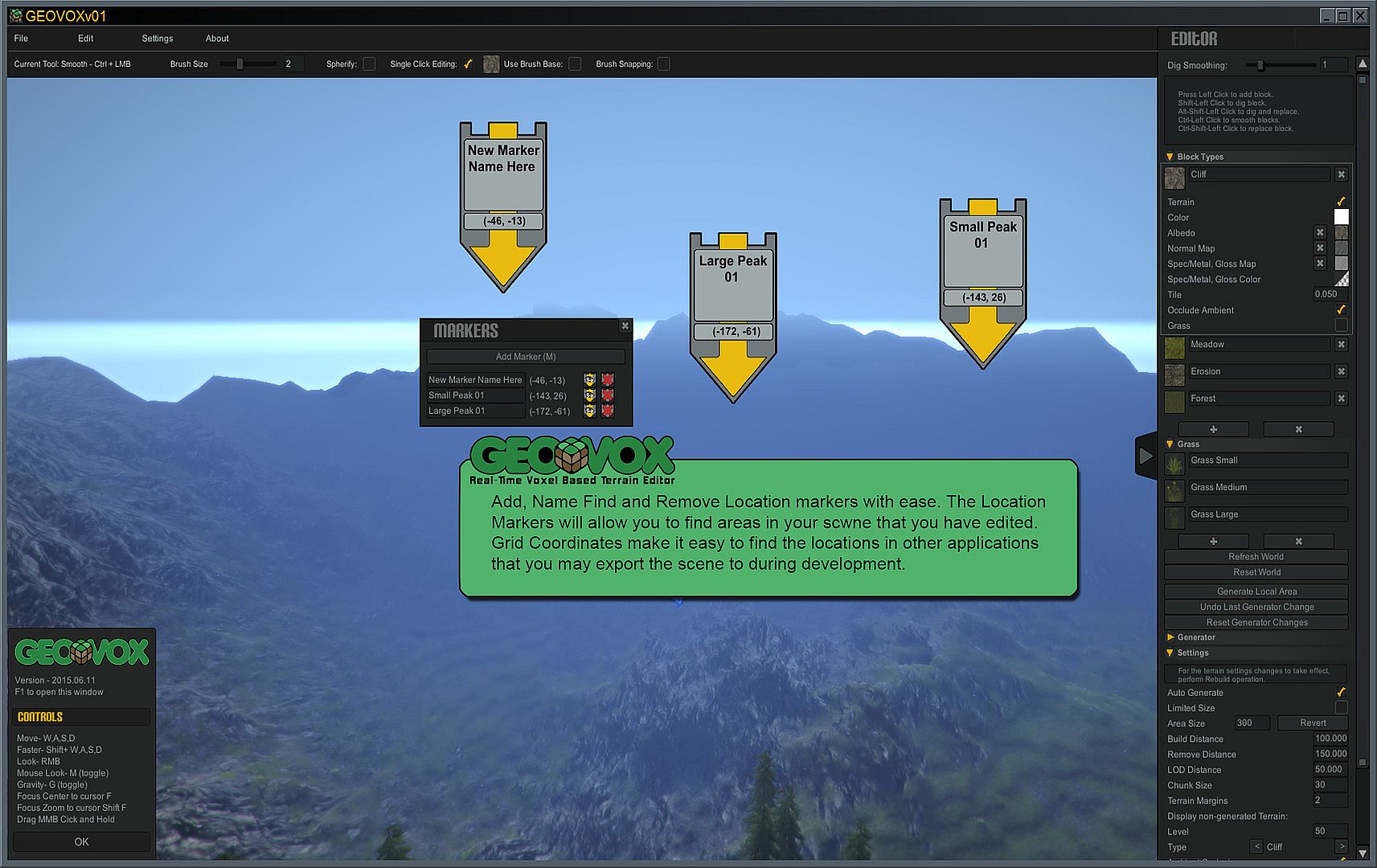
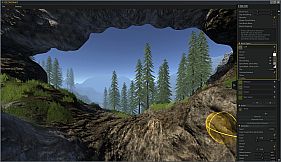
The core loop centers on immediate environment generation upon launch followed by direct editing of voxel volumes. Users start with a fractal algorithmic terrain generator that produces detailed landscapes, then apply point-and-click volume brushes to add, cut, or paint sections. Brush options include adjustable sizes, shapes, offsets from center or base, and snapping features for precise placement.
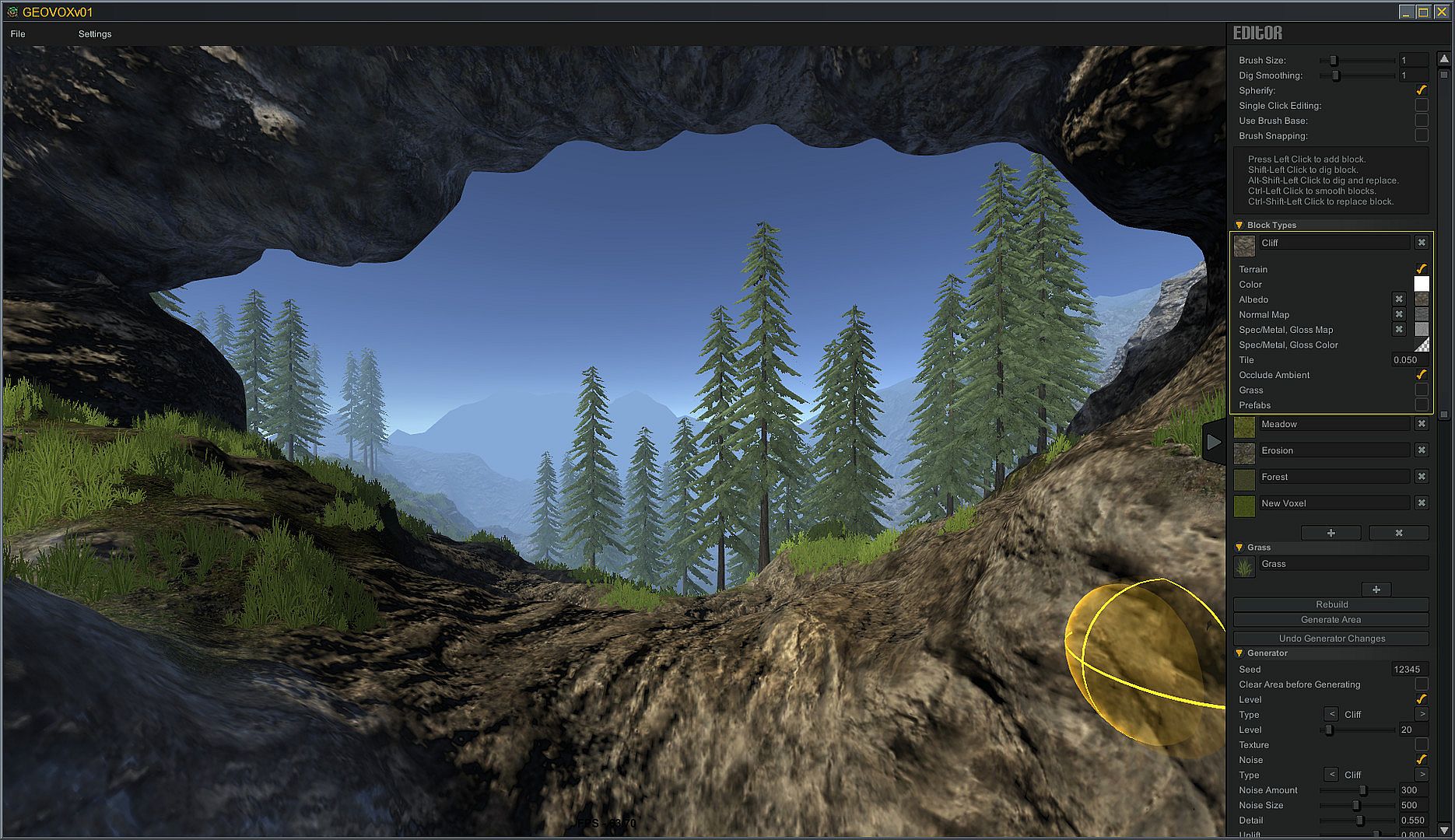
Editing supports simultaneous actions such as cutting volumes while applying textures and environmental assets. A custom palette system lets creators define voxel types that combine textures, assets, and vegetation, with options to align them upright or to the terrain normal and set depth offsets for assets. Smoothing tools refine surfaces, and real-time ambient occlusion adjusts lighting dynamically based on user settings.
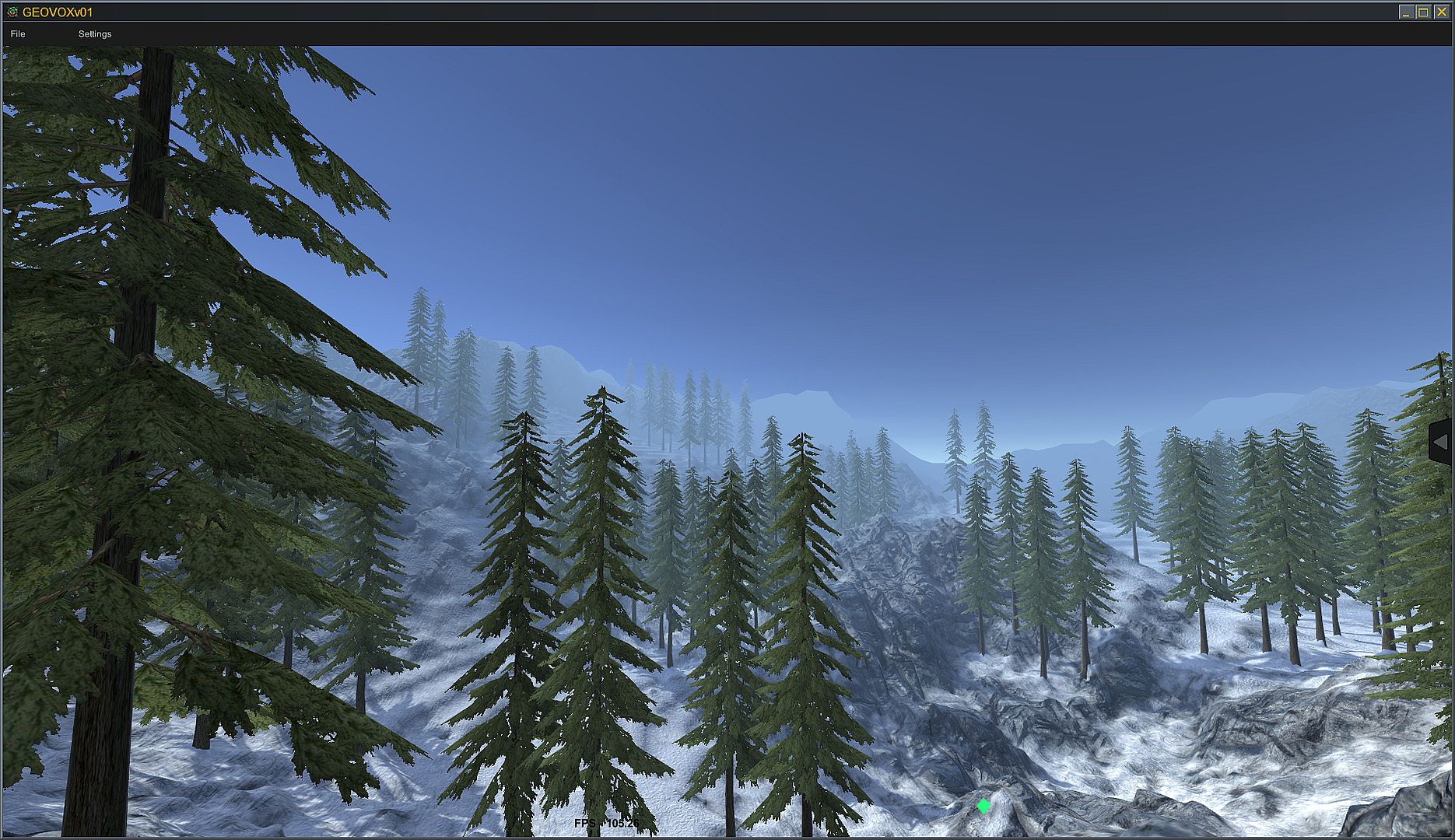
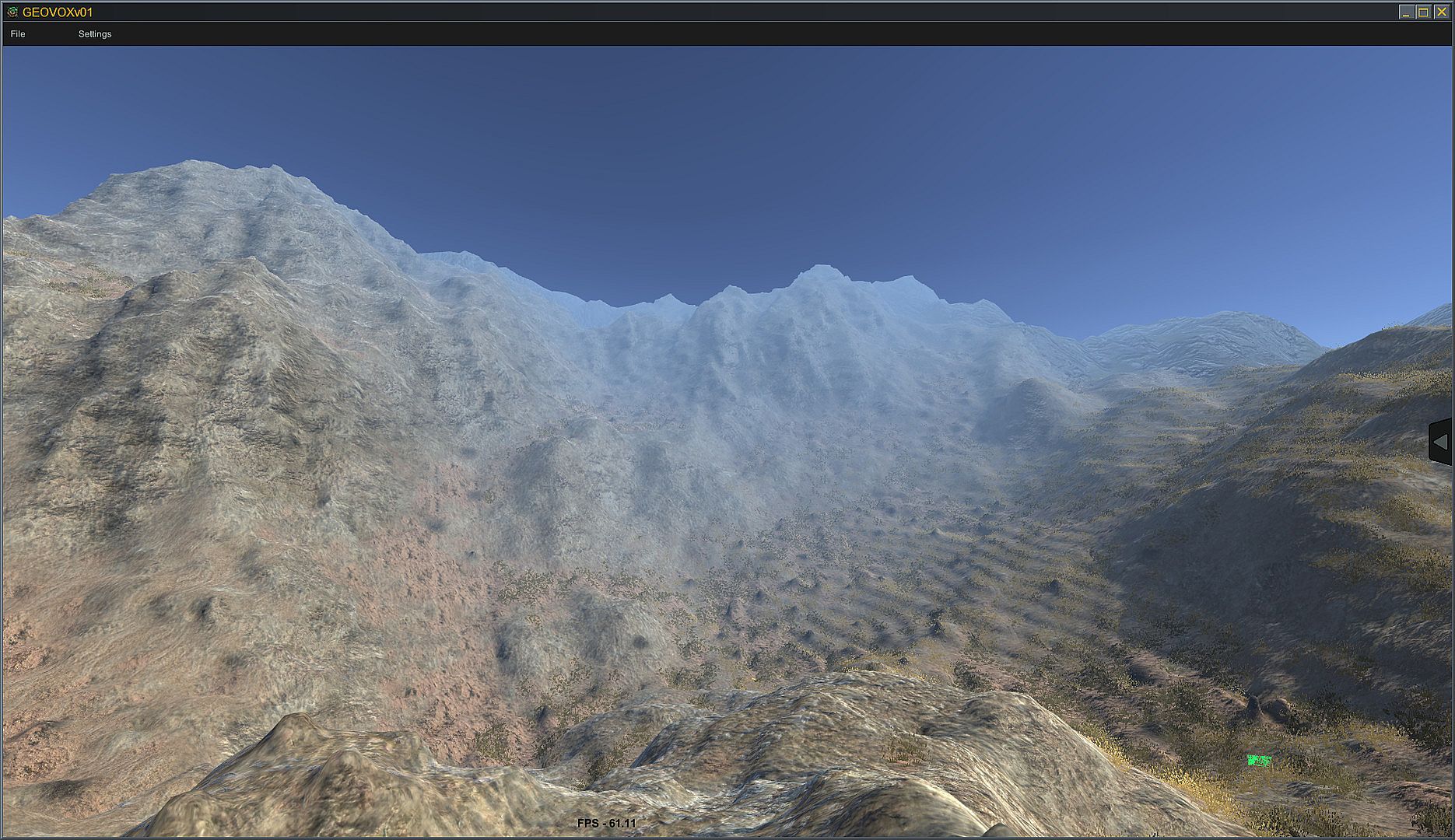
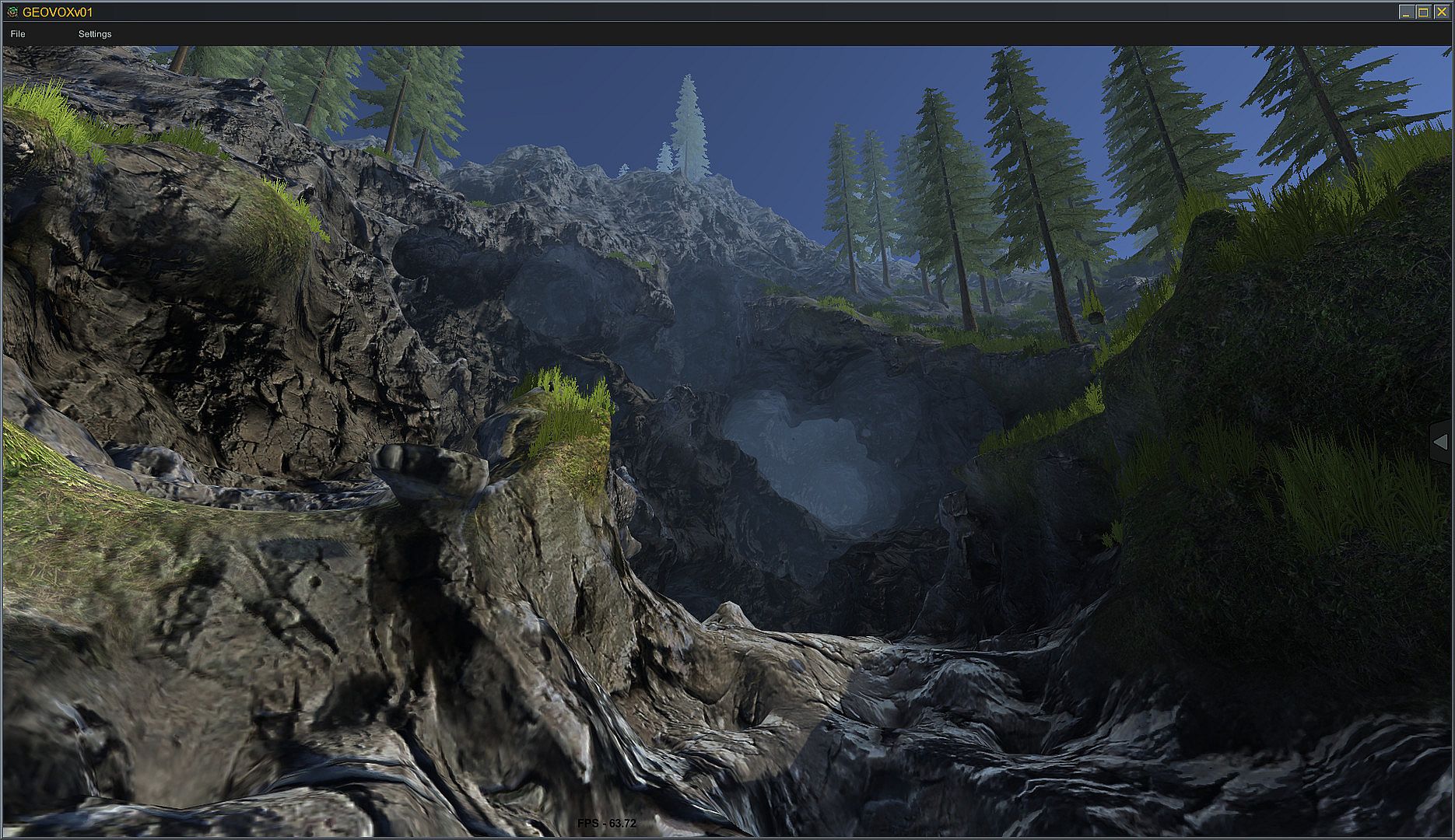
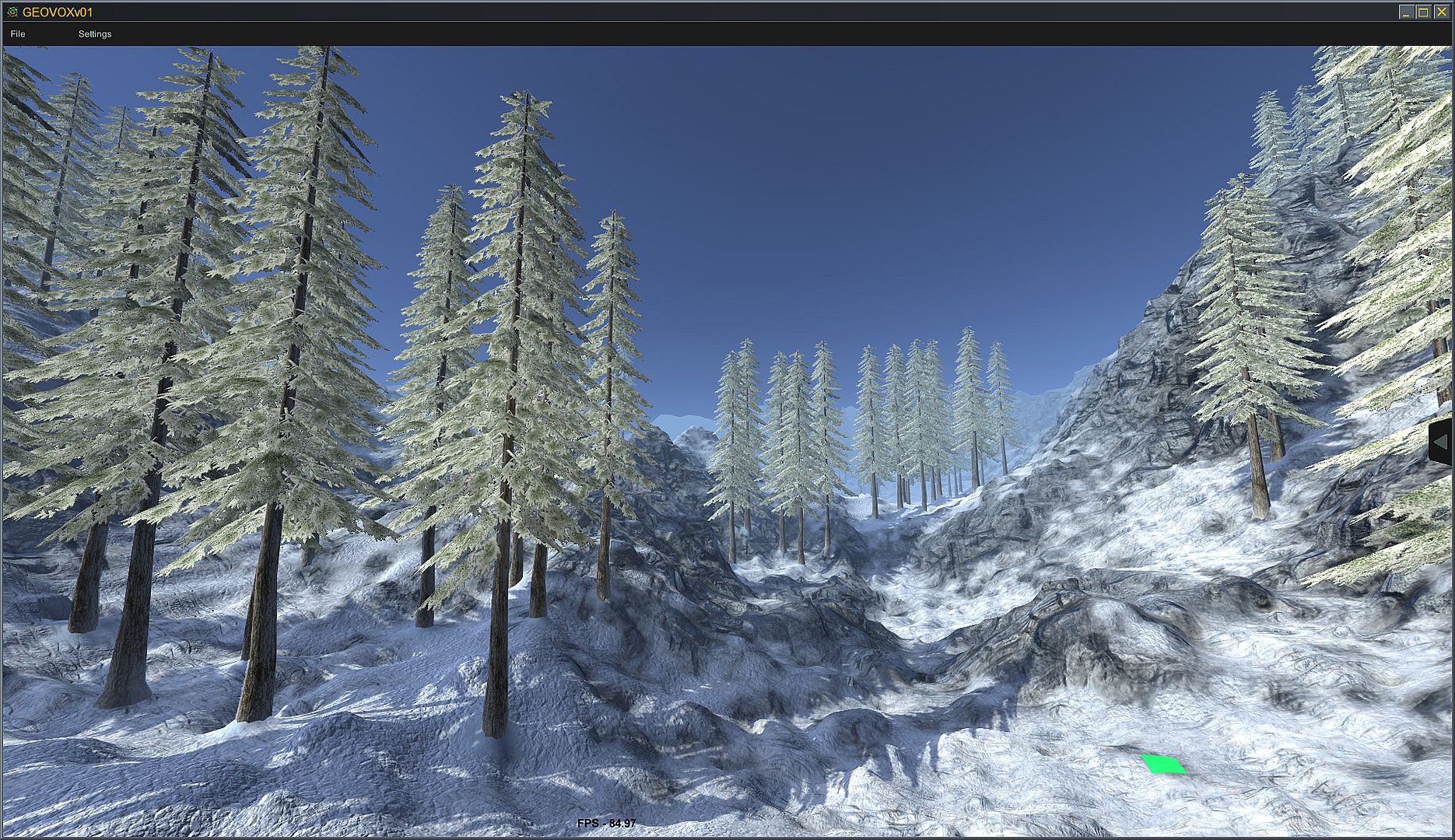
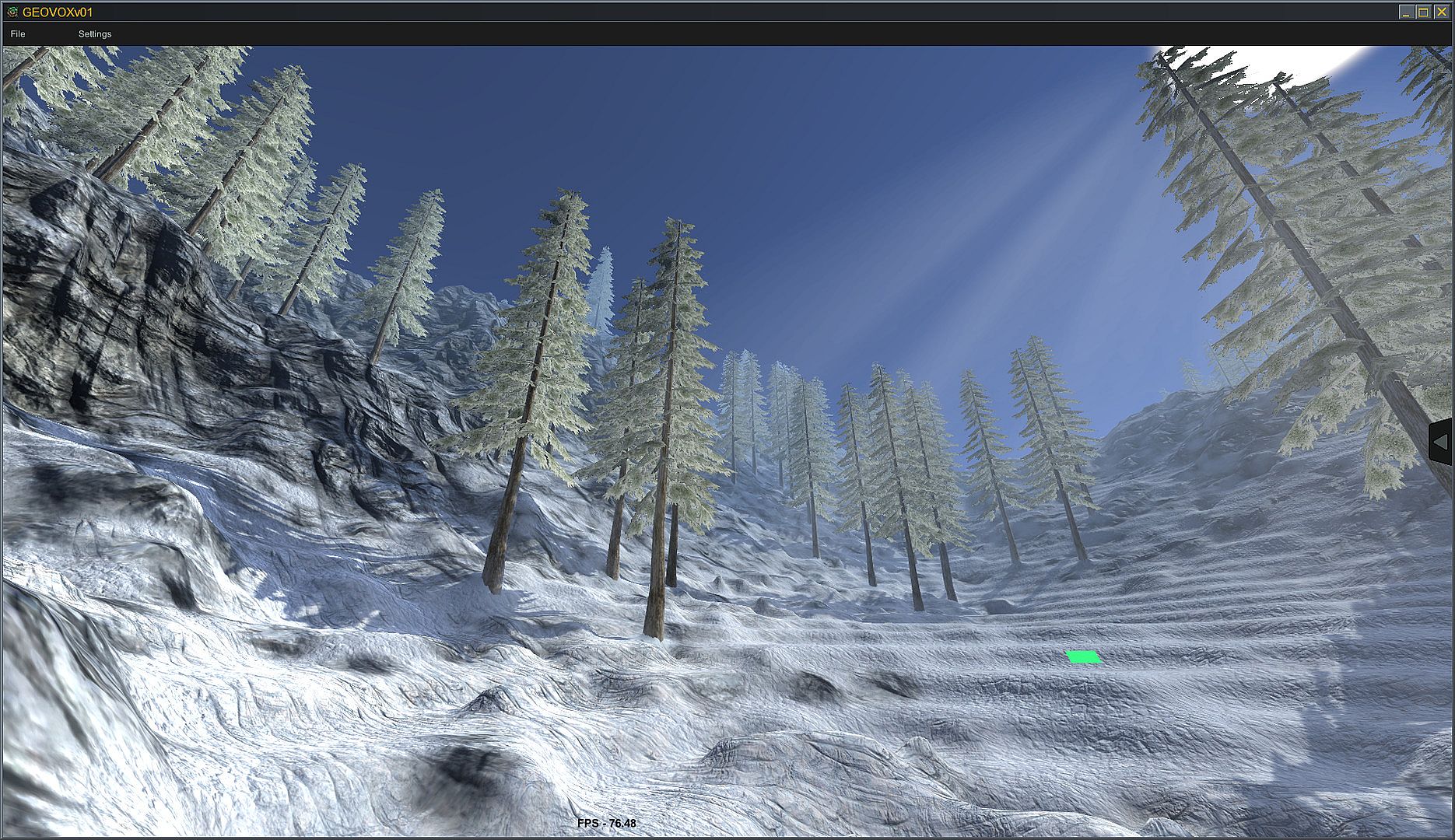
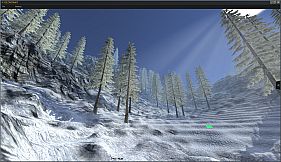
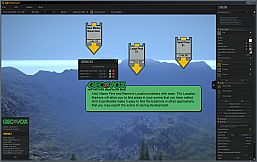
Exploration occurs through two camera modes: a flying camera for free movement or an FPS-style view with gravity and jump mechanics. These controls allow creators to walk or fly through the scene and assess how terrain would feel during actual play. Terrain size ranges from limited sections to infinite maps, chosen by the user. Hundreds of license-free assets such as trees, plants, rocks, shrubs, flowers, and grasses populate scenes, alongside a library of terrain textures that include color, normal, and specular maps.
Game Modes
GeoVox does not feature traditional game modes such as multiplayer matches or story-driven campaigns. Instead, its design emphasizes creation and testing workflows. The primary activity involves building environments in real time, with camera controls that simulate gameplay to evaluate navigation and layout without leaving the editor.
Users can switch between editing and exploration seamlessly, using the FPS mode to test jump heights, gravity effects, and sight lines on the voxel terrain. This approach replaces separate playtesting phases with integrated simulation during the building process.
Key Features and Tools
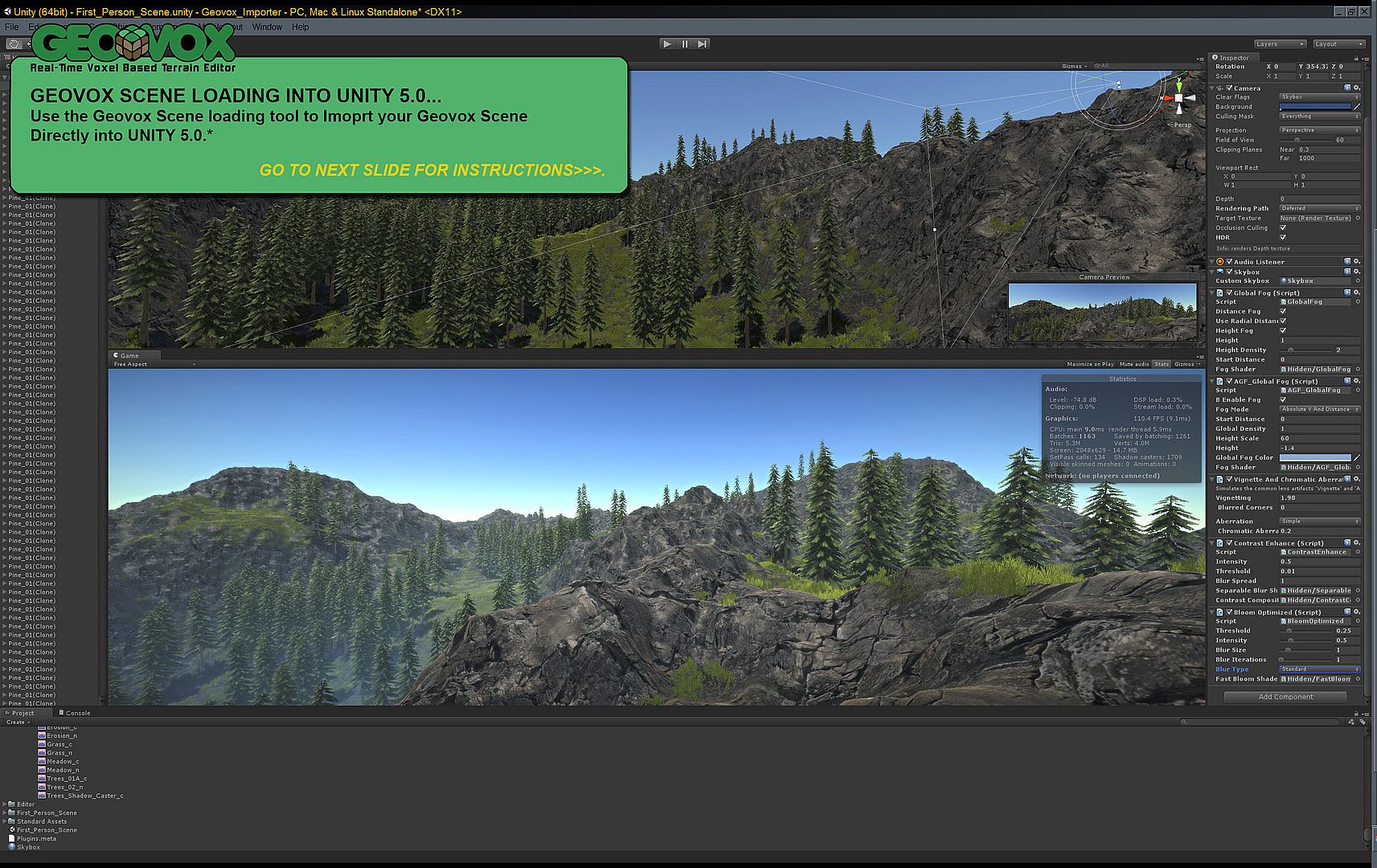
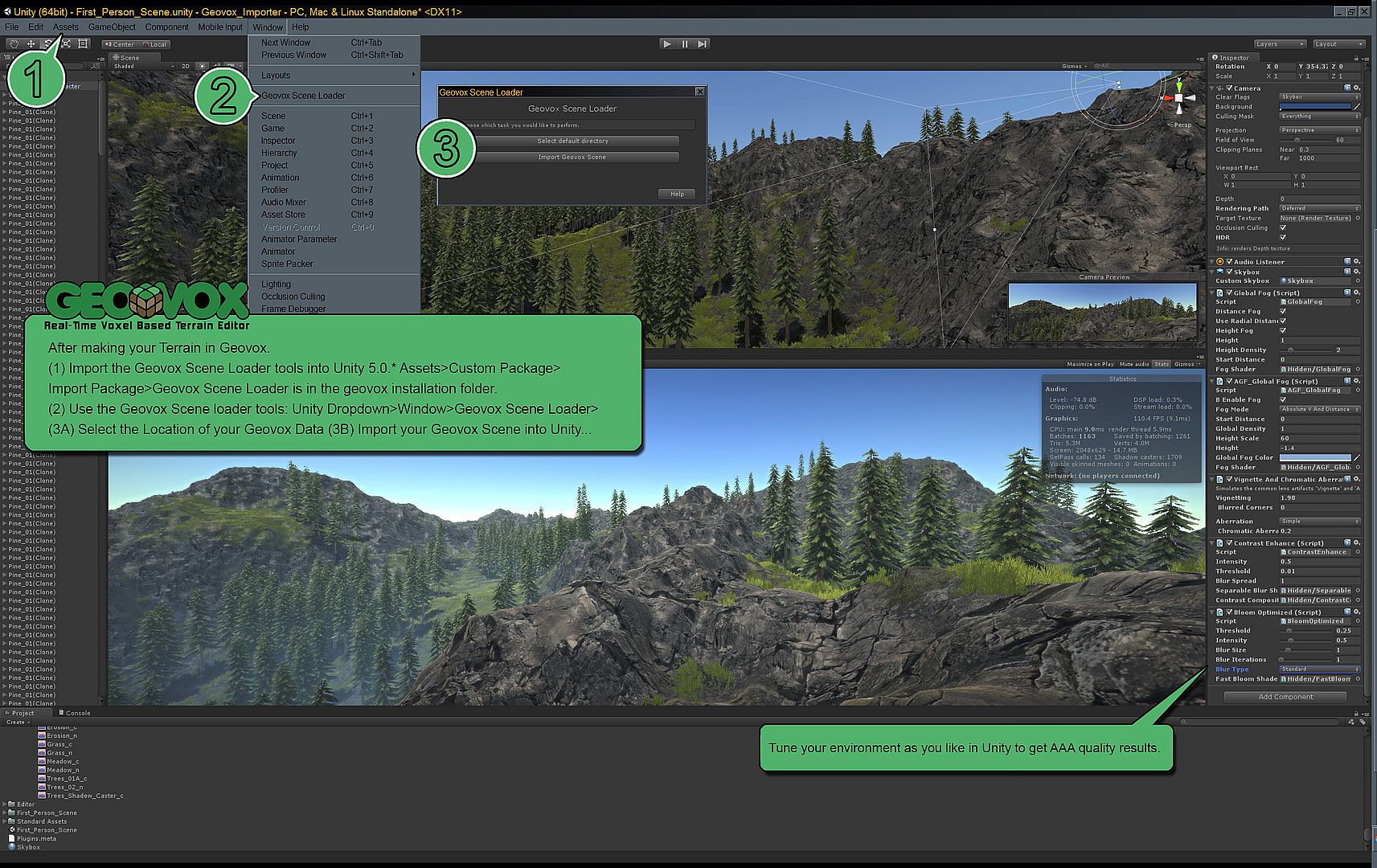
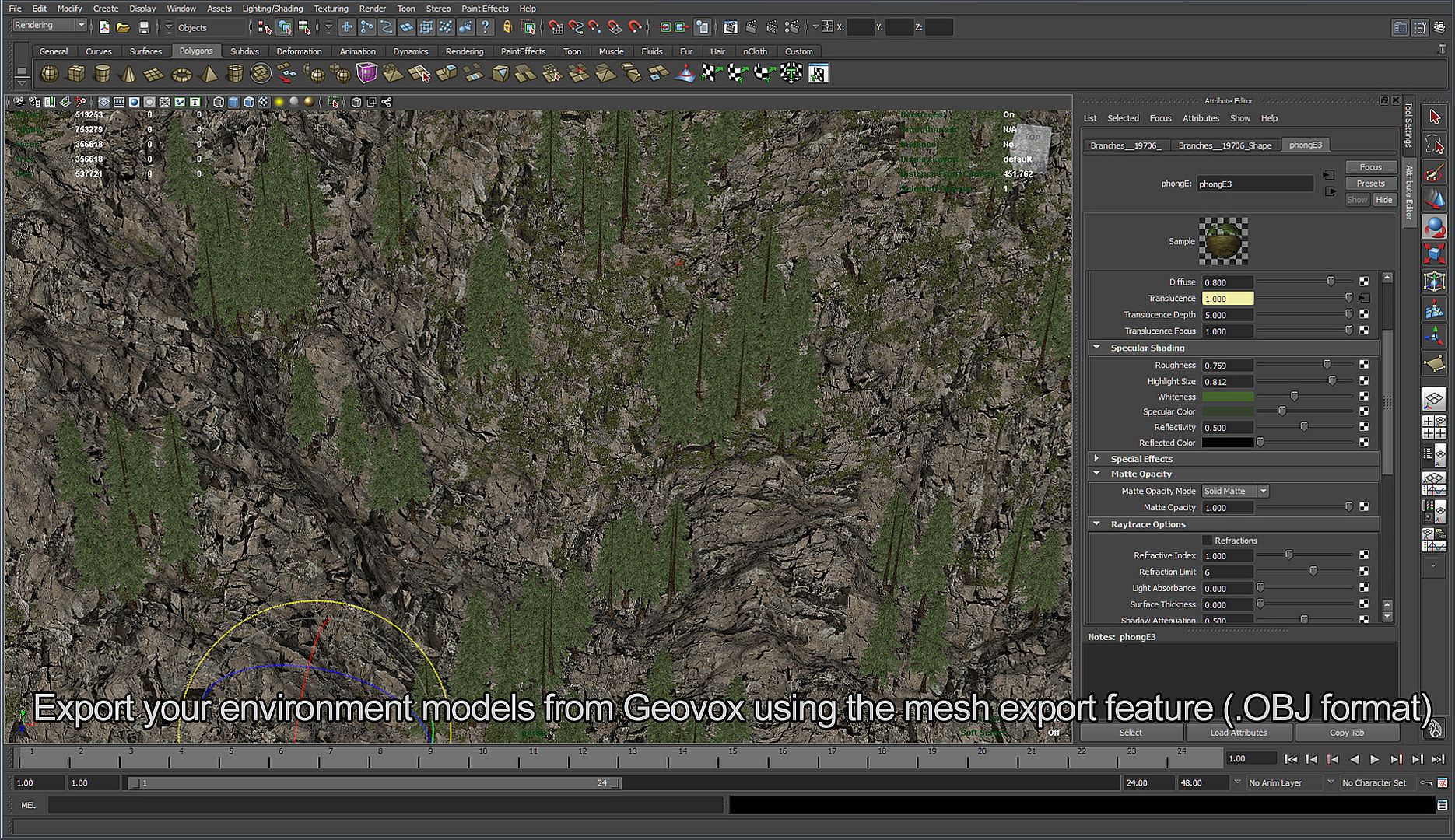
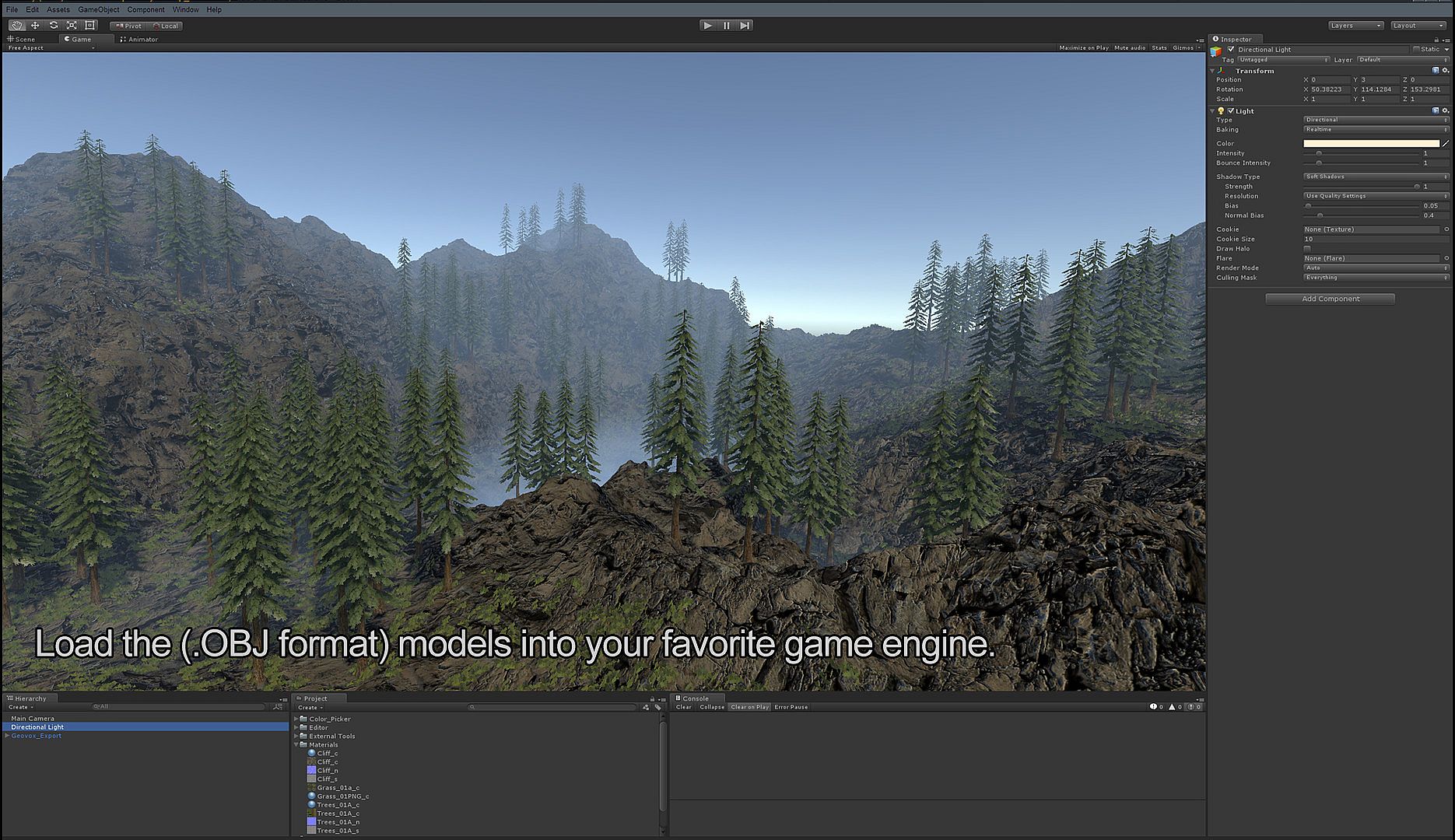
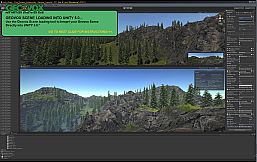
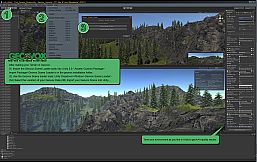
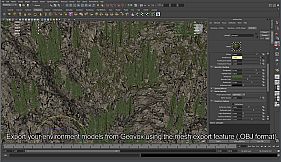
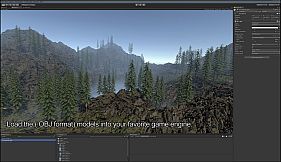
Additional utilities include export options that convert terrains to .OBJ format with user-defined parameters for model size, location, and applied transforms, while images save as PNG files. Integration tools support creation of custom asset packs via a dedicated packager compatible with Unity 5.0 Free, along with import of existing AGF and GeoVox packs.
The interface uses a clean, low-overhead GUI paired with simple game-style controls to reduce the learning curve. Pre-packed assets and textures come ready for professional use, and voxel types can be mixed and matched to produce varied surface materials and vegetation layers.
Is It Worth Playing?
GeoVox suits developers, level designers, and educators who need a dedicated voxel terrain editor with Unity export capabilities. Its real-time editing and game-like testing tools streamline the process of building playable environments from scratch.
Released in 2015, the software received mixed reception, with 47 percent of 40 user reviews rated positive. Some users noted bugs during operation, while others valued its straightforward voxel tools for terrain sculpting and asset placement. No major updates or seasons have been confirmed since the initial release and completed integrations with Unity.
Those seeking a focused tool for voxel-based world building rather than a full game experience may find it functional for specific workflow needs. Individuals interested in modern alternatives or ongoing support should review current options in the animation and modeling category before purchase.