





Buy DlodloVRPlayer PC Key

Interested in DlodloVRPlayer? We're tracking prices from trusted stores. Add DlodloVRPlayer to your wishlist and we'll notify you when deals become available.

Release: 19 Nov 2017
Steam:
Overwhelmingly Negative (1)
Official
Unavailable
Keyshops
Unavailable
Buy in Official Store:
Unavailable
Buy in Keyshops:
Unavailable

No entries, but don't worry, we will inform you once the new offer appears.

Create Alert Create deal Alert

About DlodloVRPlayer

DlodloVRPlayer - about the game
DlodloVR Player delivers a VR video utility for seamless playback of 4K HD content across major formats and hardware. Users explore 2D, 3D, and 360-degree videos, including up-down and left-right orientations, with local file lists and one-button URL playback. Keyboard and mouse controls handle standard functions, while dedicated keys adjust screen size (CTRL + A/S), arc degree (CTRL + D/F), vertical position (CTRL + G/H), defaults (CTRL + R), and zero pose (Z) for optimal viewing angles. This tool pairs with HTC Vive and OpenVR headsets to craft personalized VR sessions. Play diverse files like .mp4, .mov, .avi, and more for immersive panorama experiences. VR enthusiasts who tweak settings for comfort and precision find it ideal for everyday video journeys on PC.

DlodloVR Player Video Player
DlodloVR Player provides you a way to enjoy a journey traveling around the world. Support to play 4K HD video, all major video formats, and major VR hardware. Create a dedicated VR world for you, with customized experience mode. Bring you into a new horizon.
Every frame is wonderful
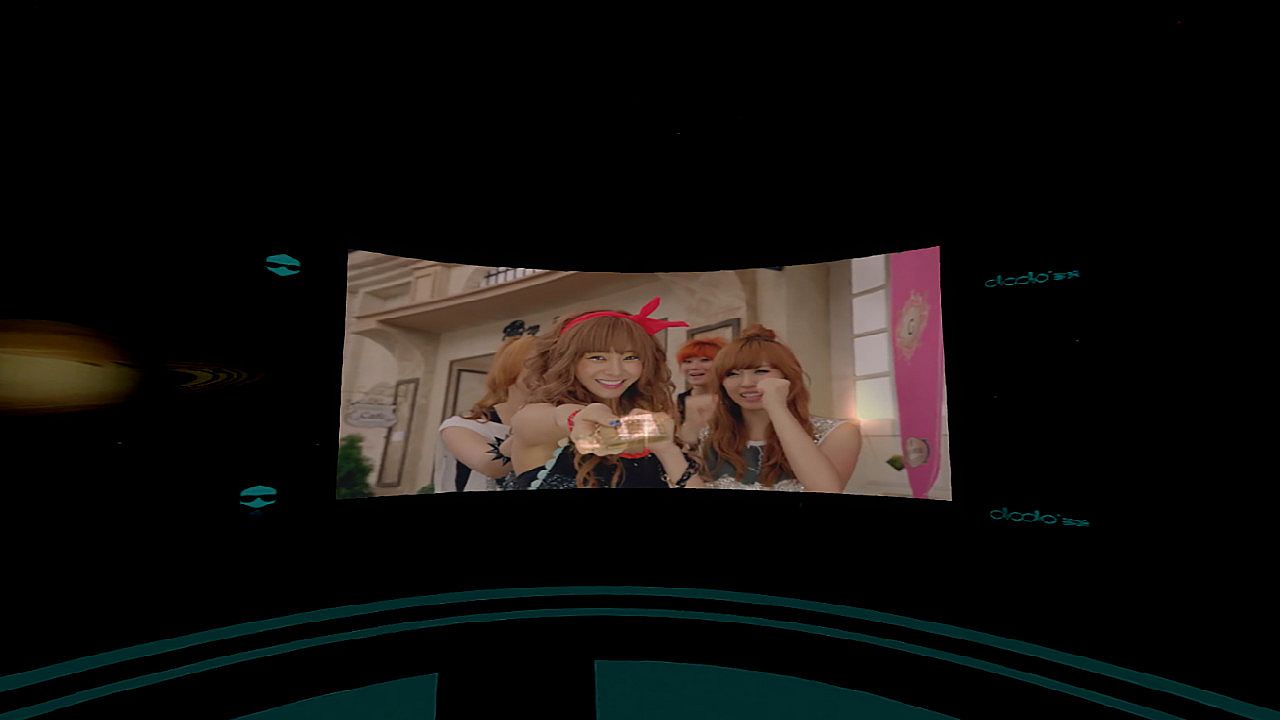
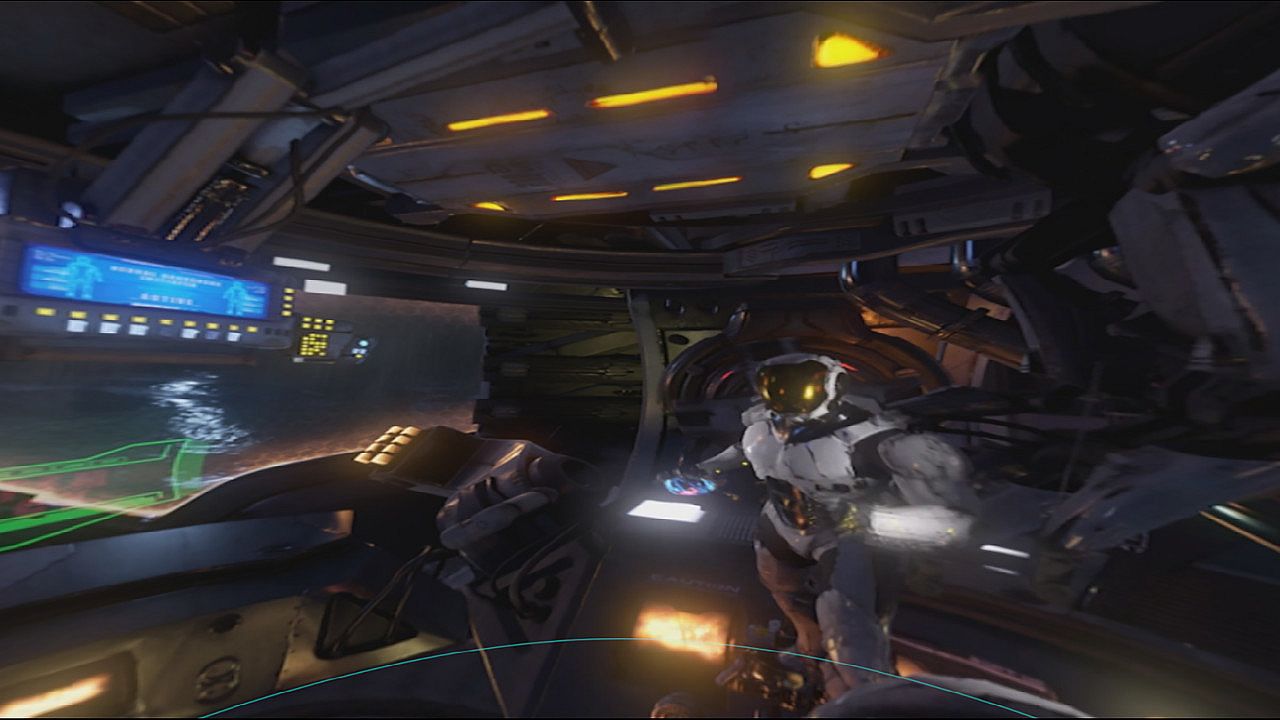
3D, 360 video provides a strong sense of immersion, allowing users to enjoy the immersive movie viewing experience. Once you choose a video, you can take standard playback control comfortably. In addition, you can adjust the size of the screen (CTRL + A, CTRL + S), arc-screen degree(CTRL + D, CTRL + F), the screen up and down position (CTRL + G, CTRL + H), restore default settings (CTRL + R), and set the zero pose for the seated tracker coordinate system to the current position and yaw of the HMD(Z). According to customer preferences to adjust the most comfortable Viewing angle. 360 panorama video using the panorama playback mode, so that every frame in front of you to show the most extreme sensory experience.
Key Features
Support HTC Vive and OpenVR head use.
Support keyboad and mouse.
Support 2D, 3D, 360°. Over up and down, left and right videos.
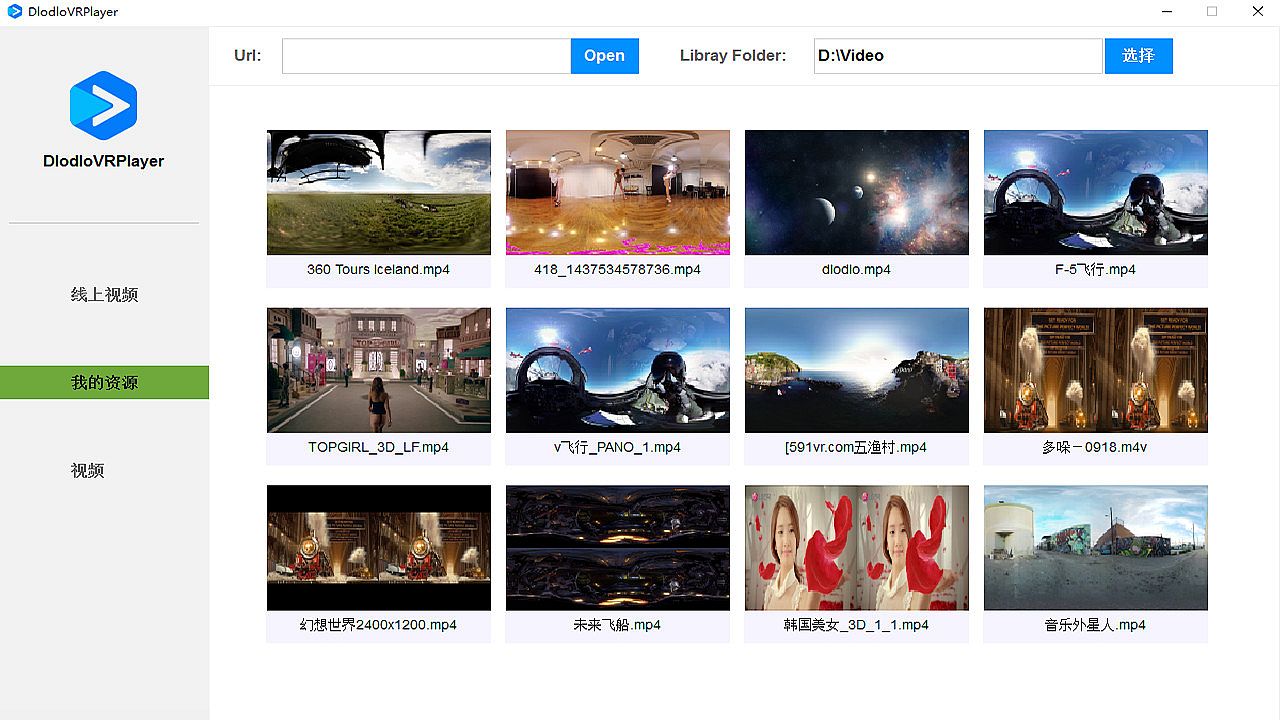
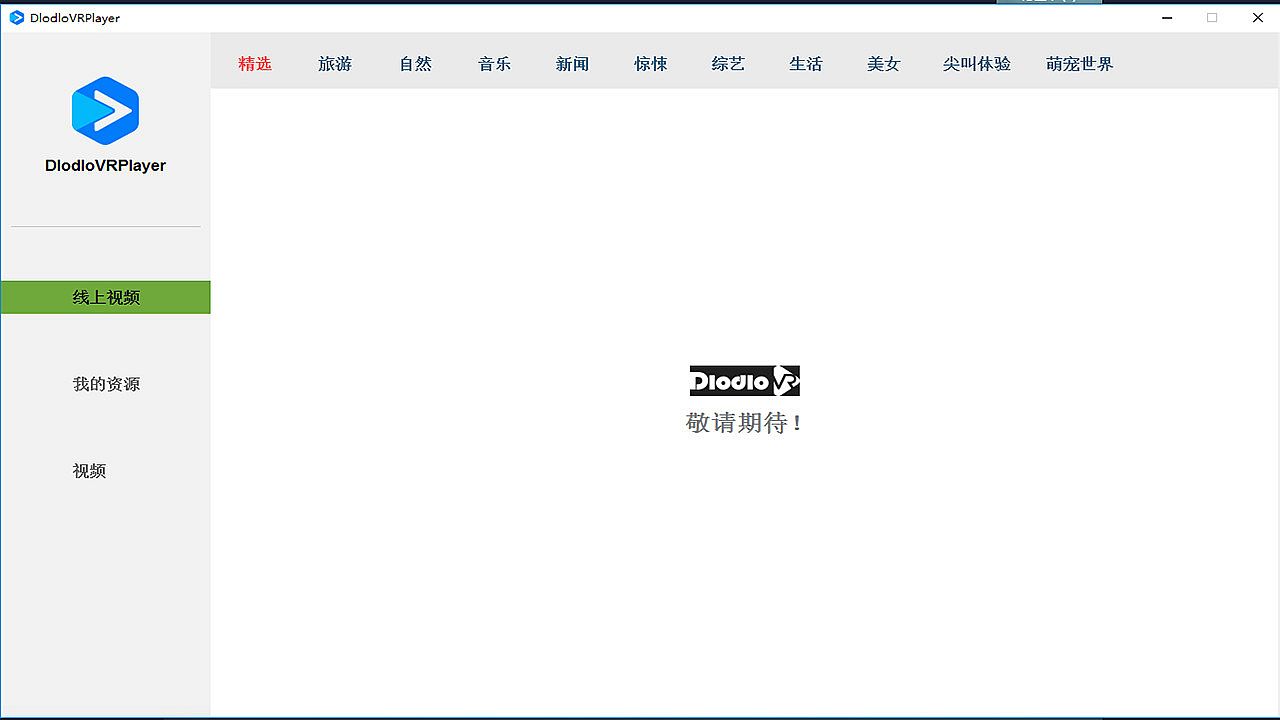
Support local video list display.
Support one button to play with URL address .
Play screen size adjustment.

Video Format Support
.mp4, .m4v, .mp4v, .3g2, .3gp2, .3gp, .3gpp, .mpg, .mpeg, .m1v, .mp2, .mp3, .mpa, .mpe, .m3u, .asf, .wma , .wmv, .wm, .asx, .wax, .wvx, .wmx, .avi, .ivf, .mov
Interface:
Simplified Chinese

Age rating

Unavailable
Steam:
Overwhelmingly Negative (1)

Minimum:

  • OS: win10
  • Processor: i5
  • Memory: 8096 MB RAM
  • Graphics: nvidia gtx970
  • DirectX: Version 11
  • Storage: 300 MB available space
  • Additional Notes: Broadband Internet connection

Recommended:

  • OS: win10
  • Processor: i5
  • Memory: 8096 MB RAM
  • Graphics: nvidia gtx970
  • DirectX: Version 11
  • Storage: 300 MB available space
  • Additional Notes: Broadband Internet connection
Historical low
Price history from official stores
-
-
-
Price history from keyshops
-
-
-

FAQ

8 questions

Before you start looking for a cheap DlodloVRPlayer PC key, check the essentials. Developed by DLODLO. Published by DLODLO. PC released date: 19 Nov 2017. Genres: Utilities. Categories: Partial Controller Support, VR Only.

Q

Where to buy a cheap DlodloVRPlayer Steam key or CD key?

There are currently no active offers for DlodloVRPlayer. Set a price alert on XD.deals and we will notify you the moment a deal becomes available.

We don't have a current Steam Store price for DlodloVRPlayer. The game may be temporarily unavailable or not yet listed on Steam.

Our price tracker covers both official retailers and key marketplaces, so you can find DlodloVRPlayer on sale even outside seasonal promotions. We currently detect 0 active offers from official stores and keyshops. Check the table above, compare against the historical low, and set an alert so you never miss the next price drop.

Based on our data, DlodloVRPlayer is not currently available on GeForce NOW. You will need to run it locally on your PC. Browse games available on GeForce NOW.

Yes. DlodloVRPlayer has an official page on the Steam Store, but we currently don't track any third-party offers with Steam DRM. Check back later or set a price alert.

Not at this time. Valve marks DlodloVRPlayer as Unsupported on Steam Deck. Keep an eye on XD.deals - we track Proton updates and community fixes. Browse games that are Steam Deck Verified or Steam Deck Playable.

DlodloVRPlayer does not appear to be available on PC Game Pass, EA Play, Ubisoft+ or any other PC subscription service at this time. Your only option is purchasing the game - use XD.deals to find the best price.

No - XD.deals is not a store. We are a price-comparison service that tracks the best DlodloVRPlayer deals across official stores and verified keyshops. Click "Go to Store" next to any offer and you will be redirected to the retailer's website to complete your purchase.

Want to buy at the best moment? Set a price alert on XD.deals and get notified when DlodloVRPlayer hits its next historical low.

Create Alert
Join our Discord
Get instant help from our community and stay updated on the latest deals
Set Price Alerts
Get notified by email when game prices drop to your target
Create Free Account
Unlock wishlists, price alerts, and Steam sync