

in progress...

Buy Desktop Mascot Engine PC

Interested in Desktop Mascot Engine? We're tracking prices from trusted stores. Add Desktop Mascot Engine to your wishlist and we'll notify you when deals become available.

Release: 09 May 2018
Steam:
Mixed (182)
Official
Unavailable
Keyshops
Unavailable
Buy in Official Store:
Unavailable
Buy in Keyshops:
Unavailable

No entries, but don''t worry, we will inform you once the new offer appears.

Create Alert Create deal Alert

About Desktop Mascot Engine

Desktop Mascot Engine - about the game

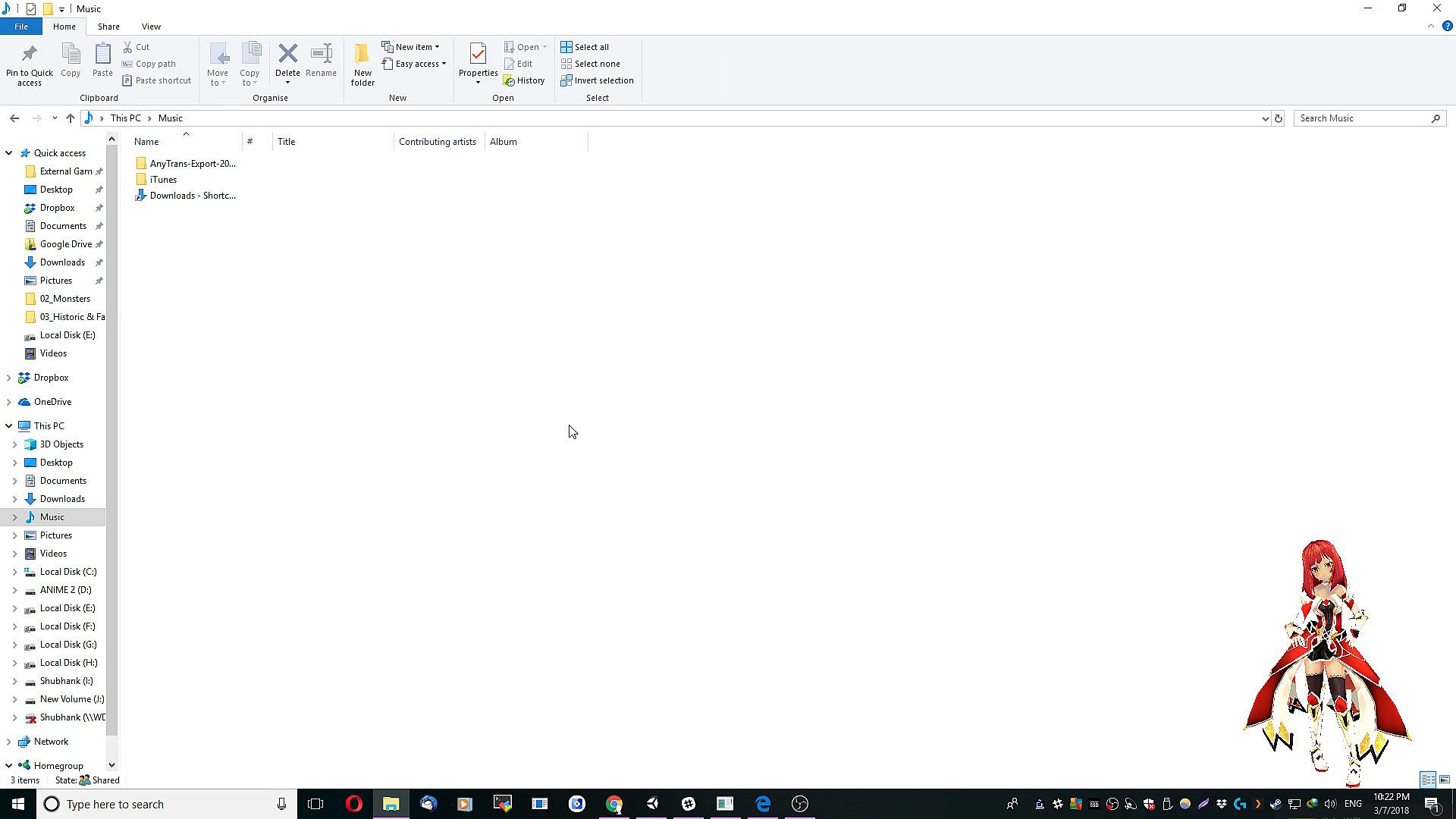
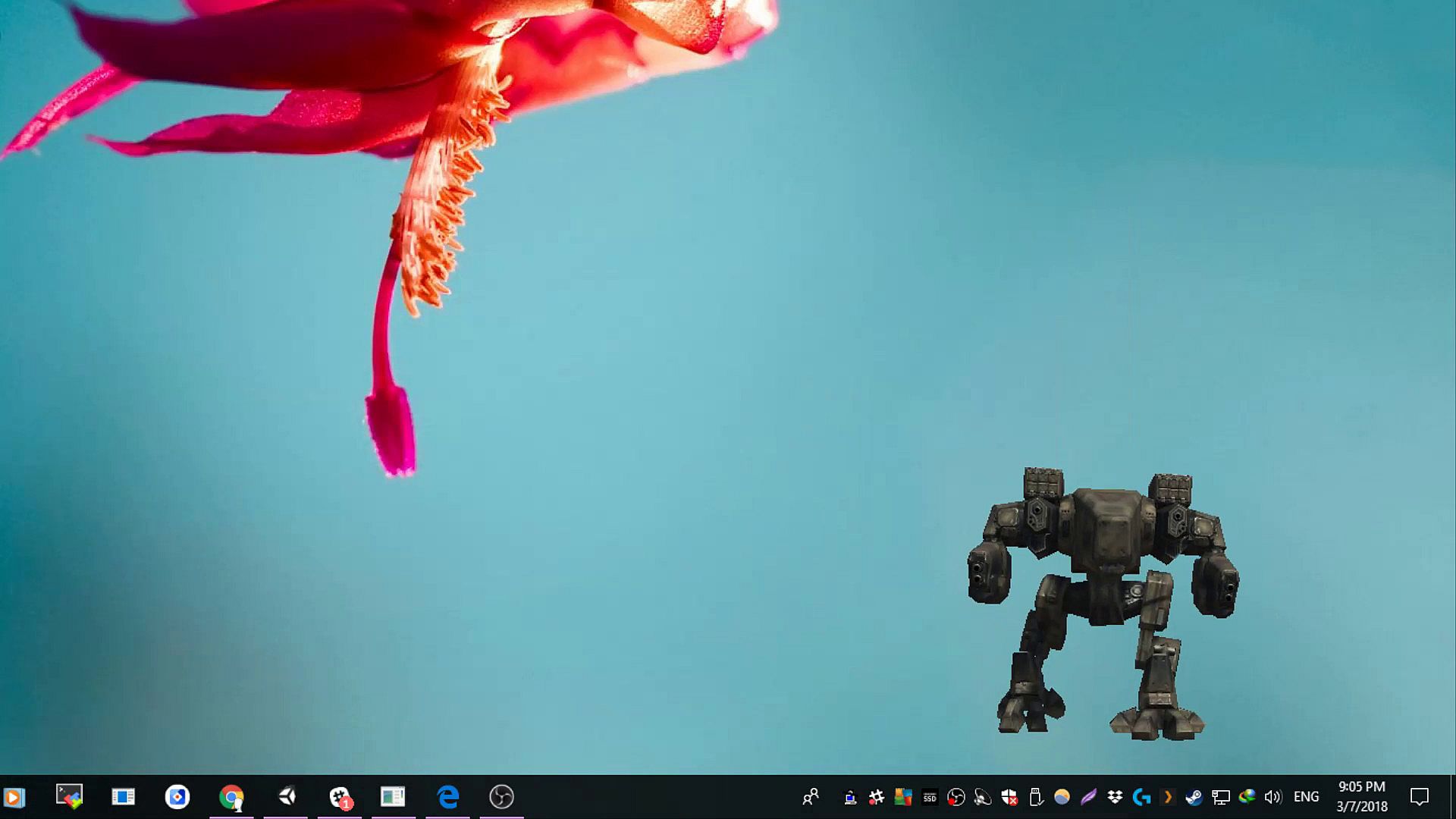
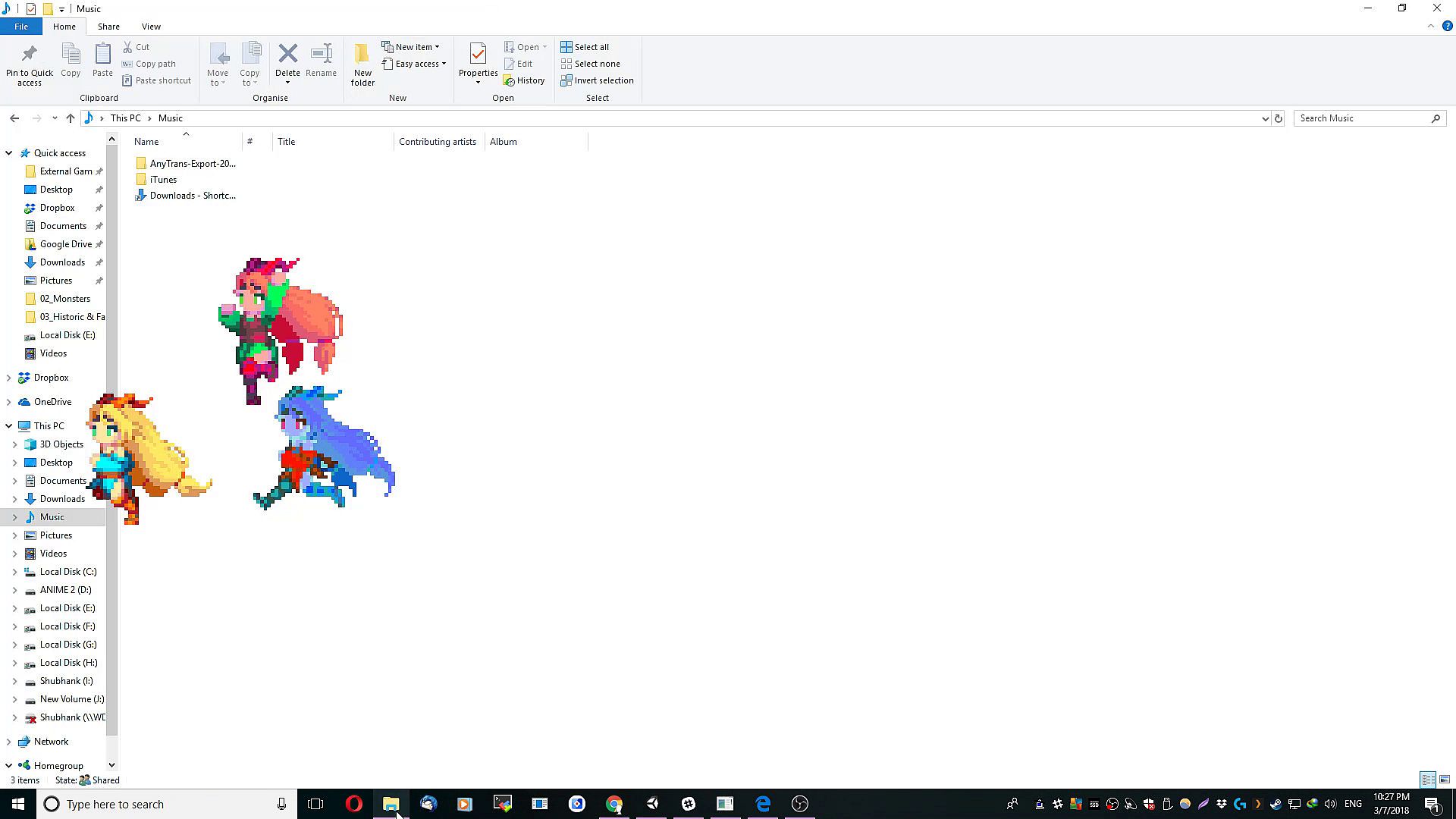
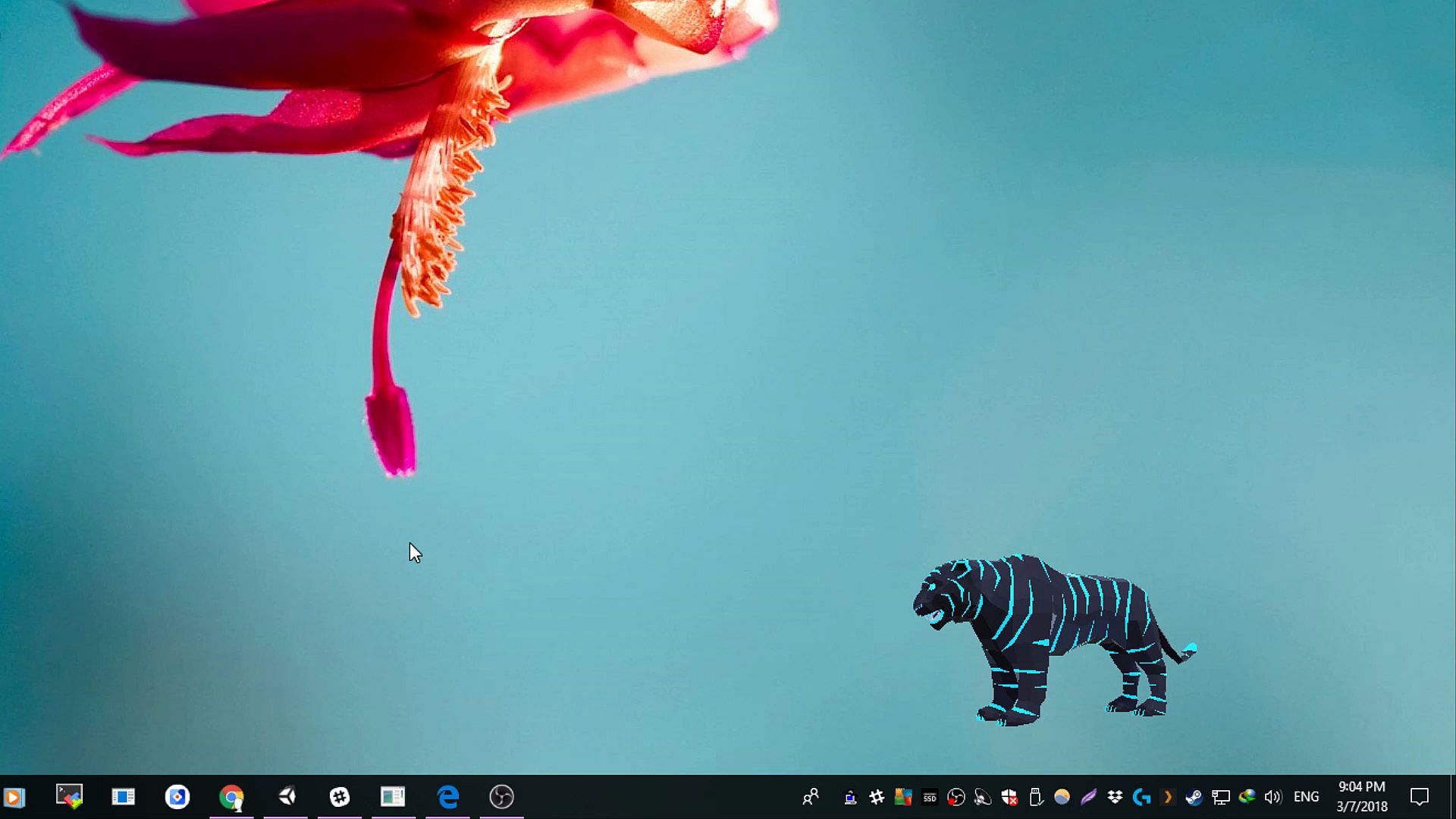
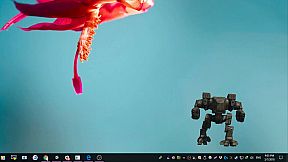
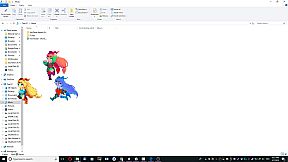
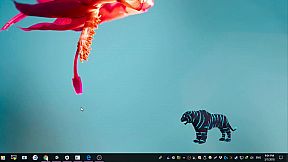
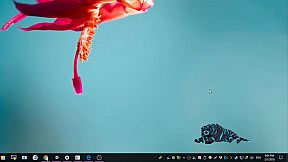
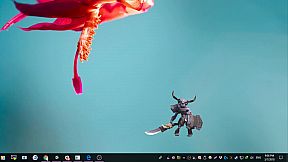
Bring a lively mascot to your PC desktop with real-time interactions. These stick-figure style characters overlay your Windows apps, letting you click to toggle animations, switch between four models, or resize with the scroll wheel. Hold left-click and use arrow keys to cycle characters effortlessly. This early access utilities tool offers simple controls for distraction and relaxation. Click the mascot directly to trigger random animations-repeat if needed for variety. Ideal for users seeking a quick, interactive desktop companion to ease stress during work or downtime.

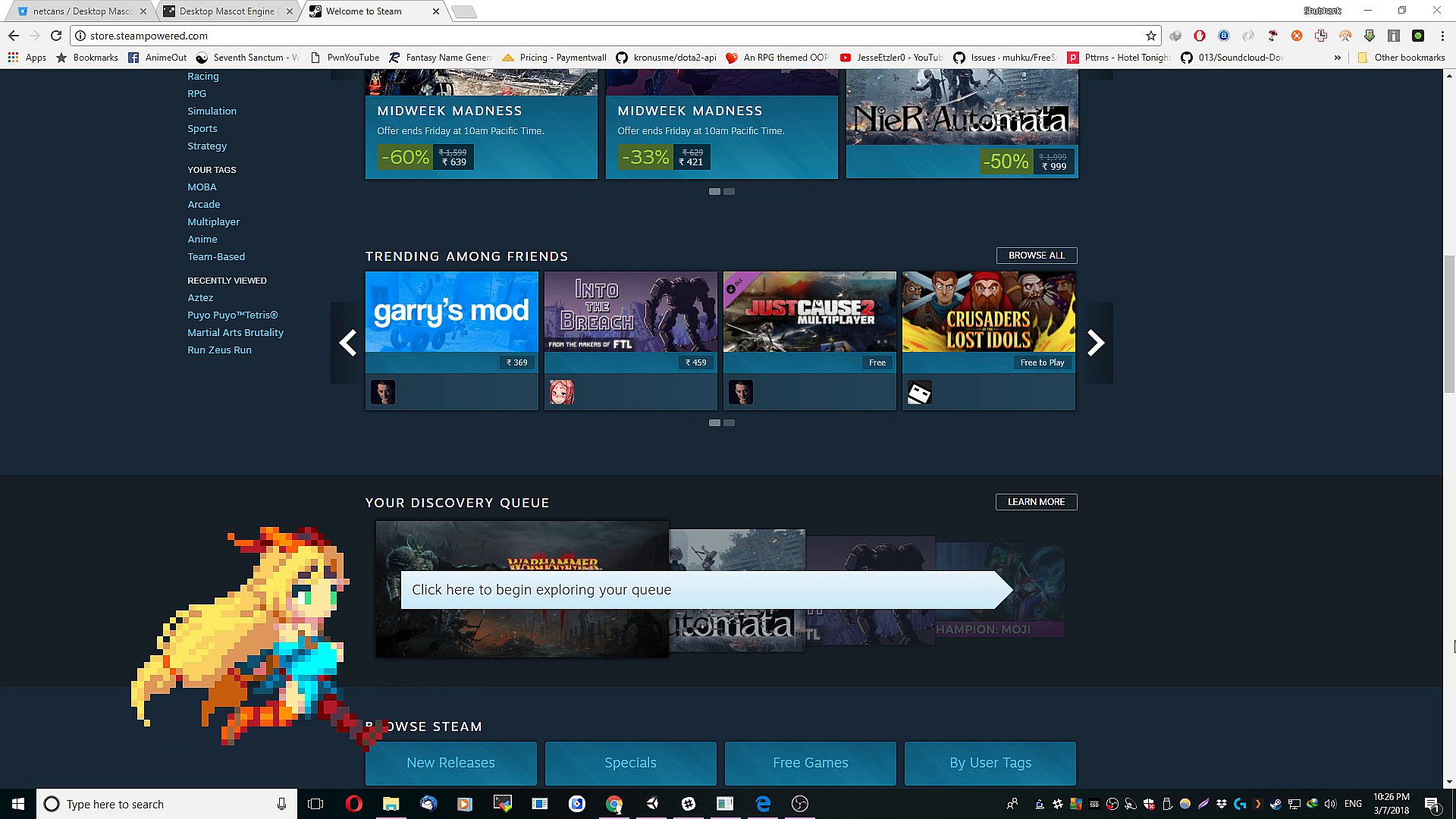
Desktop Mascot Engine allows you to have a character mascot live on your desktop and interact with it in real-time and have it respond to your interactions.

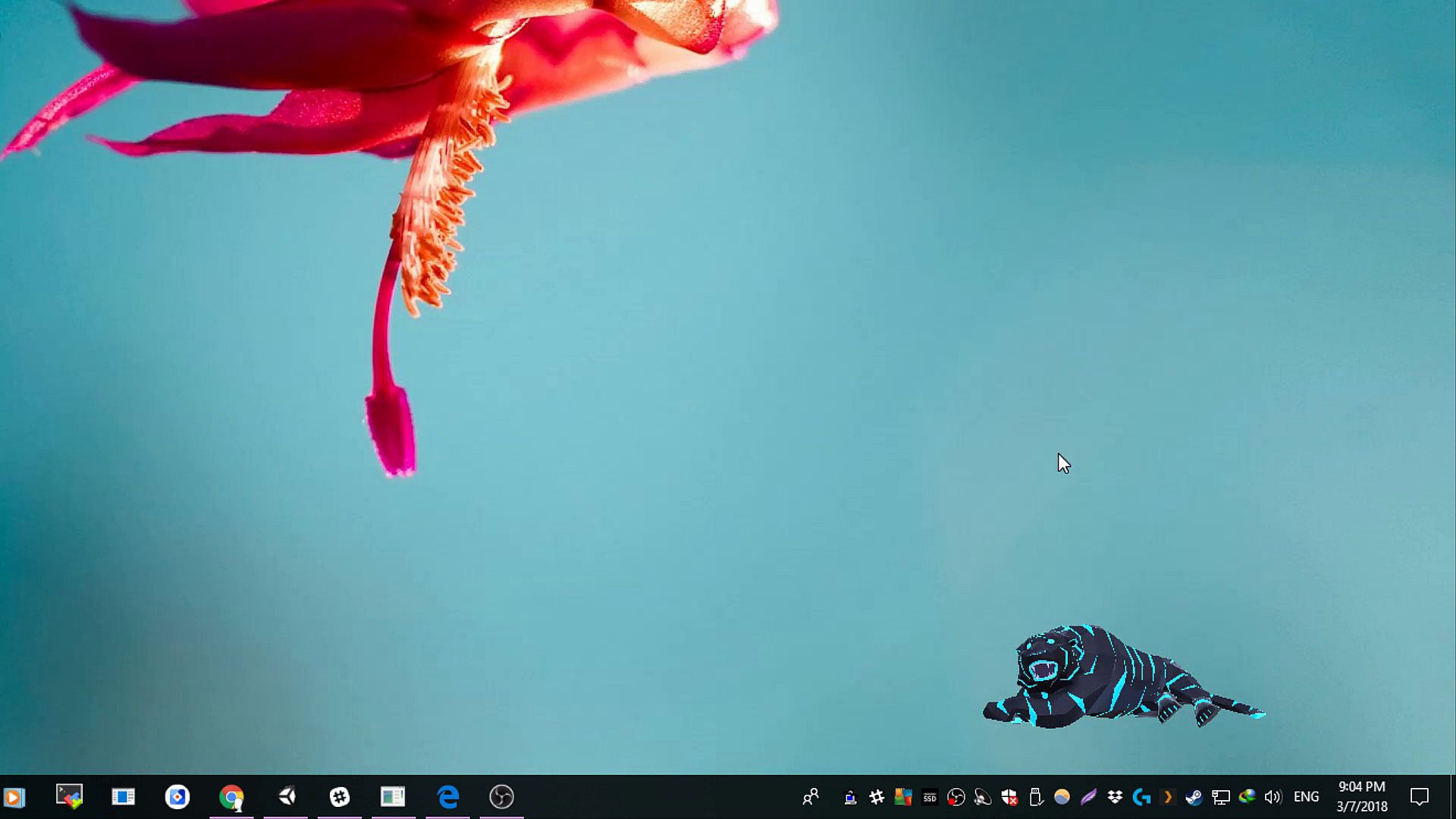
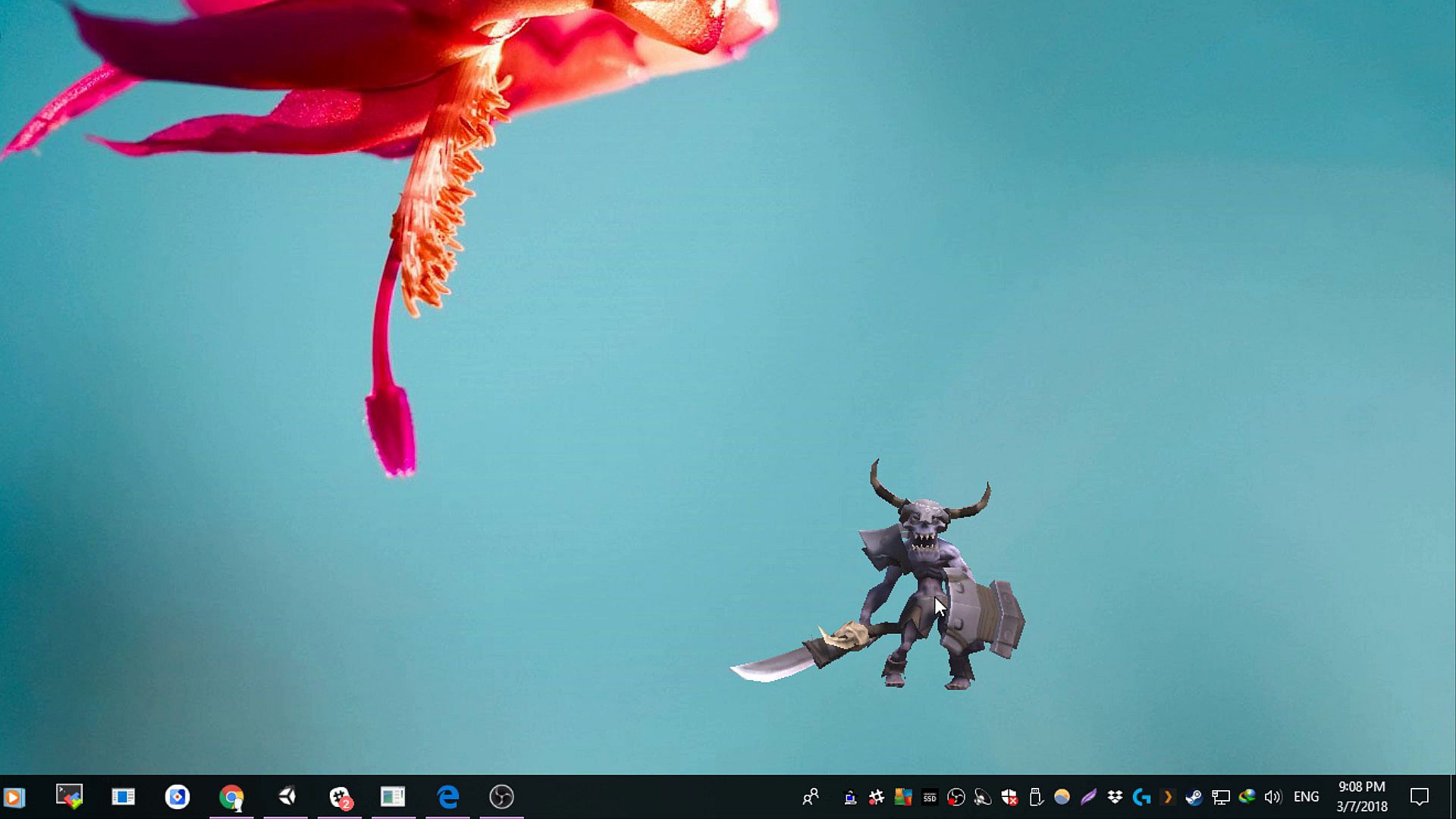
If you remember those old Stick-Fight videos on youtube, where the stick-man's were fighting on Windows Desktop, thats pretty much how the character/mascot looks on your desktop. Think of it as a living Game/Anime/3D-Model Character that overlaps over Windows and other apps.

For now we are adding diverse variety character models as mascots with some animations to allow you to relax/fiddle with the mascots to distract yourself from stress and stuff.

====================
This is the early access build.
Interaction/Control is only possible directly when clicking (left mouse button) on the character/mascot.

1. To change the characters, press and hold mouse button 1 (left click) on the character and press left or right key to toggle through the initially available 4 characters.
2. To change the animation state of character, just left mouse click on the character itself.
Animation change is random and sometimes its possible same animation plays, if so, left click again to change to different animation.
3. To change the mascot size, left click on mascot and use mouse scroll wheel to increase or decrease size.


=======================
~~Coming Soon: The AI Assistant~~
=======================
Further down the road, we will be adding AI to it to make it a semi-assistant to perform tasks for a variety of pre-defined things.
We will be adding character packs of different themes/genres which will allow you a list of things via voice or input command like a Ai assistant would.
We are looking for more suggestions and input related and unrelated to the AI/Assistant part, what you would like the mascot/character to do, what features you would expect and what particular characters/genres you would like ? Please use Steam Forums/Discussions to provide your feedback and suggestions.

Age rating

Unavailable
Steam:
Mixed (182)
Historical low
Price history from official stores
-
-
-
Price history from keyshops
-
-
-
Join our Discord
Get instant help from our community and stay updated on the latest deals
Set Price Alerts
Get notified by email when game prices drop to your target
Create Free Account
Unlock wishlists, price alerts, and Steam sync

FAQ

8 questions

Before you start looking for a cheap Desktop Mascot Engine CD Key, take a moment to check the essentials. Developed by GamerzDan. Published by GamerzDan. PC released date: 09 May 2018. Genres: Early Access, Animation & Modeling, Utilities, Software Training. Categories: Steam Workshop, Stats, Steam Cloud. Desktop Mascot Engine reviews: Steam reviews: 54% of the 182 user reviews for this game are positive.

Q Can I play Desktop Mascot Engine on Steam Deck?

No, not right now. Valve marks Desktop Mascot Engine as Steam Deck Unsupported, so it won't launch via Proton at this time. Keep an eye on XD.deals - we track Proton breakthroughs and community fixes, and we'll flag it the moment there's a working way to play Desktop Mascot Engine on Steam Deck.

Yes. A Desktop Mascot Engine Steam version exists. Pick any offer tagged Steam Key on XD.deals, redeem it in the desktop client, and play Desktop Mascot Engine on Steam PC.

Yes. Once your Steam key is redeemed, you can launch Desktop Mascot Engine in Offline Mode via Steam. Your save files will sync the next time you go online.

Yes, you can buy a Desktop Mascot Engine Steam Key directly on the Steam Store. At XD.deals, we aggregate all available Steam DRM offers so you can compare cheap Desktop Mascot Engine steam deals in one place.

At the moment we don't have any live offers for Desktop Mascot Engine - both official stores ({1}) and keyshops ({2}) show the game as sold out or temporarily unavailable…

With XD.deals, PC gamers can instantly see where to buy a cheap Desktop Mascot Engine PC Steam key. Our real-time price-comparison engine and curated coupon database track every official store and trusted keyshop so you dont have to. Right now we detect this game in {1} live offers from stores and keyshops.

Not yet. There's no Desktop Mascot Engine Steam listing right now, so you can't buy Desktop Mascot Engine on Steam today. Instead, browse the other Desktop Mascot Engine offers on XD.deals - official stores and keyshops often provide DRM-free or launcher-key versions you can play while waiting for a future Steam release.

No - XD.deals itself isn't a store. We're a price-comparison service that tracks the best offers for Desktop Mascot Engine across official stores and verified keyshops. Click "Shop Now" next to the deal you want, and you'll be redirected to the retailer's website to complete your purchase and receive the key there.

Ready to ride? Set a price alert on XD Deals and grab a discounted Desktop Mascot Engine Steam key the moment it reaches its next historical low.

Create Alert