

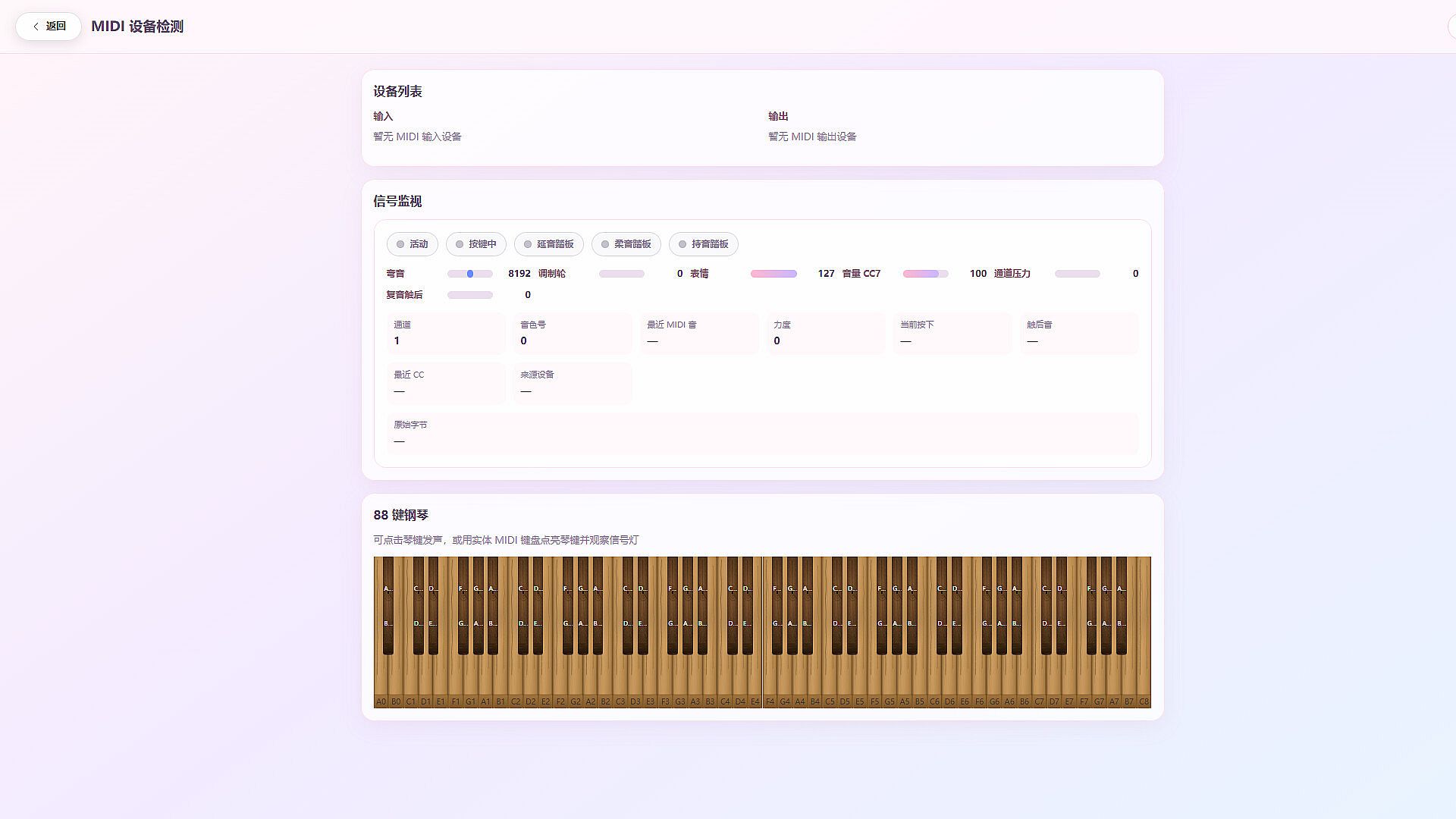
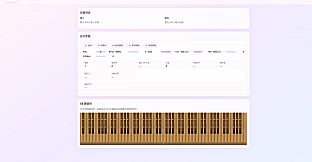
Deciphony is a desktop music learning and notation tool—closer to creative software than a traditional story-driven game. A MIDI keyboard or digital piano is recommended for the full experience; mouse and computer keyboard still work for editing and many features.
What you can do
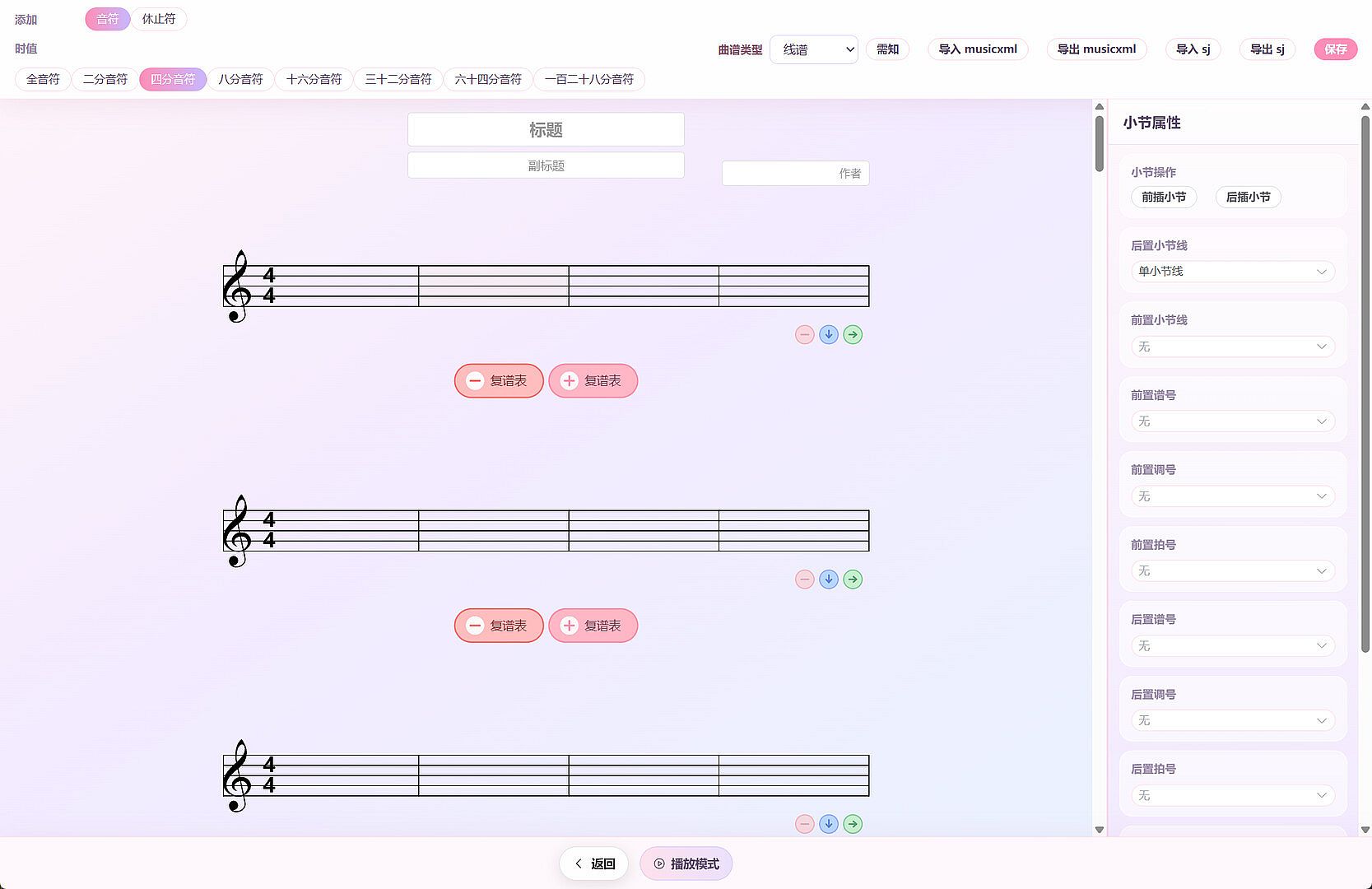
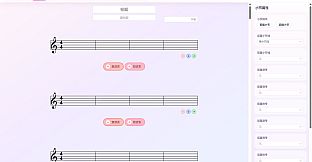
Write sheet music
Create scores from templates in numbered notation or standard staff. Edit notes and measures, save to your local library, and import/export (including MusicXML).Play along with scores
Open a score from My Scores, play it back, and follow along. Switch between score playback / vocal demo / accompaniment when audio is bound to the score. Adjust tempo and volume.Piano practice (best place to start)
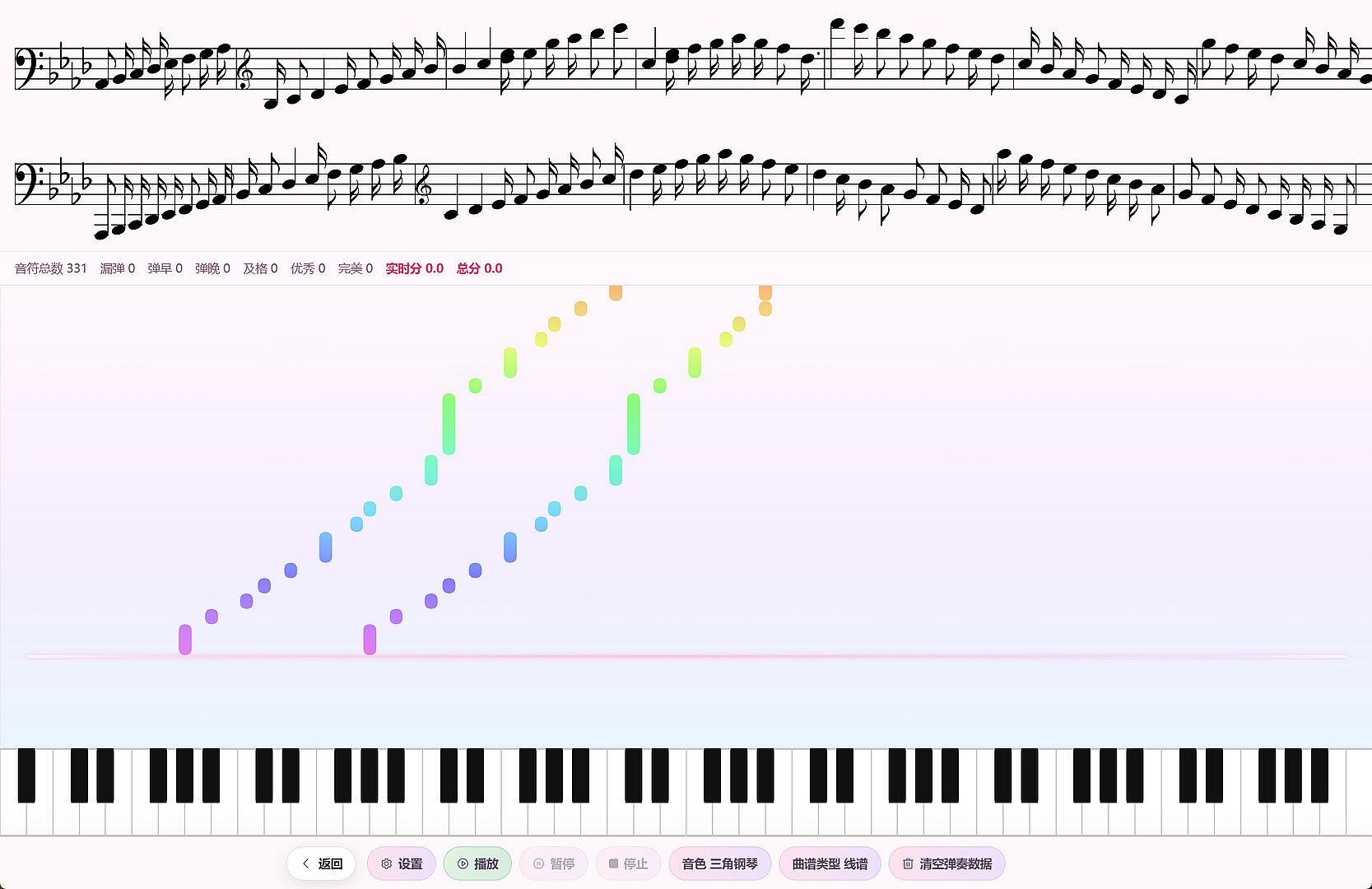
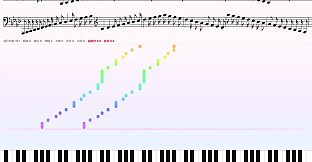
Enter Practice Mode: after a count-in, a waterfall guide shows upcoming notes. Play along with a MIDI keyboard. Notes are judged (perfect / good / early / late / miss) with a live score and progress. A Beginner Mode is also available for stepwise practice.Singing practice
Enter Singing Mode: after a countdown, practice pitch and rhythm against the score and pitch waterfall. Get scores for pitch, rhythm, and completeness at the end.Teaching whiteboard
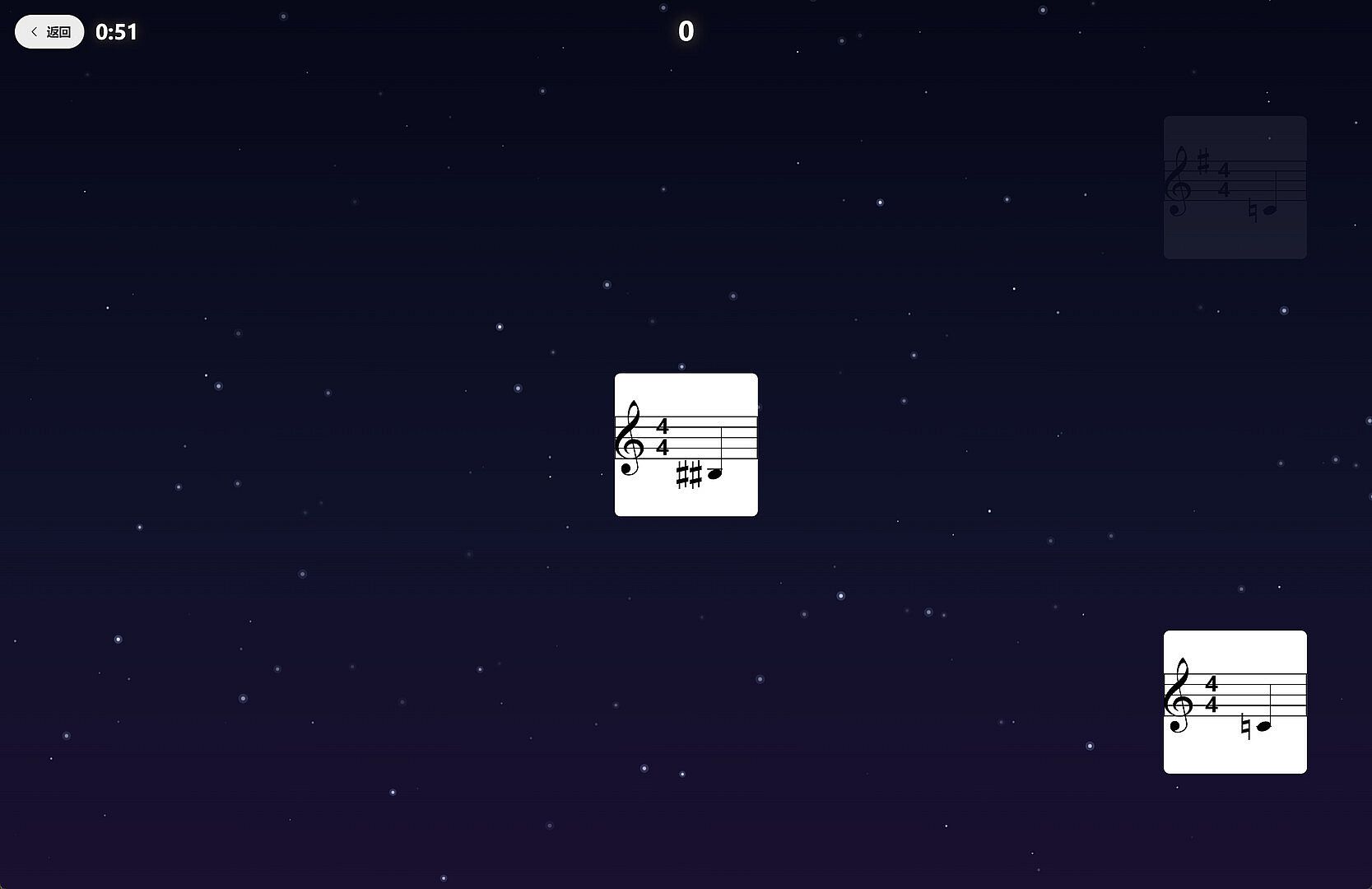
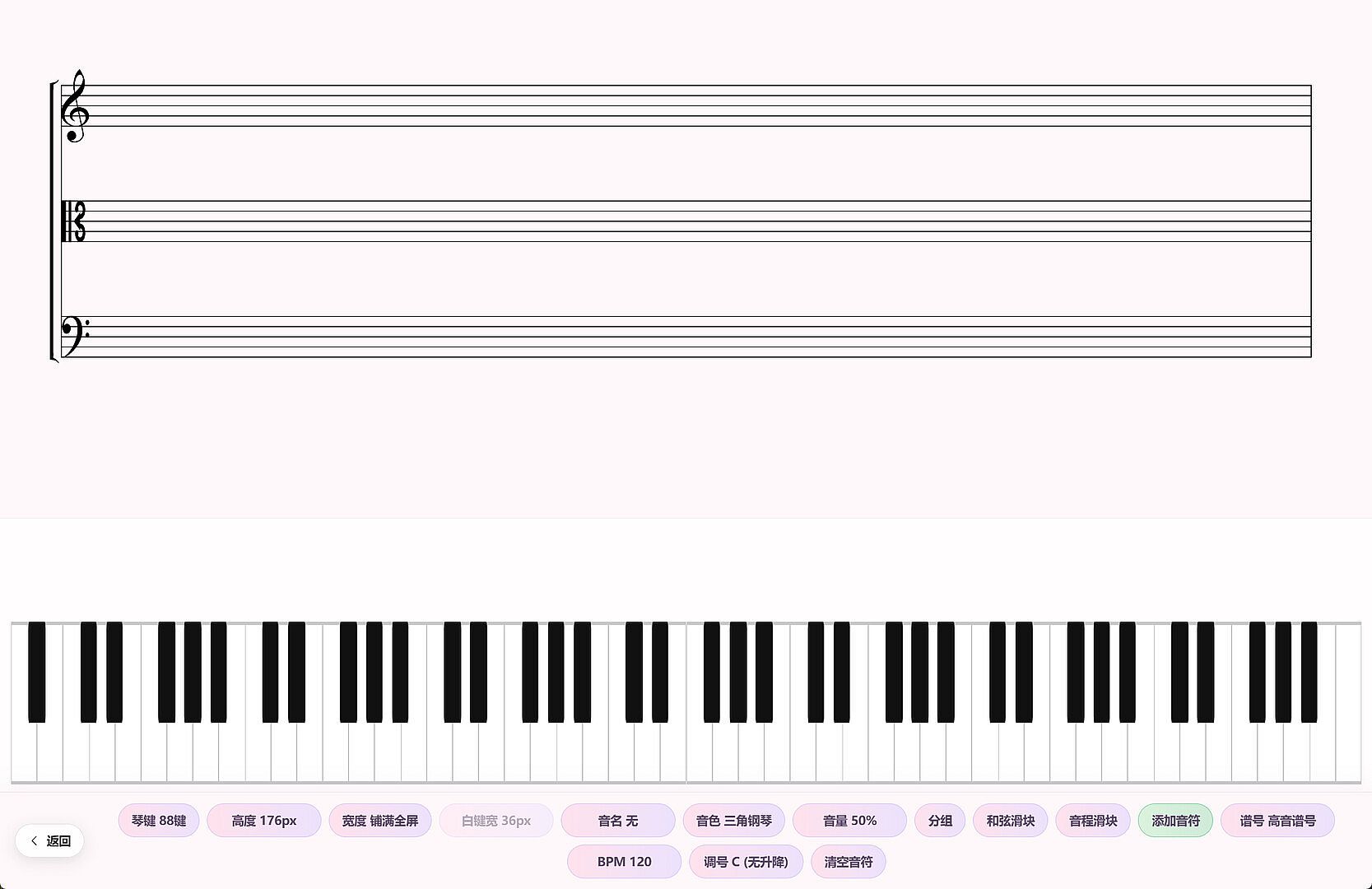
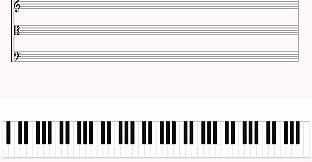
A full-screen whiteboard with a virtual piano for demonstrating pitch, chords, and basic theory—useful for self-study or simple teaching demos.Optional rhythm mini-games
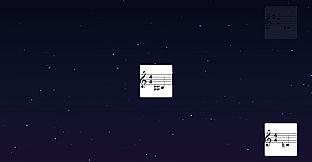
The home screen also includes arcade/endless rhythm modes for short reflex play. The core product remains notation, practice, and teaching tools.