



in progress...

Buy CopperCube 5 Game Engine PC

Where can you buy cheapest CopperCube 5 Game Engine PC Steam key? Check and compare prices from 1 stores to locate the best and the cheapest option for you among 1 offers featured on XD.deals. Now the lowest CopperCube 5 Game Engine PC price on keyshops can be obtained on A$28.95 (0% off).

Steam:
Mixed (51)
Keyshops
Unavailable
Buy in Official Store:
A$28.95
Buy in Keyshops:
See price history

Official Stores (1)

DRM:
Steam
Steam
Steam
CopperCube 5 Game Engine
Windows
17w ago
DRM:
Steam
Steam
A$28.95

About CopperCube 5 Game Engine

CopperCube 5 Game Engine - about the game

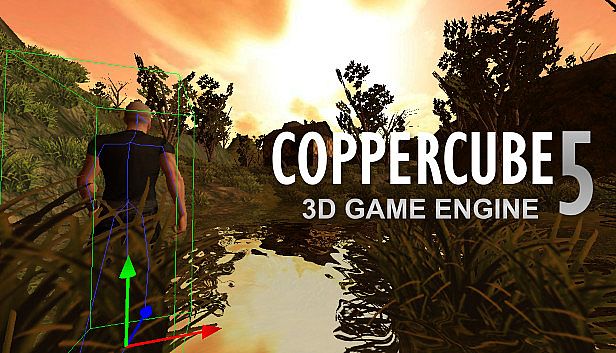
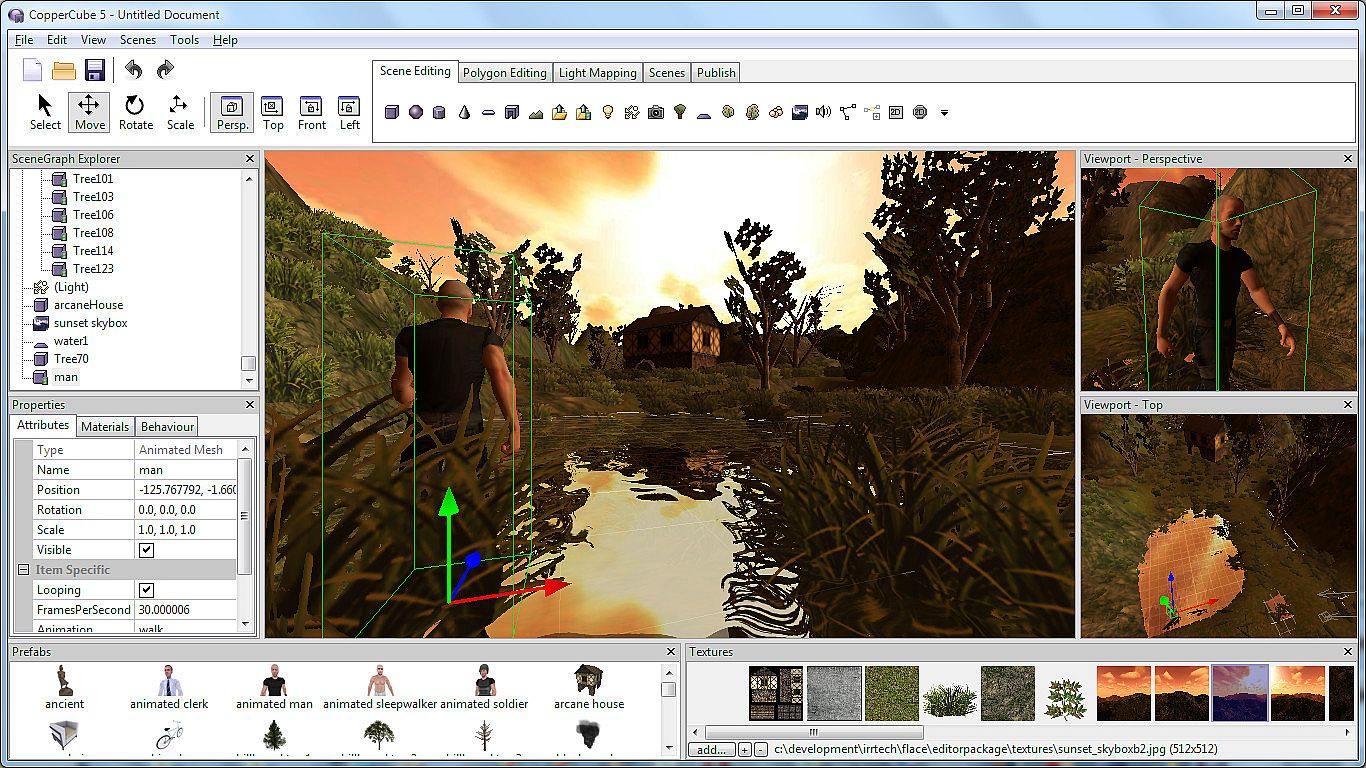
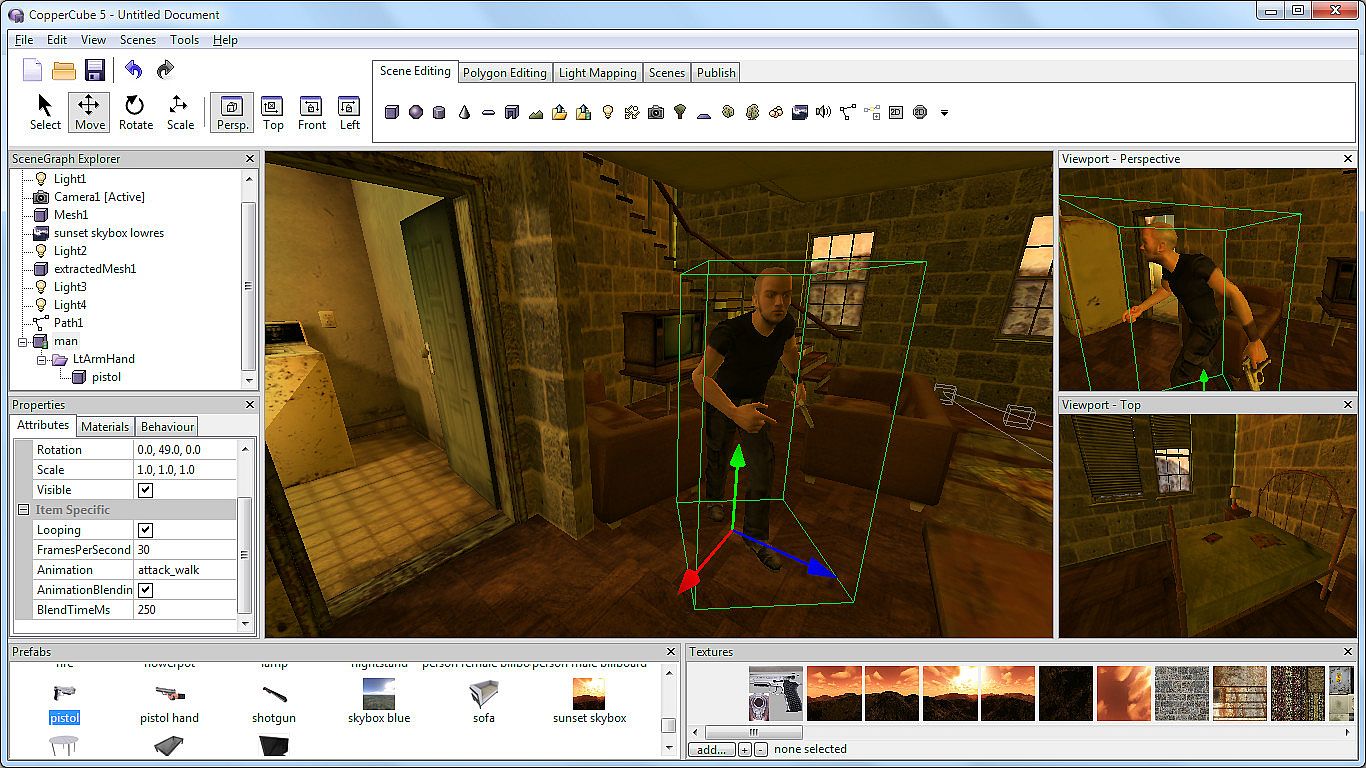
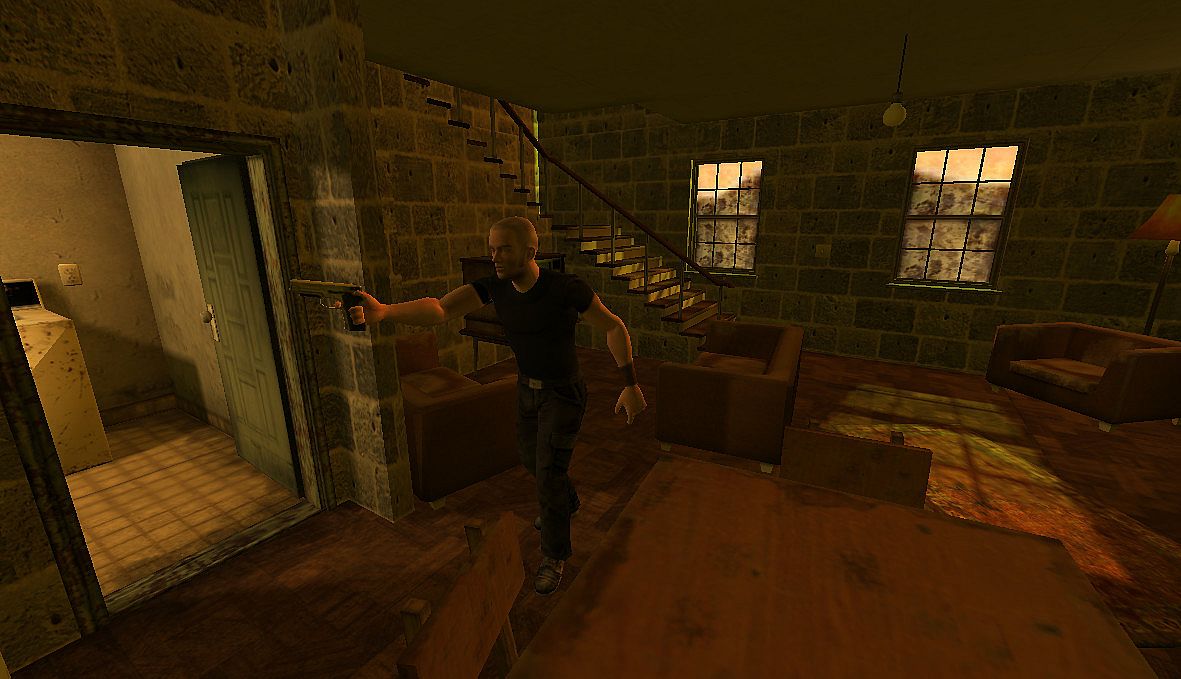
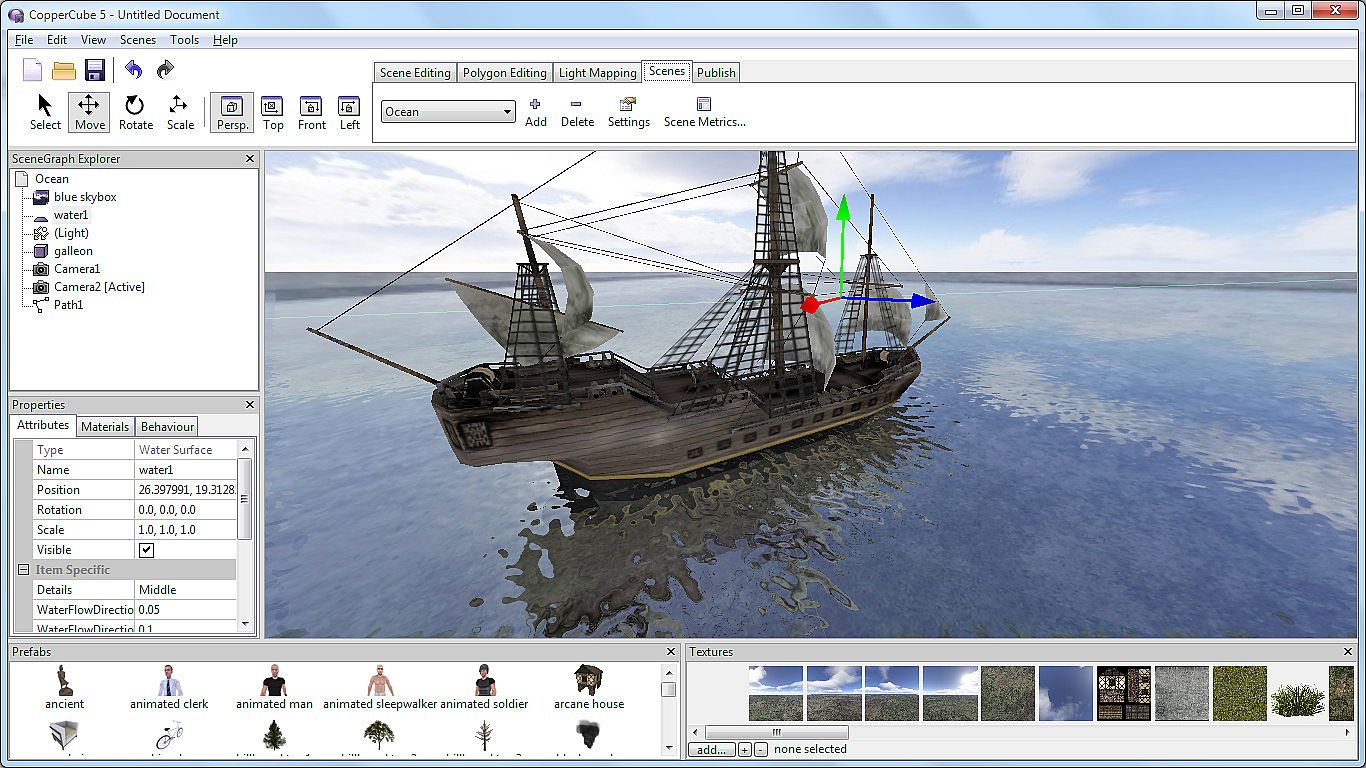
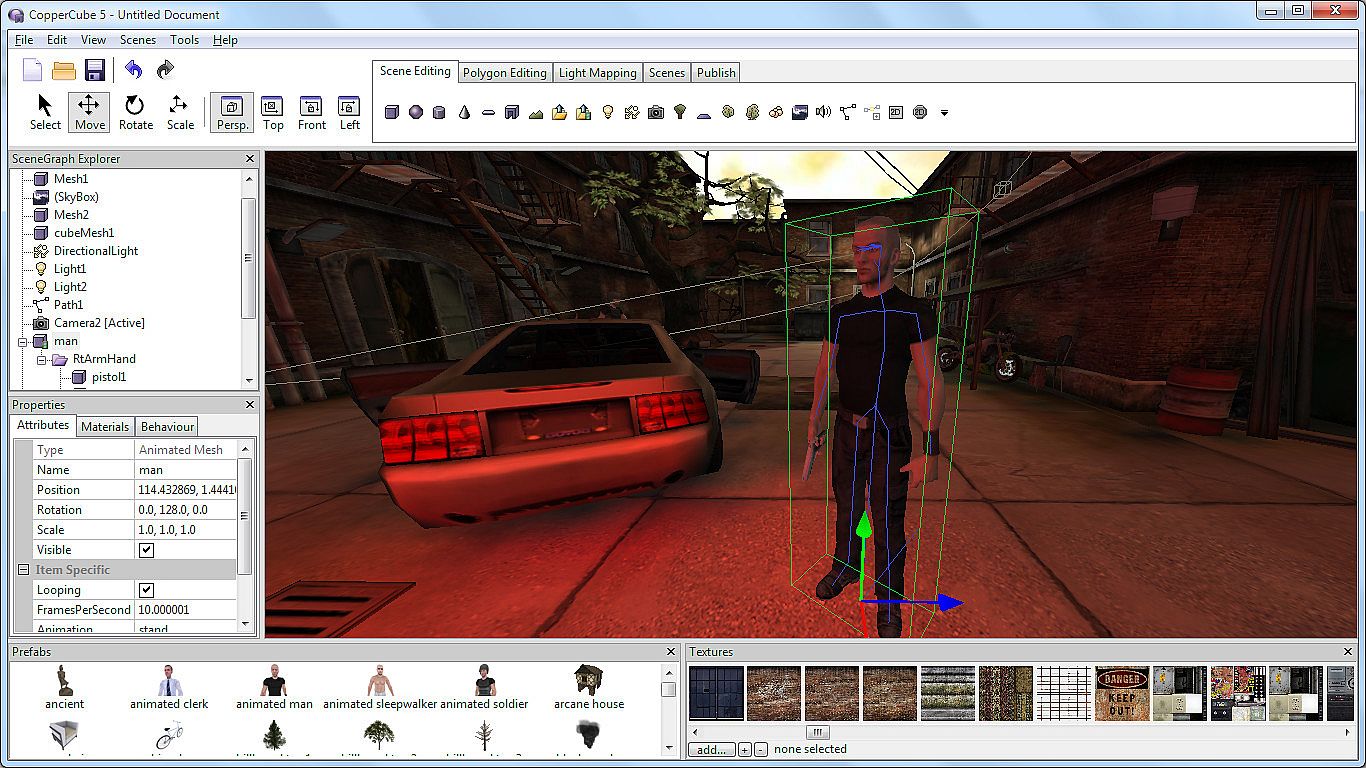
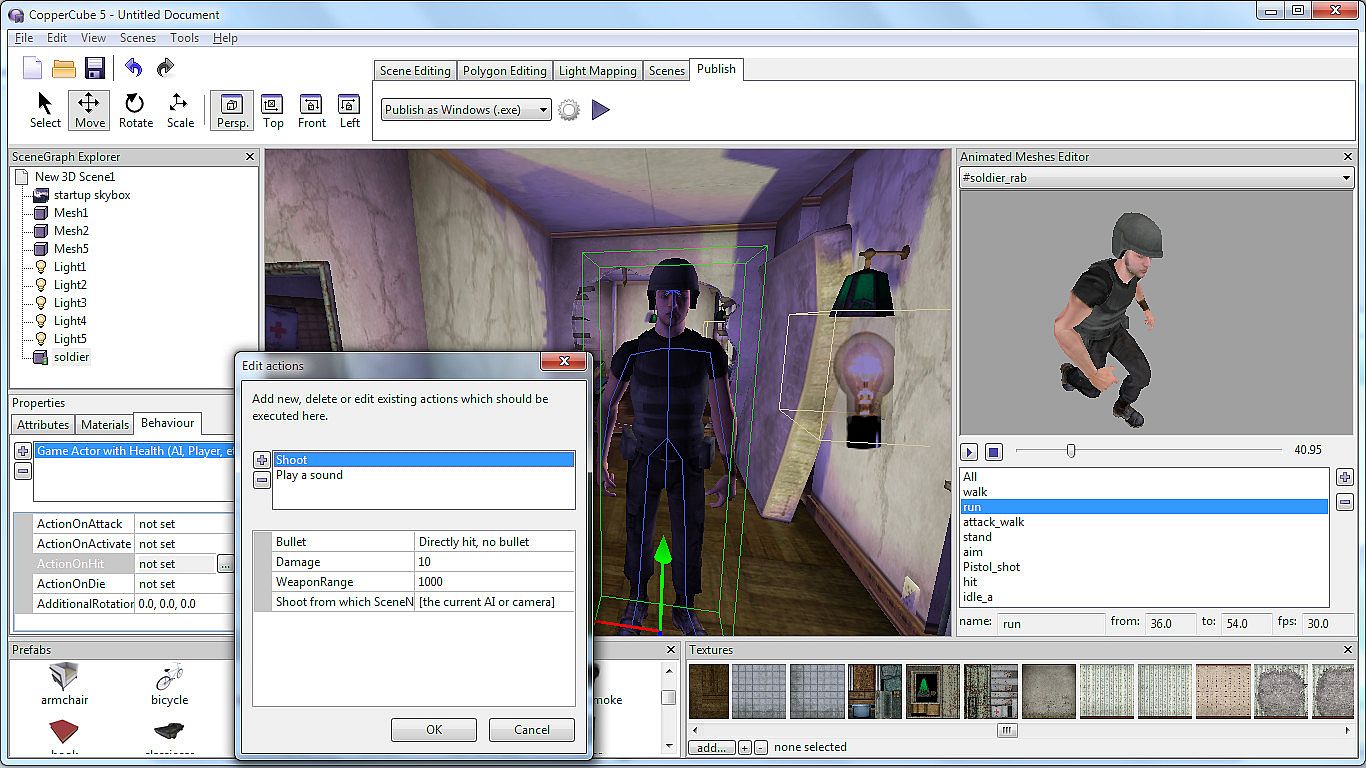
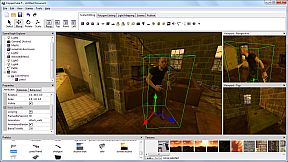
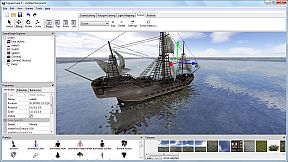
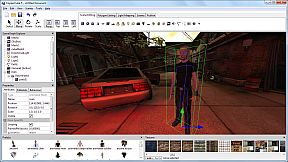
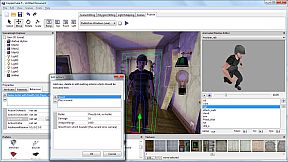
Create 3D games, apps, and websites without writing code using CopperCube 5 Game Engine on PC. Drag in behaviors for AI, camera controls, materials, and physics to build scenes quickly. Shape terrains with a dedicated editor, paint textures that blend automatically, and scatter grass, bushes, or trees. Edit low-poly models right in the tool, import animated characters from other 3D software, and bake lighting with the high-quality light mapper. Publish to Windows executables, Mac apps, WebGL sites, Flash SWFs, or Android APKs using optimized OpenGL, Direct3D, WebGL, or Stage3D engines. Advanced users tap into JavaScript scripting across platforms. This suits beginners crafting simple projects and pros tweaking complex shooters or adventures.

CopperCube is a full-featured 3D game engine. No programming needed! Create 3D games, apps and even 3D websites quickly. Includes terrain editor, low poly modelling tools, 3D models, precreated game AI, effects and more. There are also plenty of features for advanced users, like JavaScript scripting and shader support.

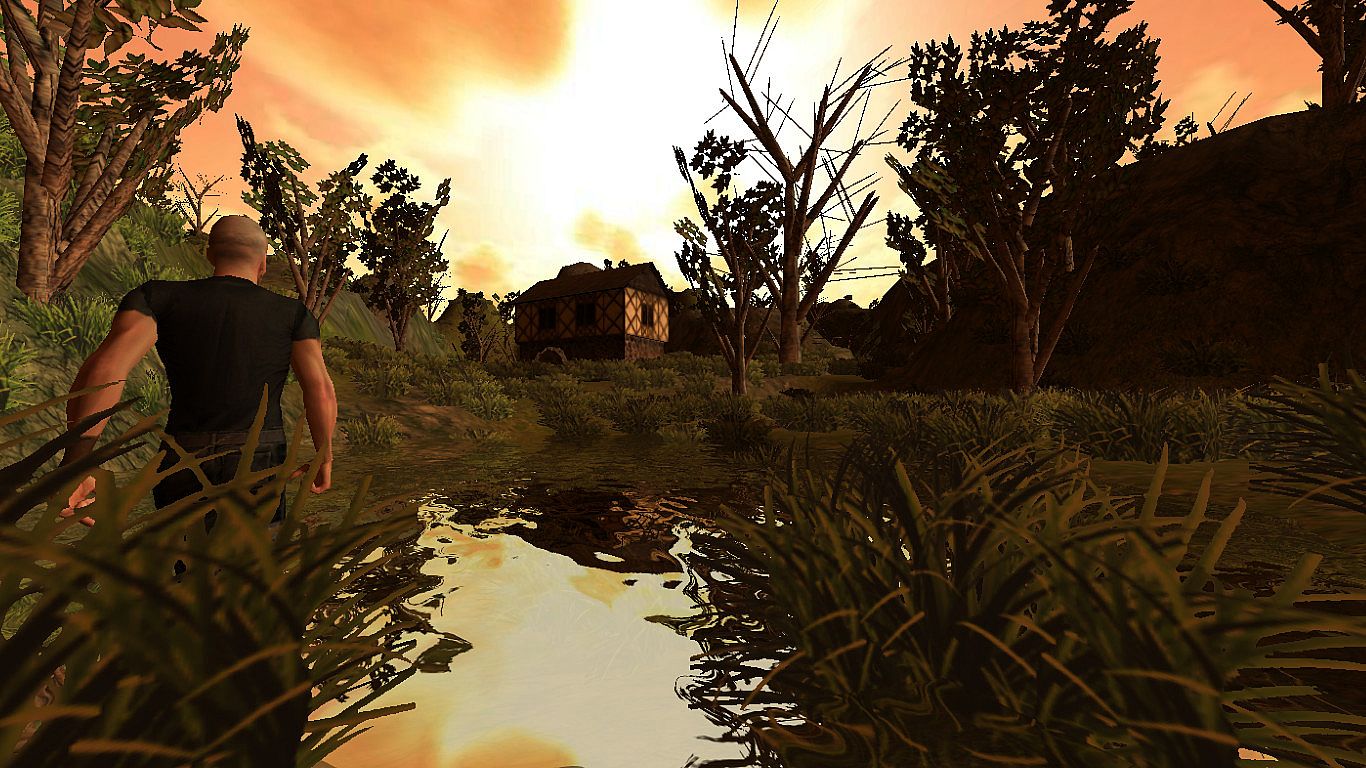
Create your own 3D worlds and 3D models, set camera controllers, materials, behaviors, click 'publish' and your game or app is ready. As Windows or Mac OS X apps, WebGL websites, Flash .swfs, or Android apps. You can do all this without programming.
High performance 3D engine
CopperCube includes manually optimized 3D engines for all supported targets, running with OpenGL, Direct3D, WebGL and Stage3D.
Simple-Click game system
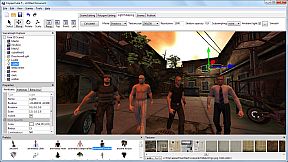
No programming needed: Wether you want to create a simple 3D game, a complex, epic adventure, or a first person shooter: Select from lots of created behaviors and adjust them accordingly.
Terrain Editor
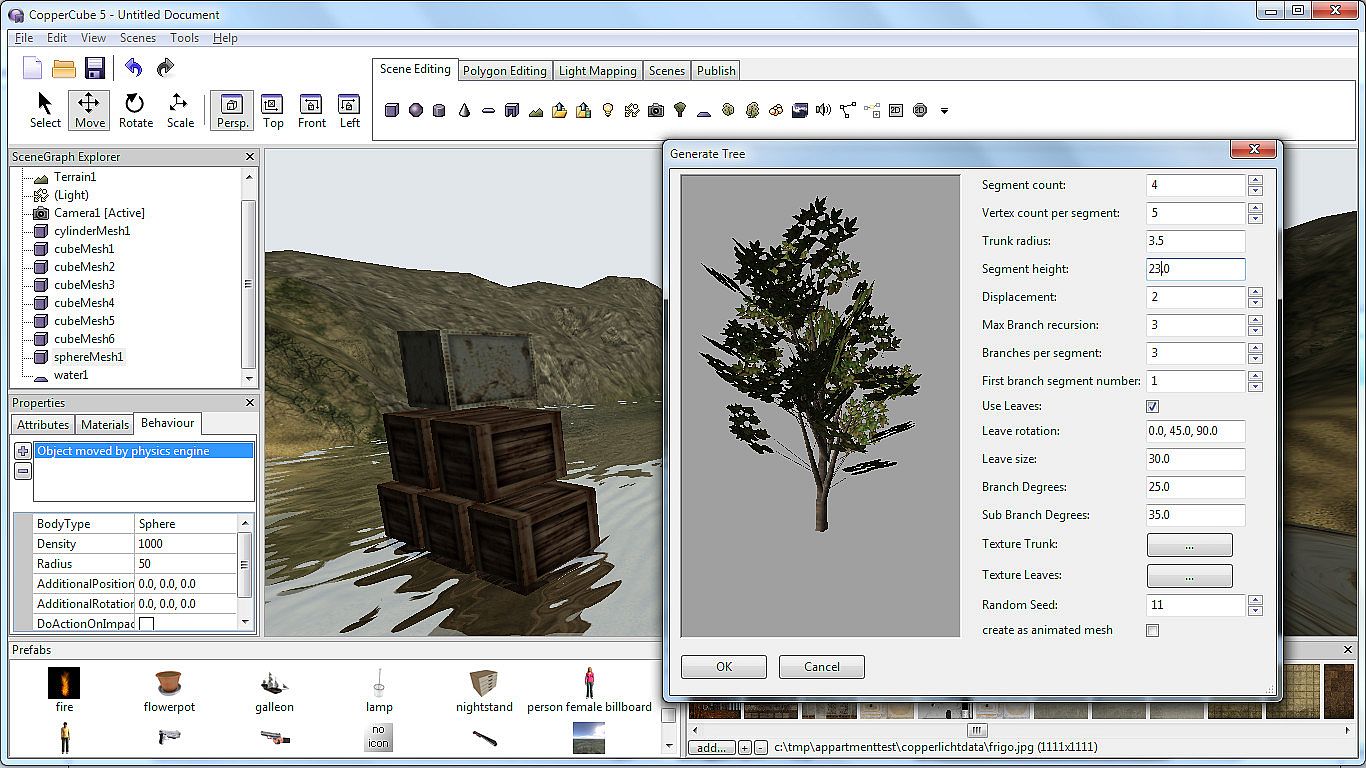
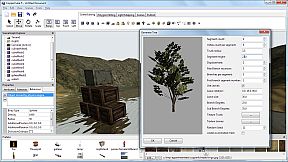
Create your own 3D worlds directly in the editor, textures can be painted quickly with automatic texture blending into the terrain. There are also tools for placing grass and bushes, and creating trees.
Physics Engine
Next to the the built-in blazingly fast collision and repsonse system, there is also a full physics engine integrated when publishing as Windows .exe and Mac OS X .app.
Character Animation
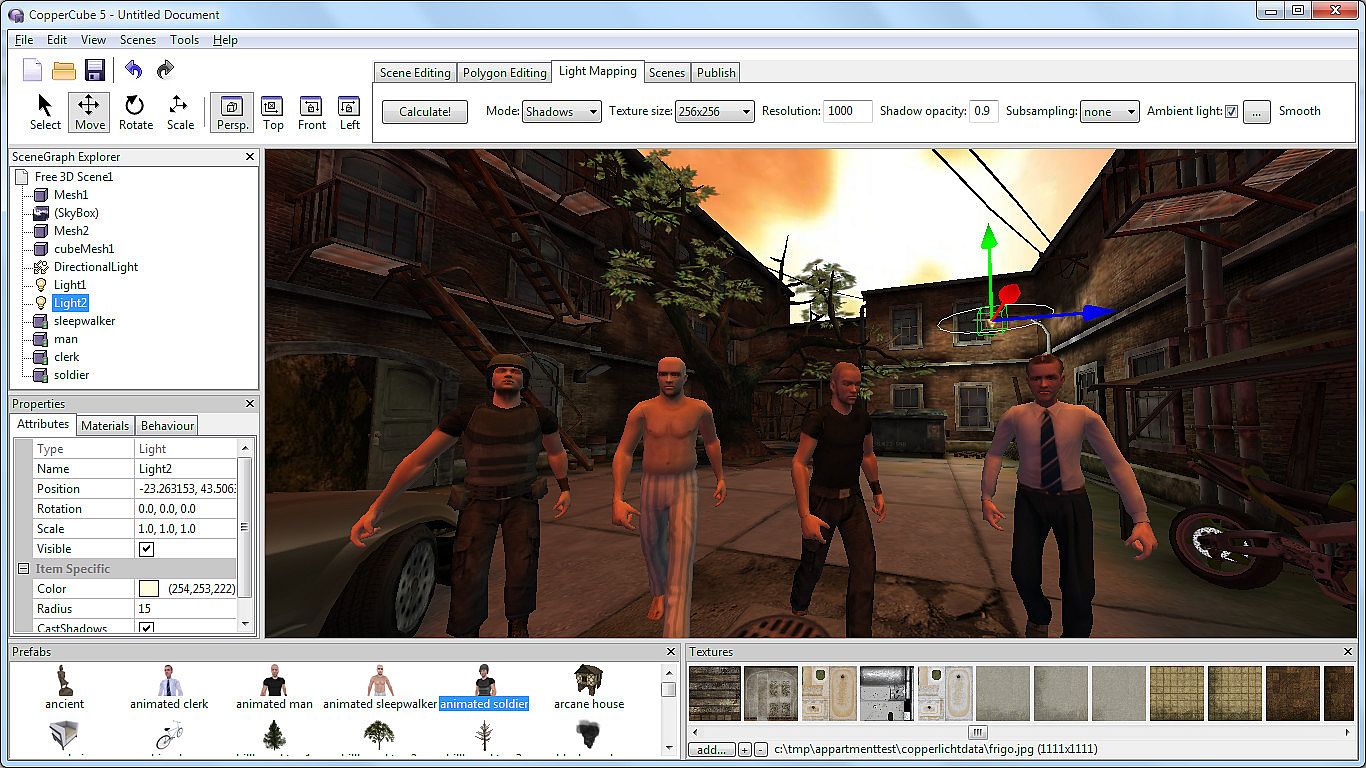
You can model and animate characters using any 3D software, export it into one of the supported file formats and then import them into Coppercube. Also, it is possible to download existing 3D models from the web and use them in the editor.
Low poly editing tools
You can edit your own 3D models directly in CopperCube: It includes a simple 3D modelling tool for creating levels, models and items.
Cross Platform Script system
For advanced users, there is a Javascript API working on all publishing targets. Additionally, when using Flash, you can use ActionScript 3. And for WebGL, there is even a second big JavaScript library with direct access available, which is even open source.
High quality Light Mapper
The editor includes a high quality light mapping tool. Place your lights, click on 'calculate' and your 3D levels will look great.
Native WebGL support
Unlike in other 3D engines, CopperCube's WebGL code is handwritten and highly optimized: Your 3D game will download quickly and run fast, even if run directly on a website. CopperCube's WebGL client is just about incredible 200 KB in size!
Many publishing targets
Create 3D games for these targets, with one single click:
  • Windows (.exe) apps
  • Mac OS X (.app) apps
  • WebGL websites (.html)
  • Android (.apk) apps
  • Flash websites (.swf)

With the WebGL and Flash targets, your games work basically everywhere, even on iPhone and iPad.

This is the Basic Edition of CopperCube, with which it is possible to create games, apps and websites with a maximum of 10 scenes per file. It is possible to upgrade to the Professional Edition via DLC, which then adds video playback support, adds a scene metrics tool, allows unlimited scenes per file, and has further smaller advanced features, like a CL interface.


Age rating

Unavailable
Steam:
Mixed (51)
Historical low
Price history from official stores
-
-
-
Price history from keyshops
-
-
-
Join our Discord
Get instant help from our community and stay updated on the latest deals
Set Price Alerts
Get notified by email when game prices drop to your target
Create Free Account
Unlock wishlists, price alerts, and Steam sync

FAQ

8 questions

Before you start looking for a cheap CopperCube 5 Game Engine CD Key, take a moment to check the essentials. Developed by Ambiera e.U.. Published by Ambiera e.U.. PC released date: 01 May 2015. Genres: Animation & Modeling, Utilities, Design & Illustration, Education, Software Training. Categories: Includes level editor. CopperCube 5 Game Engine reviews: Steam reviews: 64% of the 51 user reviews for this game are positive.

Q Can I play CopperCube 5 Game Engine on Steam Deck?

No, not right now. Valve marks CopperCube 5 Game Engine as Steam Deck Unsupported, so it won't launch via Proton at this time. Keep an eye on XD.deals - we track Proton breakthroughs and community fixes, and we'll flag it the moment there's a working way to play CopperCube 5 Game Engine on Steam Deck.

Yes. A CopperCube 5 Game Engine Steam version exists. Pick any offer tagged Steam Key on XD.deals, redeem it in the desktop client, and play CopperCube 5 Game Engine on Steam PC.

Yes. Once your Steam key is redeemed, you can launch CopperCube 5 Game Engine in Offline Mode via Steam. Your save files will sync the next time you go online.

Yes, you can buy a CopperCube 5 Game Engine Steam Key directly on the Steam Store. At XD.deals, we aggregate all available Steam DRM offers so you can compare cheap CopperCube 5 Game Engine steam deals in one place.

You'll find every live sale & discount for CopperCube 5 Game Engine right here on XD.deals. Our price tracker currently lists 1 official-store offers and 0 keyshop deals. Check the table above for the lowest price, compare against the game's historical low, and set a price alert so you never miss the next drop.

With XD.deals, PC gamers can instantly see where to buy a cheap CopperCube 5 Game Engine PC Steam key. Our real-time price-comparison engine and curated coupon database track every official store and trusted keyshop so you dont have to. Right now we detect this game in {1} live offers from stores and keyshops.

Yes. An official CopperCube 5 Game Engine Steam store page is live, so you can buy CopperCube 5 Game Engine on Steam or buy any CopperCube 5 Game Engine PC Steam Key on XD.deals and redeem it instantly.

No - XD.deals itself isn't a store. We're a price-comparison service that tracks the best offers for CopperCube 5 Game Engine across official stores and verified keyshops. Click "Shop Now" next to the deal you want, and you'll be redirected to the retailer's website to complete your purchase and receive the key there.

Best prices for CopperCube 5 Game Engine

1 Steam Steam Official
A$28.95

Ready to ride? Set a price alert on XD Deals and grab a discounted CopperCube 5 Game Engine Steam key the moment it reaches its next historical low.

Create Alert