













Comprar Alive Cursor PC

Onde pode comprar a chave PC Steam de Alive Cursor mais barata? Verifique e compare preços de 1 lojas para encontrar a melhor e mais barata opção entre 1 ofertas apresentadas no XD.deals. Agora o preço PC mais baixo de Alive Cursor em keyshops pode ser obtido em 3,99 € (0% de desconto).

Lançamento: 06 mai. 2021
Steam:
Mixed (14)
Keyshops
Indisponível
Comprar em Loja Oficial:
3,99 €
Comprar em Keyshops:
Ver histórico de preços

Lojas Oficiais (1)

DRM:
Steam
Steam
Steam
Alive Cursor
Windows
há 17sem
DRM:
Steam
Steam
3,99 €

Sobre Alive Cursor

Alive Cursor - sobre o jogo

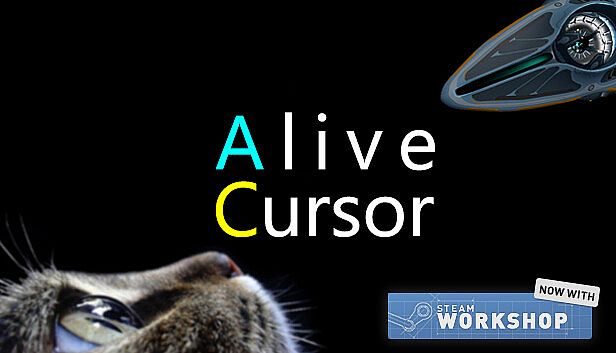
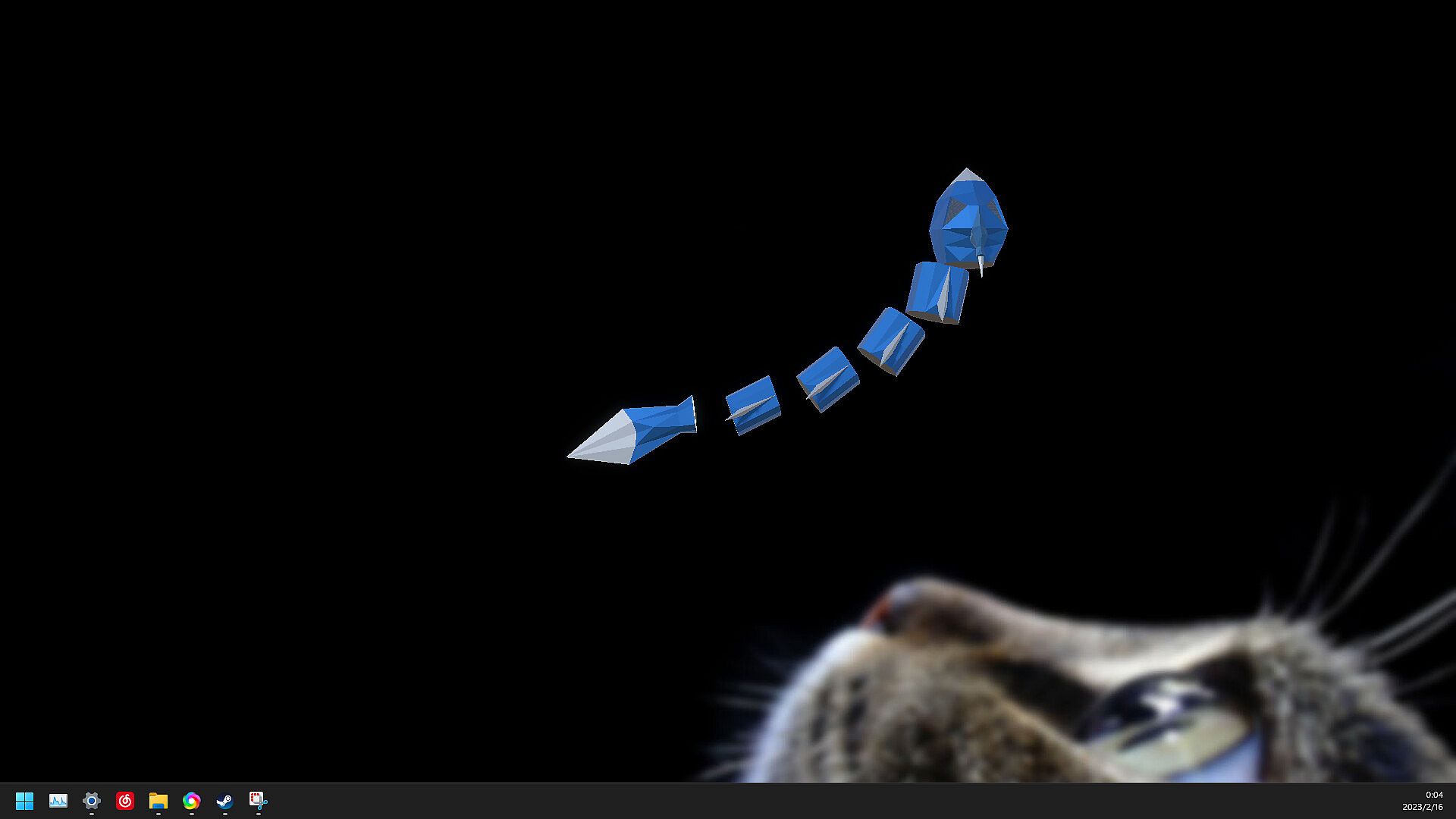
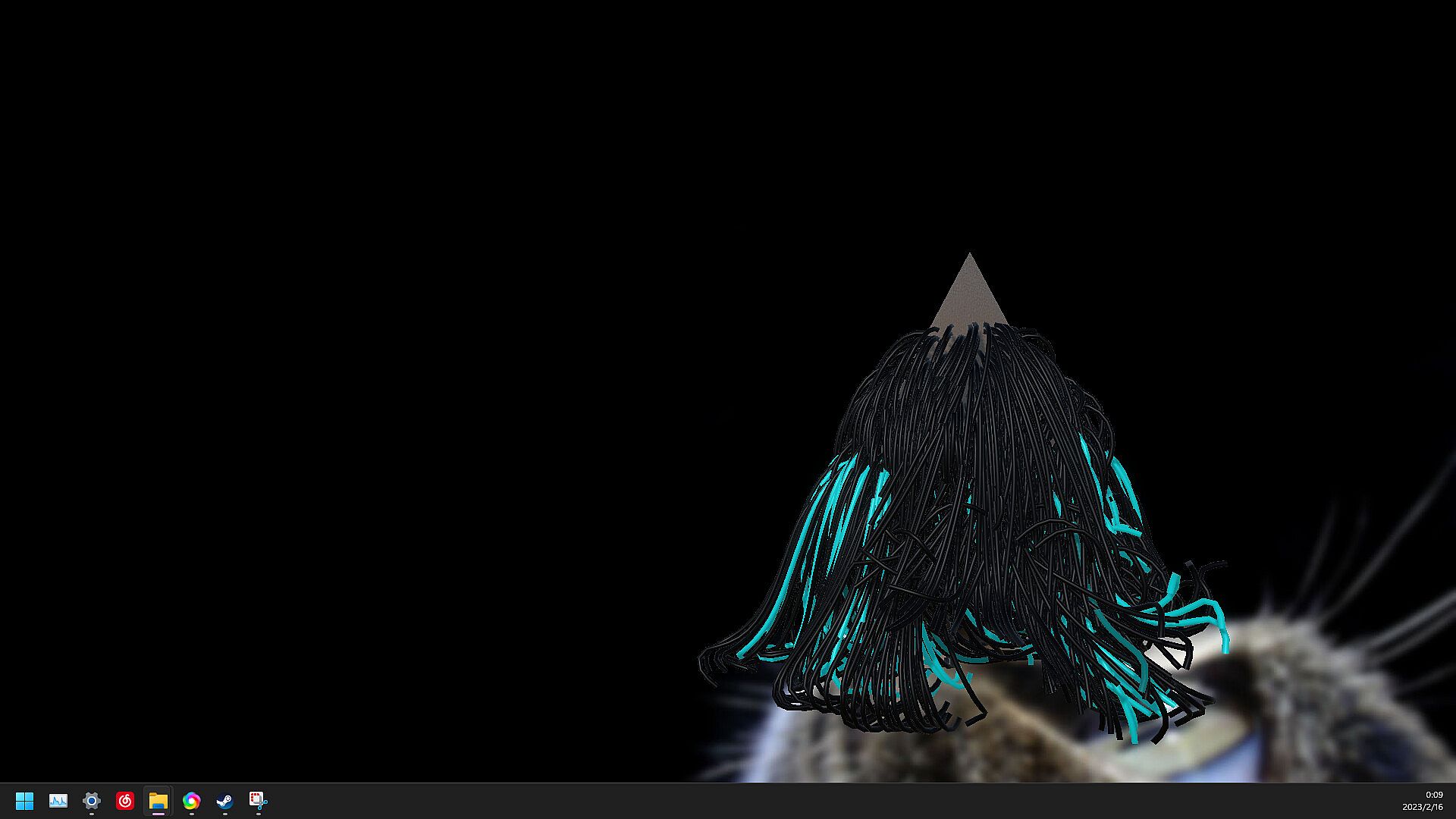
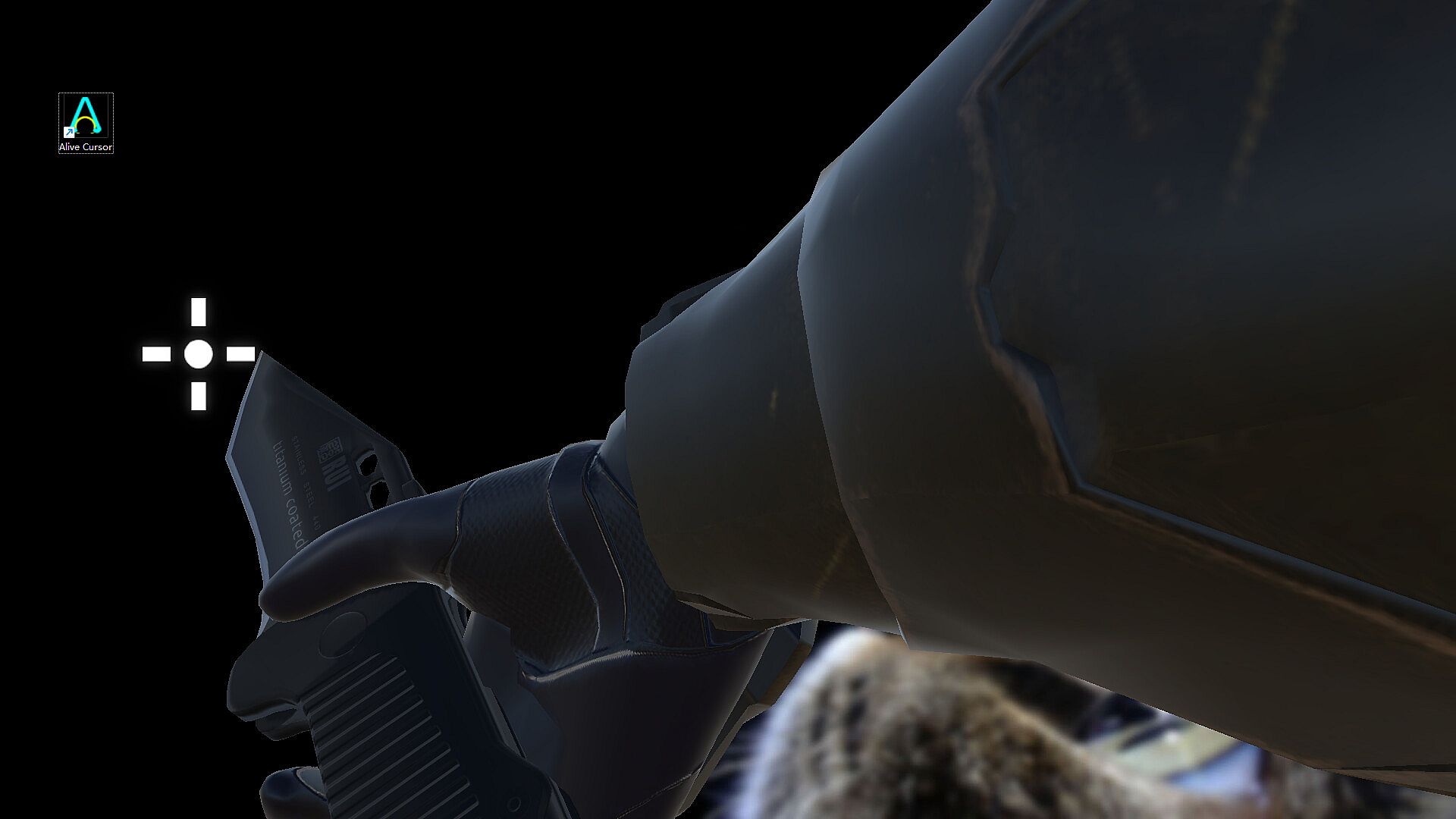
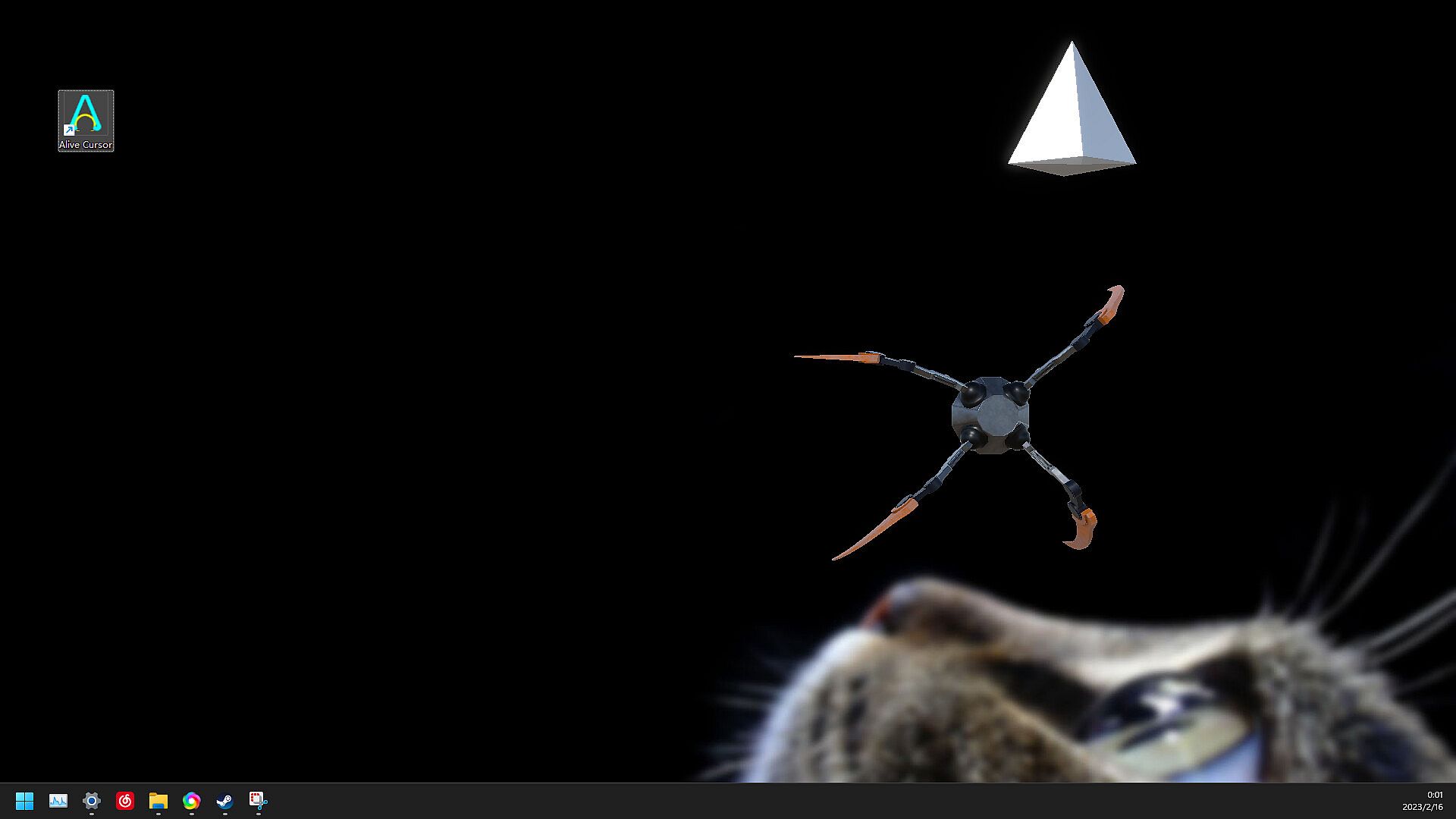
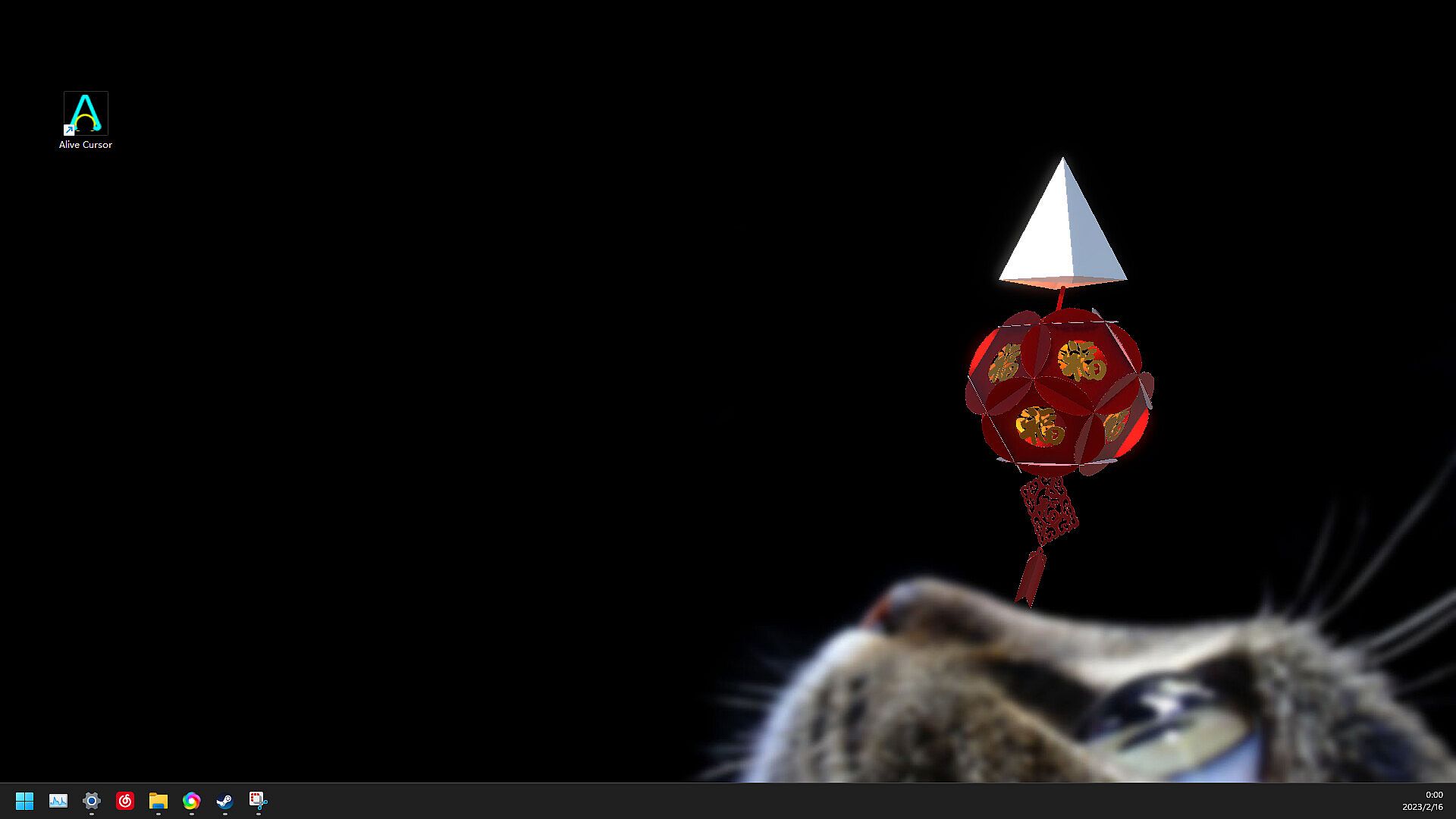
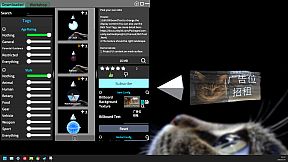
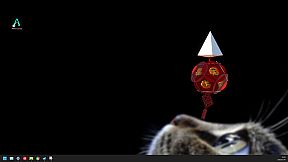
I always want to make the cursor funny and useful like the good old Microsoft Agent, so here it comes! Replace your cursor with mods!
Feature
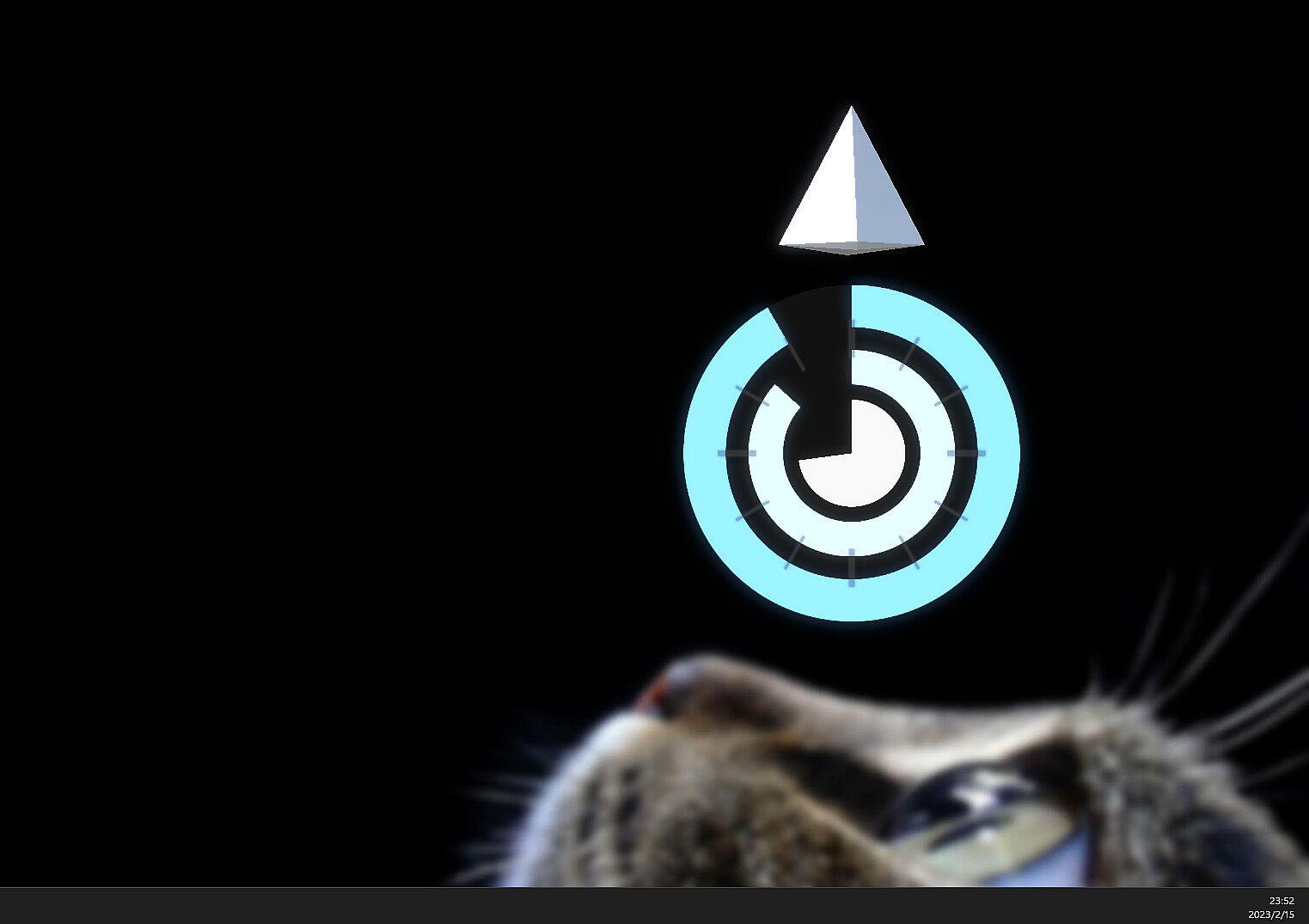
  • Scale or Rotate cursor to any value!
  • Invisible when you don't need it! It's convenient when you are watching video or viewing the webpage!
  • Wander when it's bored!
  • Support Multi-Display!
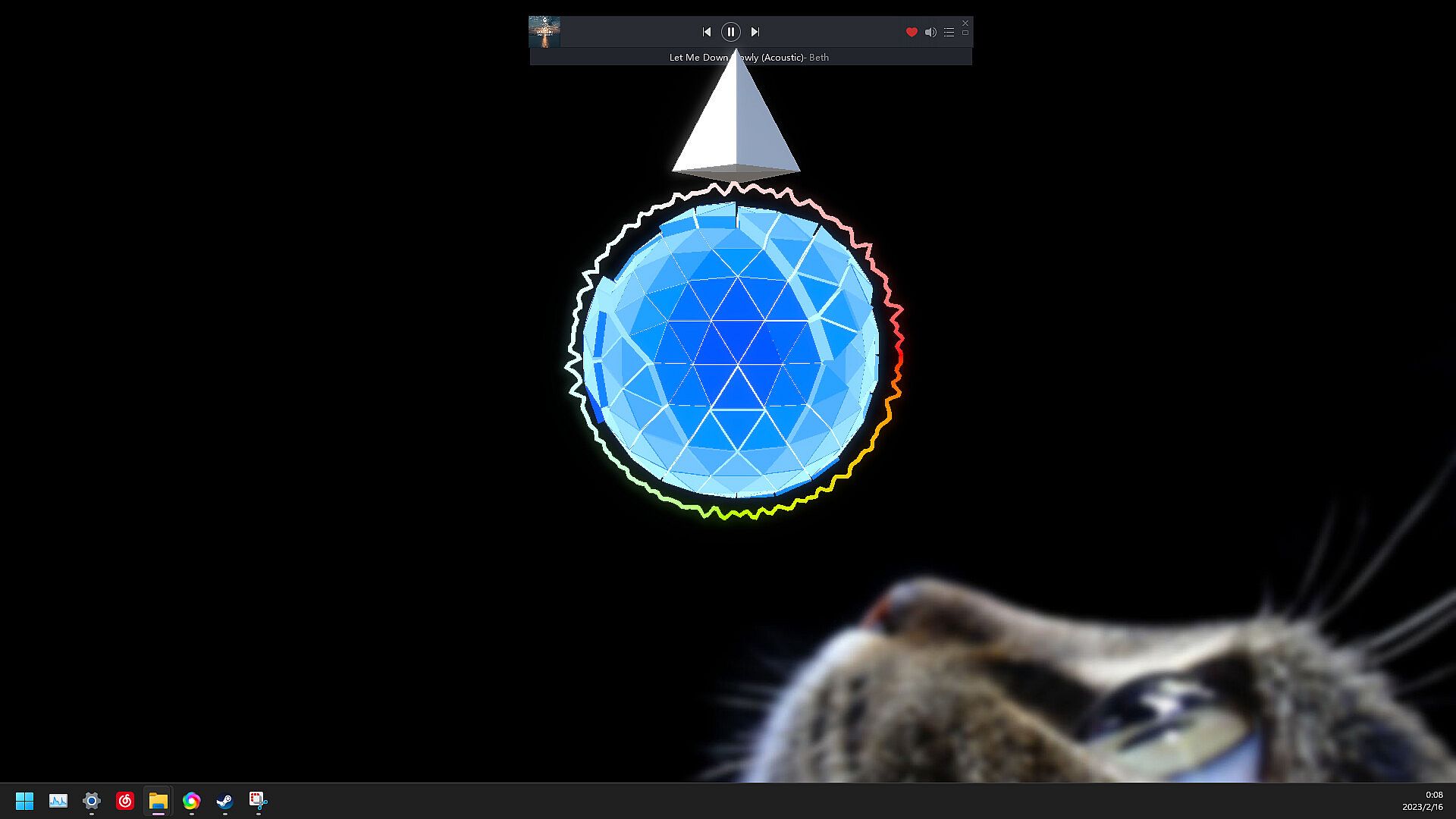
  • Response to Audio!
  • There may be a surprise when you press the middle button!
  • ...
Howto
  • 《Complete User Guide》.
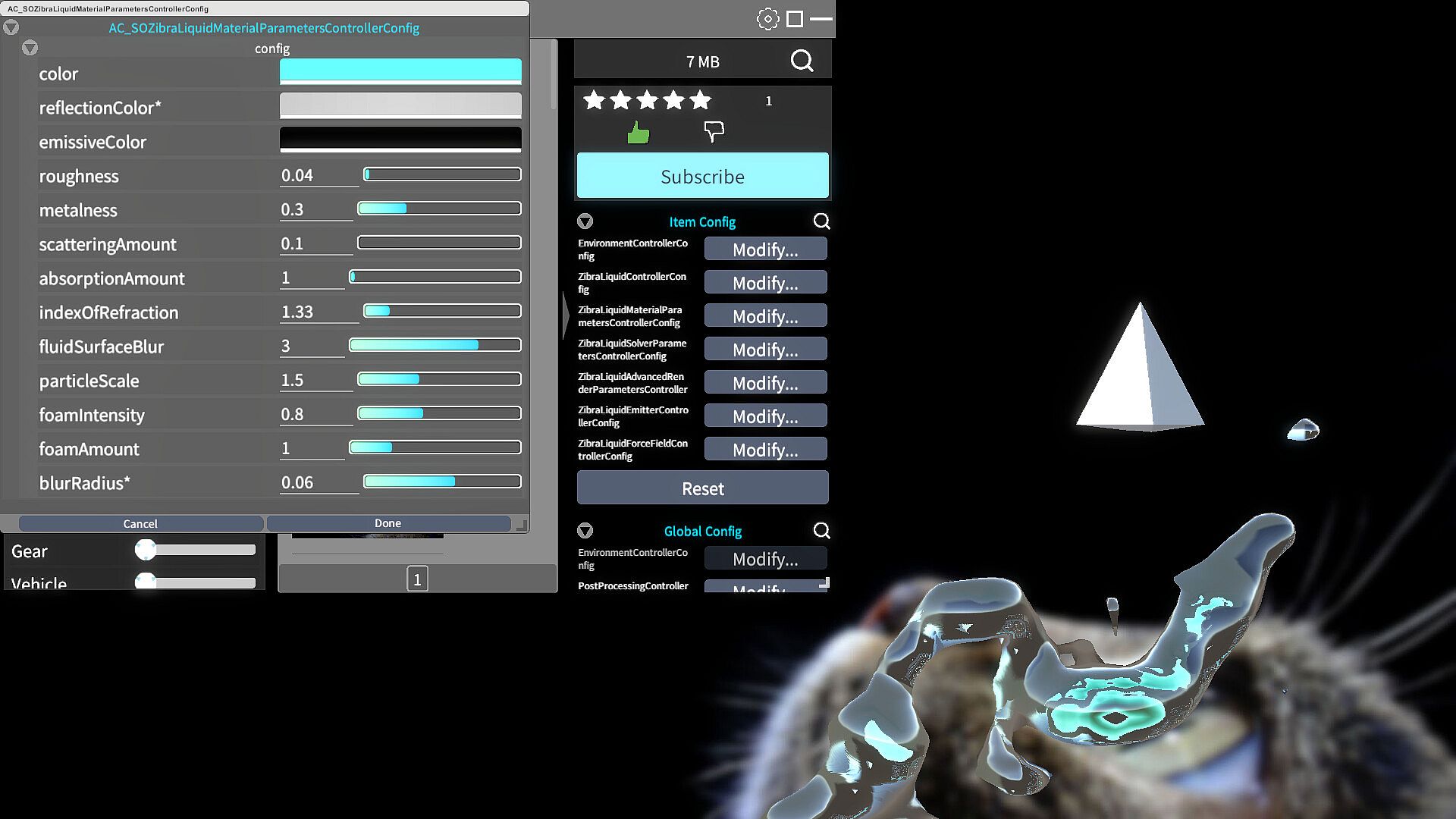
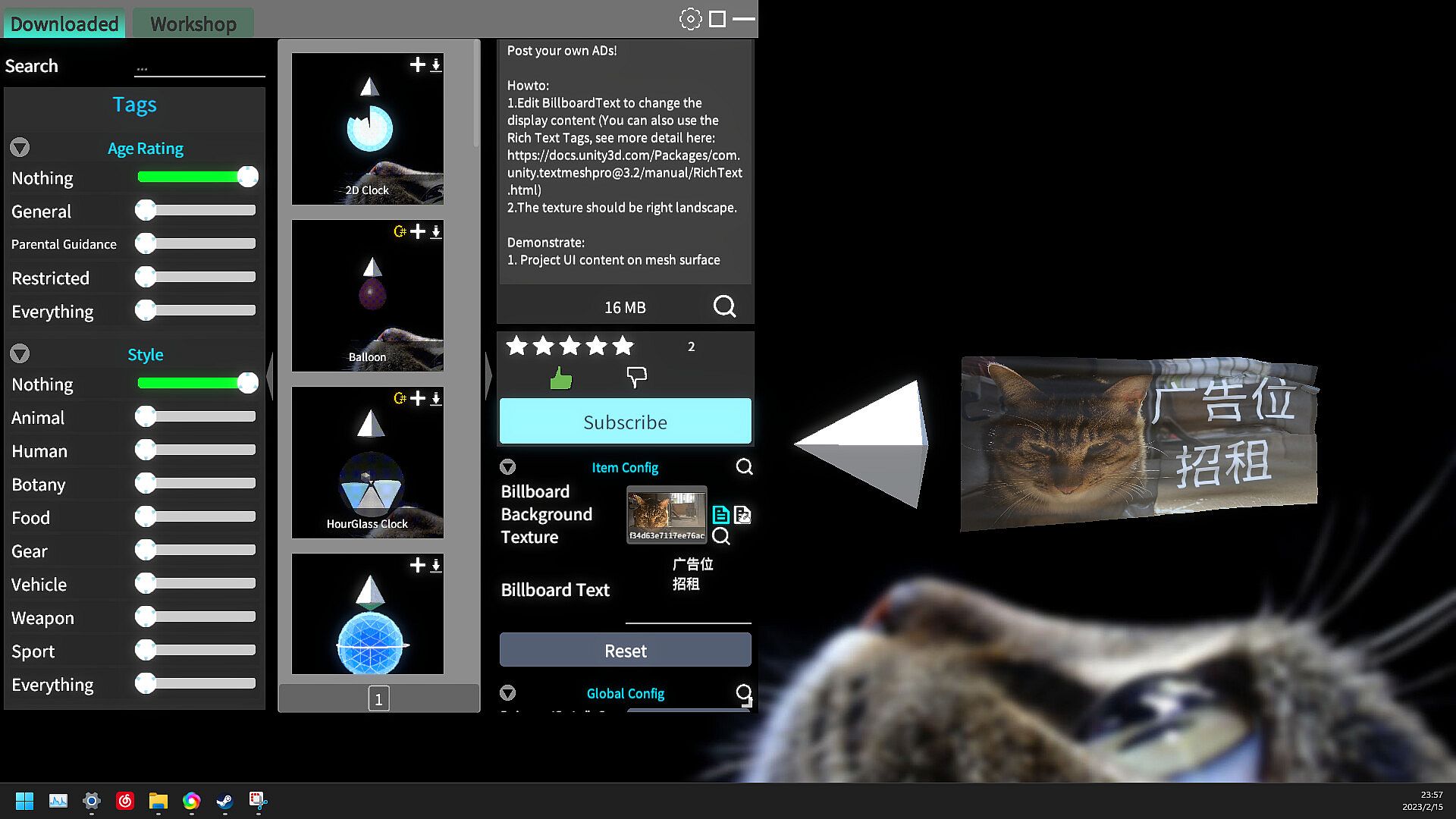
  • Single-click the AliveCursor icon on Taskbar to open the main window, then goto 'Downloaded' tab to change skin (Offline access is supported), and goto 'Workshop' tab to view and download online workshop items.
  • Press Tab key to temporarily hide the browser window when it's activated.
  • Double click right Ctrl key to Highlight Cursor.
Contact
If you have some questions or suggestions for this program, feel free to contact me first, I will response ASAP, thanks!
  • EMail:[email protected]
  • QQ Group: 673880395 (You can discuss or share ideas here).
  • Bilibili: Threeyes
  • Steam Group Chat: Alive Cursor
  • Steam Community Trouble Shooting (You can find answers for common problems here).
Trouble Shooting [Very very important!]
  • Some anti-virus software may popup with an intercept notification: Because the GlobalHook plug needs to listen for mouse events, press ‘Allow’ and you are good to go.
  • This app crashes causing the system cursor to disappear: Select any cursor skin in the "Windows System Settings - Mouse - Change pointer size and color" section to reset.
  • The in-game overlay function of Steam or GeForce Experience may cause the program to display abnormally (manifested as a small pop-up window that pops up when the program is opened). Please close this type of pop-up window. If you see an ‘In Game’ steam window popup on the right-bottom corner once you start it, just do so: before you run this app, open Steam Library, right click on the App, select ‘PropertQies-General’ and uncheck [Enable the Steam Overlay while in-game].
  • If the whole window turn black when you open this app, please open the taskbar via the 'Windows' key, then quit this app using Tray Icon, then open ‘Nvidia Control Panel’, Turn off the ‘Antialiasing - FXAA’ setting for this app in ‘Program Settings’ Tab, or for all apps in ‘Global Settings’ Tab.
  • Smear problems: Because the cursor is a high speed moving object, in normal monitor you may sense a bit of smear problems. In other words, this app work great on monitors with High Refresh Rate and Low Response Time.
  • Input lag problems: In "Setting Window", Turn off ‘Vertical Sync’ and increase the ‘Target Frame Rate’. You can also open the directory of this app using Steam, locate and right-click ’AliveCursor.exe‘, go to ’Properties > Compatability‘ and select ’Disable fullscreen optimizations‘ then click ‘Save’.
  • This app will hide system cursor on start, and restore it on quit, so please wait for it to exit when you trying to shut down or logoff. If the app unexpectedly shuts down and casue the missing system cursor, you can just reopen the app, and you are good to go.
  • Settings not saved: Close the program, locate the installation directory of the program (normally is '[Disk]:\SteamLibrary\steamapps\common\AliveCursor'), delete the ’Data/Save/Setting‘ folder, then run the program again.
  • Other apps/widgets which mark as "TopMost" (eg: TaskManager or Windows Start Menu) may overlay this app, run this app as Administrator may give it a higher authority, but it's inevitable and may cause you inconvenient. I am working on it, but any help would be greatly appreciated!

Classificação etária

Indisponível
Steam:
Mixed (14)
Mínimo histórico
Histórico de preços das lojas oficiais
-
-
-
Histórico de preços dos keyshops
-
-
-
Junte-se ao nosso Discord
Obtenha ajuda instantânea da nossa comunidade e mantenha-se atualizado sobre as últimas ofertas
Definir Alertas de Preço
Seja notificado por email quando os preços dos jogos baixarem para o seu objetivo
Criar Conta Gratuita
Desbloqueie listas de desejos, alertas de preço e sincronização Steam

FAQ

8 perguntas

Antes de começar a procurar uma CD Key barata de Alive Cursor, reserve um momento para verificar o essencial. Desenvolvido por Threeyes. Publicado por Threeyes. Data de lançamento PC: 06 mai. 2021. Géneros: Indie, Casual, Simulation, Animation & Modeling, Utilities, Game Development. Categorias: Steam Workshop, Single-player, Steam Cloud. Avaliações de Alive Cursor: Avaliações Steam: 50% of the 14 user reviews for this game are positive.

Q Posso jogar Alive Cursor no Steam Deck?

Não, neste momento não. A Valve marca Alive Cursor como Não Suportado no Steam Deck, então não funcionará via Proton neste momento. Fique atento ao XD.deals - acompanhamos avanços do Proton e correções da comunidade, e sinalizaremos assim que houver uma forma funcional de jogar Alive Cursor no Steam Deck.

Sim. Existe uma versão Steam de Alive Cursor. Escolha qualquer oferta com a etiqueta Chave Steam no XD.deals, resgate-a no cliente desktop e jogue Alive Cursor no Steam PC.

Sim. Depois de resgatar a sua chave Steam, pode iniciar Alive Cursor no Modo Offline via Steam. Os seus ficheiros de gravação serão sincronizados da próxima vez que ficar online.

Sim, pode comprar uma Chave Steam de Alive Cursor diretamente na Steam Store. No XD.deals, agregamos todas as ofertas Steam DRM disponíveis para que possa comparar ofertas Steam baratas de Alive Cursor num só lugar.

Encontrará todas as promoções e descontos ativos de Alive Cursor aqui mesmo no XD.deals. O nosso rastreador de preços lista atualmente 1 ofertas de lojas oficiais e 0 ofertas de keyshops. Verifique a tabela acima para o preço mais baixo, compare com o mínimo histórico do jogo e defina um alerta de preço para nunca perder a próxima descida.

Com o XD.deals, os jogadores de PC podem ver instantaneamente onde comprar uma chave PC Steam barata de Alive Cursor. O nosso motor de comparação de preços em tempo real e base de dados de cupões curada acompanham todas as lojas oficiais e keyshops de confiança para que não tenha de o fazer. Neste momento detetamos este jogo em 1 ofertas ativas de lojas e keyshops.

Sim. Uma página oficial de Alive Cursor na Steam Store está ativa, então pode comprar Alive Cursor no Steam ou comprar qualquer Chave PC Steam de Alive Cursor no XD.deals e resgatá-la instantaneamente.

Não - o XD.deals em si não é uma loja. Somos um serviço de comparação de preços que acompanha as melhores ofertas de Alive Cursor em lojas oficiais e keyshops verificadas. Clique em "Comprar agora" junto à oferta desejada e será redirecionado para o site do vendedor para concluir a compra e receber a chave lá.

Melhores preços para Alive Cursor

1 Steam Steam Official
3,99 €

Pronto para começar? Defina um alerta de preço no XD Deals e obtenha uma chave Steam com desconto de Alive Cursor assim que atingir o próximo mínimo histórico.

Criar Alerta