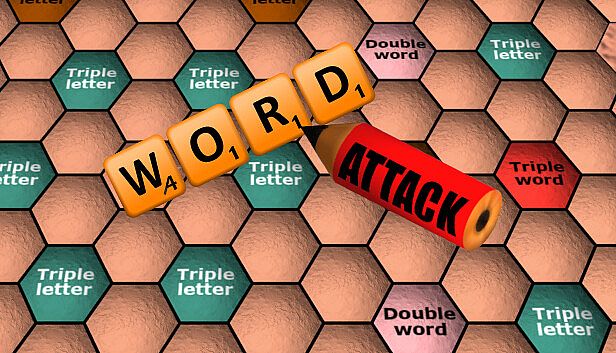



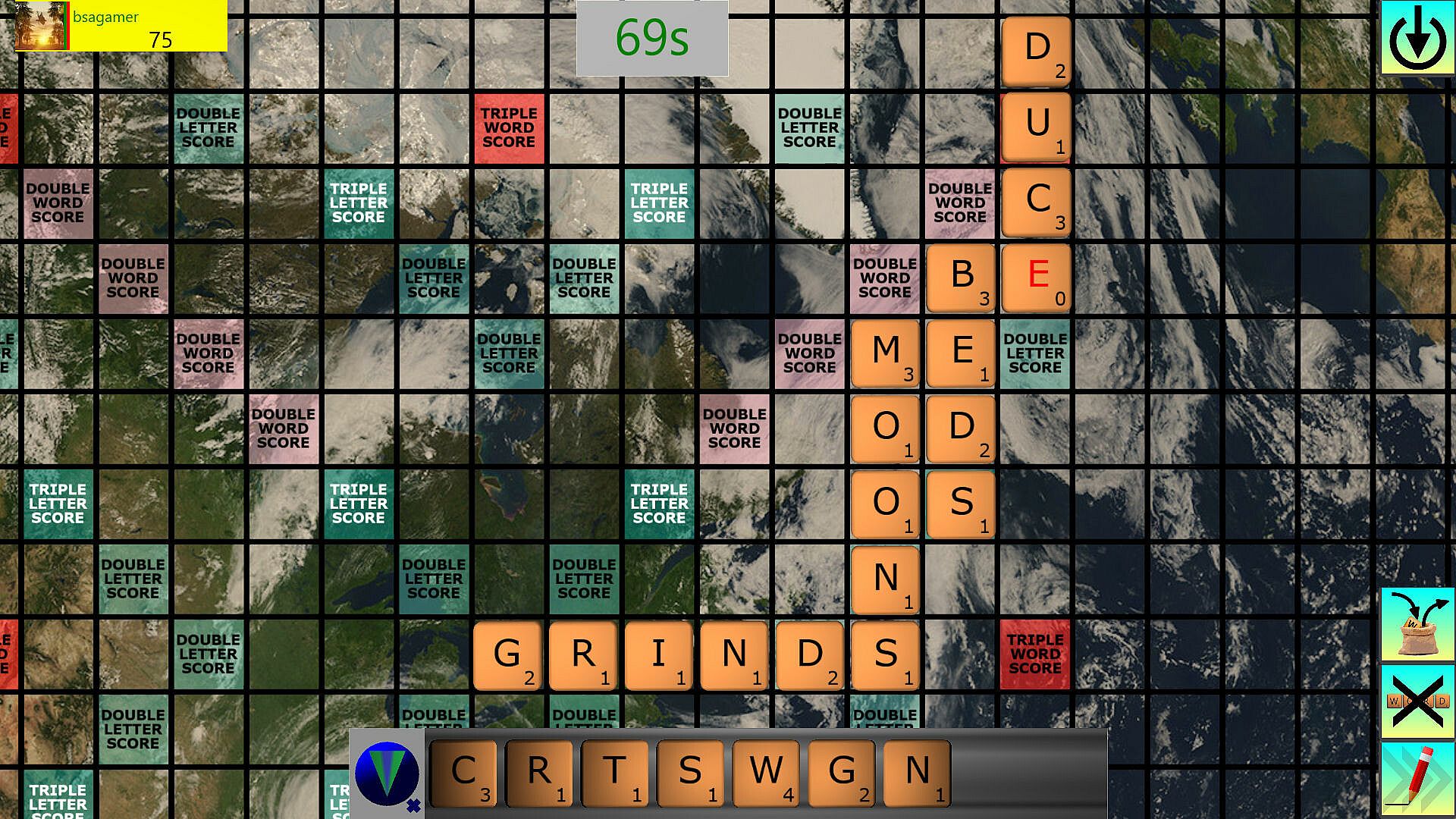
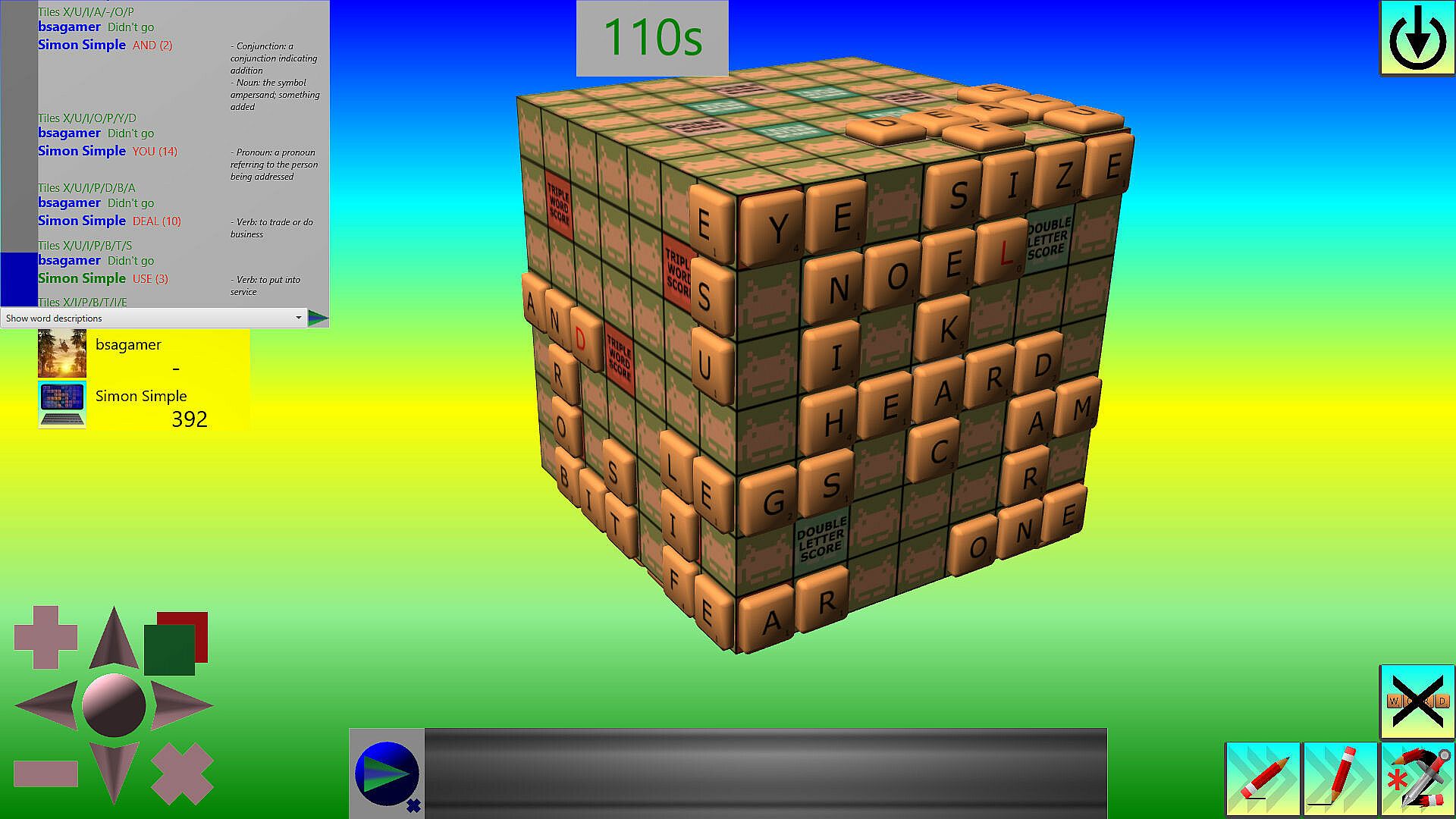
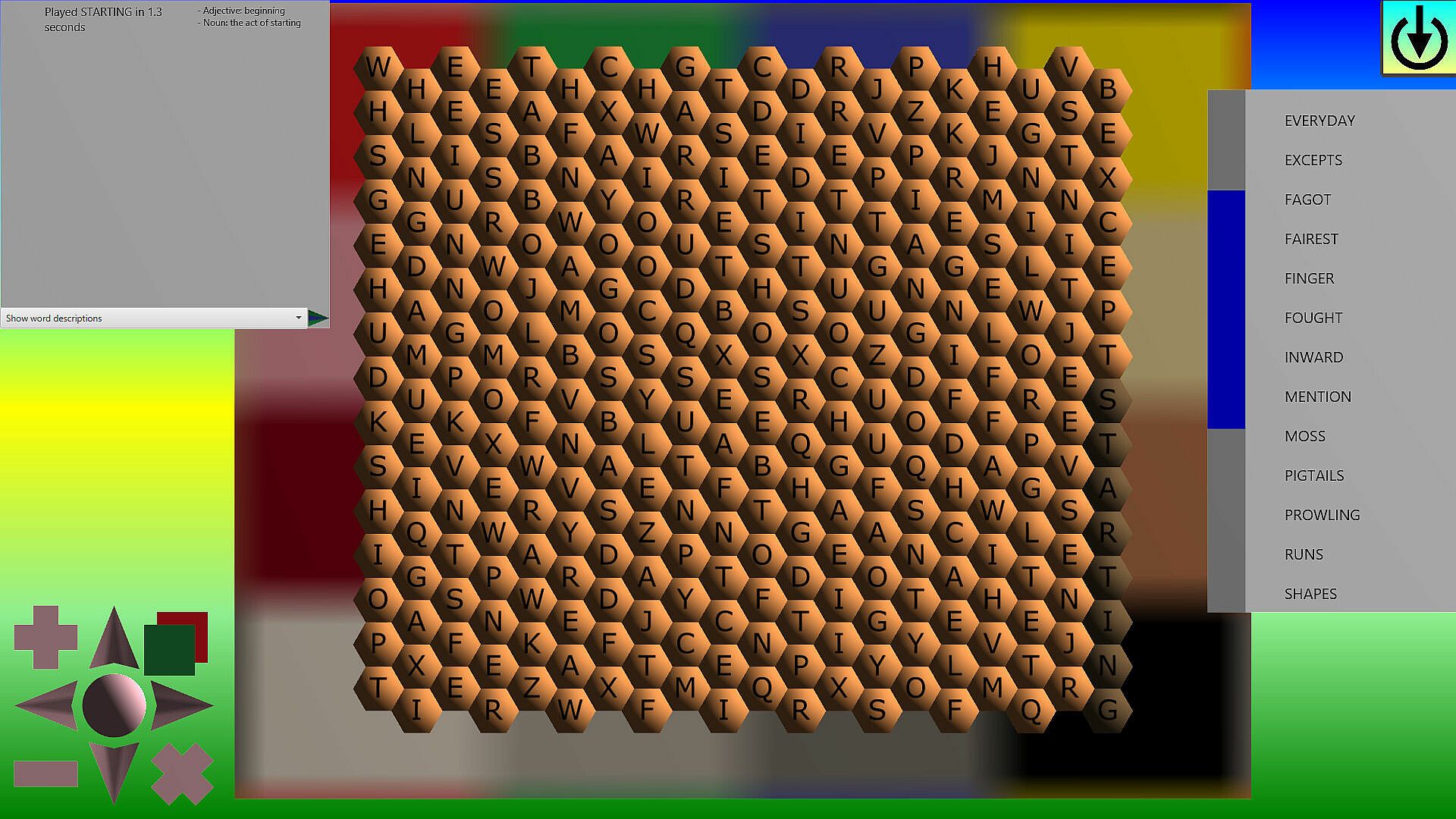
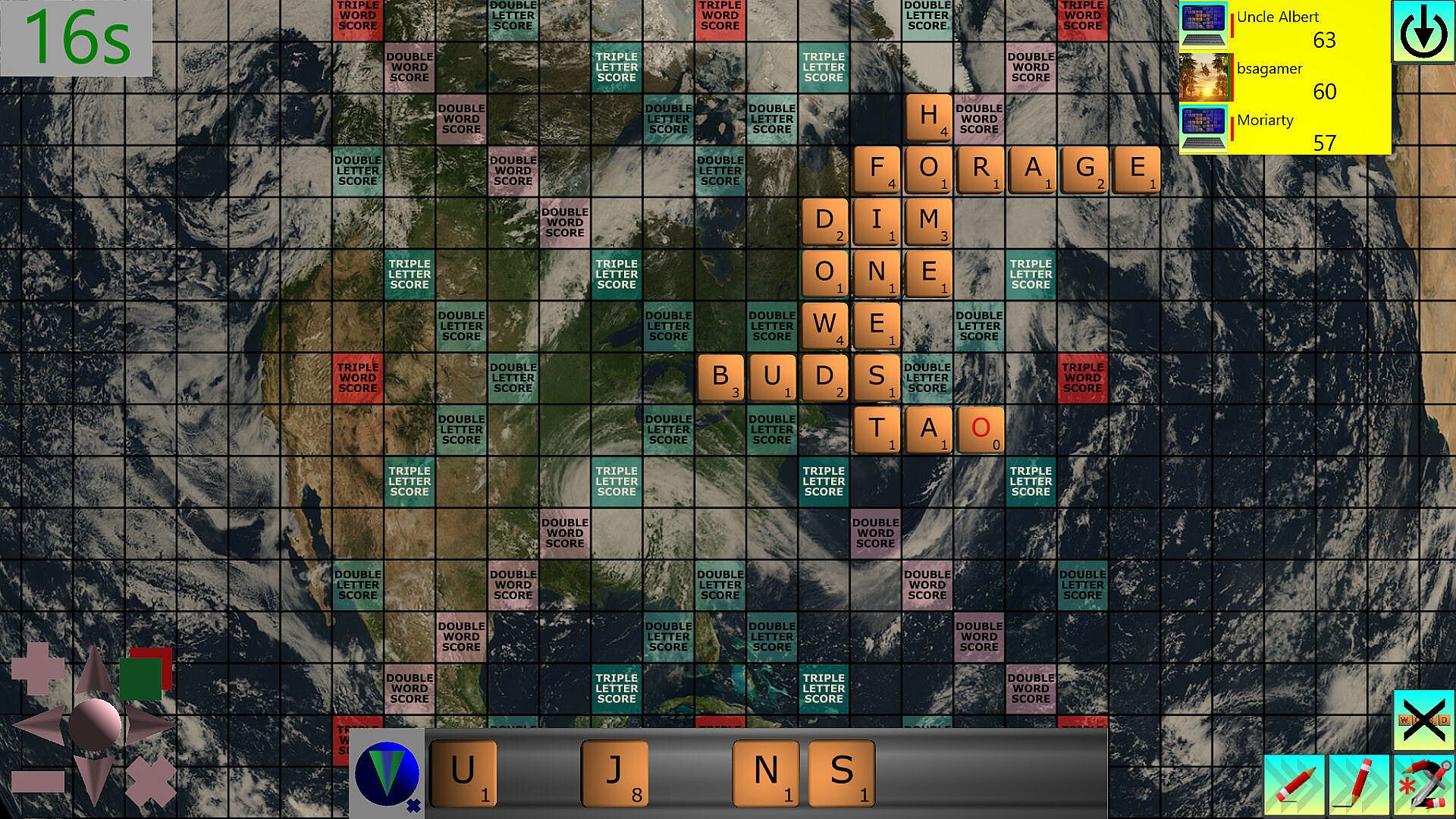
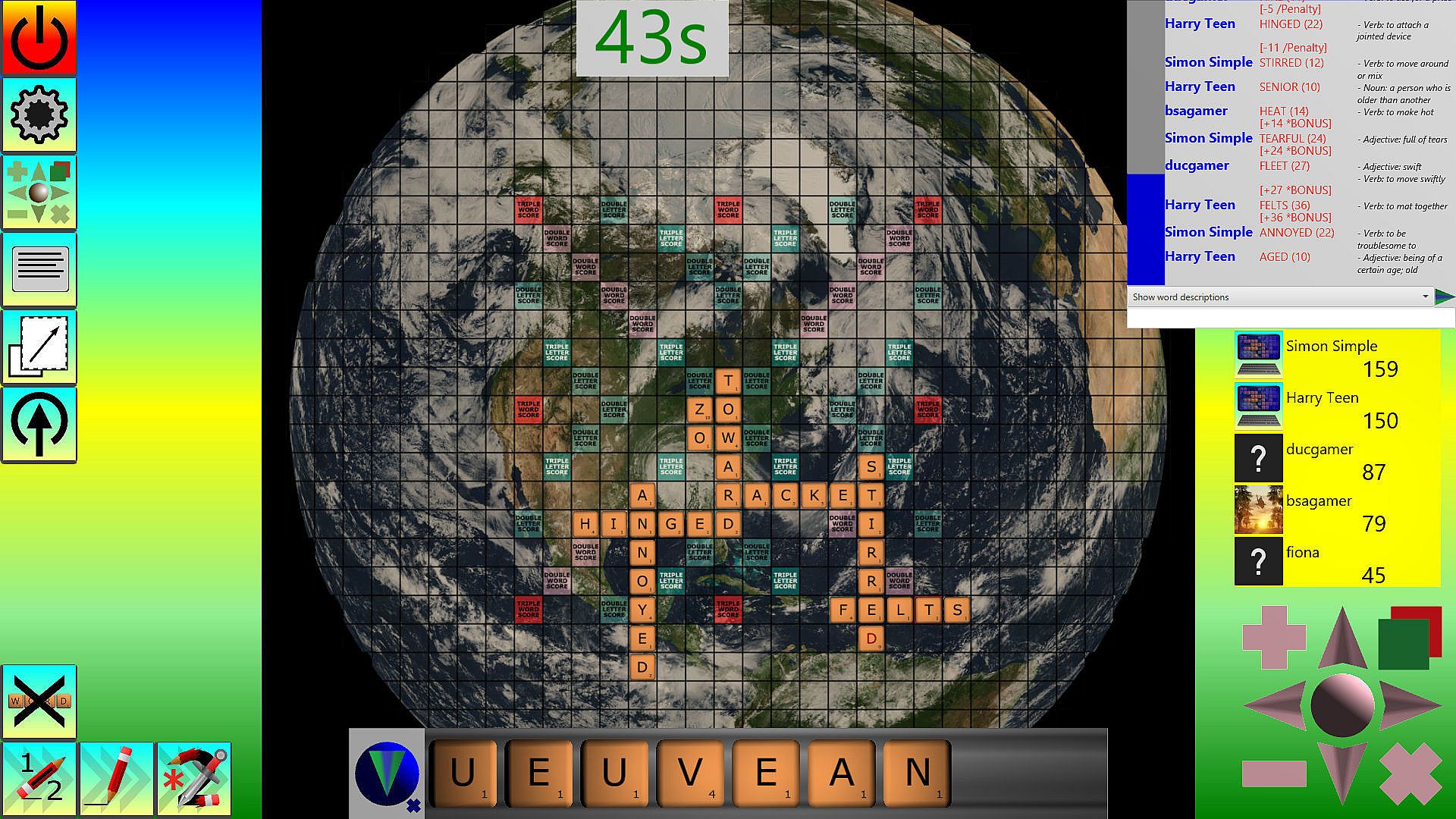
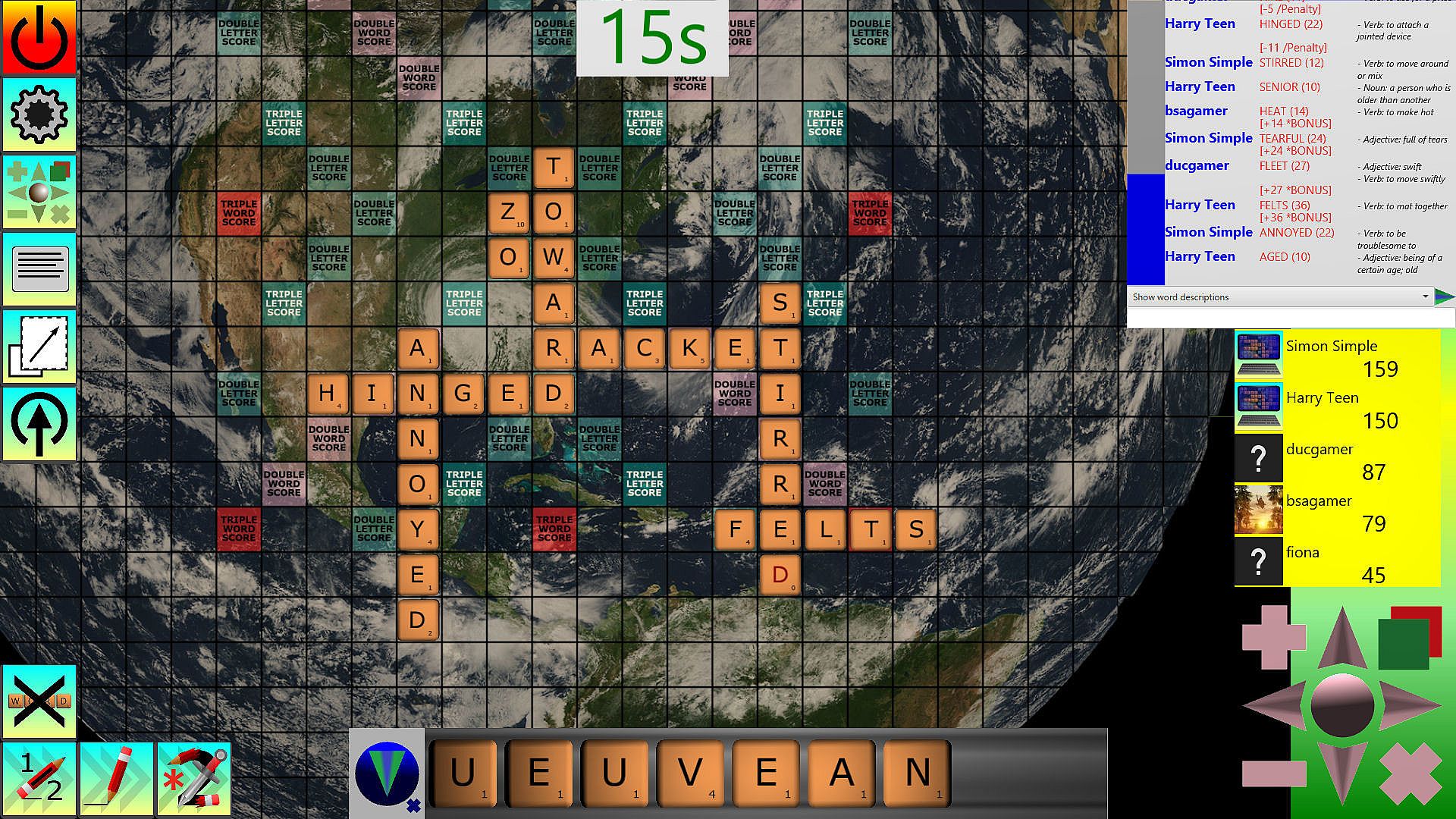
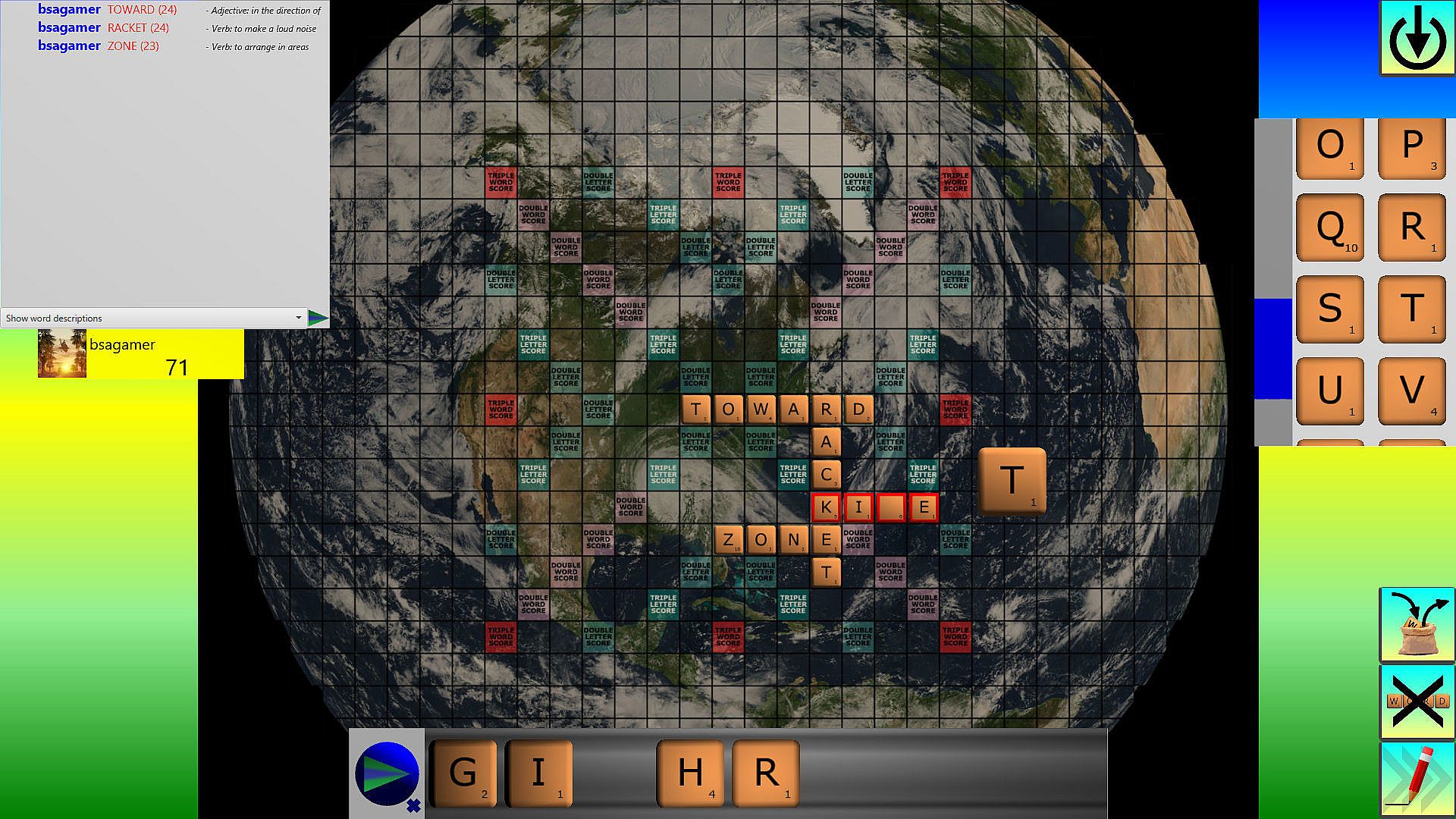
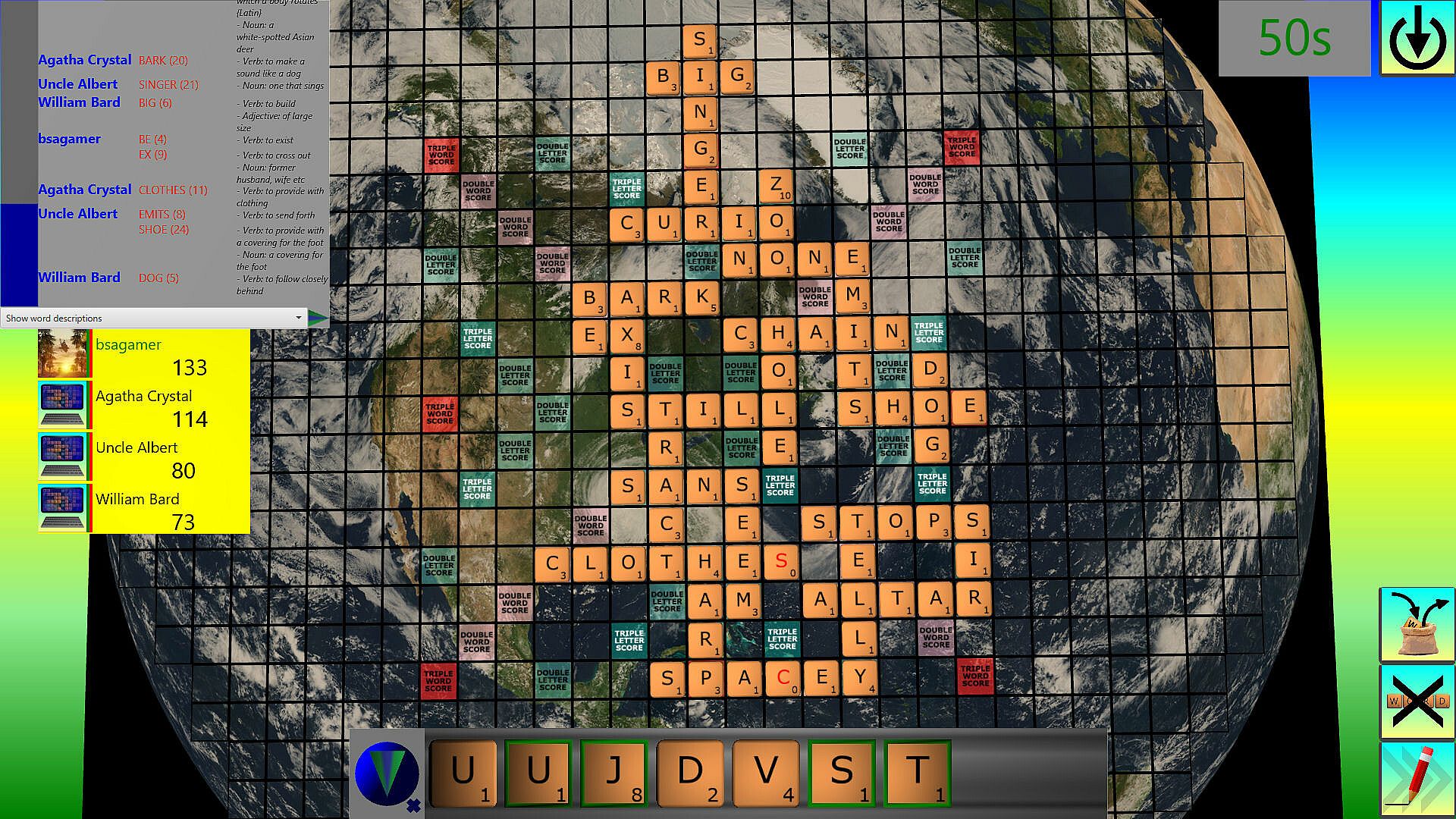
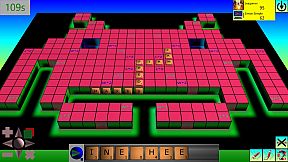
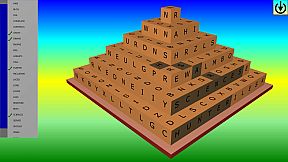
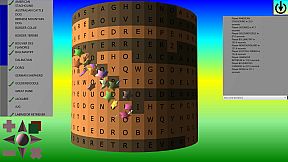
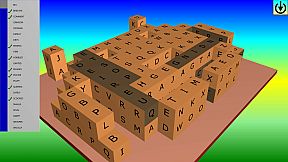
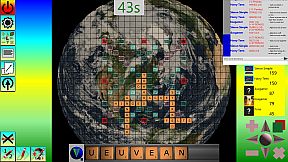
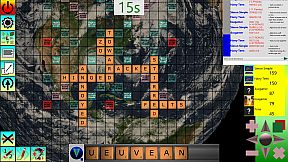
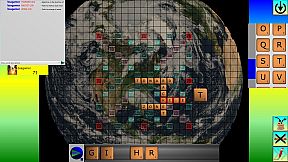
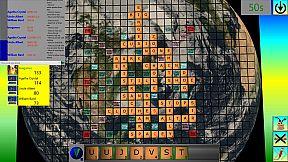
Word Attack delivers a suite of word-based challenges on PC, blending strategy with casual play. Players tackle modes like Battle Boards for multiplayer tile placement on custom 2D collages, 3D cubes, or cylinders, forming lines of letters to score via bonuses and traps. Other games include Codeword for cracking number codes, Decipher for guessing hidden words with color cues, Pairs for matching terms or definitions, Slide for rearranging grids into multiple words, Unscramble for sorting jumbled letters, Word Escape for sliding blocks to free a hero, Word Hunt for probing hidden terms on shaped boards, and classic Wordsearch.
Thoughtful planning shines in timed or relaxed sessions against friends, tough AI, or solo. Design voxel shapes, backgrounds, and tile sets to personalize boards. Casual strategists who enjoy multiplayer lobbies, procedural puzzles, and endless replayability find a perfect fit.
Word Attack is a game suite, predominantly based around words.
Some of the games encourage playing at a faster pace, however you can play slowly if you like, as thought and planning is often required.
See below for more information about Battle Boards, Codeword, Decipher, Pairs, Slide, Unscramble, Word Escape, Word Hunt, and Wordsearch.
BATTLE-BOARD
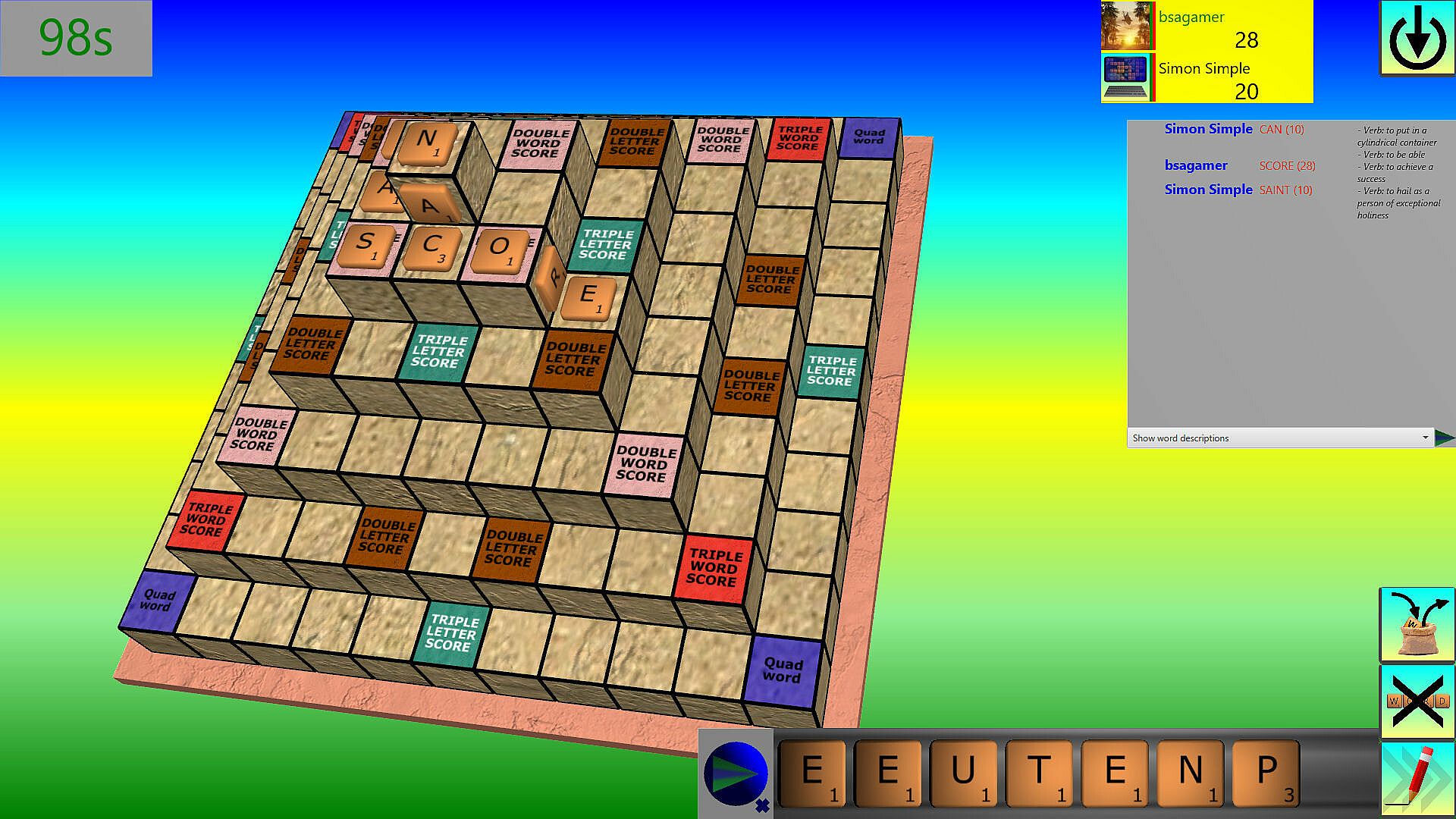
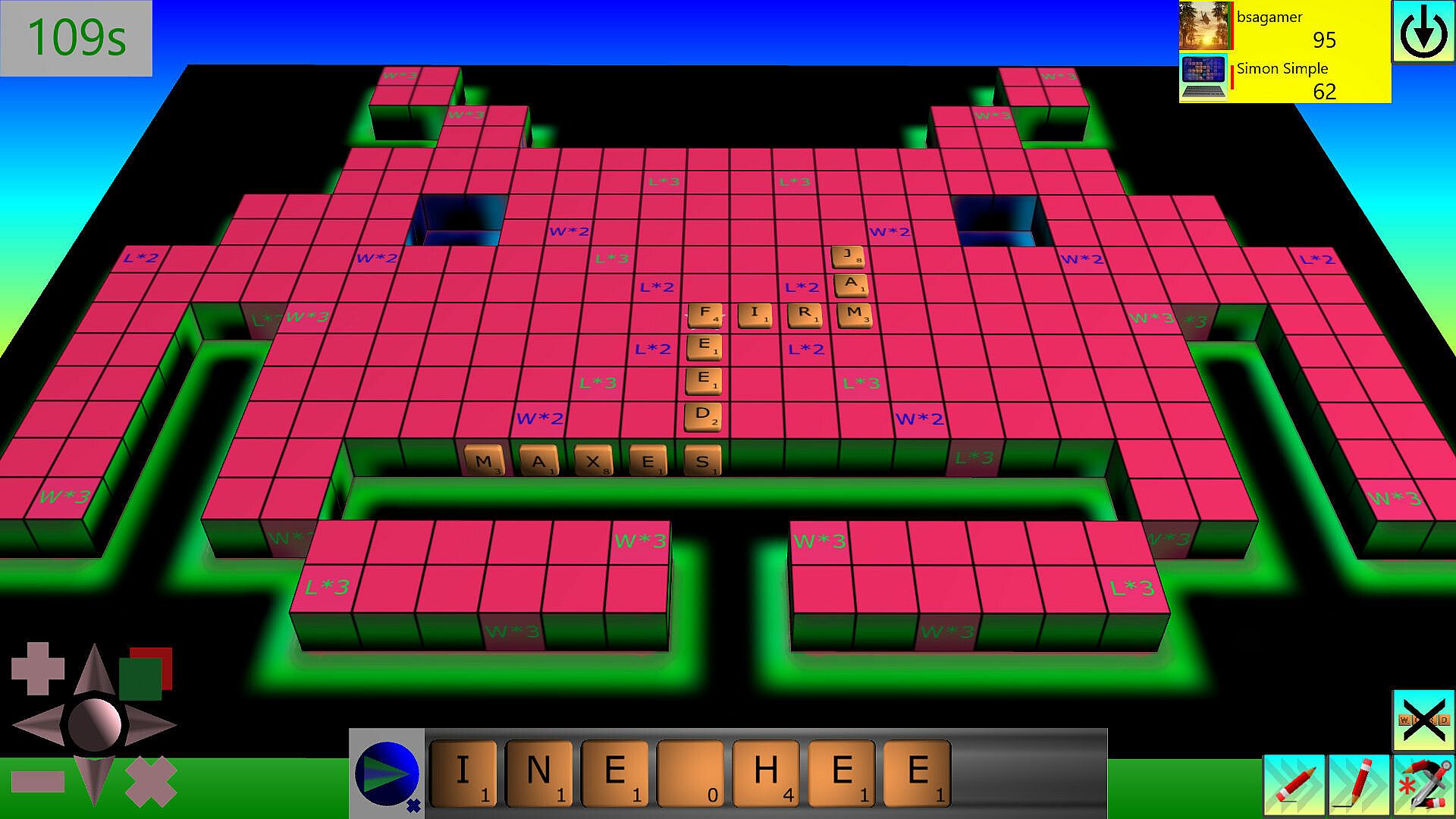
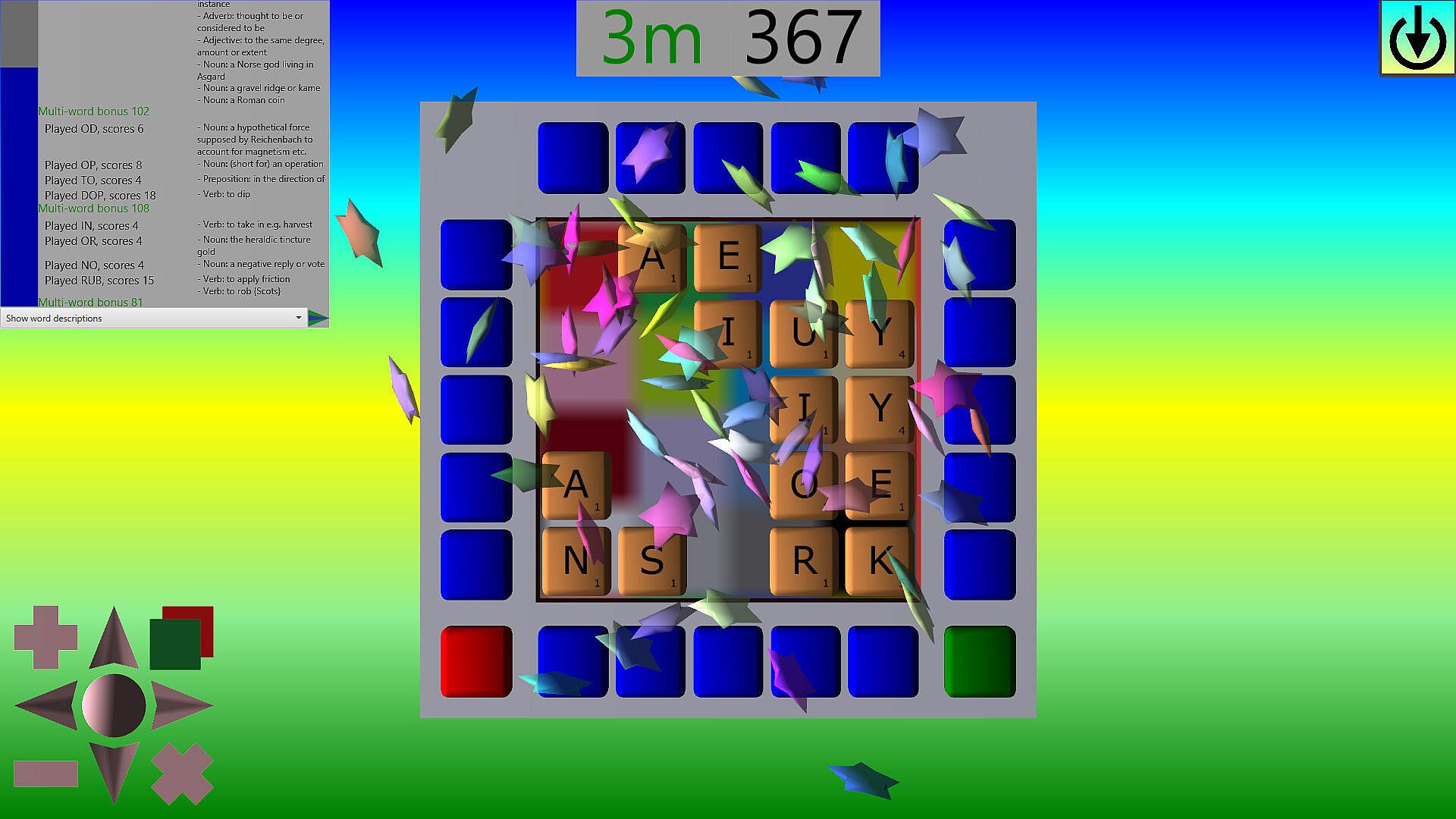
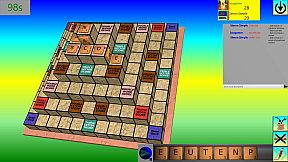
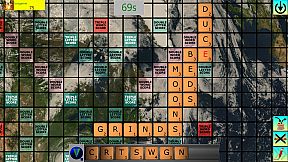
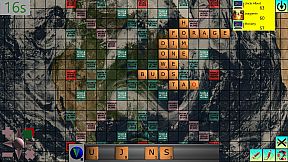
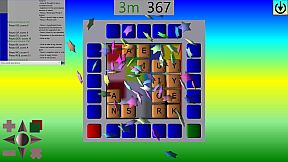
Place a line of letters onto the board to form more words.
Some features of the BATTLE-BOARD game:
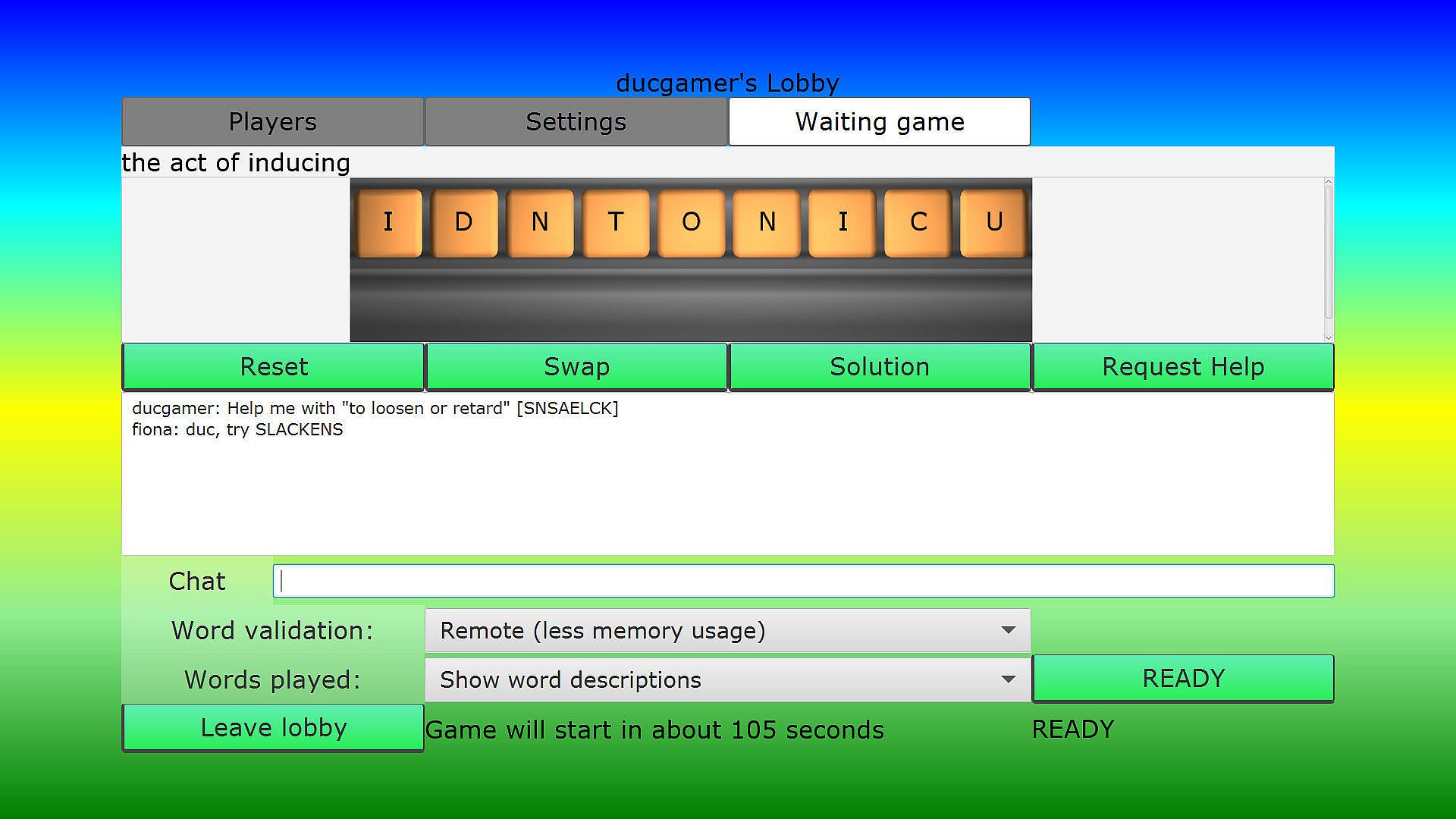
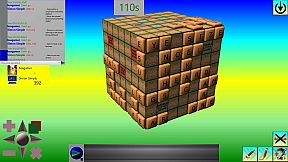
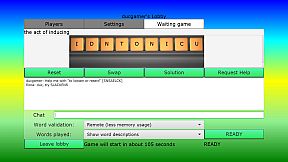
- Multiplayer. You can play in parallel or in turn against other human players. When playing in parallel you use the same set of tiles and the best scoring play stays on the board, all players getting their score. Steam lobbies are used, with the first computer hosting the game server and everyone being a client to the host. You can auto join/create a new lobby, choose a lobby to join or create a new lobby. Manually creating a lobby you can set it to "Friends only". While waiting for a game to start everyone can play an anagram game and text each other. The lobby leader can decide if there will be any computer players, the board to play on, the tiles to use, the rules in play and how and when the game will start. If the lobby leader drops out, then someone else's computer should fill the role. When the game is about to start, the lobby owner will automatically start a server and the server will pass the game setup to the clients.
- If you don't want to play against other people then in local/single player mode, you can always choose to play against the computer (note that some of the computer players are exceptional at playing the game) or on your own in Patience mode.
- You can play against the clock, either by defining a round length or by setting the overall active time that can be taken, or not have a clock and just take your time.
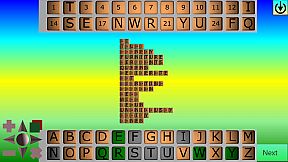
- Non-rectangular boards based on areas you can't place tiles (Design your own 2D collage backgrounds, then use the board designer to define where you can place tiles, and set where bonuses and score traps are).
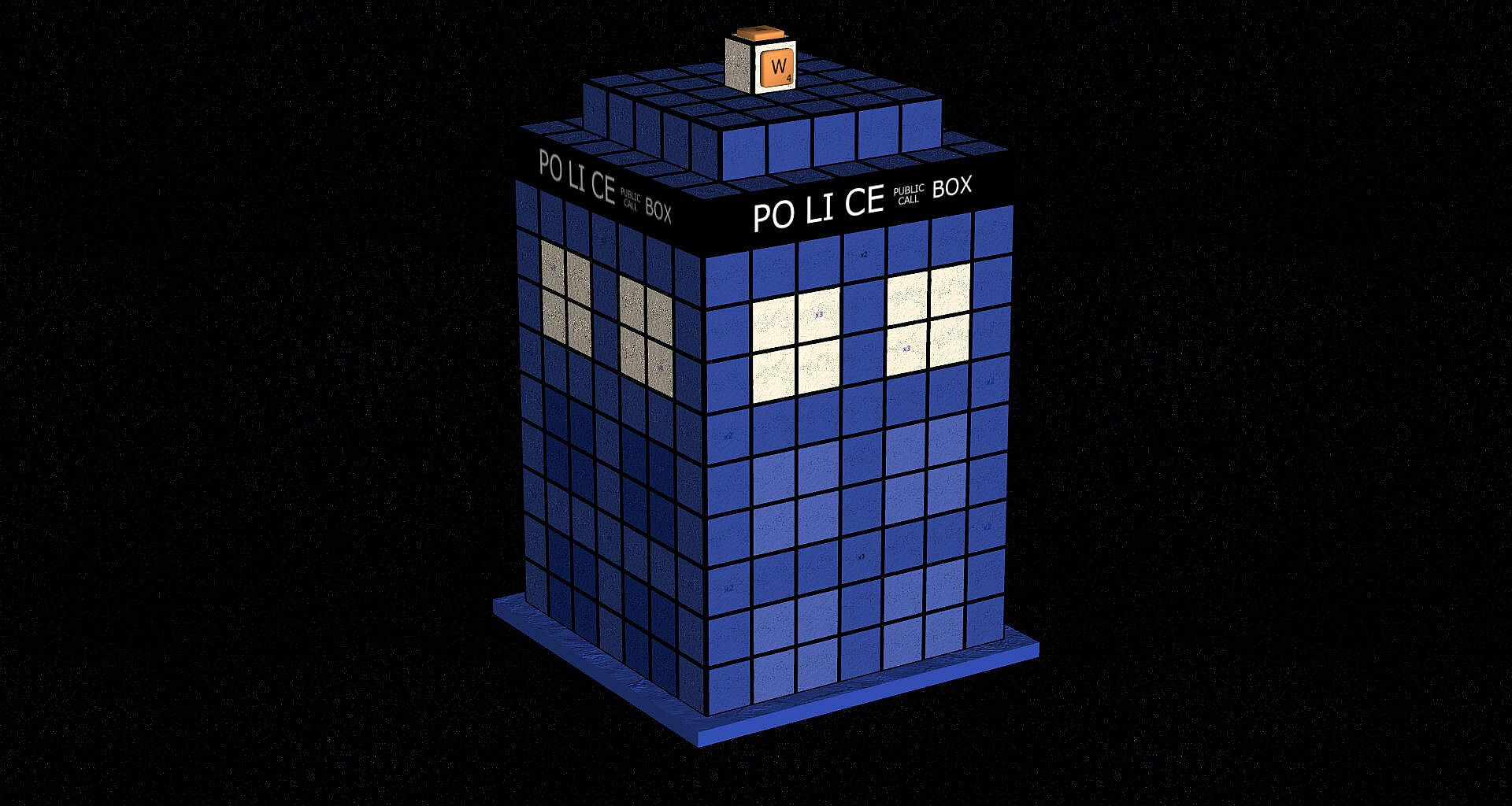
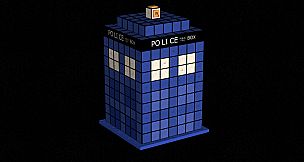
- 3D boards. Want to try playing around a cube? In this game you can. (Design you own 3D boards, define 3D shapes with the Voxel designer, then use the Board designer to specify where you can place tiles, and set where bonuses and score traps are).
- Cylinder boards, go around and around...
- You can set the game rules, e.g. choose to play words left and/or right and up and/or down the board. Set how blank/wildcard tiles score.
- Scores are based on the value of the tiles and where you place them. Try to use bonuses the board may have, but avoid any scoring traps.
- Multiple sets of tiles to play (make up your own tile sets).
- Tiles can contain single or multiple characters. Blank tiles can be replaced with contents of other tiles (e.g. multiple characters where applicable).
- Multiple computer players with different playing styles and vocabulary that they will use.
- Game modes where you can vote to attack (for double scores) or defend (prevent double scores). Play these when you think it's going to benefit you and not everyone else, because everyone gets the score boost if it happens (when all playing in parallel).
- Adjustable interface layout. Drag and resize things like the score panel, clock etc.
While playing you can either drag individual tiles from the tile rack onto the board or you can pick which tiles to place and where to start placing them from. When placing selected tile(s) you can either gesture which direction they should be placed (eg click and drag the mouse in the required direction) or click on the arrow control on the tile rack to specify the direction, then click on the tile to start placing from.
To remove placed tiles you can click on them with the secondary mouse button or click on a cancel button.
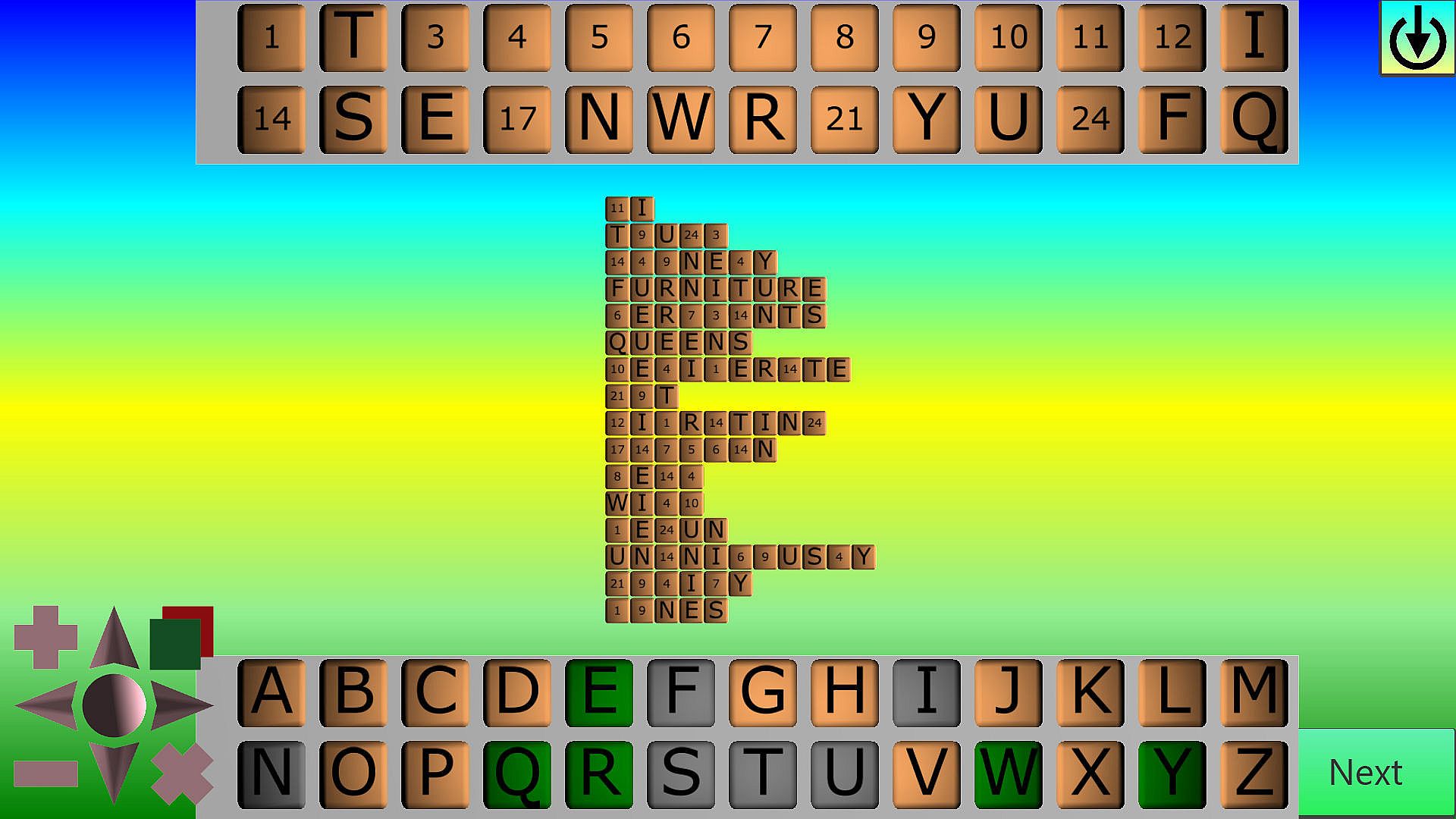
CODEWORD
Letters of the alphabet have been replaced with numbers. Find the letters each number represents to break the code.
Some features of the CODEWORD game:
- Choose which word list/computer personality words are taken from.
- A list of procedurally selected words are shown in coded form to enable you to break the code, providing endless re-playability.
- Choose the minimum/maximum size of the words shown.
- Set the minimum number of tiles to show (the longer the words then the less words will be shown, but the easier it should be to decide what words they are).
- To help, you can ask for the for as many numbers as you like to be solved for you - it just reduces your score (tiles are shown in green**).
- When you fill a row of tiles with a valid word it is ticked off.
- You can play against the clock or not have a clock and just take your time.
DECIPHER
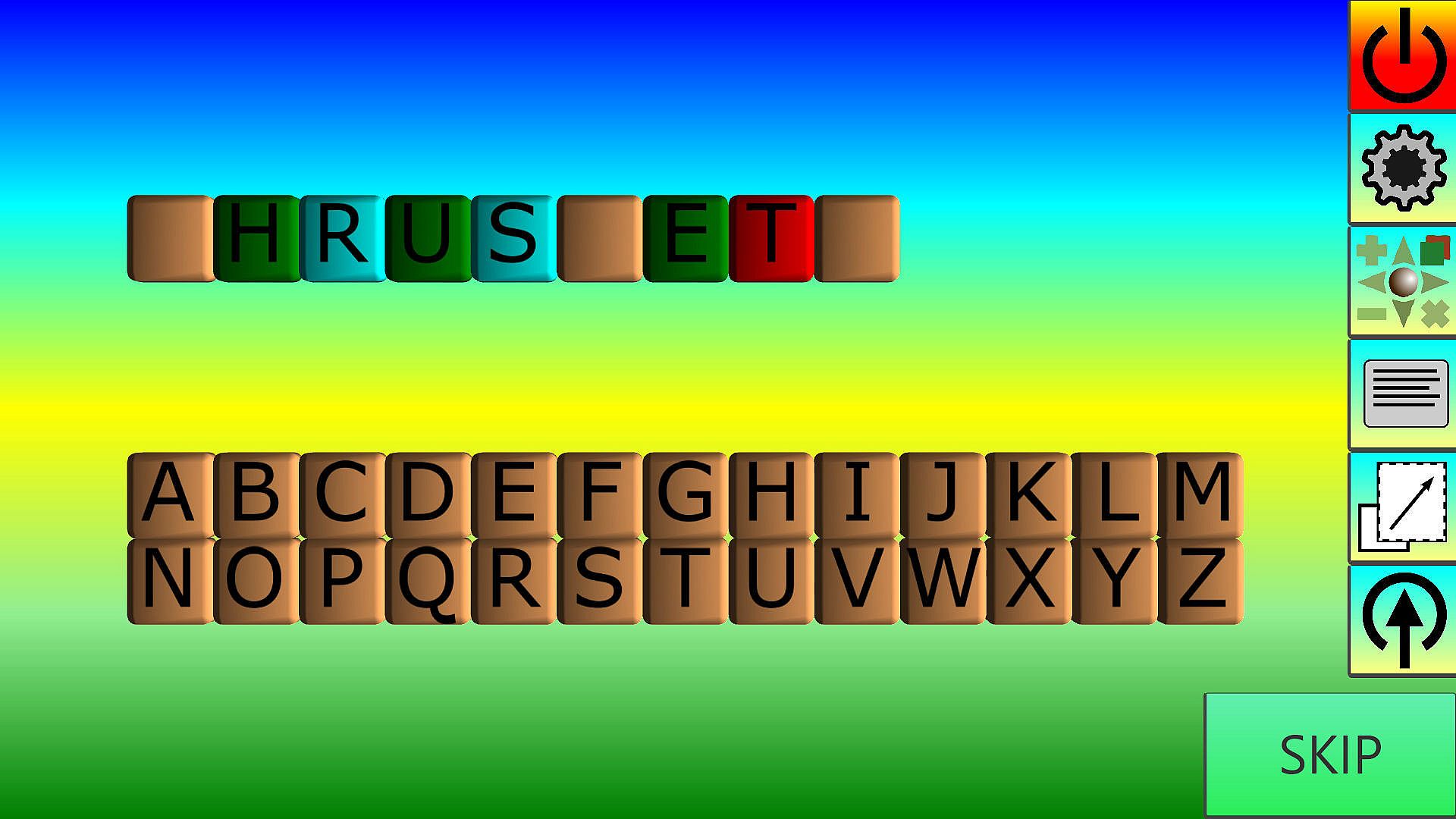
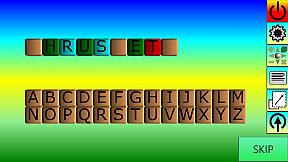
Decide what the hidden word is. The tiles of the word start off blank, drag letters onto them to form the hidden word.
Some features of the DECIPHER game:
- Choose which word list/computer personality words are taken from.
- Choose the minimum/maximum size of the words to find.
- Correctly placed letters turn green**.
- Letters needed in the word but placed in the wrong position turn blue**.
- Letters not needed in the word turn red**.
- You can play against the clock or not have a clock and just take your time.
PAIRS
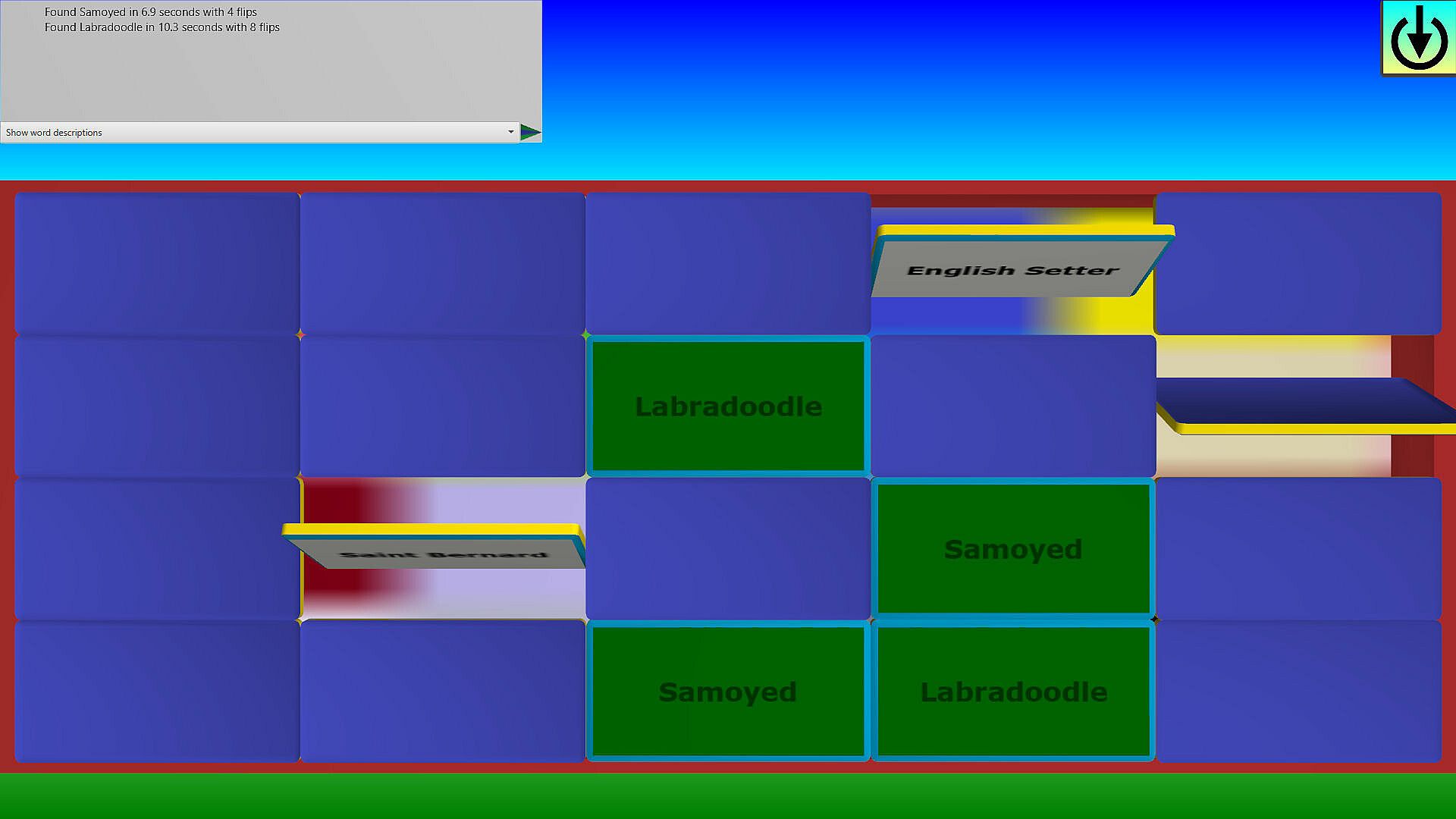
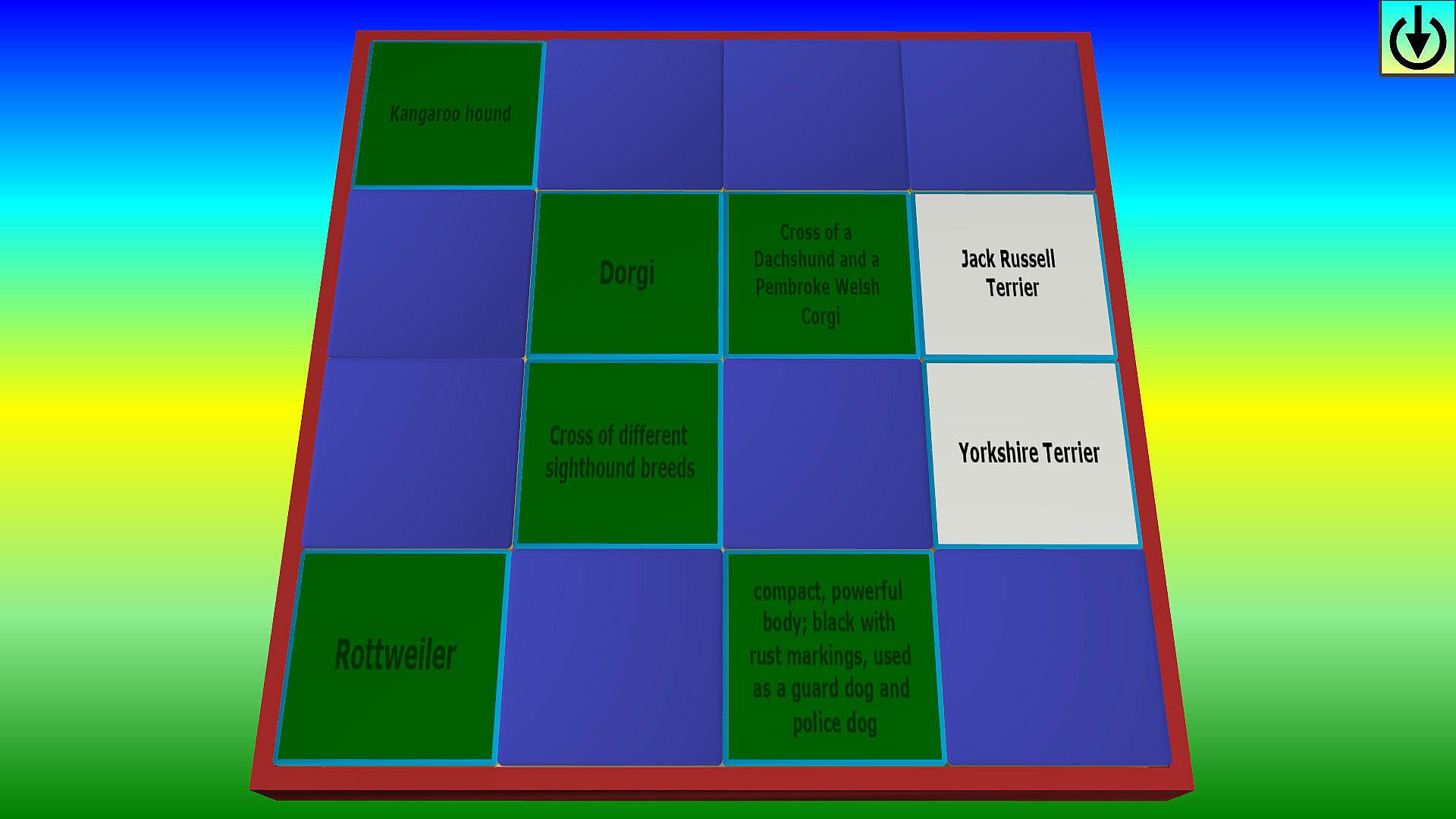
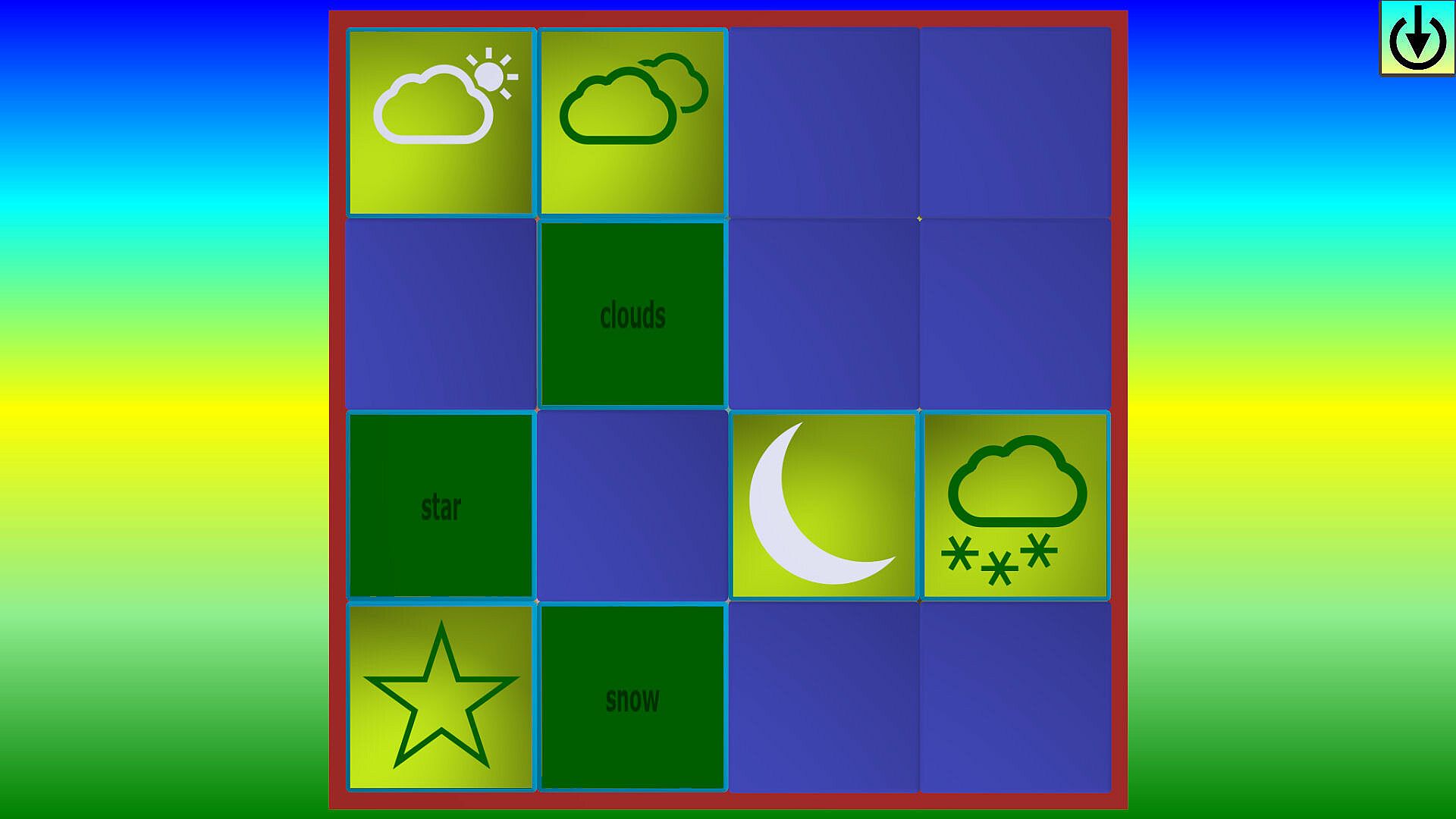
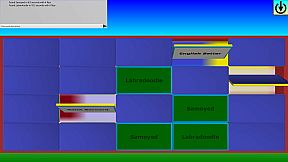
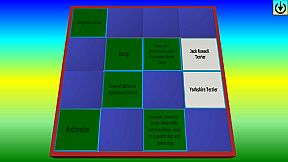
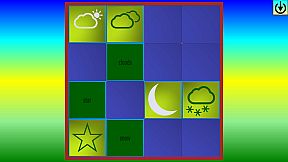
A memory game where you flip tiles to find pairs of words, images or match words to their definitions.
Some features of the CODEWORD game:
- Choose which word list/computer personality words are taken from.
- Choose the minimum/maximum size of the words chosen.
- You can set the game so that the pairs are words, but you can also match words to their definitions, as well as images to the name of the image.
- Clearing boards opens up larger boards to play on.
- Correctly paired tiles turn green**.
- You can play against the clock or not have a clock and just take your time.
SLIDE
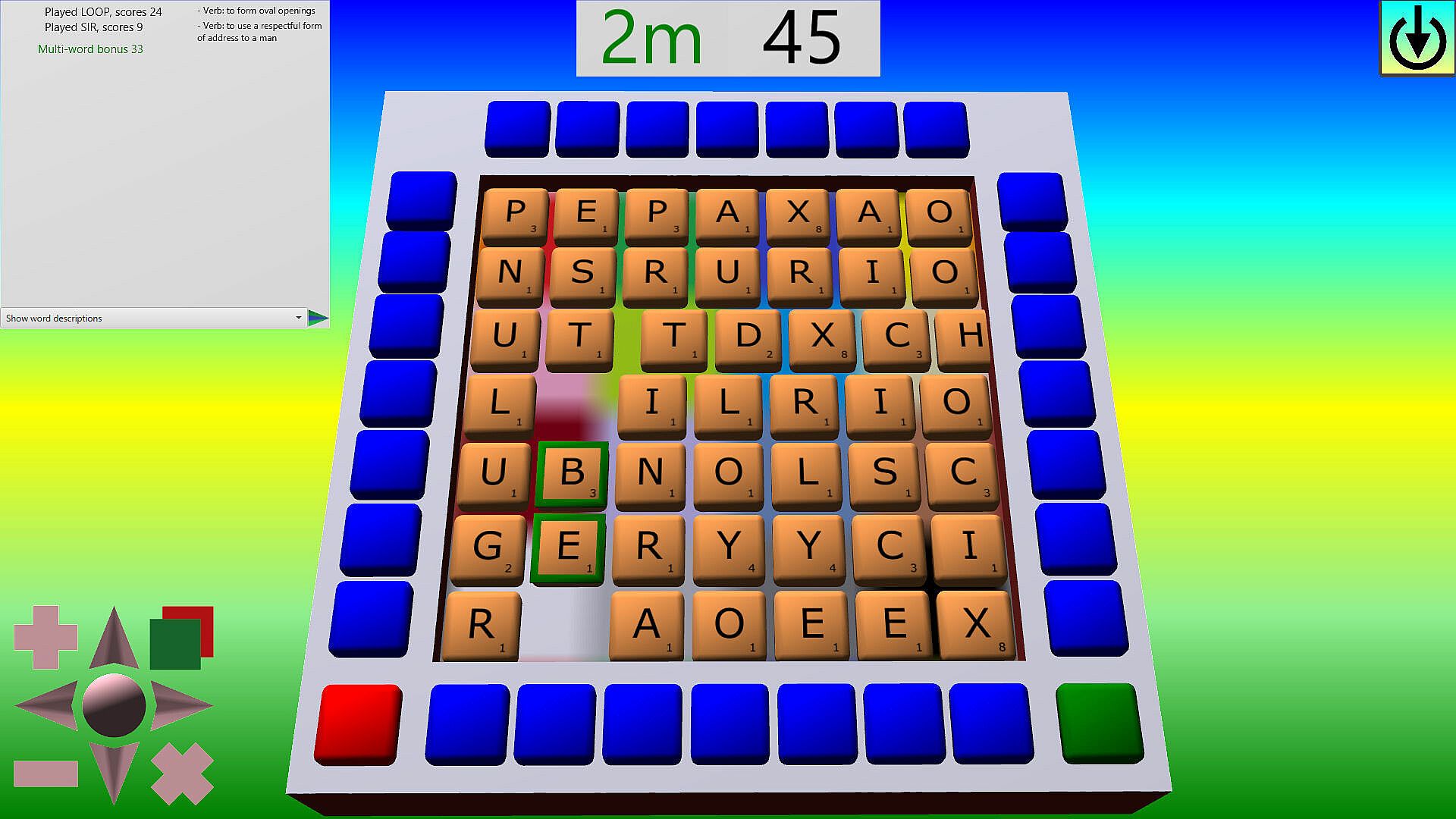
Slide words around the grid and highlight as many words as possible at the same time, without highlight adjacent tiles the don't make words.
Some features of the SLIDE game:
- Move the letter tiles around to form words. Note that tiles that drop off are not automatically replaced, so make space sparingly. Tiles move differently depending on how many tiles need to be pushed along the way, although you can stop this for a short while by depressing the yellow** button.
- Mark the tiles that make words.
- The bigger the word, the bigger the score.
- Push and bump highlighted tiles together to form new words to gain bonuses.
- End a go with multiple words highlighted at the same time to gain big bonuses.
- Bring new tiles onto the board by pressing one of the blue** buttons - but be warned, there's a penalty as bringing on new letters will (slightly) reduce your score!
- Remove your current highlights by pressing the red** button.
- Take your go and bank your score by pressing the green** button. You can make the same words again, but the used tiles will be replaced.
- Playing boards opens up other boards to play on.
- You can play against the clock or not have a clock and just take your time.
UNSCRAMBLE
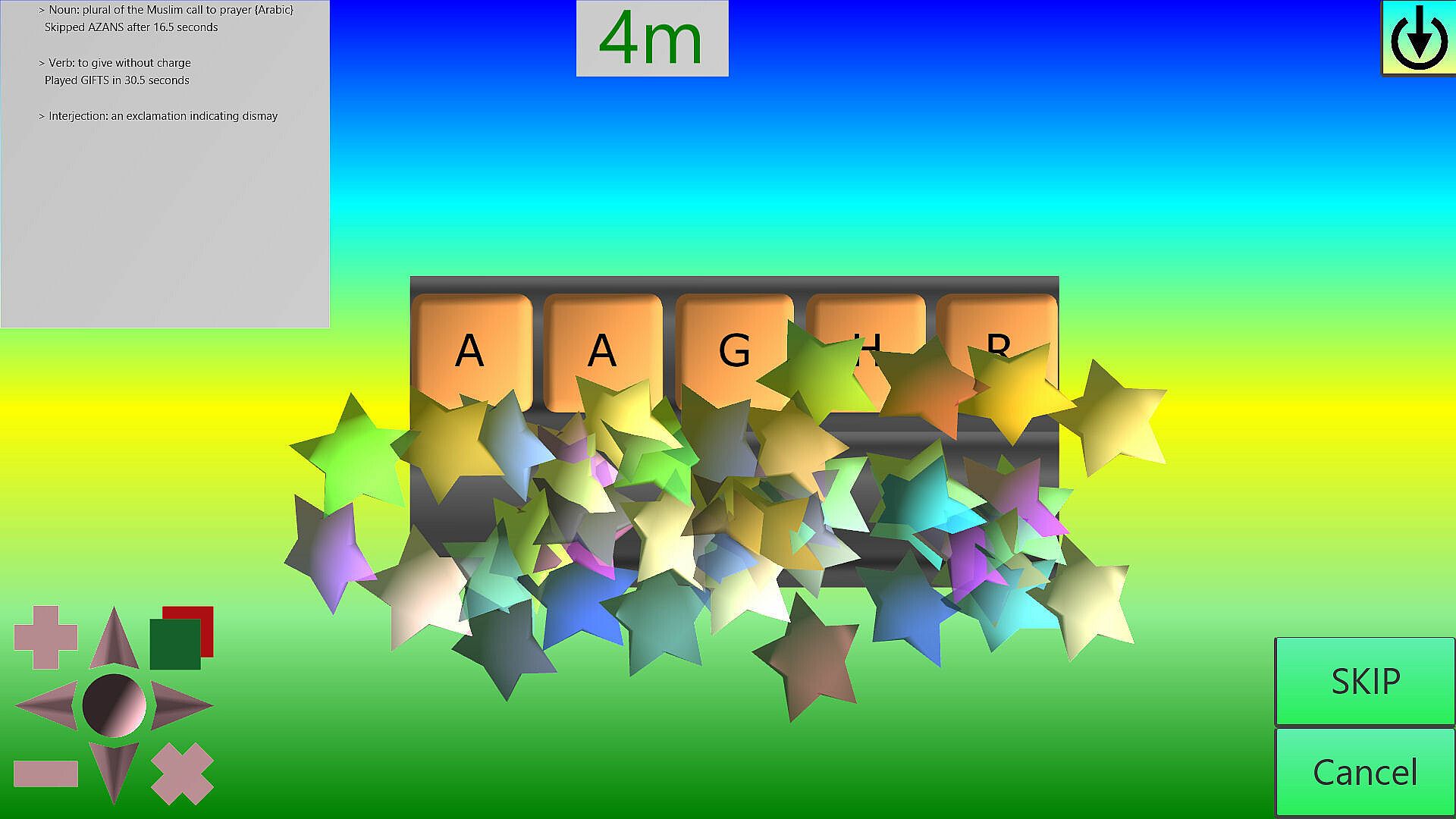
Words are scrambled up, unscramble them.
Some features of the UNSCRAMBLE game:
- Choose which word list/computer personality words are taken from.
- Choose the minimum/maximum size of the words to unscramble.
- Choose if you need to find an exact match to the word chosen, or just to a word that exists.
- You can play against the clock or not have a clock and just take your time.
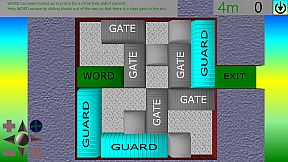
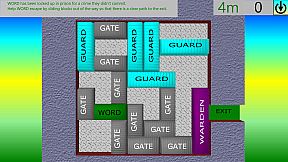
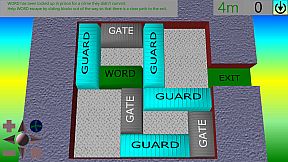
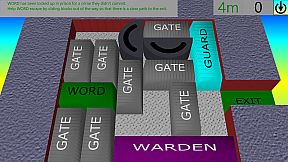
WORD ESCAPE
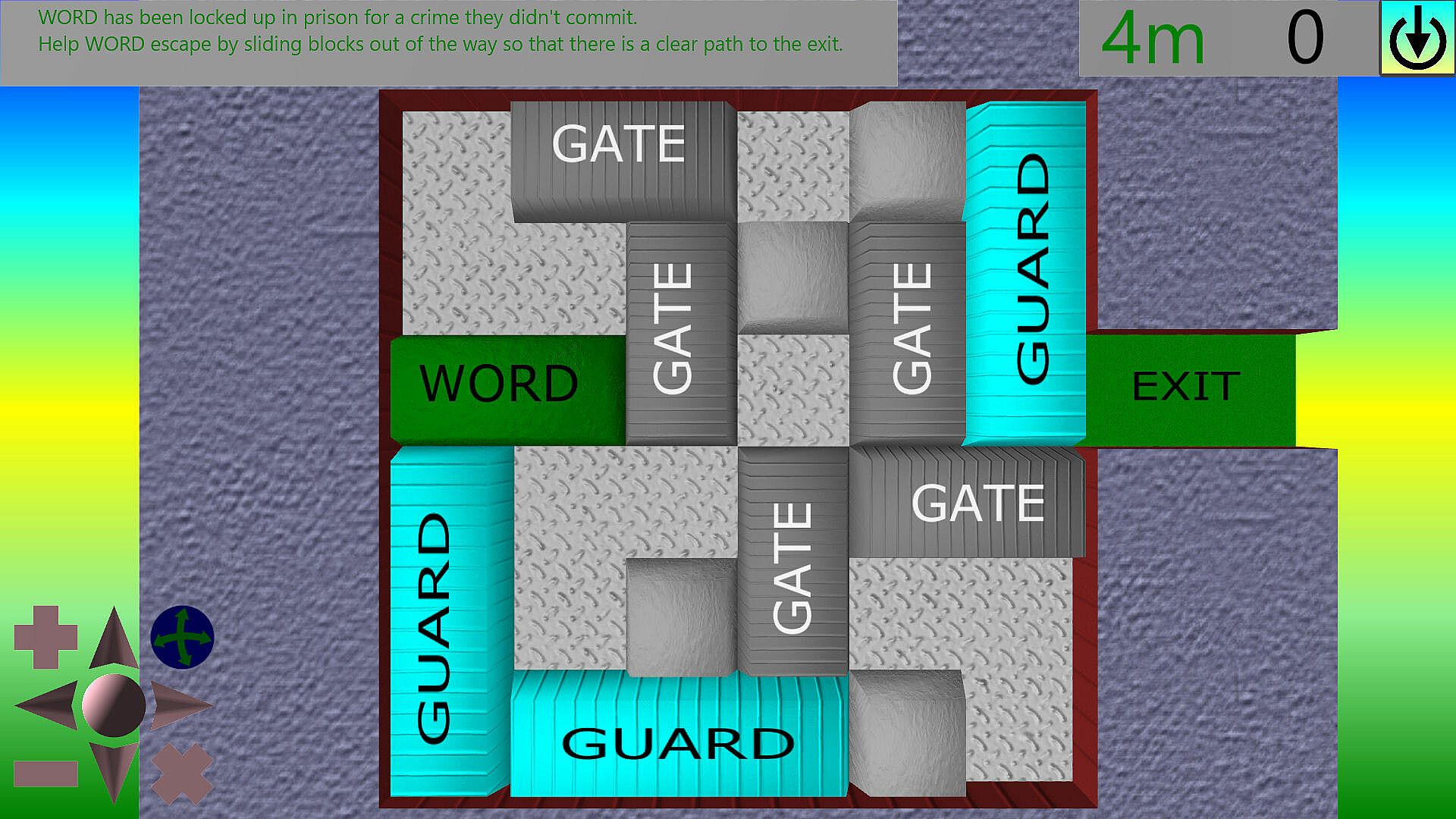
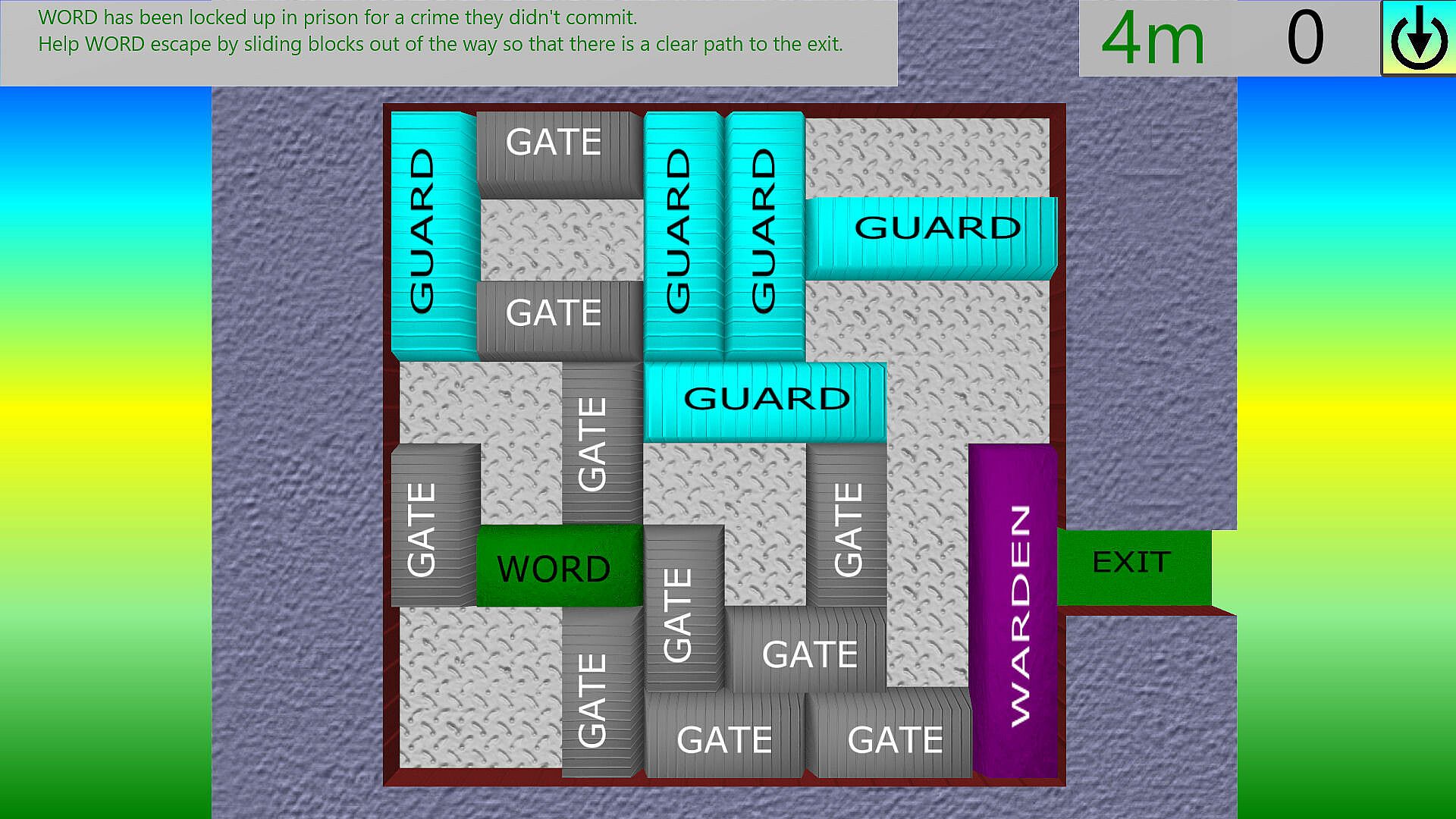
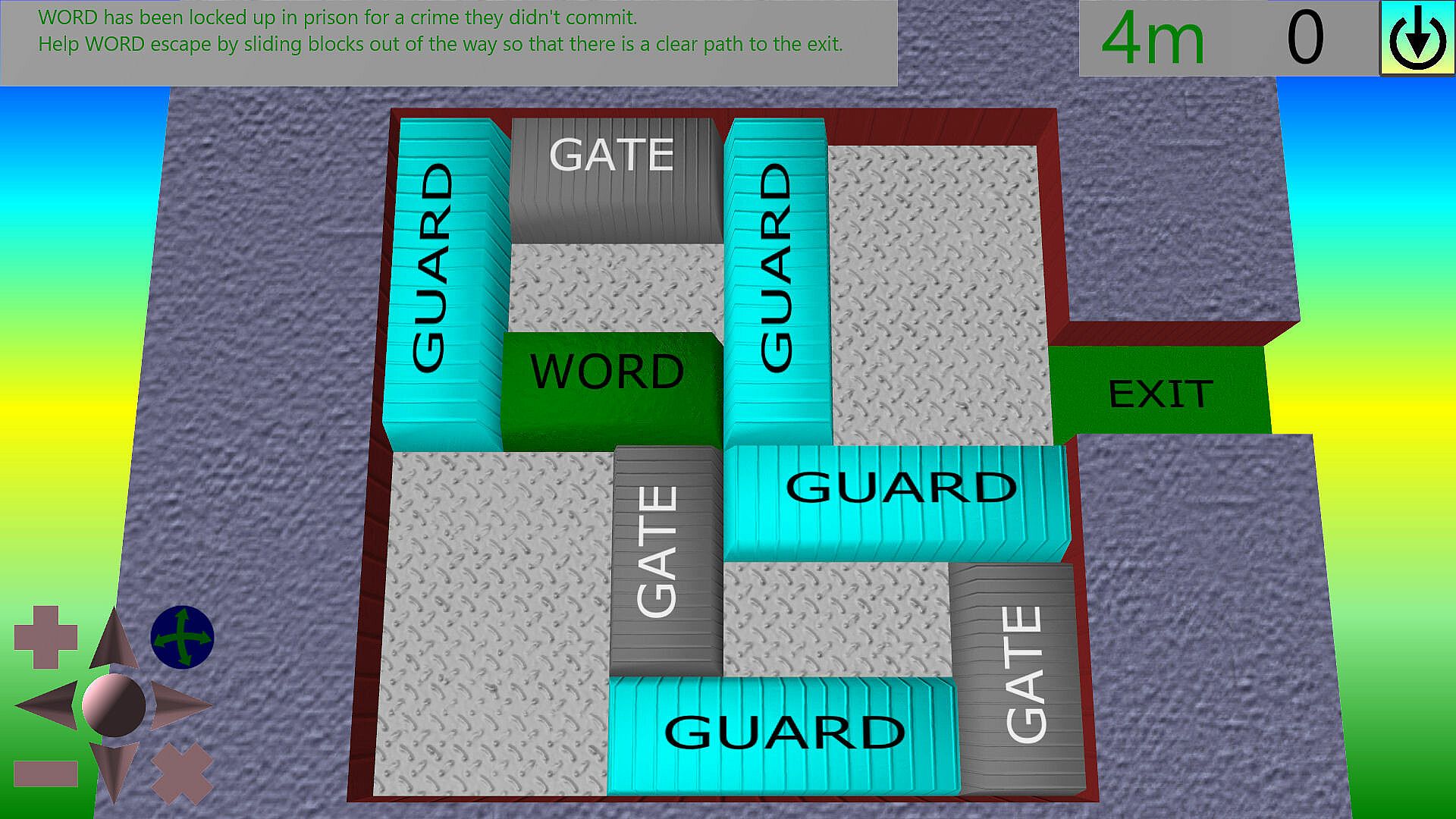
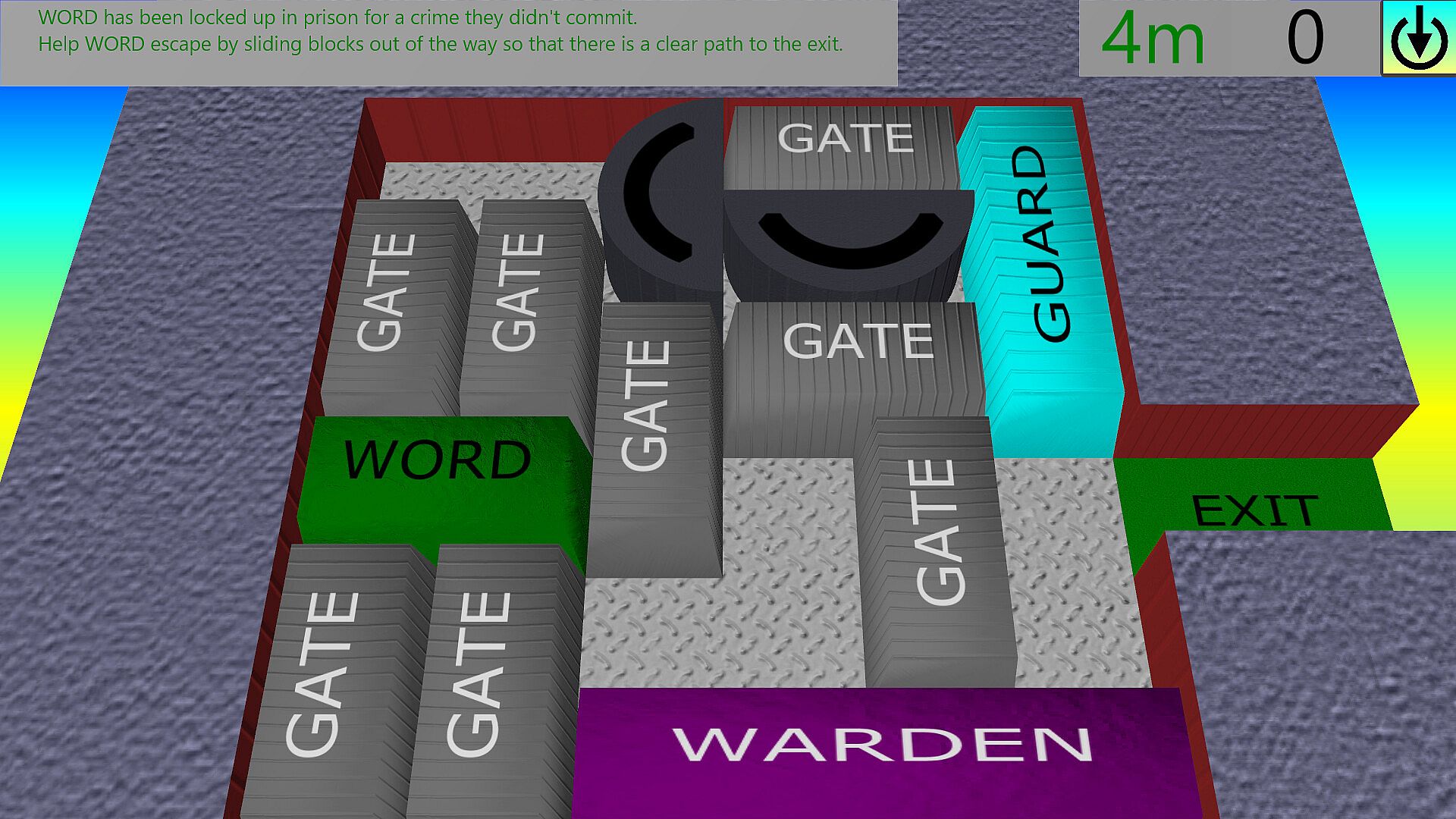
This is a sliding block puzzle, where you need to help our hero "WORD" to escape from imprisonment.
Some features of the WORD ESCAPE game:
- Slide blocks out of the way to clear the path to the exit (blocks only slide along the their primary axis).
- 4 sizes of block (1x1=Static Block, 2x1=Gate, 3x1=Guard, 4x1=Warden).
- Rotator blocks (2x1 gates that can rotate into 4 positions).
- Variable size boards.
- Variable exit points.
- Solve boards to open up new ones.
WORD HUNT
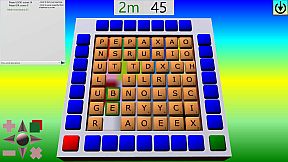
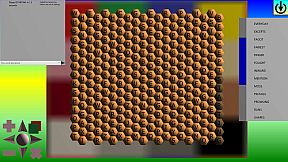
This is a bit of a cross between a battleships type game, a wordsearch game, with a bit of minesweeper thrown in... Find the list of words which are procedurally hidden on the board for endless re-playability.
Some features of the WORD HUNT game:
- Choose which word list/computer personality words are taken from.
- Choose the minimum/maximum size of the words to find.
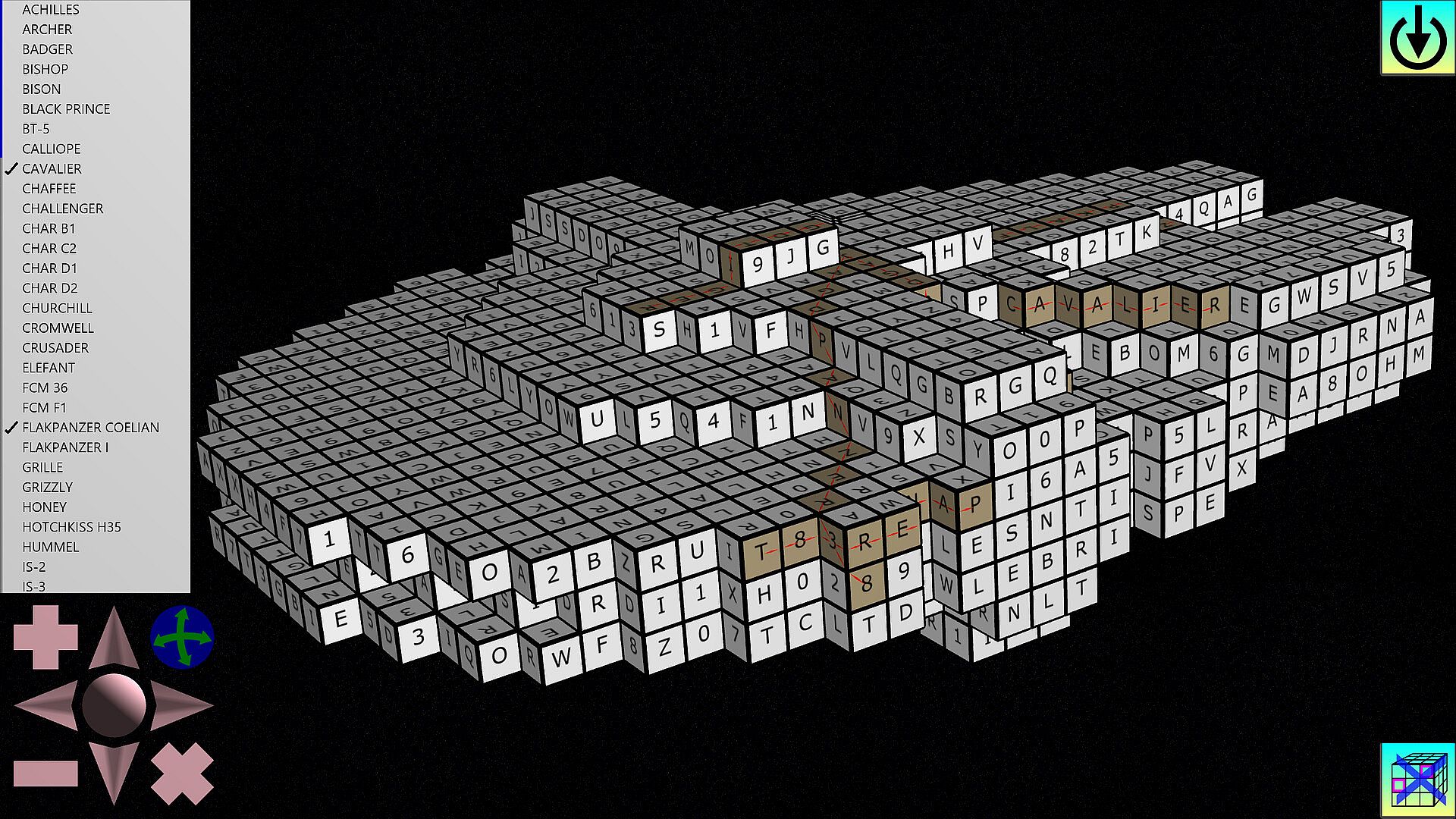
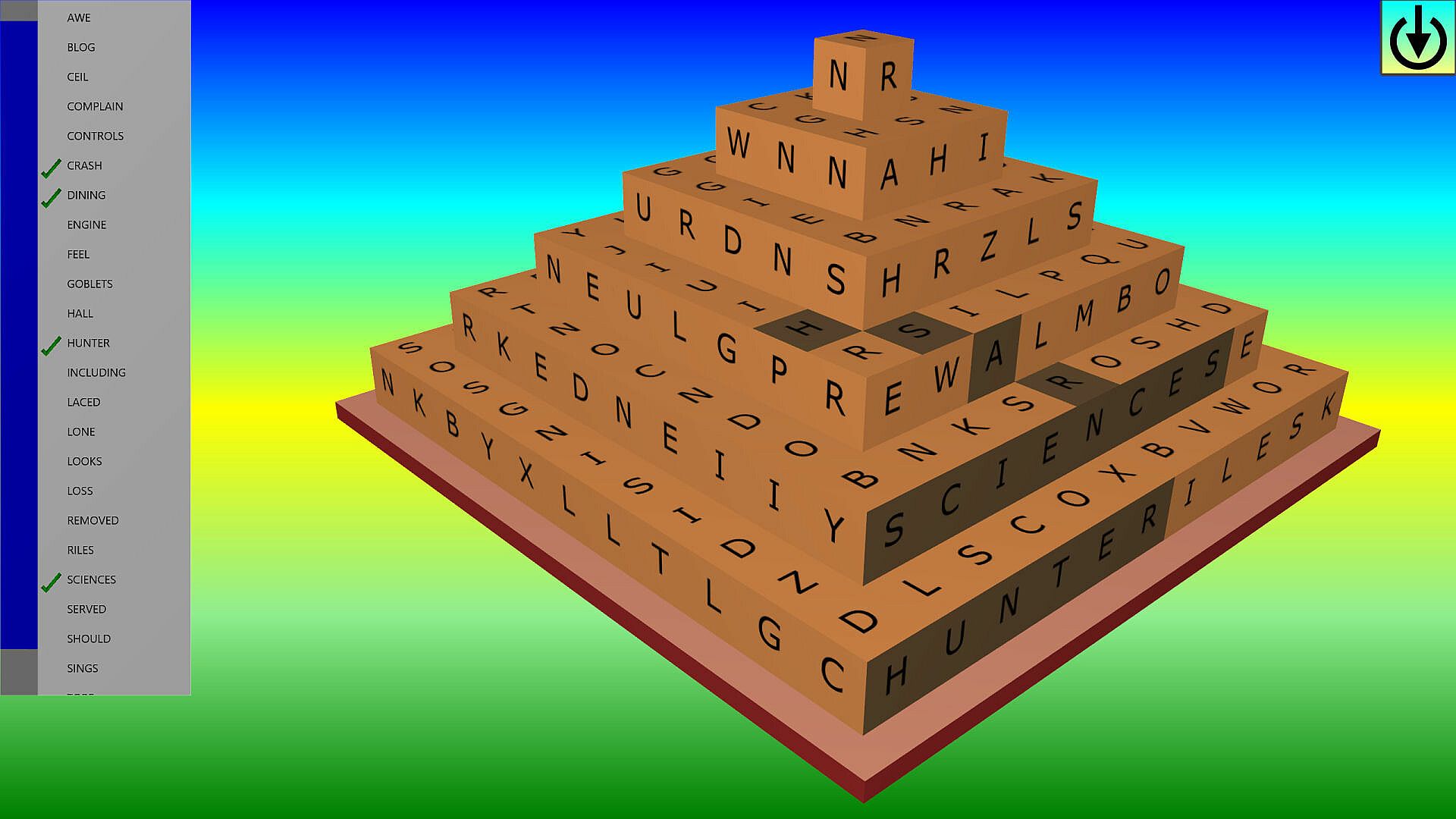
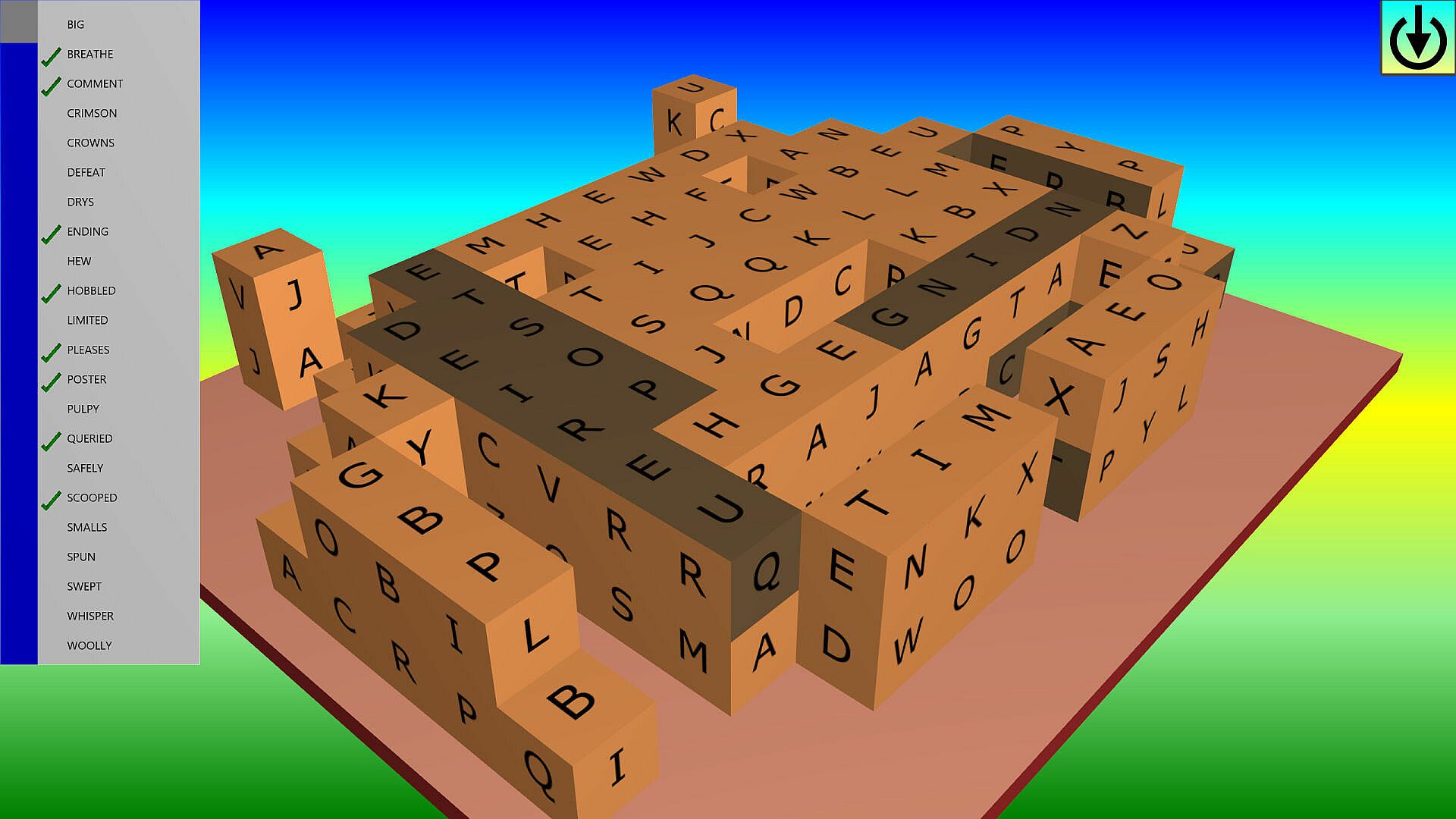
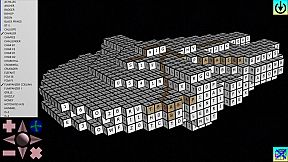
- 3D boards. Want to try playing around a cube? In this game you can. Design you own boards (using the Voxel designer - Using Cube or Basalt shaped Voxels).
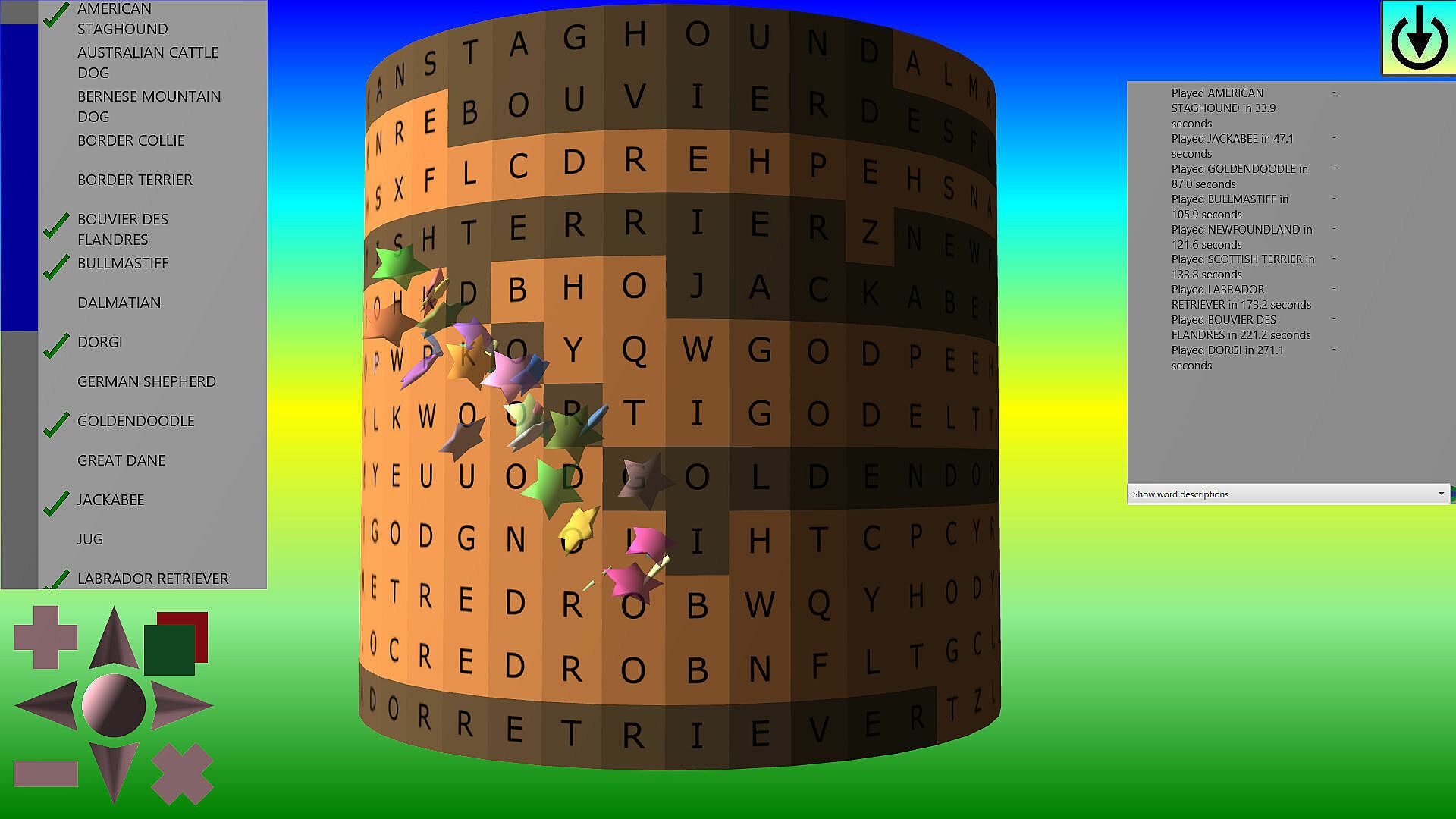
- Special cylinder shaped boards.
- Find words horizontally, vertically, diagonally, forwards, backwords, around corners...
- Can show the number of adjacent letters where you choose a cell that doesn't contain a letter.
- Mark tiles you don't think contain letters and therefore don't need to expose (score is based on how many tiles you expose).
- You can play against the clock or not have a clock and just take your time.
- Resume games in play.
- Finish the game by finding all the words in the list.
WORDSEARCH
Find the list of words hidden on the board.
Some features of the WORDSEARCH game:
- Choose which word list/computer personality words are taken from.
- Choose the minimum/maximum size of the words to find.
- Words are procedurally hidden in random boards of letters for endless re-playability.
- 3D boards. Want to try playing around a cube? In this game you can. Design you own boards (using the Voxel designer - Using Cube or Basalt shaped Voxels).
- Special cylinder shaped boards.
- Find words horizontally, vertically, diagonally, forwards, backwords, around corners...
- Select the first tile of a word in the list, and then the last tile of that same word and it's marked off.
- You can play against the clock or not have a clock and just take your time.
- Resume games in play.
- Finish the game by finding all the words in the list.
CUSTOM BOARDS
Some features of the Voxel designer.
- Define 3D shapes using cube (six sided with square faces) or basalt (8 sided with hexagons on top and bottom, square faces between them) shaped Voxels.
- Optional board for voxels to rise off.
- Mirror options for 3 axis duplication.
- Fill option to fill in gaps between mirrored voxels.
- Place voxels using the primary mouse button, remove them with the secondary mouse button.
- The Voxel shapes created can be used in the Wordsearch and Word Hunt games, and can be used in the Board designer as the basis to design boards for the Battle-Board game.
Some features of the Background designer.
- Create montages from multiple images.
- Use masks to morph the shape of images.
- The backgrounds created can be used as the basis to design boards for the Battle-Board game.
Some features of the Board designer.
- Define your own cell types, how they score, icon overlays, their colour, wording etc.
- Draw where cells should be, optional brush to ensure cells around the placed cell are active.
Some features of the Shape modifier.
- Add background images/texture to 3D shapes created in the Voxel designer.
- Modify the part of the image used for each cell.
Some features of the Tile designer.
- Define your own set of tiles.
- Specify how many of each tile are in the tile set.
- Multi character tiles allowed.
- Tiles that can only be used via wildcard tiles allowed.
- Specify how much the tile scores.
- Specify the size of the letters text.
- Specify the size of the score text.
General
With a touch screen you can zoom and pan the board by using 2 fingers and rotate with 3 fingers.
Otherwise you can use the middle mouse button for movement and the secondary mouse button for rotation.
Alternatively you can use a gizmo to zoom, pan, tilt and reset the position of the board on screen. The top right icon of the gizmo changes the mode for the arrows and the central sphere between rotate, twist and move.
Notes:
** Based on the standard colour scheme. Choosing a different colour scheme may change the colour used.