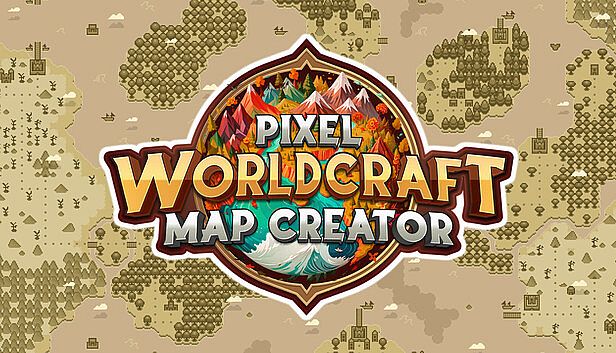


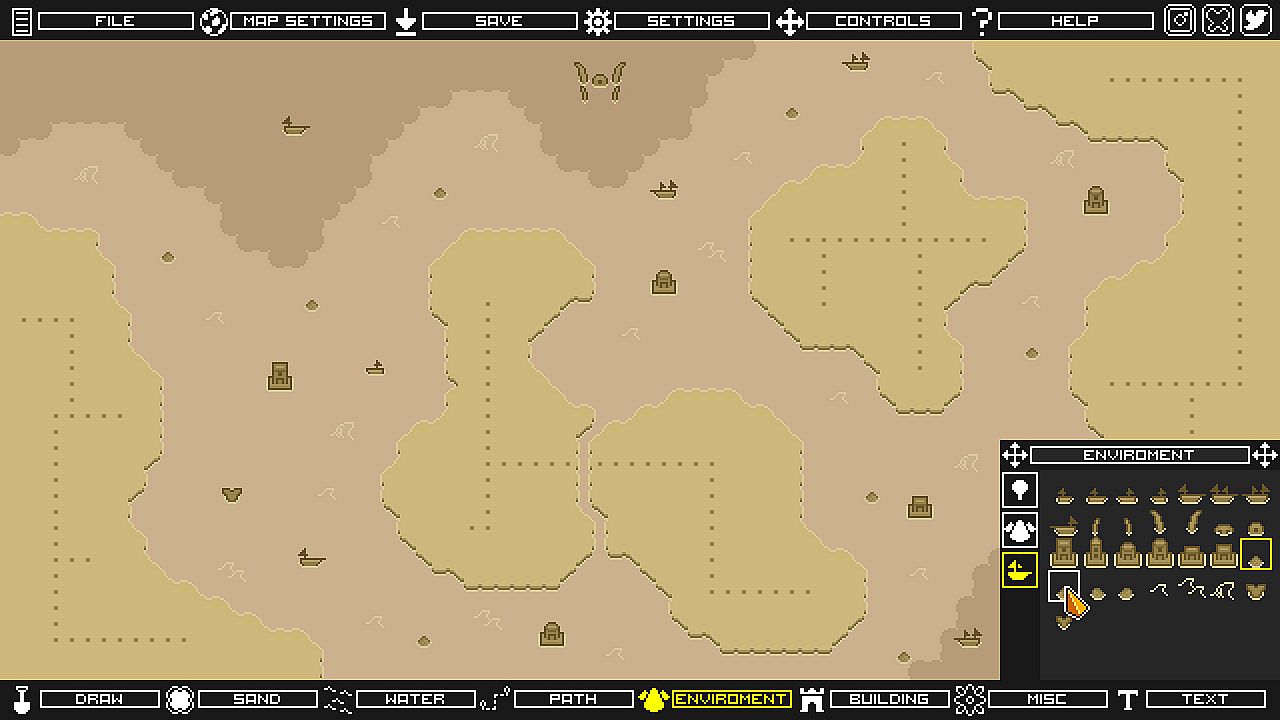
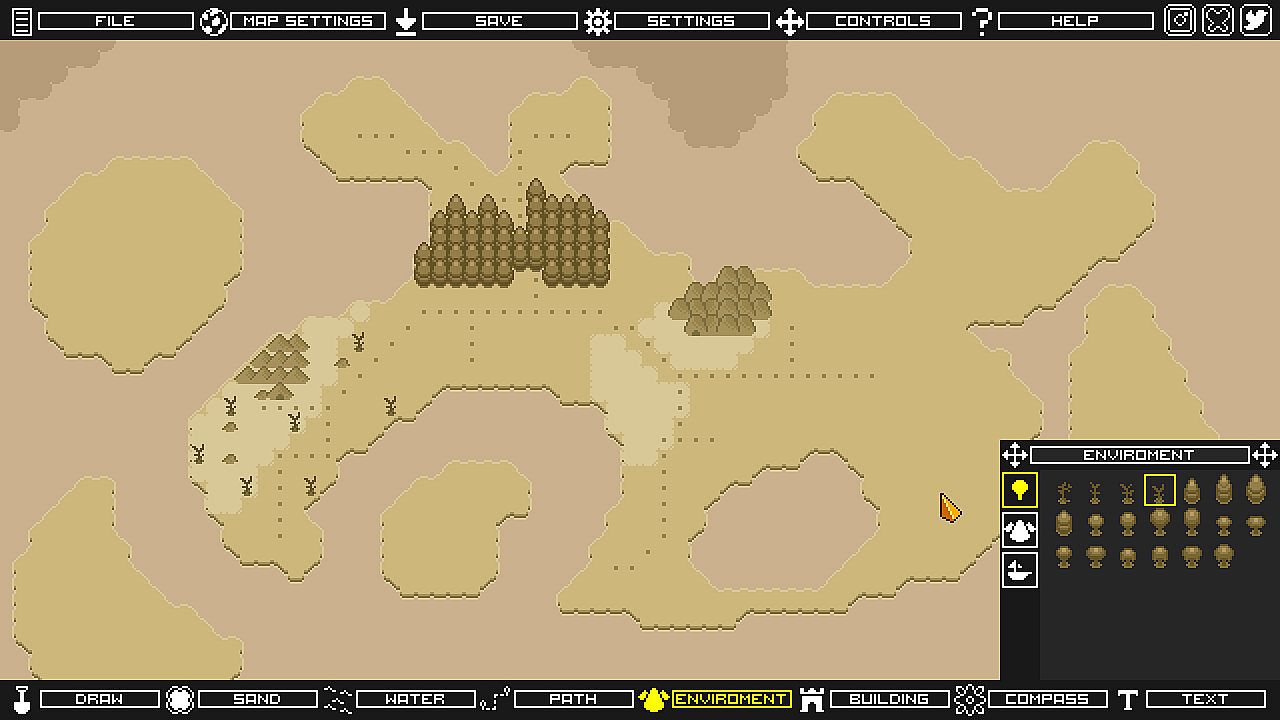
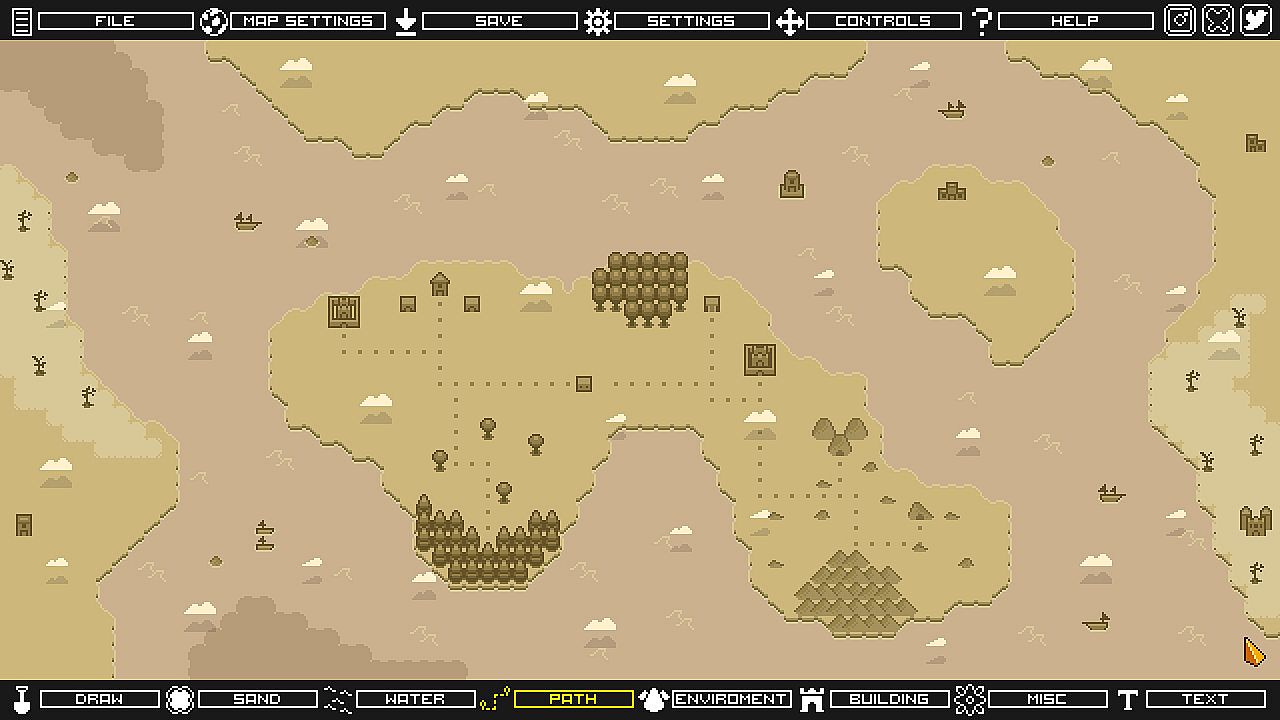
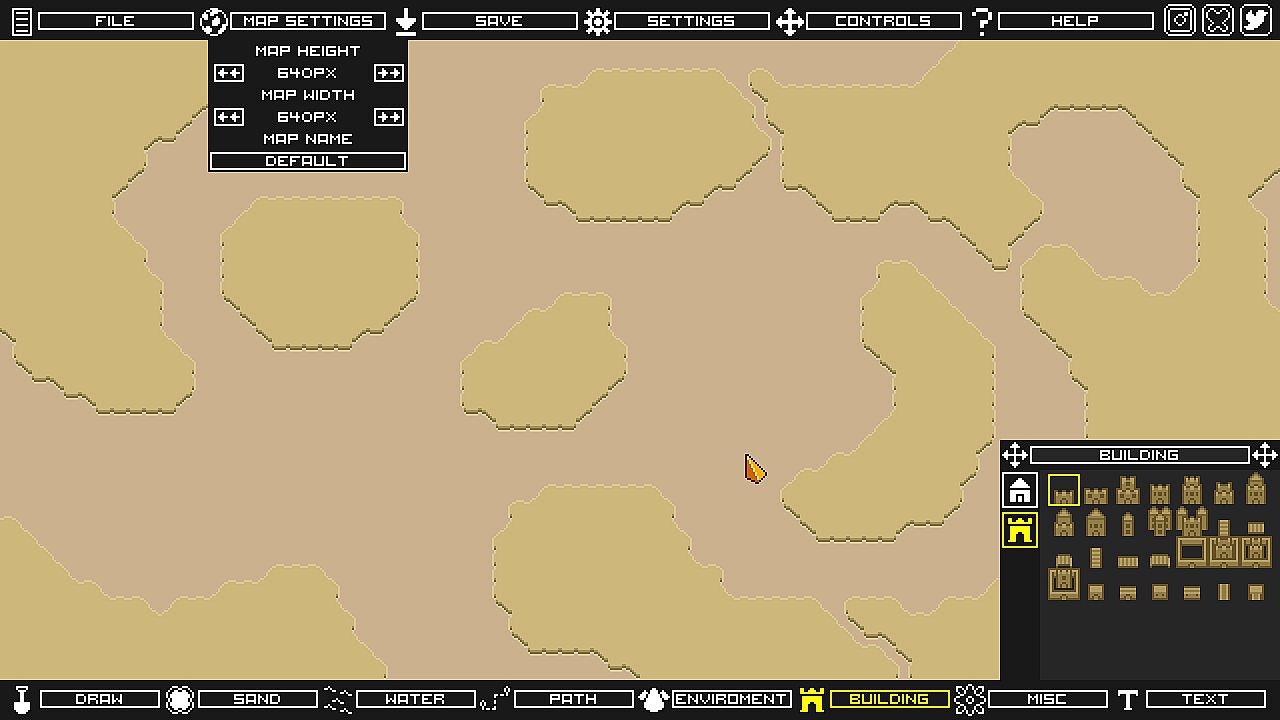
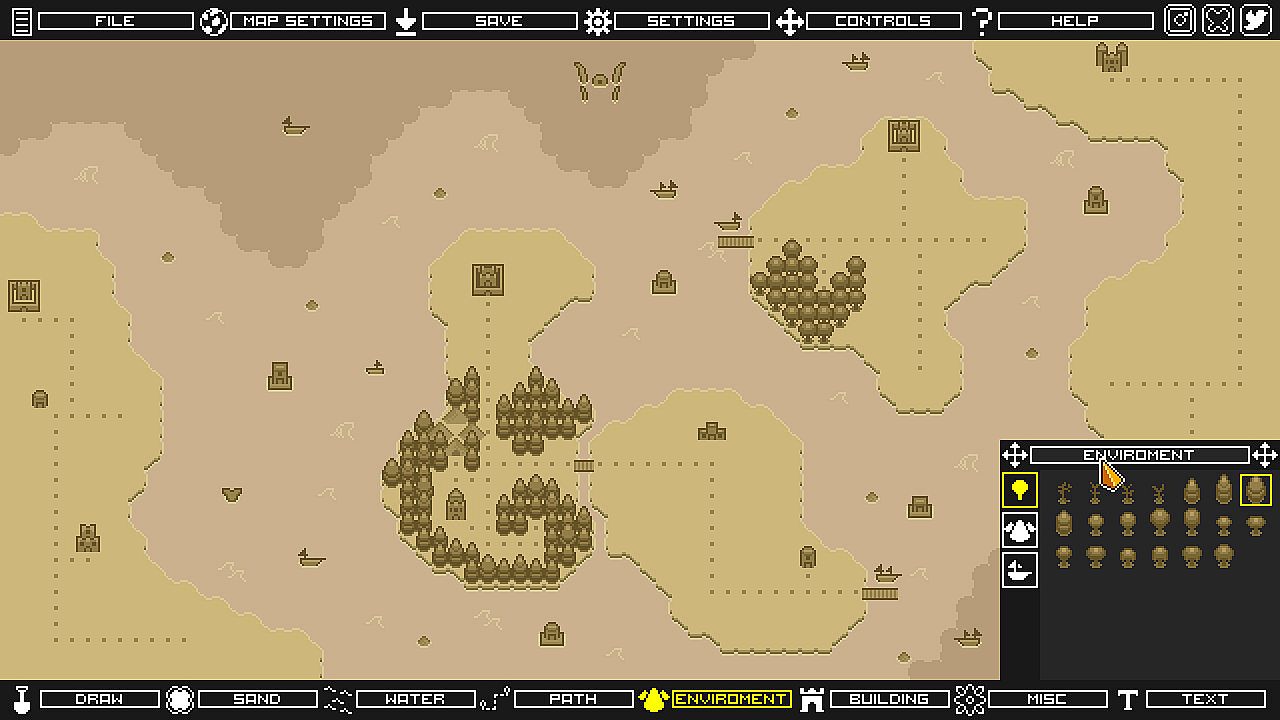
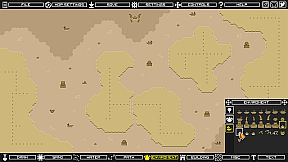
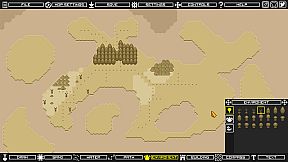
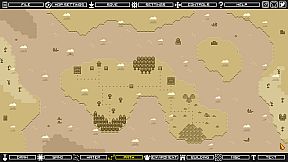
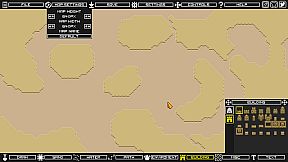
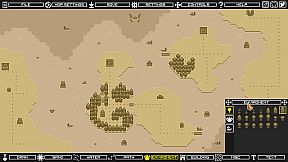
Pixel Worldcraft is a user-friendly tool that allows you to create world maps in pixel art style. With its intuitive interface, you can easily draw out continents, forests, rivers, mountains, kingdoms, and more. The tool provides a wide range of pixel art tiles, brushes, and objects to create a beautiful and detailed map.
Key Features:
Pixel Art Tiles: The tool offers a variety of pixel art tiles that you can use to create terrain and features on your world map. These include tiles for land, water, mountains, forests, deserts, buildings and more.
Different Type of Maps: Create your map on a paper mode or on a colorful mode, you can switch your map type at any moment with Pixel Worldcraft, this allows you to create the style which would fit better for your game.
Brushes: You can easily draw your lands, sand and roads with brushes to create a unique look for your world map. This allows you to create detailed features like coastlines, rivers, and mountains.
Layers: Pixel Worldcraft offers a automatic layer system, which allows you to draw your map elements without the need to worry about the depth of each object. This makes it easy to add, remove or modify elements without affecting the rest of the map.
Save and Load: Pixel Worldcraft provides a simple and convenient way to save and load your maps. With just a few clicks, you can save your work and come back to it later or share it with others.
Export: Once you've created your world map, you can export it as a PNG file to use in your projects.
Pixel Worldcraft was designed for use in games and TTRPGs, but the maps you create can be used for any project you like. It’s an easy-to-use tool that lets you create maps quickly for all kinds of projects.