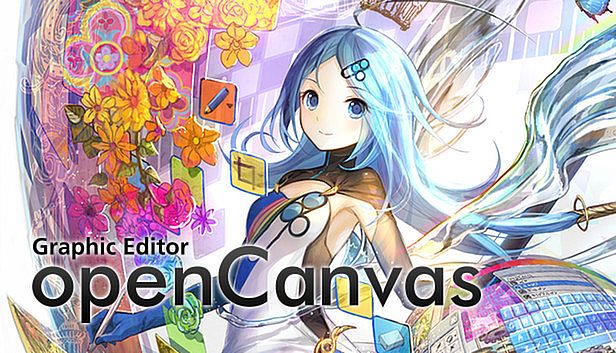



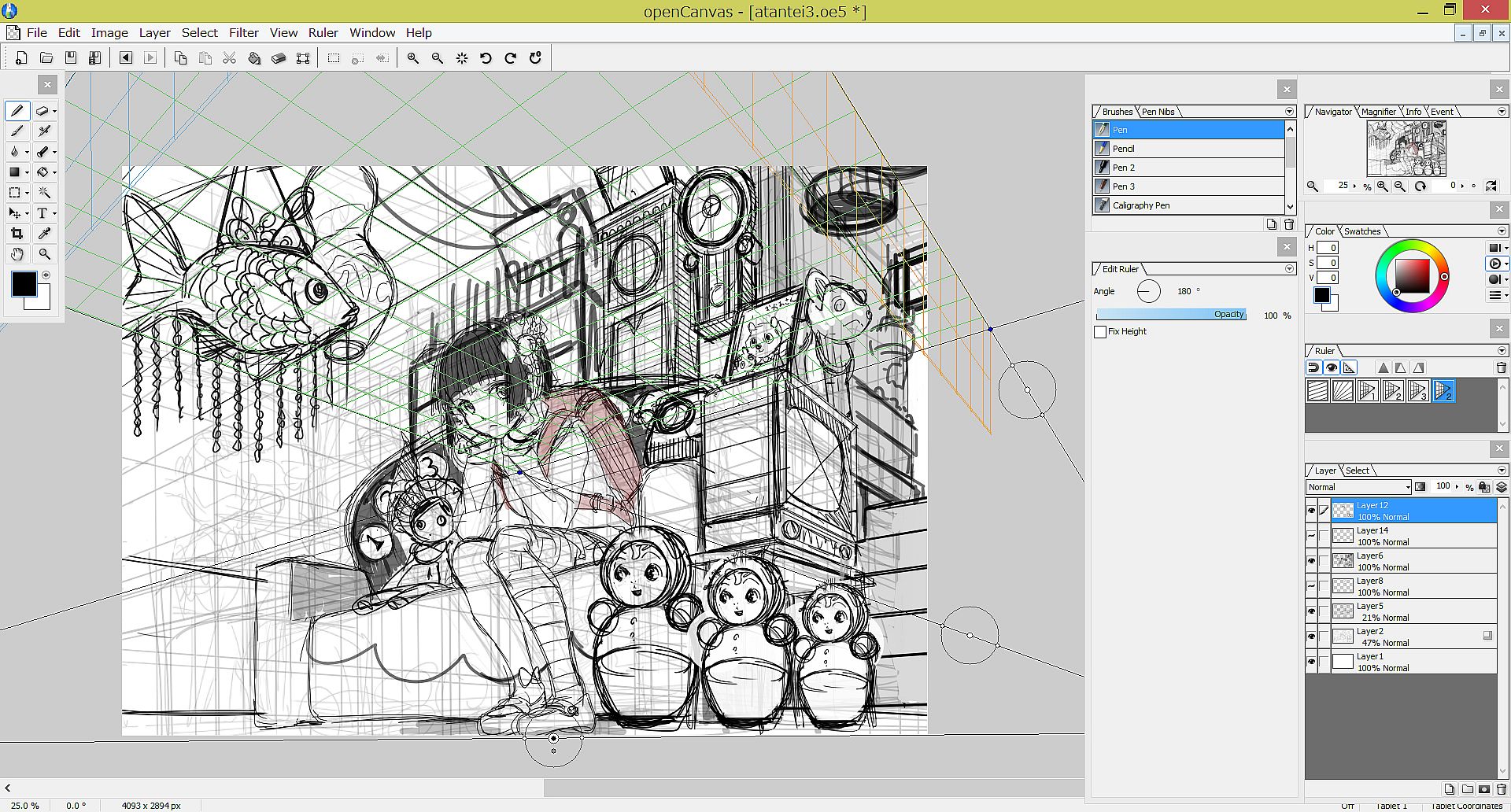
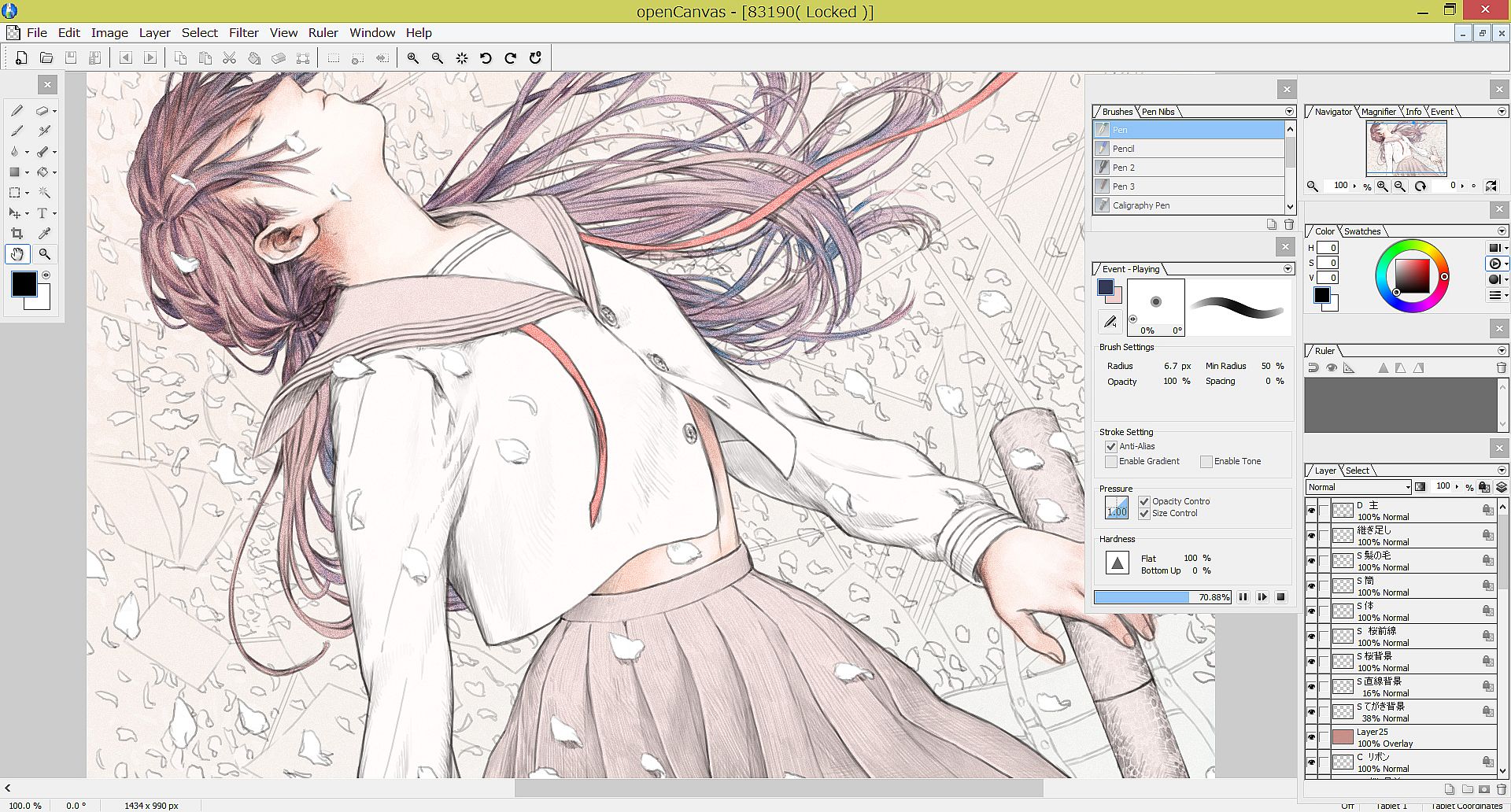
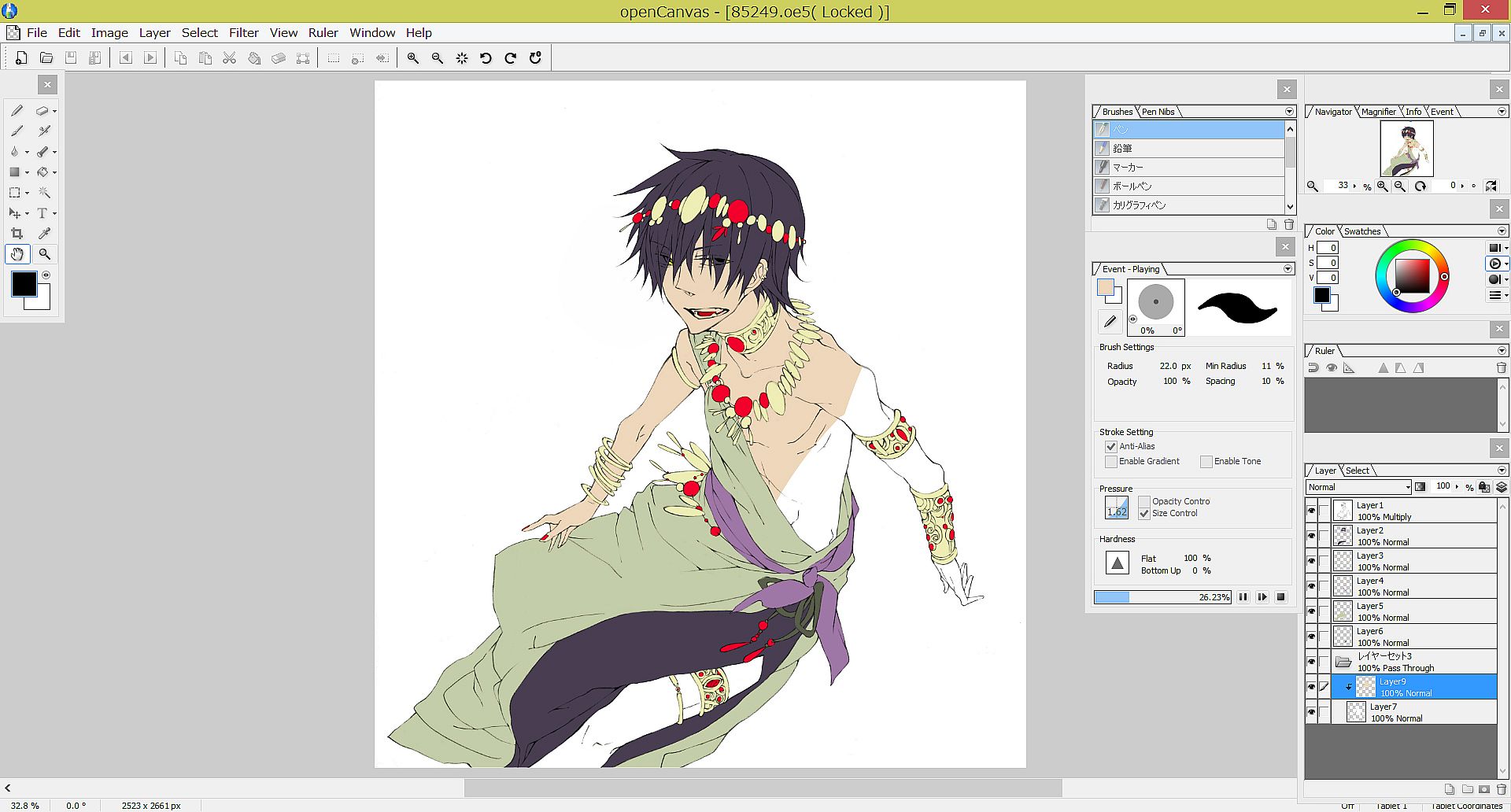
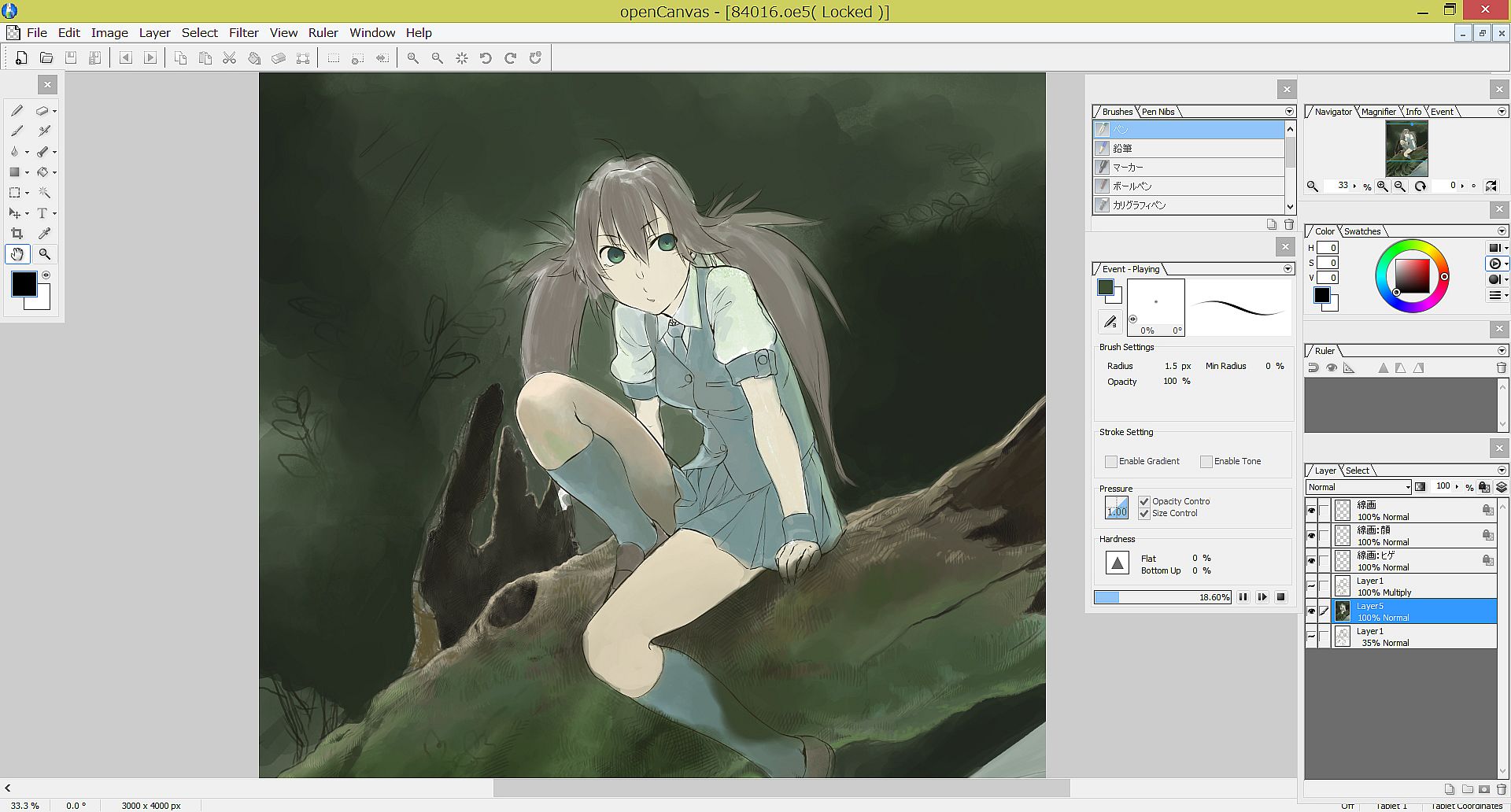
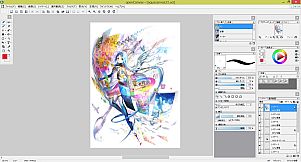
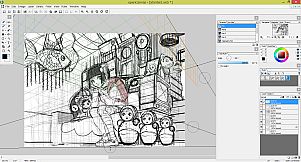
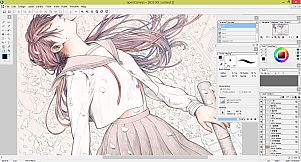
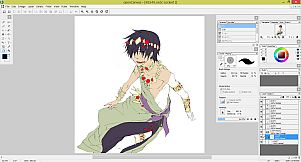
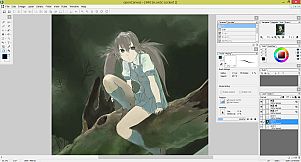
openCanvas is a painting software dedicated to Windows Operating System, that is suitable to beginners to advanced users.
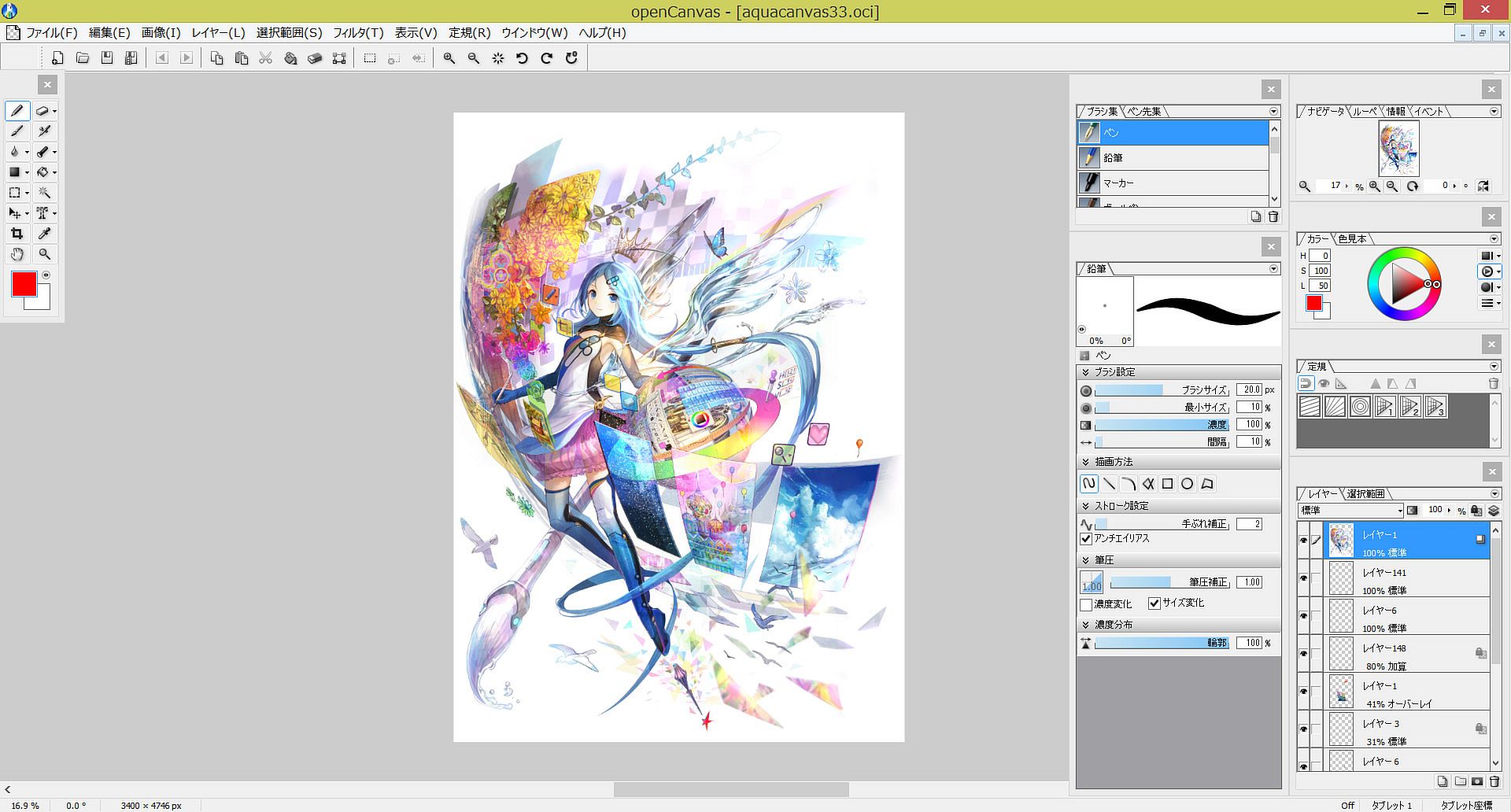
Equipped with analog-like brush strokes and functional yet user-friendly interface, openCanvas has the higher basic performance and the unique "Event" function that enables to record and replay the drawing procedure.
Various functions and excellent performance of openCanvas strongly support visualizing your creativity. Enjoy creating an illustration with openCanvas!
Why don't you open a new "Canvas" on your desktop?
Dear valued users who has openCanvas 5.5 Steam version
If you have purchased or are going to purchase openCanvs 5.5 Steam version, you are eligible to get openCanvas 6 Steam version for FREE!Please refer to the below for the upgrade/obtaining steps.
openCanvas5.5 End of Sales Notice
Dear valued users,Sales of openCanvas5.5 will be ended at August 31st, 2015.
Our product support will continue to December 31st, 2015.
Sales of openCavas6 will continue.
We apologize for the inconvenience and truly appreciate your interest and support to our product.
We will continue our effort to develop the satisfactory product.
Kind regards,
Function
- Various Brushes
Various pencil, pen, air brush, and watercolor types are included in the default setting. Also, using bitmap textures expands your artistic possibility.
You can save the favorite brush setting for later. - Sharpen Level
The lag caused by Sharpen Level has been improved by algorithmic correction. Smoother and more stabilized brush stroke is available.
It is highly effective when drawing a long stroke, using a slippery pen nib, or working with a mouse. - Layer Mode
22 types of Layer Mode let you express an unlimited possibility, such as by adjusting brightness, altering contrast, changing color tone, and more. Layer Mode except few options has compatibility to Adobe Photoshop.(※)
※Please note that it is the Layer Mode compatibility, but the display result is not guaranteed. - Layer Set
Layer Set is a folder where you can place your multiple layers for more organization. You can apply any changes to layers within a layer set at once. - Filter
openCanvas has 40 types of filter. Filter lets you adjust colors, apply texture, and more. - Text
Text is used to set up font, size, spacing, kerning, etc. per a character. Text alignement and horizontal/vertical type option lets you add messages easily. - Ruler
Perspective ruler helps you to create a three-dimensional illustration and to draw a precise building. There are one-point, two-point, and three-point perspective rulers. Parallel, radial, concentric circle rulers are not only convenient for creating effect lines but also useful for drawing background objects. - Hand
openCanvas' unique Hand tool lets you move, rotate, scale, flip vertical easily. Hand is available by pressing the space key. You can also temporarily switch to Hand while using the brush tool. - Event Function
Have you ever wondered, "How has the illustration been created?"
The greatest feature of GraphicEditor openCanvas is the Event function that enables you to record/replay the drawing procedure. By using this function, it shows the drawing procedure, that you have never been able to watch, via openCanvas software or the PGN community website. You can learn drawing techniques, brush setting, filter usgae, and many more from advanced users.
GraphicEditor openCanvas is not just the drawing software but also lets you enjoy and learn illustration techniques. - Compatible to PSD format
openCanvas supports saving as the PSD(Photoshop) format. You can open the openCanvas file in other software such as Adobe Photoshop, SAI, CLIP STUDIO PAINT, etc. while keeping most of layer information and layer modes. (※)
※Please note that there might be a slight difference in the display result in other software due to the difference of composition algorithm.
openCanvas 6 New Functions
- Compatible to 64 bit native
Officially being compatible to Windows 64 bit version increases the memory capacity considerably. You don't need to distress often by an insufficient memory due to the large image size and/or multiple layers and proceed drawing and editing.
Also, some processing speed, such as reading/ writing a file, displaying an image, etc., have been improved. - Layer Mask
Layer Mask is available. You can delete an image partially with Layer Mask while keeping an original image.
An original image remains as untouched even after edited Layer Mask, therefore it is simple and easy to go back to the before-editing condition. - New Brush Engine "AQUA"
Renewed brush engine enables you to draw more crisp and smoother image.
Also, drawing speed got improved considerably faster. You can smoothly draw with a brush using an image.
Equipped with the Jitter function, you can now change the brush parameter randomly. This enables you to create even more various brushes ever.
Experience openCanvas with the new brush engine! - TabletPC Function Support
Pen pressure (*1) and multi-touch gesture (*2) are available in TabletPC.
It will make you feel like drawing on paper and let you control canvas intuitively.
※1 Only with the pen pressure supported device.
※2 Only with the multi-touch supported device.