



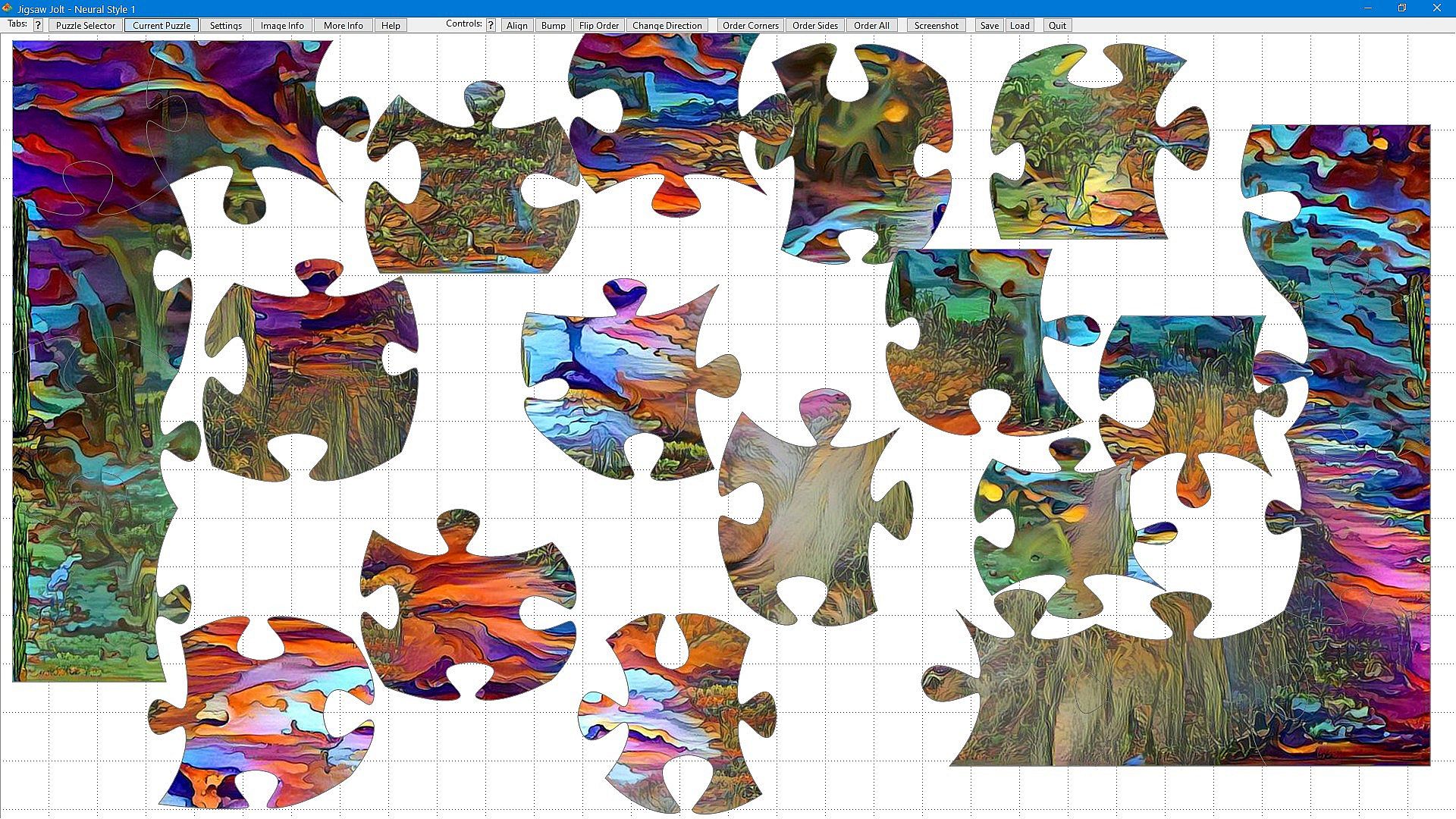
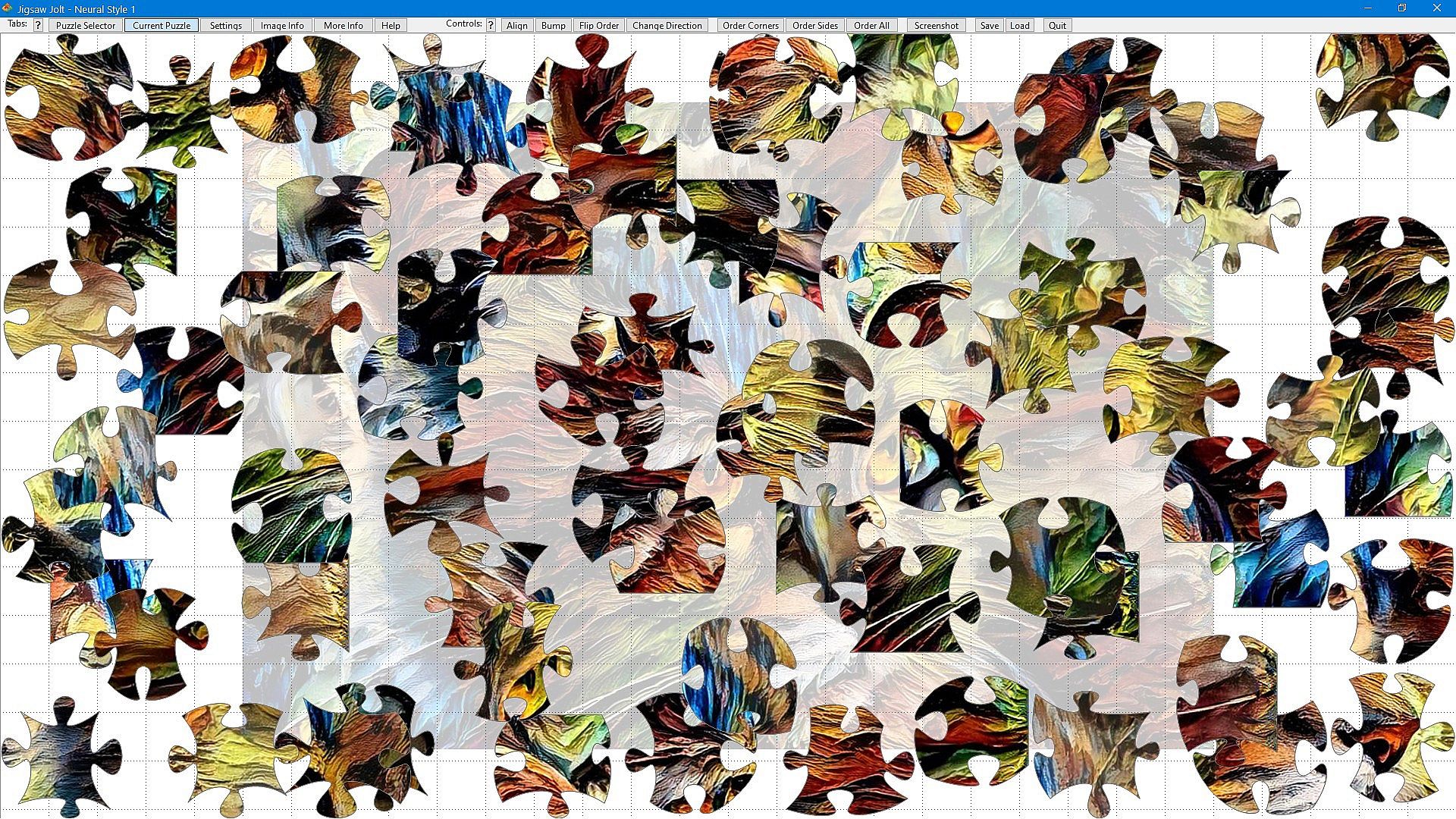
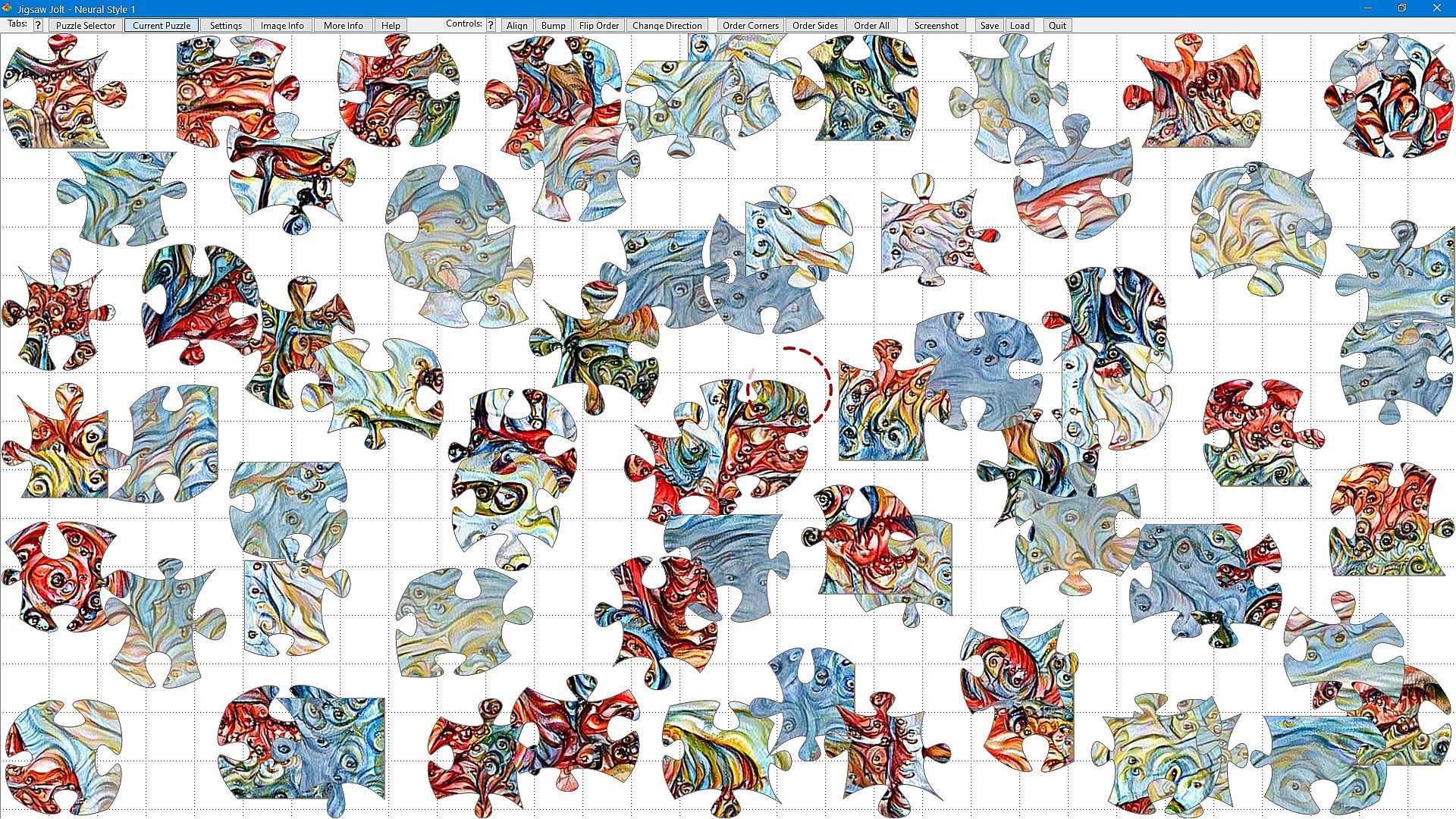
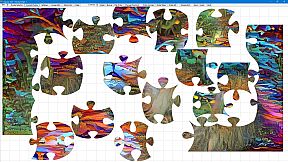
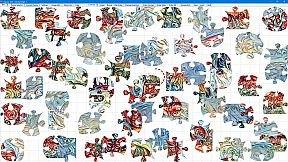
The puzzle program has an open approach which allows you to find your own fun and customize the experience to best suit you. You are not limited to a specific progression path, or way of doing things. You can mix and match features to get the most fun and challenge out of your puzzle solving adventure.
The puzzle program uses a standard maximized application window rather than a fullscreen display. This makes it ideal for solving puzzles while also using your computer for other tasks. Whenever the puzzle screen loses focus any dynamic and timed elements are automatically paused, and will resume again when you switch back to the Current Puzzle tab page.
How To Use The Puzzle Program
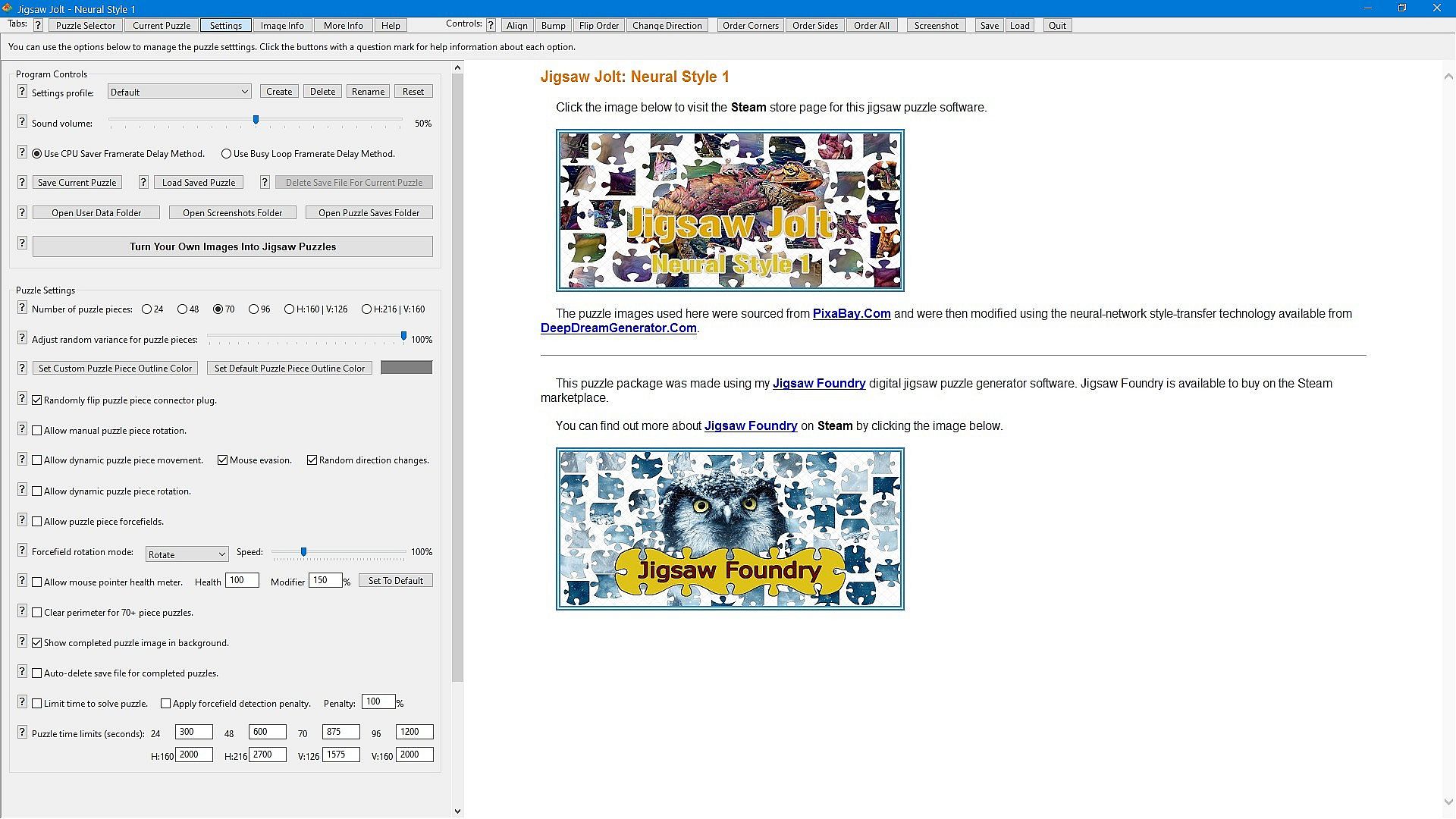
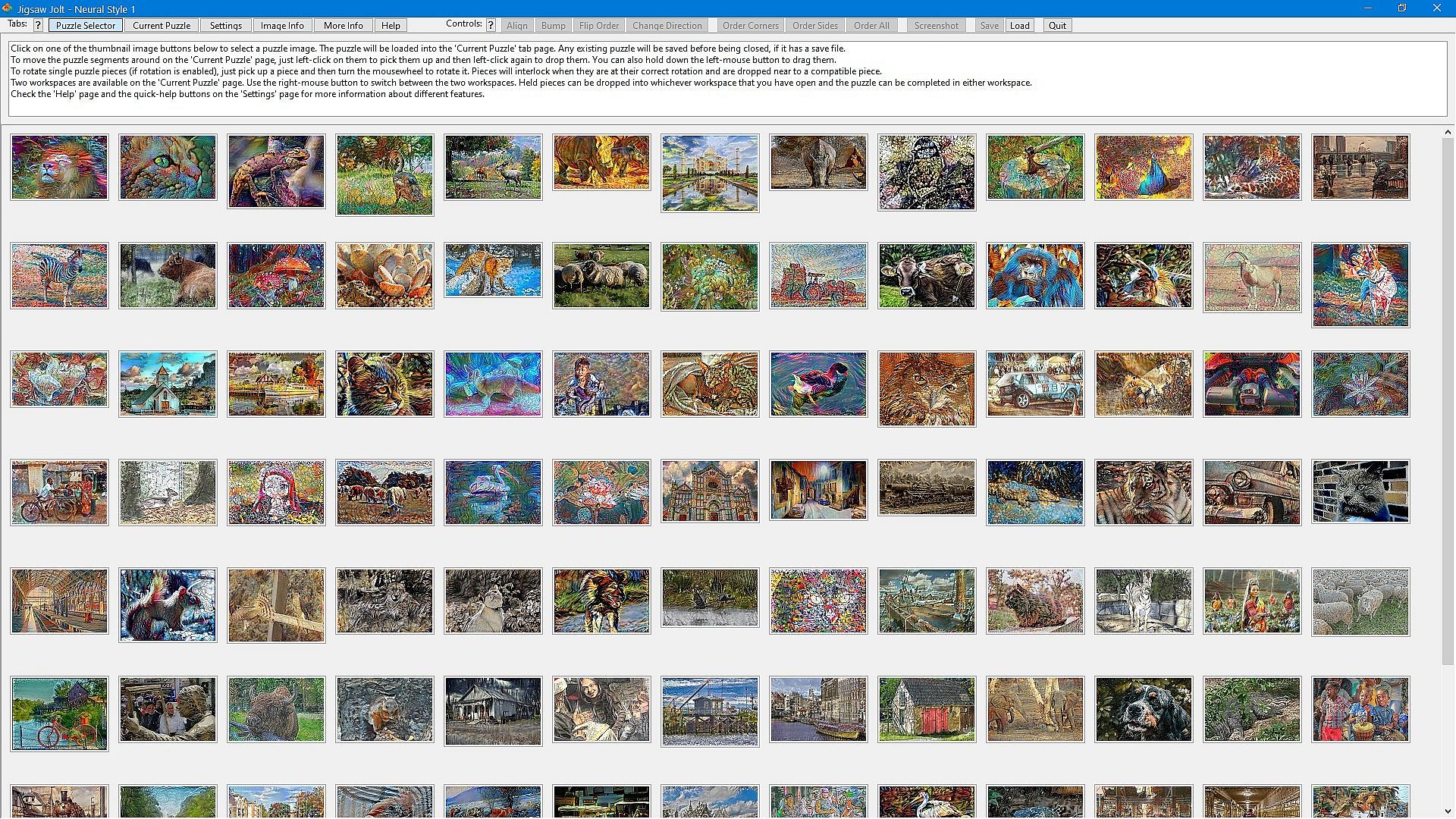
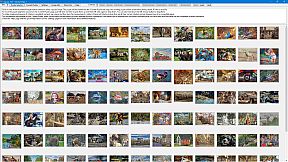
To begin solving a puzzle, just click on one of the puzzle images on the Puzzle Selector tab page that is displayed on program start. The puzzle will be generated and displayed on the Current Puzzle tab page. You can customize the features that you want for the puzzle on the Settings tab page. The Help tab page provides you with all the information you need on customizing and solving puzzles, and on managing the program.
Most controls within the program also have quick-help buttons '?' next to them which provide pop-up help information about the nearby control. This makes it easy to get the information you need, right when and where you need it.
You can find the buttons that let you switch between tab pages at the top of the screen. Next to these you will find a row of control buttons that give you control options for the current puzzle, let you save and load puzzles, and let you quickly exit the program.
Puzzle Program Features
Save and reload puzzles. Once a puzzle has been saved it will be autosaved once per minute and whenever the puzzle is closed. You can also set puzzle files for completed puzzles to be automatically deleted.
Save and reload puzzle settings profiles. You can have as many of these settings profiles as you wish. This allows you to create your own challenge modes, and easily switch between them.
You can select the number of pieces you wish to have in each puzzle. 24 to 216 piece puzzles are available.
Puzzles are generated on-the-fly when a puzzle image is selected. The puzzle is created using vector drawing techniques and the amount of randomness used can be controlled via the Settings tab page. This lets you customize the look of each puzzle.
Move puzzle segments (single pieces and interlocked multi-piece groups) around by clicking on them with the left-mouse button to pick them up and to put them down again. You can also hold down the mouse button to drag and drop puzzle segments. Once a piece is picked up it is considered to be captured and dynamic elements are turned off for the piece. If a segment is dropped near another segment that it can interlock with then it will do so.
Two workspaces are available to solve the puzzles in. You can switch between them using the right mouse button. Puzzle segments can be easily picked-up and dropped from one workspace to another and you can complete the puzzle in either workspace.
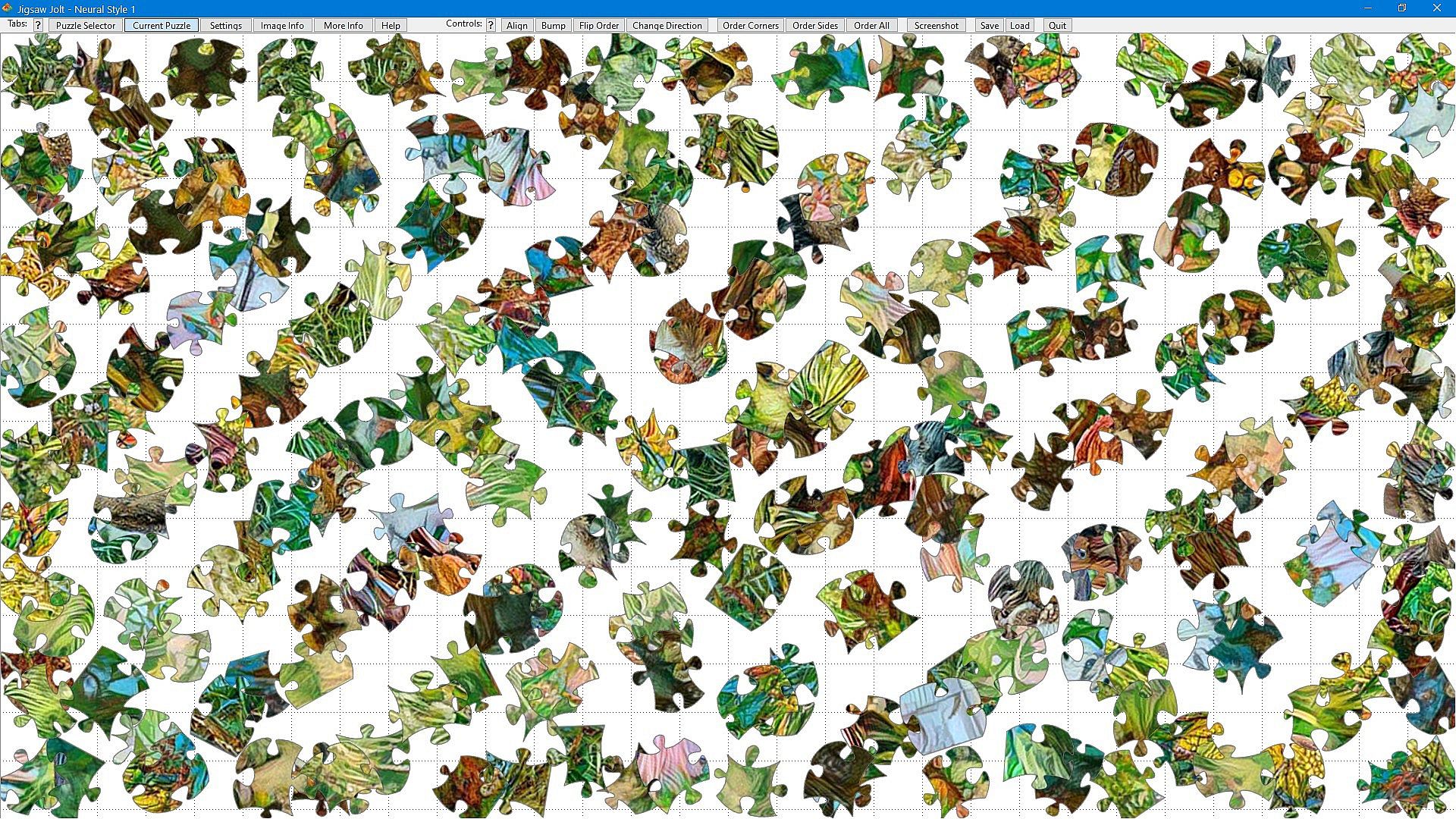
Pieces can be set to optionally be manually rotatable. The pieces will be randomly rotated when a puzzle is generated and can be manually rotated using the mousewheel. Pieces will only interlock once both they and their interlocking piece are at their correct rotation.
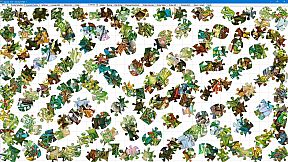
Puzzle pieces can optionally be set to move dynamically, rotate dynamically, and attempt to evade the mouse pointer when moving. They can also be set to make random direction changes to prevent clustering.
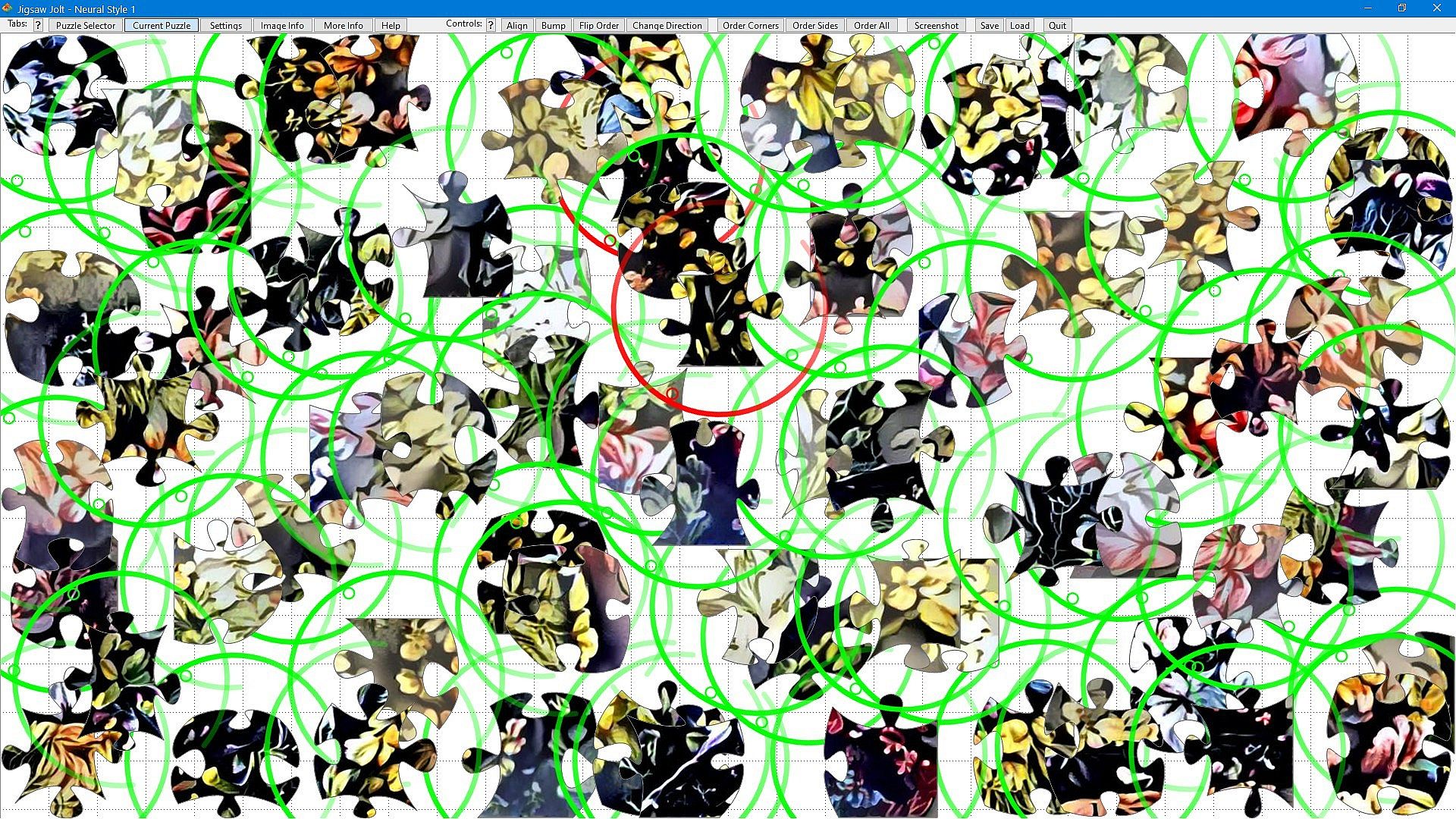
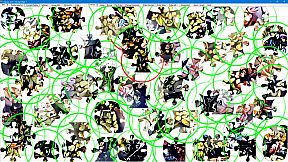
Rotating forcefields can be enabled for pieces. These will have small gaps in them to allow the mouse pointer in past the forcefield so that a piece can be captured. If the mouse triggers the forcefield then the piece will be locked while the mouse pointer is over it. You can also change the rotational speed of the forcefield to change the difficulty.
You can enable a health ring for the mouse pointer. This will decrement in health while a puzzle segment is picked up, forcing you to optimize the puzzle solving process. The health and health scaling are both customizable. The health meter applies a soft-limit on solving a puzzle that still allows you to complete the puzzle if you run out of health. If you want to use a hard limit then just close the puzzle when the health runs out.
A countdown timer is available to create timed challenge modes. The amount of time allowed is customizable for each number of pieces. A grace period is applied when the puzzle is created or loaded and after returning from a pause. You can combine this mode with the forcefield mode by optionally applying a customizable forcefield detection penalty. This applies a soft limit similar to the way the health meter works.
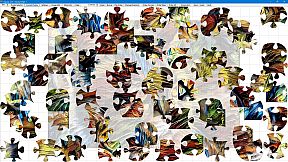
For some extra help in solving a puzzle you can set the completed puzzle image to be displayed as a faint image in the background on the puzzle screen. This feature can be enabled and disabled at any time.
The program will automatically pause dynamic and timed elements when the Current Puzzle tab page loses the focus. To pause, just switch to a different tab page, or to a different window.
Note that, due to the high number of optional settings combinations, you may find that you need to tweak some of the health meter and timing values to create challenge modes that work best for you. You can save the settings profile you create and reload it at any time once you have it set the way that you like it.