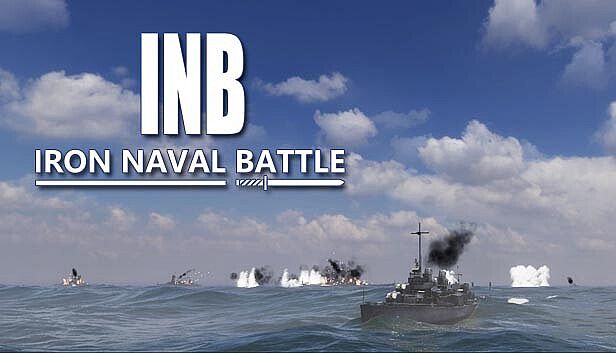


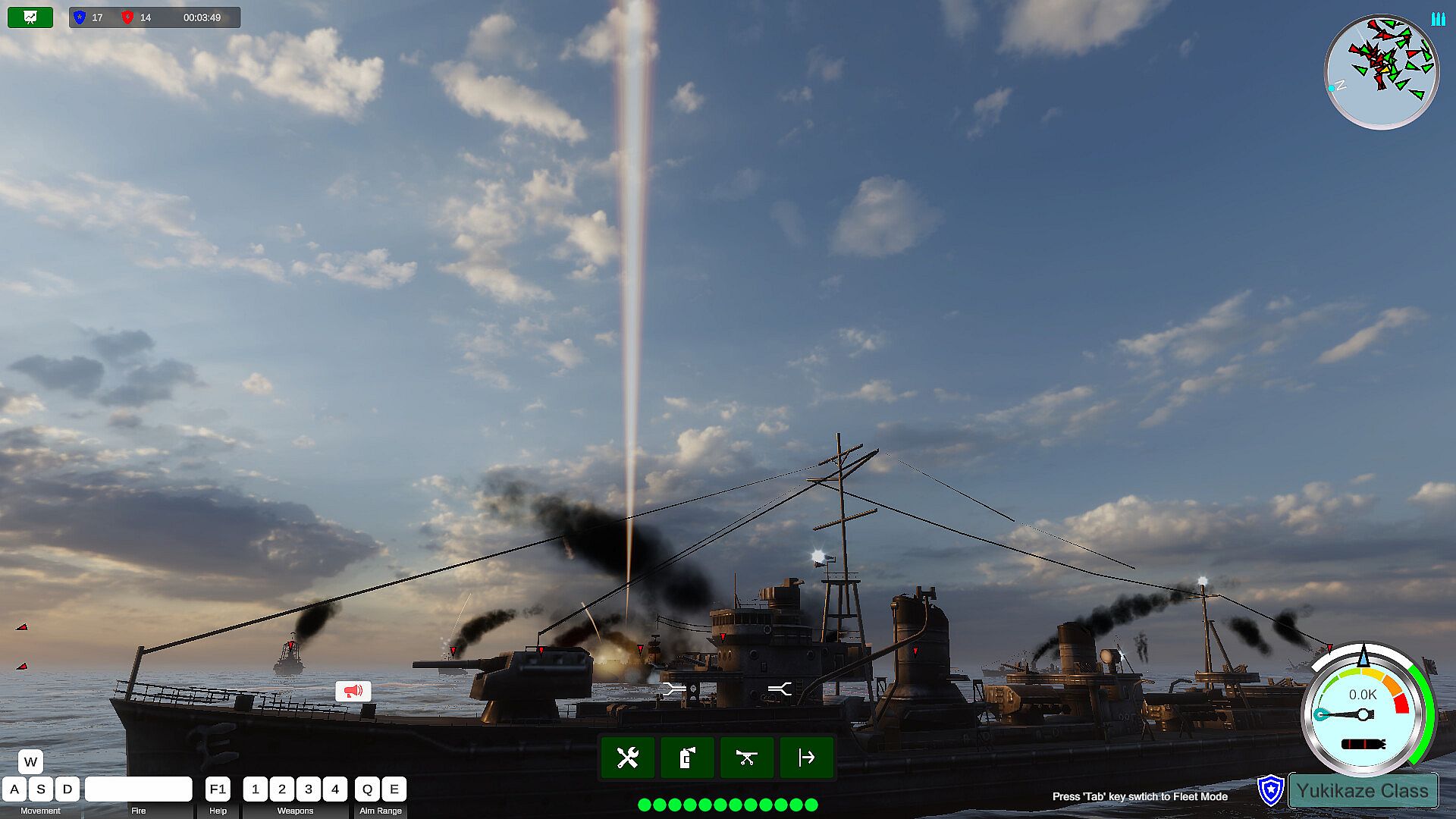
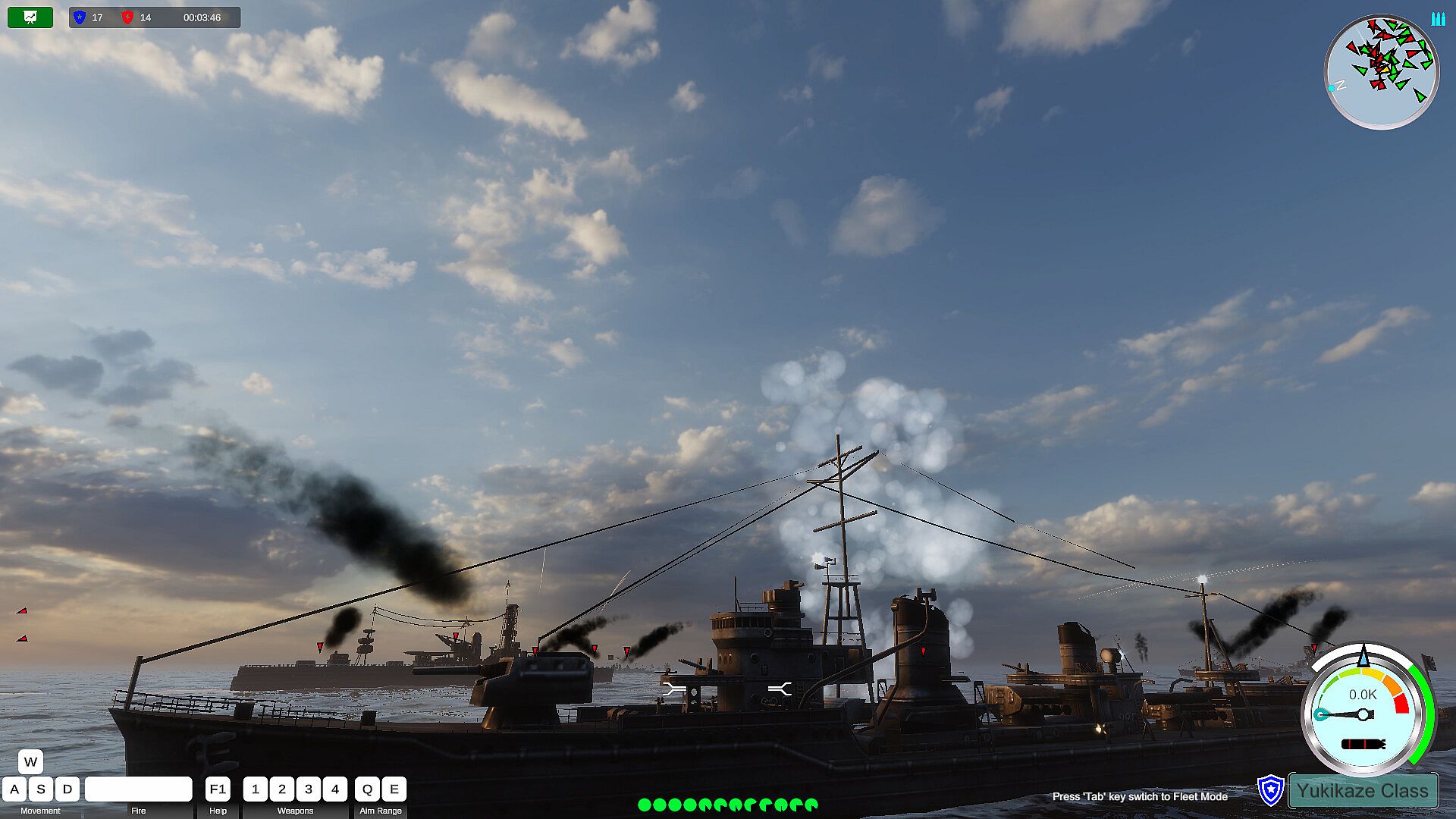
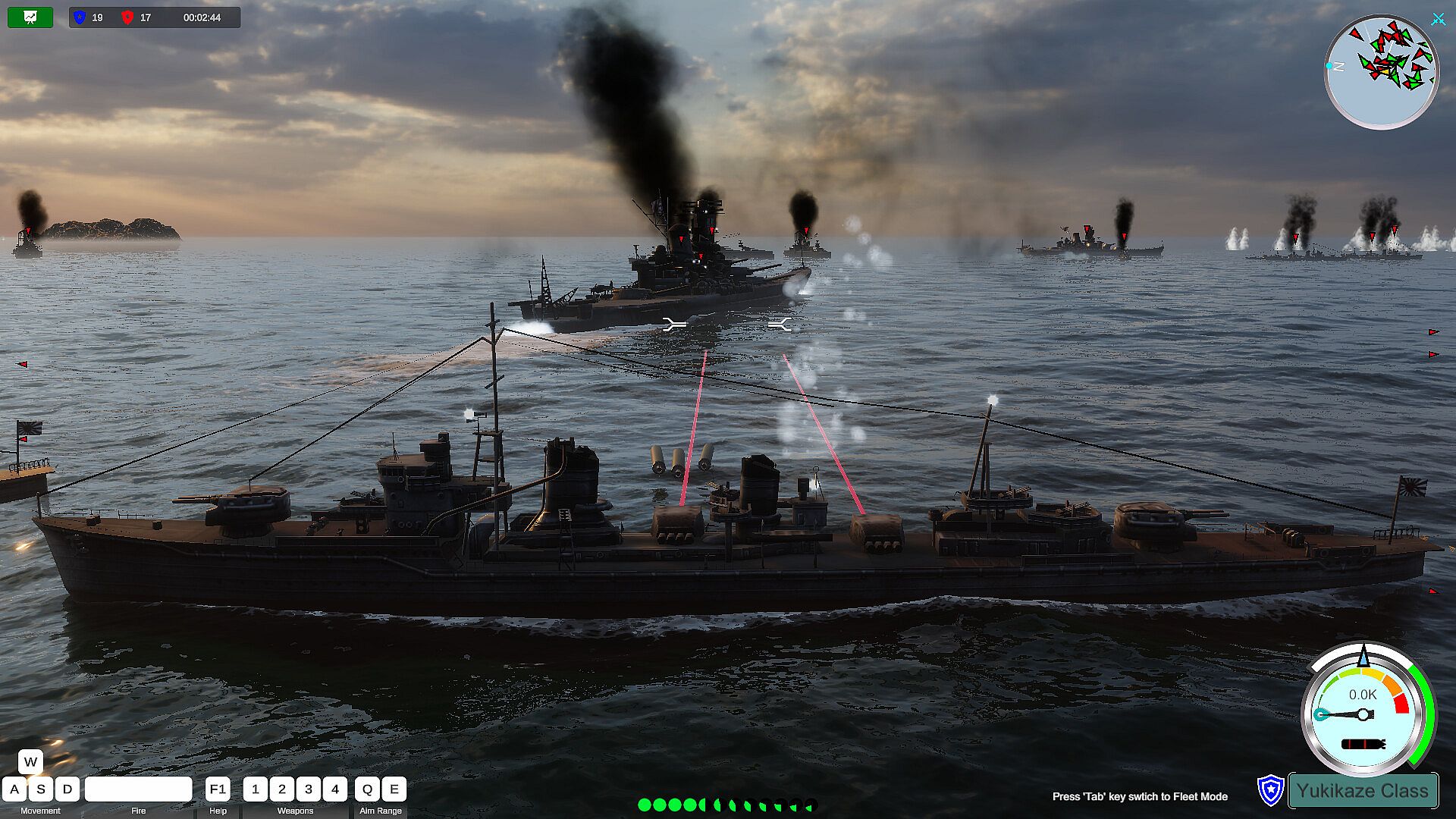
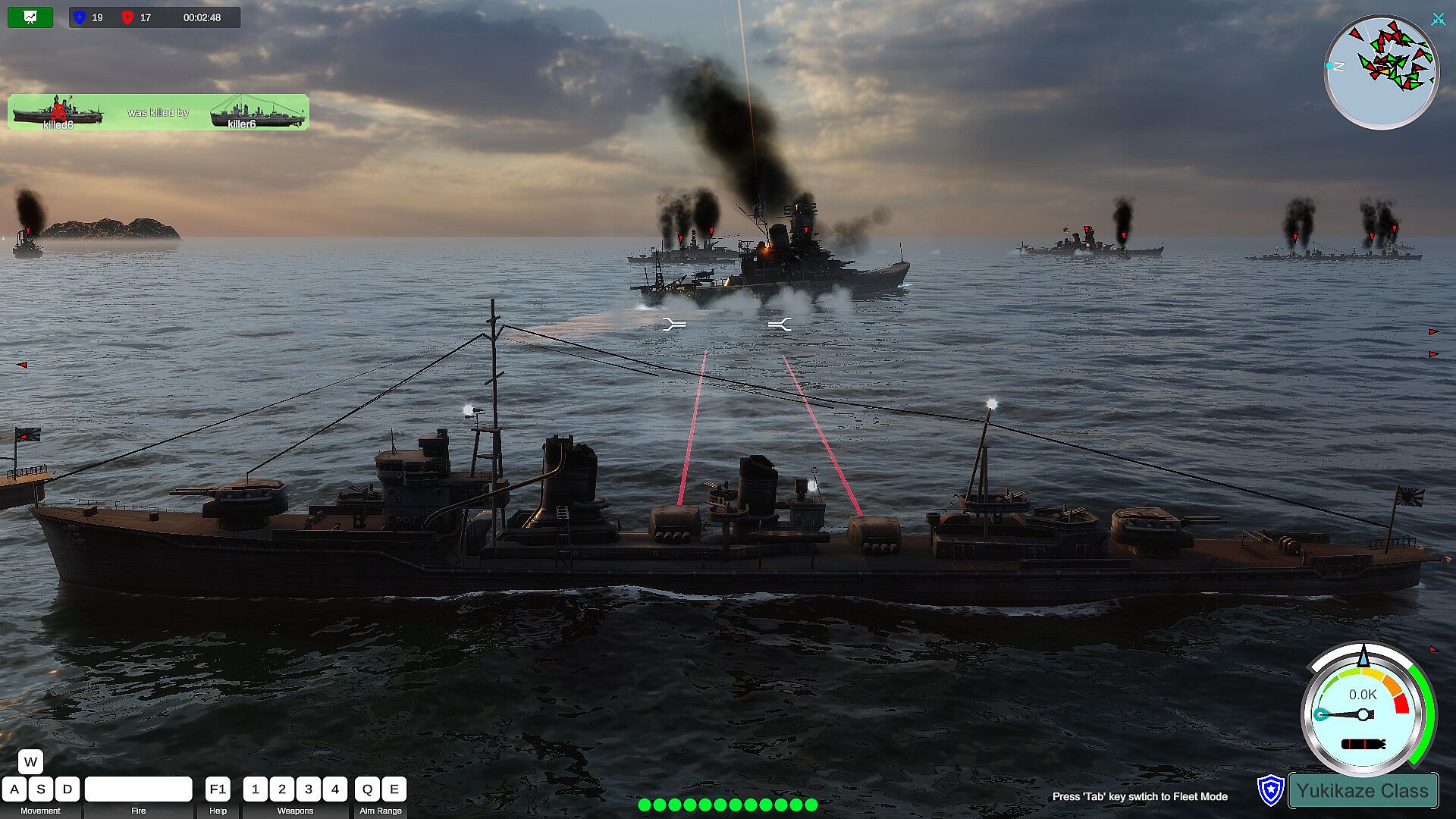
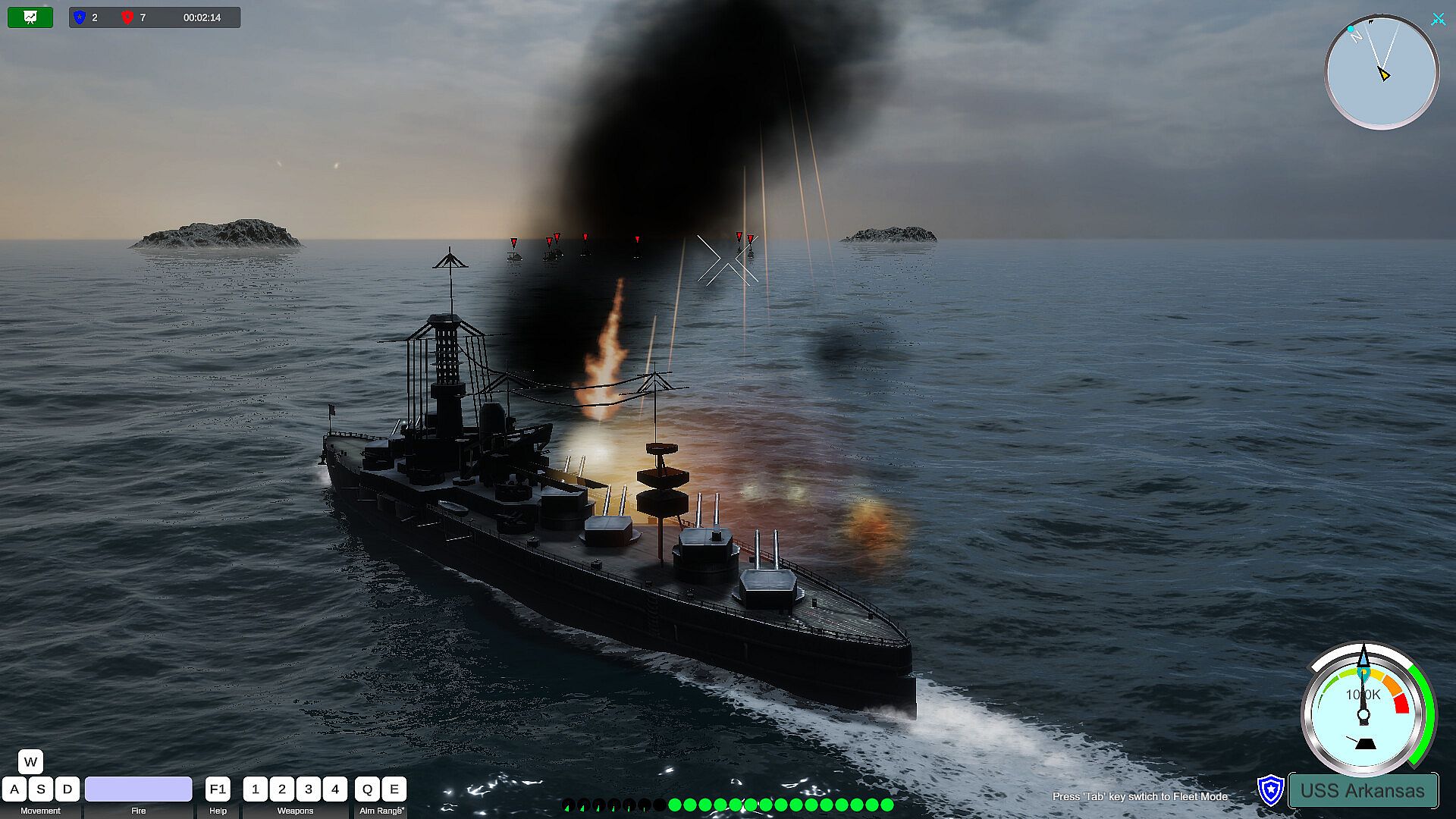
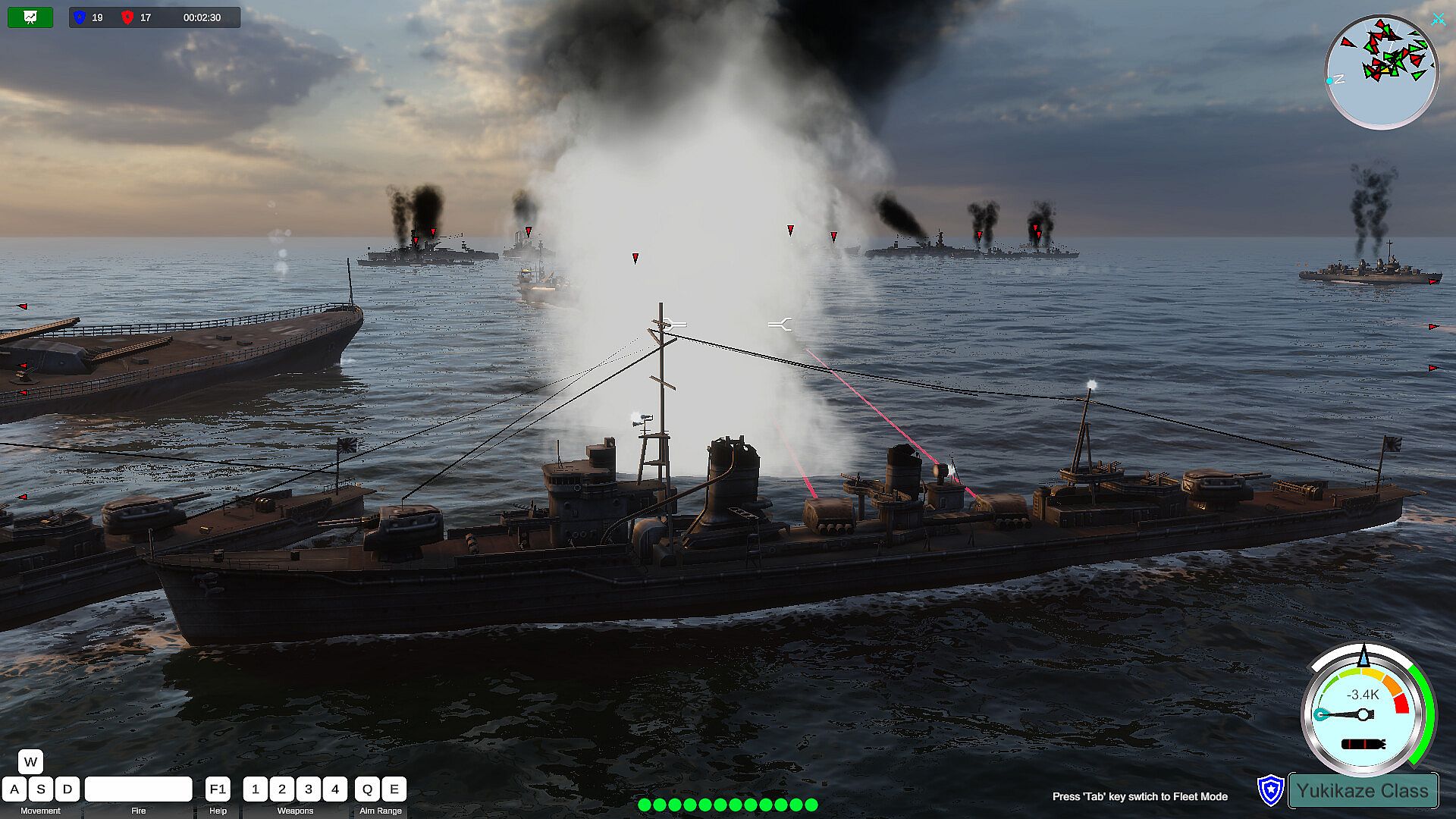
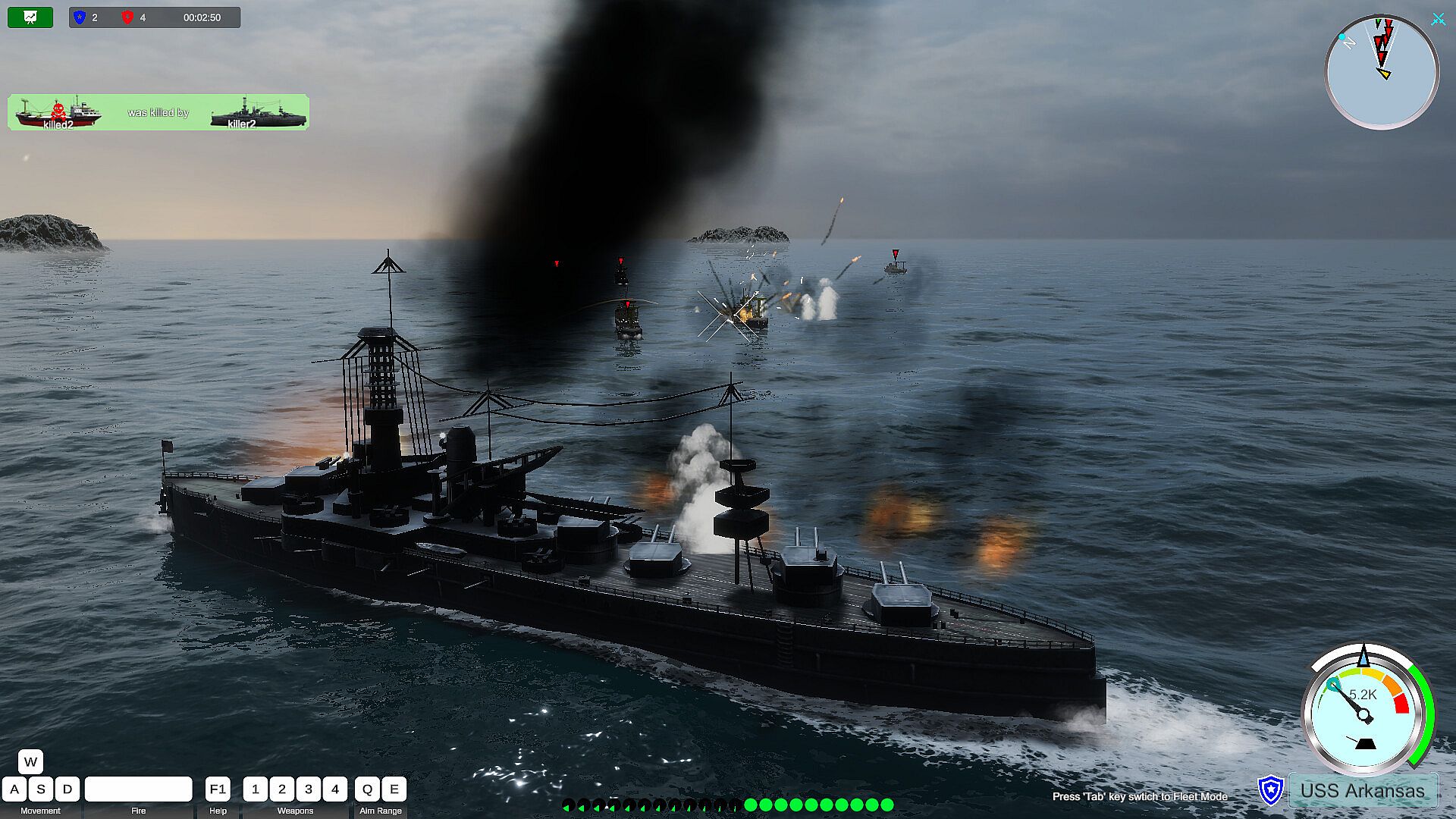
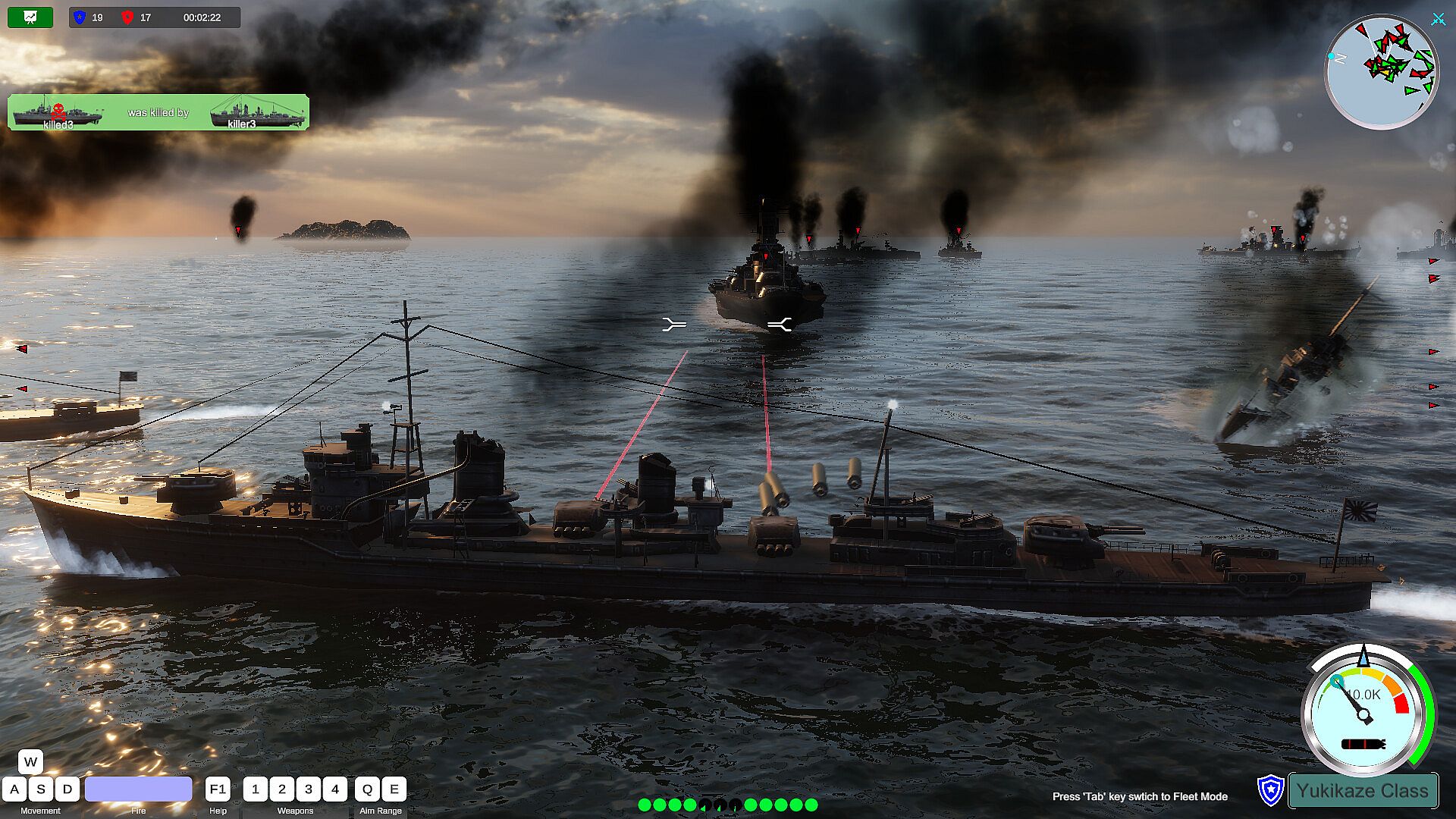
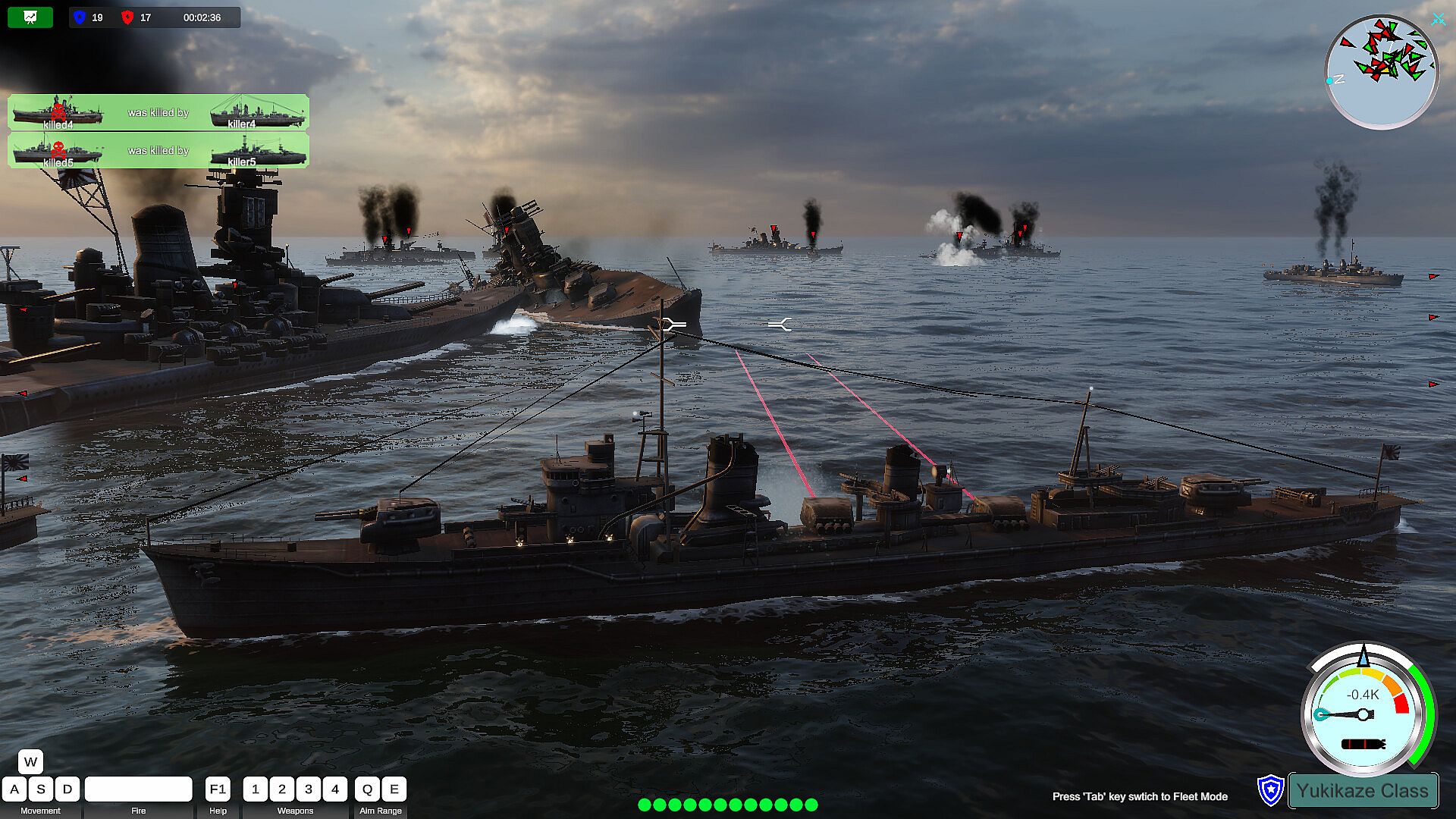
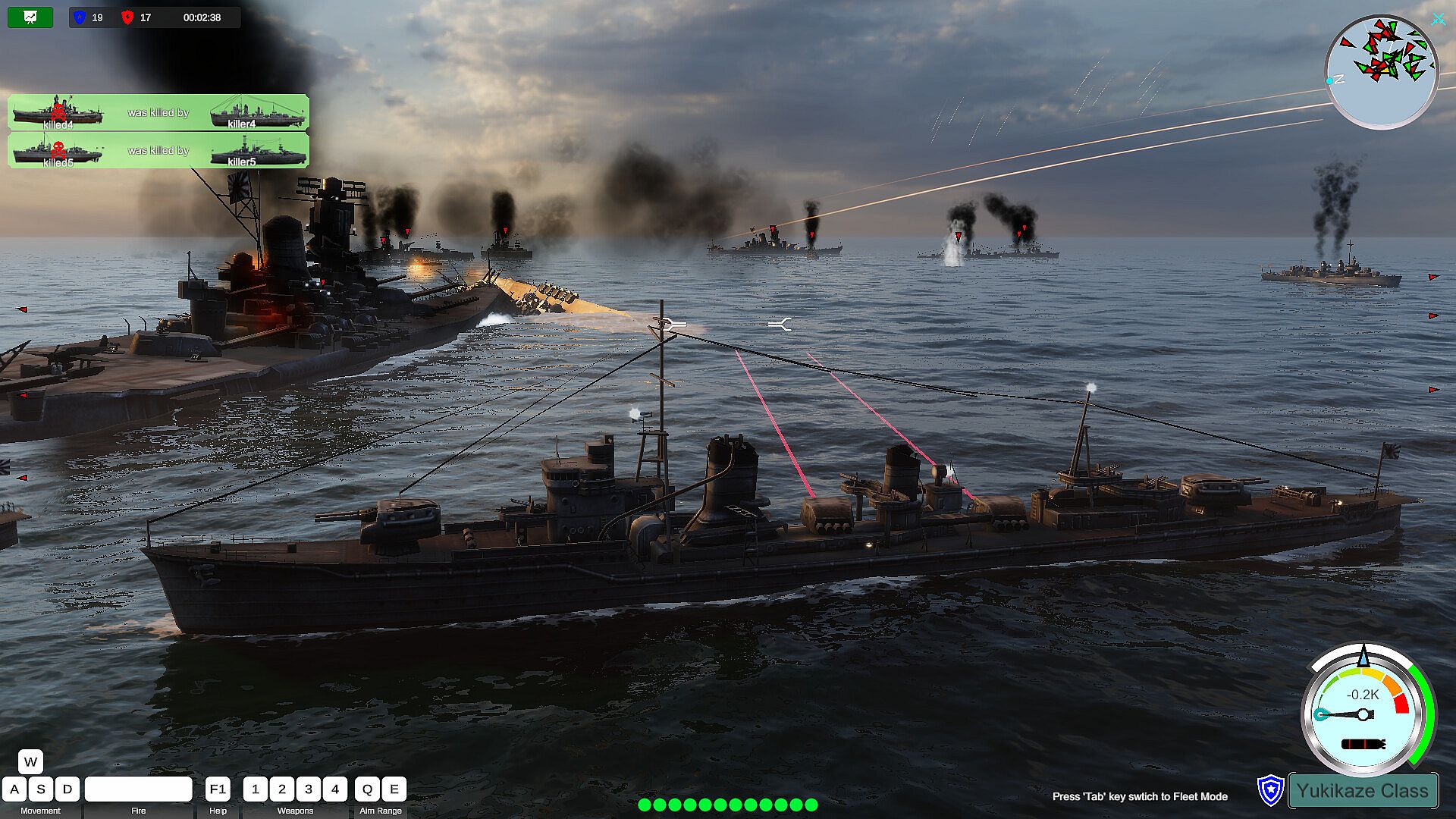
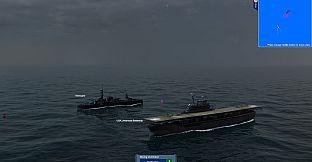
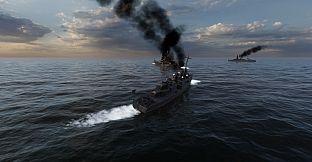
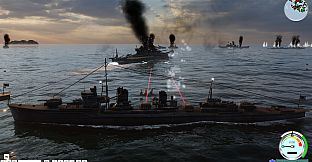
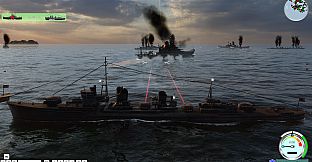
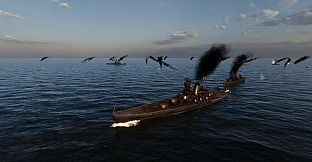
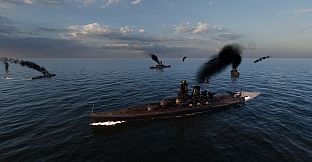
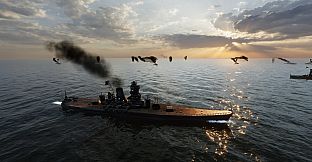
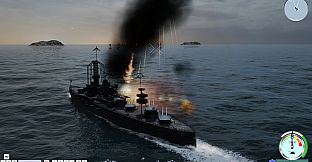
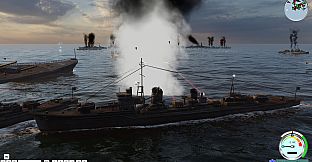
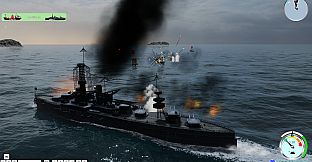
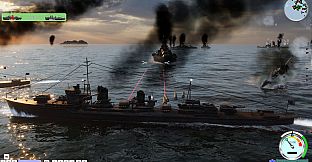
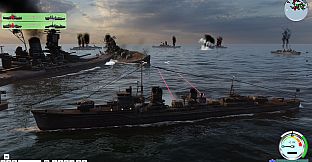
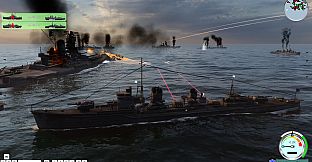
You have a lot of freedom, you can pilot your own warship and play your own decisive role in the conflict. You can also switch to any of your own warships, fighter planes or submarines to take over control and continue to attack the enemy. Experience the joy of driving and attacking warships, submarines, and fighter jets in battle. In addition to some small and interesting levels in the game, there are also levels of large-scale sea conflicts. The maximum number of warships is 19vs19, more fighter jets, and various attack methods. This is a rare naval battle simulator. The project is still in progress, and it is expected to add an online battle function in the future.
Simple Driving Controls
The way players drive their warships is a very simple traditional way, W key, S key to upshift and downshift. The speed of each battleship is set in proportion to the speed of the real battleship. When the engine gear of the ship changes, the engine will gradually increase or decrease the speed to the specified gear speed, so the player only needs to change the gear instead of pressing the W or S key to drive.
The player uses the A key or the D key to turn, and the degree of turning is proportional to the moving speed of the ship at that time. Only the ship can turn when it is running. Release the turn keys (A, D), and the rudder will return to its original position. Adopting such a driving style design can reduce the learning burden of players in driving and conform to the driving habits of players.
Gun Control
For the ship's main gun, string gun control is performed by simply pressing the Q and E keys. The Q key gradually raises the muzzle, which can strike targets at a longer distance. The E key lowers the muzzle and strikes close-range targets. The strike range of the artillery is subject to the effective range of the artillery of the current battleship. The main cannon is used to hit further targets, and the string cannon can be used to hit closer targets.
The horizontal aiming of the artillery is controlled by moving the right mouse button. The right mouse button is also an important function to control the player's perspective. In the state of the torpedo launcher, aiming is also controlled by the player's perspective.
Before the start of the game level, the player can manually set the rate of fire of the player's artillery and torpedoes in this battle. The setting range is from a rate closer to the conventional rate to a more crazy rate of fire. Thereby increasing the refreshment and fun of the game.
Switch Ships
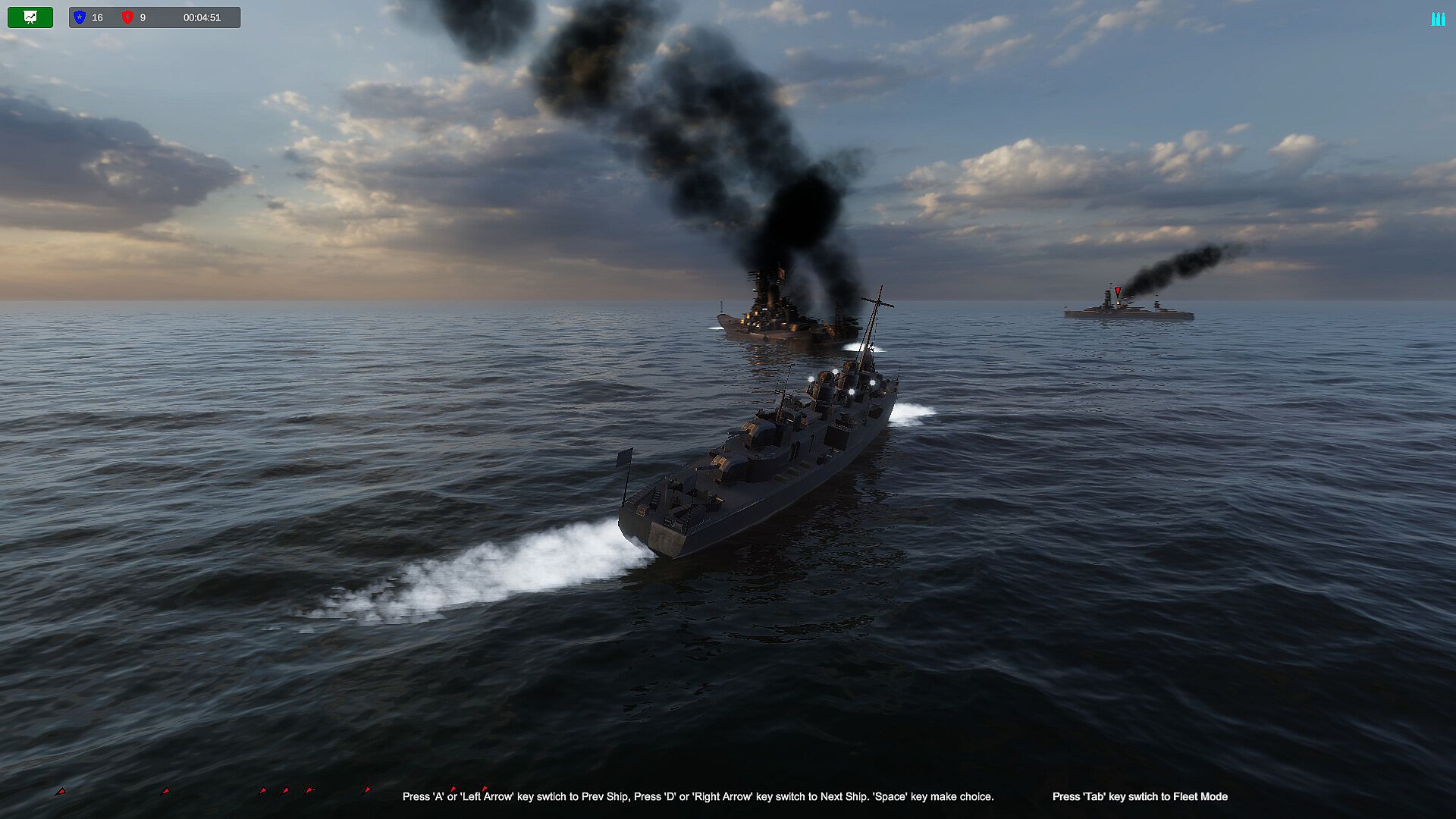
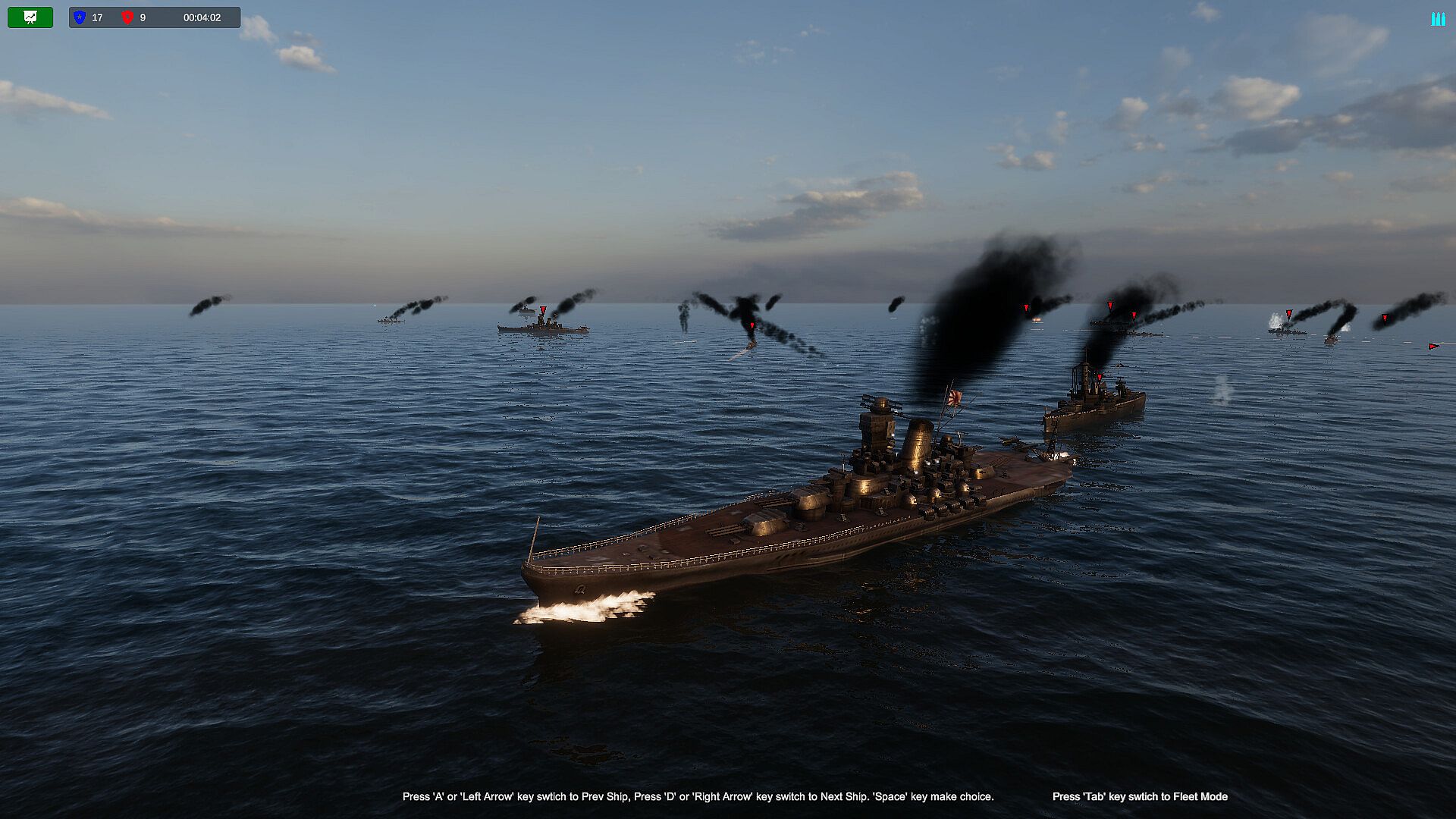
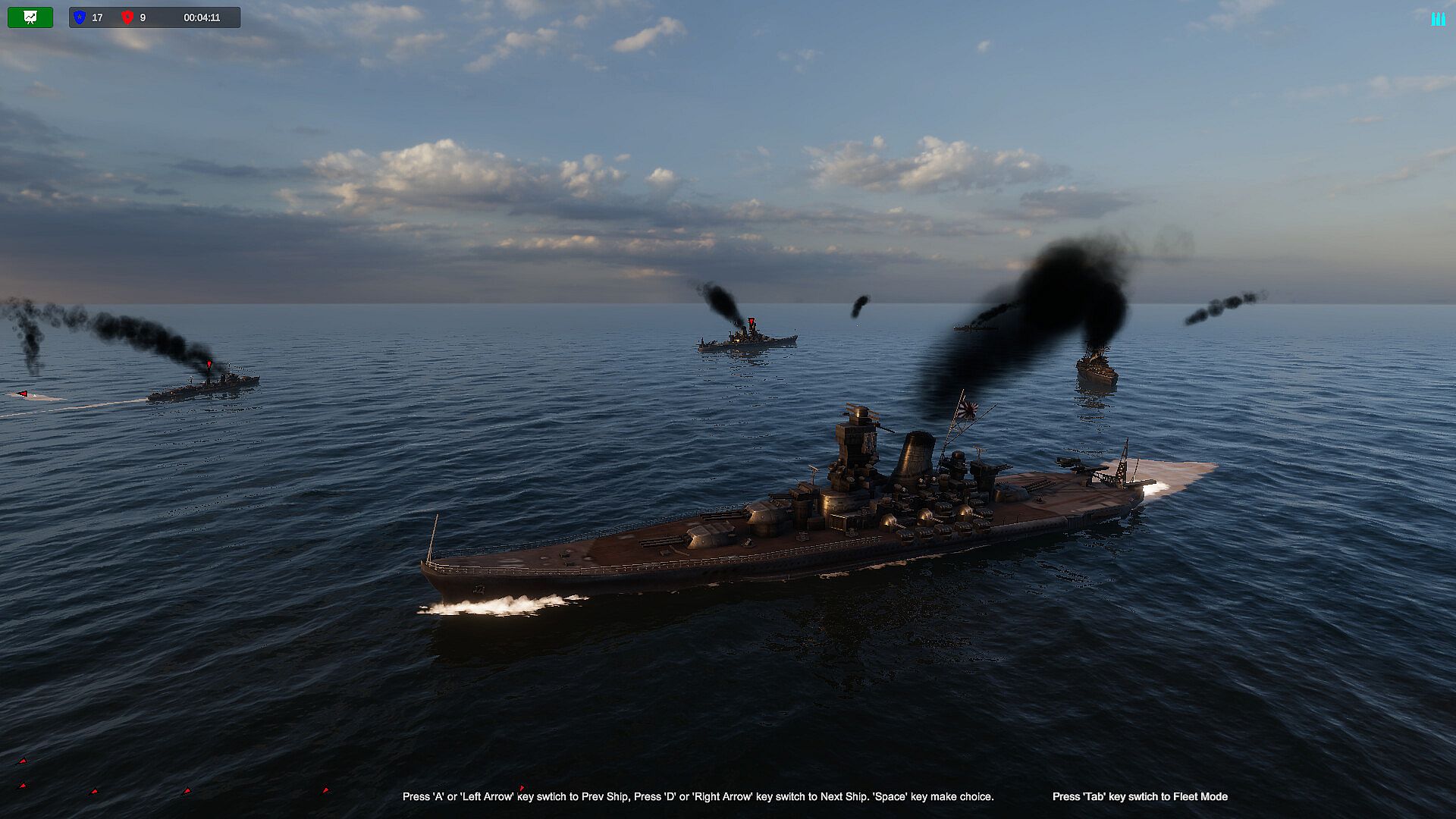
During the level, when the warship controlled by the player is sunk, if there are other warships in the player's fleet, the player can use the A key and the D key to switch and view other warships in the same fleet. After switching, click the space key, the takeover of the control right of the currently switched battleship is completed.
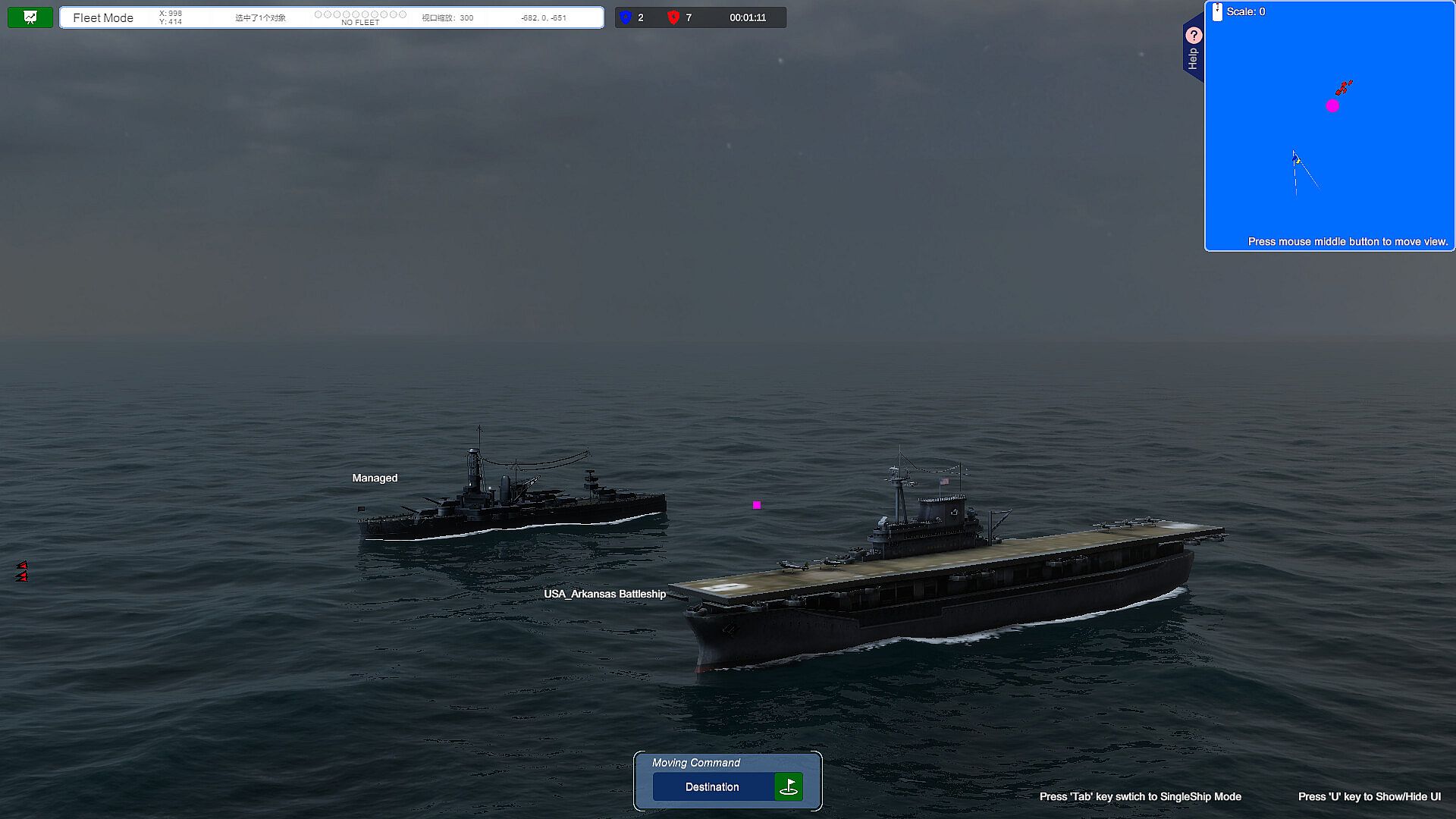
If the player wants to switch to other warships before his own warship is sunk, he can switch to the fleet perspective by pressing the Tab key. At this time, the player can click on other warships to select, and then click the Tab key after confirming his choice. , the takeover of the control right of the currently selected warship is completed, thus realizing the switching of the warship.
Viewpoint Control In the Battlefield
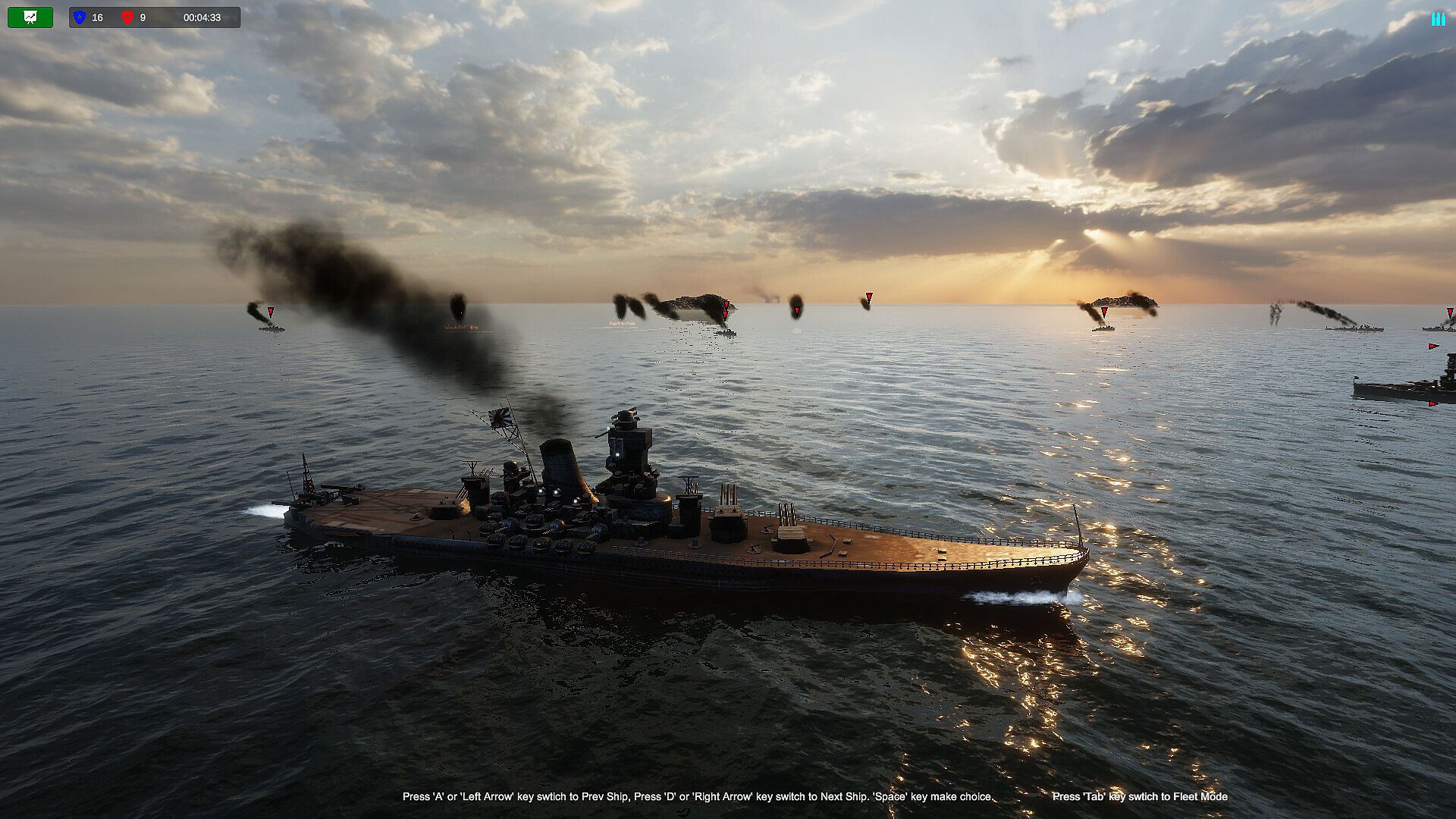
When the player is driving the battleship, generally the mouse wheel can be used to switch the different perspectives of the battleship forward and backward, such as the telescope perspective, close-range perspective, long-distance perspective, ultra-long-distance perspective, and air defense perspective.
When the player switches to the fleet mode, the mouse wheel can switch between close observation mode and long distance observation mode.
Future Outlook For the Project
Suitable For Xbox Gamepad
The driving of the ship is complicated and requires a lot of hotkeys and mouse operations. It is a big challenge to integrate so many complicated hotkeys on a small gamepad, but in the future we will also strive to integrate most of the main game controls on the XBOX gamepad to improve the player's in-game experience. pleasure.
Support Network Online Battle
In the current game, players can control all their warships. In the future, we will increase the Multi-player function, which is also a new attempt.
Add aircraft carriers, carrier-based aircraft, submarines, etc.
As the project progresses, these ships will be gradually added in the future. Players can also switch to the control of aircraft carriers and submarines, freely switch to the perspective of carrier-based aircraft pilots, and personally drive fighter jets to attack targets.