
Drakula PC

Gdzie znale藕膰 najlepsz膮 ofert臋 na Drakula na {6}? Por贸wnaj ceny z 1 sklep贸w i wybierz najlepsz膮 opcj臋 spo艣r贸d 1 ofert dost臋pnych na XD.deals. Obecnie najni偶sza cena Drakula w keyshopach jest na 39,99聽z艂 (0% taniej).

Steam:
Overwhelmingly Positive (10)
Keyshops
Brak dost臋pno艣ci
Kup w oficjalnym sklepie:
39,99聽z艂
Kup w keyshopach:
Zobacz histori臋 cen

Sklepy oficjalne (1)

DRM:
Steam
Steam
Steam
Drakula
Windows
+2
1tyg temu
DRM:
Steam
Steam
39,99聽z艂

O Drakula

Drakula - o grze
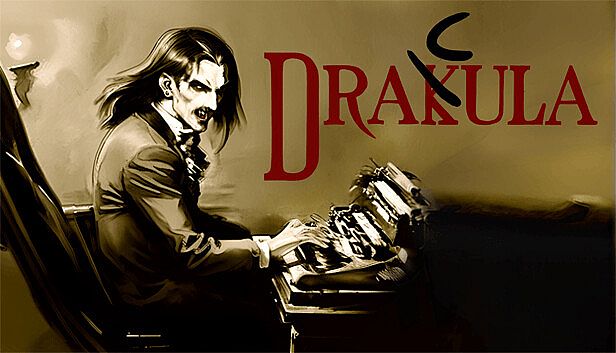
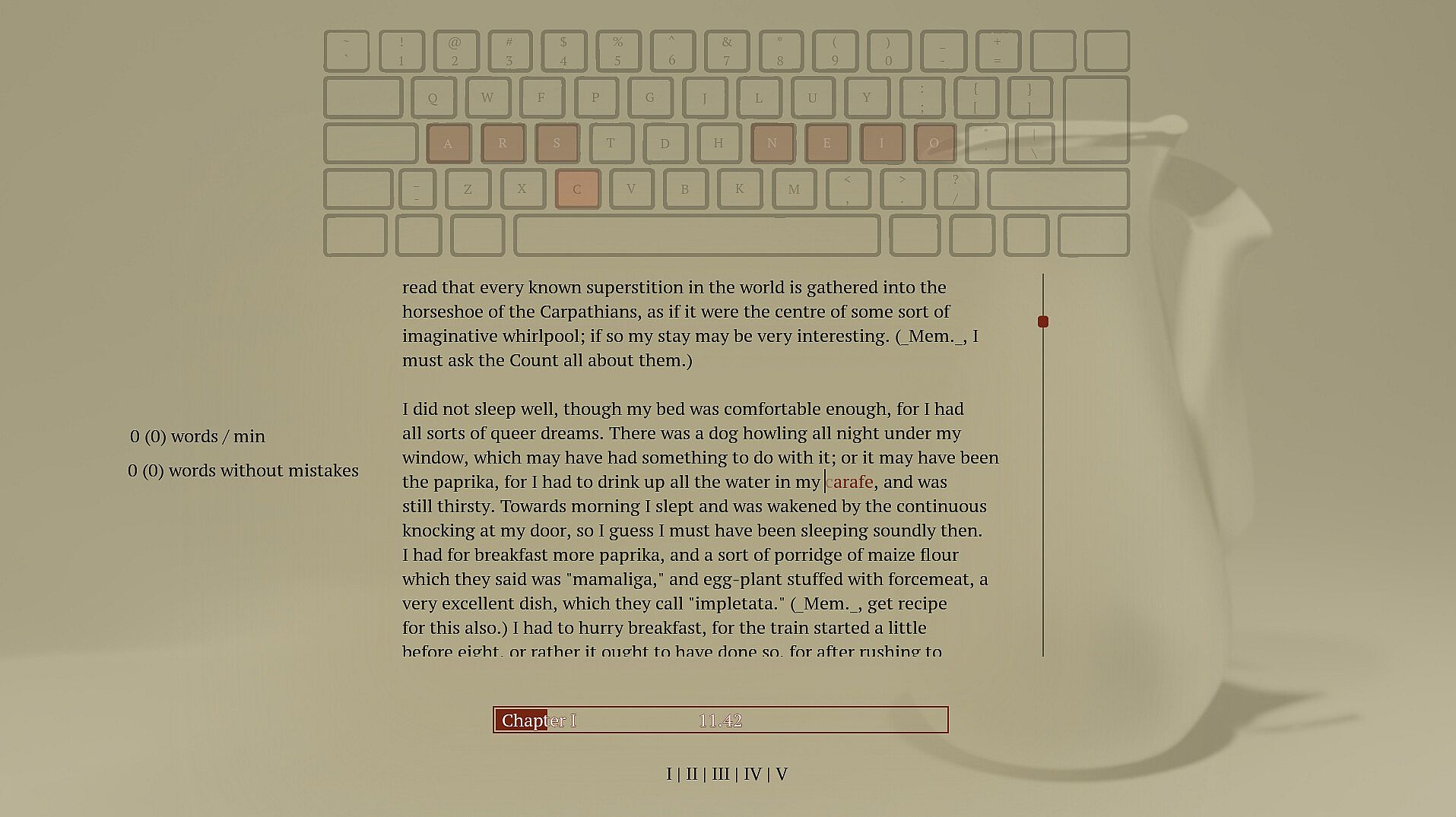
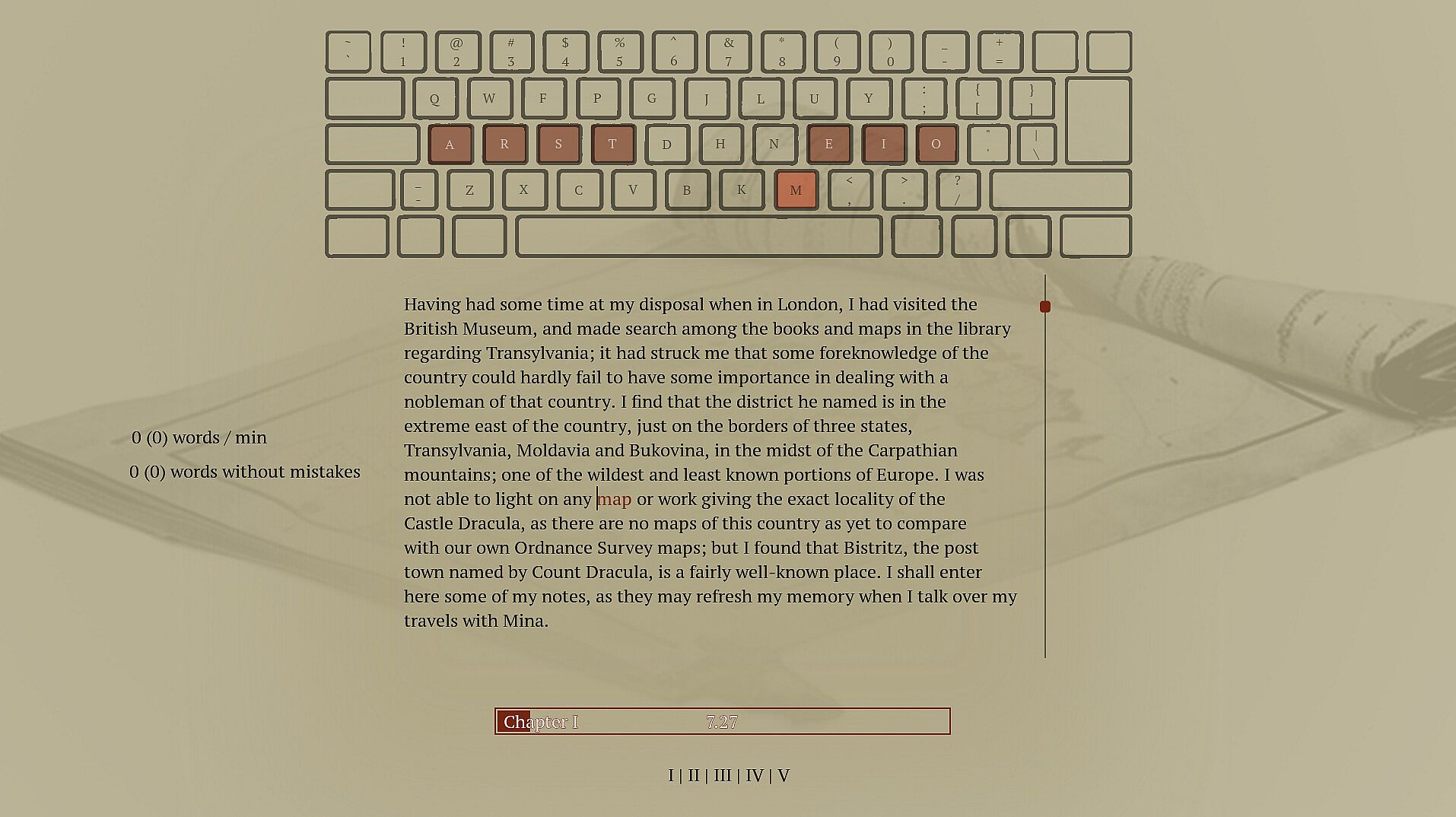
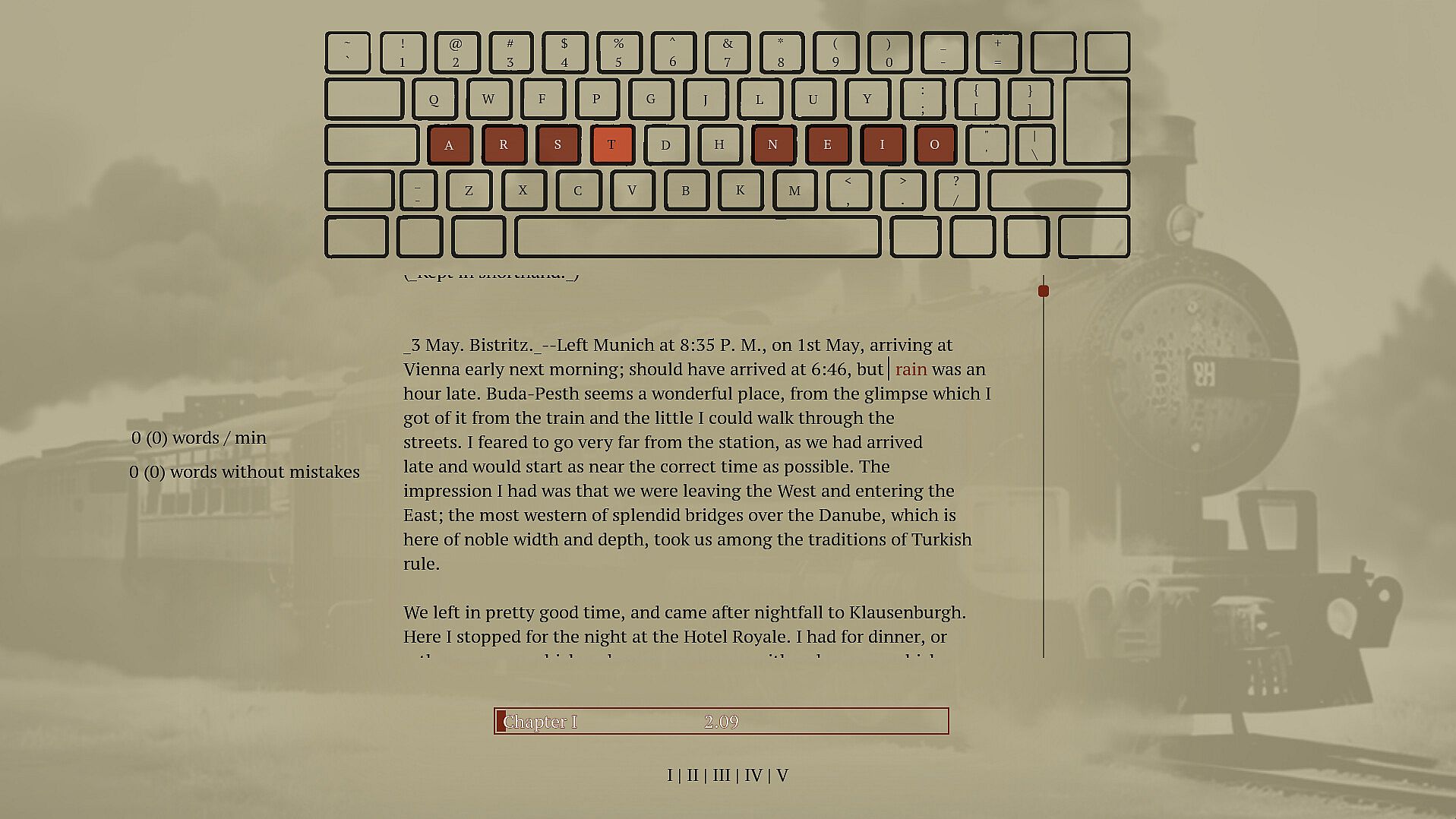
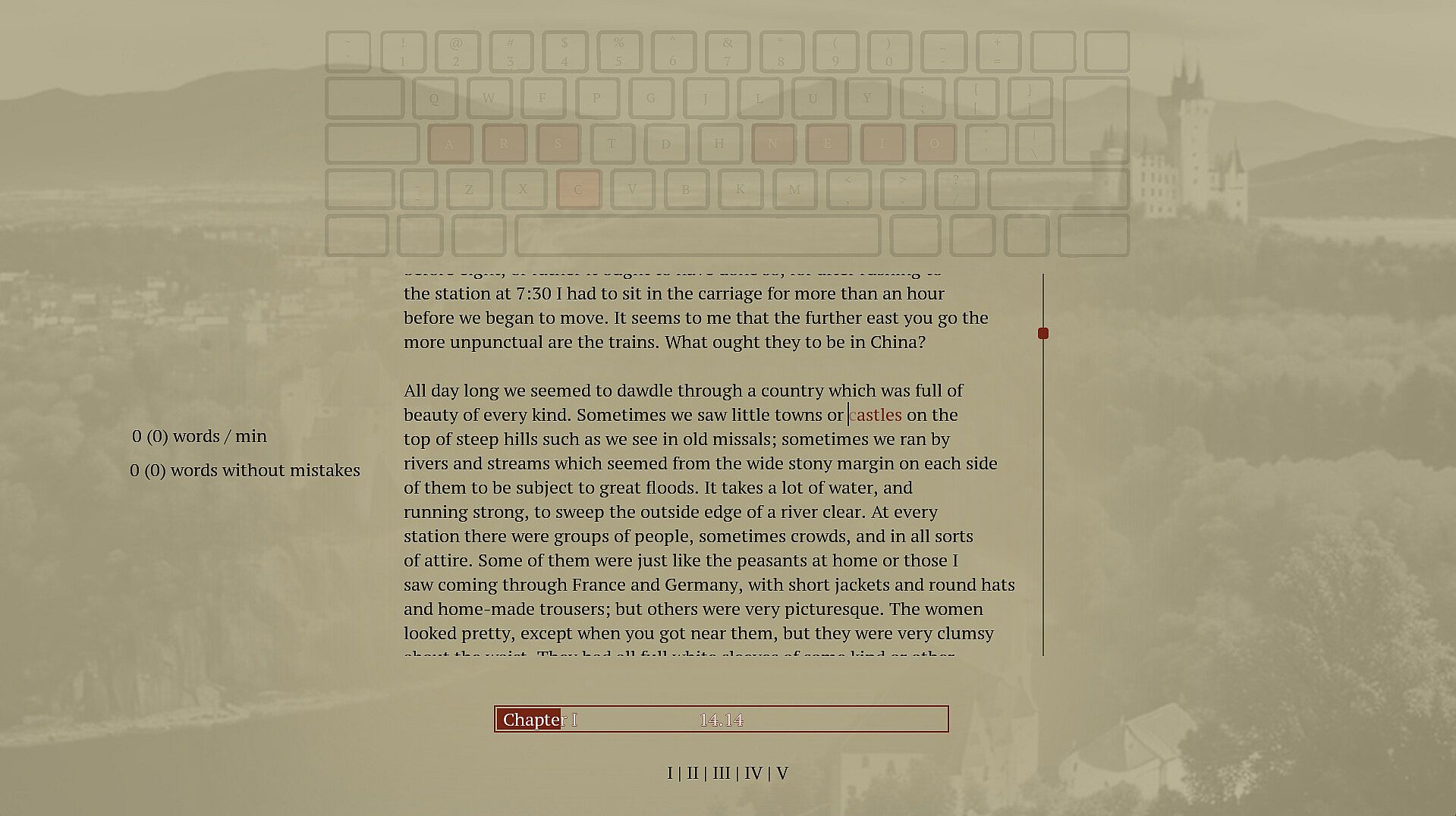
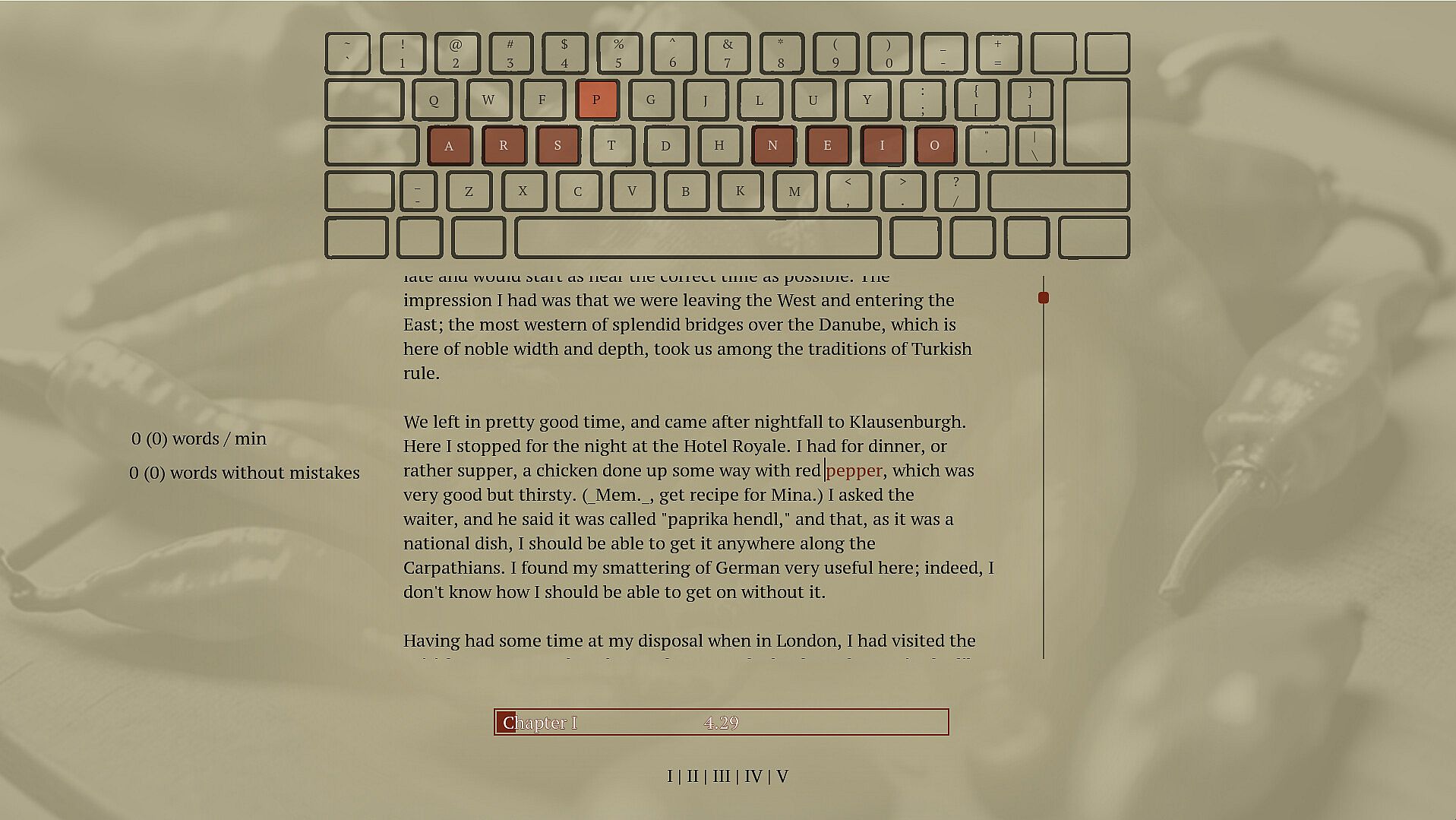
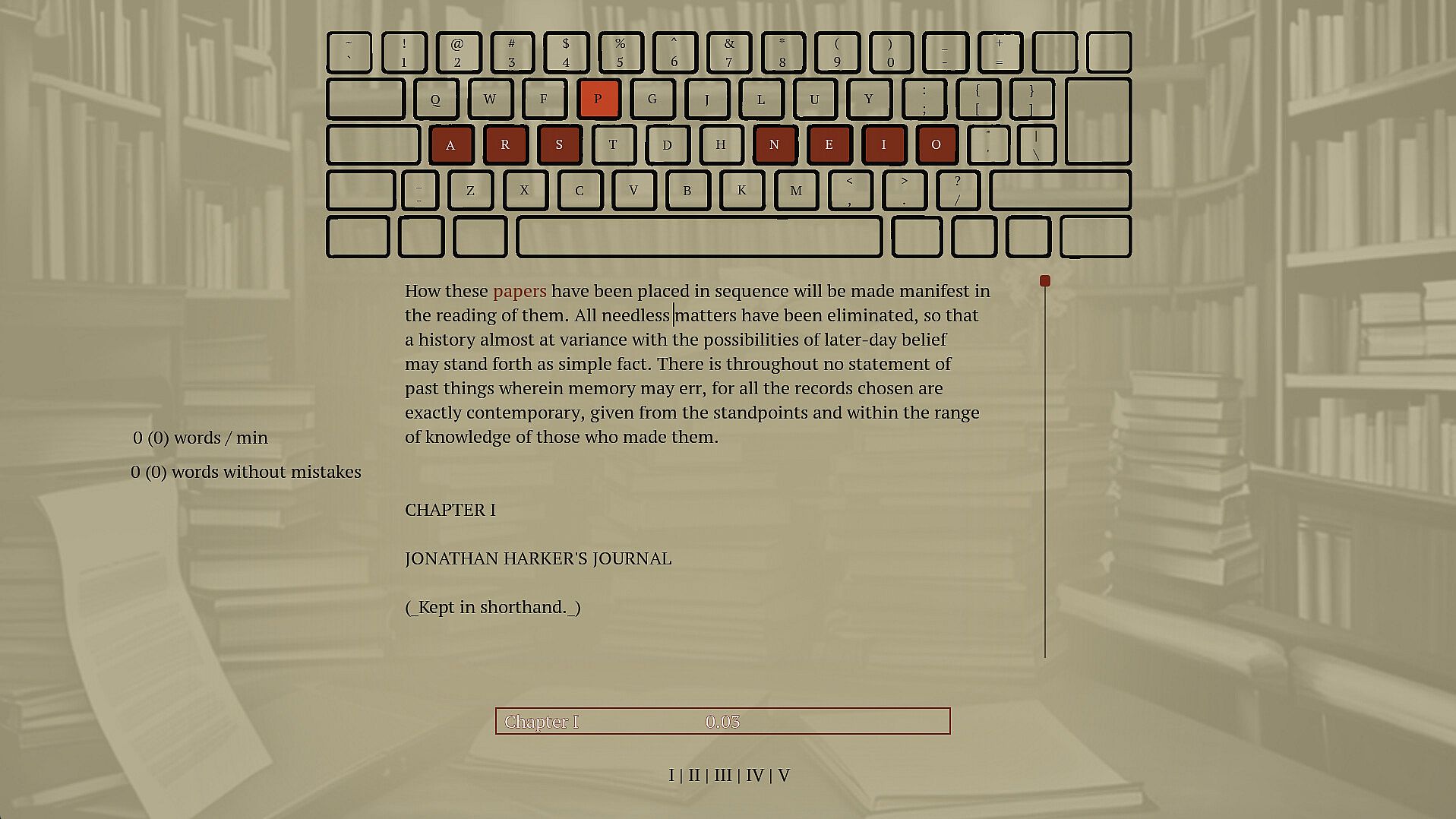
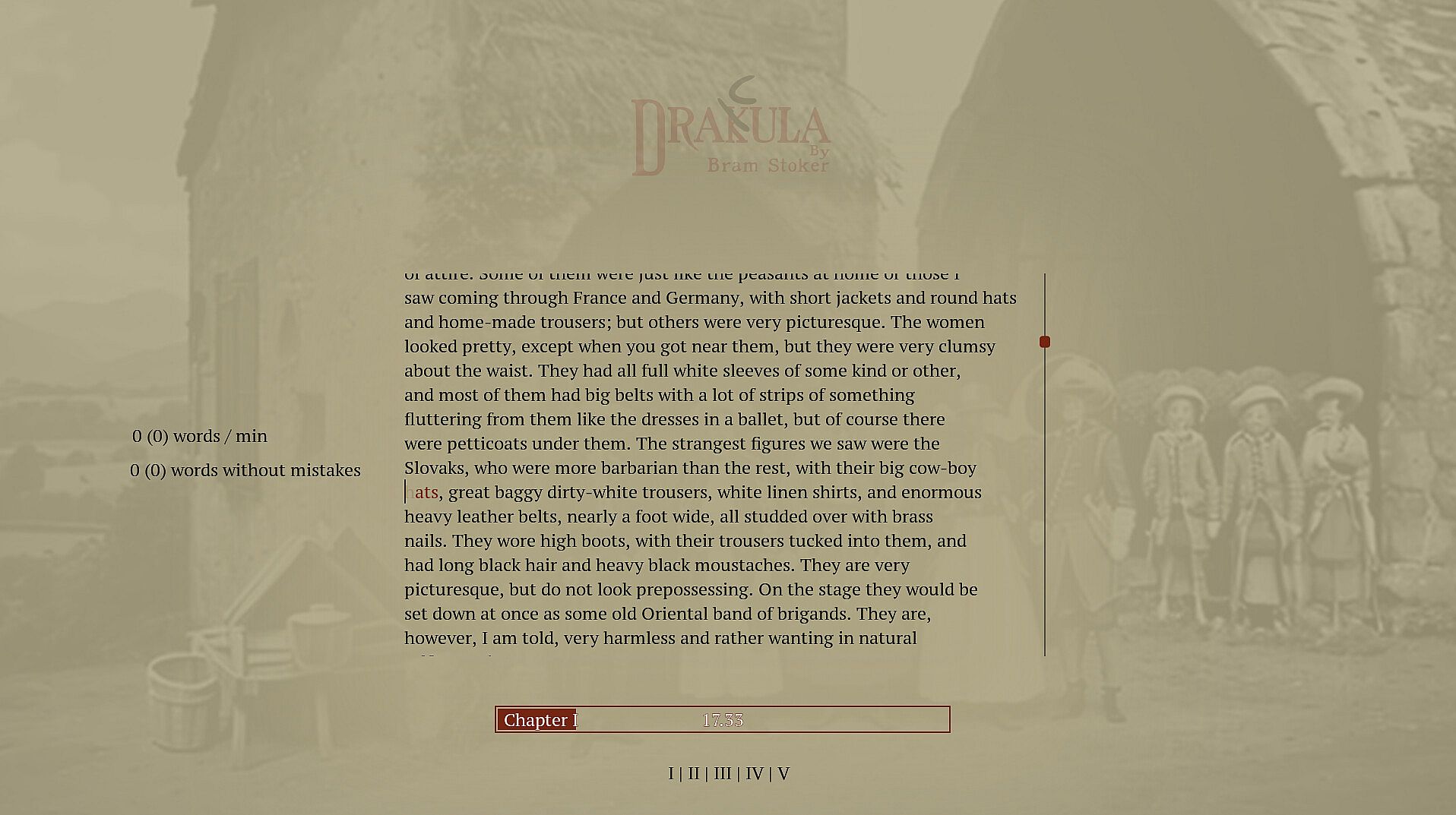
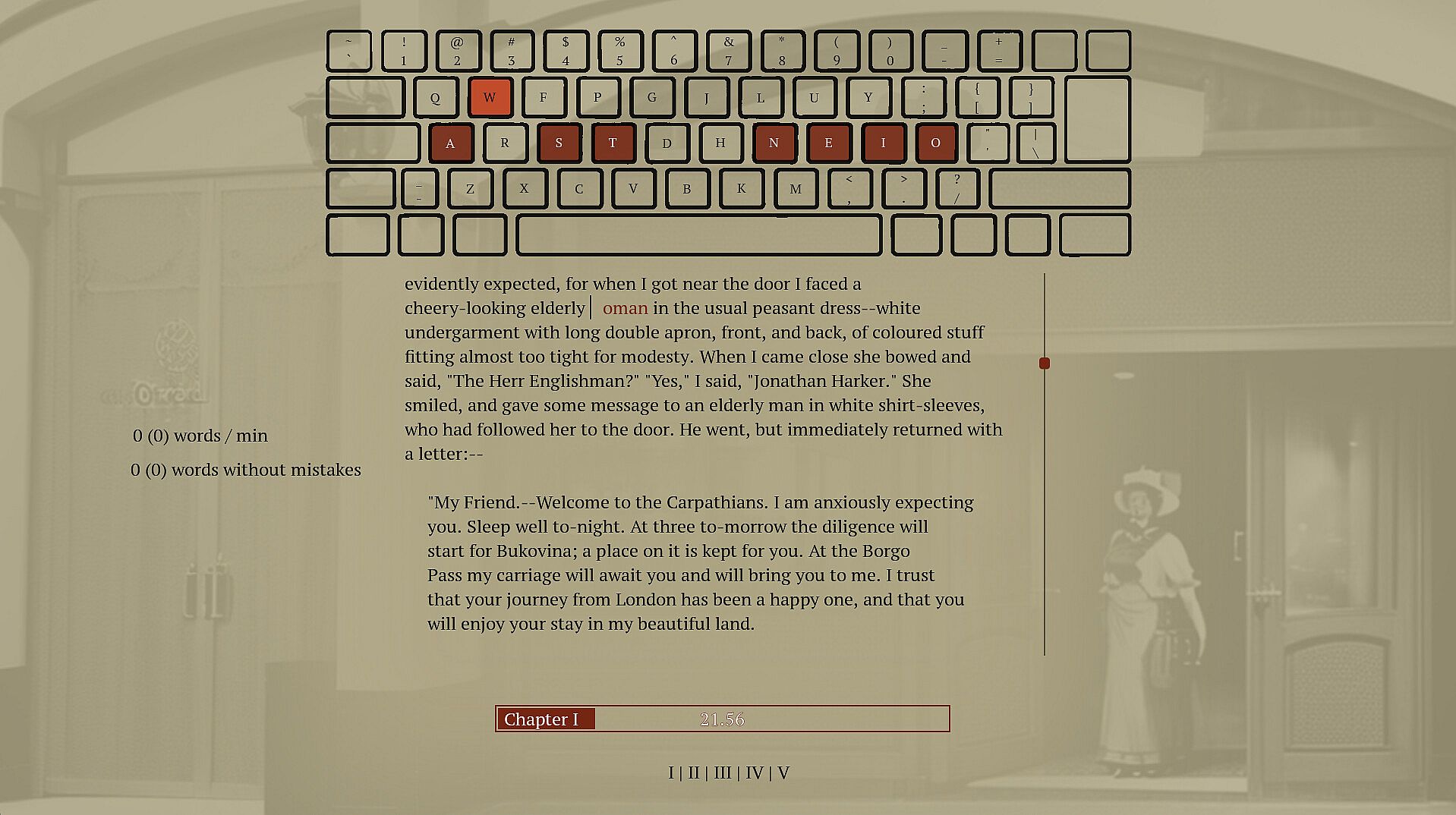
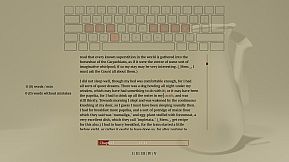
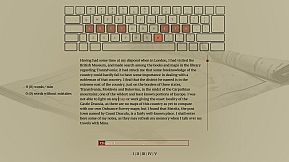
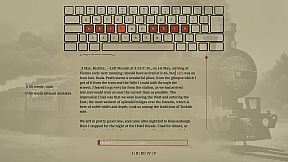
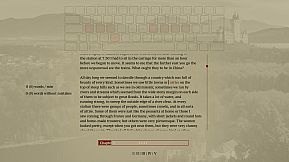
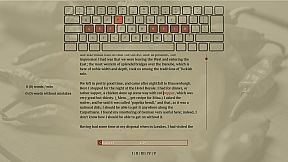
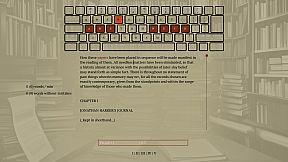
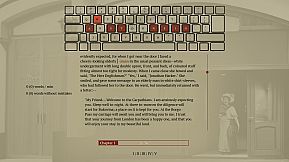
Type words from Dracula's full novel to master spelling and touch typing in this indie adventure. The game enforces correct spelling by halting progress on errors, prompting you to retype until accurate, while delivering the classic vampire story word by word. Practice builds muscle memory through repetition and pattern recognition across 160,000 words and 11,000 unique ones. Switch between standard, Dvorak, or Colemak layouts, or craft your own for reduced finger strain. This calm PC experience suits anyone seeking relaxed typing drills without time pressure. Beginners in touch typing or alternative layouts gain steady improvement alongside a rewarding read.

This is a typing game where you immerse yourself in Dracula's story while improving your typing and spelling. Enjoy a calm experience with different keyboard layouts. Type accurately to unlock the entire book and relax with a unique typing adventure.

Spell words correctly

Spelling is an important skill, and I have struggled to find a practical and fun way to practice.

Sure, the best thing would be to write a book of my own, but if you haven't tried, it's pretty hard to write something original. Also, I prefer to write words I know how to, which isn't helping my vocabulary. To improve my spelling skills, I've found repetition, repetition, and fast feedback to help. Typing and retyping a word you struggle with helps you learn it. Typing many different words lets you see patterns and recognize words built up of common sub-words. But typing a word 100 times is bad if you don't spell it correctly. I have caught myself doing that whenever I have to write a word I don't know how to spell; I make a guess and then use my computer spell check to fix it. Doing this allows me to write text fast. However, I am training the muscle memory in my fingers to type the incorrect guess, and even though I get to see the correct spelling afterward, it is not as powerful as typing the correct word out. You want someone to stand over your shoulder looking at you when you type, and whenever you misspell a word, they crack the whip and tell you, "That's wrong! Stop! Write it again like this...". So that is what this game does; it tells you when you have typed a word wrong and doesn't let you continue until you have spelled the word correctly.

Write Dracula

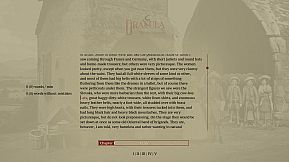
When in school, I was trained on writing sentences like this: "The ball is blue," "The businessman went to the bank," and "Trains run on rails." It was great practice but boring when the sentence had no context or story. That's why I selected a novel from the top of my "to read" list. If I don't learn anything from this, I will at least get to read a good book. If you haven't heard about Dracula, it's a classic novel about a vampire; it's still regarded as one of the best horror stories ever.

Touch typing

Touch typing is a method of typing on a keyboard without looking at the keys. This technique involves using all ten fingers efficiently, with each finger assigned to specific keys. If you are not touch typing, you should, if you care at all about typing speed. It's not too hard to learn; you have to know which finger to use on each key, and then spend some time practicing. Expect a drop in speed at the beginning; the best place to start might not be when taking notes in an important meeting. Start practicing while doing something that isn't time sensitive, like when reading a book.

Alternative keyboard layouts

If you do some research into ways to improve typing you will soon hear about alternative layouts. The keyboard layout you most likely use today is optimized to avoid jamming in early typewriters by spacing out commonly used letters. If you are not using a mechanical typewriter from before the First World War, this is no longer a problem, and the only reason to use this layout is that it has become a standard, and everyone else is using it. There are alternatives. Dvorak and Colemak are the most popular, and they are both optimized to reduce finger movement. Switching layout can increase typing speed and reduce the chance of typing injuries like carpet tunnel syndrome. Learning a new layout takes time, though, and just switching the computer layout without some practice beforehand will make it hard to get anything done for the next weeks if you have practiced a bit beforehand. There is no need to buy a new keyboard to use a new layout if you anyway are practicing touch and not looking down at the print on the keys.

Features
  • Spelling training

  • touch typing training

  • Dvorak and Colemak support

  • create custom layouts

  • Full Novel

  • 160.000 words

  • 11.000 unique words
Interfejs:
English

Klasyfikacja wiekowa

Brak informacji
Steam:
Overwhelmingly Positive (10)

Minimalne:

  • System operacyjny: 11
  • Procesor: -
  • Pami臋膰: 512 MB RAM
  • Grafika: -
  • DirectX: Version 12
  • Dysk: 200 MB available space
  • Dodatkowe uwagi: Broadband Internet connection; na; This is the slows pc the game has been tested on so far, most likely run well on slower computers

Zalecane:

  • System operacyjny: 11
  • Procesor: i9-9900k
  • Pami臋膰: 32 GB RAM
  • Grafika: 2080 gtx
  • DirectX: Version 12
  • Dysk: 75 MB available space
  • Dodatkowe uwagi: Broadband Internet connection; na

Minimalne:

  • System operacyjny: -
  • Procesor: -
  • Pami臋膰: 512 MB RAM
  • Grafika: -
  • Dysk: 200 MB available space
  • Dodatkowe uwagi: -; -

Zalecane:

  • System operacyjny: -
  • Procesor: -
  • Pami臋膰: 512 MB RAM
  • Grafika: -
  • Dysk: 200 MB available space
  • Dodatkowe uwagi: -; -

Minimalne:

  • System operacyjny: -
  • Procesor: -
  • Pami臋膰: 512 MB RAM
  • Grafika: -
  • Dysk: 200 MB available space
  • Dodatkowe uwagi: -; -

Zalecane:

  • System operacyjny: -
  • Procesor: -
  • Pami臋膰: 512 MB RAM
  • Grafika: -
  • Dysk: 200 MB available space
  • Dodatkowe uwagi: -; -
Historycznie najni偶sza cena
Historia cen ze sklep贸w oficjalnych
-
-
-
Historia cen z keyshop贸w
-
-
-

FAQ

8 pyta艅

Zanim zaczniesz szuka膰 taniego klucza Drakula, sprawd藕 najwa偶niejsze informacje. Tw贸rcy: Blue Smoke Electronics. Wydawca: Blue Smoke Electronics. Data premiery na PC: 23 pa藕 2024. Gatunki: Indie, Adventure. Kategorie: Family Sharing, Single-player.

Q

Gdzie kupi膰 tani klucz Steam do Drakula?

Korzystaj膮c z naszej por贸wnywarki cen i zweryfikowanych kod贸w rabatowych, mo偶esz kupi膰 klucz do Drakula ju偶 od 39,99聽z艂. Ta oferta jest dost臋pna w Steam i nale偶y do najta艅szych na rynku. Wszystkie klucze na XD.deals s膮 dostarczane cyfrowo z mo偶liwo艣ci膮 natychmiastowego pobrania po p艂atno艣ci. Ceny uwzgl臋dniaj膮 ju偶 prowizje i kody promocyjne, wi臋c zawsze widzisz najni偶sz膮 cen臋 Drakula na PC. Sprawd藕 histori臋 cen Drakula, aby kupi膰 w najlepszym momencie.

Przy ostatniej aktualizacji (od艣wie偶amy ceny Steam kilka razy dziennie) cena Drakula na Steam wynosi艂a 39,99聽z艂. Mo偶esz zaoszcz臋dzi膰 dodatkowe ~6% p艂ac膮c zdyskontowan膮 kart膮 podarunkow膮 Steam.

Nasz tracker cen obejmuje oficjalne sklepy i keyshopy, wi臋c znajdziesz Drakula w promocji nawet poza sezonowymi wyprzeda偶ami. Obecnie wykrywamy 1 aktywna oferta z oficjalnych sklep贸w i keyshop贸w. Sprawd藕 tabel臋 powy偶ej, por贸wnaj z historycznie najni偶sz膮 cen膮 i ustaw alert, aby nie przegapi膰 kolejnego spadku.

Wed艂ug naszych danych Drakula nie jest obecnie dost臋pne na GeForce NOW. Musisz uruchomi膰 gr臋 lokalnie na swoim PC. Przegl膮daj gry dost臋pne na GeForce NOW.

Tak. Drakula ma oficjaln膮 stron臋 w sklepie Steam. Mo偶esz te偶 kupi膰 klucz Steam do Drakula od zewn臋trznych sprzedawc贸w. Nasza por贸wnywarka zawiera obecnie 1 oferta z DRM Steam. Wybierz jedn膮, aby mie膰 pewno艣膰, 偶e pobierzesz Drakula na platformie Valve.

Nie w tym momencie. Valve oznacza Drakula jako niewspierane na Steam Deck. 艢led藕 XD.deals - monitorujemy aktualizacje Proton i poprawki spo艂eczno艣ci. Przegl膮daj gry zweryfikowane na Steam Deck lub grywalne na Steam Deck.

Drakula nie jest obecnie dost臋pne w PC Game Pass, EA Play, Ubisoft+ ani 偶adnej innej subskrypcji na PC. Jedyn膮 opcj膮 jest zakup gry - u偶yj XD.deals, aby znale藕膰 najlepsz膮 cen臋.

Nie - XD.deals nie jest sklepem. Jeste艣my por贸wnywark膮 cen, kt贸ra 艣ledzi najlepsze oferty na Drakula w oficjalnych sklepach i zweryfikowanych keyshopach. Kliknij "Przejd藕 do sklepu" przy wybranej ofercie, a przekierujemy Ci臋 na stron臋 sprzedawcy.

Najlepsze ceny za Drakula

1 Steam Steam Official
39,99聽z艂

Chcesz kupi膰 w najlepszym momencie? Ustaw alert cenowy na XD.deals i otrzymaj powiadomienie, gdy Drakula osi膮gnie historycznie najni偶sz膮 cen臋.

Utw贸rz alert
Do艂膮cz do Discorda
Uzyskaj szybk膮 pomoc od spo艂eczno艣ci i b膮d藕 na bie偶膮co z promocjami
Ustaw alerty cenowe
Otrzymuj powiadomienia e-mail, gdy cena gry spadnie do Twojego poziomu
Za艂贸偶 darmowe konto
Odblokuj wishlisty, alerty cenowe i synchronizacj臋 ze Steam