

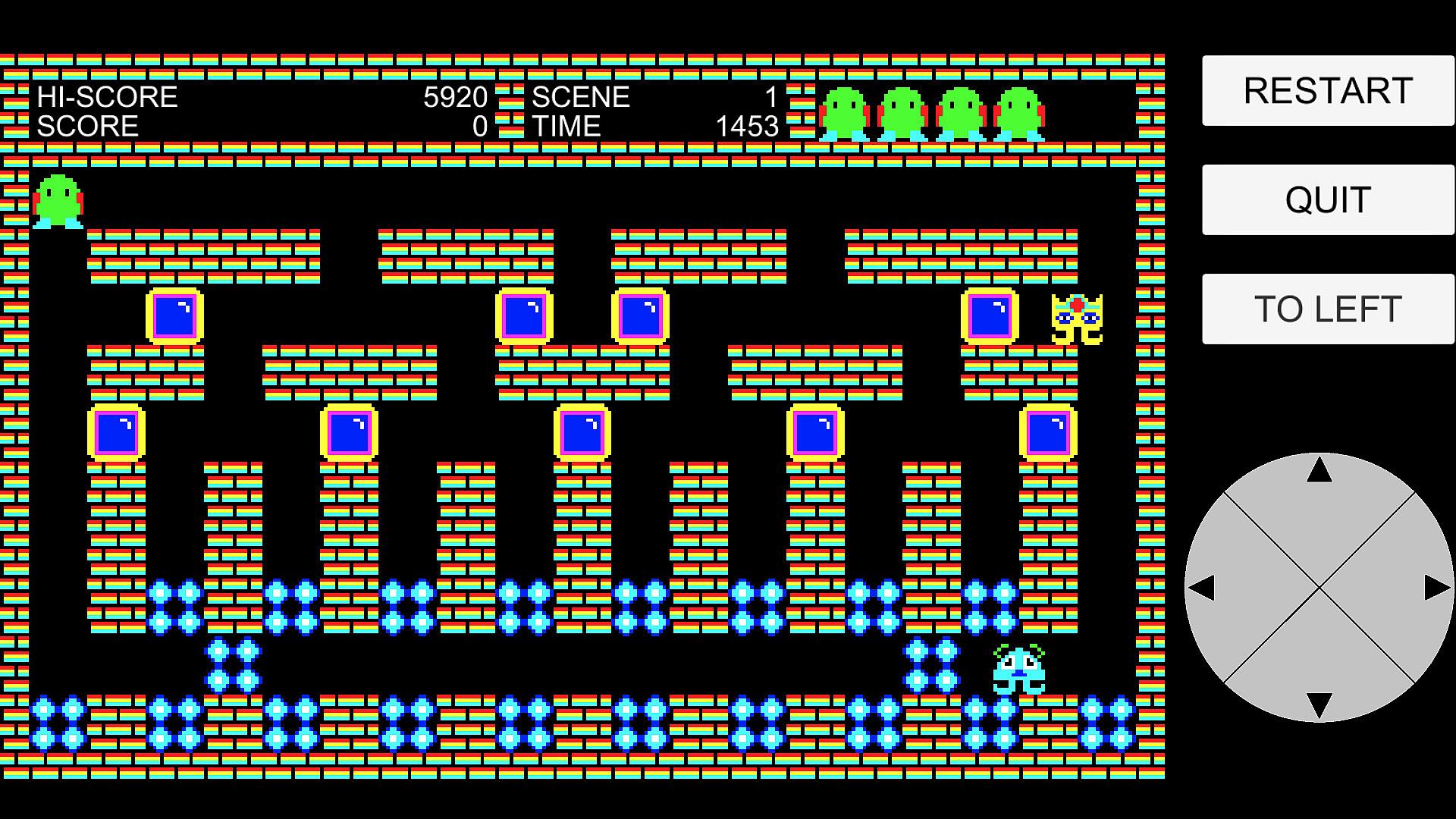
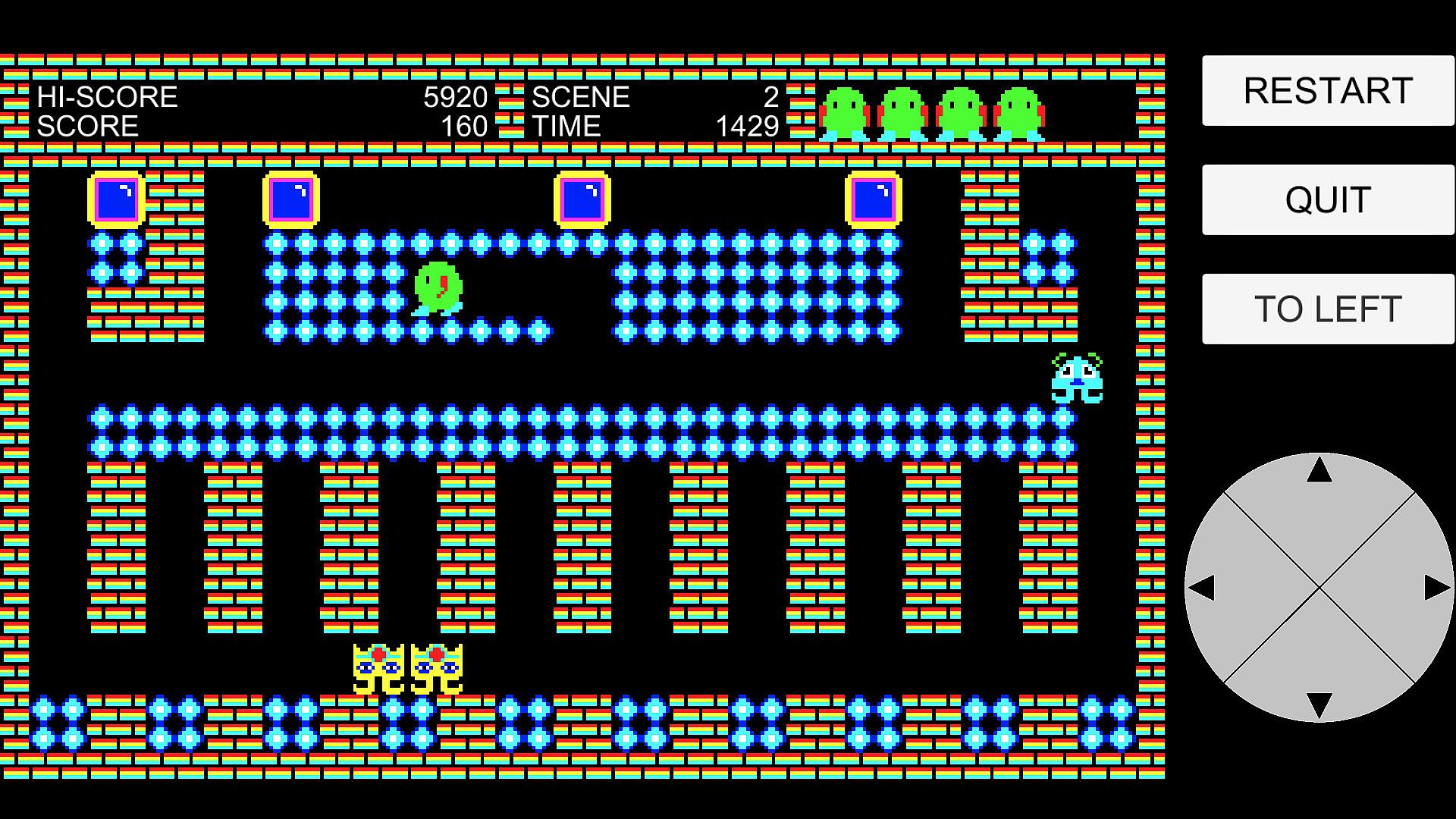
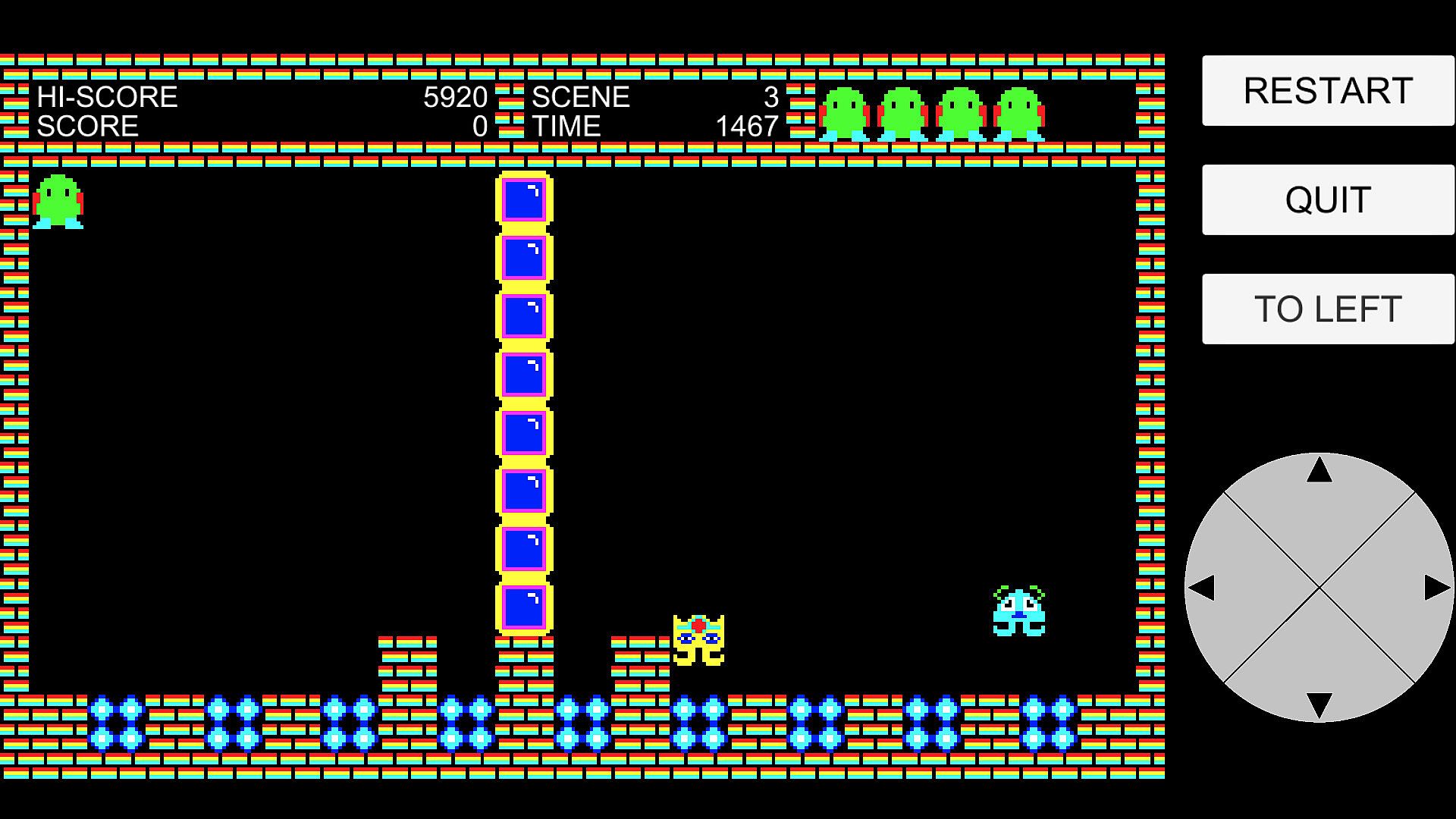
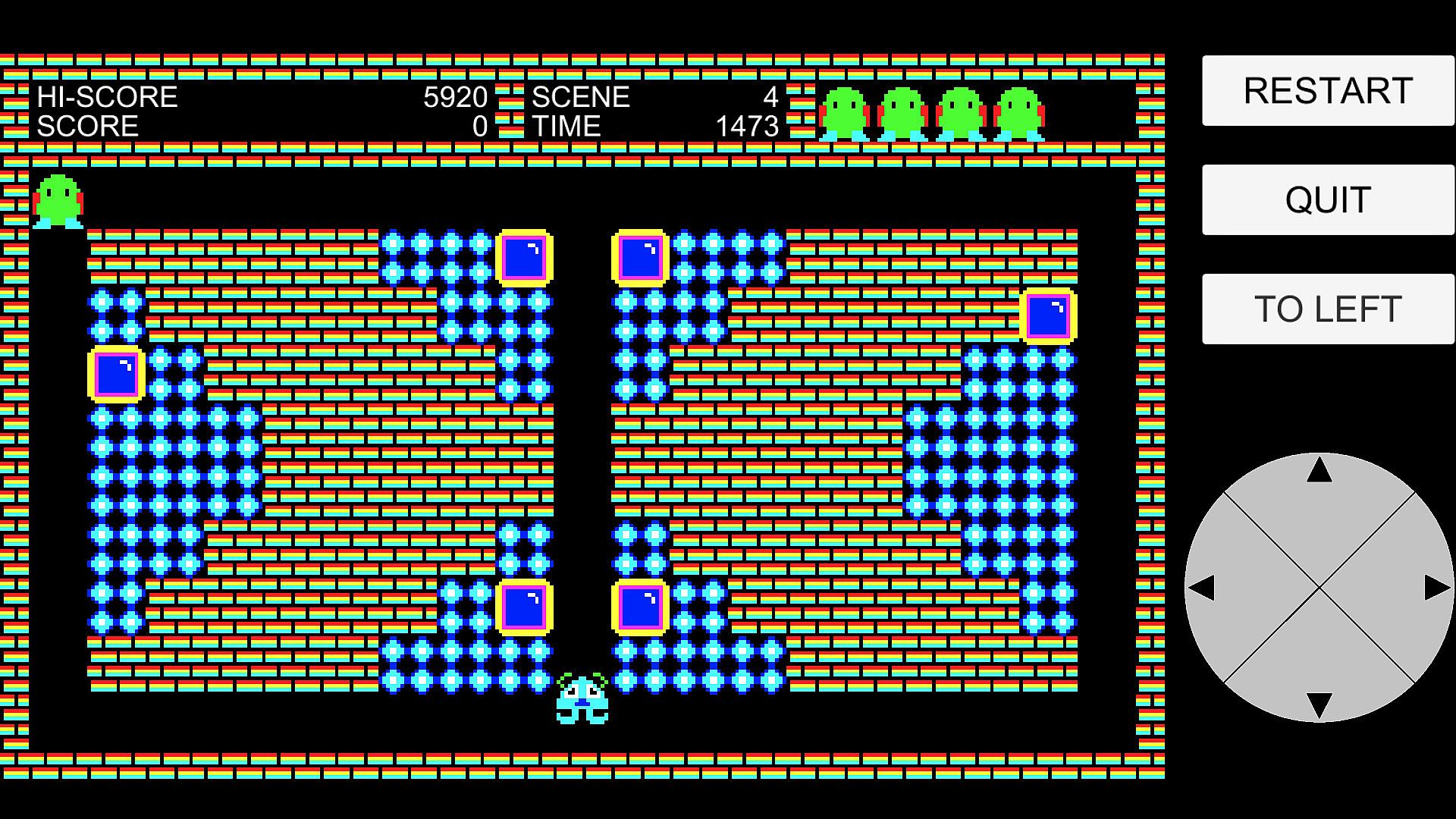
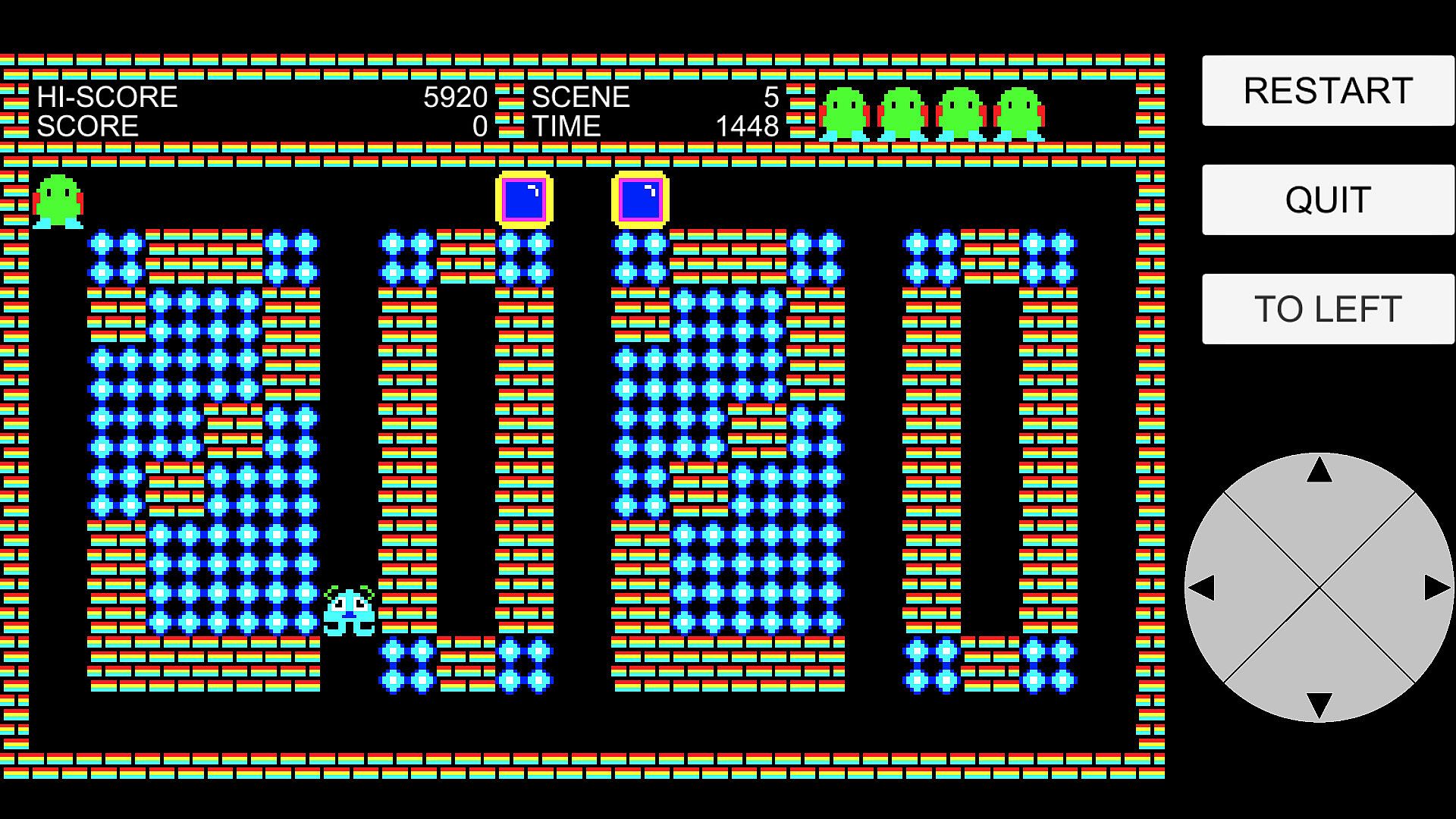
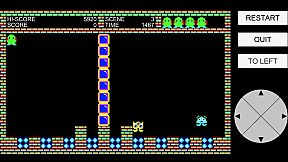
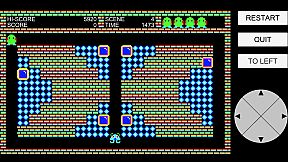
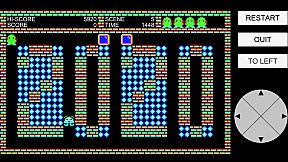
In this action-puzzle game, your goal is to clear each scene by collecting all the dots. There are 30 unique scenes to conquer.
You control the main character using either a keyboard, controller, or on-screen joystick. Navigate the stage, avoid enemies, and use blocks strategically to survive.
Two types of enemies chase you relentlessly. If they catch you, you lose a life. However, you're not defenseless—by pushing blocks and dropping them from above, you can crush enemies. Be careful though: if you're crushed by a block yourself, you'll also lose a life.
Each scene has a time limit. If time runs out, you lose a life. Lose all your lives, and it’s game over.
You can restart the current scene at the cost of one life using the [RESTART] button, or return to the title screen using the [QUIT] button.
Once you clear a scene, it becomes available for selection from the title screen. Use the [UP] and [DOWN] buttons to choose a previously cleared scene, and use [TO LEFT] or [TO RIGHT] to move the position of the on-screen buttons for comfort.
Can you clear all 30 scenes and master every challenge?
Additional Controller and Keyboard Functions
In the game screen, the [RESTART] button can also be triggered by pressing the controller's [START] button or the keyboard's [Delete] key.
In the game screen, the [QUIT] button can also be triggered by pressing the controller's [BACK] button or the keyboard's [Esc] key.
In the title screen, the [UP] and [DOWN] buttons can also be triggered by using the controller's D-pad or analog stick (up/down/left/right) or L/R buttons, or by using the keyboard's arrow keys.
In the title screen, the [START] button can also be triggered by pressing the controller's [START] button or the keyboard's Space or Enter key.
In the game screen, the [TO LEFT] and [TO RIGHT] buttons can also be triggered by pressing the controller's L/R buttons or the keyboard's L/R keys.