
game.details.promoText_3

game.details.release 13 giu 2018
Metacritic:
tbd tbd
Steam:
Overwhelmingly Negative (4)
Keyshops
game.details.shop.unavailable
game.details.buyInOfficialStore.heading
5,69 €
game.details.buyInKeyshop.heading
game.details.cta.priceHistory

game.details.navigation.stores (1)

DRM:
Steam
Steam
Steam
Magic Flight Academy
Windows
time.yearsAgo
DRM:
Steam
Steam
5,69 €
Historical Low Deal
Historical low

game.details.navigation.about

game.details.aboutTheGame.heading

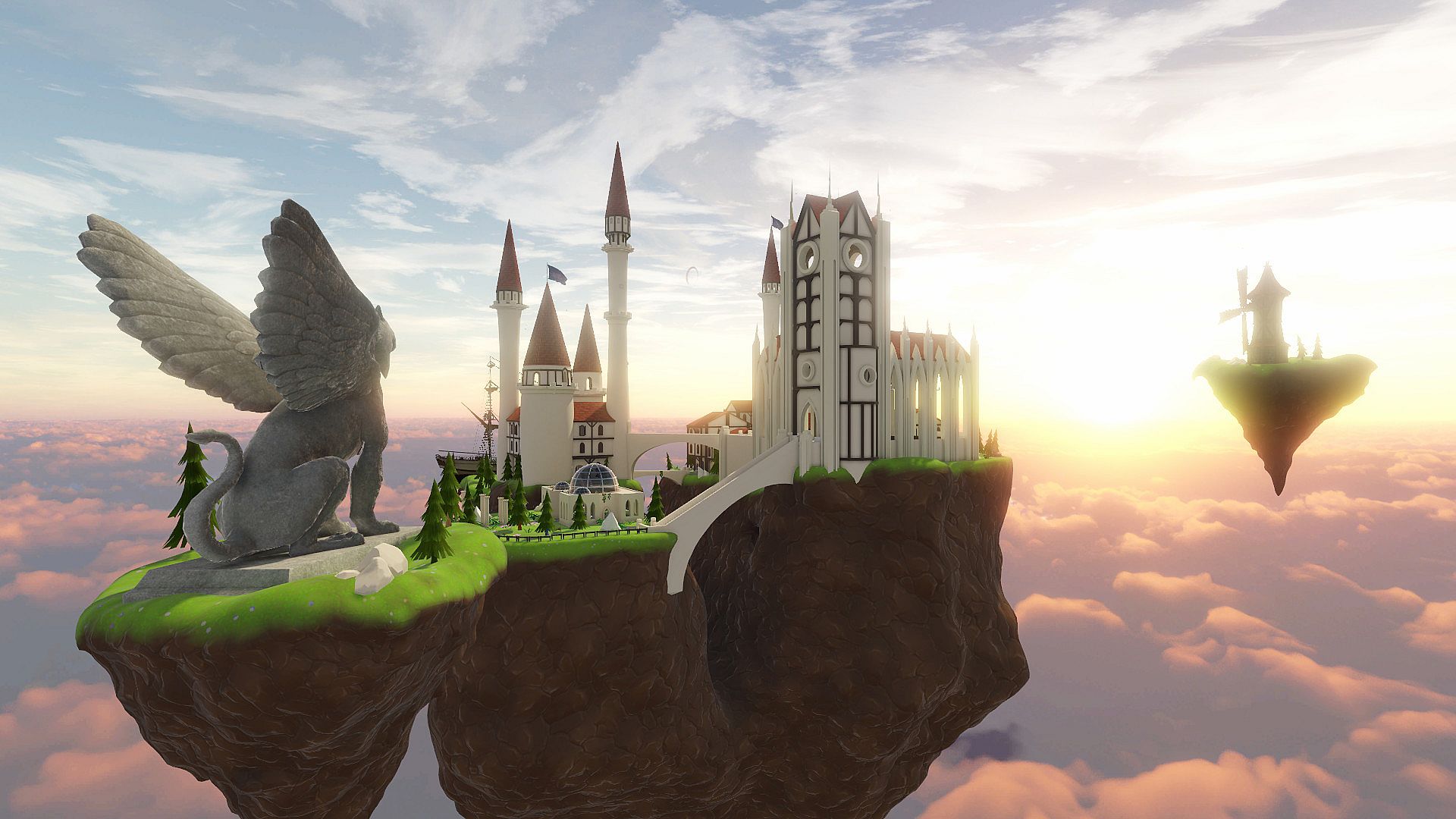
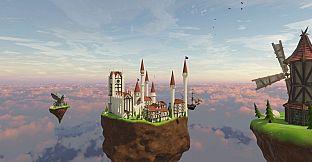
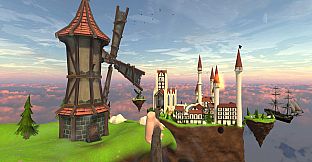
MUST HAVE for VR arcade centers. Perfect for the first-time experience.
FUN INCLUDES
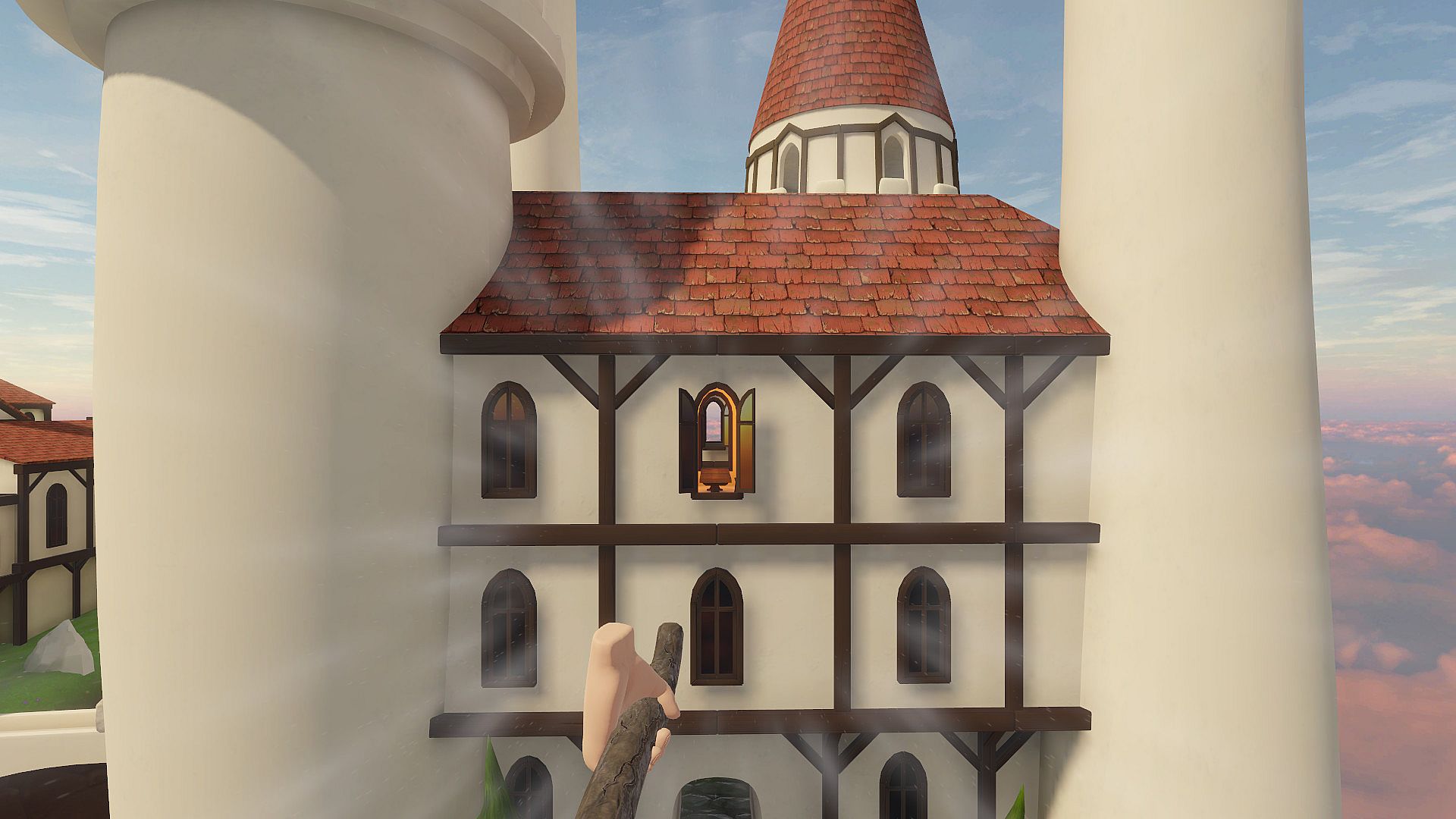
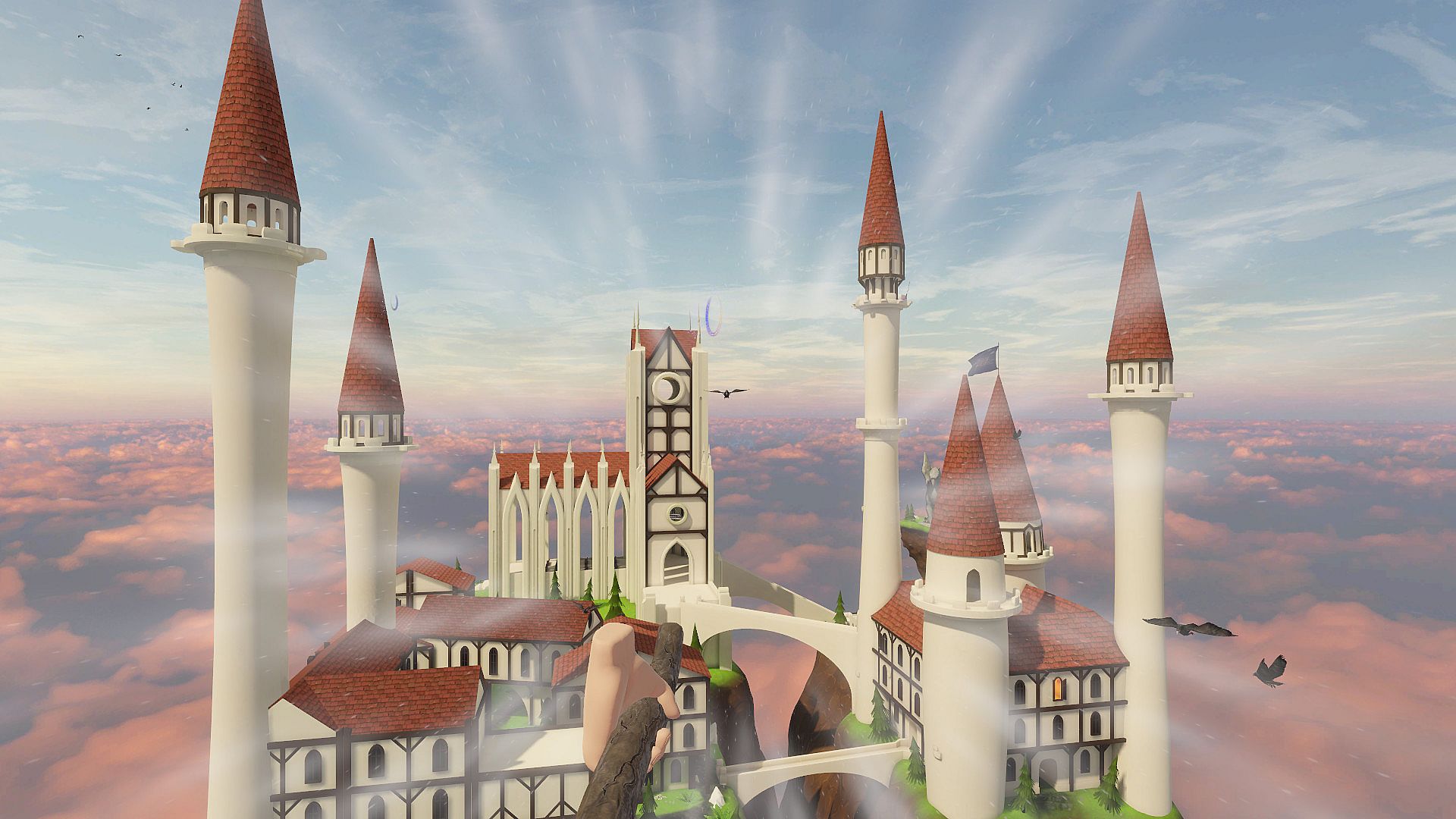
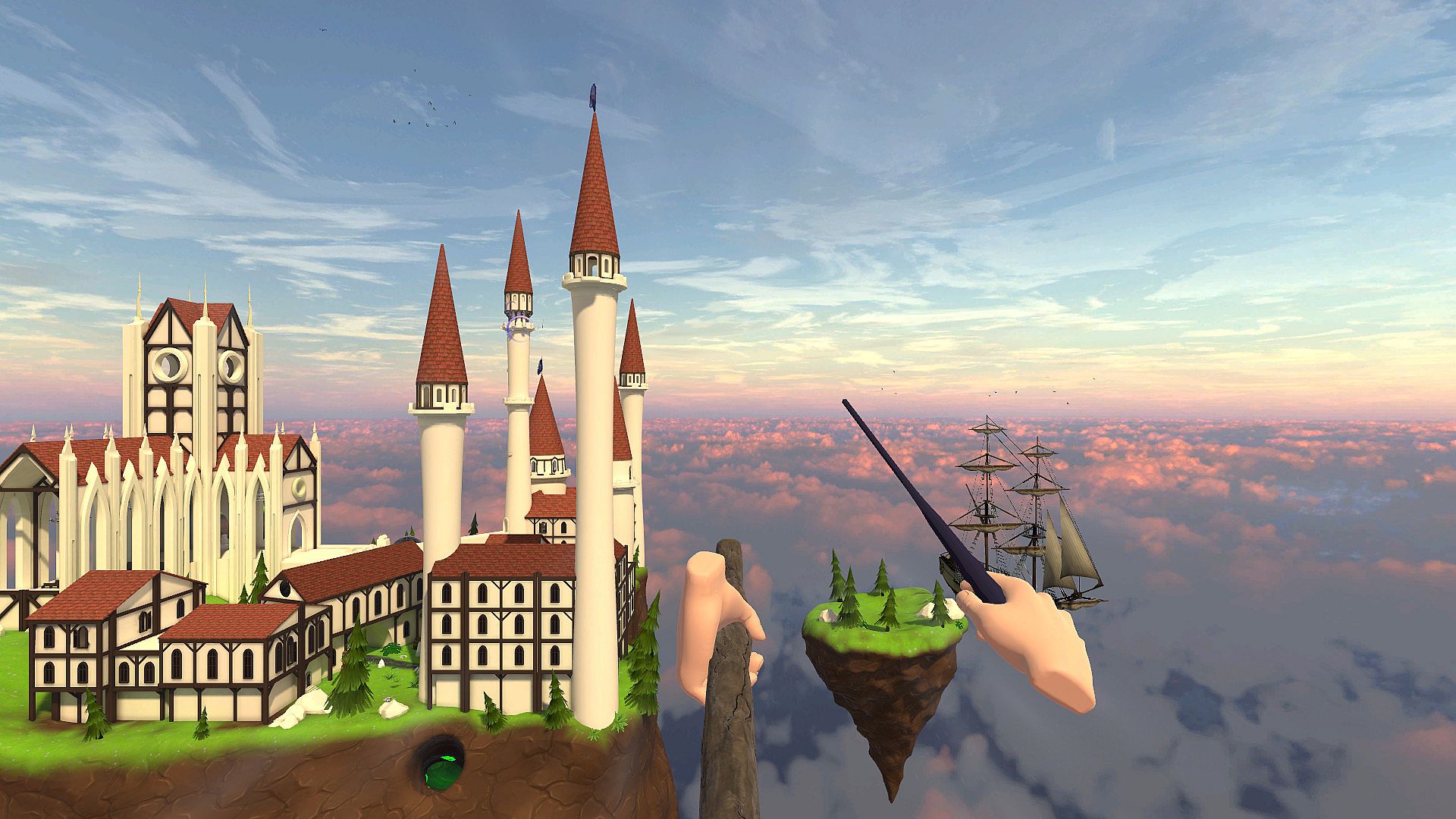
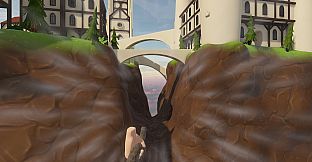
  • a breathtaking walk on a plank from the top of a tower
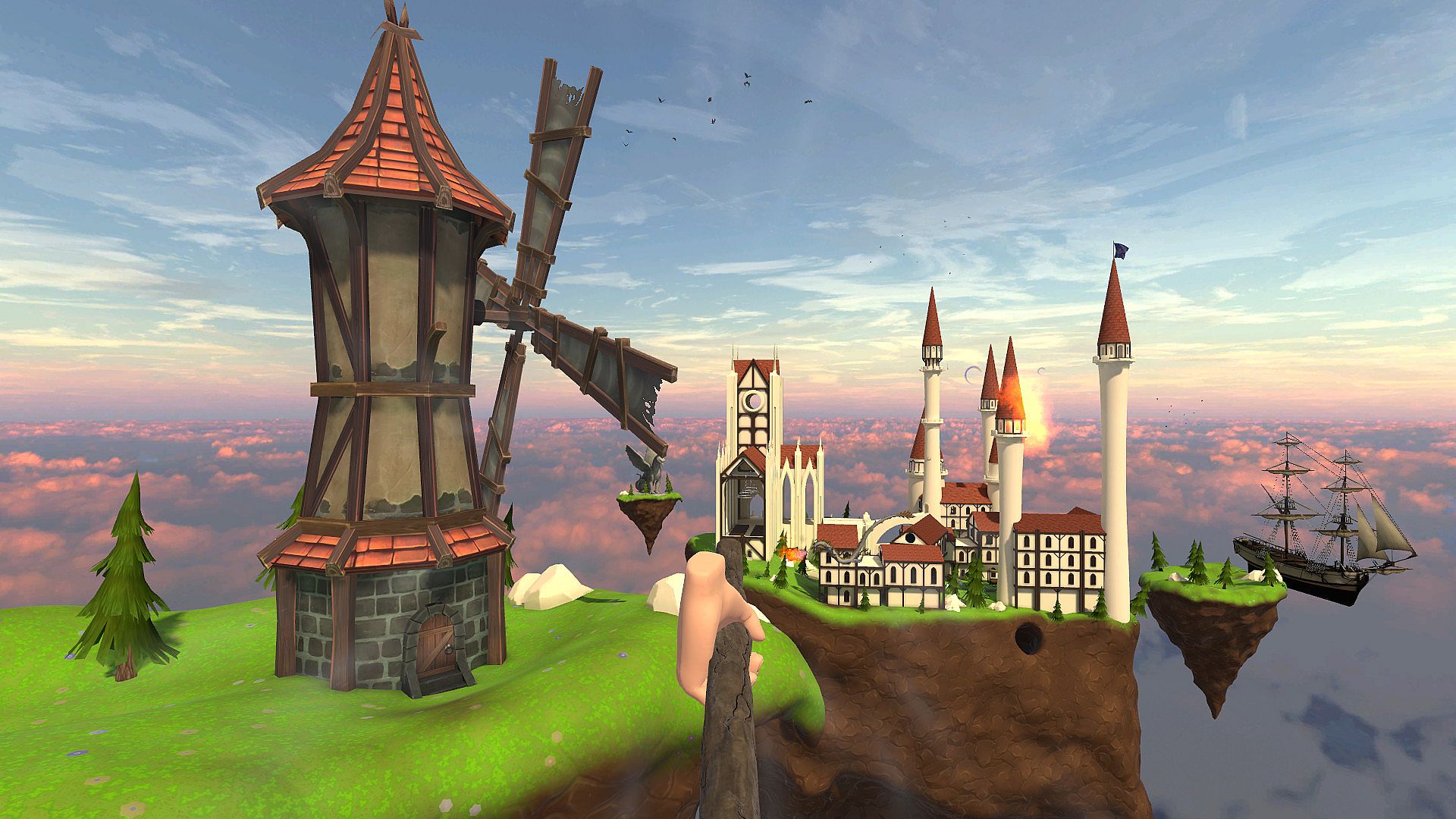
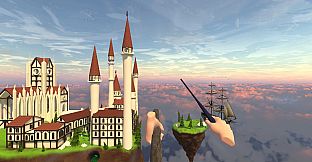
  • flying on a broomstick around the school of magic
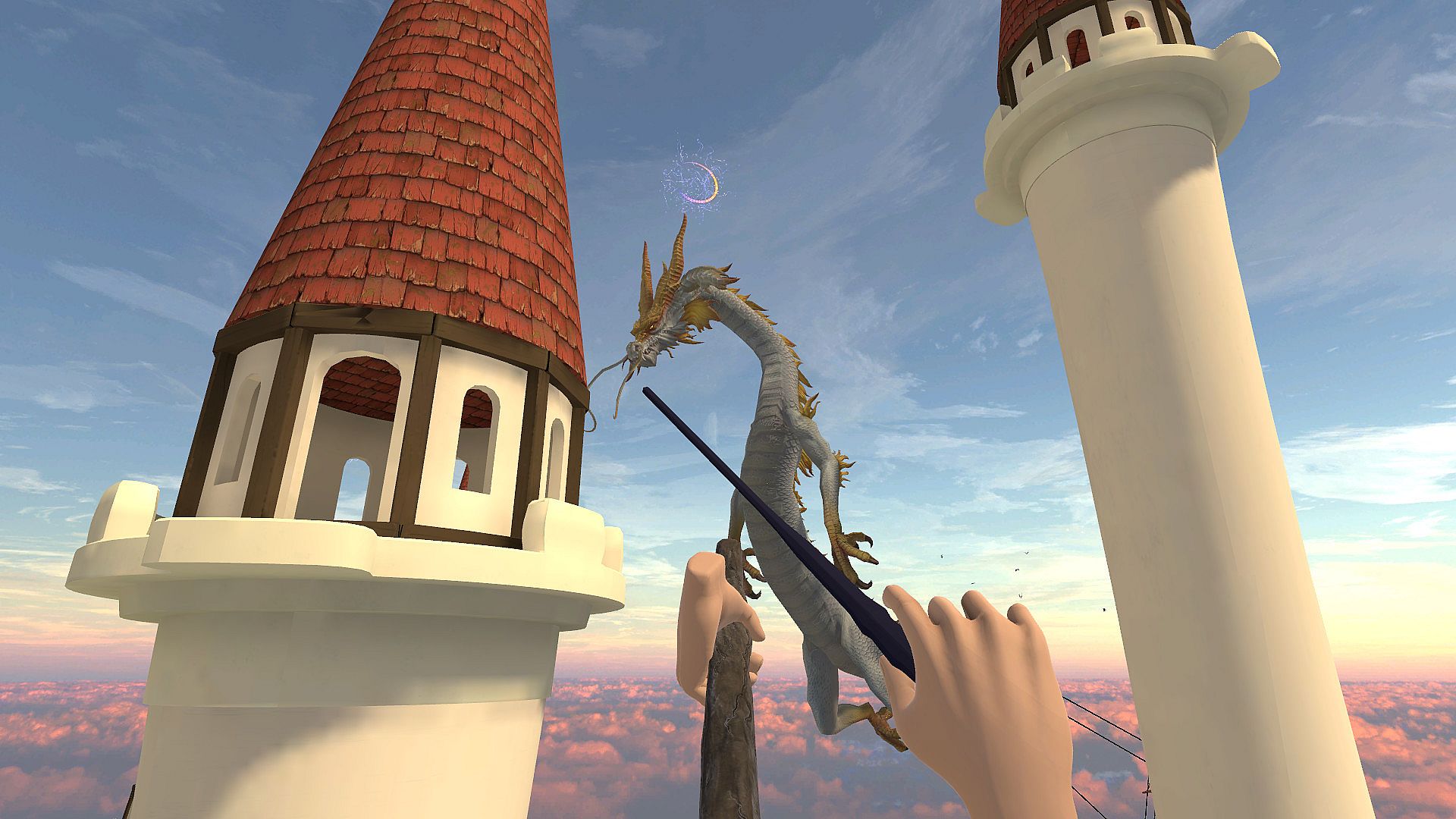
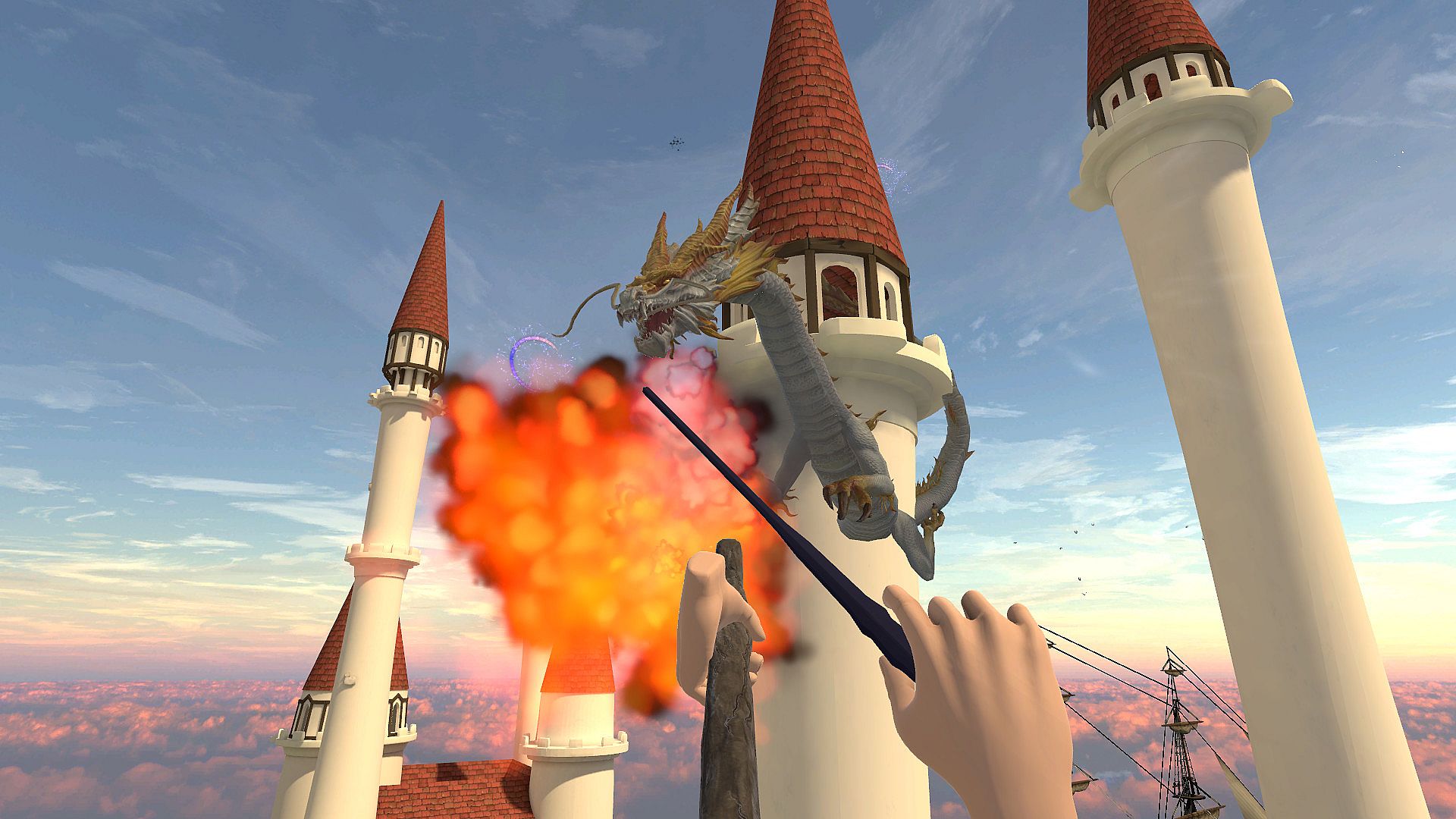
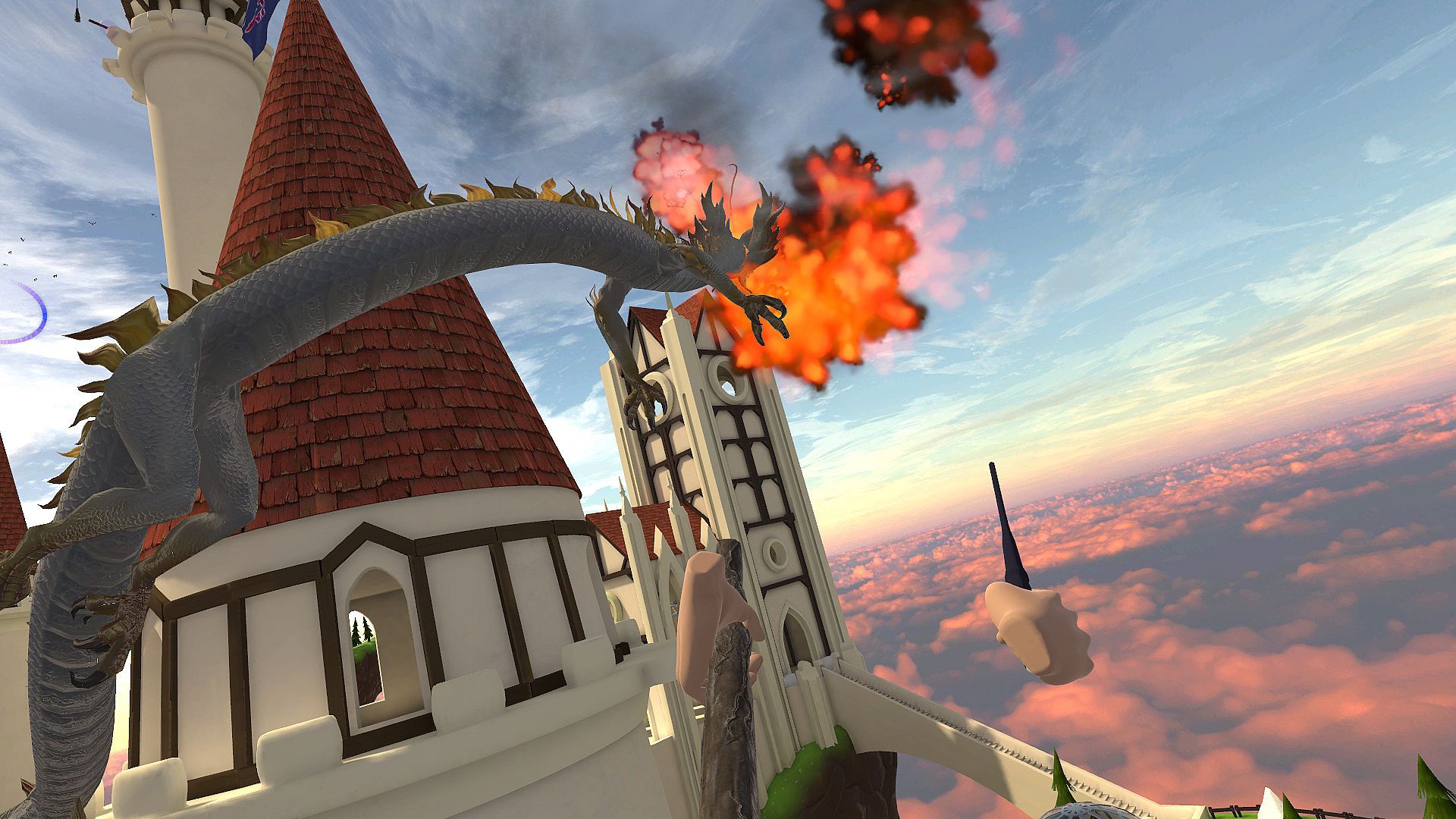
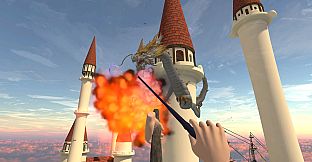
  • casting spells with a magic wand
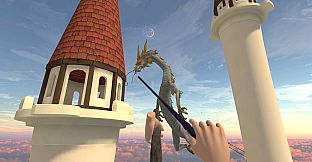
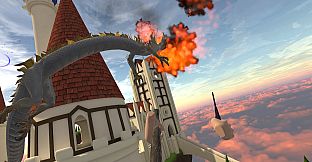
  • fighting a giant dragon
KILLER-FEATURE
Use a real-life plank to intensify the wow effect (instruction below).
COMING SOON
Use a real-life broomstick to make competitive promo photos.
WARNING!
Only COMMERCIAL LICENSE includes MULTIPLAYER.
STORY
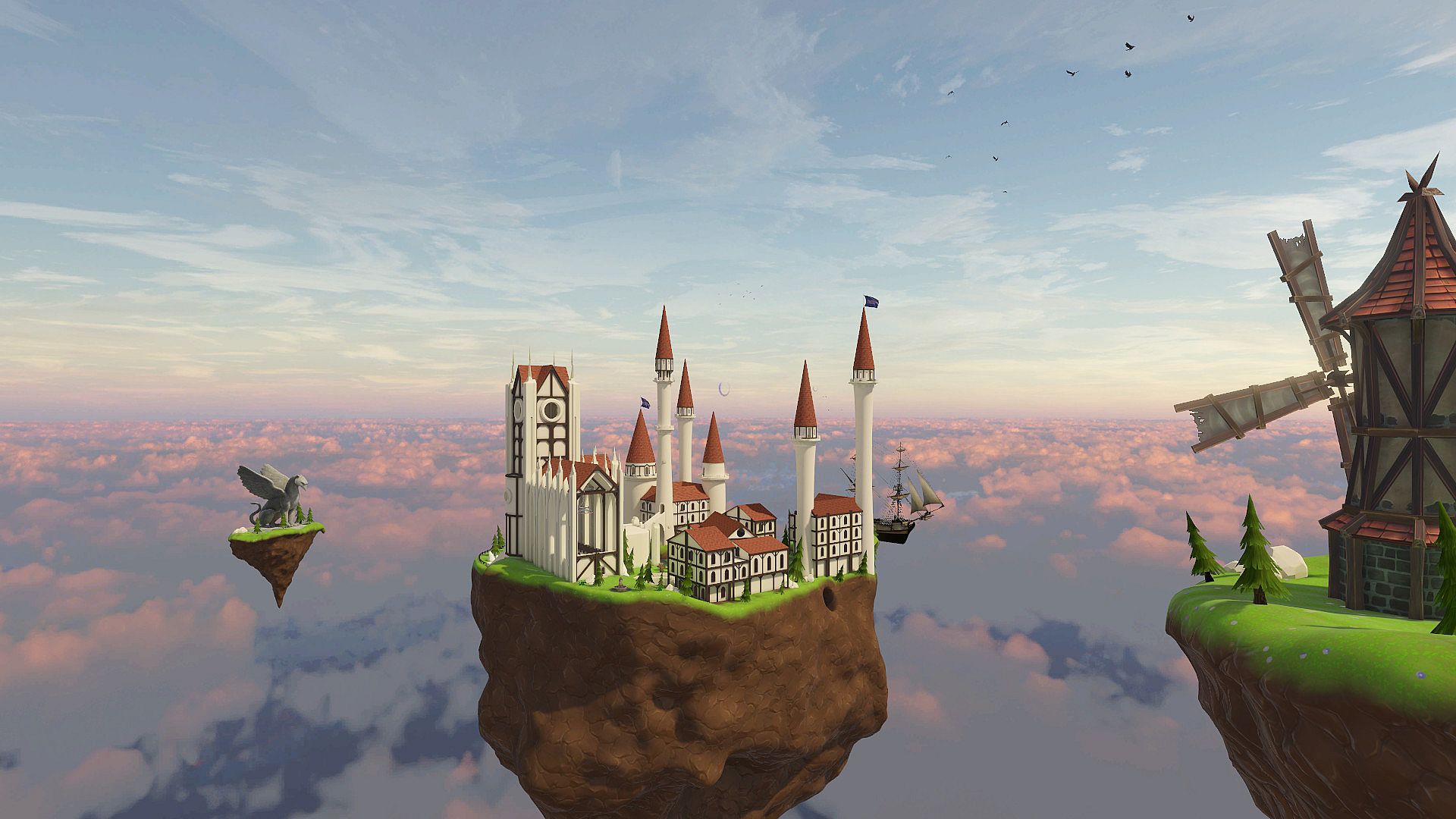
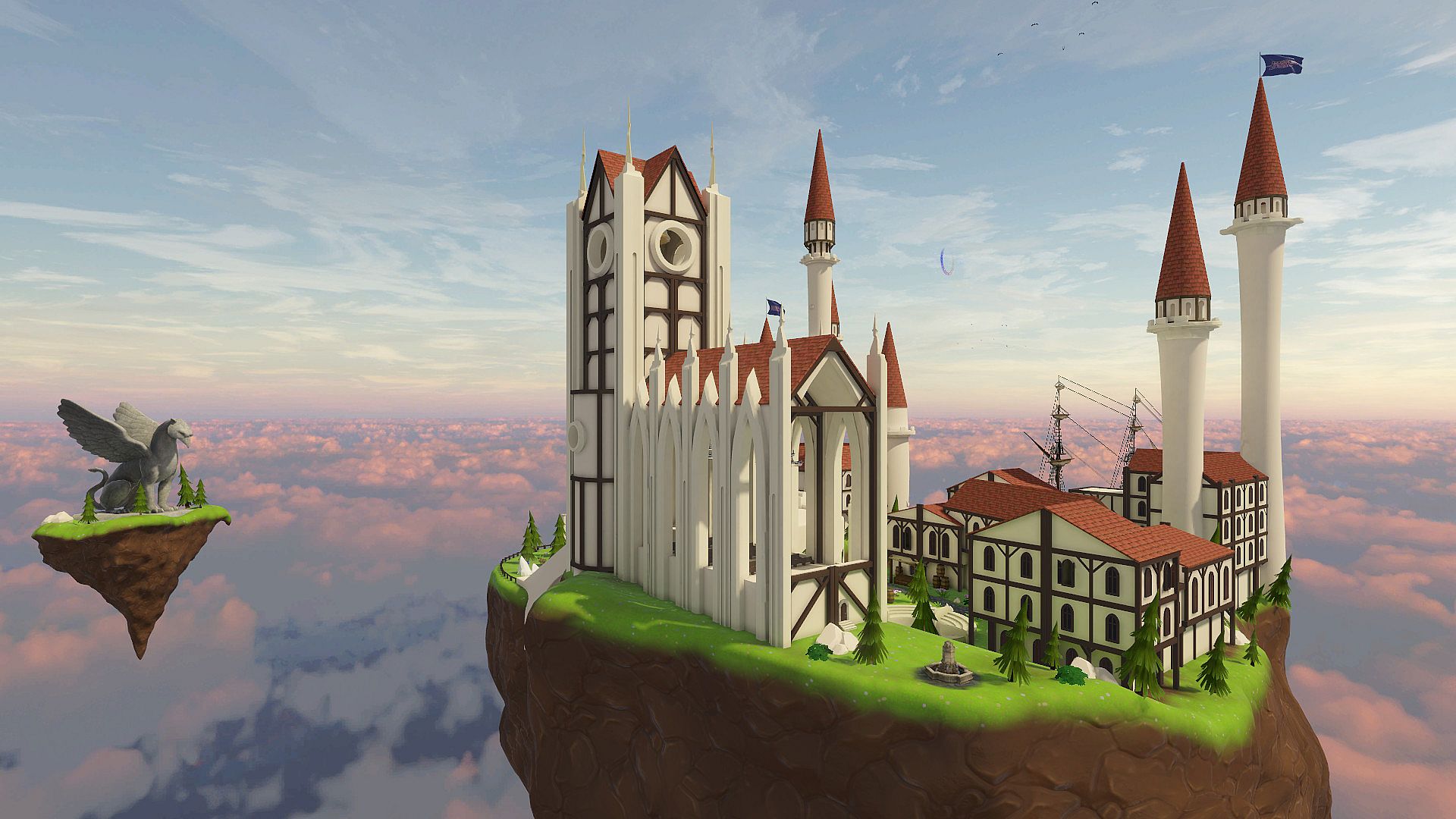
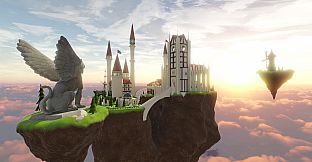
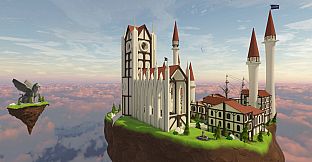
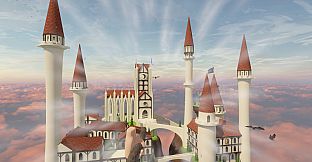
In our famous VR Magic Flight Academy, we train the best broomstick flyers in the world. Join in with your mates to fly around the magical flying castle and cast some explosive spells!

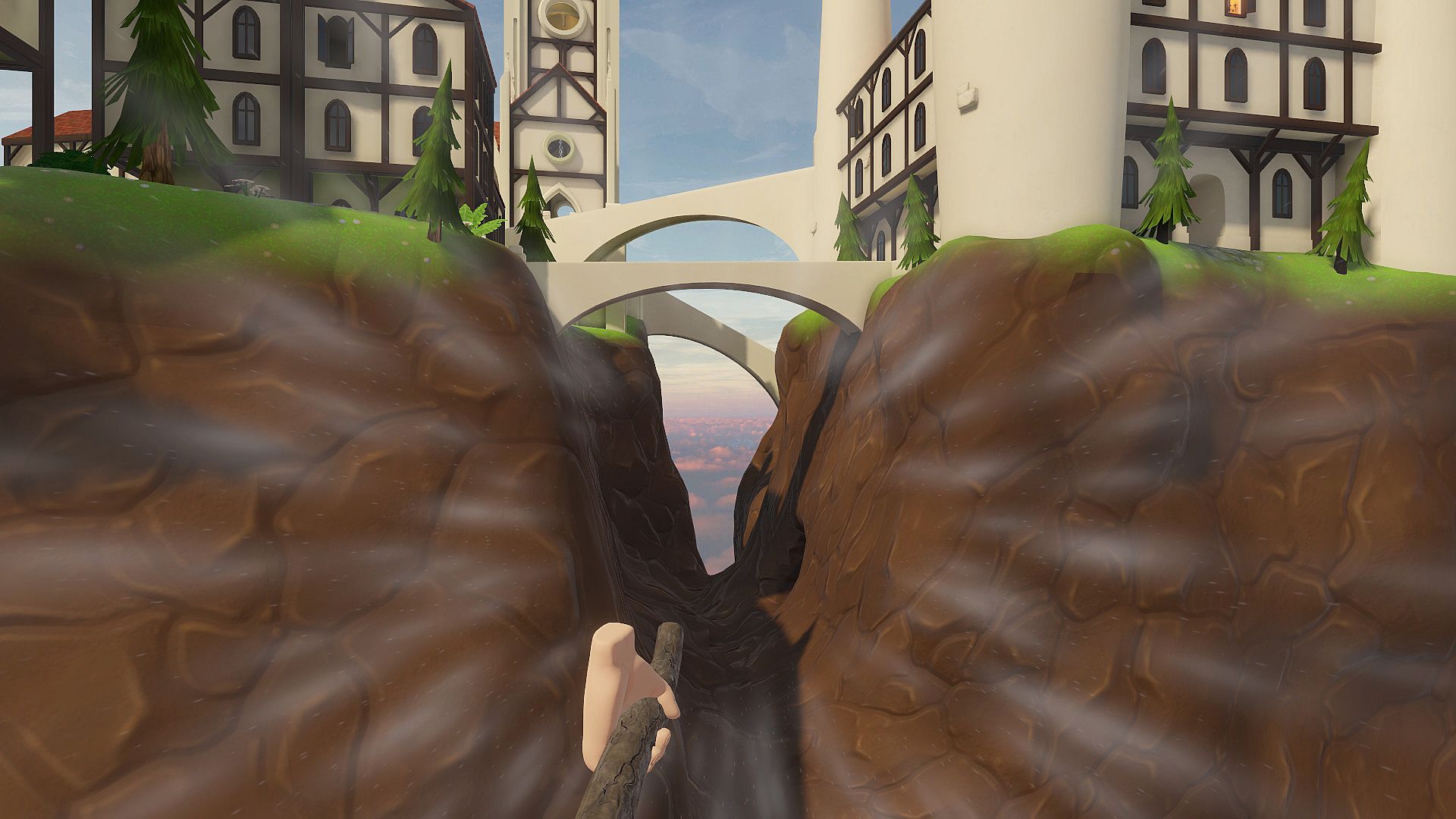
Experience the thrill of getting up in the air, hundreds of feet above the ground. Use your magic wand to cast spells midflight. Explore the ancient school of magic. Find secret tunnels and shortcuts. Compete with your friends, see who handles the broomstick better. And, of course, use your skills to defeat the dragon!
HOW TO USE A REAL-LIFE PLANK

1. Put the plank on the floor. Start the game and go to the "Setup plank" menu.
2. To calibrate the length, place the controllers at the ends of the plank on both sides. Press the button at the controller, from which side the board will start. Click "To length" on the screen.
3. To calibrate the width, put the controllers on the sides of the board and press the button on one of them. Click "To Width" on the screen.
4. Verify the correctness of the calibration in the VR glasses, make any changes, if necessary.
5. Save the settings by clicking the "Save" button.
To reset the settings, click "Reset".
To load the previous settings, click "Load".
To return to the initial menu, click "Back".

game.details.languages.interface:
English

game.details.ageRating.heading

game.details.ageRating.unavailable
Metacritic:
tbd tbd
Steam:
Overwhelmingly Negative (4)

game.details.requirements.minimum

  • game.details.requirements.os: Windows 10
  • game.details.requirements.processor: Intel i5-4590 equivalent or greater
  • game.details.requirements.memory: 8 GB RAM
  • game.details.requirements.graphics: GTX 970
  • game.details.requirements.storage: 6 GB available space

game.details.requirements.recommended

  • game.details.requirements.os: Windows 10
  • game.details.requirements.processor: Intel Core i7 6700K equivalent or greater
  • game.details.requirements.memory: 16 GB RAM
  • game.details.requirements.graphics: GTX 980
  • game.details.requirements.storage: 6 GB available space
game.details.priceHistory.historicalLow
game.details.priceHistory.stores
-
-
-
game.details.priceHistory.keyshops
-
-
-
faq.action.discord.title
faq.action.discord.description
faq.action.alerts.title
faq.action.alerts.description
faq.action.account.title
faq.action.account.description

FAQ

product.seo.questionCount

game.details.seo.faq.a1_part1 game.details.seo.faq.a1_part2 game.details.seo.faq.a1_part3 game.details.seo.faq.a1_part4 game.details.seo.faq.a1_part6 game.details.seo.faq.a1_part8 game.details.seo.faq.a1_part9 game.details.seo.faq.a1_part10 game.details.seo.faq.a1_part11

Q game.details.seo.faq.q2

game.details.seo.faq.a2_no

game.details.seo.faq.a3

game.details.seo.faq.a4

game.details.seo.faq.a5

game.details.seo.faq.a6_yes

game.details.seo.faq.a7

game.details.seo.faq.a8_yes

game.details.seo.faq.a9

game.details.topPrices.heading

1 Steam Steam Official
5,69 €

game.details.seo.faq.a1_part12

cta.alert.create