









in progress...

Compra Keyboard Sports - Saving QWERTY PC

Keyboard Sports - Saving QWERTY è free-to-play! Scaricalo su Steam e inizia subito a giocare. Cerchi DLC di Keyboard Sports - Saving QWERTY, valuta in-game o cosmetici? Confronta 0 offerte su XD.deals per trovare le migliori.

Uscita: Coming Soon
Publisher: Triband
Sviluppatore: Triband
Metacritic:
tbd tbd
Official
Non disponibile
Keyshops
Non disponibile
Compra nello store ufficiale:
Non disponibile
Compra nei keyshop:
Non disponibile

Nessuna offerta al momento, ma non preoccuparti: ti informeremo quando ne comparirĂ  una nuova.

Create Alert Create deal Alert

Info su Keyboard Sports - Saving QWERTY

Keyboard Sports - Saving QWERTY - info sul gioco

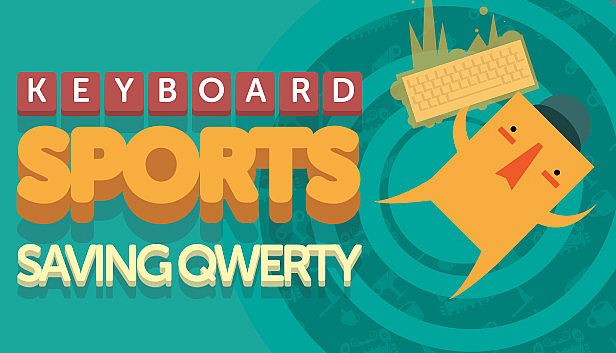
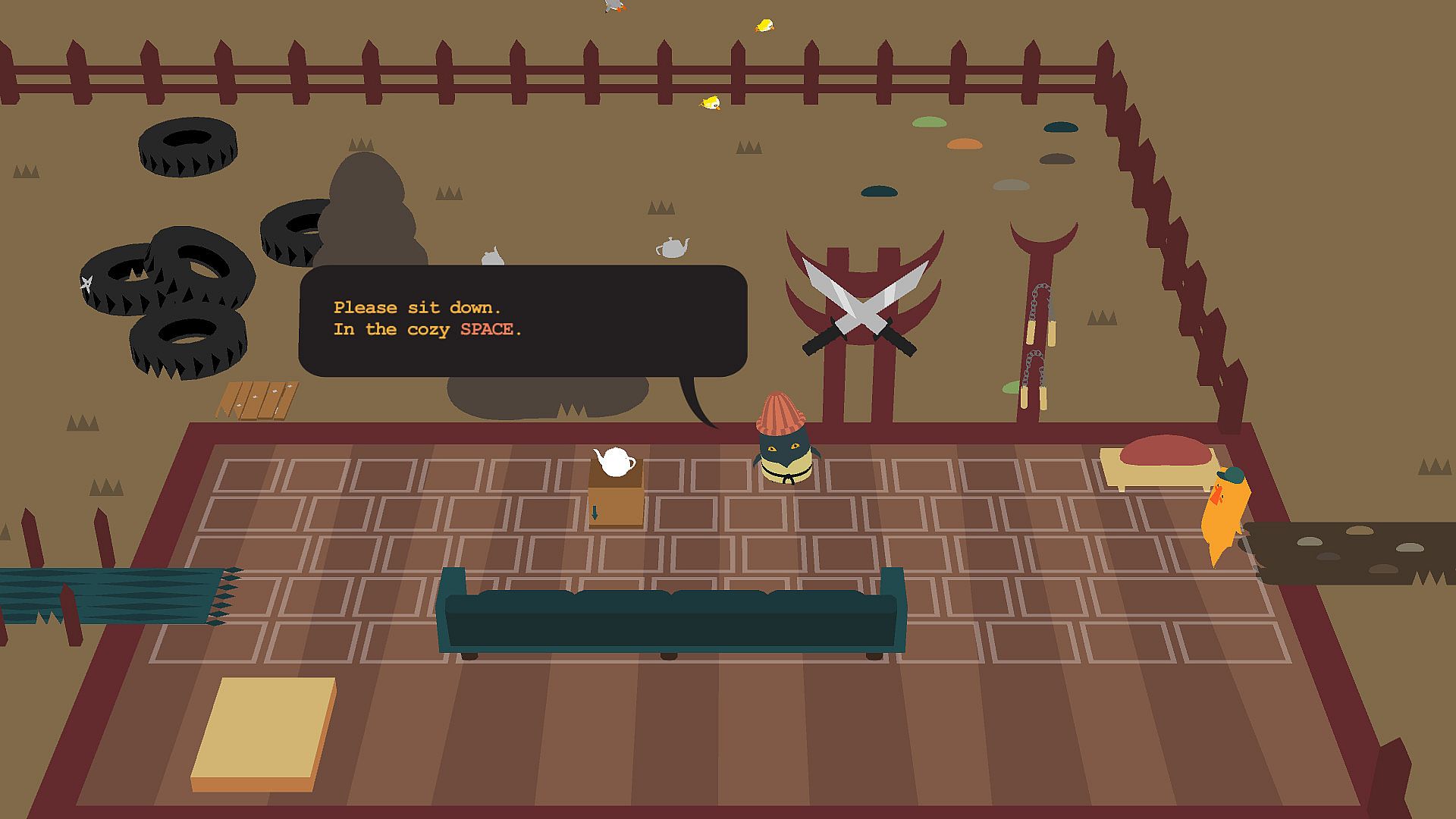
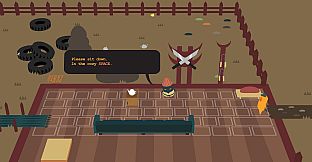
The computer keyboard faces threats from controllers, touch screens, and voice inputs. Keyboard Sports - Saving QWERTY delivers an action indie adventure that honors this classic device. Players enter a keyboard-themed world to aid Master QWERTY in urgent challenges. Speed and precision drive the core loop, demanding quick key presses without breaks. A soundtrack in all keys pairs with foot-tapping action. This tribute reconnects players with their keyboards through pun-filled levels, appealing to fans of fast-paced, precision-based indie adventures on PC.

THE COMPUTER KEYBOARD IS IN DANGER. Every day new useless controllers are invented. Keyboard Sports - Saving QWERTY is a tribute to the dear old keyboard before it is defeated by the hordes of awful touch-based, emoji-driven, VR-enabled, voice-recognizing input devices.

KEY-features
  • ENTER a world of KEYBOARDS
  • Help Master QWERTY with a PRESSING matter
  • Speed and precision are KEY. This is not the time take a BREAK
  • TAB your foot to a soundtrack composed in all KEYS #KEYpingItReal
  • Reconnect with your keyboard on so many levels
  • ( INSERT more KEY puns. There’s plenty of SPACE )
Interfaccia:
English
Audio:
English
Sottotitoli:
English
Metacritic:
tbd tbd

Requisiti di sistema

Minimo:

  • Sistema operativo: Windows 10
  • Processore: 2.6 GHz Intel Quad Core
  • Memoria: 8 MB RAM
  • Grafica: NVIDIA Geforce GTX 980, 2 GB Memory
  • DirectX: Version 11

Consigliato:

  • Sistema operativo: Windows 10
  • Processore: 2.6 GHz Intel Quad Core
  • Memoria: 8 MB RAM
  • Grafica: NVIDIA Geforce GTX 980, 2 GB Memory
  • DirectX: Version 11

Minimo:

  • Sistema operativo: Sierra
  • Processore: 2.6 GHz Intel Quad Core
  • Memoria: 8 MB RAM
  • Grafica: AMD Radeon Pro 450

Consigliato:

  • Sistema operativo: Sierra
  • Processore: 2.6 GHz Intel Quad Core
  • Memoria: 8 MB RAM
  • Grafica: AMD Radeon Pro 450

Minimo:

  • Sistema operativo: Ubuntu 12.04.5 LTS – 64-bit
  • Processore: Intel Pentium 4, Intel Core or AMD Athlon – 2.2 GHz
  • Memoria: 8 MB RAM
  • Grafica: Intel HD Graphics 3000/4000, NVIDIA GeForce 8600M GT or AMD/ATI Mobility Radeon HD 2400 – 256MB VRAM

Consigliato:

  • Sistema operativo: Ubuntu 12.04.5 LTS – 64-bit
  • Processore: Intel Pentium 4, Intel Core or AMD Athlon – 2.2 GHz
  • Memoria: 8 MB RAM
  • Grafica: Intel HD Graphics 3000/4000, NVIDIA GeForce 8600M GT or AMD/ATI Mobility Radeon HD 2400 – 256MB VRAM

Storico prezzi

Minimo storico
Keyshop
-
-
-
Store ufficiali
-
-
-

FAQ

8 domande

Prima di cercare una CD Key Keyboard Sports - Saving QWERTY economica, dai un'occhiata alle info essenziali. Sviluppato da Triband. Pubblicato da Triband. Data di uscita su PC: Coming Soon. Generi: Action, Indie, Adventure. Categorie: Family Sharing, Single-player. Recensioni di Keyboard Sports - Saving QWERTY: Metascore: tbd. Utenti Metacritic: tbd.

Q Posso giocare a Keyboard Sports - Saving QWERTY su Steam Deck?

No, al momento. Valve indica Keyboard Sports - Saving QWERTY come Unsupported, quindi non si avvia via Proton. Tieni d'occhio XD.deals: tracciamo progressi di Proton e fix della community e lo segnaleremo appena sarĂ  possibile giocare a Keyboard Sports - Saving QWERTY su Steam Deck.

Sì. Esiste una versione Steam di Keyboard Sports - Saving QWERTY. Scegli un'offerta con tag Steam Key su XD.deals, riscattala nel client desktop e gioca a Keyboard Sports - Saving QWERTY su Steam PC.

Sì. Dopo aver riscattato la chiave Steam, puoi avviare Keyboard Sports - Saving QWERTY in Modalità Offline su Steam. I salvataggi si sincronizzeranno quando tornerai online.

Sì, puoi acquistare una Steam Key di Keyboard Sports - Saving QWERTY direttamente su Steam. Su XD.deals aggregiamo tutte le offerte DRM Steam disponibili così puoi confrontare le offerte Steam economiche di Keyboard Sports - Saving QWERTY in un unico posto.

Al momento non abbiamo offerte attive per Keyboard Sports - Saving QWERTY - sia gli store ufficiali (0) sia i keyshop (0) mostrano il gioco esaurito o temporaneamente non disponibile...

Con XD.deals i gamer PC vedono subito dove comprare una chiave Steam Keyboard Sports - Saving QWERTY PC economica. Il nostro motore di comparazione in tempo reale e il database coupon tracciano store ufficiali e keyshop affidabili così non devi farlo tu. In questo momento rileviamo 0 offerte attive tra store e keyshop.

Non ancora. Non c'è una pagina Steam per Keyboard Sports - Saving QWERTY al momento, quindi oggi non puoi comprare Keyboard Sports - Saving QWERTY su Steam. In alternativa, guarda le altre offerte per Keyboard Sports - Saving QWERTY su XD.deals: store ufficiali e keyshop spesso offrono versioni DRM-free o chiavi per altri launcher mentre aspetti un'eventuale uscita su Steam.

No - XD.deals non è uno store. Siamo un servizio di comparazione prezzi che traccia le migliori offerte per Keyboard Sports - Saving QWERTY tra store ufficiali e keyshop verificati. Clicca "Vai allo store" accanto all'offerta scelta e verrai reindirizzato al sito del rivenditore per completare l'acquisto e ricevere lì la chiave.

Vuoi comprare al momento giusto? Imposta un avviso prezzo su XD.deals e prendi una chiave Steam Keyboard Sports - Saving QWERTY scontata quando raggiunge il prossimo minimo storico.

Crea avviso