

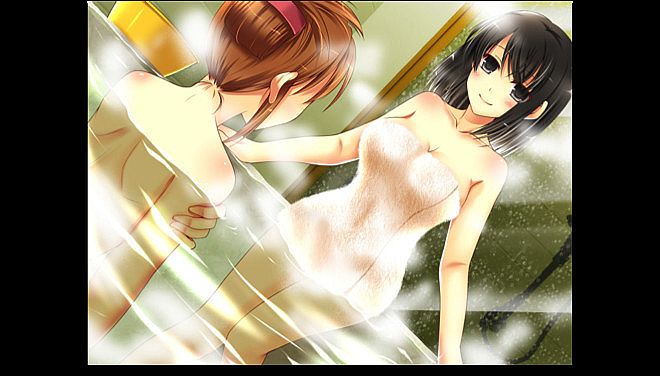
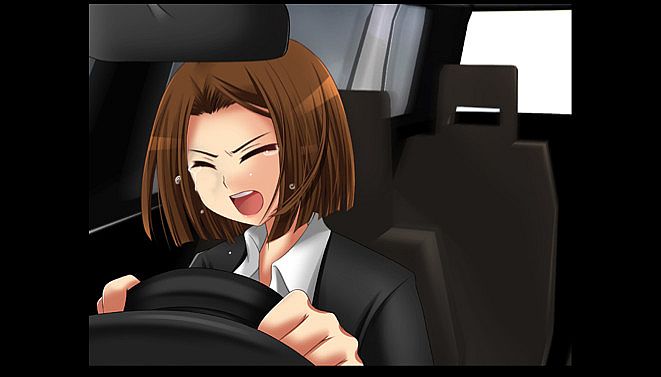
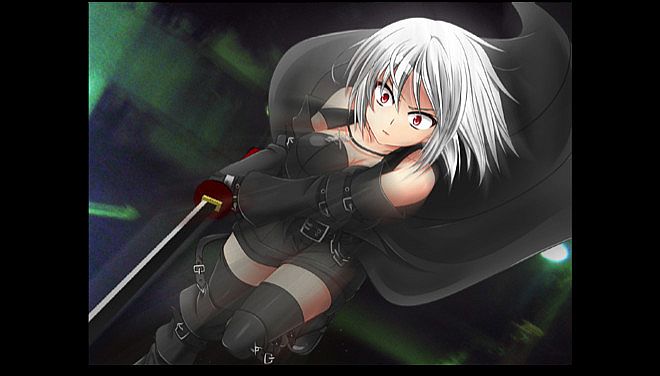




in progress...

Compra Kemonomichi-White Moment- PC

Dove comprare la chiave Steam Kemonomichi-White Moment- PC più economica? Confronta i prezzi da 1 store e scegli la soluzione migliore tra 1 offerte su XD.deals. Al momento il prezzo PC più basso per Kemonomichi-White Moment- nei keyshop è su 4,87 € (50% di sconto).

Uscita: 03 mag 2018
Metacritic:
tbd tbd
Steam:
Overwhelmingly Negative (2)
Keyshops
Non disponibile
Compra nello store ufficiale:
-50%
4,87 €
Compra nei keyshop:
Vedi storico prezzi

Store ufficiali (1)

DRM:
Steam
Steam
Steam
Kemonomichi-White Moment-
Windows
13sett fa
DRM:
Steam
Steam
9,75 € 4,87 €
Historical Low Deal
Historical low
-50%

Info su Kemonomichi-White Moment-

Kemonomichi-White Moment- - info sul gioco

Adventure novel game.
(English subtitles)

Story synopsis:
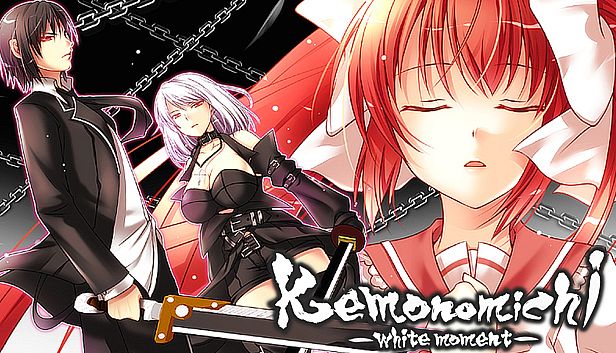
Large sword in hand, a man plans his escape from the organization.
Running from his pursuers, he is forced to wander.
Then, before his eyes… a girl appears.
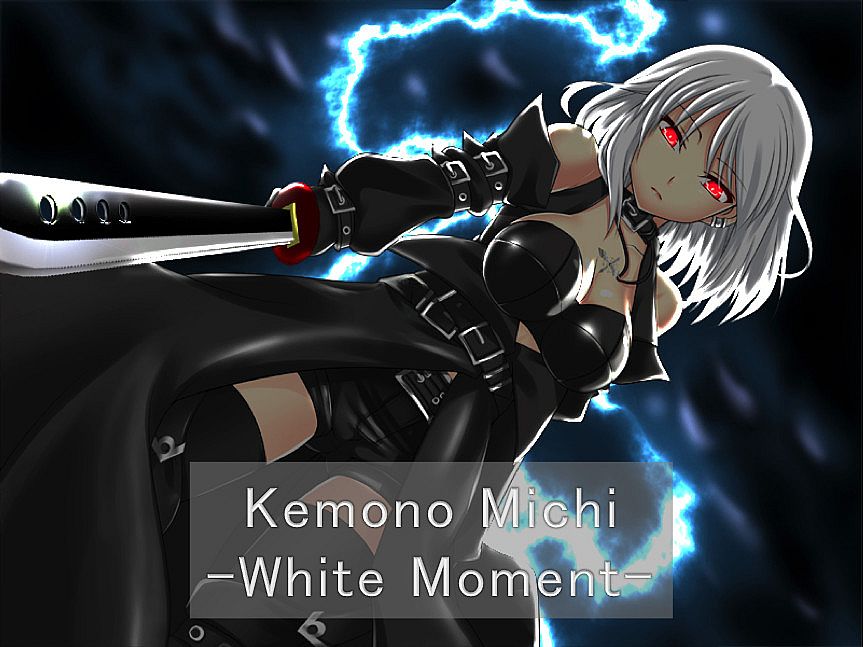
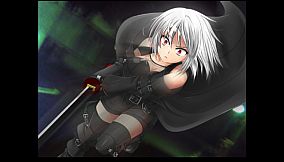
In the silver-haired girl’s hand, a long sword that seems otherworldly.
The moment she sees him, she attacks at blinding speed.

Despite his artificially enhanced body, the girl’s attacks move with god-like speed
slowly closing in on him…
One can only wonder why she is after him
as she glares with glowing red eyes that pierce the shadows…

“Kemono Michi” is the story of a man who lost his memory
and his grueling fight against a sinister organization.
※“Kemono Michi” means beast road.


Software Usage Instruction Manual:
————————————————————————
We would like to thank you very much
for purchasing “Kemonomichi ~White Moment~”.
————————————————————————
Game functions and explanations:
————————————————————————
Upon game start:
-NEW GAME — Select to start a new game.
-LOAD GAME — Select to continue your game (from a save point).
-EXIT — Select to quit the game.
During game play (Click on the icon in the lower right to access the options):
-Save — Saves your progress.
-Load — Quit your current game and restart from a save point.
-Hide the Messages — Temporarily hides the message window. (When viewing CG sequences.)
-Skip Reading — Will automatically skip past scenarios that you have already read.
-Return to Top Menu — Quit your current game and return to the top menu.
*Click on the X button in the upper right corner of the menu to return to the game.
Buttons within the game window:
-SAVE button — Allows you to access the Save menu screen.
-LOG button — Allows you to look over dialogue you’ve already read. This will allow you to read anything you may have accidentally skipped.
-AUTO button — Allows you to progress through the game without clicking. The game will pause at selection screens until a choice has been made.

---------------------------------------------------------------

[Some programs protrude from the screen and displayed]

After disabling multi-monitor support, some programs may be displayed out of the screen.

Cause)
This phenomenon may occur if the program was displayed on a monitor other than the primary monitor before disabling multi-monitor support.

Solution)
To solve this problem, use one of the following methods.

Method 1)
Start the program.
Right-click the program on the task bar and click Maximize.
Right-click a blank area on the task bar and click [Overlay].
Change the window of the program to the appropriate size.

Method 2)
Start the program.
Right-click the program on the task bar and click [Move].
Move the mouse pointer to the center of the screen.
Use the arrow keys on the keyboard to move the program's window to the screen display area.
Press the Enter key.
Change the size of the window as necessary.

Method 3)
Note: The following method can not be used if the display adapter of the secondary monitor has been deleted from the computer.
Click the [Start] button, point to [Settings], click [Control Panel], and double-click [Display].
Click the Settings tab.
In the Display box, click the secondary display adapter.
Deselect the Allow Windows desktop to move on this monitor check box and click OK.


This phenomenon may also occur when you change the placement of the monitor on the [Settings] tab of [Display Properties].

Interfaccia:
English
Audio:
Japanese
Sottotitoli:
English

Classificazione per età

Non disponibile
Metacritic:
tbd tbd
Steam:
Overwhelmingly Negative (2)

Minimo:

  • Processore: Intel Core i3 2GHz or better
  • Memoria: 2 GB RAM
  • Grafica: Intel HD Graphics 5000, Geforce 9500GT, Radeon HD 3650 or above
  • DirectX: Version 9.0c
  • Archiviazione: 1000 MB available space
  • Note aggiuntive: DirectSound compatible

Consigliato:

  • Processore: Intel Core i3 2GHz or better
  • Memoria: 2 GB RAM
  • Grafica: Intel HD Graphics 5000, Geforce 9500GT, Radeon HD 3650 or above
  • DirectX: Version 9.0c
  • Archiviazione: 1000 MB available space
  • Note aggiuntive: DirectSound compatible
Minimo storico
Storico prezzi dei negozi ufficiali
-
-
-
Storico prezzi dei keyshop
-
-
-
Unisciti al nostro Discord
Ottieni aiuto immediato dalla community e resta aggiornato sulle offerte
Imposta avvisi di prezzo
Ricevi notifiche via email quando i prezzi scendono al tuo target
Crea un account gratuito
Sblocca wishlist, avvisi di prezzo e sincronizzazione Steam

FAQ

8 domande

Prima di cercare una CD Key Kemonomichi-White Moment- economica, dai un'occhiata alle info essenziali. Sviluppato da MBF FILMs. Pubblicato da SouthWorks. Data di uscita su PC: 03 mag 2018. Generi: Adventure, Violent, Gore. Categorie: Family Sharing, Single-player. Recensioni di Kemonomichi-White Moment-: Metascore: tbd. Utenti Metacritic: tbd. Recensioni Steam: 2 user reviews for this game.

Q Posso giocare a Kemonomichi-White Moment- su Steam Deck?

No, al momento. Valve indica Kemonomichi-White Moment- come Unsupported, quindi non si avvia via Proton. Tieni d'occhio XD.deals: tracciamo progressi di Proton e fix della community e lo segnaleremo appena sarà possibile giocare a Kemonomichi-White Moment- su Steam Deck.

. Esiste una versione Steam di Kemonomichi-White Moment-. Scegli un'offerta con tag Steam Key su XD.deals, riscattala nel client desktop e gioca a Kemonomichi-White Moment- su Steam PC.

Sì. Dopo aver riscattato la chiave Steam, puoi avviare Kemonomichi-White Moment- in Modalità Offline su Steam. I salvataggi si sincronizzeranno quando tornerai online.

, puoi acquistare una Steam Key di Kemonomichi-White Moment- direttamente su Steam. Su XD.deals aggregiamo tutte le offerte DRM Steam disponibili così puoi confrontare le offerte Steam economiche di Kemonomichi-White Moment- in un unico posto.

Trovi ogni sconto e offerta attiva per Kemonomichi-White Moment- qui su XD.deals. Il nostro tracker elenca attualmente 1 offerte da store ufficiali e 0 offerte da keyshop. Controlla la tabella sopra per il prezzo più basso, confrontalo con il minimo storico e imposta un avviso per non perdere il prossimo calo.

Con XD.deals i gamer PC vedono subito dove comprare una chiave Steam Kemonomichi-White Moment- PC economica. Il nostro motore di comparazione in tempo reale e il database coupon tracciano store ufficiali e keyshop affidabili così non devi farlo tu. In questo momento rileviamo 1 offerte attive tra store e keyshop.

. Esiste una pagina ufficiale Steam per Kemonomichi-White Moment-, quindi puoi comprare Kemonomichi-White Moment- su Steam oppure prendere una Steam Key PC di Kemonomichi-White Moment- su XD.deals e riscattarla subito.

No - XD.deals non è uno store. Siamo un servizio di comparazione prezzi che traccia le migliori offerte per Kemonomichi-White Moment- tra store ufficiali e keyshop verificati. Clicca "Vai allo store" accanto all'offerta scelta e verrai reindirizzato al sito del rivenditore per completare l'acquisto e ricevere lì la chiave.

Migliori prezzi per Kemonomichi-White Moment-

1 Steam Steam Official
-50% 4,87 €

Vuoi comprare al momento giusto? Imposta un avviso prezzo su XD.deals e prendi una chiave Steam Kemonomichi-White Moment- scontata quando raggiunge il prossimo minimo storico.

Crea avviso