

(Headset required)
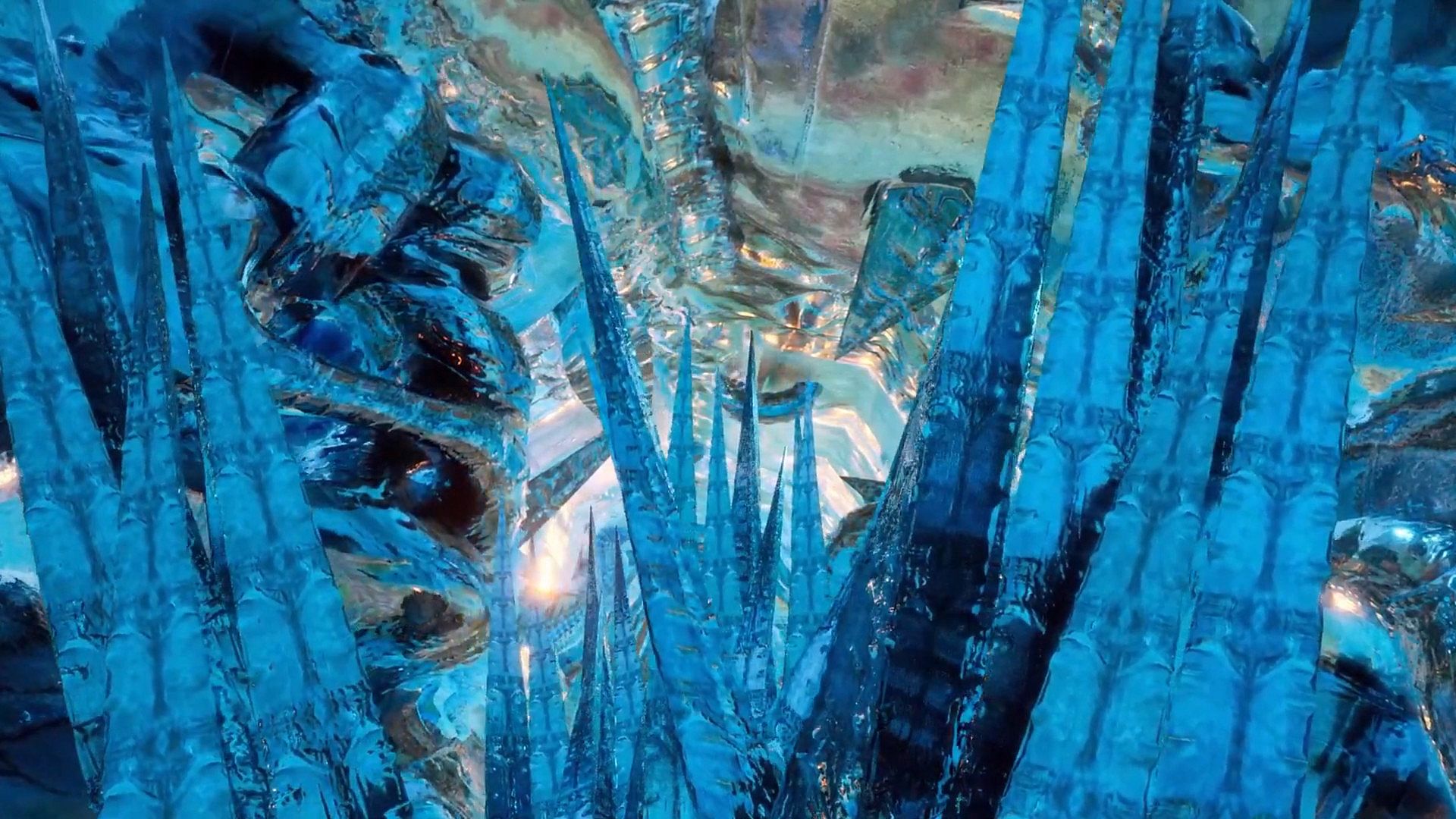
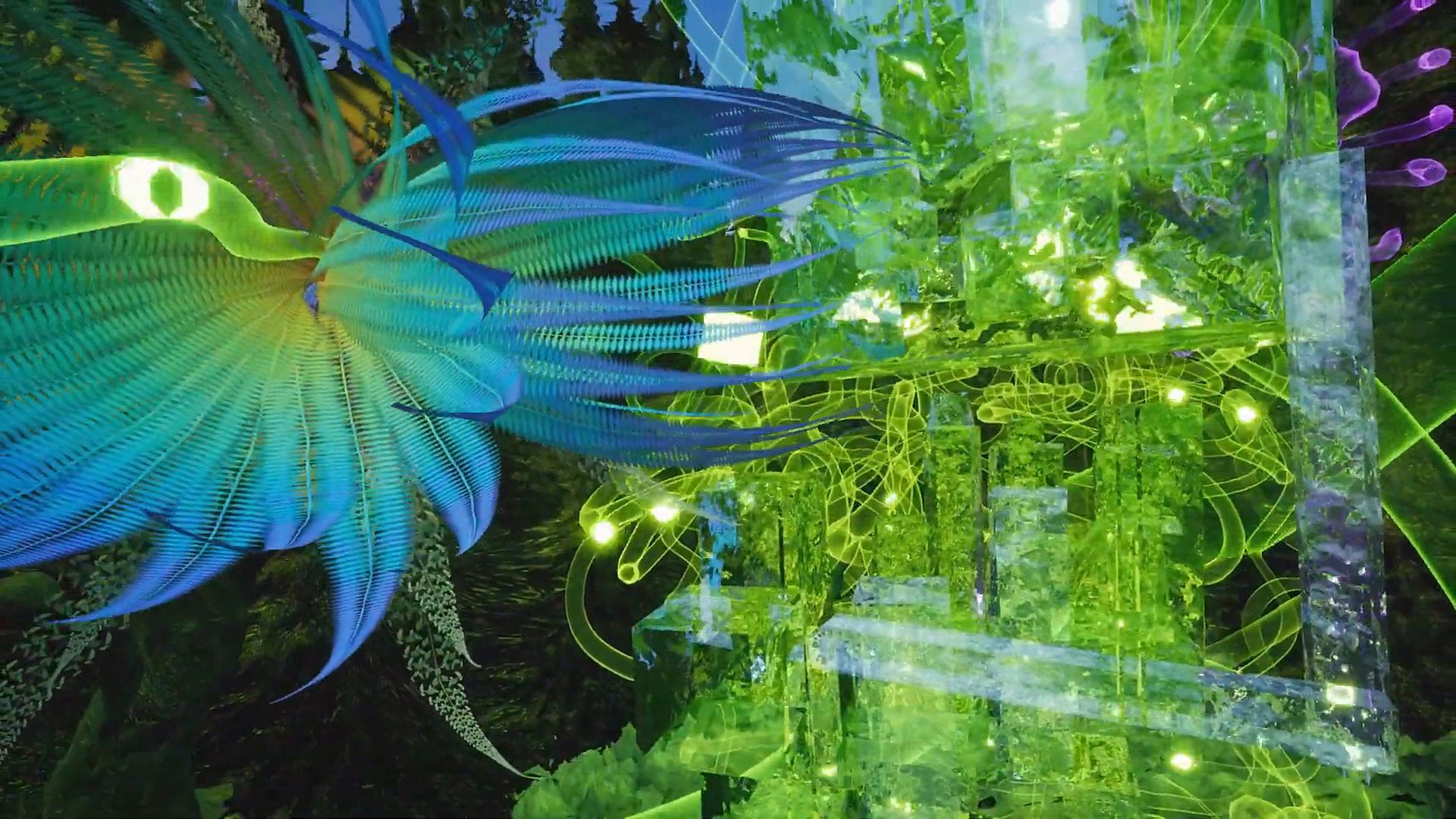
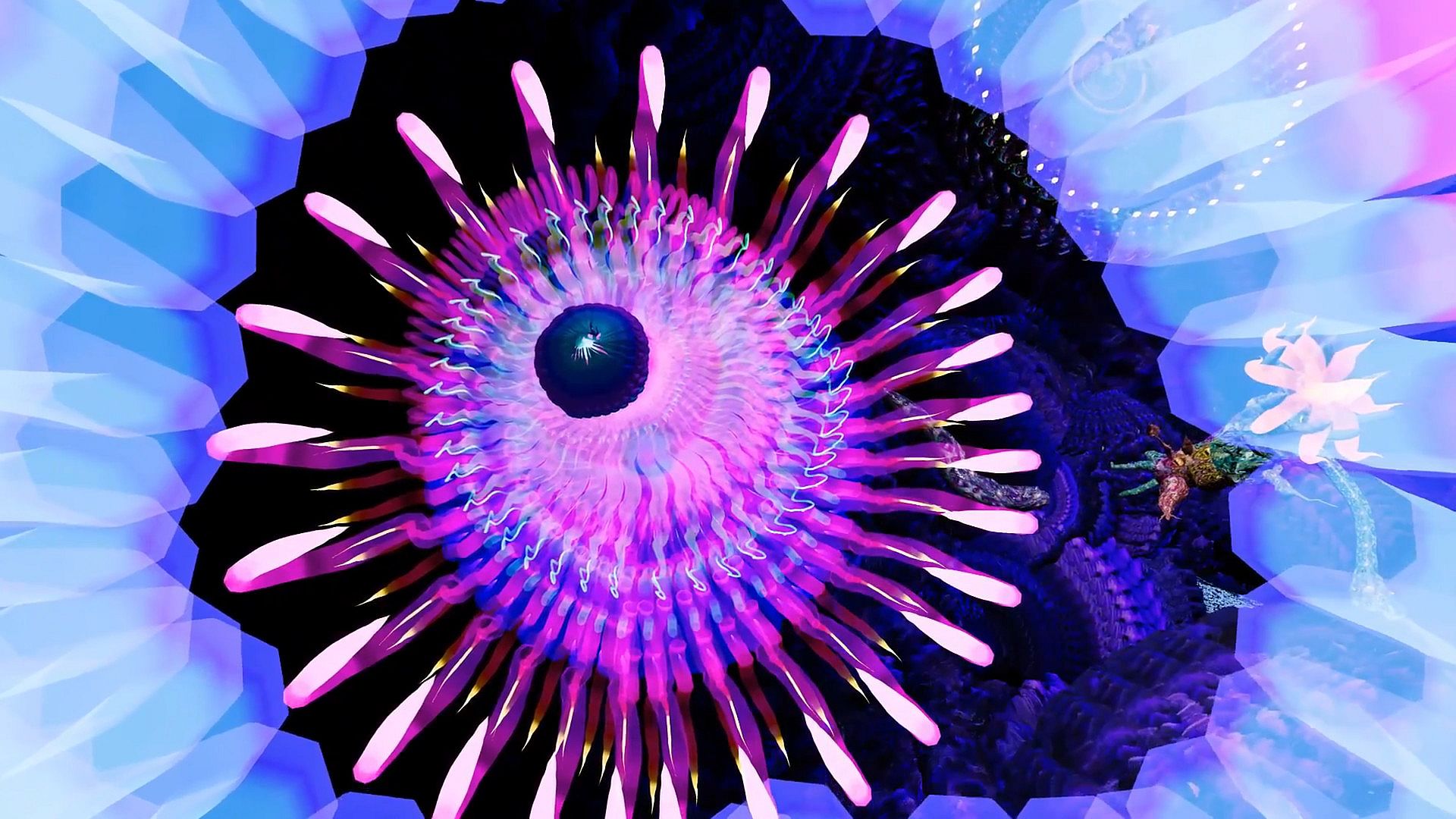
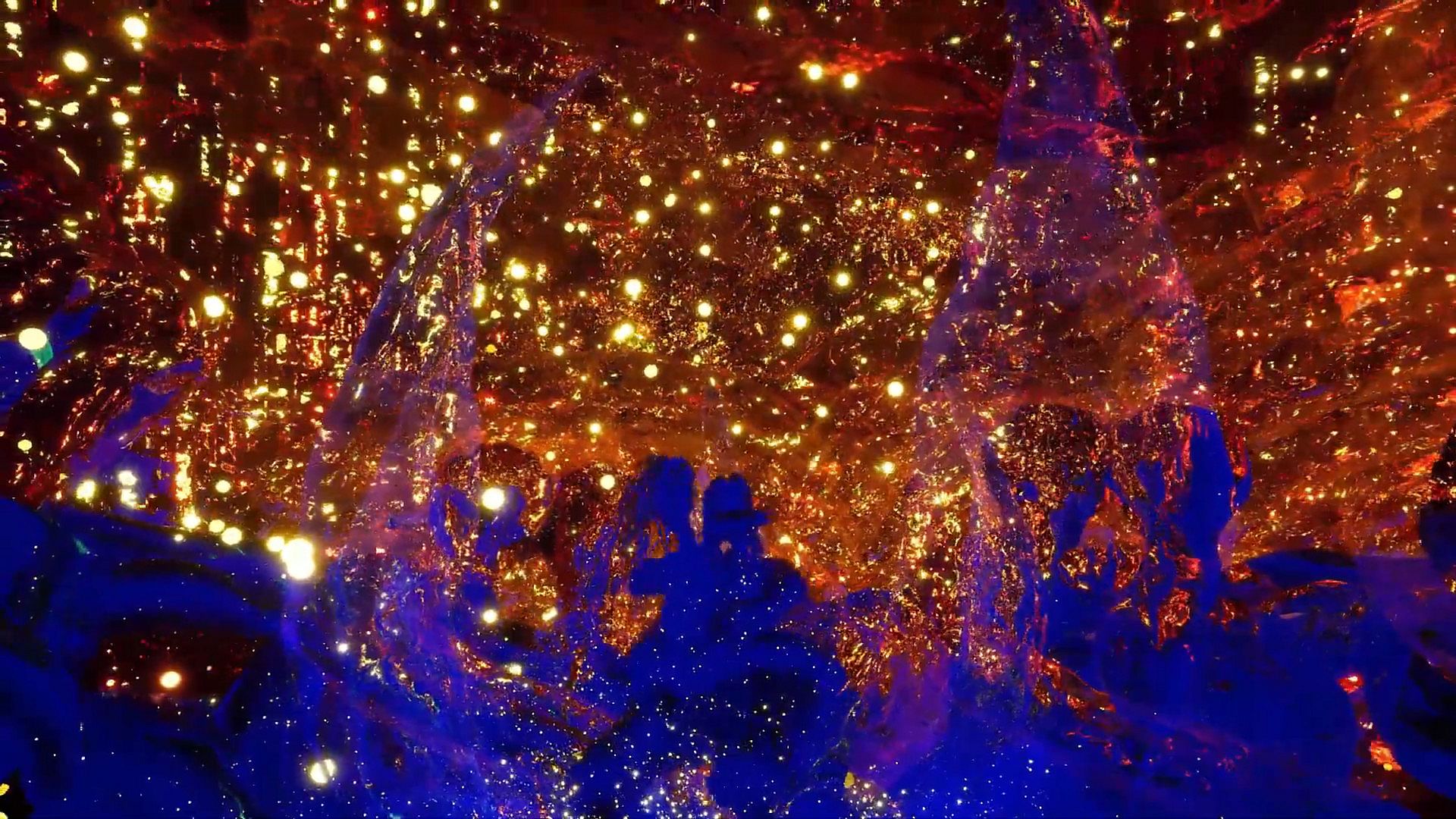
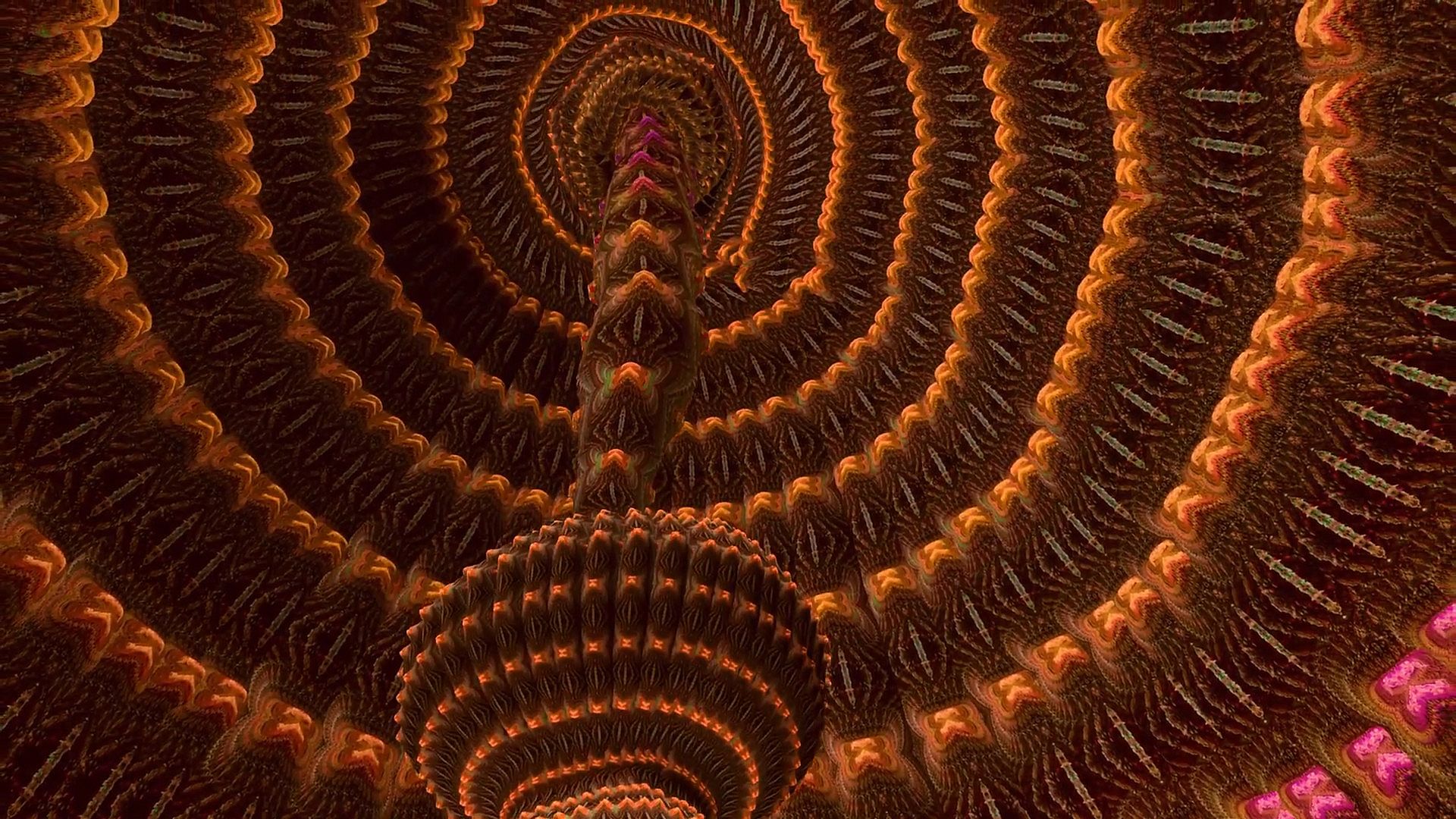
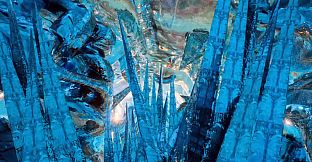
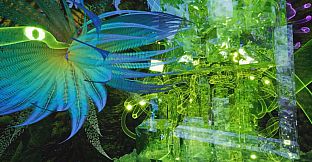
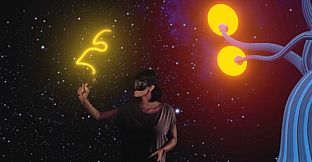
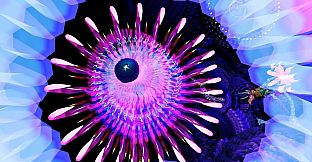
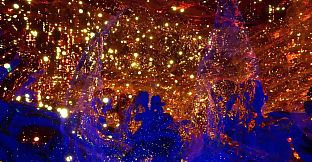
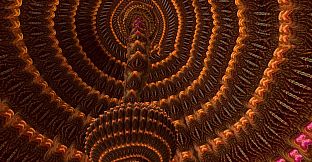
Colory VR is a creative virtual reality application.
Multiple tools allow the instant creation of 3D objects in 3D space directed by the users hand.
Let your imagination drive your brush to create your dreams faster then ever before.
WORKSHOP:
Get inspired by hundreds of brush materials.
The ColoryVR WORKSHOP features beautiful and free brushpacks released by us and the community.
You can also share your painting easely via the workshop.
MODKIT:
Inspire others by sharing your own brushpack.
Create your own brushes with your own textures with the included ColoryVR MODKIT.
The modkit is a custom unreal editor. so you have full flexibility to create your own brushes.
In-Editor tutorials guide you step-by-step through the process.
FREE VIEWER VERSION:
ColoryVR features a free of charge "View-Only" version. So you can share your paintings with friends who do not own the paid full version.
Toolset
Spline BrushThe Spline Brush allows the user to draw strokes of paint. This is what comes closest to drawing with a pencil in 2D. The settings allow for different shapes and brush behavior. The created 3D shape is further defined by the material the user has choosen to draw with.
Convex Brush
The Convex Brush allows the user to draw convex hull objects. This tool is usefull to create volumes ealisy. The created 3D shape is further defined by the material the user has choosen to draw with.
Particle Brush
The Particle Brush creates multiple particles with a single stroke. The material applied not only defines the visuals of the particle, but also the behavior, the spread, the rotation and the amount of particles created. The settings of the tool allow for further fine tuning of the behavior and selection of particle shape
Poly Brush
The Poly Brush is a tool that is connected to the Google Poly Library of static meshes and requires an usage agreement and an online connection. Supported is the download and placement of objects created with Google Blocks application.
Recolor Tool
The Recolor Tool gives the user the option to change the color of a stroke after drawing it. It supports multiple modes like multiply, divide, shift hue, lighten, ... or simply set a different color.
Selection Tool
The Selection Tool give the user the ability to handle multiple paints at once. Select at will, select all paints from a layer, transfer selected paints to a different layer. Selections can be scaled and copied.
Screenshot Tool
The Screenshot Tool provides you with another view into the world to capture your creations for your loved ones. Support for varios predefined resolutions as well as custom resolutions (max size depends on your graphics cards memory). Give your shots a special touch with PostProcess effects.
Video Tool
The Video Tool records animations for camera objects. These can be rendered individually or together into a .mp4 movie or image sequences. Support for multiple predefined resolutions and extensive PostProcess video effects for the special touch.
Animation Tool
The Animation Tool works in conjunction with the Scene Graph to create transform animations for objects in the scene. Animations can be recorded frame by frame or continuous with support for different playback options (Step, Linear, Curve).
Pipette
The Pipette picks colors and/or materials from existing paints in the world.
Mirror Plane (3d Mandala)
The Mirror Plane is a object that can be freely positioned in the world to mirror your brush strokes. It has options for different mirror types which end up in the creation of 3d mandalas.
Material Designer
Each brush material can be edited instantly in the in-game material designer.
This way you can permanently edit your brushes for a maximum of individuality in you paintings.
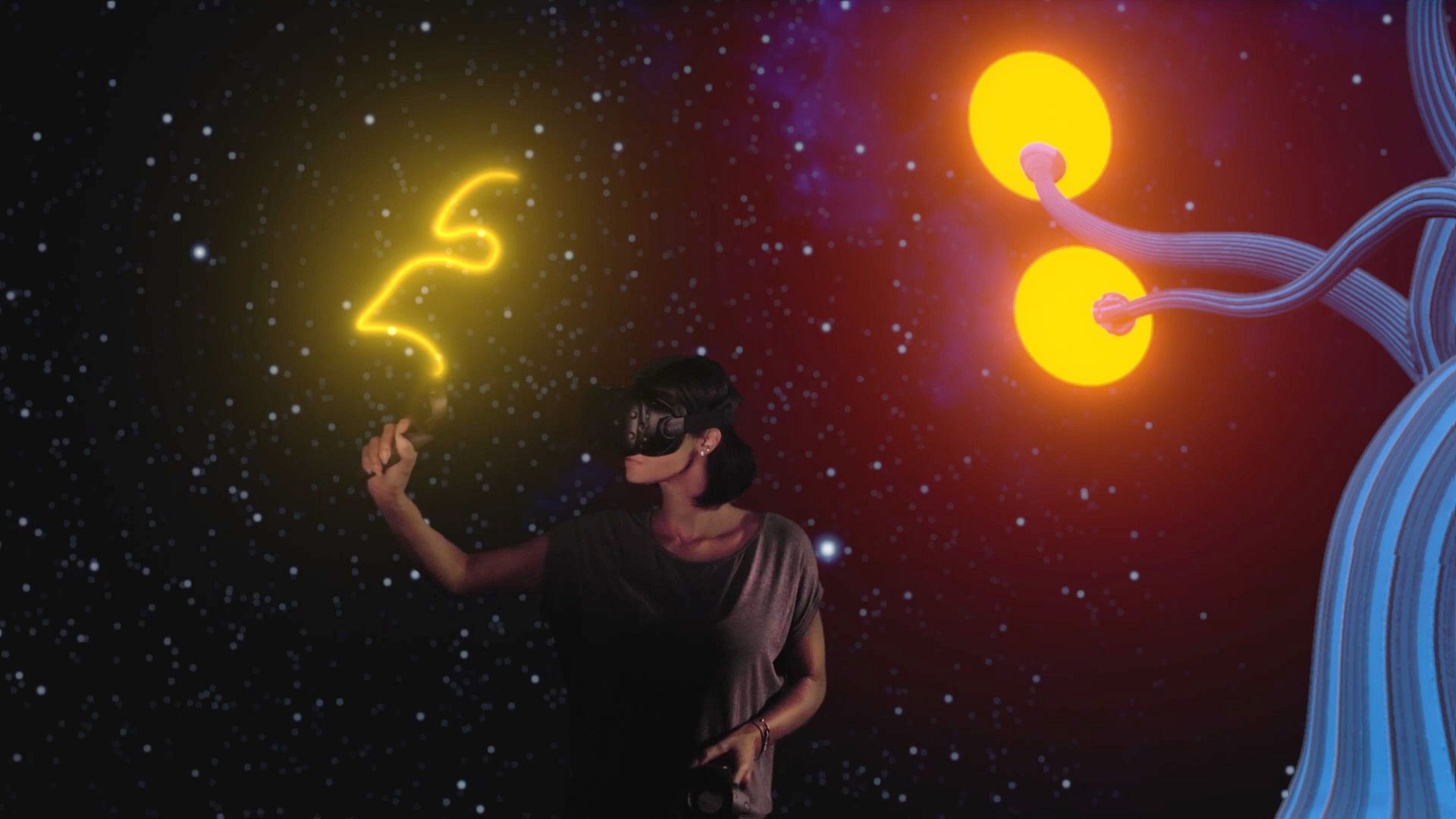
LIV - Mixed Reality integration
Mix a live-video of yourself inside the ColoryVR-World.
Additional Features
- The player is able to scale himself up 50x bigger or smaller
- Sun, Moon, Background and Atmosphere are adjustable in many ways.
- The paints of the scene can be exported (obj, fbx, gltf, glb)
- The scene is structured using the Scene Graph to support multiple layers and relative animations
- Paints can be moved and copied, rescaled and recolored.
- access to experimental features like "Sound Painting" - an approach to make sound and music with paint movements.
- frequent updates with new surprises..