

Buy GravitreX Arcade PC

Where can you buy cheapest GravitreX Arcade PC Steam key? Check and compare prices from 2 stores to locate the best and the cheapest option for you among 2 offers featured on XD.deals. Now the lowest GravitreX Arcade PC price on keyshops can be obtained on £0.79 (87% off) and on official stores can be obtained on 87 (£6.50 off).

Steam:
Overwhelmingly Negative (6)
Buy in Official Store:
£6.50
Buy in Keyshops:
-87%
£0.79
See price history

Official Stores (1)

DRM:
Steam
Steam
Steam
GravitreX Arcade
Windows
+2
2d ago
DRM:
Steam
Steam
£6.50

Keyshops (1)

DRM:
Steam
Steam
Kinguin
GravitreX Arcade Steam CD Key
Windows
+2
4d ago
DRM:
Steam
Kinguin
£6.51 £0.79
-87%
-8% with XD8DEALScopy

About GravitreX Arcade

GravitreX Arcade - about the game
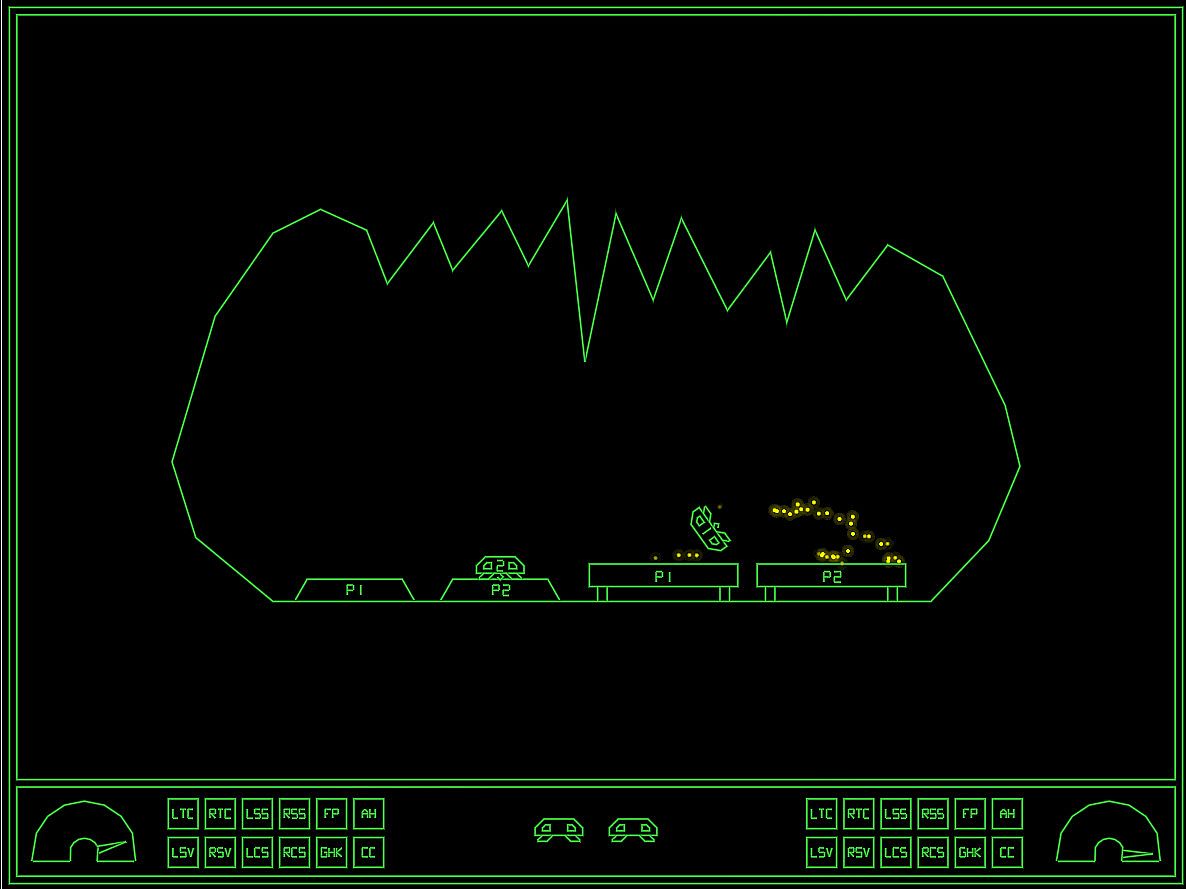
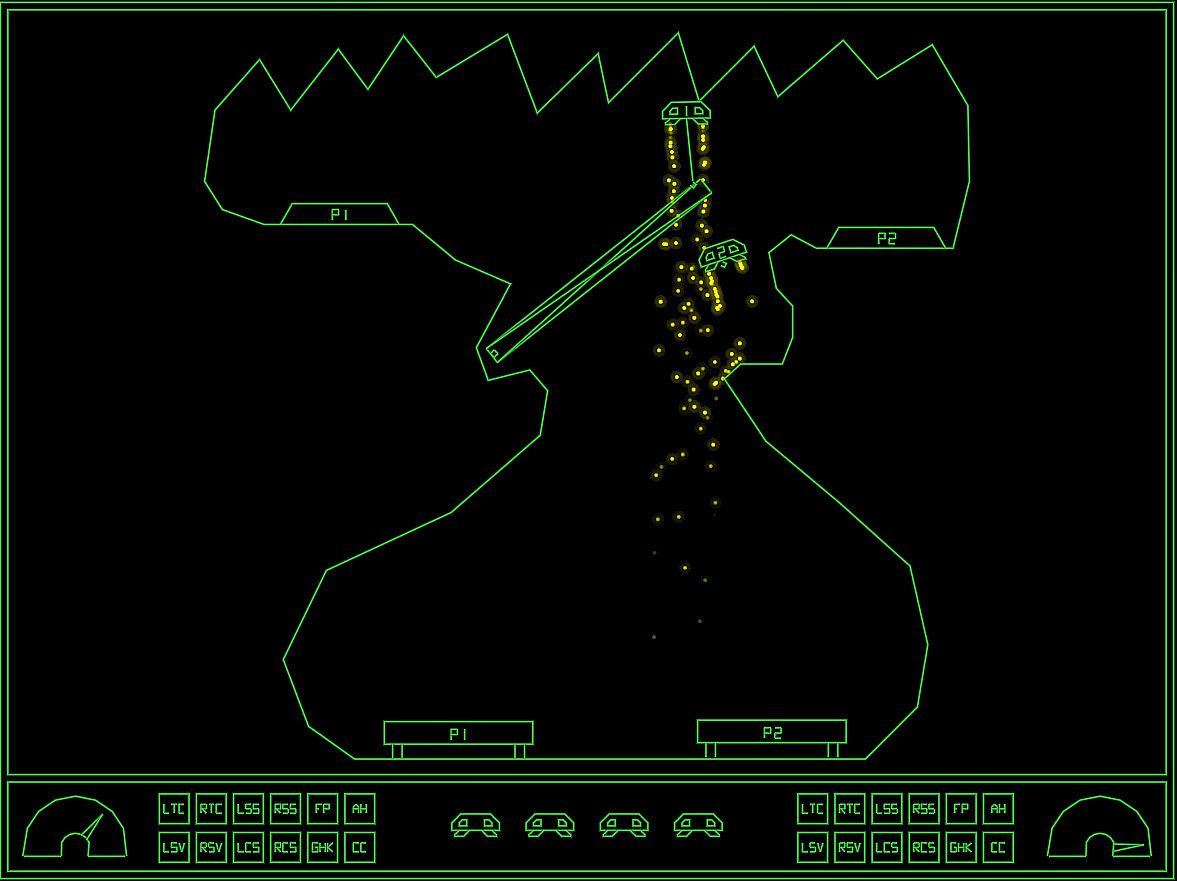
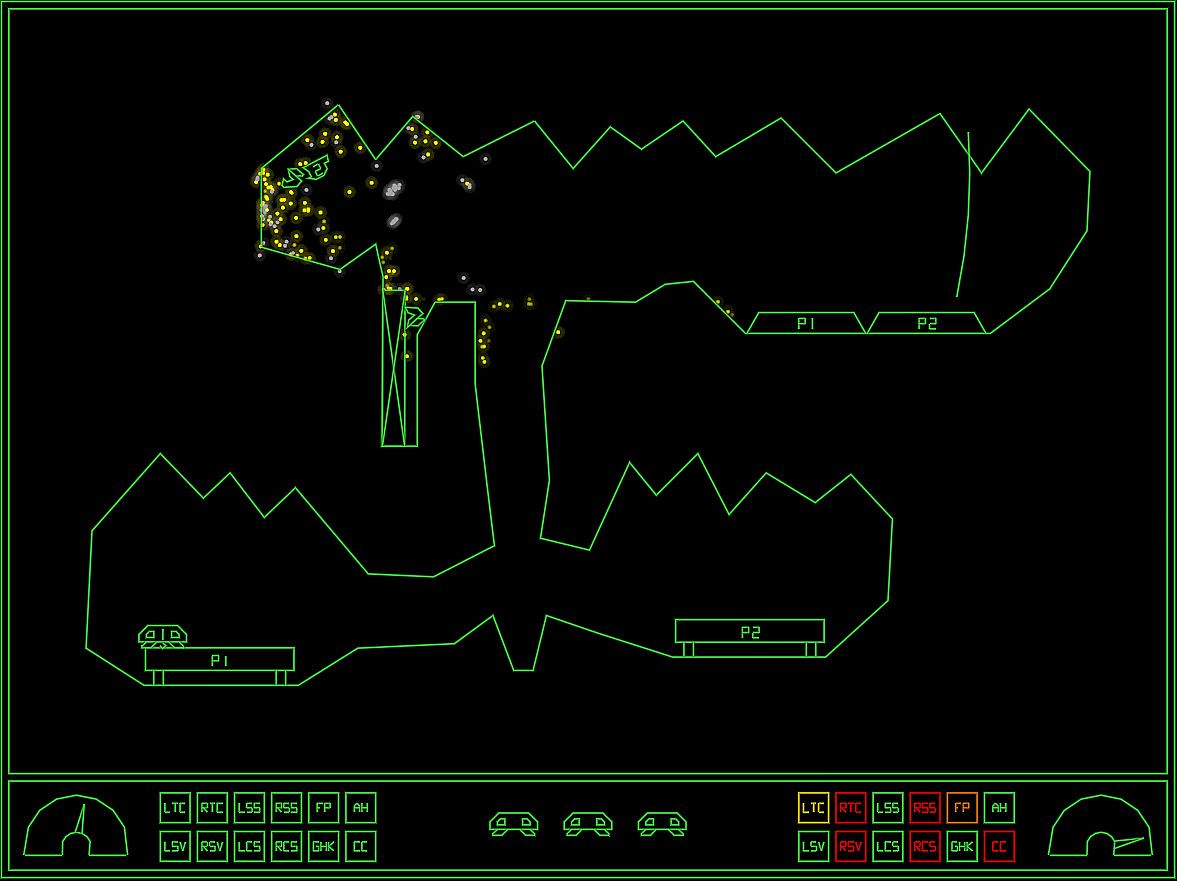
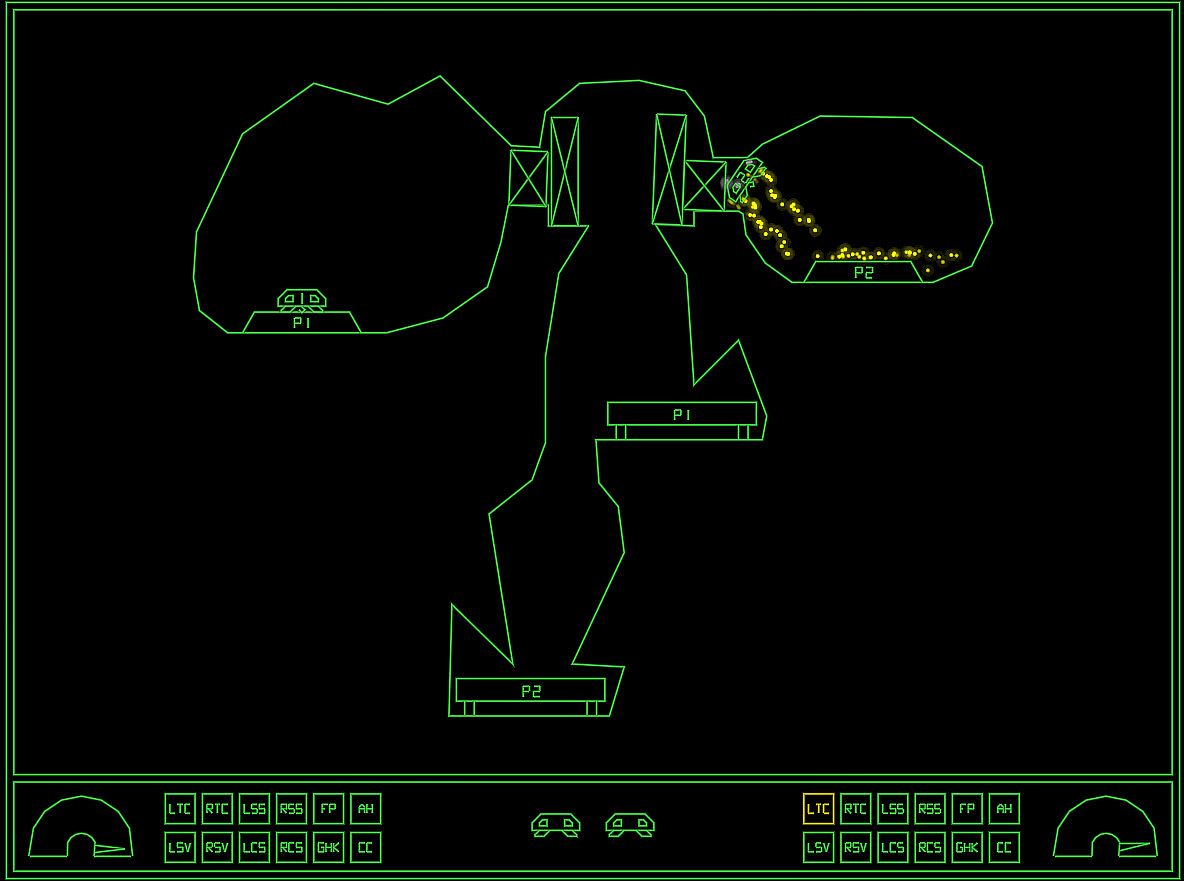
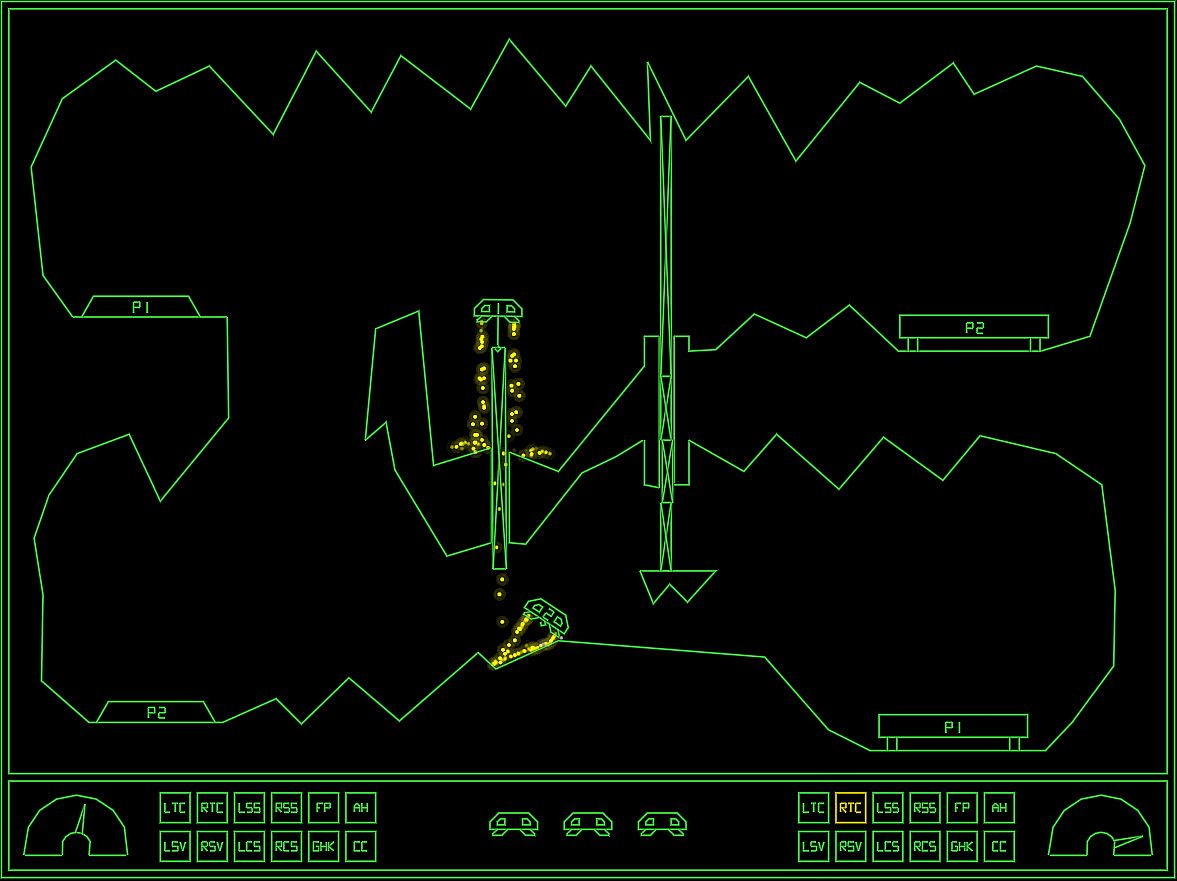
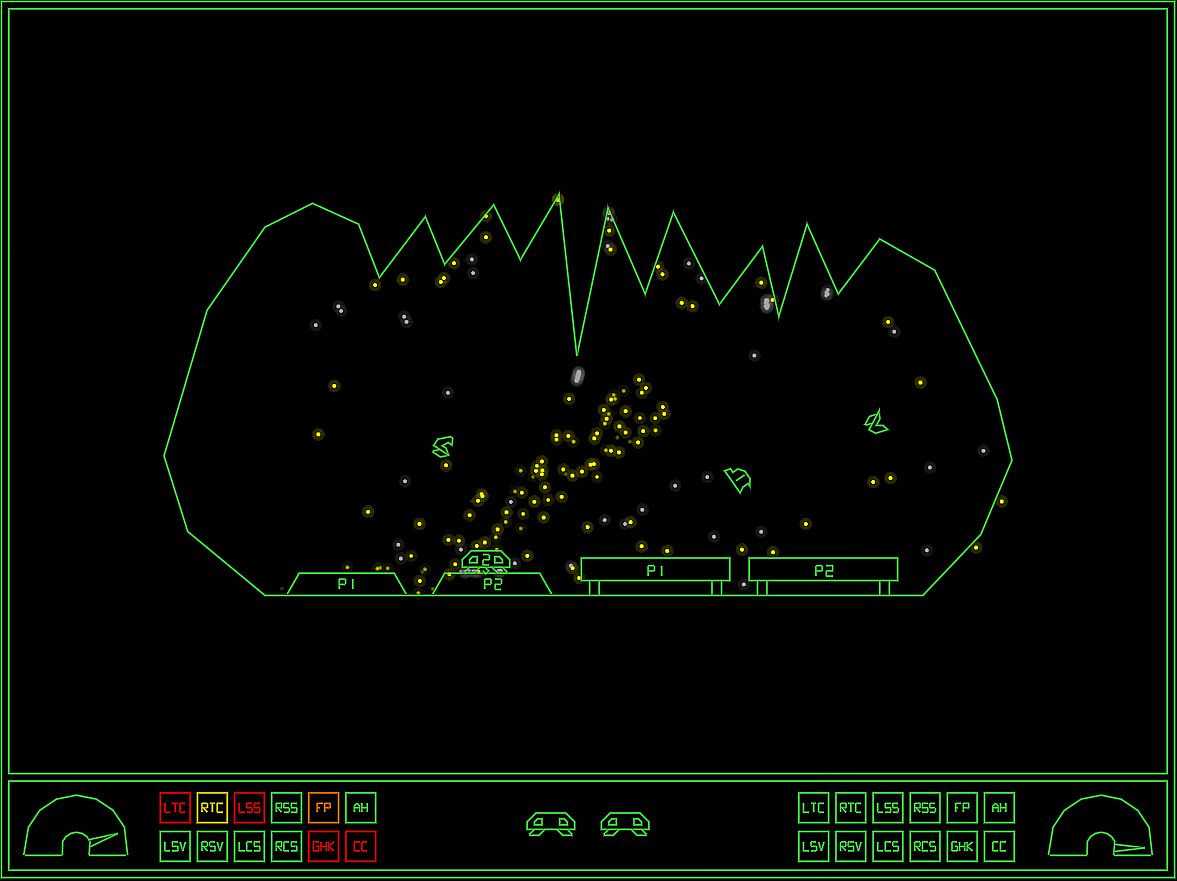
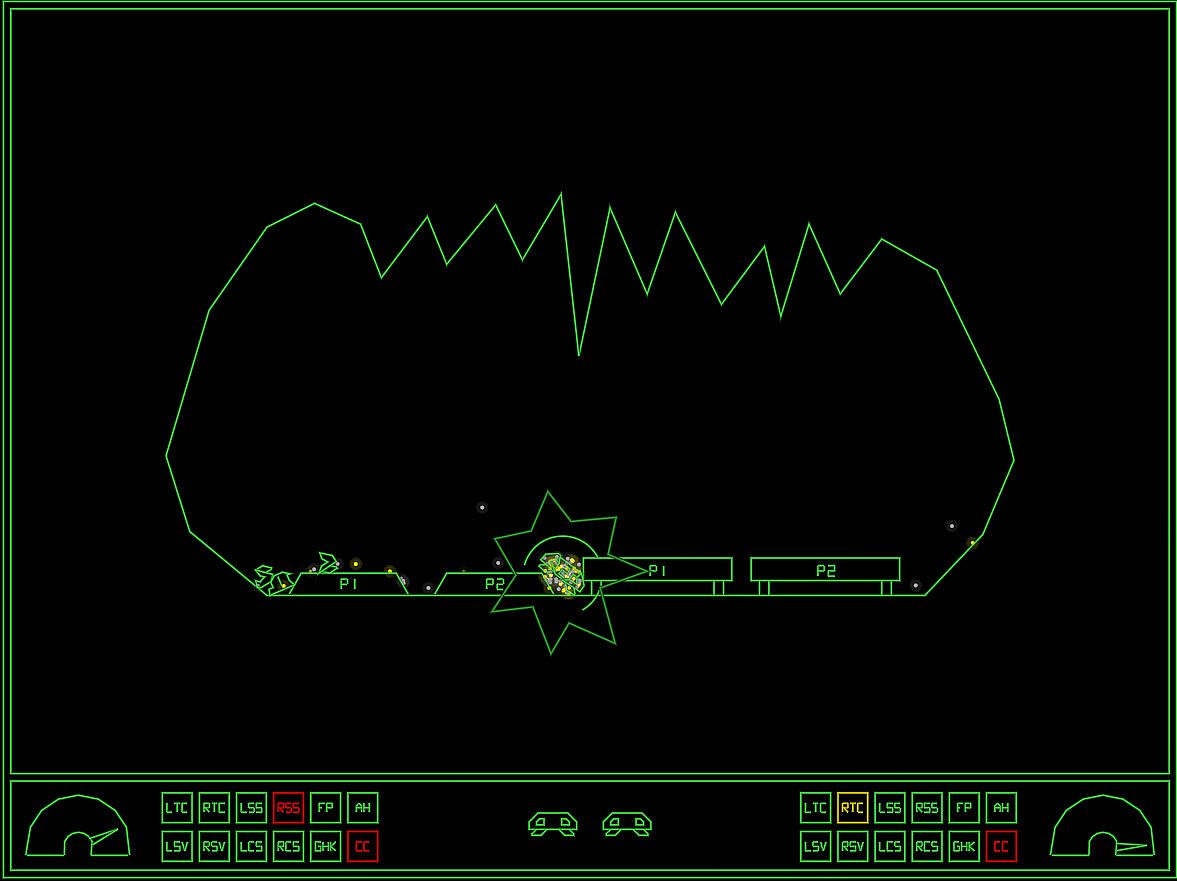
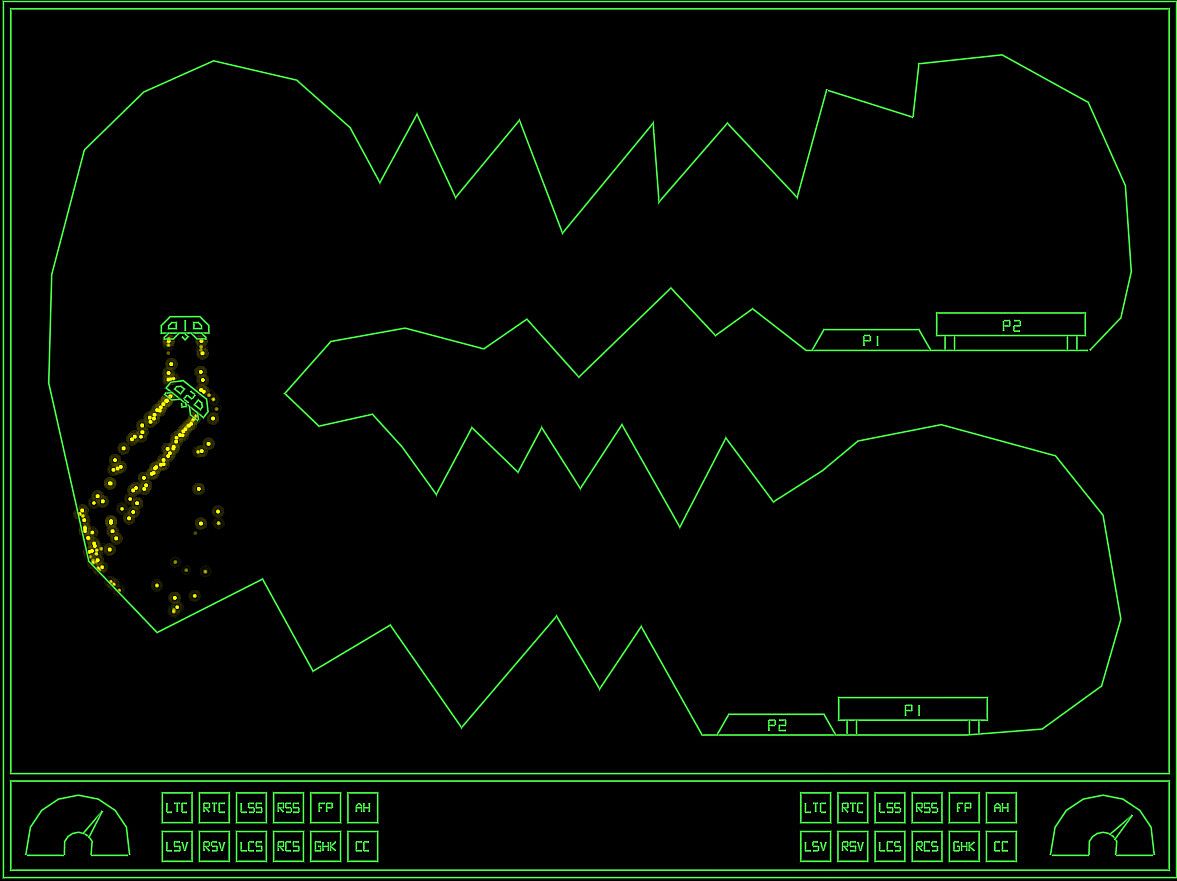
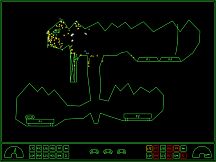
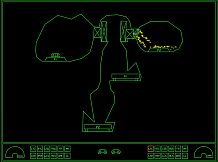
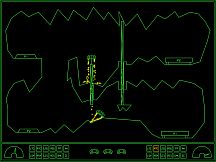
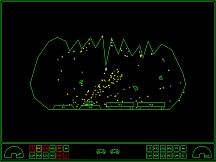
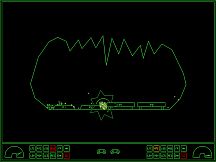
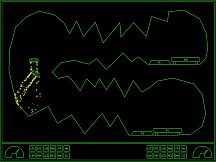
Land two ships on their platforms in this indie 2D physics simulation, a tougher take on Lunar Lander with heavy physics demands. Ships feature grabbers to lift boxes or other ships, plus an AutoHover system activated by holding the switch ships button. Damage triggers synthetic voice warnings you can acknowledge or mute, while self-destruct offers a reset option amid 35 escalating levels. Singleplayer or two-player modes start at level one each arcade-style session, with extra ships every 30k points and high scores tracking initials alongside Steam friends' all-time and global daily lists. Xbox 360 controllers or keyboard setups handle thrusters, grabbers, and more, including coin-handling options for arcade cabinets. Casual players master ship control and rescues, while arcade fans chase perfection across brutal difficulty ramps.

GravitreX started as a contender in the Swedish Game Awards Warm-up competition "80's Warm-up", which had 80's as its theme. GravitreX won that competition, and was later ported to Android. After a few years on Android, it was then turned into an arcade cabinet. Two or three cabinets still exist today, in different barcades in the Phoenix Arizona region. It has now come time to complete the circle and port it back to PC and Steam.

This 2D physics simulation has you trying to land two ships on their respective platform. Like the old classic Lunar Lander, but much more difficult and more heavily physics based.
Features:
  • Two ships to land, even in singleplayer
  • Ships are equipped with a grabber which can be used to lift boxes or other ships
  • Ships are also equipped with an AutoHover System which can be activated by holding down the Switch Ships button (B)
  • Ships have lots of systems that can be damaged
  • When damaged, a classic synthetic voice will say what systems are damaged
  • The voice warnings can be acknowledged (muted) by pressing a button
  • As this is the Arcade version, every play you will start on level one
  • Extra ships are awarded every 30k points
  • 35 levels of increasing difficulty. We are not kidding on this one.
  • Perfect for Arcade Cabinets, can even be set up to accept coins (See 'If you happen to have an arcade cabinet' section below)
  • Steam achievements
  • Classic arcade style highscore with initials, with online entries from your Steam friends (All-time), and Global (Today).
  • The first five players to beat the game will make it onto the "Prime Five" list on the web page
Controls:
XBox 360 Controller:
Bumpers = Thrusters
(A) = Grabber
(B) = Switch Ships / AutoHover (hold)
(X) = Acknowledge warnings (until something else breaks!)
(Y) = Self Destruct

Keyboard:
Left/Right Control = Thrusters
Left Shift = Grabber
Right Shift = Switch Ships / AutoHover (hold)
TAB = Acknowledge warnings (until something else breaks!)
X = Self Destruct

P2 keyboard controls:
F/H = Thrusters
R = Grabber
U = Switch Ships / AutoHover (hold)
E = Acknowledge warnings
I = Self Destruct
Note: Playing two players on one keyboard will likely be crowded, these are more meant to be mapped to from an I-PAC or similar arcade button to keyboard key converter.

Whoever first starts the game will become Player 1. Whoever next pushes a control will become Player 2. If Player 1 has switched ships Player 2 will control Ship 1 only until the end of the level. Starting next level, Player 1 controls Ship 1.
Tips and tricks:
  • A Ship that's been turned upside-down can usually be rescued using the grabber and the other ship. Don't immediately Self Destruct!
  • Firing both thrusters simultaneously will stop the ship's rotation. If the ship is rotating to the right and you press both thrusters, only the right thruster will fire first, until the rotation has stopped. Unless, of course, the stabilizing system on that side is damaged.
  • If both ships are destroyed at the same time, the level will be reset. Sometimes you will need to reset a level by self destructing both ships. If one ship is destroyed and you realize the level will need to be reset, Self Destruct the other ship quickly before it respawns, otherwise it will cost an additional life!
If you happen to have an arcade cabinet
This only applies to cabinets with a PC inside of them of course. In the Options screen you will find an option that may interest you:


Coin Handling:
  • None: This is the normal PC setting. There is no concept of coins, and players can jump in from any controller
  • Freeplay: No coins needed to play, just press 1P or 2P start.
  • Internal: This is the normal Cabinet setting. Inserting coins increases the credits ('5' on the keyboard or Select on the controller).
  • External: This is if you have an external coin mechanism with its own credit counter. It should send keypresses to tell the game the credits situation: '0' for No credits ('INSERT COIN' will be displayed), '8' for 1 credit ('Press 1P Start' will be displayed), or '9' for Multiple credits ('Press 1P or 2P Start' will be displayed). Also, Multiple Credits can be pressed again and again to play the coin inserted sound effect.

In all coin modes except 'None', pressing 1P start ('1' on the keyboard, or Start on Controller 1) will start a 1P game and P1 then controls the game either from keyboard or controller 1. Pressing 2P Start will start a 2P game, with P2 controlling Ship 2 from P2 keyboard controls or controller 2. In the 'None' mode, pressing any input on any controller will start a game with P1 controlling the game from that controller, and the second controller to receive a button press will join as P2.

If you have a cabinet with default Mame key assignments, replace the "KeyMap.cfg" file with the "KeyMap_MAME.cfg" file. If you have different keys assigned, edit the file and adjust accordingly. Because many cabinets only have three buttons, in this config the stick is used for three of the buttons. Left=Mute, Down=Self Destruct and Right=Switch ships/Autohover. Feel free to change these if you have more buttons and want to use them.

Most arcade frontends can be tricked into launching PC games, usually by creating a dummy "Emulator" called PC, and maybe a dummy file as the "rom". This way GravitreX can coexist with all your other arcade games! If your cabinet does not have internet access, set Highscores to local in the options, and it will save highscores locally to a file instead (local highscores can also be selected from the options menu).

If you have a cabinet (or plan to build one), and want to put it somewhere public and actually charge real money from people, get in touch with us about getting a commercial license and a customized non-steam version of the game.

Interface:
English
Audio:
English

Age rating

Unavailable
Steam:
Overwhelmingly Negative (6)

Minimum:

  • Processor: SSE2 instruction set support.
  • Memory: 2000 MB RAM
  • Graphics: Graphics card with DX10 (shader model 4.0) capabilities.
  • DirectX: Version 10
  • Storage: 100 MB available space
  • Additional Notes: Might run on lower specs, not tested

Recommended:

  • Processor: SSE2 instruction set support.
  • Memory: 2000 MB RAM
  • Graphics: Graphics card with DX10 (shader model 4.0) capabilities.
  • DirectX: Version 10
  • Storage: 100 MB available space
  • Additional Notes: Might run on lower specs, not tested

Minimum:

  • OS: Sierra 10.12+
  • Processor: x64 architecture with SSE2
  • Memory: 2000 MB RAM
  • Graphics: Metal capable Intel and AMD GPUs
  • Storage: 100 MB available space
  • Additional Notes: Might run on lower specs, not tested

Recommended:

  • OS: Sierra 10.12+
  • Processor: x64 architecture with SSE2
  • Memory: 2000 MB RAM
  • Graphics: Metal capable Intel and AMD GPUs
  • Storage: 100 MB available space
  • Additional Notes: Might run on lower specs, not tested

Minimum:

  • OS: Ubuntu 16.04 and Ubuntu 18.04
  • Processor: x64 architecture with SSE2 instruction set support.
  • Memory: 2000 MB RAM
  • Graphics: OpenGL 3.2+, Vulkan capable
  • Storage: 100 MB available space
  • Additional Notes: Might run on lower specs, not tested

Recommended:

  • OS: Ubuntu 16.04 and Ubuntu 18.04
  • Processor: x64 architecture with SSE2 instruction set support.
  • Memory: 2000 MB RAM
  • Graphics: OpenGL 3.2+, Vulkan capable
  • Storage: 100 MB available space
  • Additional Notes: Might run on lower specs, not tested
Historical low
Price history from official stores
-
-
-
Price history from keyshops
-
-
-

FAQ

8 questions

Before you start looking for a cheap GravitreX Arcade key, check the essentials. Developed by Martin Hjerne. Published by Dynamic Entertainment. PC released date: 03 Mar 2021. Genres: Indie, Casual. Categories: Multi-player, Remote Play Together, Family Sharing, Co-op, Single-player, Stats, Remote Play on Phone, Remote Play on Tablet, Remote Play on TV, Steam Achievements, Full controller support, Shared/Split Screen Co-op, Shared/Split Screen.

Q

Where to buy a cheap GravitreX Arcade Steam key?

Using our price comparison and verified discount codes, you can buy a GravitreX Arcade key for as low as £0.79. This deal is available at Kinguin and is among the cheapest offers on the market. All keys listed on XD.deals are delivered digitally and eligible for instant download after payment. Prices already include processing fees and applied promo codes, so you always see the lowest GravitreX Arcade price on PC. Check the GravitreX Arcade price history to buy at the best moment.

As of our last update (we refresh Steam pricing multiple times a day), the GravitreX Arcade Steam price is £6.50. You can save an extra ~6% by paying with a discounted Steam gift card.

Our price tracker covers both official retailers and key marketplaces, so you can find GravitreX Arcade on sale even outside seasonal promotions. We currently detect 2 active offers from official stores and keyshops. Check the table above, compare against the historical low, and set an alert so you never miss the next price drop.

Based on our data, GravitreX Arcade is not currently available on GeForce NOW. You will need to run it locally on your PC. Browse games available on GeForce NOW.

Yes. GravitreX Arcade has an official page on the Steam Store. You can also buy a GravitreX Arcade Steam key from third-party sellers. Our price comparison currently includes 2 offers with Steam DRM. Pick one to ensure your GravitreX Arcade download happens on Valve's platform.

Not at this time. Valve marks GravitreX Arcade as Unsupported on Steam Deck. Keep an eye on XD.deals - we track Proton updates and community fixes. Browse games that are Steam Deck Verified or Steam Deck Playable.

GravitreX Arcade does not appear to be available on PC Game Pass, EA Play, Ubisoft+ or any other PC subscription service at this time. Your only option is purchasing the game - use XD.deals to find the best price.

No - XD.deals is not a store. We are a price-comparison service that tracks the best GravitreX Arcade deals across official stores and verified keyshops. Click "Go to Store" next to any offer and you will be redirected to the retailer's website to complete your purchase.

Best prices for GravitreX Arcade

1 Kinguin Kinguin Keyshop
-87% £0.79
2 Steam Steam Official
£6.50

Want to buy at the best moment? Set a price alert on XD.deals and get notified when GravitreX Arcade hits its next historical low.

Create Alert
Join our Discord
Get instant help from our community and stay updated on the latest deals
Set Price Alerts
Get notified by email when game prices drop to your target
Create Free Account
Unlock wishlists, price alerts, and Steam sync