



ONE HOTKEY TO RULE THEM ALL
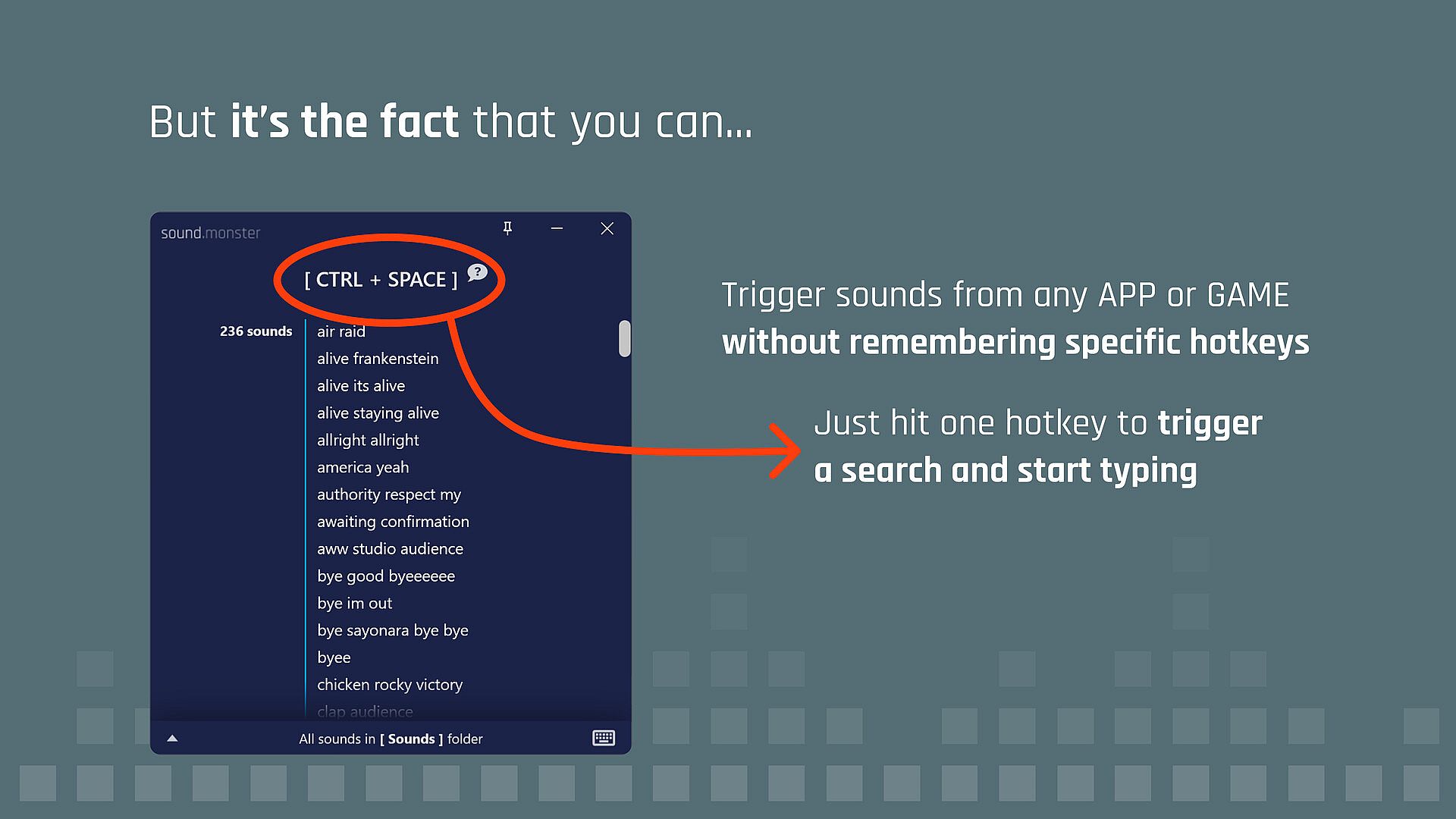
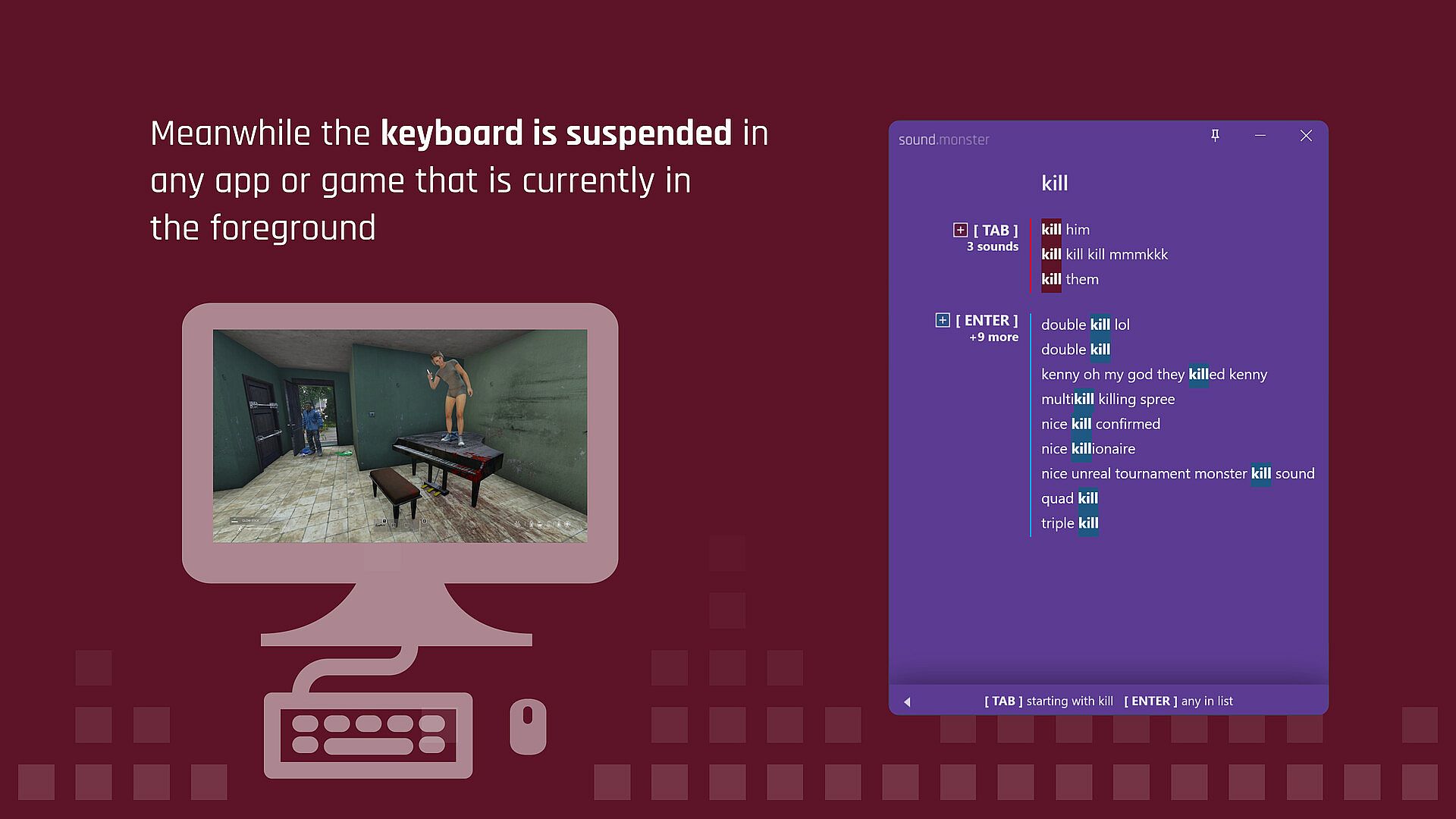
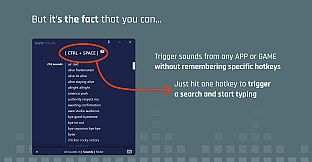
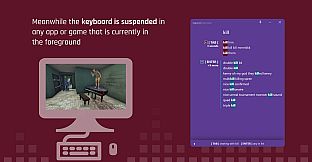
Trigger a sound search from any app or game with a global hotkey. Meanwhile your keyboard is disabled in all other applications except Sound Monster. So you can filter your sounds down to what you want to play in the background and not interrupt your flow.
You might ask yourself, did this guy create an application based on a concept that is super hard to explain? You bet! Watch the video above for a better explanation.
ASSIGN SOUNDS TO HOTKEYS
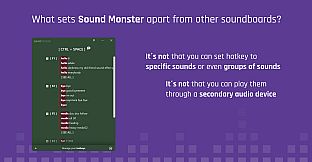
Even though you can trigger any sound with only one key you still might want to assign your most used sounds to specific keys.
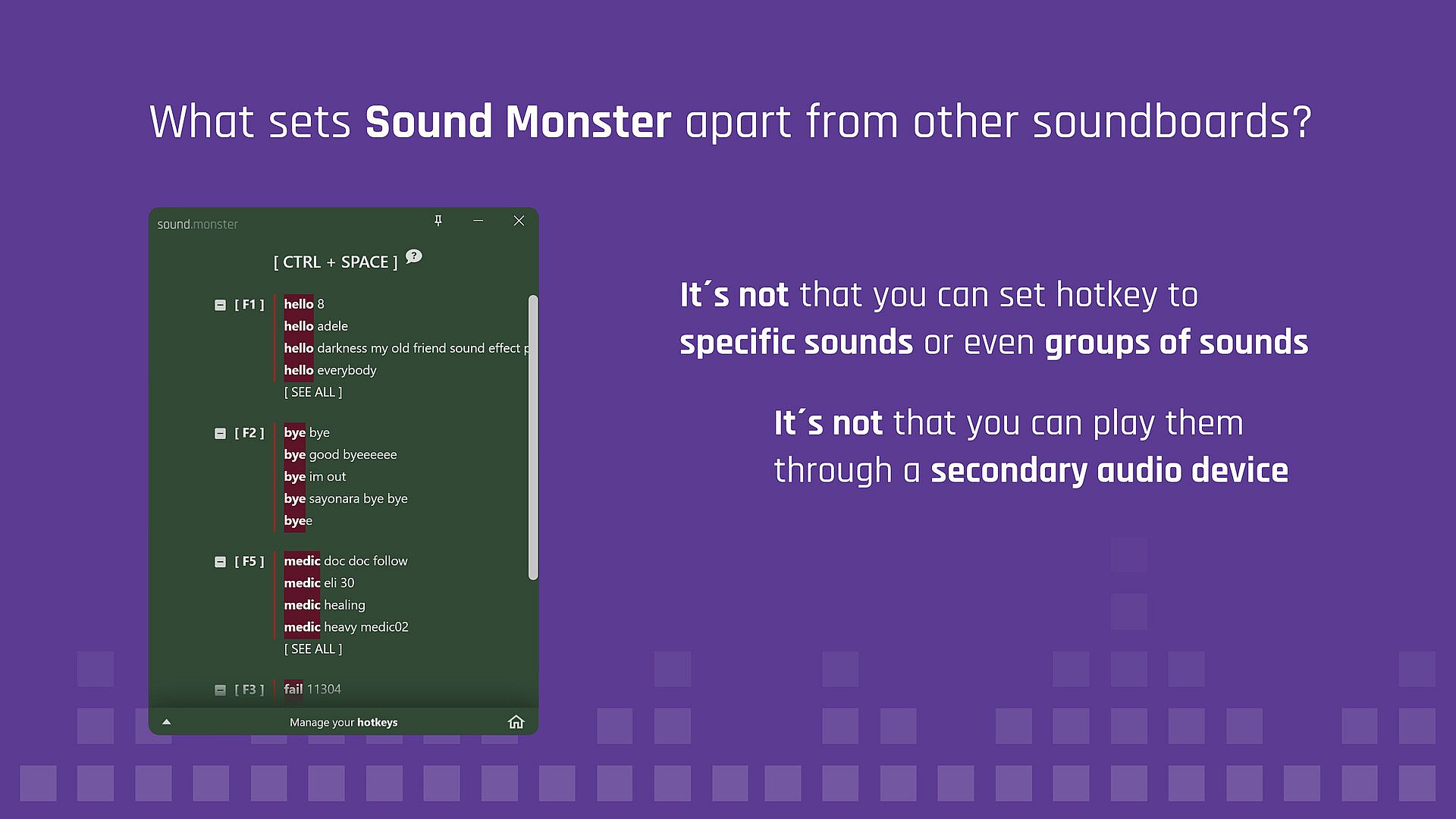
GROUPS OF SOUNDS ON ONE HOTKEY
For example, assign all sounds that contain the word “hello” in the file name to CTRL-H and play a different “hello” sound every time.
- Set hotkeys while gaming
Set new sound hotkeys instantly from anywhere. Press the universal sound search key, filter down to the sound(s) and then press a key combination or F1 to F12 to instantly set it without even leaving your game. - Walkie Talkie
You can play multiple sounds off the same key. To make a police radio, put the start transmission sound when you press the key, loop radio static when you hold the key and transmission over when you release. All sounds are in the free sound pack. Then use the Push To Talk key feature whenever the sound is played.
- Censor bleeps
Sound Monster can mute your microphone when a sound is played. Put the censor bleep sound on a key and set it to loop until you release the key. The sound is included with Sound Monster. See video above.
- Yeet on grenade
Add the YEET! sound to G. If you don't want it to play every time, you can put it on double tap instead. Sound is included in the free sound pack.
- Super Mario jump
Boing sound on your space bar or go for the iconic Mario sound. It's not going to be annoying at all.
- Return Carriage
Old style typewriter sound on Return key. Sound included with the free sound pack.
- Hype key
Put your favorite hype tracks on a single key, set it to toggle so you can easily go between tracks with a single key.
- Unlimited farts
Just get tons of fart sounds and spam your friends. There is a moderate amount of fart sounds included in the free sound pack.
- You're breaking the car!
It's pretty much a must to play the Samir rally driver audio when you get into a car in WarZone.
- Uncomfortable ASMR
Step 1, search for Uncomfortable ASMR on YouTube. Step 2. Convert to MP3. Step 3. Torture your friends.
- Emphasize good and bad jokes
Put "ba-dum-tss" sound and crickets sounds on the same key. Different sound depending on tapping or double tapping the key. Sounds Included with the free sound pack.
- Build ups and dropping the bass
Drumroll on loop while key is down, and set crash cymbal sound for key release (sounds included in sound pack). You can drop the bass using the same feature. - Put people on hold
Stepping away from your computer? Put your friends on hold by looping some elevator music. Set your mic to be muted while playing too.ALL SOUND MONSTER FEATURES
- A universal sound search key
- Included sound pack with free sounds
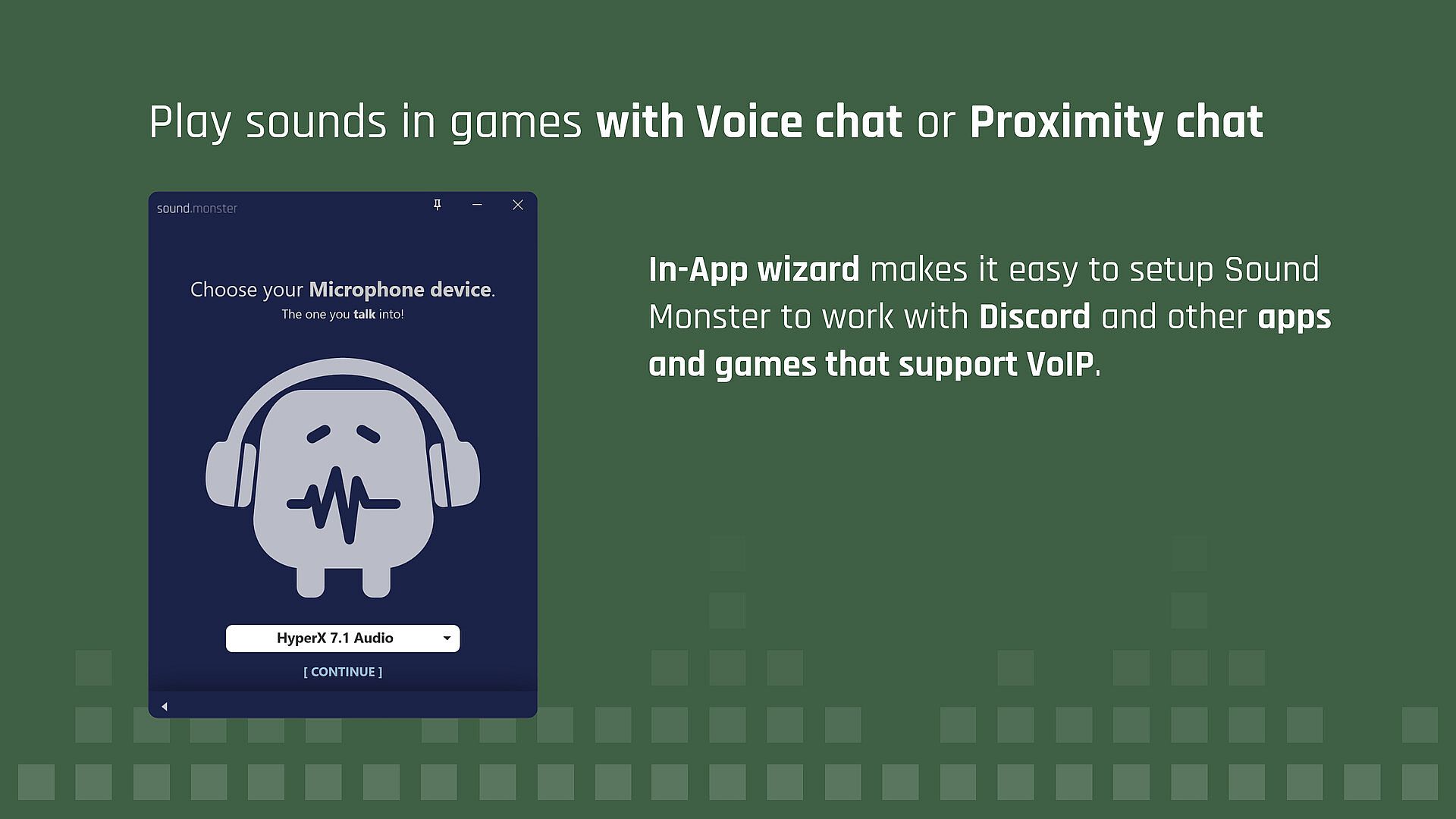
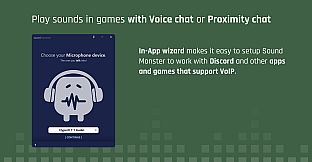
- A sound device setup wizard to play "sounds through your microphone"
- Use multiple outputs
- Set new sound hotkeys instantly from anywhere
- Add a sound to a hotkey
- Add groups of sounds to a hotkey
- Automatic Push to talk key "pressed" when a sound plays
- Fix for all too common Virtual Audio Device distortion on Windows
- Loop sounds
- Fade sounds in or out
- Key suppression so that key does not register in active application
- Play a sound when tapping a key
- Play sound on double tapping a key
- Play sound only when a key is held down
- Play sound when a key is released
- Press key again to stop playing the sound
- Stop other sounds when a sound is played
- Mute mic while sound plays
- Global stop playback hotkey
- Choose whatever folder you like for you sounds, no need to organize inside Sound Monster
- Drag drop files over Sound Monster to add them into your sounds folder
- Sort your sounds randomly or by newest to remind you to use your newest sounds
- Add hundreds or thousands of your own sounds