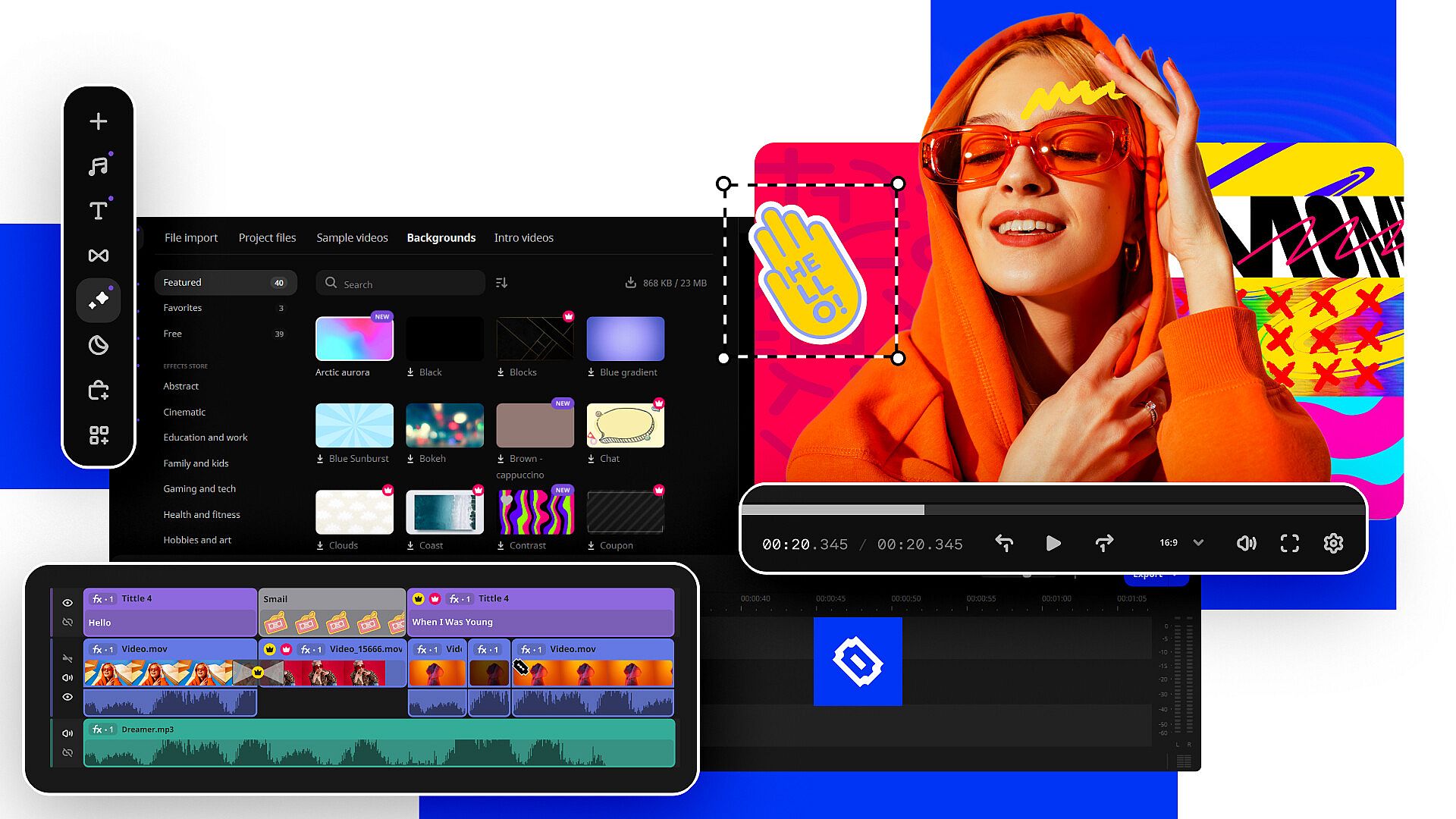
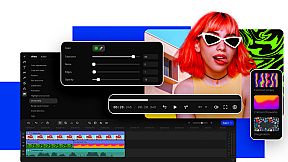
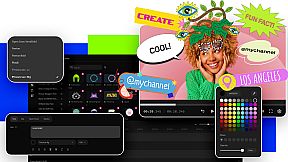
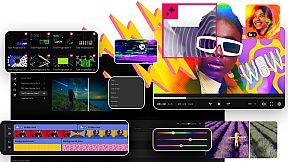
Créez rapidement des vidéos épiques grâce à des outils dédiés aux moments forts de gameplay, clips sociaux, trailers de streams, contenus business et films familiaux. Survolez titres, transitions et filtres pour les prévisualiser instantanément, ou déplacez la souris le long de la piste vidéo pour une navigation frame par frame précise. Glissez-déposez les clips entre les pistes, superposez vidéos et photos sans effort, et fusionnez les éléments pour des vlogs ou des reels de highlights.
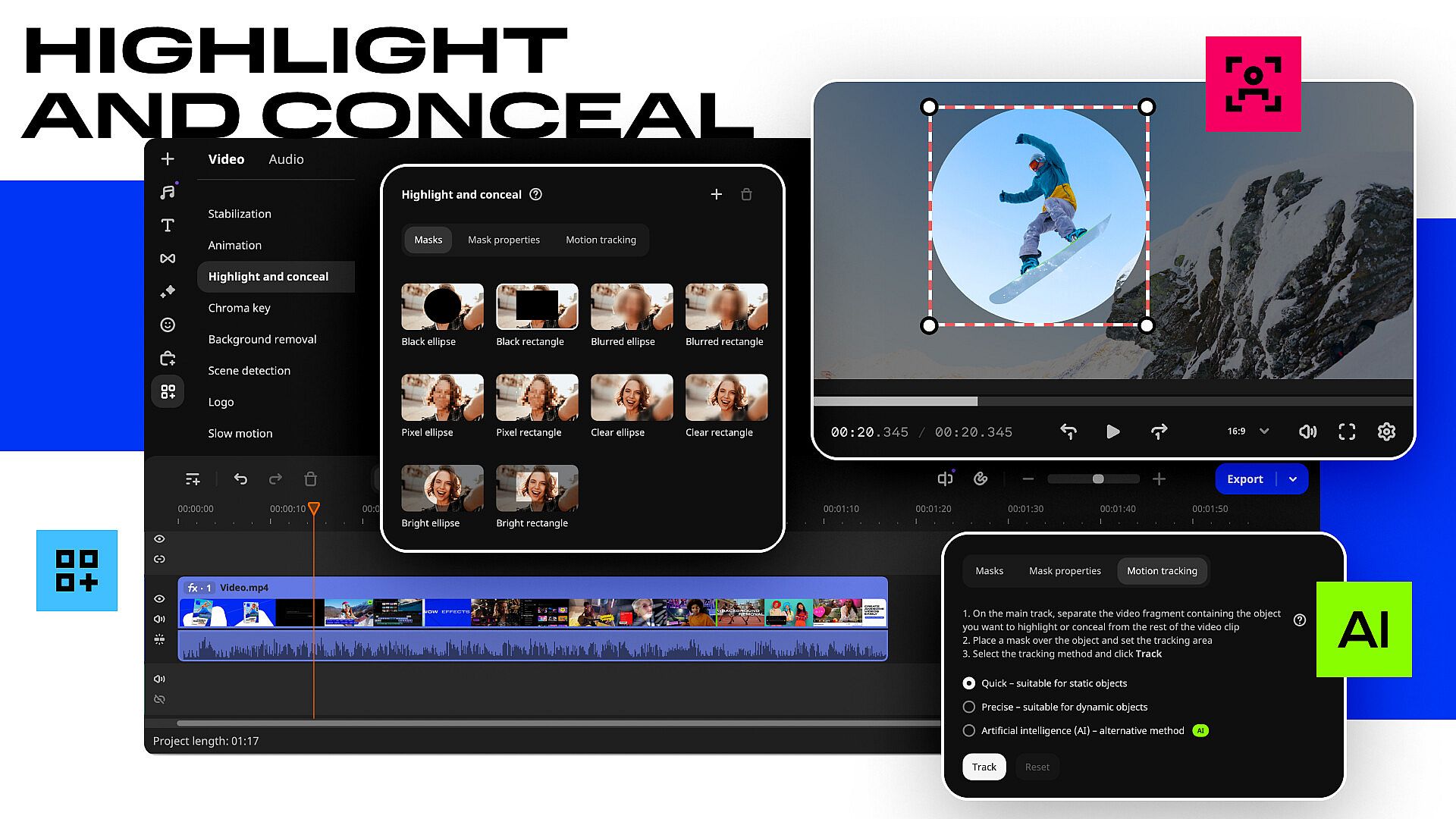
L'IA gère automatiquement les sous-titres dans n'importe quelle langue, la suppression d'arrière-plan sans écran vert, le nettoyage du bruit et le motion tracking pour les effets. L'accélération Fast Track HD, le support du codec AV1 et la compatibilité avec les processeurs ARM offrent une production vidéo plus fluide sur PC. Pros de la production vidéo et créateurs de contenu montent plus vite avec les coupes frame par frame, ajustements de couleur, stabilisation, musique, voice-overs, effets néon, styles glitch, stickers et intros.
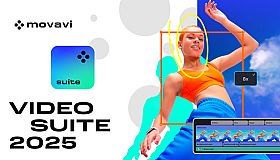
Сreate epic videos in a snap: thrilling gameplay highlights for your gaming channel, short clips for socials, captivating trailers for your next big stream, compelling videos for your business, touching family movies for your loved ones, and more.
What’s new
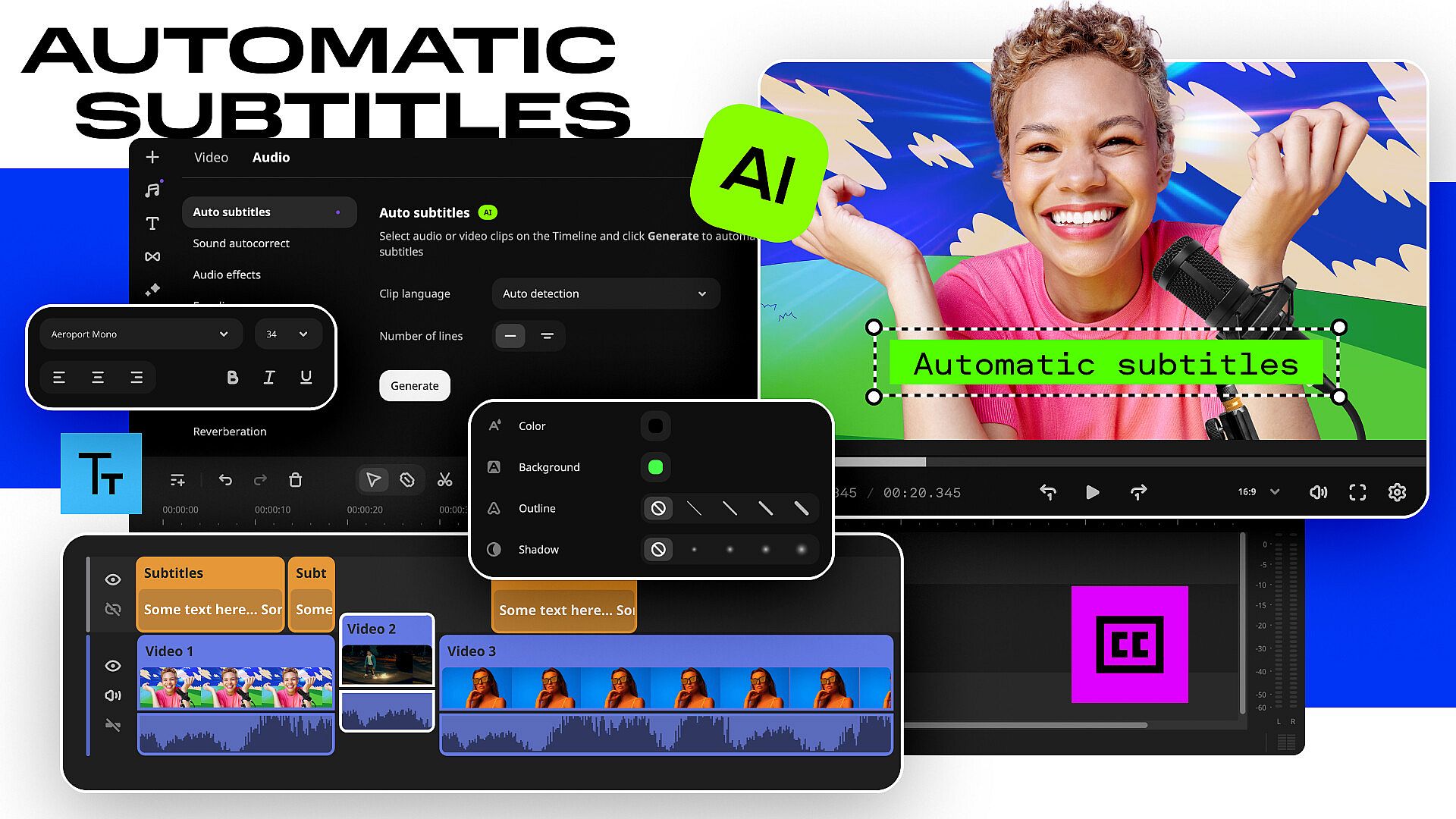
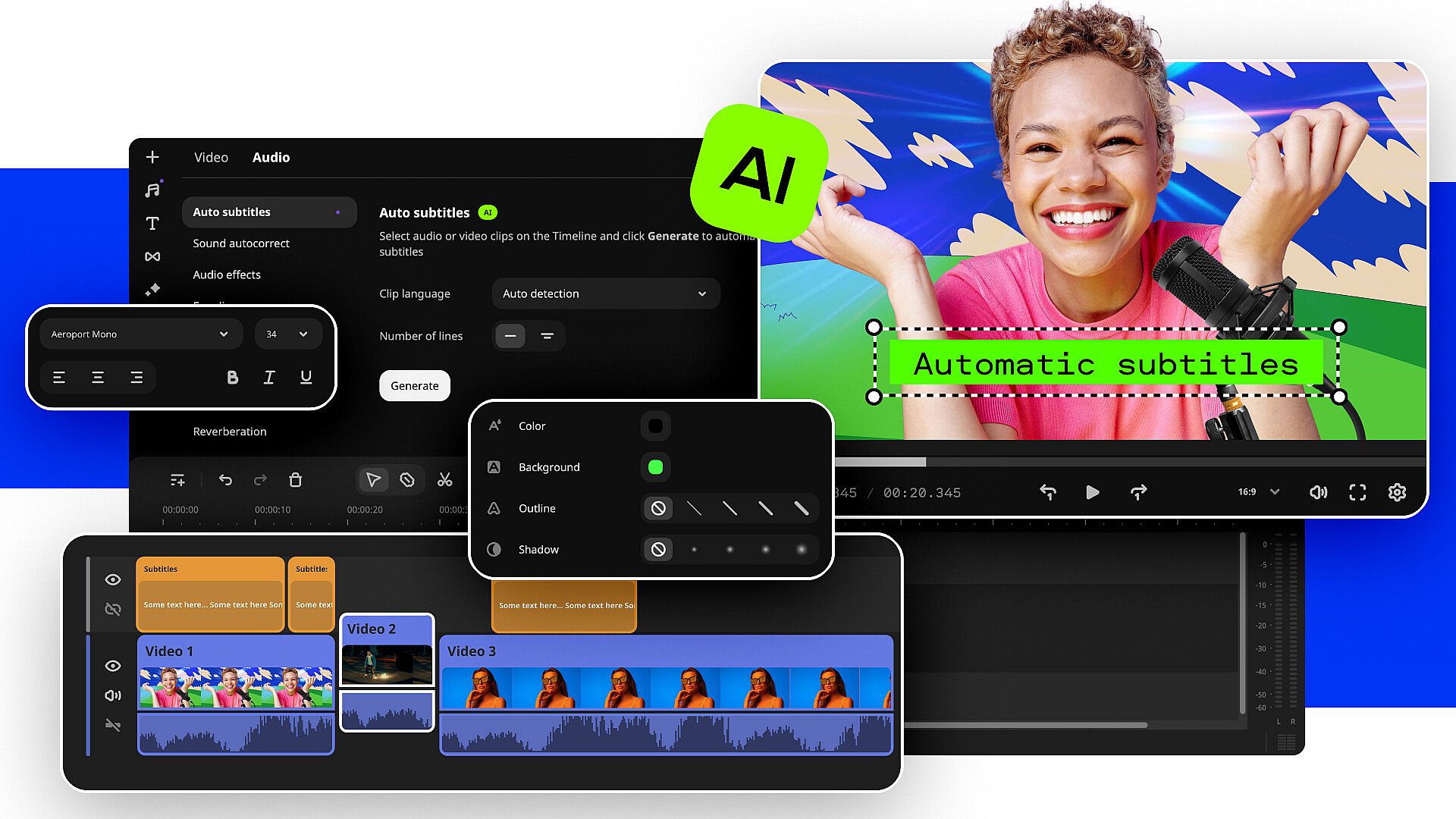
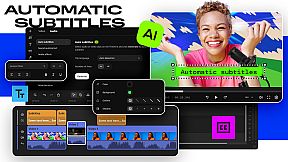
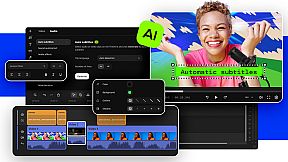
- Create automatic subtitles in one click
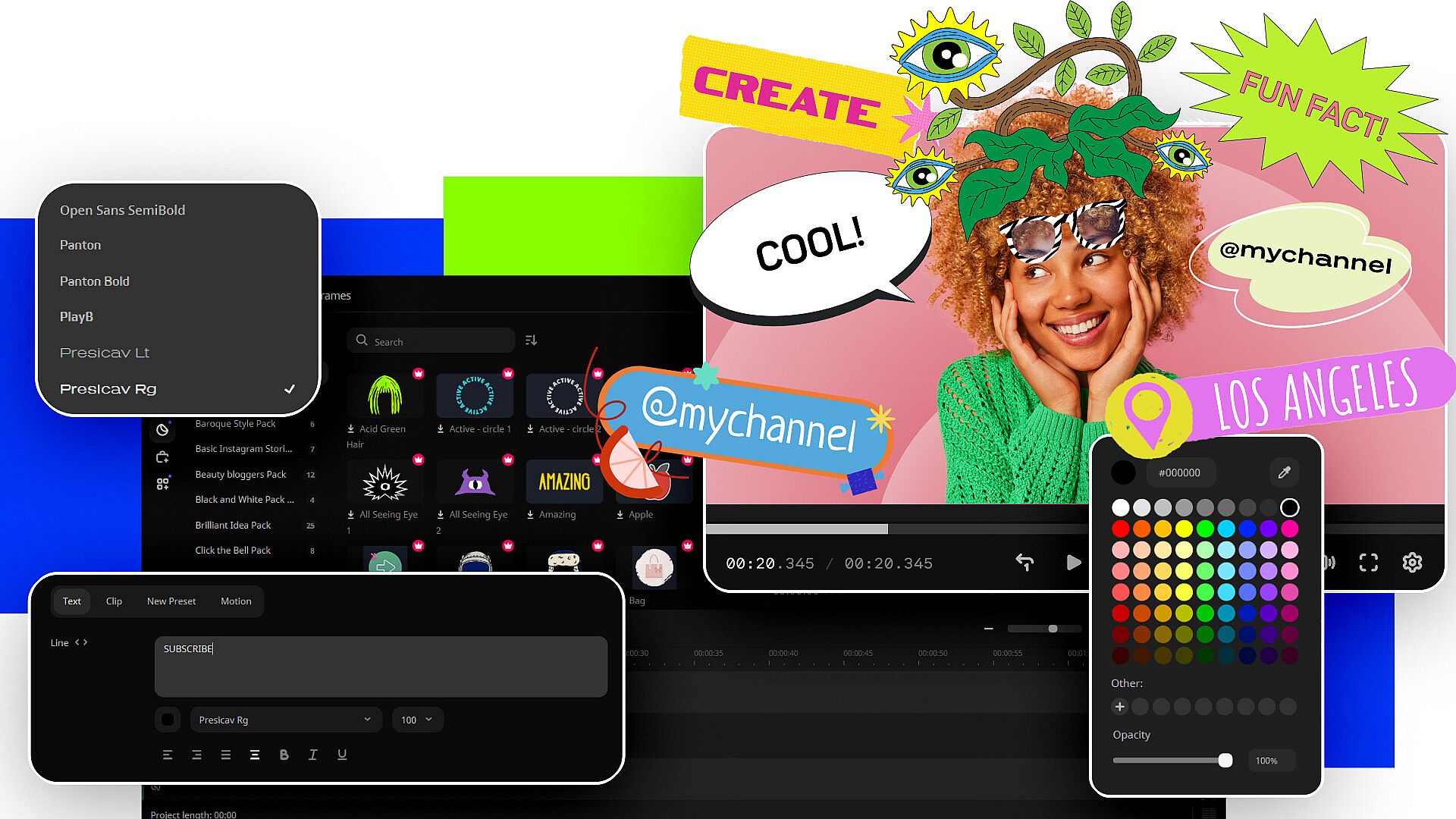
Let AI quickly turn your speech into text and automatically create captions for your videos in almost any language. Just choose the font, text color, position – and you’re all set!
- Hover to preview anything
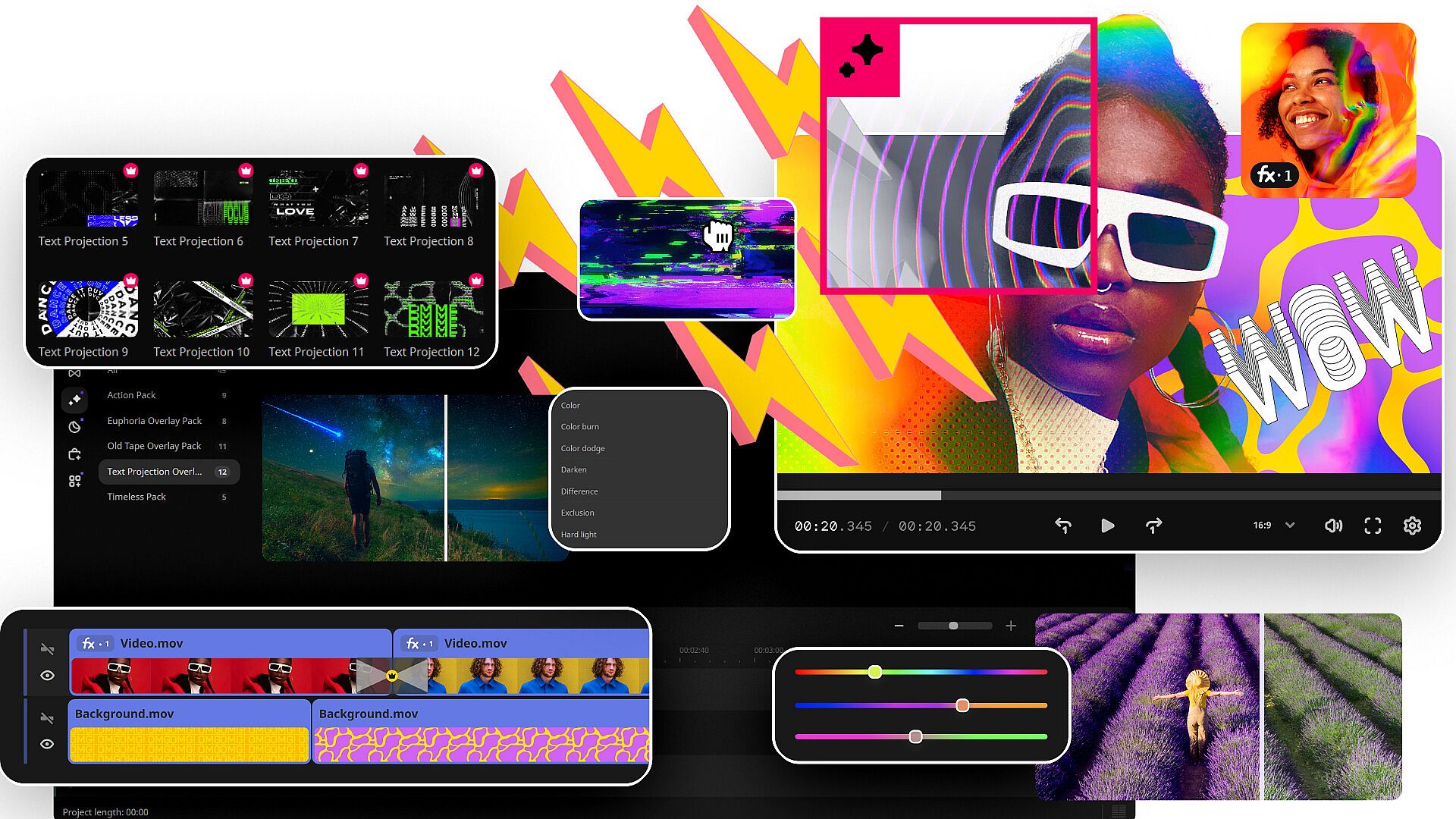
Picking titles, transitions, and filters has never been easier! Simply hover your mouse over any effect to see it in action. You can also view your project files in the same wa
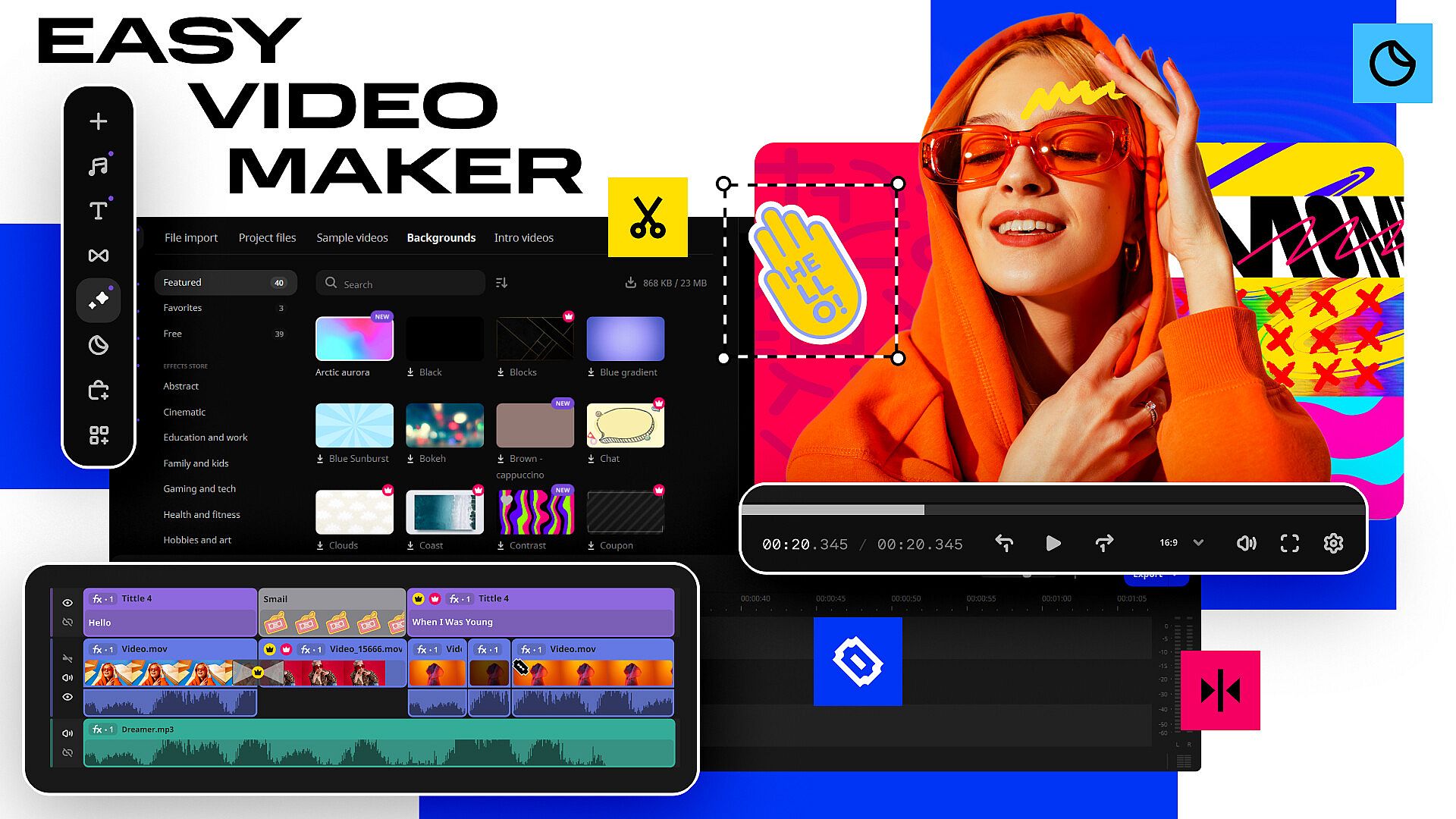
Easily find the exact frame you need by moving your mouse over the video track – no need to click! Drag and drop clips between tracks to piece videos together quickly and precisely.
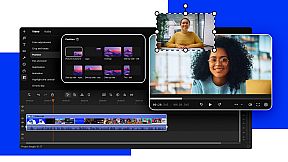
- Seamlessly blend videos and photos
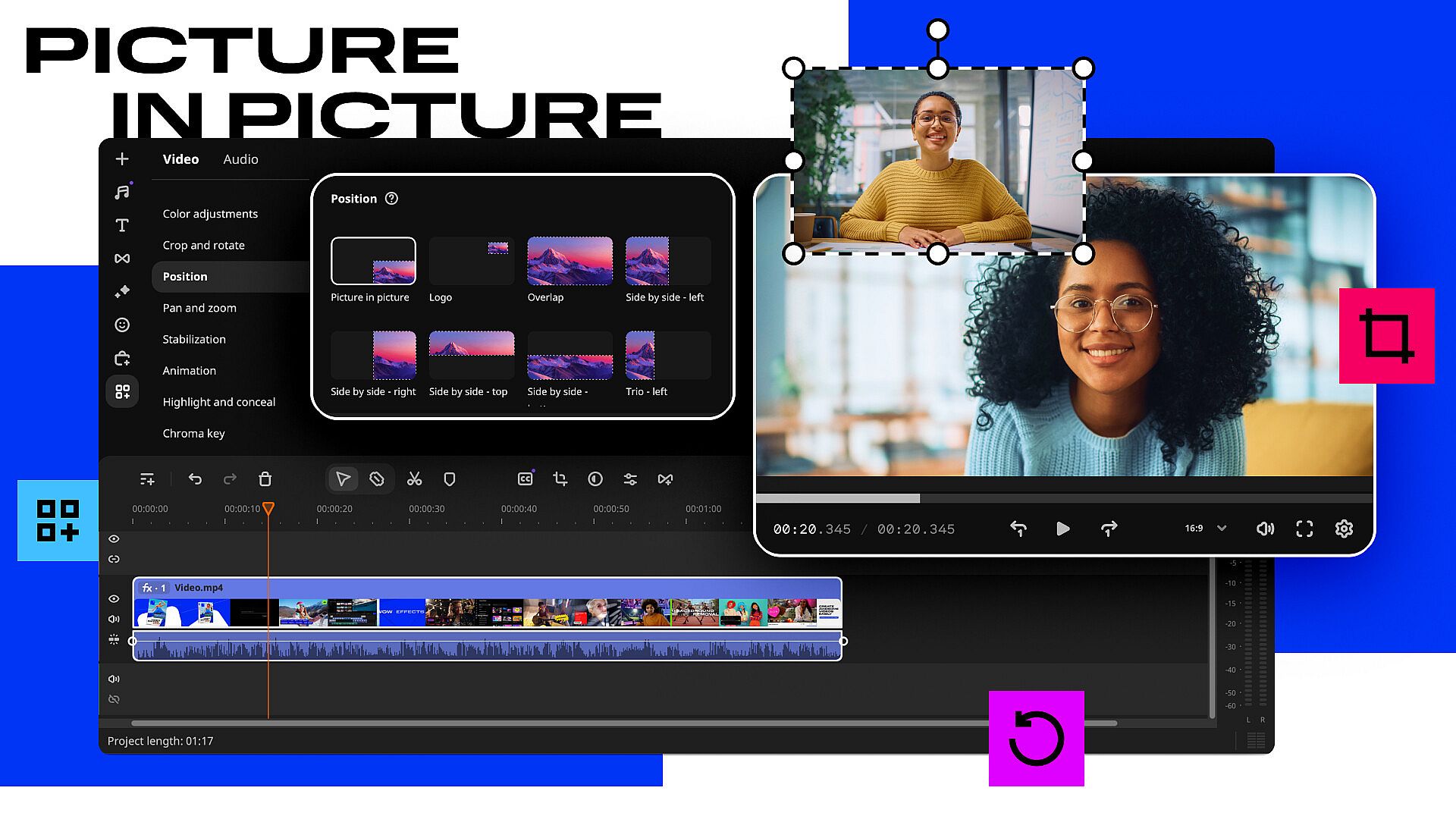
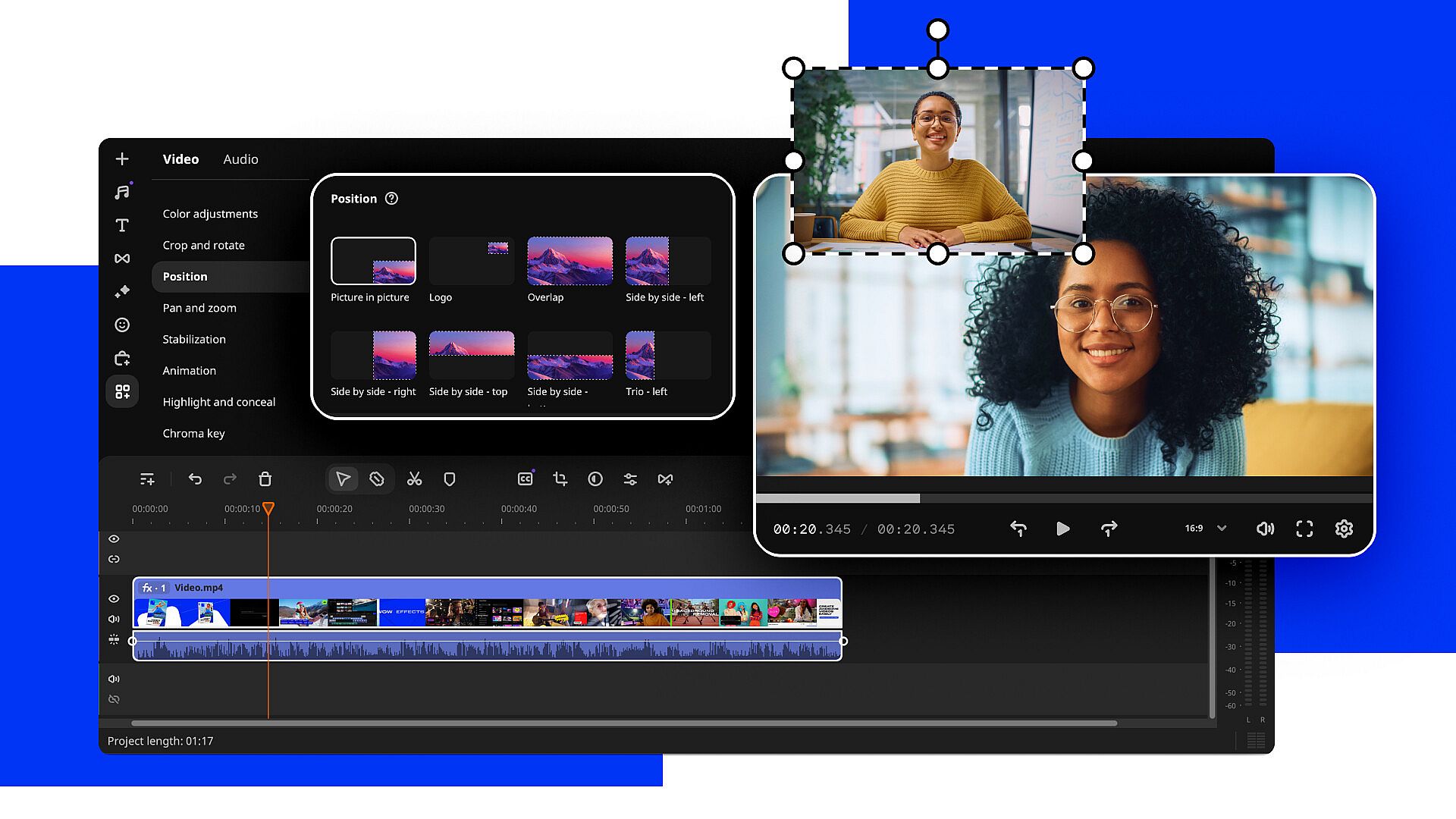
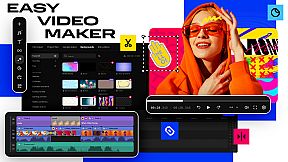
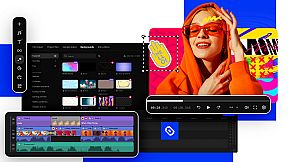
Overlay your videos, photos, and even frames effortlessly to produce different looks. Create stylish vlogs, cinematic highlight reels, or vibrant clips in just a couple of clicks.
- Edit faster with cutting-edge tech
We’ve improved Fast Track HD acceleration and added native support for AV1 codec and ARM-based processors (M1, M2, and other M-series chips). Even if this is like a foreign language to you, all you need to know is that our Video Editor is now faster and smoother than ever before – that’s all that matters.
- Other improvements and fixed issues
We’ve enhanced the program with a more streamlined design, making it easier and more enjoyable to use. The improved layout, better organization of key features, and visual enhancements ensure faster access to essential tools for creating videos and slideshows.
Highlights
- Enjoy fast and smooth video creation
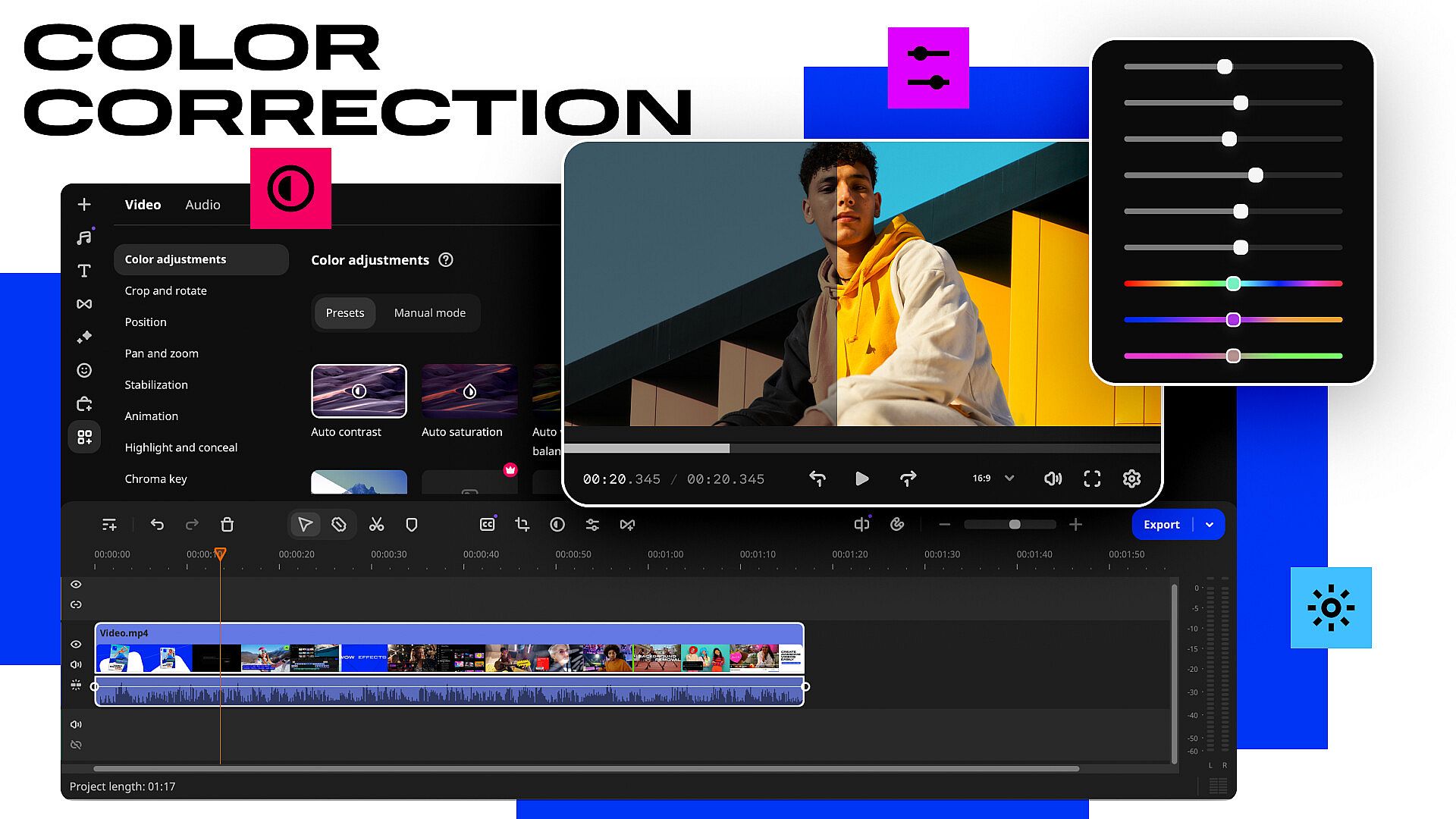
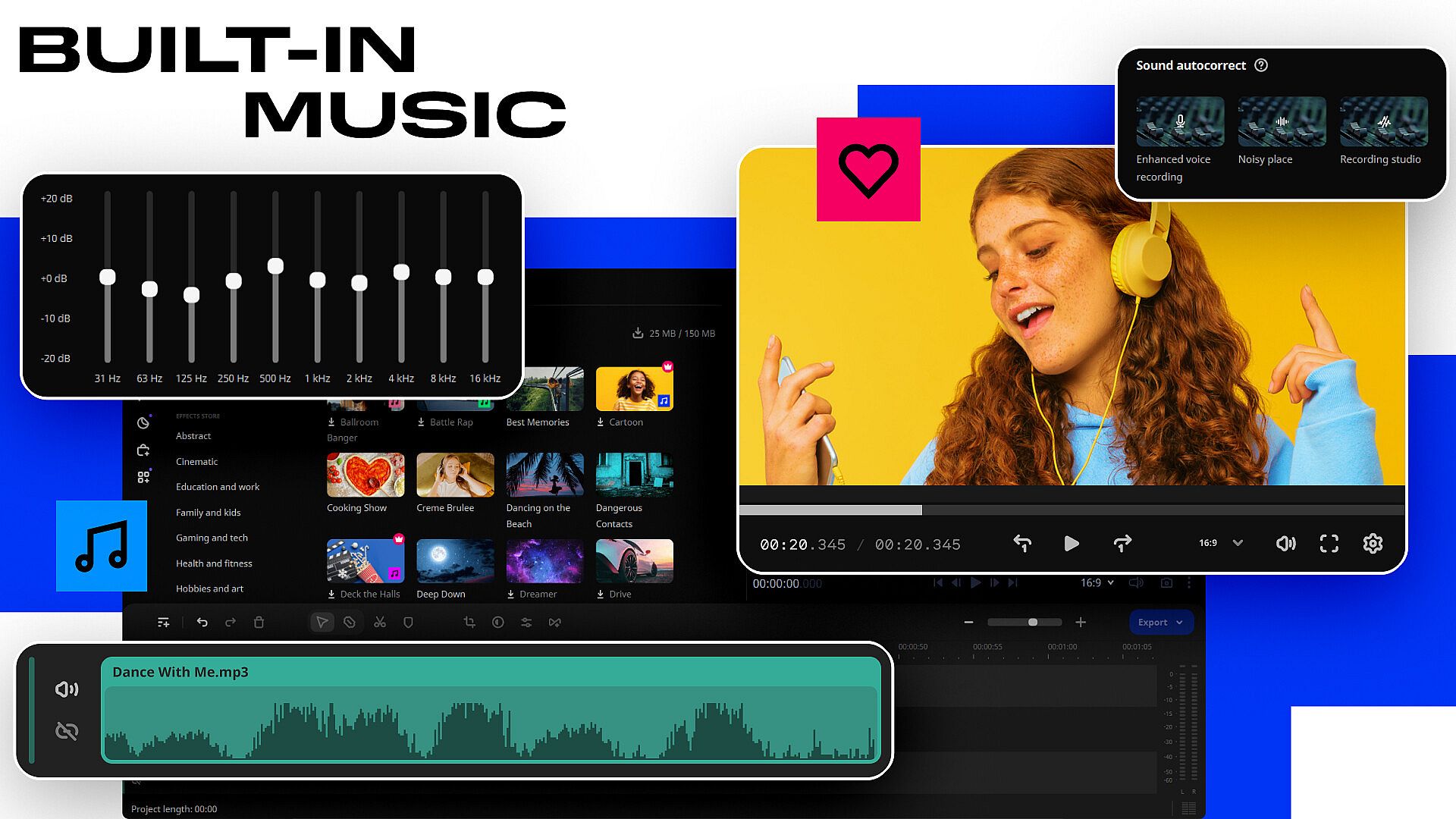
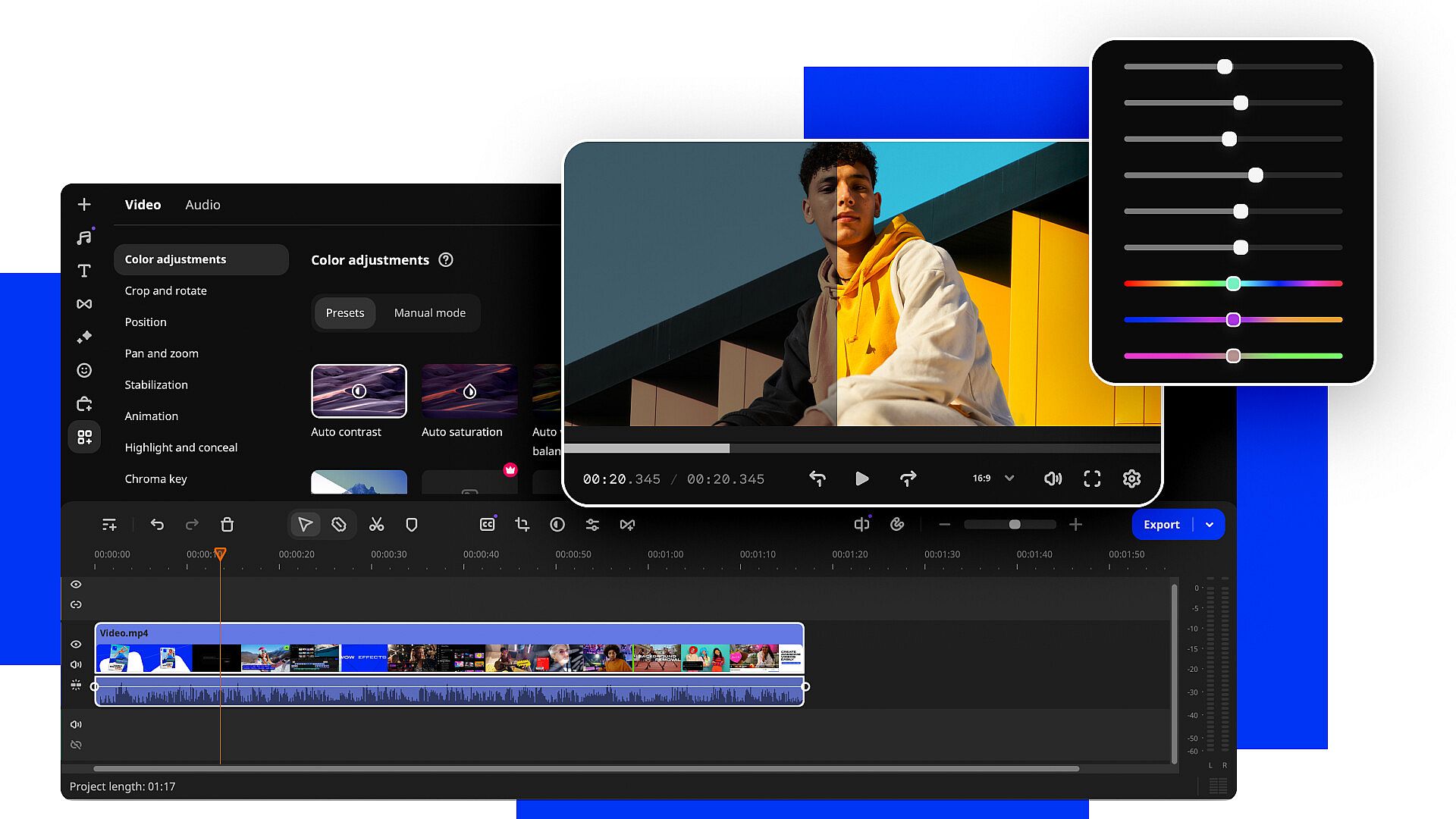
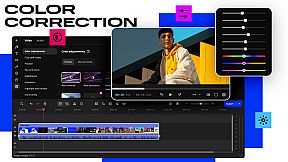
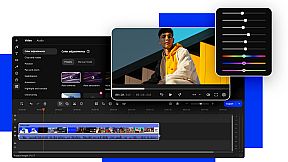
Movavi Video Editor offers a great balance between powerful features and ease of use. Dive into effortless editing with all the tools you need right at hand. Make frame-precise cuts, resize, and rearrange your footage in no time. Adjust colors, stabilize shaky clips, swap backgrounds, and add music or voice-overs.
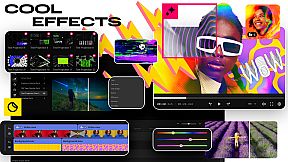
- Polish your content with awesome effects
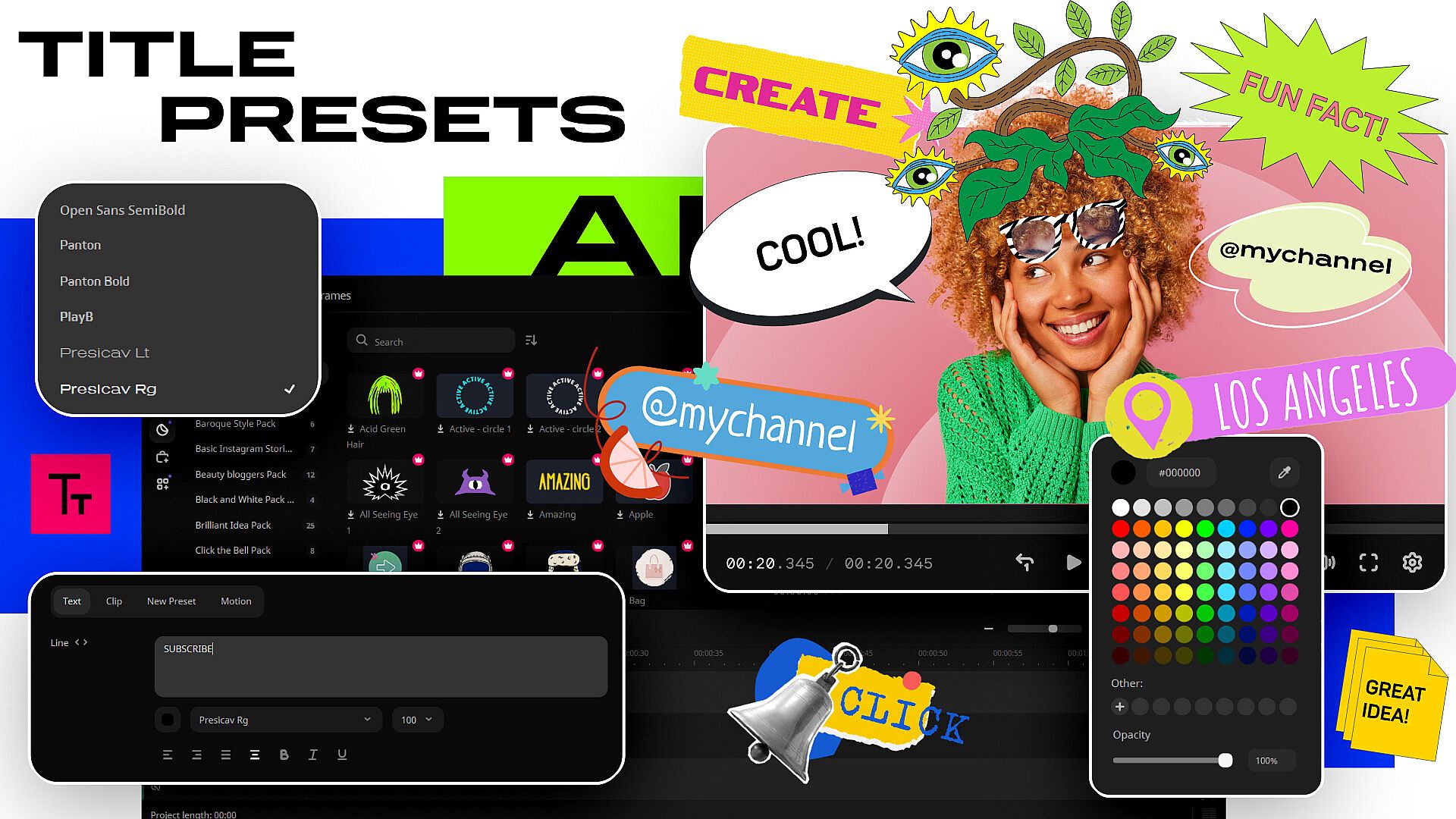
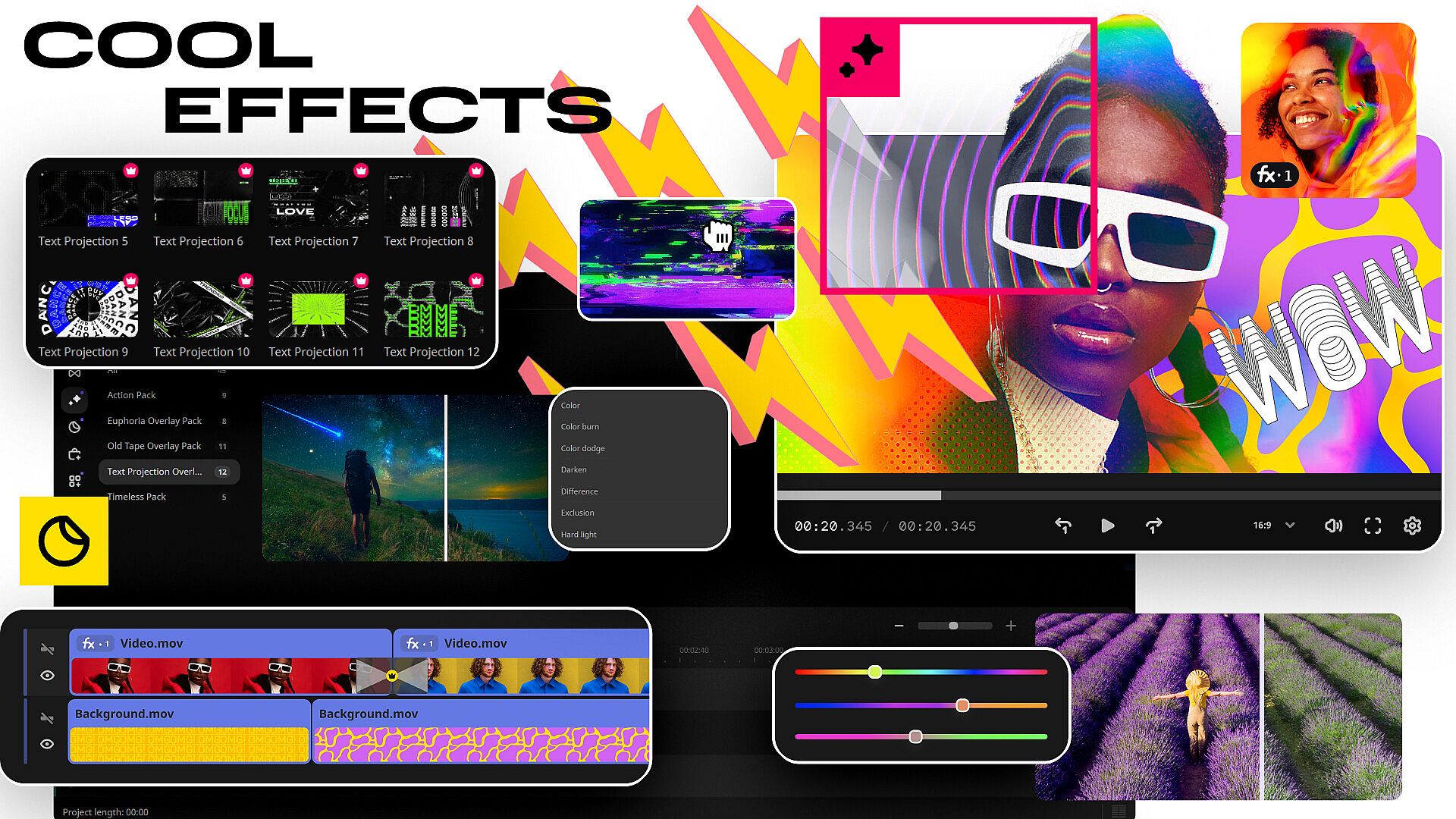
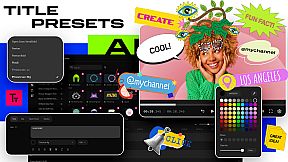
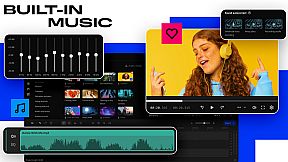
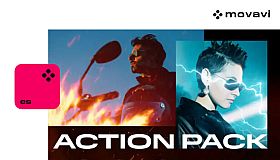
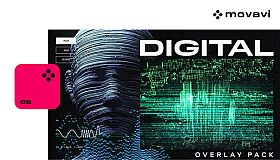
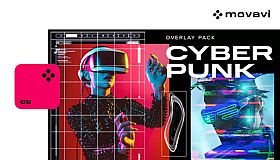
Supercharge your videos with a choice of tons of creative, professionally designed effects – choose from neon, cyberpunk, glitch, and more. Add stickers for cool accents, transitions for smoother stories, overlays for extra style! Music, titles, intros, frames – dive right in and take your content from memorable to unforgettable.
Movavi Video Editor comes packed with smart AI tools that make video editing even easier:
- Automatic subtitle creation saves loads of time by generating captions for you in almost any language.
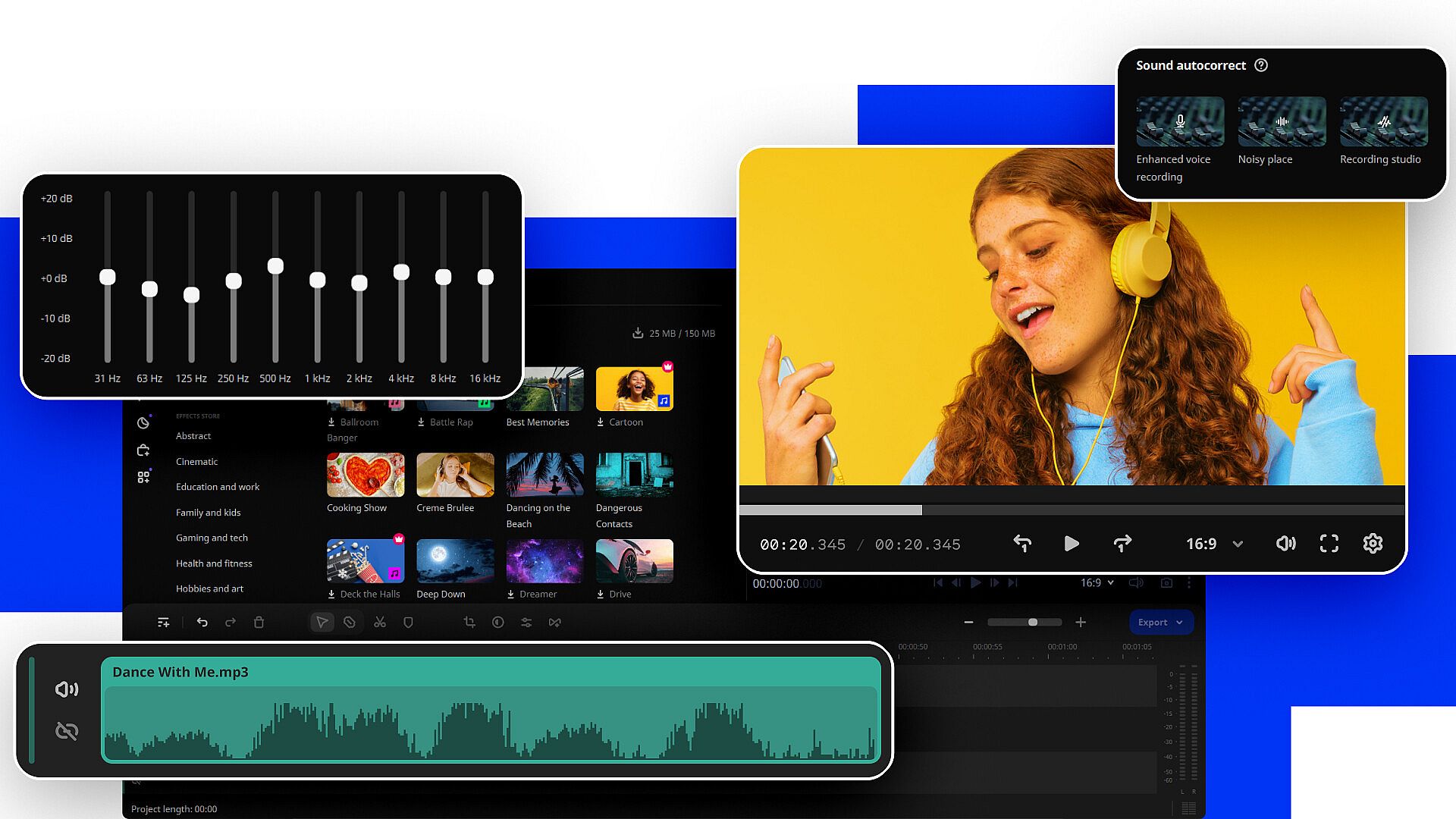
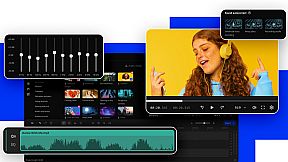
- The AI denoiser automatically cleans up background noise in your audio, so you get clear sound without any hassle.
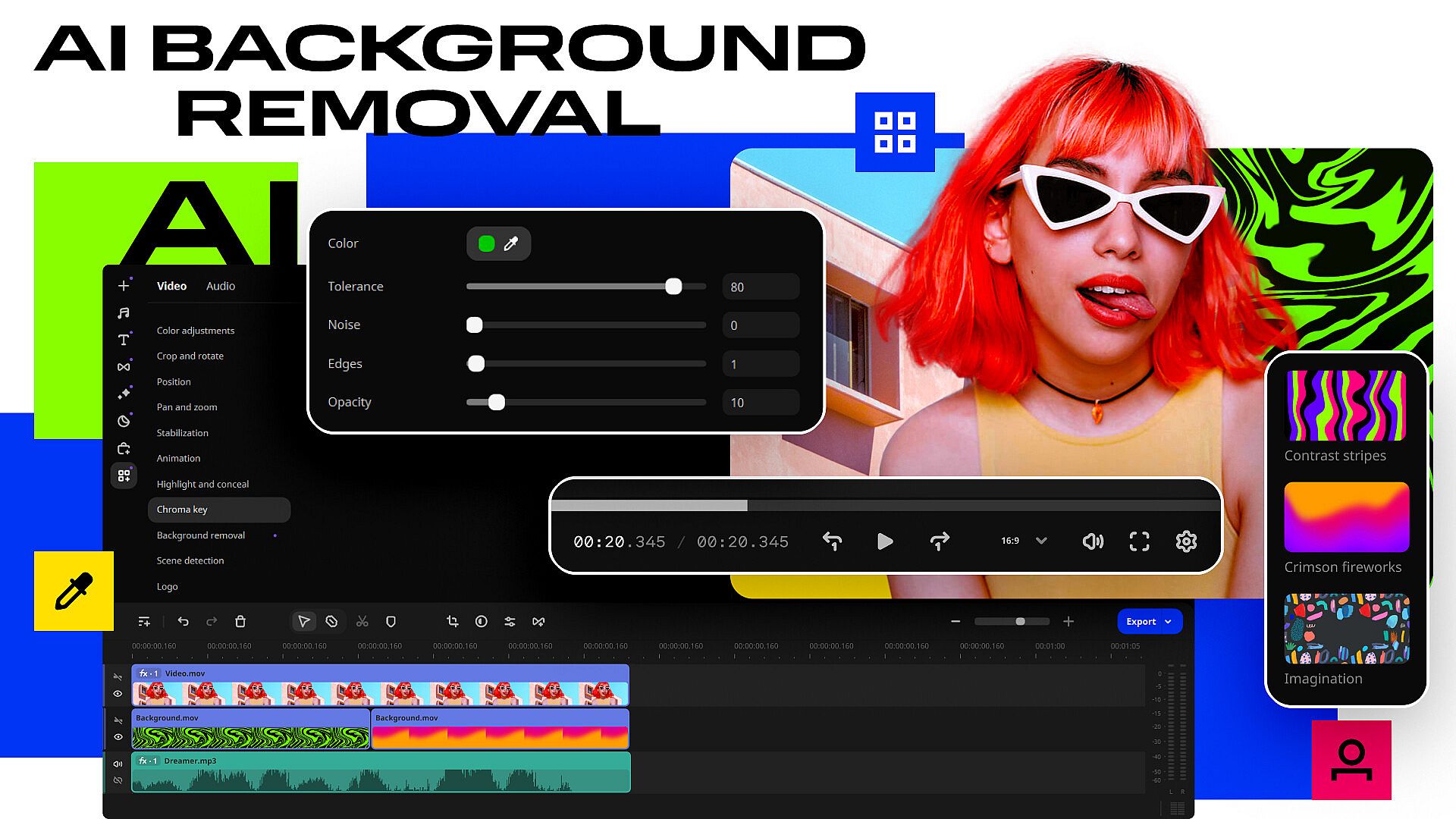
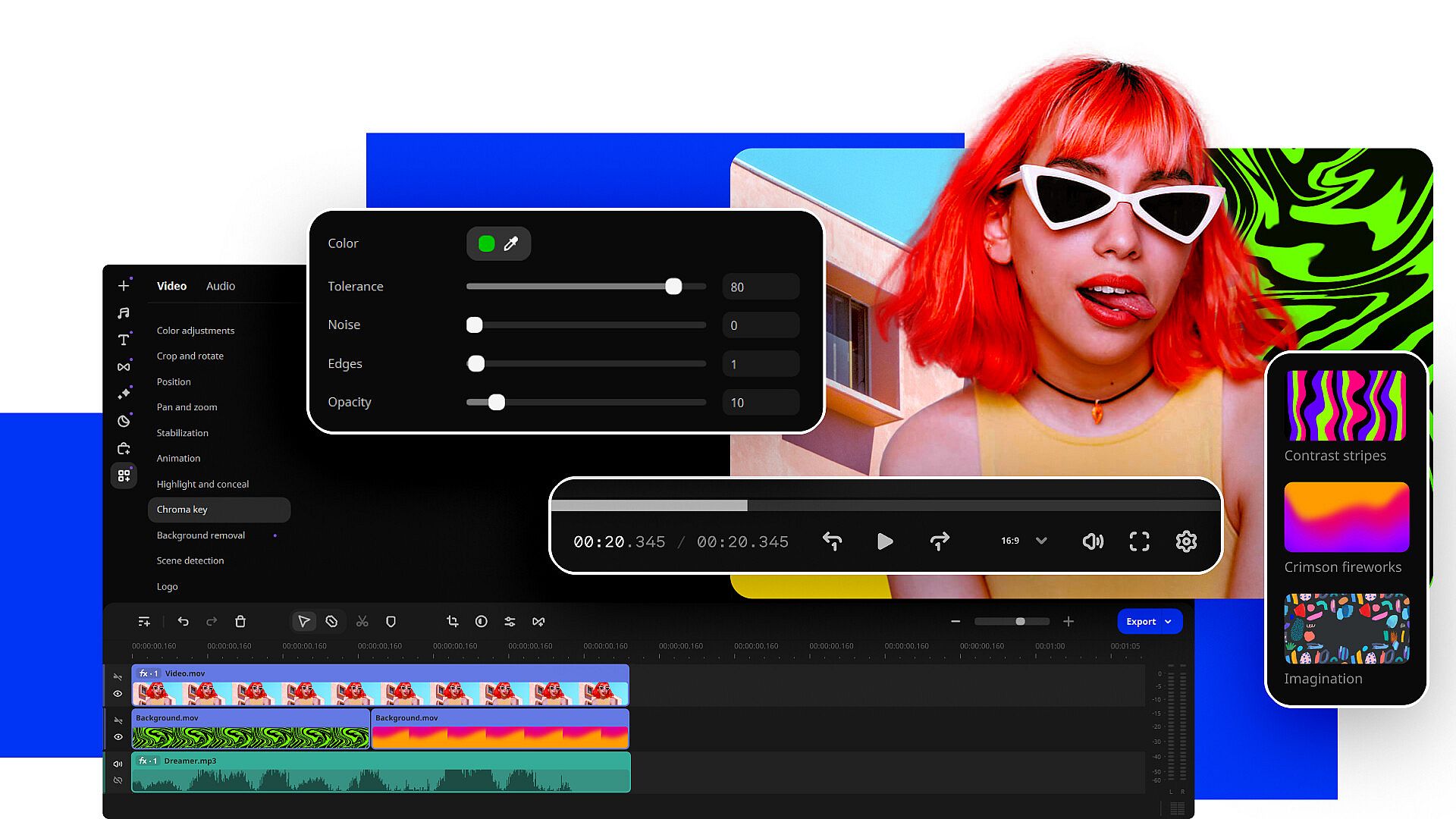
- If you need to remove background, AI does it in just a few clicks – no green screen required!
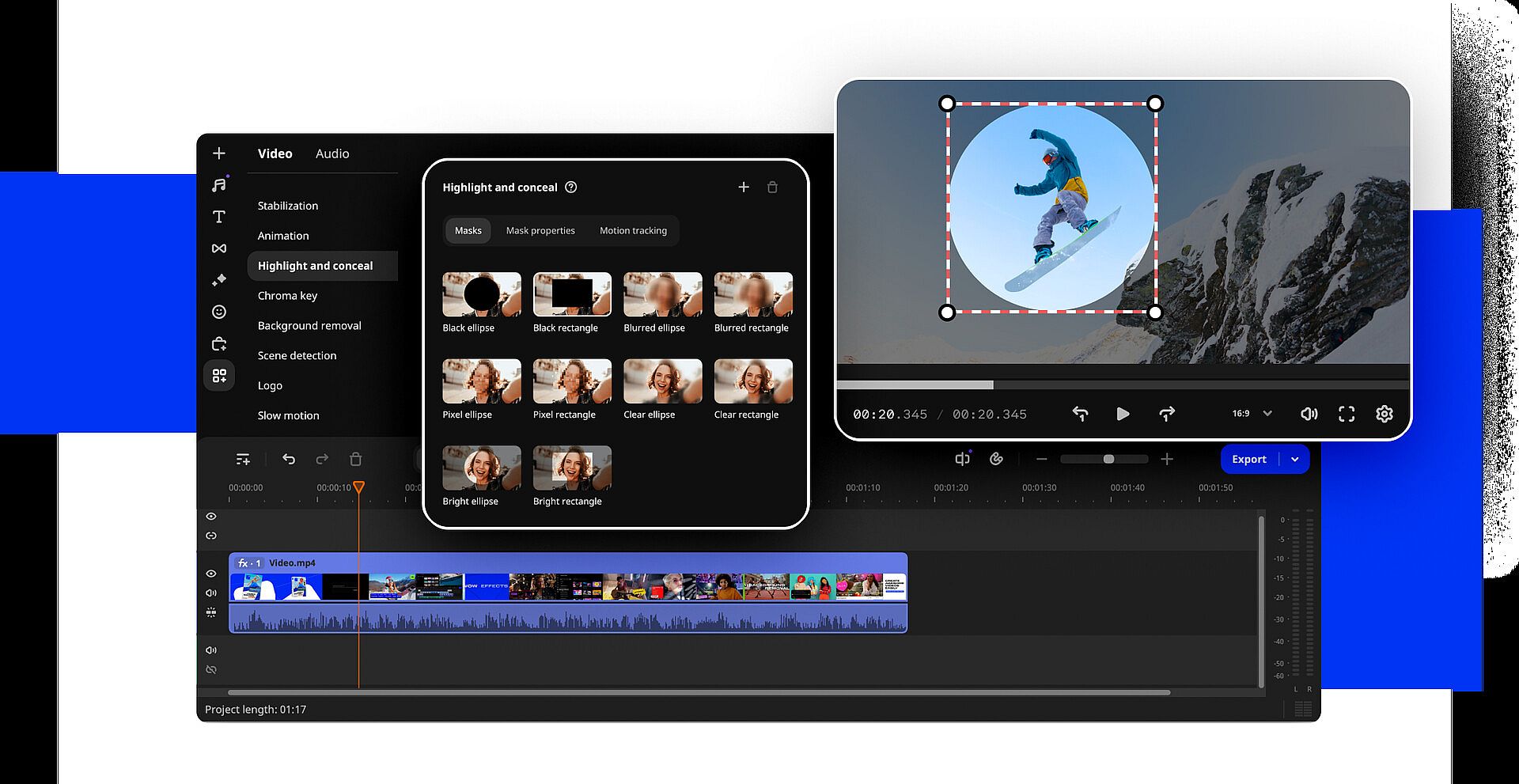
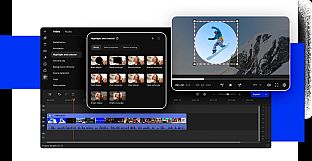
- With motion tracking, you can easily follow objects or people through your footage, making it a breeze to add text, effects, or animations that stay locked onto your moving subject.