

Acheter HYPERVOX PC

HYPERVOX est gratuit ! Téléchargez-le sur Steam et jouez immédiatement. Vous cherchez des DLC HYPERVOX, de la monnaie en jeu ou des cosmétiques ? Comparez 1 offres sur XD.deals pour trouver les meilleurs prix.

Keyshops
Indisponible
Acheter sur une boutique officielle :
Free
Acheter sur les keyshops :
Voir l'historique des prix

Boutiques officielles (1)

DRM:
Steam
Steam
Steam
HYPERVOX
Windows
+1
il y a 5j
DRM:
Steam
Steam
Free
Historical Low Deal
Historical low

Ă€ propos de HYPERVOX

HYPERVOX - Ă  propos du jeu

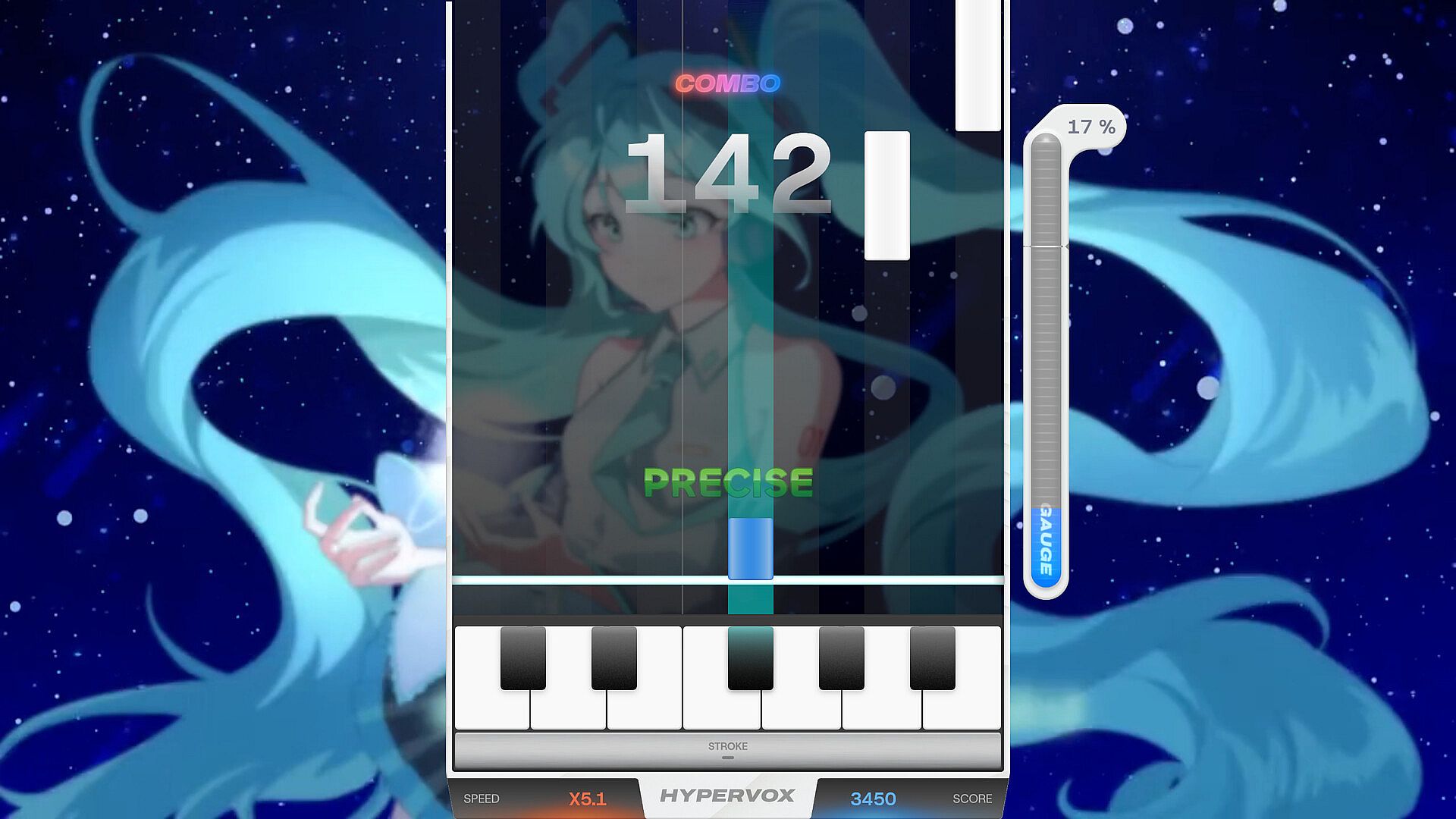
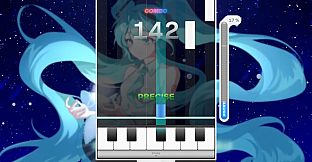
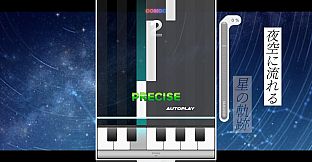
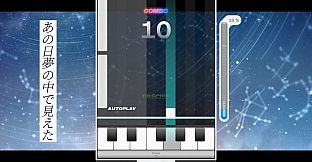
HYPERVOX is a music video game where players perform the vocal melody of songs.

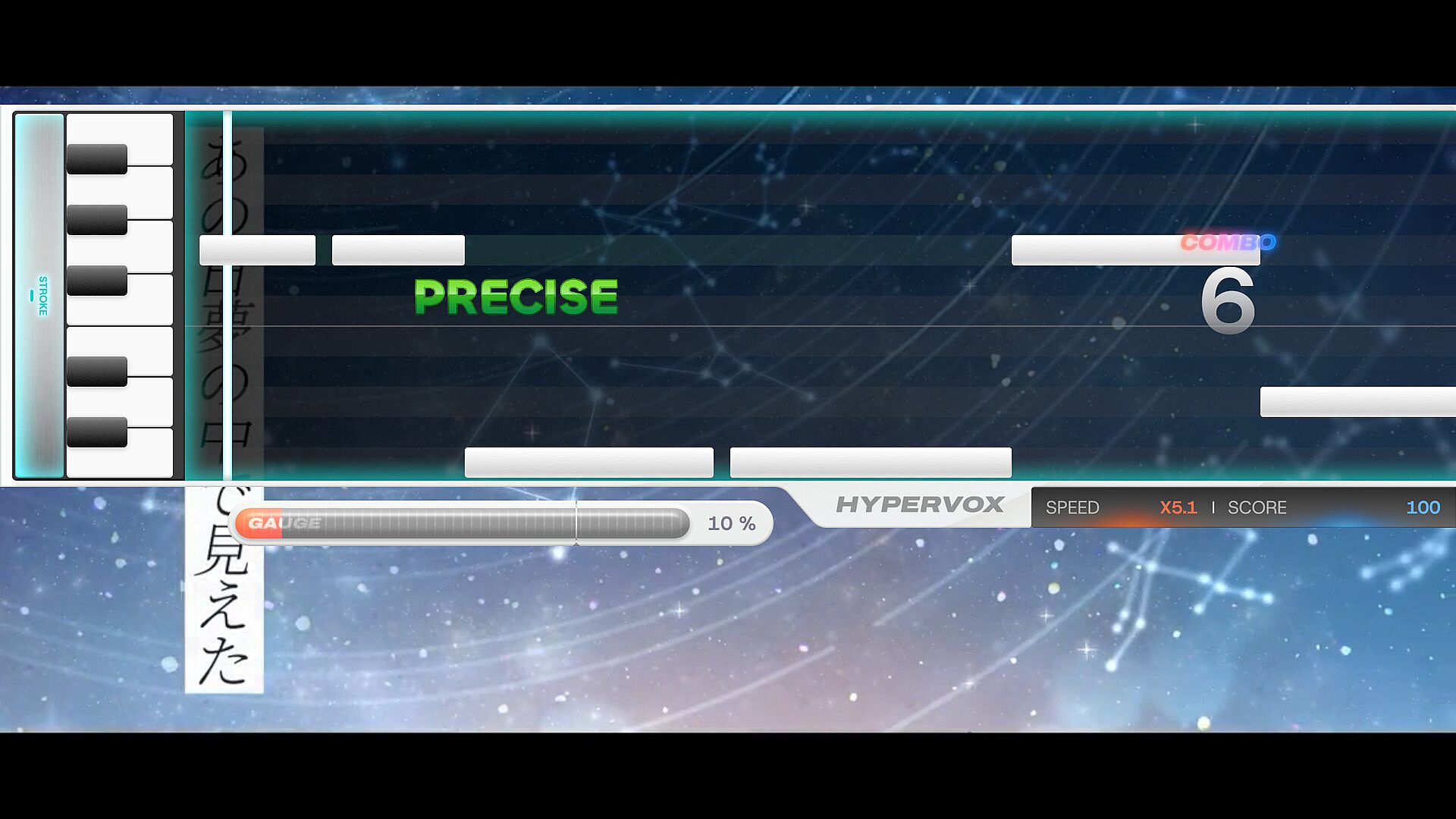
The game uses 12 keys corresponding to each musical note (C through B), with each key having its own dedicated lane.

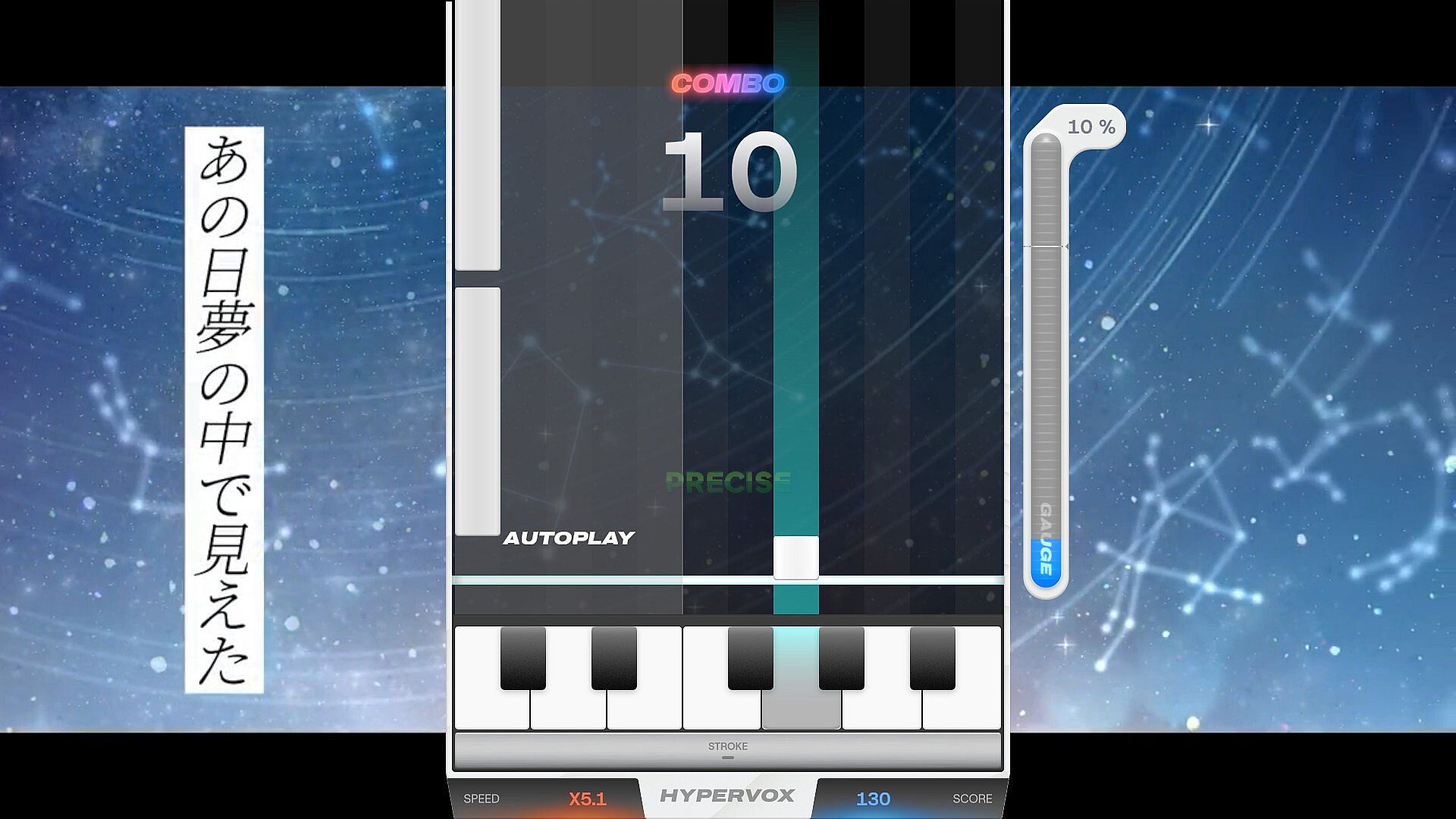
When notes reach the judgement line, press the corresponding key to hit the note and recreate the vocal melody in real-time.

Aim for the highest score possible by hitting each note with precise timing and accuracy.

Controls

The game uses 12 normal keys and 2 octave keys for gameplay.

Each lane corresponds to one normal key, which are assigned by default to: Z, S, X, D, C, V, G, B, H, N, J, M.

There are two octave keys in the game: octave up and octave down. By default, the octave up key is mapped to the Left Shift, and the octave down key is mapped to Spacebar.

All keys can be freely customized or reset to defaults in the settings menu.

MIDI keyboards are also supported. The 12 keys from C to B on your MIDI keyboard correspond to the 12 normal keys, regardless of which octave you play in. Tilting the pitch wheel up activates octave up, and tilting it down activates octave down.

How to Play

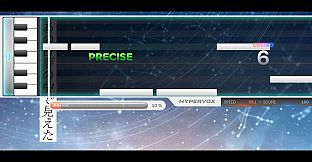
HYPERVOX features two types of notes: standard notes and octave notes.

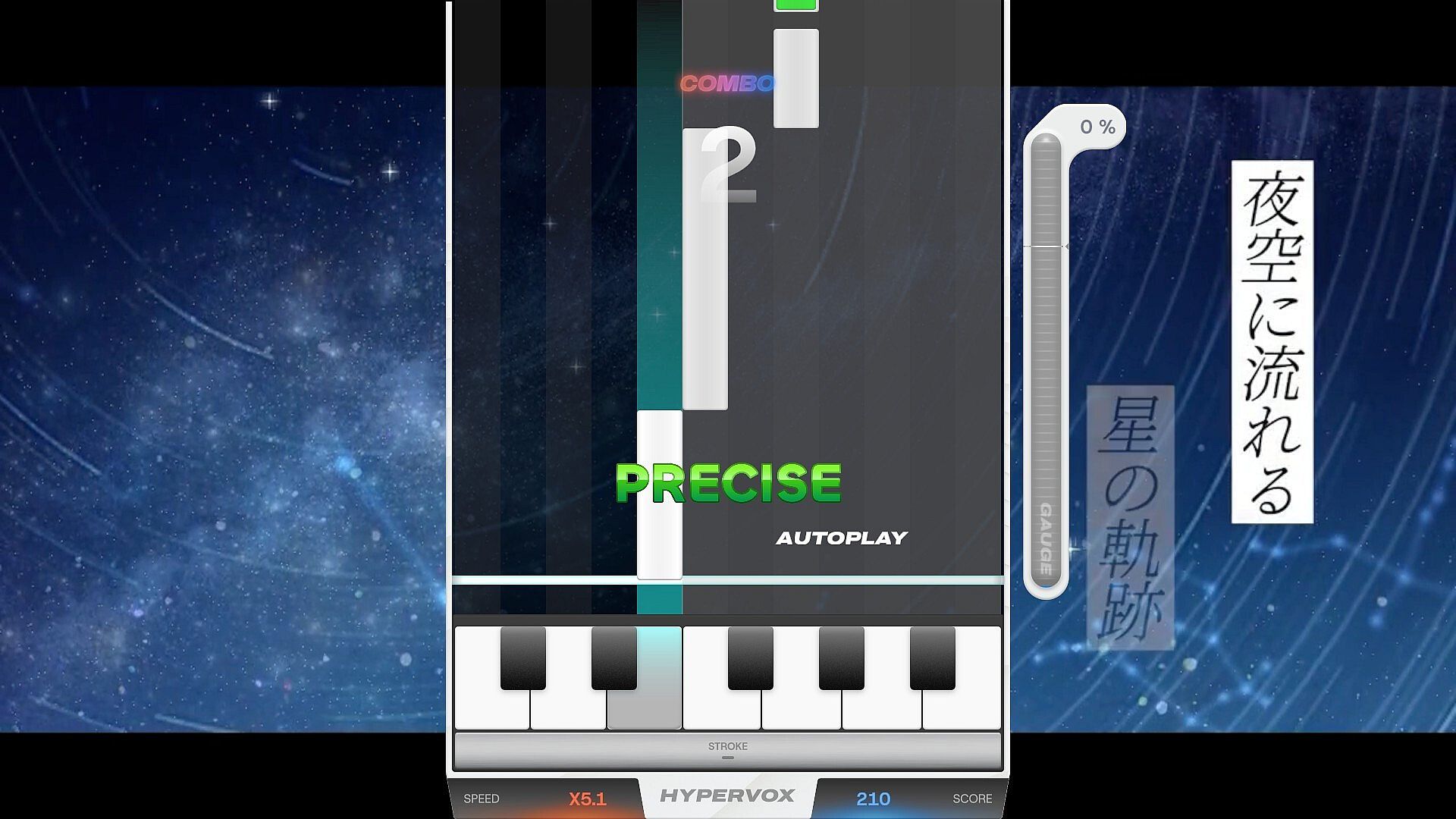
Standard notes work like long notes in typical rhythm games — simply press and hold the corresponding lane key with proper timing to play the note. These notes appear in white or blue depending on the lane.

To play them: Press the corresponding lane key when the note reaches the start point. Hold the key through the note's duration, then release it when the note ends.

Octave notes require a different technique. Unlike standard notes, you must first hold the octave key, then use the lane key to actually play the note.

To play them: First, press and hold the octave key. Then, press the lane key when the note reaches the judgement line. Release the lane key when the note ends, matching the timing precisely.

Octave up notes are displayed in red, while octave down notes are displayed in green.

When Colorblind Mode is enabled, octave up notes will be displayed in magenta, and octave down notes will be displayed in cyan.

Judgement System

In HYPERVOX, your timing accuracy is evaluated with five different judgement levels. Each judgement reflects how close your button press or release was to the perfect timing.

Precise

The highest level of accuracy. You've hit the note with perfect timing, within ±50 milliseconds of the target. This judgement awards maximum points and maintains your combo.

Great

Excellent timing that's slightly off from perfect, within ±50-100 milliseconds. You'll receive high points and your combo continues.

Fair

Acceptable timing that's noticeably off but still within the rhythm, within ±100-150 milliseconds. You'll earn moderate points and maintain your combo, though with reduced scoring.

Close

Your timing is significantly off, within ±150-300 milliseconds of the target. This results in minimal points but still maintains your combo streak.

Break

You've either missed the note entirely or your timing was too far off (beyond ±300 milliseconds). This judgement breaks your combo, resetting it to zero, and awards no points.

Speed Control

If you feel the notes pass too fast or too slow, you can adjust their scroll speed using F1 to decrease speed and F2 to increase speed by default.

This only changes the visual speed of the notes — the actual timing for hitting notes remains unchanged.

The speed control keys can also be customized in the settings menu.

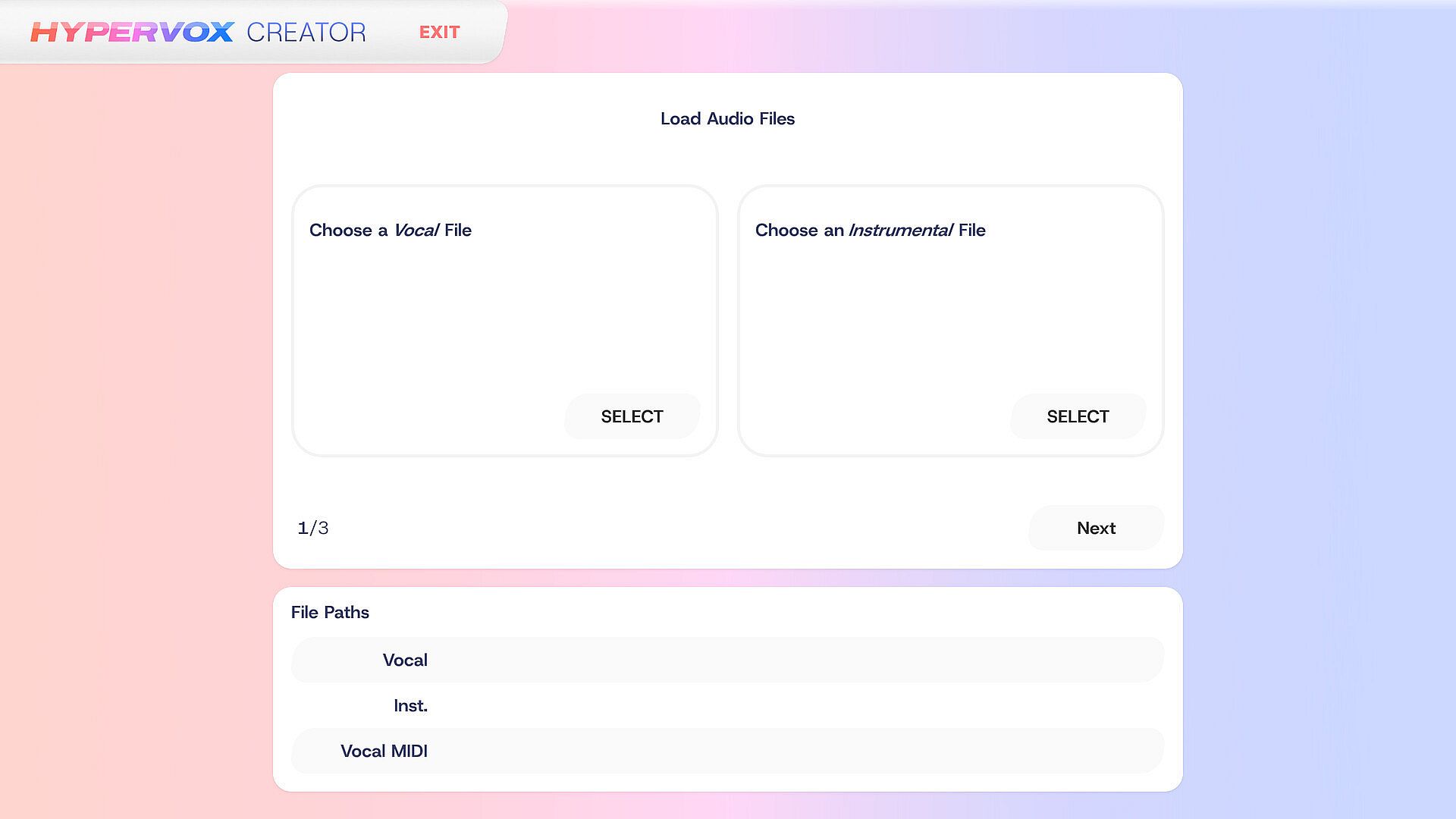
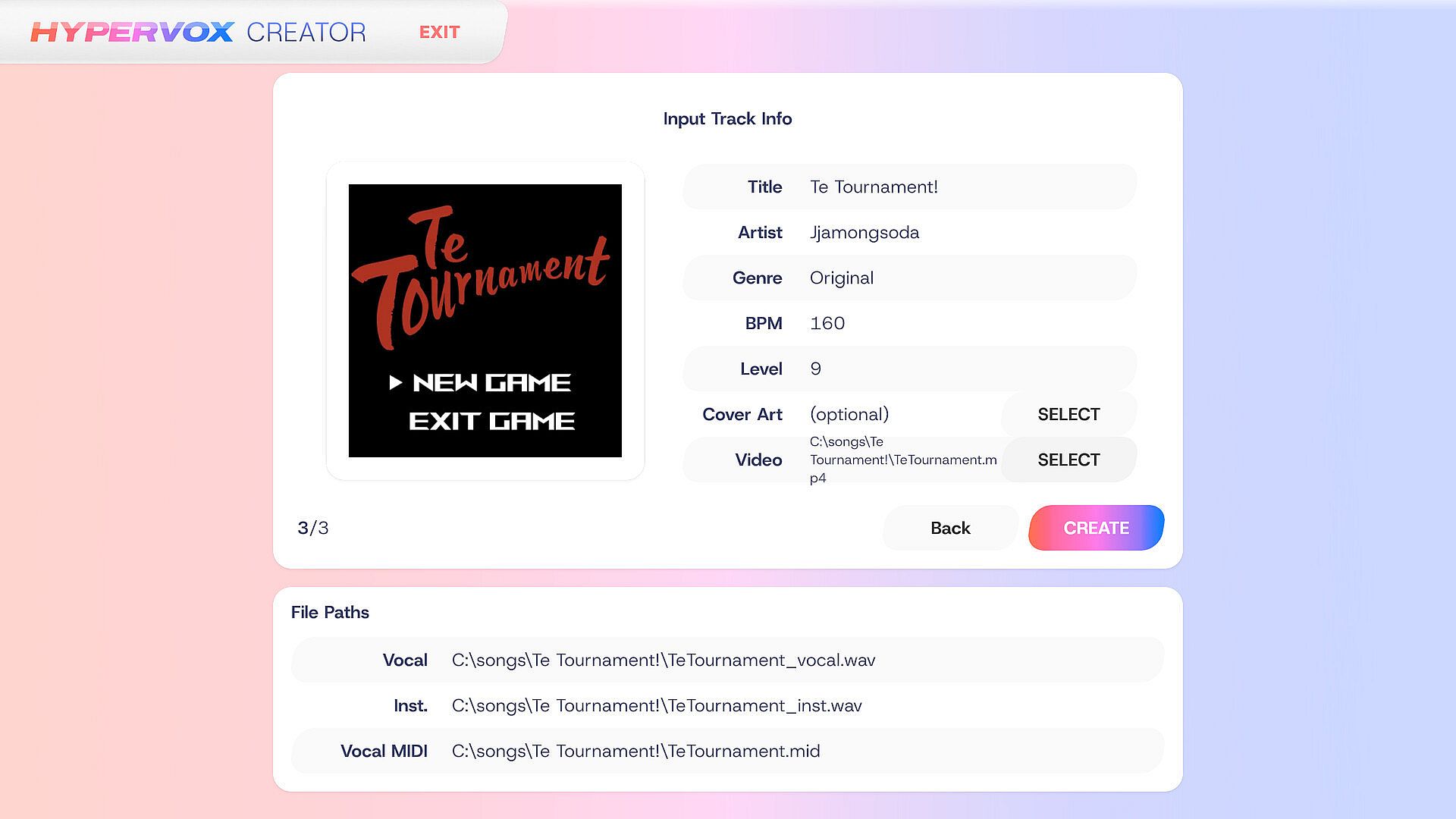
Creating Song Data

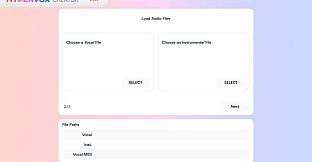
To create a track data for HYPERVOX, follow these steps in the CREATE menu:

1. First, select the vocal and instrumental audio files. The recommended audio format is 44.1kHz/16bit WAV. Both audio files must have matching sampling frequencies for proper playback.

2. Select a MIDI file containing a single vocal track that matches the vocal audio. Harmonies are not supported. If you don't have a MIDI file, you can use AI to convert the vocal audio to MIDI. However, this is an experimental feature and conversion quality may decrease with longer songs (1m30s or longer). When using AI-generated MIDI files, some long notes may be split into multiple segments. In this case, apply the option to merge consecutive notes of the same pitch.

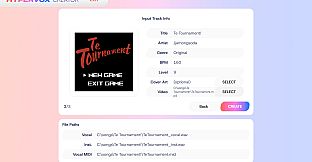
3. Finally, enter the chart information. For proper playback, you must input all information including accurate BPM. Album cover and background video are optional. If including a video, MP4 is recommended for Windows, while WebM with VP8 codec is recommended for other platforms.

Once the chart is successfully created, you can check it in the game's TRACKS menu.

Interface:
EnglishJapaneseKorean

Classification par âge

Indisponible

Configuration requise

Minimum :

    Minimum:
    • Requires a 64-bit processor and operating system
    • OS: Windows 10 (64-bit)
    • Processor: Intel Core i3-6100 / AMD FX-6300
    • Memory: 4 GB RAM
    • Graphics: Intel HD Graphics 530 / NVIDIA GeForce GT 730 / AMD Radeon R7 250
    • DirectX: Version 11
    • Storage: 1 GB available space

Recommandé :

    Recommended:
    • Requires a 64-bit processor and operating system

Minimum :

    Minimum:
    • OS: Ubuntu 20.04 LTS / SteamOS 3.0 or later
    • Processor: Intel Core i3-6100 / AMD FX-6300
    • Memory: 4 GB RAM
    • Graphics: Intel HD Graphics 530 / NVIDIA GeForce GT 730 / AMD Radeon R7 250
    • Storage: 1 GB available space

Recommandé :

    Recommended:
    Plus bas historique
    Historique des prix des boutiques officielles
    -
    -
    -
    Historique des prix des keyshops
    -
    -
    -
    Rejoignez notre Discord
    Obtenez de l'aide instantanée de notre communauté et restez à jour sur les dernières offres
    Définir des alertes de prix
    Recevez une notification par e-mail lorsque le prix d'un jeu atteint votre objectif
    Créer un compte gratuit
    Débloquez les listes de souhaits, alertes de prix et la synchro Steam

    FAQ

    8 questions

    Avant de commencer à chercher une clé CD HYPERVOX pas chère, prenez un moment pour vérifier l'essentiel. Développé par Stagnant Water Games. Publié par Stagnant Water Games. Date de sortie PC : Coming Soon. Genres : Free To Play, Indie, Simulation. Catégories : Single-player, Includes level editor, Color Alternatives.

    Q Puis-je jouer Ă  HYPERVOX sur Steam Deck ?

    Non, pas pour le moment. Valve indique que HYPERVOX n'est pas pris en charge sur Steam Deck, donc il ne se lance pas via Proton actuellement. Gardez un œil sur XD.deals - nous suivons les avancées Proton et les correctifs de la communauté, et nous le signalerons dès qu'il existera une méthode fonctionnelle pour jouer à HYPERVOX sur Steam Deck.

    Oui. Une version Steam de HYPERVOX existe. Choisissez n'importe quelle offre marquée Clé Steam sur XD.deals, activez-la dans le client desktop et jouez à HYPERVOX sur Steam PC.

    Oui. Une fois votre clé Steam activée, vous pouvez lancer HYPERVOX en mode hors ligne via Steam. Vos sauvegardes se synchroniseront la prochaine fois que vous serez en ligne.

    Oui, vous pouvez acheter une clé Steam HYPERVOX directement sur le Steam Store. Sur XD.deals, nous agrégeons toutes les offres Steam DRM disponibles afin que vous puissiez comparer les bons plans Steam HYPERVOX pas chers au même endroit.

    Vous trouverez chaque promo & réduction HYPERVOX en cours ici sur XD.deals. Notre suivi de prix liste actuellement 1 offres de boutiques officielles et 0 offres de keyshops. Consultez le tableau ci-dessus pour le prix le plus bas, comparez avec le plus bas historique et créez une alerte pour ne jamais manquer la prochaine baisse.

    Avec XD.deals, les joueurs PC voient instantanément où acheter une clé Steam HYPERVOX PC pas chère. Notre moteur de comparaison en temps réel et notre base de coupons sélectionnés suivent chaque boutique officielle et keyshop fiable - vous n'avez rien à faire. En ce moment, nous détectons ce jeu dans 1 offres en direct de boutiques et de keyshops.

    Oui. Une page officielle Steam pour HYPERVOX est disponible, donc vous pouvez acheter HYPERVOX sur Steam ou acheter une clé Steam HYPERVOX PC sur XD.deals et l'activer instantanément.

    Non - XD.deals n'est pas une boutique. Nous sommes un service de comparaison de prix qui suit les meilleures offres pour HYPERVOX sur les boutiques officielles et les keyshops vérifiés. Cliquez sur " Acheter maintenant " à côté de l'offre souhaitée, et vous serez redirigé(e) vers le site du vendeur pour finaliser l'achat et recevoir la clé.

    Meilleurs prix pour HYPERVOX

    1 Steam Steam Official
    0,00 €

    Prêt(e) à vous lancer ? Créez une alerte de prix sur XD Deals et récupérez une clé Steam HYPERVOX en promo dès qu'elle atteint son prochain plus bas historique.

    Créer une alerte