
Acheter Battle Marine PC

Où acheter la clé Steam Battle Marine PC la moins chère ? Vérifiez et comparez les prix de 1 boutiques pour trouver l'option la meilleure et la moins chère parmi 1 offres sur XD.deals. Actuellement, le prix Battle Marine PC le plus bas sur les keyshops est disponible sur 4,99 € (0% de réduction).

Date de sortie : 27 févr. 2024
Steam:
Overwhelmingly Negative (8)
Keyshops
Indisponible
Acheter sur une boutique officielle :
4,99 €
Acheter sur les keyshops :
Voir l'historique des prix

Boutiques officielles (1)

DRM:
Steam
Steam
Steam
Battle Marine
Windows
+2
il y a 6sem
DRM:
Steam
Steam
4,99 €

Ă€ propos de Battle Marine

Battle Marine - Ă  propos du jeu

Overview

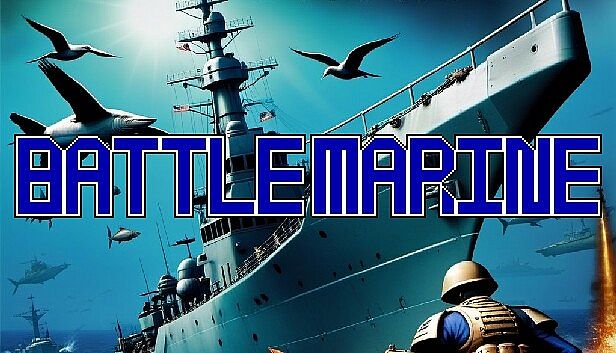
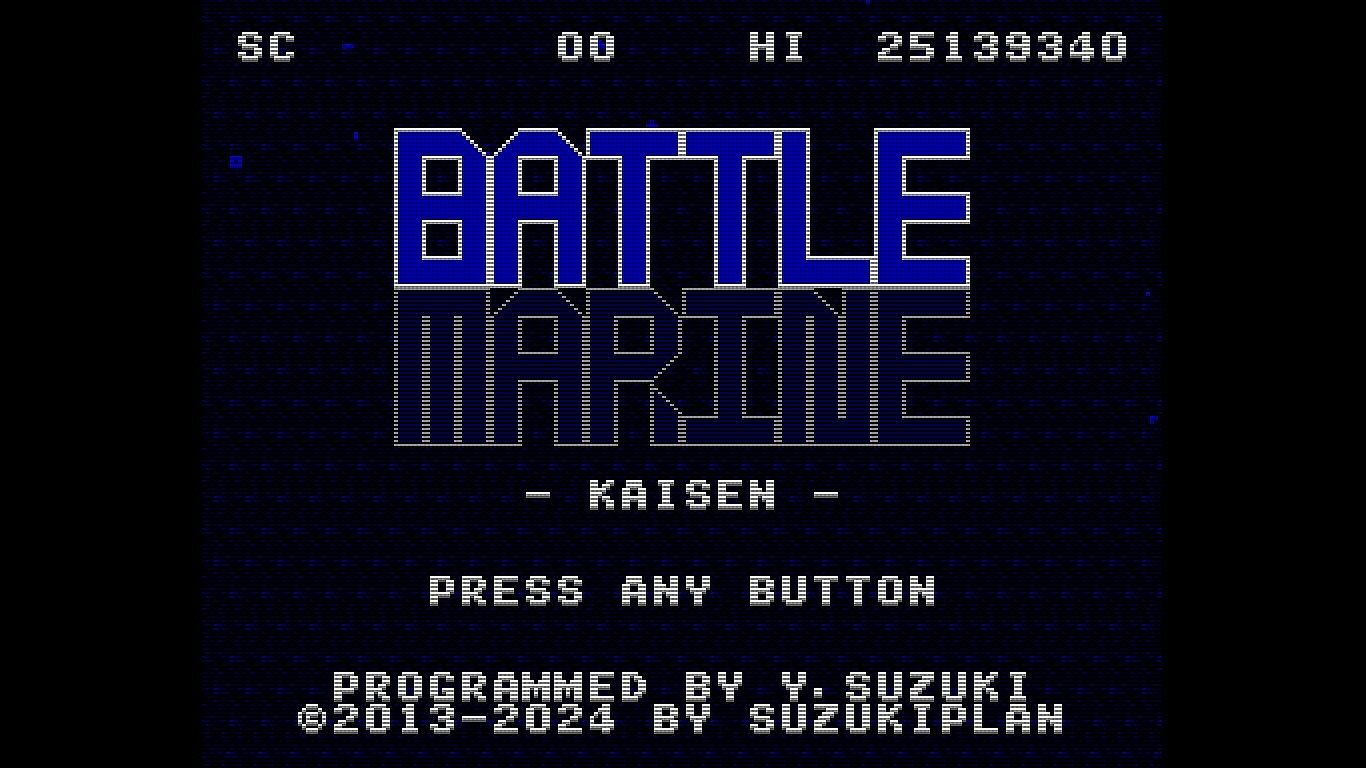
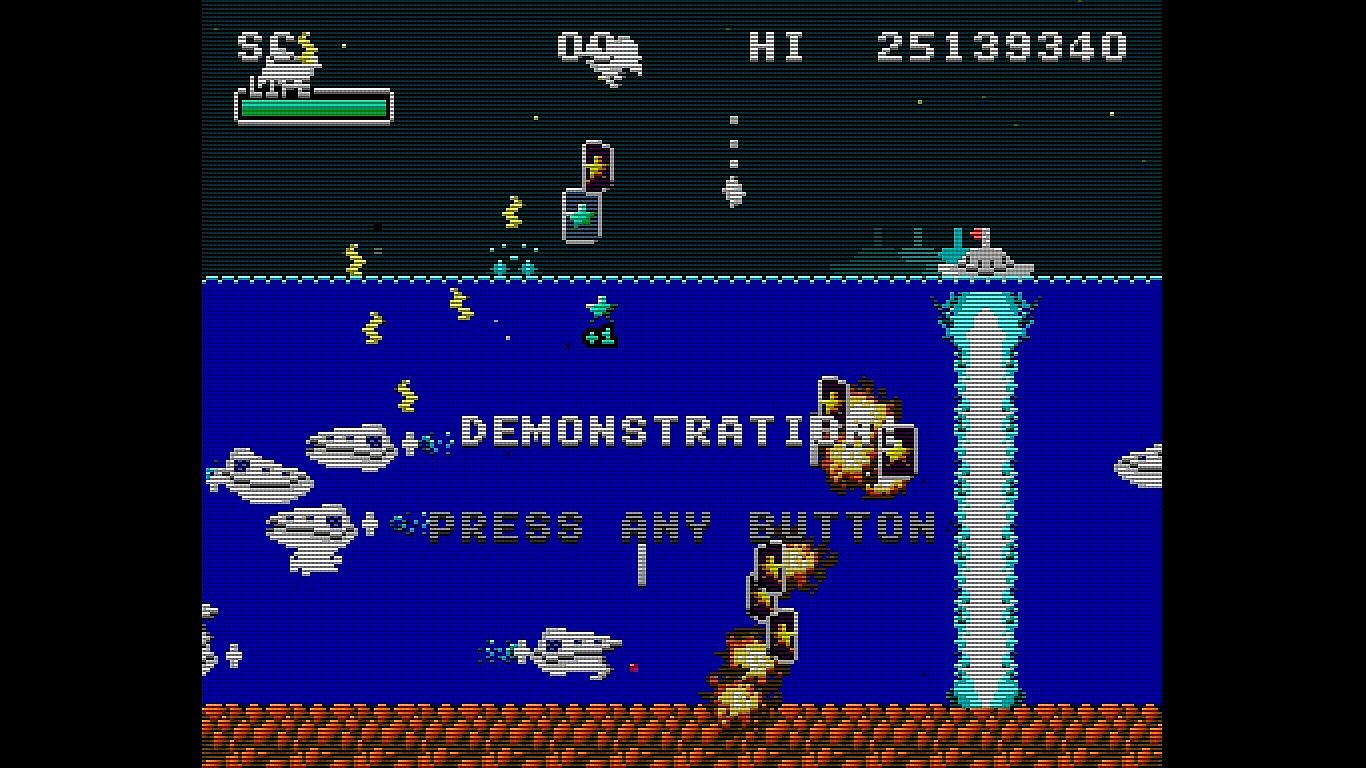
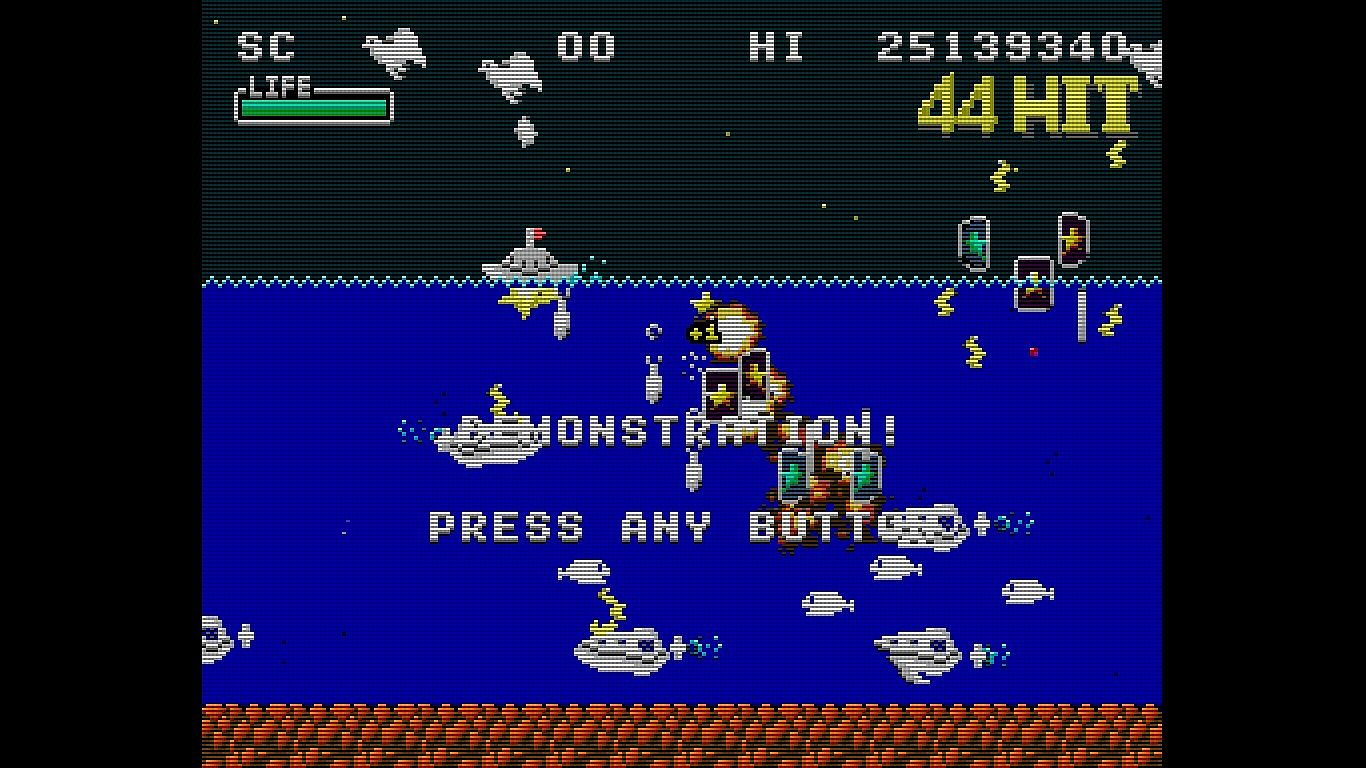
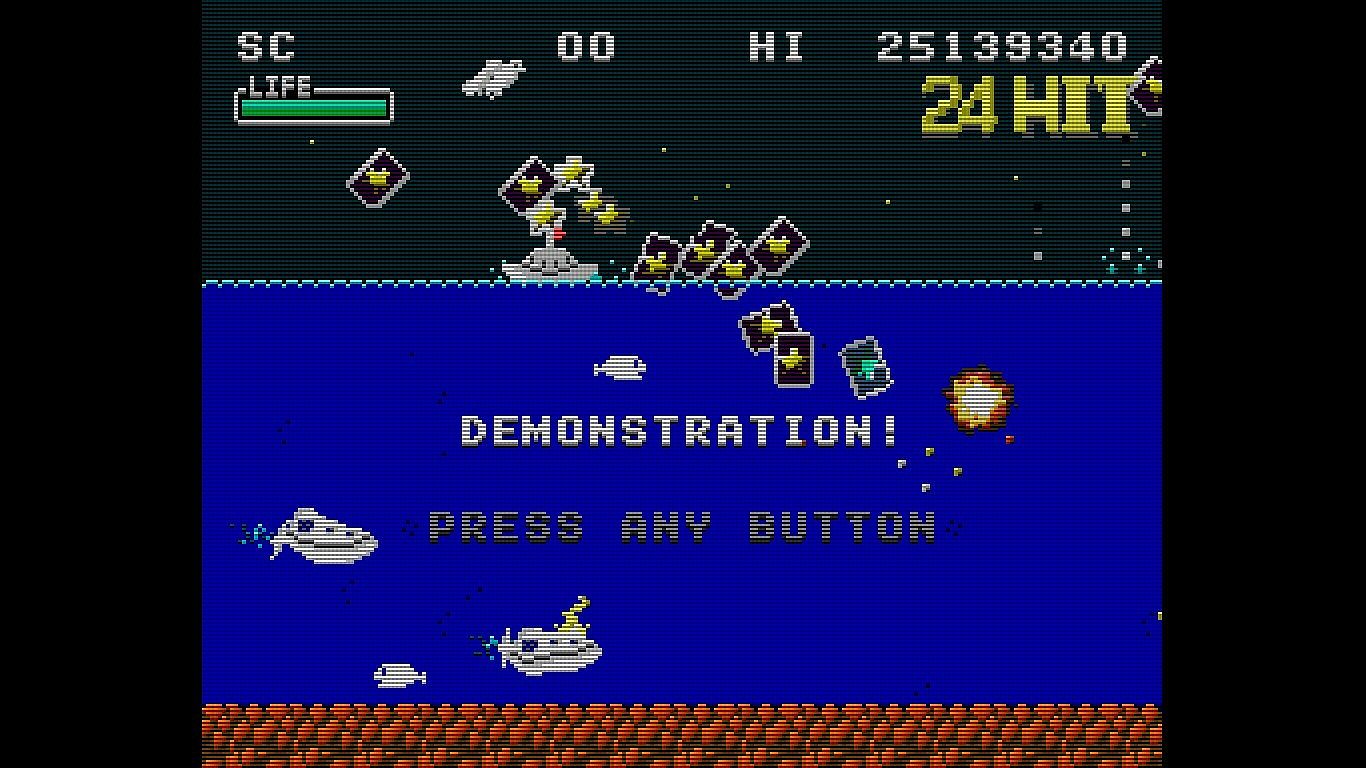
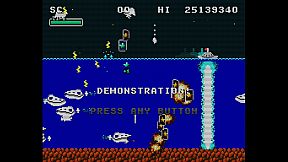
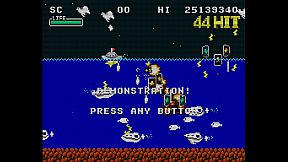
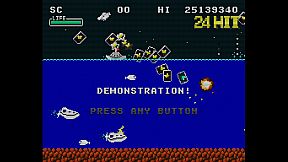
Battle Marine is a simple naval barrage STG.

Enjoy a somewhat retro yet new and exhilarating game experience by firing a barrage of shots, inducing explosions, sweeping with powerful lasers, and automatically collecting medals (recovery and score) by jumping.

Destroying enemies consecutively within a certain time frame will result in a HIT combo. Aim for 999 HITs!

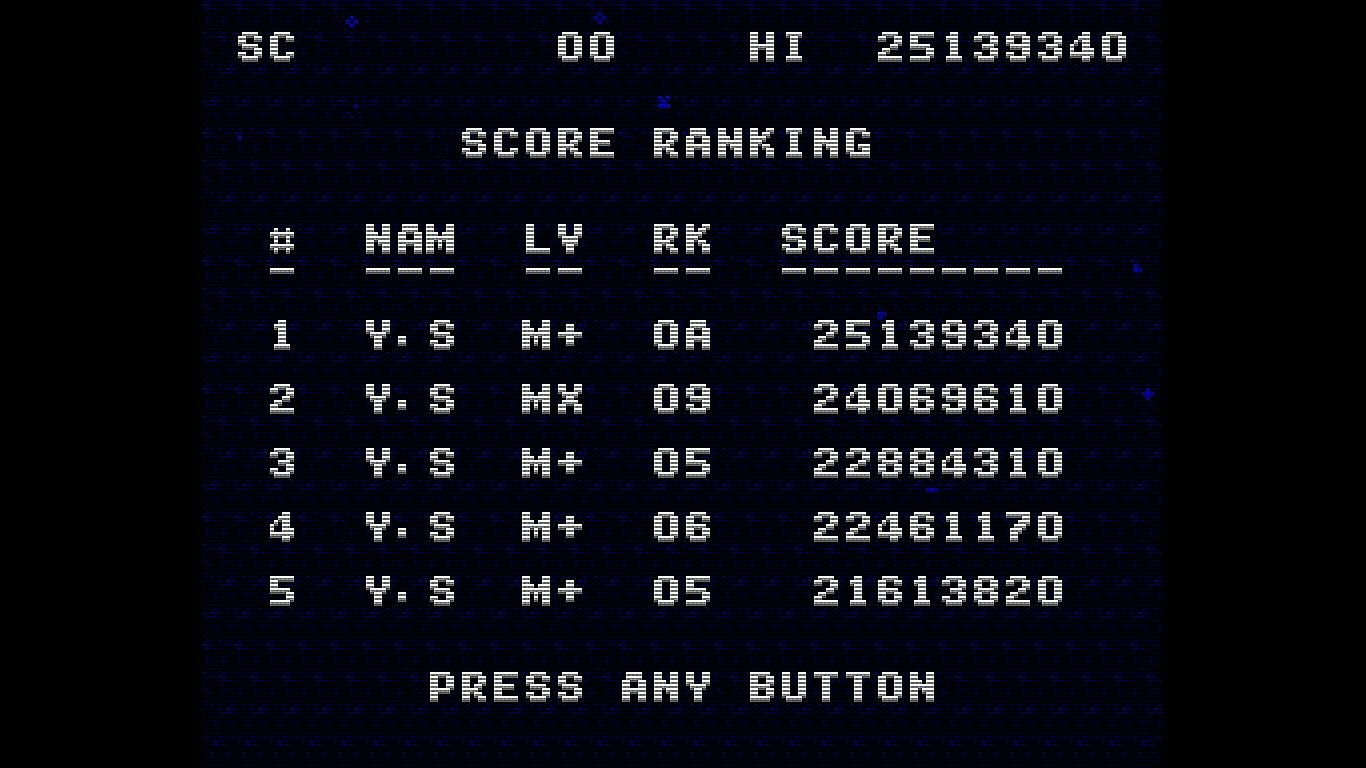
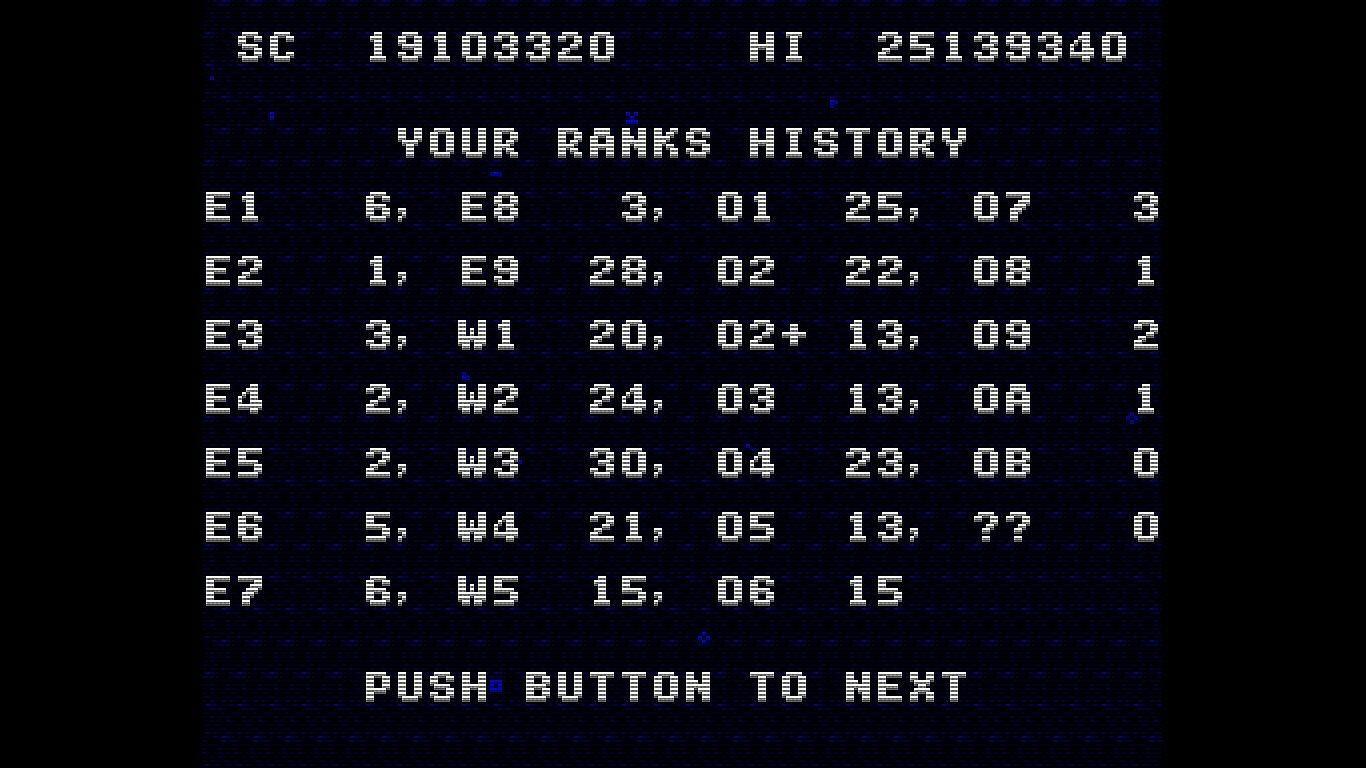
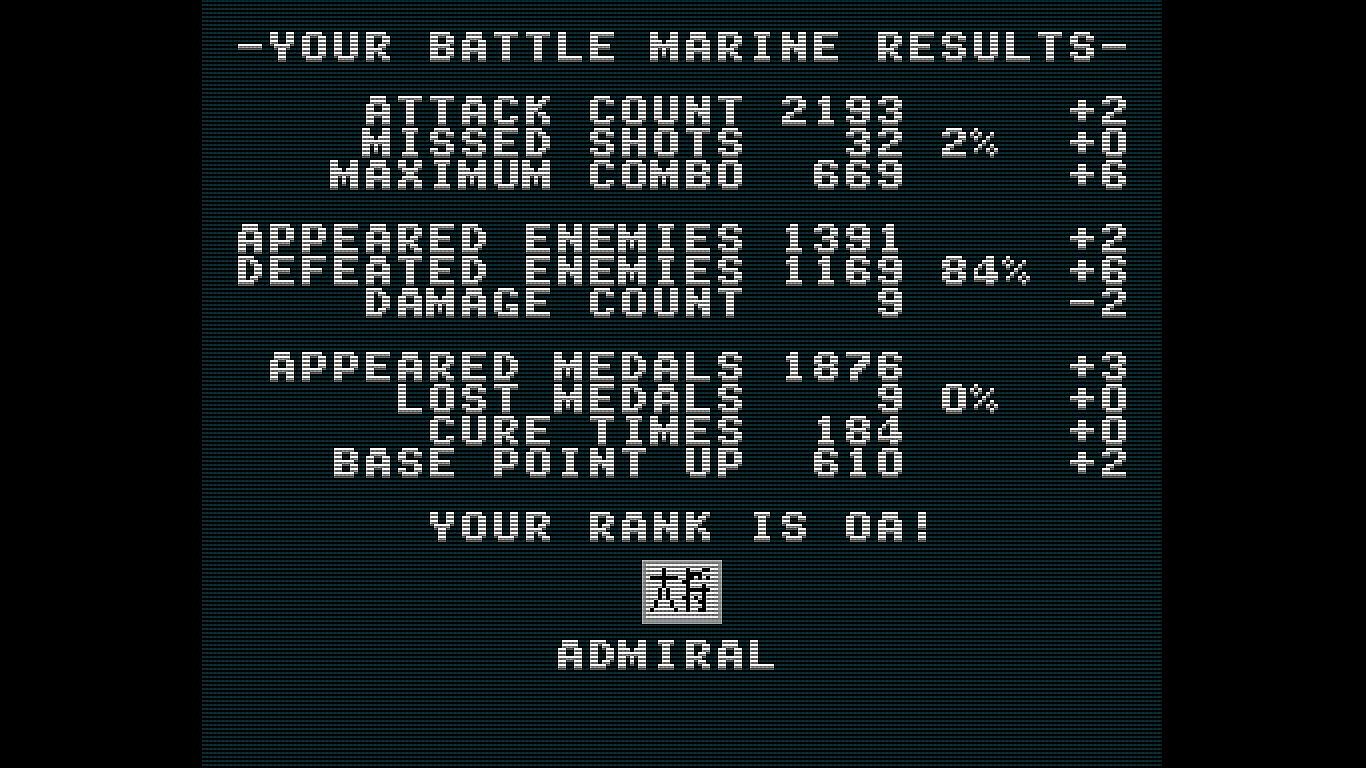
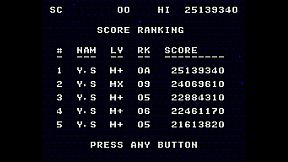
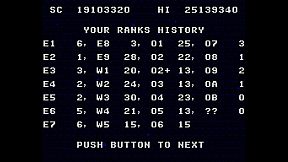
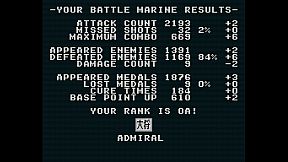
Your rank will be assessed according to the results of your play. Aim for the rank of FLEET ADMIRAL!

Controls

Use the cursor keys to move left and right, press X or B to shoot, and A or Y to jump.

Press and hold the B button to charge the laser, and release it when the charge is maxed out to fire the laser.

Press A briefly for small jumps and long for large jumps.

Button assignments can be freely customized in the SteamInput menu.

Keyboard Controls (Windows)
  • Cursor keys: D-Pad (Can be changed in the key configuration)

  • X key: A button (Can be changed in the key configuration)

  • Z key: B button (Can be changed in the key configuration)

  • Space key: START button (Can be changed in the key configuration)

  • ESC key: SELECT button (Can be changed in the key configuration)

  • CTRL+X: Exit the game (CTRL+Q, CTRL+C also work)

  • CTRL+R: Reset

  • Alt+Enter: Toggle full screen (CTRL+F also work)

  • CTRL+A: Toggle screen aspect mode

  • CTRL+L: Toggle scanline filter

  • CTRL+S: Screen Resolution Settings

  • CTRL+K: Key configuration for the Keyboard

  • CTRL+V: Volume control of background music and sound effects

Keyboard Controls (Linux and macOS)
  • Cursor keys: D-Pad

  • X key: A button

  • Z key: B button

  • Space key: START button

  • ESC key: SELECT button

  • Q: Exit the game

  • R: Reset

Notes on the Linux and macOS version
  • Supported screen displays are for Aspect-Fit only.

  • Configuration UI is not exist yet

Configuration for Linux and macOS

When you launch Battle Marine, a configuration file called config.json will be generated.

The config.json file is saved under the directory opened by opening the Battle Marine page in the Steam client and selecting "Settings Icon" > "Manage" > "Browse local files".

You can customize the following items:

  • graphic.isFullScreen: true = full screen, false = window mode

  • graphic.isScanline: true = with screen effects, false = without screen effects

  • gaphic.windowHeight: height of the screen in window mode

  • gaphic.windowWidth: width of the screen in window mode

  • sound.volumeBgm: Volume of background music (0-100)

  • sound.volumeSe: Volume of sound effect (0-100)

  • keyboard.a: Key code for A button (jump)

  • keyboard.b: key code for B button (fire)

  • keyboard.start: key code for START button (pause)

  • keyboard.select: key code for SELECT button (n/a)

  • keyboard.up: key code for up button

  • keyboard.down: key code for down button

  • keyboard.left: Key code for left button

  • keyboard.right: Key code for right button

  • keyboard.reset: Reset button key code

  • keyboard.quit: Key code for quit button

The keycode specifies the SDL keycode.

Detailed Gameplay
  • When you destroy an enemy, a green or yellow medal will appear.

  • Taking the green medal will restore your LIFE.

  • Your score will increase if you take a yellow medal.

  • If you keep defeating enemies within a certain time (120 frames), your combo will increase and medals will be collected automatically when you reach 100 HITs or more.

  • Medals are also automatically collected by jumping.

  • You are invincible during the laser (after the firing motion is complete).

  • Unlike normal STGs, explosions also have hit points.

  • If you keep collecting green medals while your LIFE is full, the yellow medal's base points will continue to increase.

  • The number of crowns at the bottom of the screen will increase for every 16 green medals you take while your LIFE is full.

  • The maximum number of crowns displayed is 30 (480 green medals), but the maximum number of crowns is 4,095 (65,535 green medals).

  • When you collide with enemy bullets, your LIFE will be reduced and the number of crowns will be strongly reduced.

  • With the exception of some enemies (crabs), yellow medals will appear when enemies are killed by lasers.

  • Obtaining a medal also resets the combo duration to 120 frames

About the GBA version

We are giving away a ROM file of the GBA version as a special offer for purchasing the game on Steam.

The GBA version ROM file can be found in the Steam client by clicking on the Battle Marine settings (gear icon) and selecting “Browse local files” under “Manage”.

The GBA version of the ROM can be played on mGBA or other emulators.

Video distribution, etc.

There are no restrictions on the distribution of this game on TV, YouTube, or other video distribution sites.

Of course, there are no restrictions on monetization.

There is no need to contact the author prior to or after the event.

Similarly, there are no restrictions on publishing screenshots in magazines, web media, social media, etc.

About VGS-Zero

This game is made with the SDK called VGS-Zero.

VGS-Zero is a virtual game machine with a fast 16MHz Z80 CPU, old-fashioned VDP (Video Display Processor) and VGS (chip-tuned sound system).

There may be many 8-bit style games, but the games made with VGS-Zero are real 8-bit games.

If you want to develop games like Battle Marine, please try to develop games with VGS-Zero.

Games you develop with VGS-Zero can be sold on Steam (Windows, Linux and macOS) using the VGS-Zero SDK for Steam.


Interface:
English

Classification par âge

Indisponible
Steam:
Overwhelmingly Negative (8)

Configuration requise

Minimum :

    Minimum:
    • OS: Windows 10
    • Processor: Intel Atom Processor x7 Z8700/1.6GHz
    • Memory: 2 GB RAM
    • Graphics: Intel HD Graphics
    • DirectX: Version 9.0c
    • Storage: 20 MB available space

Recommandé :

    Recommended:
    • OS: Windows 11
    • Processor: Core i5 1135G7(Tiger Lake)/2.4GHz/4 cores
    • Memory: 4 GB RAM
    • Graphics: NVIDIA® RTX™ 2000 Ada Laptop GPU
    • DirectX: Version 9.0c
    • Storage: 20 MB available space

Minimum :

    Minimum:
    • Requires an Apple processor
    • OS: Tahoe 26.1
    • Processor: Apple Silicon M1
    • Memory: 8 GB RAM
    • Graphics: Apple Silicon M1

Recommandé :

    Recommended:
    • Requires an Apple processor
    • OS: Tahoe 26.1
    • Processor: Apple Silicon M3
    • Memory: 16 GB RAM
    • Graphics: Apple Silicon M3

Minimum :

    Minimum:
    • OS: Ubuntu 18.04 LTS
    • Processor: Intel Core i5 1.3 GHz
    • Memory: 4 GB RAM
    • Graphics: Intel HD Graphics 5000

Recommandé :

    Recommended:
    • OS: SteamOS latest version
    • Processor: Zen 2 4c/8t, 2.4-3.5GHz
    • Memory: 16 GB RAM
    • Graphics: 8 RDNA 2 CU, 1.6GHz (1.6 TFlops FP32)
Plus bas historique
Historique des prix des boutiques officielles
-
-
-
Historique des prix des keyshops
-
-
-
Rejoignez notre Discord
Obtenez de l'aide instantanée de notre communauté et restez à jour sur les dernières offres
Définir des alertes de prix
Recevez une notification par e-mail lorsque le prix d'un jeu atteint votre objectif
Créer un compte gratuit
Débloquez les listes de souhaits, alertes de prix et la synchro Steam

FAQ

8 questions

Avant de commencer à chercher une clé CD Battle Marine pas chère, prenez un moment pour vérifier l'essentiel. Développé par Yoji Suzuki. Publié par Yoji Suzuki. Date de sortie PC : 27 févr. 2024. Genres : Action, Indie. Catégories : Family Sharing, Single-player, Steam Achievements, Full controller support, Steam Cloud, Steam Leaderboards. Avis sur Battle Marine : Avis Steam : 8 user reviews for this game.

Q Puis-je jouer Ă  Battle Marine sur Steam Deck ?

Non, pas pour le moment. Valve indique que Battle Marine n'est pas pris en charge sur Steam Deck, donc il ne se lance pas via Proton actuellement. Gardez un œil sur XD.deals - nous suivons les avancées Proton et les correctifs de la communauté, et nous le signalerons dès qu'il existera une méthode fonctionnelle pour jouer à Battle Marine sur Steam Deck.

Oui. Une version Steam de Battle Marine existe. Choisissez n'importe quelle offre marquée Clé Steam sur XD.deals, activez-la dans le client desktop et jouez à Battle Marine sur Steam PC.

Oui. Une fois votre clé Steam activée, vous pouvez lancer Battle Marine en mode hors ligne via Steam. Vos sauvegardes se synchroniseront la prochaine fois que vous serez en ligne.

Oui, vous pouvez acheter une clé Steam Battle Marine directement sur le Steam Store. Sur XD.deals, nous agrégeons toutes les offres Steam DRM disponibles afin que vous puissiez comparer les bons plans Steam Battle Marine pas chers au même endroit.

Vous trouverez chaque promo & réduction Battle Marine en cours ici sur XD.deals. Notre suivi de prix liste actuellement 1 offres de boutiques officielles et 0 offres de keyshops. Consultez le tableau ci-dessus pour le prix le plus bas, comparez avec le plus bas historique et créez une alerte pour ne jamais manquer la prochaine baisse.

Avec XD.deals, les joueurs PC voient instantanément où acheter une clé Steam Battle Marine PC pas chère. Notre moteur de comparaison en temps réel et notre base de coupons sélectionnés suivent chaque boutique officielle et keyshop fiable - vous n'avez rien à faire. En ce moment, nous détectons ce jeu dans 1 offres en direct de boutiques et de keyshops.

Oui. Une page officielle Steam pour Battle Marine est disponible, donc vous pouvez acheter Battle Marine sur Steam ou acheter une clé Steam Battle Marine PC sur XD.deals et l'activer instantanément.

Non - XD.deals n'est pas une boutique. Nous sommes un service de comparaison de prix qui suit les meilleures offres pour Battle Marine sur les boutiques officielles et les keyshops vérifiés. Cliquez sur " Acheter maintenant " à côté de l'offre souhaitée, et vous serez redirigé(e) vers le site du vendeur pour finaliser l'achat et recevoir la clé.

Meilleurs prix pour Battle Marine

1 Steam Steam Official
4,99 €

Prêt(e) à vous lancer ? Créez une alerte de prix sur XD Deals et récupérez une clé Steam Battle Marine en promo dès qu'elle atteint son prochain plus bas historique.

Créer une alerte