


What is Discord?
Discord is a voice and text chat application for the users who enjoy playing games. If you know TeamSpeak or Skype, Discord is almost the same thing. The Discord application is available for Windows, macOS, Android, iOS, iPadOS, Linux and web browsers. You can download the Discord application in the official Discord website.What is a Discord bot?
Discord bot is like a robot disguised as an user which is controlled by the Discord API. Typically, they have more features than a normal Discord user. Bots can be a music, moderator, giveaway, entertainment bot or something else. You can make many things with them, you just need creativity.Seftbot is not allowed on Discord and your account can be banned.
What is required to run my bot in Discord Bot Builder?
You will need Discord and a bot token, of course. In your Discord, you should enable the "Developer Mode" option in order to get the ID of an user, channel, server, etc... To get a bot token, you need to register on Discord Developer Portal website. Read the docs for more information.What is possible to do in Discord Bot Builder?
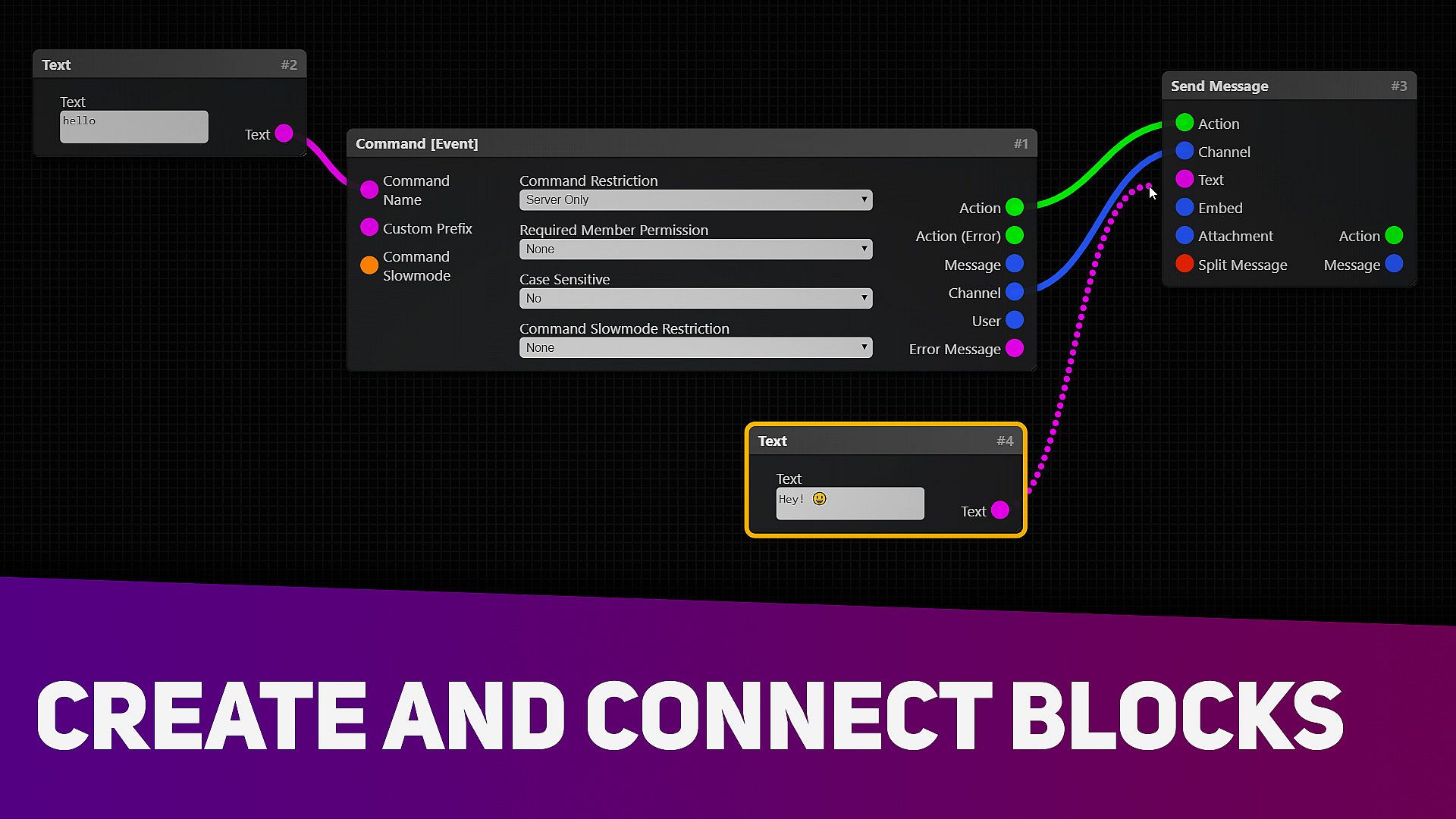
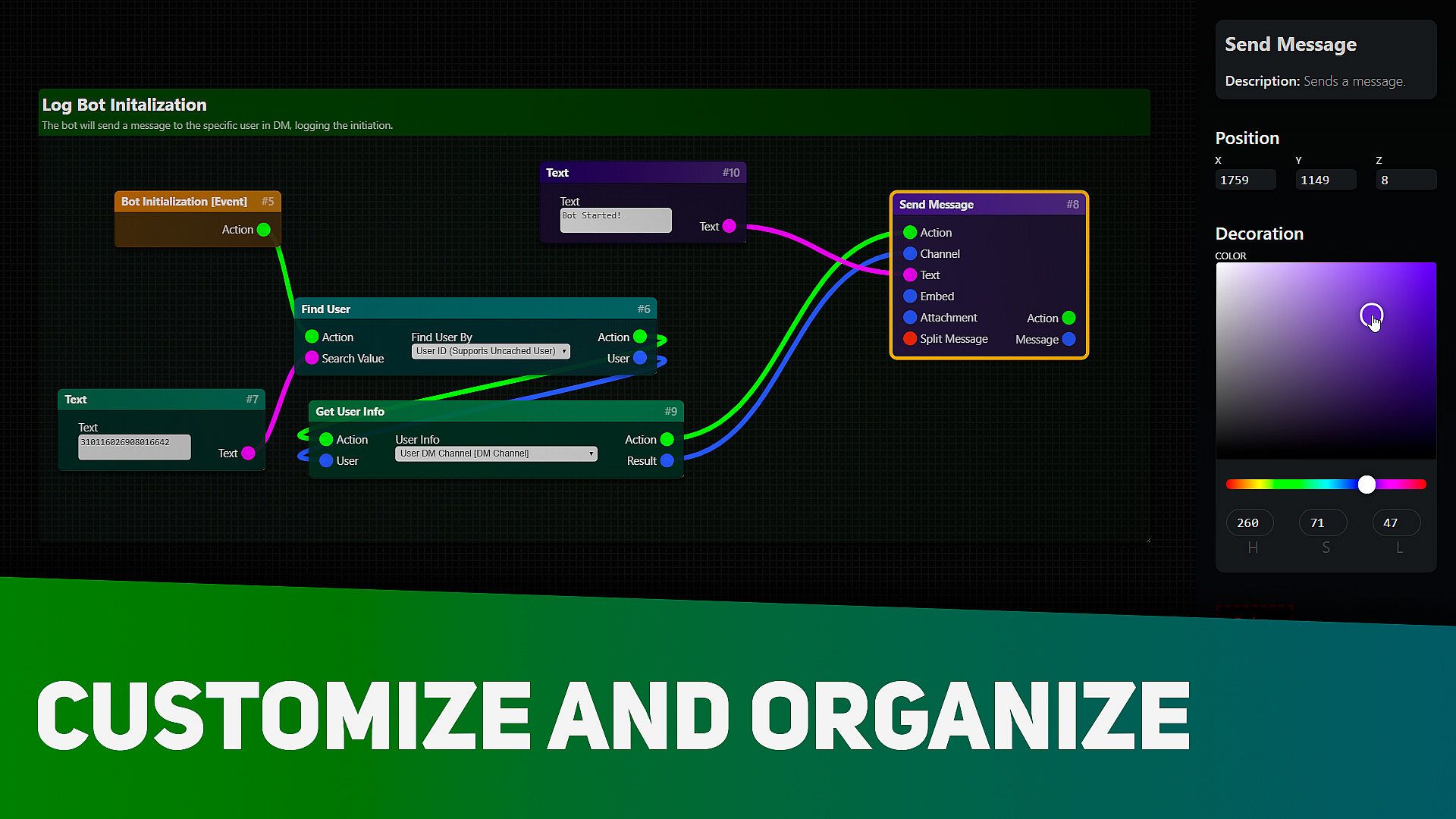
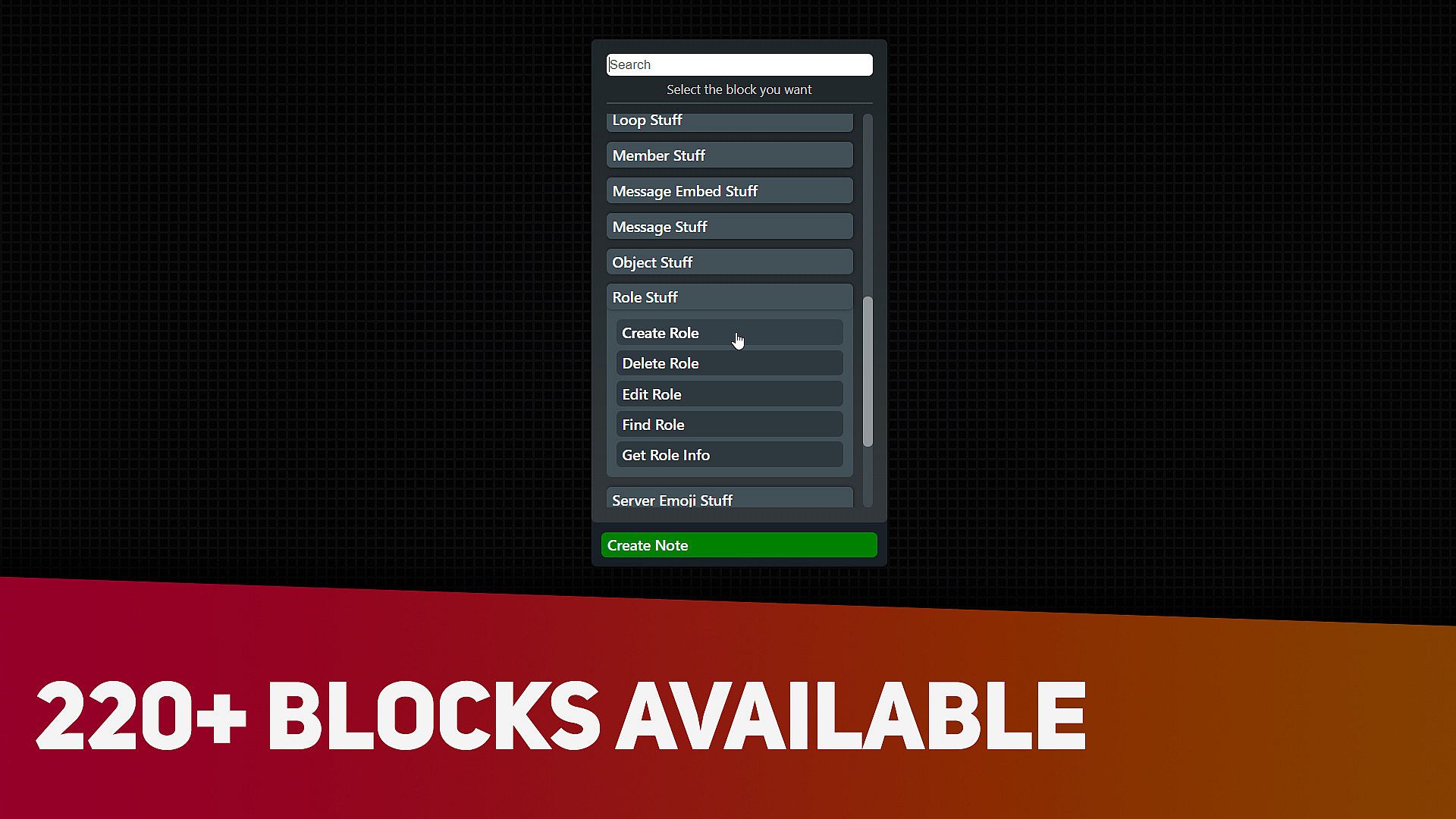
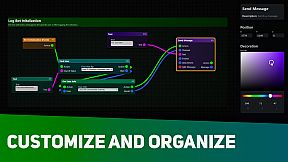
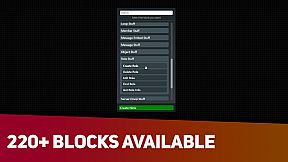
Recently, Discord Bot Builder was updated, adding more possibilies for the users creating their bots. You can use music, data, API, moderation, server control, file management and many other 220+ blocks available.What does "DBB" mean?
It is (D)iscord (B)ot (B)uilder, just to avoid typing the whole name every time.How can i get help using this software?
Official Discord server: (Recommended, better support)Documentation: (Unofficial)
Steam Community