


Comprar RPG Maker MV - Menu Builder PC

Este contenido requiere el juego base: RPG Maker MV

¿Te interesa RPG Maker MV - Menu Builder? Estamos siguiendo precios en tiendas de confianza. Añade RPG Maker MV - Menu Builder a tu lista de deseos y te avisaremos cuando haya ofertas.

Lanzamiento: 09 oct 2024
Desarrollador: Gotcha Gotcha Games
RPG
Metacritic:
tbd 6.3
Steam:
Overwhelmingly Negative (3)
Official
No disponible
Keyshops
No disponible
Comprar en tienda oficial:
No disponible
Comprar en keyshops:
No disponible

No hay entradas, pero no te preocupes: te avisaremos cuando aparezca una nueva oferta.

Create Alert Create deal Alert

Sobre RPG Maker MV - Menu Builder

RPG Maker MV - Menu Builder - sobre el juego

*Tutorial videos are now available (more to come). Please see “View the manual”.

・Allows for basic menu building and linking to other scenes

・Can execute script calls AND events

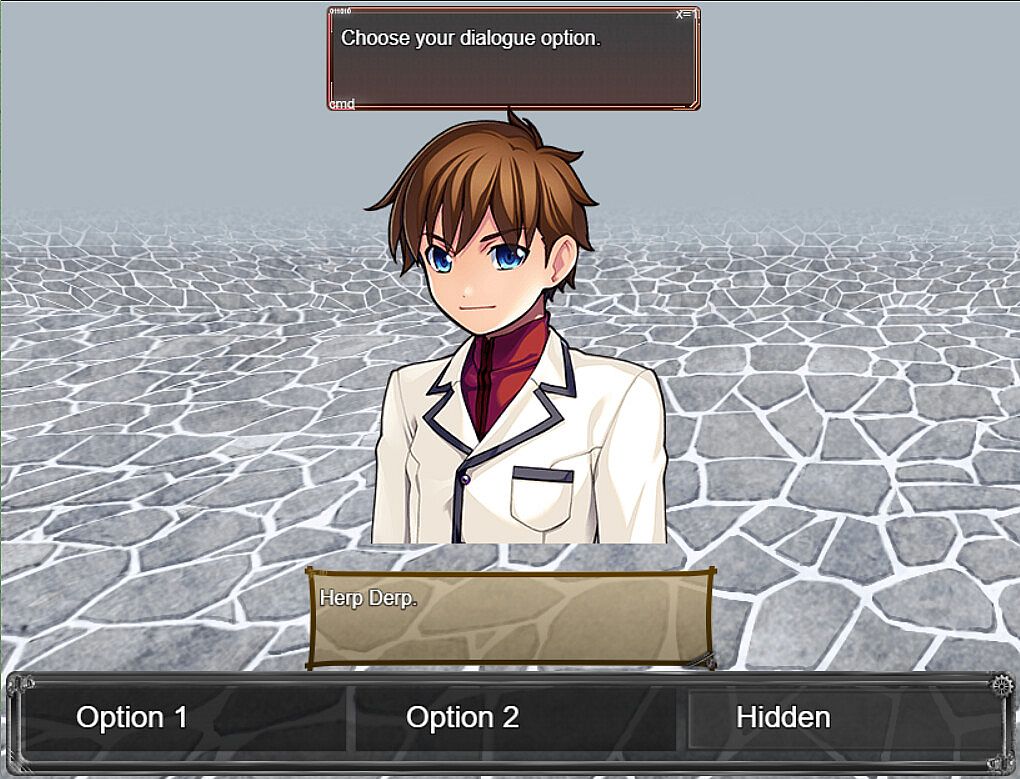
・Can setup backgrounds and foregrounds

・Can setup touch buttons

・Can modify UI according to needs

Custom menus must be setup in the plugin parameters prior to calling them in game.

For each menu, you MUST/ARE REQUIRED TO setup the selection window as that will hold the selectable options for the menu scene.

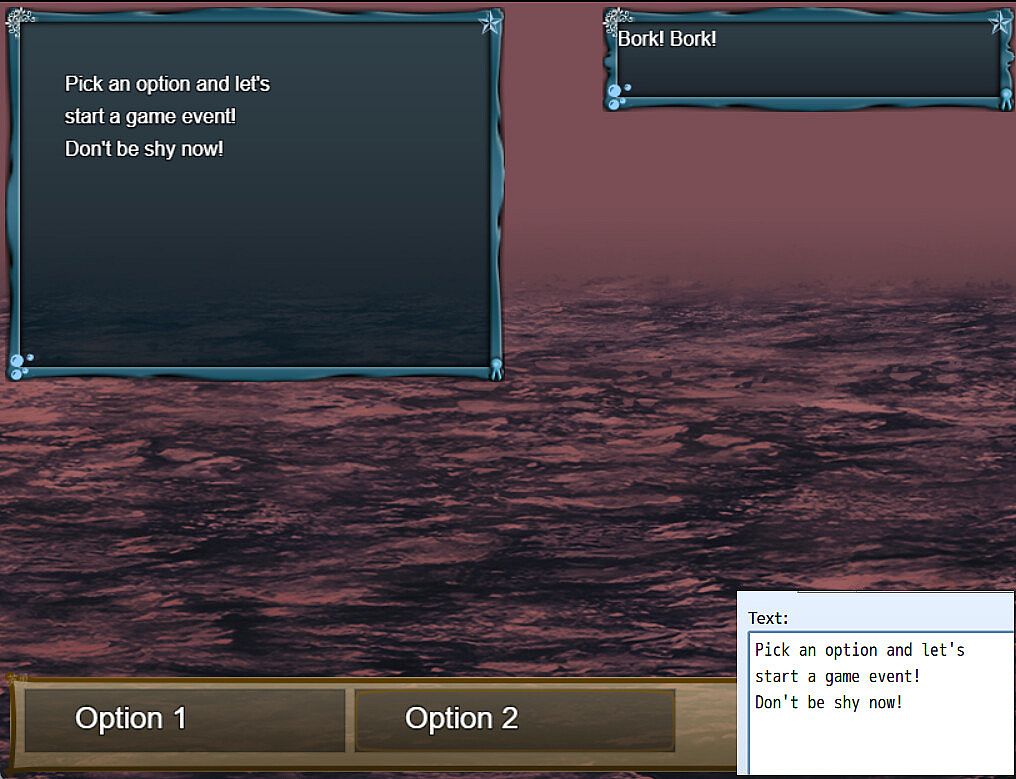
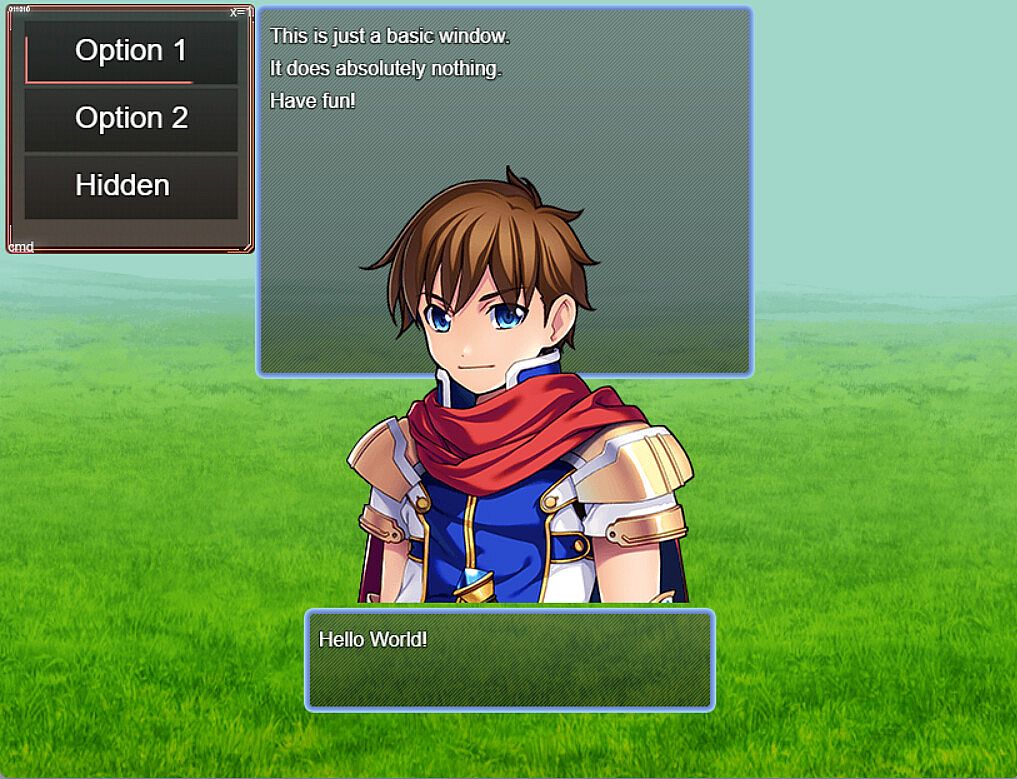
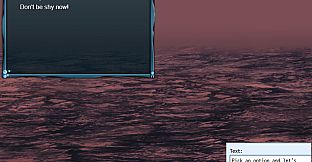
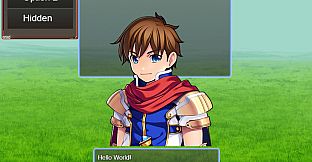
From above, screenshot from demo, you can see that you only need to setup the selection window and basic window if you want to permanently display information on the scene.

Setup the dimension configuration to control the size and position of the selection window and the Window Font and Style for the font settings and window skin/opacity.

Item Width/Height will control the selection box size and max columns will determine the number of selections aligned on horizontal axis.

The important thing here is the selection options

You can setup requirements to display or even select the menu option based on:

・Variables

・Switches

・Items

・Weapons (Not equipped)

・Armors (Not equipped)

Static add a graphic over the scene backgrounds when the option is selected and animated graphic will change the graphic on scene to use the set data.

Pictures are stored  images which can be drawn based on window settings.

You can setup a scene button which when mouse over will force select the option and when clicked will execute the code in the "Code Execution" parameter.

------------

Patch note:2025/5/27

New: Script call added to help reset the game data

New: Add script calls to the plugin help

New: Added parameter to set update codes. These are run every frame on the menu scene.

Patch note:2025/3/19

Adjustment: Changed directory of videos folder to movies due to RPG Maker v1.9.0 update.

Demo: Fixed issues with prior set debug menus

Patch note:2025/2/3

Fixed: Fixed an issue where the option name and alternative name were not being displayed in the data window.

Patch note:2024/11/25

Fix: For MV, the sprite destroy function does not remove the sprite. I have removed the function entirely.

New: Set video to play when a menu option is selected. This video is played below the video layer

New: Set videos to play on scene using script calls as defined in the plugin help

New: Set script calls to execute on opening the menu scene

New: Override scenes, in the demo, the default menu scene is replaced with the debug menu.

Patch note:2024/10/28

Fix: Changed data source from weapons to items for item requirements.

------------

・This pack is for use in RPG Maker Series or the engine of your choice.

・OK to be used in Commercial projects made in RPG Maker

・You may modify some of the assets (but not redistribute them) for your own game use only.

Metacritic:
tbd 6.3
Steam:
Overwhelmingly Negative (3)

Historial de precios

Mínimo histórico
Keyshops
-
-
-
Tiendas oficiales
-
-
-

FAQ

8 preguntas

Antes de buscar una CD Key barata de RPG Maker MV - Menu Builder, revisa lo esencial. Desarrollado por Gotcha Gotcha Games. Fecha de lanzamiento en PC: 09 oct 2024. Géneros: RPG, Design & Illustration, Education, Web Publishing, Game Development. Categorías: Steam Trading Cards, Steam Workshop, Downloadable Content, Partial Controller Support.

Q ¿Puedo jugar a RPG Maker MV - Menu Builder en Steam Deck?

No, ahora mismo no. Valve marca RPG Maker MV - Menu Builder como No compatible con Steam Deck, así que no se inicia con Proton por el momento. Mantente atento a XD.deals: seguimos avances de Proton y soluciones de la comunidad, y lo marcaremos en cuanto haya una forma de jugar a RPG Maker MV - Menu Builder en Steam Deck.

. Existe una versión de RPG Maker MV - Menu Builder en Steam. Elige cualquier oferta marcada como Steam Key en XD.deals, canjéala en el cliente de escritorio y juega a RPG Maker MV - Menu Builder en Steam para PC.

Sí. Una vez canjeada tu clave de Steam, puedes iniciar RPG Maker MV - Menu Builder en Modo sin conexión desde Steam. Tus partidas se sincronizarán la próxima vez que te conectes.

, puedes comprar una Steam Key de RPG Maker MV - Menu Builder directamente en la tienda de Steam. En XD.deals agregamos todas las ofertas con DRM de Steam para que compares ofertas baratas de RPG Maker MV - Menu Builder en Steam en un solo lugar.

Por el momento no tenemos ofertas activas para RPG Maker MV - Menu Builder — tanto las tiendas oficiales (0) como los keyshops (0) lo muestran agotado o temporalmente no disponible…

Con XD.deals, los jugadores de PC pueden ver al instante dónde comprar una clave Steam para PC de RPG Maker MV - Menu Builder barata. Nuestro motor de comparación en tiempo real y nuestra base de cupones seleccionados siguen todas las tiendas oficiales y keyshops de confianza para que no tengas que hacerlo tú. Ahora mismo detectamos este juego en 0 ofertas activas de tiendas y keyshops.

Todavía no. Ahora mismo no hay ficha de RPG Maker MV - Menu Builder en Steam, así que no puedes comprar RPG Maker MV - Menu Builder en Steam hoy. En su lugar, revisa otras ofertas de RPG Maker MV - Menu Builder en XD.deals: tiendas oficiales y keyshops a menudo ofrecen versiones sin DRM o claves para otros launchers mientras esperas un futuro lanzamiento en Steam.

No: XD.deals no es una tienda. Somos un servicio de comparación que rastrea las mejores ofertas de RPG Maker MV - Menu Builder en tiendas oficiales y keyshops verificados. Haz clic en "Comprar ahora" junto a la oferta que quieras y te redirigiremos a la web del vendedor para completar la compra y recibir allí la clave.

¿Listo para jugar? Crea una alerta de precio en XD Deals y consigue una clave de Steam de RPG Maker MV - Menu Builder con descuento en cuanto alcance su próximo mínimo histórico.

Crear alerta