



Walk, run and jump naturally using your arms or feet movements in any VR game that supports thumbstick locomotion
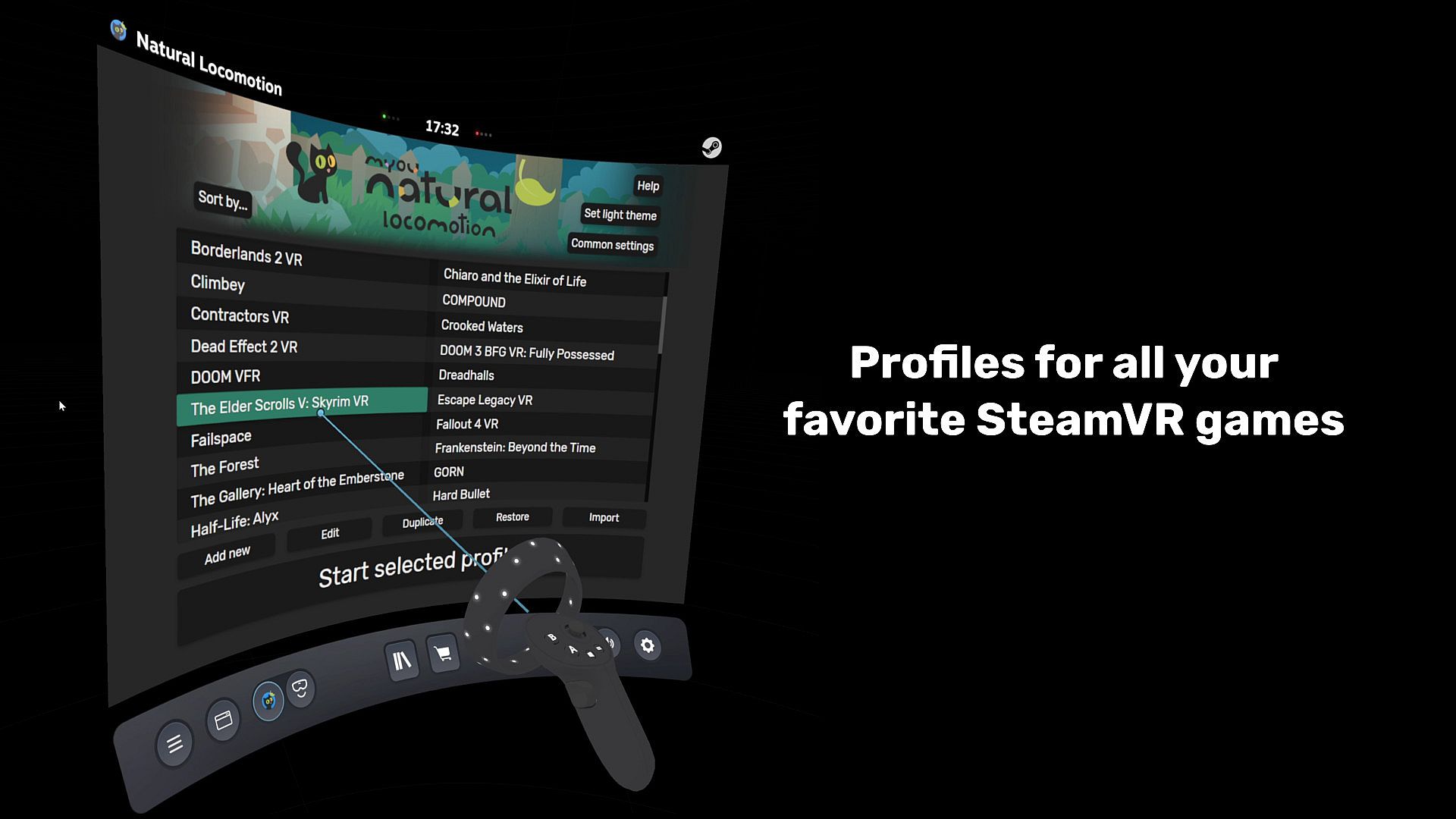
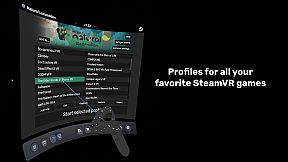
Natural Locomotion is an application that emulates the controller thumbstick input (to use in any game), to walk, run and jump more naturally moving your arms or your feet. It includes a driver for SteamVR for this purpose.It comes with profiles for several popular games and apps. Just select one, check the game is configured as shown, and play. The profile manager allows you to make profiles for games not already included.
Natural Locomotion helps to reduce motion sickness according to these 2 principles
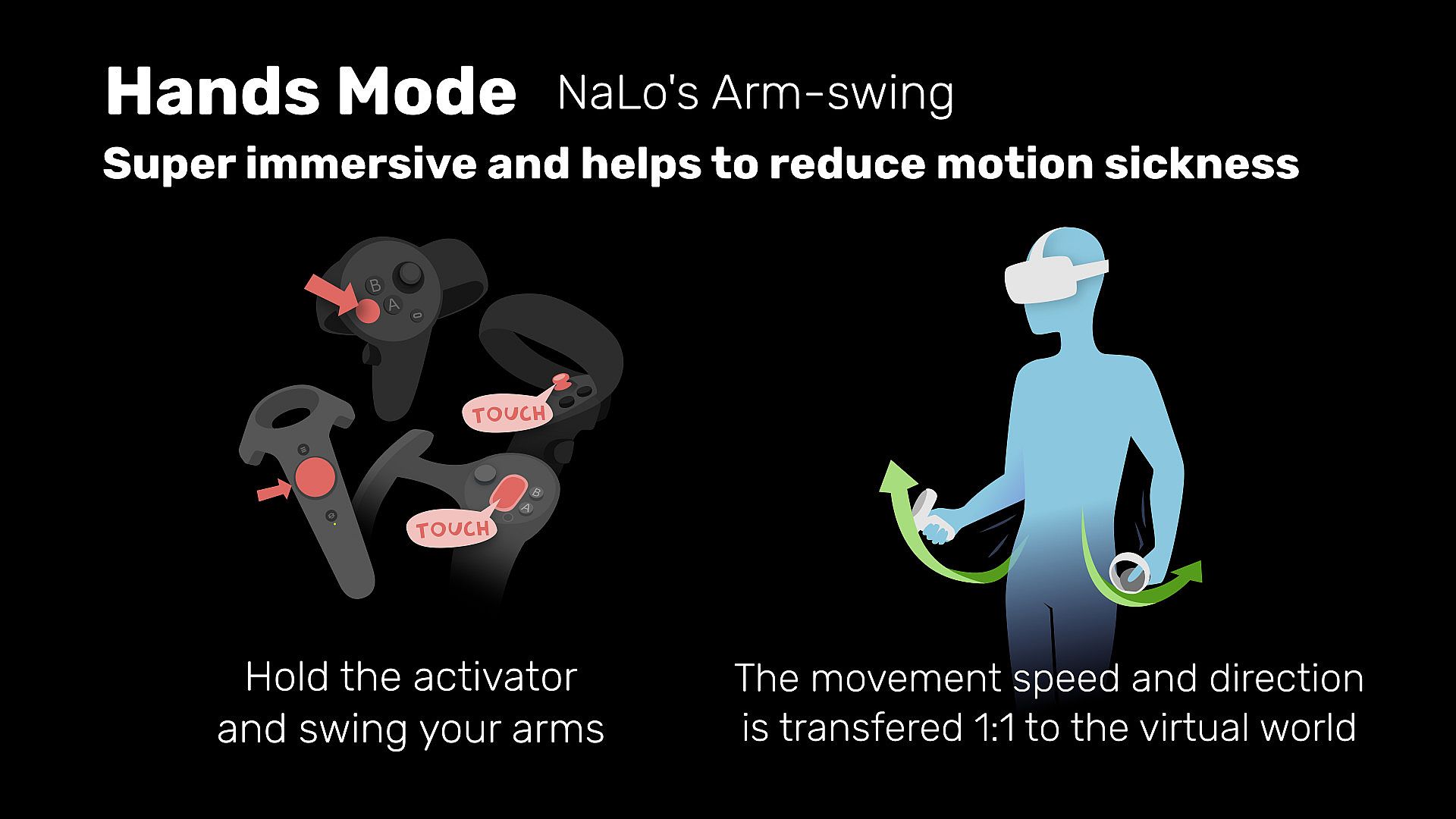
- Your hands/feet movements are transfered 1:1 to the locomotion speed and direction of the VR artificial locomotion.
- Head movements while walking in place (even in hands mode) could reduce the sensitivity of the vestibular system (equilibrium) preventing sensory disociation.
NOTE: Natural Locomotion doesn't provide comfort options by itself (FoV reduction, etc), that's dependent on each game. If you need it, make sure the games you want to play have the feature and is enabled.
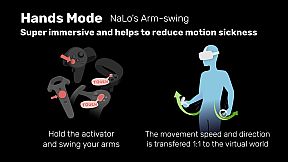
Slowly swing your hand controllers to walk or move them fast to run.
Other "arm swinger" implementations are very "jumpy", very slow to respond, or are a complement on button actions. Natural Locomotion uses a novel system designed to walk and run continuously, and with very precise and intuitive control of speed and acceleration. You can start, stop or change speed very quickly without "move" or "brake" buttons, it just depends on the speed you move your arms.
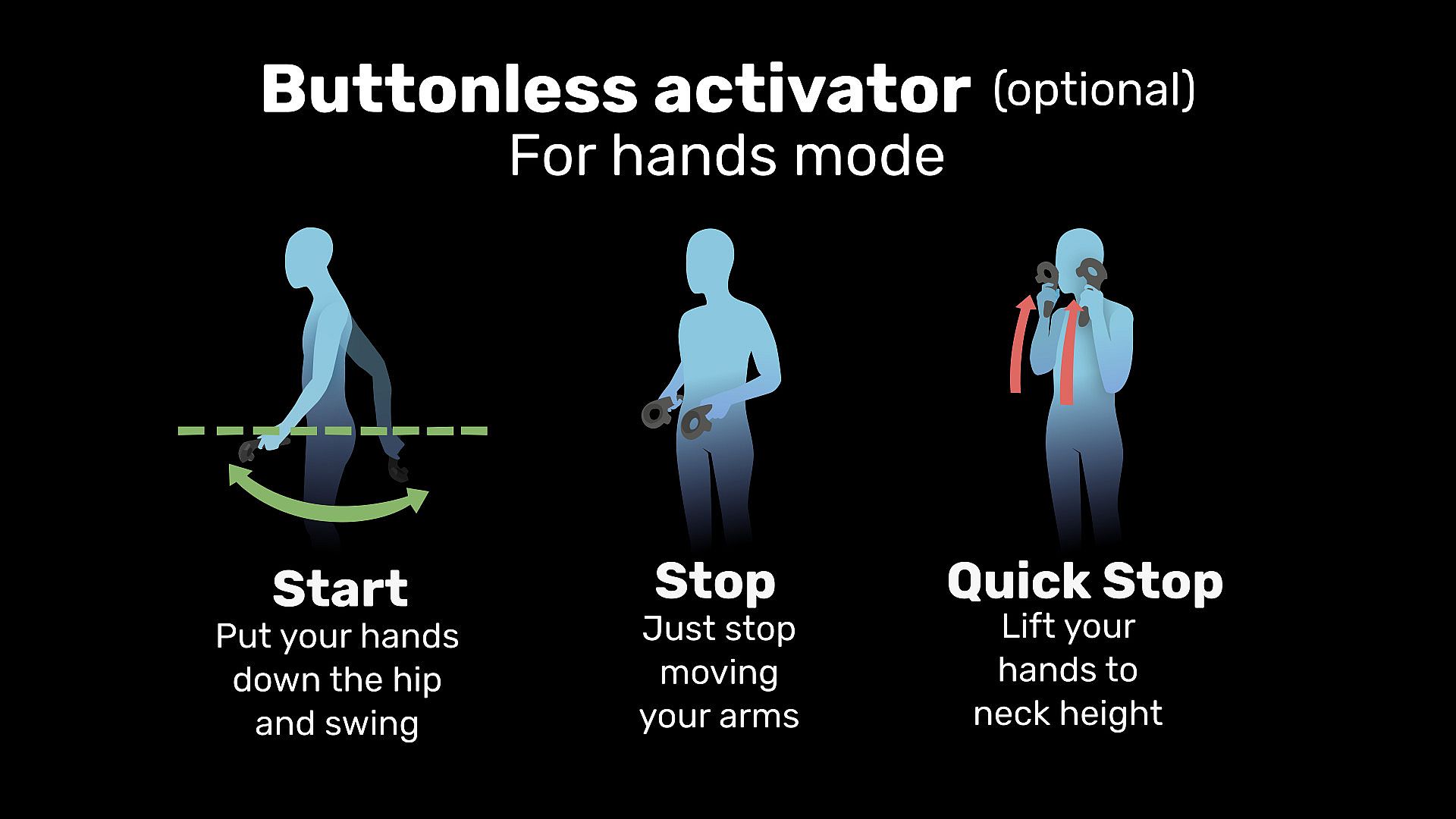
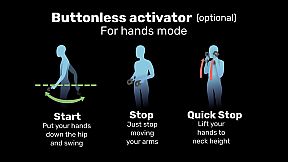
Updates:- Buttonless activator based on gestures:
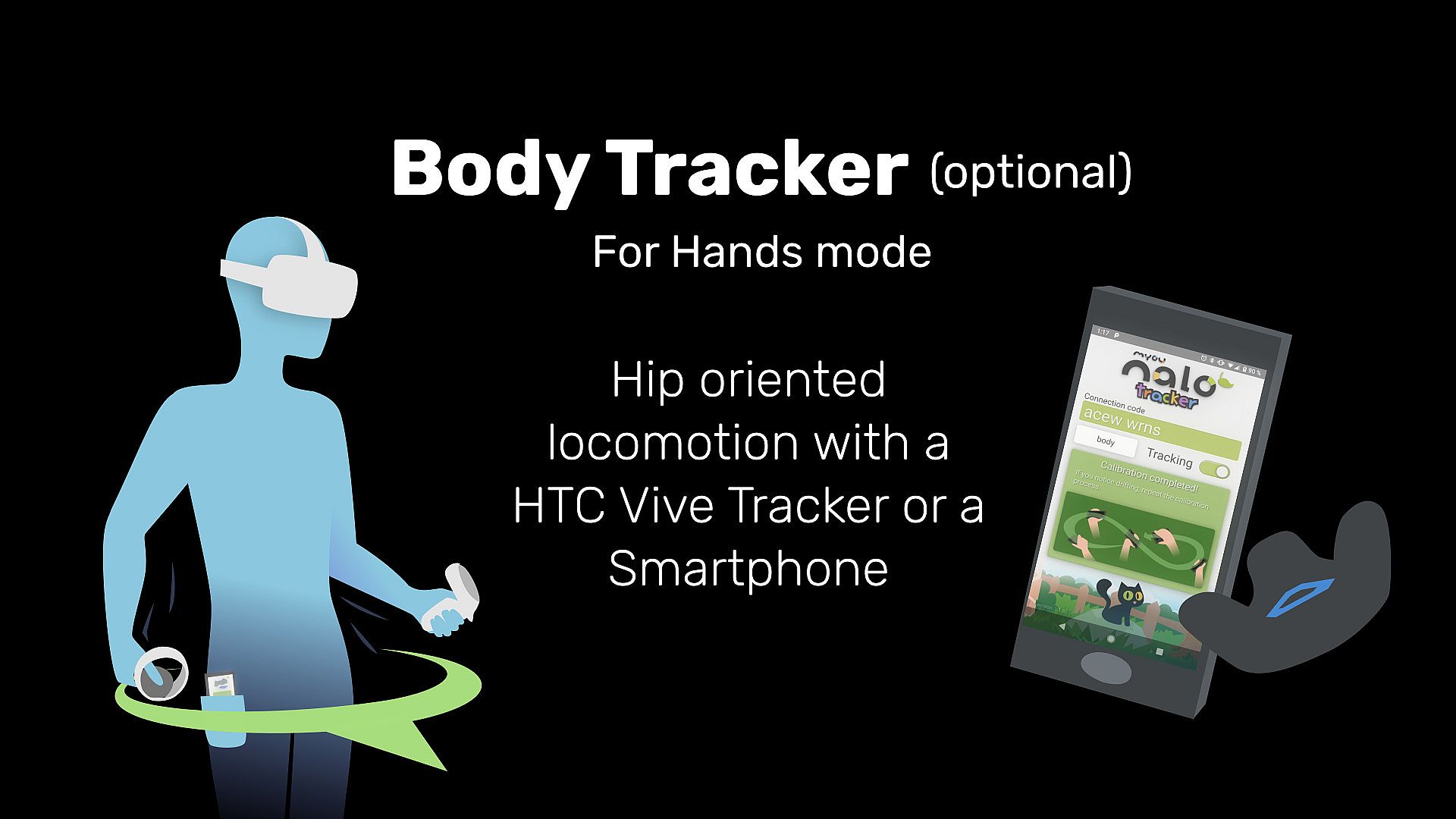
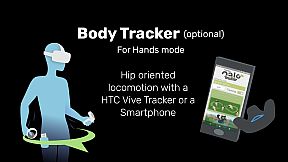
- Hands mode is now compatible with body trackers (Smartphones and trackers). Using a body tracker, the direction of the movement depends on where your hip is oriented which could make this locomotion method even more immersive and comfortable.
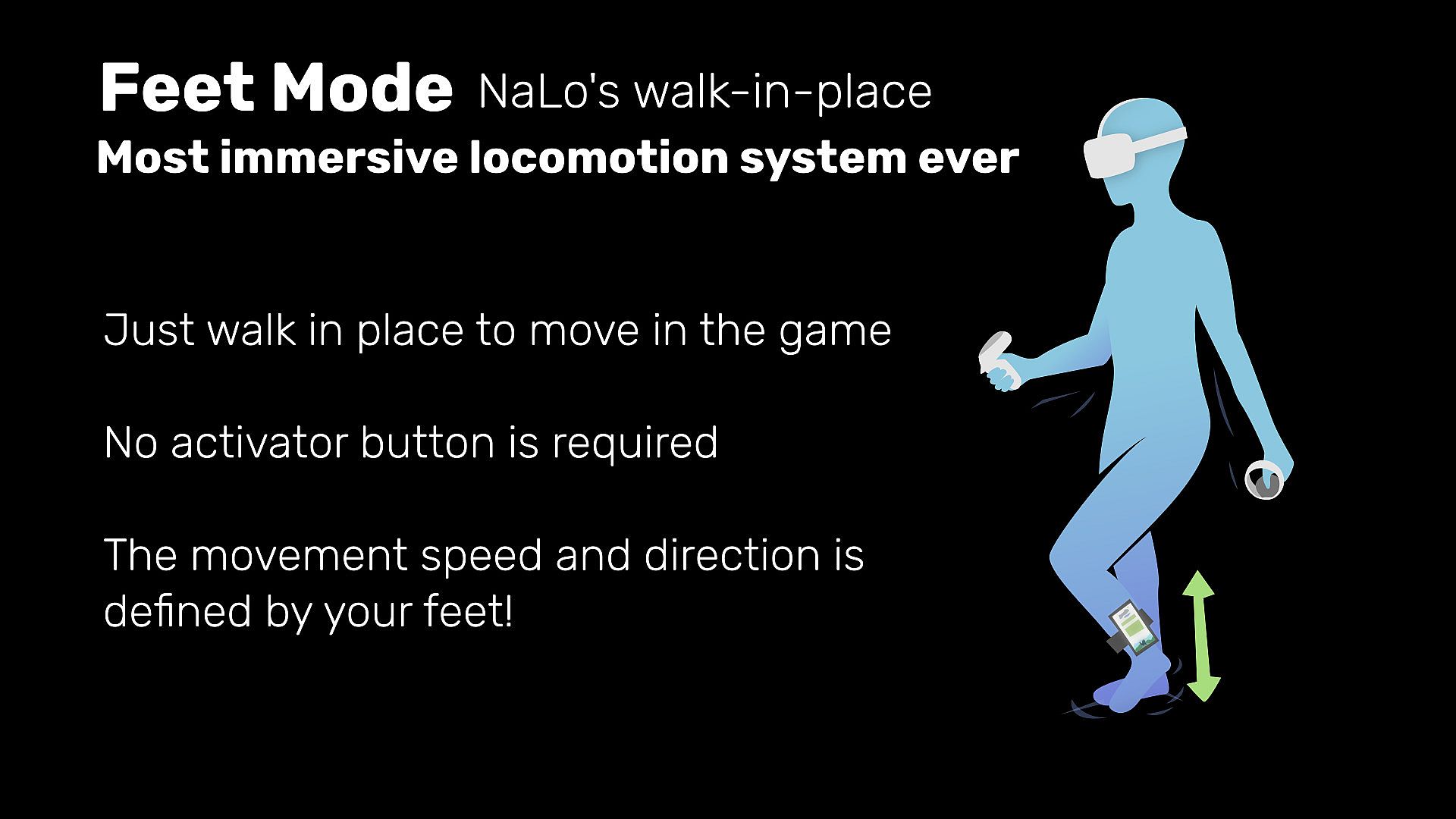
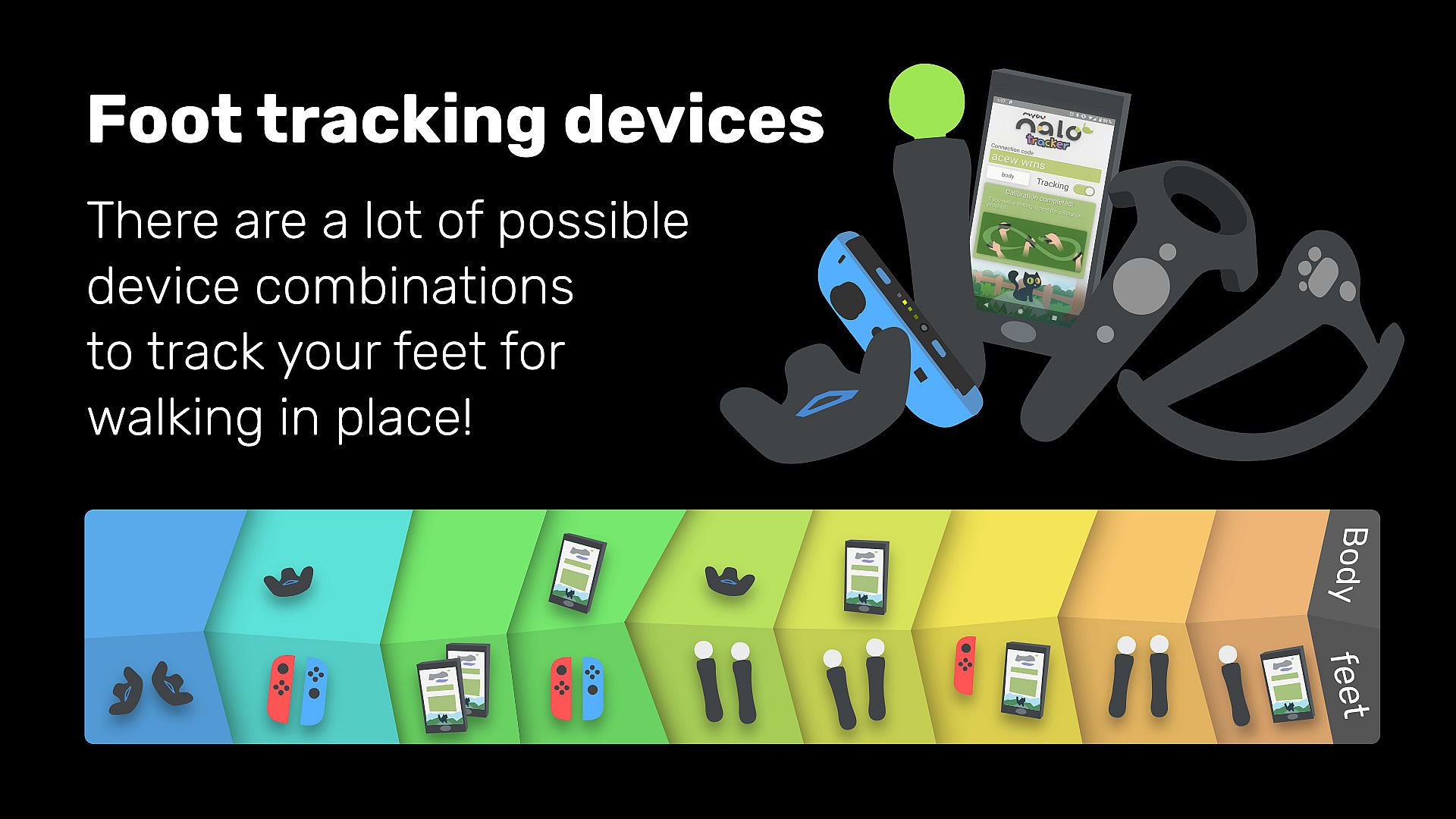
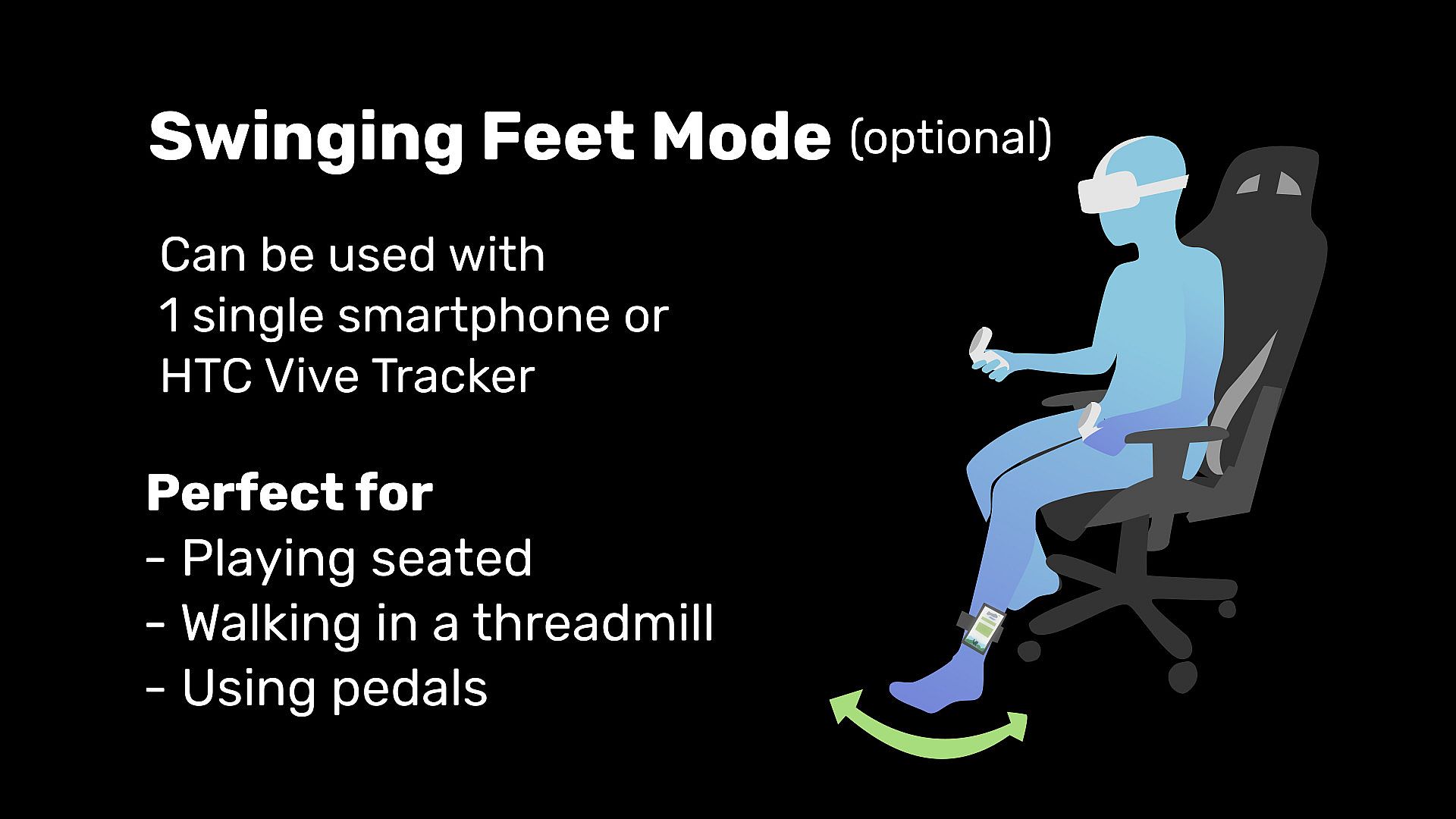
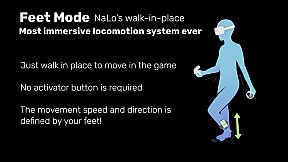
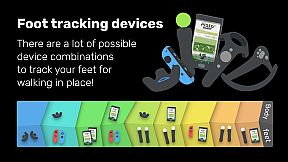
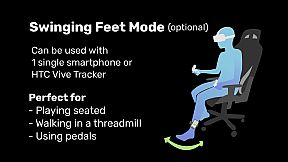
Use motion sensor devices (see the list below) attached in your feet to register your feet movements and walk in the game. It supports two kind of movements: Walk-in-place and swinging feet while sitting on a chair or using a treadmill.Software requirements:
- A recent version of SteamVR (i.e. any except the temporary branch).
- SteamVR games or apps that has full directed "smooth locomotion" with trackpad or joystick (i.e. one can choose both direction and speed with the thumb).
Supported (tested) headsets
- HTC Vive / Pro / Cosmos / Cosmos Elite
- Oculus Rift / Rift S / Quest (1 and 2, through Oculus Link or Virtual Desktop)
- Windows Mixed Reality and HP Reverb G2
- Valve Index
- Pimax
- HTC Vive Cosmos
- Pico Neo 2 and Pico Neo 2 EYE
Supported VR controllers:
- HTC Vive wands
- Oculus touch
- Windows Mixed Reality (with trackpad)
- Valve Index
- HP Reverb G2
- HTC Vive Cosmos
- Pico Neo 2 6DoF controllers
Supported devices (for feet mode)
Lighthouse devices (SteamVR dongle required)- HTC Vive trackers (Dongles included)
- Any SteamVR controller converted to tracker
Bluetooth devices (Bluetooth connection required)- Original Nintendo Switch JoyCon
- PS3 Move controllers (No camera required)
NOTE: Some users have reported issues with recent versions of PSMove Service.
Wi-Fi devices- Smartphone with Android >= 5.1, with accelerometer, gyroscope and magnetometer (compass).
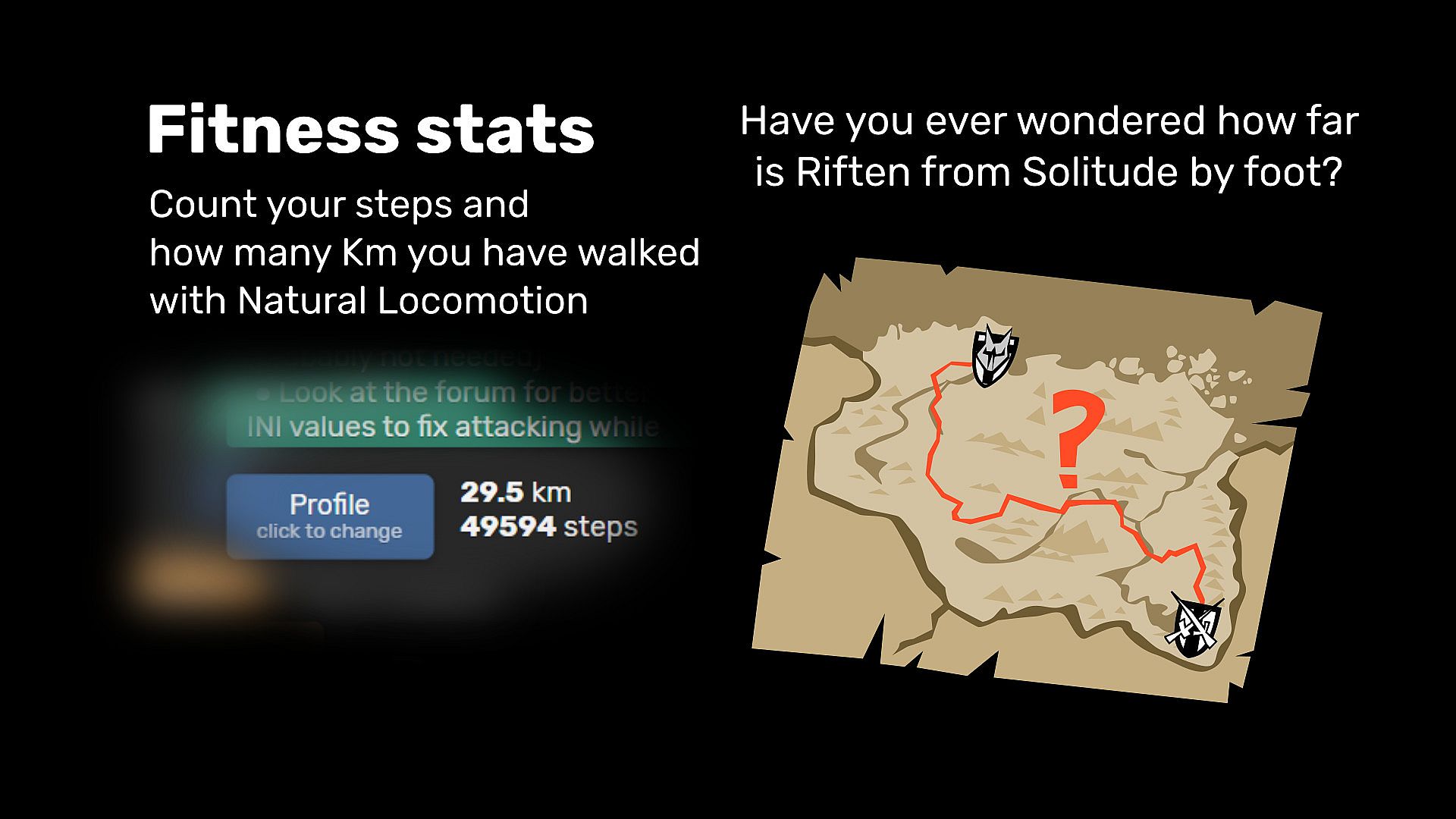
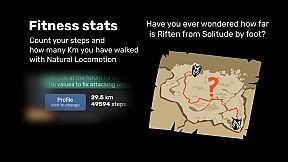
Fitness stats
Count your steps and how many km you have walked with Natural LocomotionSteamVR Tools
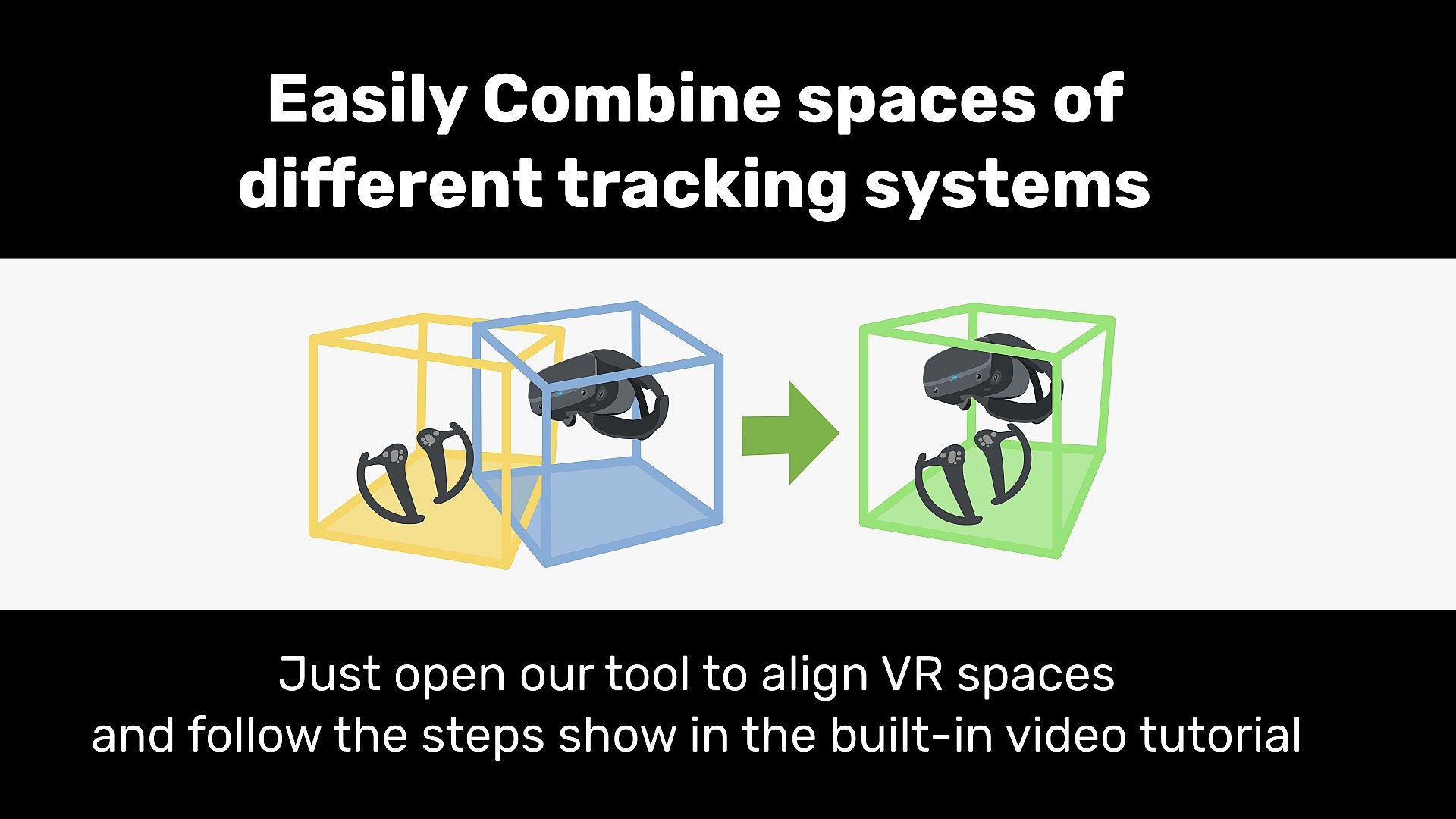
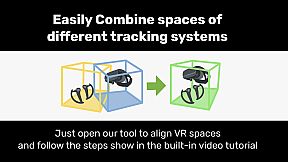
Align VR spaces of different tracking systems
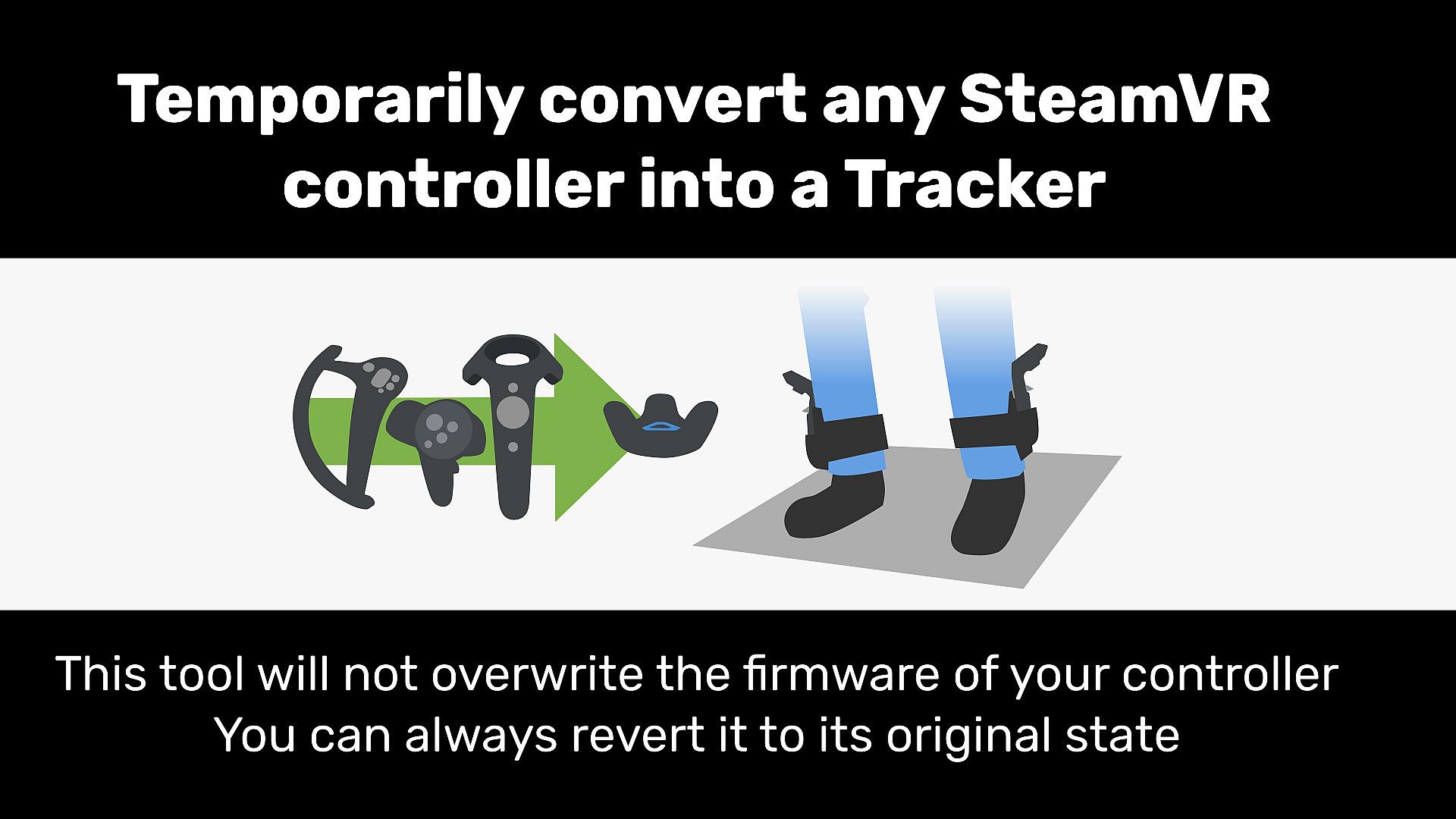
Combine lighthouse devices (Trackers, HTC Vive controllers or Index controllers) with Oculus, WMR or Vive Cosmos headsets.Convert some SteamVR controllers into trackers
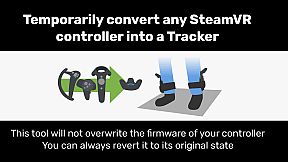
This tool will temporarily emulate HTC Vive trackers using other lighthouse devices (And Oculus CV1 controllers) without flashing them.Convert Steam Controller dongles to Vive/Index dongles
This utility allows you to convert Steam Controller dongles into Vive/Valve controller/tracker dongles (and restore them).
You need one dongle per device. A Vive or Index headset has two of them built in. For example if you have 4 controllers and an Index/Vive headset (only USB and power connected), you only have 2 receptors and you need 2 dongles to use all controllers.Profiles full list:
HTC
Vive
WandsOculus
Touch
Cont.Win.
Mixed
RealityValve
Index
Cont.HTC
Vive
CosmosHP
Reverb
G2Pico
Neo 2A Township Tale V O W I C H P A-Tech Cybernetic VR V O W I C H P Alien: Isolation (MotherVR mod) V O W I C H P Ancient Dungeon V O W I C H P Apex Construct V O W I C H P Arizona Sunshine V O W I C H P Axegend VR V O W I C H P Blade & Sorcery V O W I C H P BONEWORKS V O I C H P Borderlands 2 VR V O W I C H P Chiaro and the Elixir of Life V O W I C H P Climbey V O W I C H P COMPOUND V O W I C H P Contagion VR: Outbreak V W I Contagion VR: Outbreak Demo V W I Contractors VR V O W I C H P Corrupted Hospital : Summoner VR Part1 V O I C H P Crooked Waters V O W I C H P Dark Forest: Lost Story VR V O I C H P Dead Effect 2 VR V O W I C H P Derail Valley V I DMN7 (demo) V O I C H P Don't Knock Twice I DOOM 3 BFG VR: Fully Possessed V O W I C H P DOOM VFR V O W I C H P Dragon Extinction VR (demo) V O W I C H P Dreadhalls V O W I C H P The Elder Scrolls V: Skyrim VR V O W I C H P Escape Legacy VR V O I C H P The Exorcist: Legion VR V O W I C H P Failspace V O I C H P Fallout 4 VR V O W I C H P The Forest V O W I C H P Frankenstein: Beyond the Time V O W I C H P The Gallery: Heart of the Emberstone V O W I C H P GORN V O W I C H P Grapple Tournament V O W I C H P Half-Life: Alyx V O W I C H P Hard Bullet O W I C H P Heart of the Emberstone: Colliseum V O W I C H P Hellsplit: Arena V O W I C H P HINGE V O I C H P Hot Dogs, Horseshoes & Hand Grenades V O W C H P In Death V O W I C H P Into the Darkness VR (demo) I Into the Radius VR V O W I C H P Island 359 V O W I C H P Karnage Chronicles V O W I C H P Kartong V O W I C H P Killing Floor: Incursion O C H P Larcenauts V W I C Lust for Darkness VR V O W I C H P Lust for Darkness VR: M Edition V O W I C H P Medal of Honor: Above and Beyond V O I C H P Minecraft (with Vivecraft) V O W I C H P Minecraft (with Vivecraft) 1.14.4 V O W I C H P Minecraft (with Vivecraft) 1.16.X V O W I C H P The Morrigan V O W I C H P Naau: The Lost Eye V O W I C H P No Man's Sky V O W I C H P Onward V O I C H P OrbusVR V O W I C H P Organ Quarter V O W I C H P Panther VR V I Paranormal Activity: The Lost Soul V O I C H P Pavlov VR V O W I C H P PAYDAY 2 VR V O W I C H P Phasmophobia V O W I C H P POPULATION: ONE V O W I C H P Primordian V O W I C H P Project Terminus VR V O W I C H P Protonwar V O W I C H P Protonwar Demo V O W I C H P PROZE: Prologue V O W I C H P Rec Room V O W I C H P Robinson: The Journey V W I Sairento VR V O I C H P Serious Sam 3 VR: BFE V O W I C H P Serious Sam VR: The First Encounter V O W I C H P Serious Sam VR: The Last Hope V O W I C H P Serious Sam VR: The Second Encounter V O W I C H P Silent Mansion : Summoner VR Part2 V I C Sniper Elite VR V O W I C H P The Solus Project V O W I C H P STAND OUT V O W C H P Sweet Surrender V O W I C H P Swordsman VR V O W I C H P Tales Of Glory 2 - Retaliation V I C The Talos Principle VR V O W I C H P TestHMD (RoV) V O I C H P Thief Simulator VR V O I C H P Until You Fall W C H P Vanishing Realms V O W I C H P Vengeful Rites V O W I C H P Vengeful Rites Demo V O W I C H P Vertigo Remastered V O I C H P VHAIP V O W I C H P VR Dungeon Knight V O W I C H P VRChat V O W I C H P The Walking Dead: Saints & Sinners V O W I C H P WAR DUST V O W C H P Warhammer Age Of Sigmar: Tempestfall V W I Westworld Awakening V O W I C H P Windlands 2 V O I C H P Witching Tower V O W I C H P The Wizards V O W I C H P The Wizards - Dark Times W I Zero Caliber VR V O W I C H P ZomDay V O I C H P
You can always try to make your own profiles or to modify the existing ones.
Some profiles are available in some headsets only (or not at all) due to technical limitations. - Buttonless activator based on gestures: