
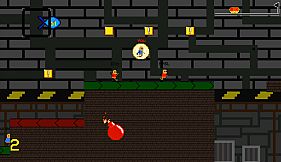
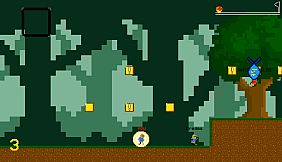
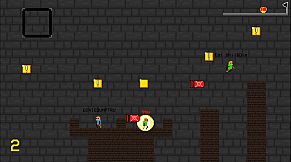
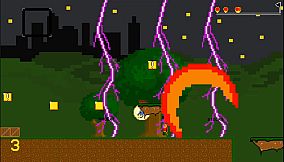
in progress...

Madrun PC kaufen

Madrun ist Free-to-Play! Lade es auf Steam herunter und spiele sofort los. Suchst du Madrun DLCs, Ingame-Währung oder Kosmetik? Vergleiche 1 Angebote auf XD.deals und finde die besten Deals.

Veröffentlichung: 11 Apr. 2020
Metacritic:
tbd tbd
Steam:
Very Positive (527)
Keyshops
Nicht verfĂĽgbar
Im offiziellen Store kaufen:
Free
Im Keyshop kaufen:
Preisverlauf anzeigen

Offizielle Shops (1)

DRM:
Steam
Steam
Steam
Madrun
Windows
vor 3d
DRM:
Steam
Steam
Free
Historical Low Deal
Historical low

Ăśber Madrun

Madrun - Spielbeschreibung

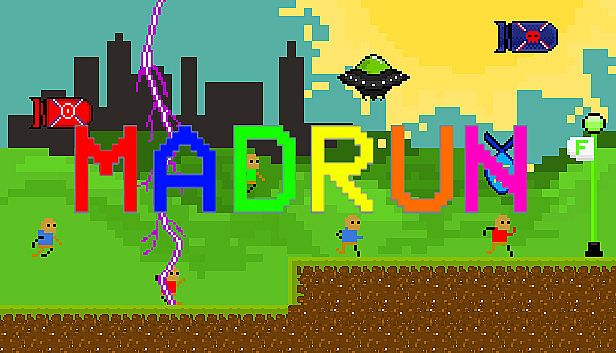
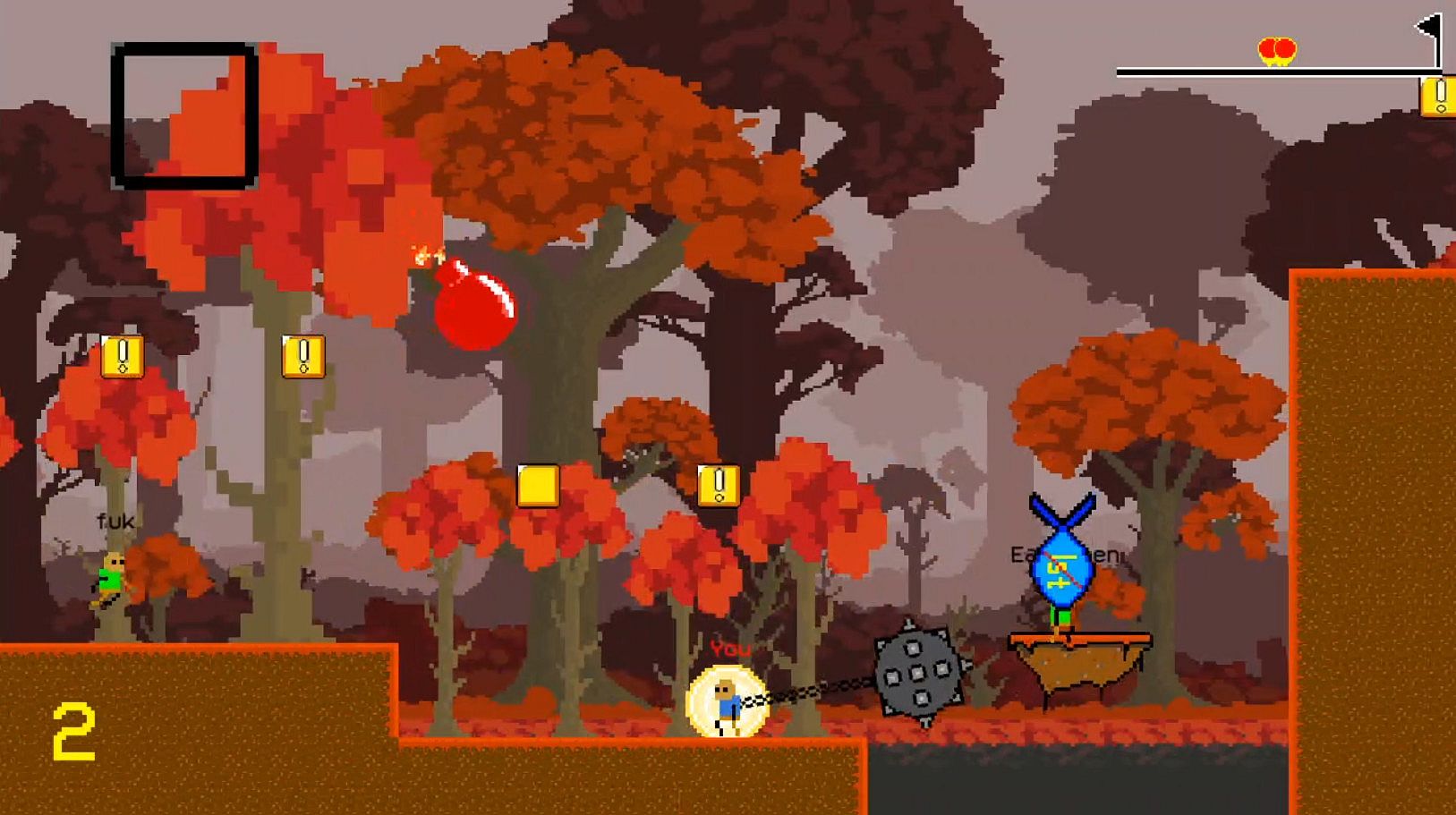
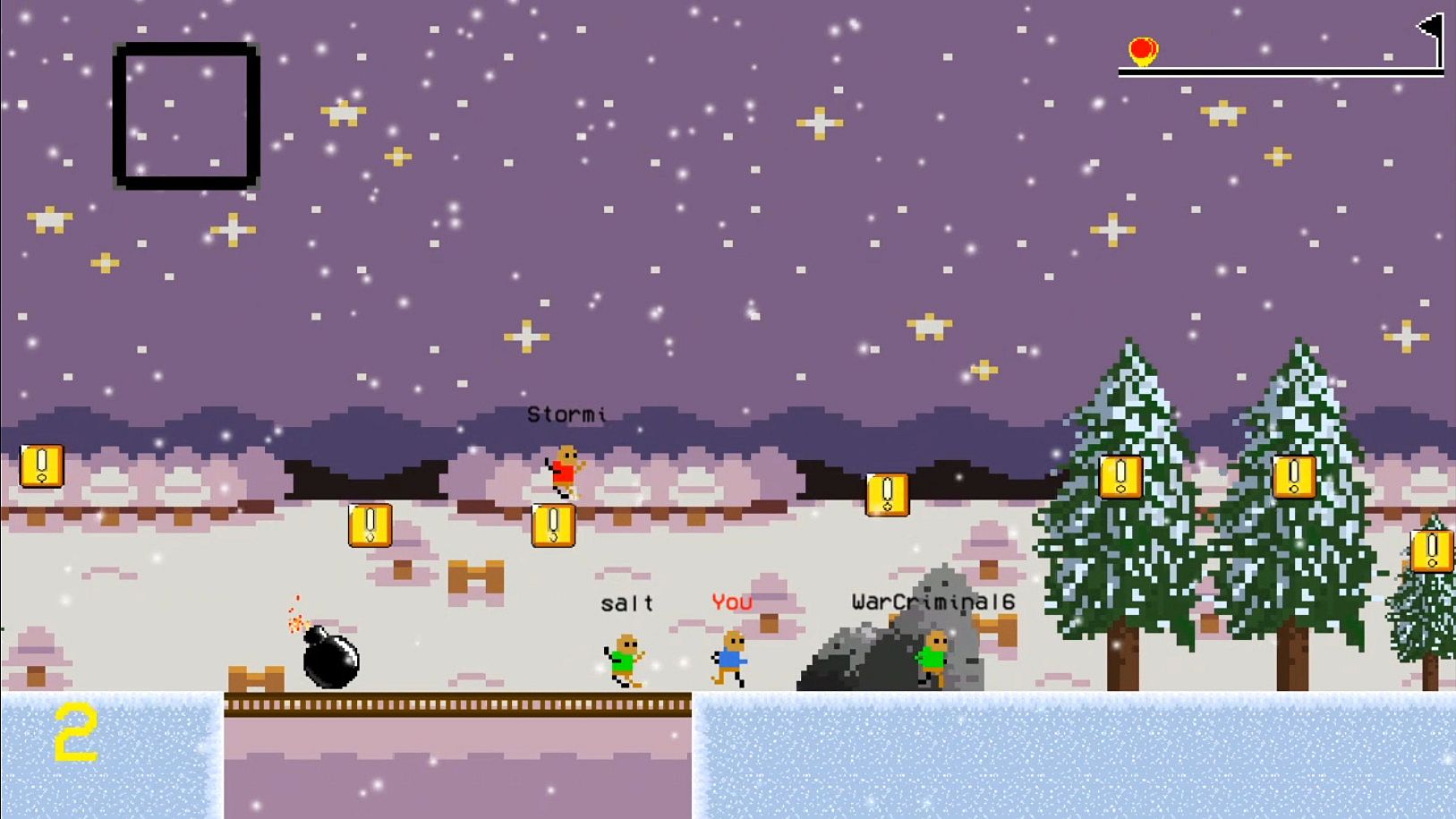
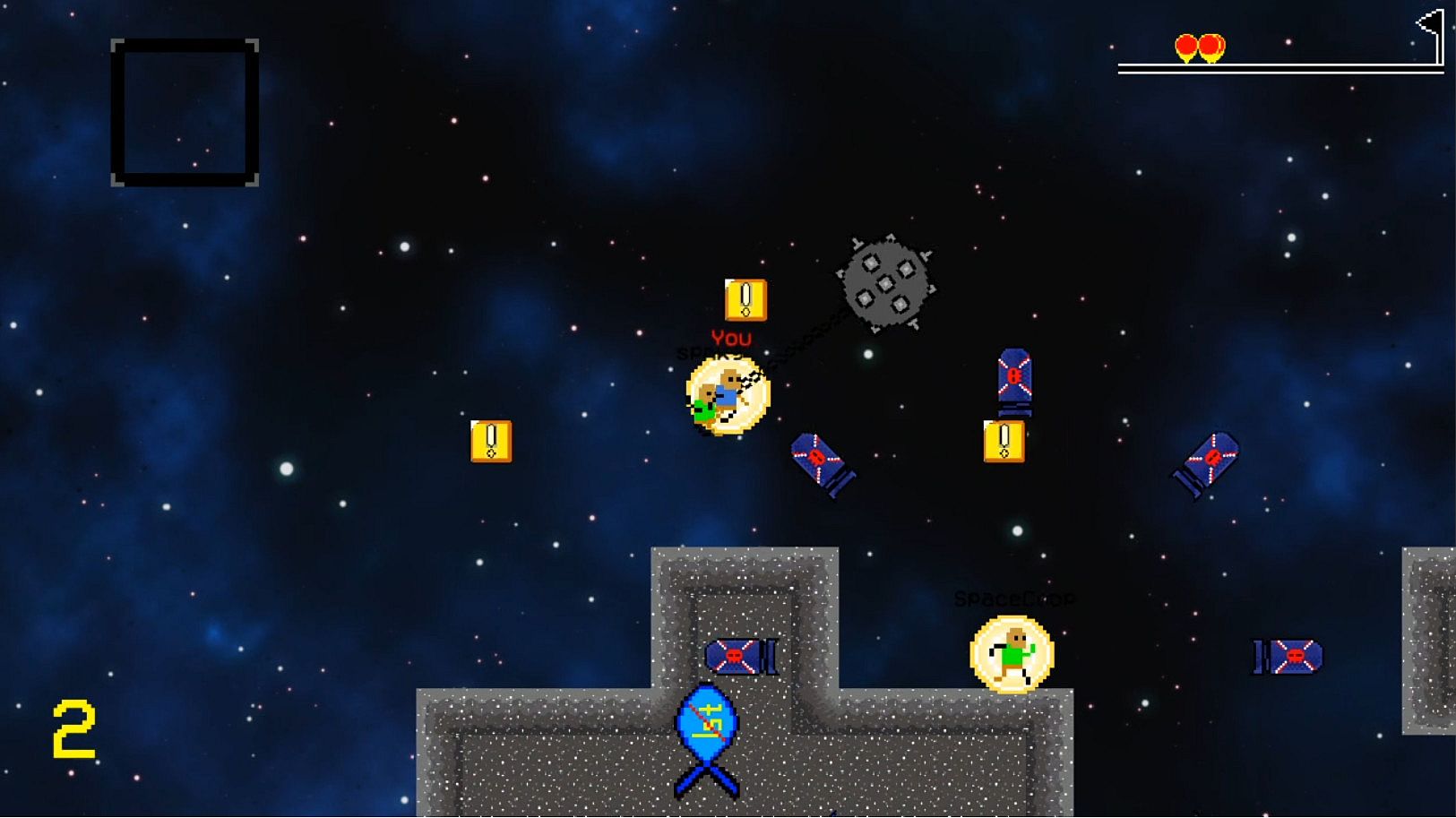
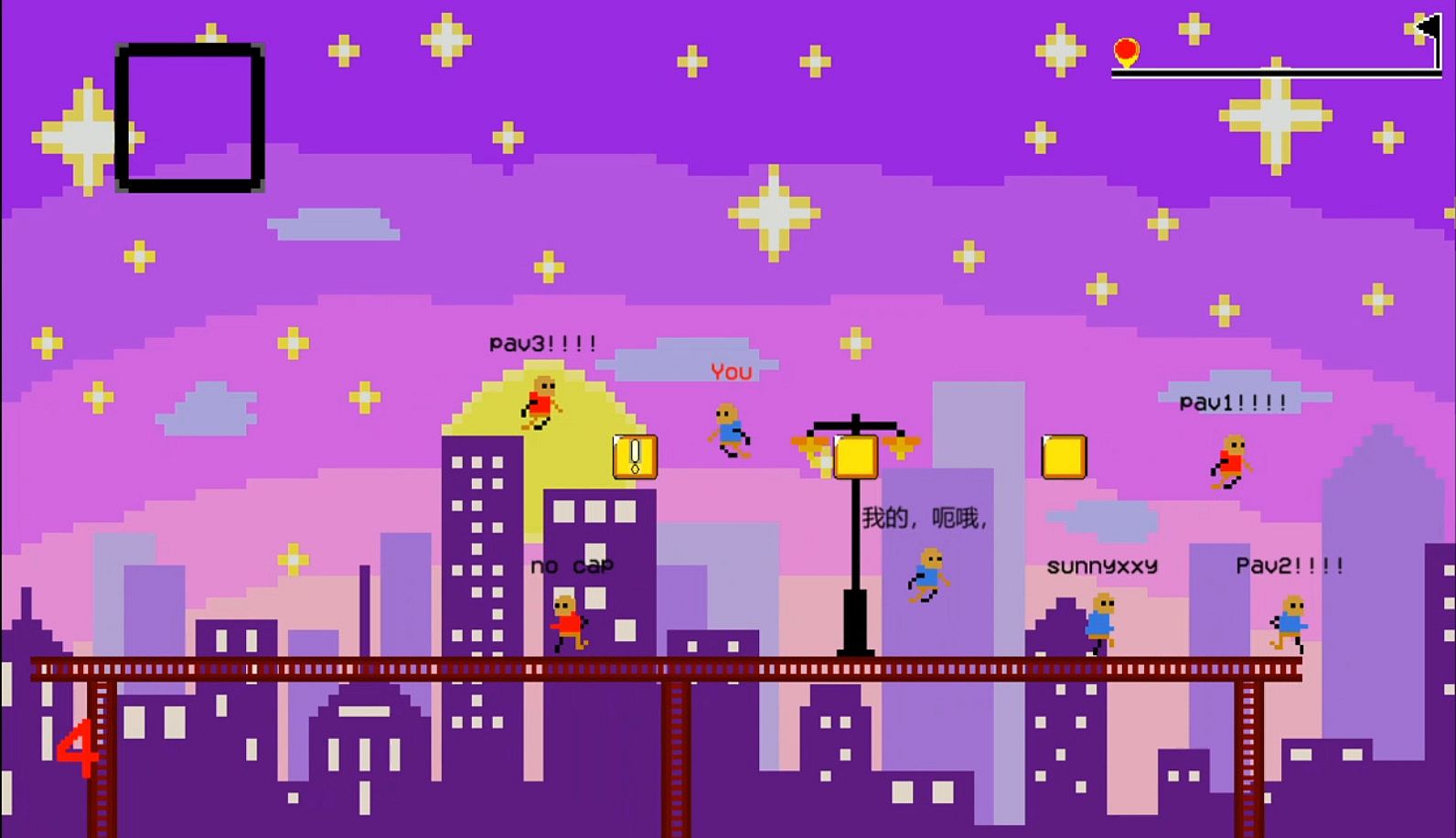
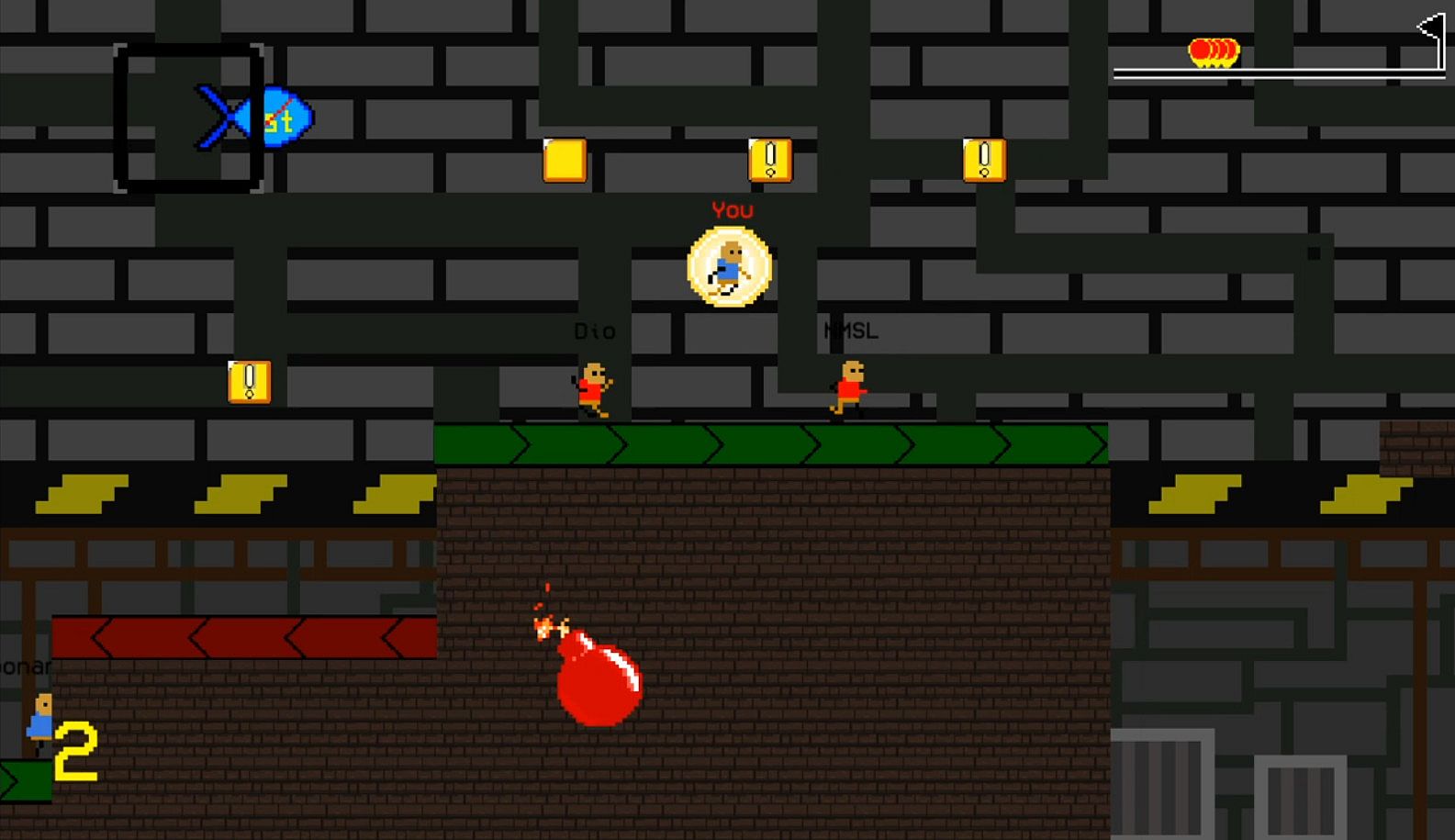
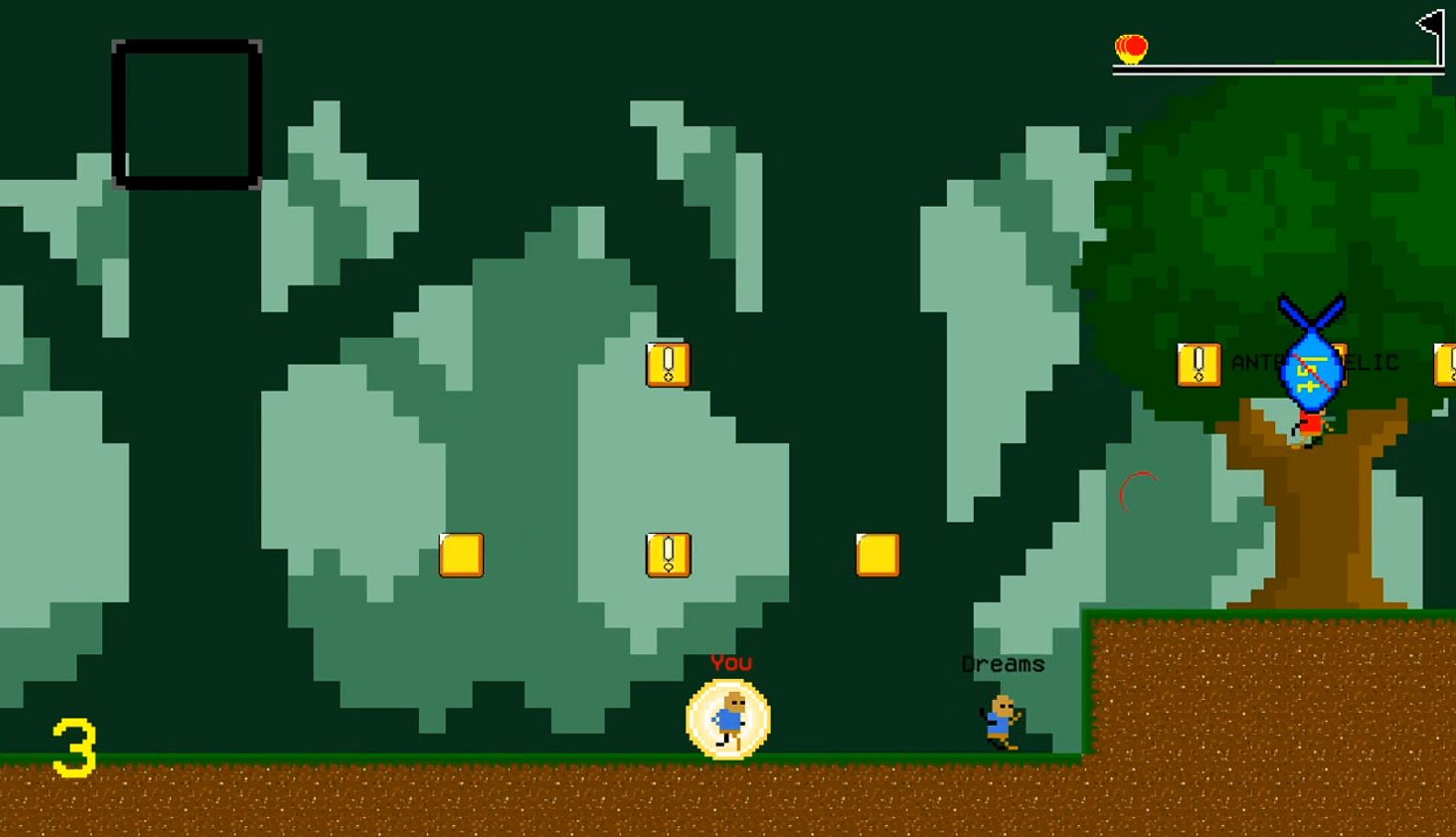
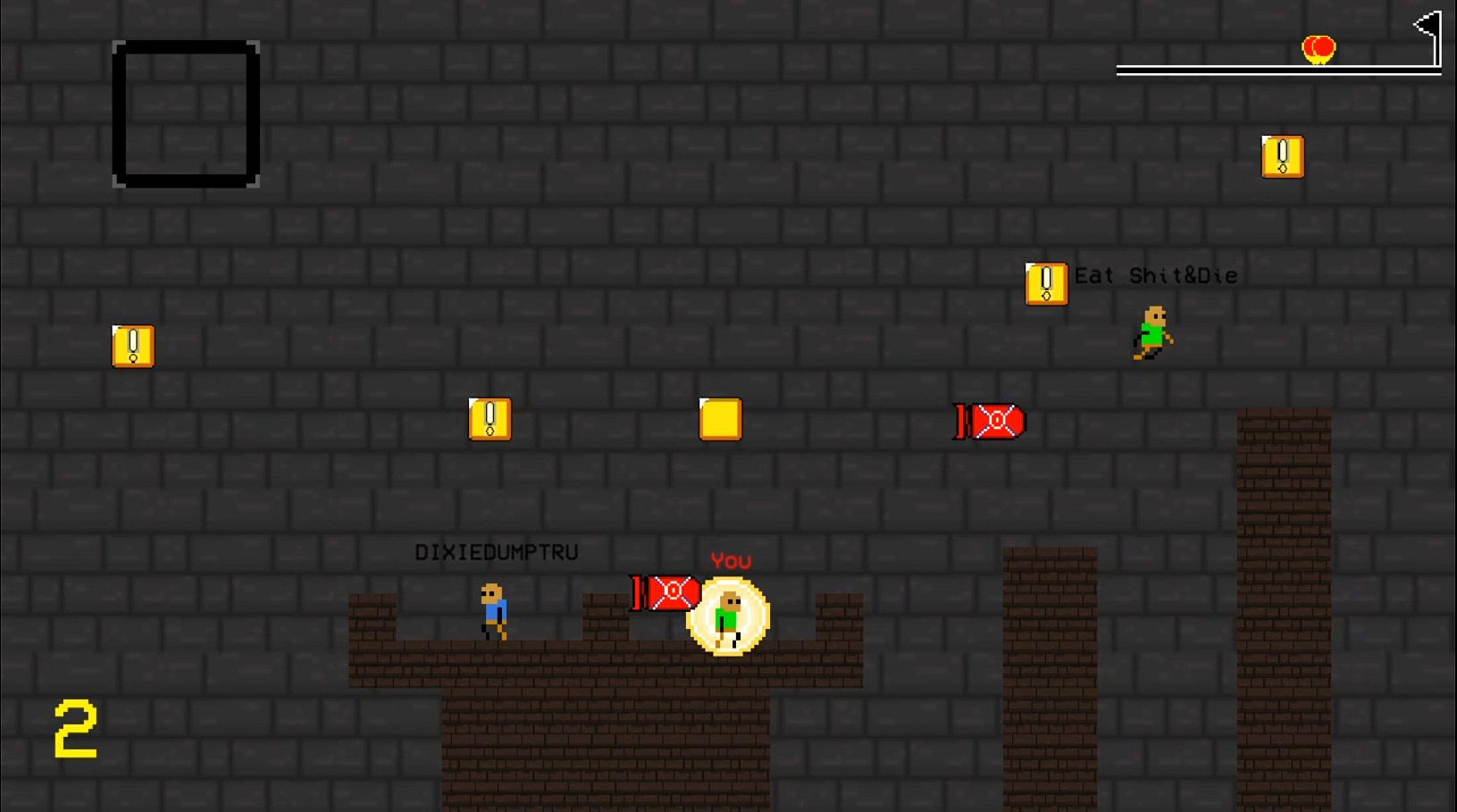
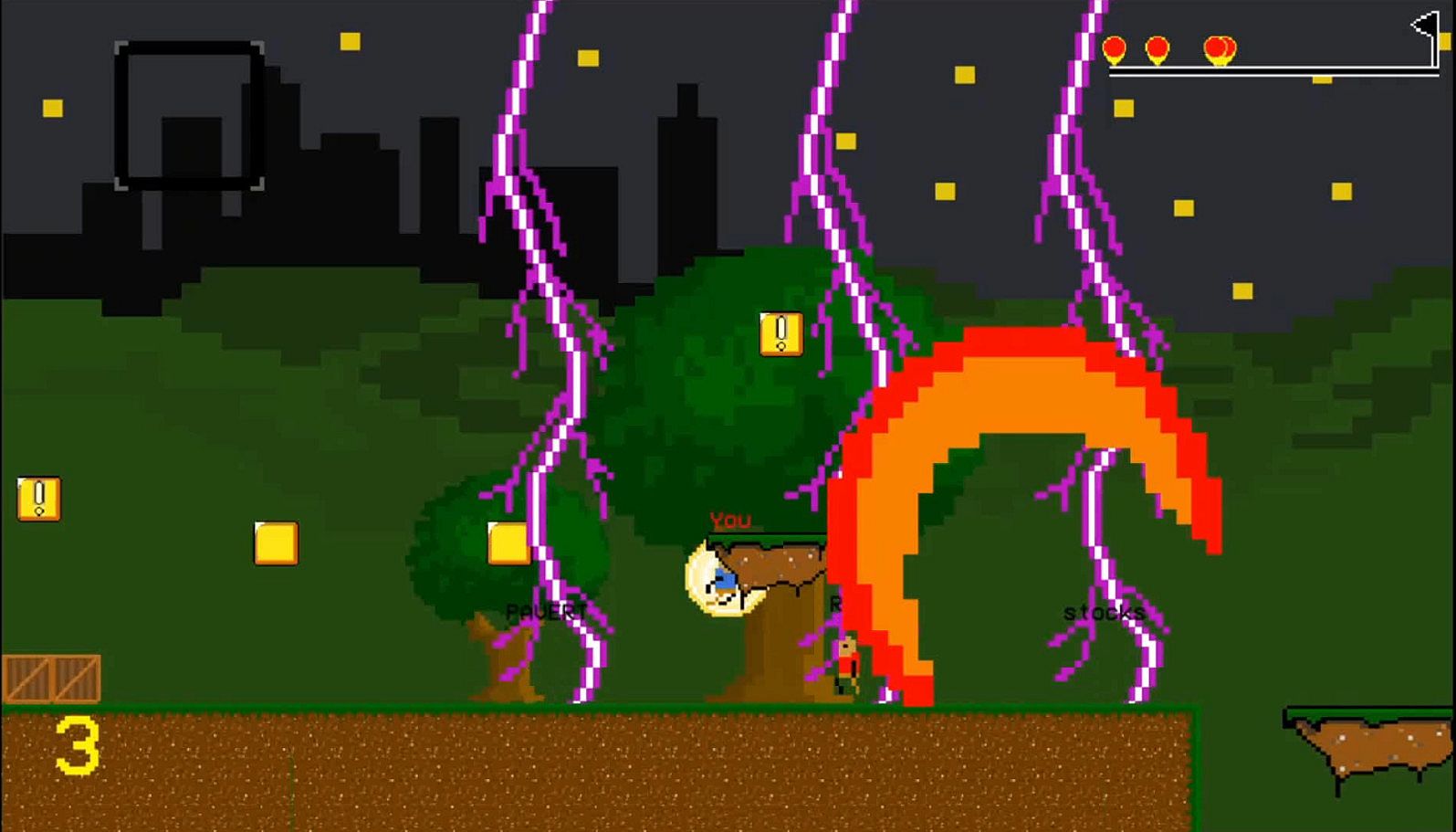
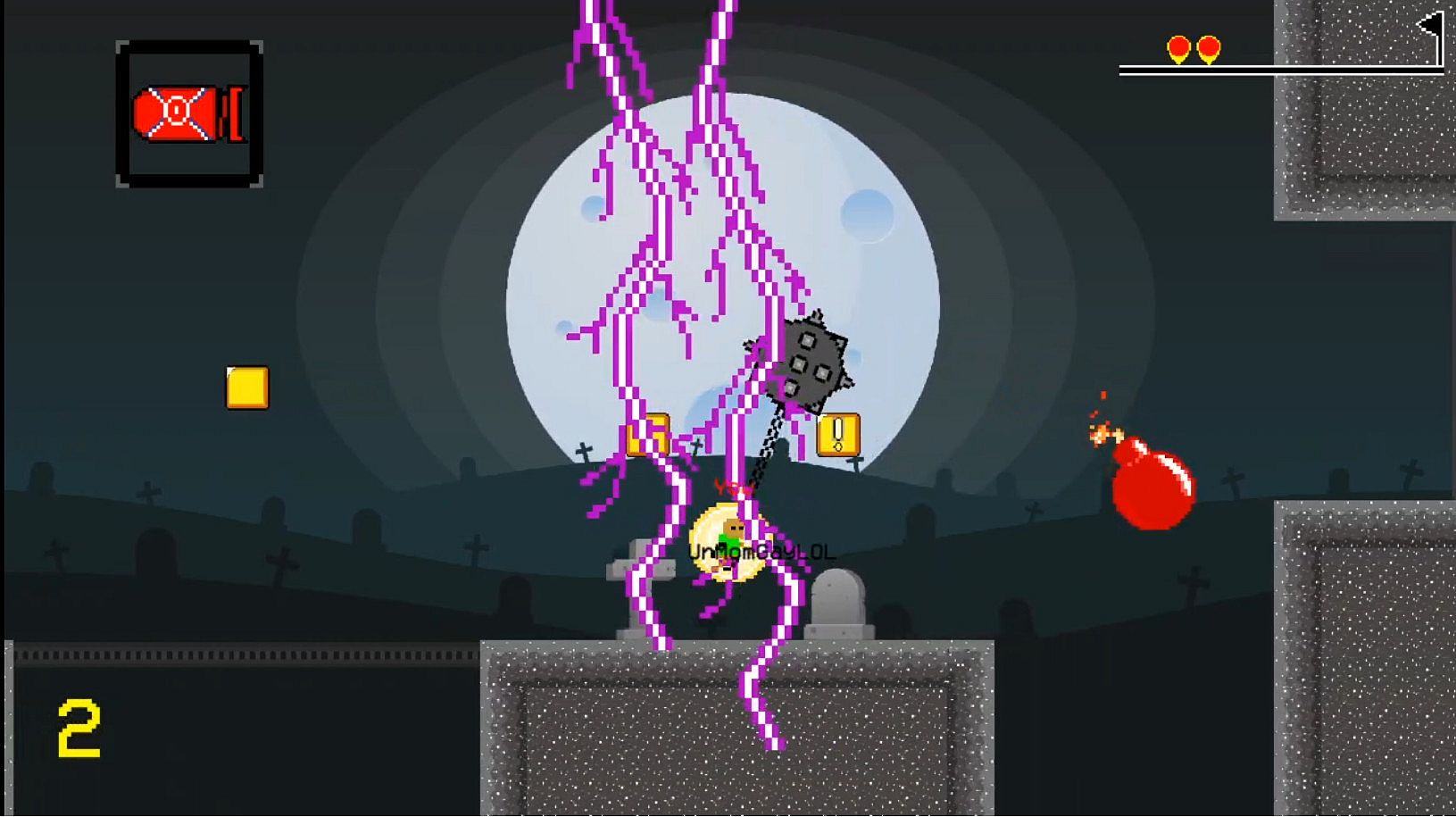
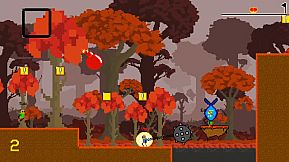
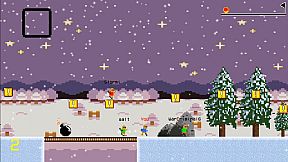
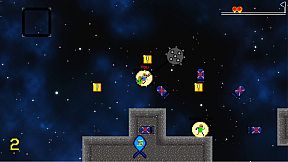
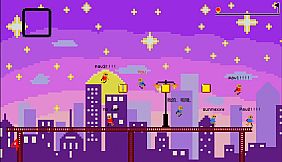
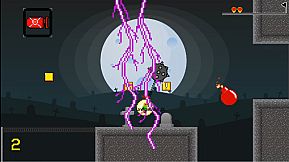
Wette dich online gegen bis zu sieben andere Spieler in diesem Free-to-Play-2D-Plattform-Racer - setzt chaotische Items aus „!"-Blöcken ein, um die Konkurrenz zu stören. Bleibt ihr zurück, greift ihr mächtigere Pickups auf, die ihr dann in 20 thematischen Levels mit einzigartigen Gimmicks, steigender Schwierigkeit und einem Random Generator für endlose Abwechslung blitzschnell einsetzt. Wählt zwischen Online VS für globale oder regionale Multiplayer-Räume mit Chat und Level-Voting, Local Duel mit Splitscreen-Kämpfen am selben PC oder Solo Time Attack, um Rekorde zu jagen. Anpassbare Steuerung wie WASD für Laufen, Springen und Item-Nutzung sorgt für flüssigen Action-Flow, ergänzt durch Optionen für Vollbild, Minimap und Spielernamen. Jederzeit pausieren, um neu zu starten oder zu beenden. Casual-Racer und Indie-Multiplayer-Fans erleben reines, werbefreies Chaos - ohne In-App-Käufe.

Race against up to 7 other players online and create catastrophic chaos with items beyond insanity. Breaking the tradition of single-player, story-based platformers. Interested? This is the brand new 2D platformer experience you want.

This is a completely free game with no in-game purchases or advertisements. It's meant to be available for anyone to enjoy.

Gameplay

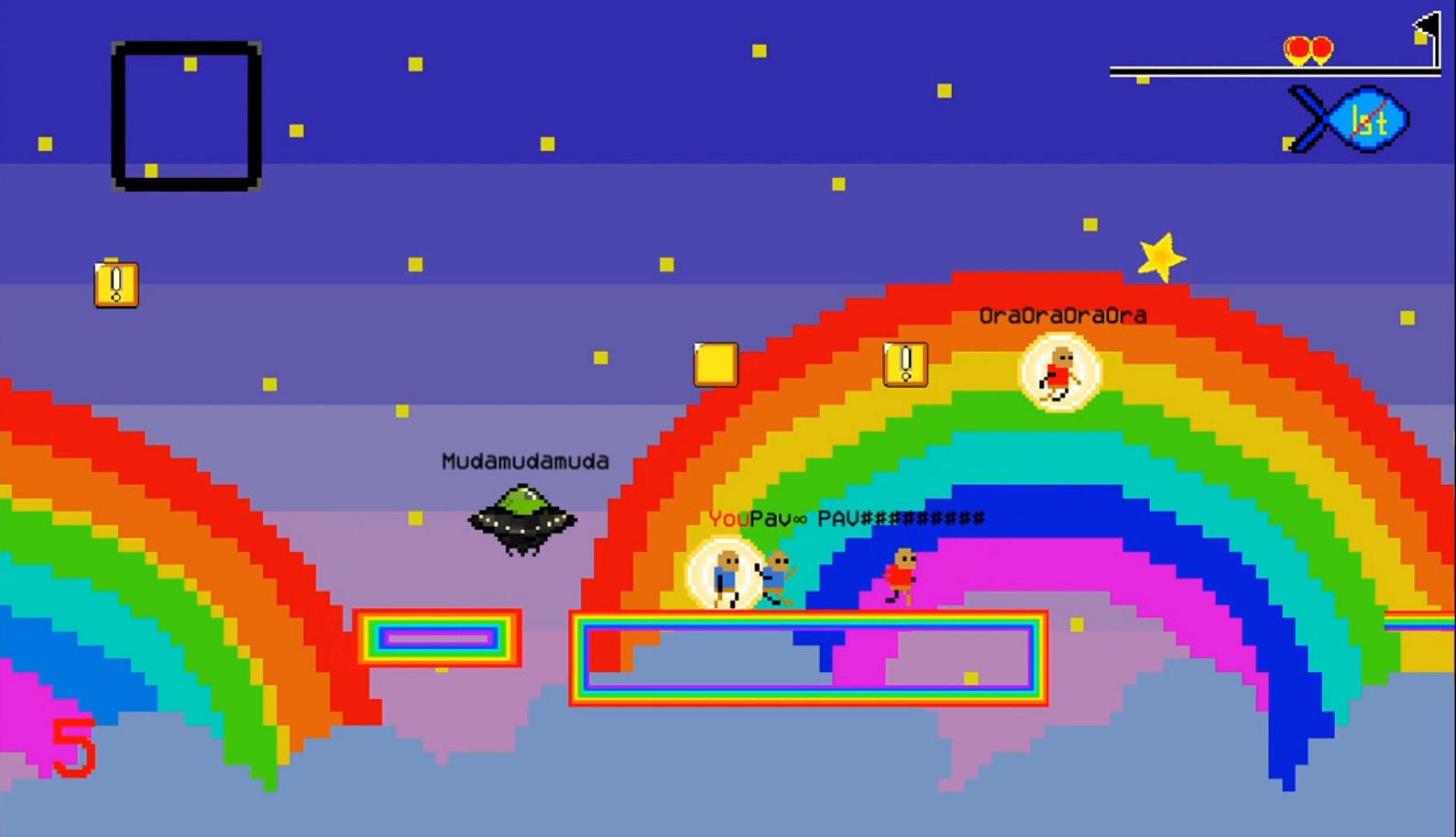
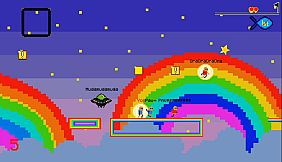
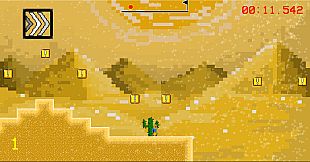
The game consists of 20 levels, each with their own themes, gimmicks, and difficulty. The game also includes a random level generator. Each race is unique. No matter how many times you play any level, a new race will never be the same.

When you hit a "!" block, you'll receive an item. The item distribution is based on your position and random chance. The further behind you are, the more powerful your items will be. Use your items quickly to ensure maximum chaos~

Racing is separated into three modes: Online VS, Local Duel, and Time Attack.

In Online VS, you can connect and race with up to 7 other players. The bigger the room, the more chaos and destruction...

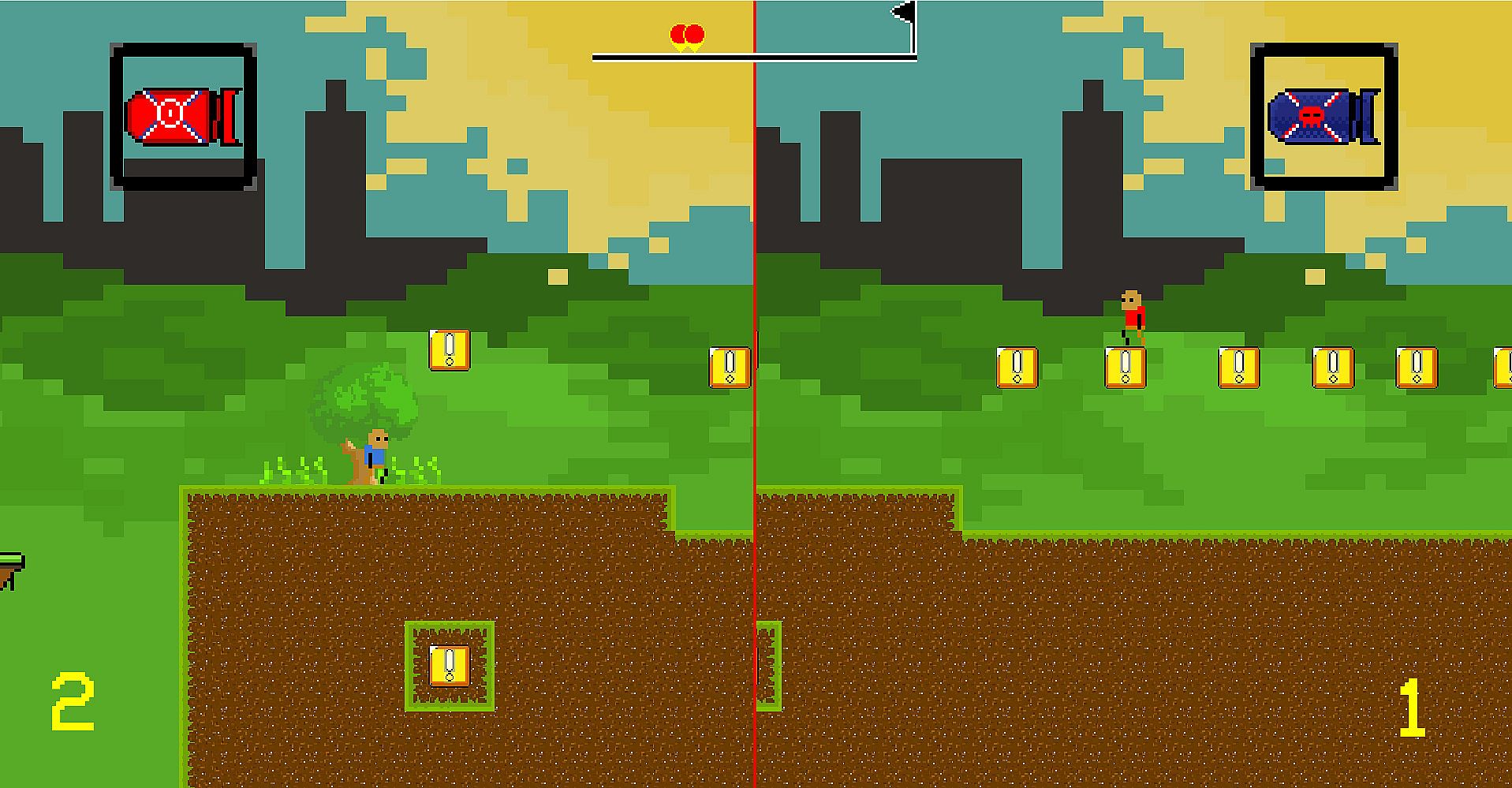
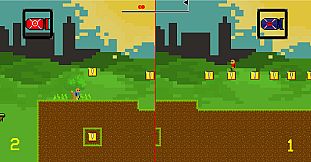
In Local Duel mode, you can race offline against a friend on the same device on split-screen. The default controls are recommended (player 1 on WASD, player 2 on arrow keys).

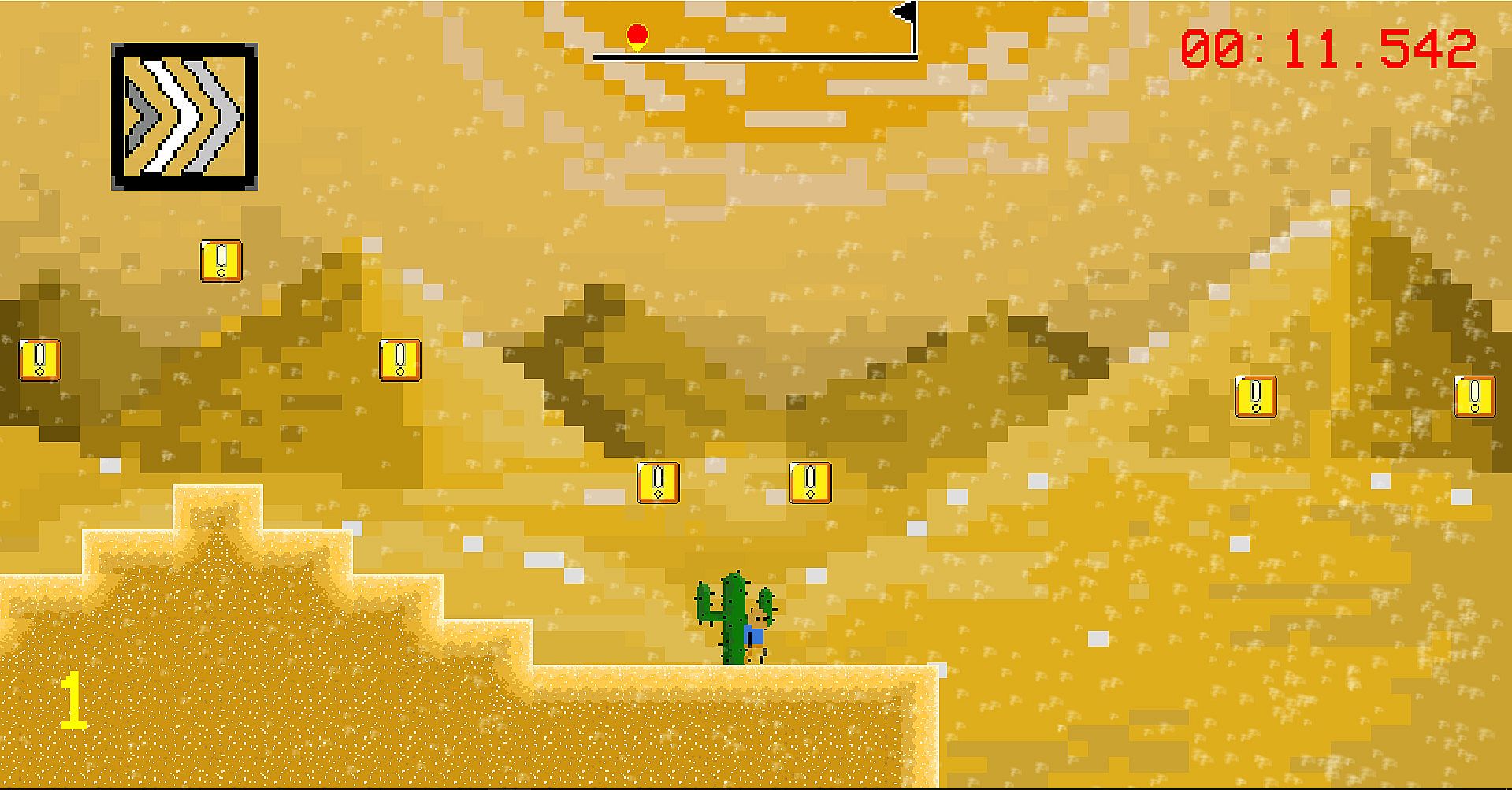
In Time Attack mode, you can race offline alone for the best record in every level.

Menu Navigation

The title screen allows you to choose between the three racing modes, settings, credits, and help. The settings menu has multiple functions. First, you may change your controls. The Online Mode toggle allows you to choose between playing with players from all over the world or just from your region. You can turn on or off player names during online races and the minimap. Lastly, you can switch between full-screen and windowed mode. The help menu explains the functionality of each item in the game. The credits menu lists the contributors who made this game for you.

In the Online VS menu, you can host a public room (anyone can join), host a private room (only players who know the exact room name can join), join anyone's public room, or join a private room with the correct room name. Once in a room, you'll be able to chat with the other players, and the host decides when the game will start. After the room starts, all players will vote for a level to race in and a vote will be chosen randomly. Then it's time to wreak havoc and race to the flag!

While racing, you can press Enter to pause the game. In Online VS and Local Duel, you can either continue the match or quit the match from the pause menu. In Time Attack, you can also retry the level from the start.

Controls

The default controls are A and D for running, W for jumping, and S for item. For player 2 in Local Duel, the respective controls apply to the arrow keys. You can navigate the menu with your mouse. You can change the key bindings to anything of your preference in the settings menu.

Oberfläche:
English

Altersfreigabe

Keine Angabe
Metacritic:
tbd tbd
Steam:
Very Positive (527)

Systemanforderungen

Minimum:

    Minimum:
    • Requires a 64-bit processor and operating system
    • OS *: WIndows 7 and Newer
    • Processor: Intel Celeron X64 architecture
    • Memory: 1024 MB RAM
    • Graphics: Intel HD Graphics
    • Storage: 70 MB available space
    • Additional Notes: This game requires as much processing power as a browser. As long as your system is 64 bit, you should be able to run the game.

Empfohlen:

    Recommended:
    • Requires a 64-bit processor and operating system
    • OS *: Windows 8 and Newer
    • Processor: Intel Core i3 X64 architecture
    • Memory: 2048 MB RAM
    • Graphics: Intel HD Graphics
    • Storage: 500 MB available space
Historisches Tief
Preisverlauf von offiziellen Shops
-
-
-
Preisverlauf von Keyshops
-
-
-
Tritt unserem Discord bei
Erhalte Hilfe von der Community und bleibe ĂĽber Angebote informiert
Preisalarme einrichten
Erhalte E-Mail-Benachrichtigungen wenn Preise fallen
Kostenloses Konto erstellen
Schalte Wunschlisten, Preisalarme und Steam-Sync frei

FAQ

8 Fragen

Bevor du nach einem günstigen Madrun CD Key suchst, wirf einen Blick auf die wichtigsten Fakten. Entwickelt von Tianyu Cao. Veröffentlicht von Tianyu Cao. PC Release-Datum: 11 Apr. 2020. Genres: Action, Free To Play, Indie, Casual, Racing. Kategorien: Multi-player, PvP, Online PvP, Shared/Split Screen PvP, Single-player, Steam Achievements, Shared/Split Screen, Steam Leaderboards. Madrun Bewertungen: Metascore: tbd. Metacritic Nutzer: tbd. Steam Rezensionen: 91% of the 527 user reviews for this game are positive.

Q Kann ich Madrun auf dem Steam Deck spielen?

Nein, derzeit nicht. Valve kennzeichnet Madrun als nicht unterstĂĽtzt auf dem Steam Deck. Es startet aktuell nicht ĂĽber Proton. Behalte XD.deals im Blick - wir melden dir sofort, wenn ein Weg gefunden ist, Madrun auf dem Steam Deck zu spielen.

Ja. Es gibt eine Steam-Version von Madrun. Wähle ein Angebot mit dem Tag Steam Key auf XD.deals, aktiviere es im Steam-Client und spiele Madrun auf deinem PC.

Ja. Nachdem du deinen Steam Key eingelöst hast, kannst du Madrun im Offline-Modus von Steam starten. Deine Spielstände synchronisieren sich, sobald du wieder online bist.

Ja, du kannst einen Madrun Steam Key direkt im Steam Store kaufen. Auf XD.deals listen wir alle verfĂĽgbaren Steam-DRM-Angebote, damit du gĂĽnstige Madrun Steam Deals auf einen Blick vergleichen kannst.

Alle aktuellen Sales und Rabatte fĂĽr Madrun findest du hier bei XD.deals. Unser Preis-Tracker listet derzeit 1 Angebote aus offiziellen Shops und 0 Deals aus Keyshops. Sieh oben nach dem niedrigsten Preis, vergleiche ihn mit dem historischen Tiefstpreis des Spiels und setze einen Preisalarm, damit du keinen Preissturz verpasst.

Mit XD.deals sehen PC-Spieler sofort, wo sie einen günstigen Madrun PC Steam Key kaufen können. Unsere Preisvergleichs-Engine in Echtzeit und unsere kuratierte Gutscheindatenbank überwachen jeden offiziellen Shop und vertrauenswürdigen Keyshop. Aktuell erkennen wir dieses Spiel in 1 Live-Angeboten von Shops und Keyshops.

Ja. Eine offizielle Madrun Steam-Seite ist online, sodass du Madrun auf Steam kaufen oder jeden Madrun PC Steam Key auf XD.deals erwerben und sofort einlösen kannst.

Nein - XD.deals ist kein Shop. Wir sind ein Preisvergleichs-Service, der die besten Angebote für Madrun aus offiziellen Shops und verifizierten Keyshops verfolgt. Klicke 'Jetzt kaufen' neben dem gewünschten Deal, um zum Händler zu wechseln und dort den Key zu erhalten.

Beste Preise fĂĽr Madrun

1 Steam Steam Official
0,00 €

Bereit zum Zocken? Setze einen Preisalarm auf XD.deals und sichere dir einen reduzierten Madrun Steam Key, sobald er sein nächstes Allzeit-Tief erreicht.

Alarm erstellen