

in progress...

Cube Racer PC kaufen

Cube Racer ist Free-to-Play! Lade es auf Steam herunter und spiele sofort los. Suchst du Cube Racer DLCs, Ingame-Währung oder Kosmetik? Vergleiche 0 Angebote auf XD.deals und finde die besten Deals.

Veröffentlichung: 30 Okt. 2017
Metacritic:
tbd tbd
Steam:
Very Positive (2k)
Official
Nicht verfĂĽgbar
Keyshops
Nicht verfĂĽgbar
Im offiziellen Store kaufen:
Nicht verfĂĽgbar
Im Keyshop kaufen:
Nicht verfĂĽgbar

Noch keine Angebote. Wir informieren dich, sobald neue Preise verfĂĽgbar sind.

Create Alert Create deal Alert

Ăśber Cube Racer

Cube Racer - Spielbeschreibung

Wetteifere mit Freunden in rundenbasiertem Multiplayer-Action-Racing, bei dem jeder Spieler Hindernisse baut, bevor es zum Ziel geht. Die Strecken werden anspruchsvoller, sobald Booster oder tödliche Objekte hinzukommen - immer fair für alle, während du mit Tempo und Taktik Punkte jagst. Online- oder lokales Multiplayer glänzt mit Controller-Support, ergänzt durch einen Singleplayer-Modus zum Üben auf vorgefertigten Maps. Verdiene Credits in Rennen, um 300 Hindernis-Typen freizuschalten und zu upgraden - und baue dir eigene Strategien für den Wettbewerbsvorteil. Mit dem Map-Editor gestaltest und teilst du Kreationen über Steam Workshop und erweiterst das Spiel mit unendlich vielen User-Maps. Casual-Racer lieben diesen Mix aus Bauen, Überlisten der Gegner und dedizierten Servern für LAN- oder Online-Sessions.

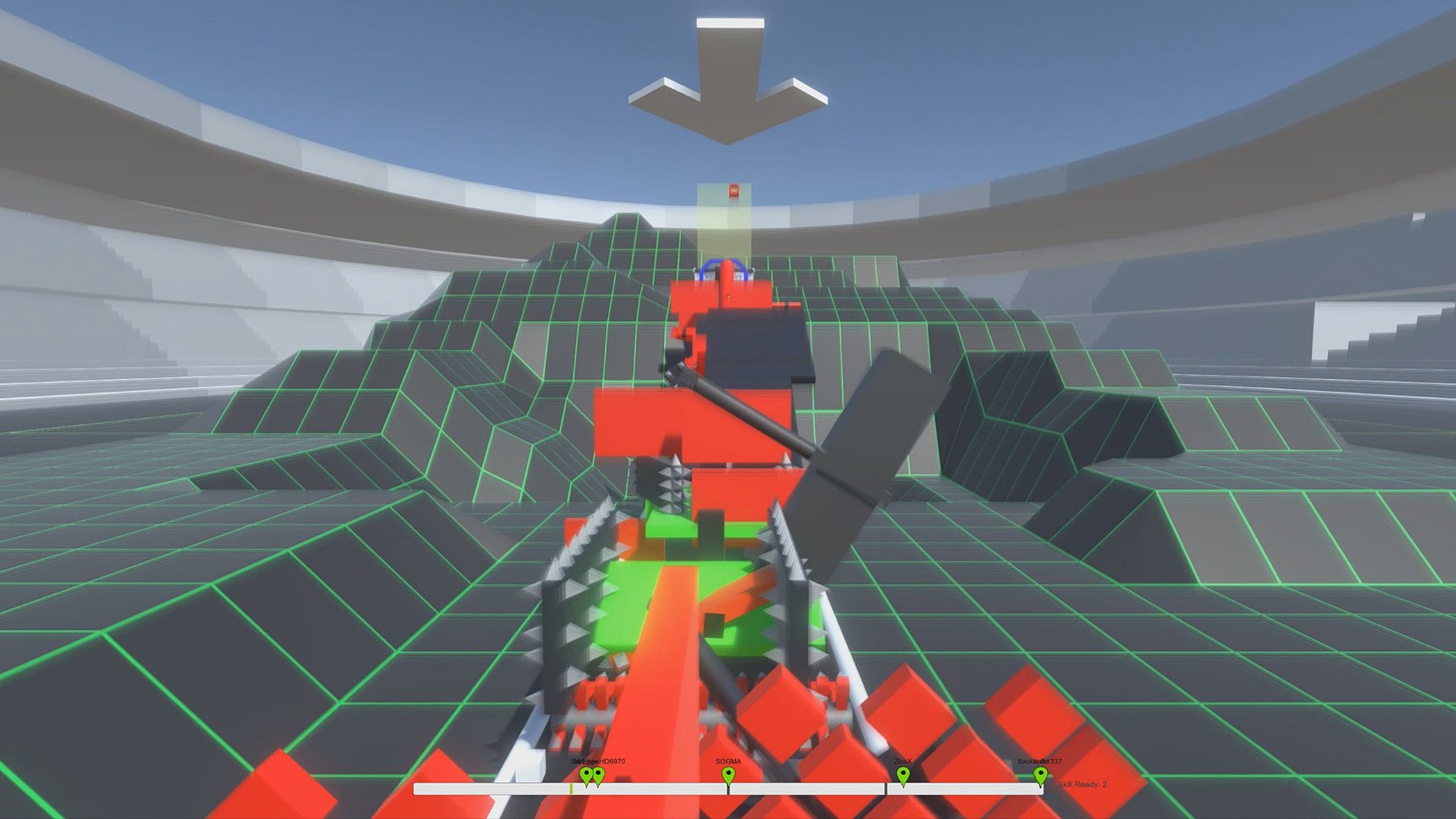
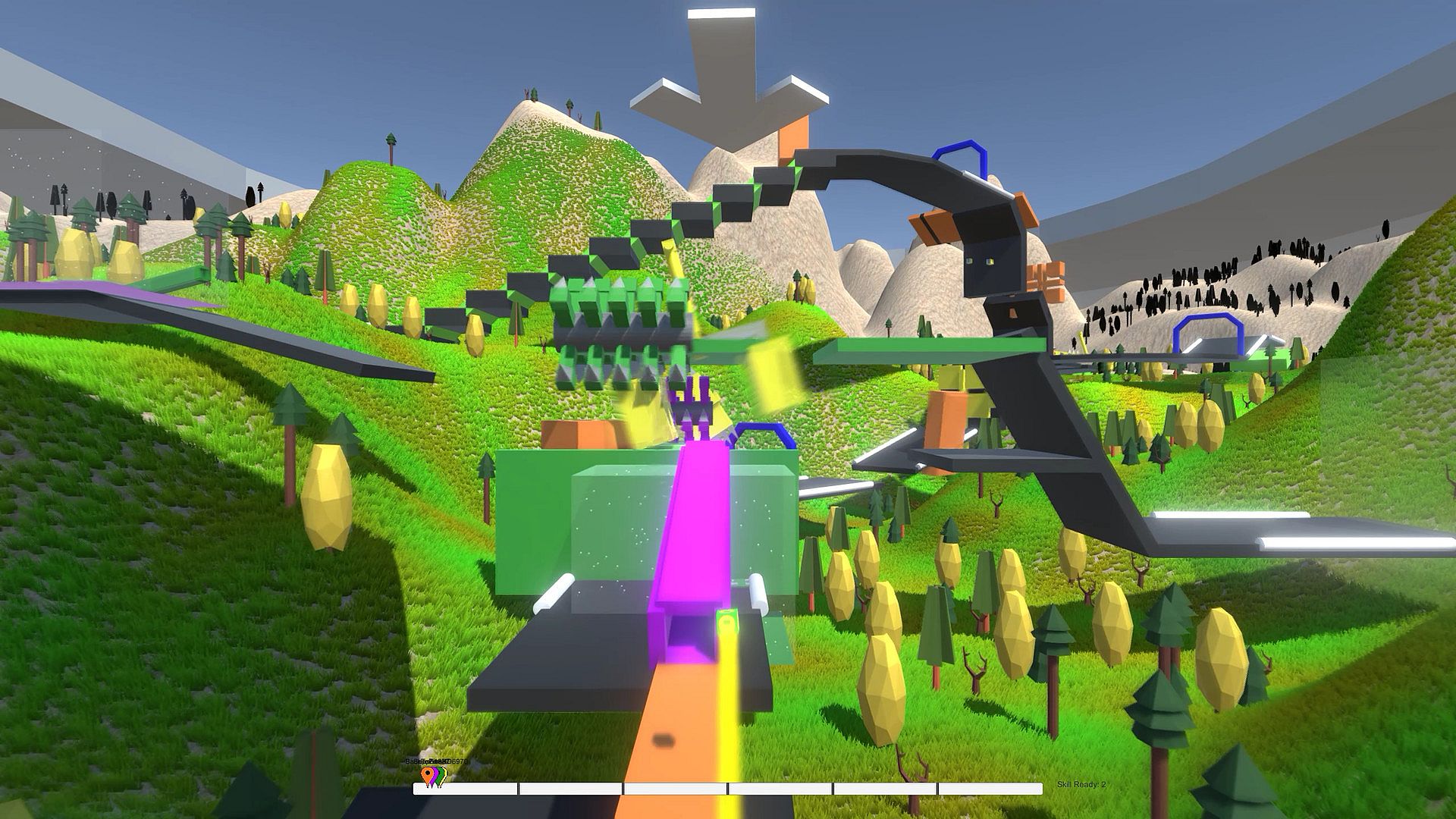
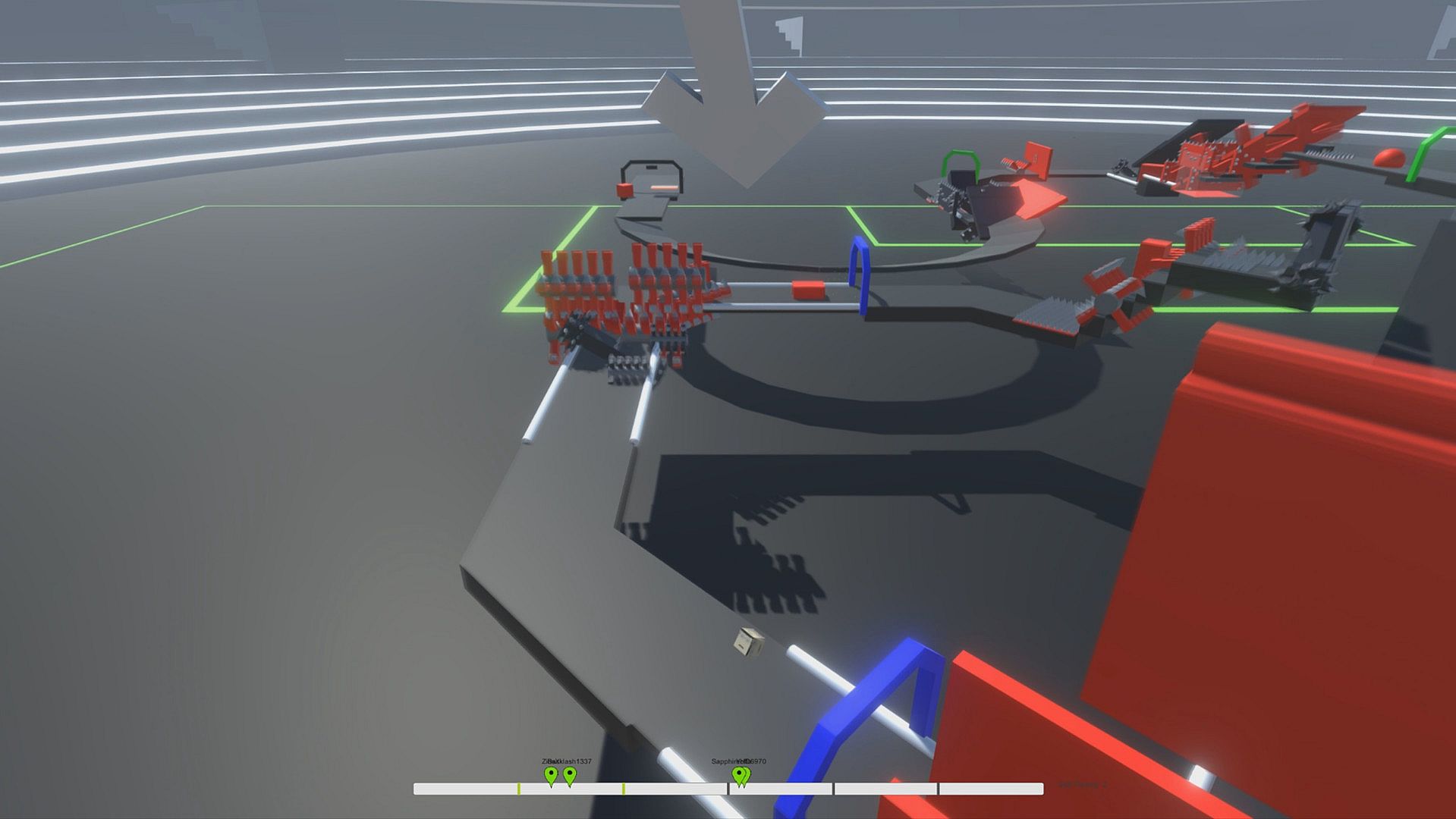
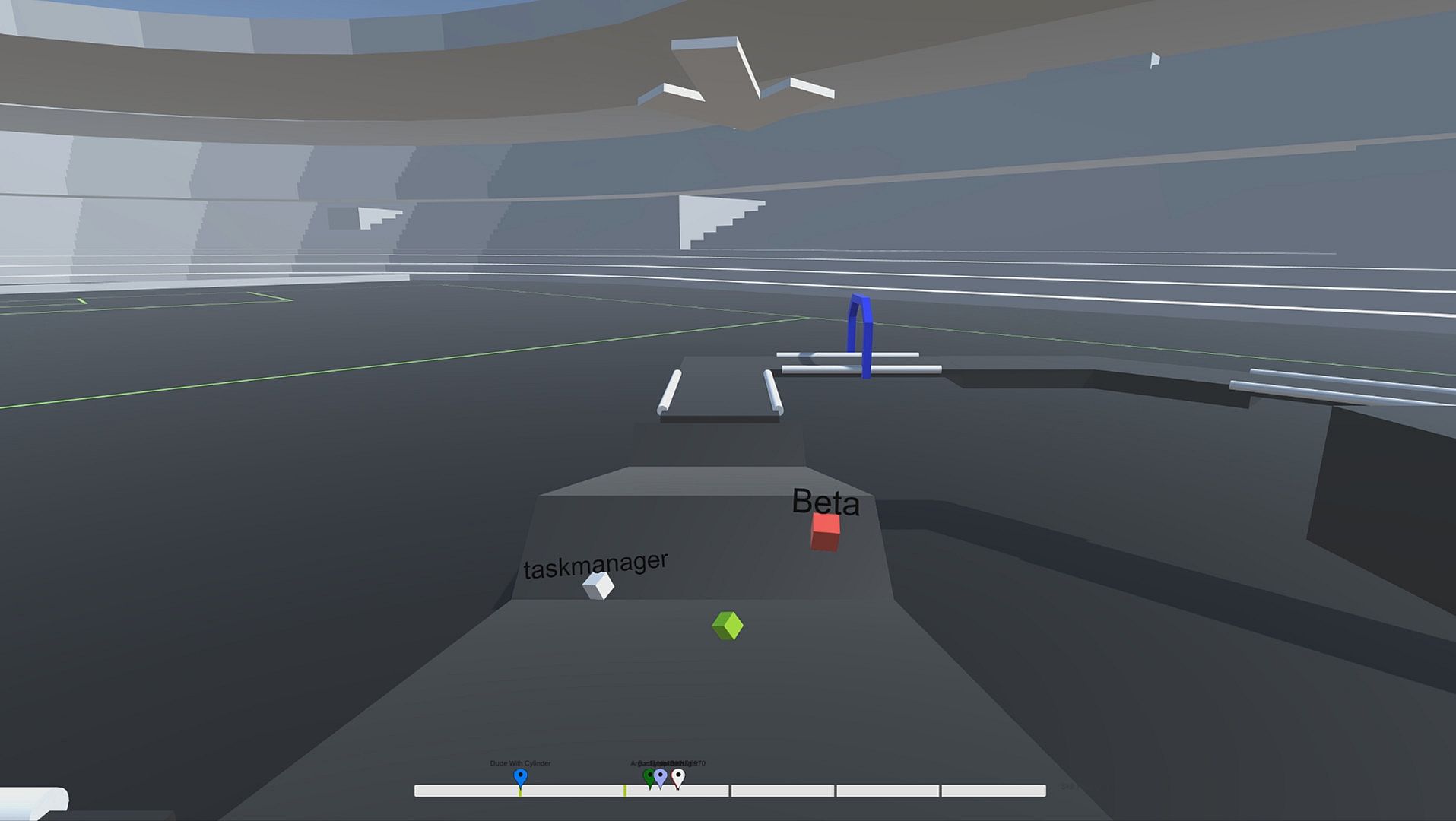
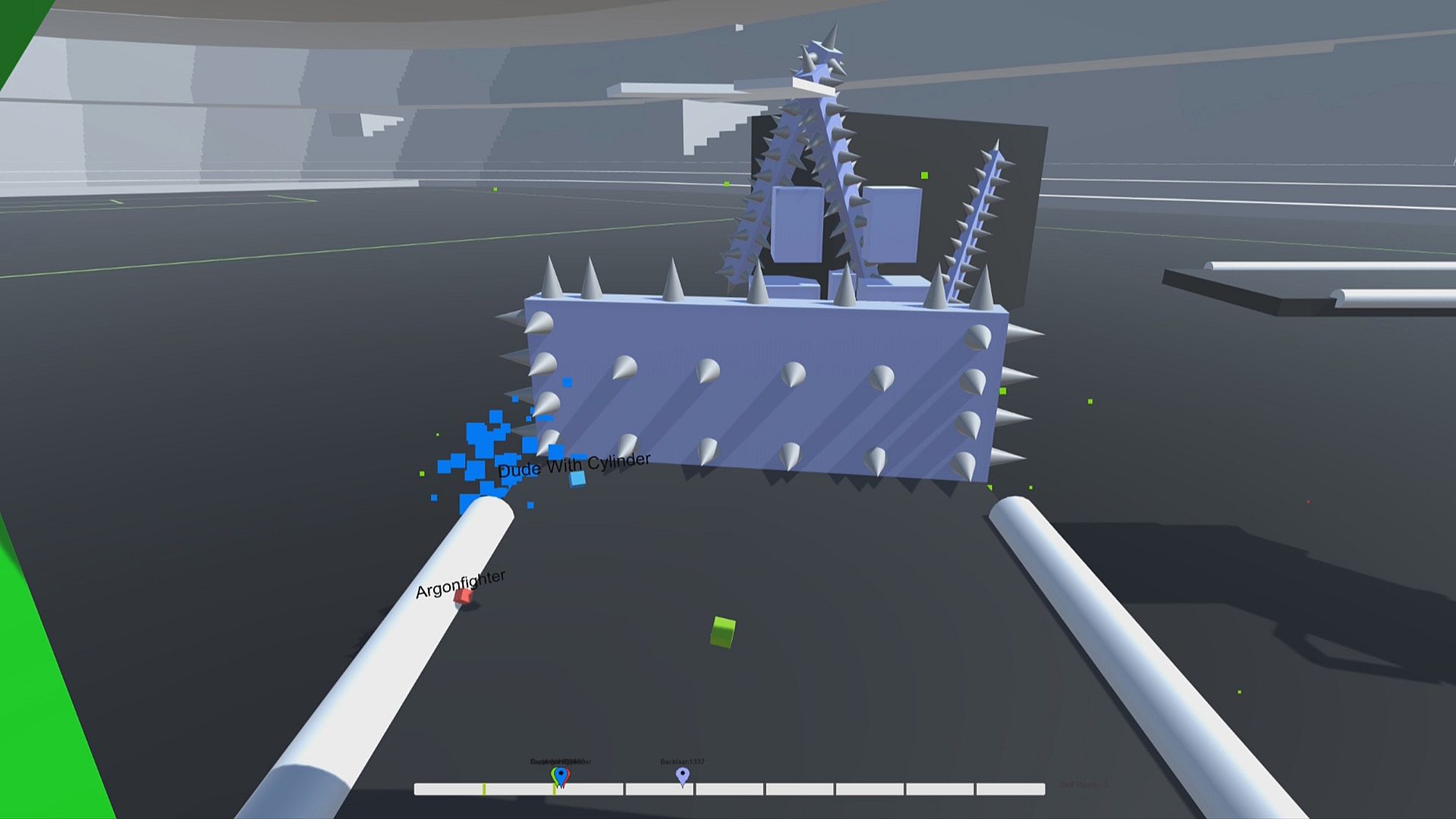
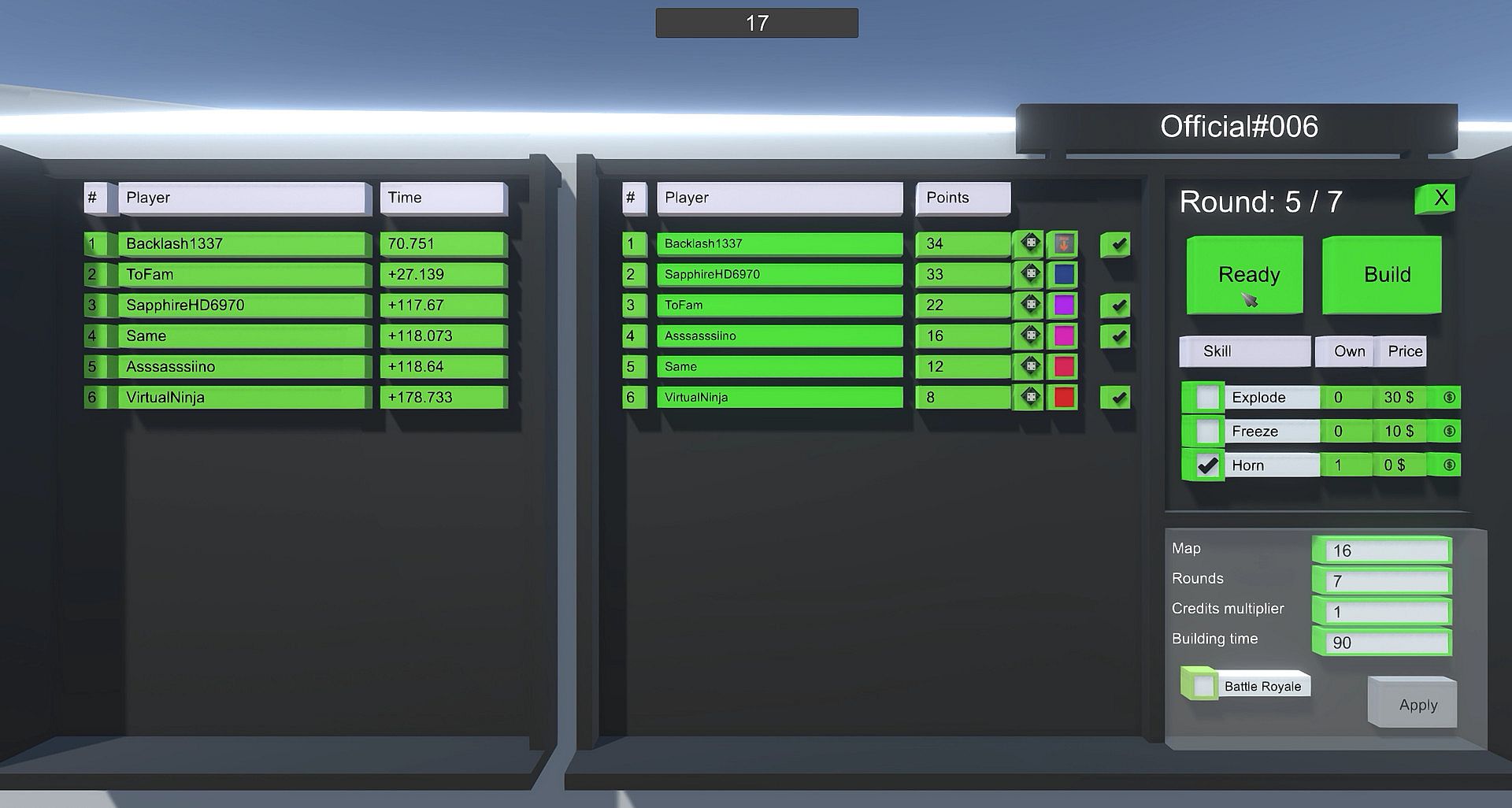
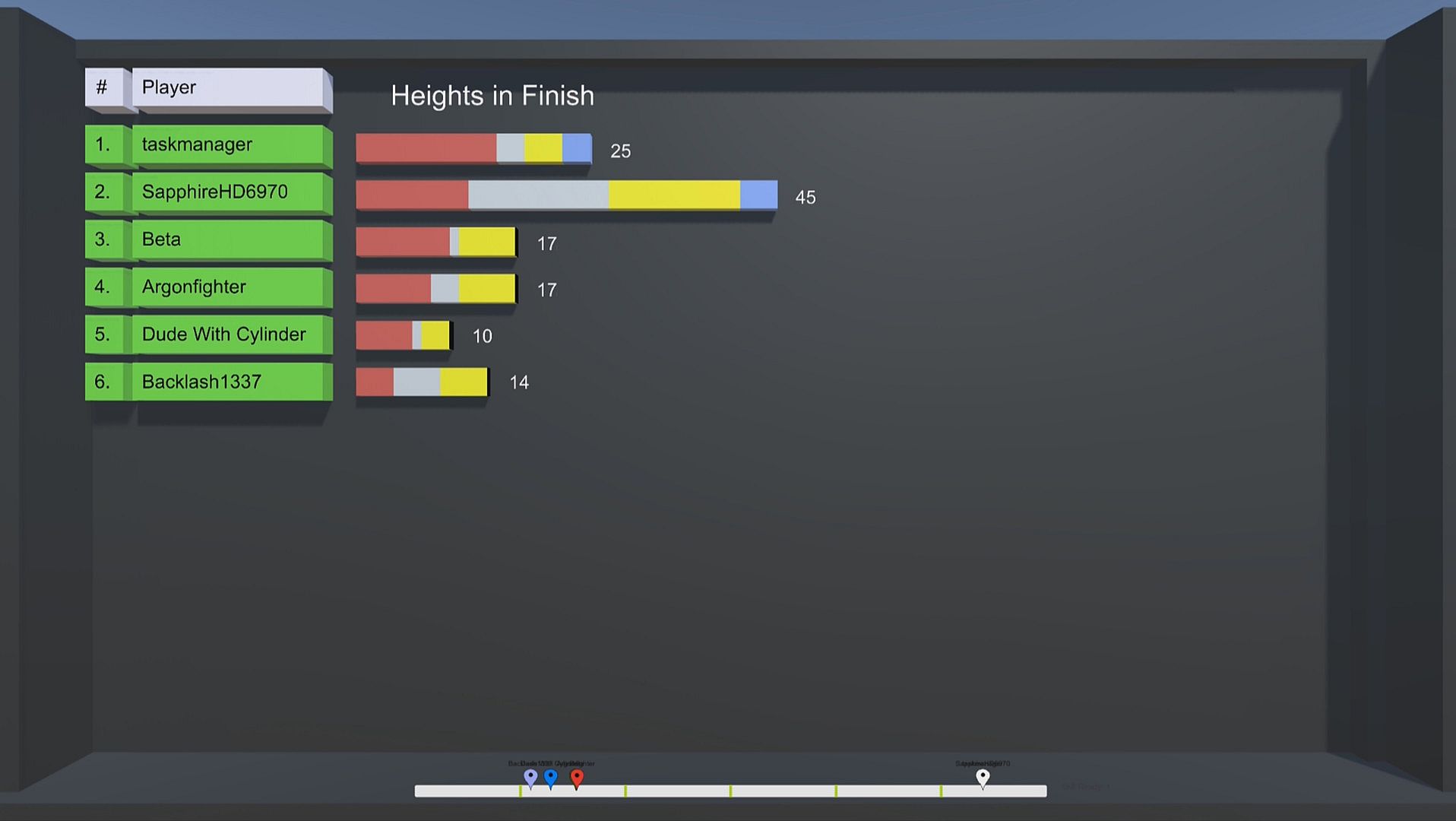
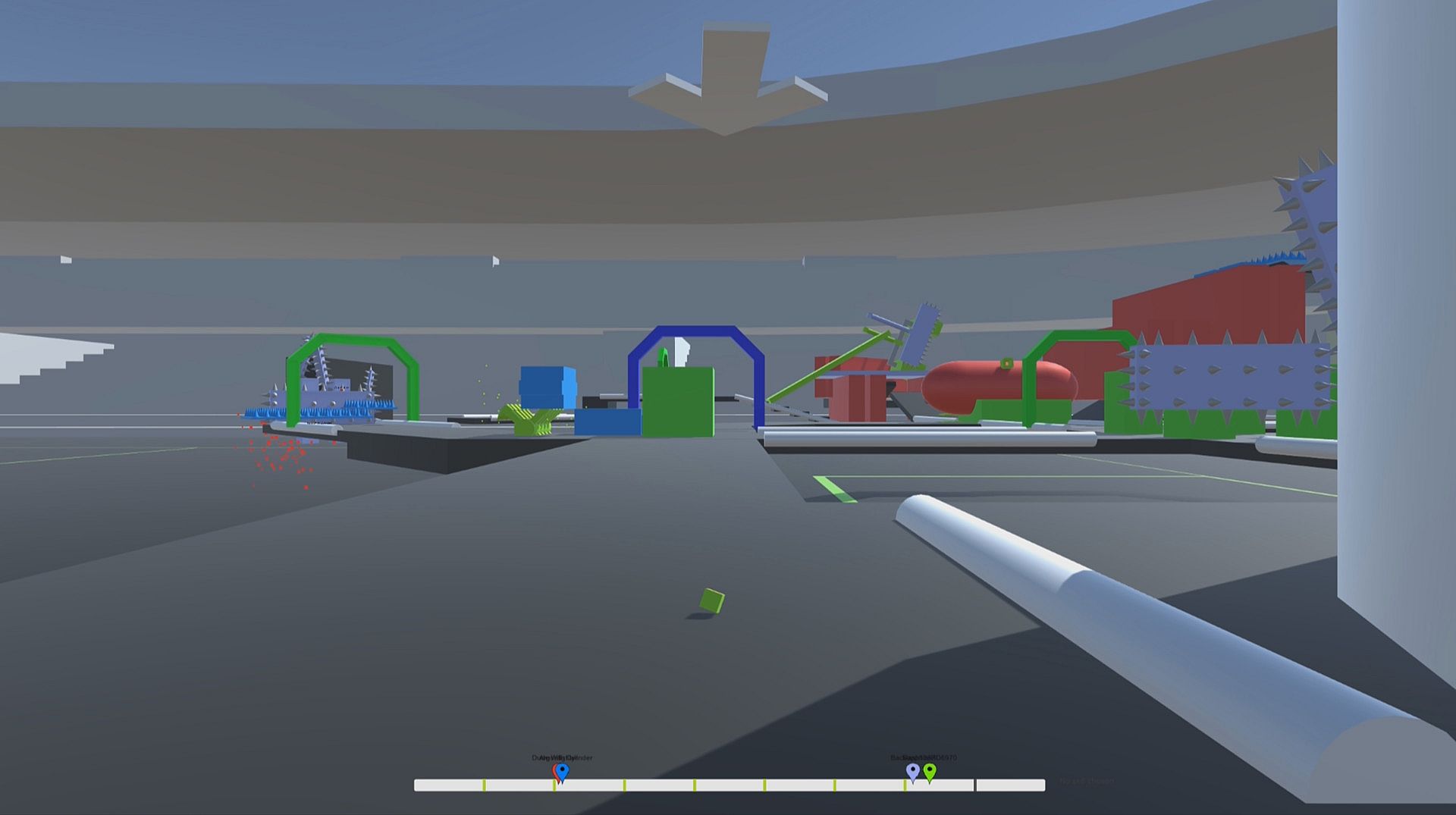
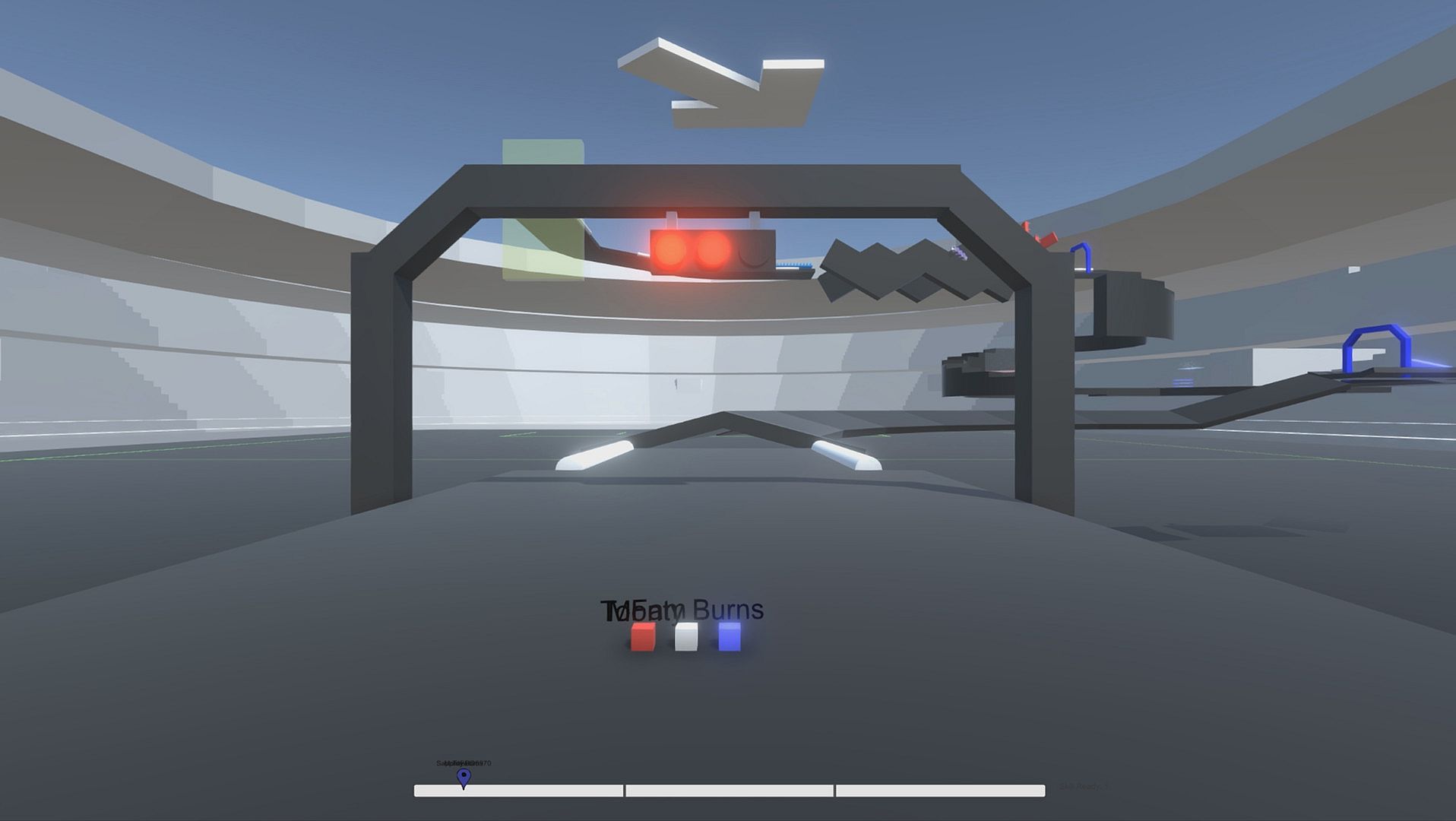
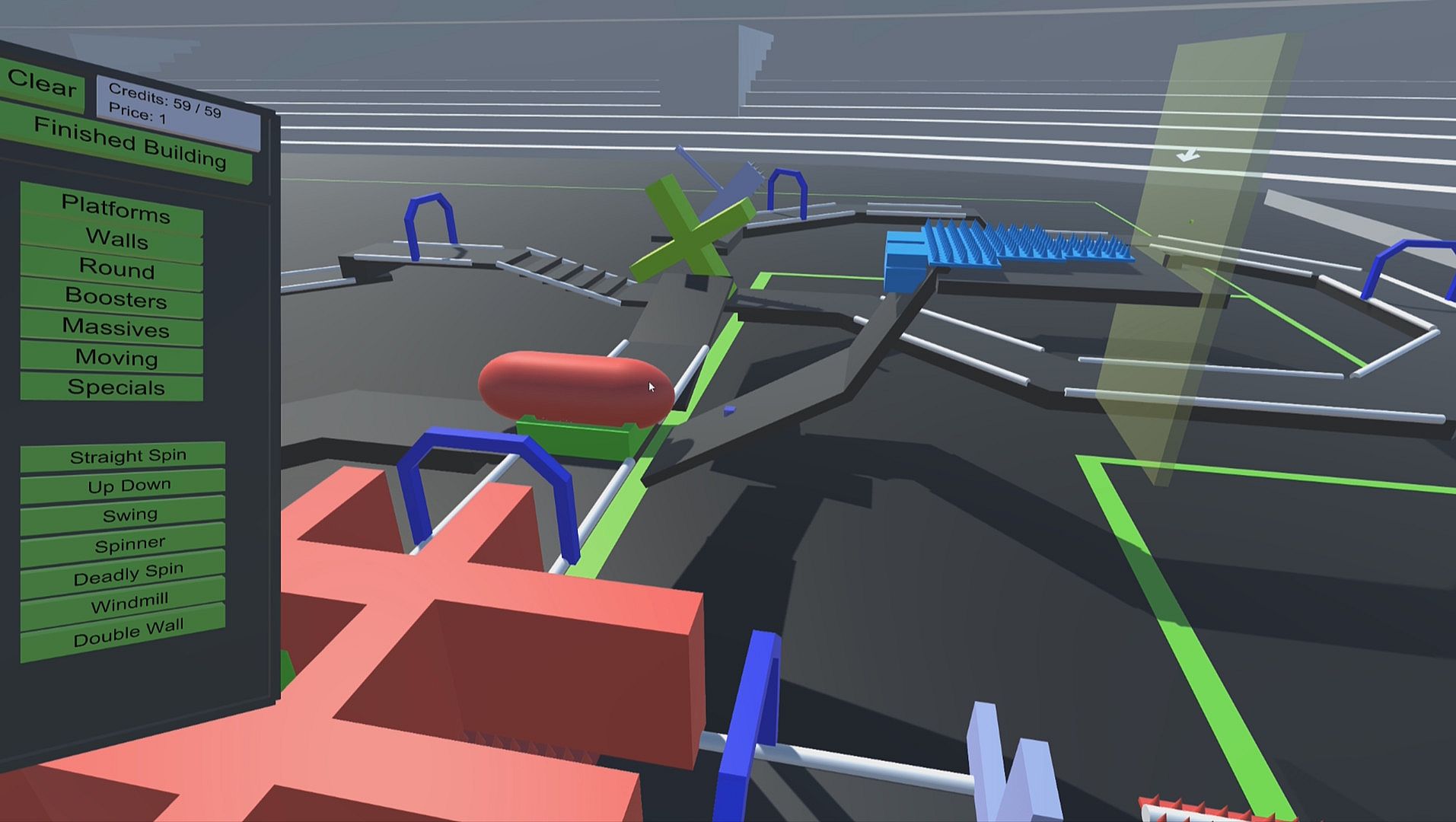
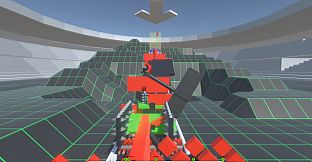
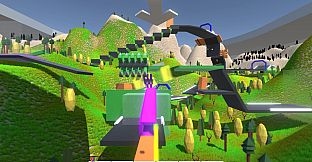
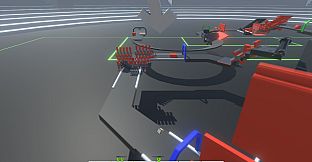
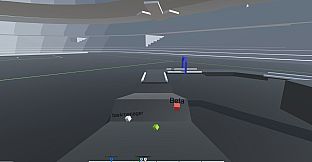
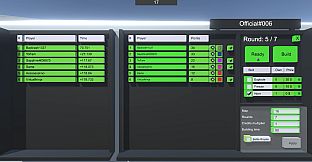
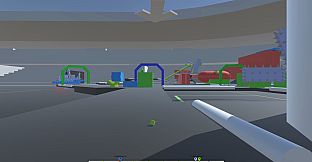
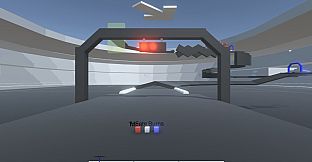
Cube Racer is a round based multiplayer racing game with cubes. Every round, all players race against each other to the finish line. Before every round, the players get to build one or more obstacles on the map. In the next round, all players have to pass all the obstacles, which have been built yet.
Features

  • Online/Local Multiplayer
  • Singleplayer
  • Campaign-like Singleplayer
  • Map Editor
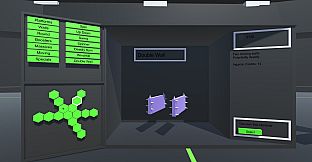
  • 300 Different obstacles
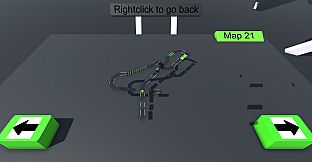
  • 25 Standard maps ( + Endless user created maps)
  • Competitive, fun and exciting
  • Controller support for ingame racing
  • Minimalistic, but still nice graphics
Online/Local Multiplayer

So basically, the game is designed to be a fun multiplayer game. You race against your friends or other players, to finish as fast as possible and score as much points as possible. But instead of giving the winning player an advantage for the following rounds, like it is done in many other games, all players have the same conditions every round, as all players are racing on the same map, with the same obstacles.
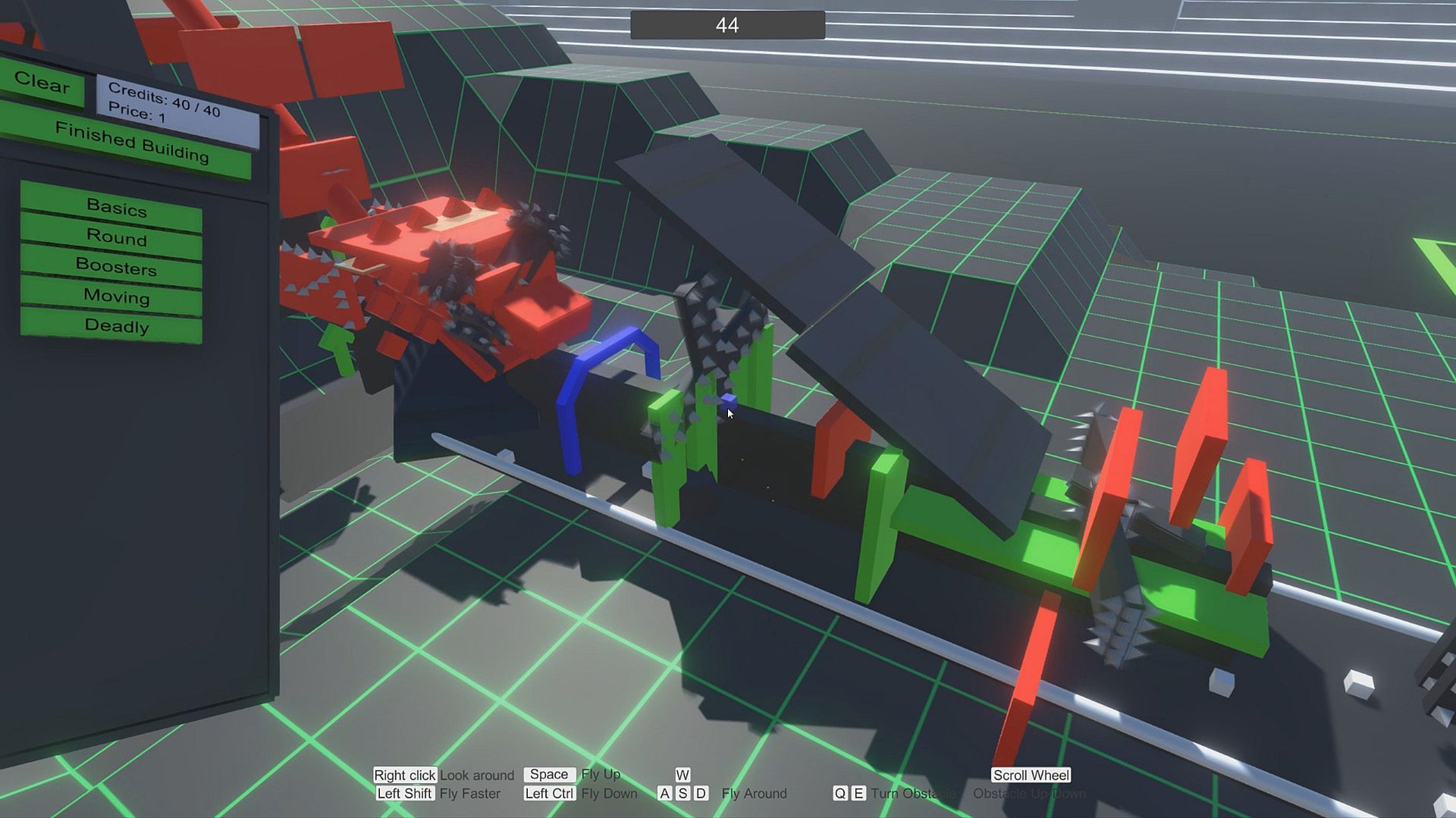
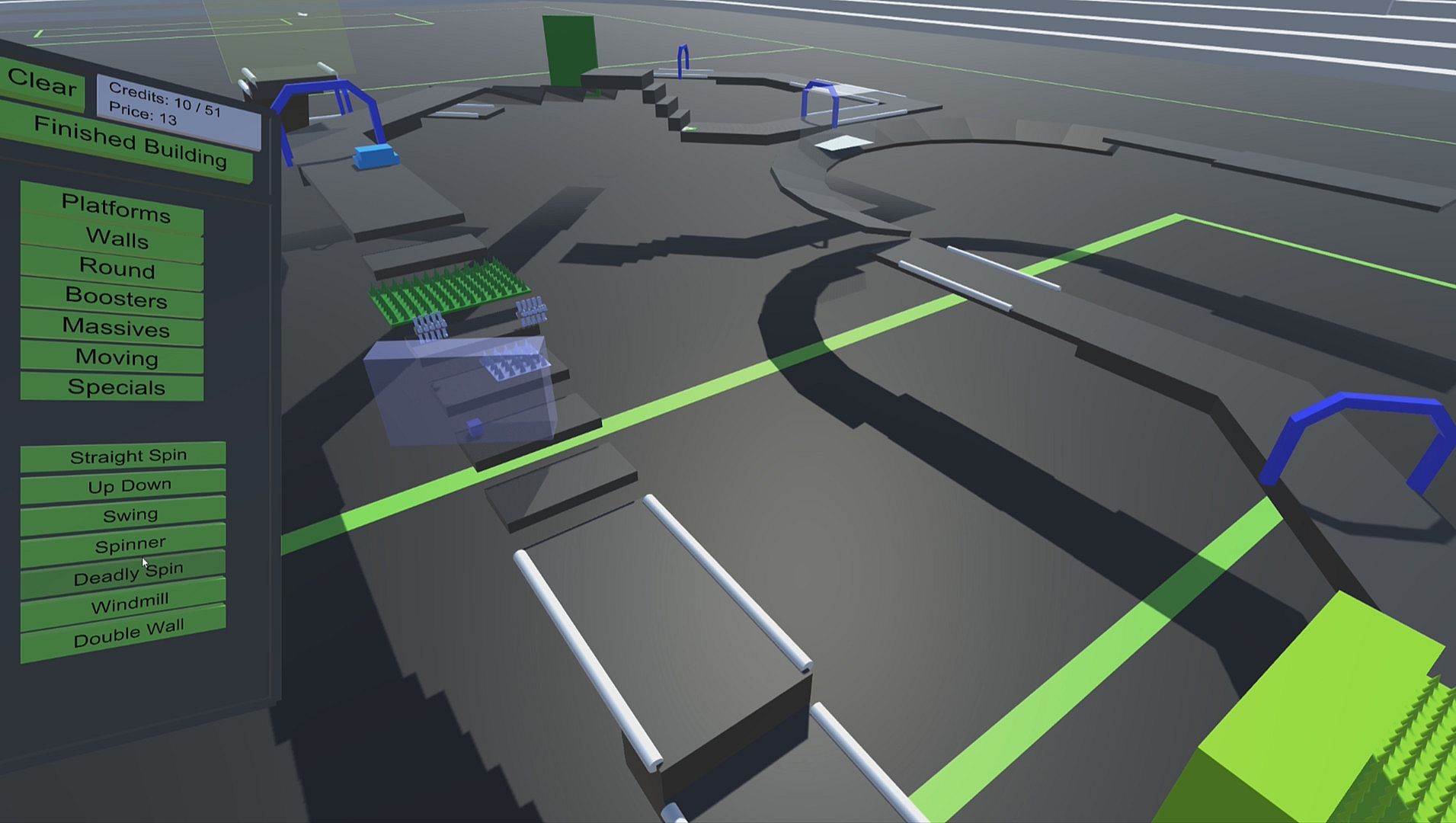
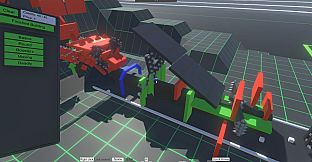
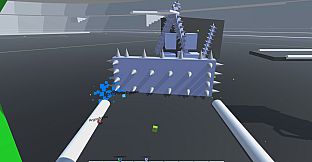
Besides of the racing, all players extend the map continuously, as every player can build obstacles, boosters or potential deadly objects on the end of each round. This way, the map gets more difficult or easier, but surely more interesting. It's totally up to you!
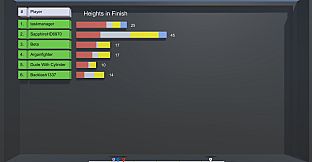
To win in the end, you must collect the most points by scoring as good as possible in every round, outsmarting your opponents with your obstacles and your racing skill.

Also, the game comes with a dedicated server, which allows you to set up your own local or online Cube Racer Server. It's a perfect opportunity to play some rounds with your friends, or to have some fun time on a hypothetically LAN-party ;)
Singleplayer

In Singleplayer, you can challenge yourself to race on different maps with various predefined obstacles to slam the fastest times you are capable of.
Obstacles

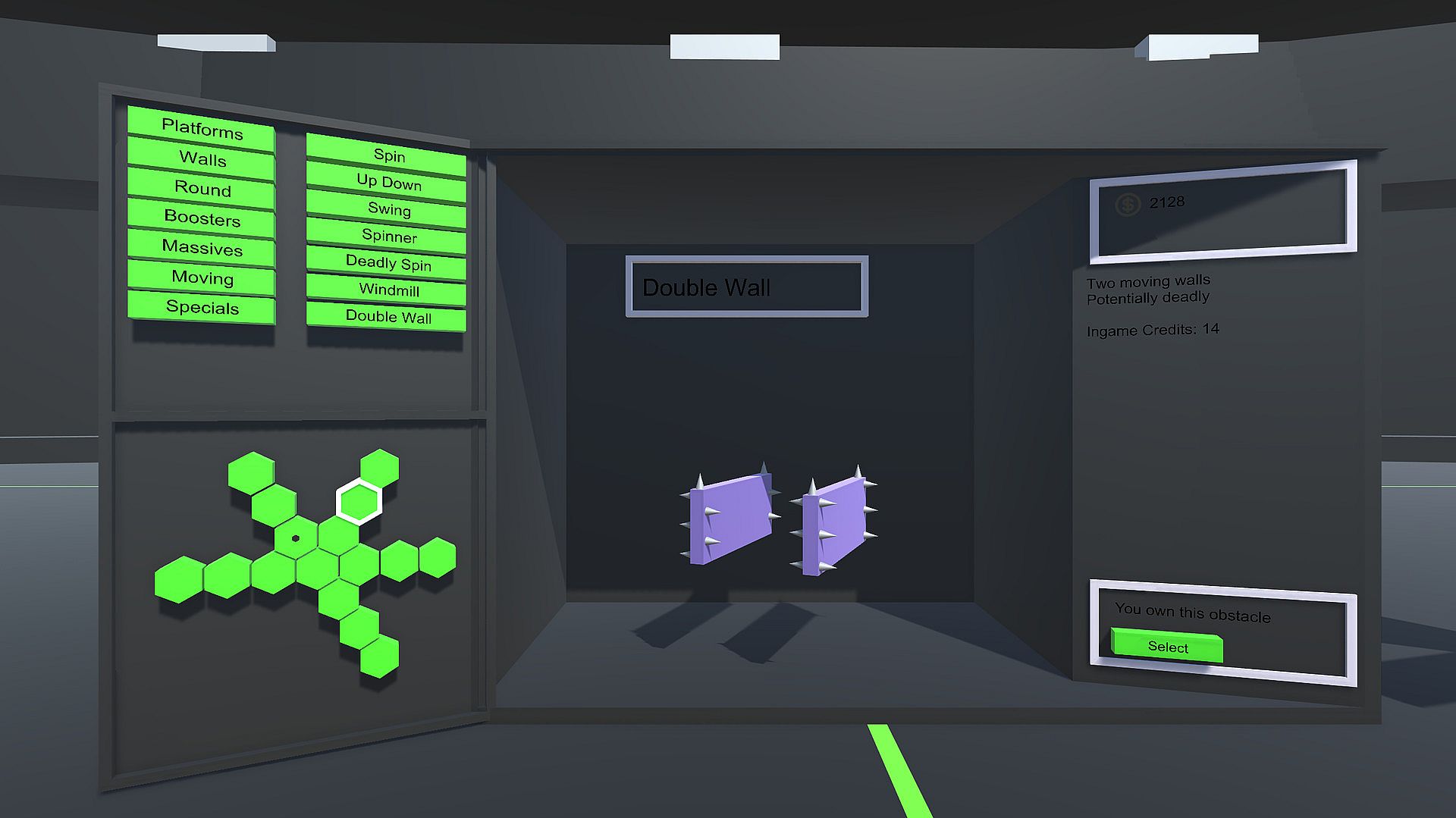
By playing games either in singleplayer or multiplayer mode, you earn credits for your performance. With these credits, you can unlock new types of obstacles time by time. You can also then use the credits to upgrade the obstacles you own, to make them maybe bigger, maybe stronger and develop your personal cube-racing strategy.
At the beginning of a game, every player decides, which obstacles to take along into the game, which makes every online-game individual and exciting.
Map Editor

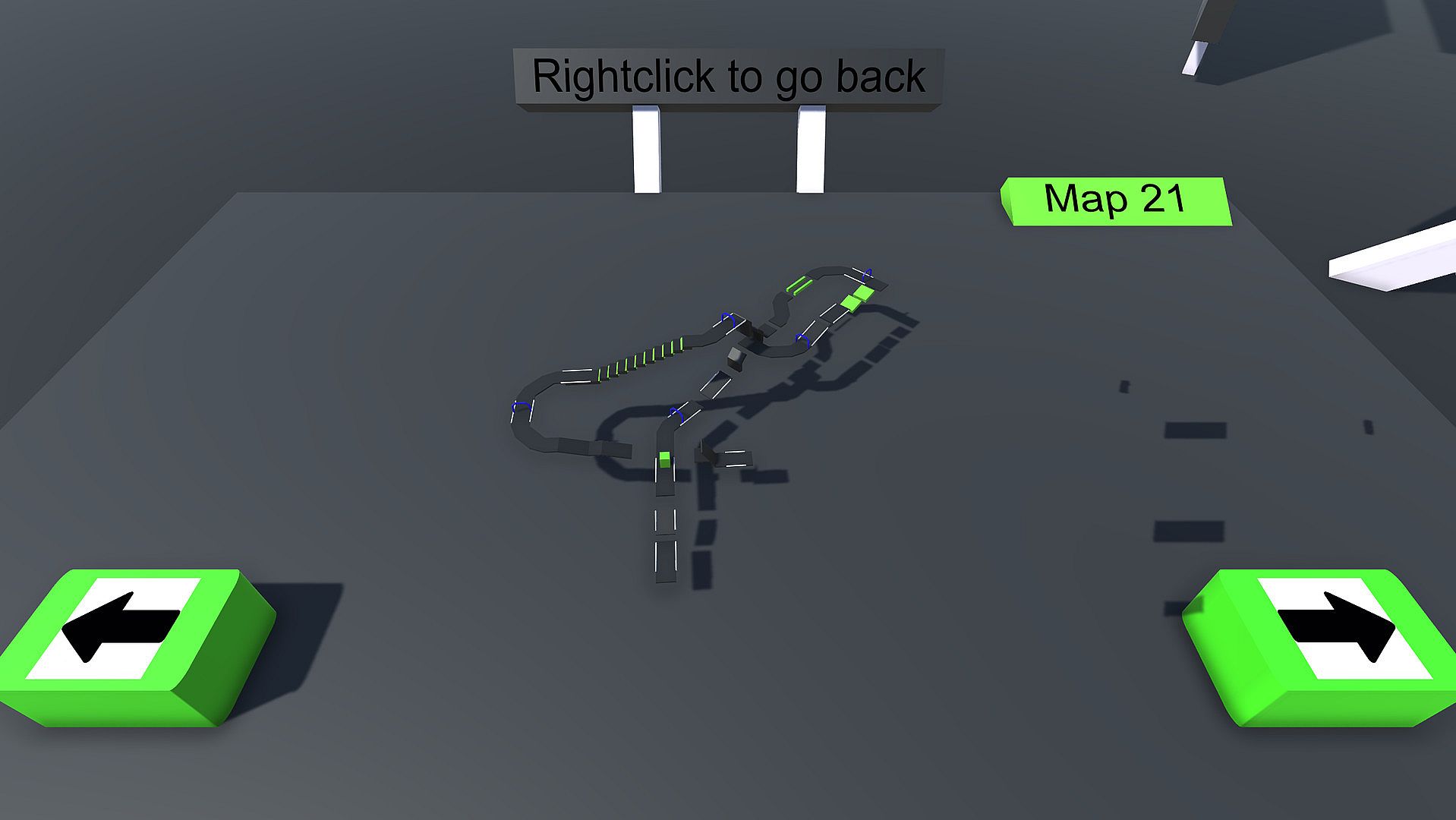
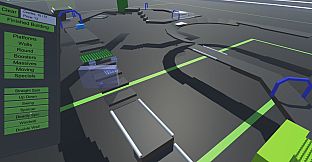
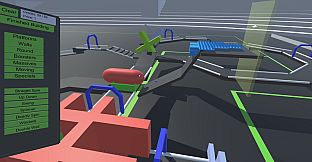
The game also includes a map editor where you can live your creativity and make your own maps for Cube Racer. You then have the possibility, to either just play your custom maps on your own server, or to upload them to the Steam-Workshop and share your creations with the whole community.
Accordingly, you can also browse through other players map creations to download and play your favorite ones.

Oberfläche:
English

Altersfreigabe

Keine Angabe
Metacritic:
tbd tbd
Steam:
Very Positive (2k)

Systemanforderungen

Minimum:

    Minimum:
    • OS *: Windows 7
    • Processor: 2GHz
    • Memory: 2 GB RAM
    • Graphics: 512 MB
    • DirectX: Version 9.0c
    • Storage: 400 MB available space

Empfohlen:

    Recommended:
    • OS *: Windows 7 or later
    • Processor: 2GHz
    • Memory: 4 GB RAM
    • Graphics: 1 GB
    • DirectX: Version 9.0c
    • Network: Broadband Internet connection
    • Storage: 400 MB available space

Minimum:

    Minimum:
    • OS: Ubuntu 14.04
    • Processor: 2GHz
    • Memory: 2 GB RAM
    • Graphics: 512 MB
    • Storage: 400 MB available space

Empfohlen:

    Recommended:
    • OS: Ubuntu 14.04
    • Processor: 2GHz
    • Memory: 4 GB RAM
    • Graphics: 1 GB
    • Network: Broadband Internet connection
    • Storage: 400 MB available space
Historisches Tief
Preisverlauf von offiziellen Shops
-
-
-
Preisverlauf von Keyshops
-
-
-
Tritt unserem Discord bei
Erhalte Hilfe von der Community und bleibe ĂĽber Angebote informiert
Preisalarme einrichten
Erhalte E-Mail-Benachrichtigungen wenn Preise fallen
Kostenloses Konto erstellen
Schalte Wunschlisten, Preisalarme und Steam-Sync frei

FAQ

8 Fragen

Bevor du nach einem günstigen Cube Racer CD Key suchst, wirf einen Blick auf die wichtigsten Fakten. Entwickelt von Simon Blasen. Veröffentlicht von Simon Blasen. PC Release-Datum: 30 Okt. 2017. Genres: Action, Indie, Casual, Racing. Kategorien: Multi-player, PvP, Online PvP, Shared/Split Screen PvP, Remote Play Together, Steam Workshop, Single-player, Cross-Platform Multiplayer, Stats, Steam Achievements, Steam Cloud, Includes level editor, Partial Controller Support, Steam Leaderboards. Cube Racer Bewertungen: Metascore: tbd. Metacritic Nutzer: tbd. Steam Rezensionen: 90% of the 2.002 user reviews for this game are positive.

Q Kann ich Cube Racer auf dem Steam Deck spielen?

Ja, mit kleinen Anpassungen. Cube Racer ist auf Steam Deck spielbar, das heißt es läuft nach minimalen Einstellungen (z. B. Proton-Version wählen oder Touchscreen für kleine Launcher-Texte nutzen). Kurz gesagt: Du kannst Cube Racer auf dem Steam Deck spielen.

Ja. Es gibt eine Steam-Version von Cube Racer. Wähle ein Angebot mit dem Tag Steam Key auf XD.deals, aktiviere es im Steam-Client und spiele Cube Racer auf deinem PC.

Ja. Nachdem du deinen Steam Key eingelöst hast, kannst du Cube Racer im Offline-Modus von Steam starten. Deine Spielstände synchronisieren sich, sobald du wieder online bist.

Ja, du kannst einen Cube Racer Steam Key direkt im Steam Store kaufen. Auf XD.deals listen wir alle verfĂĽgbaren Steam-DRM-Angebote, damit du gĂĽnstige Cube Racer Steam Deals auf einen Blick vergleichen kannst.

Momentan haben wir keine aktiven Angebote fĂĽr Cube Racer - sowohl offizielle Shops (0) als auch Keyshops (0) zeigen das Spiel als ausverkauft oder vorĂĽbergehend nicht verfĂĽgbar...

Mit XD.deals sehen PC-Spieler sofort, wo sie einen günstigen Cube Racer PC Steam Key kaufen können. Unsere Preisvergleichs-Engine in Echtzeit und unsere kuratierte Gutscheindatenbank überwachen jeden offiziellen Shop und vertrauenswürdigen Keyshop. Aktuell erkennen wir dieses Spiel in 0 Live-Angeboten von Shops und Keyshops.

Noch nicht. Aktuell gibt es keinen Cube Racer Steam-Eintrag, daher kannst du Cube Racer heute nicht auf Steam kaufen. Schau dir stattdessen die anderen Cube Racer Angebote auf XD.deals an - offizielle Shops und Keyshops bieten oft DRM‑freie oder Launcher‑Key-Versionen.

Nein - XD.deals ist kein Shop. Wir sind ein Preisvergleichs-Service, der die besten Angebote für Cube Racer aus offiziellen Shops und verifizierten Keyshops verfolgt. Klicke 'Jetzt kaufen' neben dem gewünschten Deal, um zum Händler zu wechseln und dort den Key zu erhalten.

Bereit zum Zocken? Setze einen Preisalarm auf XD.deals und sichere dir einen reduzierten Cube Racer Steam Key, sobald er sein nächstes Allzeit-Tief erreicht.

Alarm erstellen