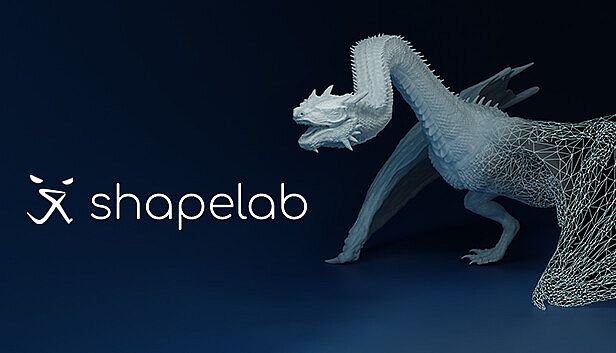


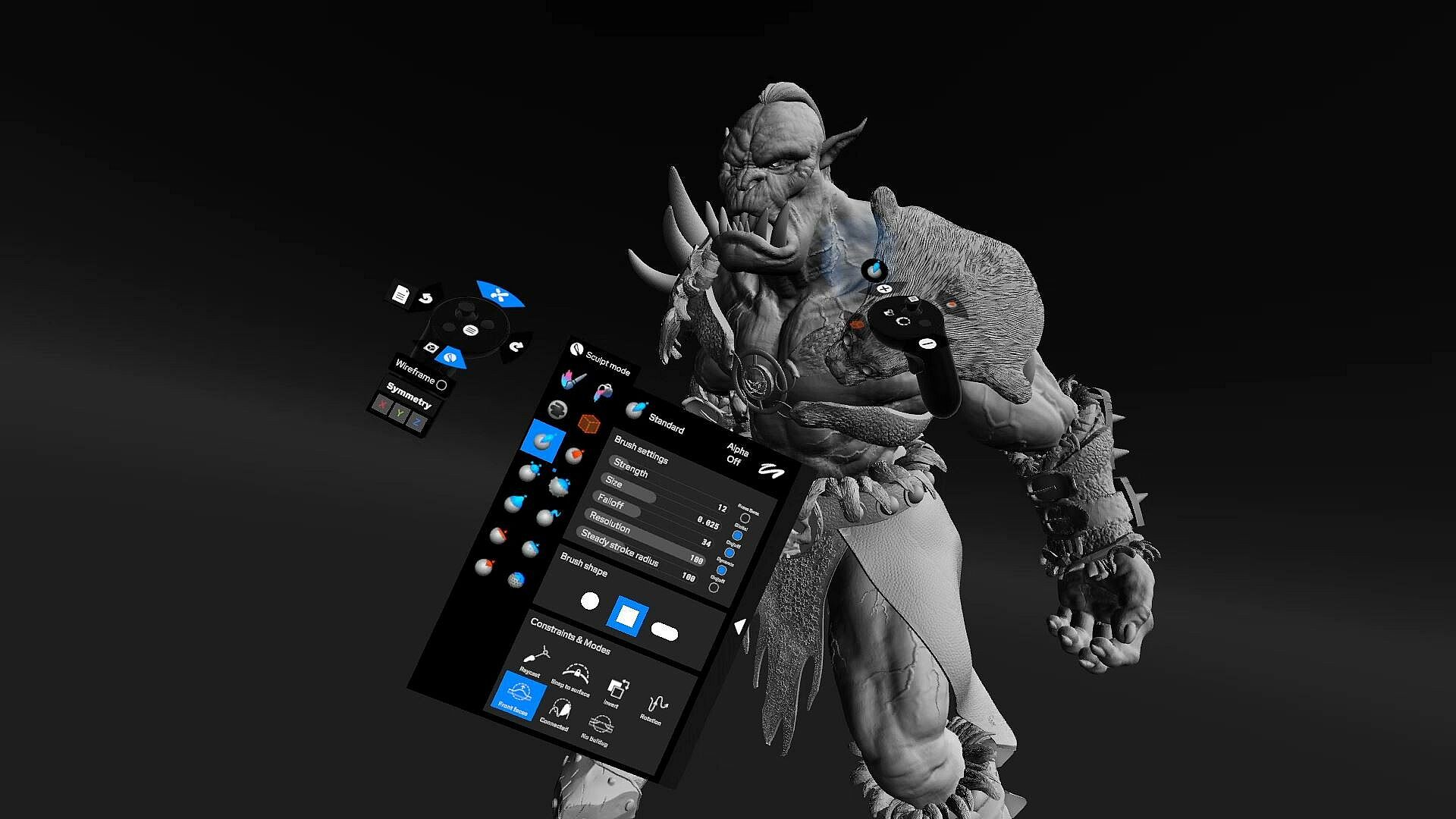
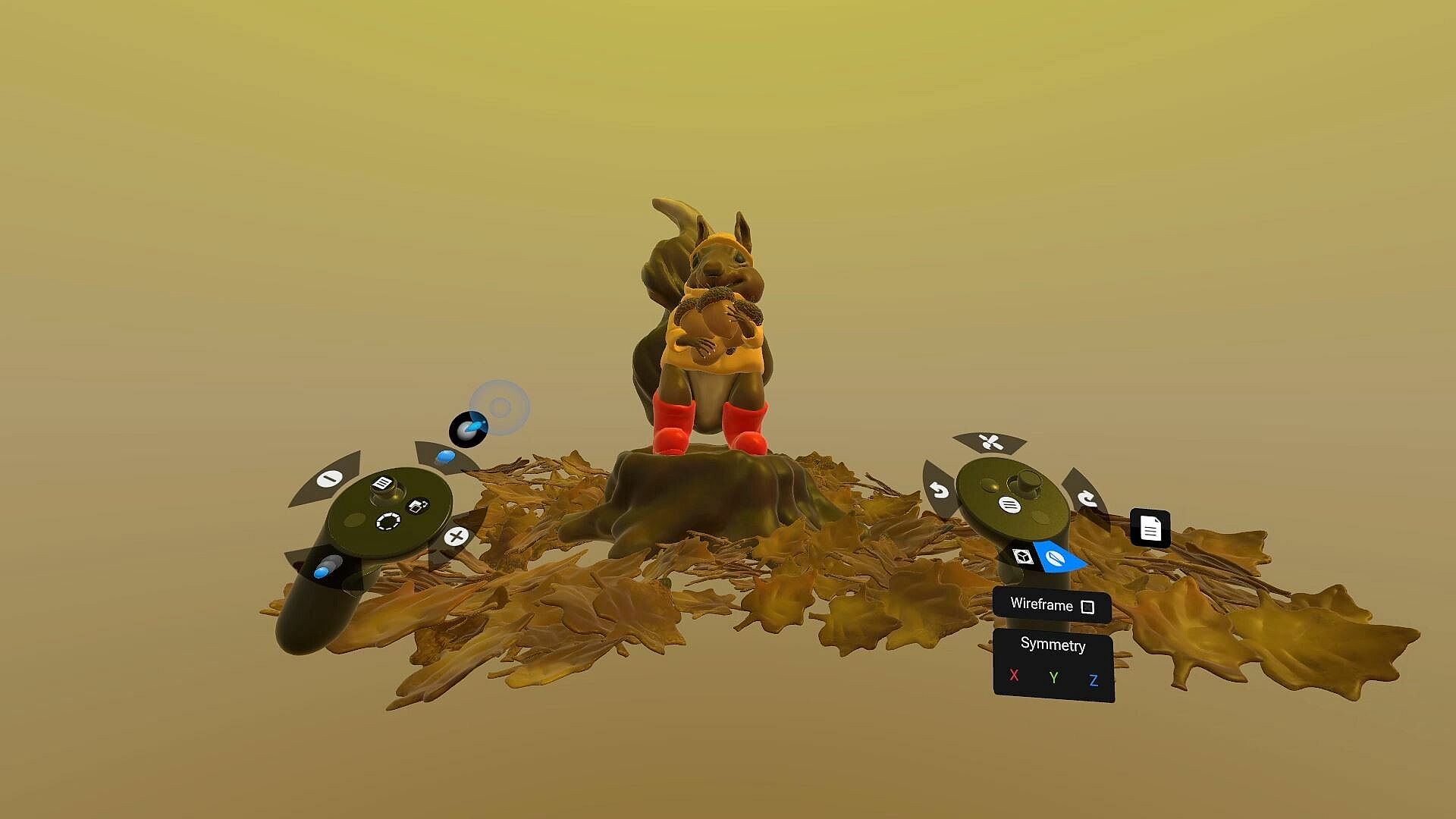
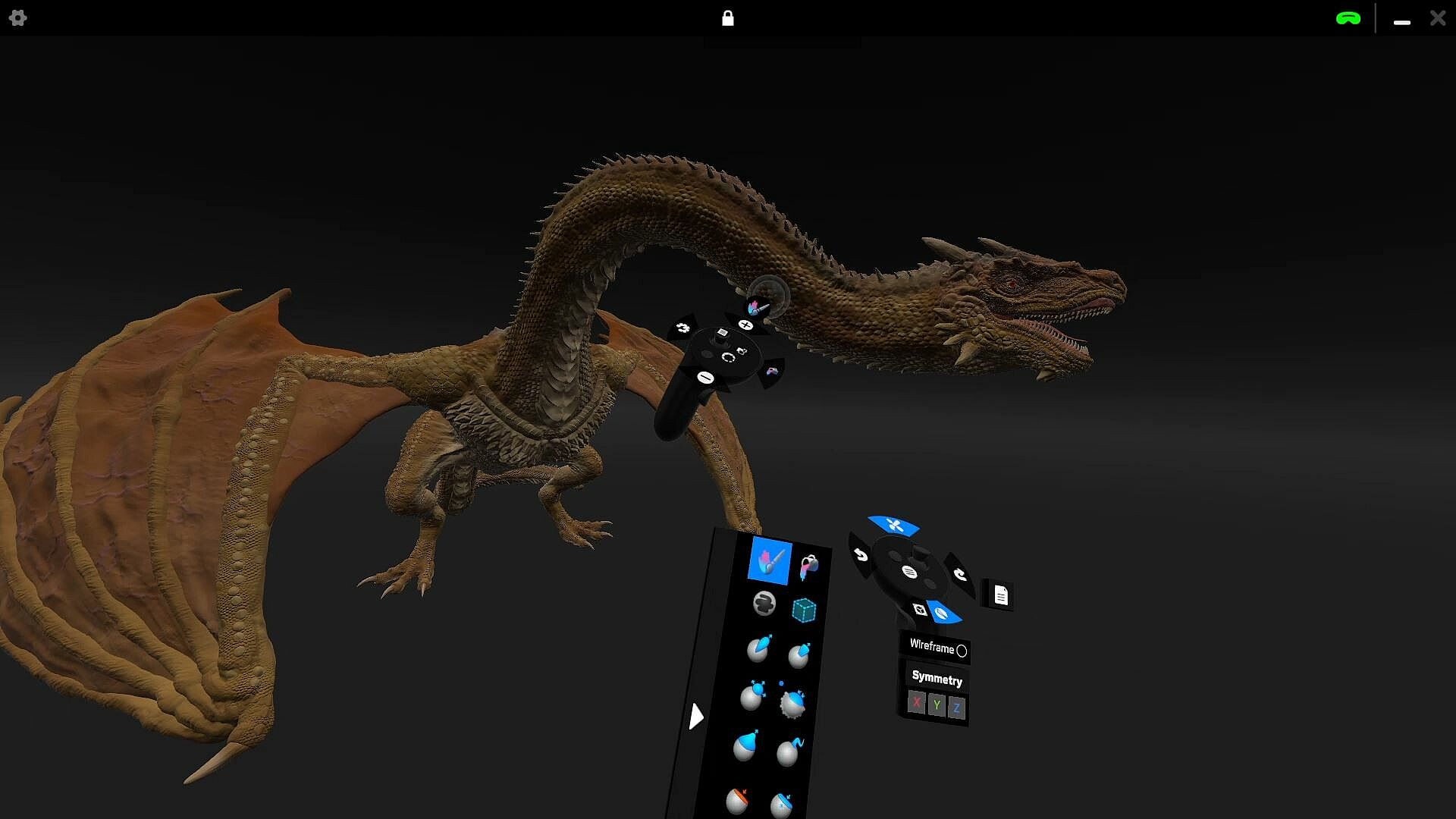
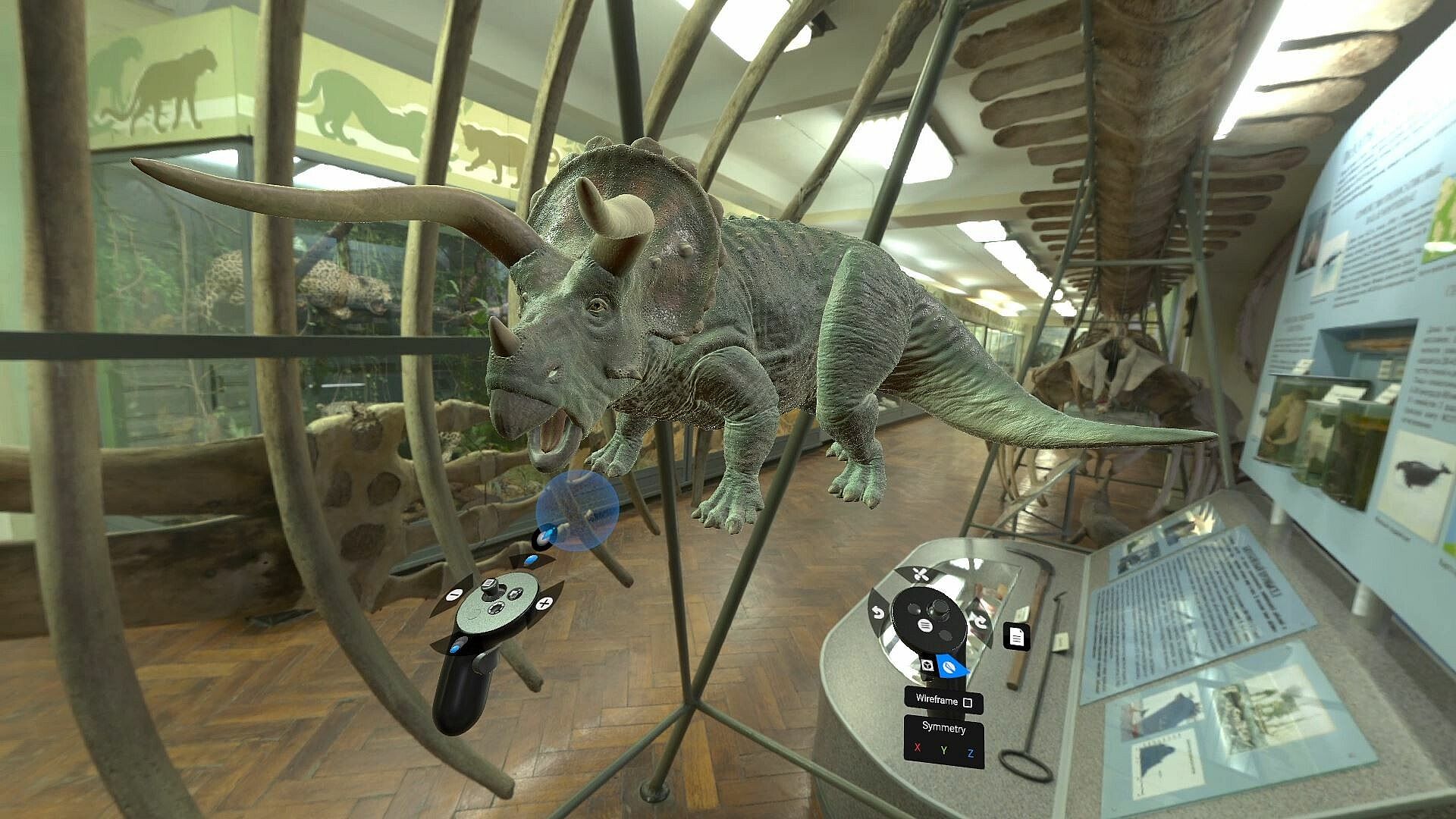
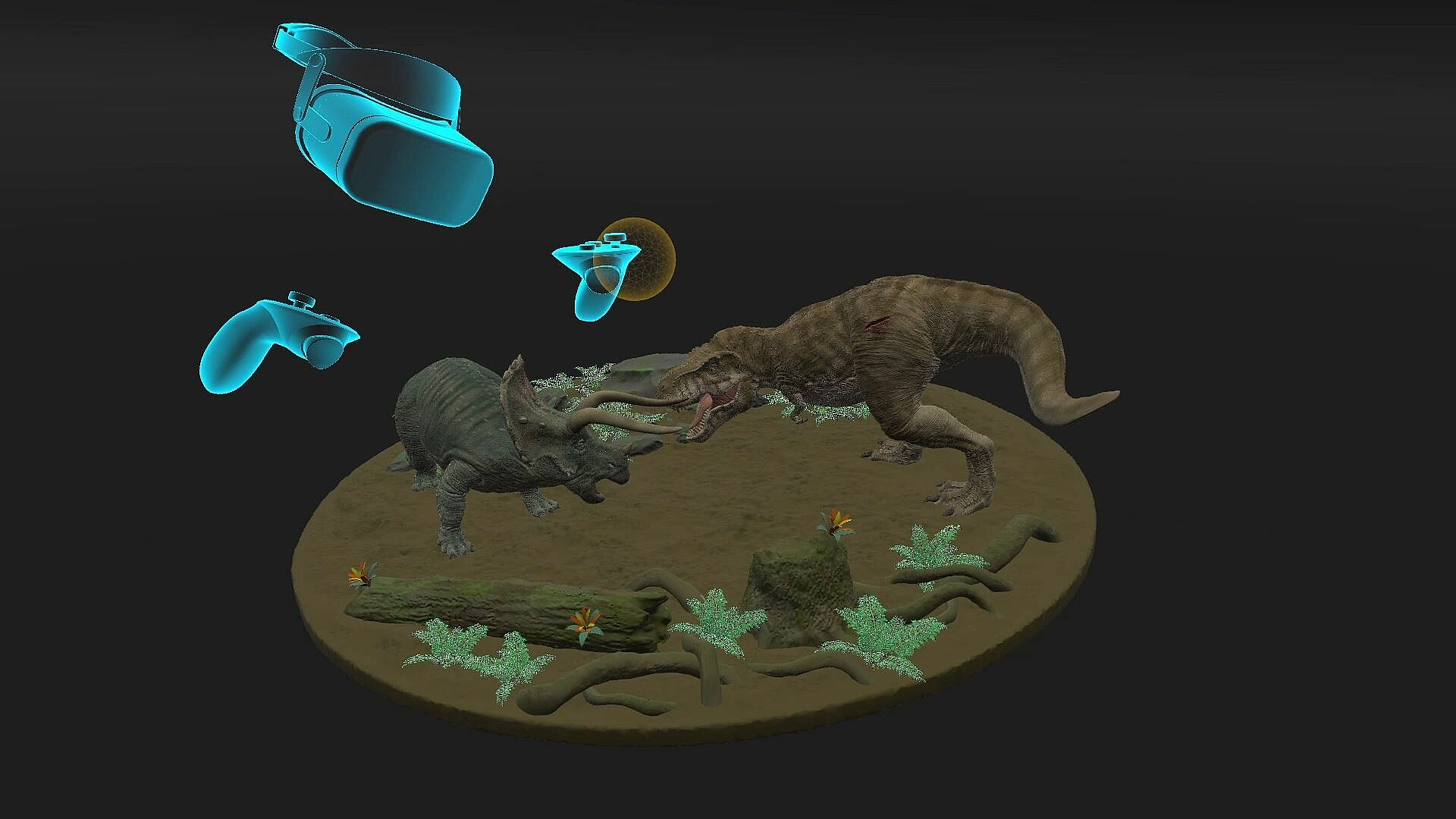
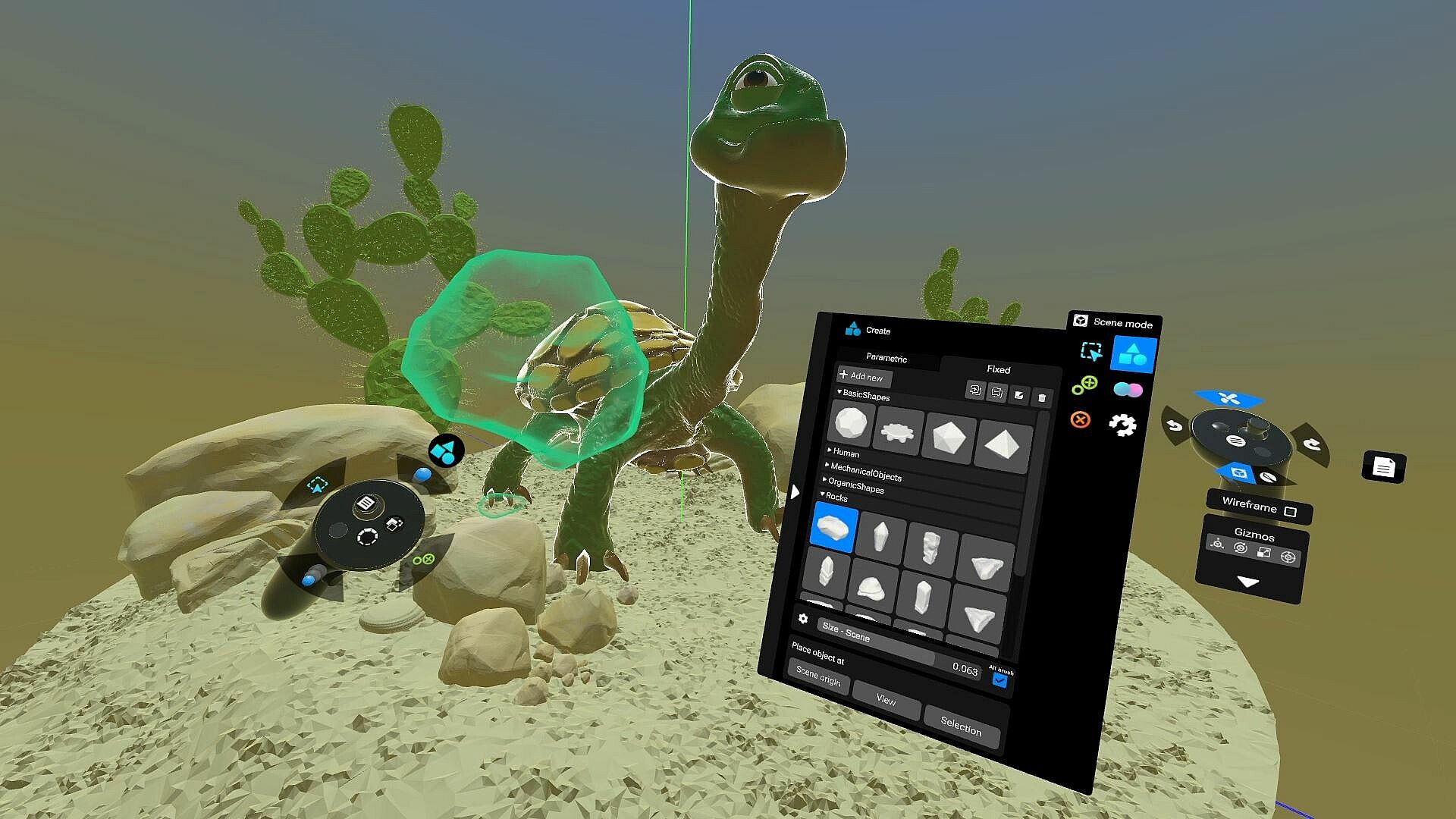
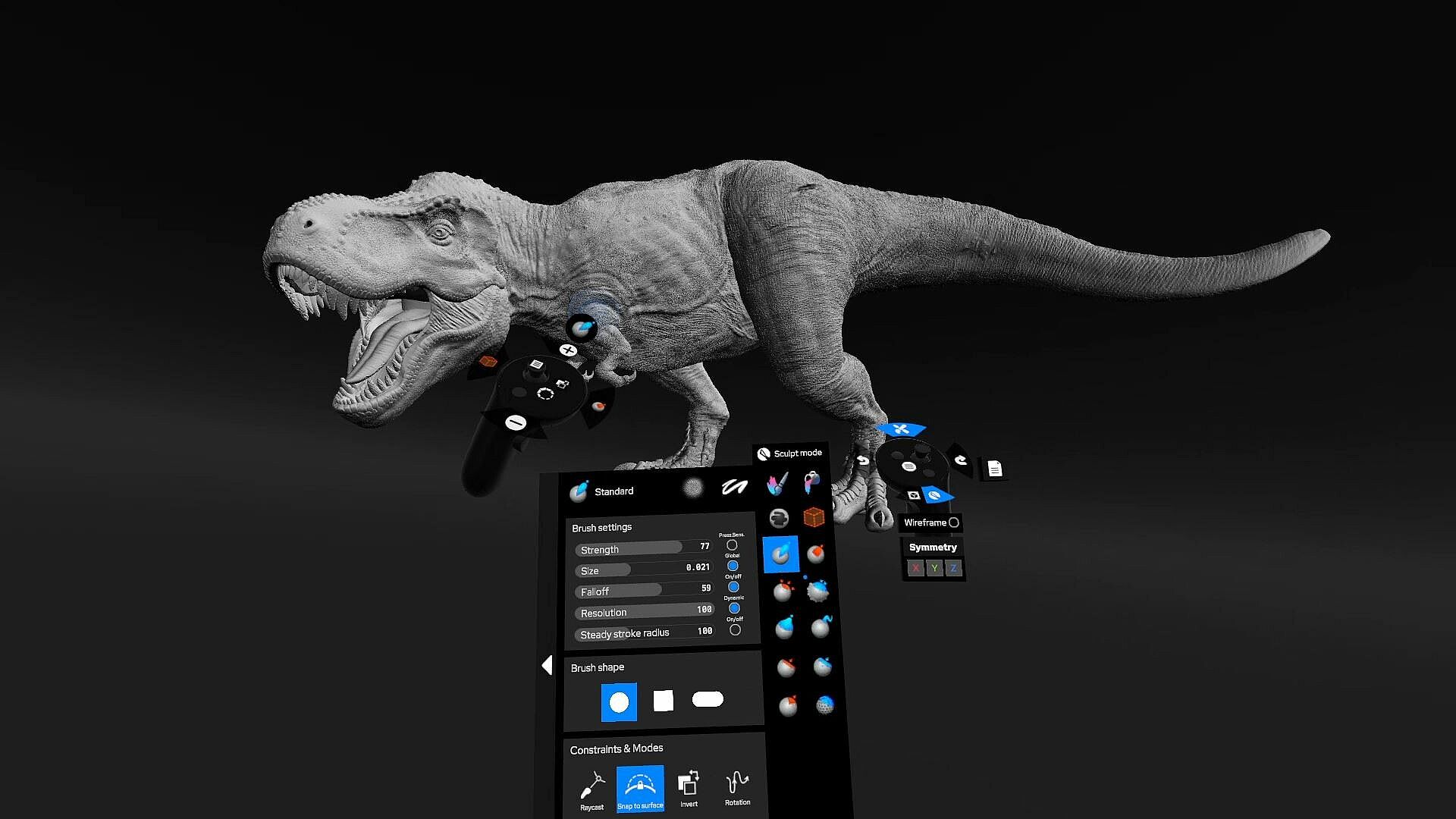
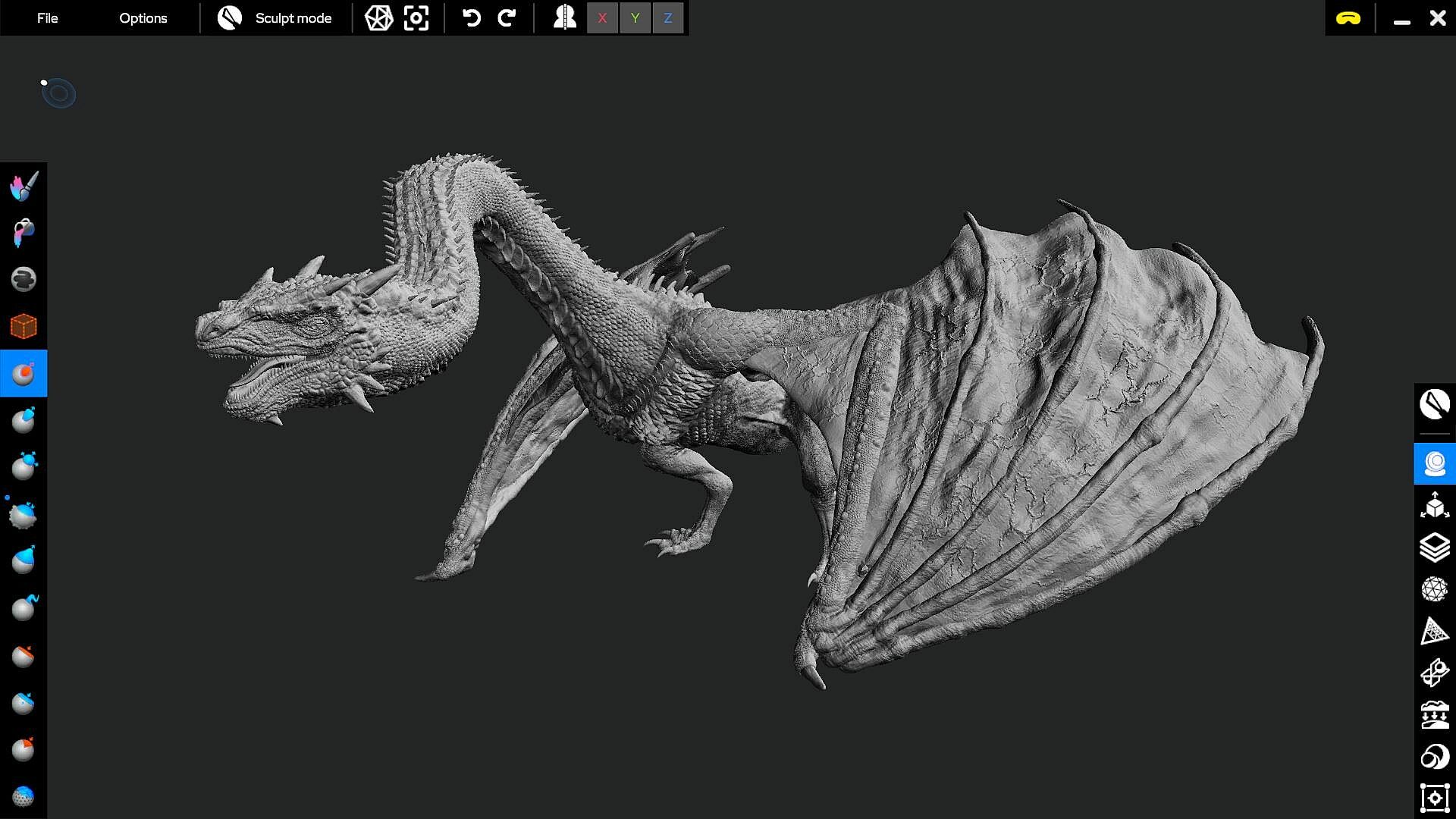
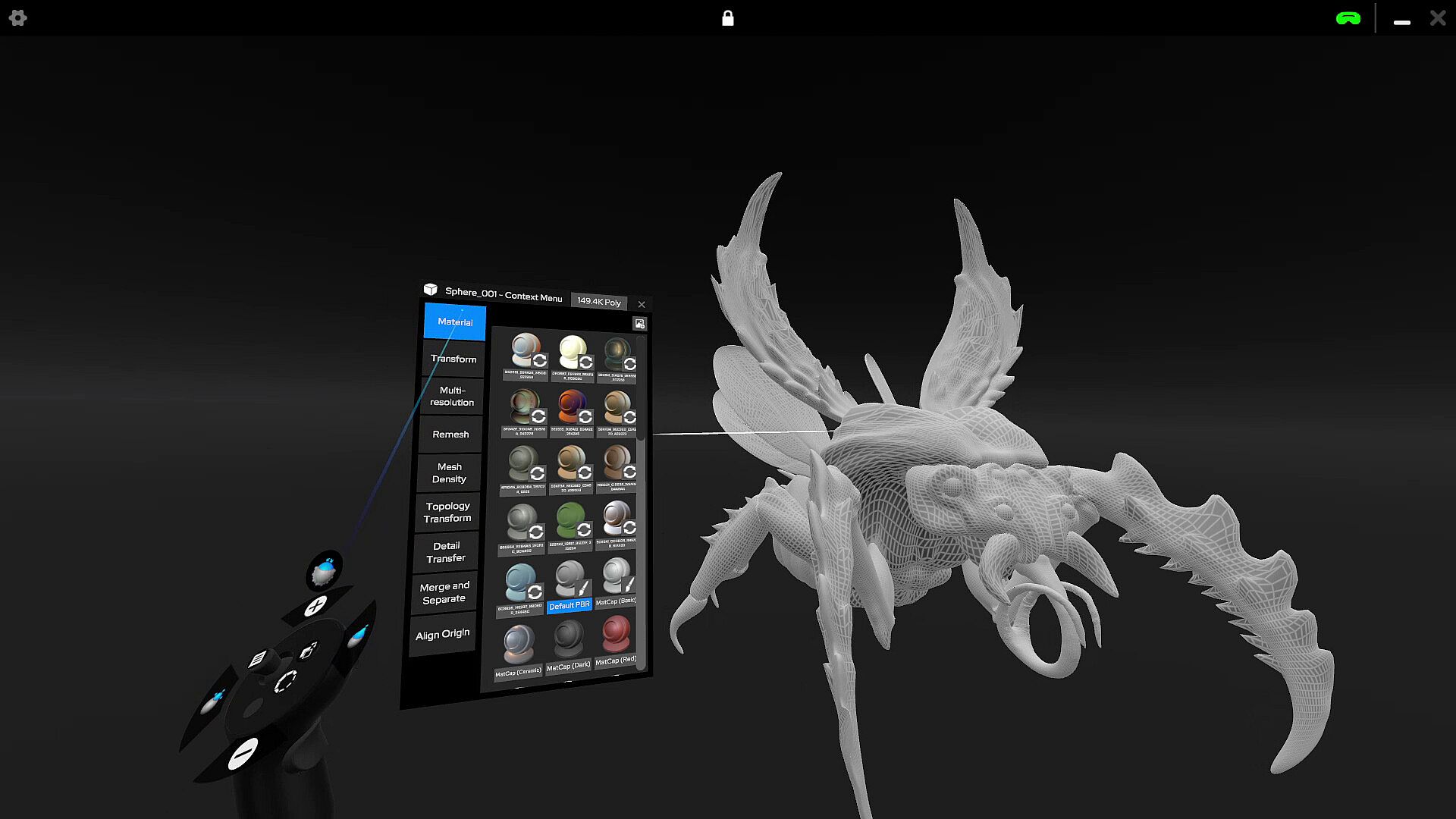
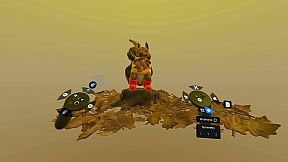
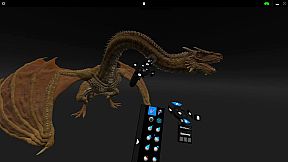
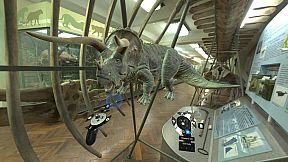
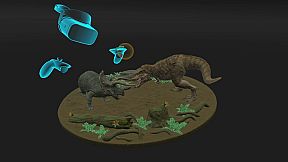
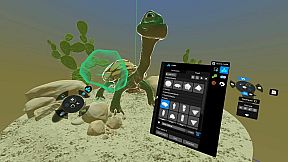
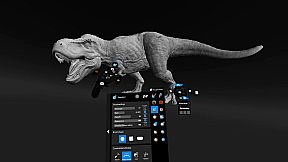
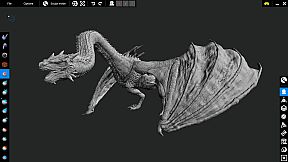
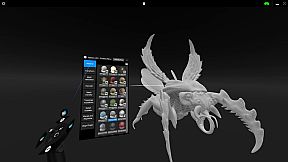
Shapelab 2025 is the latest annual release in the Shapelab series, delivering powerful and intuitive 3D sculpting tools for PCVR. Built on years of refinement, Shapelab offers a professional yet accessible workflow for artists of all levels. All versions receive updates until the end of their release year, meaning Shapelab 2025 will continue to be improved with updates throughout 2025 before the next version arrives in 2026.
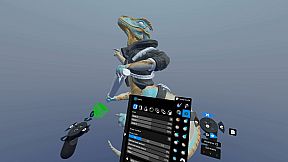
Shapelab is a highly efficient 3D sculpting application optimized for virtual reality devices. Shapelab takes advantage of VR technology to provide an immersive and intuitive interface that allows you to sculpt in 3D space, giving you a new level of control and creative freedom over your designs. With Shapelab, you can easily create organic shapes, from simple forms to complex designs. Visualize your creative ideas and print them in 3D or sculpt high-quality props, characters, and concepts for applications, games, and virtual worlds, as well as digital concept art and storyboards.
Using virtual reality for 3D modeling offers numerous advantages. It allows you to work with your creations in a more natural way as if they were physical objects right in front of you. This provides a level of immersion and depth that is simply not possible with traditional 2D modeling tools. Additionally, virtual reality modeling can increase productivity, as it allows you to work faster and more efficiently, even with greater precision in certain cases.
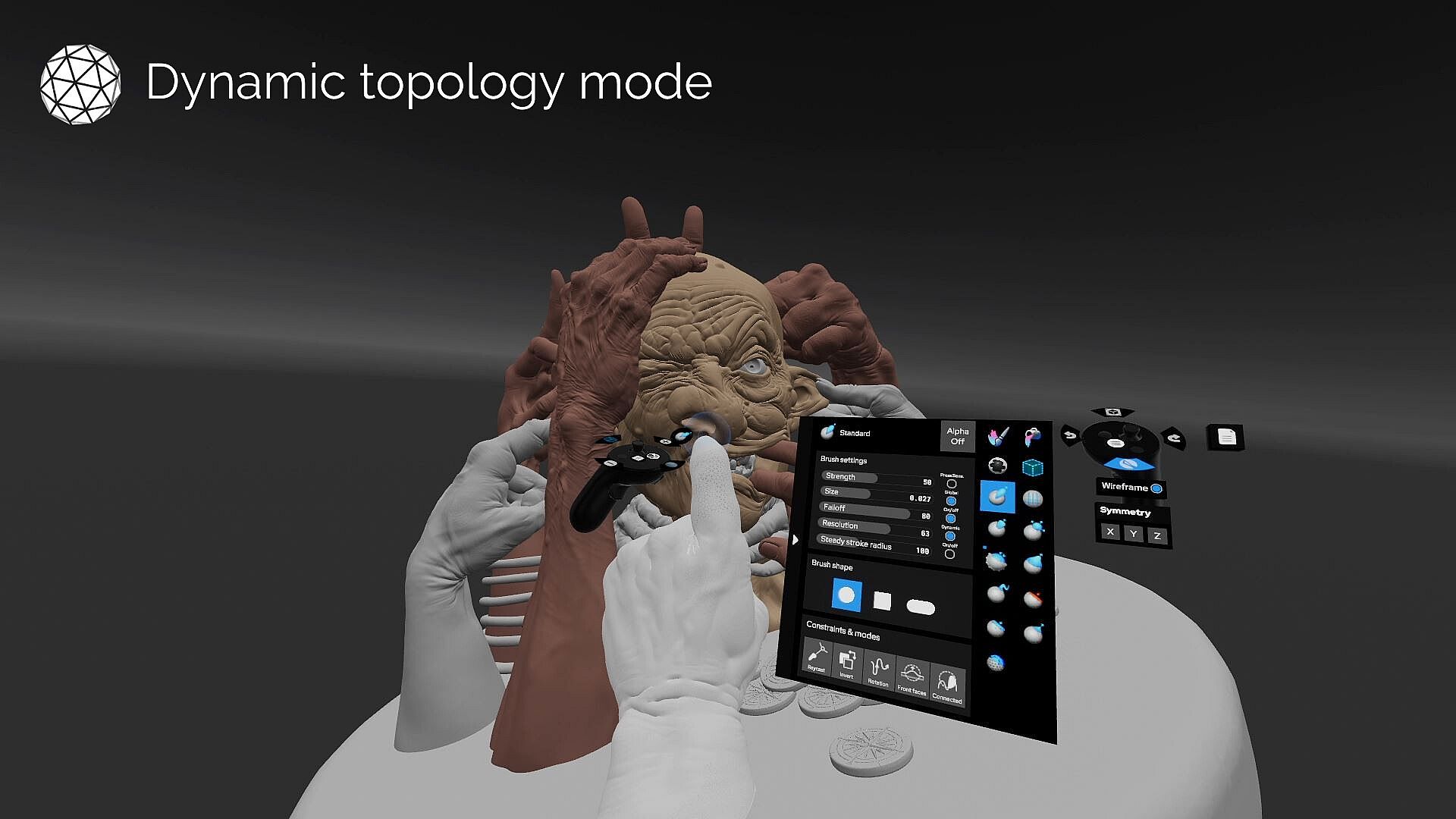
Shapelab’s usage of polygons instead of voxels makes it stand out in the creative VR tools market. Polygonal mesh modeling gives you the ability to sculpt stunning, well-detailed, and realistic 3D assets and allows users to import and edit large and complex 3D scans. With Shapelab's dynamic topology mode and support for industry-standard features, you can create detailed models with ease.
Join our community of artists and unleash your creativity with Shapelab today!
Please note that although you can register a Shapelab account after downloading Shapelab, an account is not needed to access the application. To create an account you only need to provide an email address and a password, or you can choose to sign in with your existing Google or Facebook account. Tick the 'Remember me' checkbox to stay logged in. You can provide additional information and manage your email preferences in your account settings.
CORE FEATURES:
Dual Engine Modeling
Combine the power of polygon sculpting with the speed of voxel-based sketching. Shapelab’s hybrid engine lets you block out ideas in voxels, then refine them with production-ready polygon tools—all in one workflow.
Dual VR and Desktop Modes
Run Shapelab on your PC in desktop mode or use a VR headset tethered to your PC for an immersive VR experience. Switch seamlessly between modes while working on your projects.
Digital Pen and Tablet Support
Leverage the power of your digital pen and tablet with tilt, twist, and pressure sensitivity. Compatible with both Wintab and Windows Ink for precision sculpting.
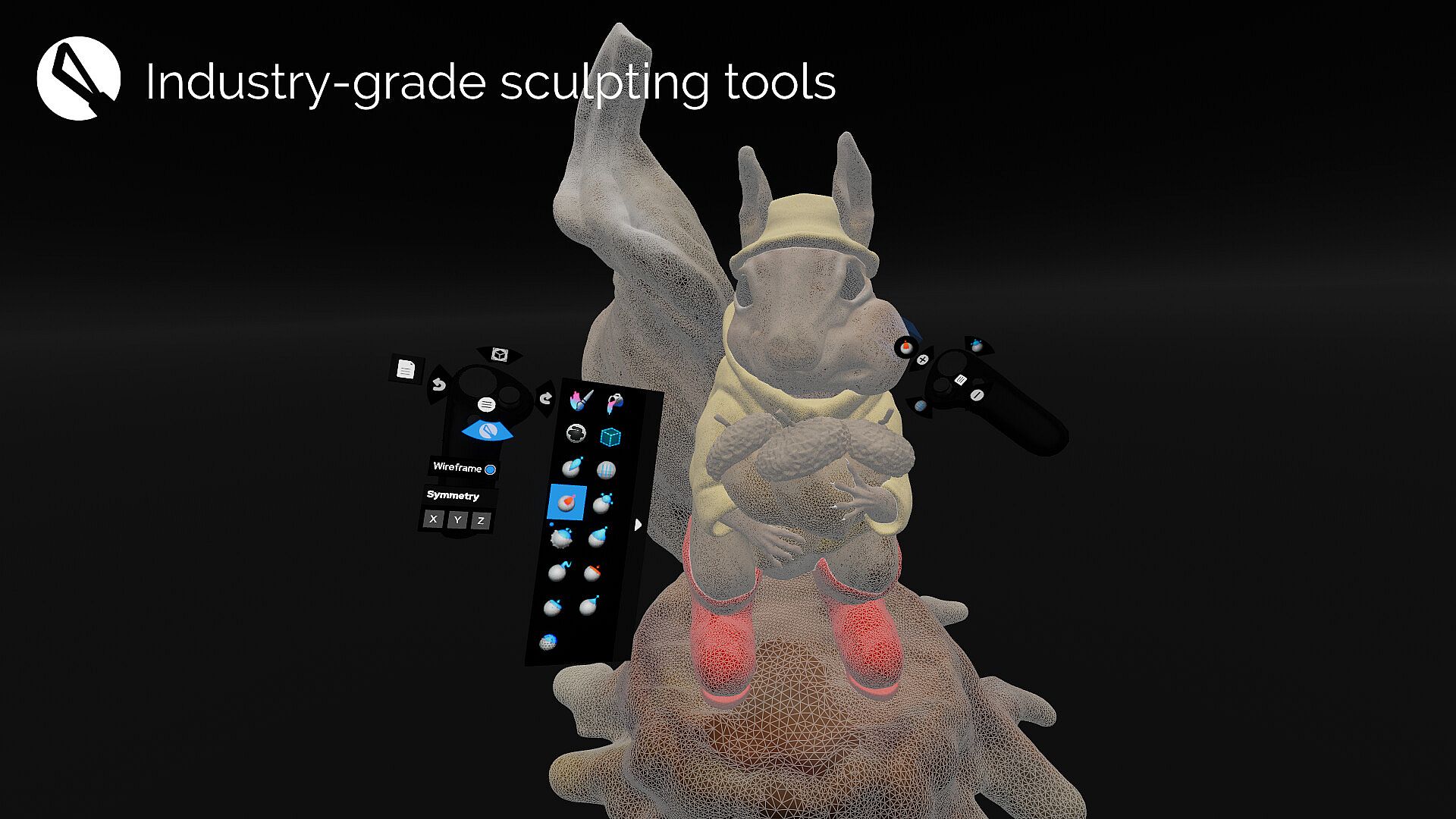
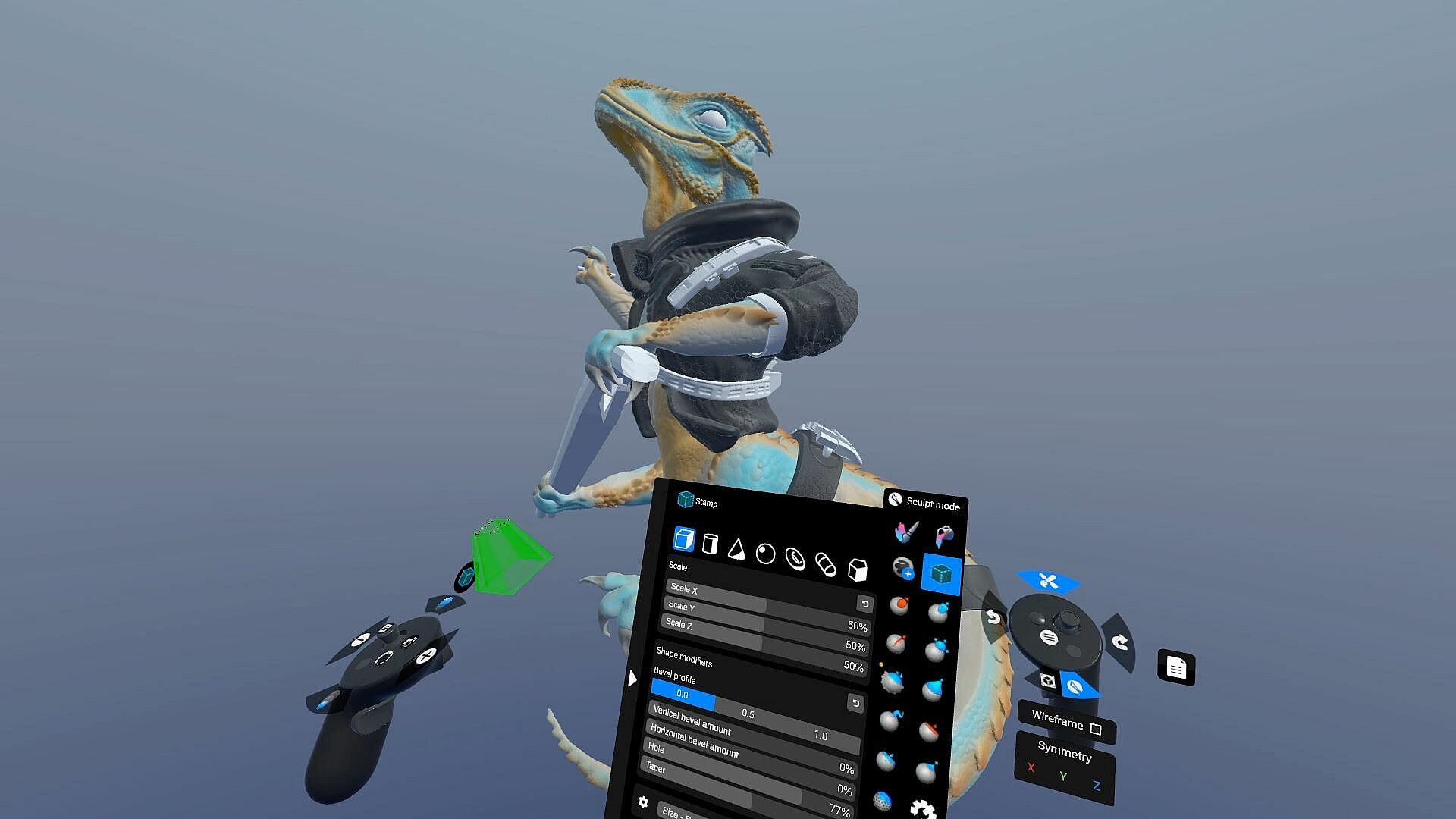
Advanced Sculpting Tools
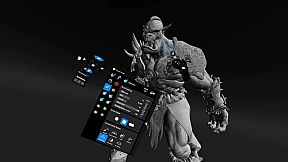
Access industry-standard sculpting tools with extensive configuration options. Brushes include Clay, Standard, Mask, Crease, Smooth, Pinch, Inflate, Snakehook, Flatten, Trim, Regularize, and 3D Stamp.
Dynamic Topology Sculpting (Optional)
Enable real-time tessellation to dynamically adjust mesh detail based on your needs. Alternatively, lock your brush resolution to a specific value by sampling directly from your model for precise sculpting control.
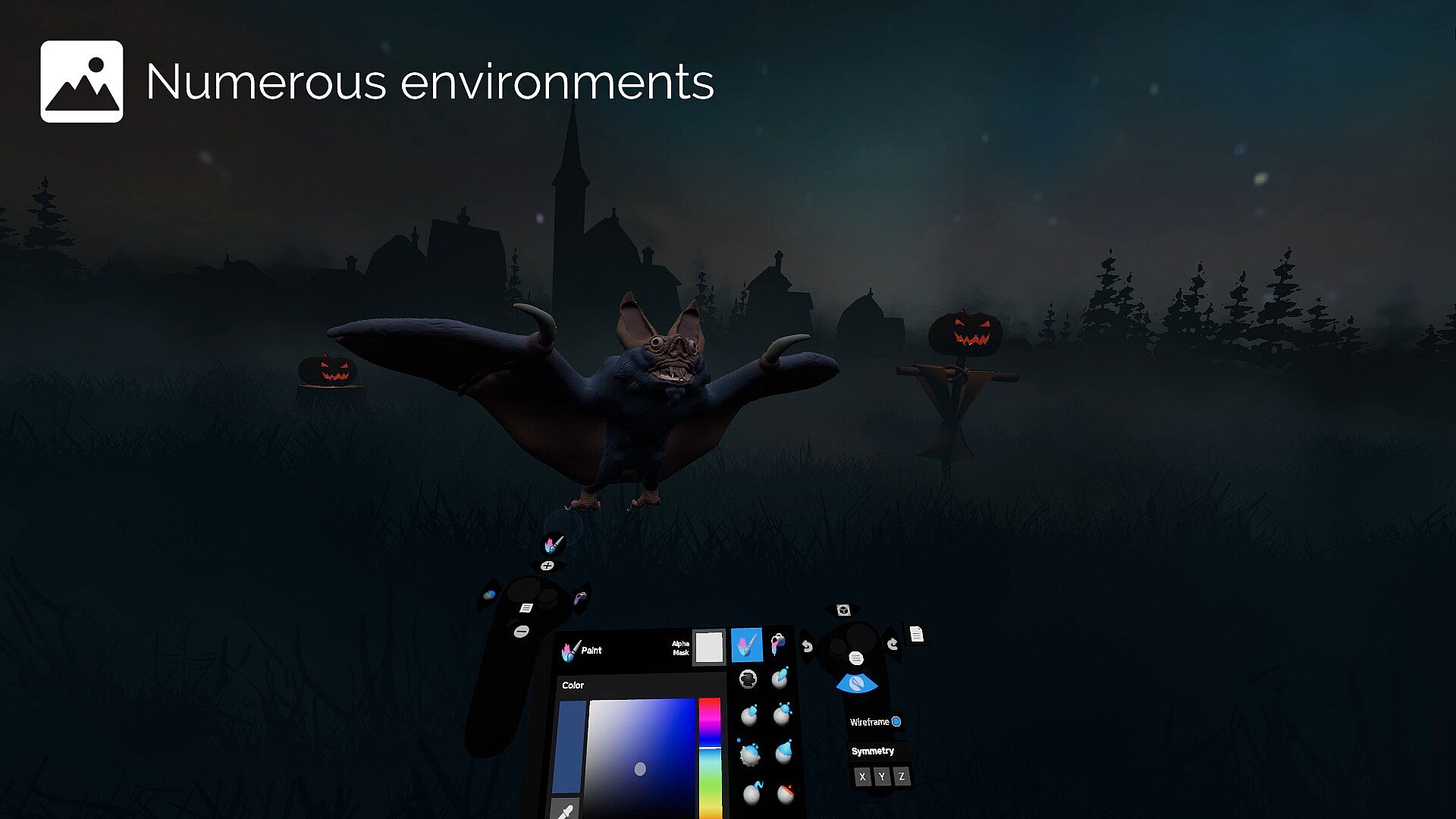
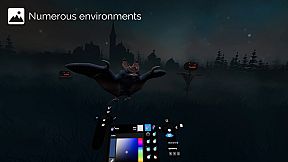
Customizable Work Environments
Personalize your workspace:
Import custom HDRI skyboxes or use solid colors and gradients.
Configure ambient lighting, reflections, and directional light settings.
Toggle the workspace floor on or off as needed.
Kitbashing with Custom Shapes and Primitives
Build efficiently using a built-in library of fixed shapes and parametric primitives.
Or use your custom models added to your shape library for quick scene population.
Precision Tools: Snapping and Constraints
Grid and angle snapping for organized creations and constraints for more precise alignments.
Tools for you to quickly align and reset the scene to cycle through perspectives.
Multiresolution and Subdivision Levels
Subdivide your mesh to create multiple levels of detail. Easily switch between them to optimize your workflow.
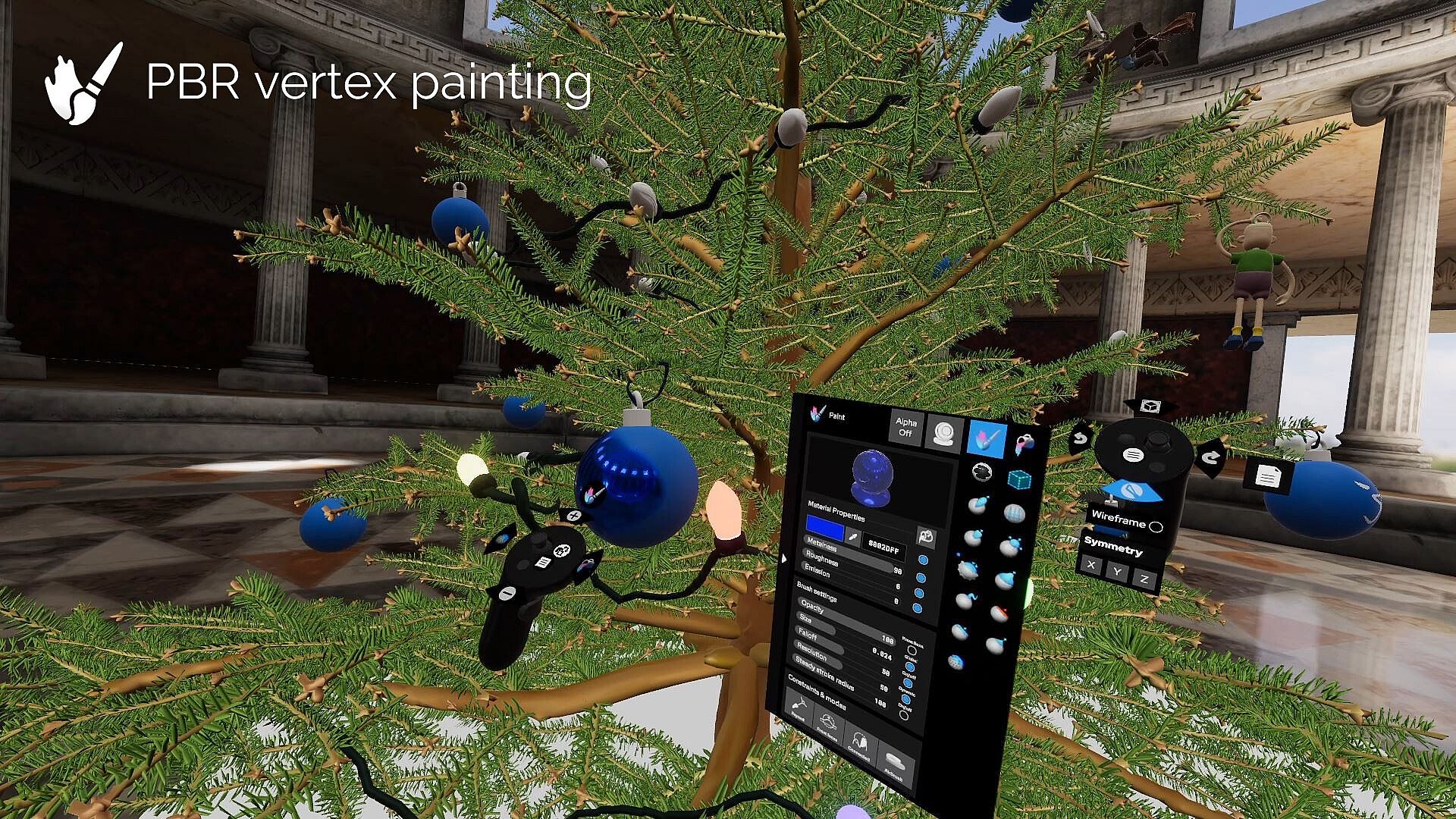
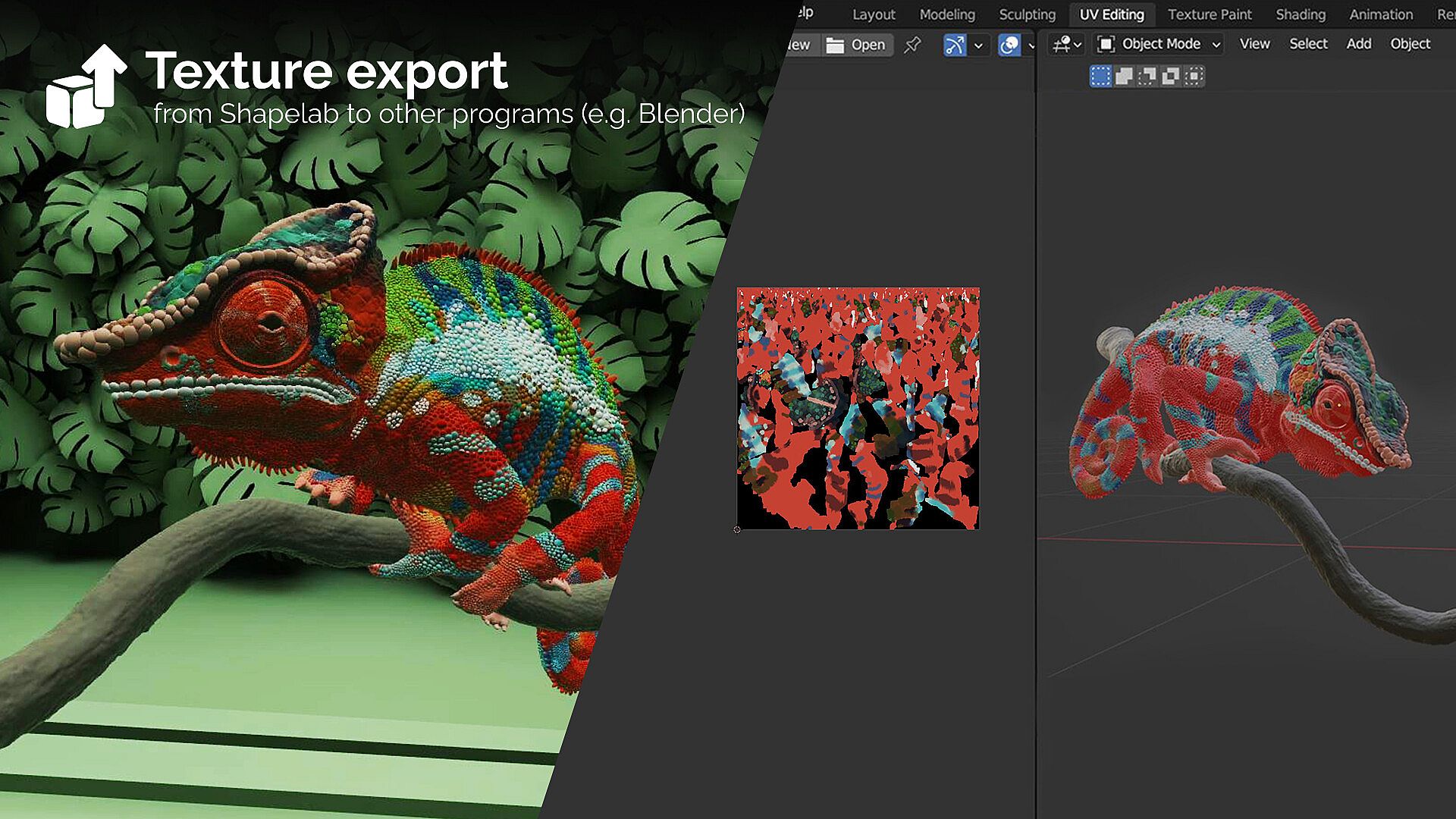
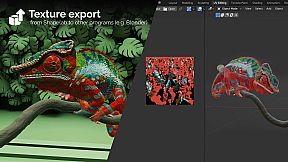
PBR Vertex Painting and Texture Export
Paint Color, Roughness, Metalness, and Emission properties directly onto your models.
Export texture maps, including normals, PBR properties, and vertex colors, during the export process.
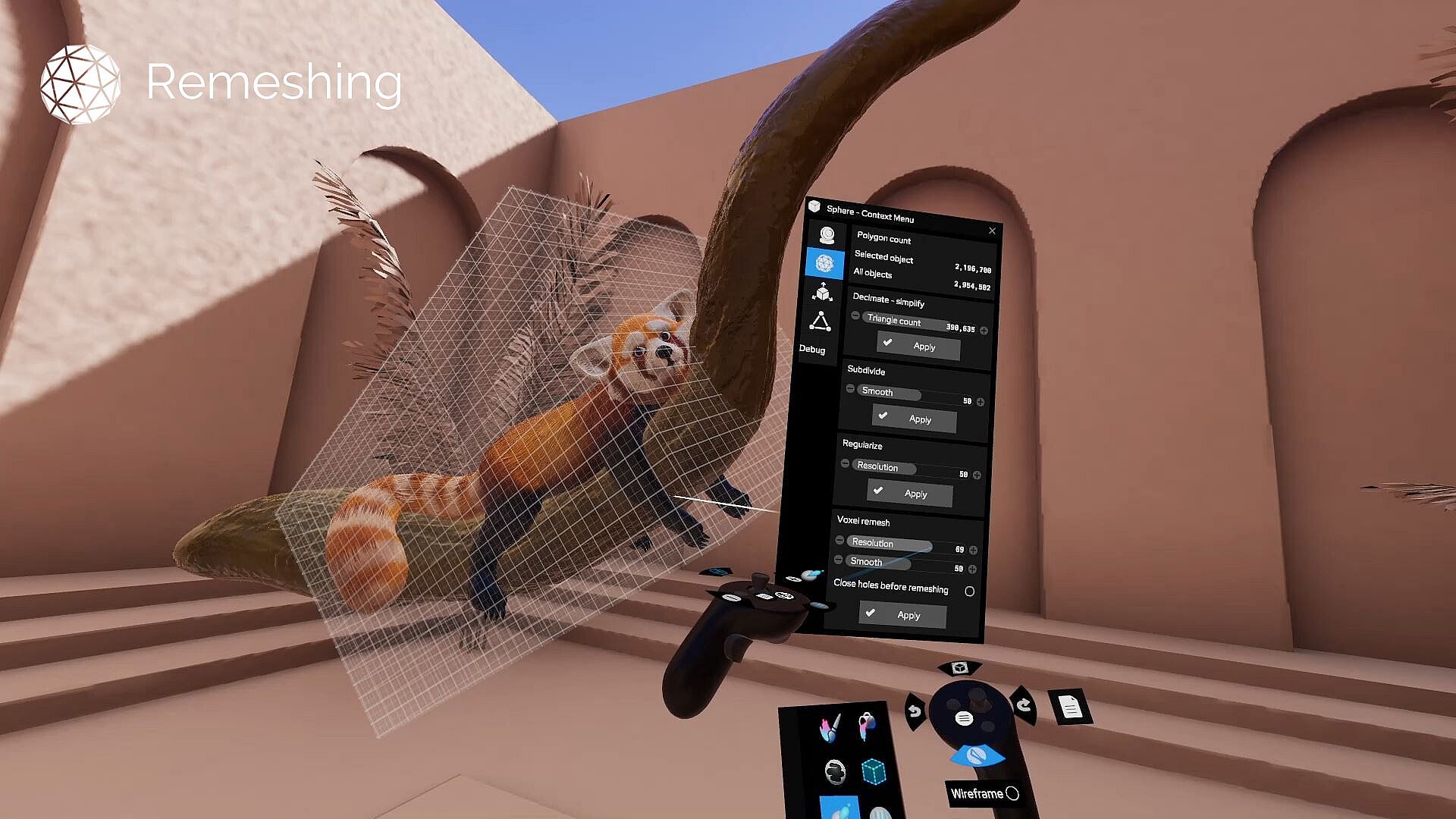
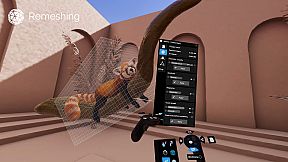
Remeshing and Mesh Transformations
Voxel remesh, subdivide, decimate, and regularize meshes.
Perform operations like mirroring, welding, flipping, and filling holes.
Merge vertices and quad remesh for cleaner topology.
Detail Transfer (Projection): Transfer intricate details from high-resolution, unorganized meshes to cleaner, quad-based models.
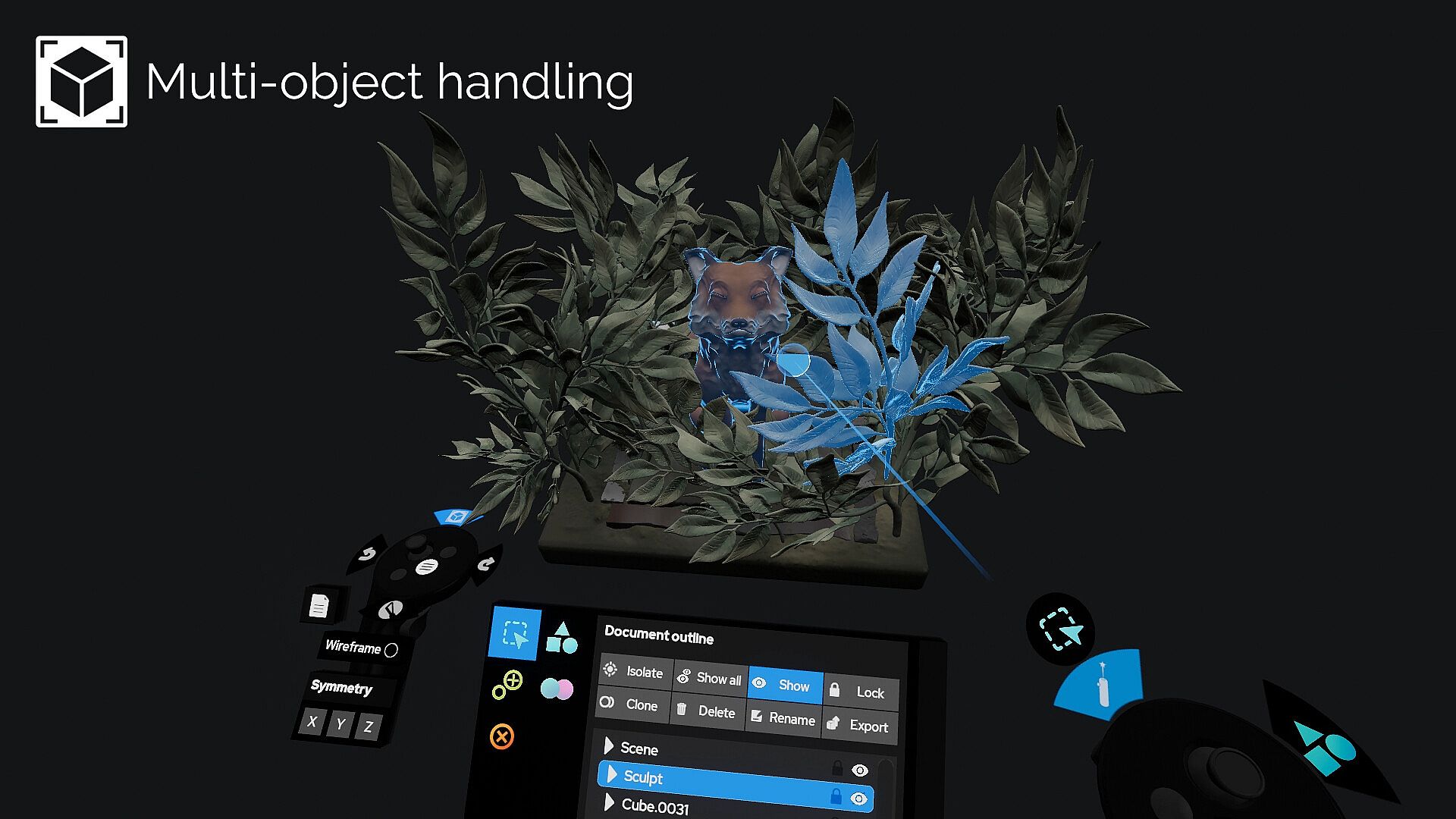
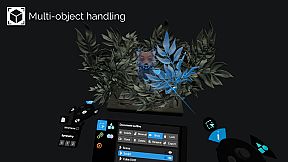
Scene Management
Object hierarchy organization through parenting.
Clone, mirror, merge, subtract, intersect, and join objects.
Multiselect and group objects for batch operations.
Gizmo and freehand transformations for objects and scenes.
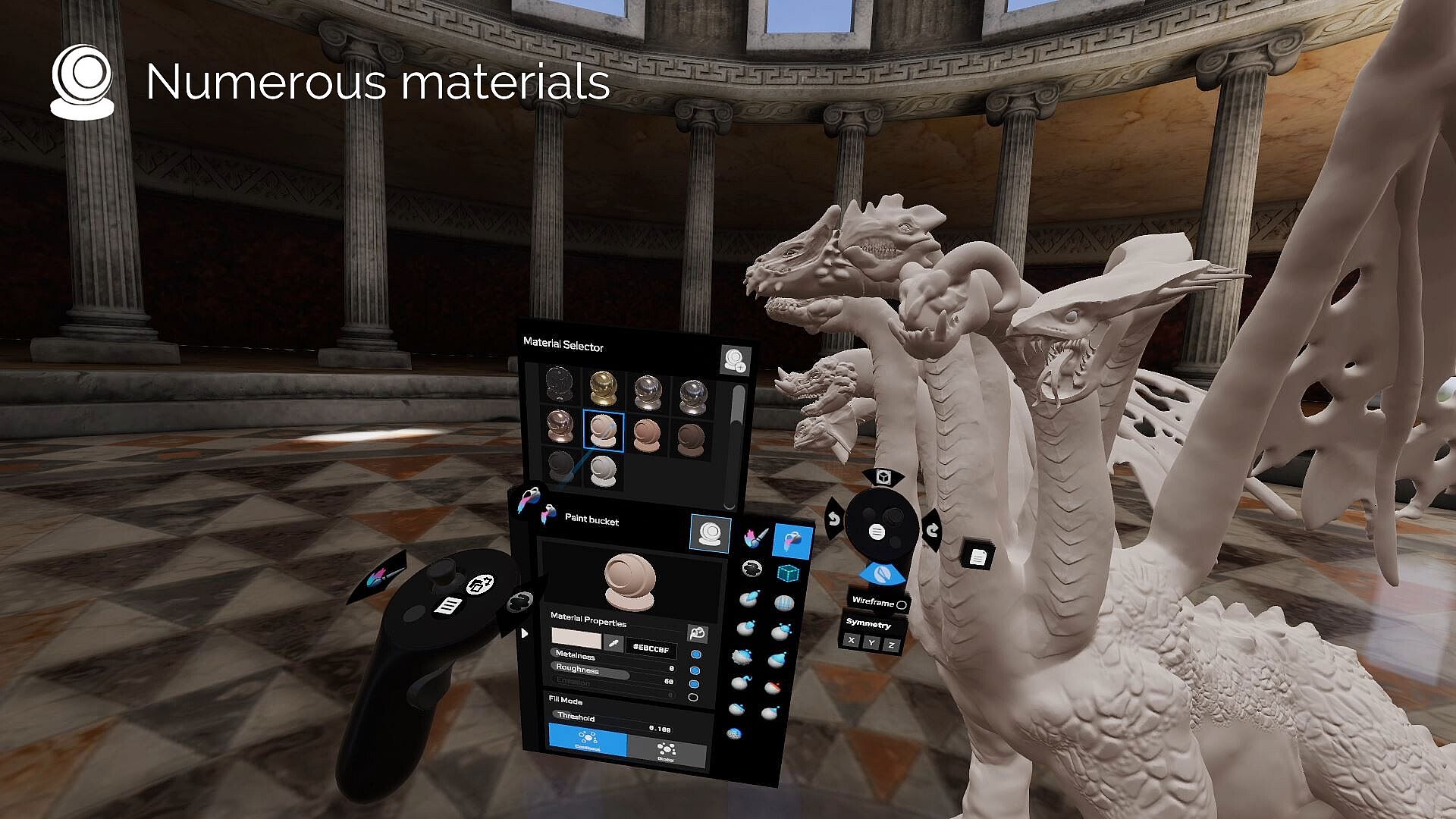
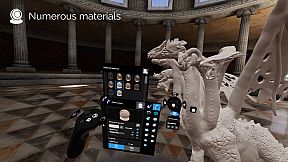
Materials and Shading
Use PBR materials, MatCaps, and procedural textures.
Import custom MatCaps or utilize built-in ones.
Flat shading support for stylistic effects.
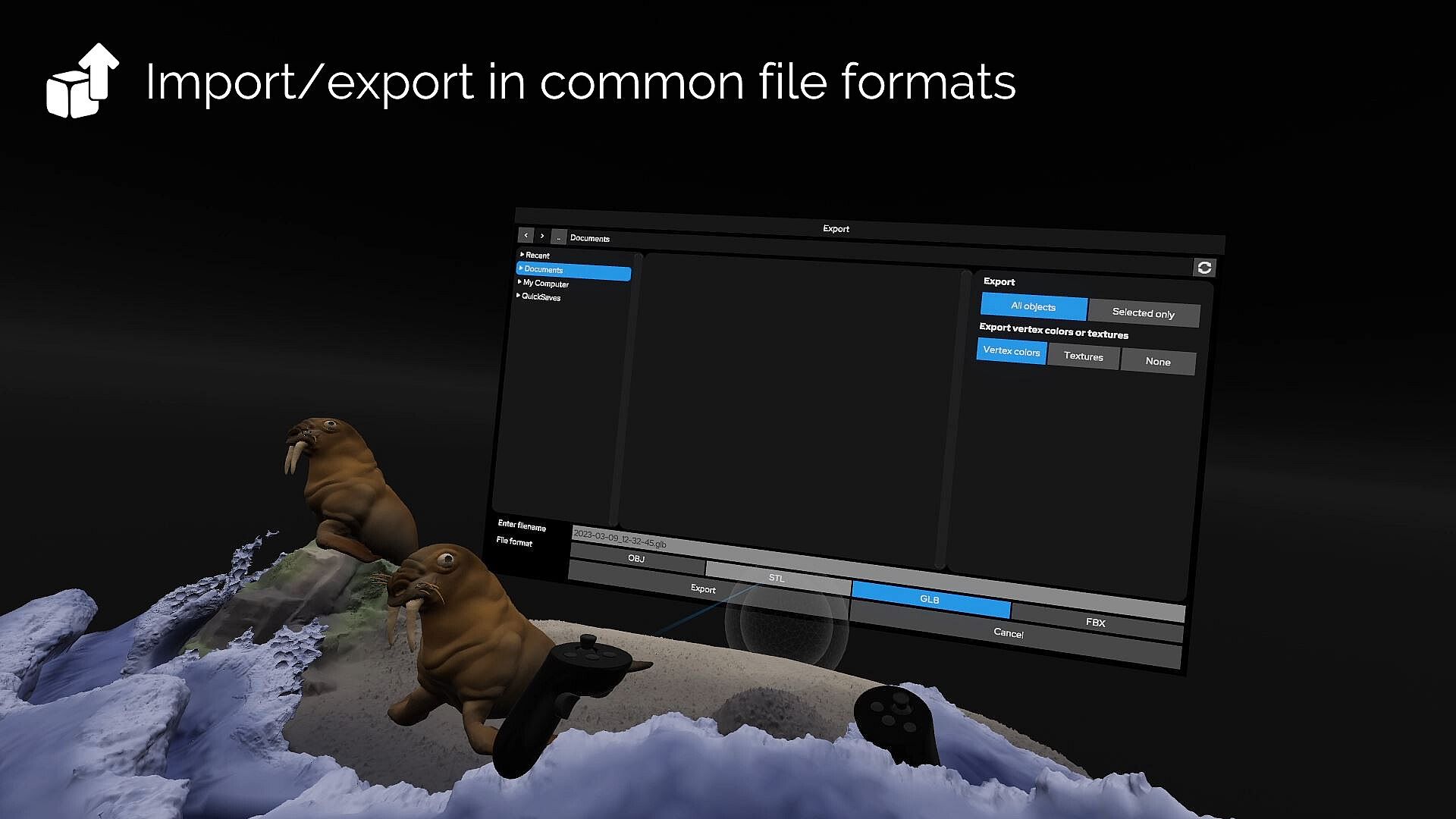
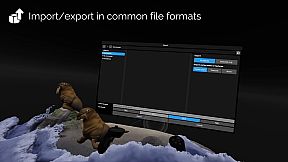
File Support and Import/Export
Easily import and export models in FBX, OBJ, STL, and GLB formats.