

Comprar Marble on Rails PC Key

Onde comprar Marble on Rails ao melhor preço? Em 31 ago. 2026 este título tem uma oferta, R$ 10,49 na Steam. No PC é o caso habitual, porque só cerca de um título em cada quatro consegue oferta em keyshop e o resto fica na loja da plataforma. Não há nada a comparar, mas seguimos este preço todos os dias e mostramos como fica face às leituras anteriores, e um alerta de preço avisa-te de cada descida. No PC compras uma chave que ativas na Steam ou noutro cliente, e é aqui que o mercado é mais largo, com mais de um quarto dos jogos a ter oferta em keyshop.

Lançamento: 01 set. 2022
dbitware
dbitware
Metacritic:
tbd tbd
Steam:
Overwhelmingly Negative (4)
Keyshops
Indisponível
Comprar em Loja Oficial:
R$ 10,49
Comprar em Keyshops:
Ver histórico de preços

Lojas Oficiais (1)

DRM:
Steam
Steam
Steam
Marble on Rails
Windows
há 7sem
DRM:
Steam
Steam
R$ 10,49

Sobre Marble on Rails

Marble on Rails - sobre o jogo
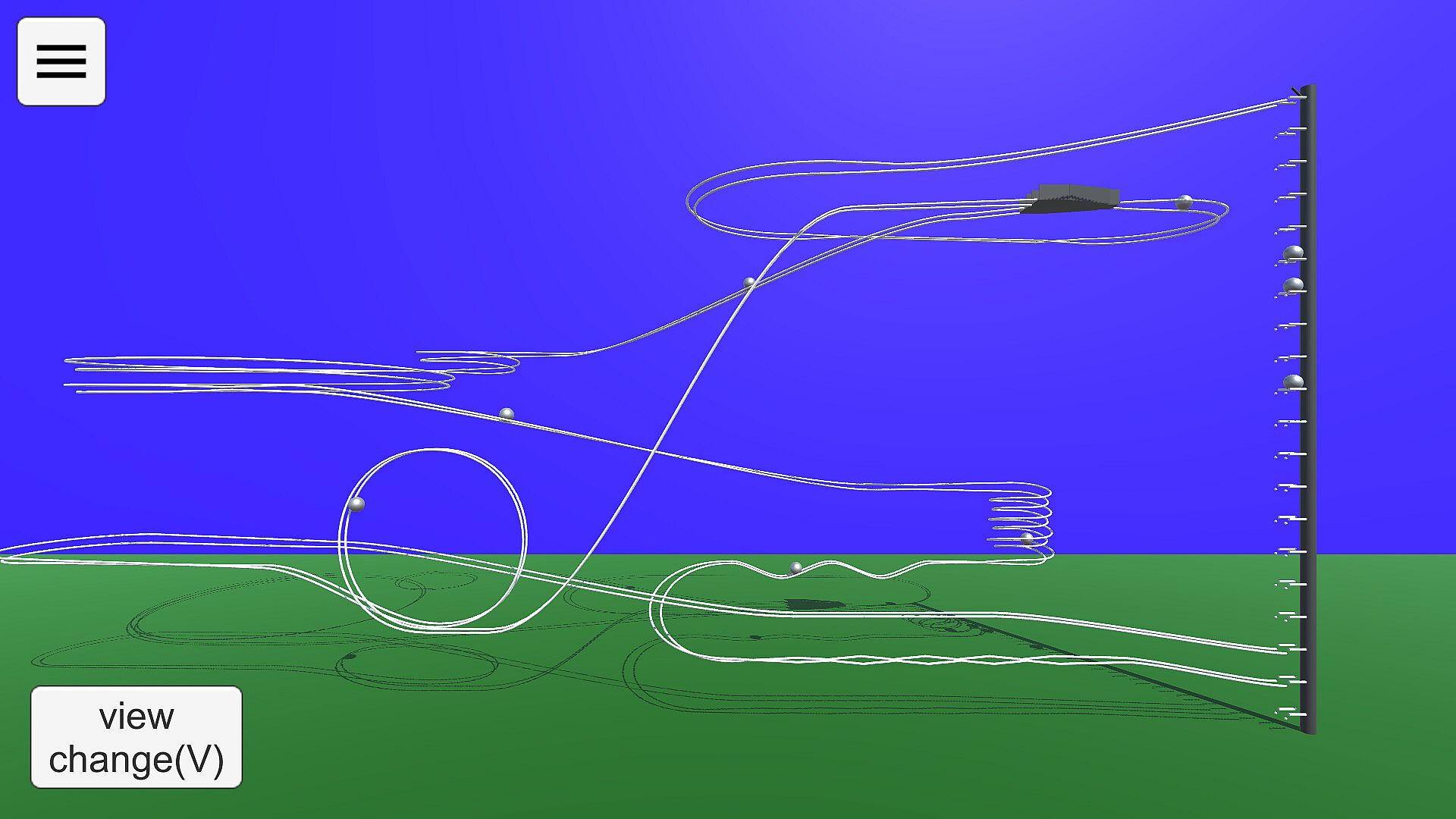
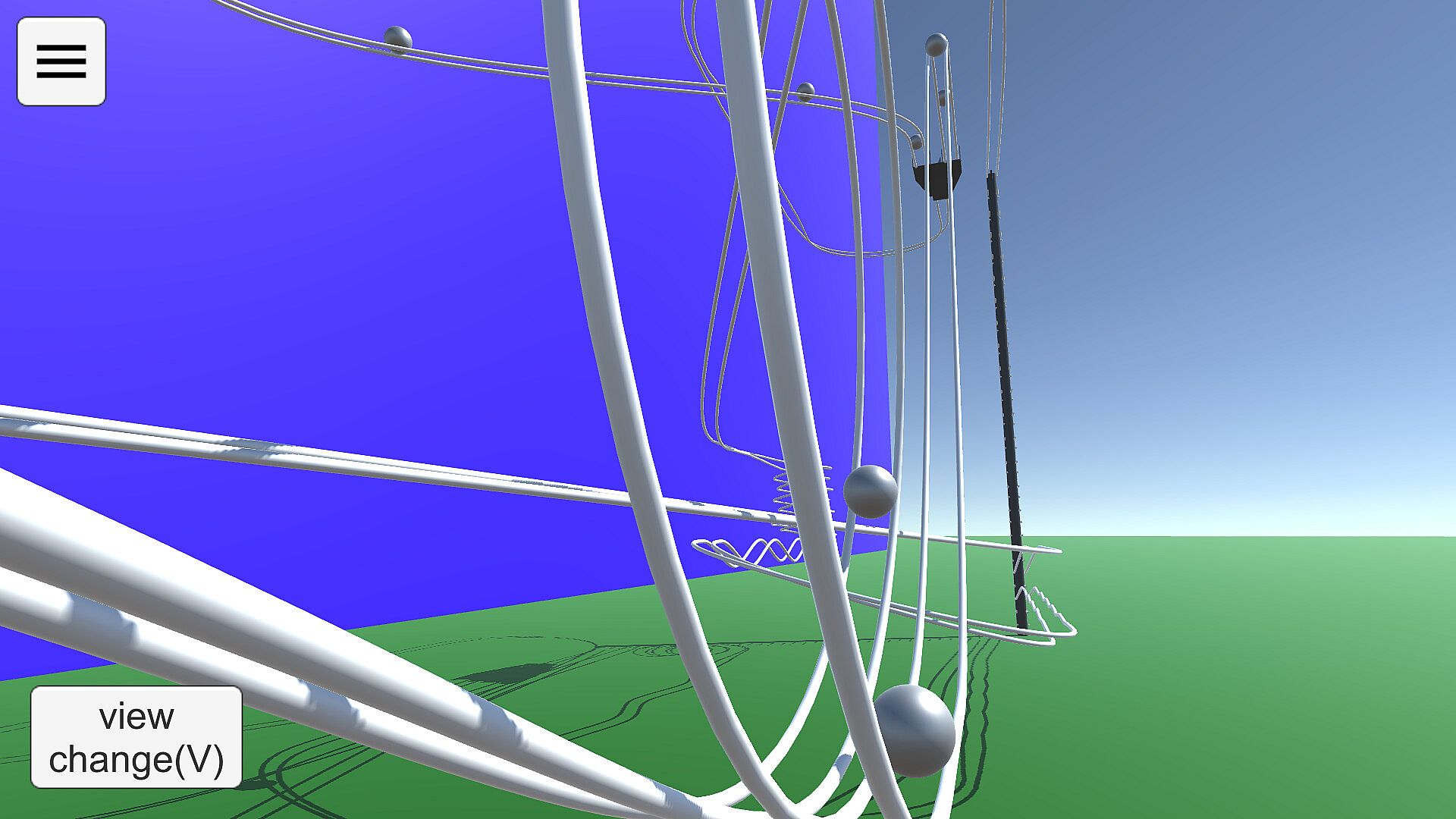
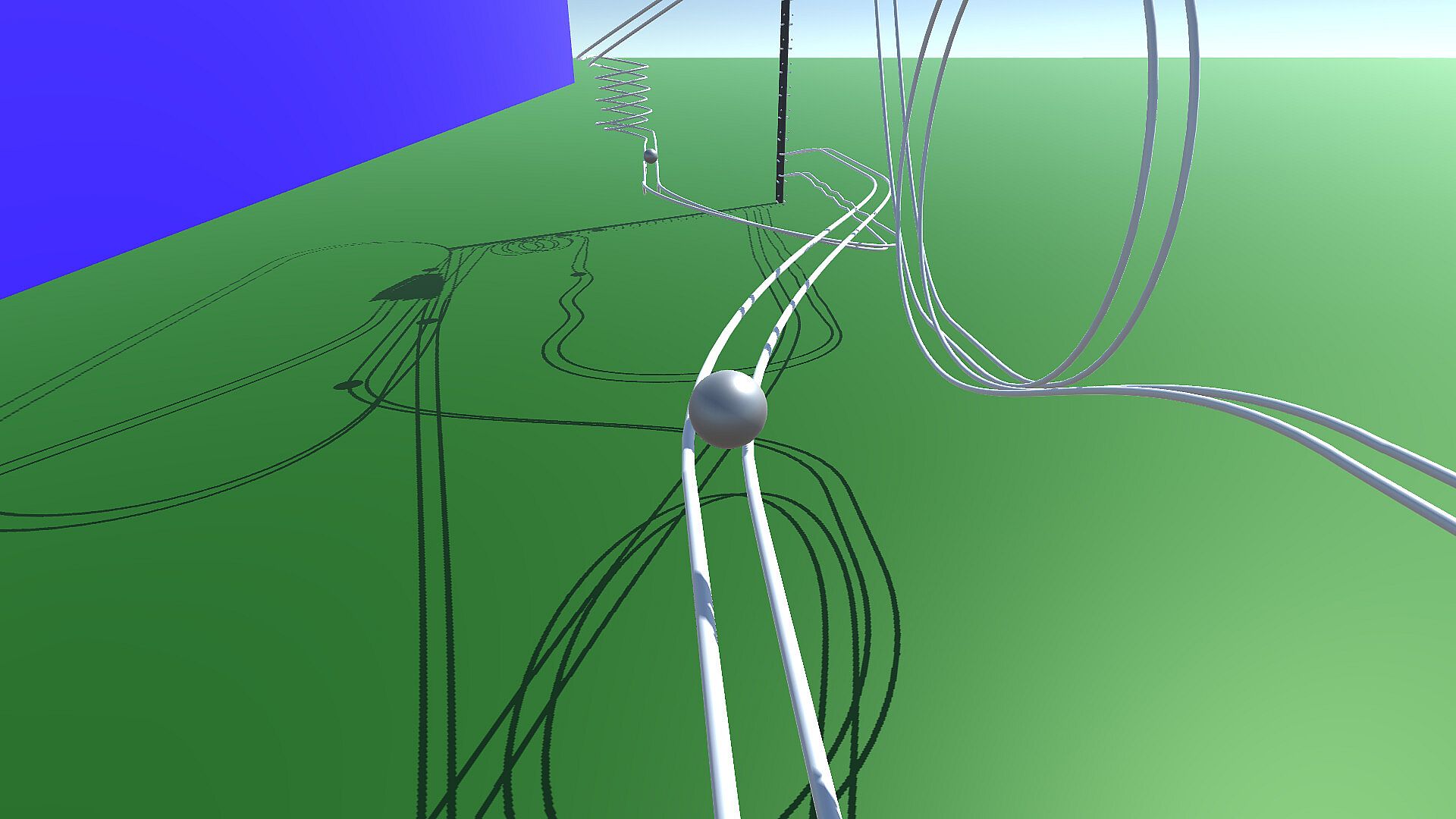
Build and test intricate marble runs in this indie simulation on PC. Switch between View Mode to observe marble paths on your courses or samples, tweaking cameras with shortcuts like 1-5 for fixed angles and WSADQE keys for movement. Drag the screen to adjust direction, track specific balls, or reset runs for quick checks. In Edit Mode, place rails like in drawing software by setting anchor points and Bezier control points within ground lines, adding preset shapes such as straights, curves, or loops. Fine-tune bank angles, position up to five cameras, and configure the elevator for ejections and connections to loop marbles back. Share creations via Steam Workshop and enjoy enhanced physics accuracy with shadows over the Android version, perfect for simulation fans who craft precise tracks.

How to play
'Marble on Rails' is a marble run simulation application.
The application has two modes: View Mode and Edit Mode.
View Mode
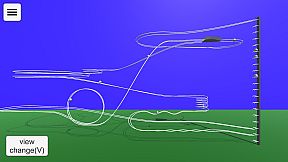
In View Mode, you can view the behavior of the courses you have created so far and sample courses.
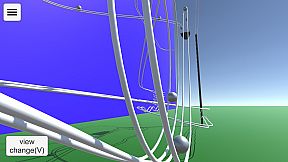
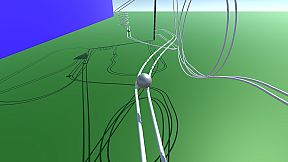
The viewpoint can be switched using the buttons, and the marbles to be gazed at can be changed. You can change the camera direction by dragging the screen with the mouse.
You can use the keyboard (WSADQE, cursor keys) to move the viewpoint as desired.
The drawer menu is displayed by pressing the hamburger button in the upper left corner. You can change some settings and modes, and exit the application.
Keyboard Shortcuts in View Mode
1-5 Camera Switching. Fixed camera to be set when editing course.
6 Ball tracking side angle camera. operated by WS, cursor keys.
7 Ball tracking rear angle camera, operated with WS and cursor keys.
8 Rotational camera.
0 Fixed camera, ball tracking. With zoom. Zoom size can be changed with up/down cursor keys.
V Switch camera in sequence.
B Switching the ball in focus
M Toggle on-screen button display
R Ball reset
Period(.) Random camera switching mode.
Edit Mode
You can create your own courses.
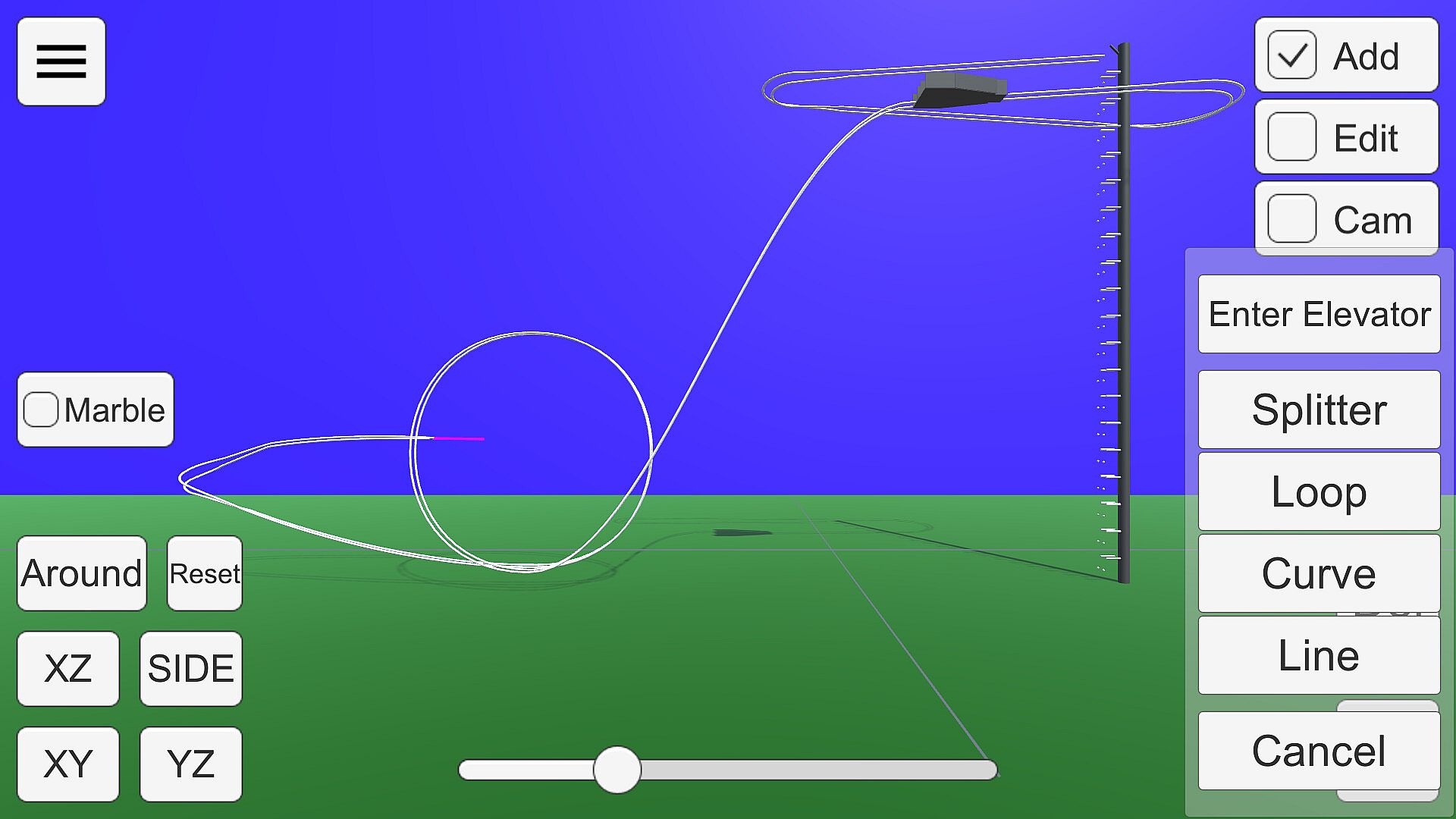
The rails are placed and edited in the same way as in drawing software. Smooth rails can be generated by setting anchor points and control points in space.
Anchor points can be placed within the white line drawn on the ground in the edit screen.

There are several states in the edit mode.

Add:
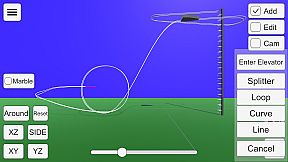
Press the + button to add a rail with a preset shape, such as straight, curved, or looped.
A pink bar is displayed at the position to be added. If there are multiple positions to which rails can be added, press the Add button again to change the add position.
You can delete the anchor point at the position of the pink bar by pressing the Del key.
If there are no more positions to add (all rails are connected to the elevator), this state will no longer be selectable.
If you want to delete a connection to the elevator, put the point of connection to the elevator in Edit state and select "Disconnect from elevator".
Edit:
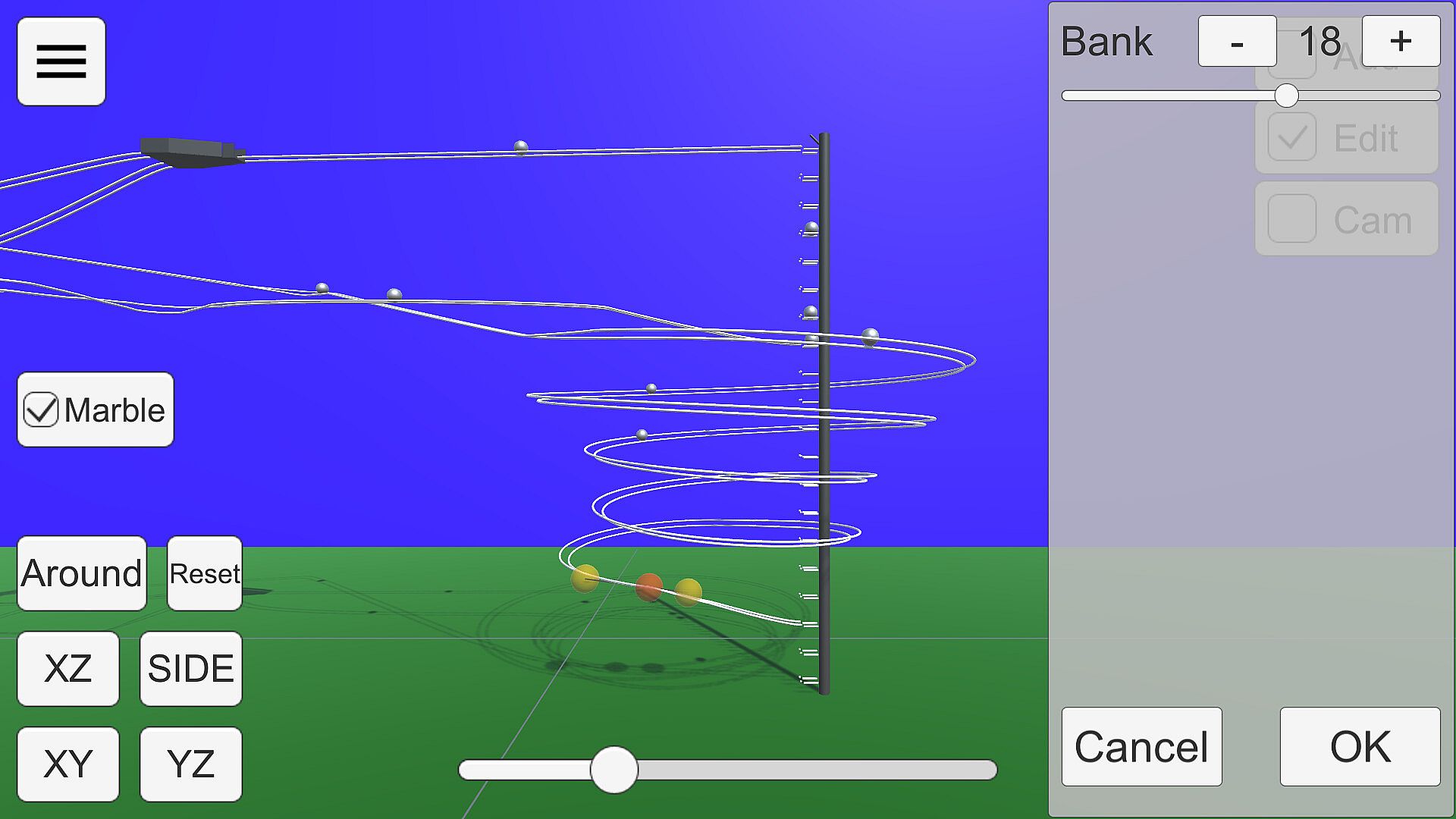
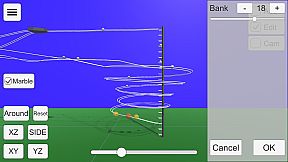
The anchor point of the rail is displayed as a gray sphere.

Click on the sphere to enter anchor point edit mode.

Anchor points are displayed as red spheres and Bezier curve control points as yellow spheres.
Each sphere can be moved by dragging.
The bank angle of the rail can be edited in the window displayed on the right.
Cam:
You can edit up to five camera positions to be used in View Mode.
Use the buttons in the lower right corner to switch camera numbers and move the camera with the mouse or keyboard (WSADQE).
About the viewpoint
The 'XY', 'YZ', 'XZ', 'SIDE', and 'Reset' buttons in the lower left corner and the seek bar for zoom control the viewpoint.
Press 'XY', 'YZ', and 'SIDE' twice to get the view from the back side.
The Bezier curve control points move on the visible plane when editing, so proper viewpoint switching is necessary. XZ' or 'SIDE' is recommended.
About the Elevator
In Edit mode, select the center sphere of the elevator to open the elevator setting window.
In this state, it can be moved by dragging. From the side panel, you can select the direction of ejection, height, and three-way.
Connecting to an Elevator
Selecting 'Enter Elevator' in Add mode adds a straight line connecting the current position to the nearest elevator point.
In order to successfully return the ball to the elevator, the rail must be connected to the elevator and the ball must be controlled to roll in the direction of the elevator.
Mouse Controls
Drag to move the ball parallel to the screen.
Right-click and drag to rotate around the gazing point. If there is no gazing point, rotate the camera.
Keyboard shortcuts
Escape key cancels a dialog or opens a drawer menu.
See below for shortcuts when in edit mode.
Miscellaneous
You can run Marble for testing by checking the Test checkbox.
Steam Workshop
You can share the courses you have created.
Uploading is available from the Edit Mode menu. You can upload the course you are currently editing. Tapping the notification that the upload is complete will open the Steam item page. The preview image will use the camera setting Cam1.
If you want to view a course shared in the workshop on your own computer, you can subscribe to it on the Steam Workshop. The subscribed courses will be downloaded automatically. You can select the downloaded course from the "Steam Workshop" menu in View Mode.
Differences from the Android version
Compared to the Android version, the accuracy of physics calculation has been improved. This allows Marble to run more smoothly.
Shadows are drawn
Elevator three-way support

Interface:
EnglishJapanese

Classificação etária

Indisponível
Metacritic:
tbd tbd
Steam:
Overwhelmingly Negative (4)

Mínimo:

  • Processador: Intel Core i3 4160
  • Memória: 4 GB RAM
  • Gráficos: Intel HD Graphics 4400
  • DirectX: Version 10
  • Armazenamento: 200 MB available space

Recomendado:

Mínimo histórico
Histórico de preços das lojas oficiais
R$ 2,09
Steam
há 3 meses
Histórico de preços dos keyshops
-
-
-

FAQ

8 perguntas

Antes de procurar uma chave PC barata de Marble on Rails, confira o essencial. Desenvolvido por dbitware. Publicado por dbitware. Data de lançamento PC: 01 set. 2022. Géneros: Indie, Simulation. Categorias: Family Sharing, Steam Workshop, Single-player.

Q

Onde comprar uma chave Steam ou CD Key barata de Marble on Rails?

Usando o nosso comparador de preços e códigos de desconto verificados, pode comprar uma chave de Marble on Rails por apenas R$ 10,49. Esta oferta está disponível na Steam e é uma das mais baratas do mercado. Todas as chaves listadas no XD.deals são entregues digitalmente e disponíveis para download imediato após o pagamento. Os preços já incluem taxas de processamento e códigos promocionais aplicados, para que veja sempre o preço mais baixo de Marble on Rails no PC. Consulte o histórico de preços de Marble on Rails para comprar no melhor momento.

De acordo com a nossa última atualização (atualizamos os preços do Steam várias vezes ao dia), o preço de Marble on Rails no Steam é R$ 10,49. Pode poupar cerca de 6% extra pagando com um cartão presente Steam com desconto.

O nosso rastreador de preços abrange tanto lojas oficiais como keyshops, para que possa encontrar Marble on Rails em promoção mesmo fora das campanhas sazonais. Detetamos atualmente 1 oferta ativa de lojas oficiais e keyshops. Consulte a tabela acima, compare com o mínimo histórico e defina um alerta para nunca perder a próxima descida de preço.

Com base nos nossos dados, Marble on Rails não está atualmente disponível no GeForce NOW. Precisará de o executar localmente no seu PC. Consulte os jogos disponíveis no GeForce NOW.

Sim. Marble on Rails tem uma página oficial no Steam. Também pode comprar uma chave Steam de Marble on Rails em vendedores terceiros. O nosso comparador inclui atualmente 1 oferta com DRM Steam. Escolha uma para garantir que o download de Marble on Rails acontece na plataforma da Valve.

Não neste momento. A Valve marca Marble on Rails como Não Suportado no Steam Deck. Fique atento ao XD.deals - acompanhamos atualizações do Proton e correções da comunidade. Consulte os jogos Steam Deck Verified ou Steam Deck Playable.

Segundo os nossos dados, Marble on Rails não está atualmente disponível no PC Game Pass, EA Play nem Ubisoft+. Ainda estamos a completar os catálogos destes serviços, por isso compensa confirmar o estado na fonte antes de decidir. Se vais comprar, o XD.deals ajuda a encontrar o preço mais baixo.

Não - o XD.deals não é uma loja. Somos um serviço de comparação de preços que acompanha as melhores ofertas de Marble on Rails em lojas oficiais e keyshops verificadas. Clique em "Ir para a loja" junto a qualquer oferta e será redirecionado para o site do vendedor para concluir a compra.

Melhores preços para Marble on Rails

1 Steam Steam Official
R$ 10,49

Quer comprar no melhor momento? Defina um alerta de preço no XD.deals e seja notificado quando Marble on Rails atingir o seu próximo mínimo histórico.

Criar Alerta
Junte-se ao nosso Discord
Obtenha ajuda instantânea da nossa comunidade e mantenha-se atualizado sobre as últimas ofertas
Definir Alertas de Preço
Seja notificado por email quando os preços dos jogos baixarem para o seu objetivo
Criar Conta Gratuita
Desbloqueie listas de desejos, alertas de preço e sincronização Steam