



Comprar RPG Maker MZ - Menu Builder PC

Este conteúdo requer o jogo base: RPG Maker MZ

Interessado em RPG Maker MZ - Menu Builder? Estamos a acompanhar preços de lojas de confiança. Adicione RPG Maker MZ - Menu Builder à sua lista de desejos e notificá-lo-emos quando surgirem ofertas.

Lançamento: 09 out. 2024
Desenvolvedora: Gotcha Gotcha Games
RPG
Metacritic:
tbd tbd
Steam:
Overwhelmingly Negative (3)
Official
Indisponível
Keyshops
Indisponível
Comprar em Loja Oficial:
Indisponível
Comprar em Keyshops:
Indisponível

Sem entradas, mas não se preocupe, iremos informá-lo assim que surgir uma nova oferta.

Create Alert Create deal Alert

Sobre RPG Maker MZ - Menu Builder

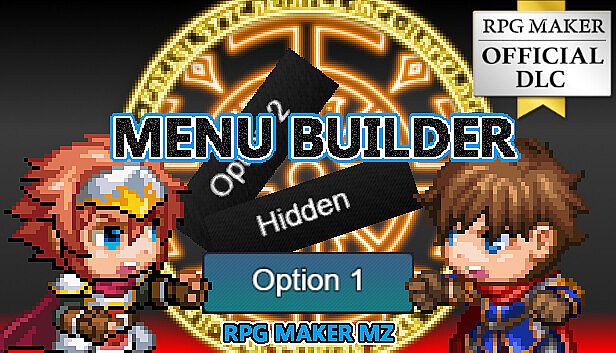
RPG Maker MZ - Menu Builder - sobre o jogo

*Tutorial videos are now available (more to come). Please see “View the manual”.

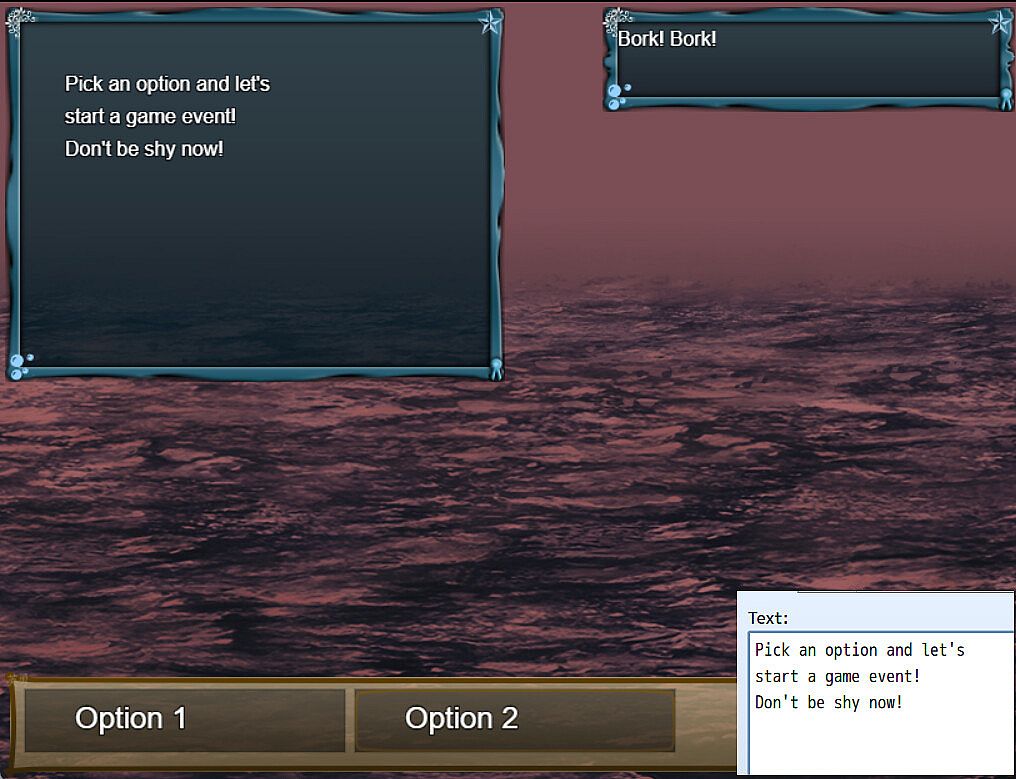
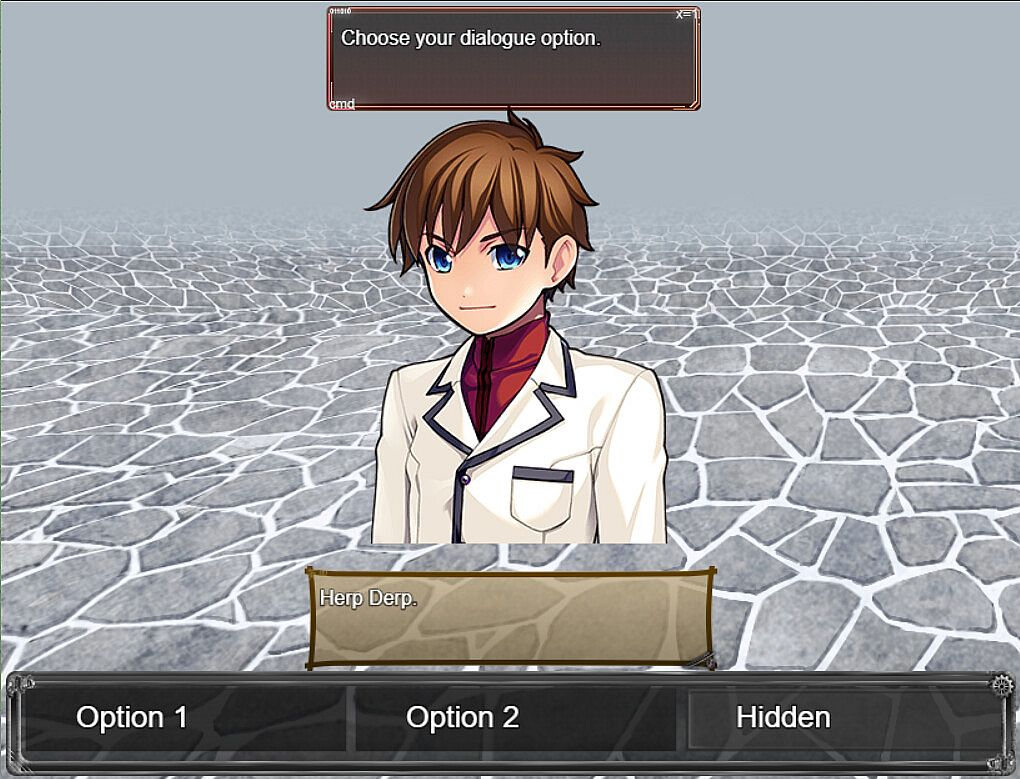
・Allows for basic menu building and linking to other scenes

・Can execute script calls AND events

・Can setup backgrounds and foregrounds

・Can setup touch buttons

・Can modify UI according to needs

Custom menus must be setup in the plugin parameters prior to calling them in game.

For each menu, you MUST/ARE REQUIRED TO setup the selection window as that will hold the selectable options for the menu scene.

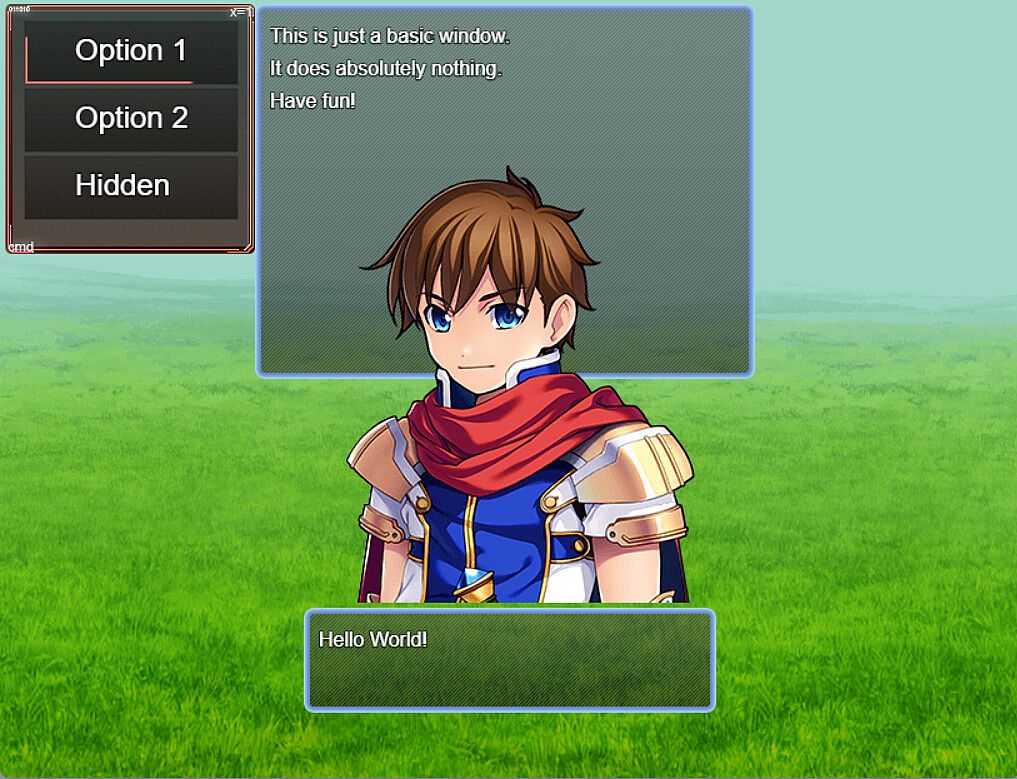
From above, screenshot from demo, you can see that you only need to setup the selection window and basic window if you want to permanently display information on the scene.

Setup the dimension configuration to control the size and position of the selection window and the Window Font and Style for the font settings and window skin/opacity.

Item Width/Height will control the selection box size and max columns will determine the number of selections aligned on horizontal axis.

The important thing here is the selection options

You can setup requirements to display or even select the menu option based on:

・Variables

・Switches

・Items

・Weapons (Not equipped)

・Armors (Not equipped)

Static add a graphic over the scene backgrounds when the option is selected and animated graphic will change the graphic on scene to use the set data.

Pictures are stored  images which can be drawn based on window settings.

You can setup a scene button which when mouse over will force select the option and when clicked will execute the code in the "Code Execution" parameter.

------------

Patch note:2025/5/27

New: Script call added to help reset the game data

New: Add script calls to the plugin help

New: Added parameter to set update codes. These are run every frame on the menu scene.

Patch note:2025/3/19

Adjustment: Changed directory of videos folder to movies due to RPG Maker v1.9.0 update.

Demo: Fixed issues with prior set debug menus

Patch note:2025/2/3

Fixed: Fixed an issue where the option name and alternative name were not being displayed in the data window.

Patch note:2024/11/25

Fix: For MV, the sprite destroy function does not remove the sprite. I have removed the function entirely.

New: Set video to play when a menu option is selected. This video is played below the video layer

New: Set videos to play on scene using script calls as defined in the plugin help

New: Set script calls to execute on opening the menu scene

New: Override scenes, in the demo, the default menu scene is replaced with the debug menu.

Patch note:2024/10/28

Fix: Changed data source from weapons to items for item requirements.

------------

・This pack is for use in RPG Maker Series or the engine of your choice.

・OK to be used in Commercial projects made in RPG Maker

・You may modify some of the assets (but not redistribute them) for your own game use only.

Metacritic:
tbd tbd
Steam:
Overwhelmingly Negative (3)

Histórico de preços

Mínimo histórico
Keyshops
-
-
-
Lojas Oficiais
-
-
-

FAQ

8 perguntas

Antes de começar a procurar uma CD Key barata de RPG Maker MZ - Menu Builder, reserve um momento para verificar o essencial. Desenvolvido por Gotcha Gotcha Games. Publicado por Gotcha Gotcha Games. Data de lançamento PC: 09 out. 2024. Géneros: RPG, Design & Illustration, Education, Web Publishing, Game Development. Categorias: Steam Workshop, Downloadable Content, Partial Controller Support.

Q Posso jogar RPG Maker MZ - Menu Builder no Steam Deck?

Não, neste momento não. A Valve marca RPG Maker MZ - Menu Builder como Não Suportado no Steam Deck, então não funcionará via Proton neste momento. Fique atento ao XD.deals - acompanhamos avanços do Proton e correções da comunidade, e sinalizaremos assim que houver uma forma funcional de jogar RPG Maker MZ - Menu Builder no Steam Deck.

Sim. Existe uma versão Steam de RPG Maker MZ - Menu Builder. Escolha qualquer oferta com a etiqueta Chave Steam no XD.deals, resgate-a no cliente desktop e jogue RPG Maker MZ - Menu Builder no Steam PC.

Sim. Depois de resgatar a sua chave Steam, pode iniciar RPG Maker MZ - Menu Builder no Modo Offline via Steam. Os seus ficheiros de gravação serão sincronizados da próxima vez que ficar online.

Sim, pode comprar uma Chave Steam de RPG Maker MZ - Menu Builder diretamente na Steam Store. No XD.deals, agregamos todas as ofertas Steam DRM disponíveis para que possa comparar ofertas Steam baratas de RPG Maker MZ - Menu Builder num só lugar.

De momento não temos ofertas ativas para RPG Maker MZ - Menu Builder - tanto lojas oficiais ({1}) como keyshops ({2}) mostram o jogo como esgotado ou temporariamente indisponível…

Com o XD.deals, os jogadores de PC podem ver instantaneamente onde comprar uma chave PC Steam barata de RPG Maker MZ - Menu Builder. O nosso motor de comparação de preços em tempo real e base de dados de cupões curada acompanham todas as lojas oficiais e keyshops de confiança para que não tenha de o fazer. Neste momento detetamos este jogo em 0 ofertas ativas de lojas e keyshops.

Ainda não. Não existe uma listagem Steam de RPG Maker MZ - Menu Builder neste momento, então não pode comprar RPG Maker MZ - Menu Builder no Steam hoje. Em vez disso, navegue pelas outras ofertas de RPG Maker MZ - Menu Builder no XD.deals - lojas oficiais e keyshops frequentemente fornecem versões sem DRM ou chaves de launcher que pode jogar enquanto espera por um futuro lançamento no Steam.

Não - o XD.deals em si não é uma loja. Somos um serviço de comparação de preços que acompanha as melhores ofertas de RPG Maker MZ - Menu Builder em lojas oficiais e keyshops verificadas. Clique em "Comprar agora" junto à oferta desejada e será redirecionado para o site do vendedor para concluir a compra e receber a chave lá.

Pronto para começar? Defina um alerta de preço no XD Deals e obtenha uma chave Steam com desconto de RPG Maker MZ - Menu Builder assim que atingir o próximo mínimo histórico.

Criar Alerta