




GTA 6 Best Graphics Settings: HDR Calibration, Motion Blur and Why There Is No Performance Mode
GTA 6 has no graphics modes: every console runs it at 30 fps and there is no Performance or Quality toggle to pick. The best settings are the few that do change the picture: Motion Blur Strength, HDR Calibration, the camera comfort options and a handful of TV and console switches.
- No 60 fps and no 40 fps mode on PS5, PS5 Pro, Xbox Series X or Series S. Rockstar says the consoles' CPUs can't run the simulation any faster.
- Motion Blur Strength starts at 3 out of 10. Set it to 0 for the sharpest image, or 1 to 2 if panning looks choppy.
- HDR defaults are 600, 50 and 50. HDTVTest's starting point for a 1,000-nit TV in a dark room is Max Brightness 2,000, Black Levels 20, Paper White 35.
- Camera Shake off and Camera Bob at 3 to 5 calm the picture down more than any other pair of options.
Does GTA 6 have a performance mode or 60 fps?
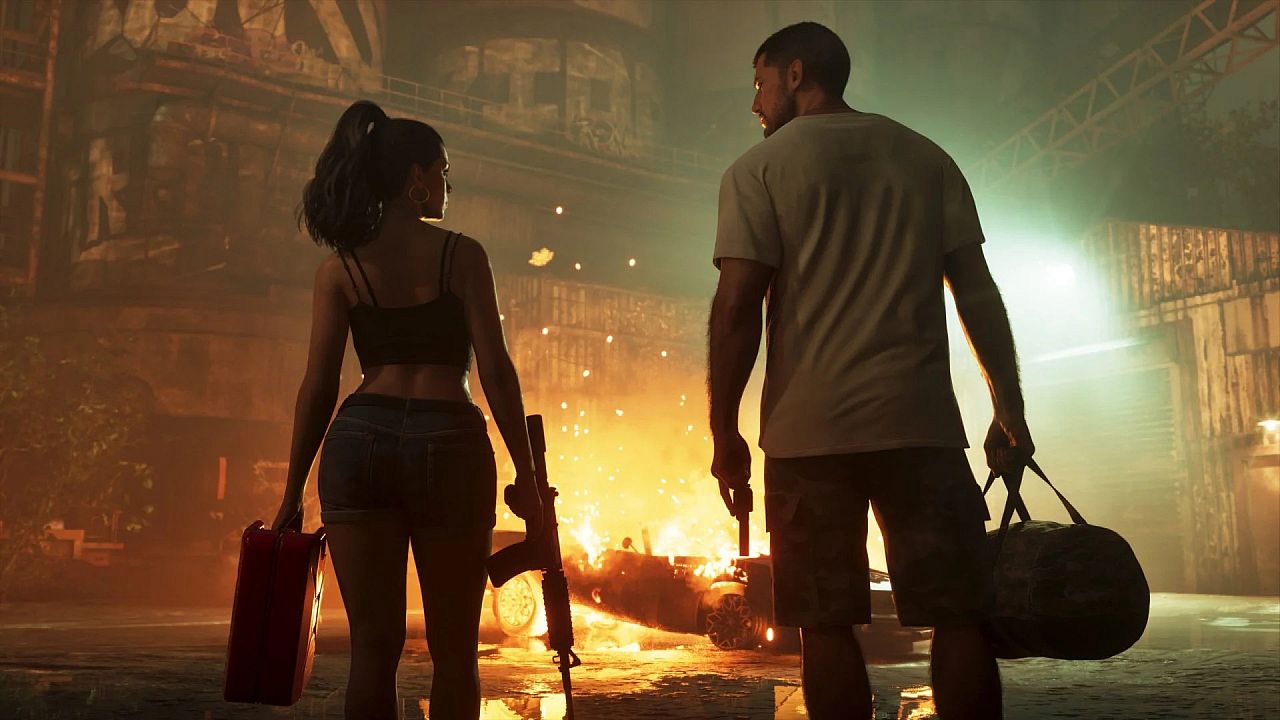
No. GTA 6 targets 30 fps on all four consoles and the menu has no resolution, frame rate or ray tracing option. Rockstar's Technology Production Director Marc Chambers told Kotaku that the PS5 Pro's processor is only slightly better than the base console's and is not powerful enough to run the game's simulation at higher frame rates. That rules out a 40 fps mode as well, and the only patch so far (01.002.002) didn't touch display options.
What differs between consoles is done for you. Rockstar gave these figures to Wccftech:
| Console | Base resolution | Output | Upscaling | Ray tracing |
|---|---|---|---|---|
| PS5 Pro | 1440p | 4K | PSSR 2 | Global illumination, reflections and shadows |
| PS5 | 1440p | 4K | Rockstar's own TAA | Global illumination and reflections |
| Xbox Series X | 1440p | 4K | Rockstar's own TAA | Global illumination and reflections |
| Xbox Series S | 720p | 1080p | AMD FSR 4 | Global illumination and reflections, rebalanced |
Digital Foundry's testing, as reported by Wccftech and Dexerto, found the PS5 Pro the steadiest, with brief drops to 24 fps in heavy explosions. The base PS5 and Series X slip into the 20s in crowds and firefights, and Series S spends a lot of time between 25 and 30. A datamine by Tex2, covered by Notebookcheck and not confirmed by Rockstar, suggests PS5 and Series X share one preset while Series S also cuts textures, shadows and traffic density. More on the smaller Xbox is in our guide to GTA 6 on Series S and older consoles.






What are the best GTA 6 display settings?
Open the pause menu, go to Settings and pick the Display tab. It holds 13 rows, and the Display and Camera menus are the same on PlayStation and Xbox. These are the ones that affect how the game looks:
| Option | Default | What to set |
|---|---|---|
| HDR | On (with an HDR TV) | On, then calibrate it by hand |
| HDR Calibration | 600 / 50 / 50 | See the HDR section below |
| Safe Zone | Not given in guides | Pull it in only if the TV cuts off the minimap |
| Motion Blur Strength | 3 | 0, or 1 to 2 |
| Hit Effects Intensity | 5 | 2 to 3 |
| Player Status Effects Intensity | 5 | 2 to 3 |
| Awareness Effects Intensity | 5 | 3 |
| Flashbang | Bright | Dark, if white flashes hurt your eyes |
| Brightness Reduction | Off | Off |
| High Contrast Shaders | Off | Off, unless you need the accessibility colors |
The three effect sliders control the red flashes, screen tints and edge warnings you get when you're hit or spotted. At 5 they cover a lot of the screen in a firefight, which is why most guides lower them. The remaining rows (Dismemberment, Blood & Gore Intensity, Focus Trail Colorblind Mode) are a matter of taste and don't change image quality.
Should you turn motion blur off in GTA 6?
Turn it down first, and all the way to 0 if you want the cleanest picture. Motion Blur Strength sits at 3 out of 10 by default, and Red Bull, Insider Gaming and games.gg all recommend 0 or a low value. The game is noticeably crisper when you swing the camera or drive fast.
There is a trade-off at 30 fps. BGR warns that zero blur can make camera pans look jittery, and TechRadar collected reports from OLED owners who find the game choppier without it, because OLED panels show each frame so cleanly. If that's you, try 1 or 2 before going higher. Some players on OLED settle between 4 and 6.
What blur can't fix is the basic softness of the image. On the base PS5 and Series X the picture is upscaled from 1440p, on Series S from 720p, and no menu option changes that.
How do you calibrate HDR in GTA 6?
Go to Settings, Display, HDR Calibration and adjust three sliders: Max Brightness, Black Levels and Paper White. They start at 600, 50 and 50, and that default is the reason many players find the game flat or too dark.
Vincent Teoh of HDTVTest measured the game on reference monitors and found that the sliders affect one another. With Max Brightness at 1,000, the in-game sun only reaches about 600 nits. He also found that GTA 6 ignores the HDR calibration done in the PS5 and Xbox system menus, which Push Square confirms, so the in-game screen is the one that counts.
| Slider | Default | HDTVTest (TV with 1,000+ nits, dark room) | HDR Game Analysis |
|---|---|---|---|
| Max Brightness | 600 | 2,000 | Your TV's real peak brightness |
| Black Levels | 50 | 20 | 15 on OLED in a dark room, otherwise 30 |
| Paper White | 50 | 35 | 40 to 50 |
The two recipes disagree, and both authors call their numbers a starting point. For dimmer TVs, Pure Xbox passes on the HDTVTest rule of thumb: set Max Brightness to roughly double your panel's peak, so 1,200 on a 600-nit set.
- Darken the room and switch the TV to Game Mode.
- Set Max Brightness first.
- Drop Black Levels to 0, hide the menu, then raise it until the dark pattern is just visible.
- Set Paper White, then check the result in the game by day and by night.
The calibration screen has three test images that you cycle with R1 or RB. Push Square suggests judging by the two boat scenes instead of the Rockstar logo.
Which camera settings reduce shake and motion sickness?
Go to Settings, Camera and scroll to Comfort. Switch Camera Shake off and lower Camera Bob from its default of 10 to somewhere between 3 and 5, which is the value Red Bull and GIGA both land on. Weapon Sway can go off too if the moving sights bother you while aiming.
In the Cinematic group, Cinematic Kill Shot Frequency and Cinematic Vehicle Crash Frequency start at 3 out of 5. Lower them if the slow-motion cutaways break your rhythm. None of the guides we checked lists a field of view slider for normal play, and there are no film grain or depth of field toggles in the Display tab. If you play in first person, the Comfort options matter even more.
Which TV and console settings should you change?
Switch the TV to Game Mode and turn motion smoothing off. Rockstar's own HDR help page adds three more: use an HDMI 2.1 cable, disable dynamic tone mapping and any AI or adaptive picture modes, and enable HGiG if your TV has it. MakeUseOf also recommends switching off the TV's power saving mode, which dims HDR.
- Xbox Series X|S: turn on Variable refresh rate with a 120 Hz output in the console's TV and display options. According to Digital Foundry the console then runs the game in a 120 Hz VRR container, which smooths out dips below 30 fps. It doesn't raise the frame rate.
- PS5 and PS5 Pro: VRR on PlayStation only works above 48 fps, so it does nothing for GTA 6. Leave resolution and HDR on automatic and don't expect a gain from 120 Hz output.
Running the console's own HDR setup (Adjust HDR on PS5, Calibrate HDR for games on Xbox) is still worth it for your other games.
Can you get 60 fps in GTA 6 some other way?
Not in any official way. The workarounds reported so far all leave the game itself running at 30 fps or come with a real cost:
- TV motion smoothing invents in-between frames. It looks smoother and adds input lag, because the TV leaves Game Mode processing.
- A capture card and a PC with frame generation, the method Elgato describes. Elgato itself notes more smearing in fast camera moves and around the minimap and subtitles.
- An Xbox glitch that uncaps the frame rate also speeds the whole game up. MobstersDaily calls it a bug, not a mode.
An unofficial patch for jailbroken PS5 consoles exists as well, but it needs old firmware and a modified console, so it isn't something we'd suggest. If the wait for more frames is your main worry, the realistic hope is the PC version, which Rockstar hasn't dated. Our other first-hours advice is in the GTA 6 tips guide.
Frequently asked questions
Does GTA 6 have a performance mode?
No. There is no Performance, Quality or Fidelity option on any console. The game targets 30 fps everywhere.
Does GTA 6 run at 60 fps on PS5 Pro?
No. The Pro adds ray-traced shadows and PSSR upscaling at the same 30 fps target. Rockstar says its CPU is not powerful enough for higher frame rates.
Why does GTA 6 look blurry?
Two things add up: motion blur, which you can set to 0 under Settings, Display, and upscaling from 1440p (720p on Series S), which you can't change.
What is the best motion blur setting in GTA 6?
0 for the sharpest picture. If camera pans look jittery at 30 fps, especially on OLED, use 1 or 2.
What are the best HDR settings for GTA 6?
As a starting point on a TV with 1,000 nits or more: Max Brightness 2,000, Black Levels 20, Paper White 35. On dimmer TVs set Max Brightness to about double the panel's peak.
Does VRR help in GTA 6?
On Xbox Series X|S yes, with a 120 Hz TV it smooths frame rate dips. On PS5 it has no effect, because PlayStation VRR starts at 48 fps.
Are the settings different on PS5 and Xbox?
The Display and Camera menus are the same. Only the Controller tab differs, for example adaptive trigger options on PS5.
Sources
- Kotaku: GTA 6 Won't Get A 60 FPS Mode, Even On PS5 Pro
- Wccftech: Rockstar on GTA VI resolution, FSR 4 on Series S and ray tracing
- Wccftech: Digital Foundry test, PS5 Pro is the most stable
- GGRecon: GTA 6 resolution on every console
- Dexerto: GTA 6's PS5 Pro upgrade
- Notebookcheck: GTA 6 datamine reveals graphics settings per console
- Red Bull: GTA 6, the best settings for PS5 and Xbox
- Insider Gaming: Best Graphics Settings To Use in GTA 6
- games.gg: GTA 6 Best Graphics Settings
- MobstersDaily: GTA 6 Graphics and Performance Settings Explained
- DayOne: All in-game options in GTA 6
- BGR: Common GTA 6 problems on PlayStation 5
- TechRadar: GTA 6 motion blur on OLED TVs
- HDTVTest: Is GTA 6 HDR looking flat? Here's the quick fix
- Pure Xbox: HDR Expert Shares Three Recommended Display Settings For GTA 6
- Push Square: GTA 6 HDR settings
- Twisted Voxel: GTA VI best HDR settings guide
- Rockstar Support: HDR troubleshooting
- MakeUseOf: TV settings to change before playing GTA VI
- Elgato: How to Play GTA 6 at 60 FPS on PS5 and Xbox
- GIGA: GTA 6, beste Einstellungen für PS5 und Xbox
- WinFuture: GTA 6 HDR einstellen
- JeuxVideo.com: GTA 6, les réglages contre le motion sickness
- 3DJuegos Guías: mejores ajustes para GTA 6 en consolas
- Generación Xbox: ajustes de HDR para GTA 6
- poradnikgta6.pl: GTA 6 ustawienia, wszystkie opcje