- Home
- Games
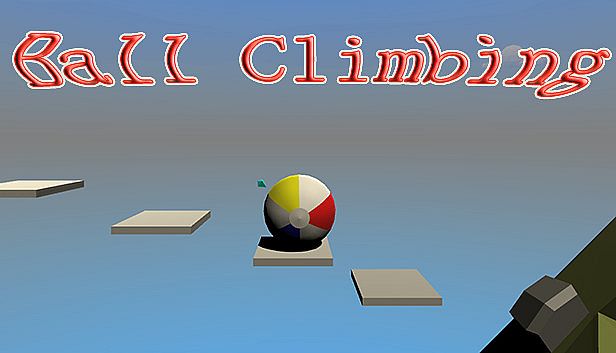
- BallClimbing
- System Requirements



| Component | Minimum: | Recommended: |
|---|---|---|
| Memory | 2 GB RAM | 2 GB RAM |
| DirectX | Version 9.0 | Version 9.0 |
| Storage | 130 MB available space | 130 MB available space |
To run BallClimbing on your PC, you need at least a — processor and a — graphics card. For the best experience, a — CPU and — GPU are recommended. The game also requires a minimum of 2 GB RAM RAM, 130 MB available space of disk space, — as your operating system, and DirectX 9.0. Check the full specification table above and compare it with your hardware to make sure BallClimbing will run smoothly on your setup.