

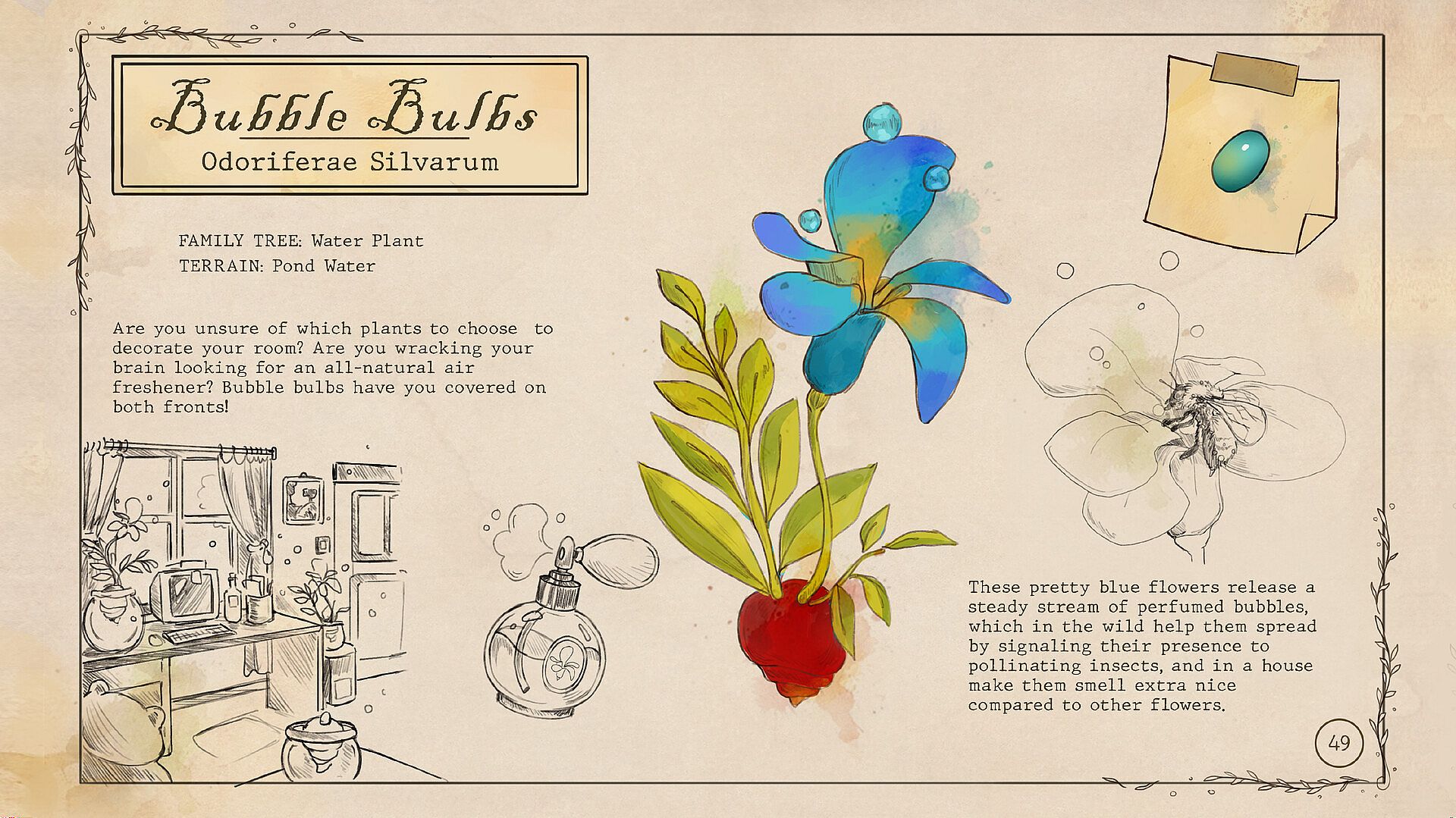
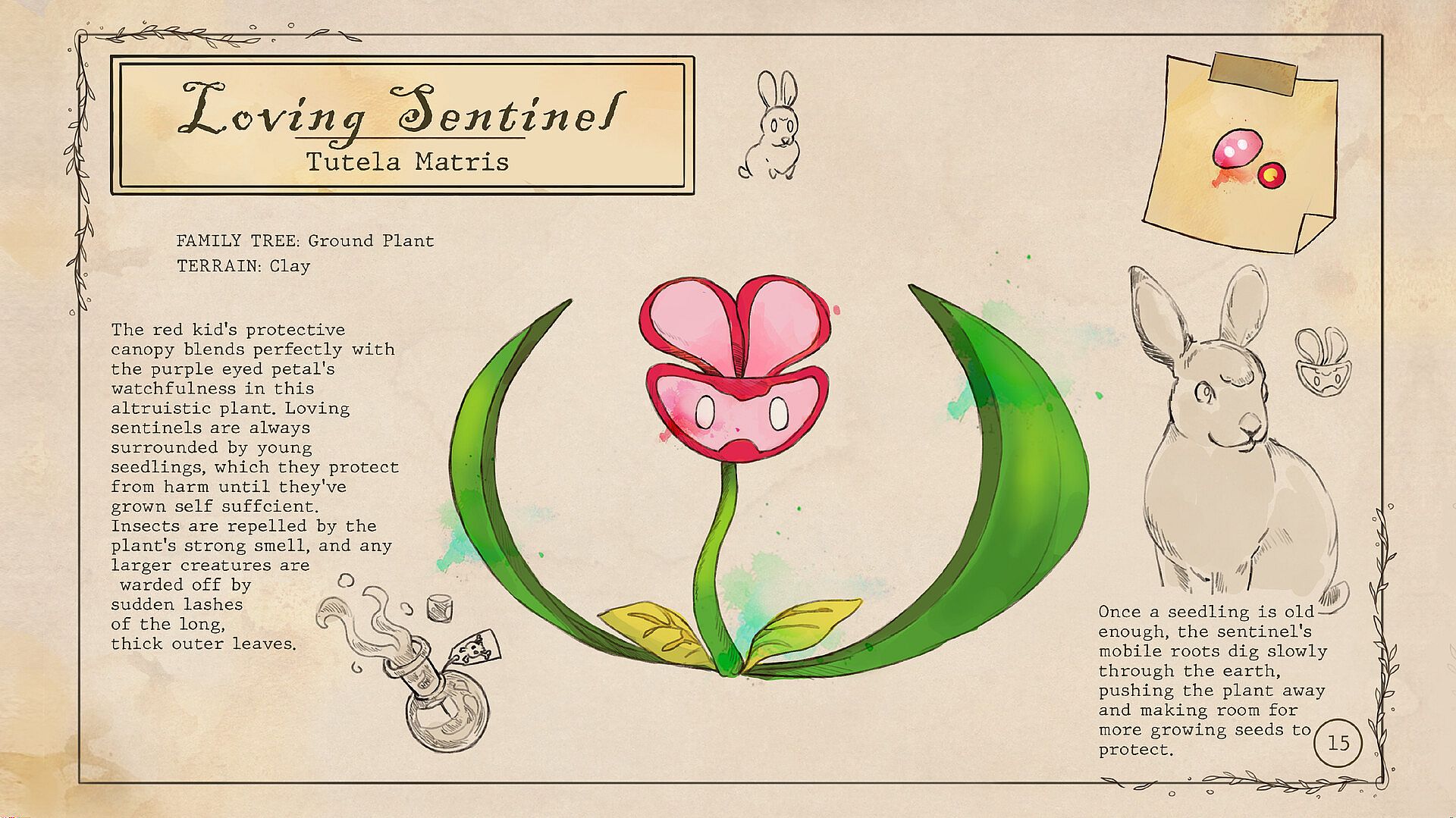
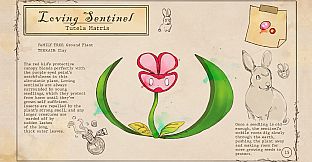
How to access the artbook:
- Install Garden In!
- Right-click Garden In! in your Steam Library and go to “Properties”
- While in the Properties window, navigate to “DLC” and confirm that “Garden In! - Artbook” is installed
- While in the Properties window, navigate to “Local Files” and click “Browse...”
- A file explorer will open with the “Garden In!_Artbook” file in it!