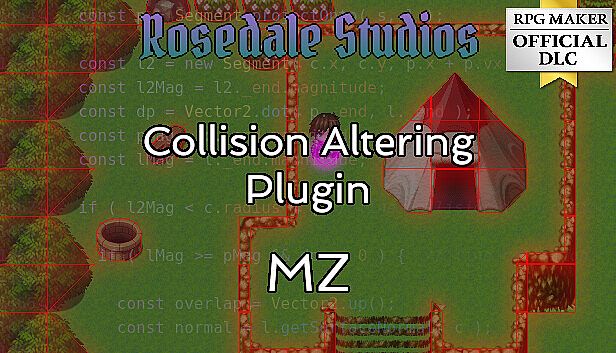



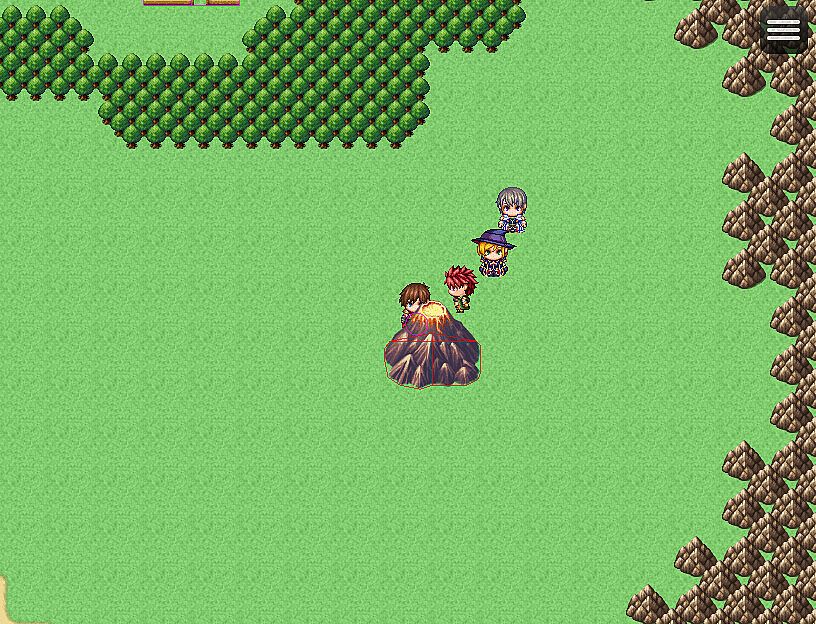
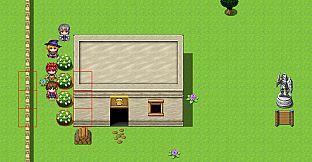
Rosedale Collision Altering Plugin is an RPG Maker official map plugin, which changes how collision detection works in your project.
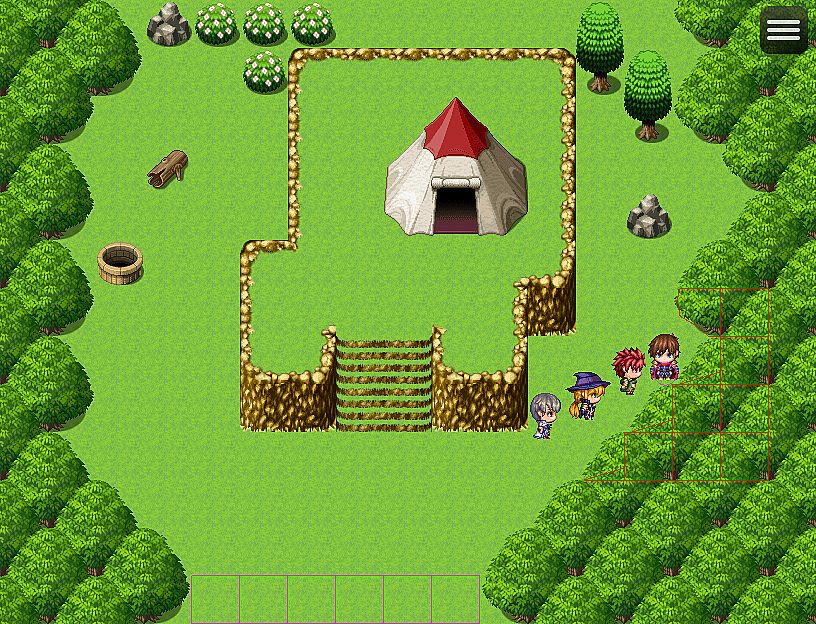
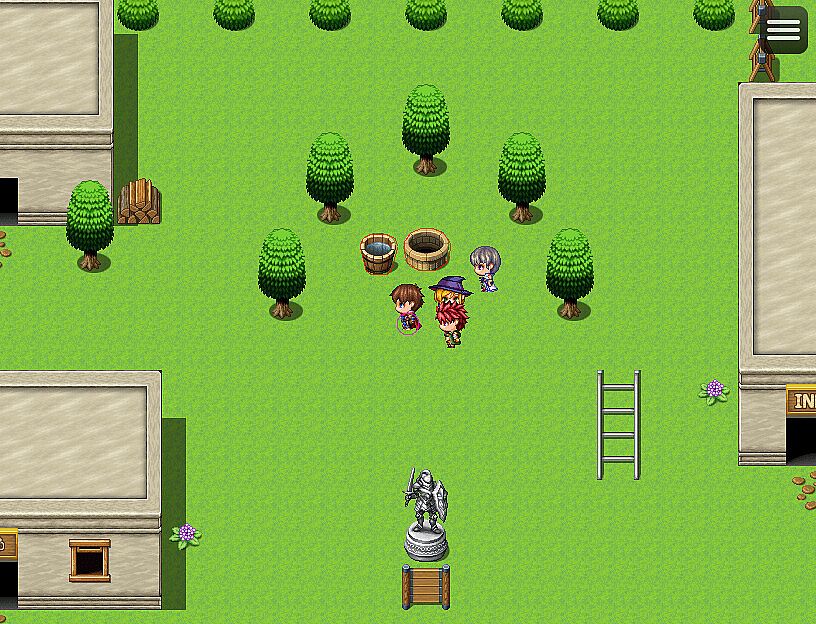
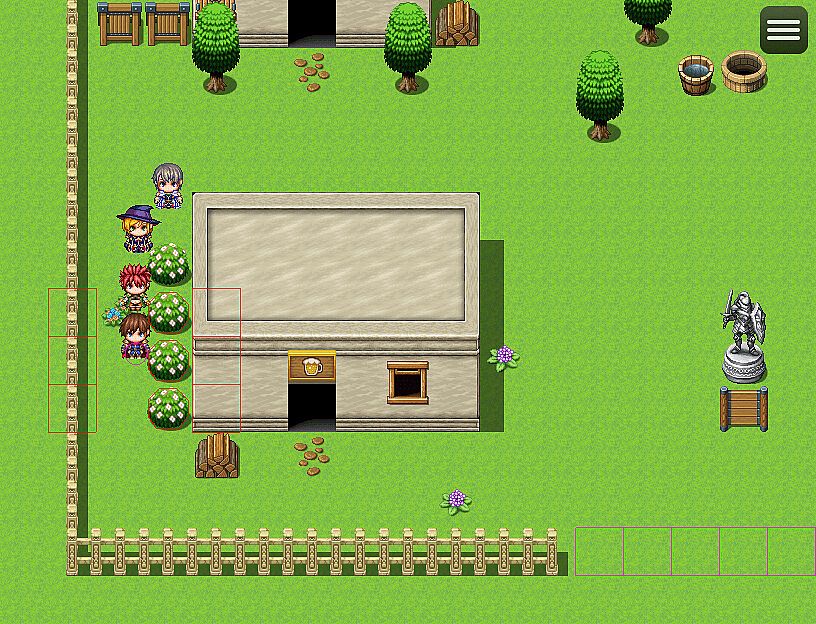
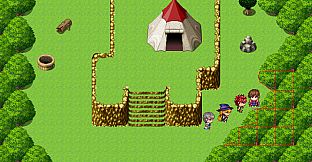
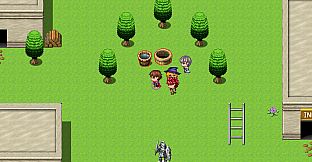
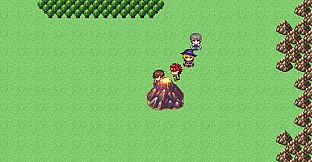
This plugin changes the default grid based movement of RPG Maker MV and MZ and allows Pixel Movement, and calculates collision based off of user defined geometry.
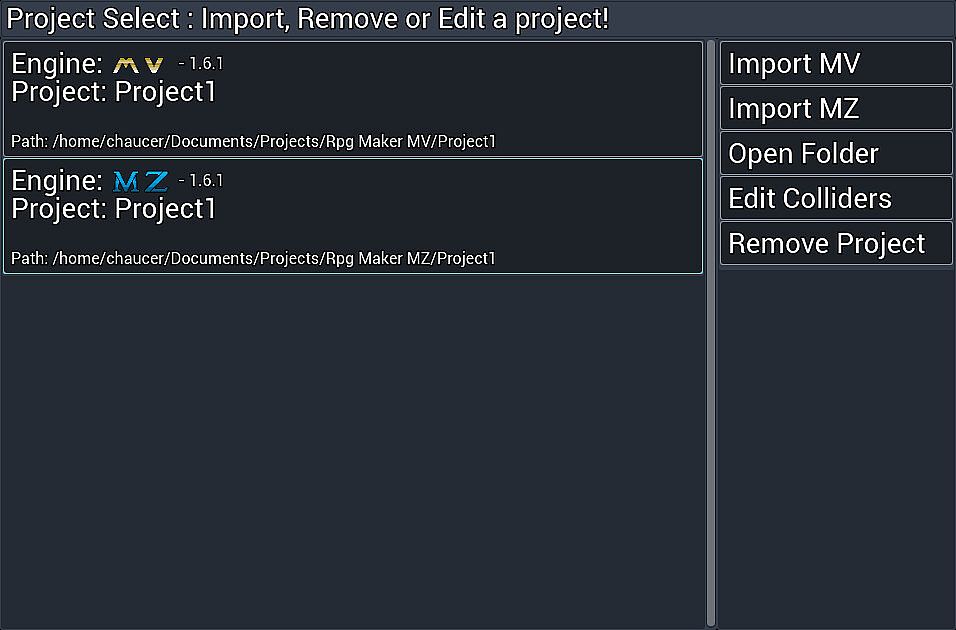
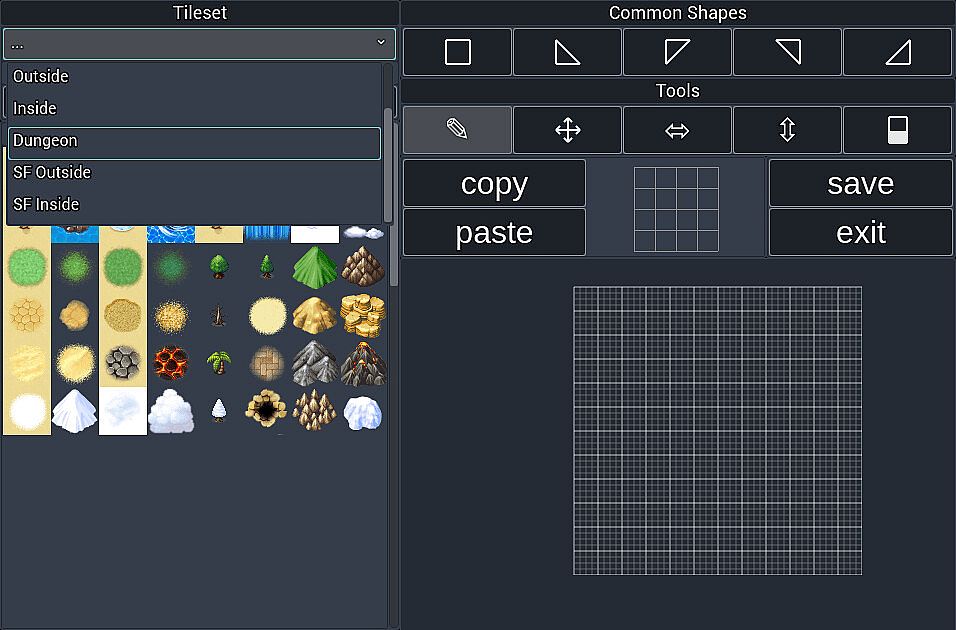
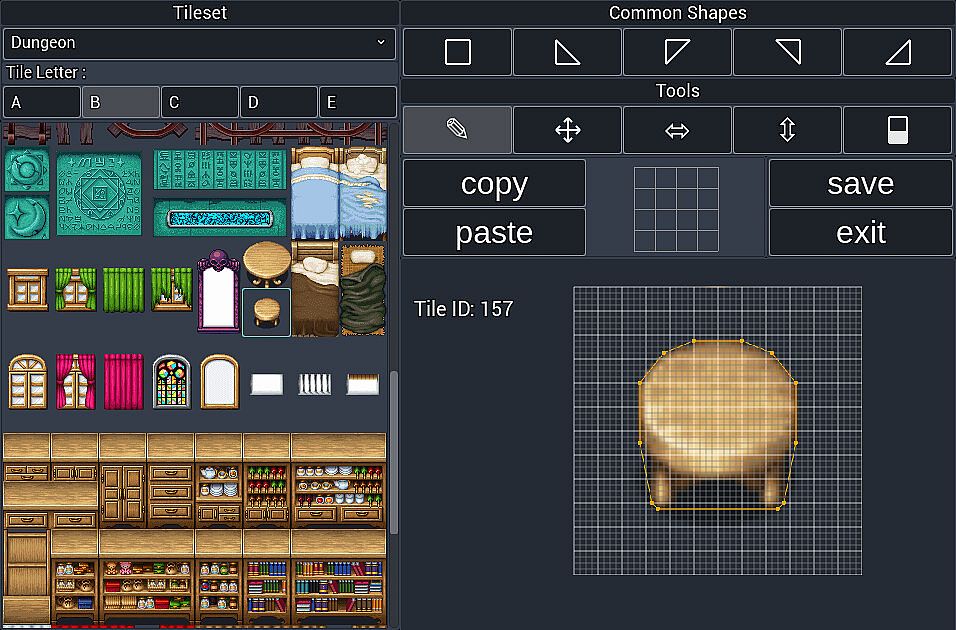
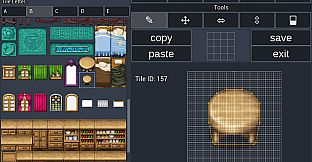
With the Rosedale Collision Altering GUI plugin you can specify custom shapes for each tile in any tile set in your project, this allows for highly accurate collision detection, while keeping your project size small.
■ Adds Pixel movement to your game.
Break the grid limitations of the default RPG Maker MV/MZ Engine.
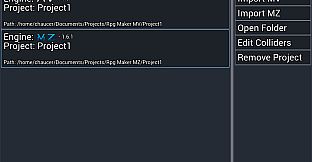
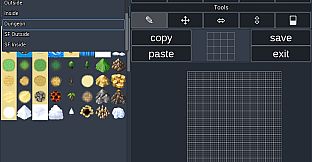
■ Allows specifying collider data for each tile in all tilesets of your project via an easy to use User Interface.
■ Easily specify a custom collider size, and offset for the player.
■ Easily specify a custom collider size, and offset for any event for each individual page.
■ Includes a traction system based on region ID for unique feeling terrains, I.E. walking across an icey lake can cause the player to slide.
■ Plugin is highly optimized, so calculations are extremely fast, and the code base is very clean and easy to extend upon.
■ Because the plugin is geometry based, it can open up lots of possibilities for future features.
▽Tutorial Videos
https://youtu.be/2I93LhjIkHI
▽Plugin Update PV(20231128)
https://youtu.be/2lImJBgrebU
-----------------------------------------------------------------------
【plugins included】
・Rosedale_CollisionAlteringPlugin.js
・Rosedale_CollisionAlteringGUI.js
Includes sample map (project data)
-----------------------------------------------------------------------
▽Update Information
● Version : 1.4.2
● Date : 07/01/2024
★ Add - more accurate, and performant follower implementation.
★ Add - PathManager for path finding
★ Add - script call for path finding a character( see help file )
★ Add - path finding for followers when they get stuck.
Fix - Documentation referencing a "Rosedale_CollisionAlteringGUI.js"
Fix - Colliders priorities not working as intended.
Fix - Diagnonal Movement not working as intended.
Fix - Documentation for hitbox for events.
Fix - Followers awkward movement.
Fix - Fix collision prioriity for water tiles.
Fix - tile passability to more accurately reflect collider layering.
Fix - water tiles impassible for ships.
Fix - crash on older versions of MZ or MV()
Fix - path finding inaccuracy.
Fix - Camera jitter issue with DragonSmoothCamera.js
Fix - Calling menu while moving would not open until player stops.
Fix - Jittering Events/followers when player moves occasionally.
Fix - Performance of path finding.
Fix - Accuracy of path finding.
2023/11/28
Tool Update Version 1.3.0 Patch notes:
★ Add - "About" window.
★ Add - Update plugin & tool feature.
★ Add - Update project's plugin feature.
★ Add - colliders can now be seen in tileset list.
☆ Fix - various minor issues.
Plugin Upddate Version 1.3.1 Patch notes:
★ Add - comment for events( see help file ).
★ Add - Rectangular event colliders.
★ Add - Performance optimizations.
★ Add - Improved jump mechanic.
☆ Fix - improper collision on cliff jumps.
☆ Fix - Collisions with circles and line segments.
☆ Fix - Water tiles are no longer auto-assigned a collider.
☆ Fix - Sometimes event keeps moving after its been started.
☆ Fix - character sprite position accuracy( reduce jitter ).
☆ Fix - Event move routes sometimes stopping after collision.
☆ Fix - Frontmost tile is now the only tile read for a collider.
☆ Fix - Collider data being slightly inaccurate( reduce jitter ).
☆ Fix - Sometimes event keeps moving after the set location command.
☆ Fix - Counter tags not working properly.
Plugin Update PV
https://youtu.be/2lImJBgrebU
2023/07/31
Tool Version 1.2.0
★ Add - Jump Tool to editor!
☆ Fix - issue with move tool clicking points when mouse out of editor.
☆ Fix - issue with clicking scroll bar.
Plugin Version 1.2.0
★ Add - Jumpable colliders( I.E. jumping off cliffs ).
★ Add - 8 direction notes/comments now read even if the map is not pixel movement.
☆ Fix - 8 direction support for full size sprite sheets.
☆ Fix - issue with events colliding with invisible followers.
2023/07/14
Tool Version 1.1.0 :
★ Add - Tile draw function has been improved, tiles are no longer drawn blurry in the editor.
★ Add - Parallax selection/Collision Editor mode.
★ Add - scroll memory for tile tabs( A, B, C, D, E, and Parallax ), when switching between tile letters, scroll values will be remembered.
☆ Fix - Collider data would remain visible after changing tileset letter.
☆ Fix - Tile ID would not be cleared after switching tileset letter.
☆ Fix -Upon selecting a new tileset to edit, the letter A did not properly highlight itself.
Plugin Version 1.1.0:
★ Add - Parallax collision detection.
★ Add - Counter tags are now functioning.
★ Add - Terrain Tags are now functioning.
★ Add - Damage Floors are now functioning properly.
★ Add - support for TSR_Mirror.js plugin.
★ Add - support for OcRam_Passagaes.js plugin.
★ Add - Method to check distance between two characters( see help file for details ).
★ Add - Method to move to move to destination( this move function does not follow the grid! see help file for detials ).
★ Add - 8 direction sprite sheets for player, followers, and events via a note/comment( see help file for details ).
☆ Fix - "Below Characters" priority prevented trigger by action button, unless player was on top of event.
☆ Fix - Autorun events not starting after event page is switched.
☆ Fix - Testing Event Dialog from event page( via Ctrl+R ), caused an error.
Notice:
Please note that plugins may alter, or rely on character positions, and or alter or extend default collision may not function properly when used in conjunction with this plugin.
If you encounter compatibility issues with a plugin, it is suggested to report them, as support will more than likely be added!


in progress...